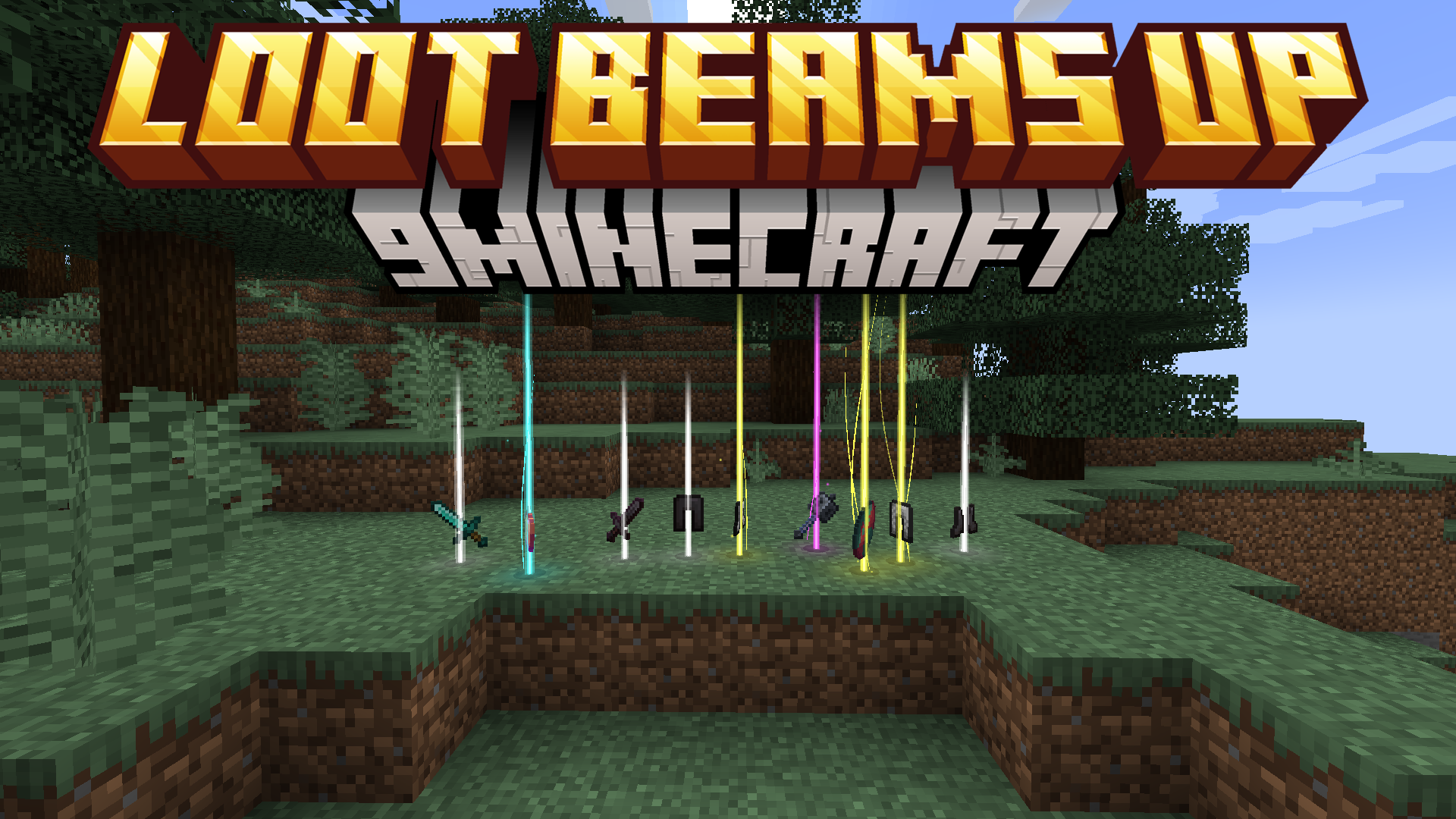
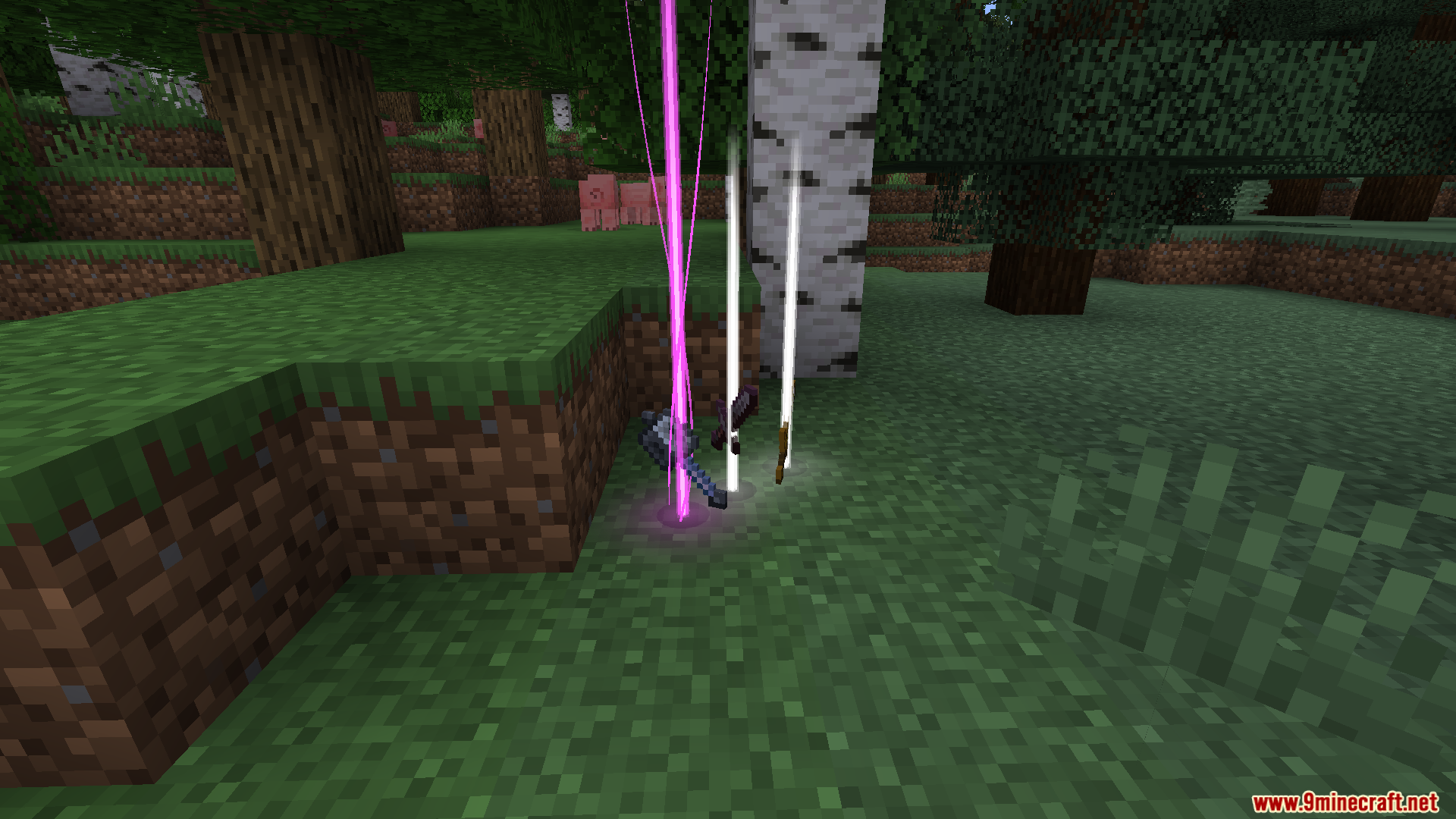
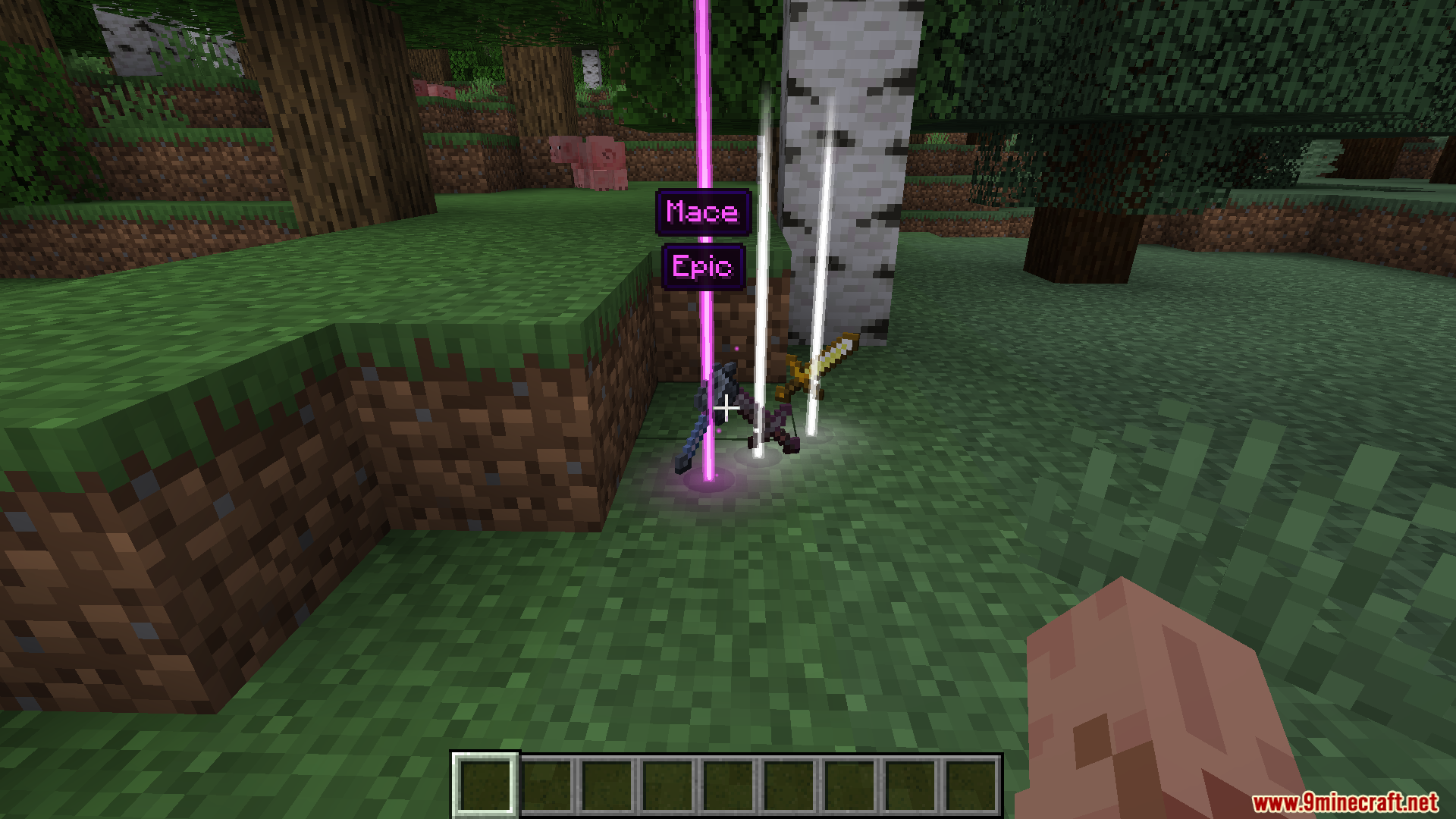
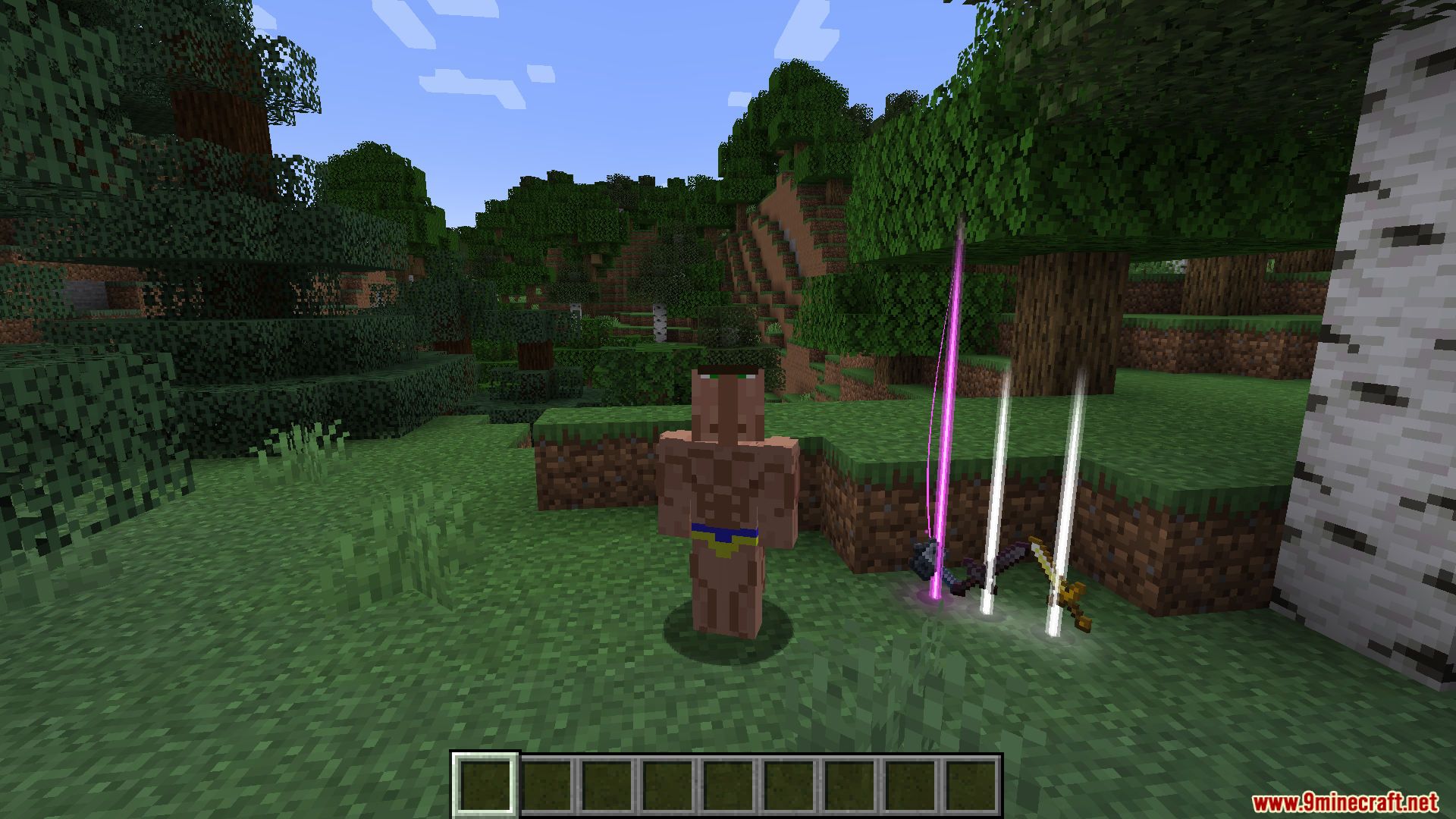
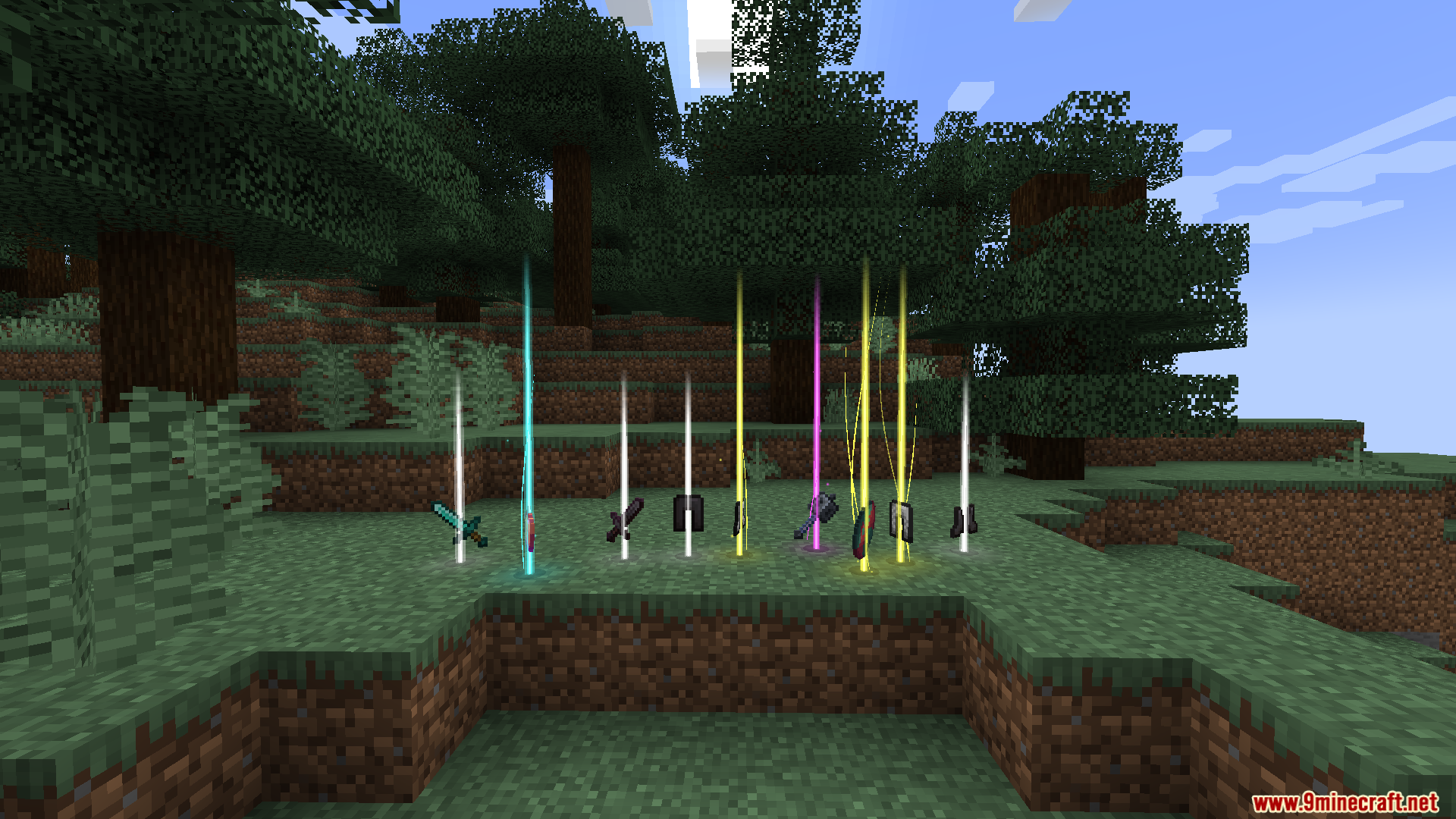
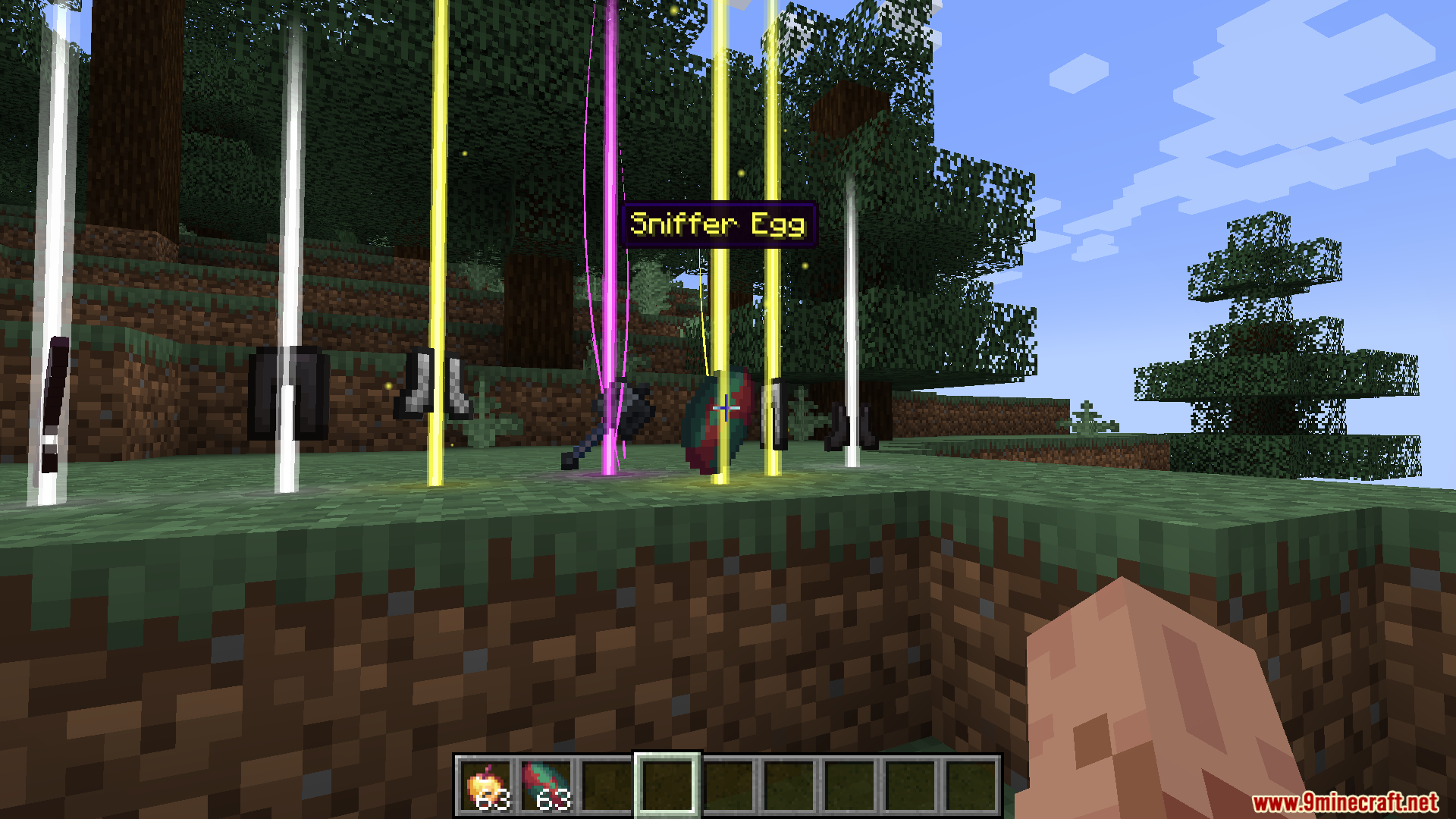
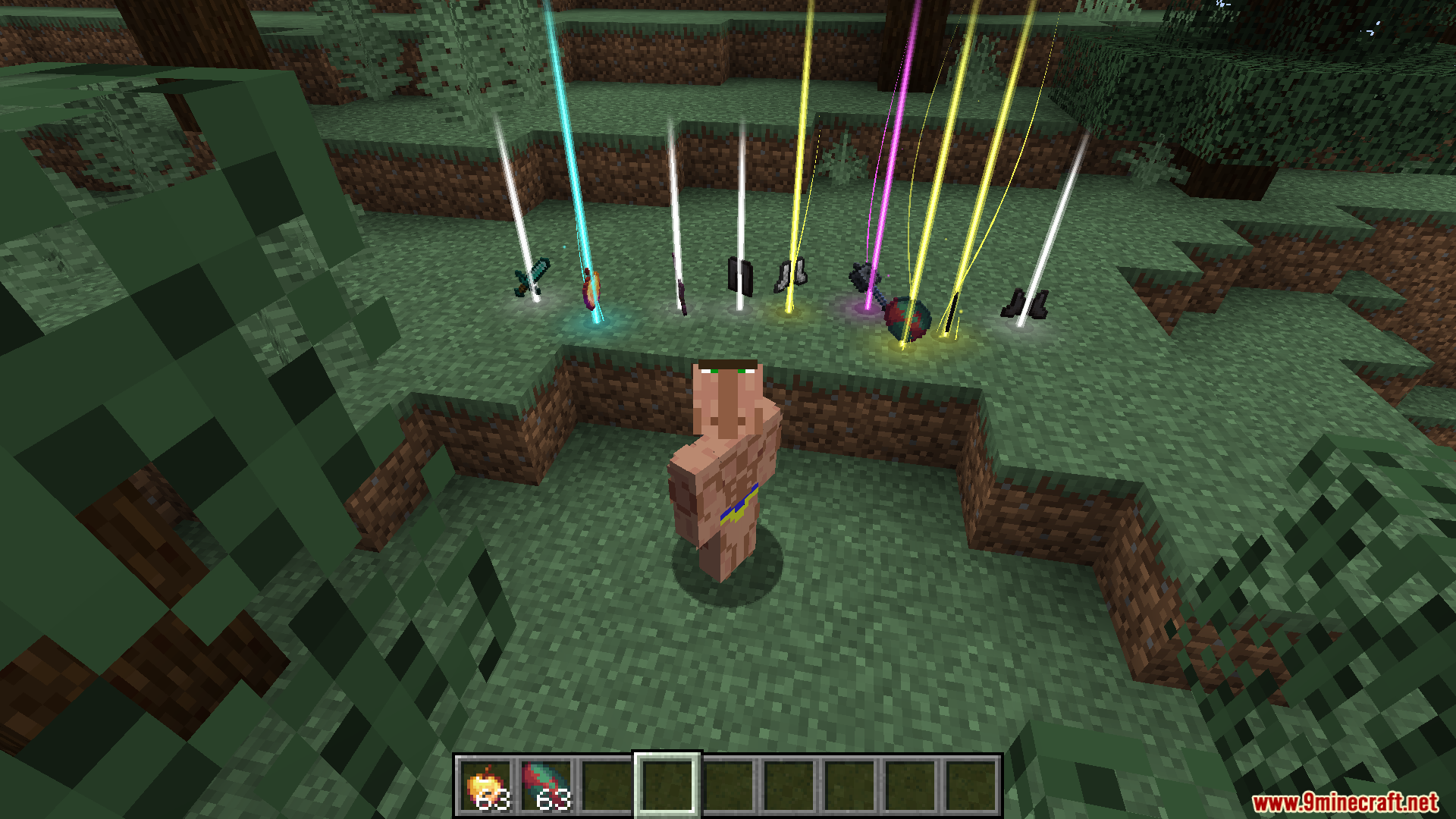
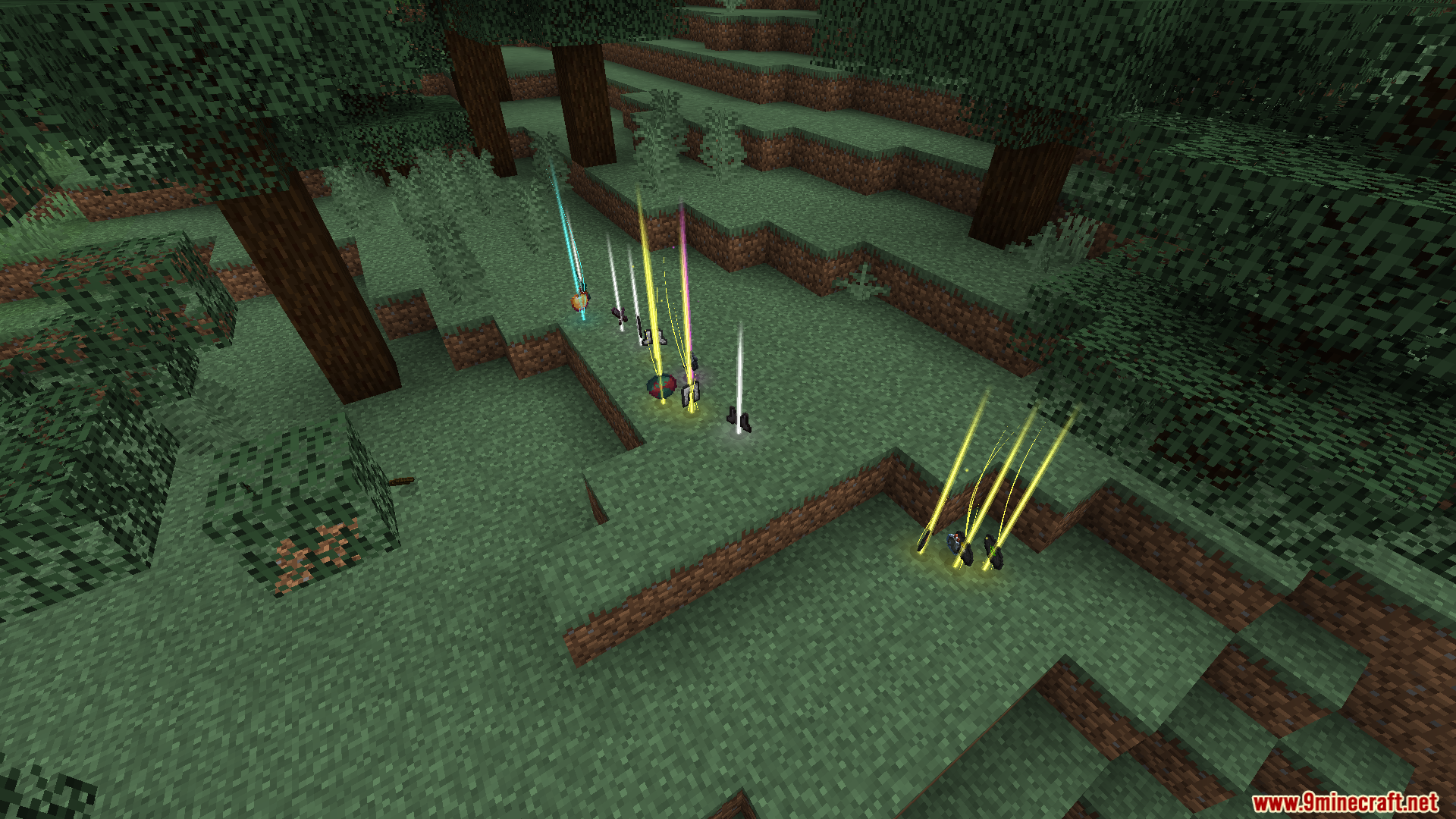
Loot Beams Up Mod adds colorful beams of light above dropped items, making it easy to find your loot. The color of the beam changes depending on the item’s name or rarity. This mod also shows a nametag when you look at an item, so you know what it is without having to pick it up.
Features:
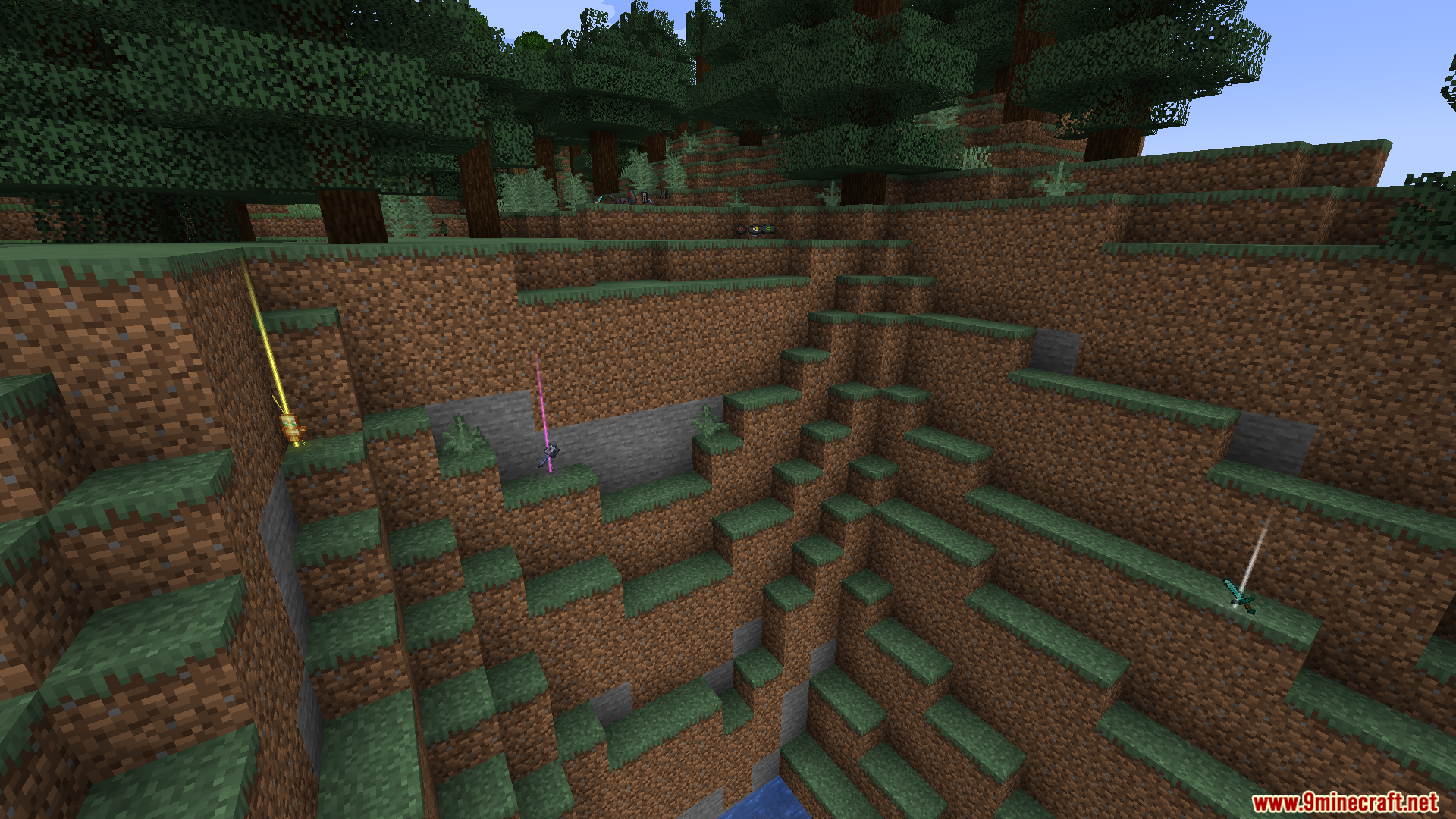
- Adds bright, colorful light beams to all dropped items so they are easy to see.
- Customizes beam colors based on an item’s name, its rarity, or specific NBT tags.
- Shows a nametag above an item when you look at it or crouch nearby.
- Includes a preset manager to save and load your favorite beam configurations.
- Allows for custom particle textures and ground glow effects to be added via resource packs.
- Features animated beams and a special “Droplight” render style.
- Beams can fade in or out as you get closer to them.
- Works on vanilla servers as a client-side mod.
Commands:
- Use
/lootbeams item-custom-config availableto see a list of available configuration options you can apply to items.
How to Use:
- Dropped items on the ground will automatically display a light beam.
- To see an item’s name, look directly at it or crouch while nearby.
- Press the Numpad 5 key by default to open the preset manager screen. From there, you can save or load different beam settings.
Screenshots:
Loot Beams Up Mod Download Links
For Minecraft 1.21.4
Fabric/Quilt version: Download from Server 1 – Download from Server 2
For Minecraft 1.21.3, 1.21.2
Fabric/Quilt version: Download from Server 1 – Download from Server 2
For Minecraft 1.21.1, 1.21
Fabric/Quilt version: Download from Server 1 – Download from Server 2
For Minecraft 1.20.6, 1.20.5
Forge version: Download from Server 1 – Download from Server 2
For Minecraft 1.20.4 to 1.20
Fabric/Quilt version: Download from Server 1 – Download from Server 2
- Edition: Minecraft Java
- File type: .jar
- Minecraft versions listed: 1.21.4, 1.20.1
- How to install: Install the matching mod loader (Forge, Fabric or NeoForge) for your Minecraft version. → Download the .jar. → Put it in the .minecraft/mods folder and launch that loader profile.
- Where to get it: In MC Java Mods, or directly above on this page.
Install steps are the general flow for this file type — How to install Minecraft Java mods & modpacks walks through it step by step.
- Downloads as 177212.mcaddon
- Download size: 502 KB
- Download link checked 24 Jul 2026 — working
- Mirrored on our own servers — the download does not depend on the original host
These come from our own check of the pack file, not from the source page.