Amethyst Tools Mod (1.20.1, 1.19.2) – An Option to Upgrade Equipment
Think amethyst is useless in new versions? Let's fix that! Amethyst Tools Mod allows you to enhance your iron, diamond, and netherite gear, arrows, and…
⬇ Download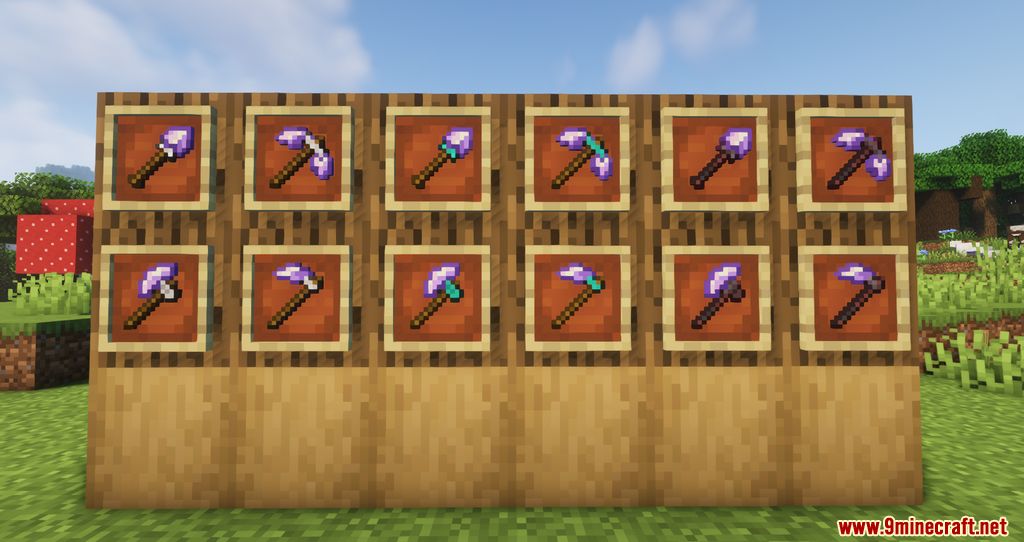
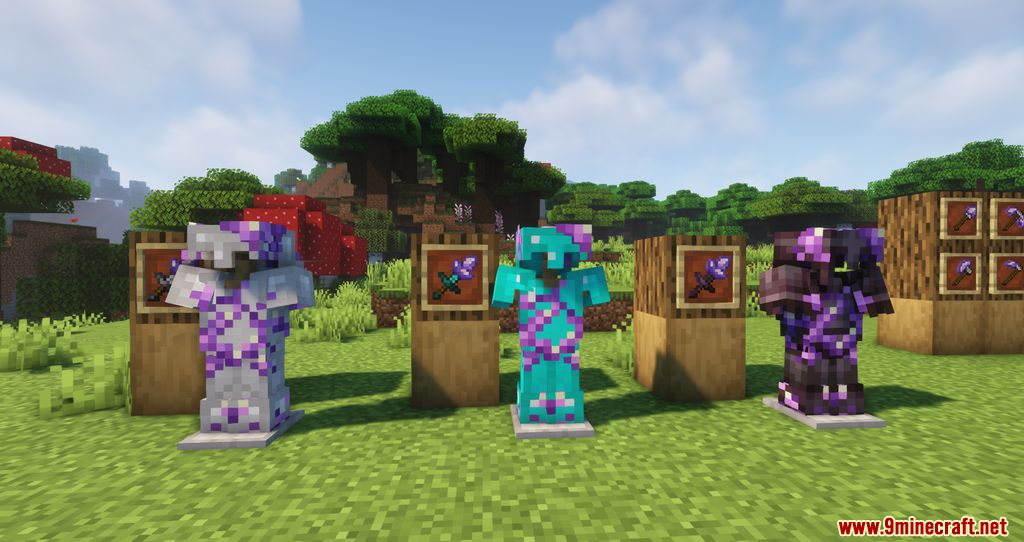
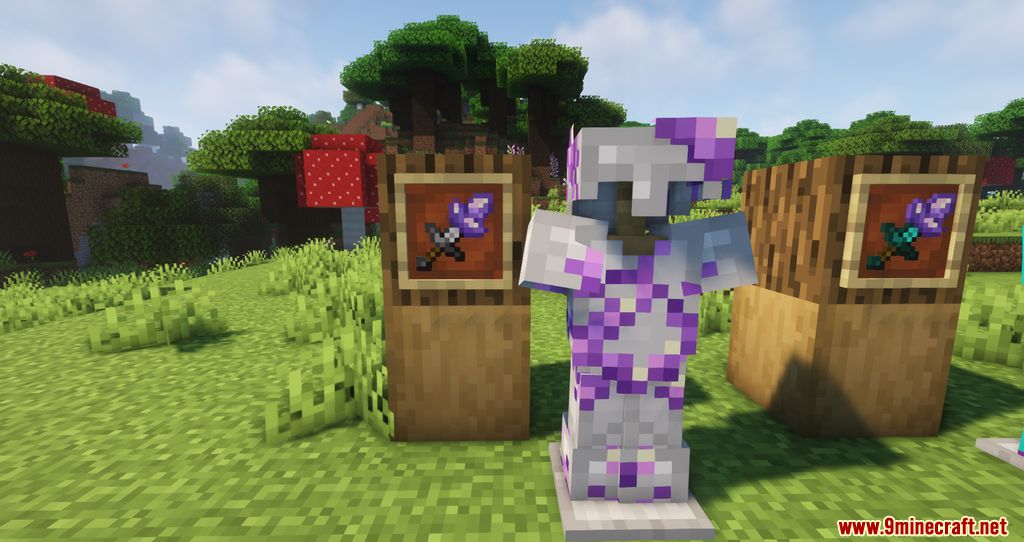
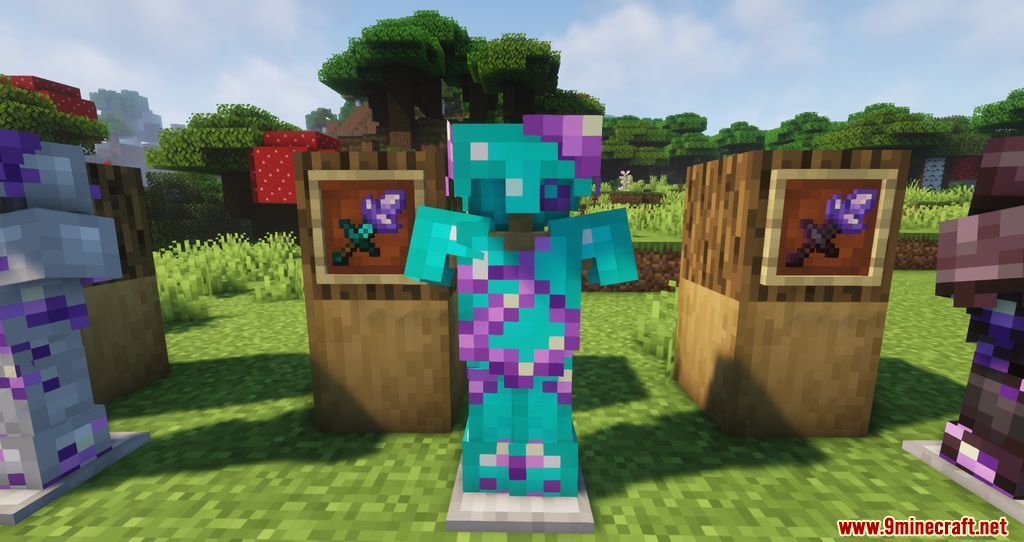
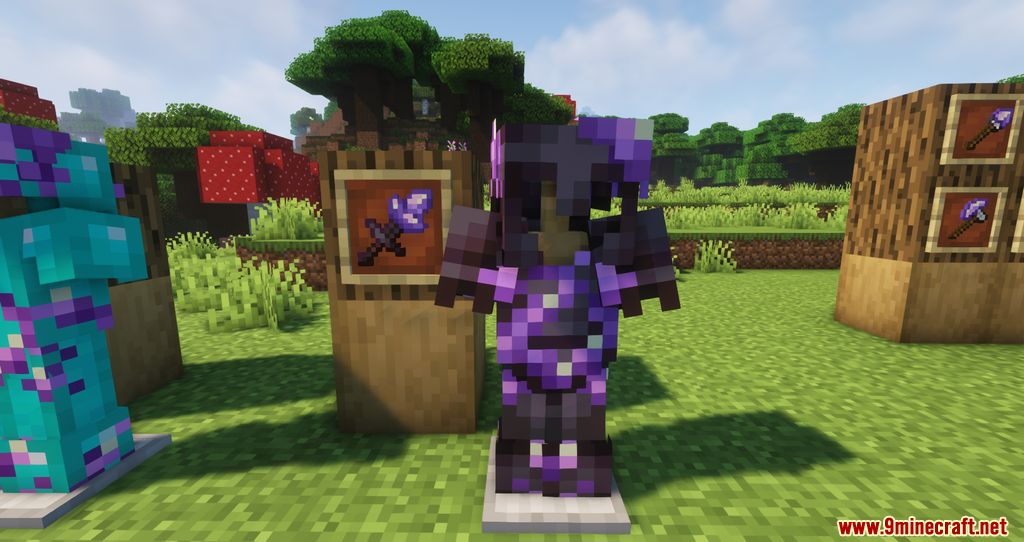
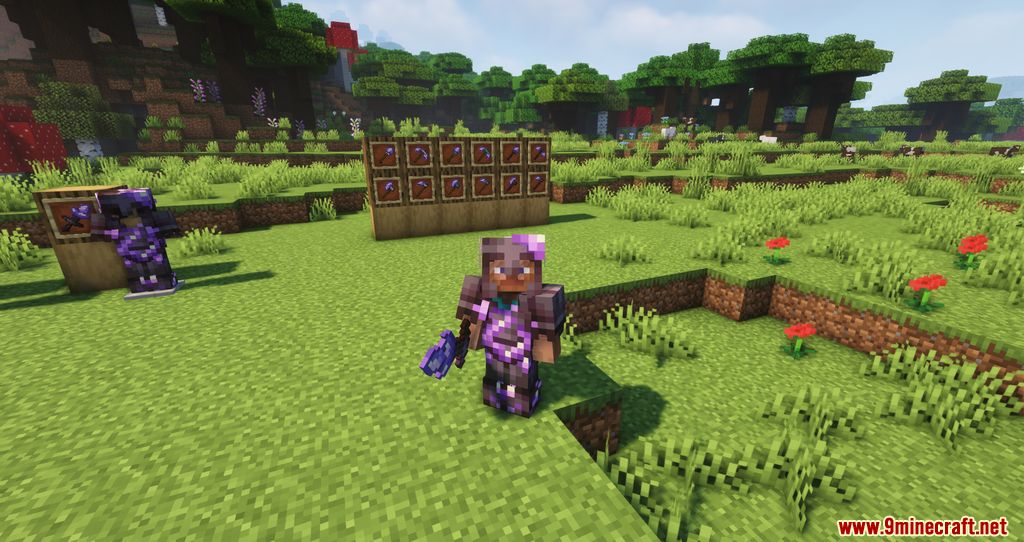
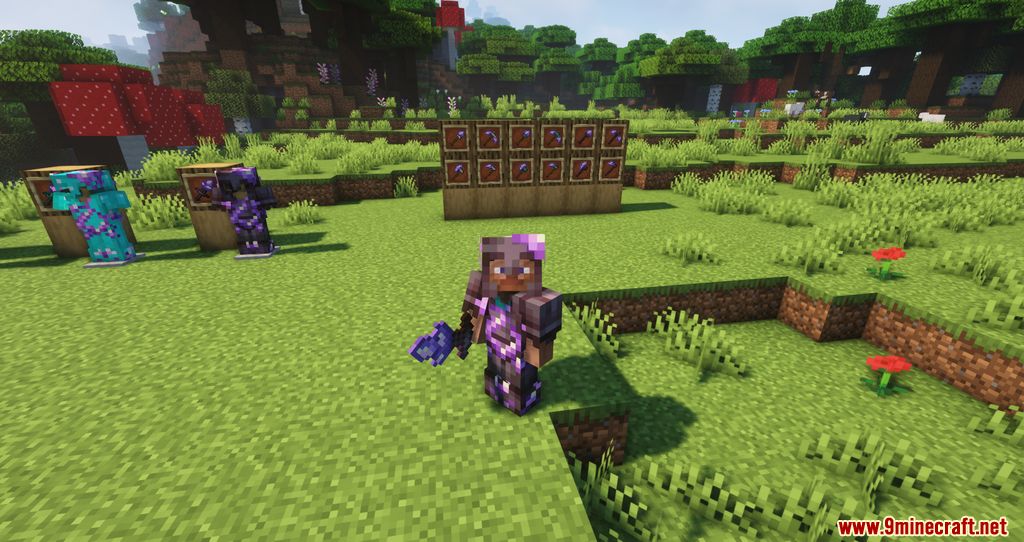
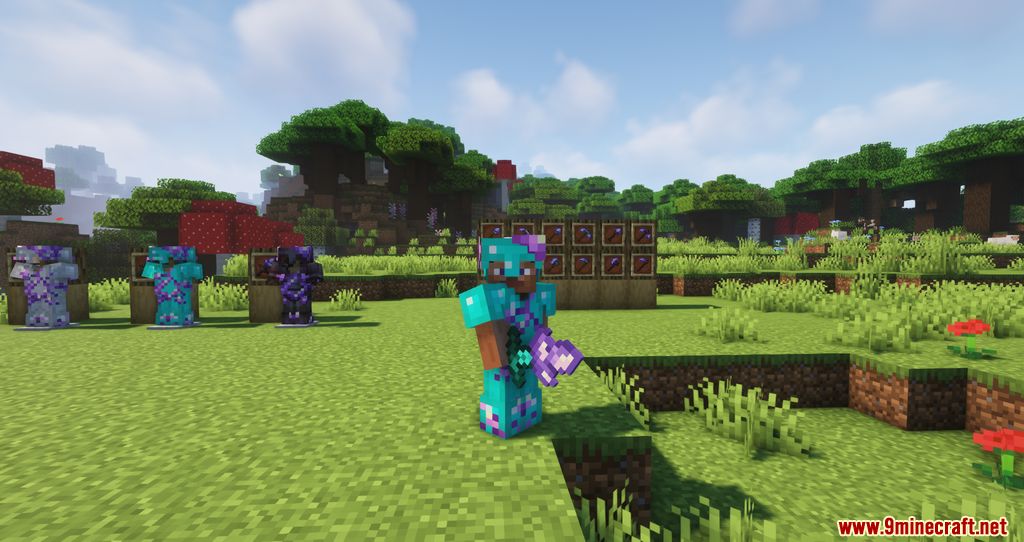
Think amethyst is useless in new versions? Let’s fix that! Amethyst Tools Mod allows you to enhance your iron, diamond, and netherite gear, arrows, and tridents with amethyst, giving it new life. The mod can be customized via a config file.
Features:
- You can upgrade iron, diamond, and netherite tools, armor, arrows, and tridents using amethyst, improving their stats.
- Armor: Gains +1 armor, +1 armor toughness, 1.2x durability, and +5 enchantability.
- Tools: Gains +2 damage, +1 dig speed, 1.2x durability, and +5 enchantability.
- Arrows: Gains +3 damage and 1.5x duration for the glowing effect on spectral arrows.
- Trident: Gains +2 attack damage and +3 throwing damage.
- The mod is fully customizable via a .toml file, allowing you to adjust the stats.
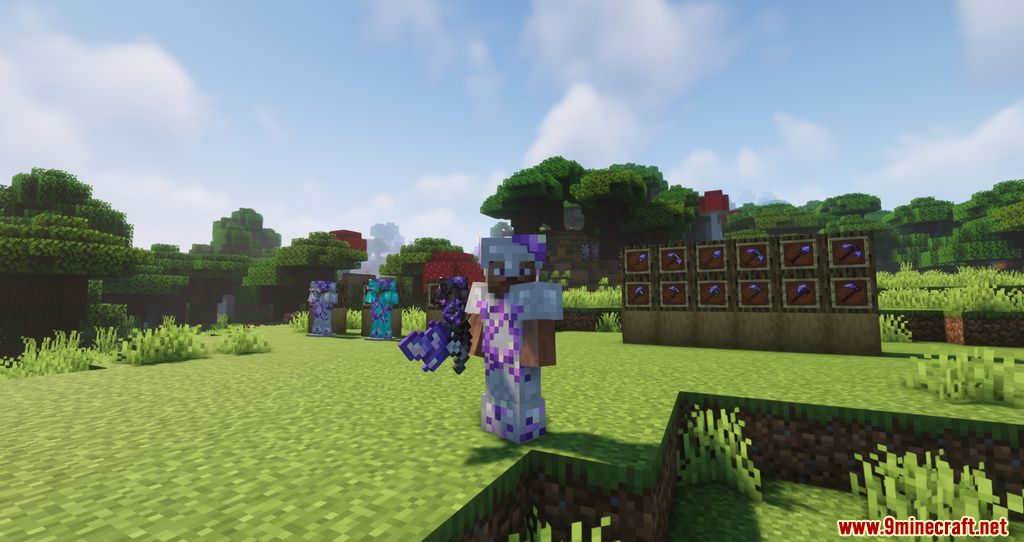
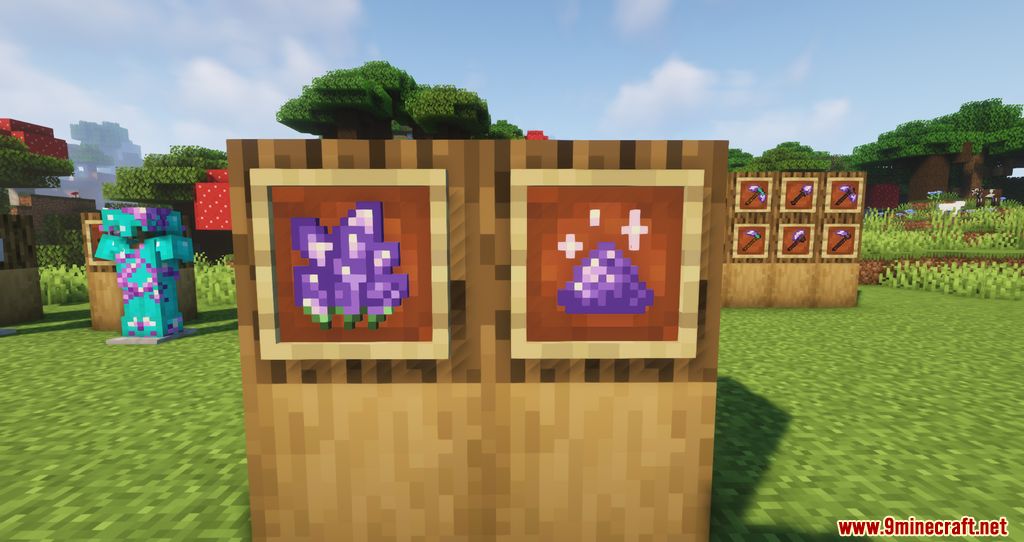
Screenshots:
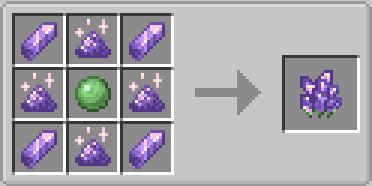
Crafting Recipes:




Amethyst Tools Mod Download Links
For Minecraft 1.20.1
Forge version: Download from Server 1 – Download from Server 2
For Minecraft 1.19.2
Forge version: Download from Server 1
For Minecraft 1.18.2
Forge version: Download from Server 1
For Minecraft 1.18.1
Forge version: Download from Server 1
For Minecraft 1.17.1
Forge version: Download from Server 1
- Edition: Minecraft Java
- File type: .jar
- Minecraft versions listed: 1.20.1, 1.19.2
- How to install: Install the matching mod loader (Forge, Fabric or NeoForge) for your Minecraft version. → Download the .jar. → Put it in the .minecraft/mods folder and launch that loader profile.
- Where to get it: In MC Java Mods, or directly above on this page.
Install steps are the general flow for this file type — How to install Minecraft Java mods & modpacks walks through it step by step.
- Downloads as 177250.mcaddon
- Download size: 148 KB
- Download link checked 24 Jul 2026 — working
- Mirrored on our own servers — the download does not depend on the original host
These come from our own check of the pack file, not from the source page.