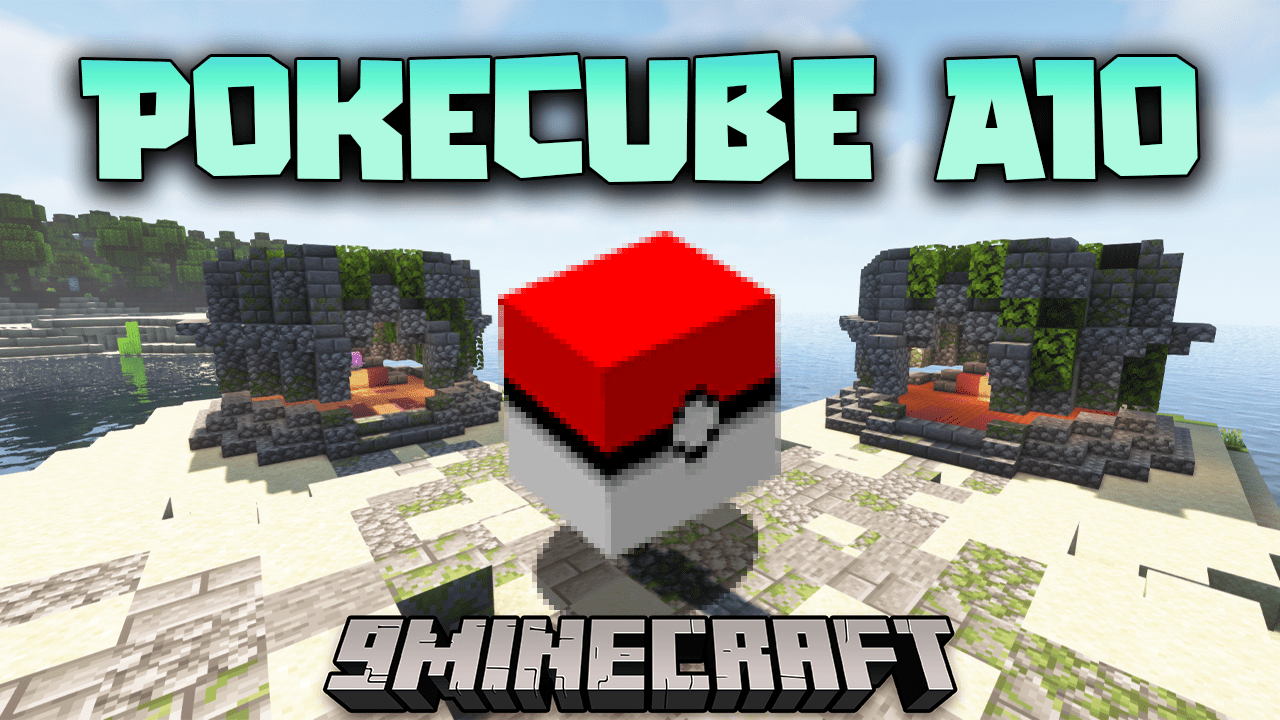
Pokecube AIO Mod (1.21.1, 1.20.1) – Training, Capturing, Trading Pokémobs
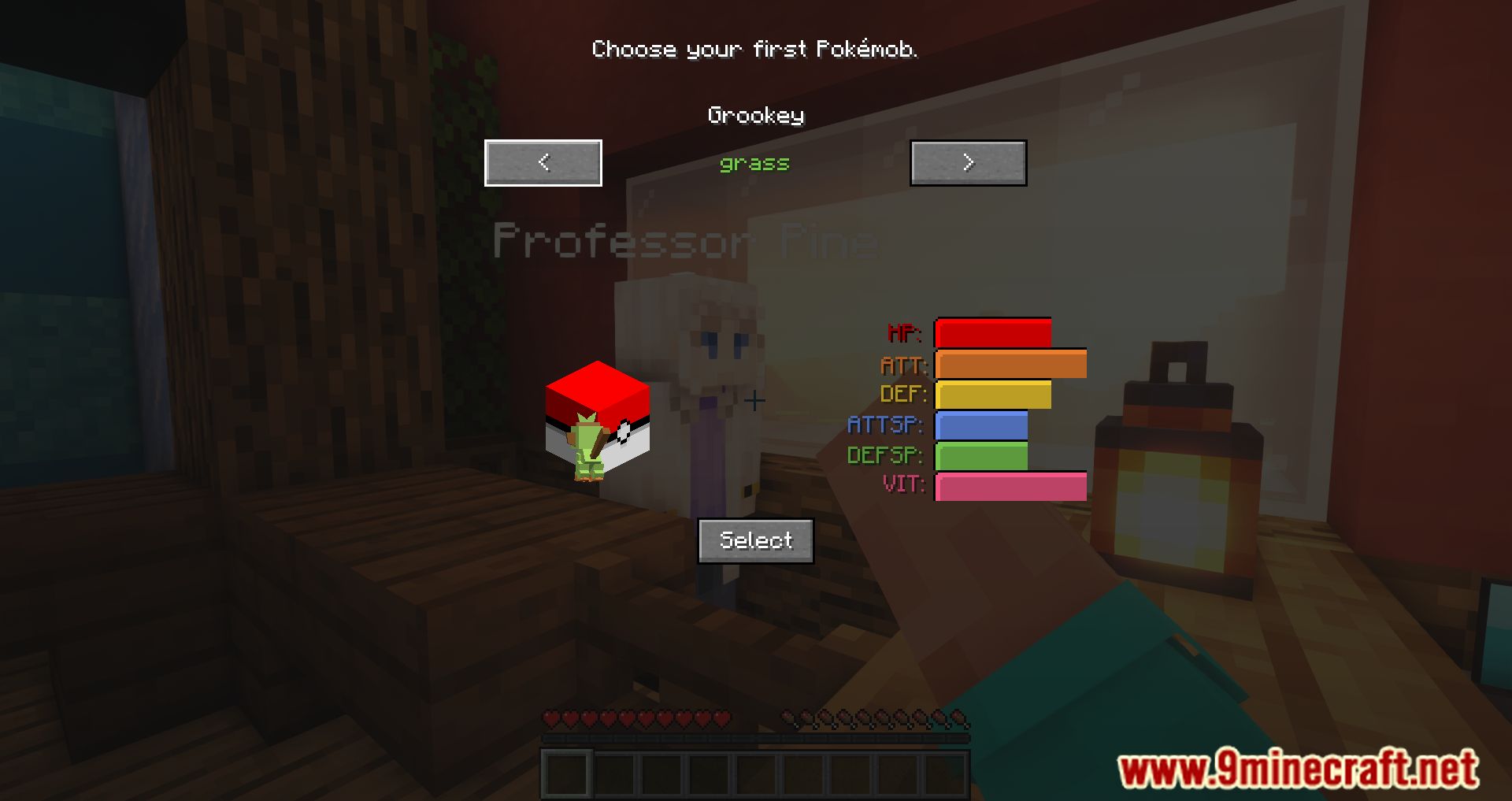
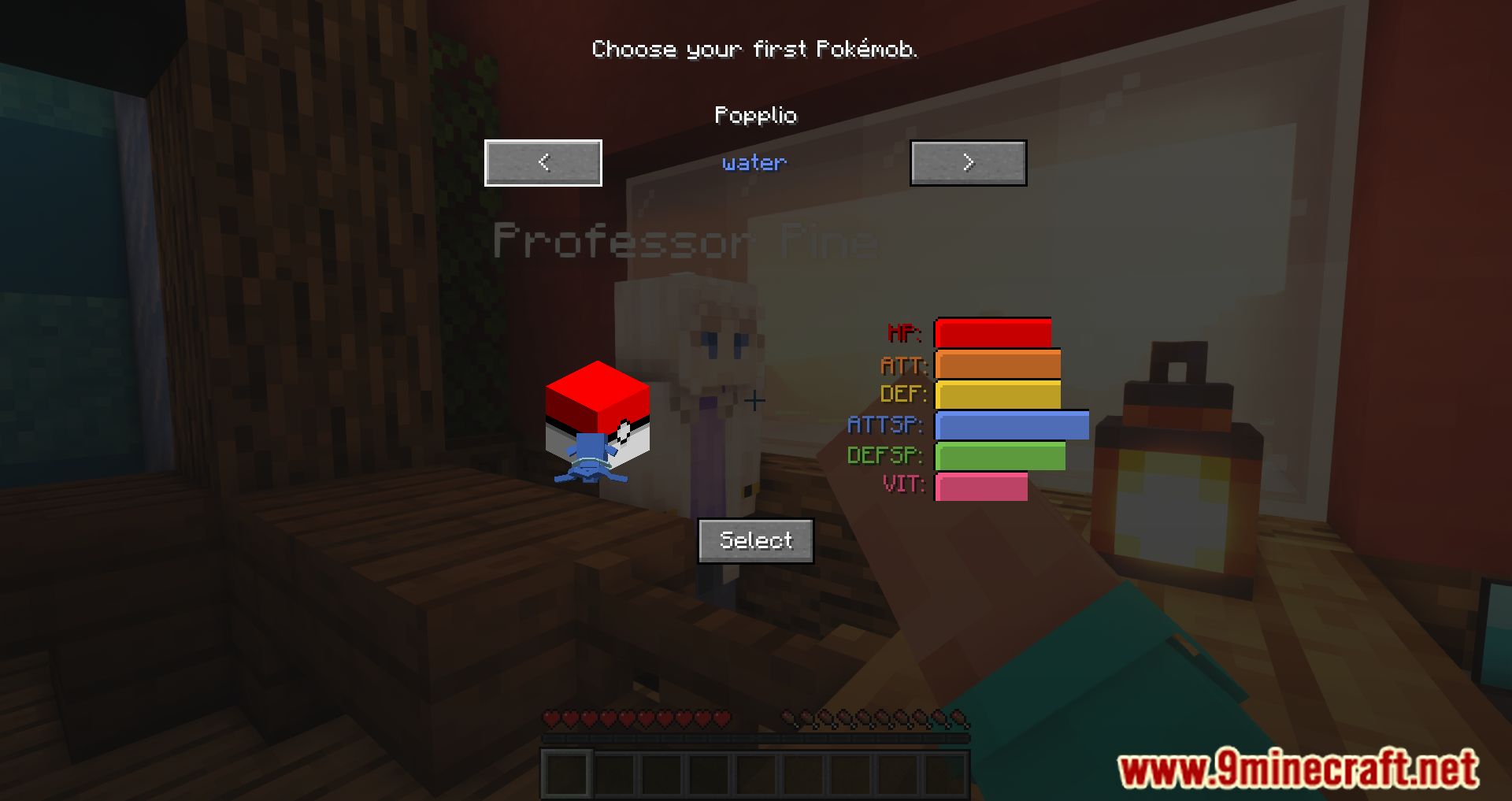
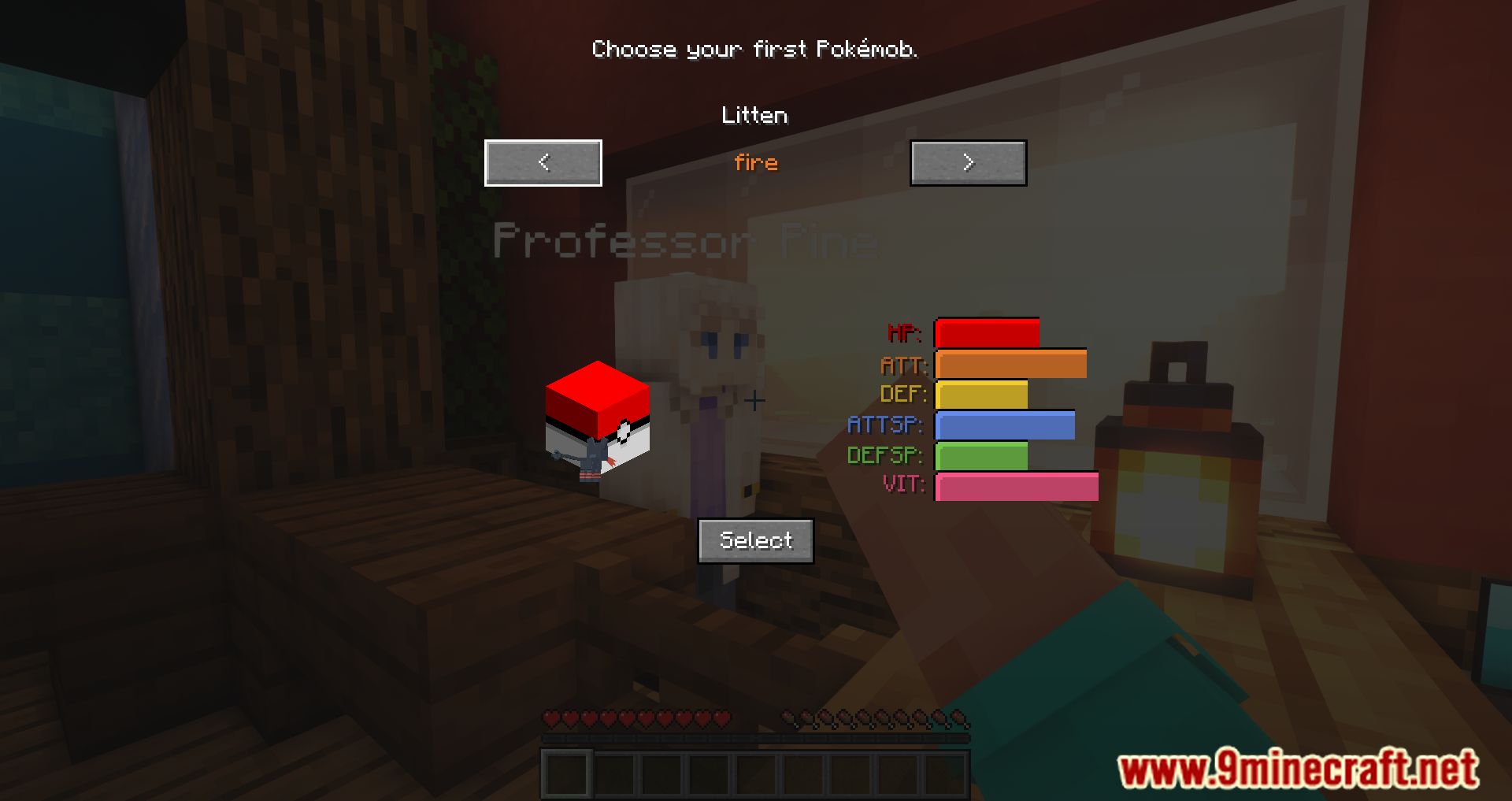
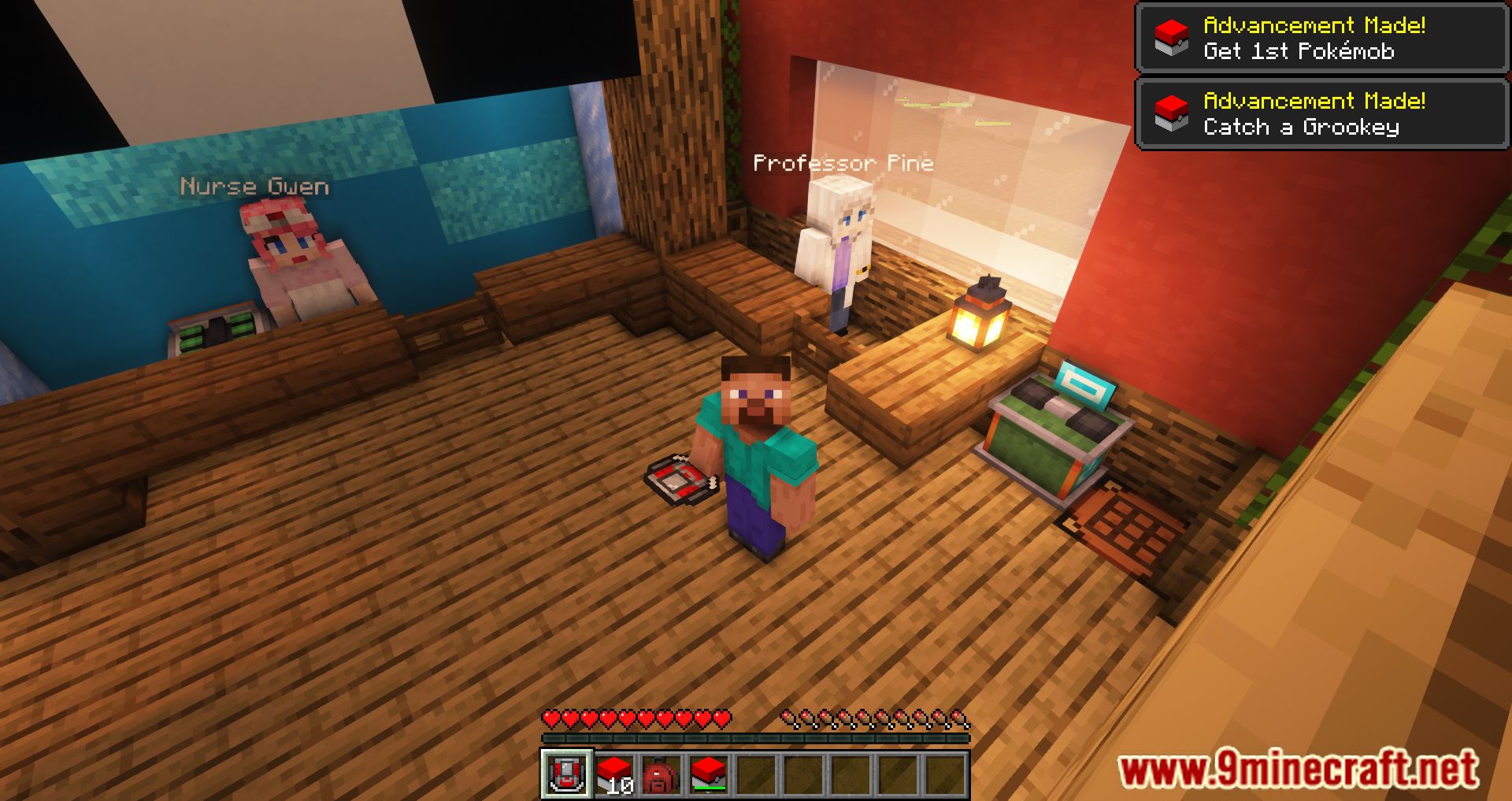
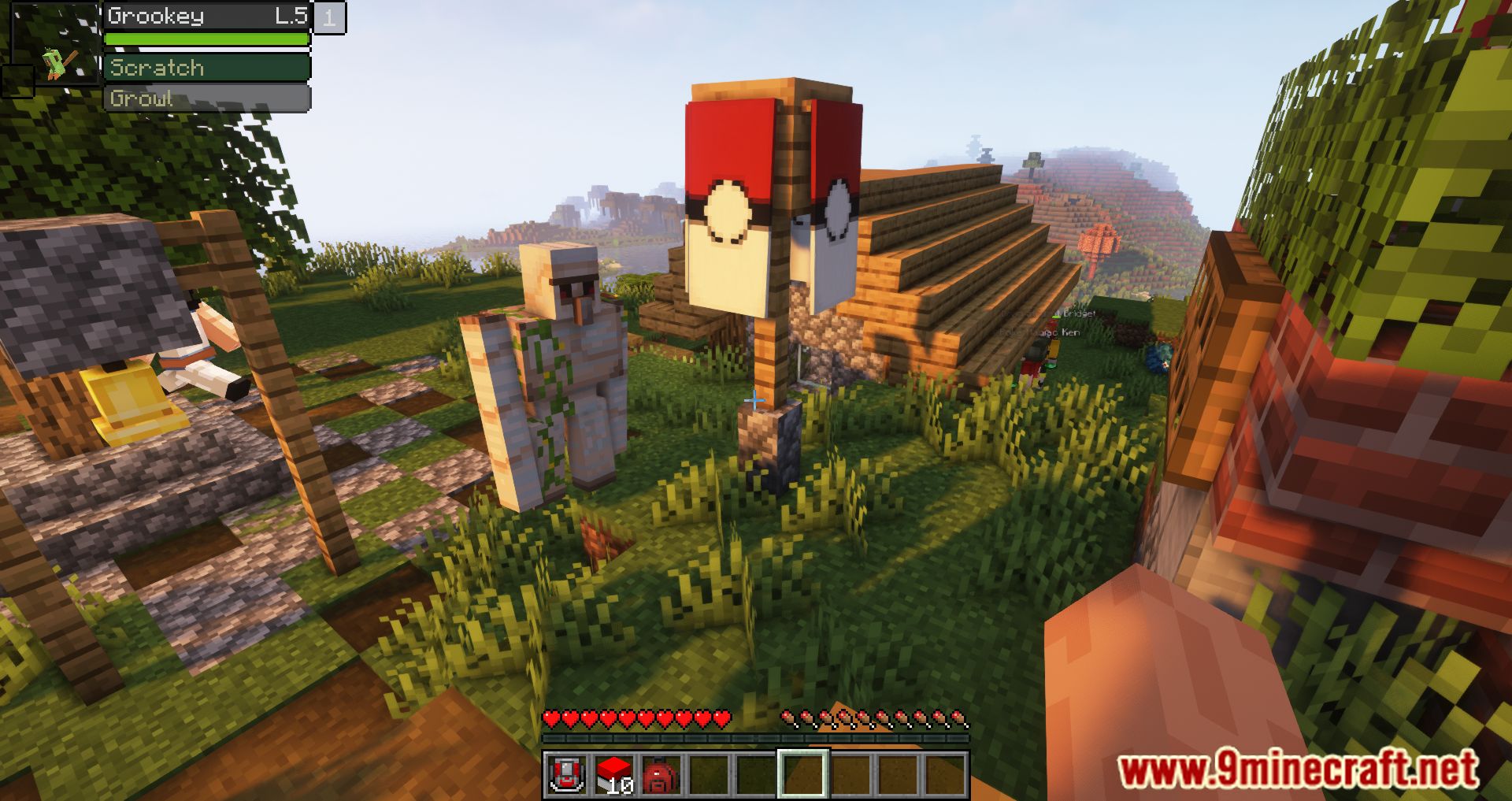
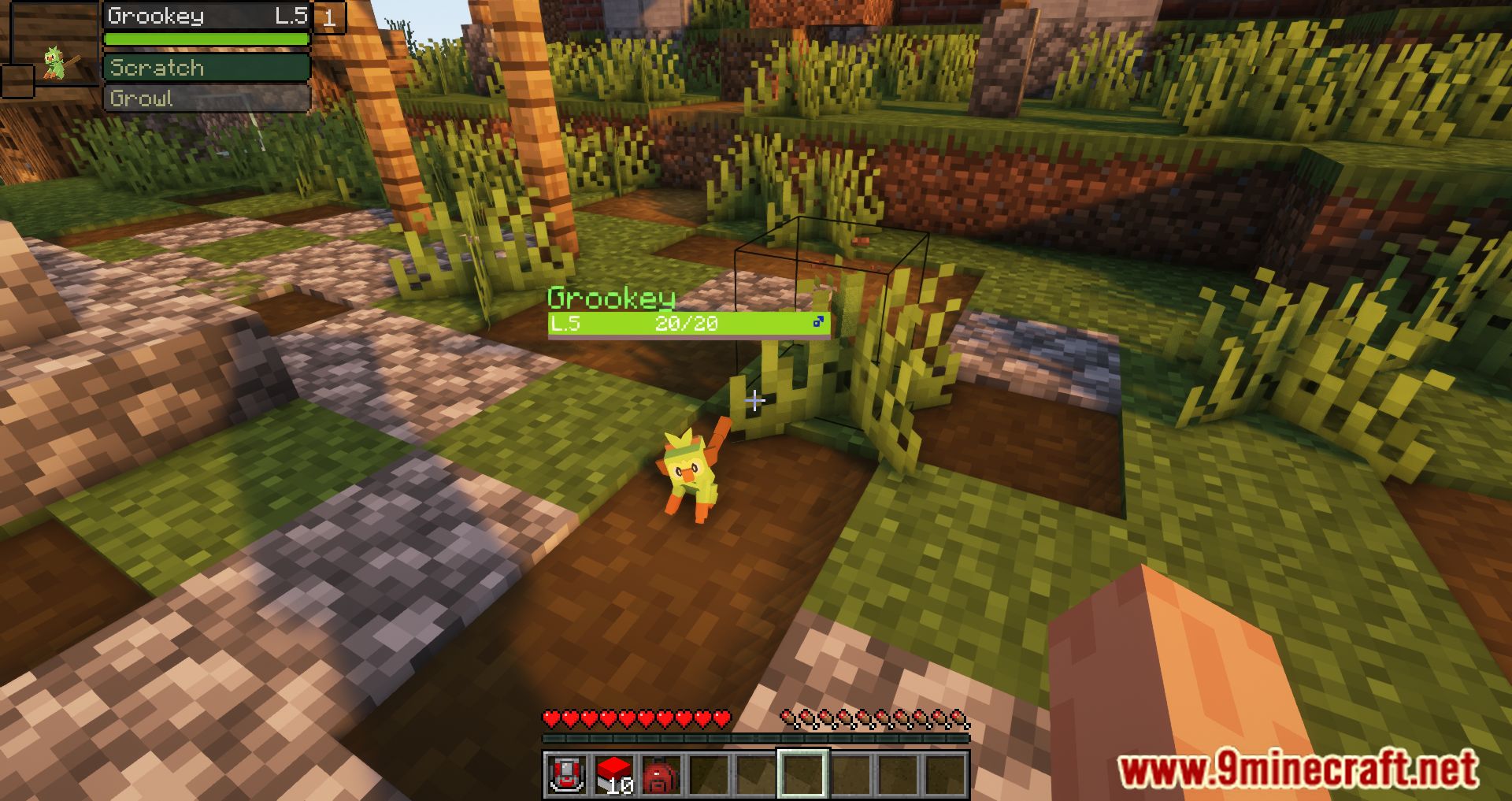
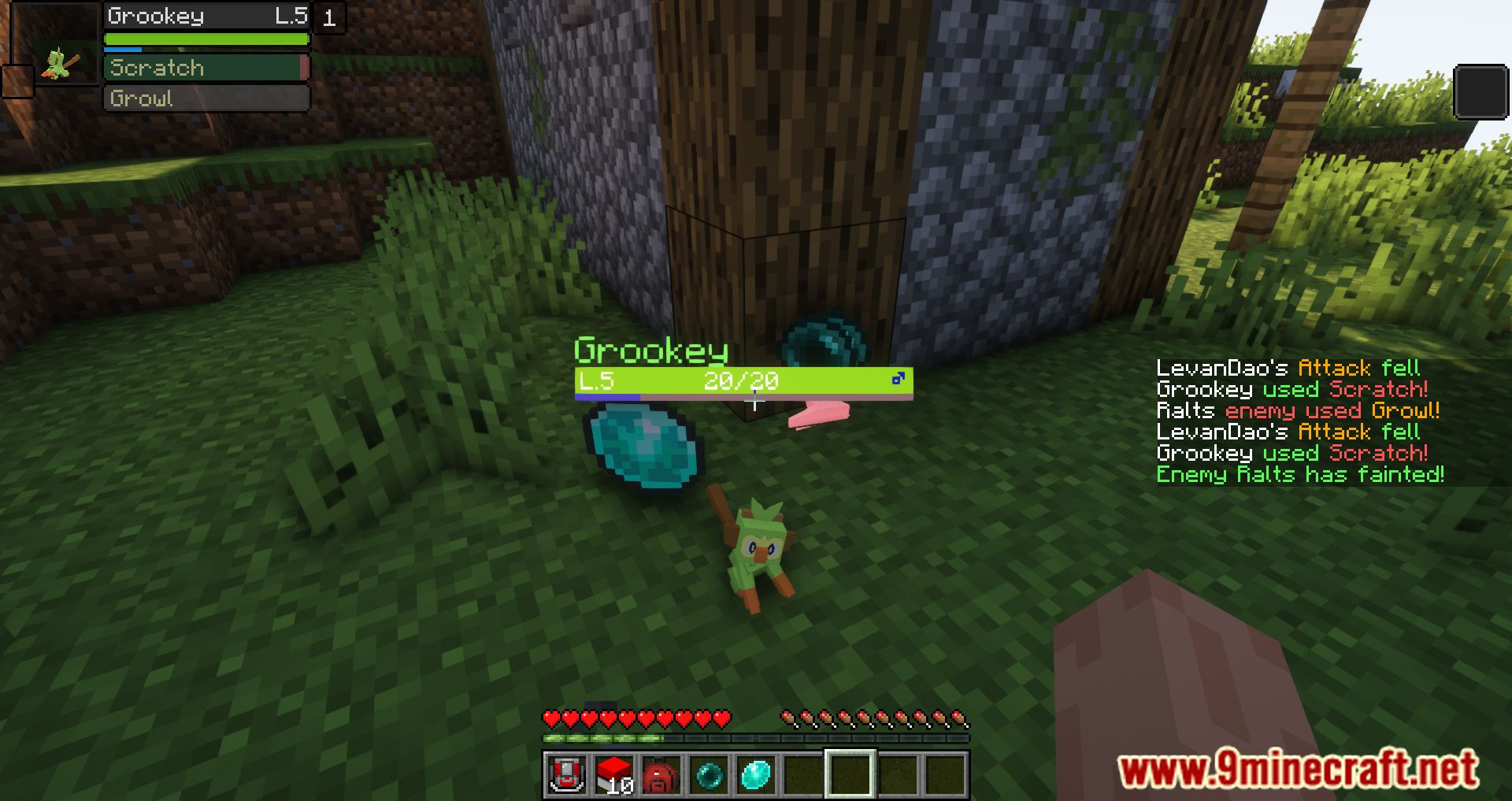
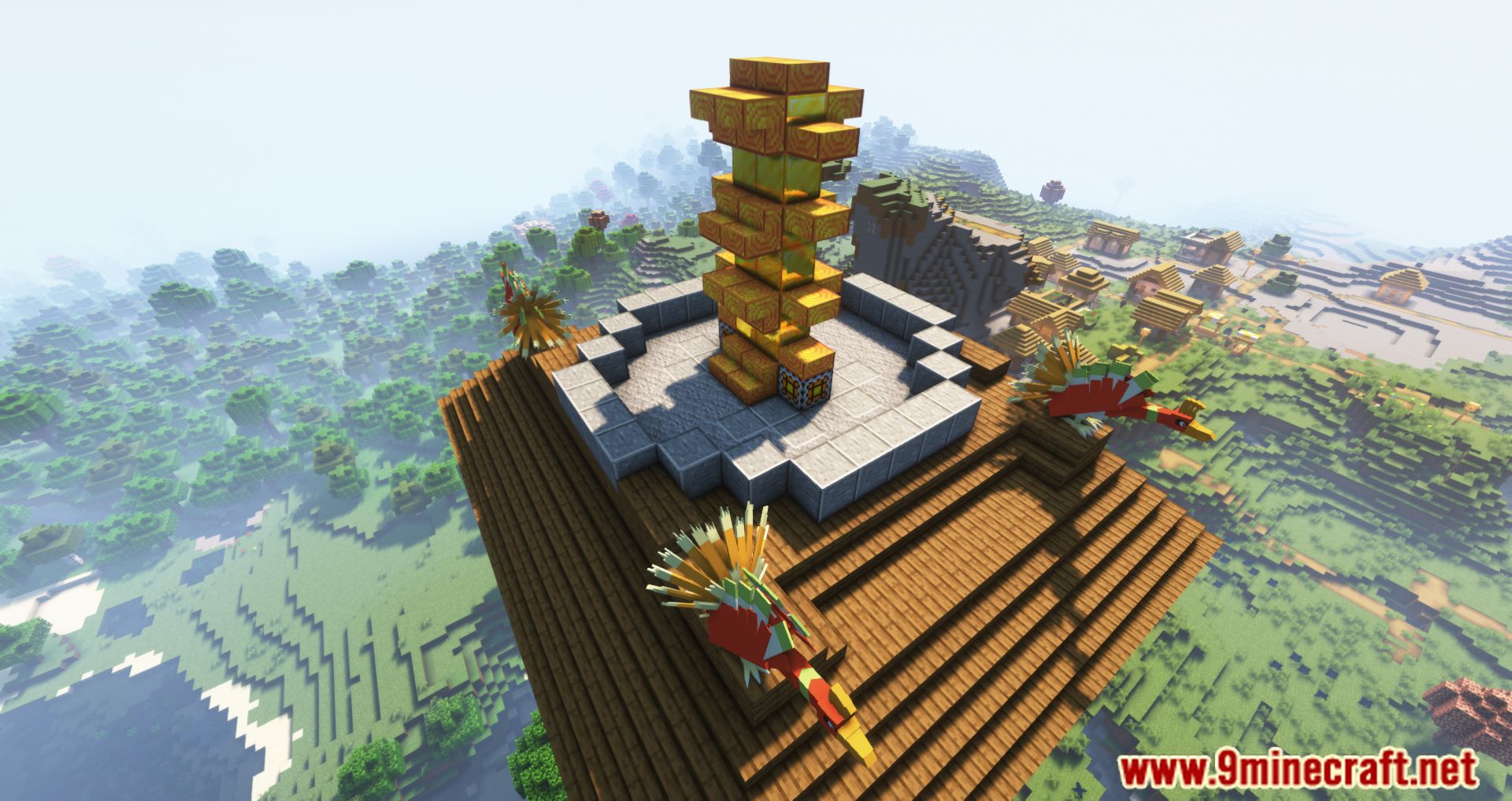
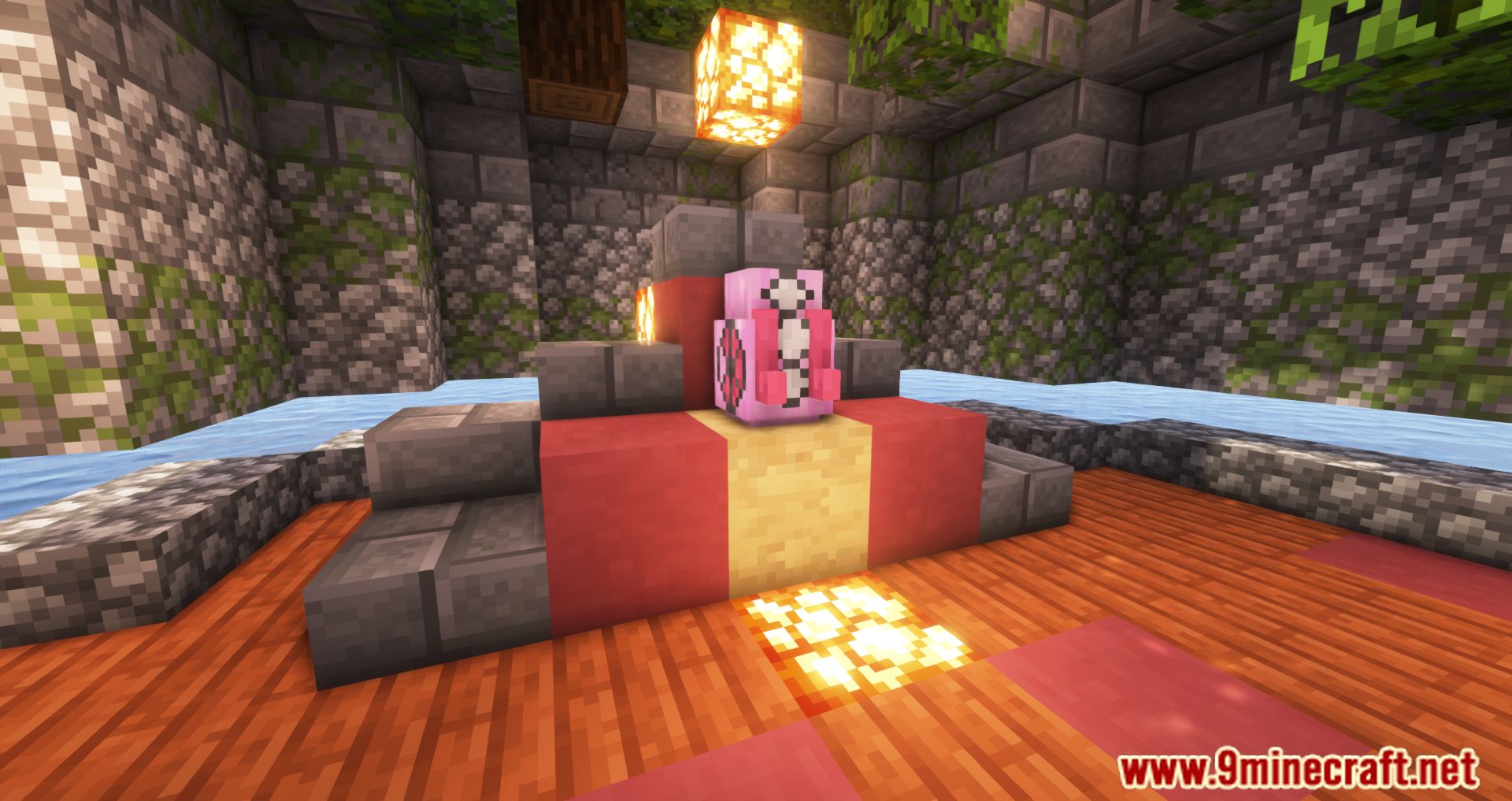
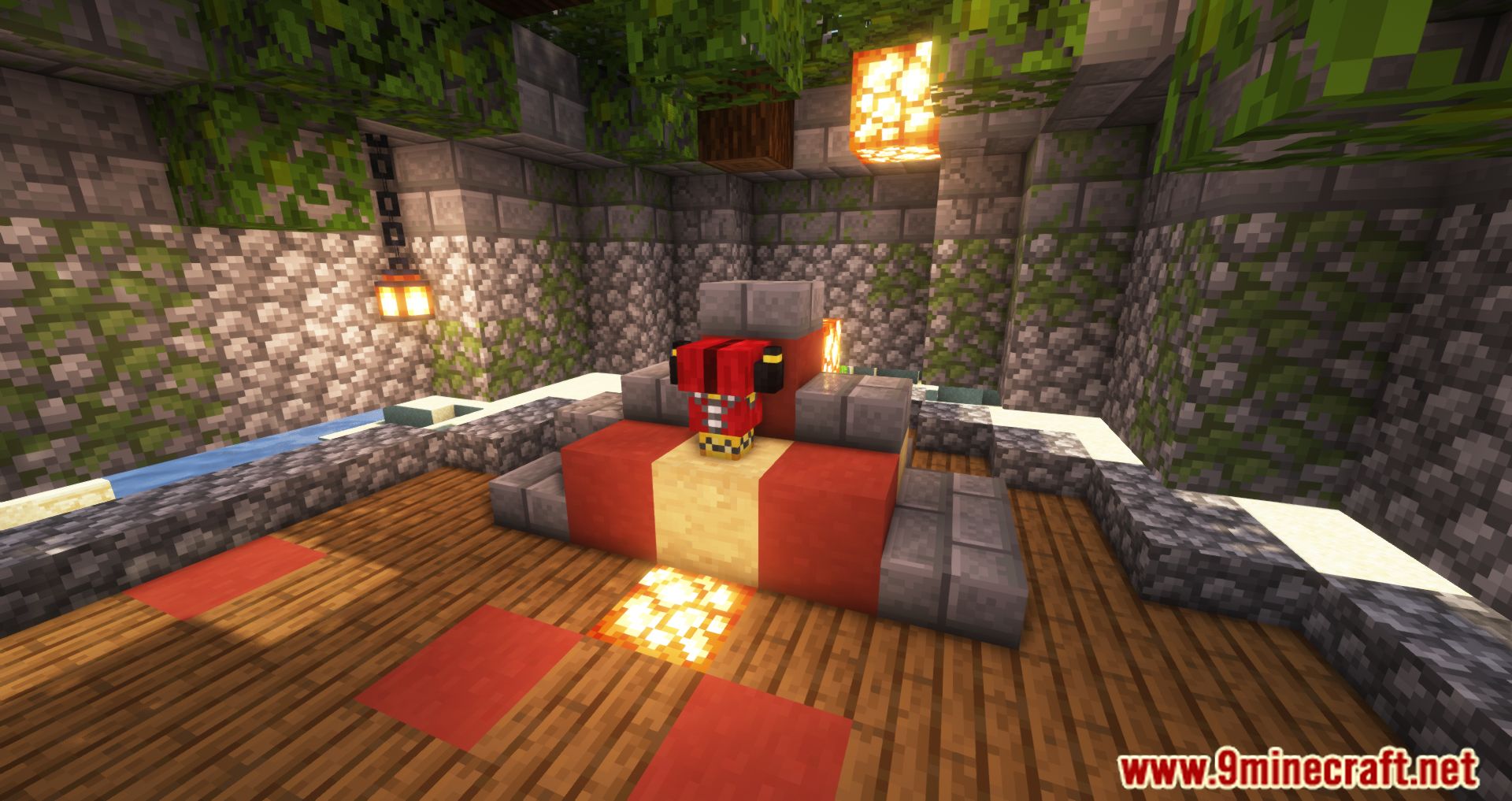
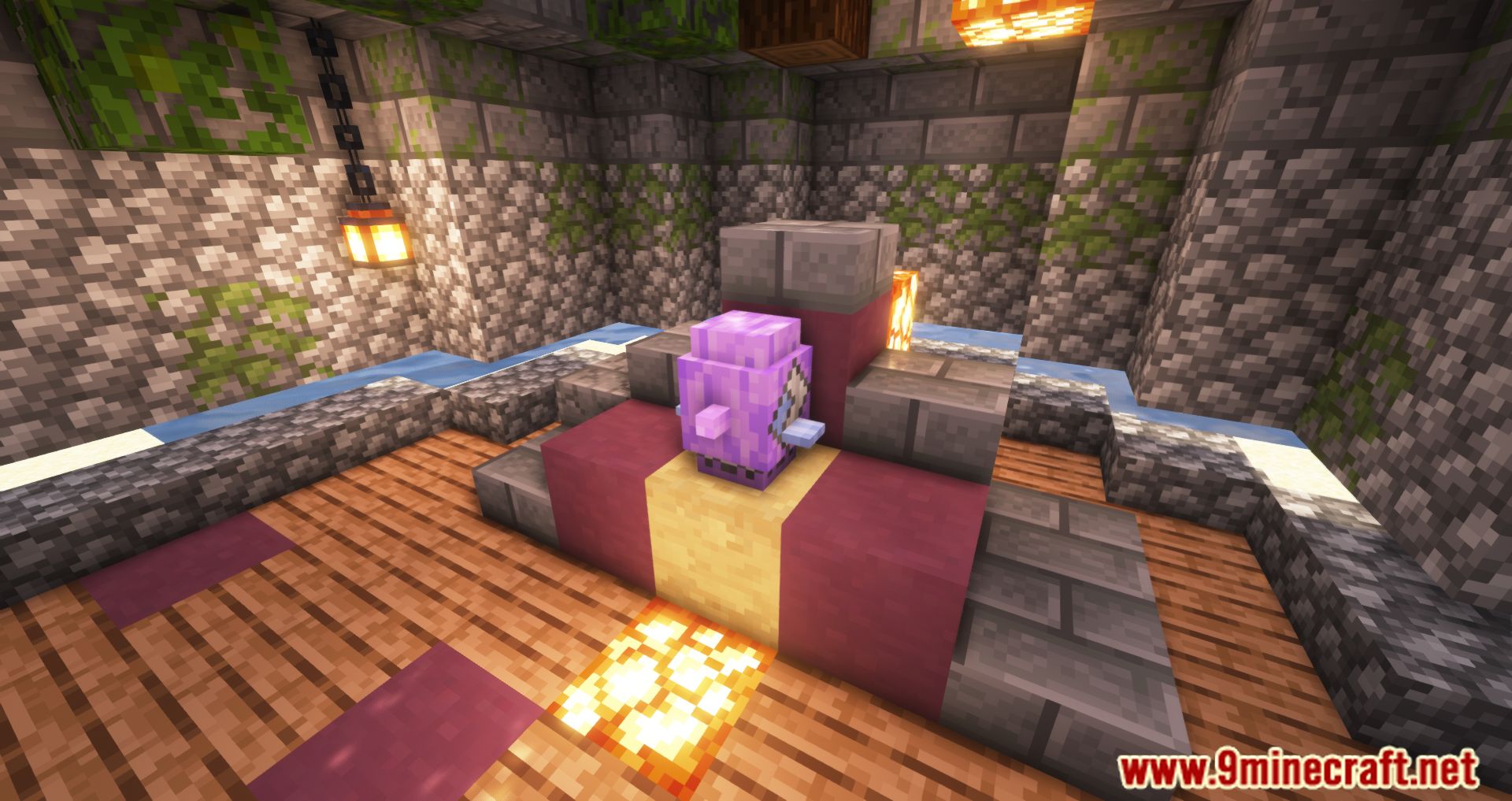
Pokecube AIO Mod brings the world of Pokémon into Minecraft. It allows players to capture, train, and battle Pokémon, known as Pokémobs, within the…
⬇ DownloadOpen in MCModsHubGet it on Google Play →Pokecube AIO Mod brings the world of Pokémon into Minecraft. It allows players to capture, train, and battle Pokémon, known as Pokémobs, within the Minecraft universe.
Features:
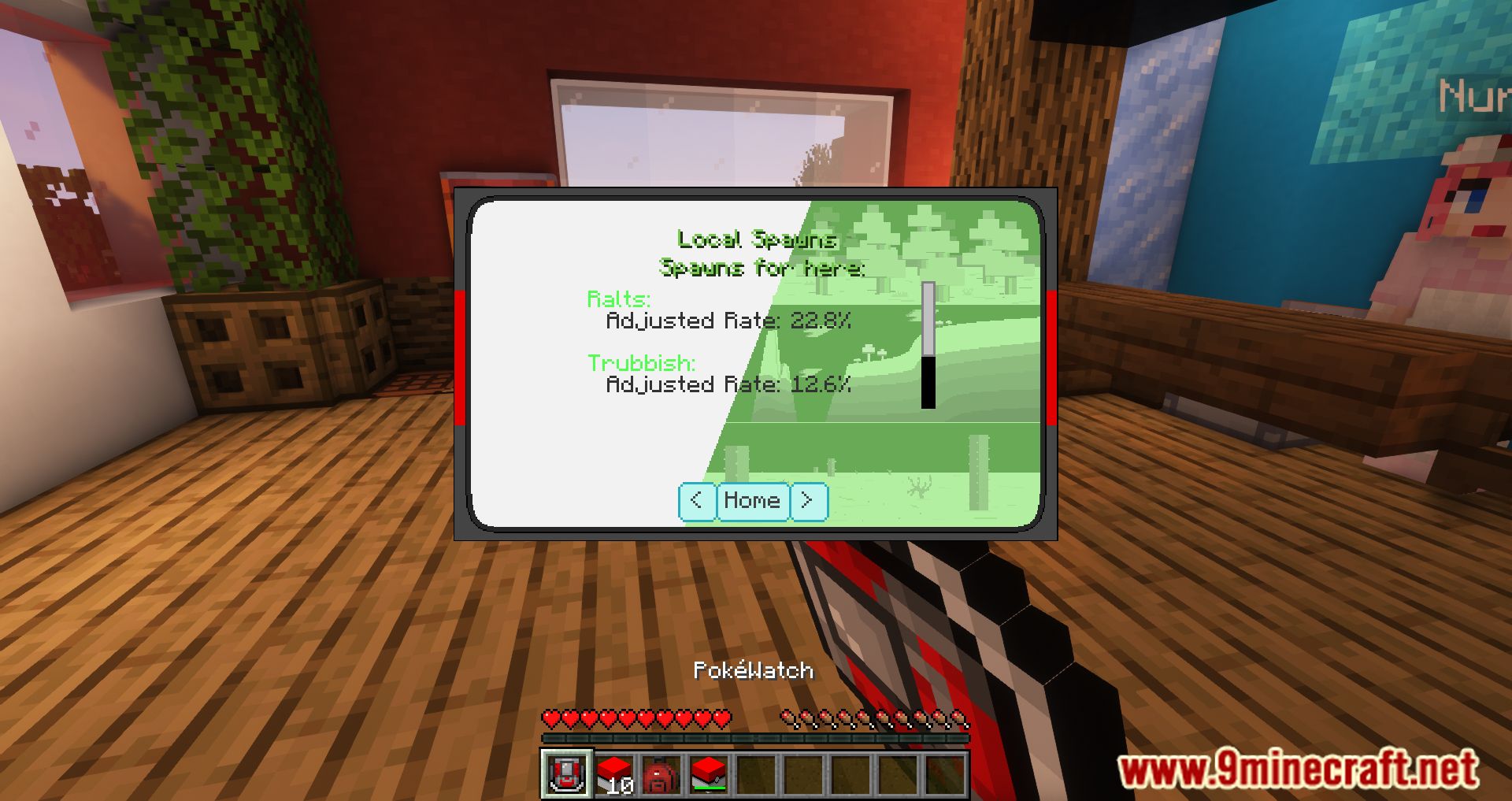
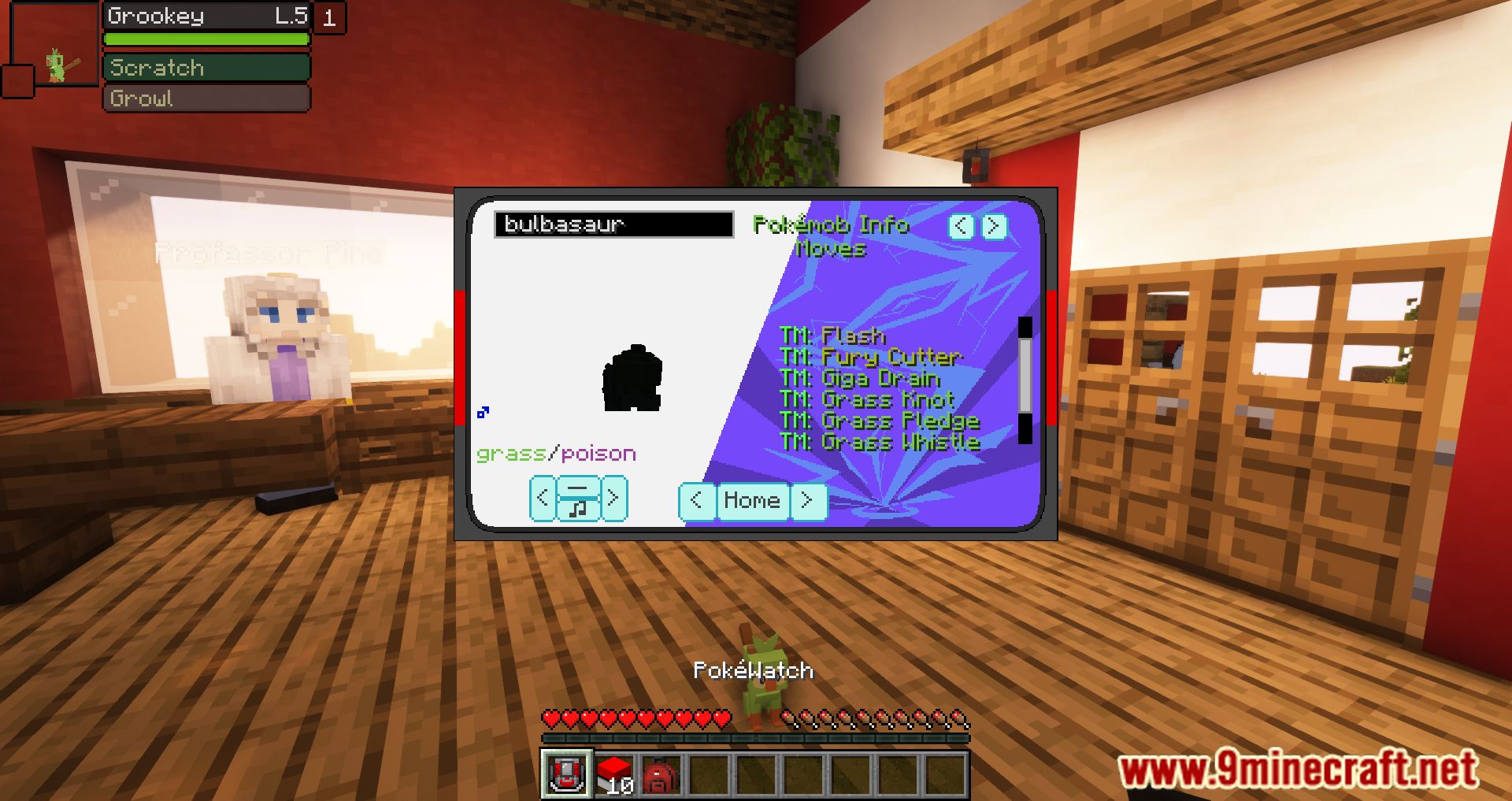
- The Pokéwatch provides information about all available Pokémobs, including basic care and detailed genetics.
- Various Pokécubes with different capture rates are available. Pokémobs are easier to capture if weakened first.
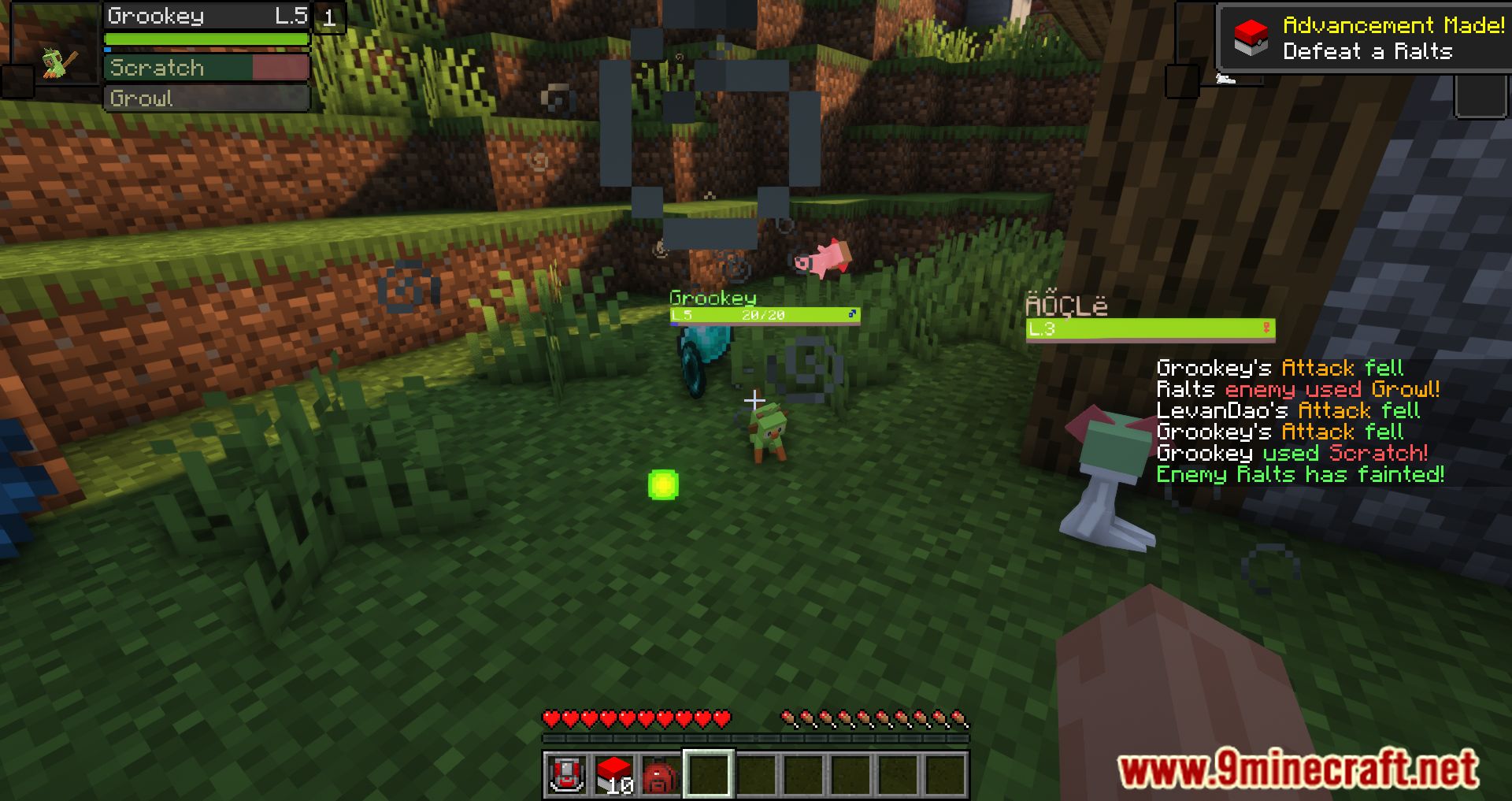
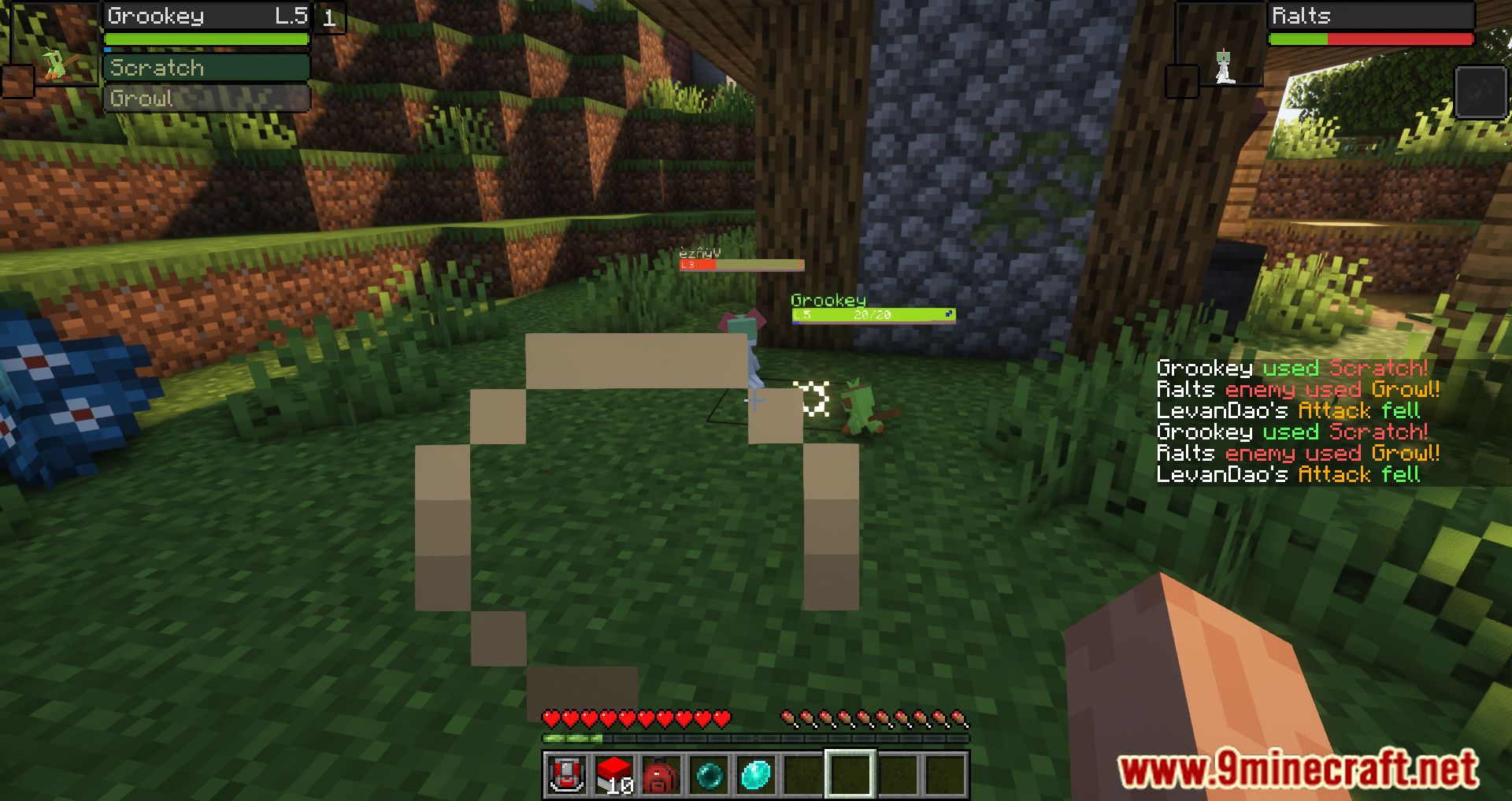
- Pokémobs gain levels from combat and can evolve based on certain requirements. Items like lucky eggs and exp shares can increase training rates.
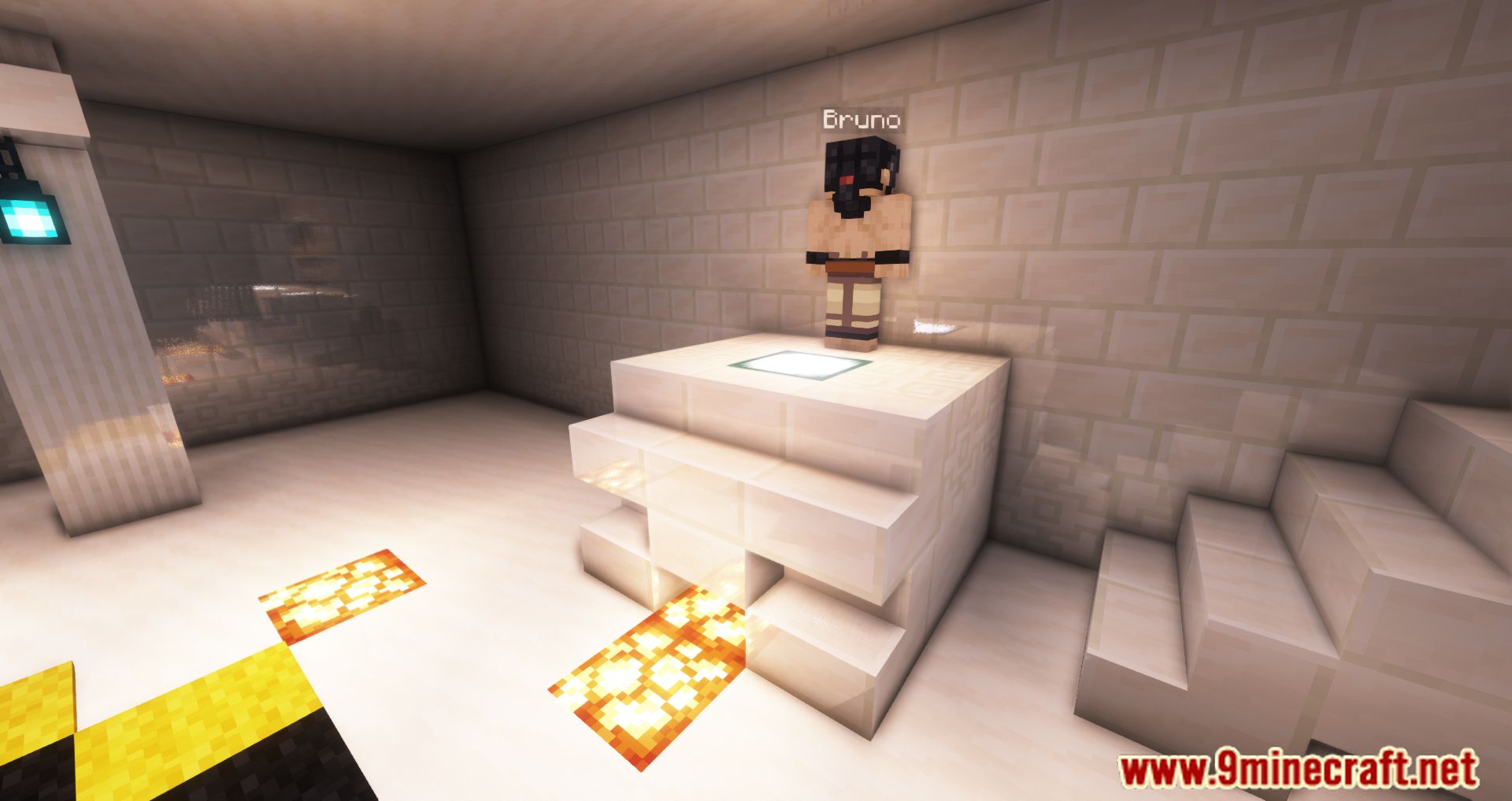
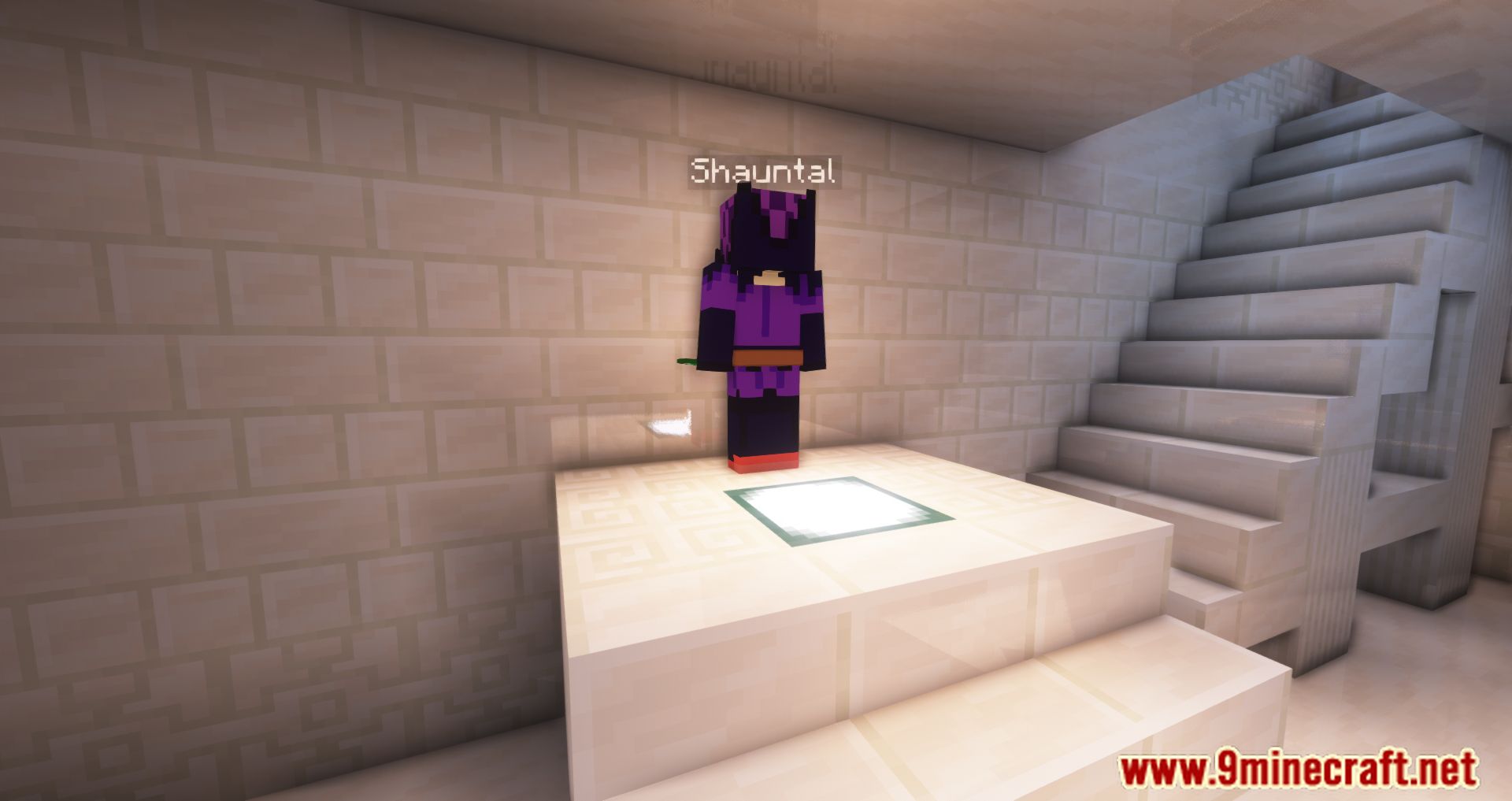
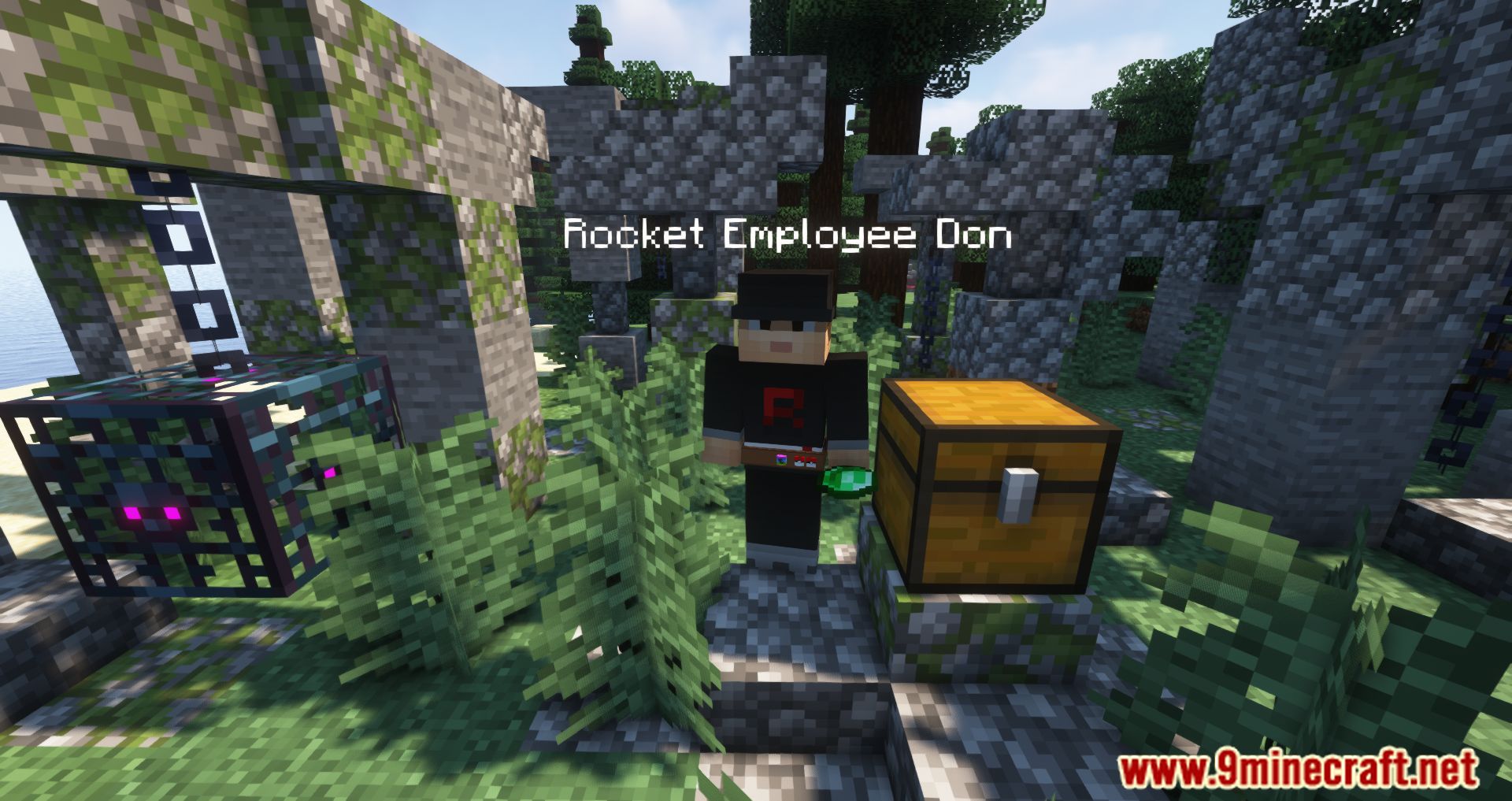
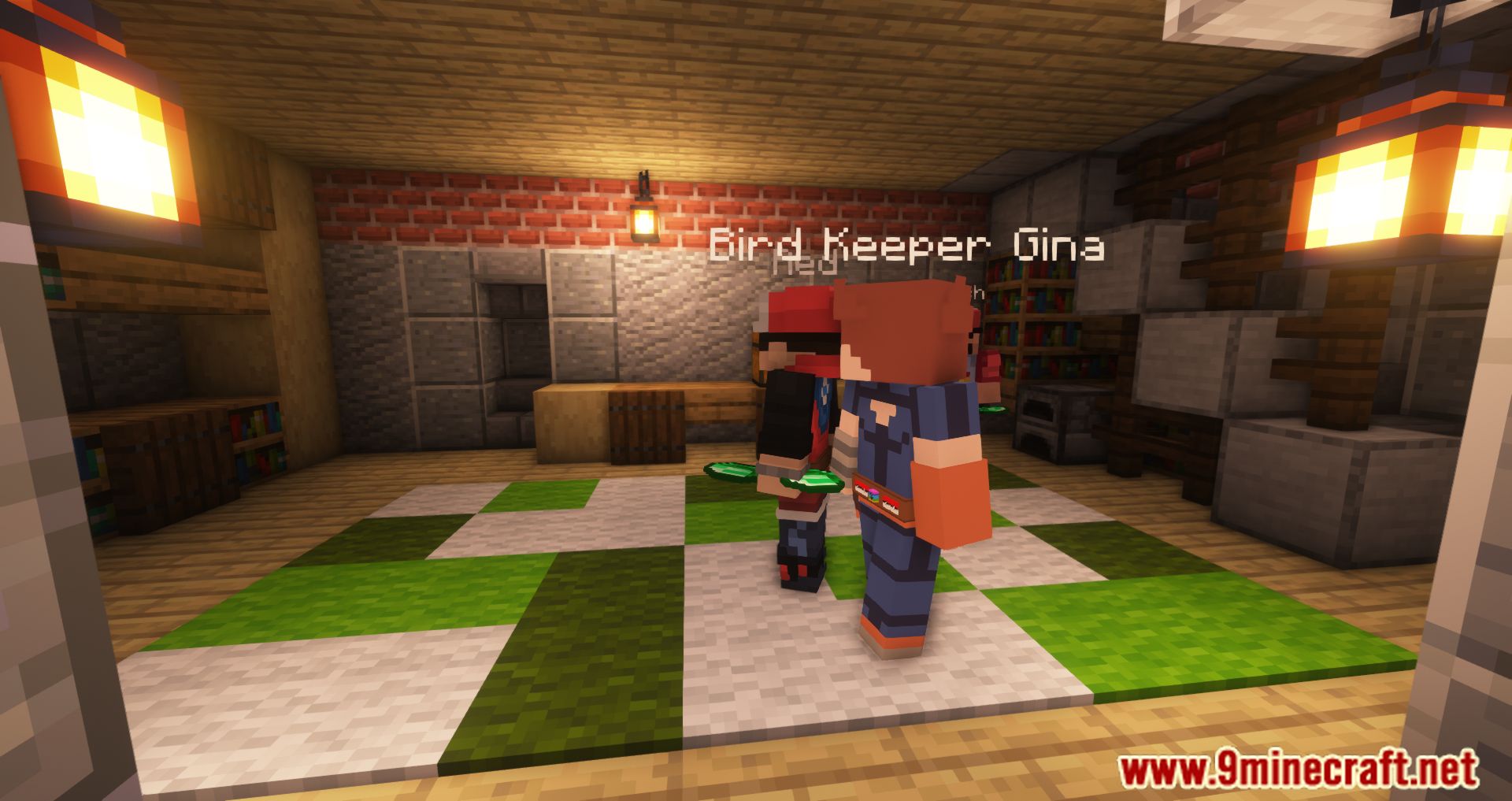
- In multiplayer, players can trade Pokémobs with others or NPC trainers.
- The mod integrates with other tech mods, allowing electric-type Pokémobs to generate forge energy and interact with tech blocks.
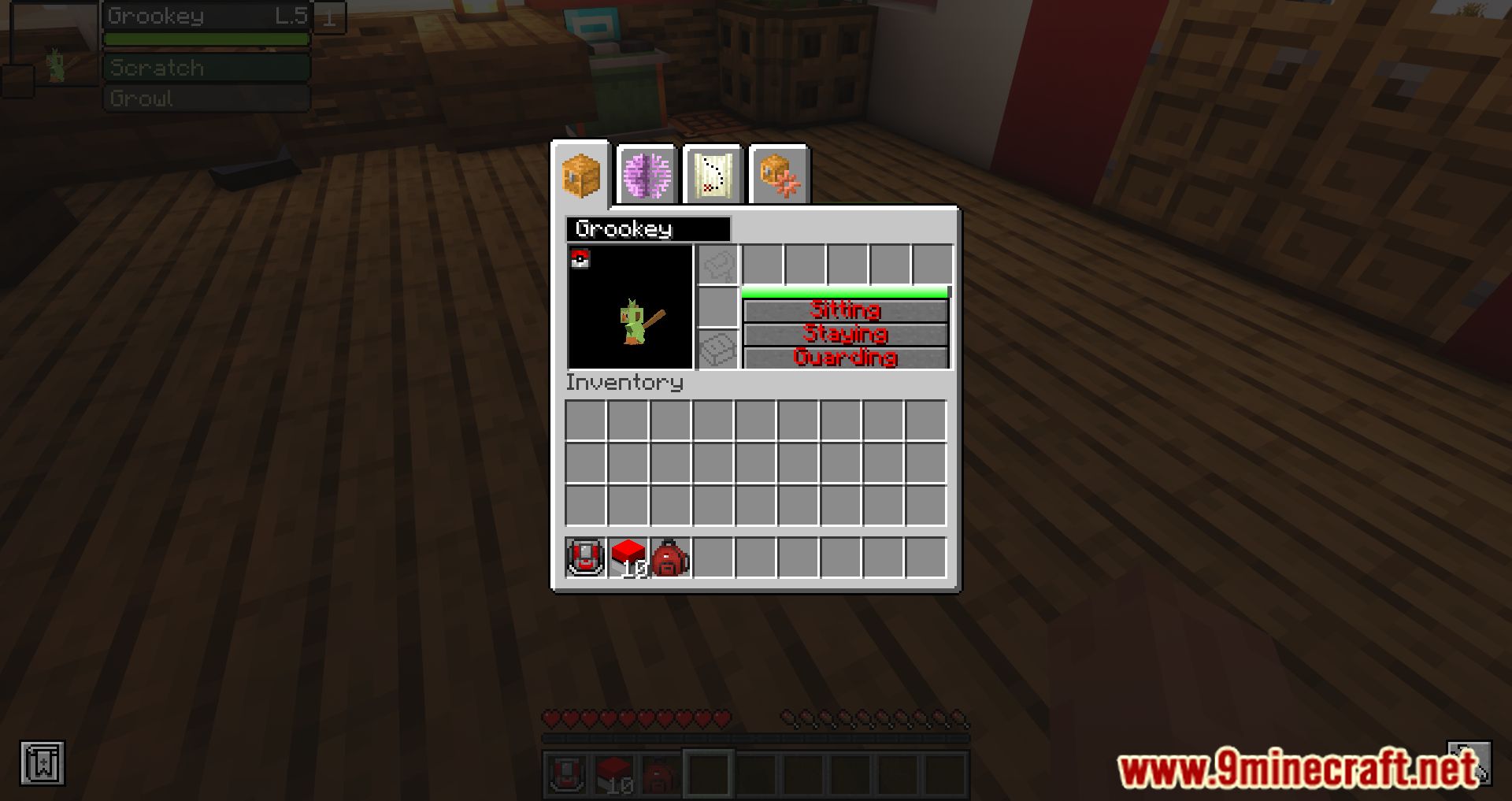
- Pokémobs can harvest crops, dig holes, and collect drops.
- The mod supports resource/datapacks, allowing customization of Pokémobs’ stats and behavior.
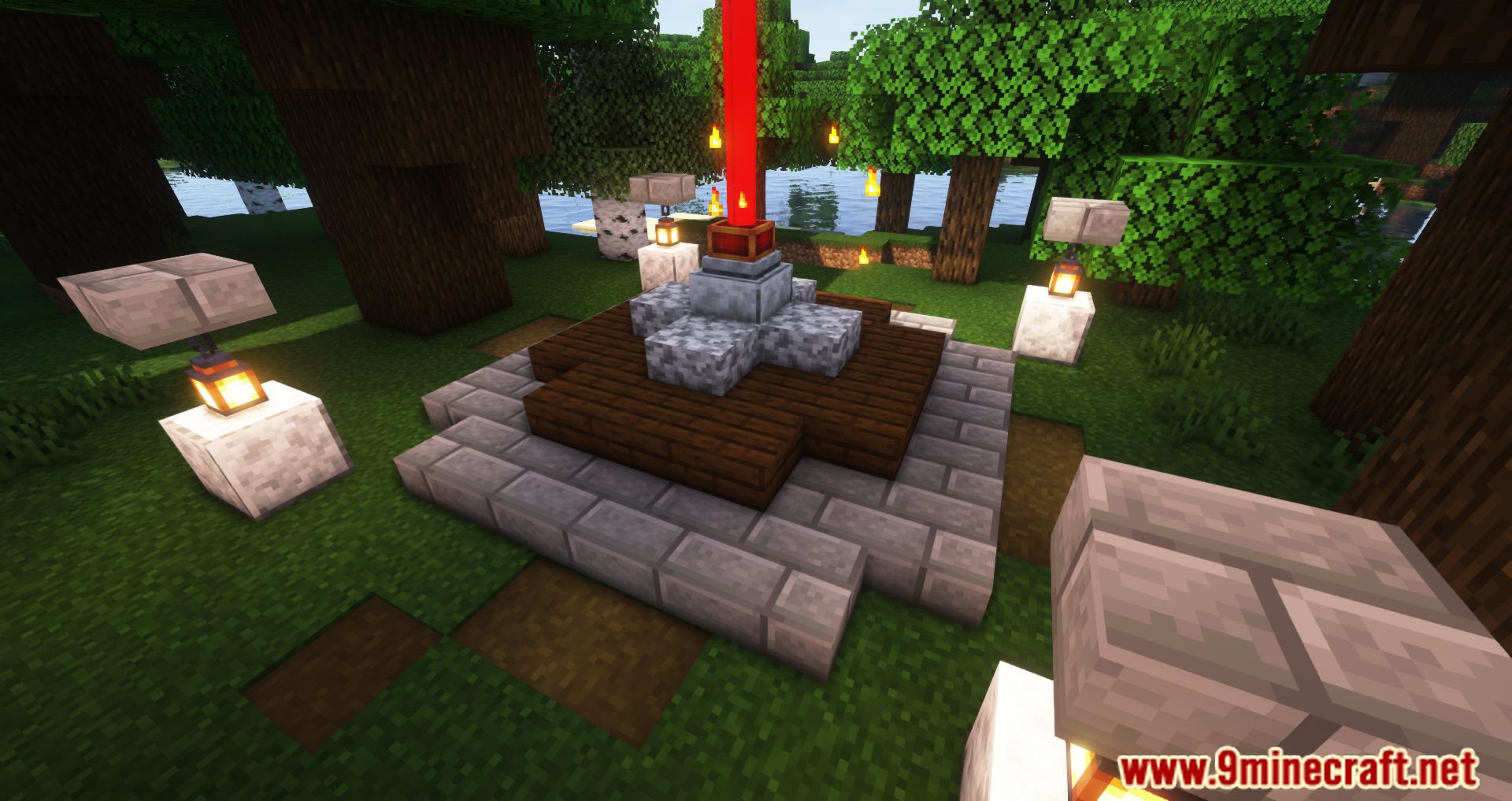
Screenshots:








Pokecube AIO Mod Download Links
For Minecraft 1.12.2
Forge Version: Download from Server 1 – Download from Server 2
For Minecraft 1.14.4
Forge Version: Download from Server 1 – Download from Server 2
For Minecraft 1.15.2
Forge Version: Download from Server 1 – Download from Server 2
For Minecraft 1.16.5
Forge Version: Download from Server 1 – Download from Server 2
For Minecraft 1.17.1
Forge Version: Download from Server 1 – Download from Server 2
For Minecraft 1.18.2
Forge Version: Download from Server 1 – Download from Server 2
For Minecraft 1.19.2
Forge Version: Download from Server 1 – Download from Server 2
For Minecraft 1.20.1
Forge Version: Download from Server 1 – Download from Server 2
For Minecraft 1.21.1, 1.21
NeoForge Version: Download from Server 1 – Download from Server 2
Pokecube AIO Mod (1.21.1, 1.20.1) – Training, Capturing, Trading Pokémobs is a free Minecraft Java mod. Compatible with Minecraft 1.21.1, 1.20.1. Download it and open it directly in the game.