
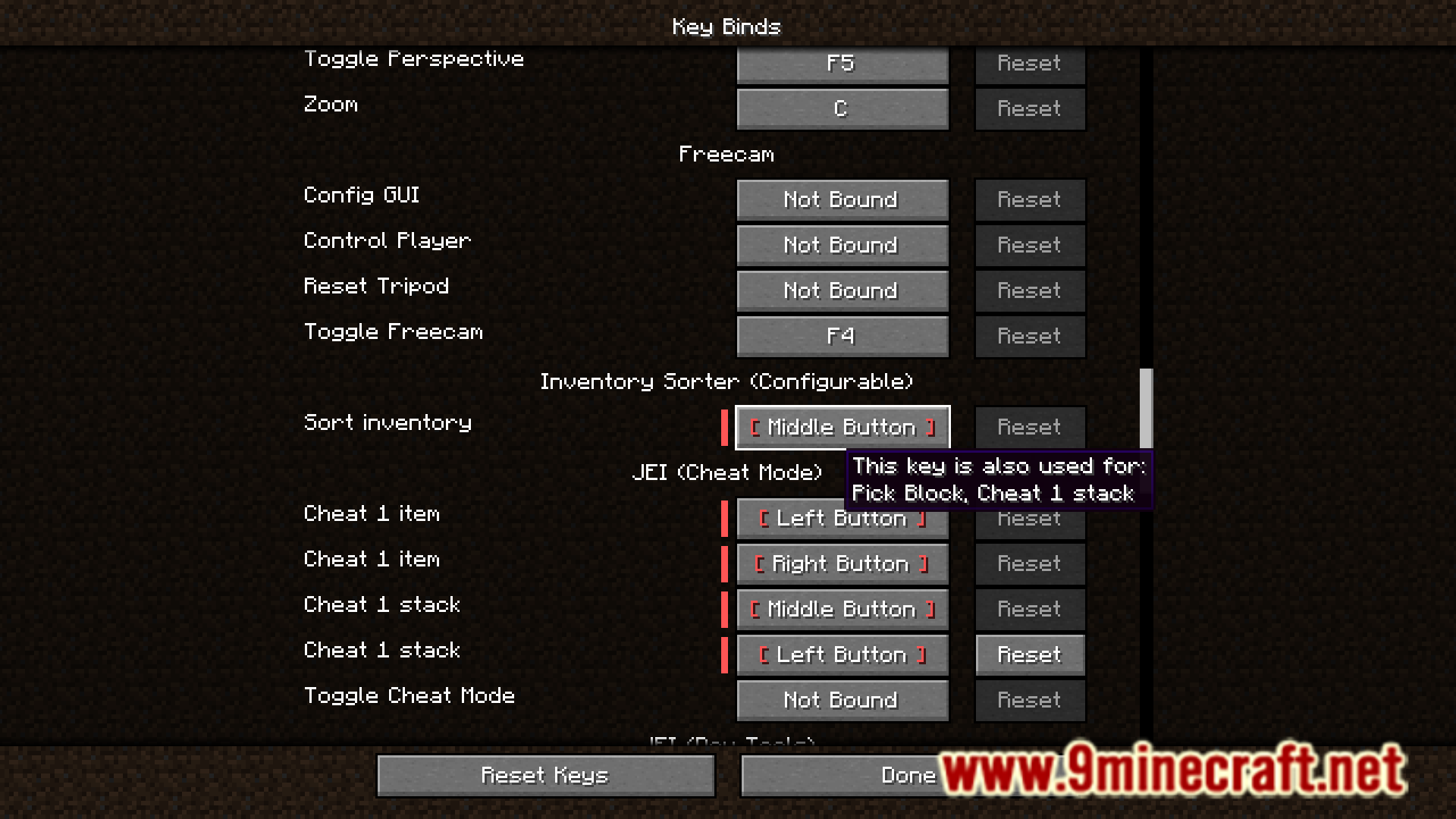
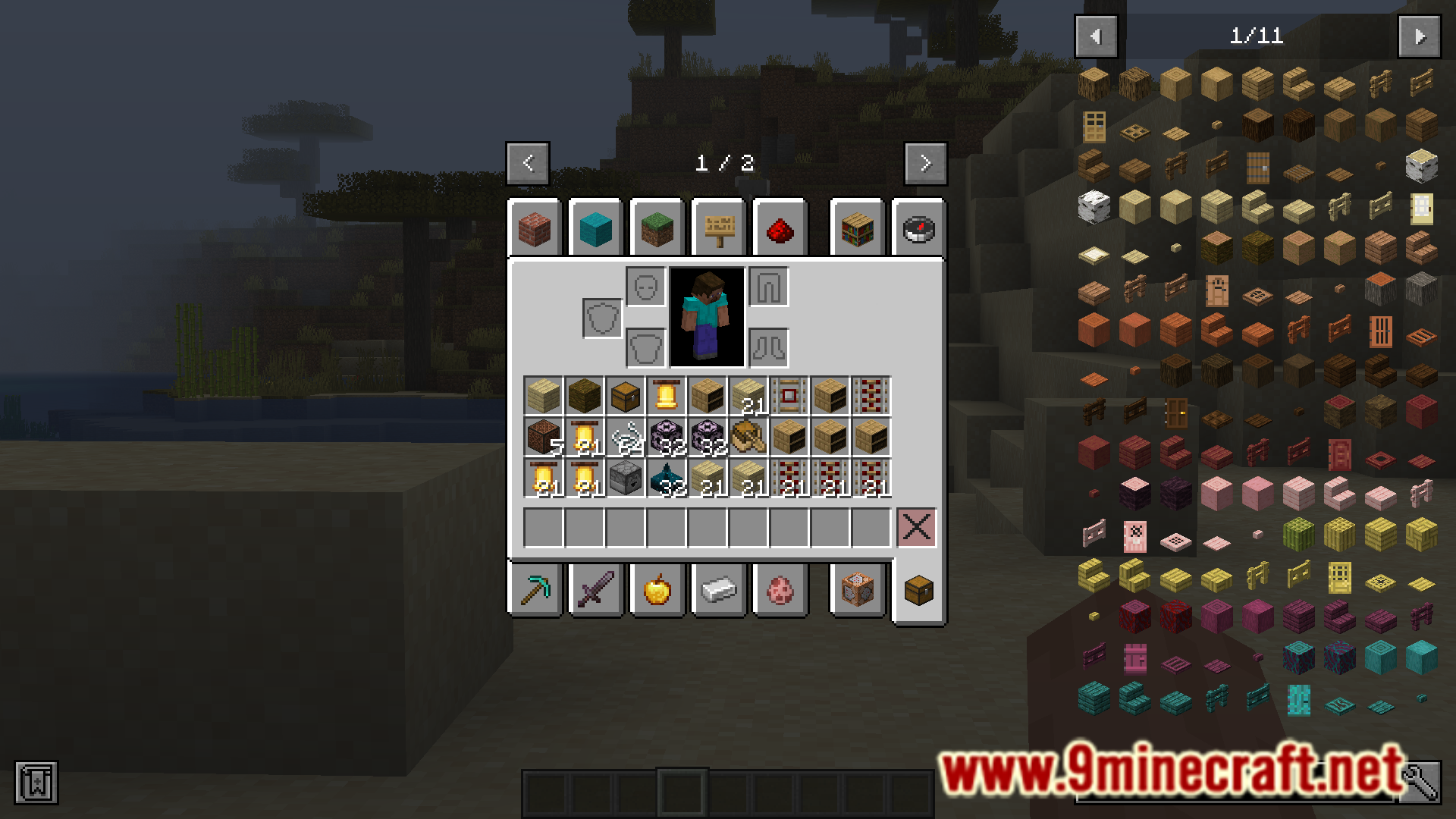
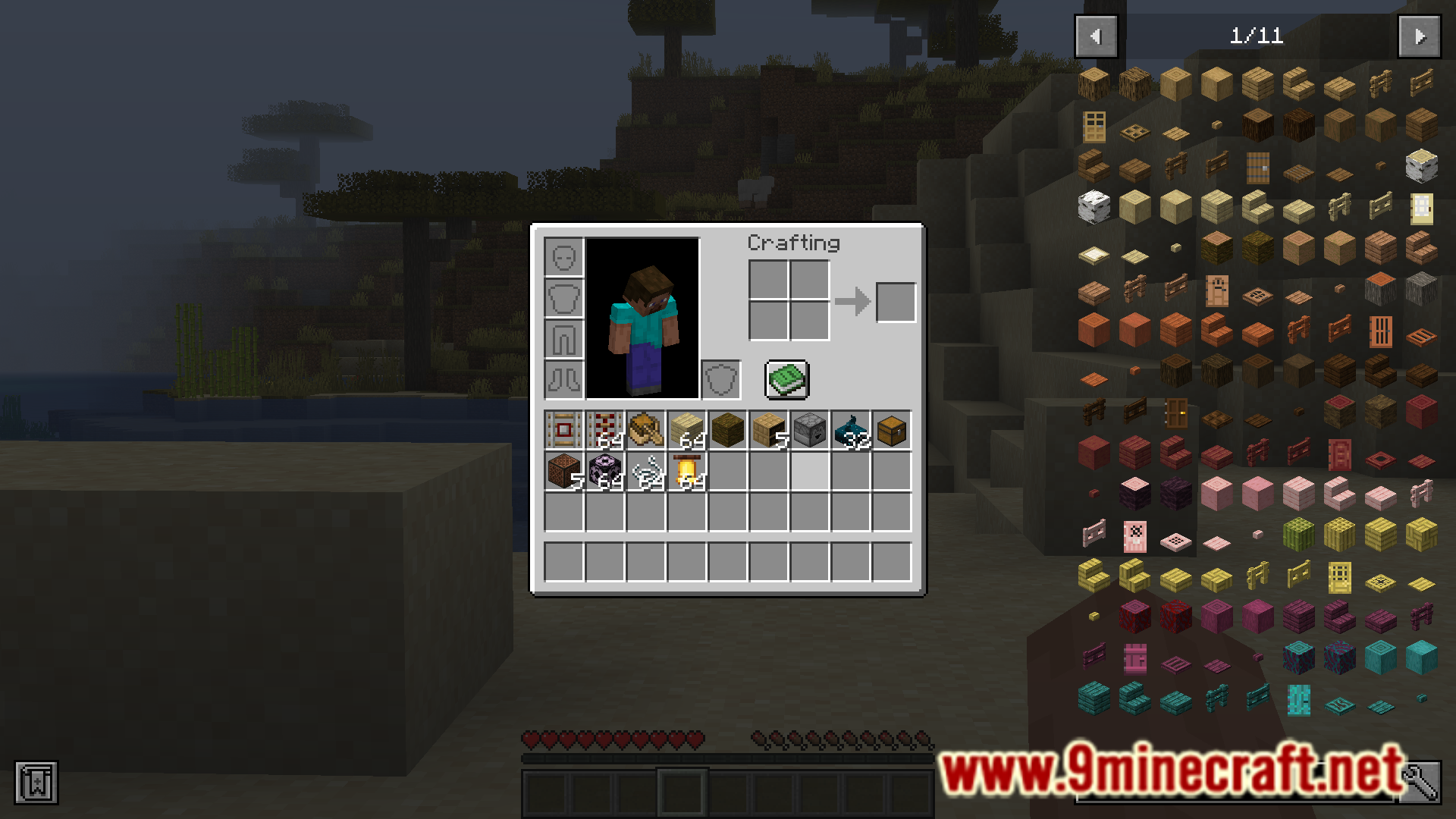
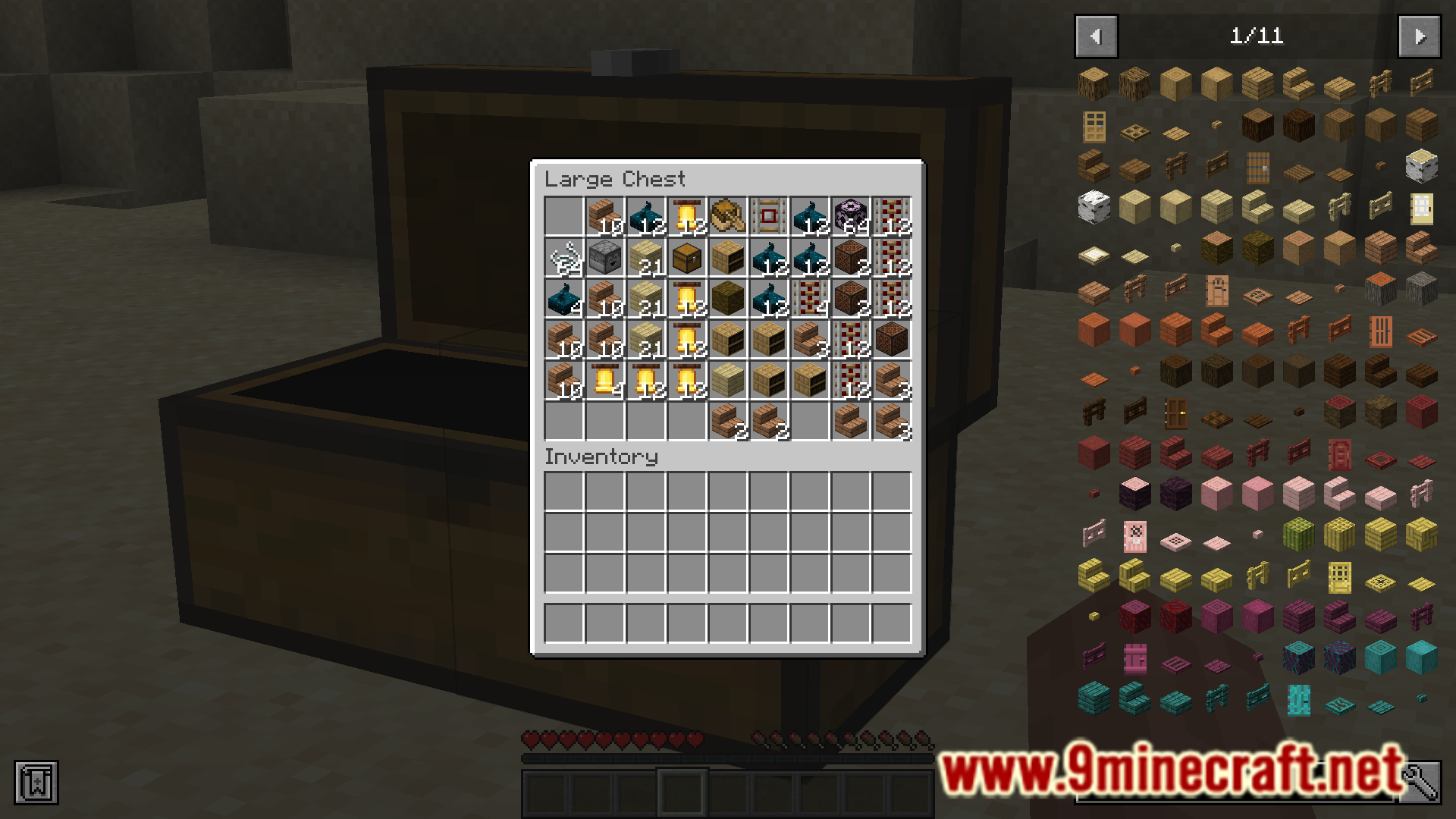
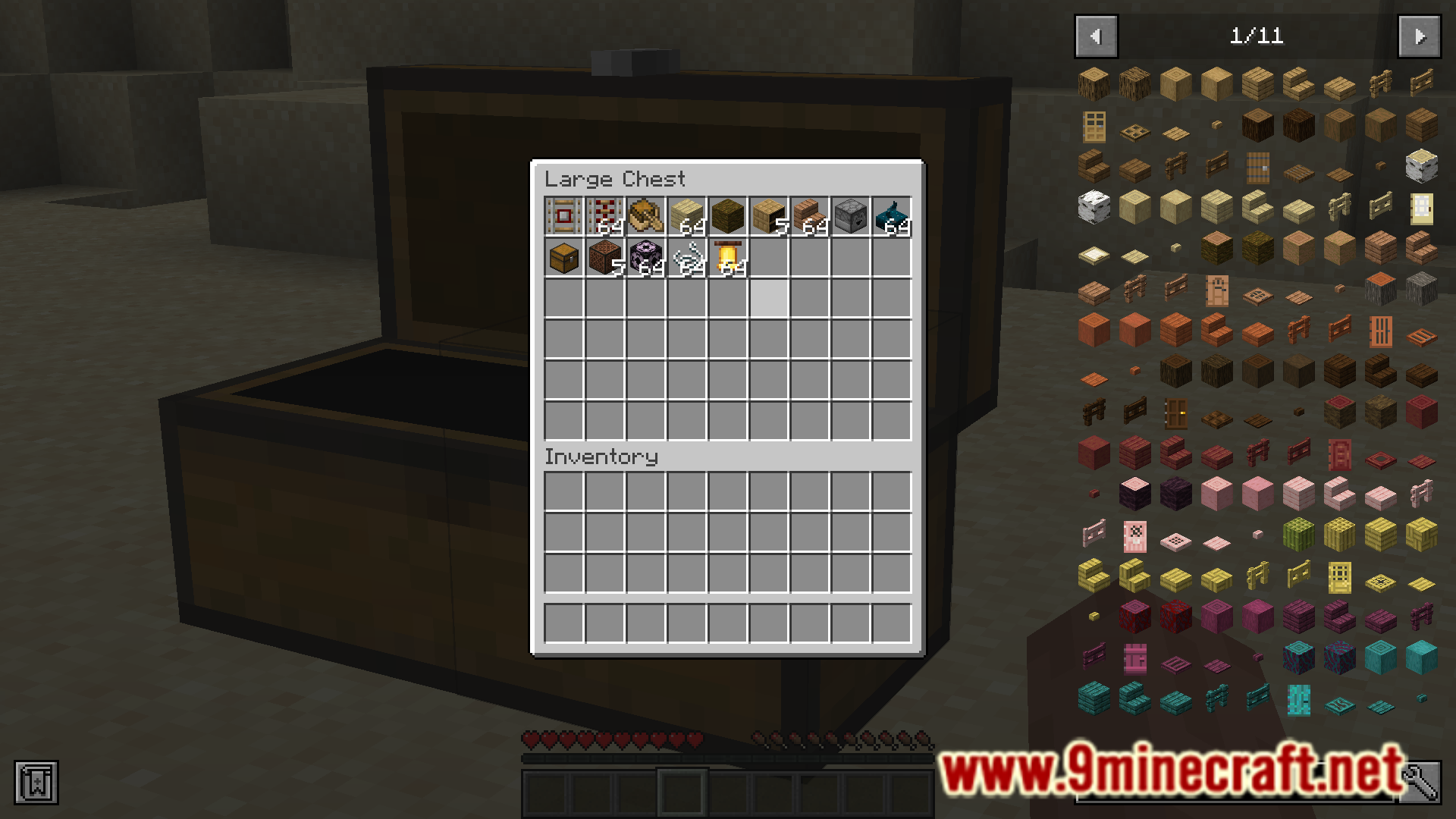
Inventory Sorter (Configurable) Mod lets you organize your inventory with a single button press. When you open your inventory or a chest, just click the middle mouse button to neatly arrange all your items. This key can be changed in the settings. The mod works on both your personal inventory and any storage blocks like chests.
Features:
- Sorts any inventory, including chests and other containers, with one click.
- Uses the middle mouse button by default, which can be changed in the keybind settings.
- Choose from different sorting orders like Quark style, creative tab, or item name.
- Includes an option to prevent your hotbar from being sorted.
- Adds a failsafe to stop items from being deleted by accident, especially in slots added by other mods.
- Fixes compatibility issues with mods that allow larger stack sizes.
How to Use:
- Open an inventory, such as your player inventory or a chest.
- Press the middle mouse button (or your custom key) to sort everything inside.
Configuration:
You can customize the sorting method in the mod’s config file. The available sort orders include:
- Quark
- Creative Tab
- Raw Item ID
- Item Name
- Item Display Name
An option is also available to sort items by their count first.
Screenshots:
Inventory Sorter Configurable Mod Download Links
For Minecraft 1.20.1
Forge version: Download from Server 1 – Download from Server 2
For Minecraft 1.19.2
Forge version: Download from Server 1 – Download from Server 2
For Minecraft 1.18.2
Forge version: Download from Server 1 – Download from Server 2
- Edition: Minecraft Java
- File type: .jar
- Minecraft versions listed: 1.20.1, 1.19.2
- How to install: Install the matching mod loader (Forge, Fabric or NeoForge) for your Minecraft version. → Download the .jar. → Put it in the .minecraft/mods folder and launch that loader profile.
- Where to get it: In MC Java Mods, or directly above on this page.
Install steps are the general flow for this file type — How to install Minecraft Java mods & modpacks walks through it step by step.
- Downloads as 177300.mcaddon
- Download size: 55 KB
- Download link checked 24 Jul 2026 — working
- Mirrored on our own servers — the download does not depend on the original host
These come from our own check of the pack file, not from the source page.