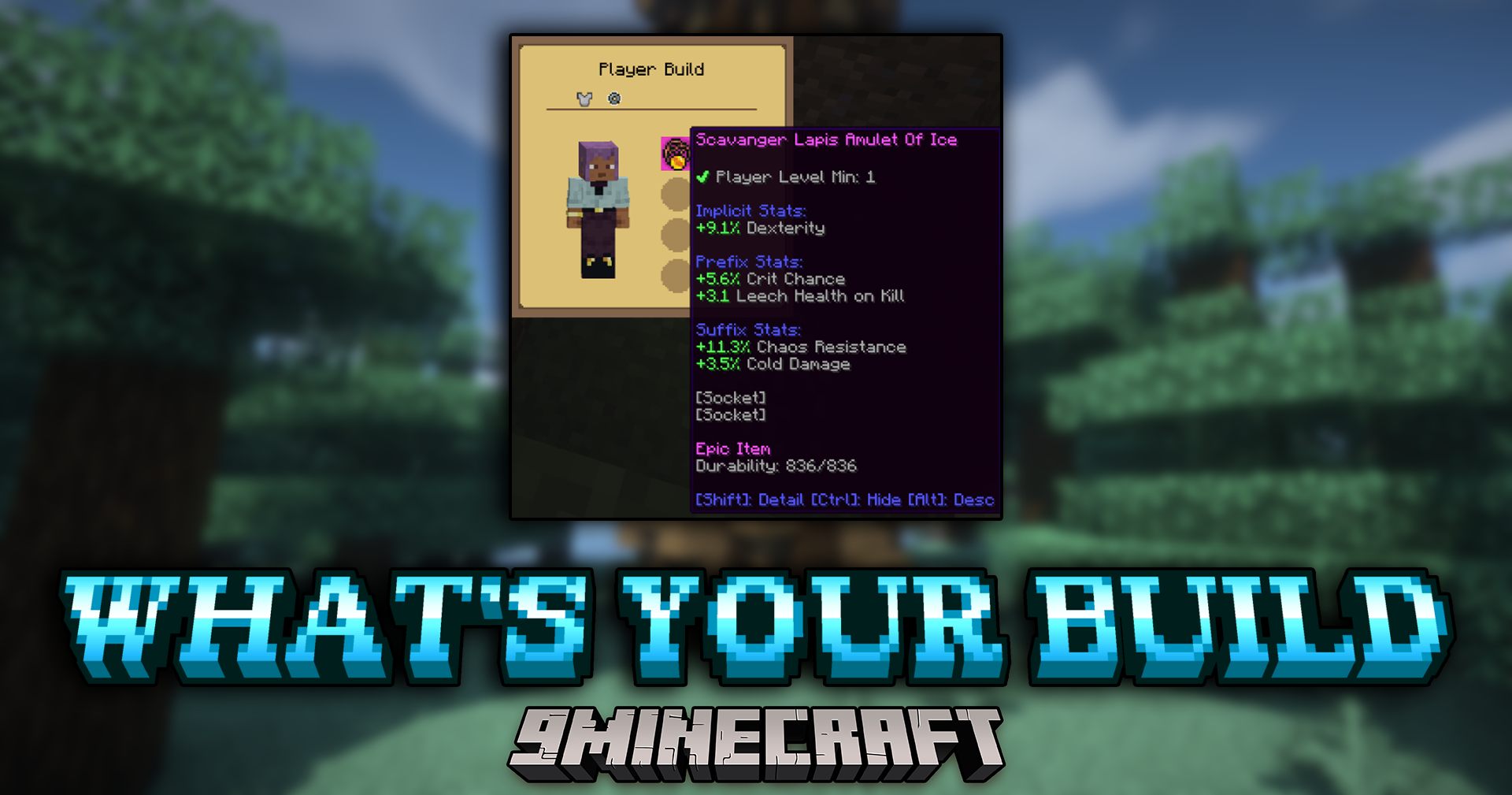
What's Your Build Mod (1.21.1, 1.20.1) – Inspect Any Player's Gear
What's Your Build Mod lets you check the gear other players are wearing in multiplayer. This is very helpful in modpacks where items have special stats…
⬇ Download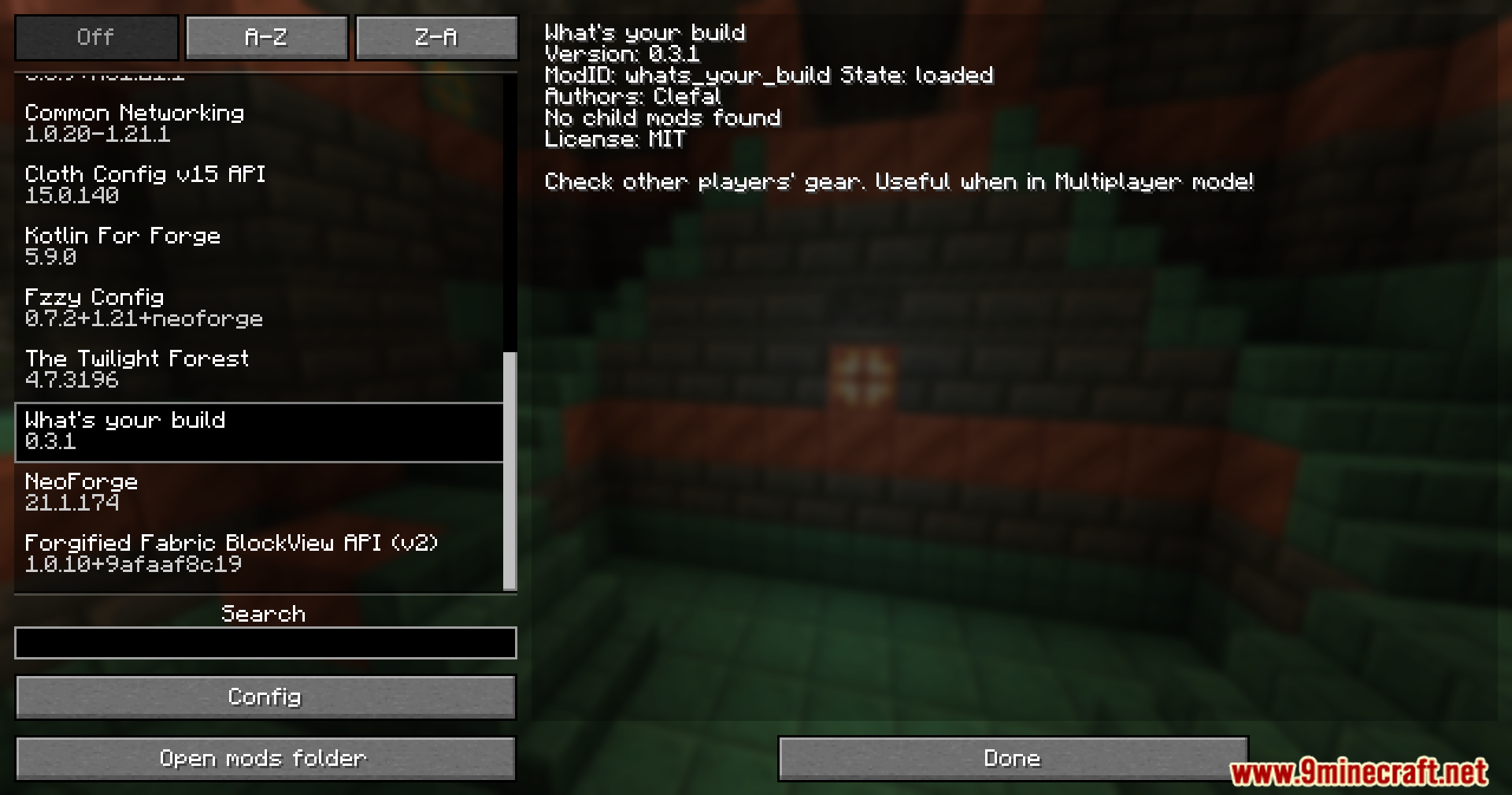

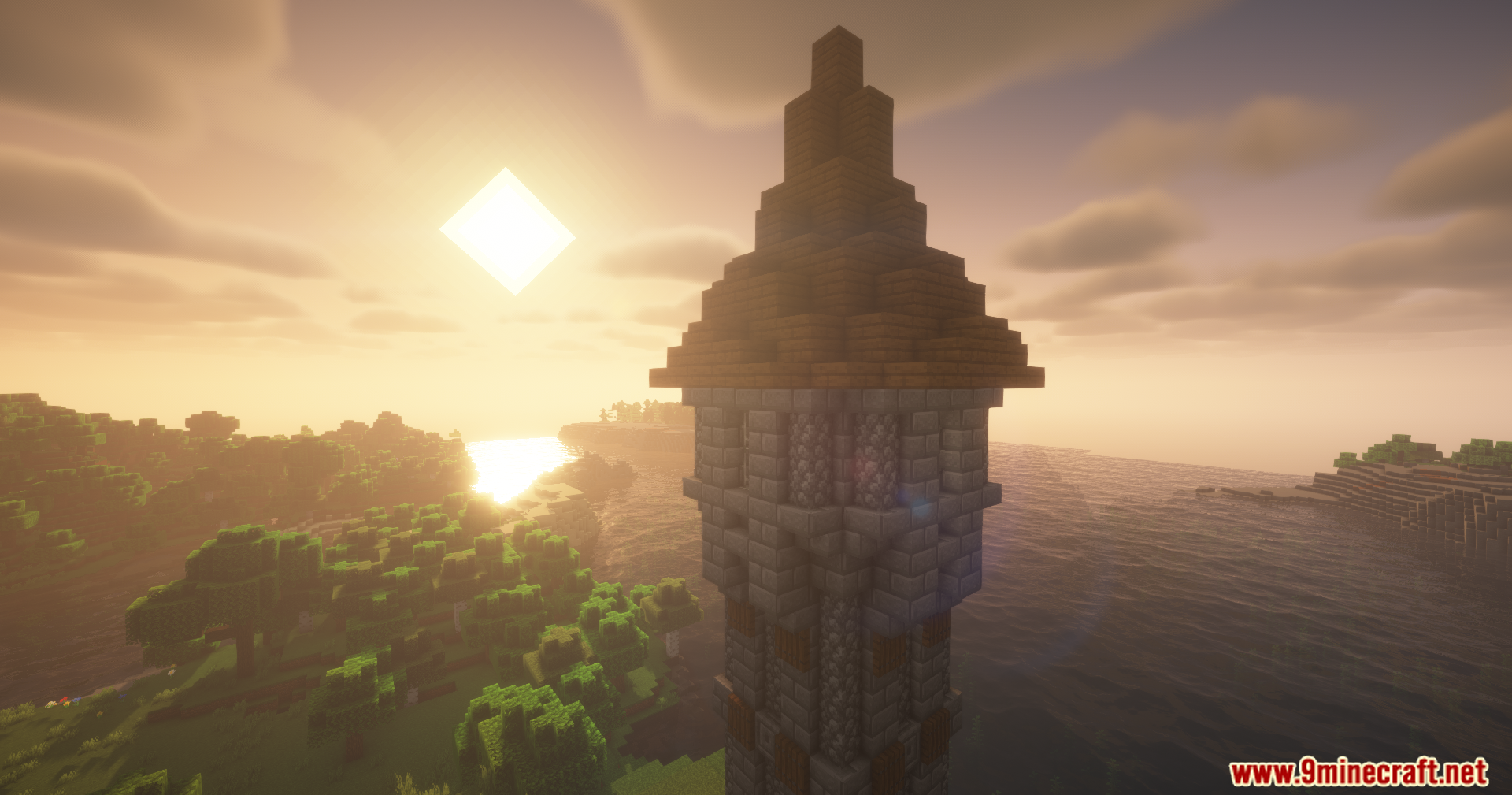

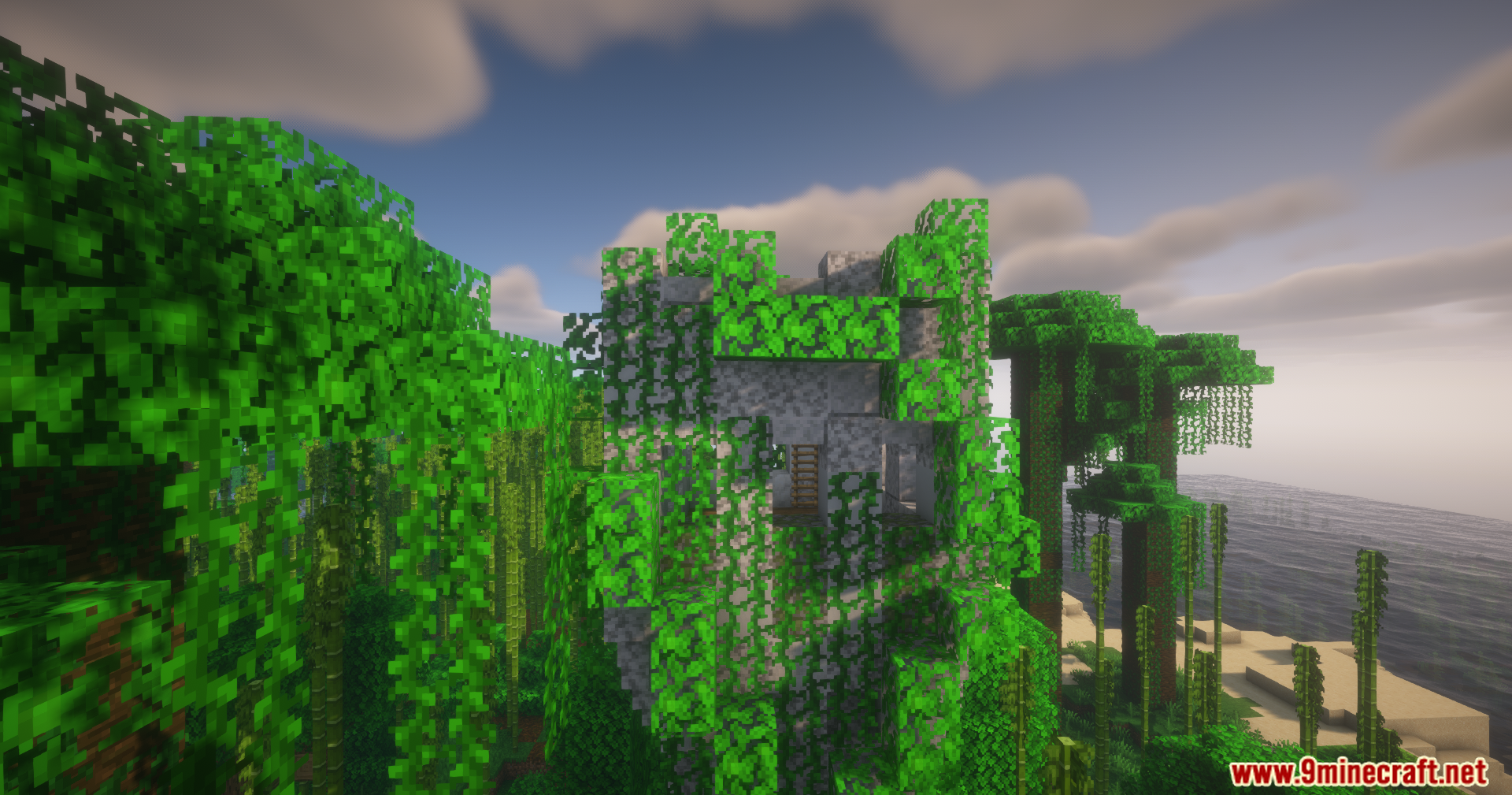
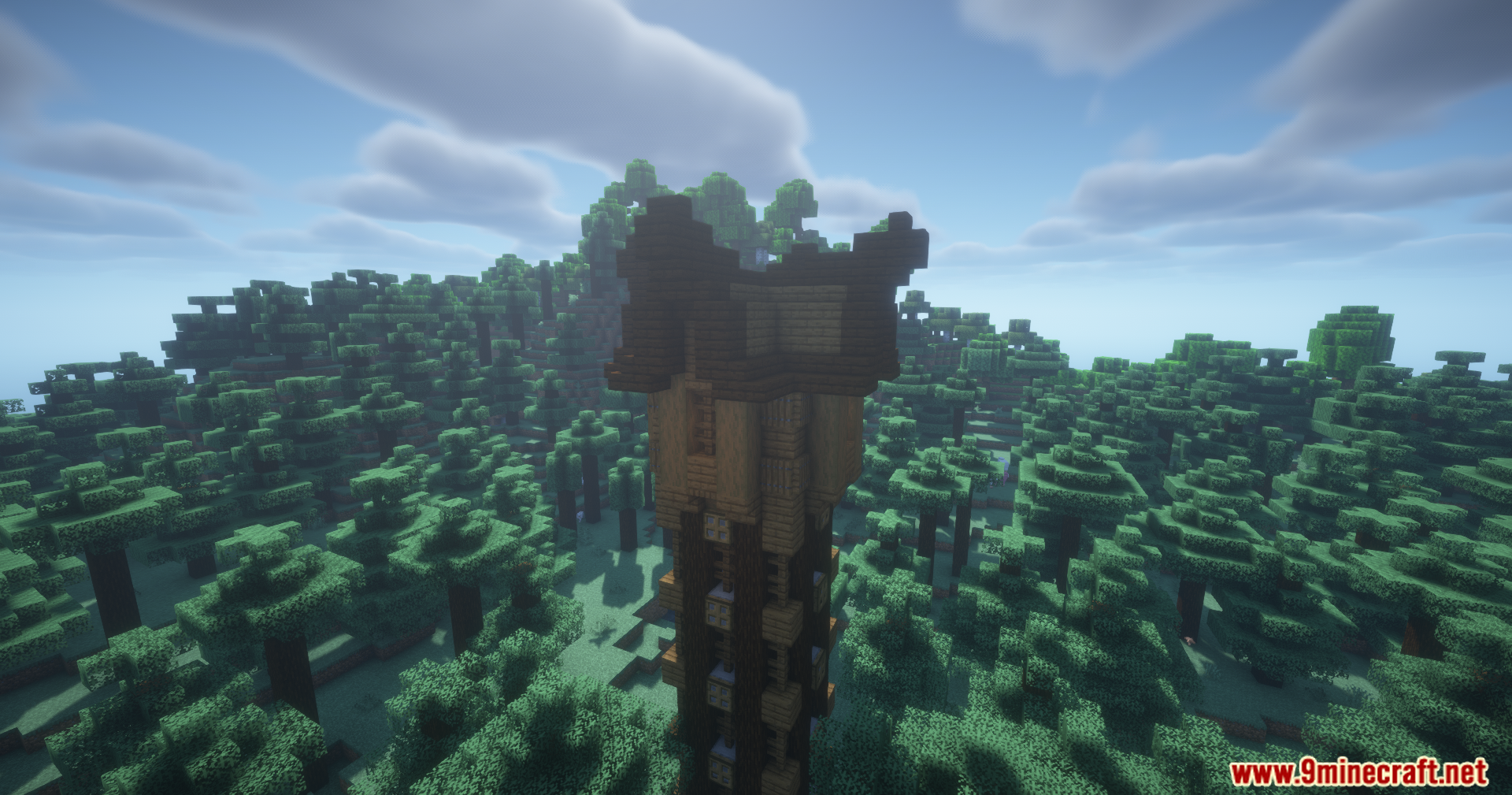
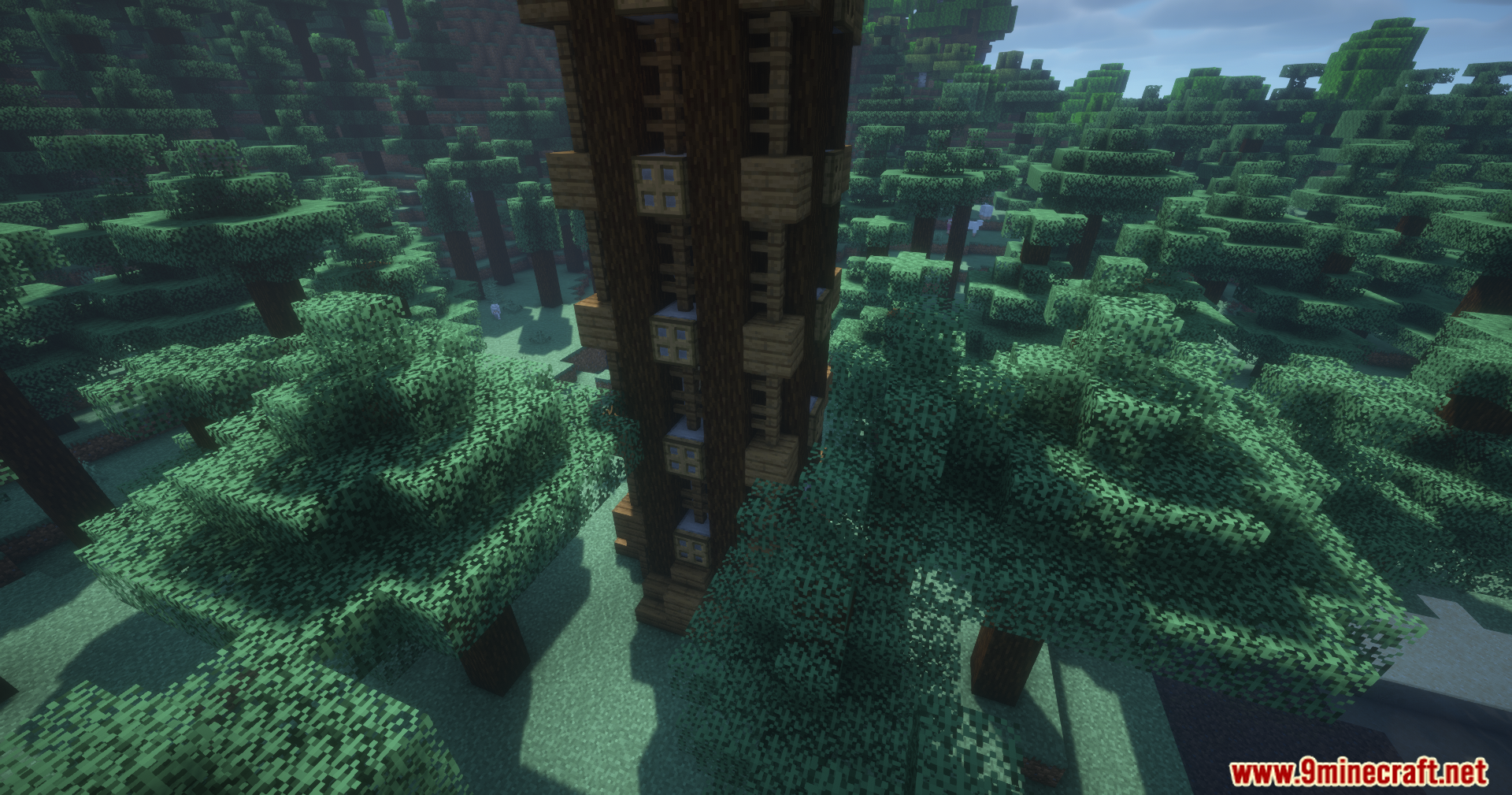
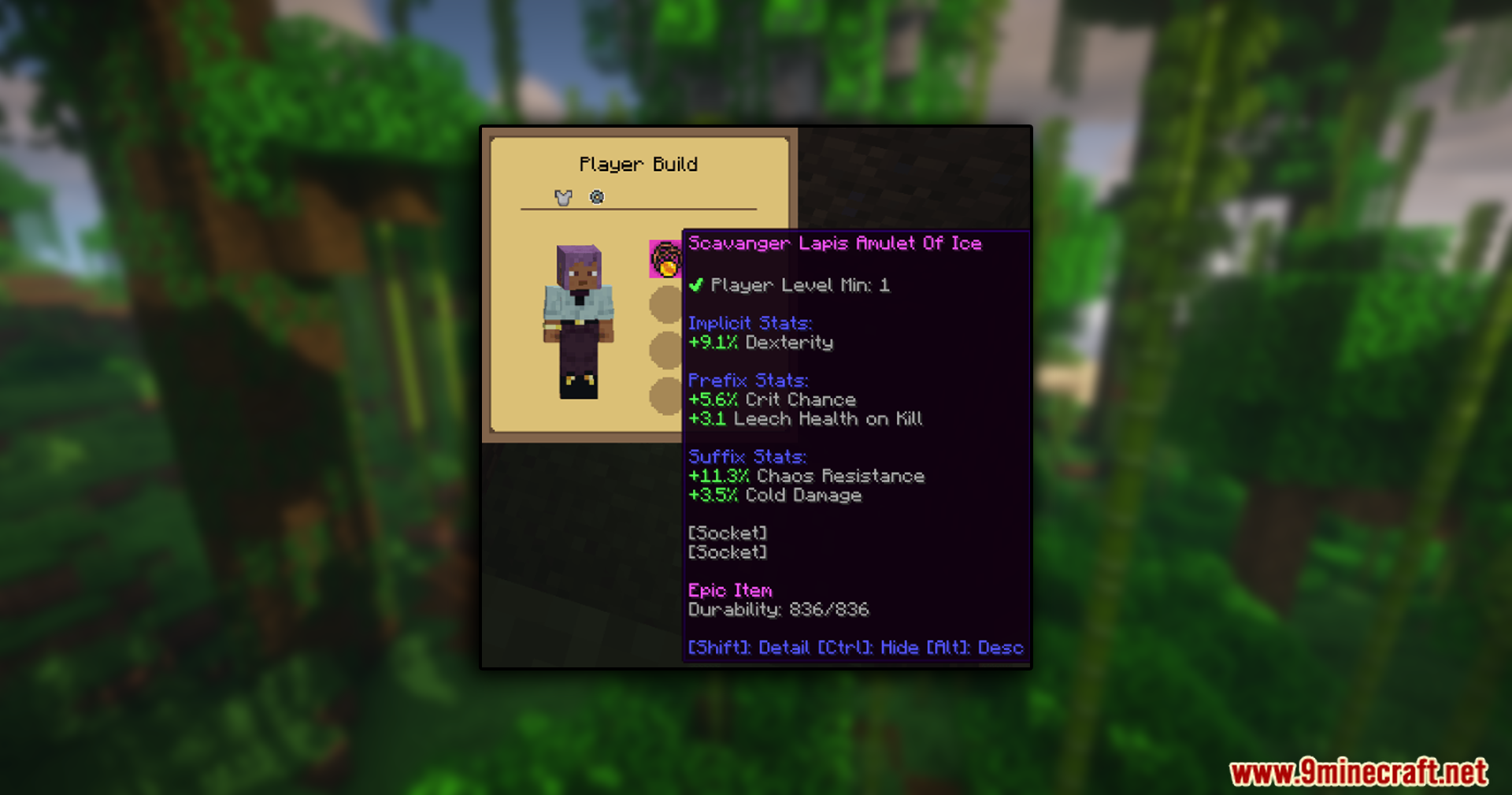
What’s Your Build Mod lets you check the gear other players are wearing in multiplayer. This is very helpful in modpacks where items have special stats and abilities, as you can see exactly what your friends are using.
Features:
- See the armor and items another player has equipped.
- Adds the Loadout Barrel, a block for storing and managing your own equipment sets.
- Create different gear builds and save them in the barrel’s menu.
- Quickly equip a saved build by pressing the “Wear” button in the barrel’s interface.
- Includes support for the Curios mod, adding a new menu to view those items.
How to Use:
- To see another player’s gear, point your crosshair at them.
- Press the middle-mouse button to open the gear viewer screen.
- To manage your own gear, craft and place a Loadout Barrel.
- Open the barrel to create different equipment builds and store the items for them.
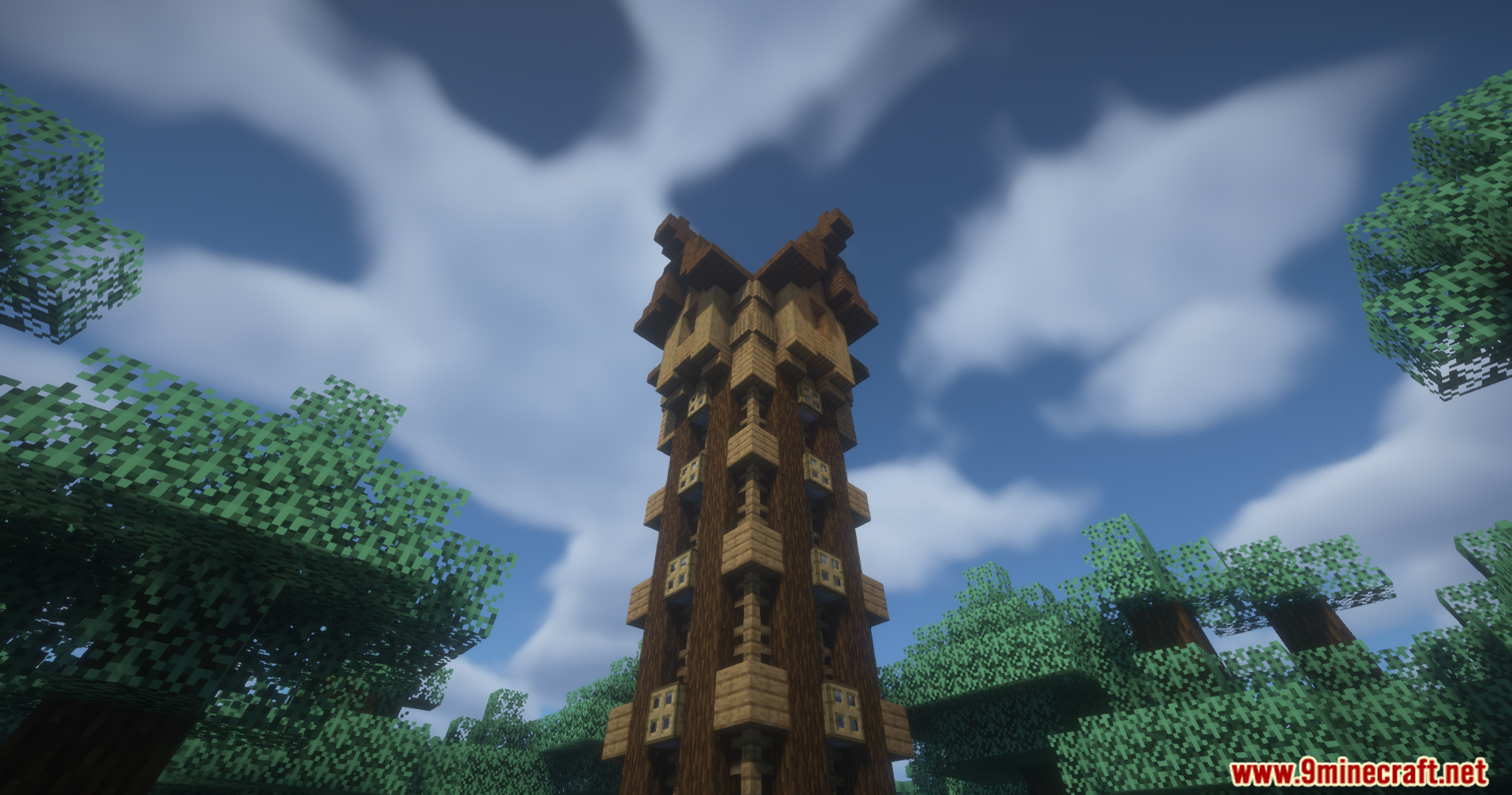
Screenshots:
What’s Your Build Mod Download Links
For Minecraft 1.21.4
Fabric Version: Download from Server 1 – Download from Server 2
NeoForge Version: Download from Server 1 – Download from Server 2
For Minecraft 1.21.1, 1.21
Fabric Version: Download from Server 1 – Download from Server 2
NeoForge Version: Download from Server 1 – Download from Server 2
For Minecraft 1.20.1, 1.20
Forge Version: Download from Server 1 – Download from Server 2
Fabric Version: Download from Server 1 – Download from Server 2
- Edition: Minecraft Java
- File type: .jar
- Minecraft versions listed: 1.21.1, 1.20.1
- How to install: Install the matching mod loader (Forge, Fabric or NeoForge) for your Minecraft version. → Download the .jar. → Put it in the .minecraft/mods folder and launch that loader profile.
- Where to get it: In MC Java Mods, or directly above on this page.
Install steps are the general flow for this file type — How to install Minecraft Java mods & modpacks walks through it step by step.
- Downloads as 177334.mcaddon
- Download size: 115 KB
- Download link checked 1 Aug 2026 — working
- Mirrored on our own servers — the download does not depend on the original host
These come from our own check of the pack file, not from the source page.