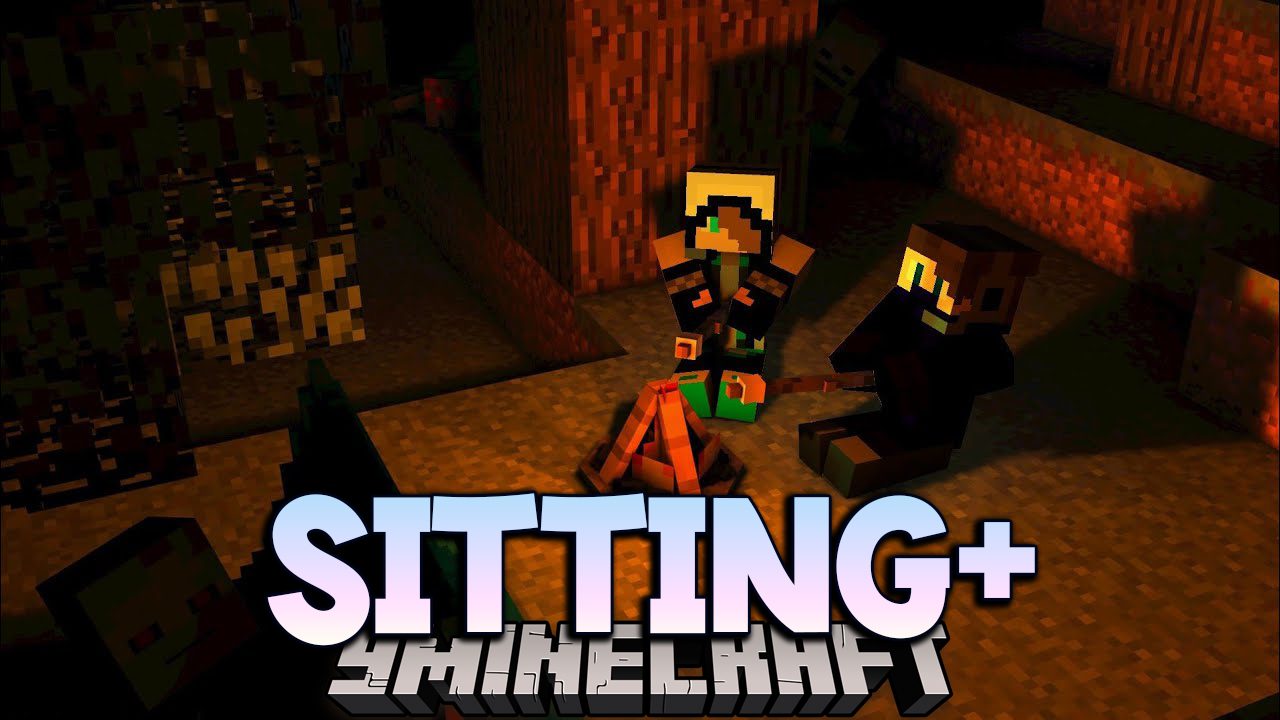
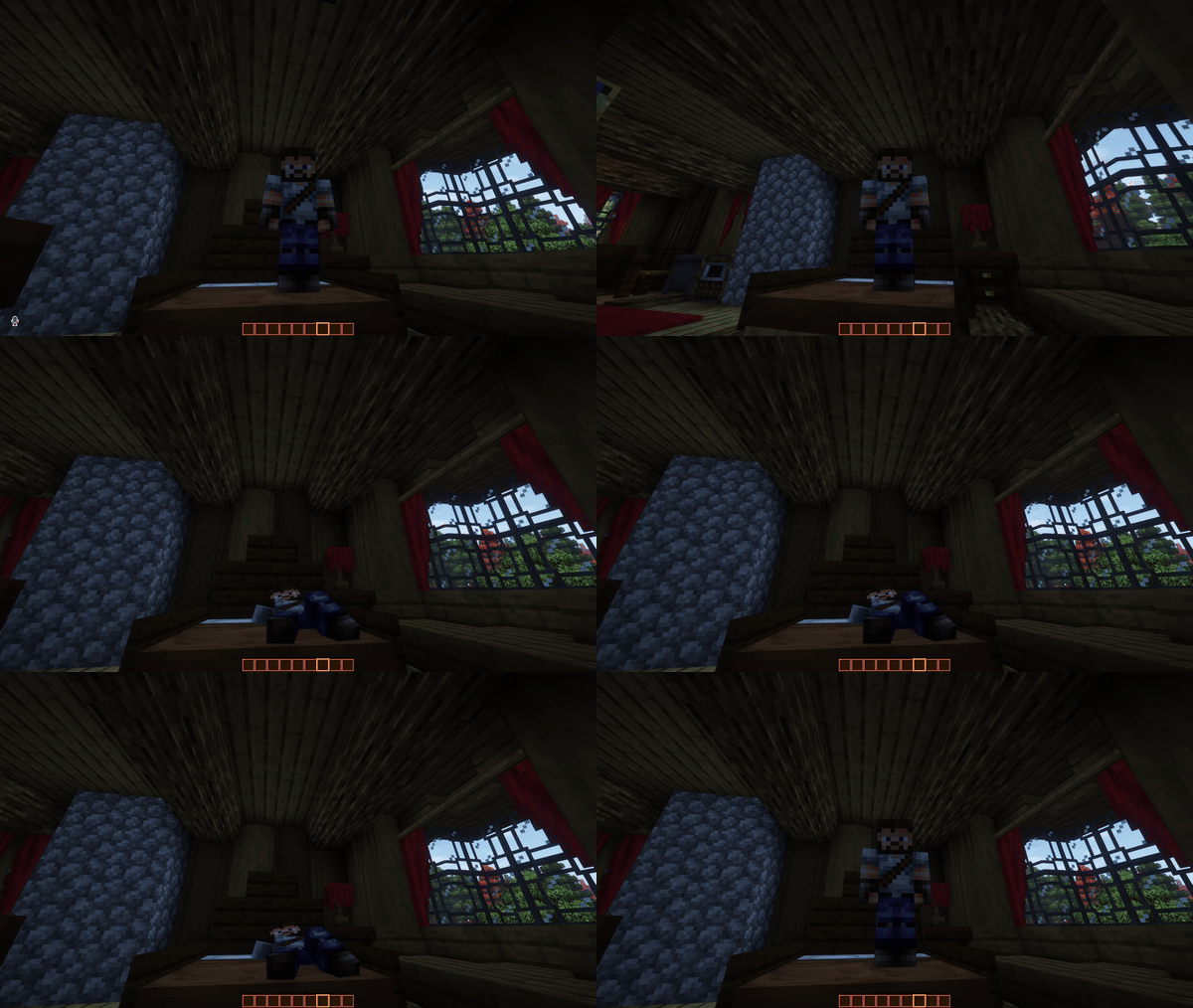
Feeling tired? Sit and rest a while. Sitting+ Mod is a contextual sitting mod. With this mod you can sit anywhere by pressing X.
Features:
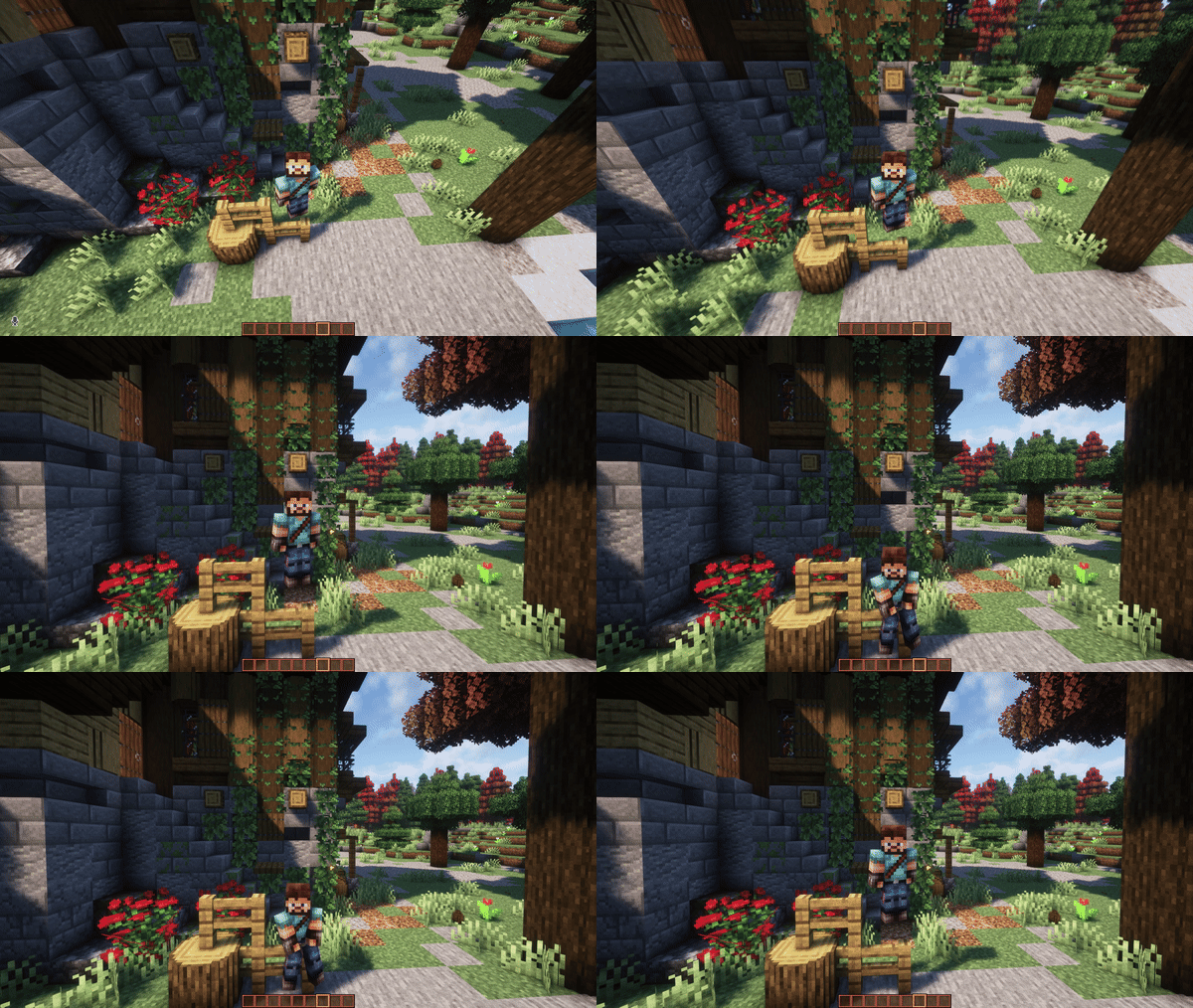
- You can toggle poses to better fit the mood of the environment or roleplay purposes.
- You can sit On a fence.
- You can relax.
- Or right click a stair to sit on it.
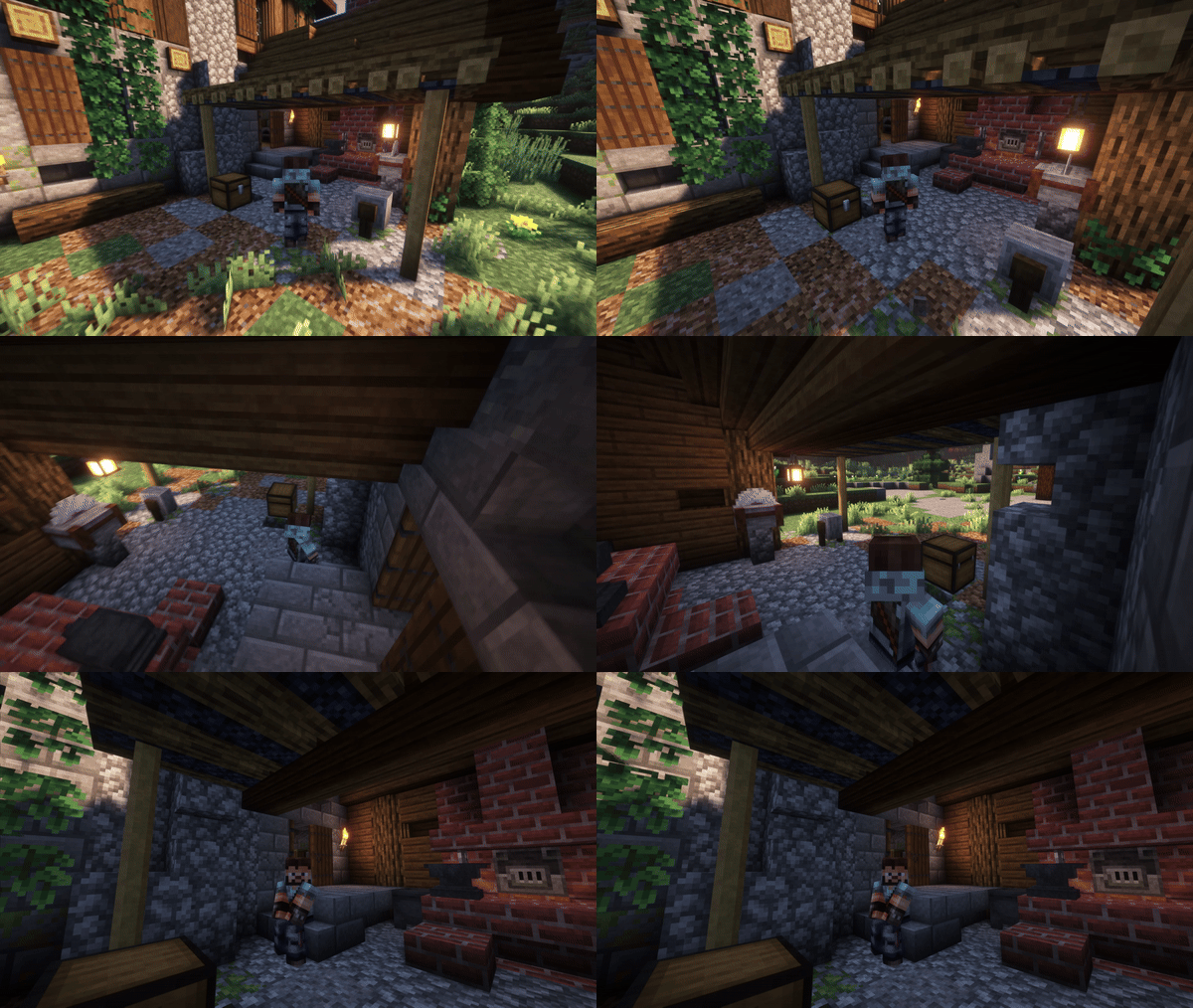
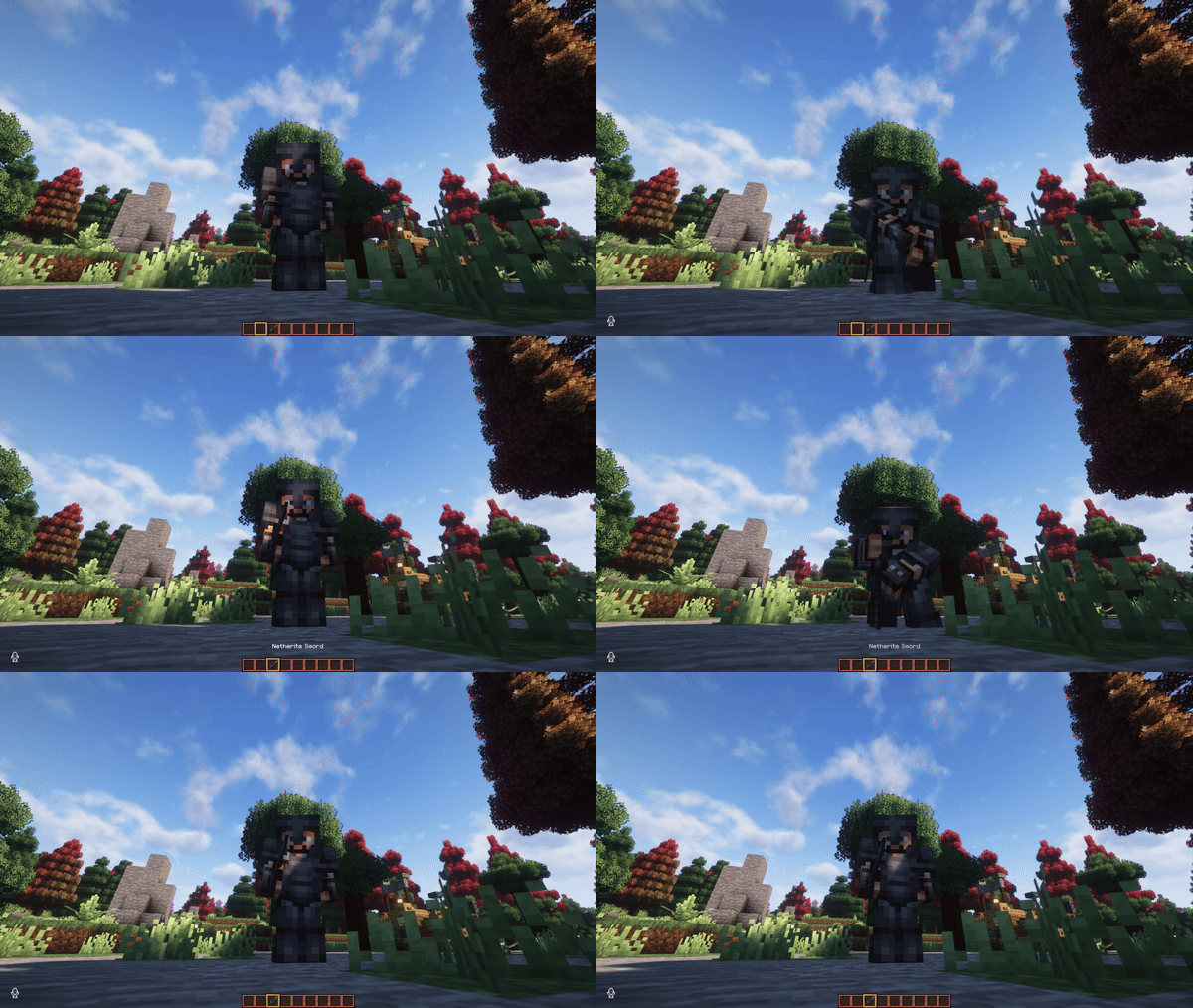
- Sitting with a item in hand triggers that specific item custom pose. But you can use a item specific pose with basically anything you have in your inventory, once you trigger the item pose just switch to another item.
Screenshots:
How to use:
If you want to be able to trigger the animations of this mod server-side for others to see it do as follow:
- Download and install Emotecraft Mod and run Minecraft (this will create the “emotes” folder in your .minecraft)
- Download the Sitting+ Mod.
- Open the Sitting+ jar file with winrar.
- Go to assets>sitmod>player_animation.
- Copy the sit.animation.json file and paste it inside the emotes file in your .minecraft.
- Now just bind my animations to the Emote wheel, and you have all the animations of this mod to show off to your friends.
Sitting+ Mod Download Links
For Minecraft 1.21.5
Forge version: Download from Server 1 – Download from Server 2
Fabric version: Download from Server 1 – Download from Server 2
For Minecraft 1.21.1, 1.21
Fabric version: Download from Server 1 – Download from Server 2
For Minecraft 1.20.4, 1.20.2
Forge version: Download from Server 1 – Download from Server 2
For Minecraft 1.20.1, 1.20
Forge version: Download from Server 1 – Download from Server 2
For Minecraft 1.19.4, 1.19.3, 1.19.2, 1.19.1, 1.19
Forge version: Download from Server 1 – Download from Server 2
- Edition: Minecraft Java
- File type: .jar
- Minecraft versions listed: 1.21.5, 1.20.1
- How to install: Install the matching mod loader (Forge, Fabric or NeoForge) for your Minecraft version. → Download the .jar. → Put it in the .minecraft/mods folder and launch that loader profile.
- Where to get it: In MC Java Mods, or directly above on this page.
Install steps are the general flow for this file type — How to install Minecraft Java mods & modpacks walks through it step by step.
- Downloads as 177379.mcaddon
- Download size: 21 KB
- Download link checked 25 Jul 2026 — working
- Mirrored on our own servers — the download does not depend on the original host
These come from our own check of the pack file, not from the source page.