
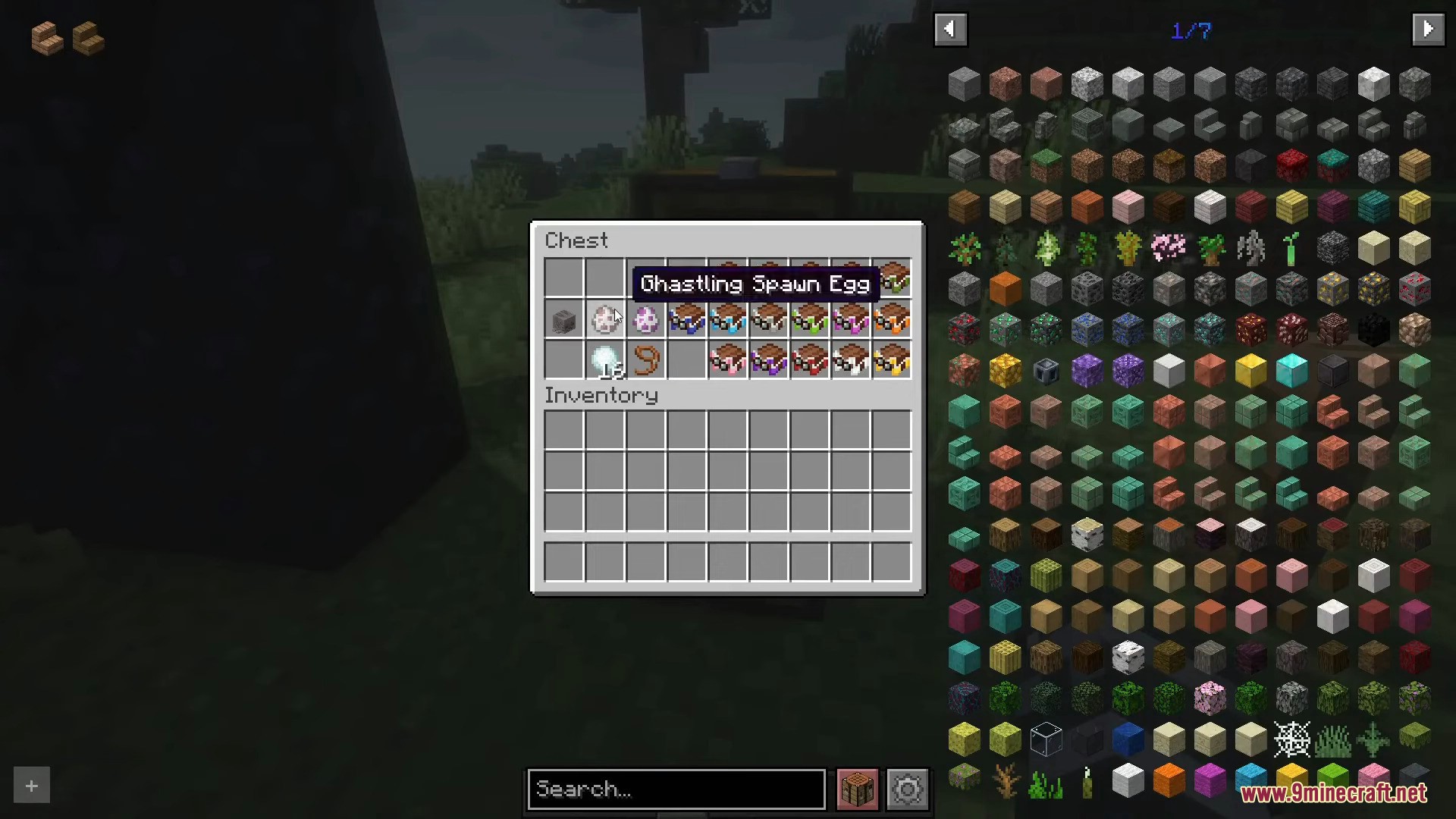
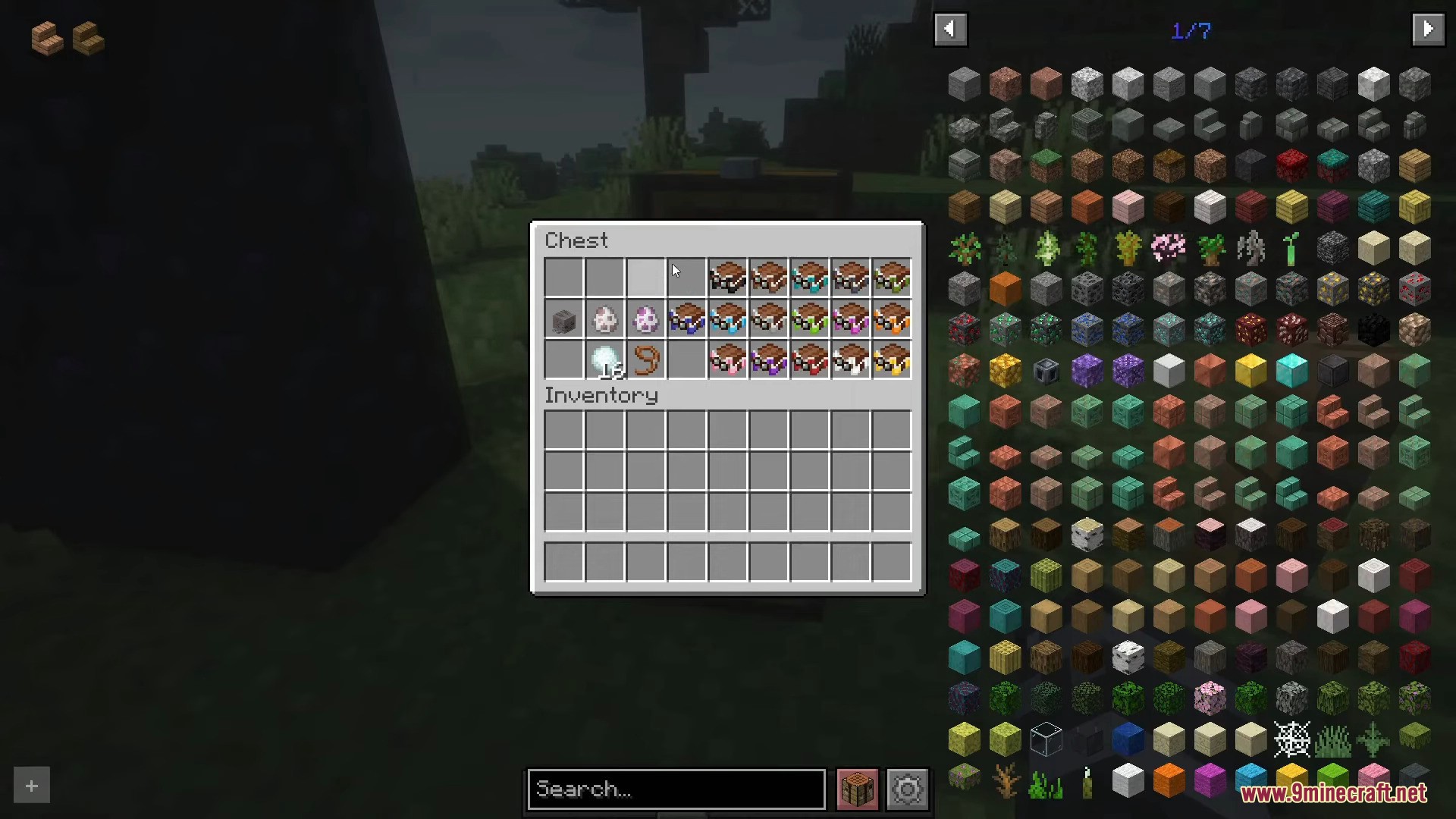
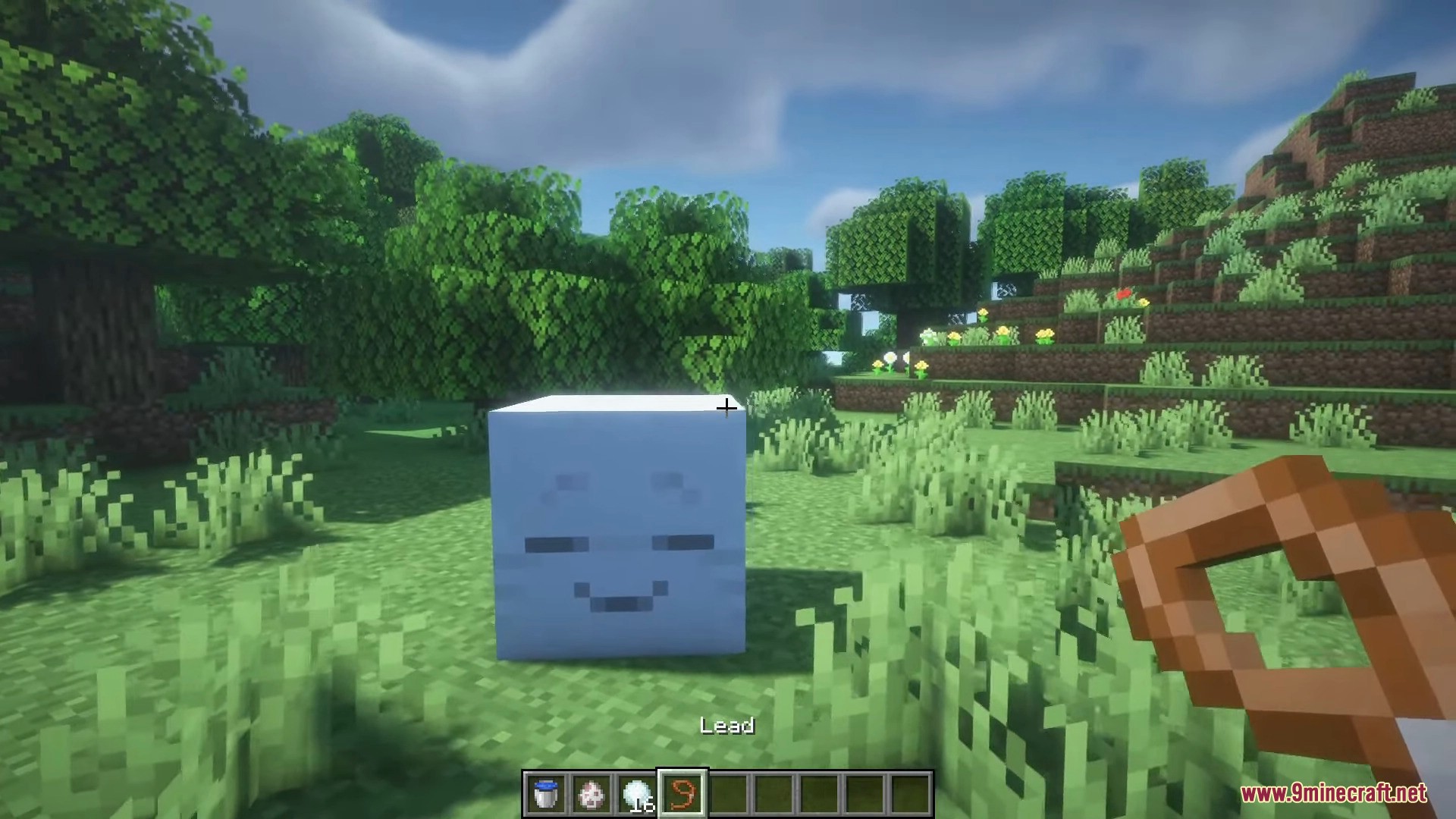
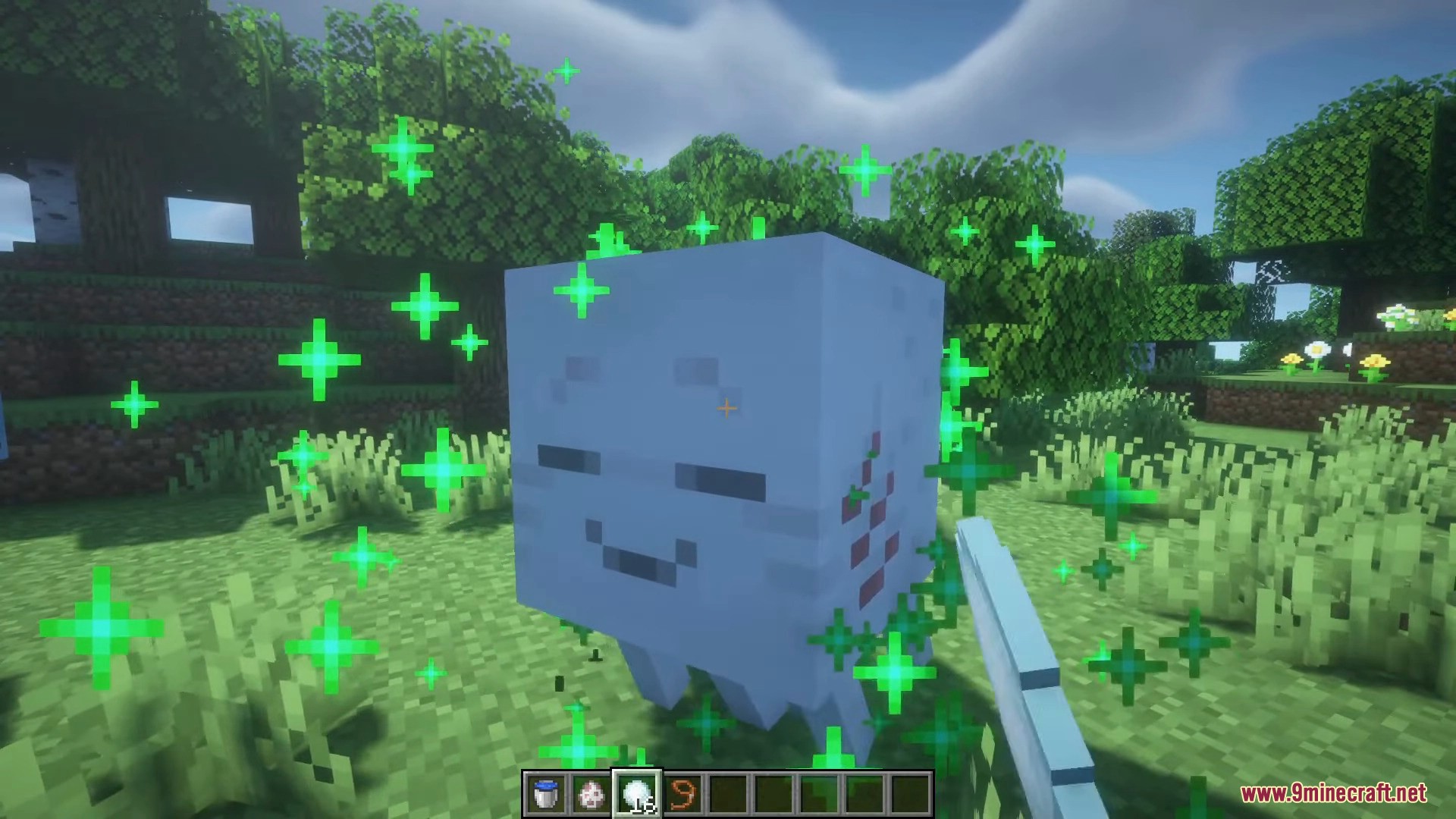
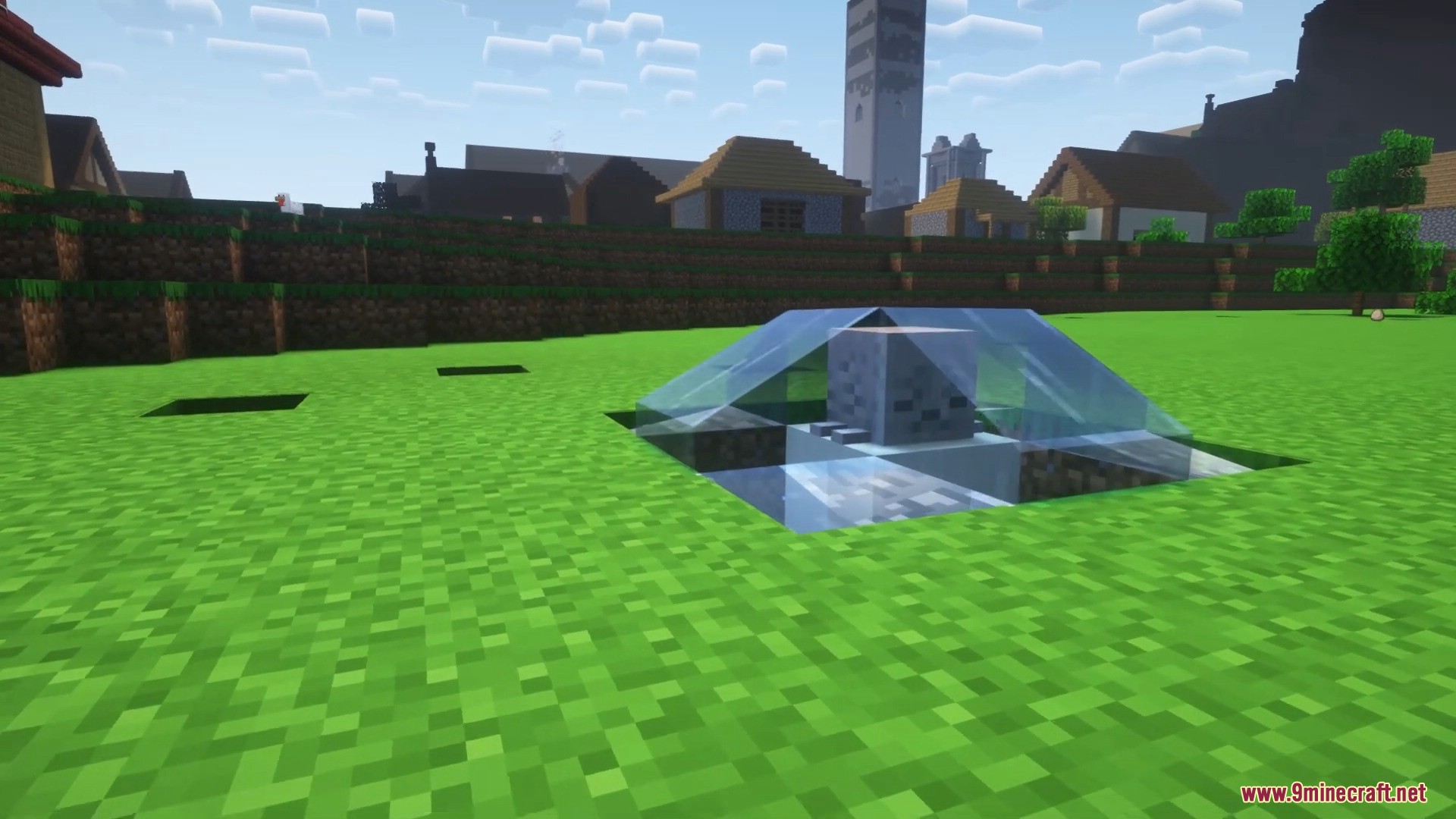
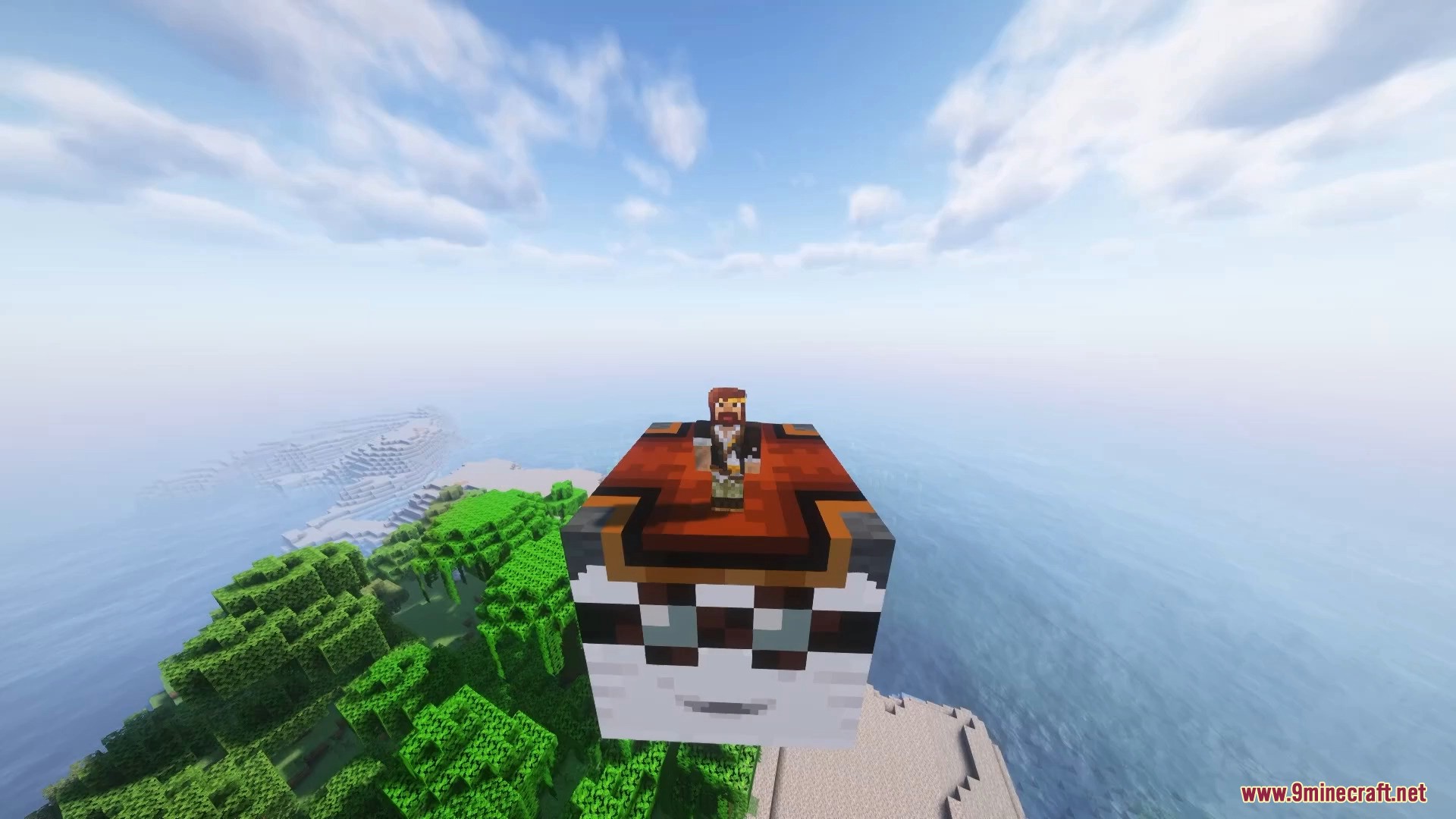
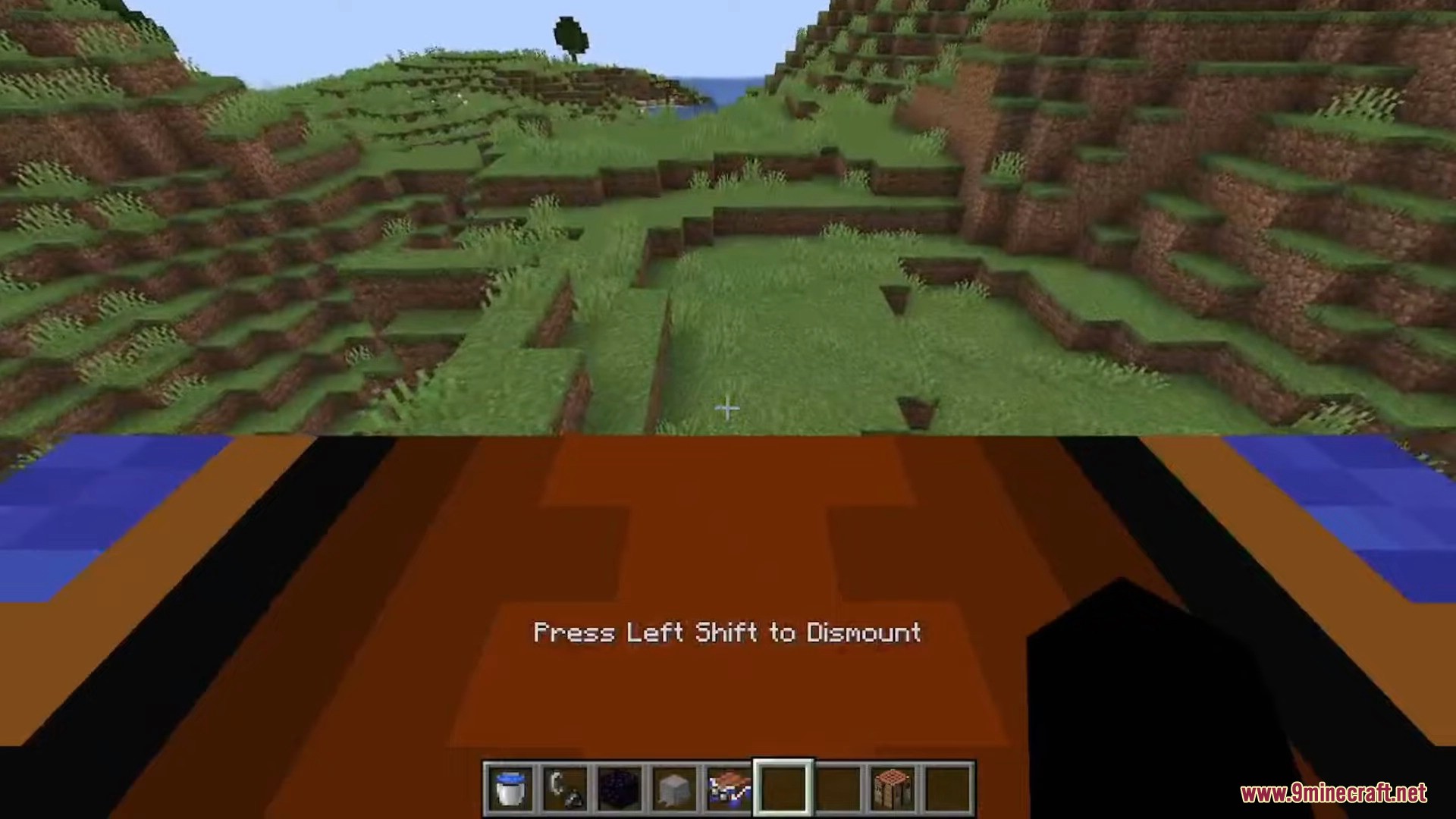
Happy Ghast Backport Mod adds the friendly and rideable Happy Ghast to your world. This mod lets you find a special block in the Nether, bring a baby Ghast to life, and raise it into a giant, flying friend. You can even ride it with up to three other players across the skies.
Features:
- Find Dried Ghasts, a new block that appears in Soul Sand Valleys in the Nether.
- Place a Dried Ghast in water to rehydrate it into a baby Ghastling.
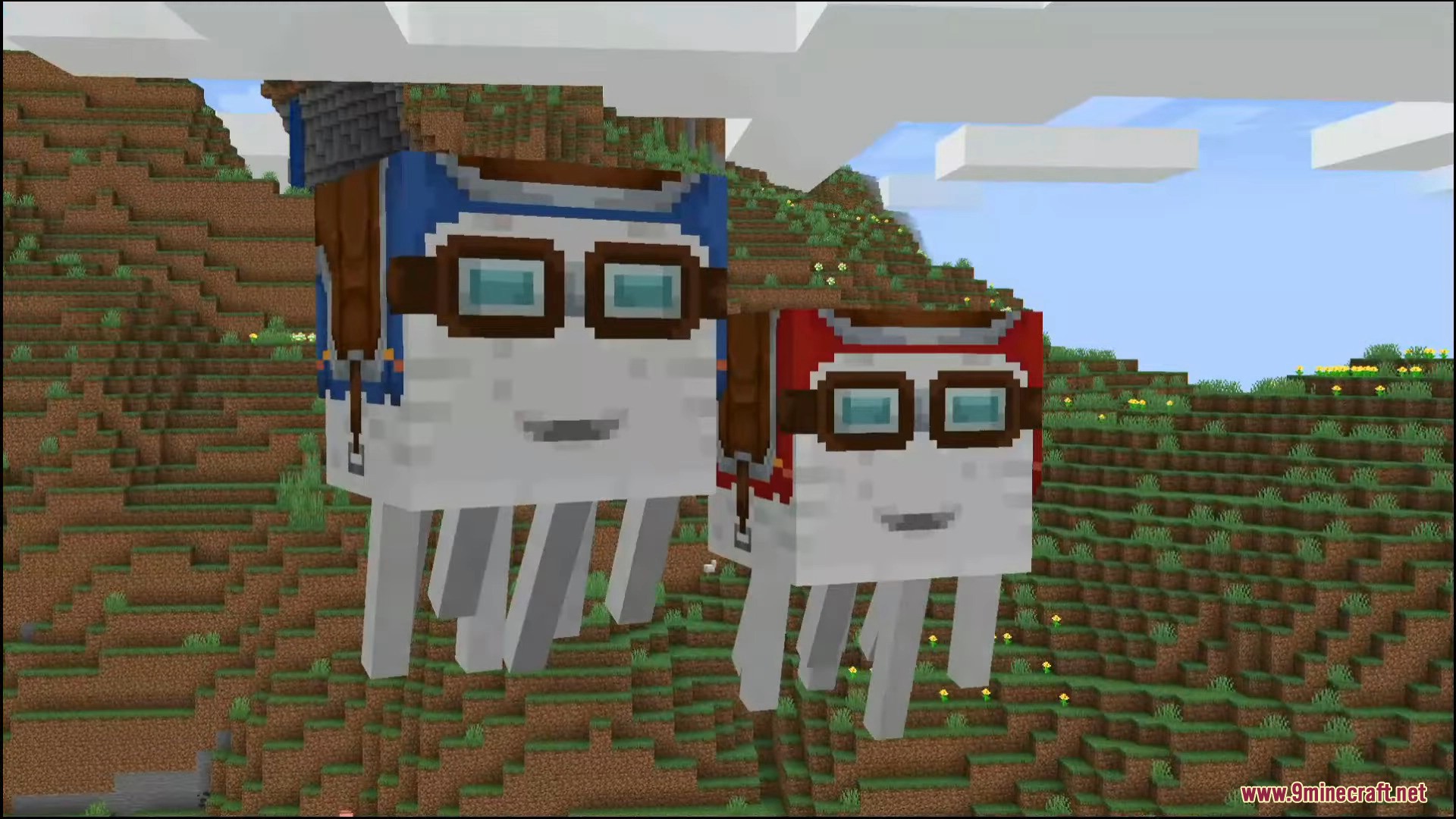
- Feed snowballs to the Ghastling to help it grow into a full-sized Happy Ghast.
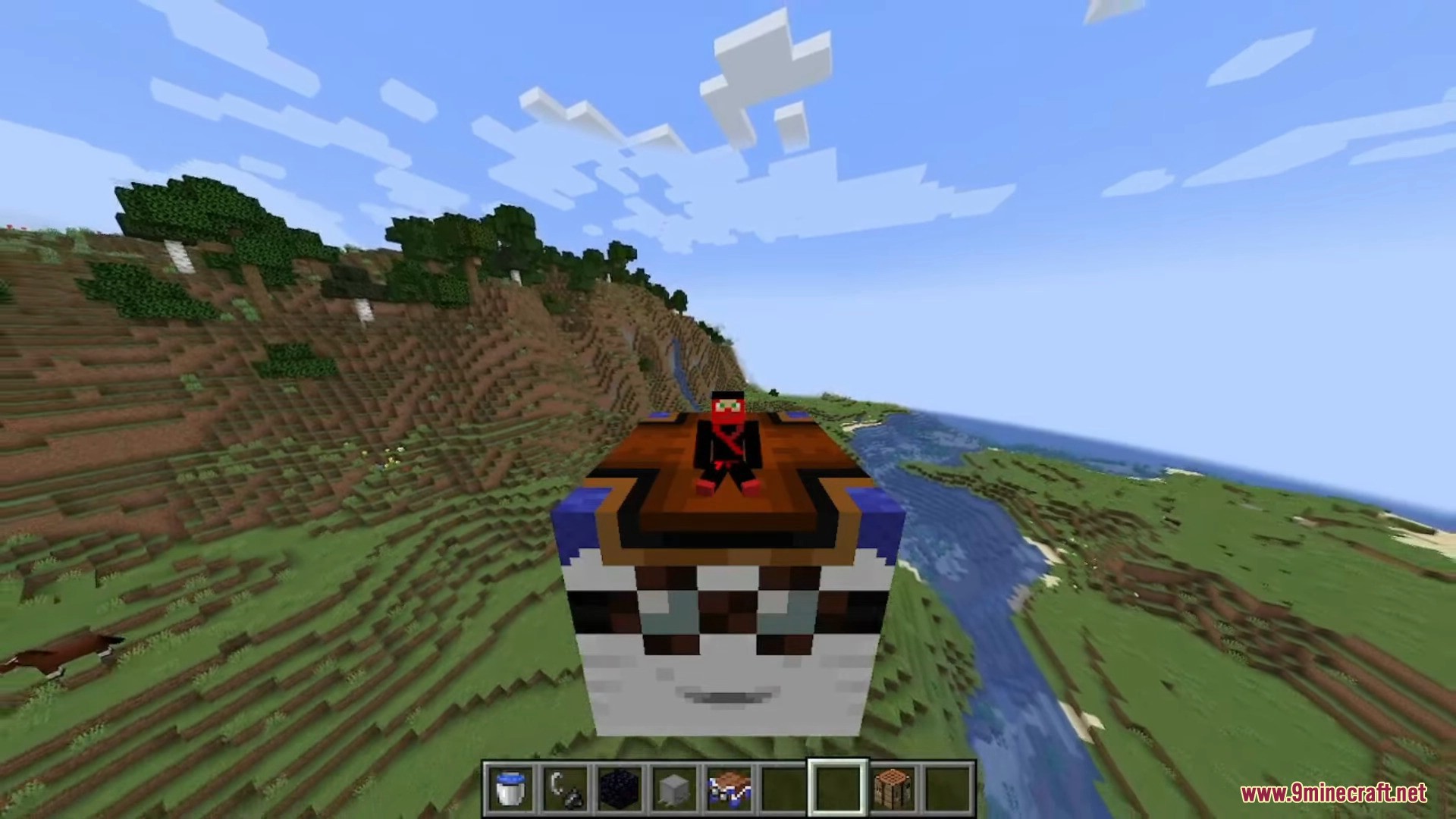
- Ride the Happy Ghast with up to four players at the same time.
- Players can safely walk on the Ghast’s back while it is flying.
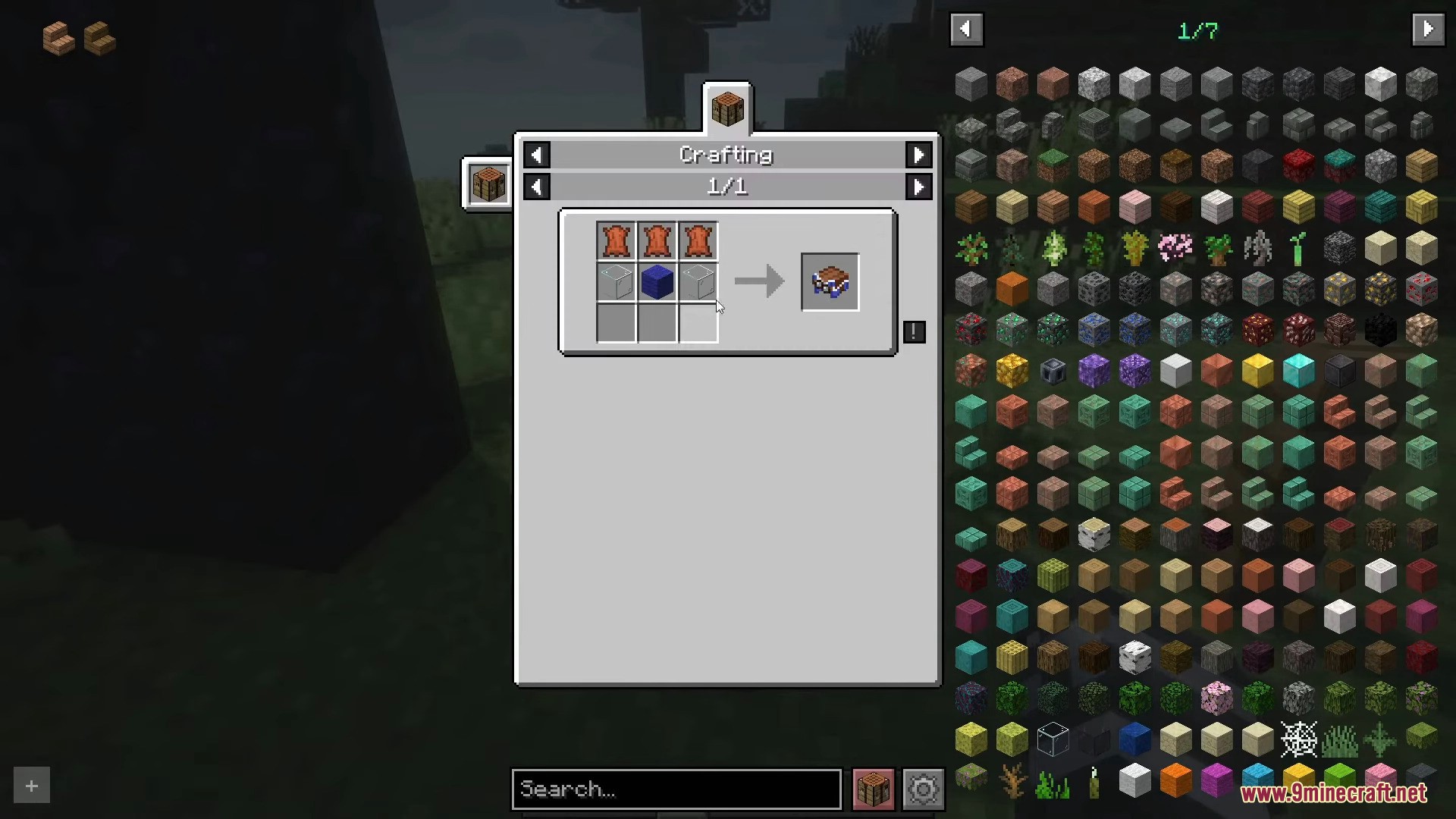
- Use a colored harness to tame and ride the Ghast. There are 16 colors available.
How to Use:
- Find a Dried Ghast in a Soul Sand Valley biome in the Nether.
- Place the Dried Ghast in water to turn it into a Ghastling.
- Feed the Ghastling snowballs to make it grow into a Happy Ghast.
- Hold a harness and the Ghast will approach you. Right-click to put the harness on.
- To fly, use W to move forward and S to move backward. Look up to ascend and look down to descend.
- To remove the harness, sneak and right-click on the Ghast.
Screenshots:
Happy Ghast Backport Mod Download Links
For Minecraft 1.21.4
NeoForge version: Download from Server 1 – Download from Server 2
For Minecraft 1.21.1, 1.21
NeoForge version: Download from Server 1 – Download from Server 2
For Minecraft 1.20.4
NeoForge version: Download from Server 1
For Minecraft 1.20.1, 1.20
Forge version: Download from Server 1 – Download from Server 2
Fabric version: Download from Server 1 – Download from Server 2
For Minecraft 1.19.2
Forge version: Download from Server 1
For Minecraft 1.18.2
Forge version: Download from Server 1
For Minecraft 1.16.5
Forge version: Download from Server 1
- Edition: Minecraft Java
- File type: .jar
- Minecraft versions listed: 1.21.4, 1.20.1
- How to install: Install the matching mod loader (Forge, Fabric or NeoForge) for your Minecraft version. → Download the .jar. → Put it in the .minecraft/mods folder and launch that loader profile.
- Where to get it: In MC Java Mods, or directly above on this page.
Install steps are the general flow for this file type — How to install Minecraft Java mods & modpacks walks through it step by step.
- Downloads as 177395.mcaddon
- Download size: 144 KB
- Download link checked 25 Jul 2026 — working
- Mirrored on our own servers — the download does not depend on the original host
These come from our own check of the pack file, not from the source page.