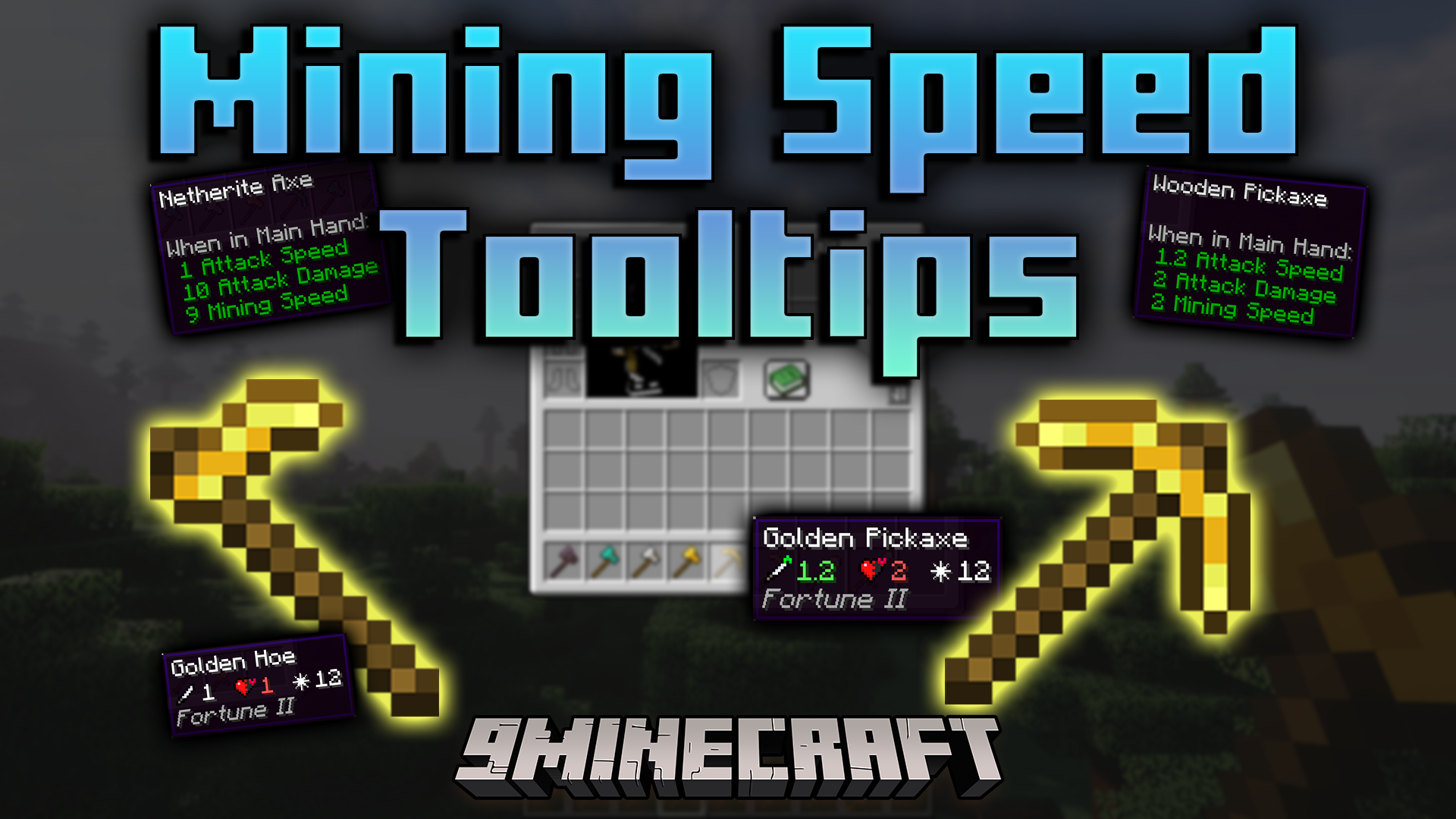
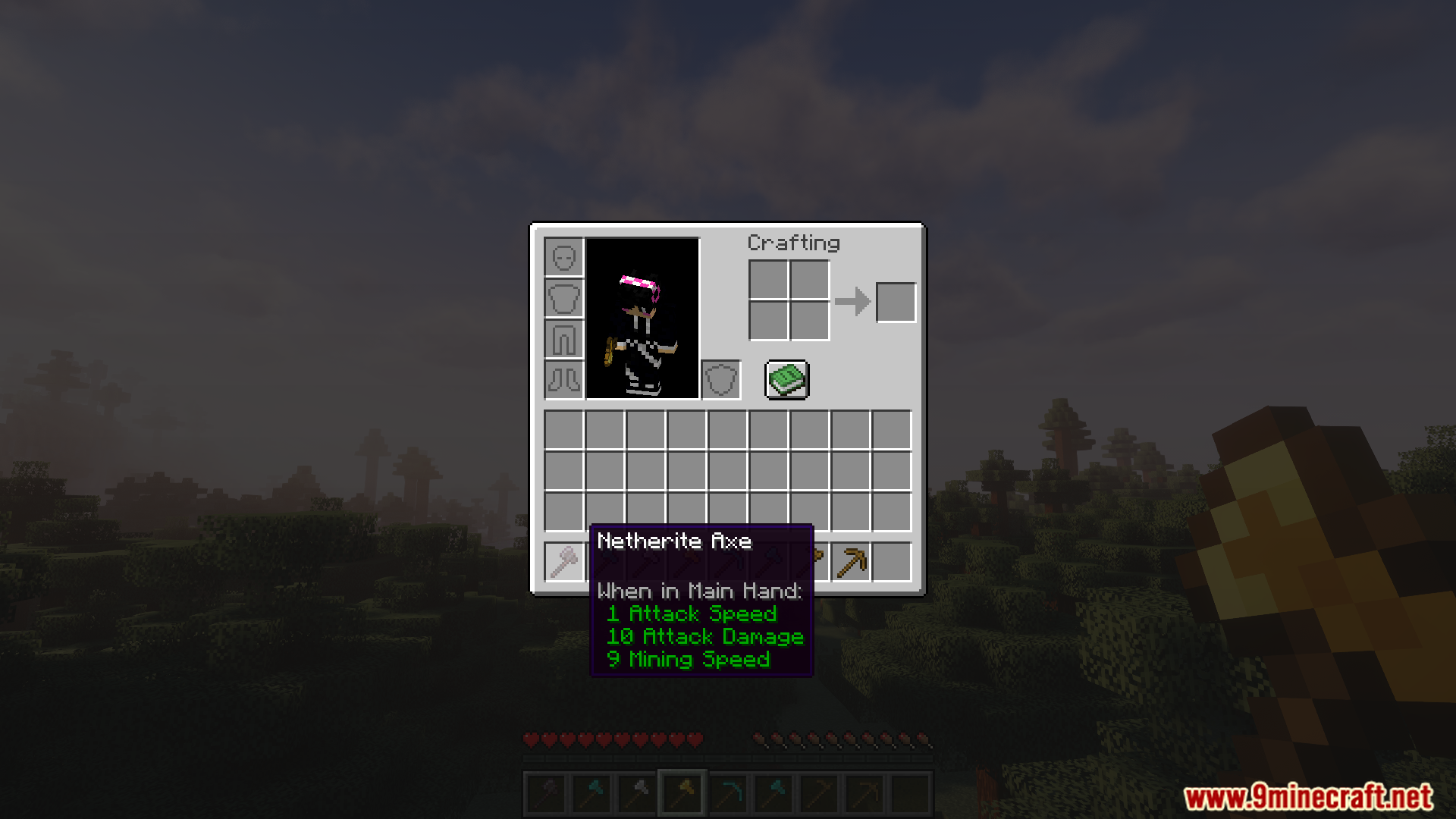

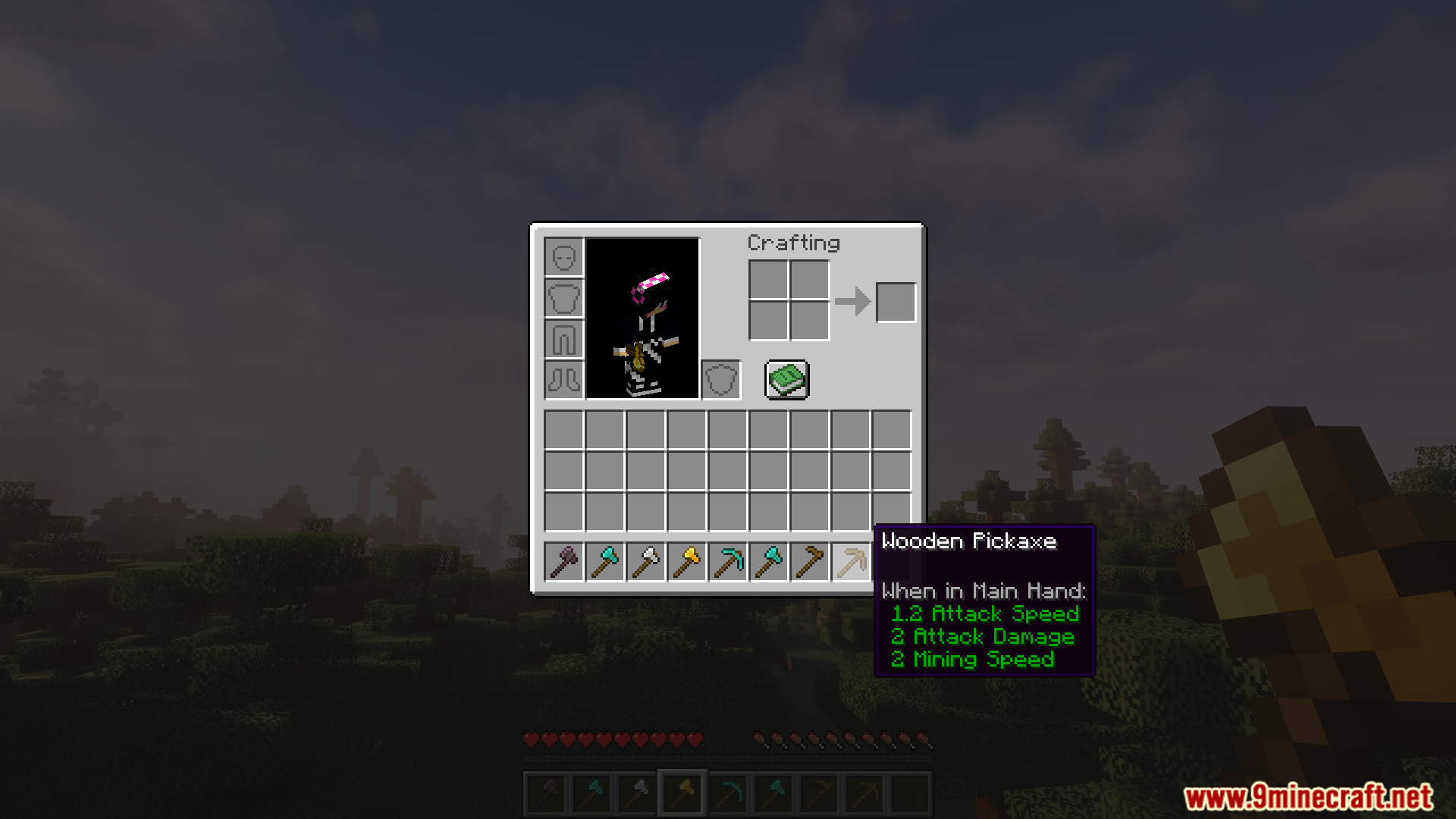
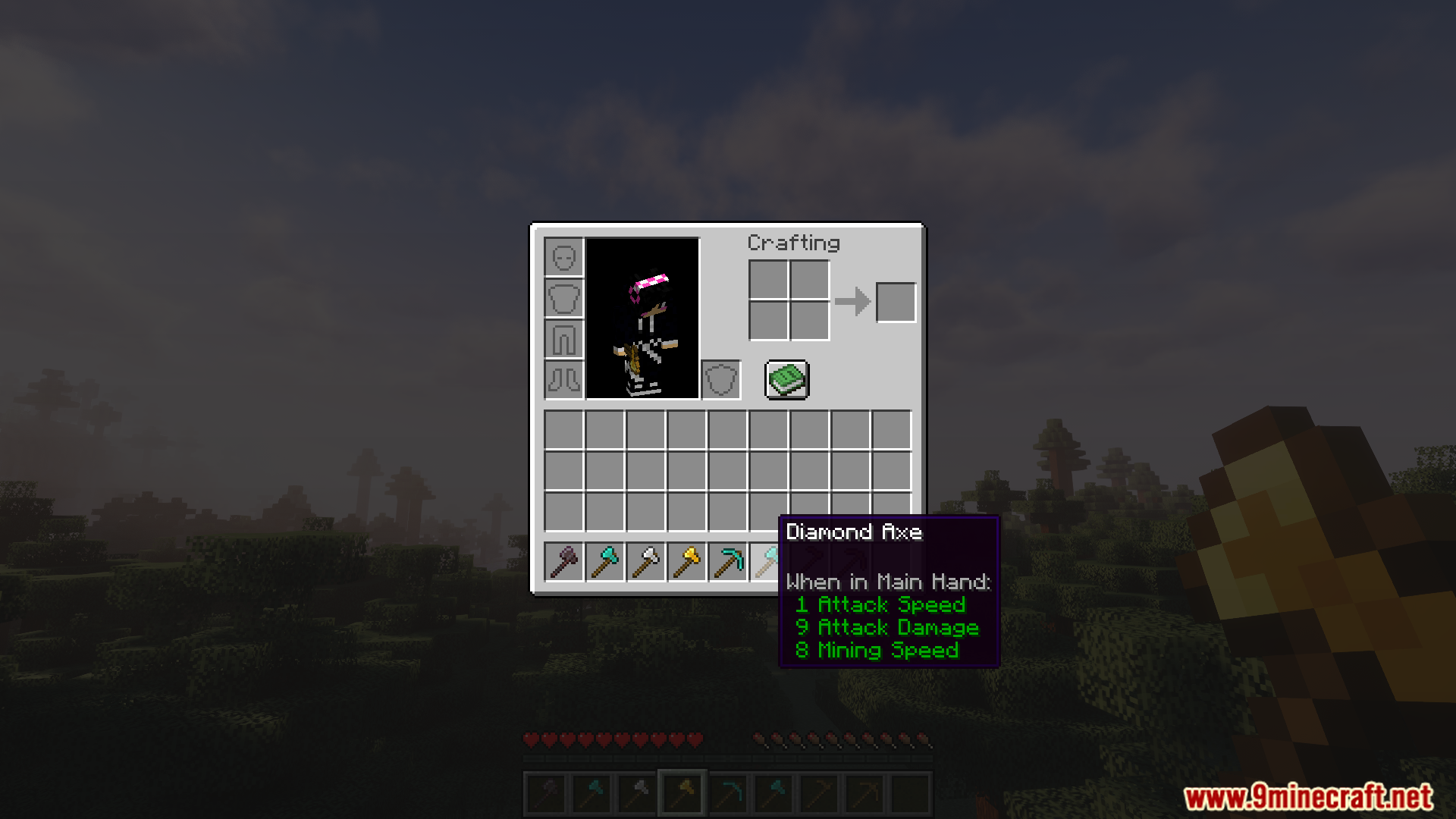



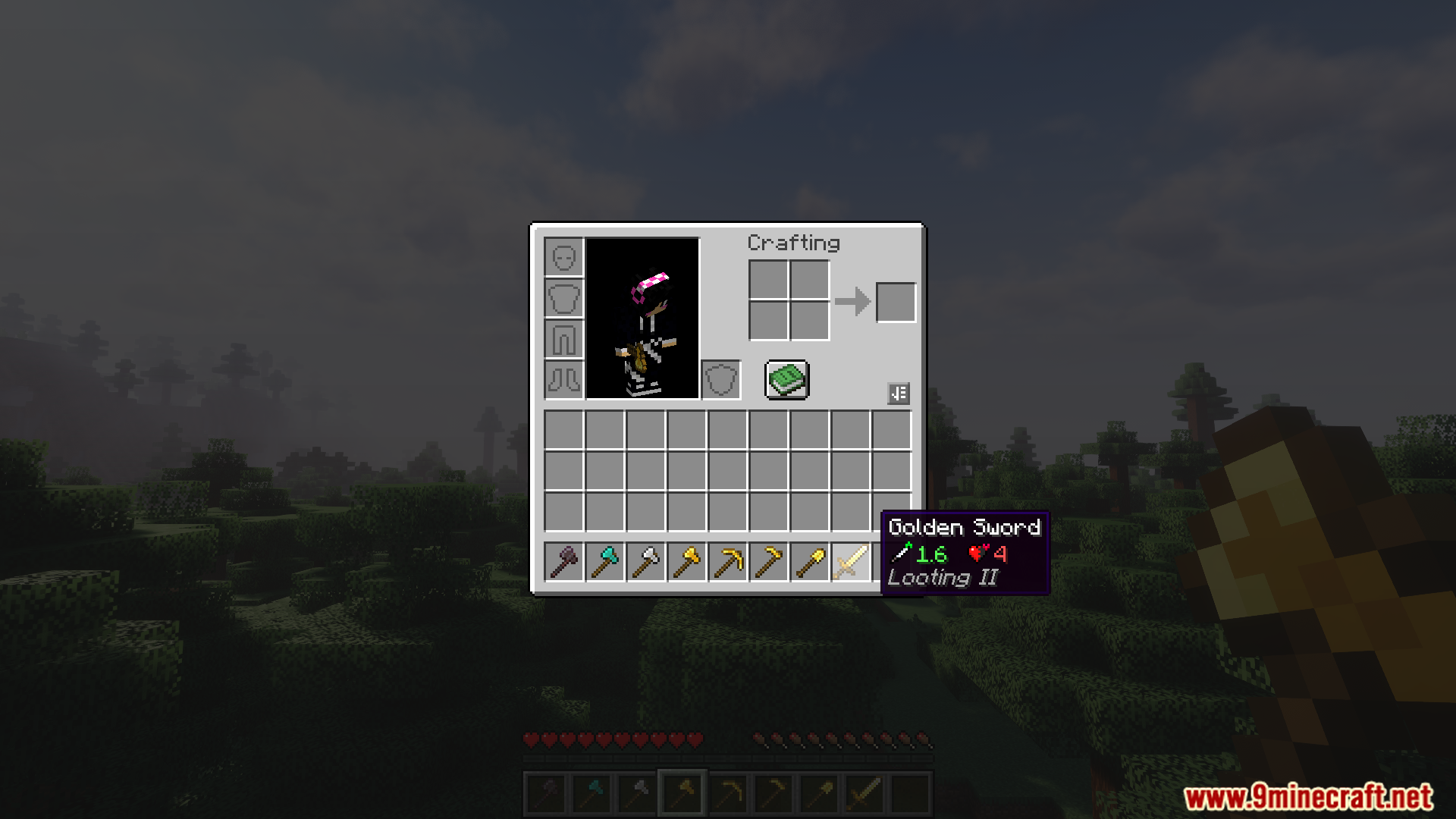
Mining Speed Tooltips Mod adds a line of text to your tools to show their real digging speed. In regular Minecraft, this number is hidden, and many players mix it up with attack speed. This mod makes it clear by showing the speed on pickaxes, axes, shovels, and other digging tools.
Features:
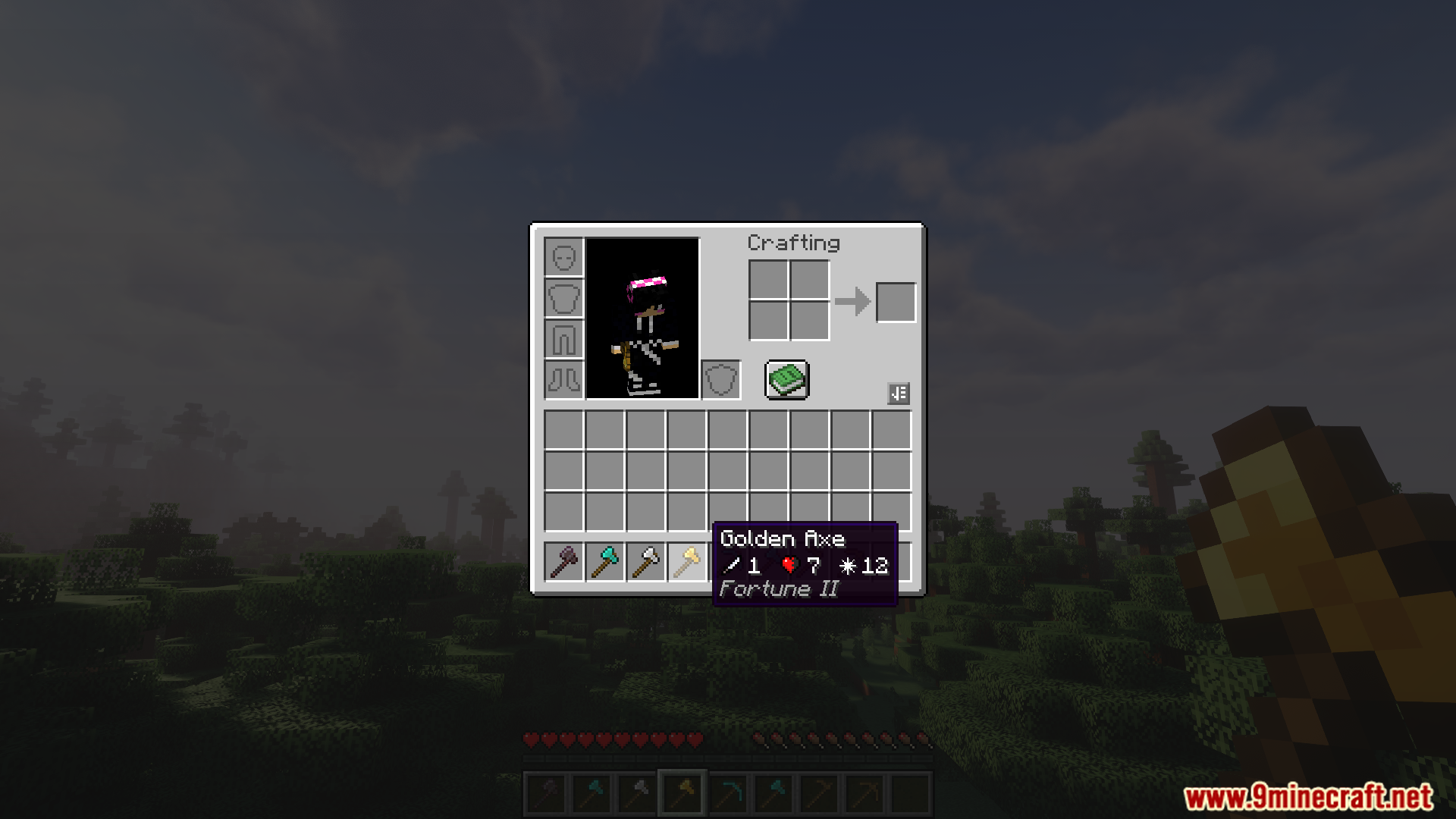
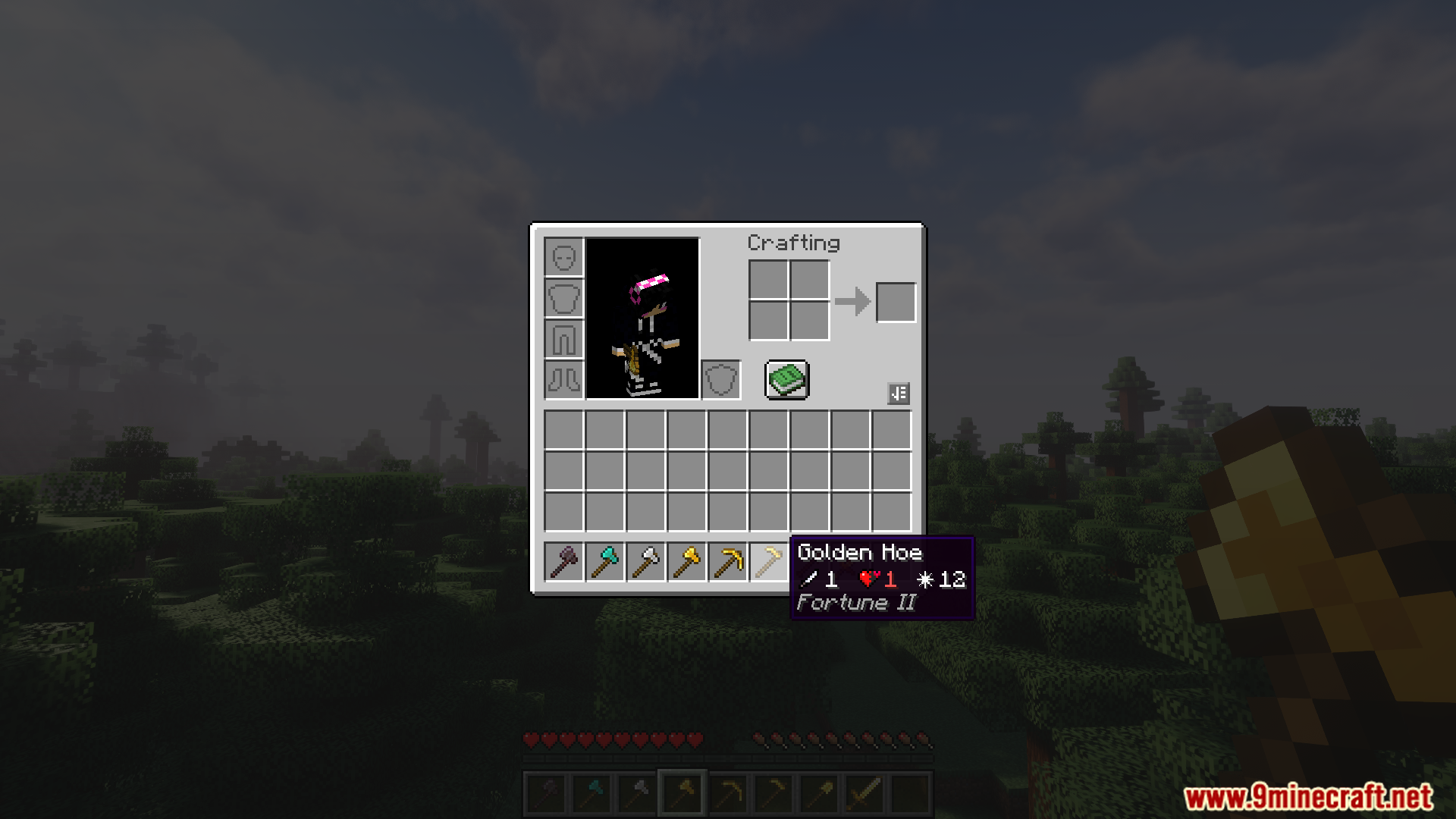
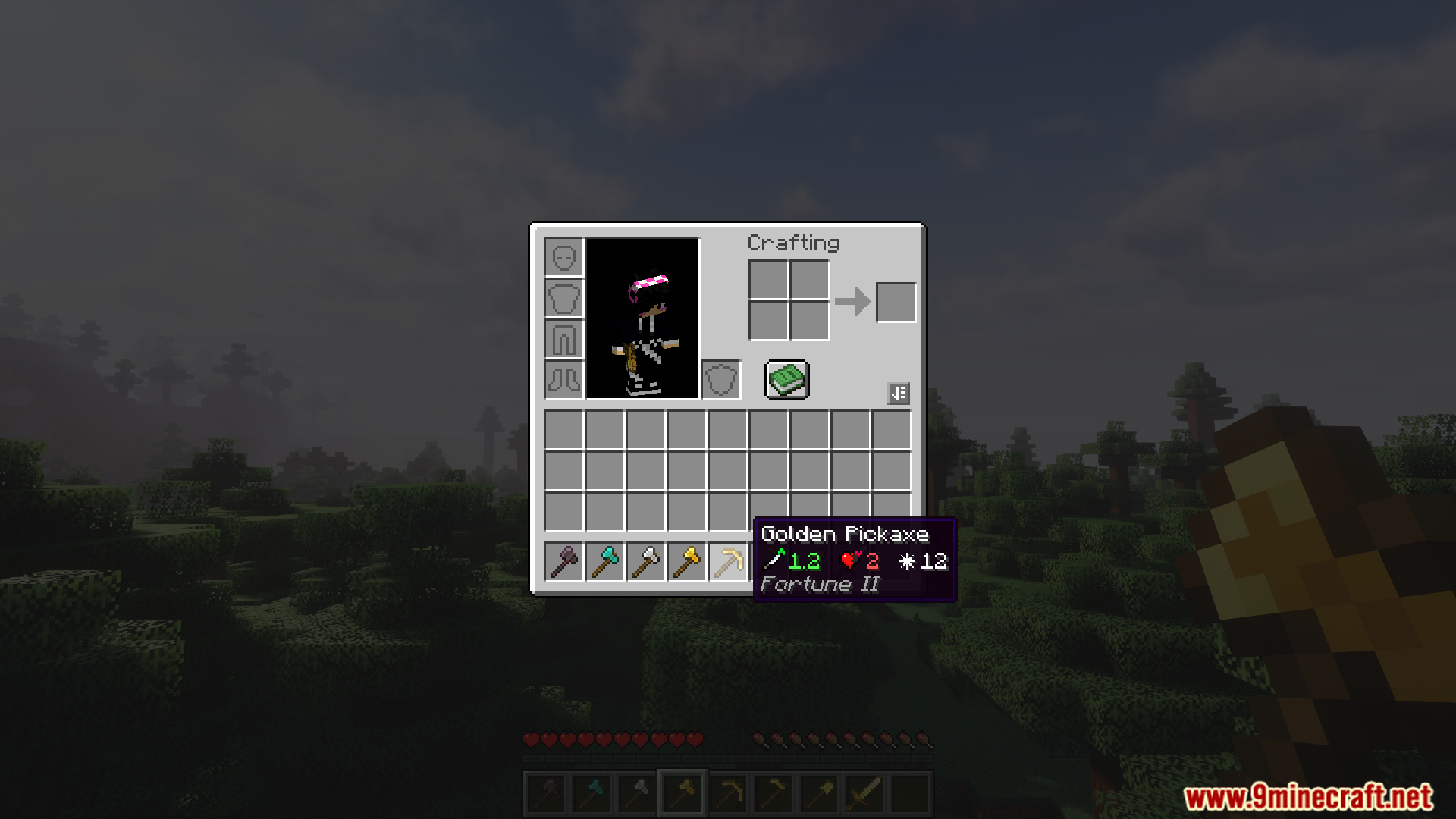
- Adds a new line to the tooltip for digging tools that displays their exact mining speed.
- Works with the Quark mod to add mining speed to its enhanced tooltips.
- When using Quark, it also supports the comparison system, showing a green arrow if you hover over a tool that mines faster than the one you’re holding.
- If you don’t have Quark, or if you hold the Shift key, the mod simply shows the mining speed as a line of text after the attack speed.
Screenshots:


Mining Speed Tooltips Mod Download Links
For Minecraft 1.21.5
Fabric version: Download from Server 1 – Download from Server 2
For Minecraft 1.21.4
Fabric version: Download from Server 1 – Download from Server 2
For Minecraft 1.21.1, 1.21
Fabric version: Download from Server 1 – Download from Server 2
NeoForge version: Download from Server 1 – Download from Server 2
For Minecraft 1.20.1, 1.20
Forge version: Download from Server 1 – Download from Server 2
Fabric version: Download from Server 1 – Download from Server 2
- Edition: Minecraft Java
- File type: .jar
- Minecraft versions listed: 1.21.5, 1.20.1
- How to install: Install the matching mod loader (Forge, Fabric or NeoForge) for your Minecraft version. → Download the .jar. → Put it in the .minecraft/mods folder and launch that loader profile.
- Where to get it: In MC Java Mods, or directly above on this page.
Install steps are the general flow for this file type — How to install Minecraft Java mods & modpacks walks through it step by step.
Mining Speed Tooltips Mod (1.21.5, 1.20.1) – Choose the Fastest Pickaxe is a free Minecraft Java mod. Compatible with Minecraft 1.21.5, 1.20.1. Download it and open it directly in the game.