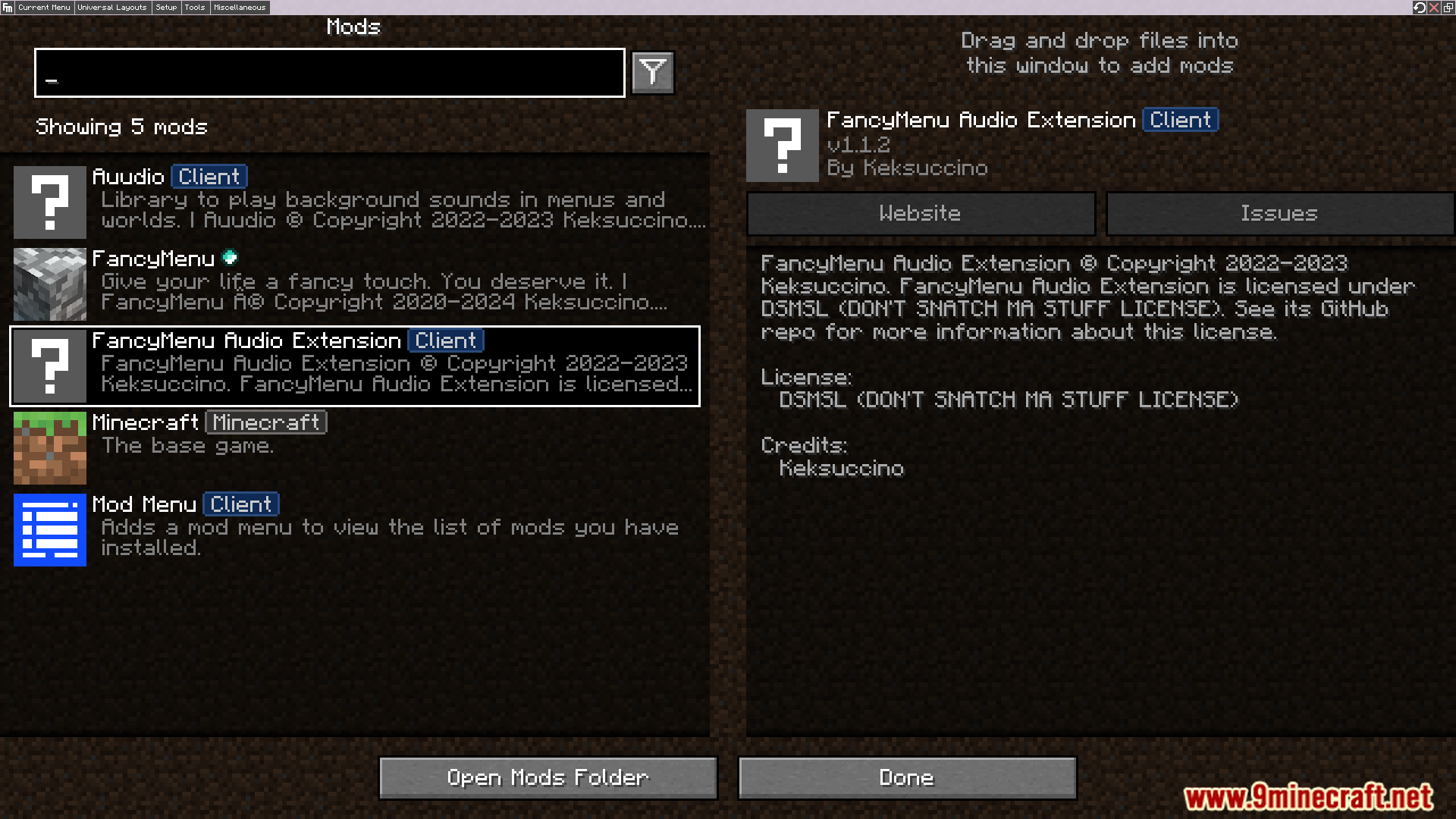
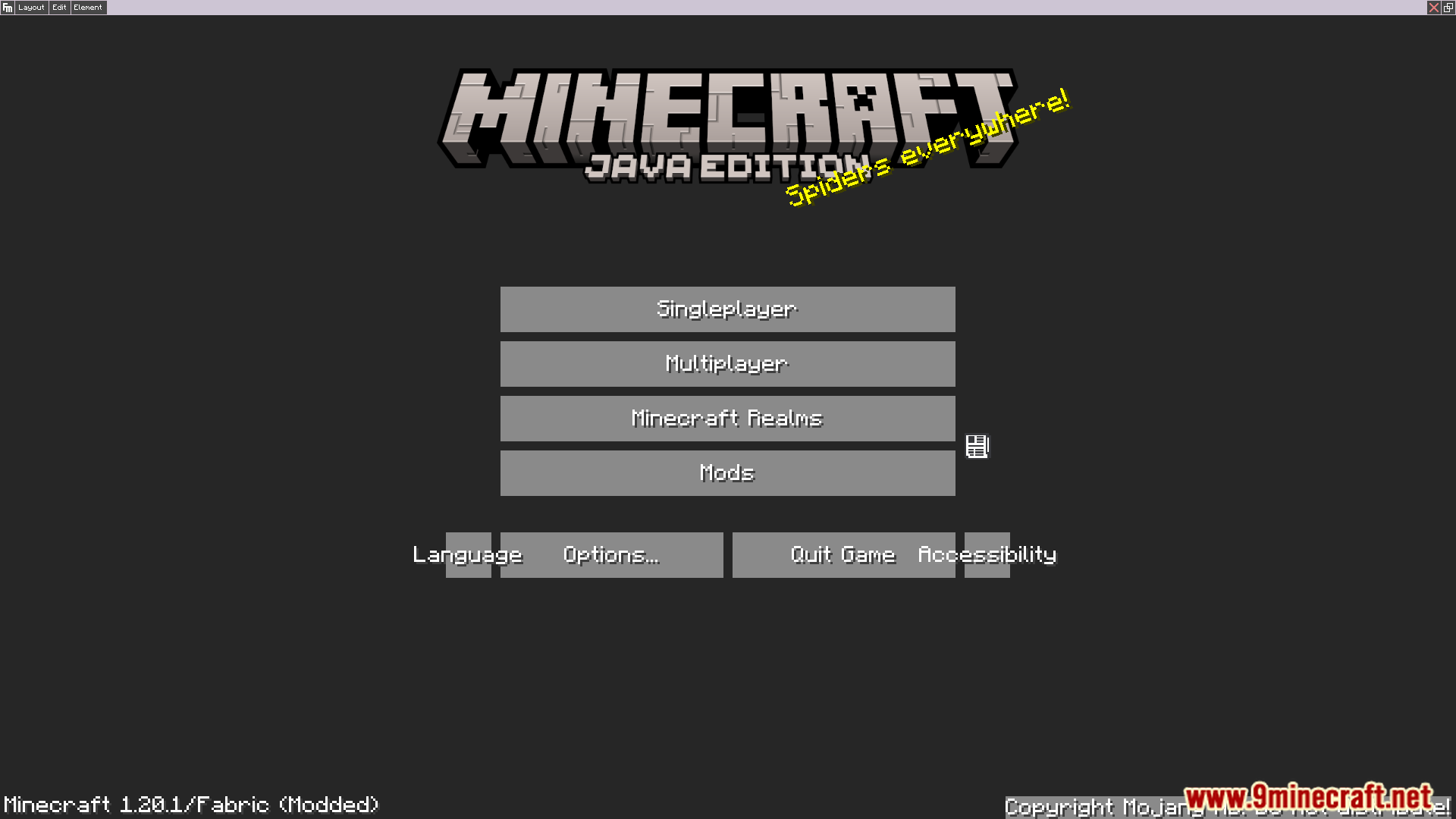
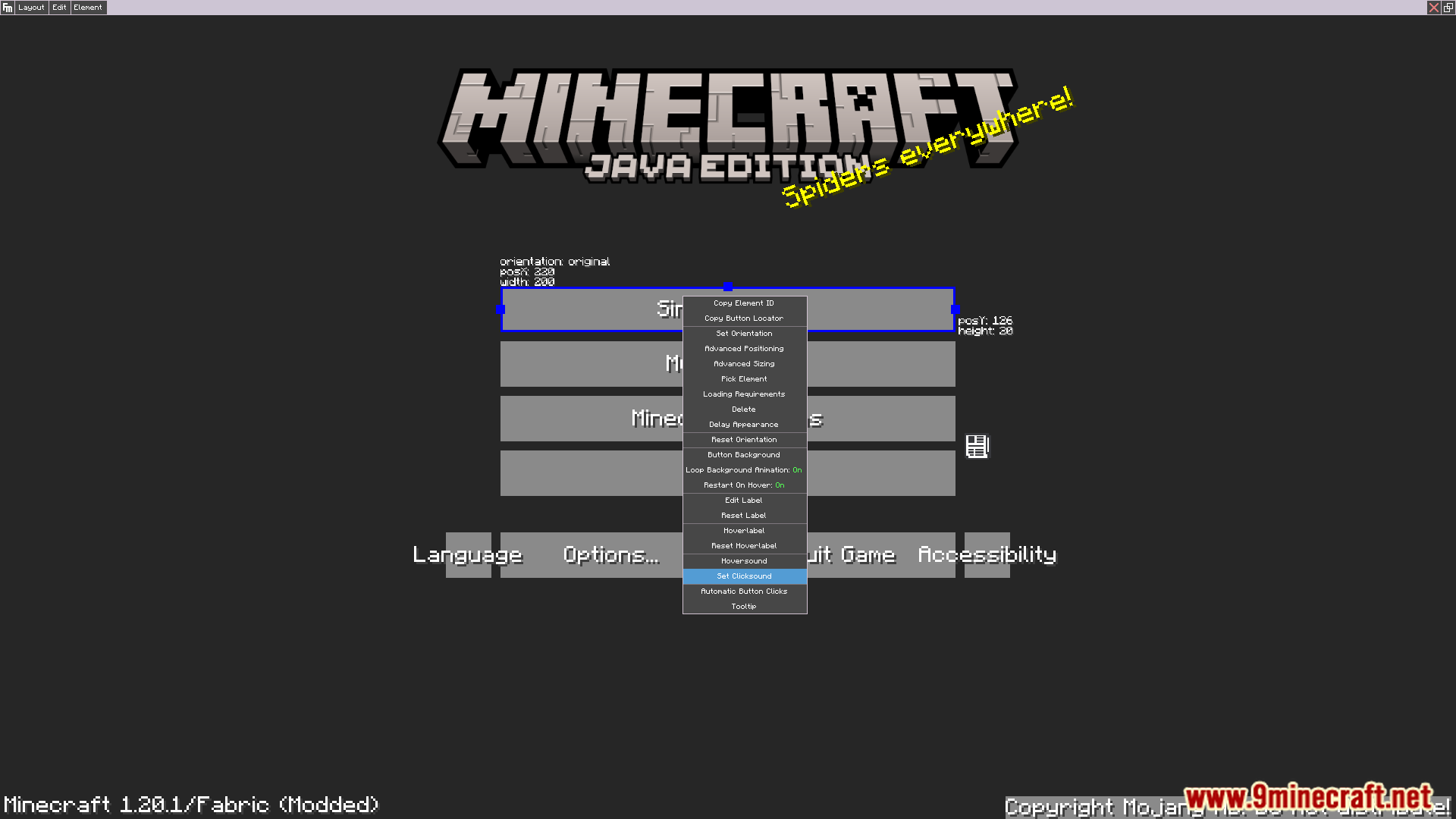
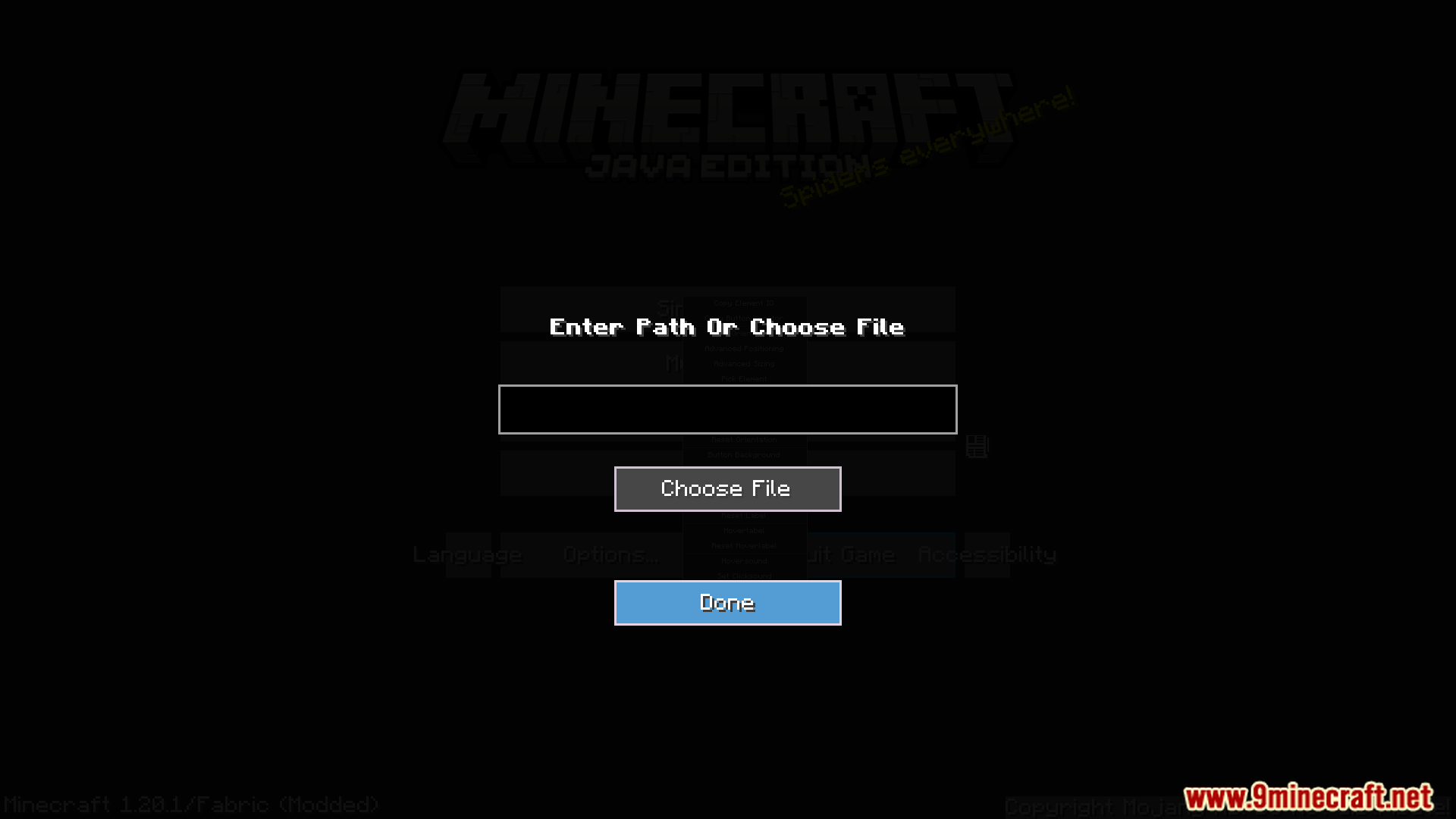

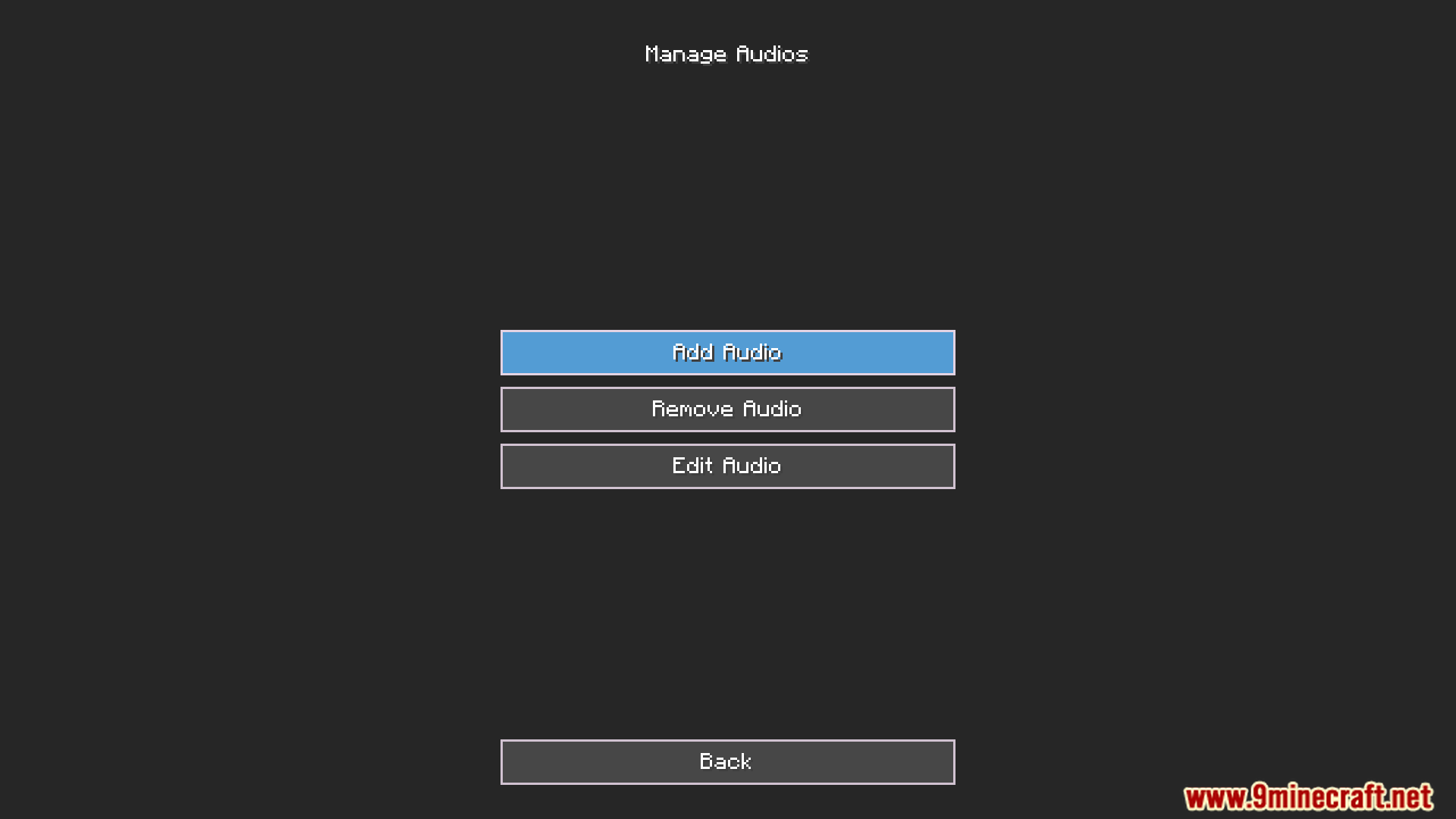
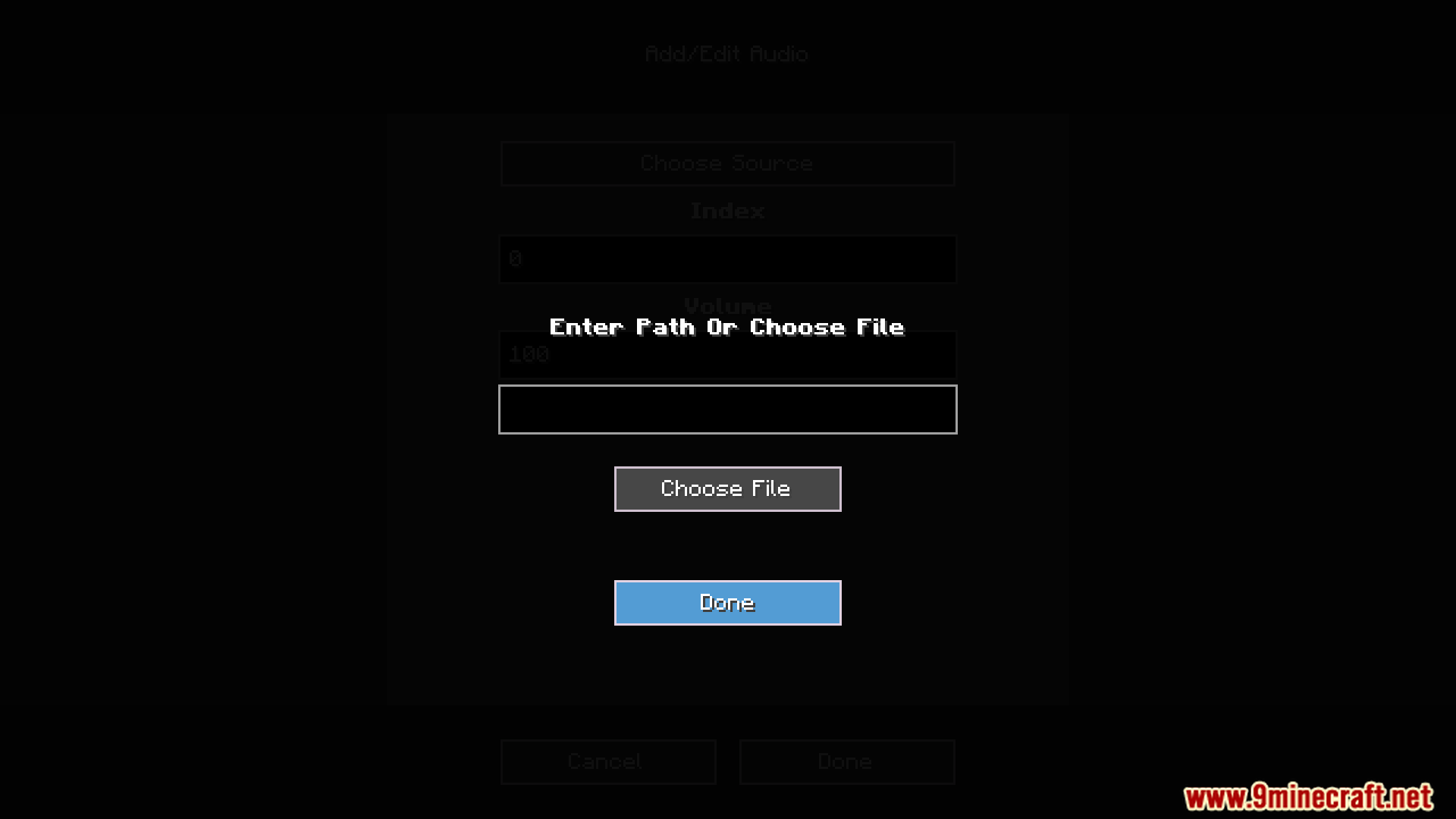
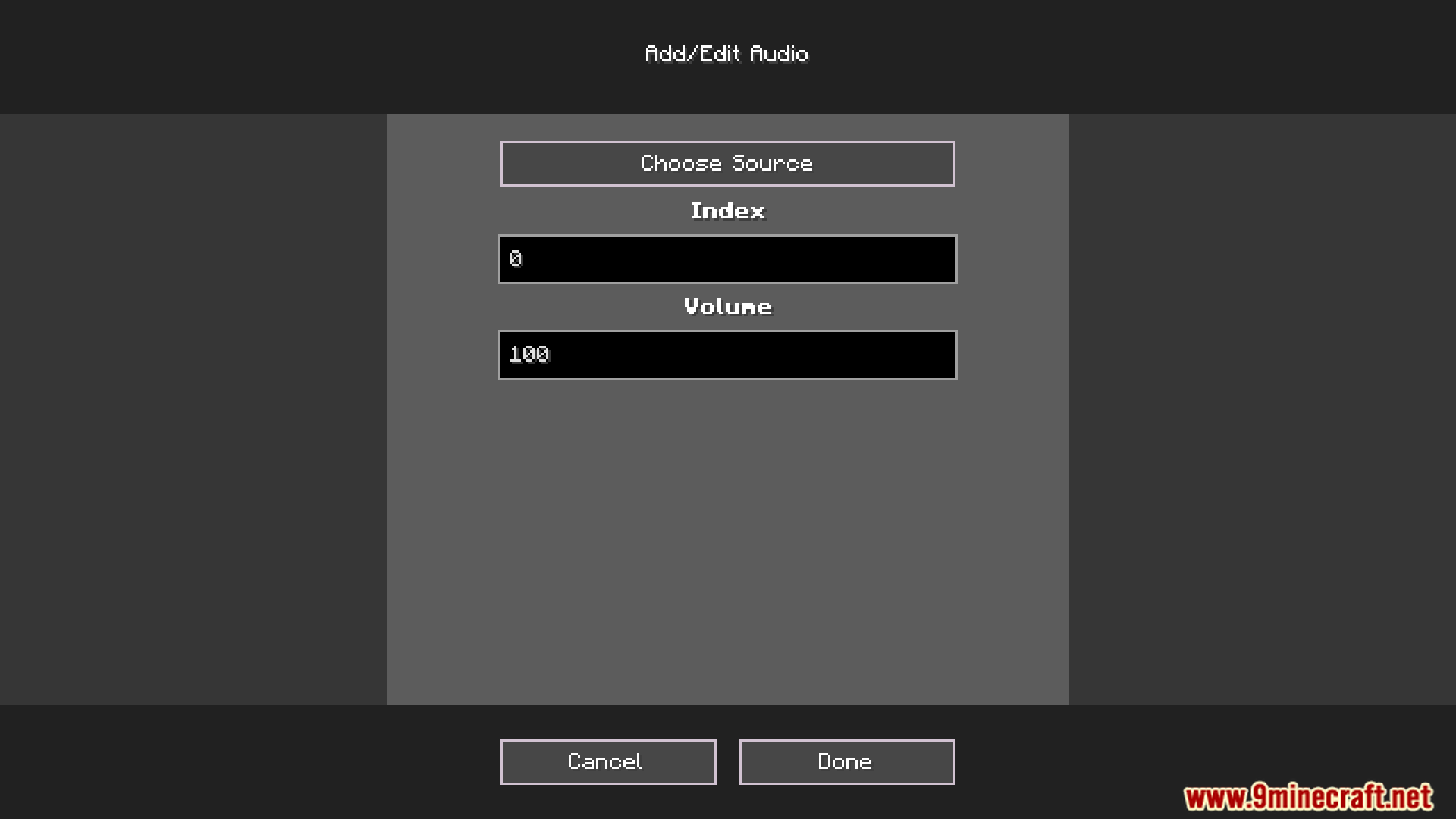
Audio Extension For FancyMenu V2 Mod adds customizable sounds to menus made with the FancyMenu mod. This addon is designed specifically for FancyMenu v2 and is not compatible with version 3. It allows you to add audio elements to your layouts, creating a more immersive experience for custom modpacks or servers.
Features:
- Add multiple sounds to a single audio element to create a playlist.
- Play sounds in a specific order or set them to shuffle randomly.
- Assign audio elements to different Minecraft sound channels like master or music.
- Adjust the volume for each sound individually.
- Set sounds to loop continuously or play only once per game session.
- Use the ‘toggle_mute_audio’ button action to mute specific sounds.
Screenshots:
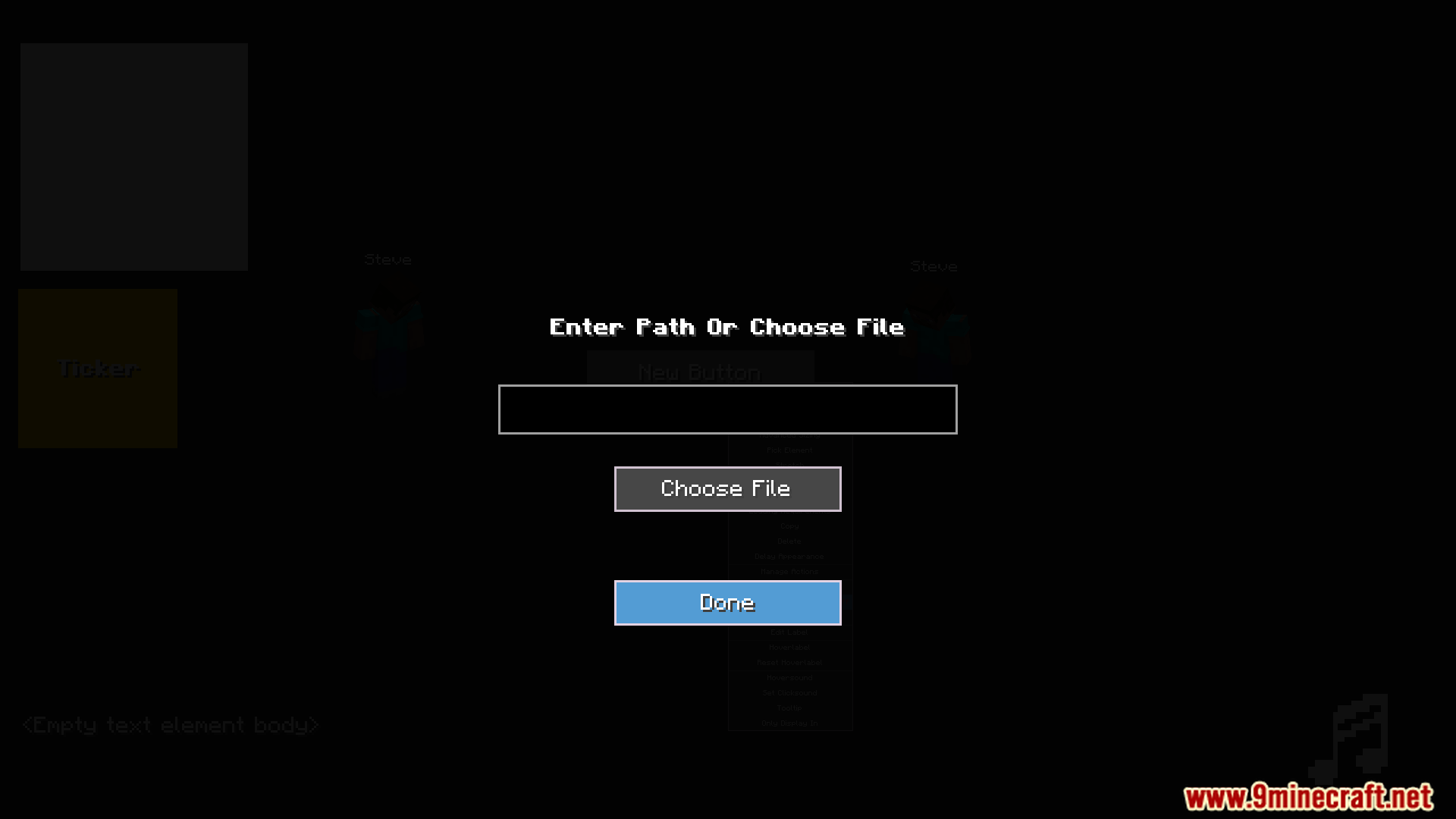
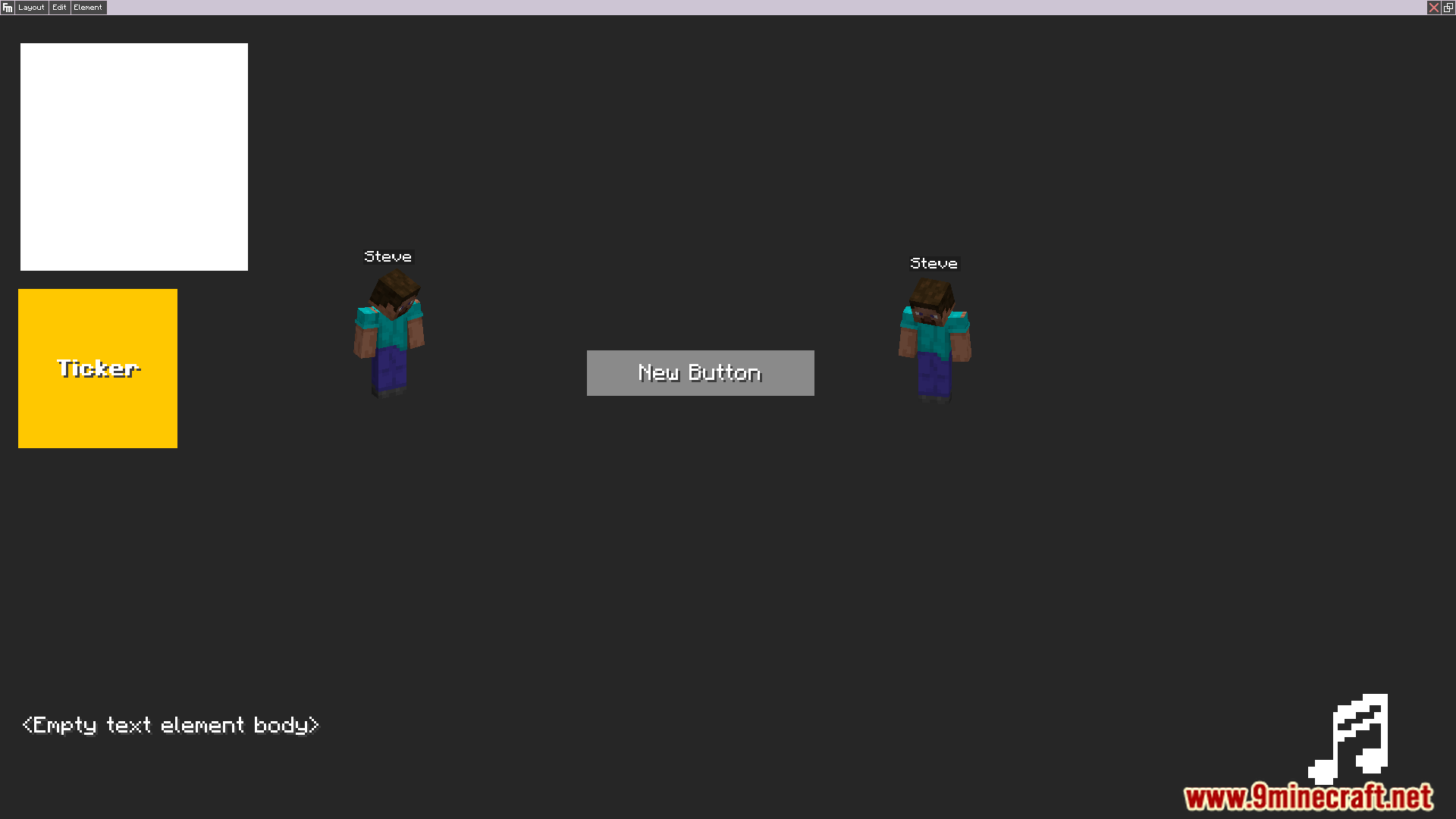
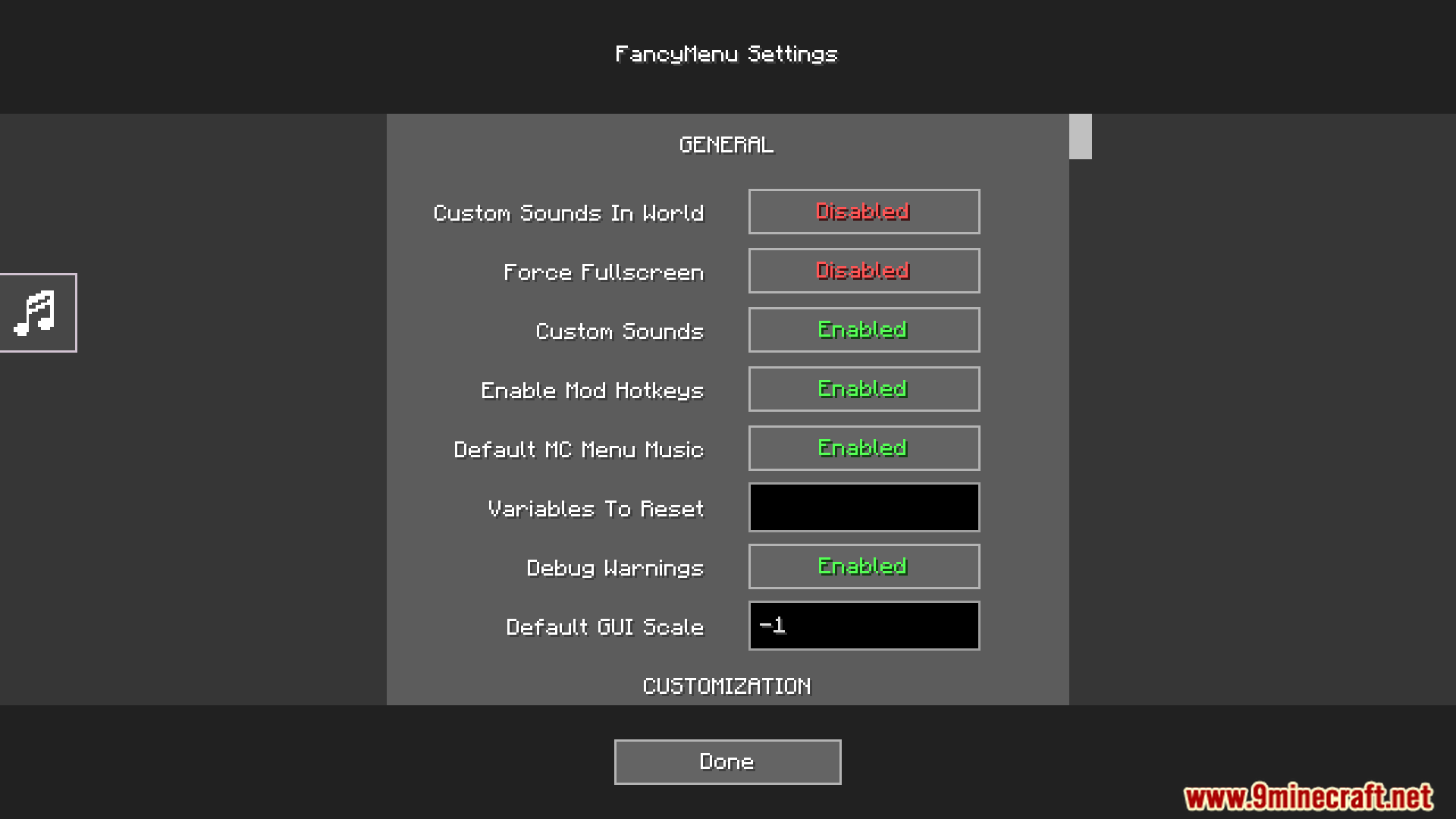
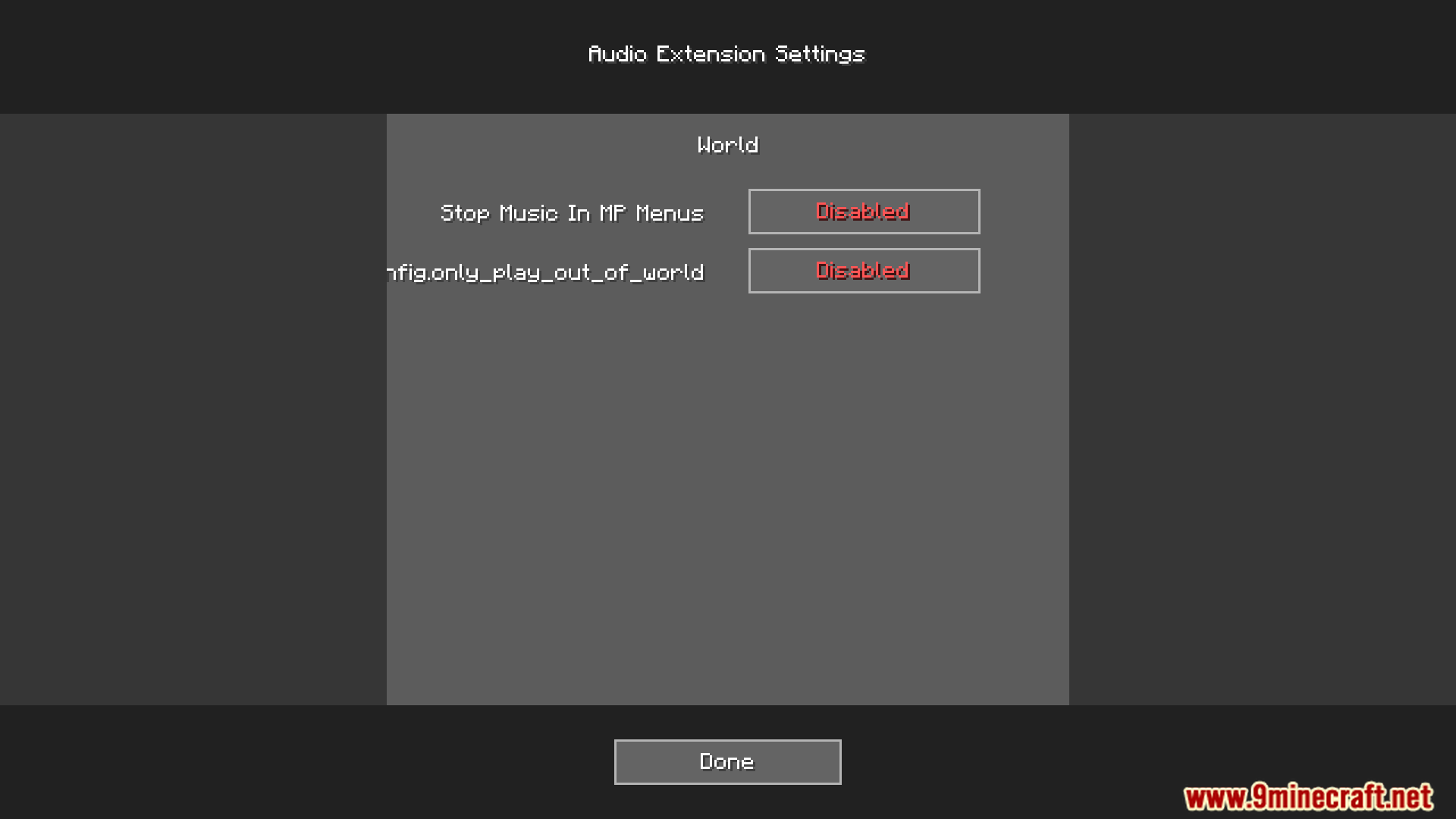
Audio Extension For FancyMenu V2 Mod Download Links
For Minecraft 1.16.5, 1.16.4, 1.16.3, 1.16.2
Forge version: Download from Server 1 – Download from Server 2
Fabric version: Download from Server 1 – Download from Server 2
For Minecraft 1.18.2, 1.18.1, 1.18
Forge version: Download from Server 1 – Download from Server 2
Fabric version: Download from Server 1 – Download from Server 2
For Minecraft 1.19.2, 1.19.1, 1.19
Forge version: Download from Server 1 – Download from Server 2
Fabric version: Download from Server 1 – Download from Server 2
For Minecraft 1.19.3
Forge version: Download from Server 1 – Download from Server 2
Fabric version: Download from Server 1 – Download from Server 2
For Minecraft 1.19.4
Forge version: Download from Server 1 – Download from Server 2
Fabric version: Download from Server 1 – Download from Server 2
For Minecraft 1.20.1, 1.20
Forge version: Download from Server 1 – Download from Server 2
Fabric version: Download from Server 1 – Download from Server 2
For Minecraft 1.20.4, 1.20.2
Forge version: Download from Server 1 – Download from Server 2
Fabric version: Download from Server 1 – Download from Server 2
- Edition: Minecraft Java
- File type: .jar
- Minecraft versions listed: 1.20.4, 1.20.1
- How to install: Install the matching mod loader (Forge, Fabric or NeoForge) for your Minecraft version. → Download the .jar. → Put it in the .minecraft/mods folder and launch that loader profile.
- Where to get it: In MC Java Mods, or directly above on this page.
Install steps are the general flow for this file type — How to install Minecraft Java mods & modpacks walks through it step by step.
Audio Extension For FancyMenu V2 Mod (1.20.4, 1.20.1) – Give Menus a Unique is a free Minecraft Java mod. Compatible with Minecraft 1.20.4, 1.20.1. Download it and open it directly in the game.