ATE48's XRay Mod (1.21.4, 1.20.1) – What Gets You More Diamonds than This?
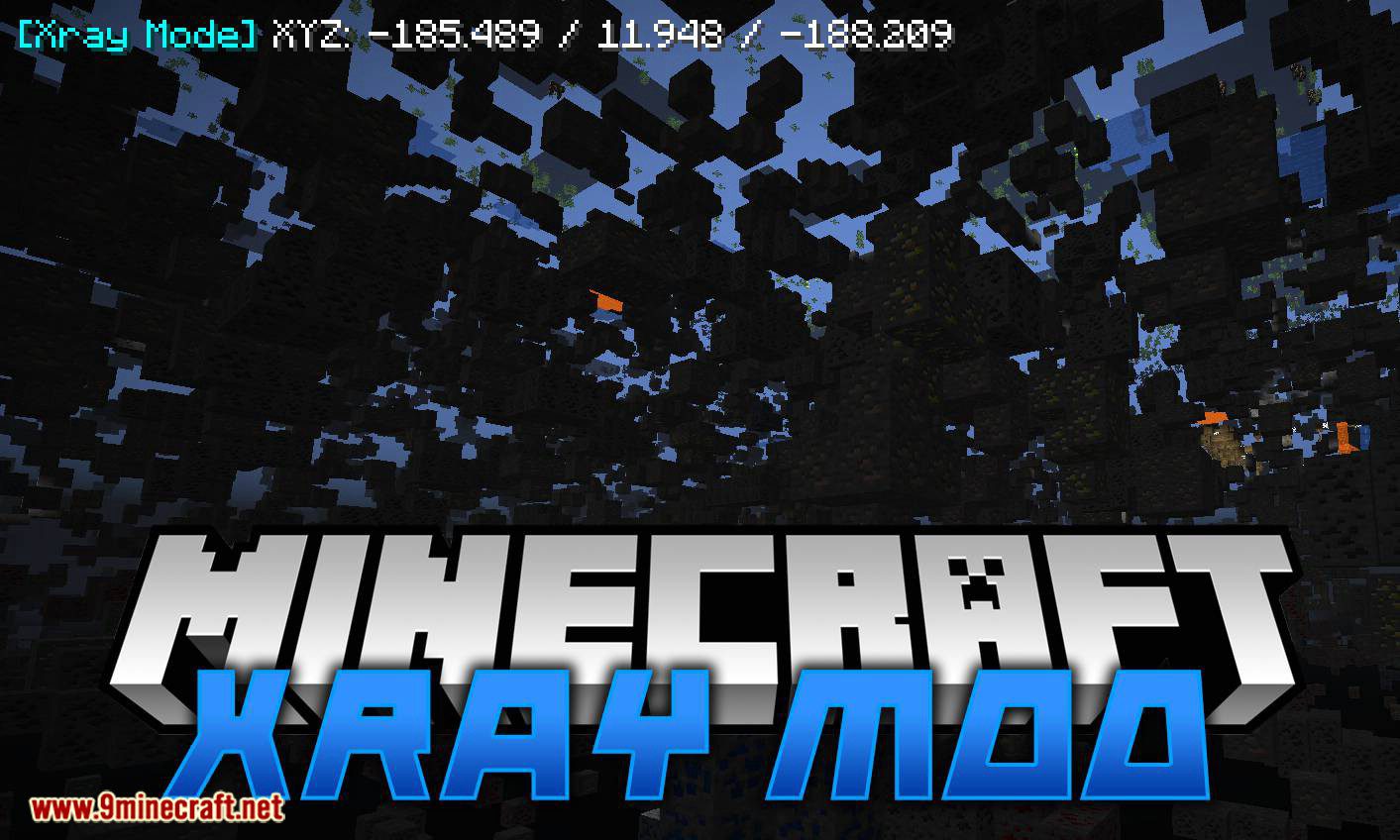
ATE48's XRay Mod is another version of the well-known cheat mod Xray. It has good functionality, including modes for finding ores and any blocks, cave…
⬇ Download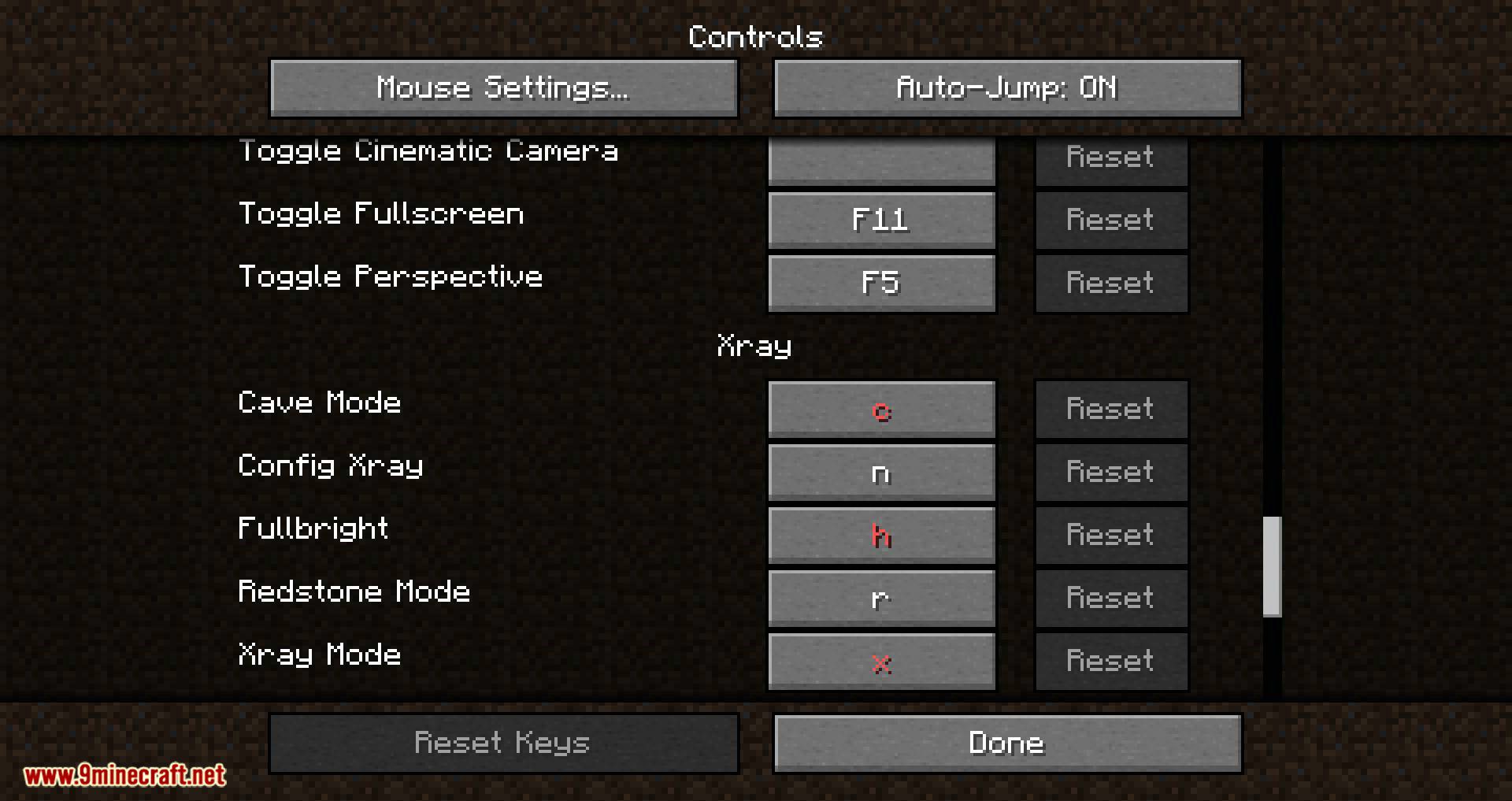
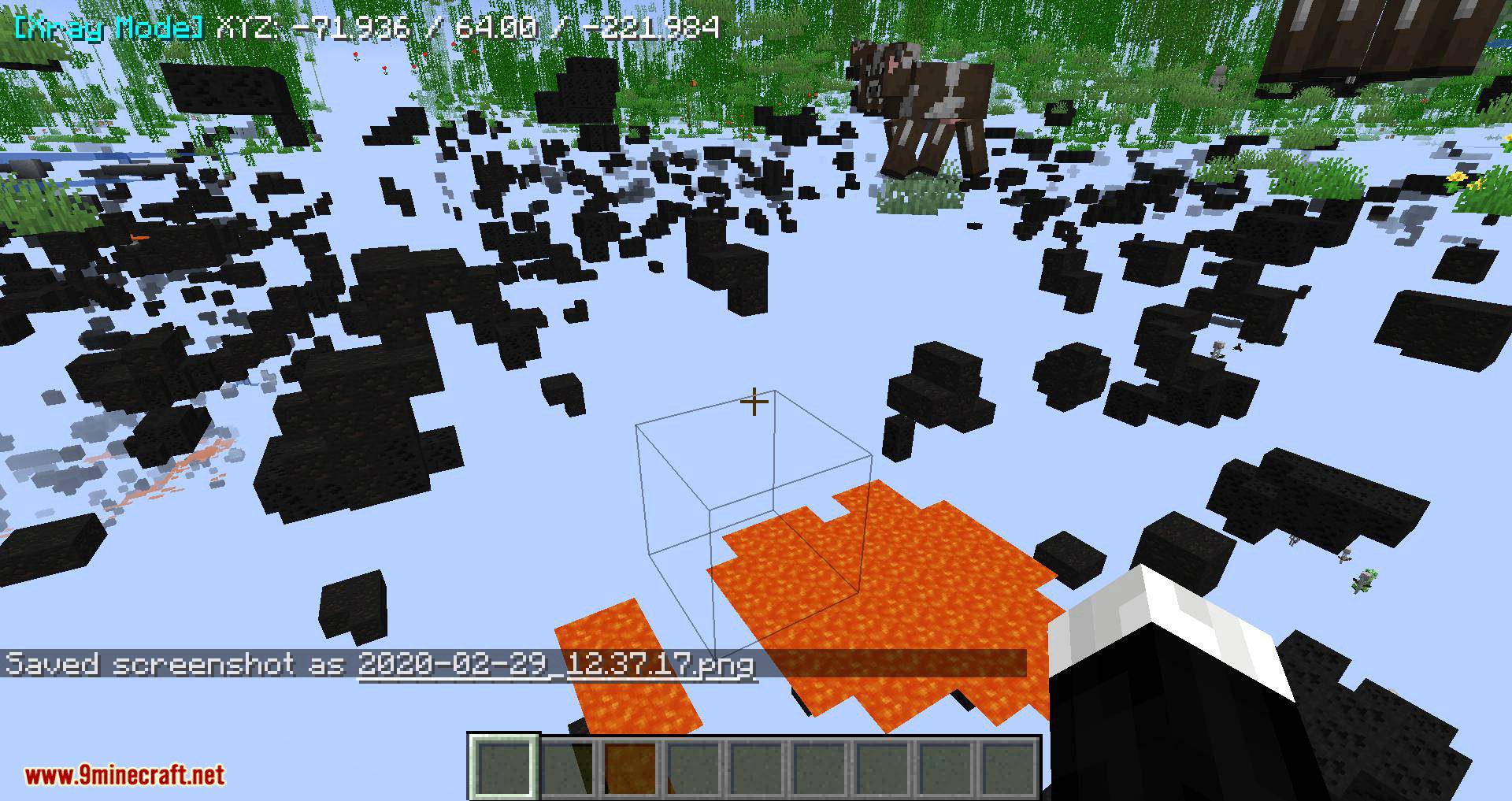
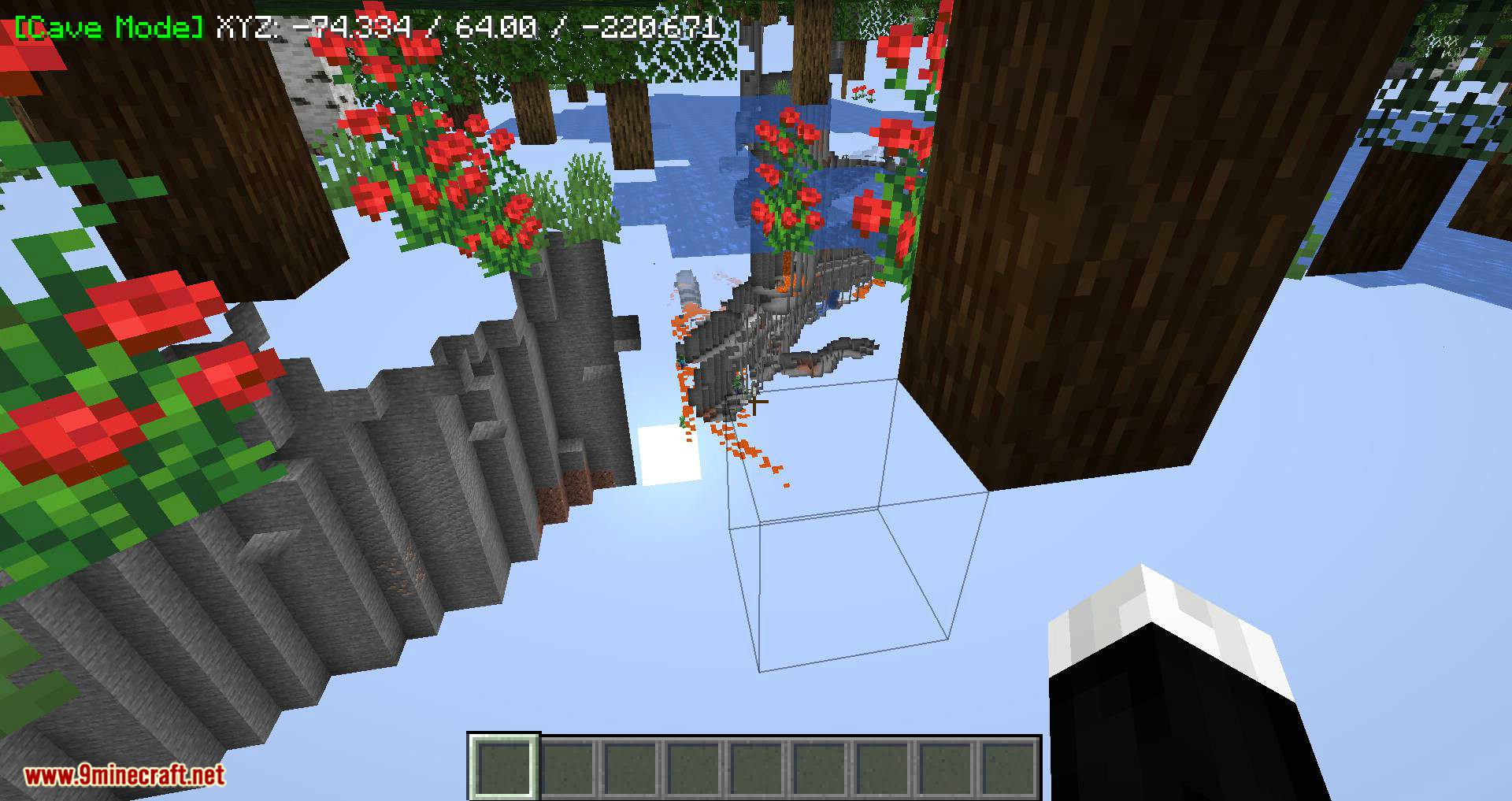
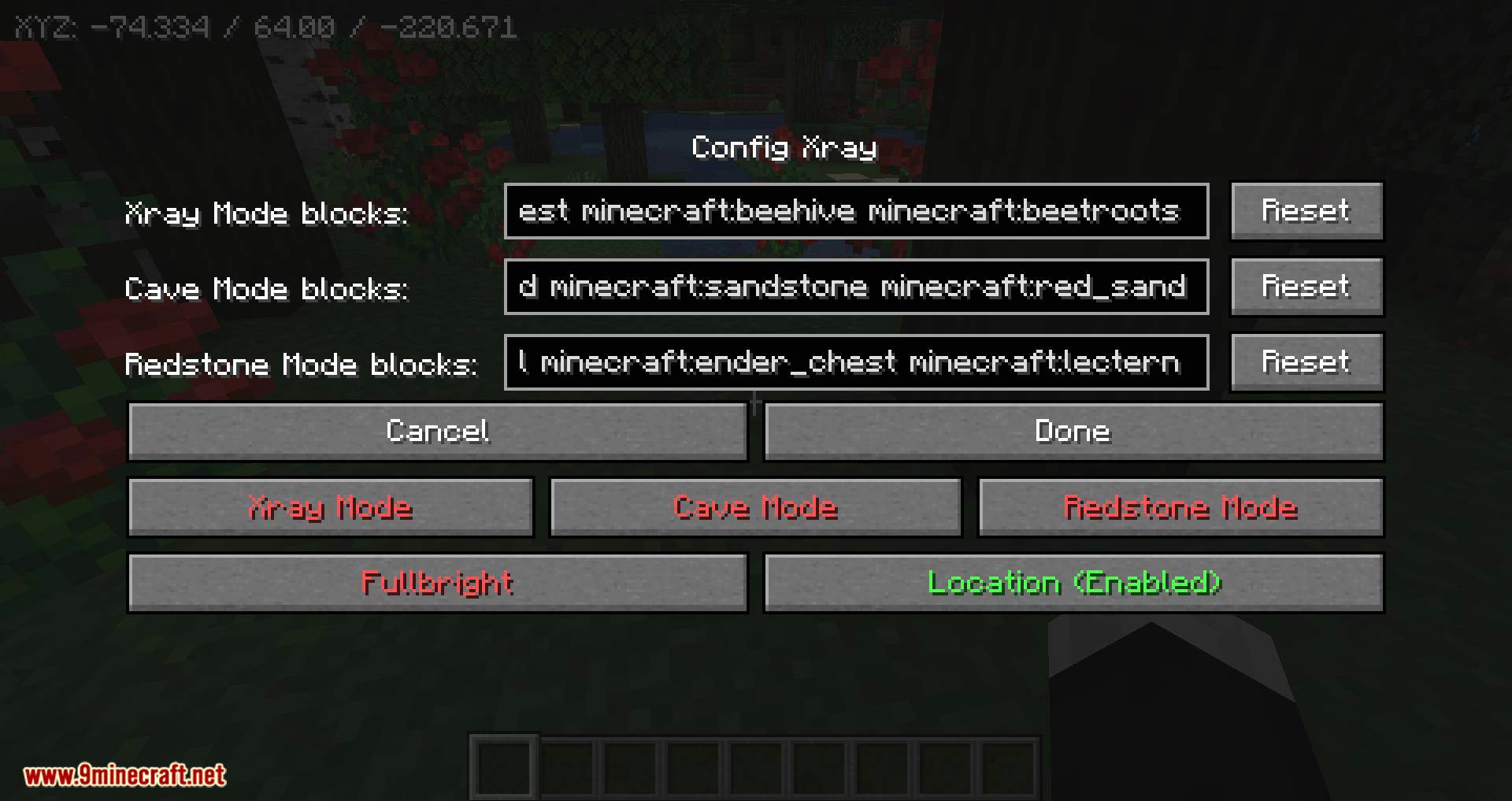
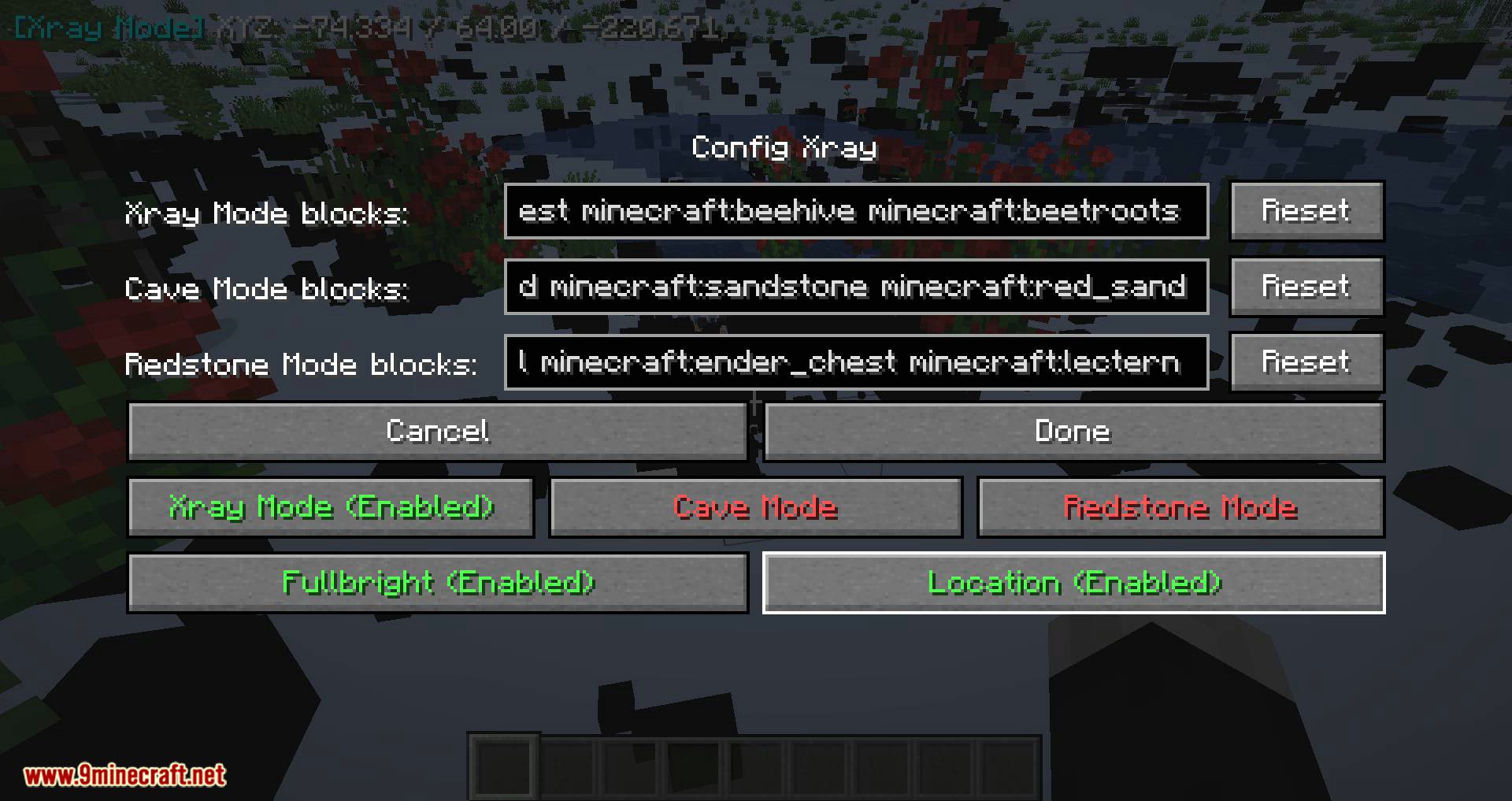
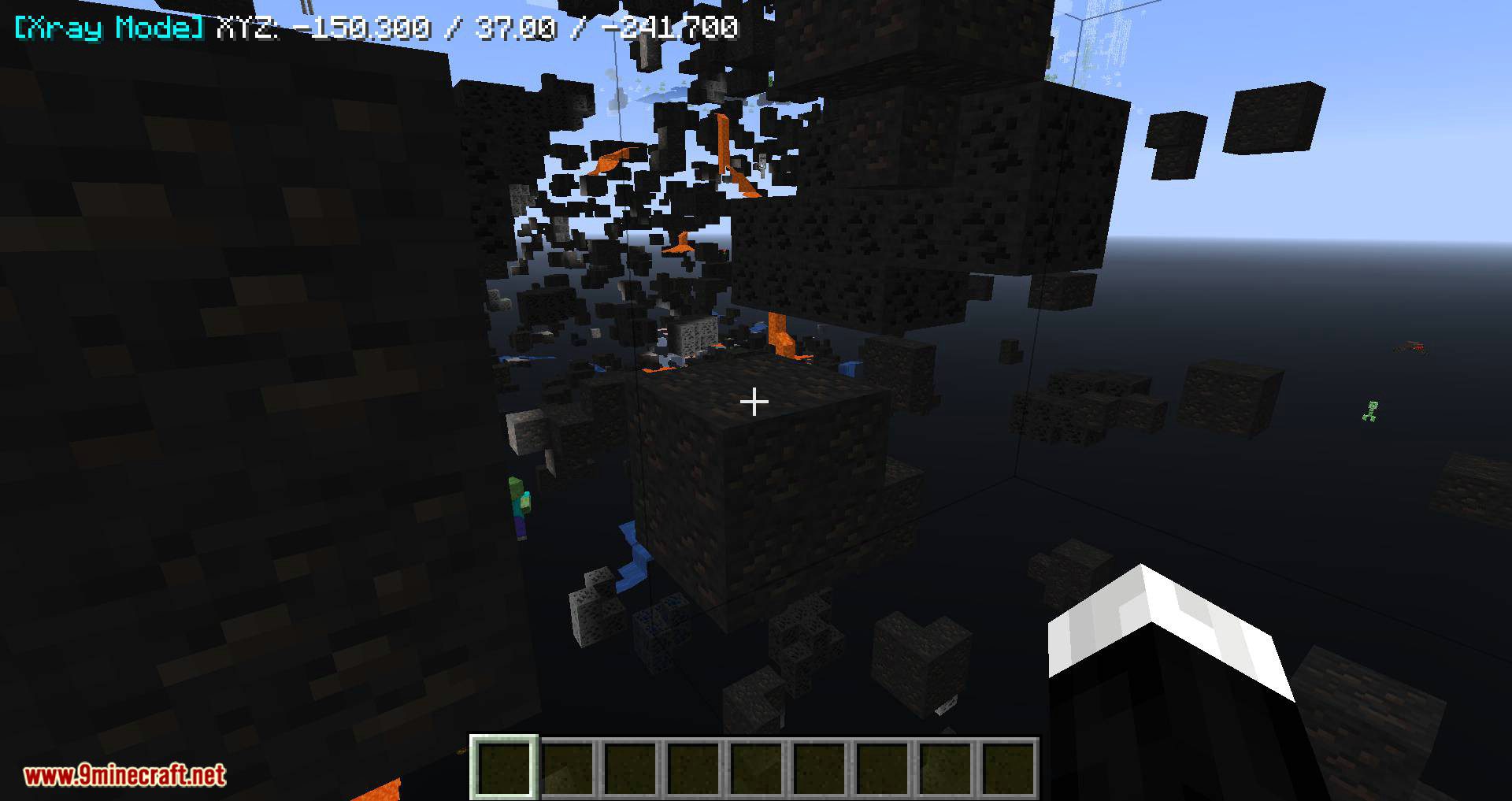
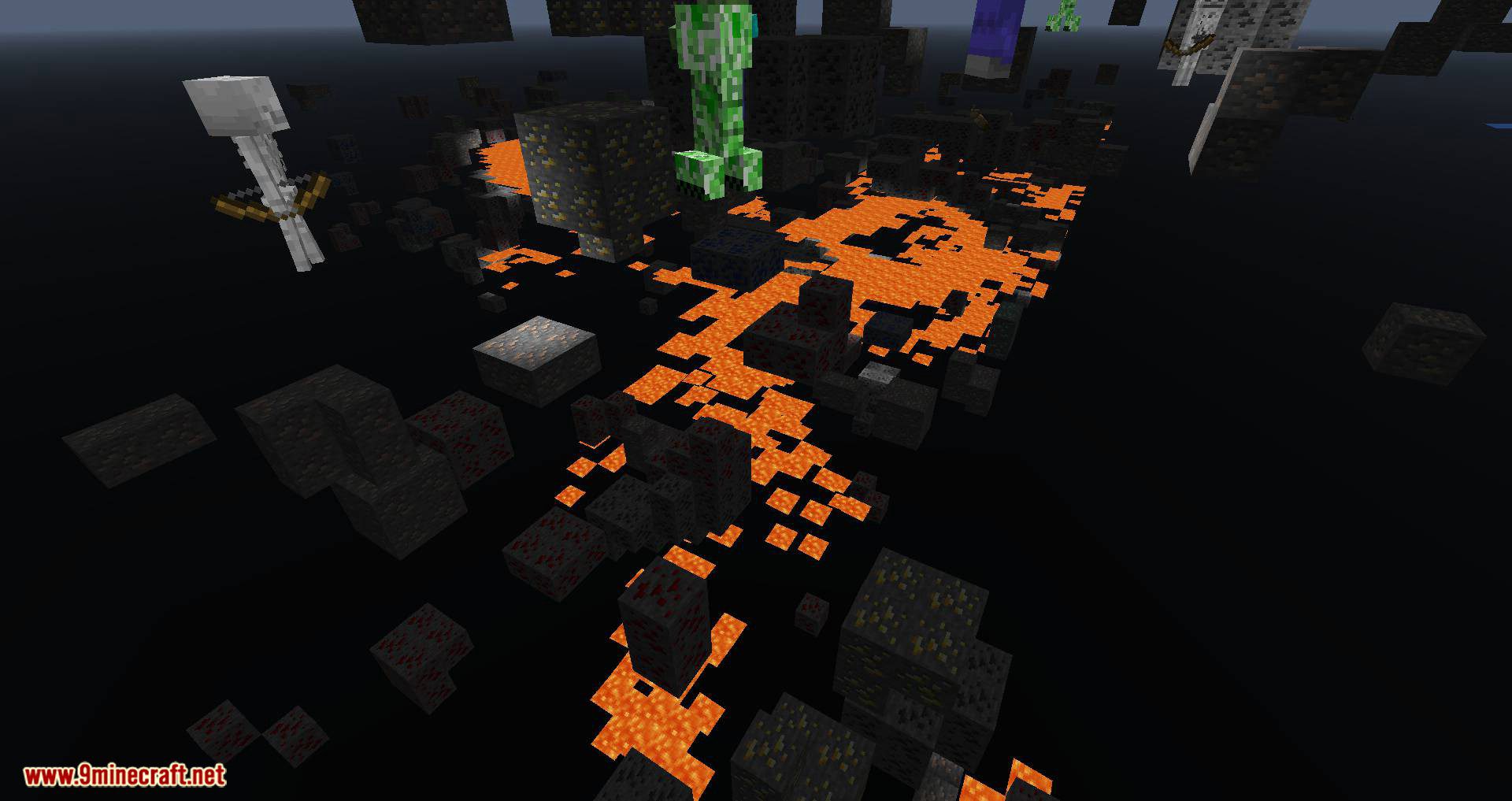
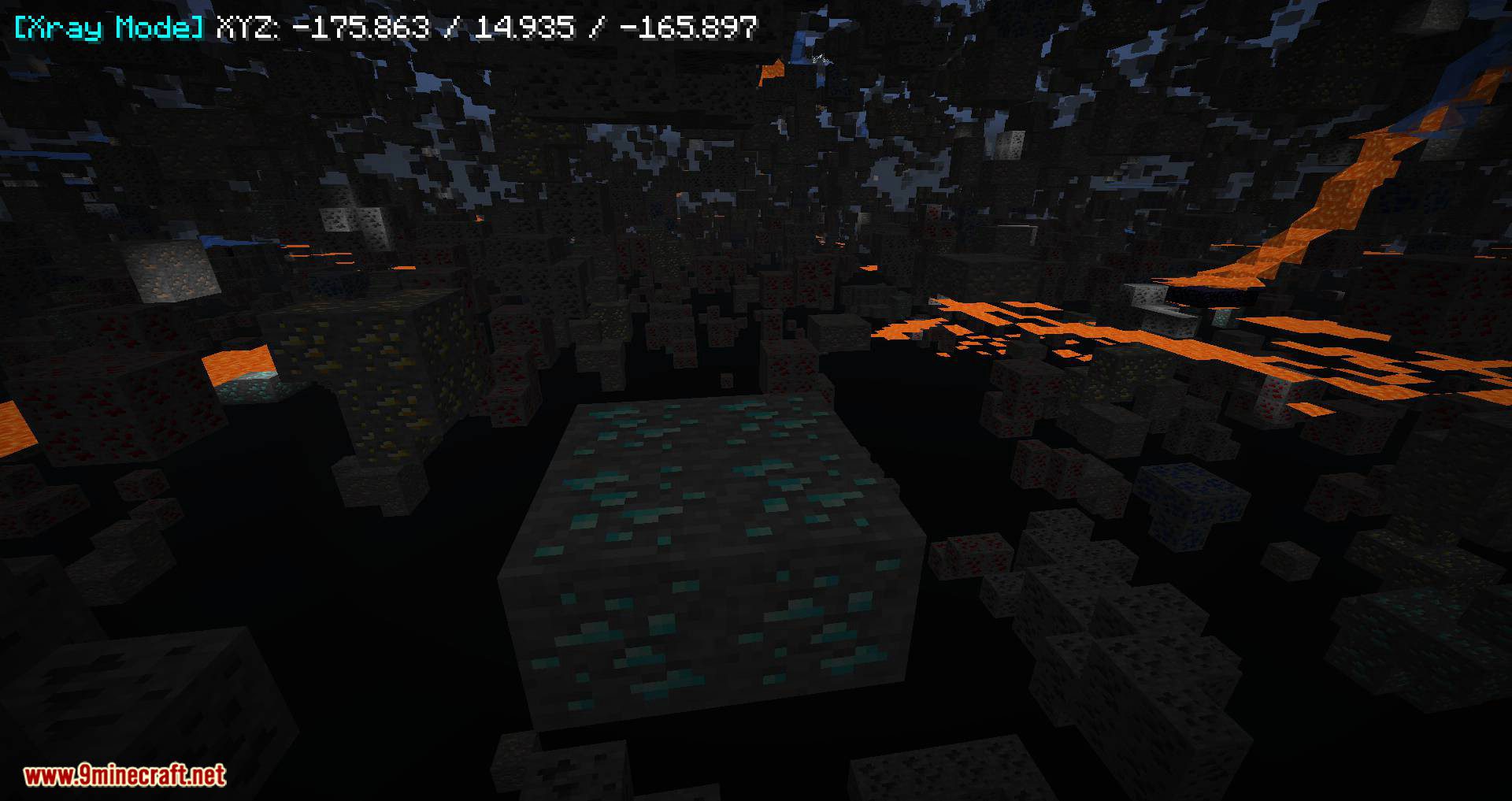
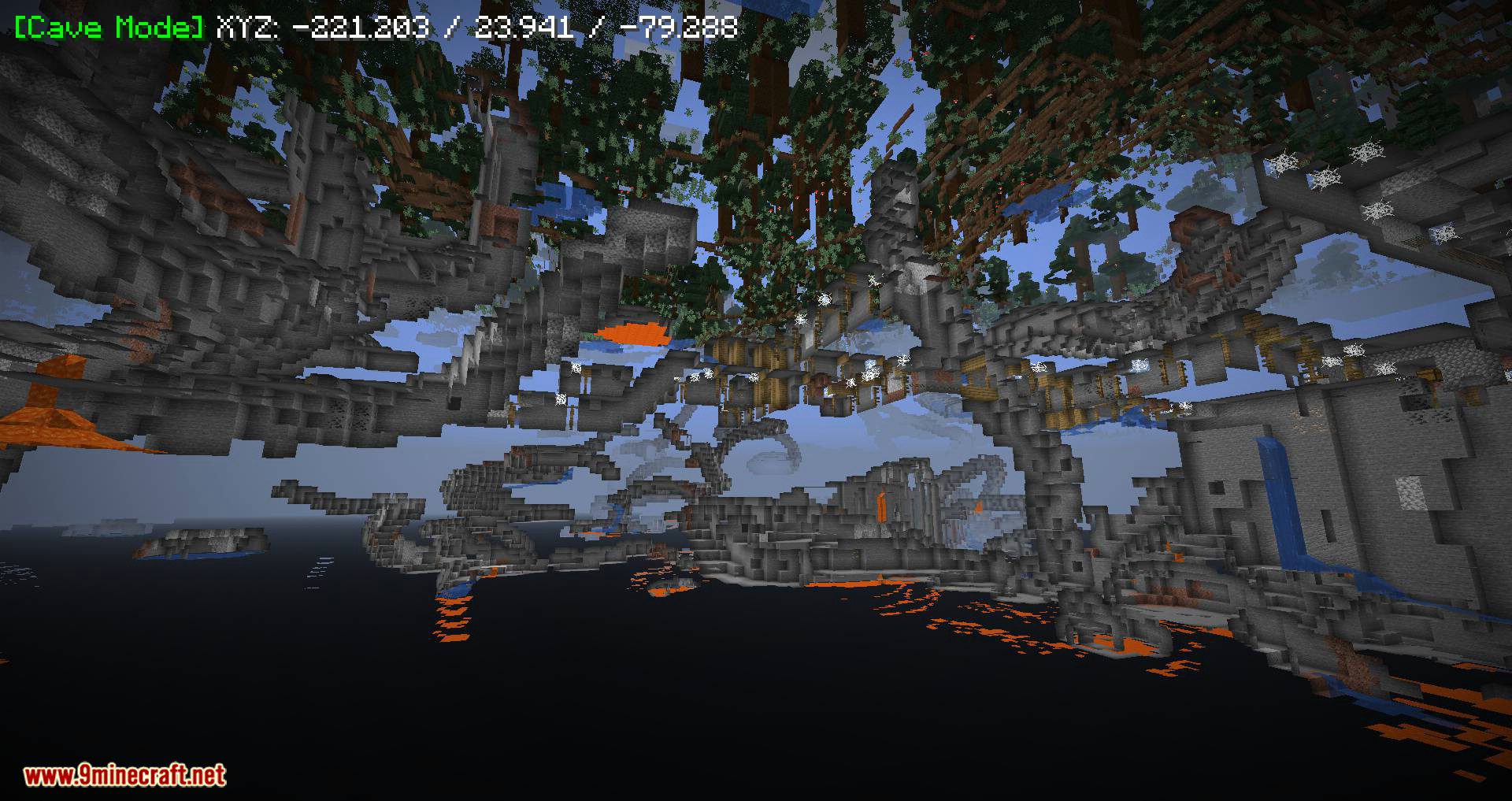
ATE48’s XRay Mod is another version of the well-known cheat mod Xray. It has good functionality, including modes for finding ores and any blocks, cave searching, Redstone mode, and cheat brightness mode. This mod is useful for cheating on servers and in single-player games, as well as for checking your own Redstone schemes or finding hidden command blocks. The mod can be configured for any other blocks, including those from other mods. The process of adding your own blocks is not very convenient-you’ll have to manually enter the block name in the mod’s menu.
Features:
Configs:
5 keys (can be changed in the config):
- X: toggle Xray
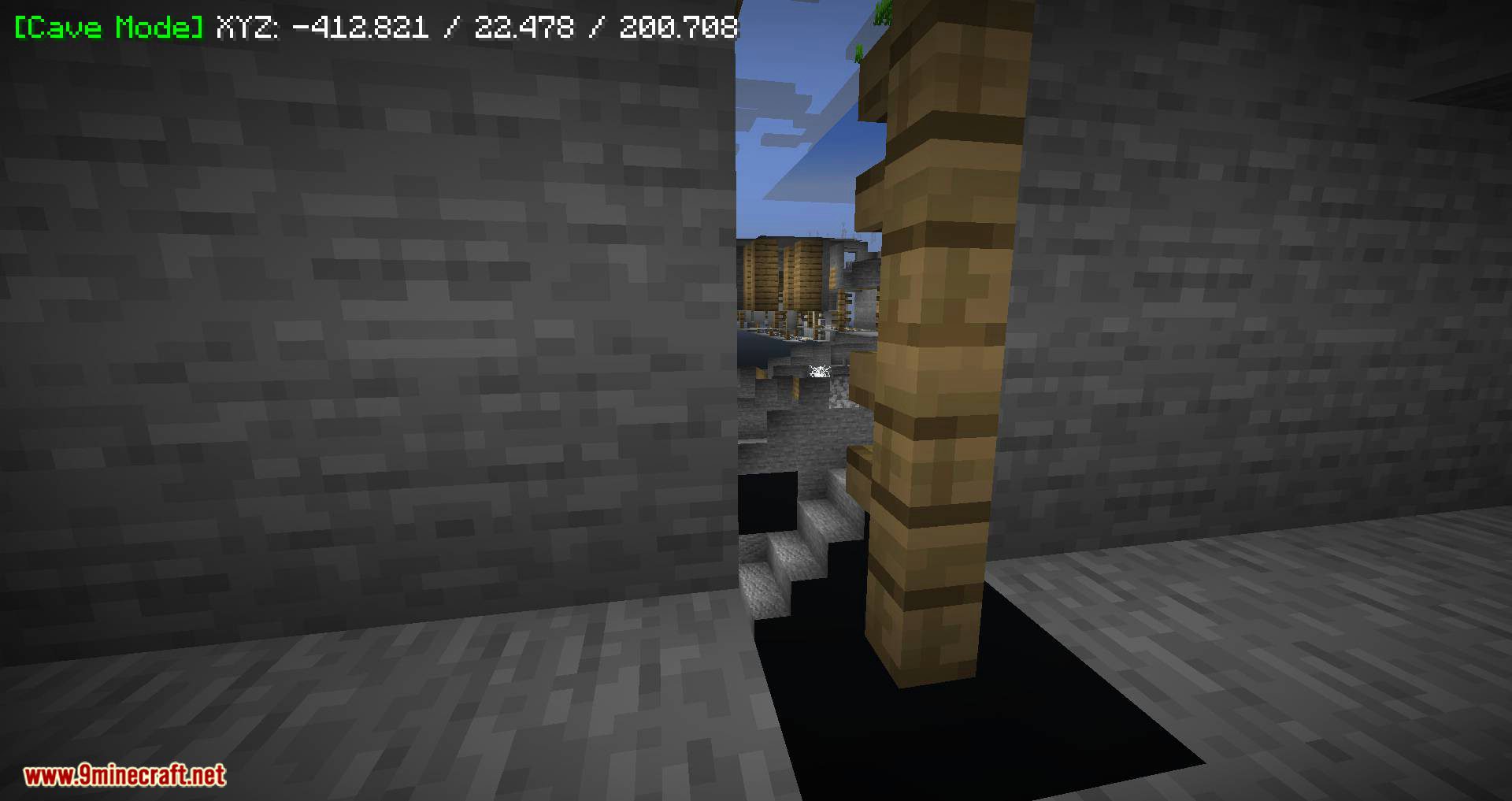
- C: toggle Cave Mode
- R: Redstone mode
- H: toggle Fullbright
- N: Open Xray menu
In Xray Menu, you can enable/disable Xray, Cave Mode, Redstone Mode, Fullbright and location on the HUD and add/remove to /reset Blocks lists of cave, redstone and Xray mode.
Custom modes:
You can create your own mode in Xray by adding in the xray.json in “customModes” names of new modes:theType
Types are:
- EXCLUSIVE: like in Xray and Redstone mode
- INCLUSIVE: like in Cave Mode
For example:
“customModes”: [ “myMode:EXCLUSIVE” ], “Custom_myModeBlocks”: [ “minecraft:tnt” ],
Will create a custom mode call “myMode” with the type Exclusive and show only TNT
Screenshots:
ATE48’s XRay Mod Download Links
For Minecraft 1.13.2
Rift version: Download from Server 1
For Minecraft 1.15.2
Forge version: Download from Server 2
Fabric version: Download from Server 1
For Minecraft 1.16.5
Forge version: Download from Server 2
Fabric version: Download from Server 2
For Minecraft 1.17.1
Forge version: Download from Server 2
Fabric version: Download from Server 2
For Minecraft 1.18.2
Forge version: Download from Server 1
Fabric version: Download from Server 1
For Minecraft 1.19
Forge version: Download from Server 1
Fabric version: Download from Server 1
For Minecraft 1.19.1
Forge version: Download from Server 1
Fabric version: Download from Server 1
For Minecraft 1.19.2
Forge version: Download from Server 2
Fabric version: Download from Server 2
For Minecraft 1.19.3
Forge version: Download from Server 1 – Download from Server 2
Fabric version: Download from Server 1 – Download from Server 2
For Minecraft 1.19.4
Forge version: Download from Server 1 – Download from Server 2
Fabric version: Download from Server 1 – Download from Server 2
For Minecraft 1.20.1, 1.20
Forge version: Download from Server 1 – Download from Server 2
Fabric version: Download from Server 1 – Download from Server 2
For Minecraft 1.20.2
Fabric version: Download from Server 1 – Download from Server 2
For Minecraft 1.20.4
Fabric version: Download from Server 1 – Download from Server 2
For Minecraft 1.20.6
Fabric version: Download from Server 1 – Download from Server 2
For Minecraft 1.21.1, 1.21
Fabric version: Download from Server 1 – Download from Server 2
For Minecraft 1.21.4
Fabric version: Download from Server 1 – Download from Server 2
- Edition: Minecraft Java
- File type: .jar
- Minecraft versions listed: 1.21.4, 1.20.1
- How to install: Install the matching mod loader (Forge, Fabric or NeoForge) for your Minecraft version. → Download the .jar. → Put it in the .minecraft/mods folder and launch that loader profile.
- Where to get it: In MC Java Mods, or directly above on this page.
Install steps are the general flow for this file type — How to install Minecraft Java mods & modpacks walks through it step by step.
- Downloads as 177462.mcaddon
- Download size: 33 KB
- Download link checked 5 Aug 2026 — working
- Mirrored on our own servers — the download does not depend on the original host
These come from our own check of the pack file, not from the source page.