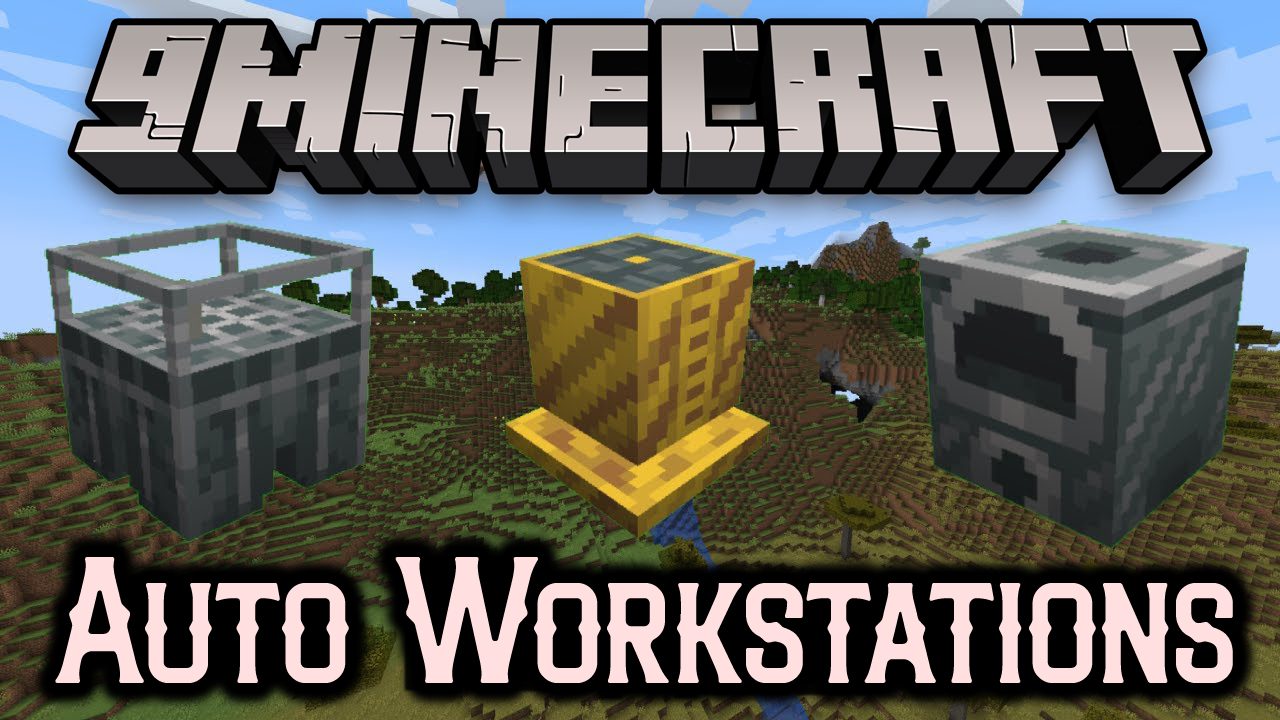
Auto Workstations Mod (1.21.4, 1.20.1) – Automated Versions for Workstations
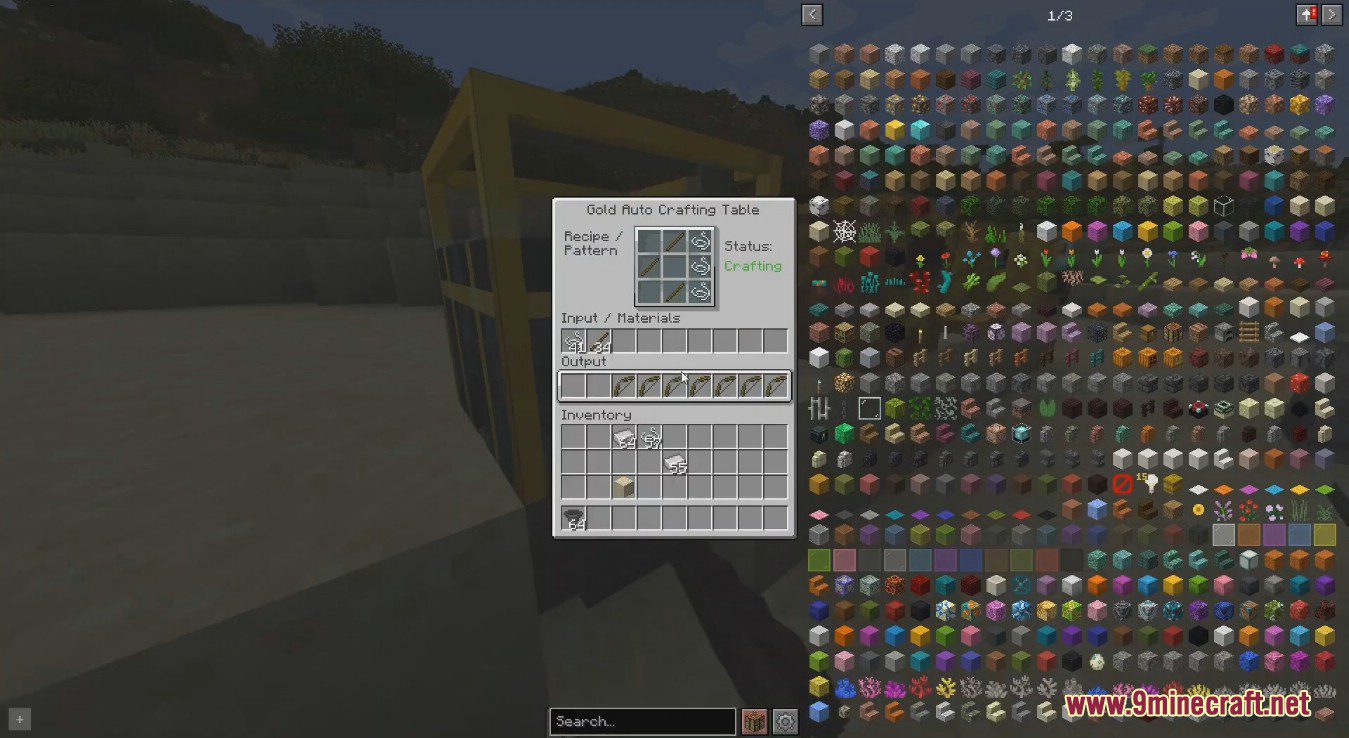
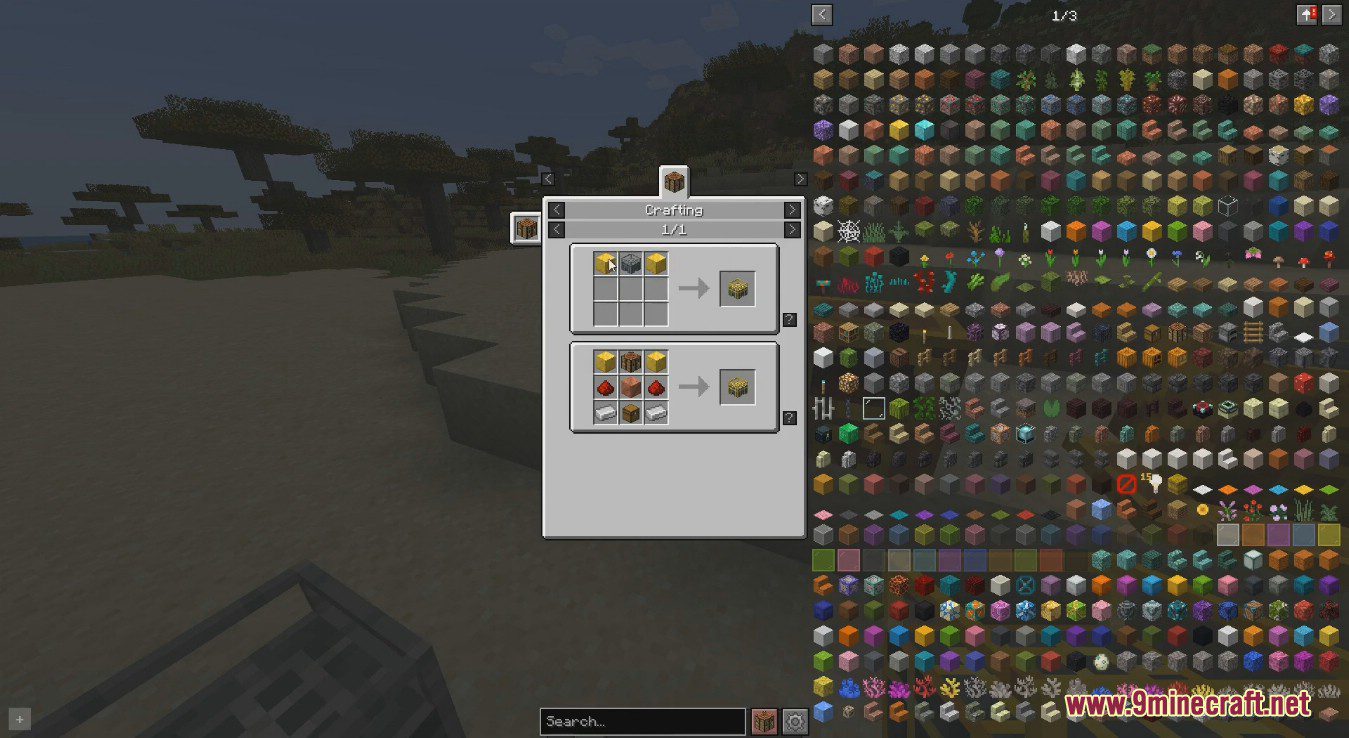
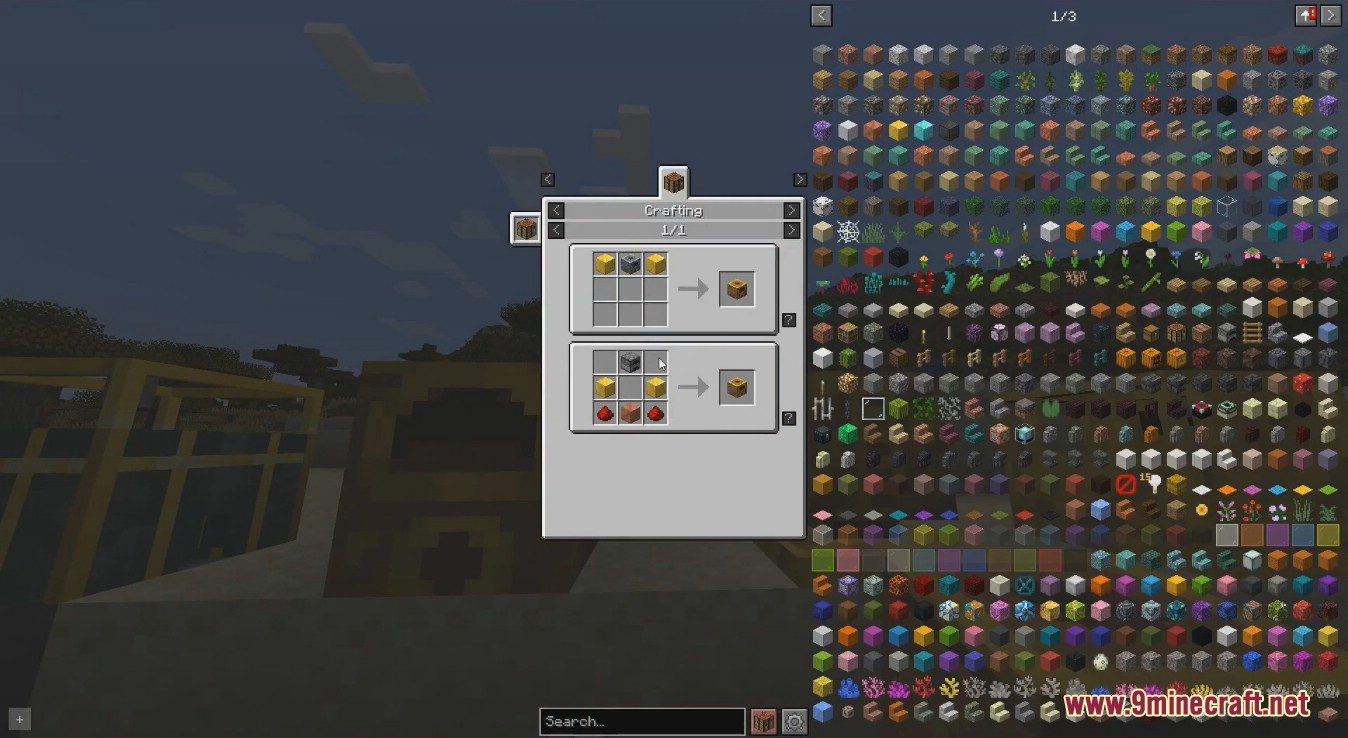
Auto Workstations Mod adds automated versions for many of the vanilla workstations, including: Crafting Table, Furnace, Enchanting Table, Brewing Stand…
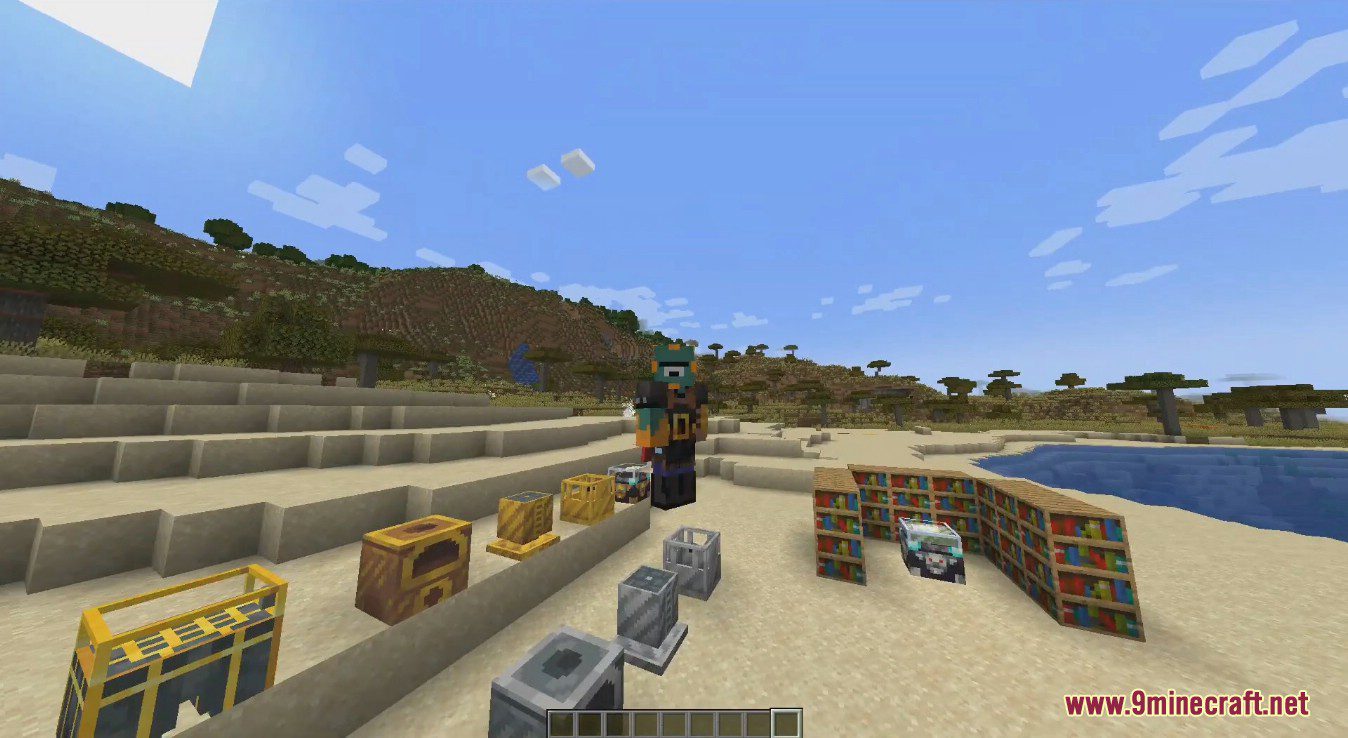
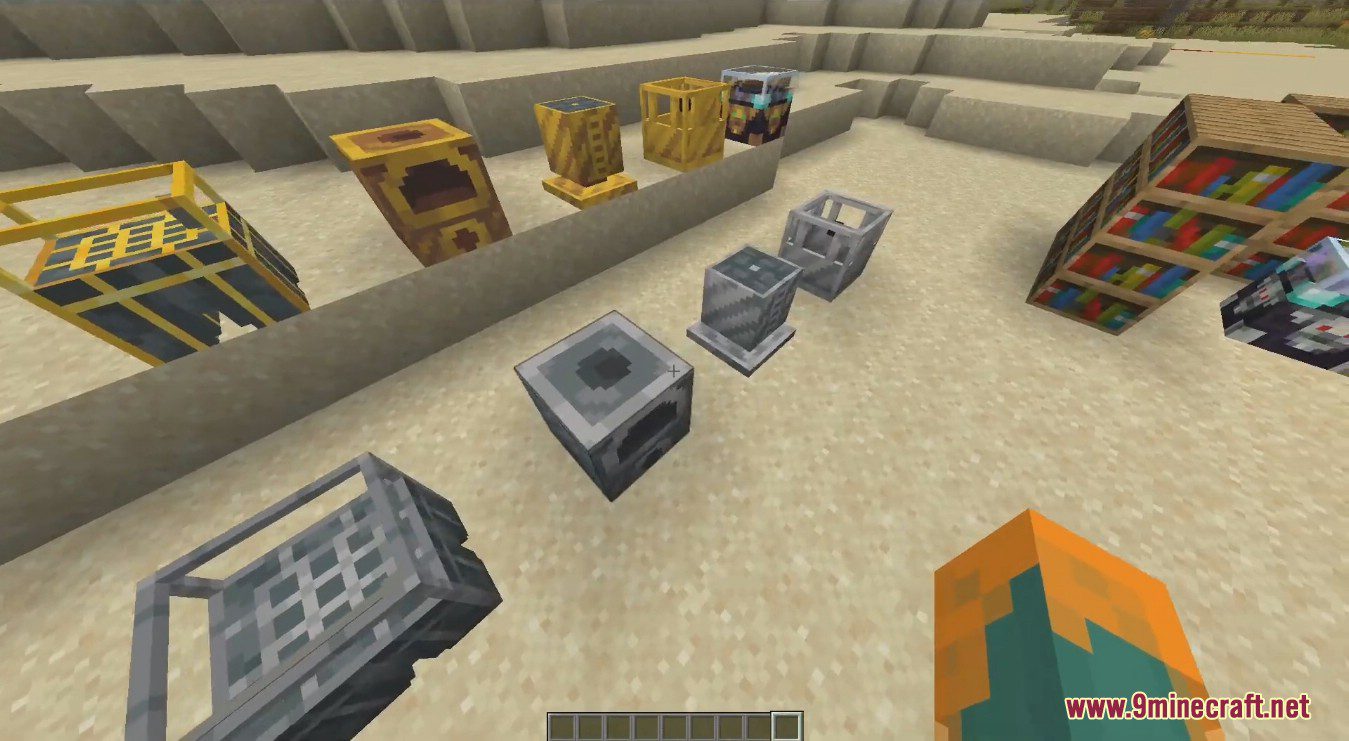
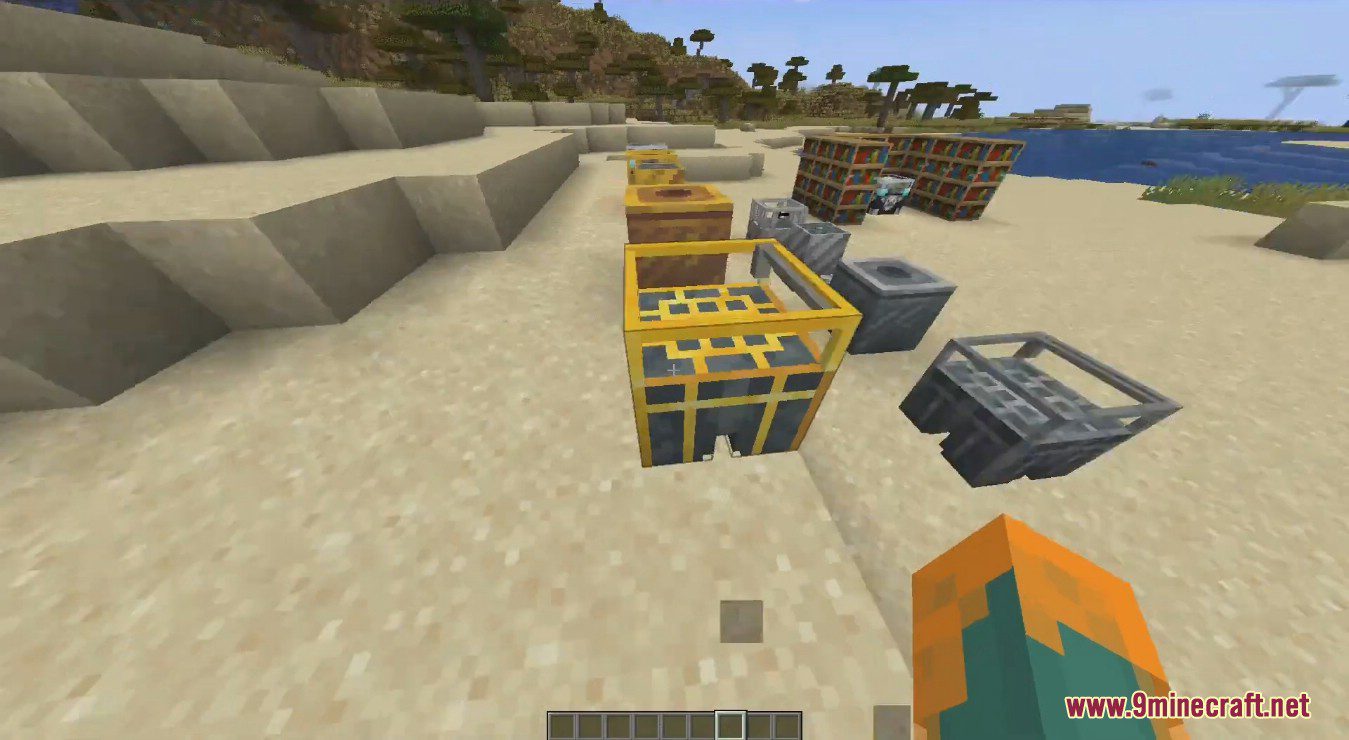
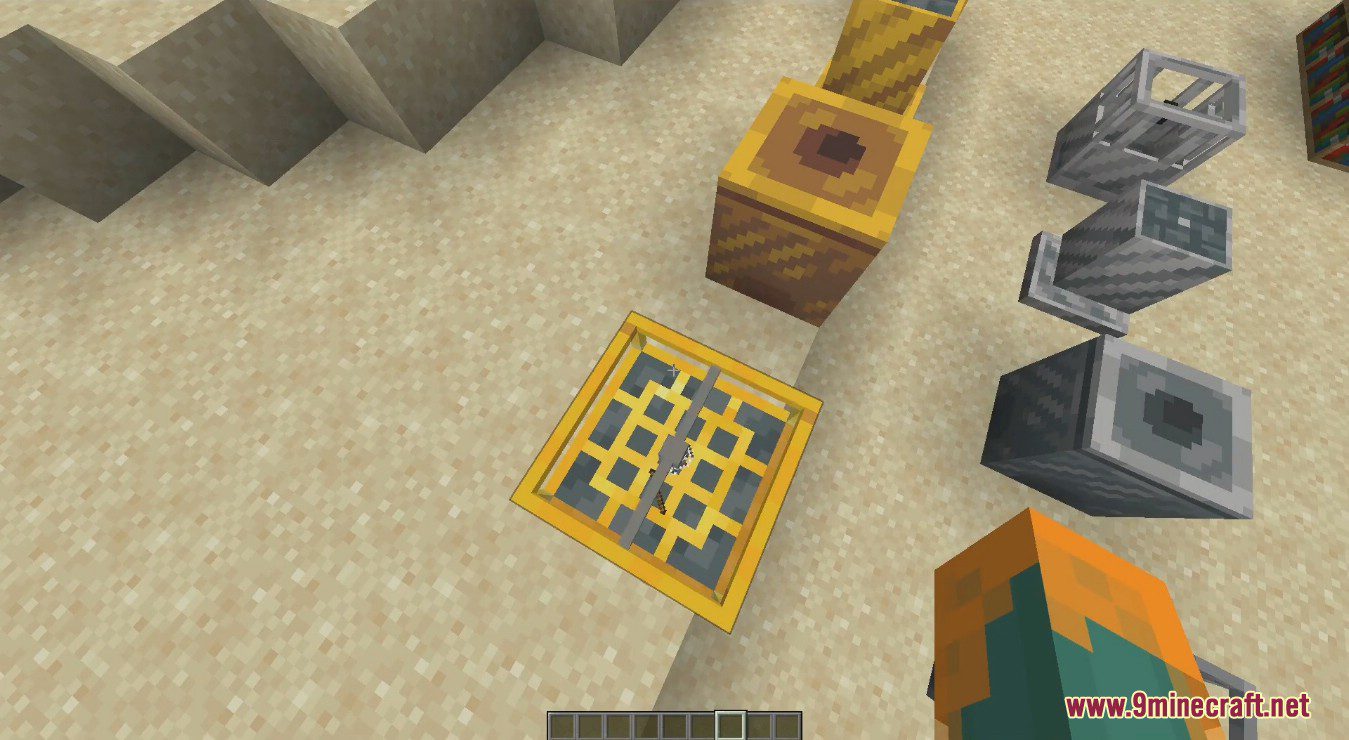
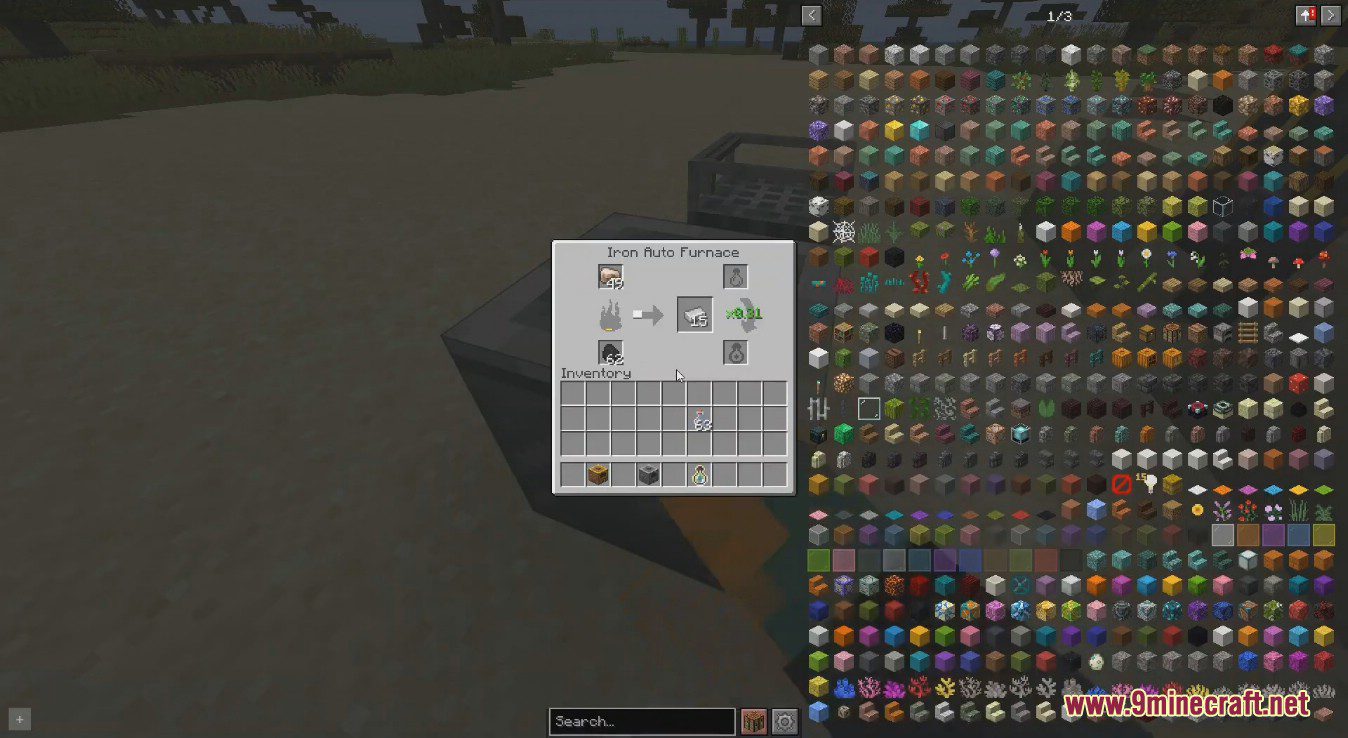
⬇ DownloadOpen in MCModsHubGet it on Google Play →Auto Workstations Mod adds automated versions for many of the vanilla workstations, including: Crafting Table, Furnace, Enchanting Table, Brewing Stand. Although some of these may already seem automatable, such as the furnace, this mod allows the automation of XP collection from them. Each auto workstation in the mod has an iron and gold version, with the gold version being faster.
Features:
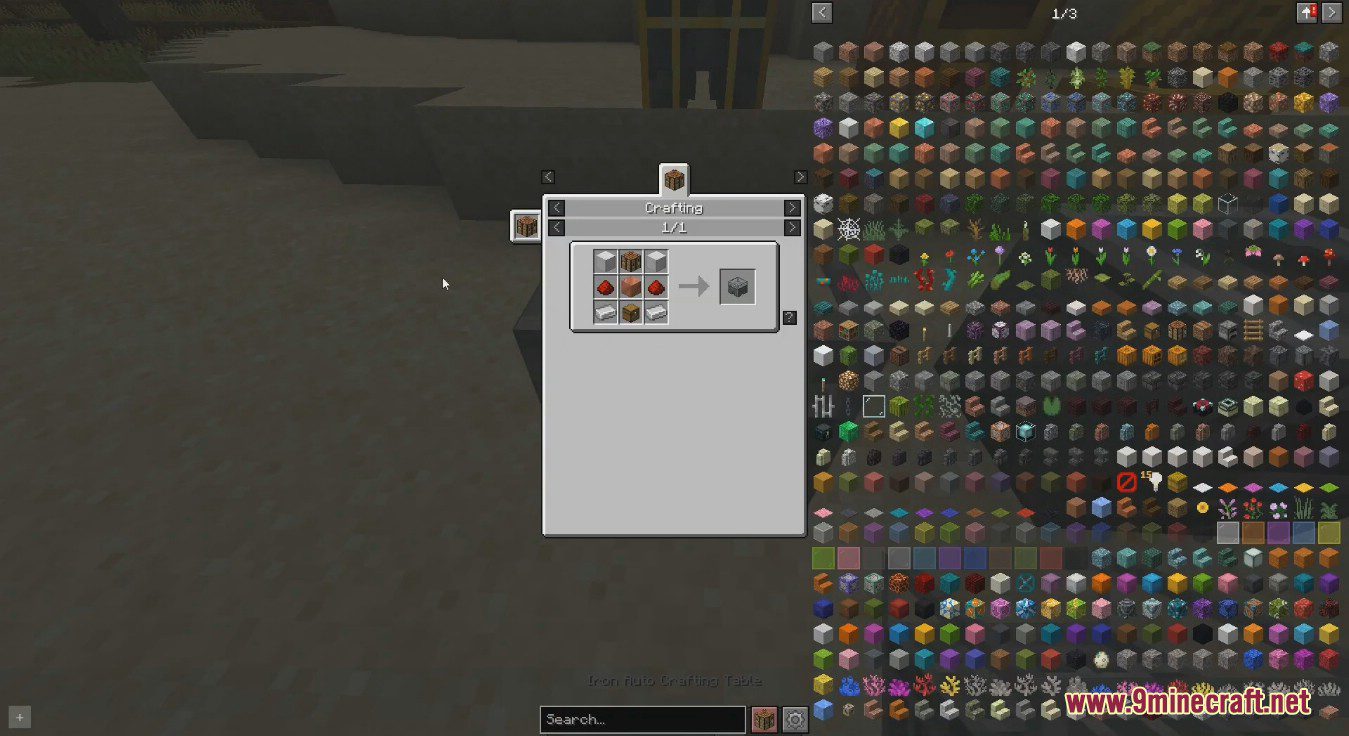
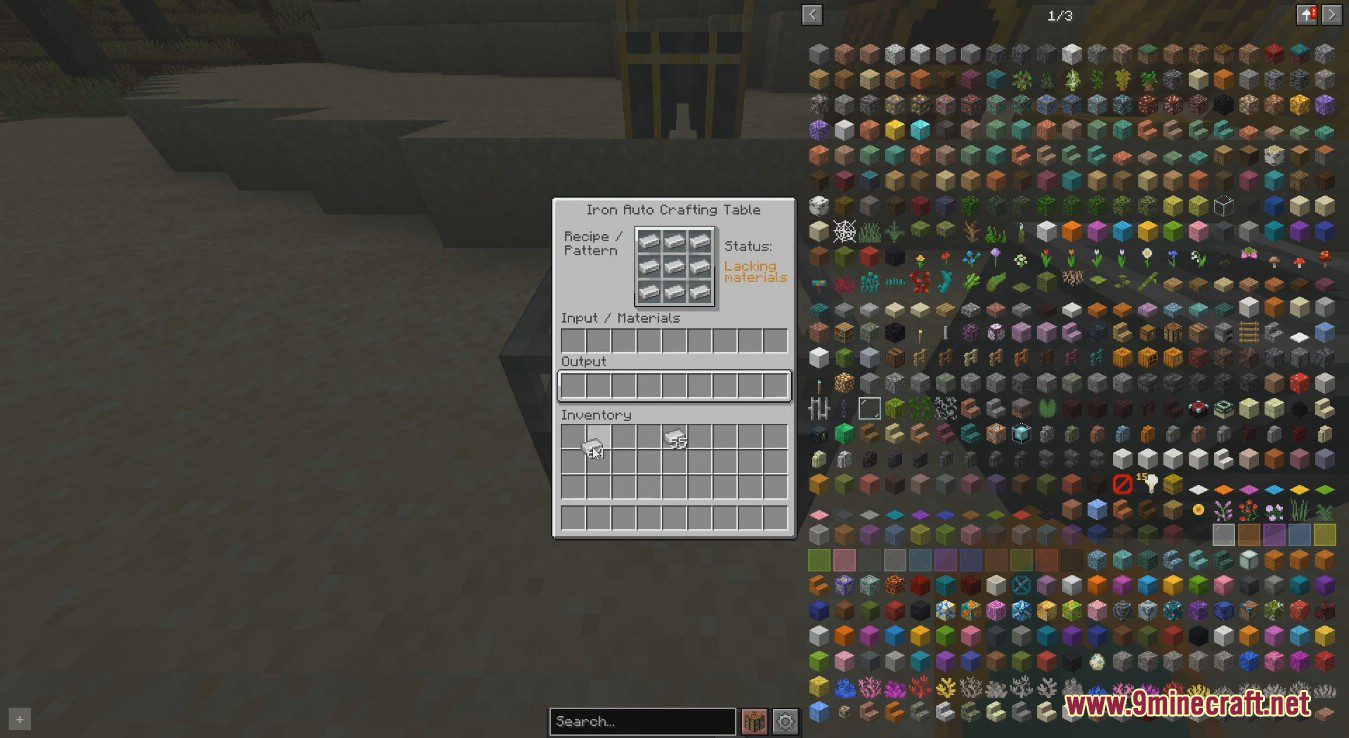
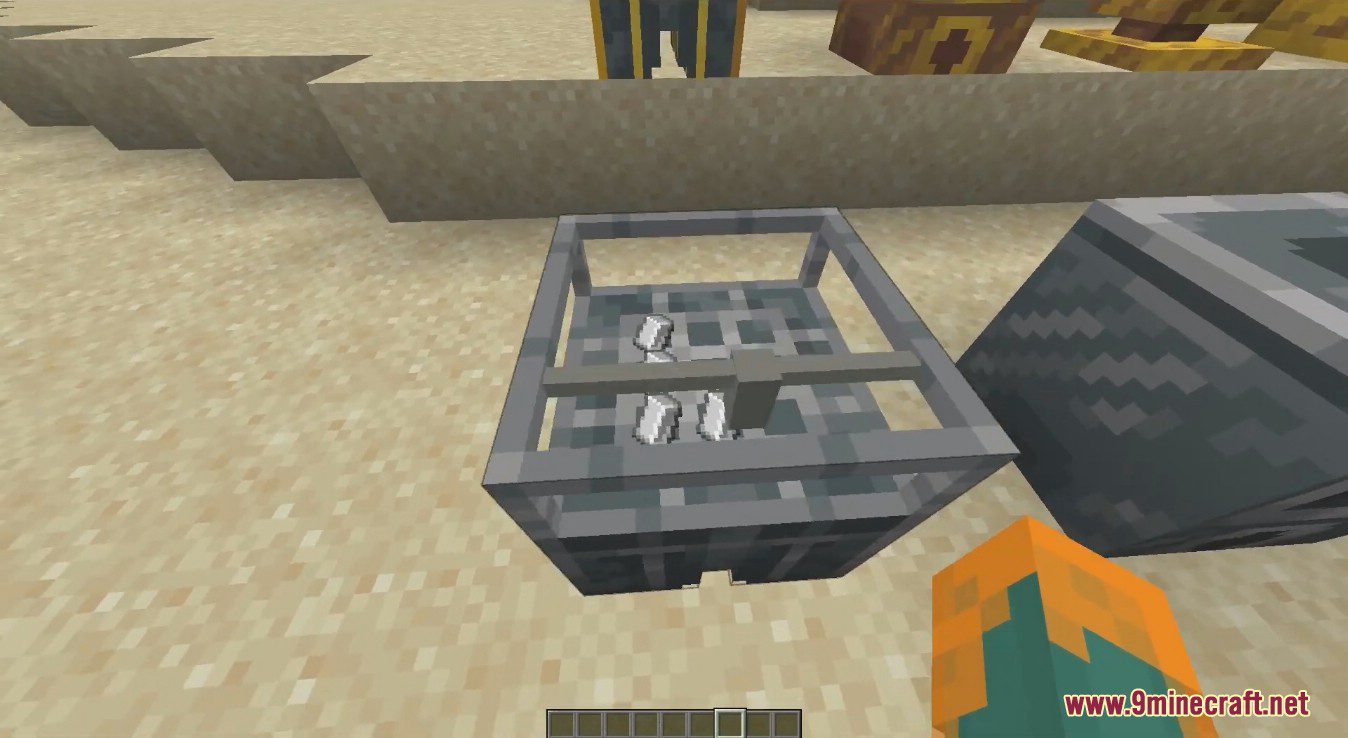
- Auto Crafting Table
- Auto Furnaces allows the automated extraction of XP. Empty glass bottles can be inserted, and they will be filled with XP to product bottles o’ enchanting.
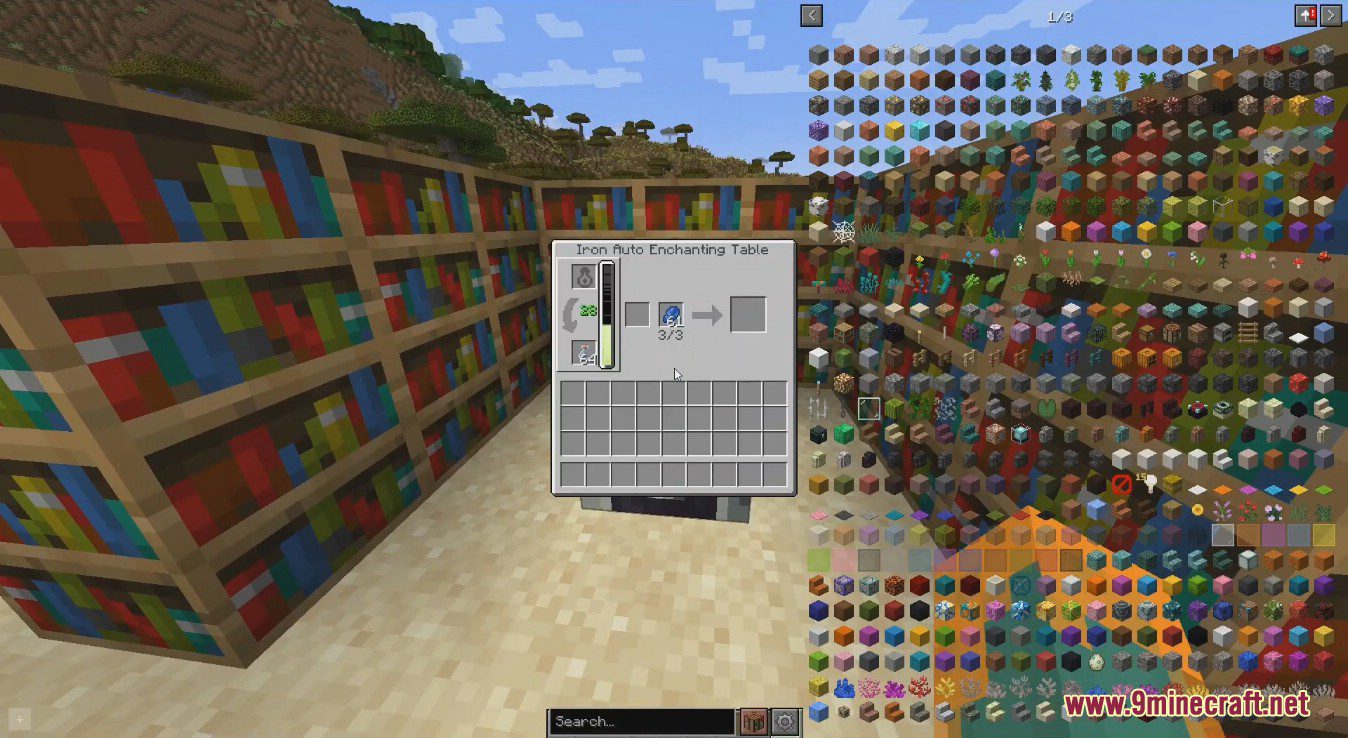
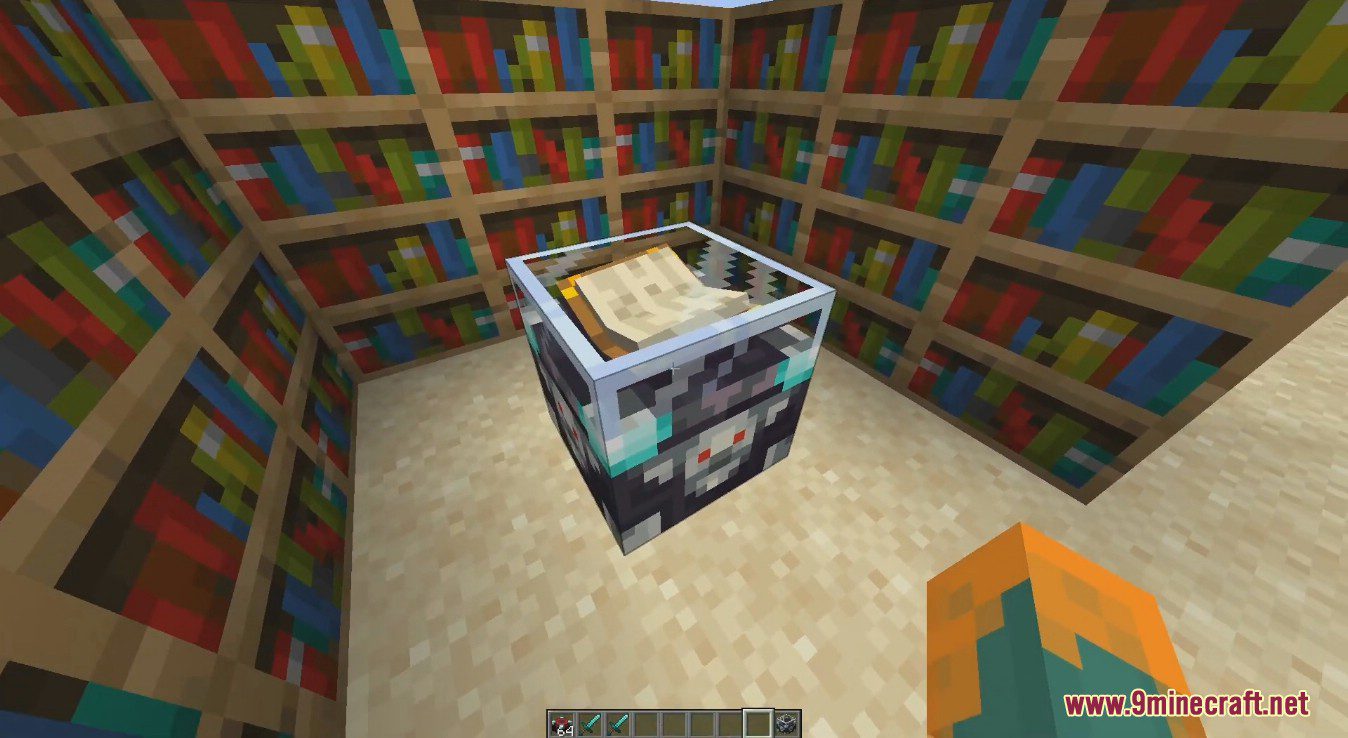
- Auto Enchanting Tables can store XP, this works like a player’s XP bar where each level takes longer to fill then the last. Bottles o’ enchanting can be inserted and emptied into these and will output empty glass bottles.
- Auto Experience Orb Vacuum: This block can suck up nearby XP orbs and bottle them up like the Auto Furnace. The gold version has a larger range than the iron one.
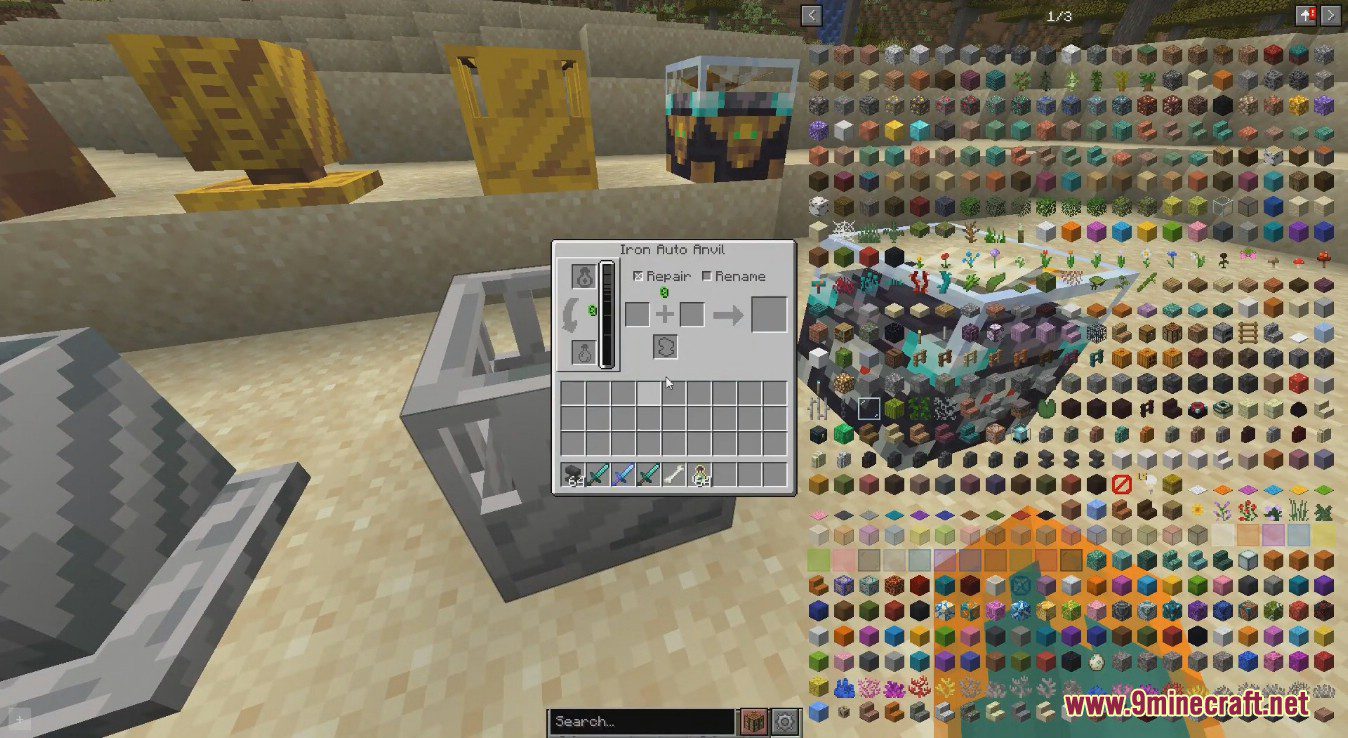
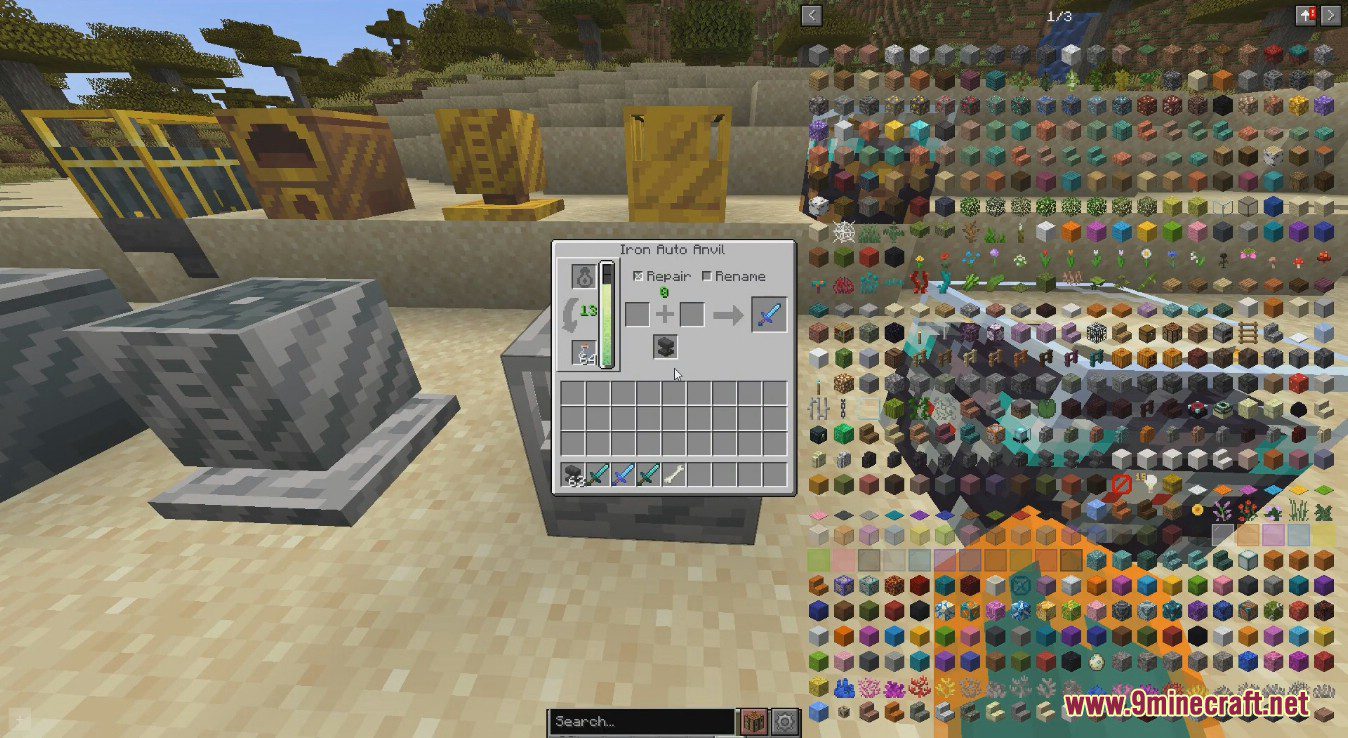
- Auto Anvils can store XP, this works like a player’s XP bar where each level takes longer to fill then the last. Bottles o’ enchanting can be inserted and emptied into these and will output empty glass bottles.
Screenshots:
Auto Workstations Mod Download Links
For Minecraft 1.18.2
Fabric version: Download from Server 1 – Download from Server 2
For Minecraft 1.19.2, 1.19.1, 1.19
Fabric version: Download from Server 1 – Download from Server 2
For Minecraft 1.19.3
Fabric version: Download from Server 1 – Download from Server 2
For Minecraft 1.20.1
Fabric version: Download from Server 1 – Download from Server 2
For Minecraft 1.20.2
Fabric version: Download from Server 1 – Download from Server 2
For Minecraft 1.20.4
Fabric version: Download from Server 1 – Download from Server 2
For Minecraft 1.20.6
Fabric version: Download from Server 1 – Download from Server 2
For Minecraft 1.21.1, 1.21
Fabric version: Download from Server 1 – Download from Server 2
For Minecraft 1.21.4
Fabric version: Download from Server 1 – Download from Server 2
- Download size: 395 KB
- Download link checked 24 Jul 2026 — working
- Mirrored on our own servers — the download does not depend on the original host
These come from our own check of the pack file, not from the source page.