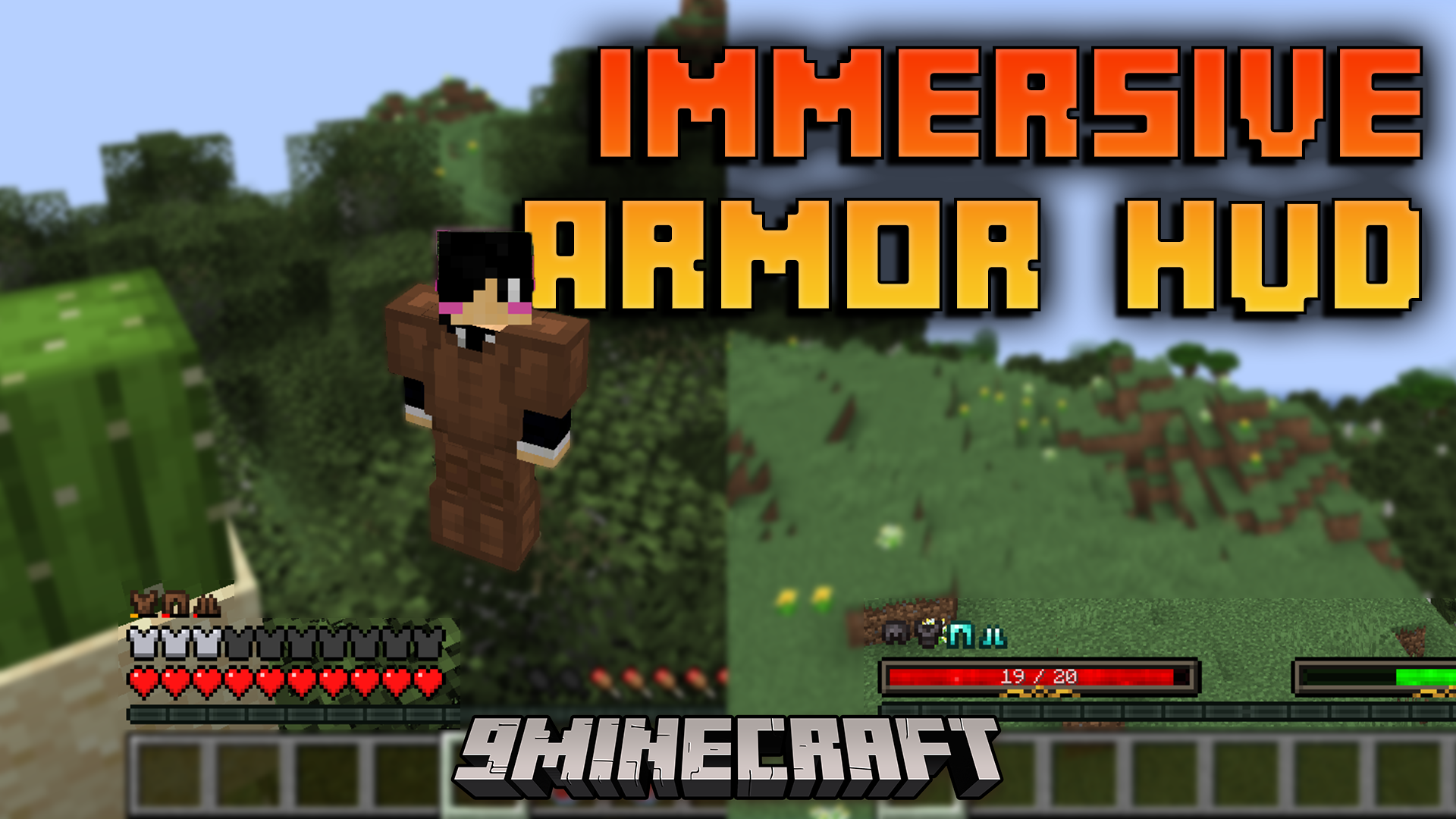
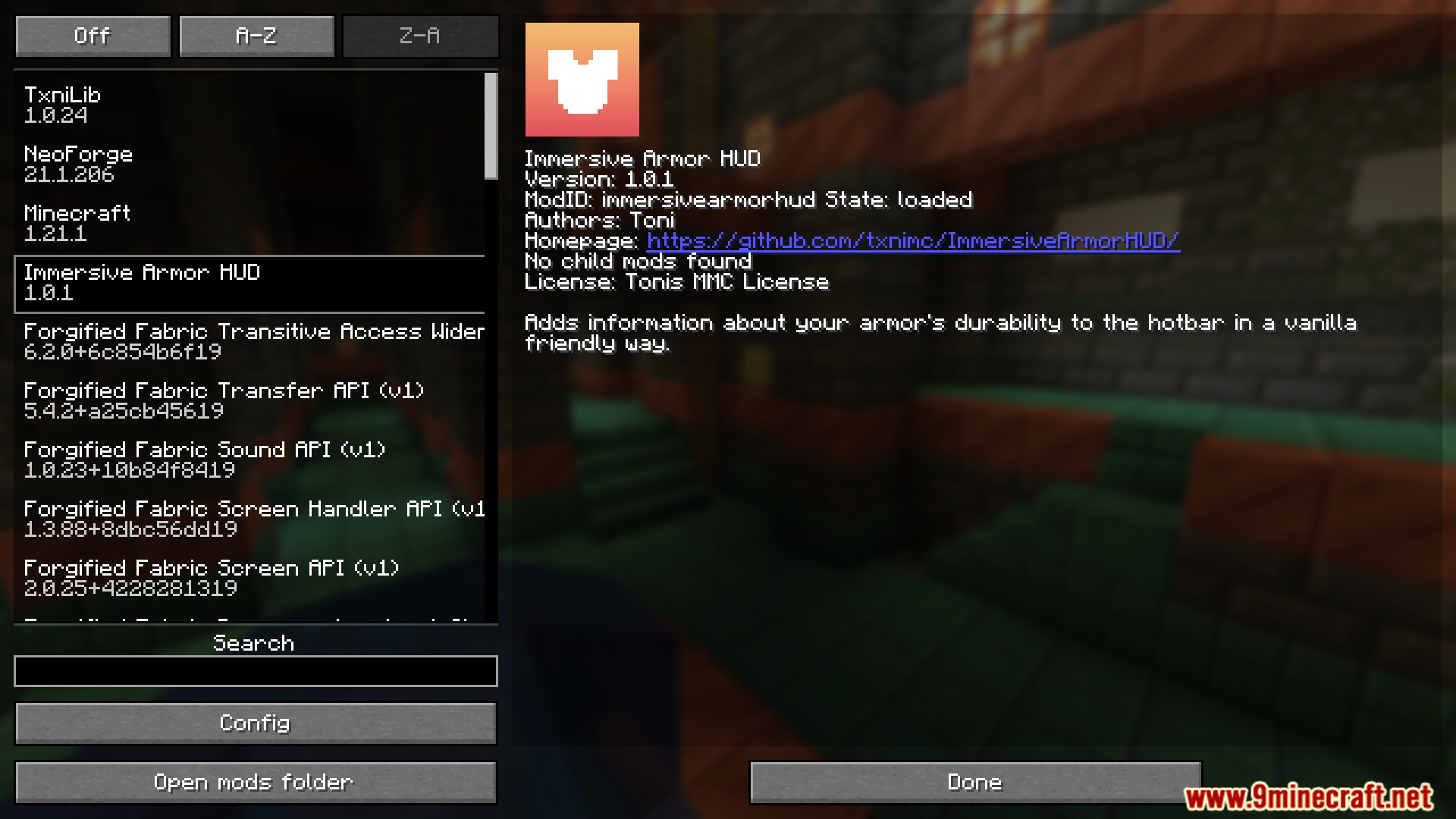
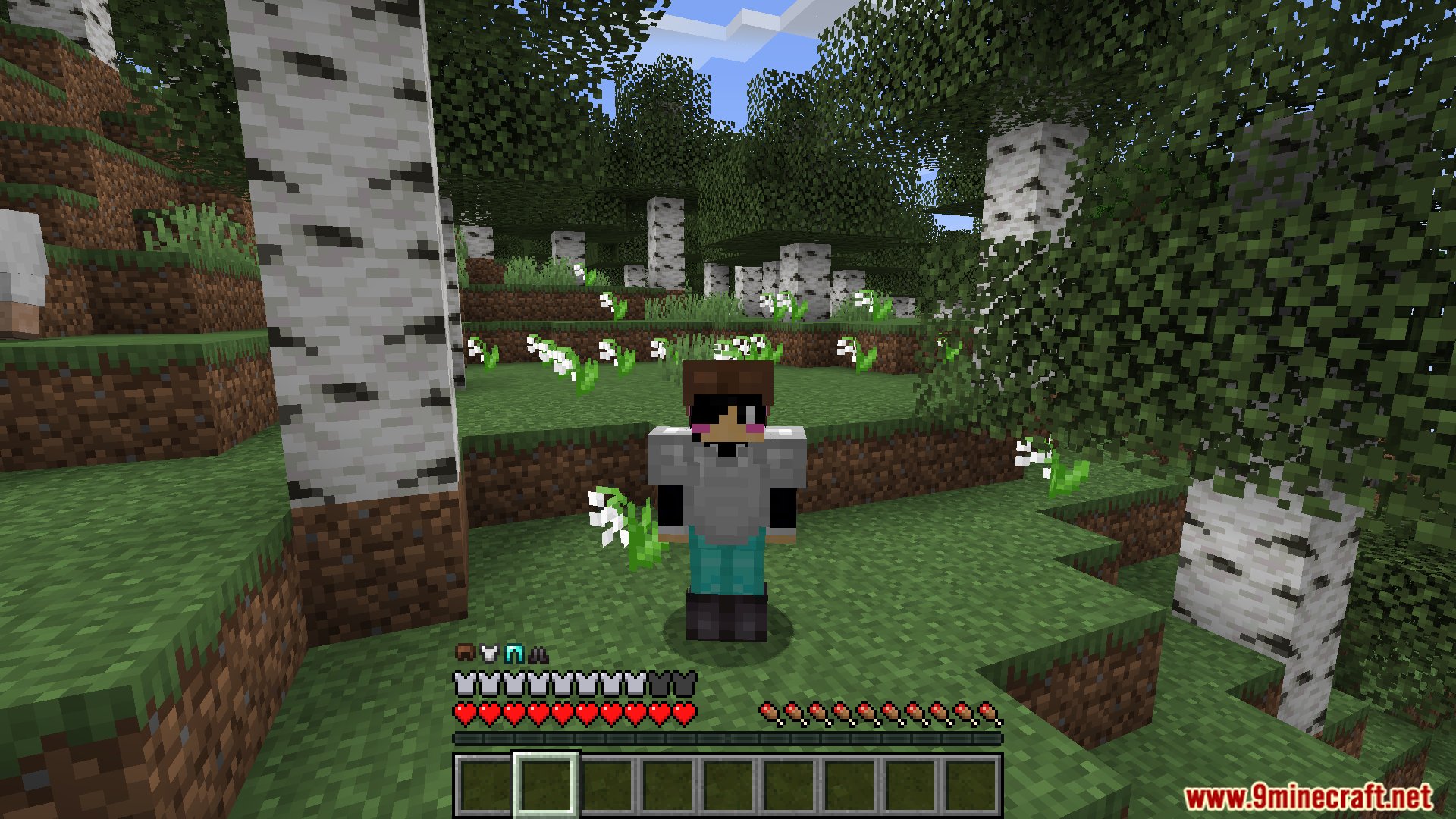
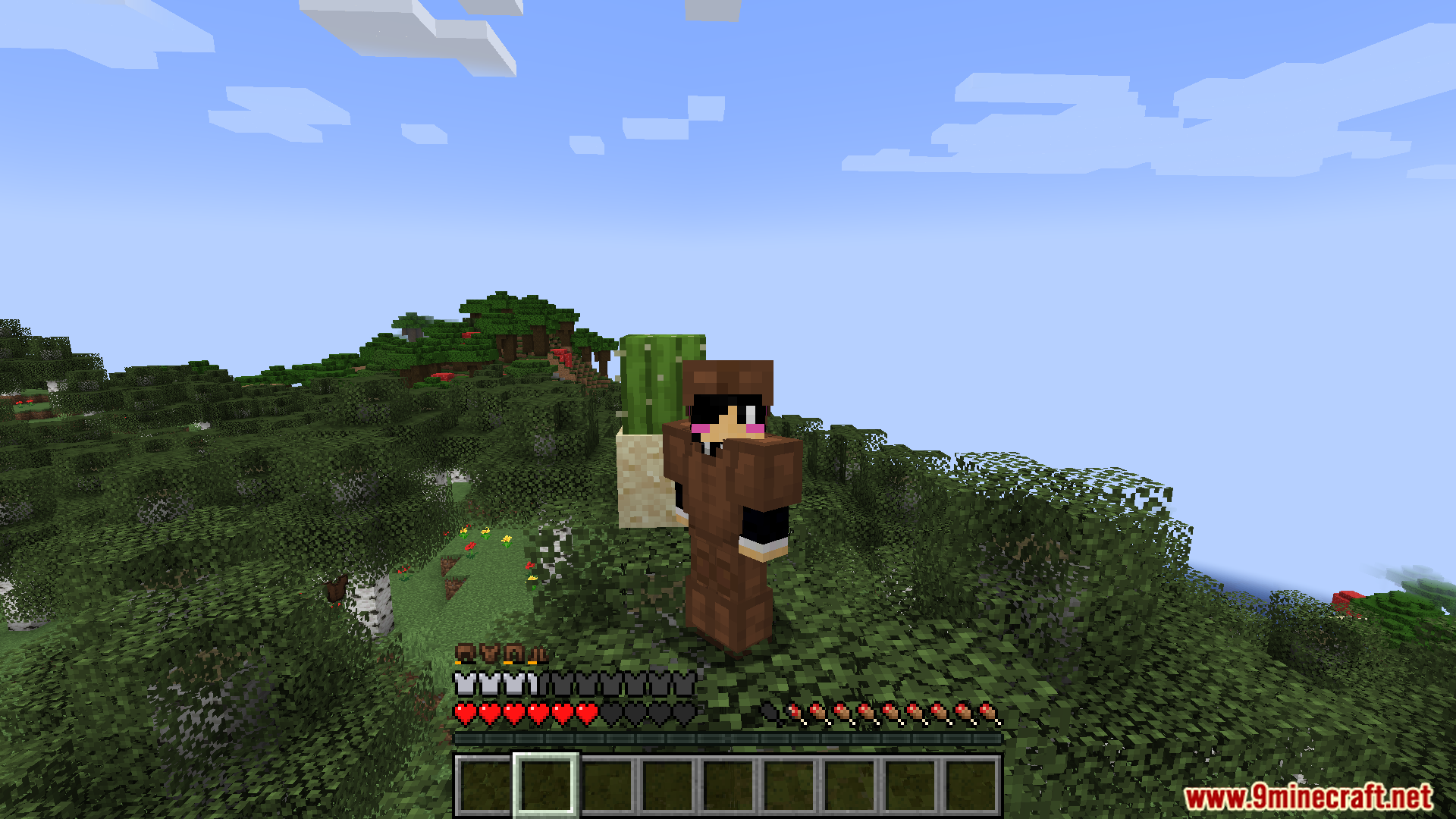
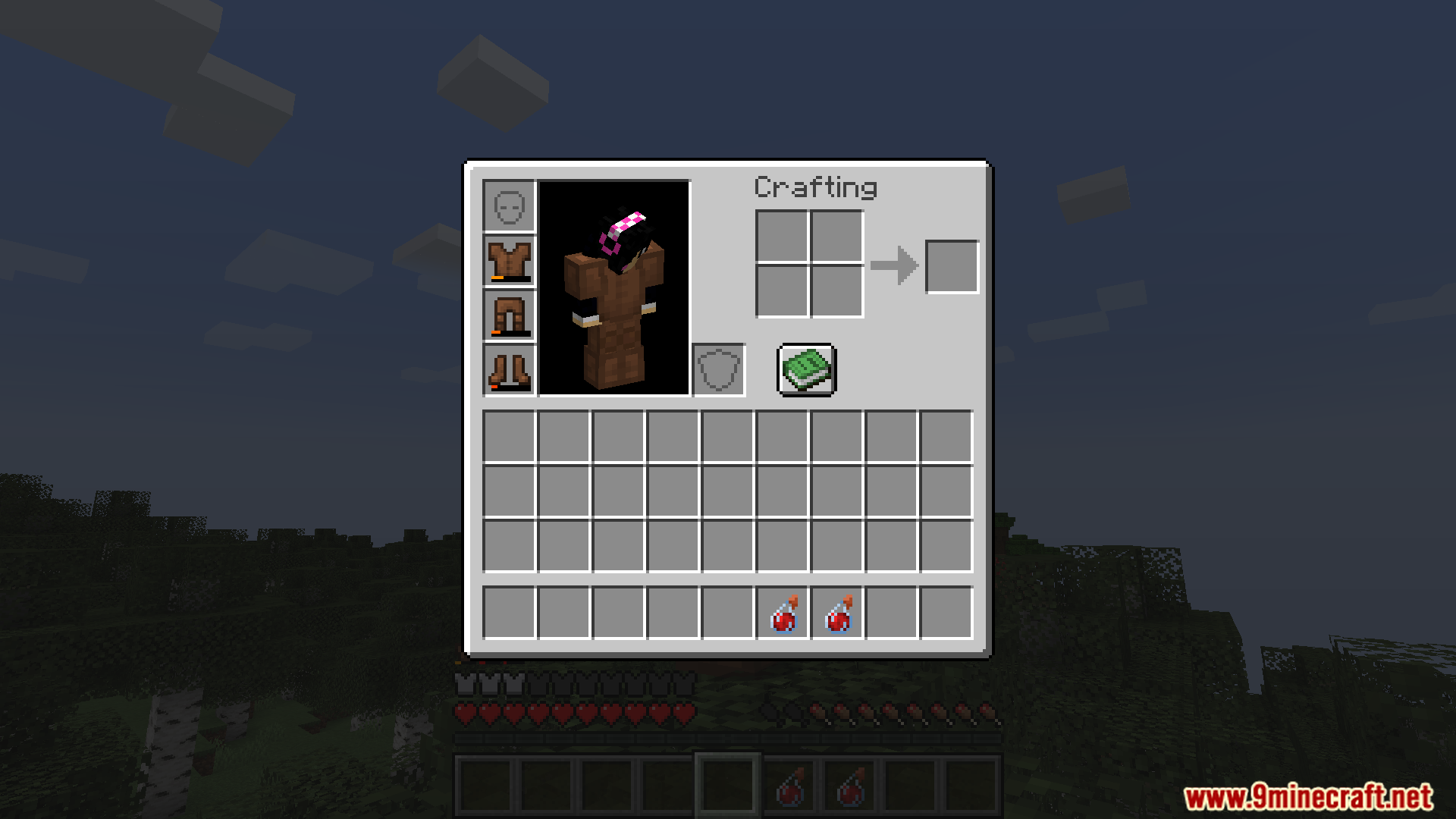
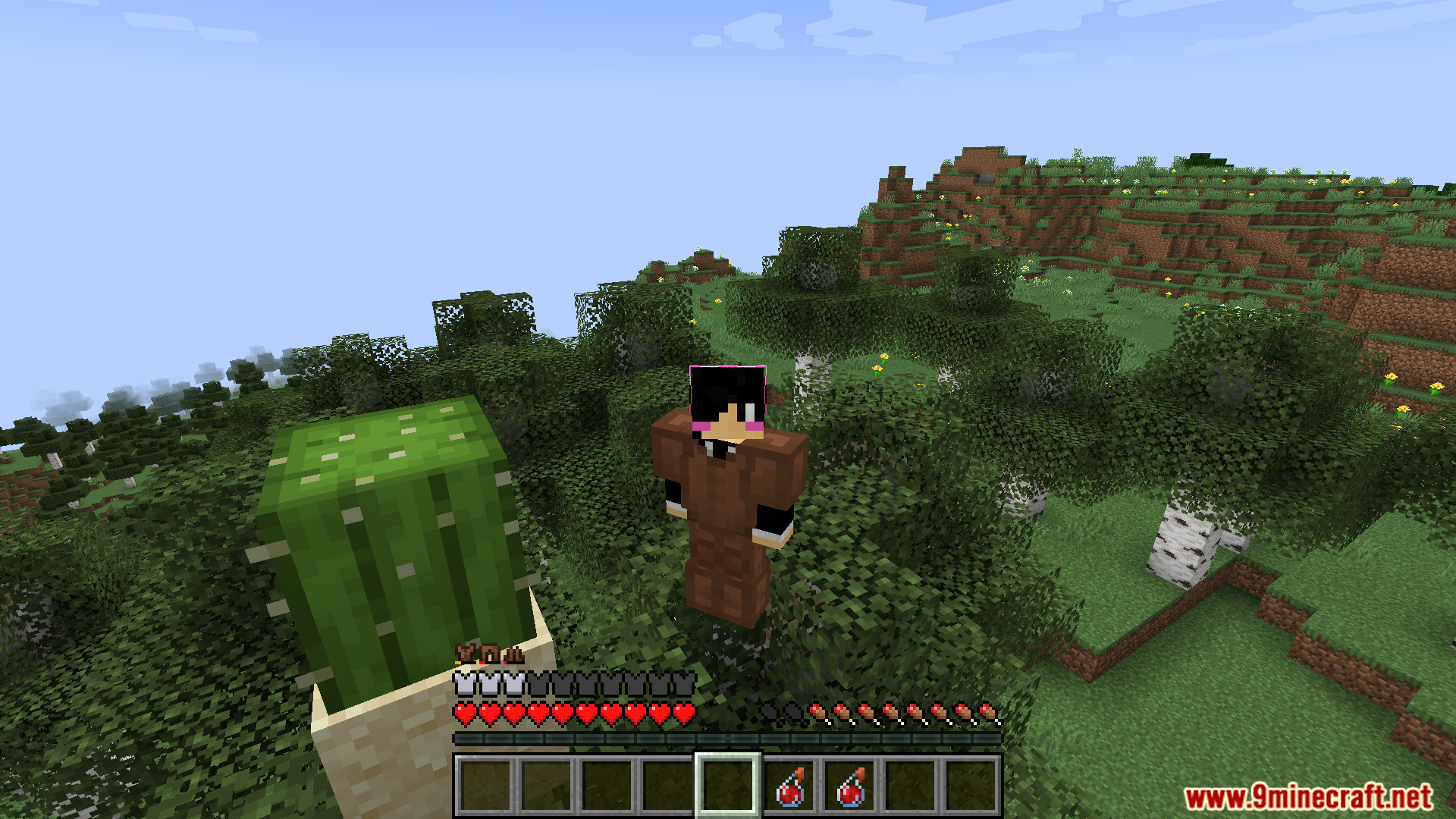
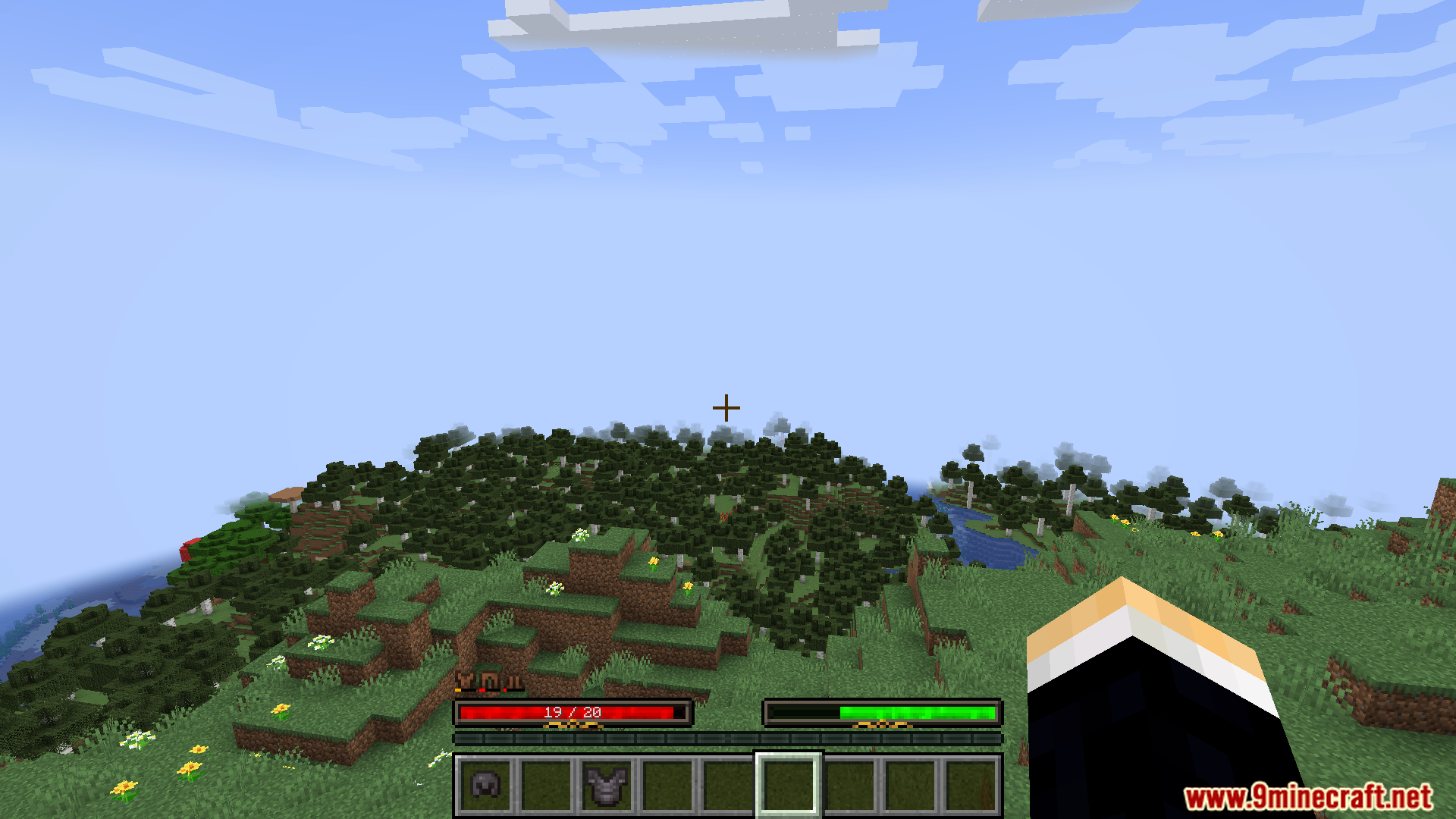
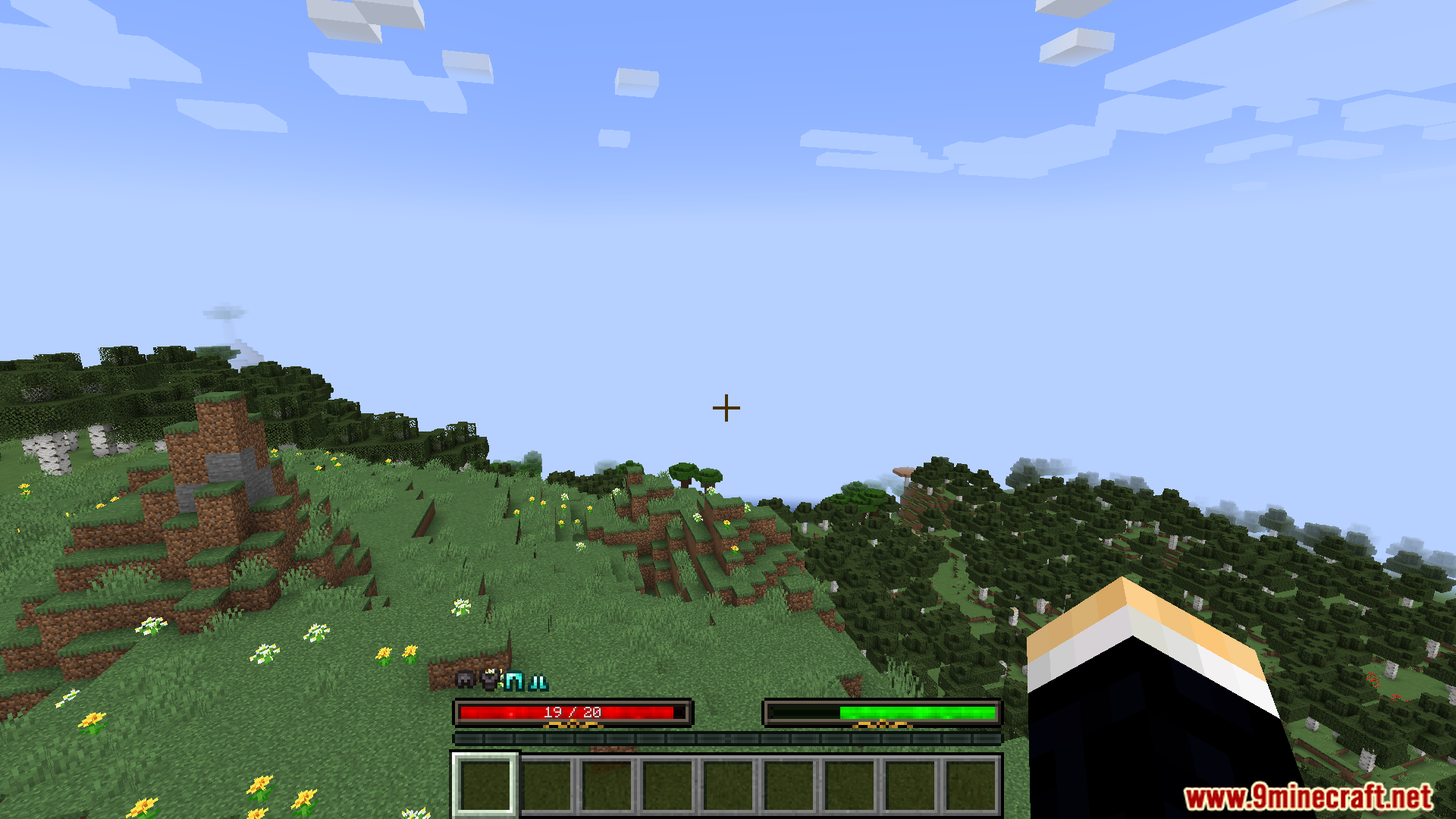
Immersive Armor HUD Mod adds information about your armor directly to the screen. It shows what kind of armor you are wearing and its durability, placing it right above the standard armor bar. The mod uses small, custom icons to let you know when your gear is about to break, helping you stay prepared.
Features:
- Adds a new display above the vanilla armor bar that shows your currently equipped armor.
- Uses special 7×7 pixel icons for each armor piece to fit with the game’s style.
- Includes durability information to warn you when your armor is getting low and might break.
- Lets you change the position of the armor display through configuration, like moving it to the right side or adjusting its X and Y offset.
- Works with other HUD mods, such as Overflowing Bars and Dynamic RPG Resource Bars.
Screenshots:
Immersive Armor HUD Mod Download Links
For Minecraft 1.21.5
Fabric version: Download from Server 1 – Download from Server 2
For Minecraft 1.21.1, 1.21
Fabric version: Download from Server 1 – Download from Server 2
NeoForge version: Download from Server 1 – Download from Server 2
For Minecraft 1.20.1, 1.20
Forge version: Download from Server 1 – Download from Server 2
Fabric version: Download from Server 1 – Download from Server 2
- Edition: Minecraft Java
- File type: .jar
- Minecraft versions listed: 1.21.5, 1.20.1
- How to install: Install the matching mod loader (Forge, Fabric or NeoForge) for your Minecraft version. → Download the .jar. → Put it in the .minecraft/mods folder and launch that loader profile.
- Where to get it: In MC Java Mods, or directly above on this page.
Install steps are the general flow for this file type — How to install Minecraft Java mods & modpacks walks through it step by step.
- Downloads as 177478.mcaddon
- Download size: 982 KB
- Download link checked 27 Jul 2026 — working
- Mirrored on our own servers — the download does not depend on the original host
These come from our own check of the pack file, not from the source page.