Advanced Compass Mod (1.21.1, 1.20.1) – UI Upgrade
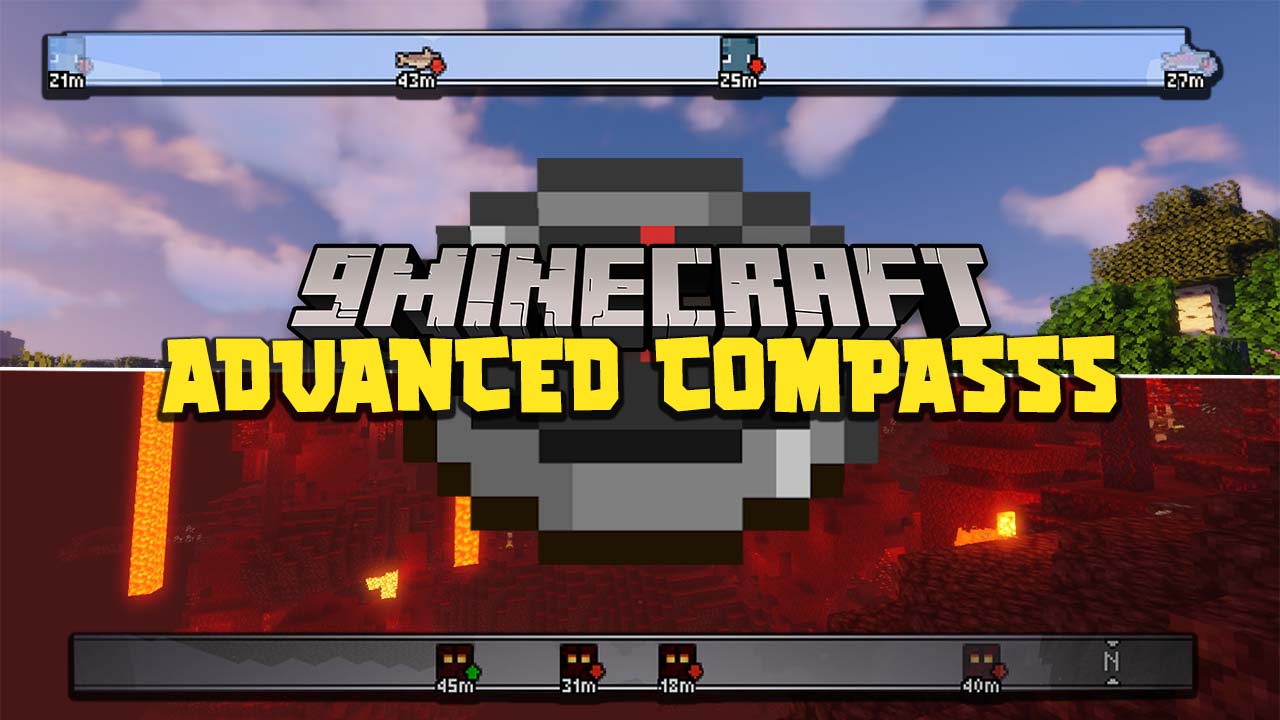
Advanced Compass Mod ameliorates the game UI by implementing a RPG-like compass, which informs players of surrounding entities, as well as direction…
⬇ DownloadOpen in MCModsHubGet it on Google Play →Advanced Compass Mod ameliorates the game UI by implementing a RPG-like compass, which informs players of surrounding entities, as well as direction. Players can tell the distance between them and a hostile entity and ready requisite preparation to deal with them. Furthermore, the sense of direction is also facilitated to read, making the world map of Minecraft less intimidating to the average players. However, some do opine that knowing what kind of adversity ahead of time could be detrimental to the game as Minecraft place significant emphasis on survival.
Features:
- Displays a compass HUD that shows mobs, players, and waypoints.
- You can configure the compass to be always on, only visible when you have a vanilla compass in your hand, or toggled on and off.
- Shows coordinates below or above the compass, with adjustable font scale.
- Displays icons for mobs and players, with options to customize icon generation based on mob heads or full bodies.
- Adjusts the maximum distance for entities to appear on the compass.
- Allows you to add, remove, and manage waypoints.
- Almost every aspect of the compass can be customized through the config menu.
Screenshots:







Advanced Compass Mod Download Links
For Minecraft 1.16.5
Forge version: Download from Server 1
Fabric version: Download from Server 1
For Minecraft 1.17.1
Forge version: Download from Server 1
Fabric version: Download from Server 1
For Minecraft 1.18.1
Forge version: Download from Server 1
Fabric version: Download from Server 1
For Minecraft 1.18.2
Forge version: Download from Server 1
Fabric version: Download from Server 1
For Minecraft 1.19
Forge version: Download from Server 1
Fabric version: Download from Server 1
For Minecraft 1.19.1
Forge version: Download from Server 1
Fabric version: Download from Server 1
For Minecraft 1.19.2
Forge version: Download from Server 1
Fabric version: Download from Server 1
For Minecraft 1.19.3
Forge version: Download from Server 1 – Download from Server 2
Fabric version: Download from Server 1 – Download from Server 2
For Minecraft 1.19.4
Forge version: Download from Server 1 – Download from Server 2
Fabric version: Download from Server 1 – Download from Server 2
For Minecraft 1.20.1, 1.20
Forge version: Download from Server 1 – Download from Server 2
Fabric version: Download from Server 1 – Download from Server 2
For Minecraft 1.20.2
Forge version: Download from Server 1 – Download from Server 2
Fabric version: Download from Server 1 – Download from Server 2
For Minecraft 1.20.4
Forge version: Download from Server 1 – Download from Server 2
Fabric version: Download from Server 1 – Download from Server 2
For Minecraft 1.21.1, 1.21
Forge version: Download from Server 1 – Download from Server 2
Fabric version: Download from Server 1 – Download from Server 2
- Download size: 474 KB
- Download link checked 24 Jul 2026 — working
- Mirrored on our own servers — the download does not depend on the original host
These come from our own check of the pack file, not from the source page.