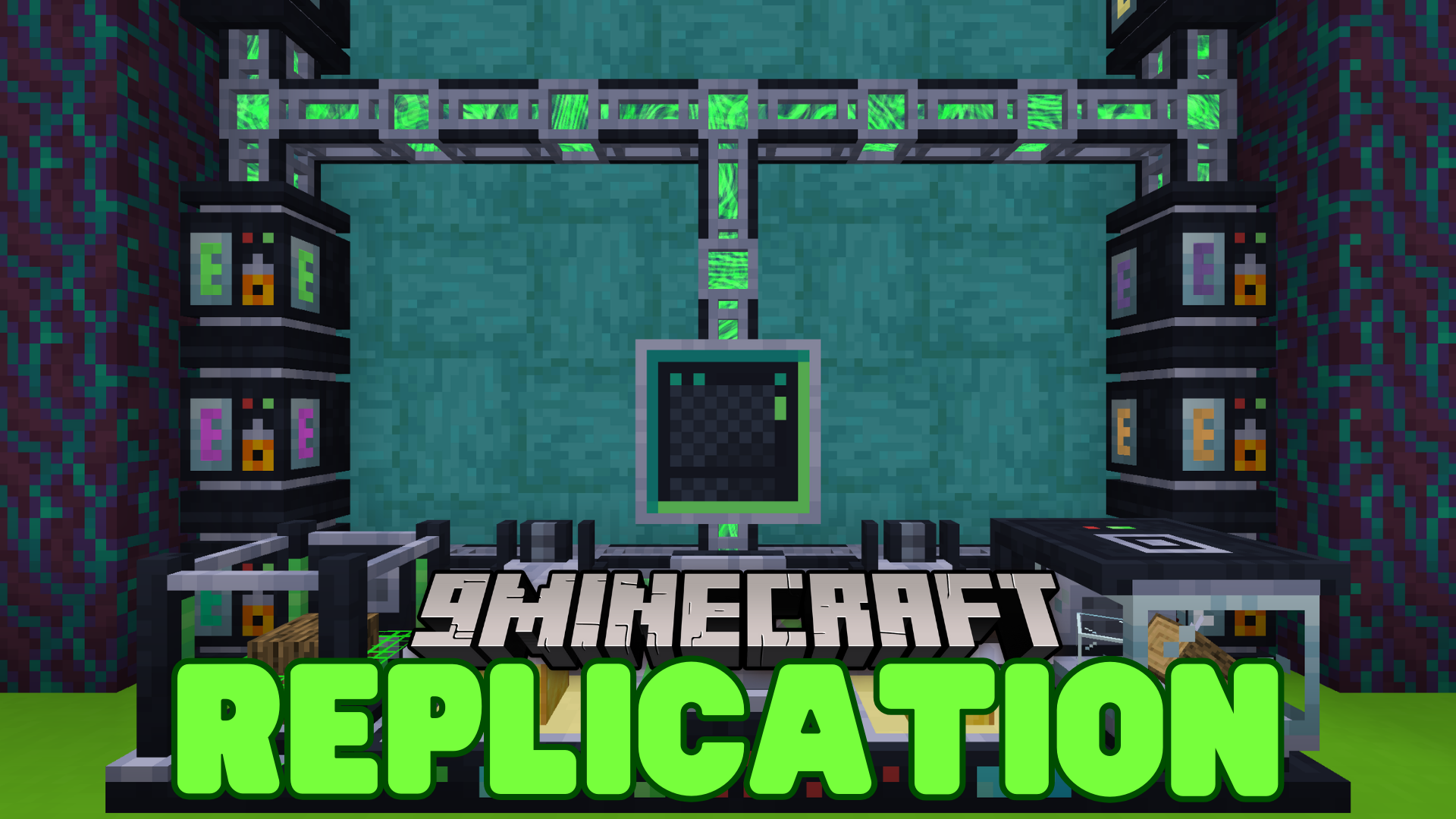
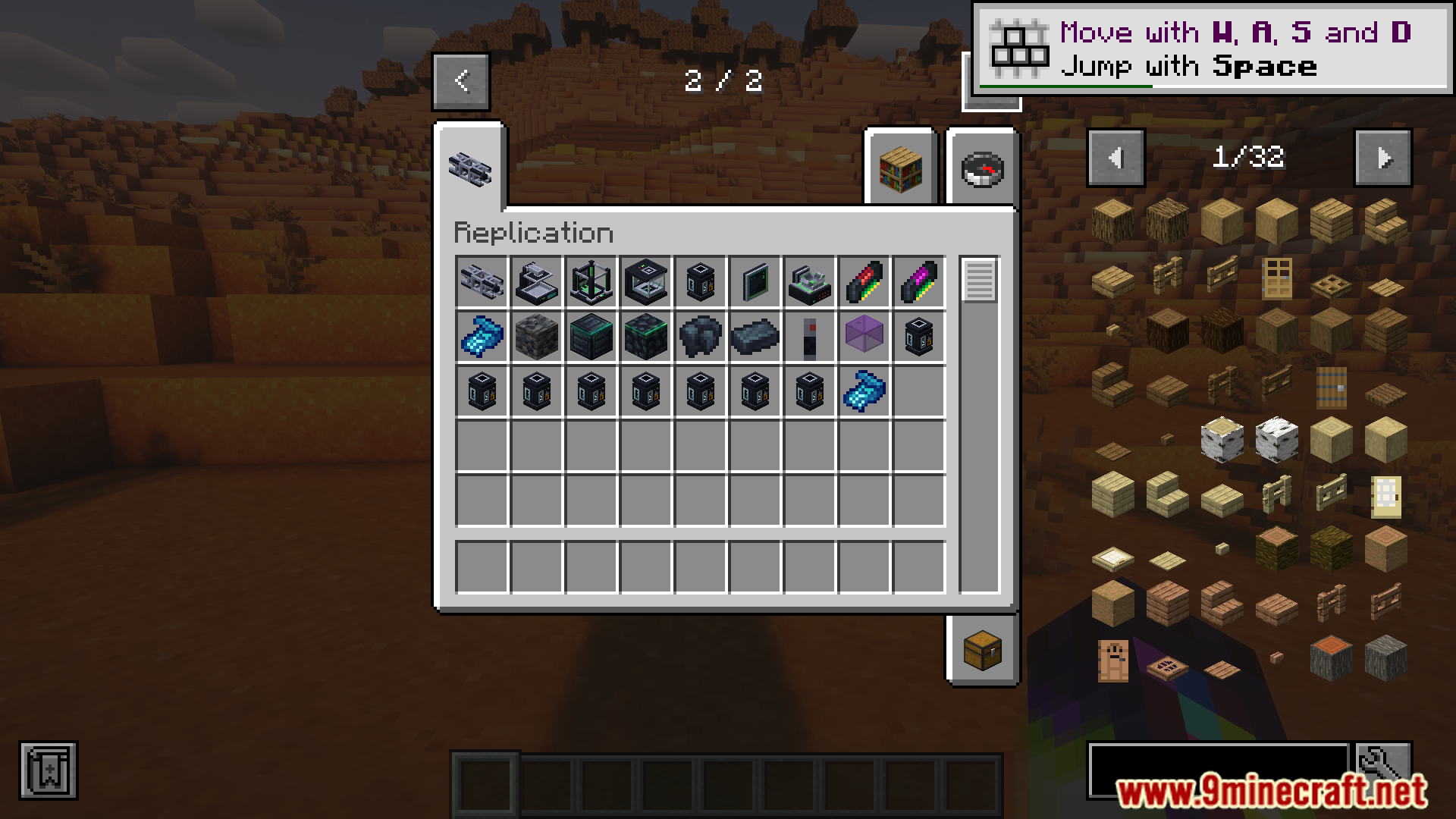
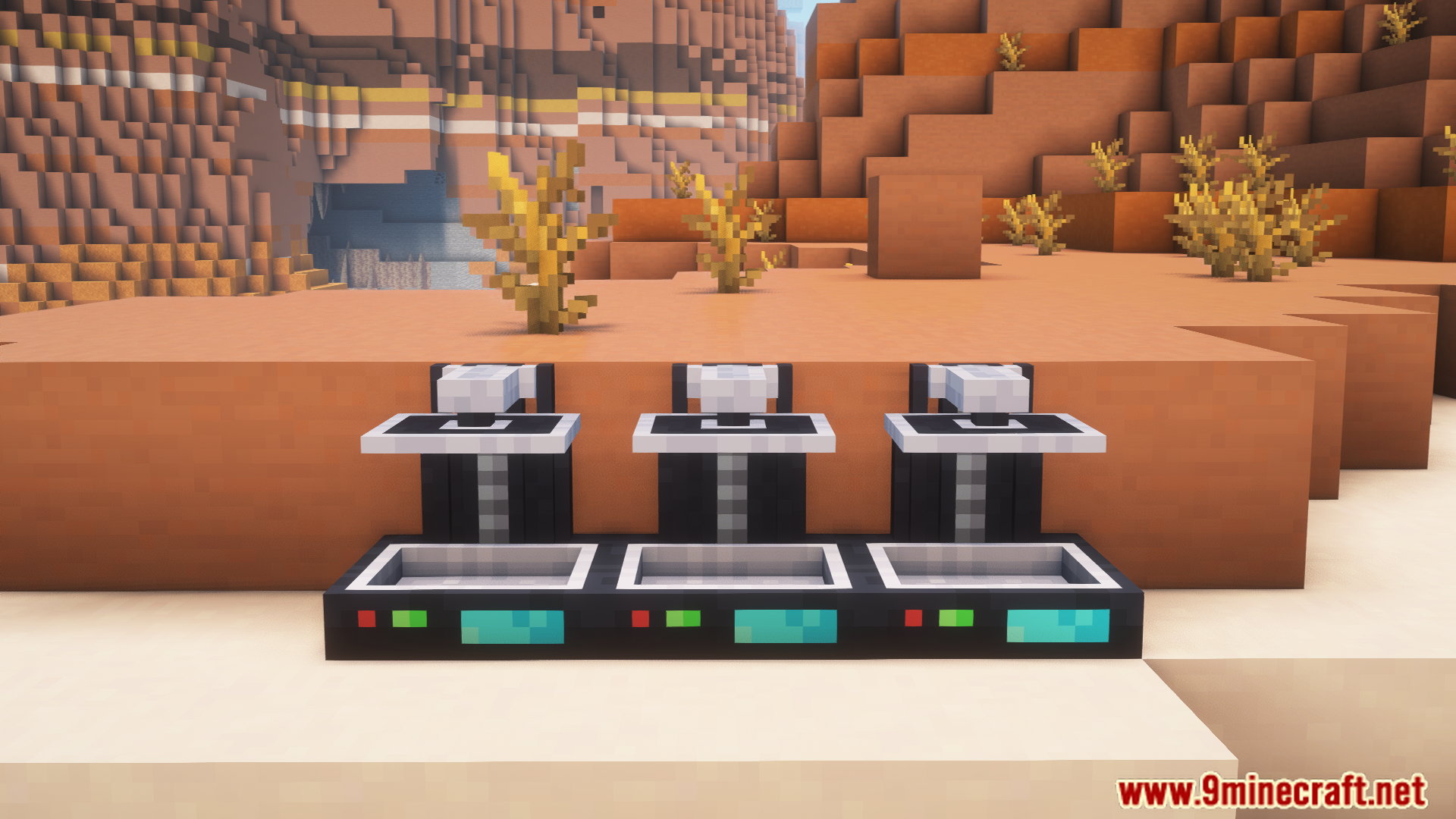
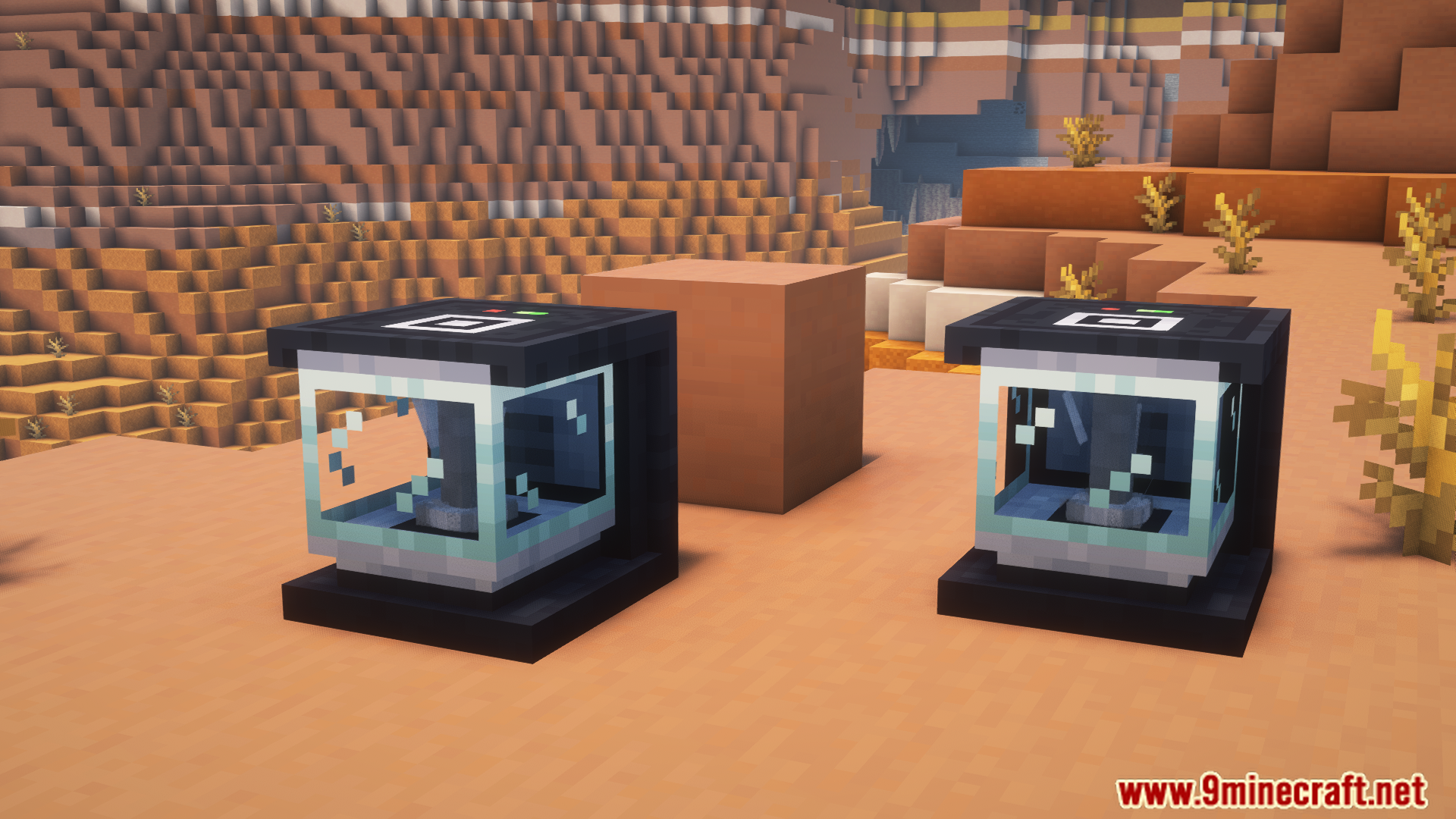
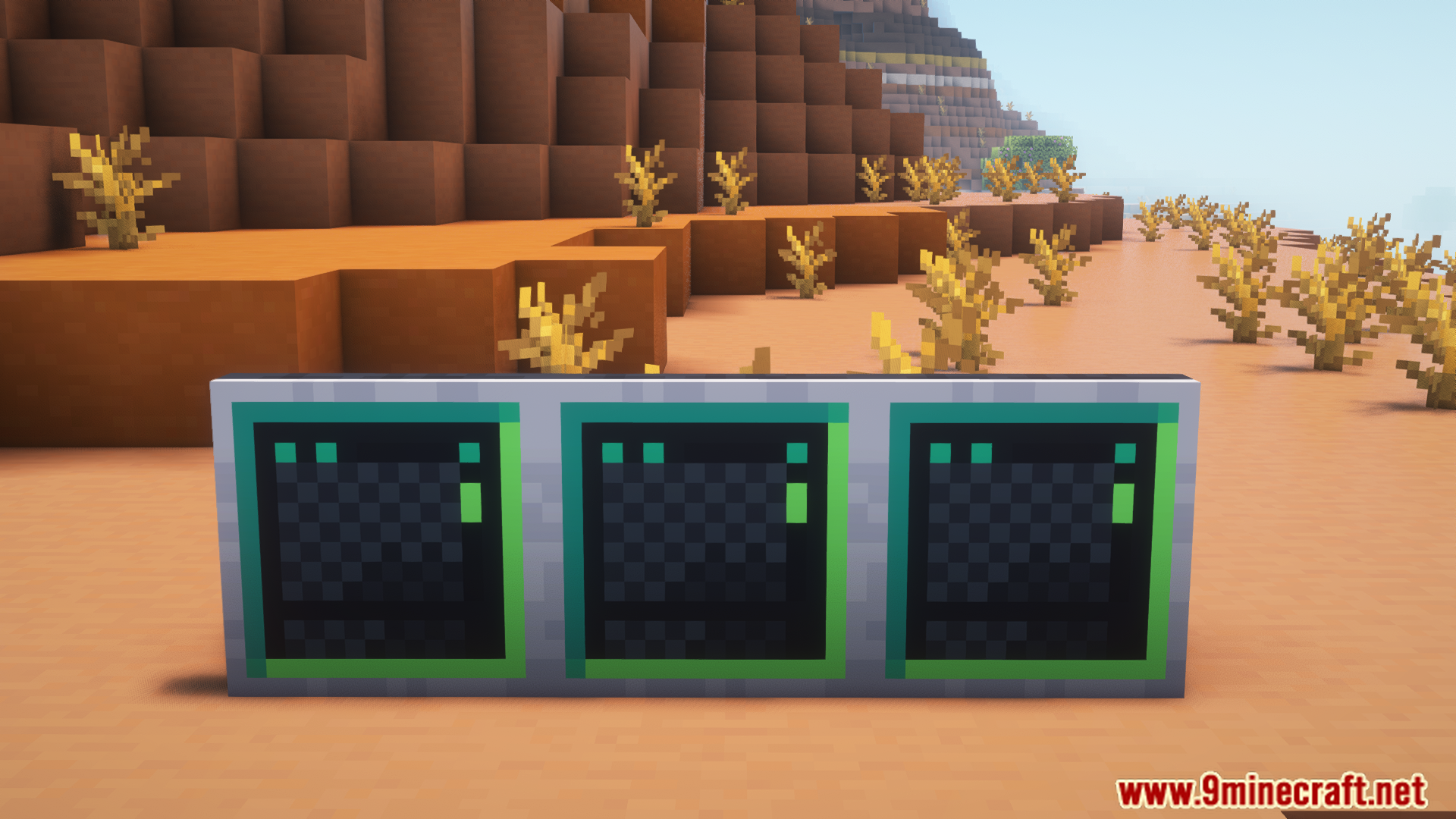
Replication Mod adds the ability to duplicate resources. Resources can be turned into similar types, like dirt into stone, but not into completely different things like dirt into diamonds. It includes machines and pipes that make collecting and duplicating resources automatic, fast, and clear. There’s also an Infinite Mode that keeps duplicating resources until the storage is full or the material runs out, making mining and crafting much easier.
Features:
- Turns similar resources into each other, like dirt into stone, but not into diamonds.
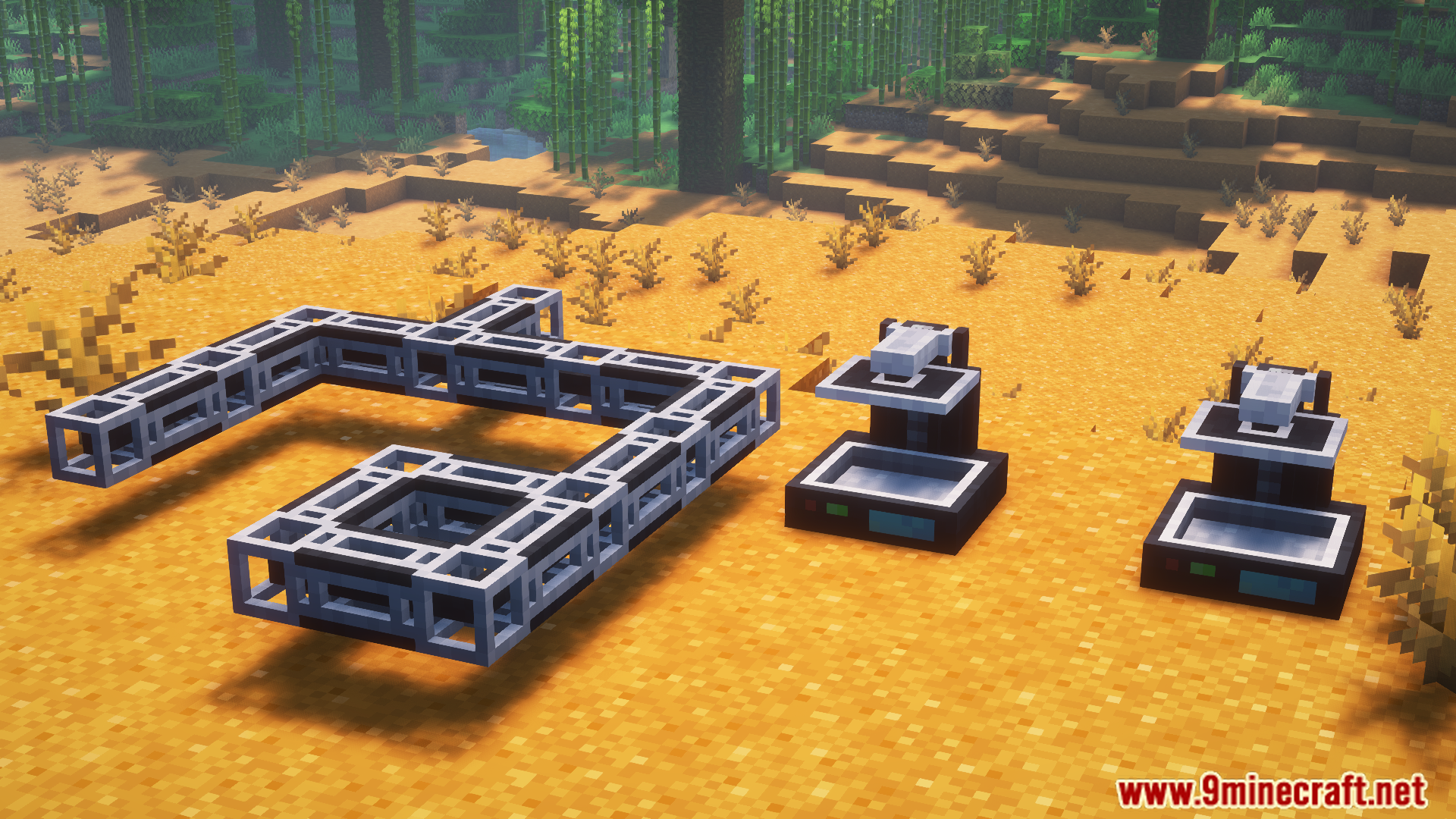
- Matter Pipes:
- Carry energy like power pipes.
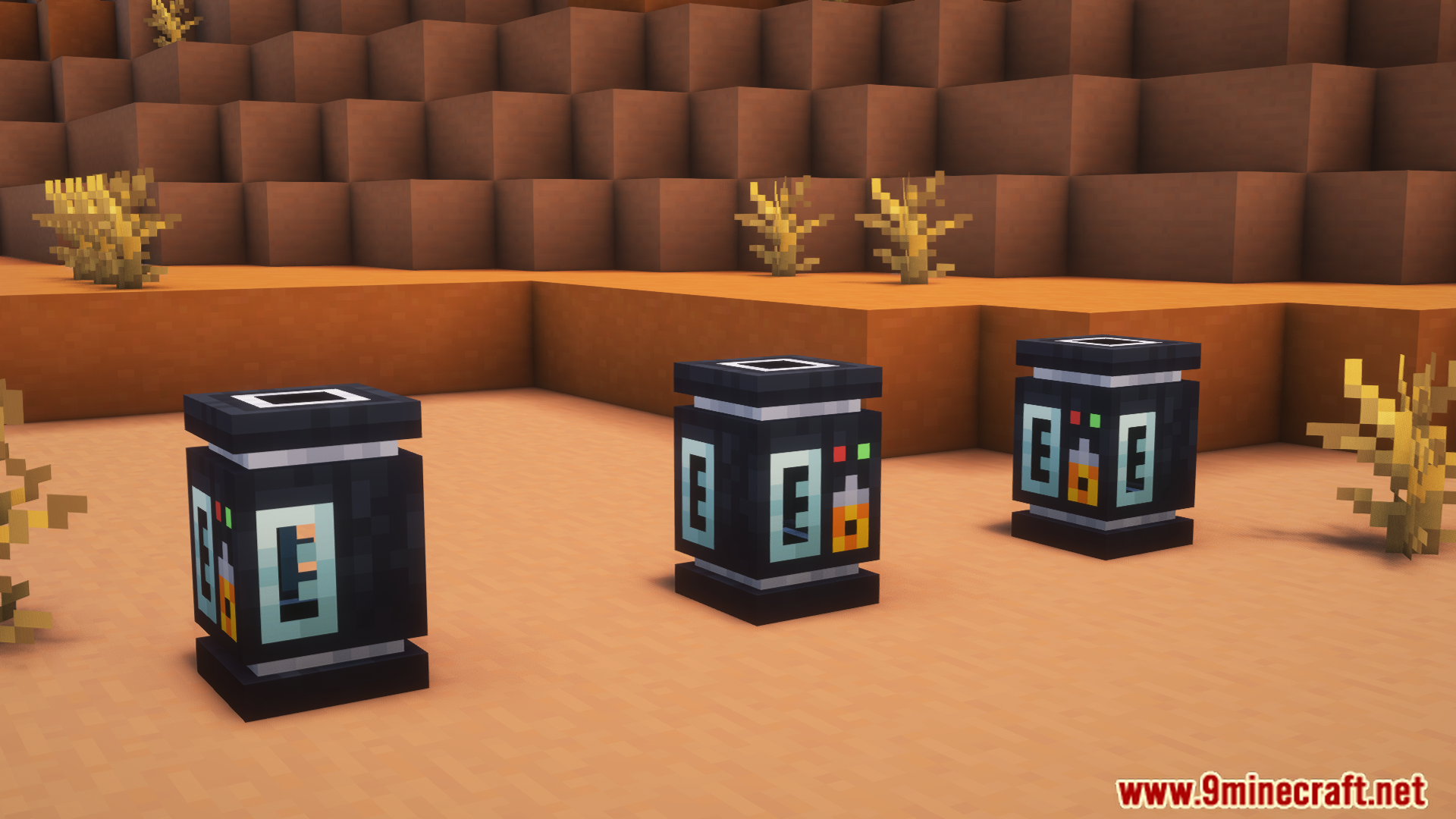
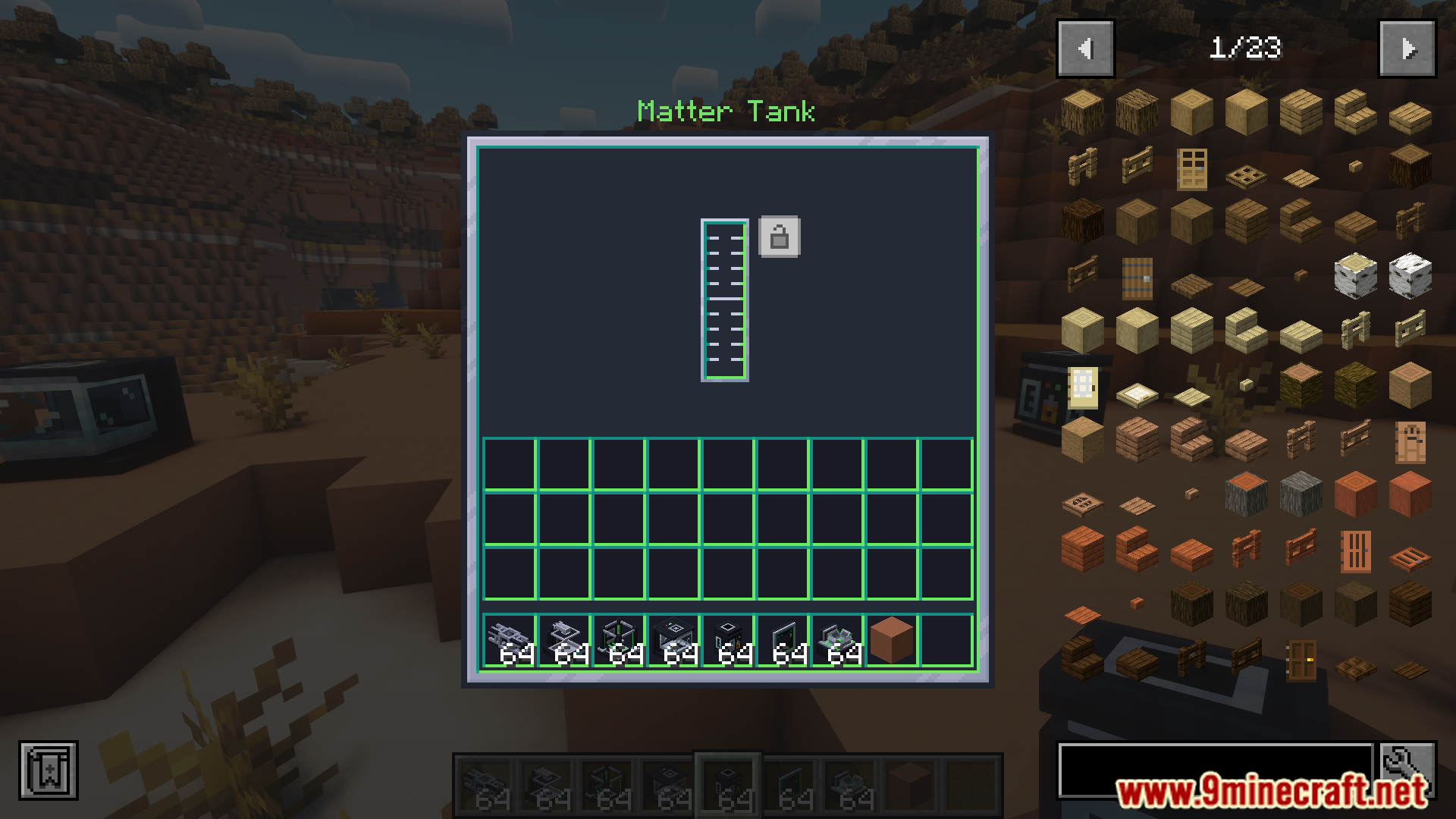
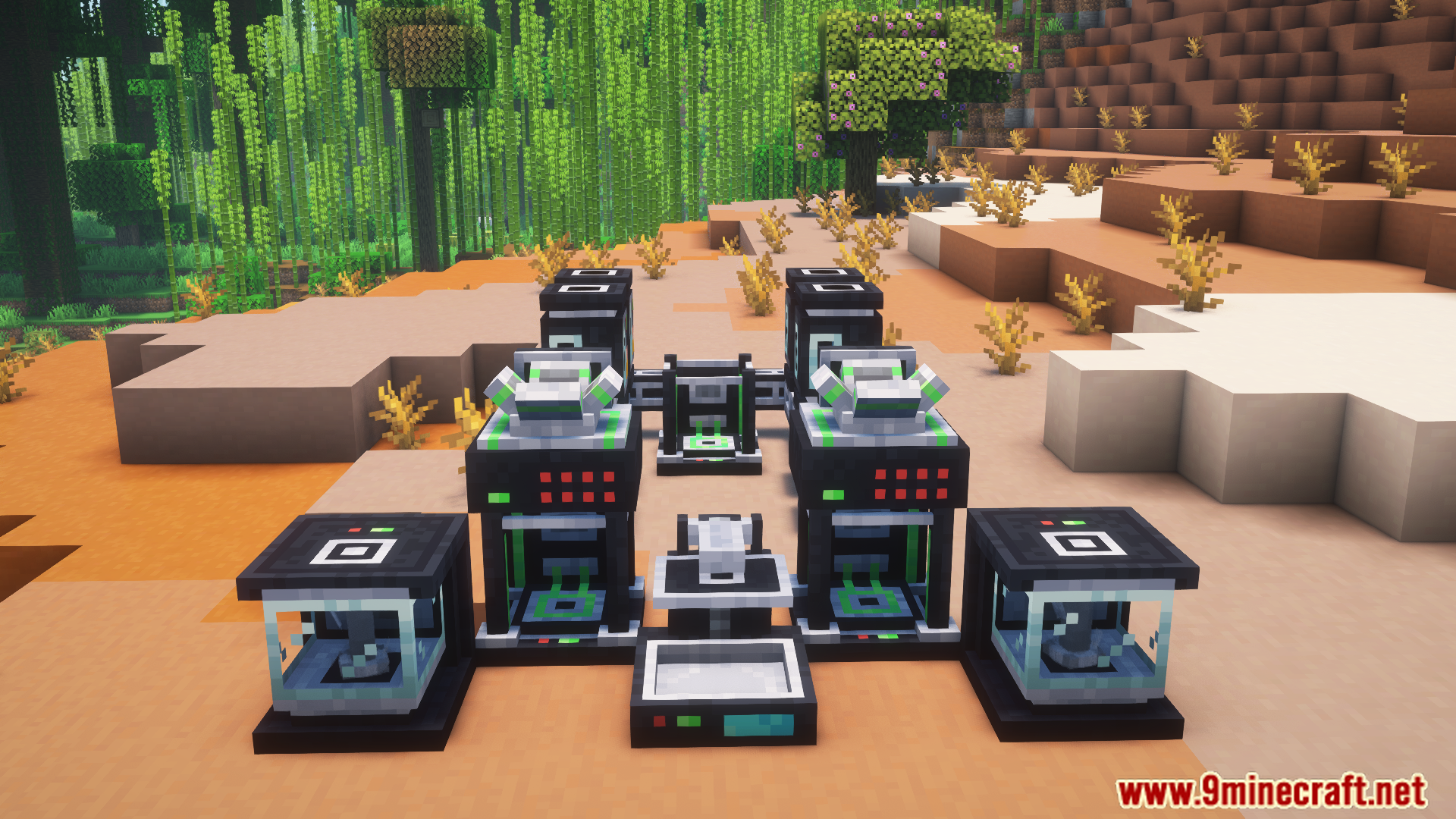
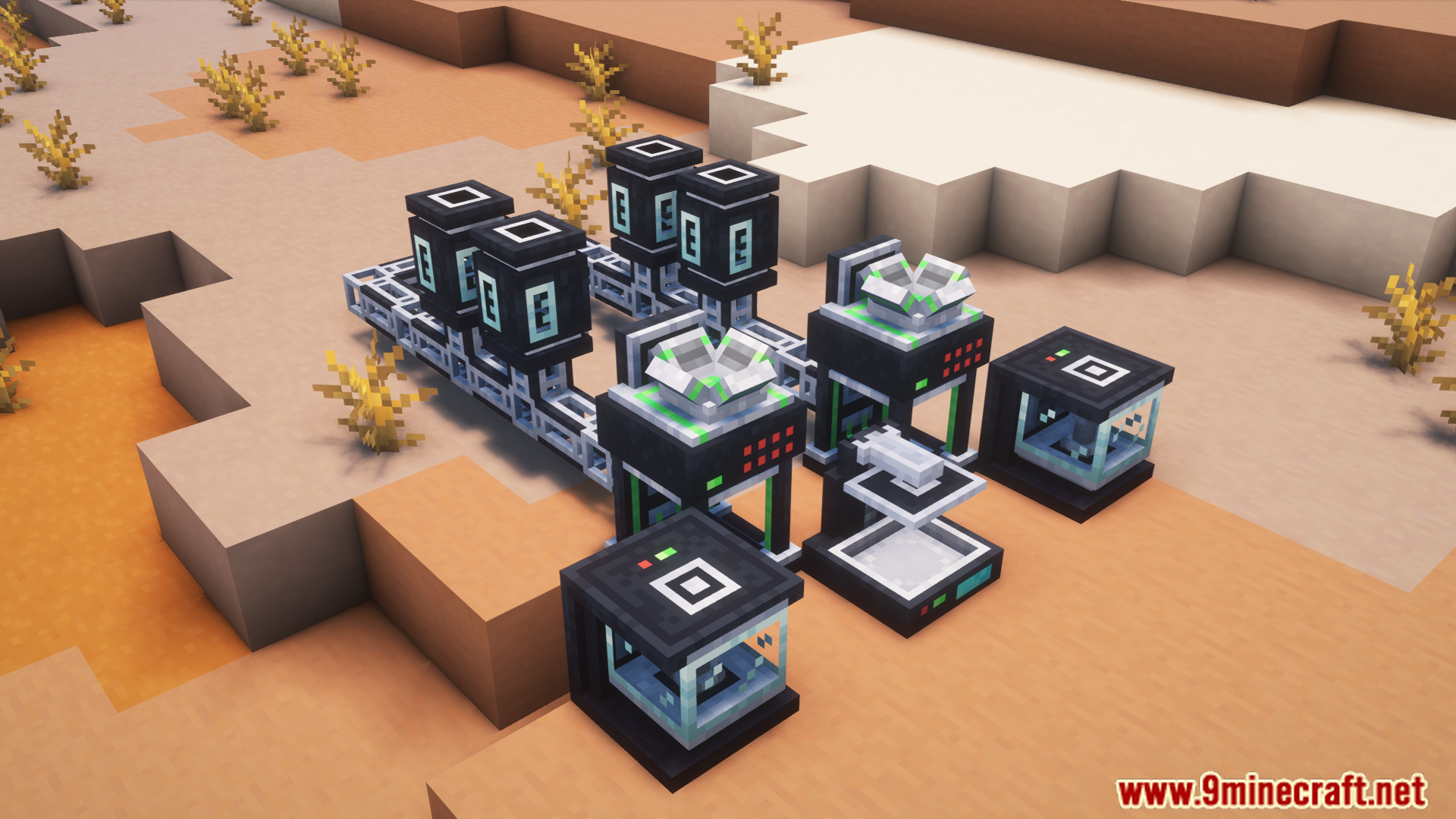
- Move materials from the Disintegrator to Matter Tanks and then to other machines.
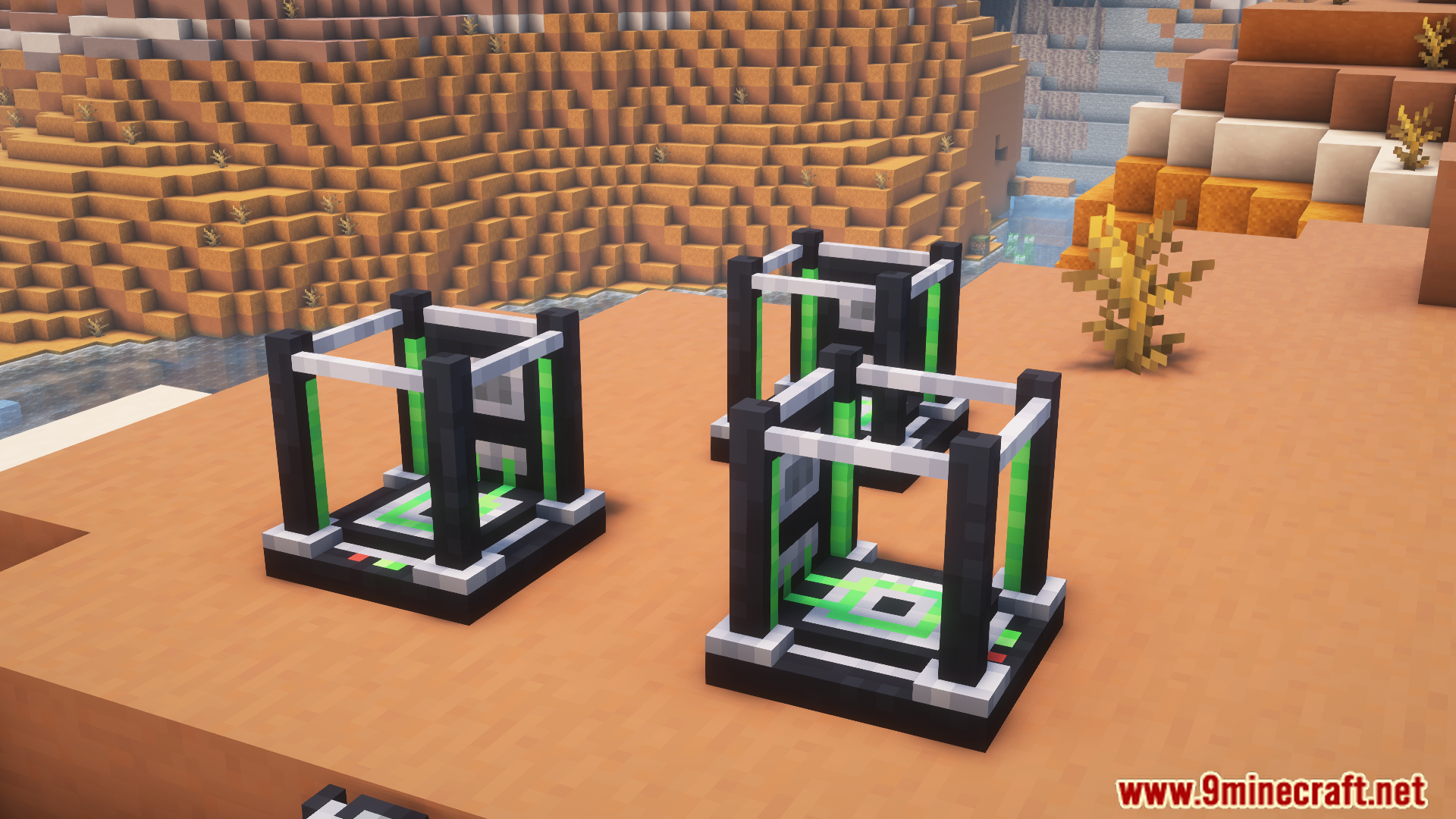
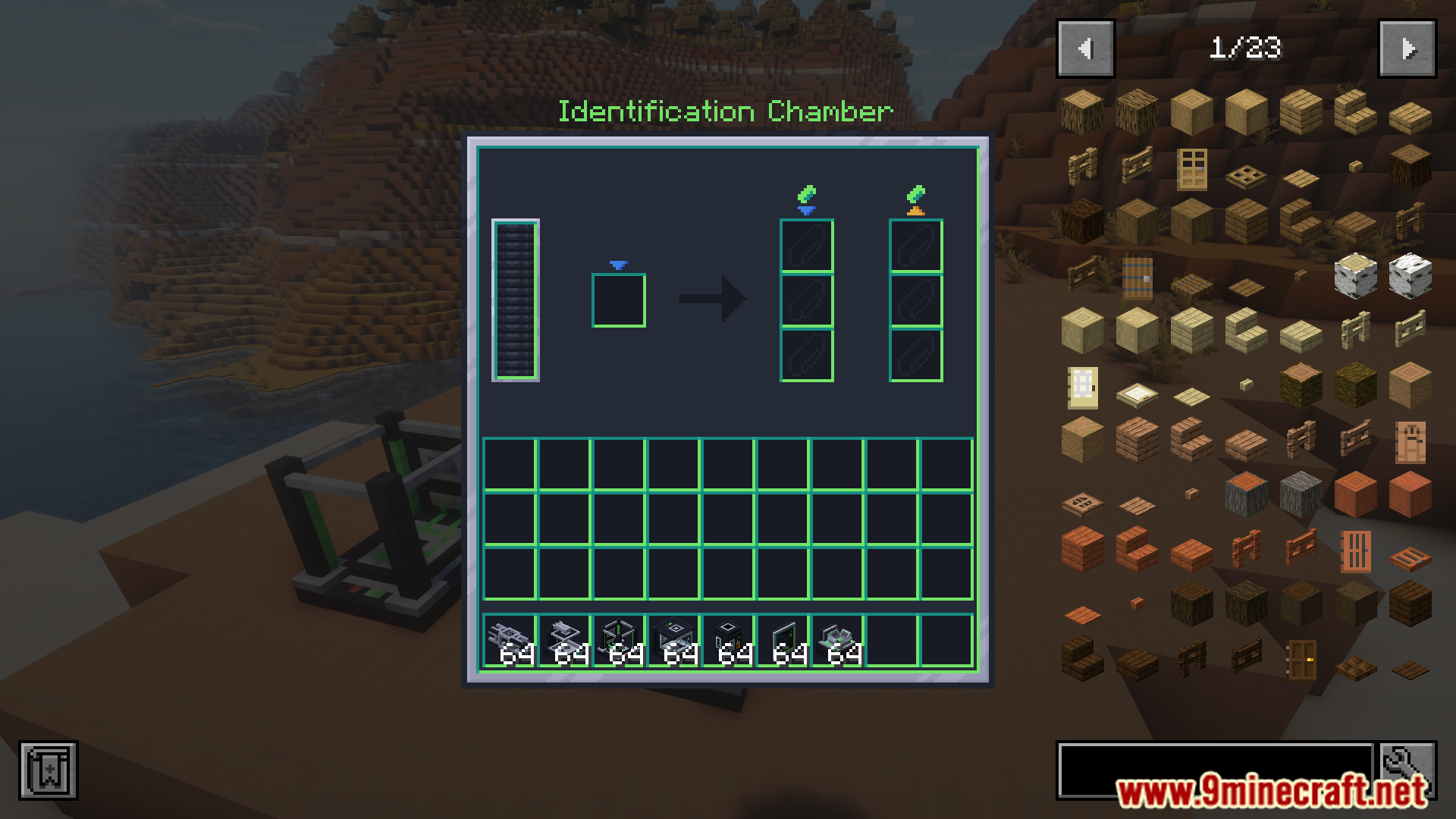
- Identification Chamber: Scans items to find their material value and saves it to a chip.
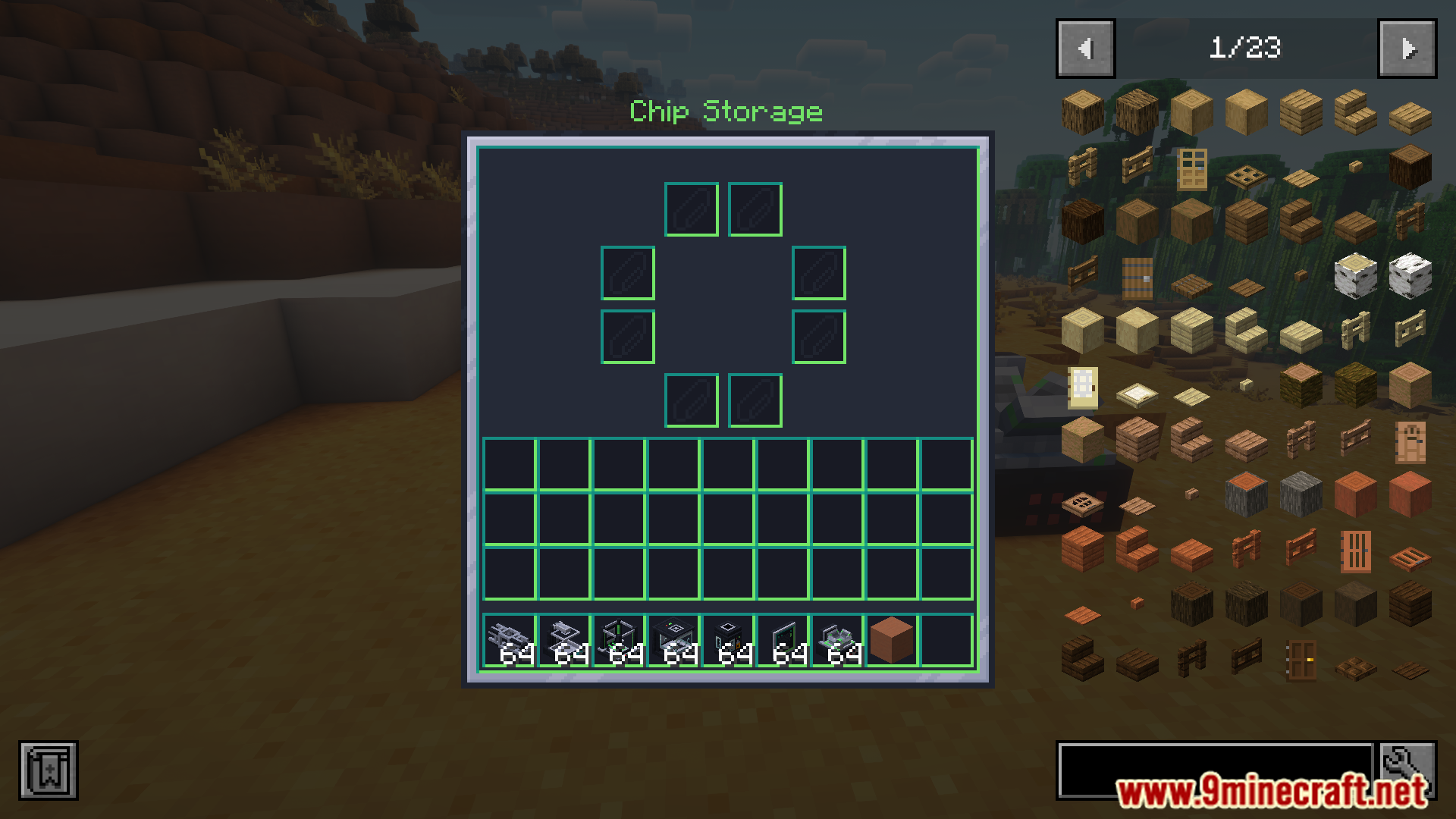
- Chip Storage: Holds scanned chips and connects directly to the Identification Chamber for automatic data transfer.
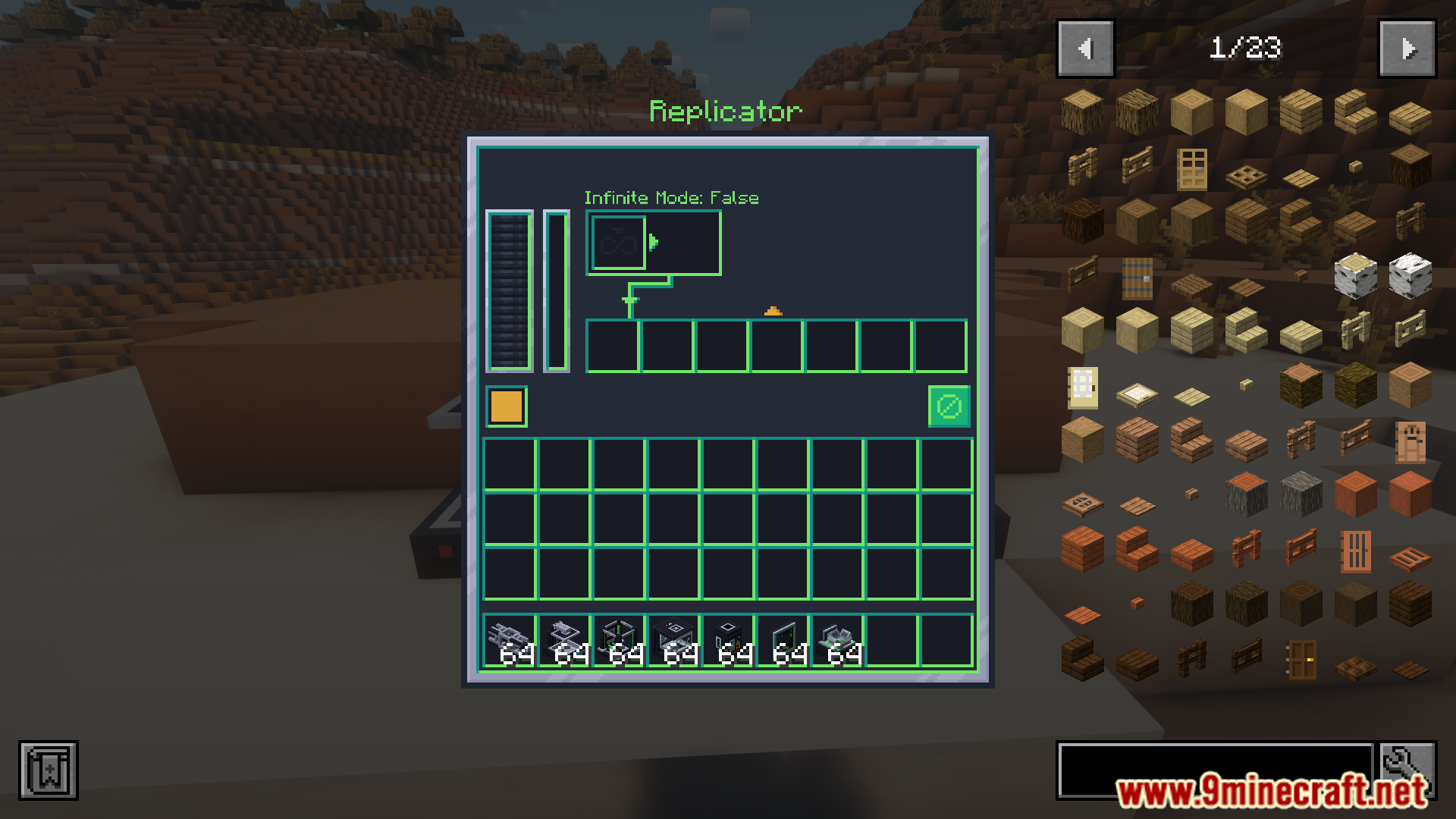
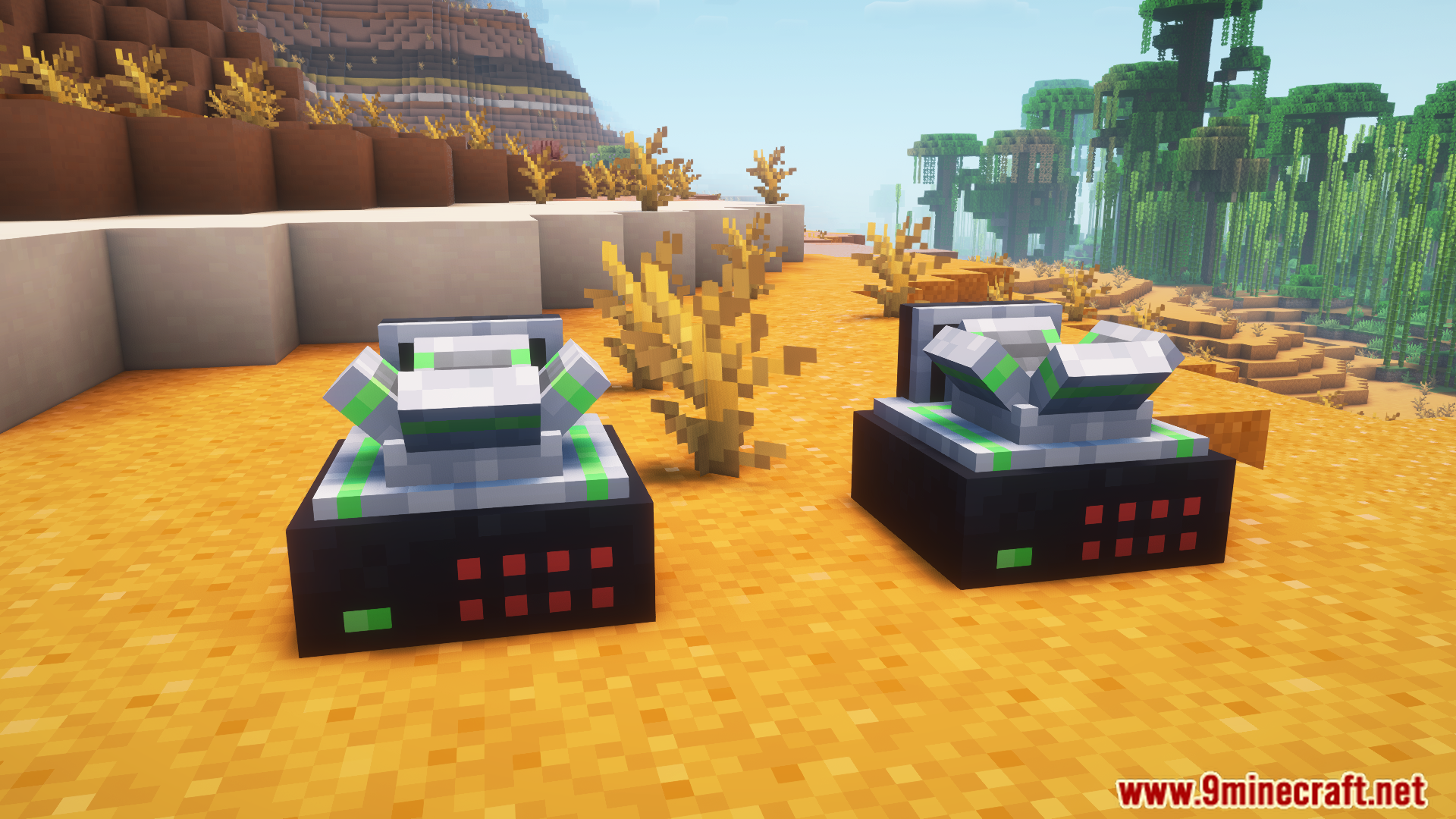
- Replicators: Recreate resources from stored materials, with an Infinite Mode for continuous duplication.
- How It Works:
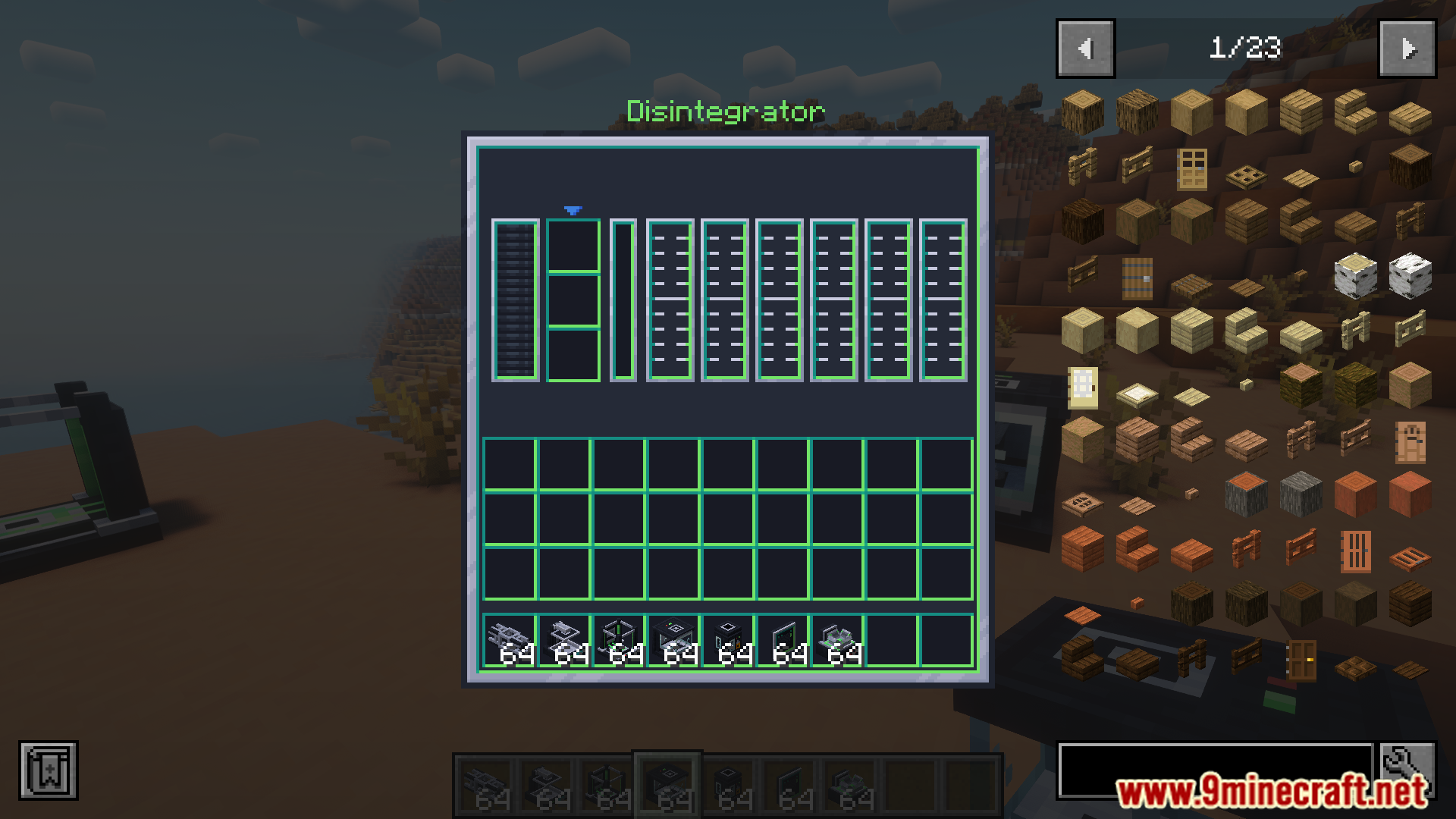
- Use the Disintegrator to break items into raw materials.
- Scan items with the Identification Chamber and save the data to a chip.
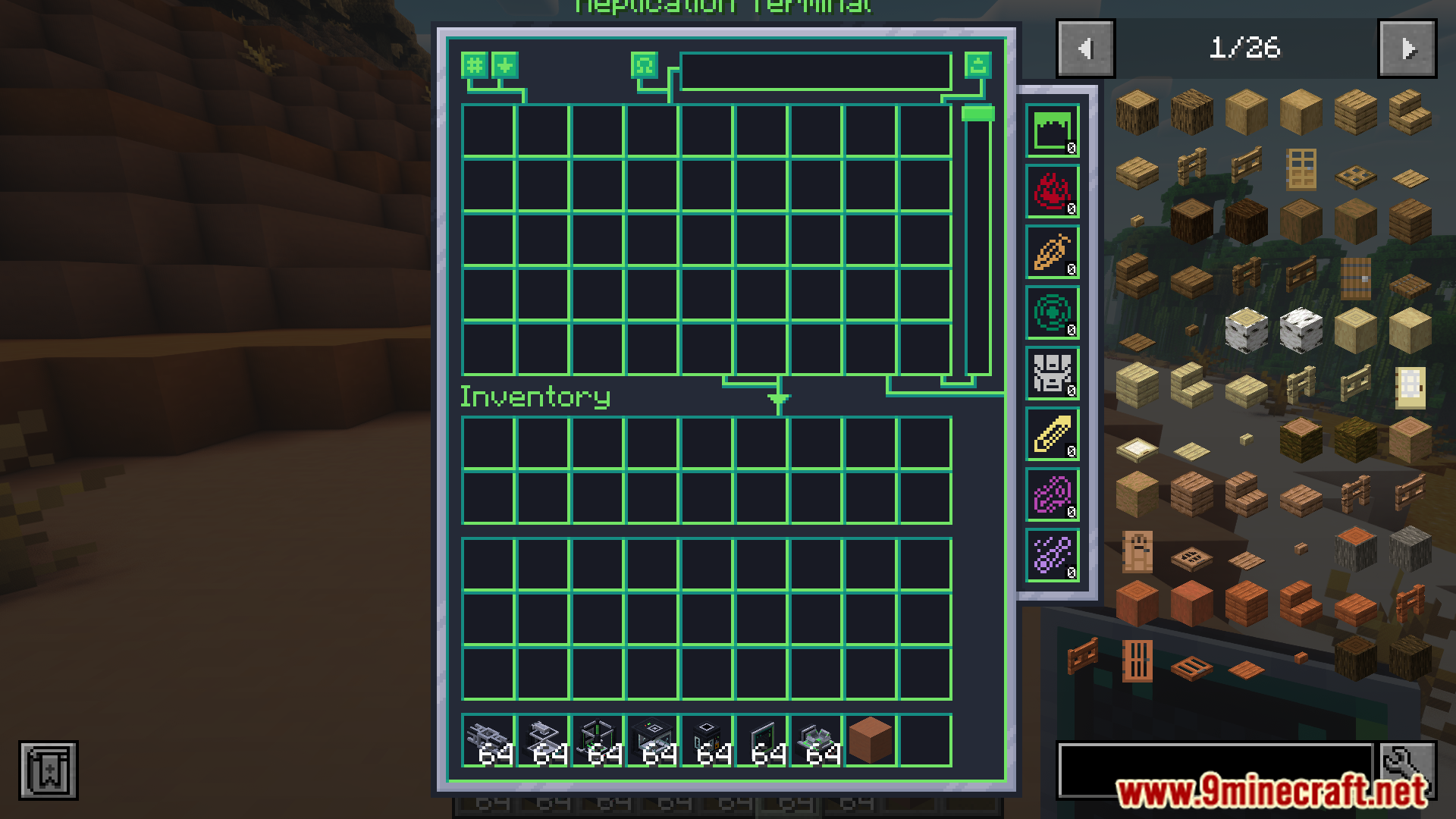
- Request items at the Replication Terminal, and the Replicator will create them.
- Speeding Up the Replicator:
- Replicator En losure: Boosts speed by 20% but uses 10% more energy.
- Replicator Motor: Lets players adjust duplication speed; faster speeds may cause errors but don’t use extra materials when repeating.
Screenshots:
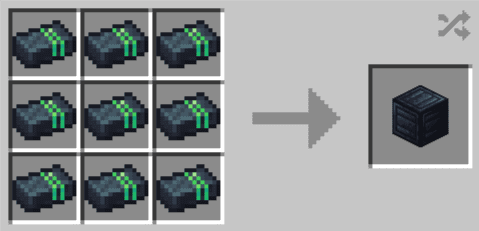
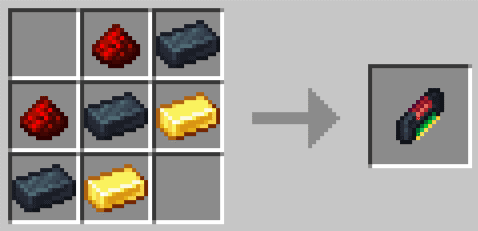
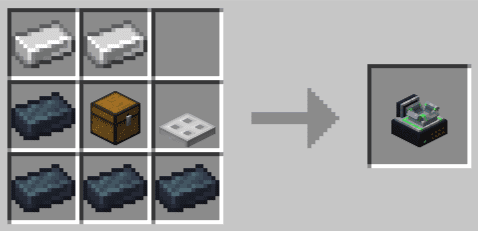
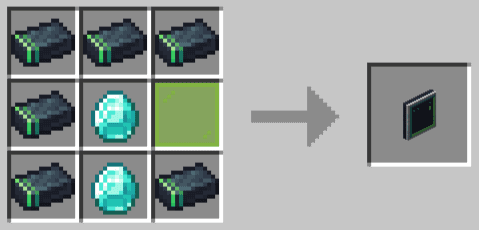
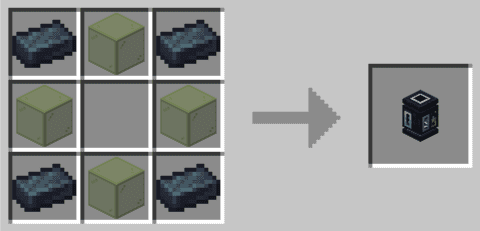
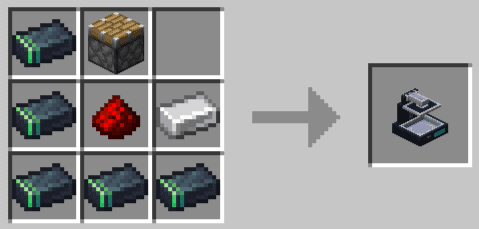
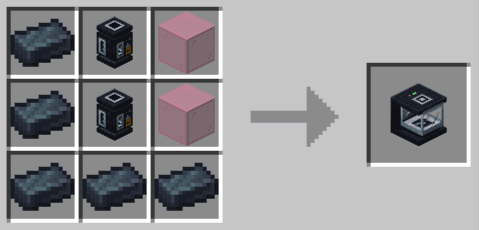
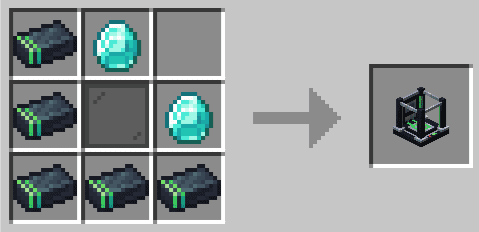
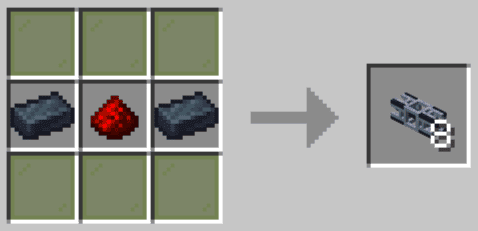
Crafting Recipes:
Replication Mod Download Links
For Minecraft 1.20.1, 1.20
Forge Version: Download from Server 1 – Download from Server 2
For Minecraft 1.21.1, 1.21
NeoForge Version: Download from Server 1 – Download from Server 2
- Edition: Minecraft Java
- File type: .jar
- Minecraft versions listed: 1.21.1, 1.20.1
- How to install: Install the matching mod loader (Forge, Fabric or NeoForge) for your Minecraft version. → Download the .jar. → Put it in the .minecraft/mods folder and launch that loader profile.
- Where to get it: In MC Java Mods, or directly above on this page.
Install steps are the general flow for this file type — How to install Minecraft Java mods & modpacks walks through it step by step.
- Downloads as 177495.mcaddon
- Download size: 706 KB
- Download link checked 24 Jul 2026 — working
- Mirrored on our own servers — the download does not depend on the original host
These come from our own check of the pack file, not from the source page.