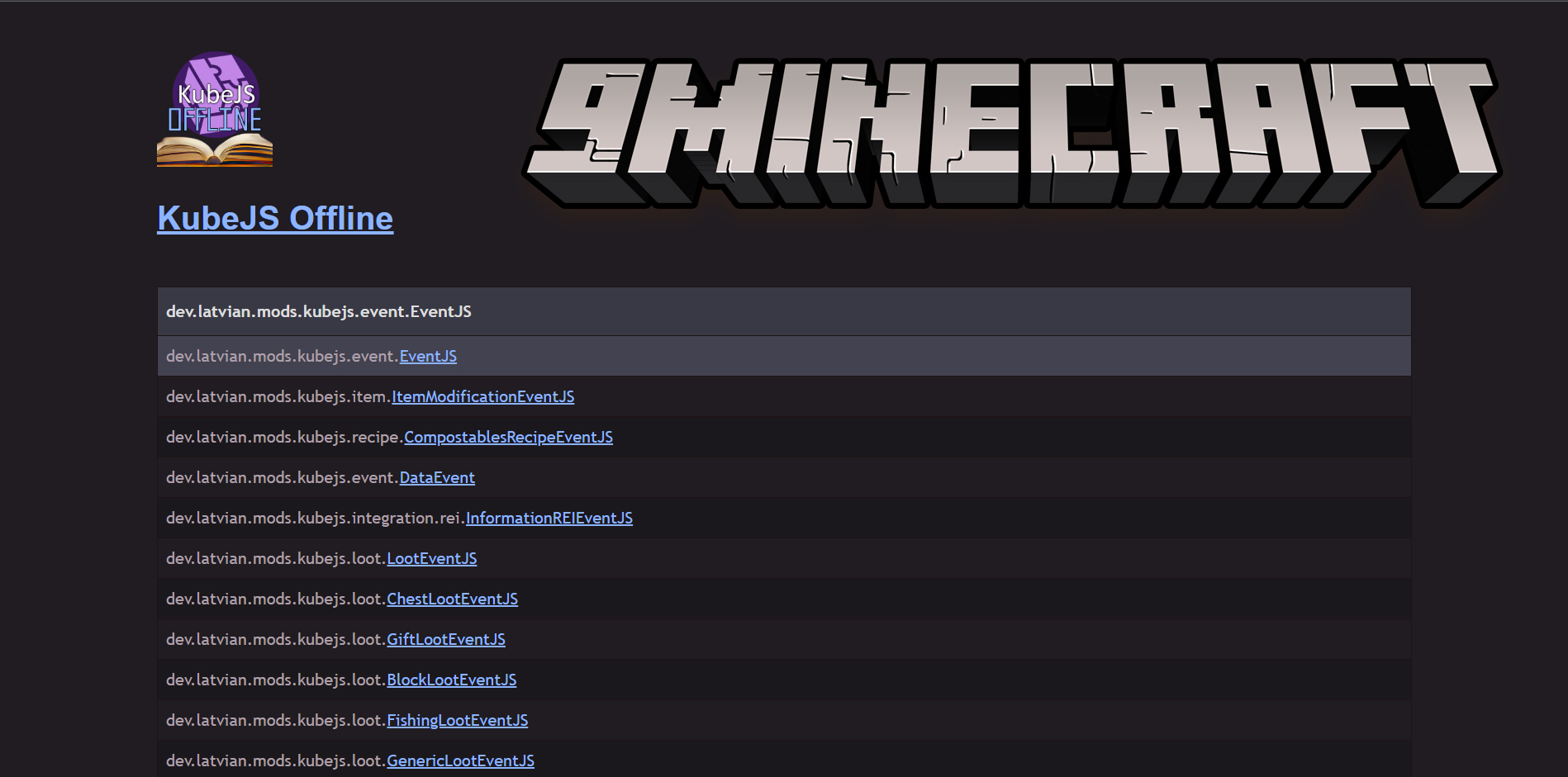
KubeJS Offline Documentation Mod is a mod that dumps all class data at runtime into a single html file using a single command: /kubejsoffline. KubeJS Documentation files, generated dynamically via command, accessed with an html page.
Features:
- When you execute the KubeJS Offline command, a scan of the Java runtime is performed to find what classes exist at that time. This is important as mods might provide new event classes and possibly new methods to existing Minecraft classes.
- After the mod has searched what classes exist and are available at that time, it then proceeds to compress that data down into a json object.
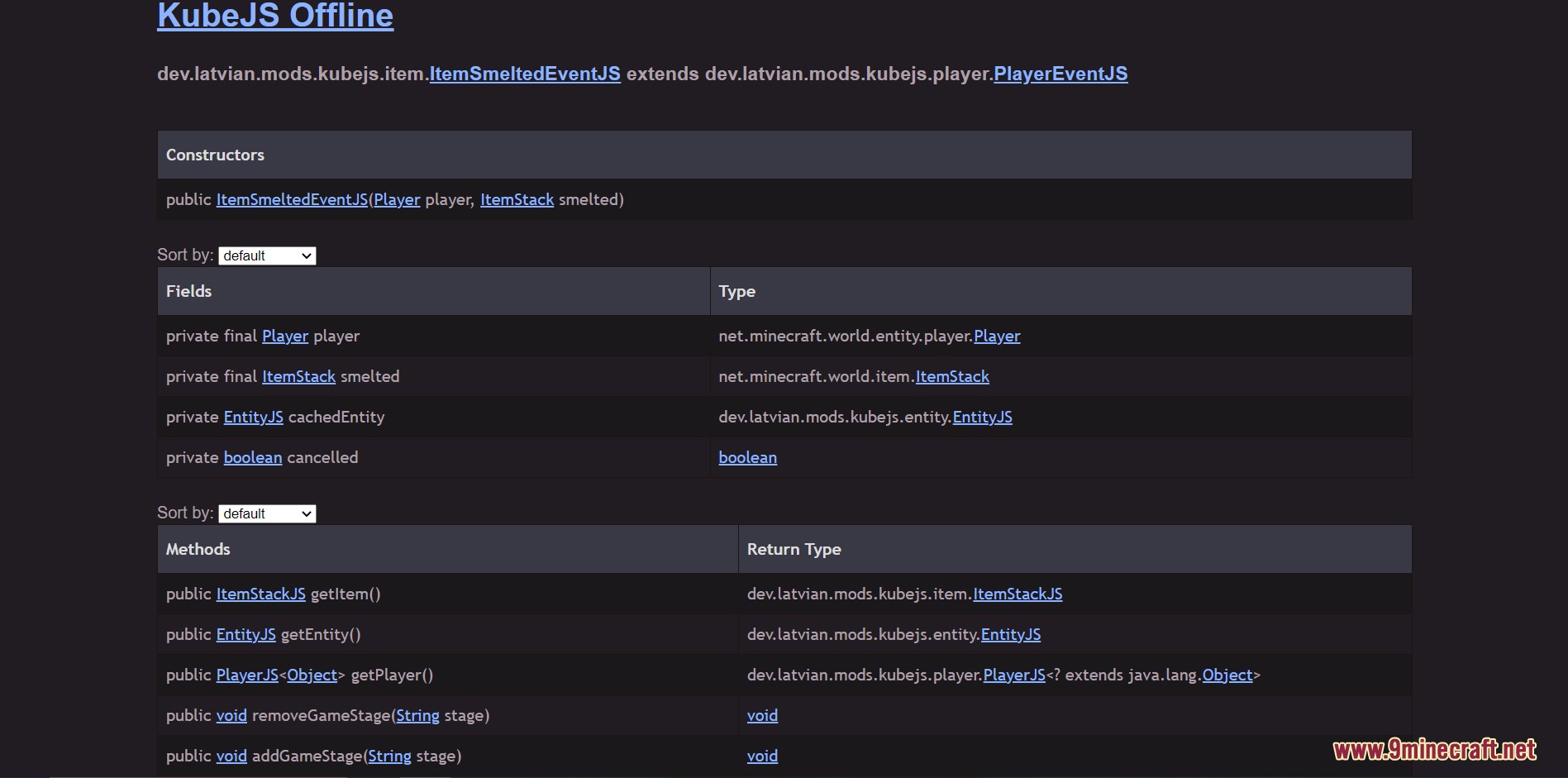
- It records everything from the full class name, package info, super classes, sub-classes, generic implementations, fields, methods, as well as their relationships to other classes.
- This data is then used to create an HTML page which then runs dependency-less JavaScript to generate the webpage html elements.
- You can then open the file in a modern web browser, no need to host it on a server or anything like that.
- You can right click inside the webpage to toggle certain tables, private fields, and other info that you may not need.
- There is a search feature you can activate by adding a question mark to the end of the url.
Screenshots:
Class Page Example
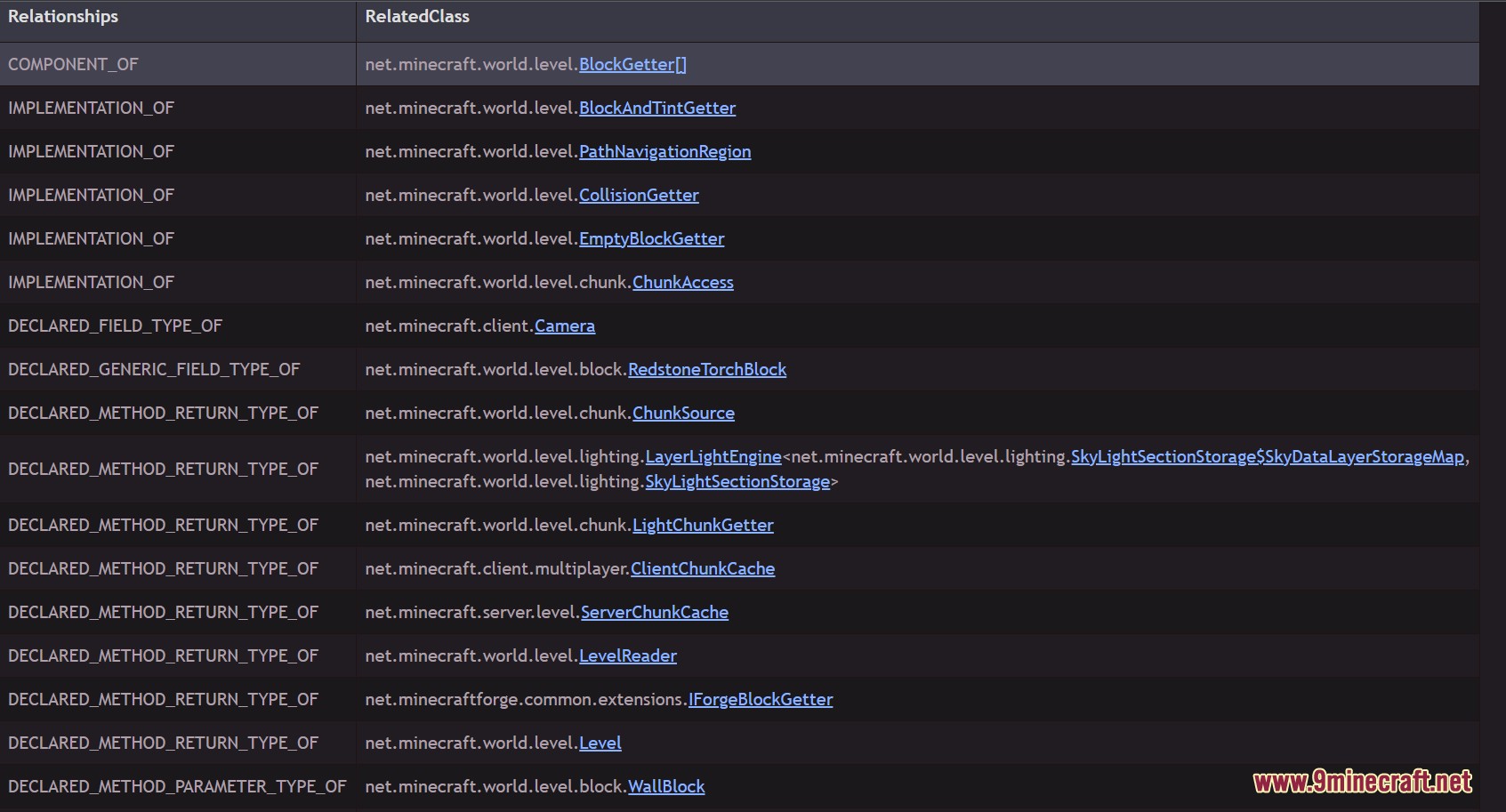
Class Relationships: Most Classes have some sort of dependency or is a dependency of some other class. You can see those listed here.
How to use:
- To get started, all you have to do is run the
/kubejsofflinecommand inside of a single-player world. - The html file can be found in the
/kubejs/documentationfolder, which is created automatically after a successful run. - You can also open the file by clicking the link in the chat when it is finished generating.
KubeJS Offline Documentation Mod Download Links
For Minecraft 1.21.1, 1.21
NeoForge version: Download from Server 1 – Download from Server 2
For Minecraft 1.20.1, 1.20
Forge version: Download from Server 1 – Download from Server 2
Fabric version: Download from Server 1 – Download from Server 2
For Minecraft 1.19.2
Forge version: Download from Server 1 – Download from Server 2
Fabric version: Download from Server 1 – Download from Server 2
For Minecraft 1.18.2
Forge version: Download from Server 1 – Download from Server 2
Fabric version: Download from Server 1 – Download from Server 2
- Edition: Minecraft Java
- File type: .jar
- Minecraft versions listed: 1.21.1, 1.20.1
- How to install: Install the matching mod loader (Forge, Fabric or NeoForge) for your Minecraft version. → Download the .jar. → Put it in the .minecraft/mods folder and launch that loader profile.
- Where to get it: In MC Java Mods, or directly above on this page.
Install steps are the general flow for this file type — How to install Minecraft Java mods & modpacks walks through it step by step.
- Downloads as 177515.mcaddon
- Download size: 1.5 MB
- Download link checked 25 Jul 2026 — working
- Mirrored on our own servers — the download does not depend on the original host
These come from our own check of the pack file, not from the source page.