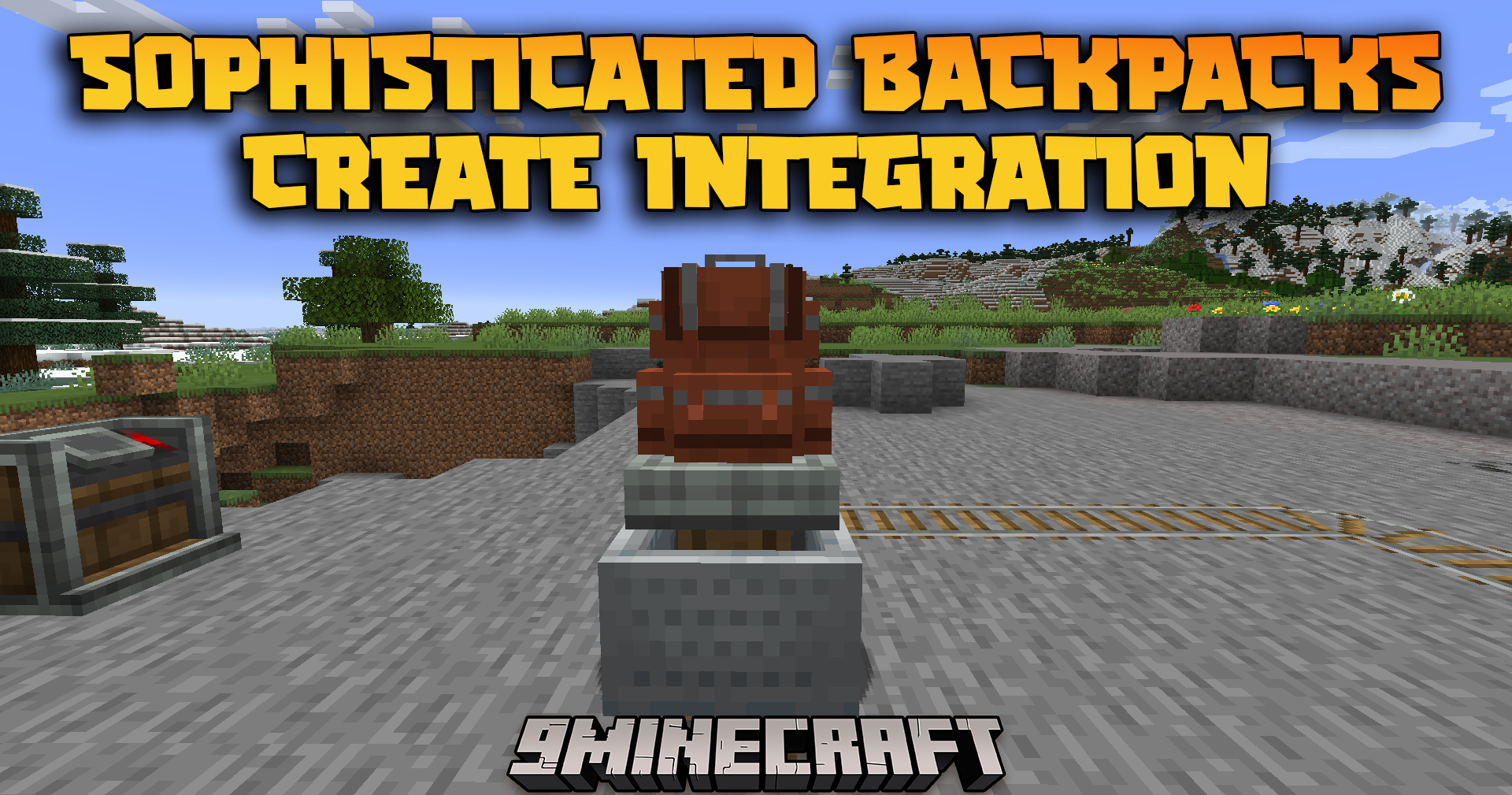
Sophisticated Backpacks Create Integration Mod (1.21.1, 1.20.1) – Smart Storage
Java mod listed for Minecraft 1.20–1.21. Downloads from the MC Java Mods app on Android.
⬇ Download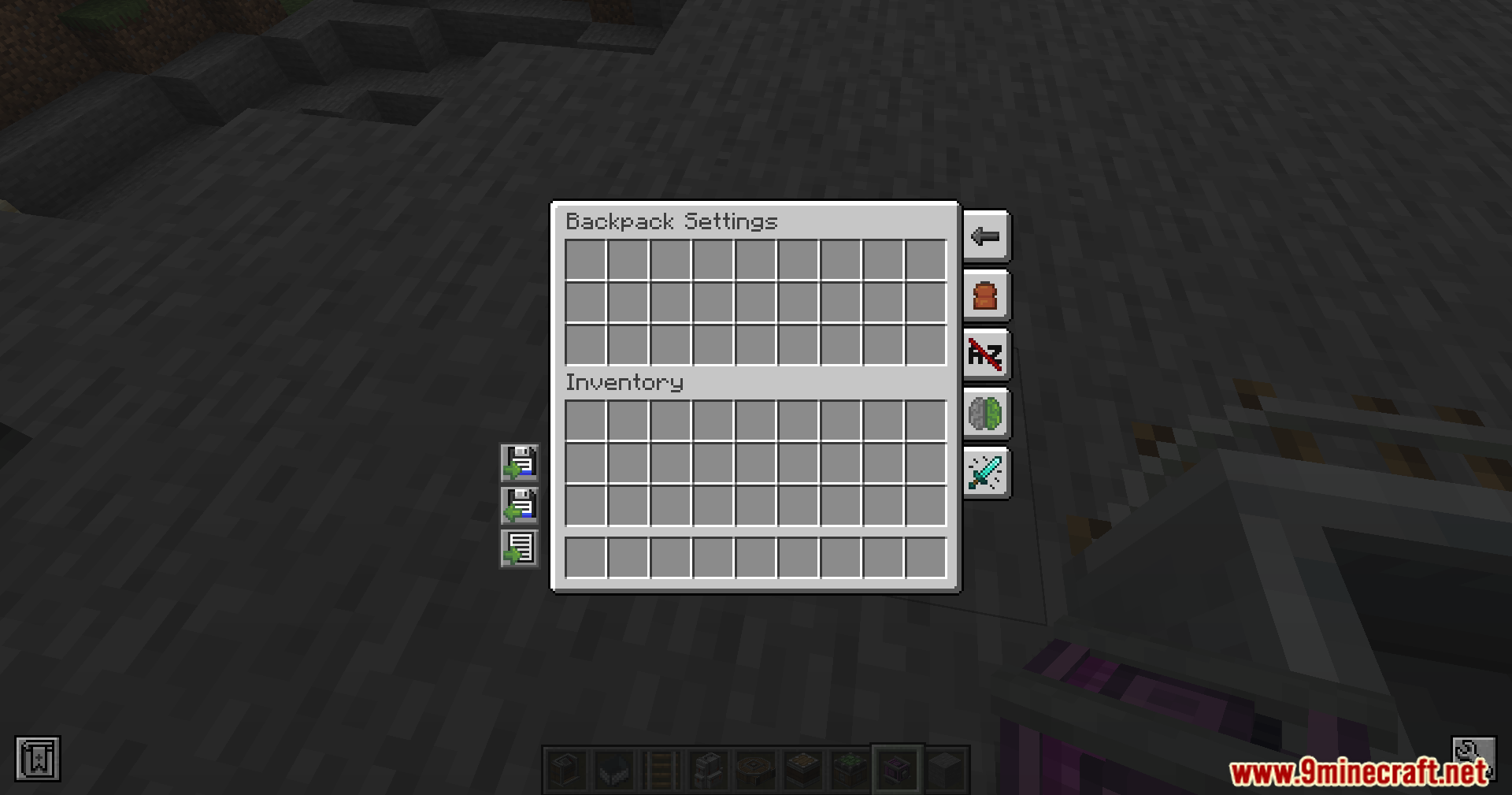
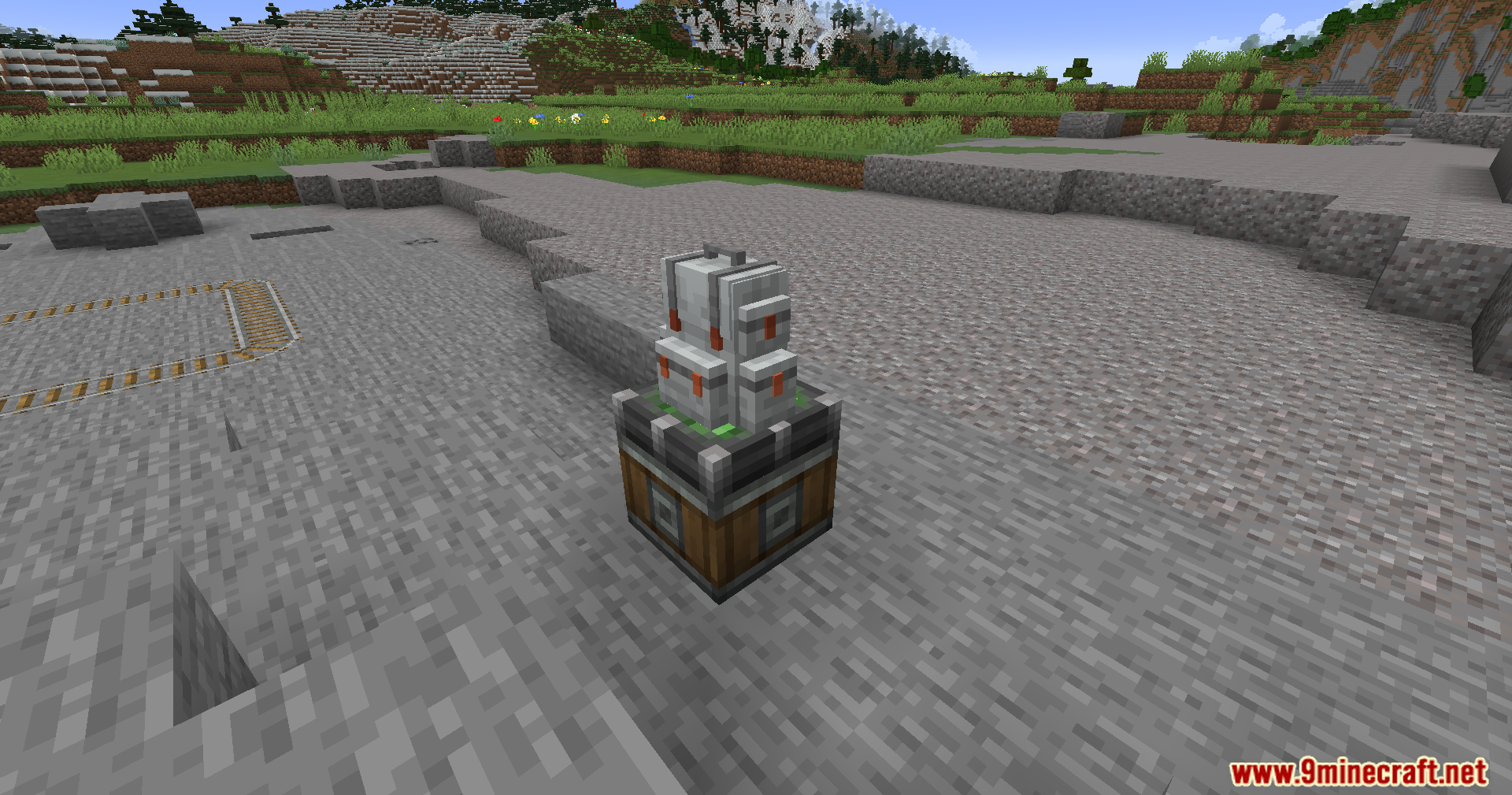
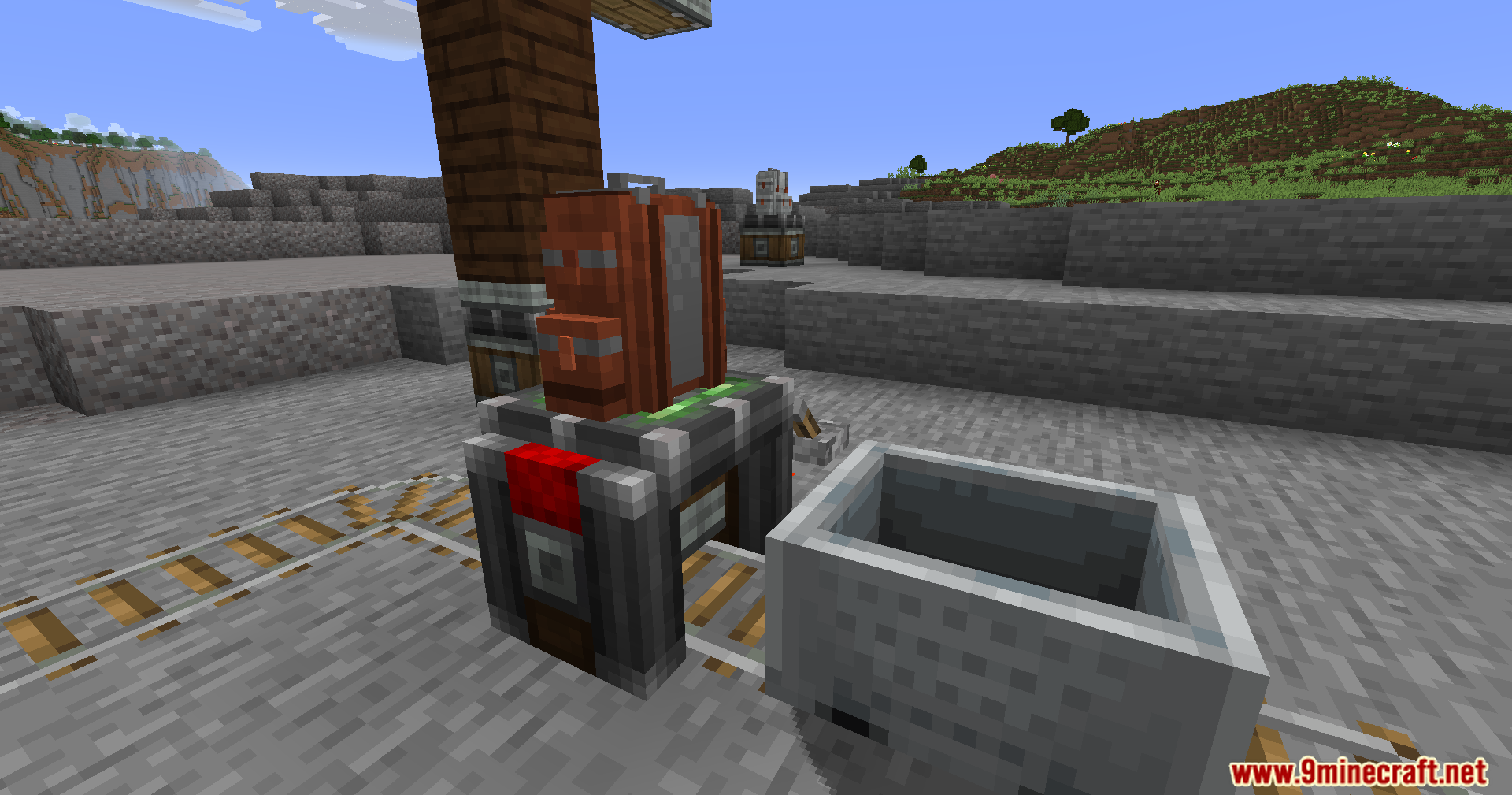
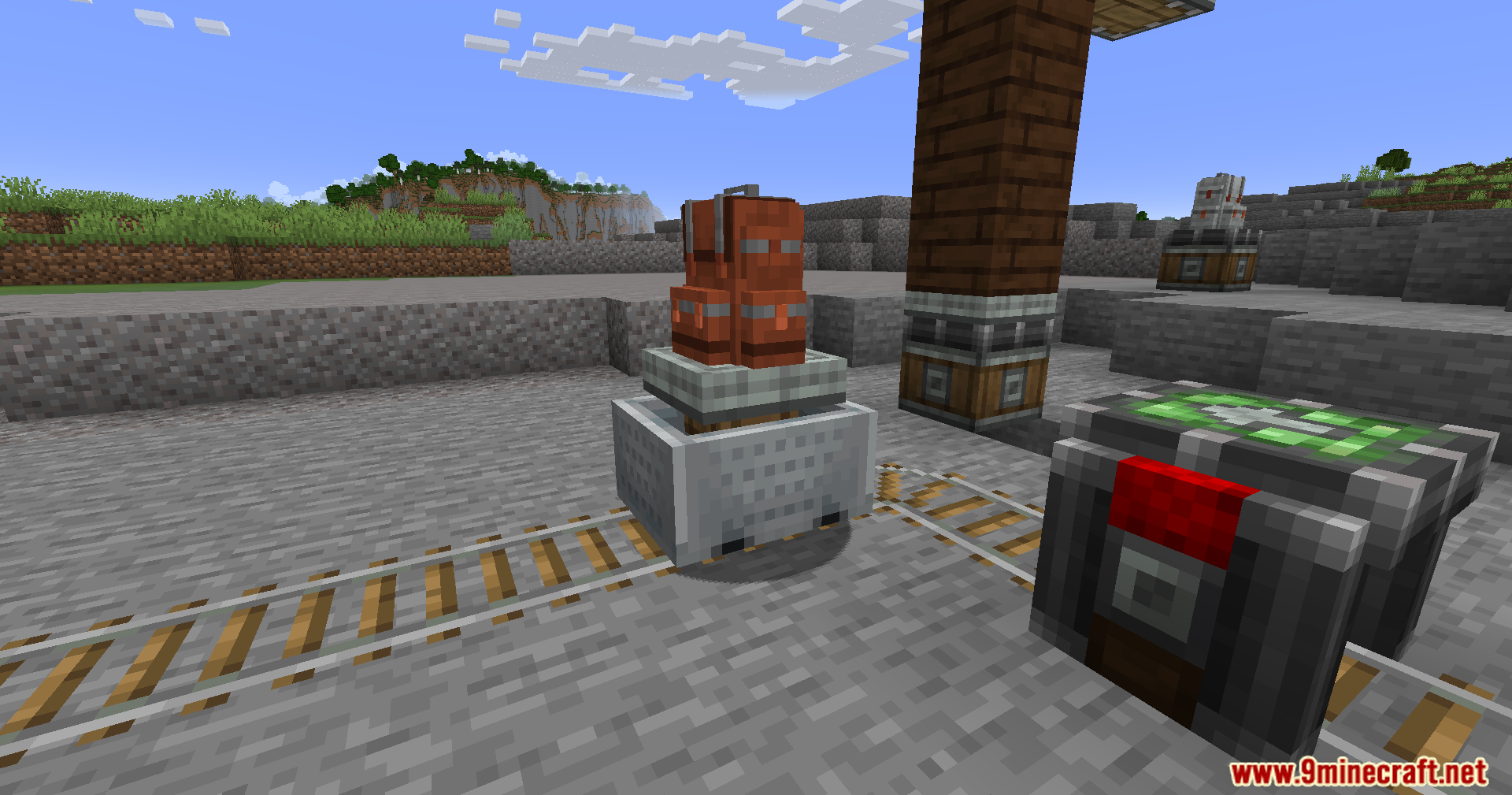
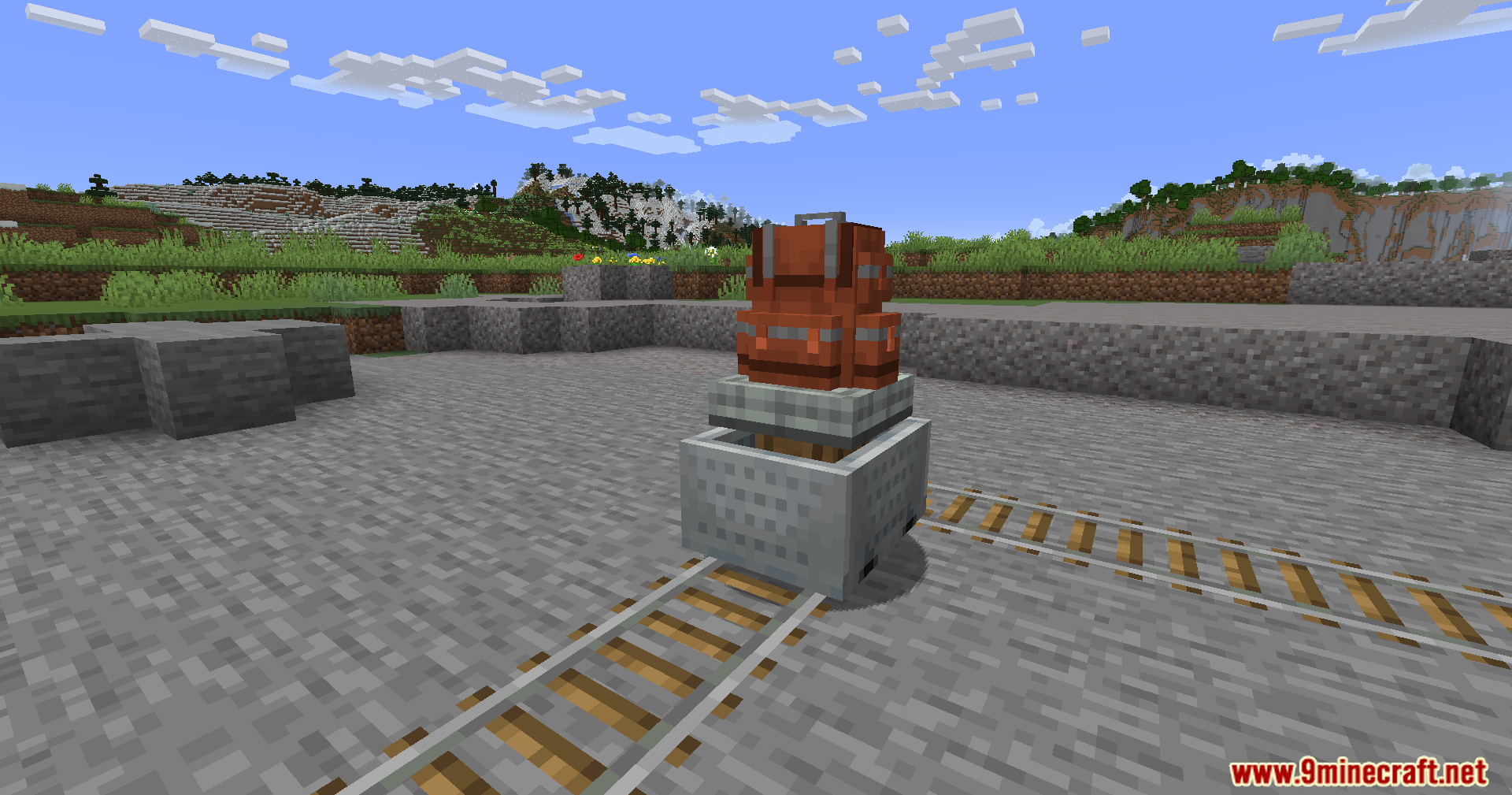
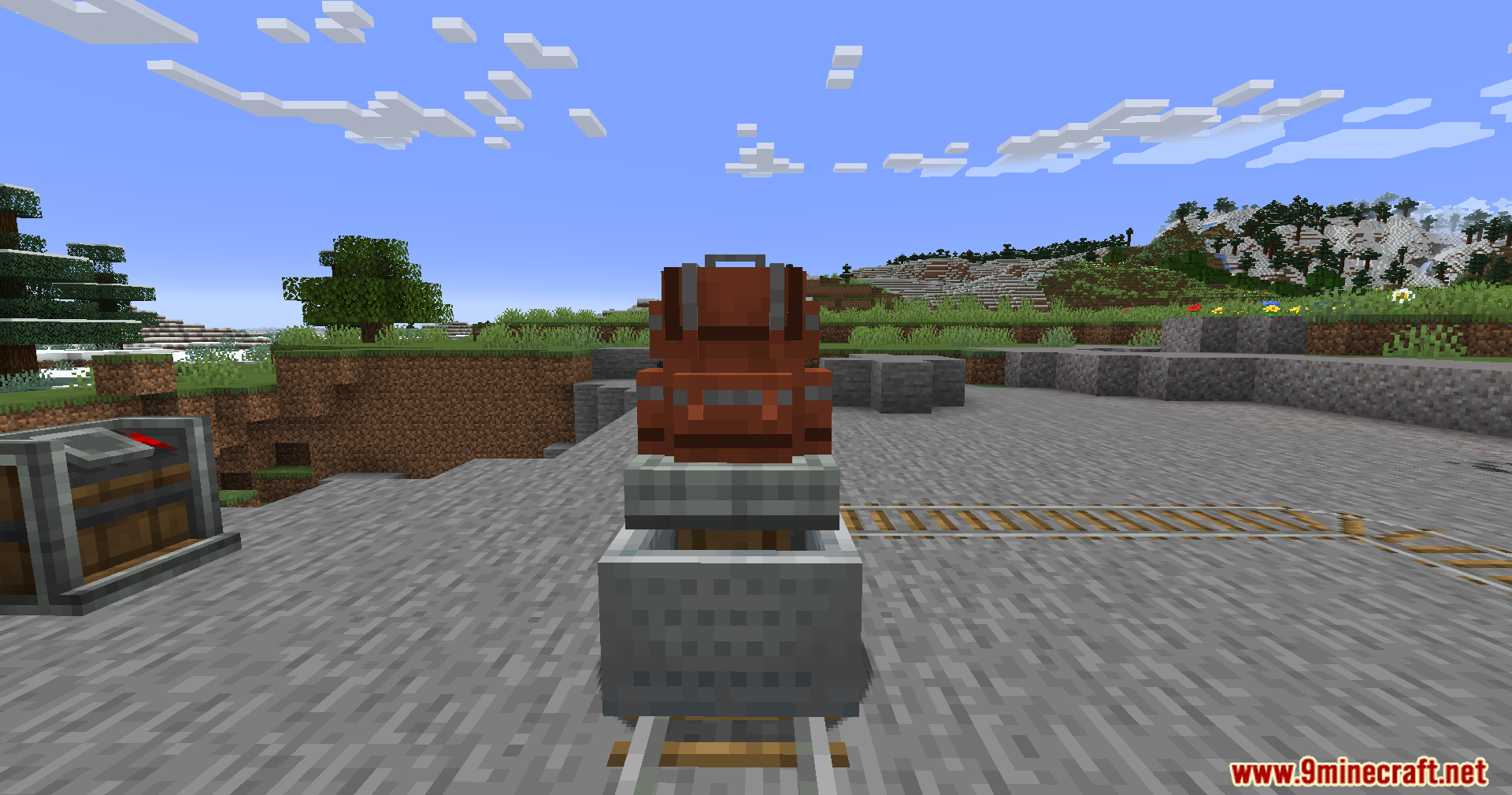
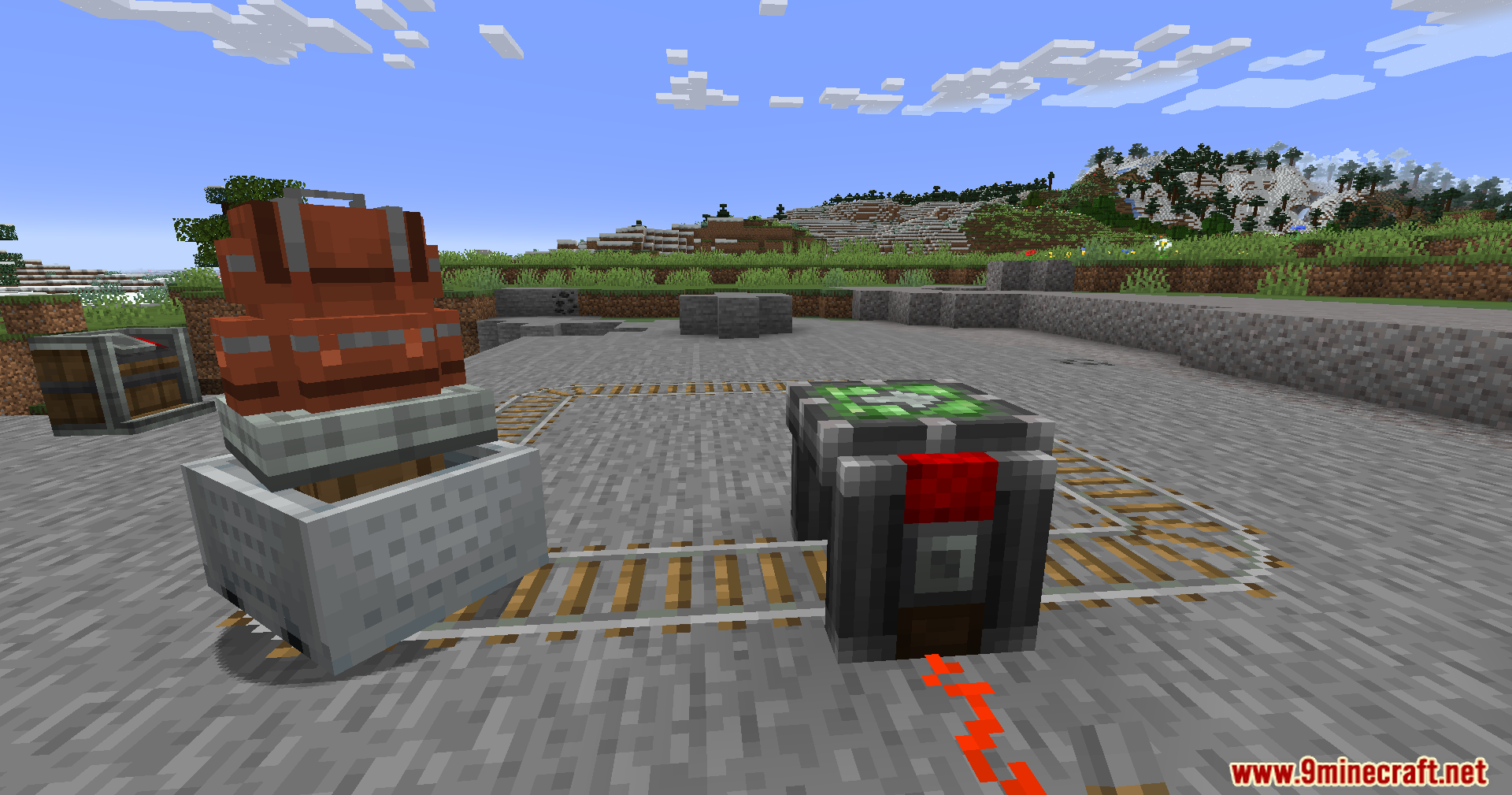
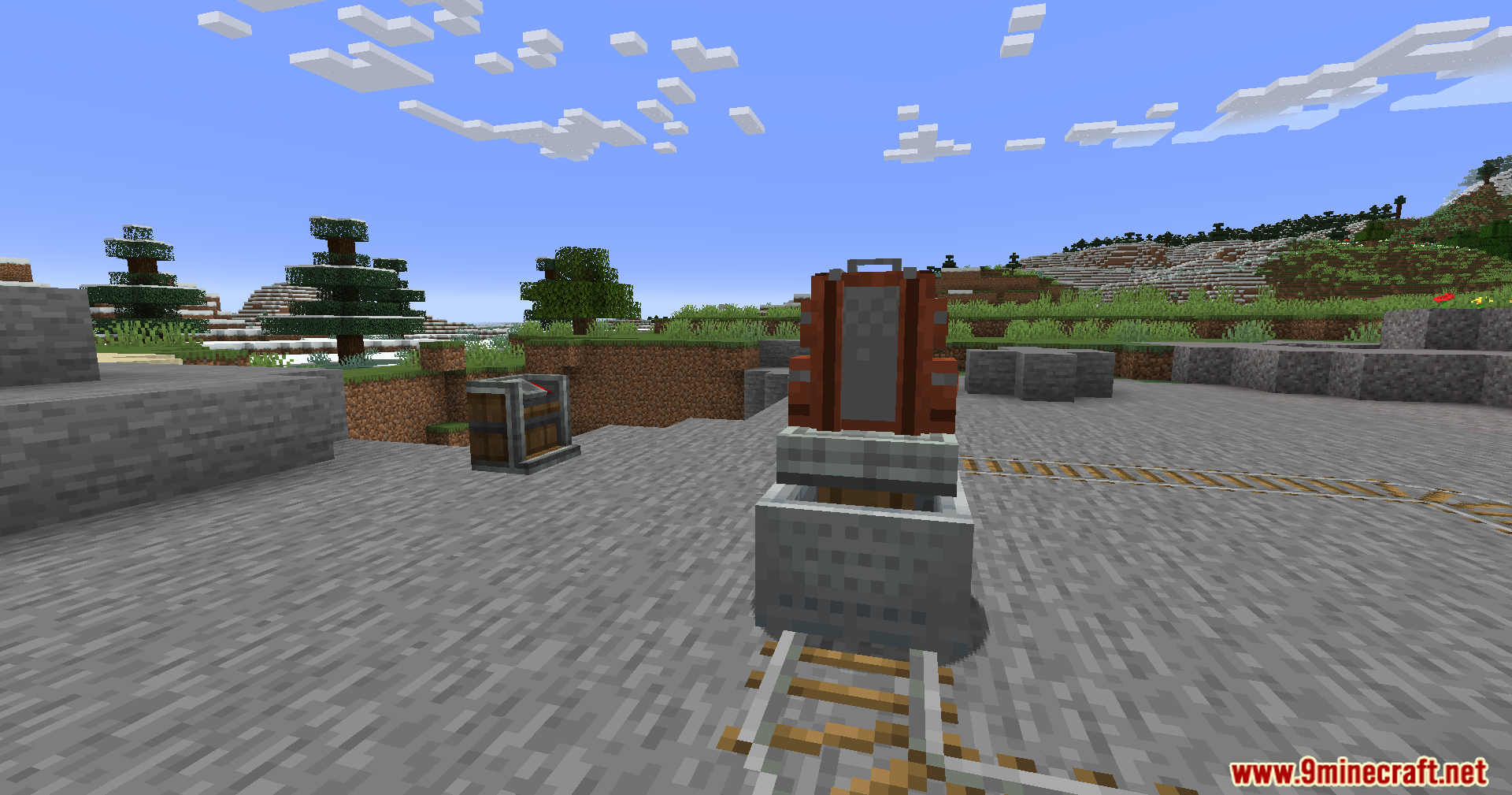
Sophisticated Backpacks Create Integration Mod lets you use backpacks from Sophisticated Backpacks on moving machines from the Create mod. You can place these backpacks on Create contraptions, and they will still work perfectly while in motion. All your items, upgrades, and settings stay safe and fully functional, allowing for advanced storage on your moving builds.
Features:
- Place backpacks from Sophisticated Backpacks directly onto Create contraptions.
- Backpacks keep all their items, upgrades, and settings while the contraption is moving.
- Use all backpack upgrades like Pickup, Magnet, Feeding, Filter, and Void on your moving machines.
- Upgrades that depend on a specific location will work correctly based on the contraption’s position.
- Supports Create schematics, saving backpacks with their correct colors in your builds.
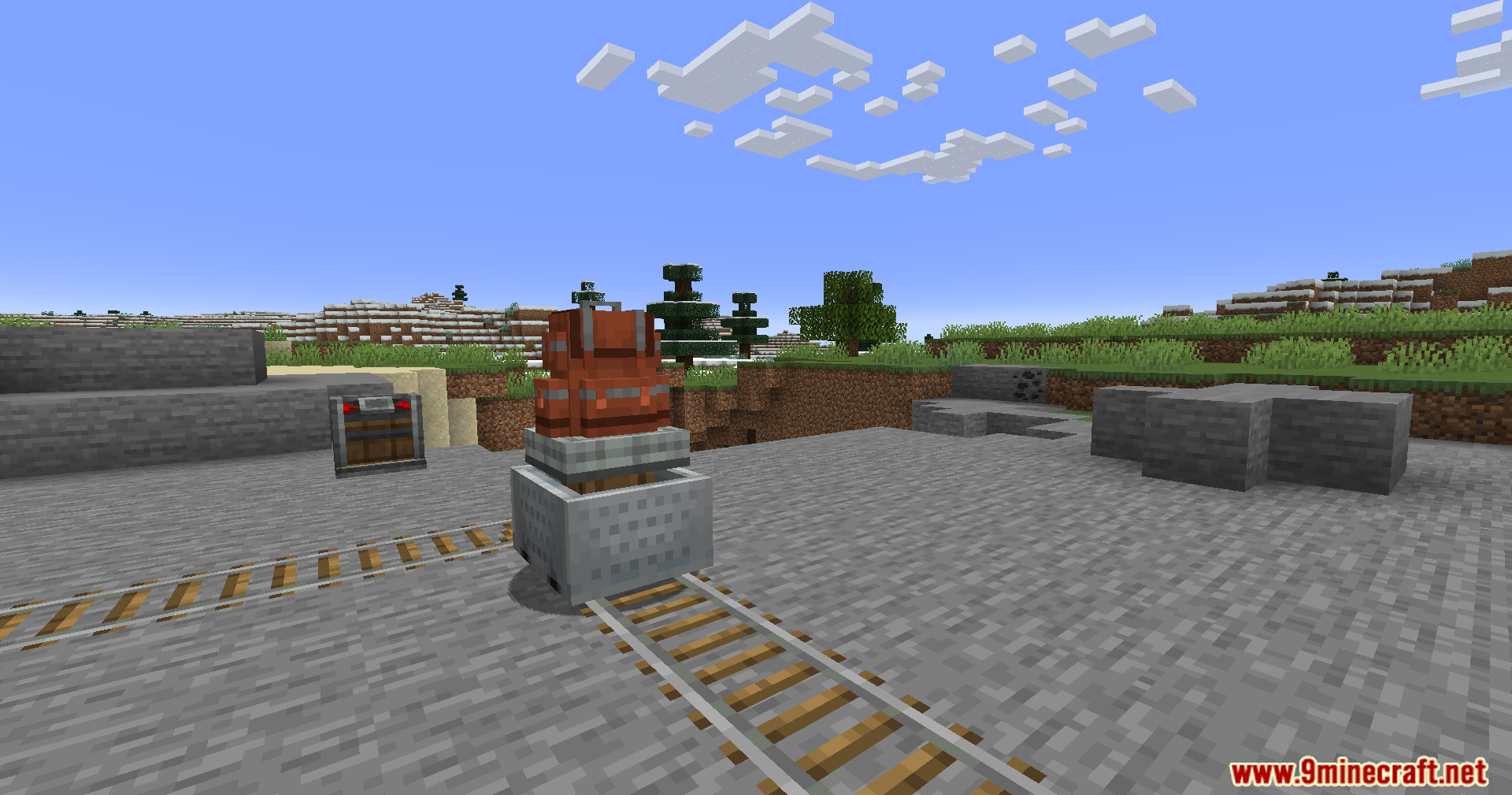
Screenshots:
Sophisticated Backpacks Create Integration Mod Download Links
For Minecraft 1.21.1, 1.21
NeoForgeVersion: Download from Server 1 – Download from Server 2
For Minecraft 1.20.1, 1.20
Forge/NeoForge Version: Download from Server 1 – Download from Server 2
- Edition: Minecraft Java
- File type: .jar
- Minecraft versions listed: 1.21.1, 1.20.1
- How to install: Install the matching mod loader (Forge, Fabric or NeoForge) for your Minecraft version. → Download the .jar. → Put it in the .minecraft/mods folder and launch that loader profile.
- Where to get it: In MC Java Mods, or directly above on this page.
Install steps are the general flow for this file type — How to install Minecraft Java mods & modpacks walks through it step by step.
- Downloads as 177532.mcaddon
- Download size: 77 KB
- Download link checked 27 Jul 2026 — working
- Mirrored on our own servers — the download does not depend on the original host
These come from our own check of the pack file, not from the source page.