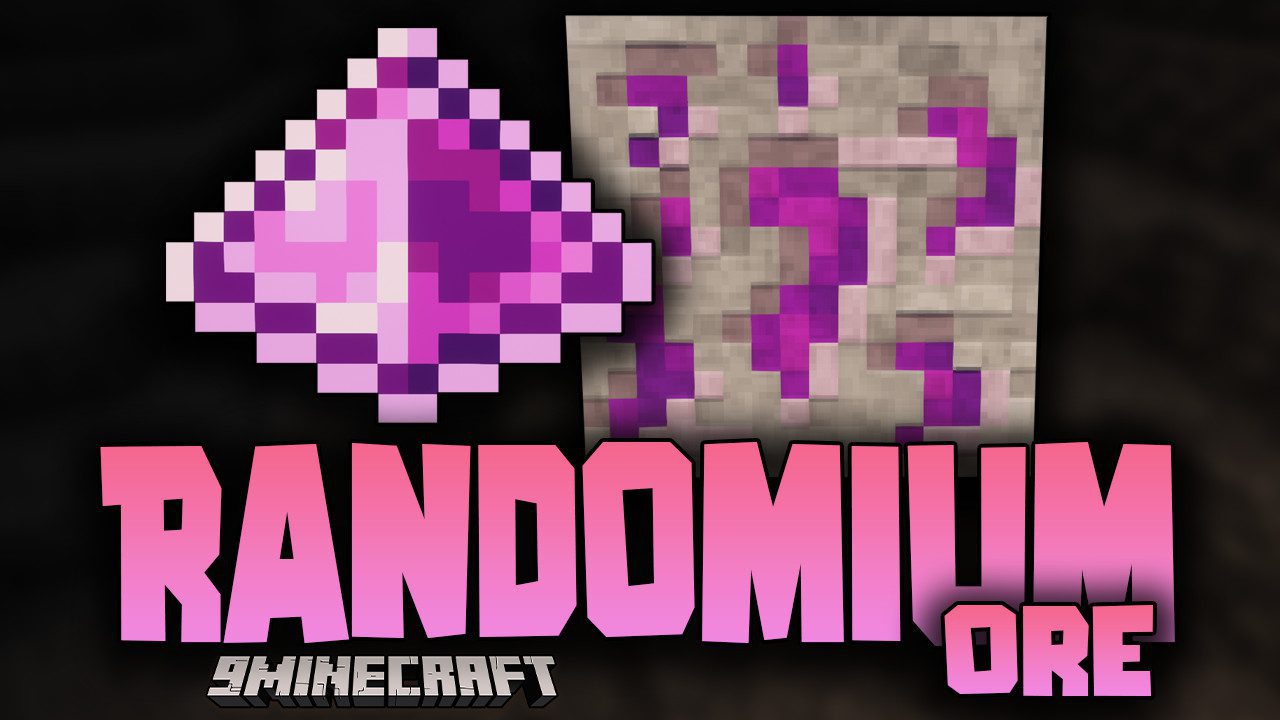
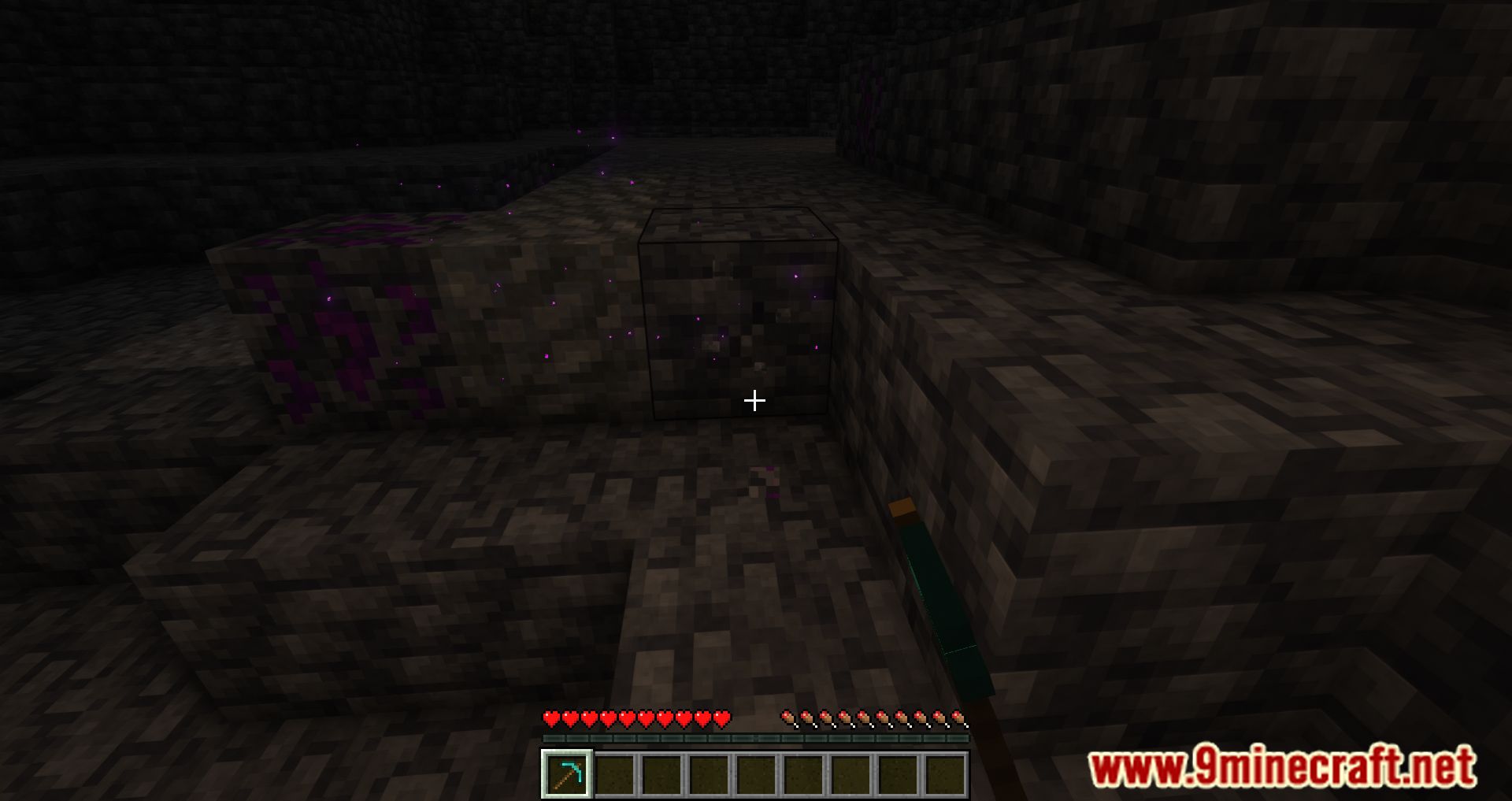
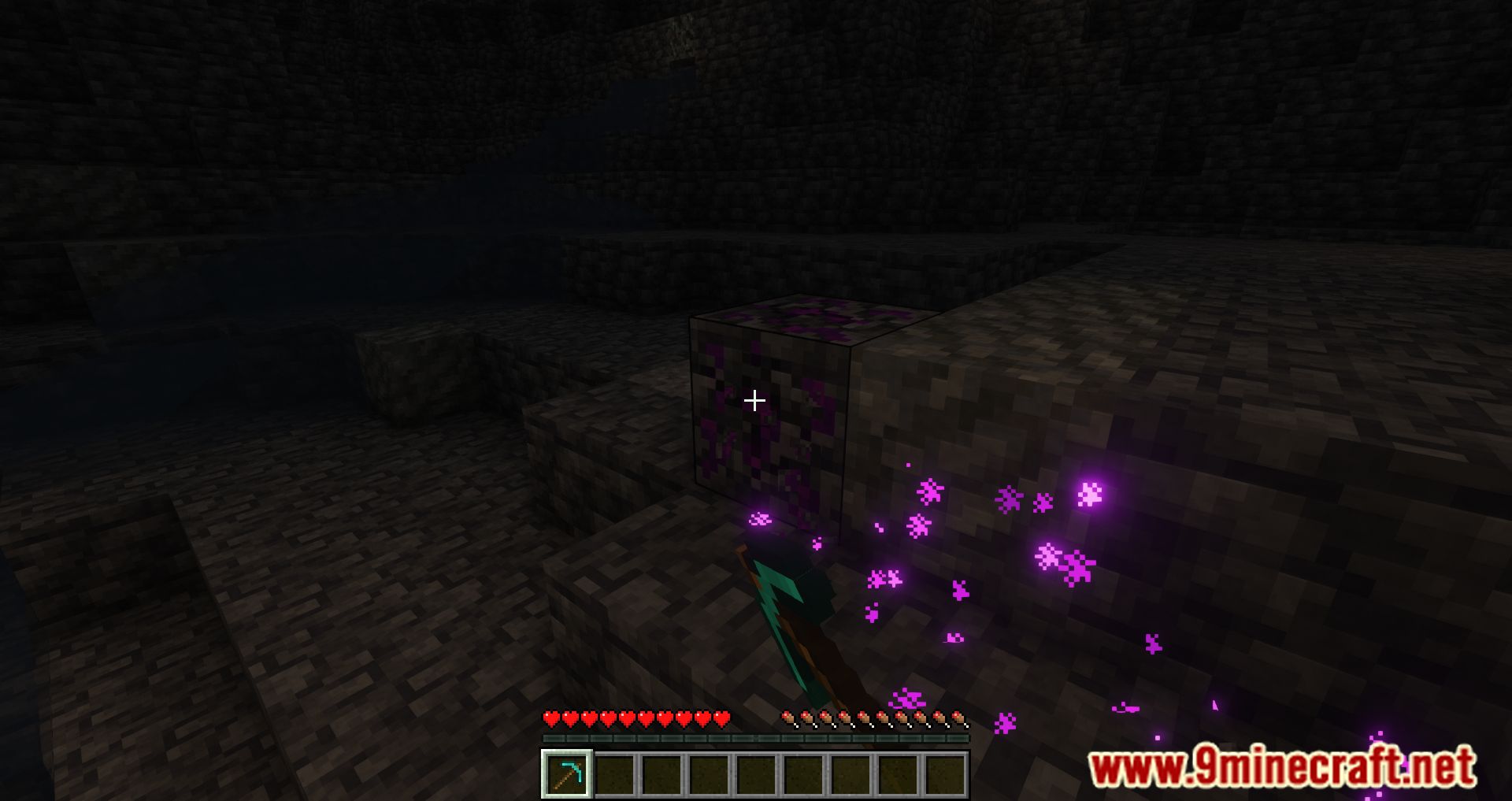
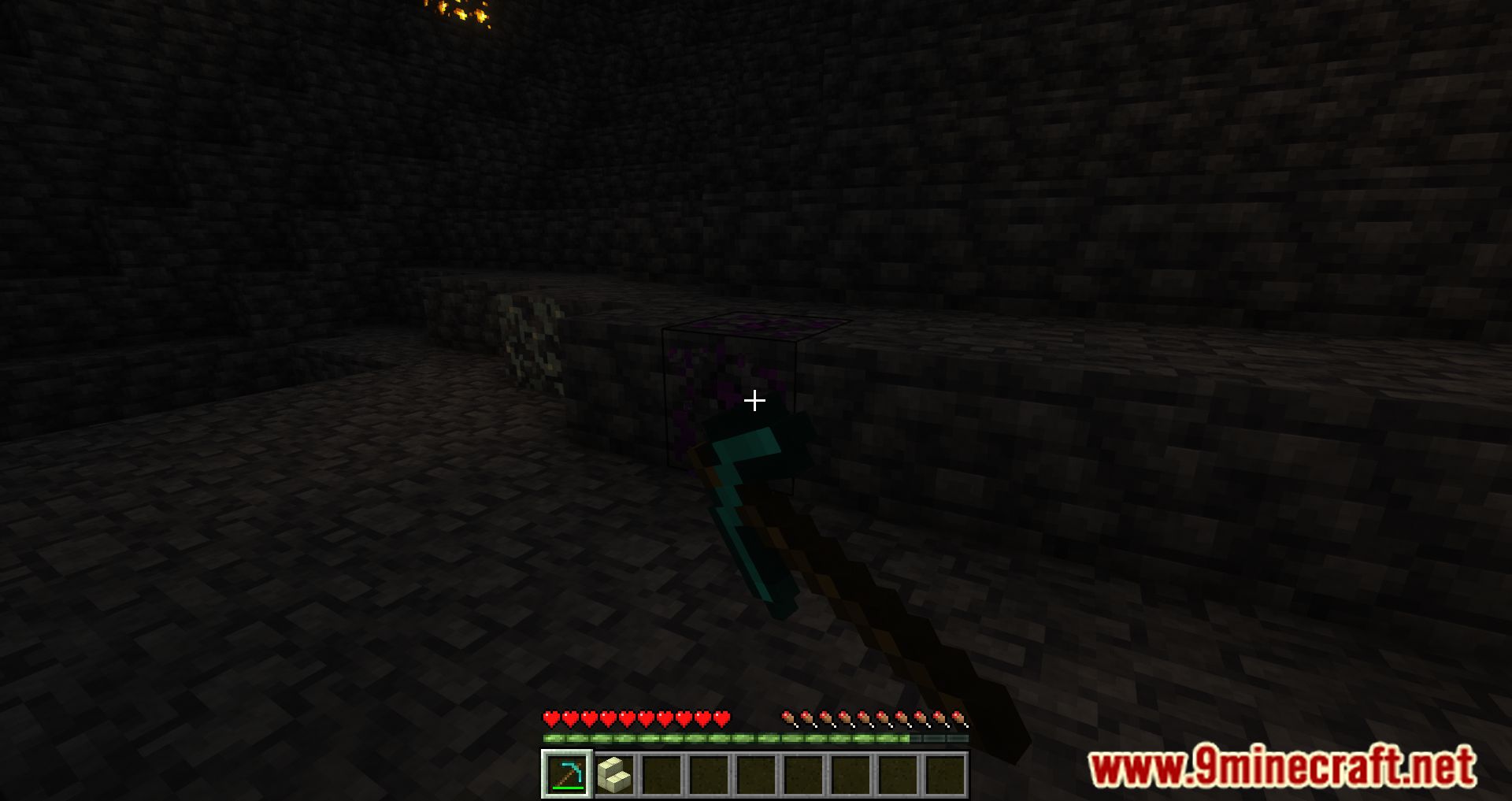
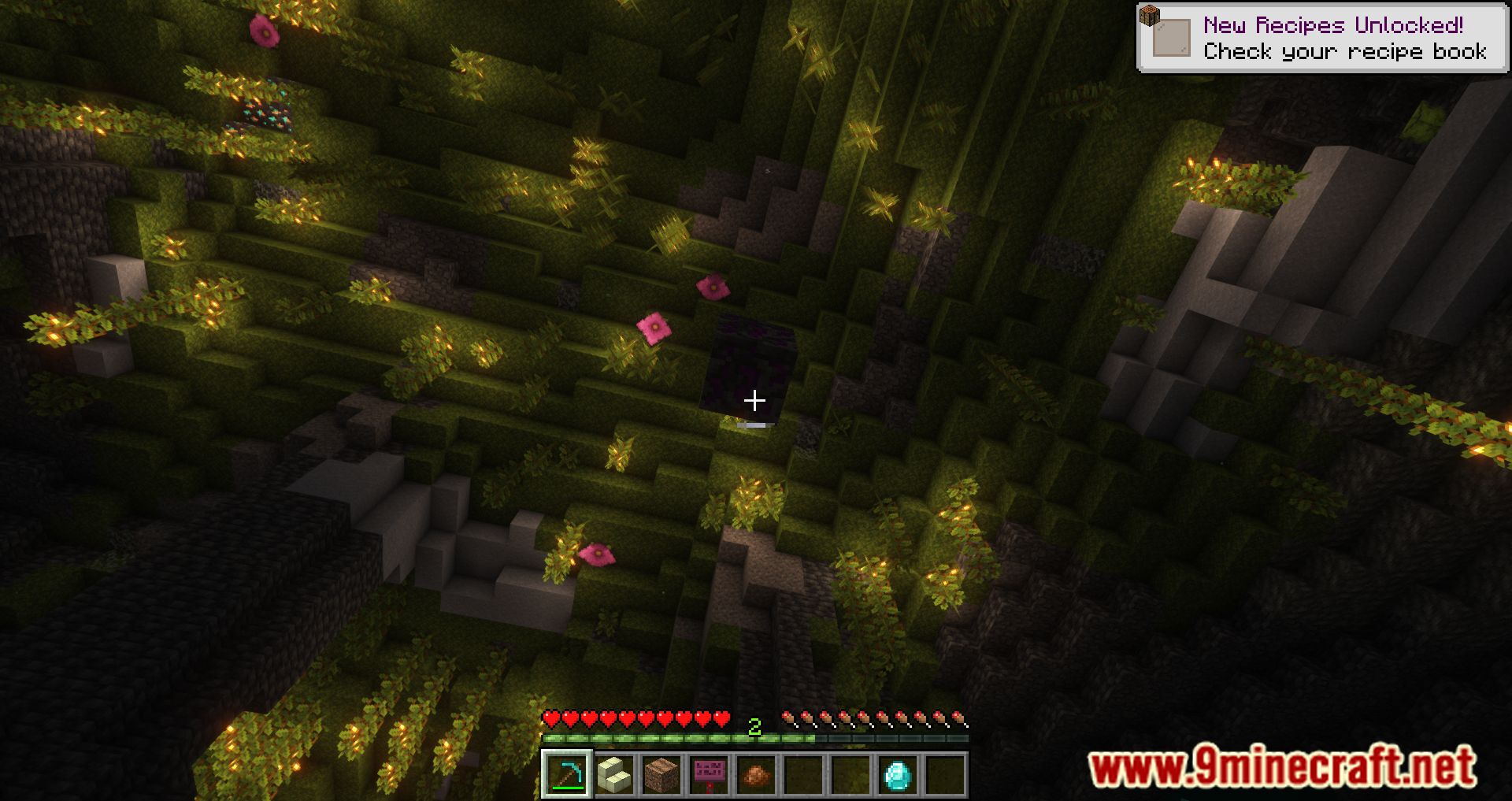
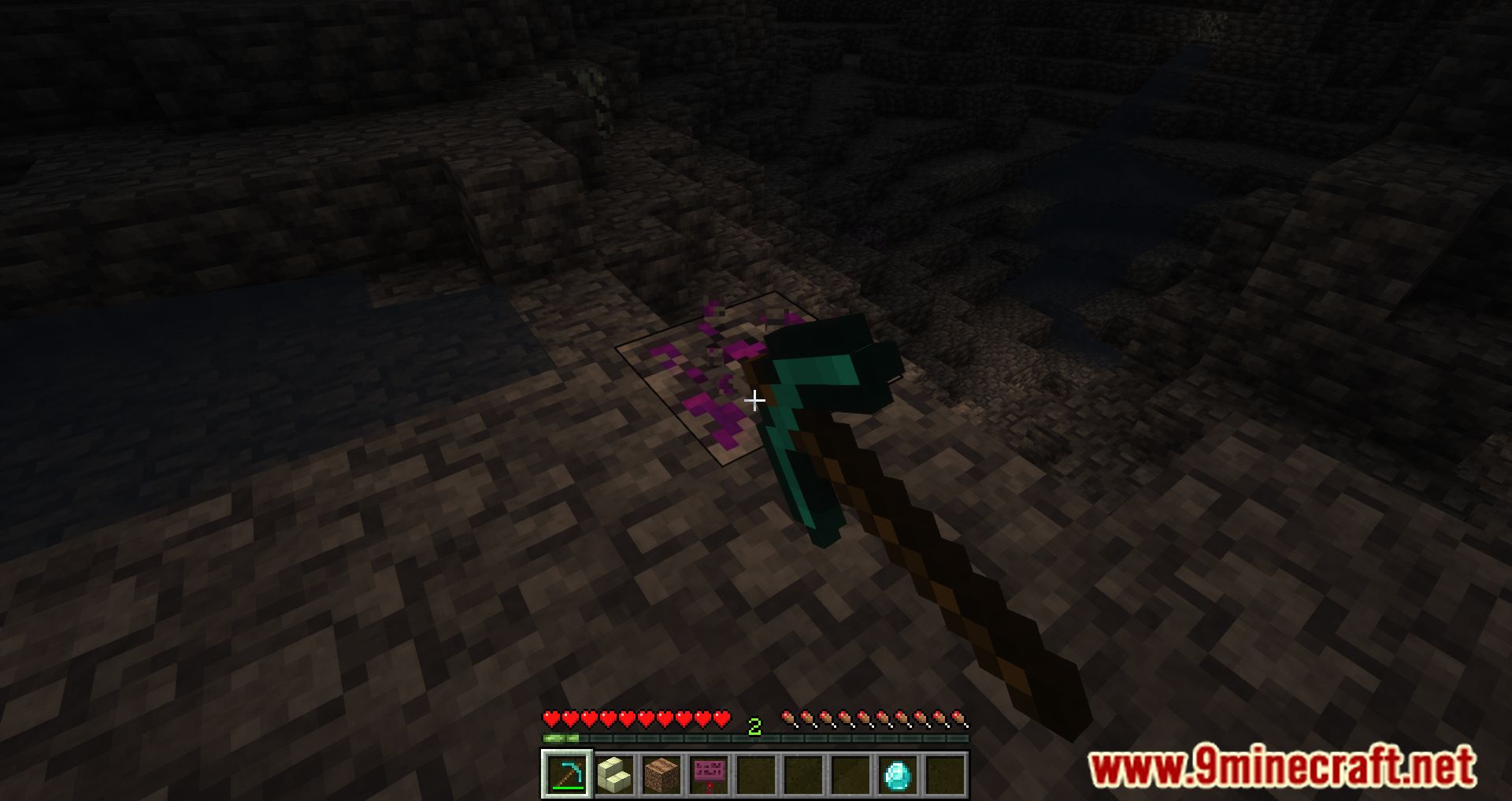
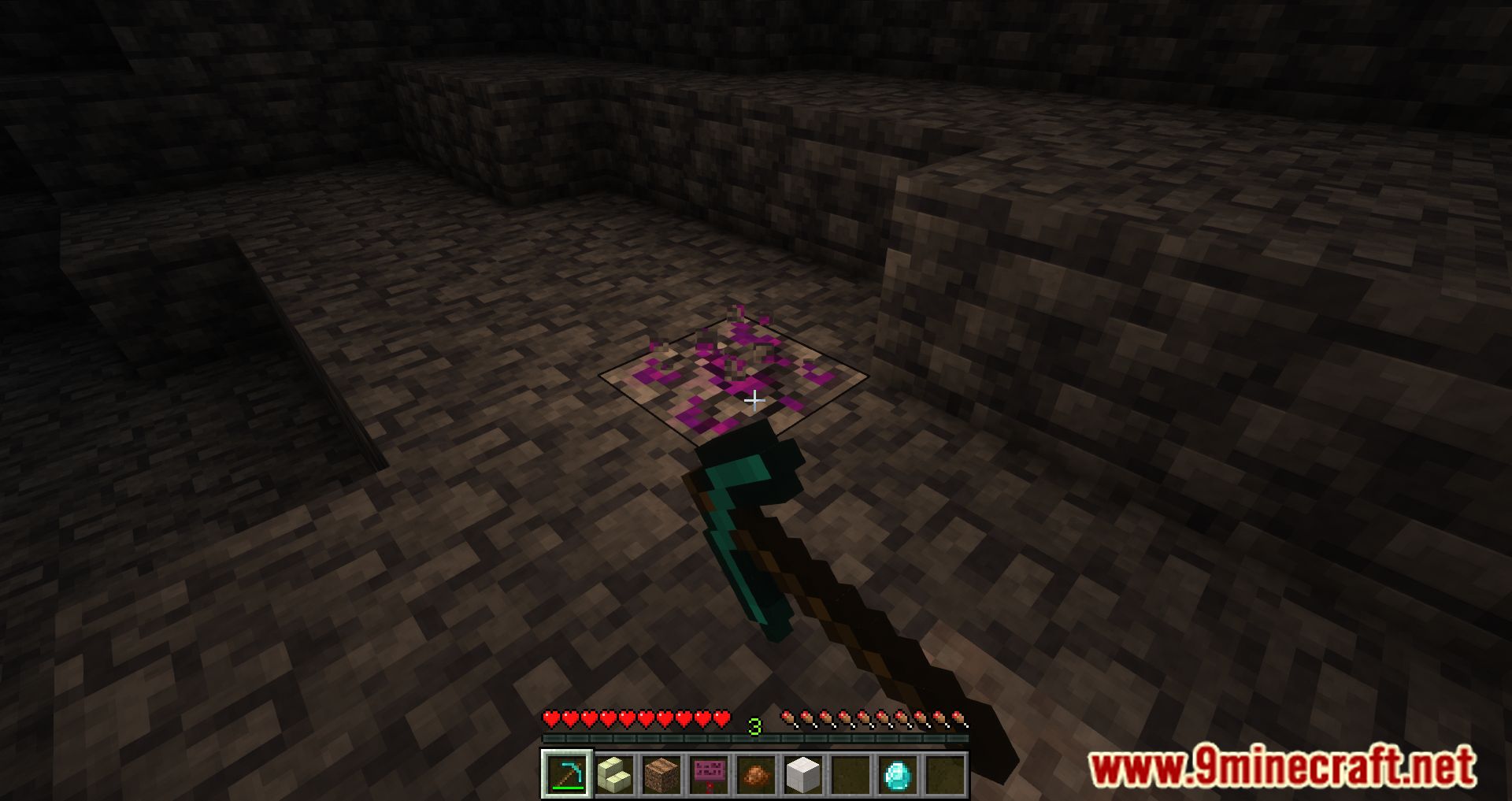
Randomium Ore Mod adds a new ore called Randomium to Minecraft. When you find and break this block with an iron pickaxe or better, you can obtain a random in-game block or item. Now, resource gathering will occasionally surprise you with a random resource, which is both pleasant and useful.
By the way, the Randomium ore block itself behaves unusually and is somewhat unstable, so it might do some unexpected things, such as moving to the side, falling, floating upward, teleporting, or spawning silverfish.
Features:
- Adds a new ore to the game, called Randomium. When you find and break this ore block with an iron pickaxe or better, you will receive a random in-game block or item.
- The Randomium ore block does not behave like ordinary blocks. It has an unstable nature, leading to behaviors such as:
- Moving to the side.
- Falling or floating upward into the air.
- Instant teleportation.
- Spawning silverfish.
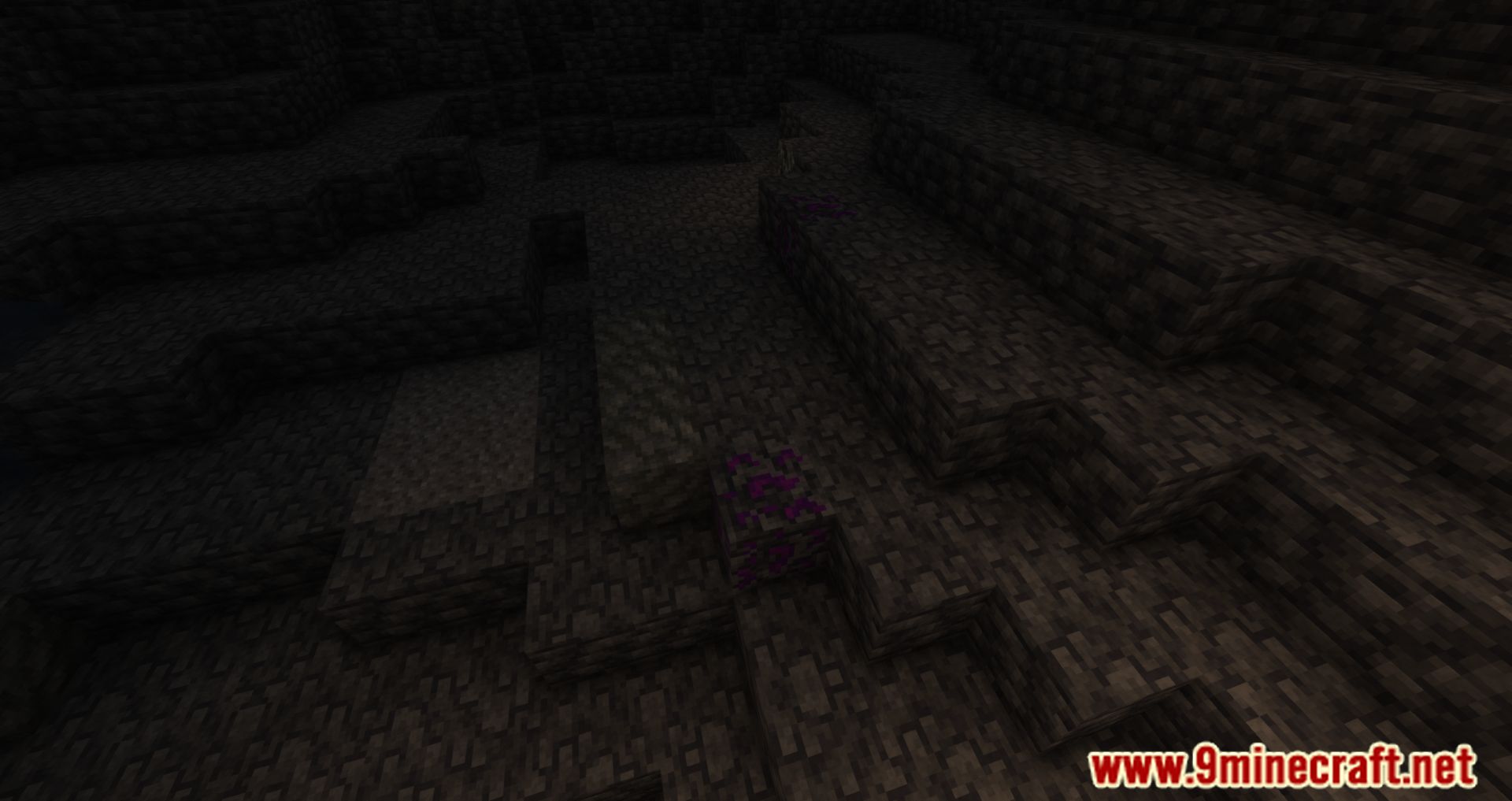
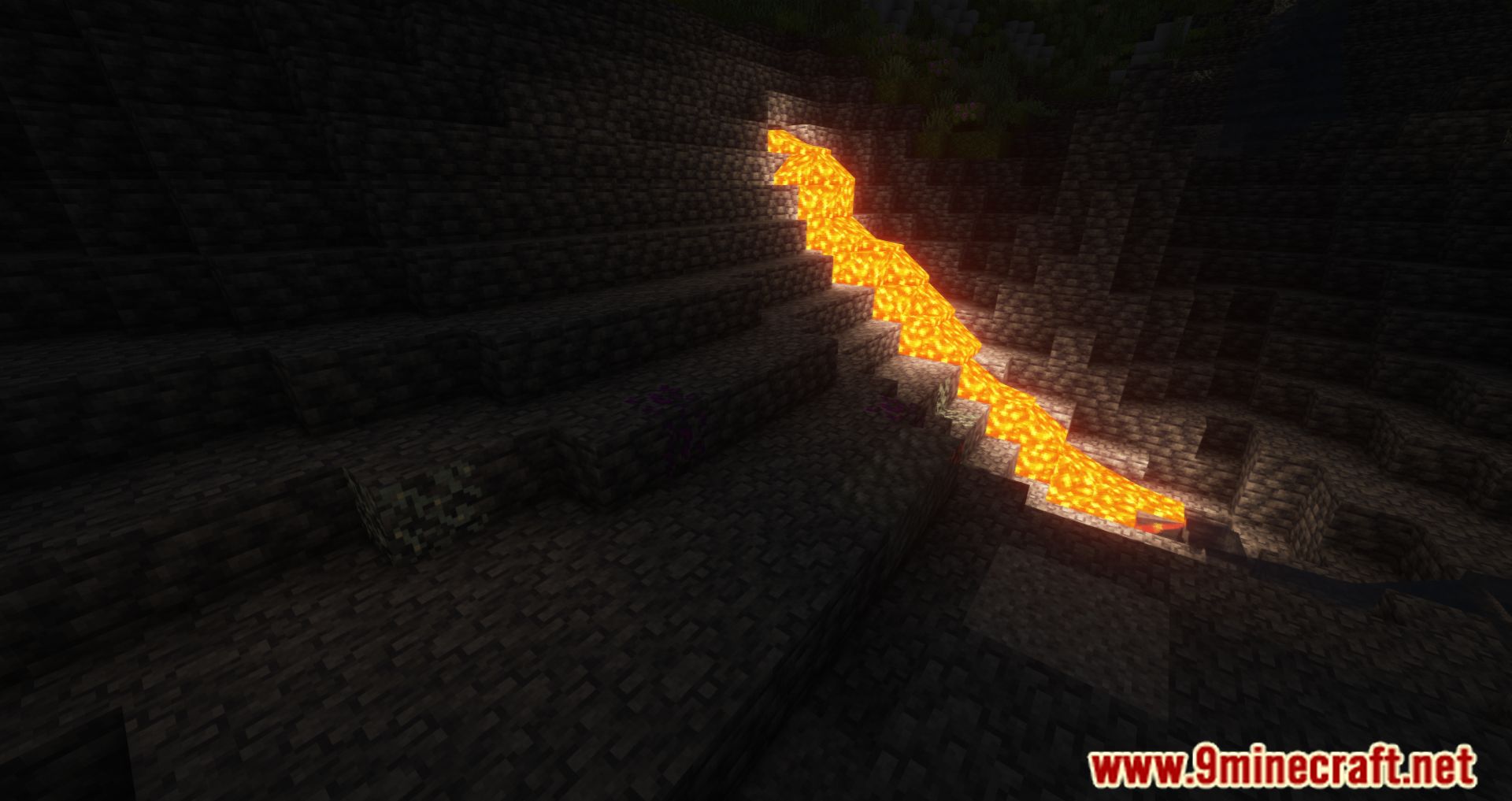
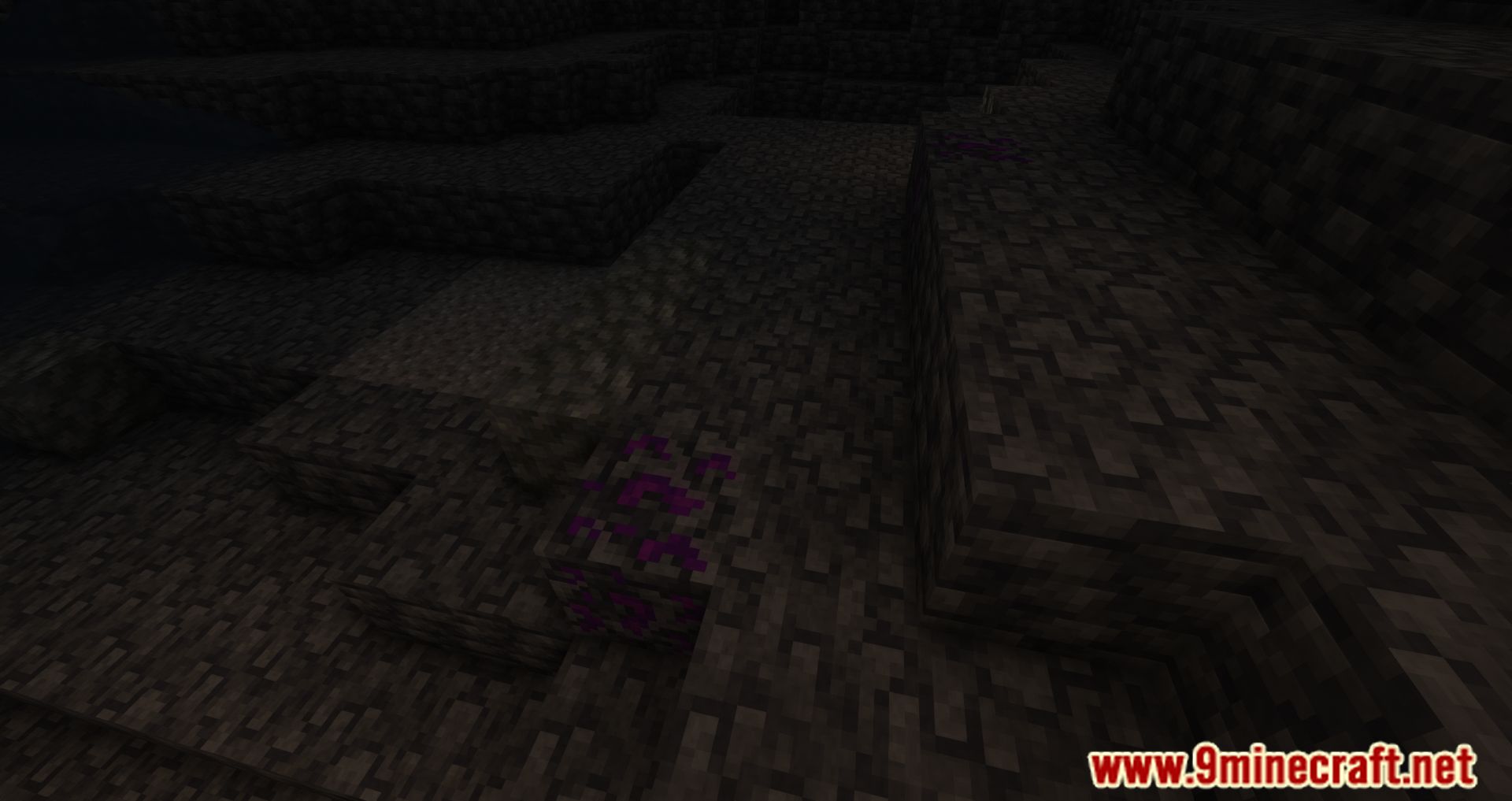
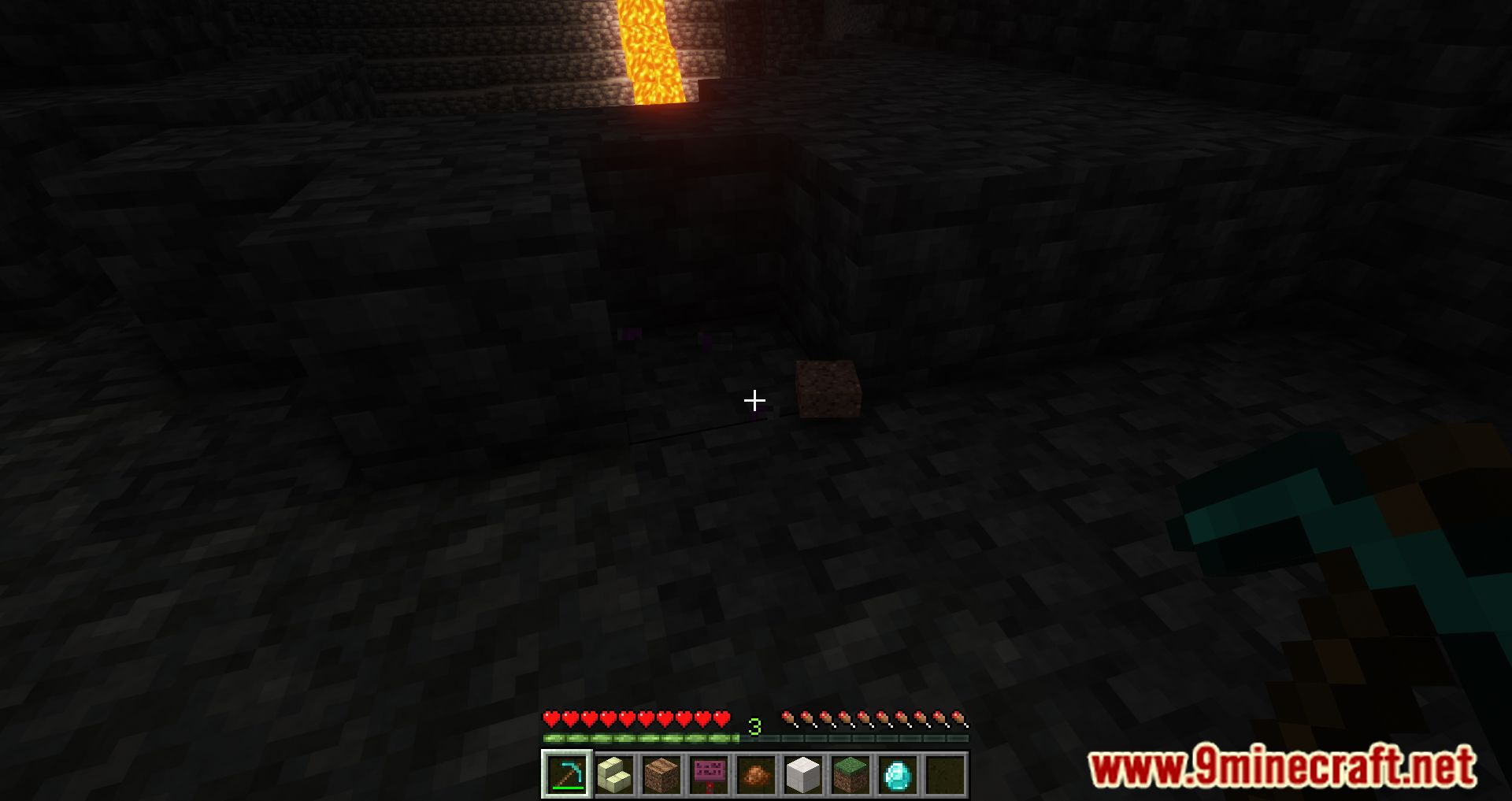
Screenshots:
Randomium Ore Mod Download Links
For Minecraft 1.21.1, 1.21
NeoForge Version: Download from Server 1 – Download from Server 2
Fabric Version: Download from Server 1 – Download from Server 2
For Minecraft 1.20.1
Forge Version: Download from Server 1 – Download from Server 2
Fabric Version: Download from Server 1 – Download from Server 2
For Minecraft 1.19.4
Forge Version: Download from Server 1 – Download from Server 2
Fabric Version: Download from Server 1 – Download from Server 2
For Minecraft 1.19.2
Forge Version: Download from Server 1 – Download from Server 2
Fabric Version: Download from Server 1 – Download from Server 2
For Minecraft 1.19.1
Forge Version: Download from Server 2
For Minecraft 1.19
Forge Version: Download from Server 1
For Minecraft 1.18.2
Forge Version: Download from Server 1
For Minecraft 1.18.1
Forge Version: Download from Server 2
For Minecraft 1.17.1
Forge Version: Download from Server 1
For Minecraft 1.16.5
Forge Version: Download from Server 2
- Edition: Minecraft Java
- File type: .jar
- Minecraft versions listed: 1.21.1, 1.20.1
- How to install: Install the matching mod loader (Forge, Fabric or NeoForge) for your Minecraft version. → Download the .jar. → Put it in the .minecraft/mods folder and launch that loader profile.
- Where to get it: In MC Java Mods, or directly above on this page.
Install steps are the general flow for this file type — How to install Minecraft Java mods & modpacks walks through it step by step.
- Downloads as 177542.mcaddon
- Download size: 77 KB
- Download link checked 25 Jul 2026 — working
- Mirrored on our own servers — the download does not depend on the original host
These come from our own check of the pack file, not from the source page.