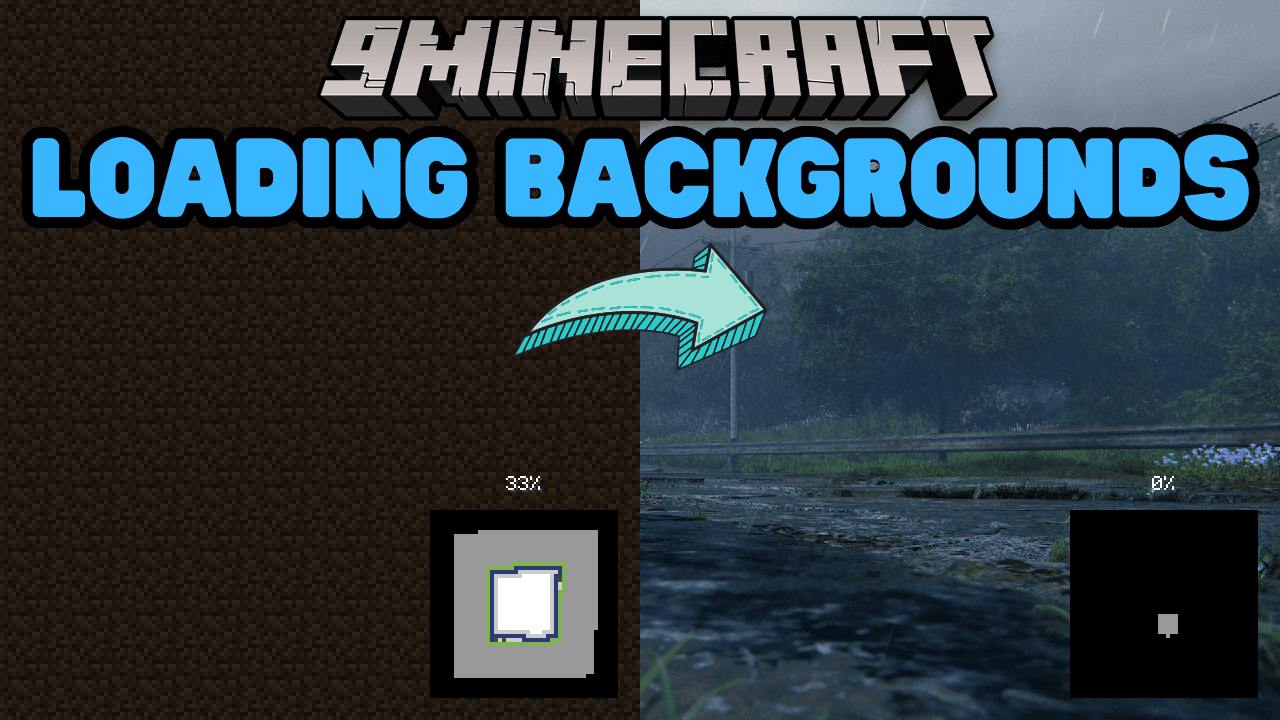
Loading Backgrounds Mod (1.21.4, 1.20.1) – Personalize Loading Screen with Customizable Backgrounds
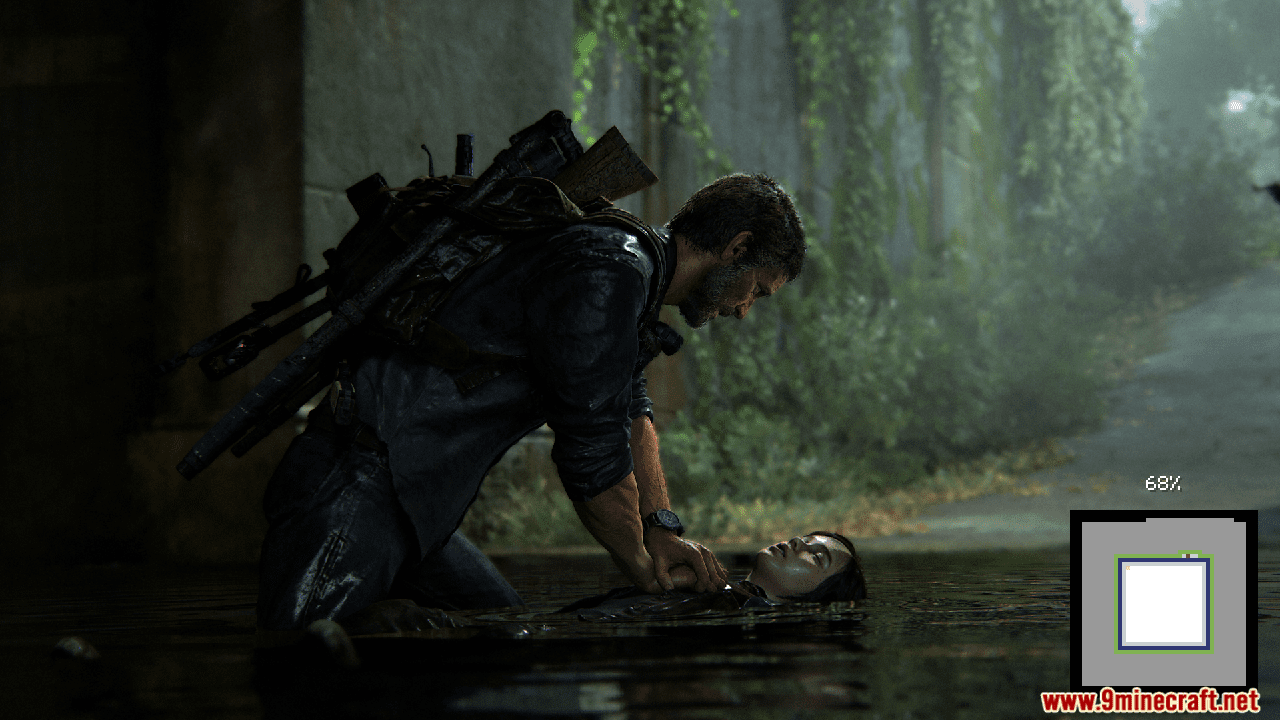
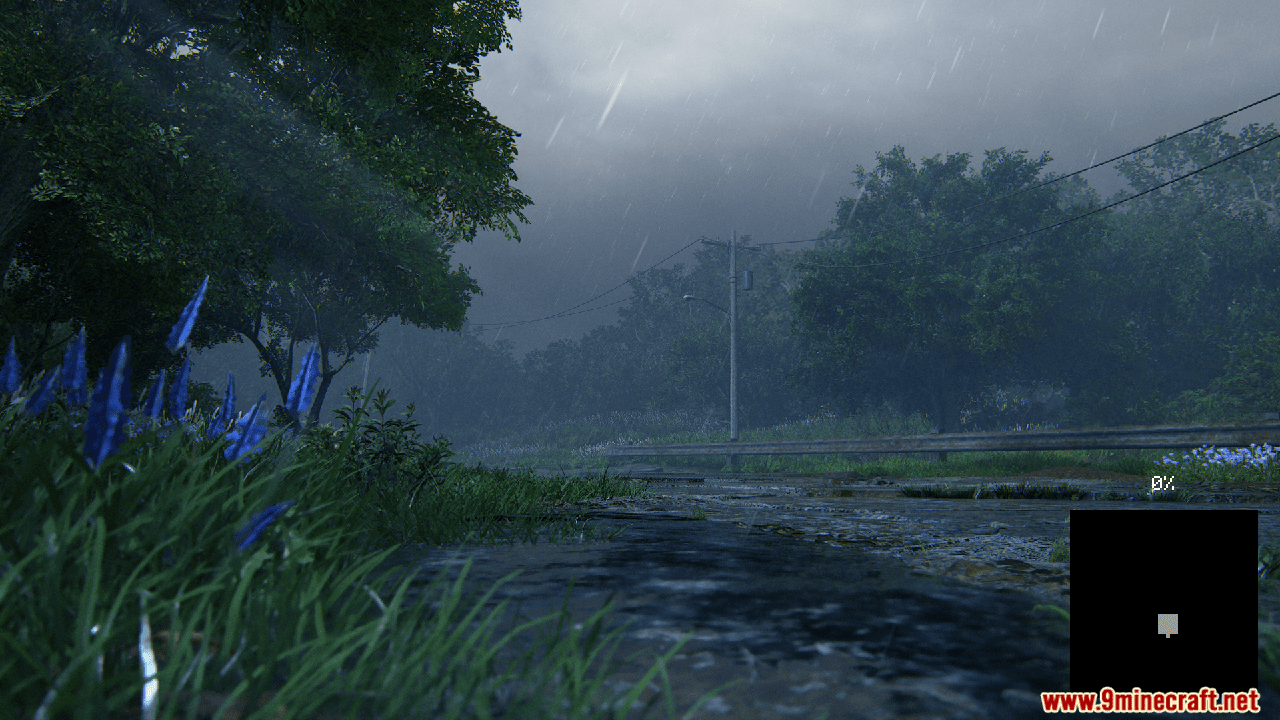
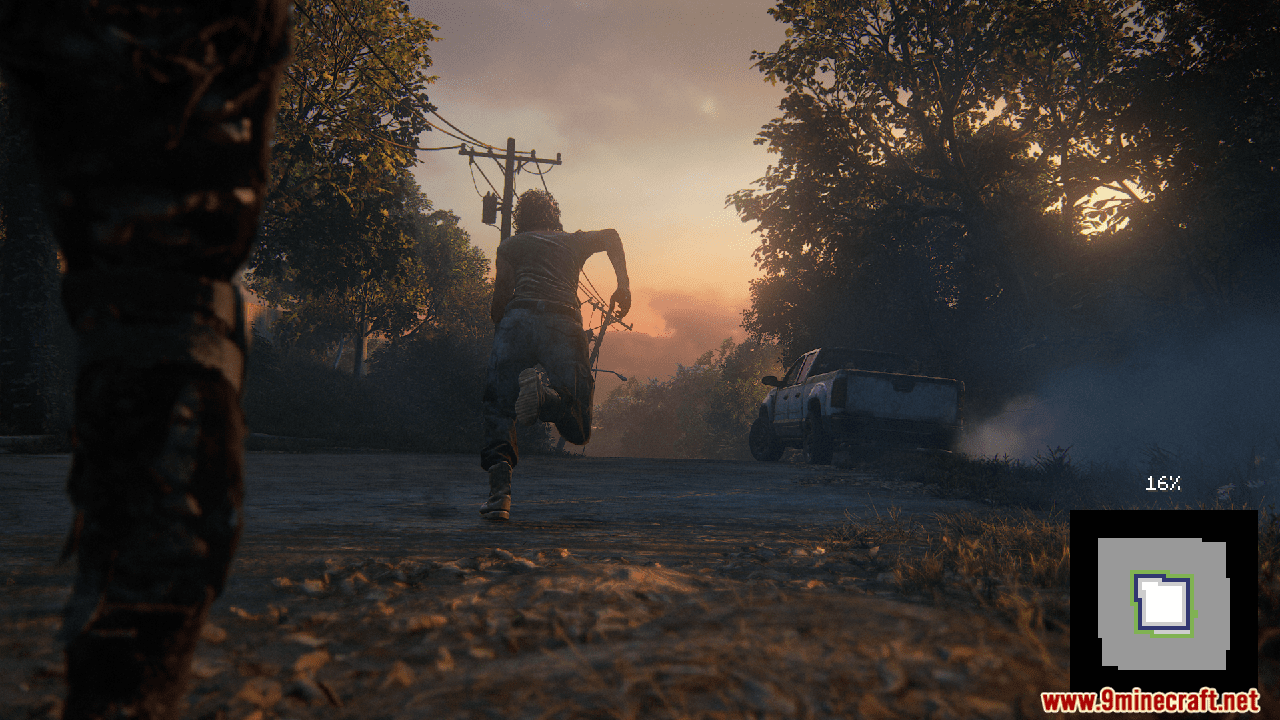
The Loading Backgrounds Mod offers an intriguing feature that allows you to customize the background of Minecraft game loading screens. You can now replace the standard loading screen with any image of your choice, enabling you to create a more personalized and immersive game atmosphere. This feature is particularly beneficial for modpack creators, allowing them to set thematic backgrounds corresponding to their modpack contents, thus enhancing the overall sensory appeal. Moreover, the mod facilitates easy packaging of background images within any resource pack, making the process of customization simpler and more user-friendly. This innovative mod ensures that even your loading screens reflect your personal style or the theme of your game.
Features:
- With this mod, Players will be able to customize the background of the loading screens of the Minecraft games, placing any type of customizable image.
- To add background images, you’ll want to create a resource pack with the folder /assets/minecraft/textures/gui/backgrounds/ and put .png image files in there.
Screenshots:
Loading Backgrounds Mod Download Links
For Minecraft 1.21.4
Forge Version: Download from Server 1 – Download from Server 2
Fabric Version: Download from Server 1 – Download from Server 2
NeoForge Version: Download from Server 1 – Download from Server 2
For Minecraft 1.21.1, 1.21
Fabric Version: Download from Server 1 – Download from Server 2
NeoForge Version: Download from Server 1 – Download from Server 2
For Minecraft 1.20.6
Forge Version: Download from Server 1 – Download from Server 2
Fabric Version: Download from Server 1 – Download from Server 2
NeoForge Version: Download from Server 1 – Download from Server 2
For Minecraft 1.20.5
Fabric Version: Download from Server 1 – Download from Server 2
For Minecraft 1.20.4, 1.20.3
Forge Version: Download from Server 1 – Download from Server 2
NeoForge Version: Download from Server 1 – Download from Server 2
Fabric Version: Download from Server 1 – Download from Server 2
For Minecraft 1.20.2
Forge Version: Download from Server 1 – Download from Server 2
Fabric Version: Download from Server 1 – Download from Server 2
For Minecraft 1.20.1, 1.20
Forge Version: Download from Server 1 – Download from Server 2
Fabric Version: Download from Server 1 – Download from Server 2
- Edition: Minecraft Java
- File type: .jar
- Minecraft versions listed: 1.21.4, 1.20.1
- How to install: Install the matching mod loader (Forge, Fabric or NeoForge) for your Minecraft version. → Download the .jar. → Put it in the .minecraft/mods folder and launch that loader profile.
- Where to get it: In MC Java Mods, or directly above on this page.
Install steps are the general flow for this file type — How to install Minecraft Java mods & modpacks walks through it step by step.
- Downloads as 177543.mcaddon
- Download size: 170 KB
- Download link checked 24 Jul 2026 — working
- Mirrored on our own servers — the download does not depend on the original host
These come from our own check of the pack file, not from the source page.