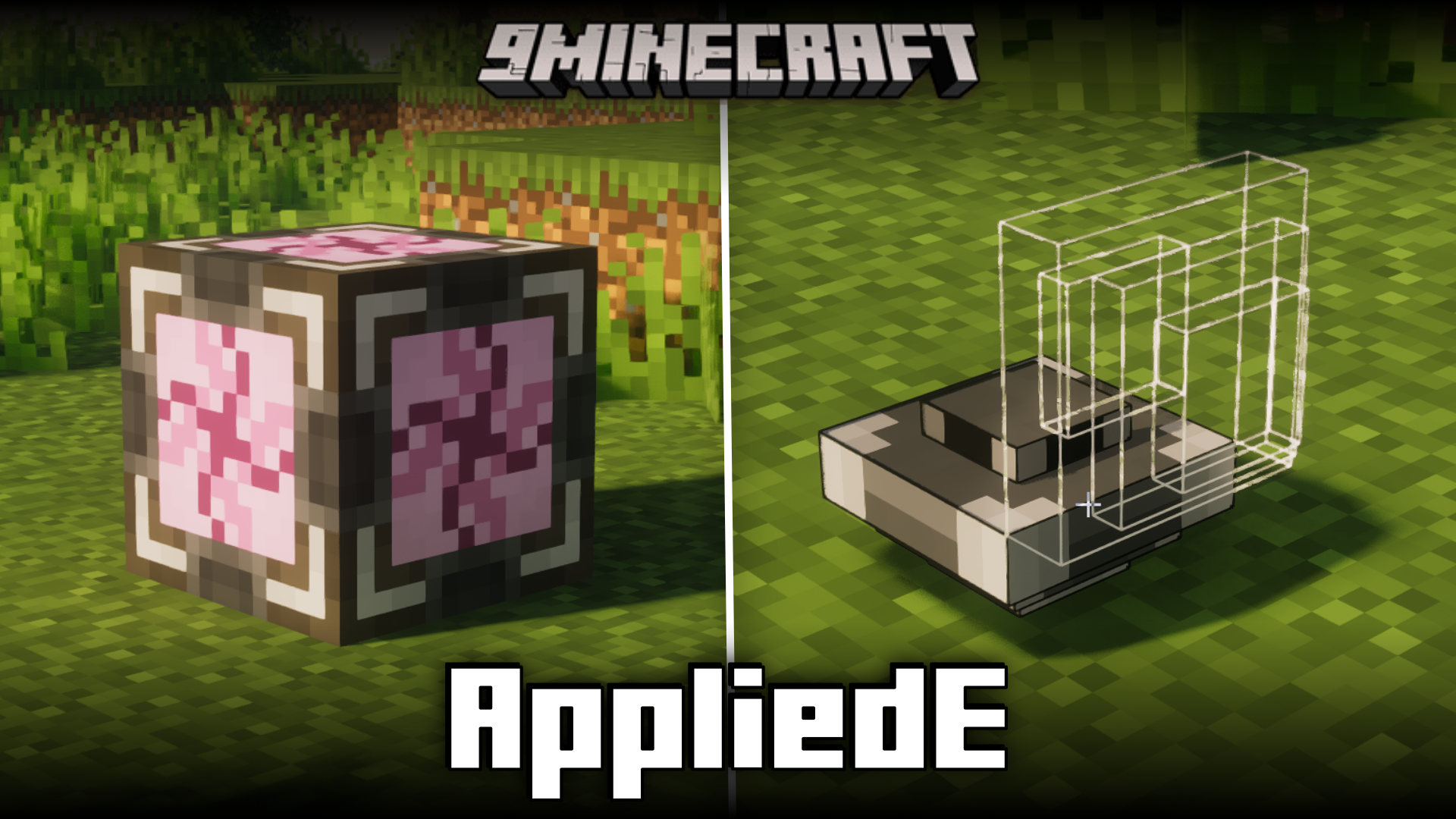
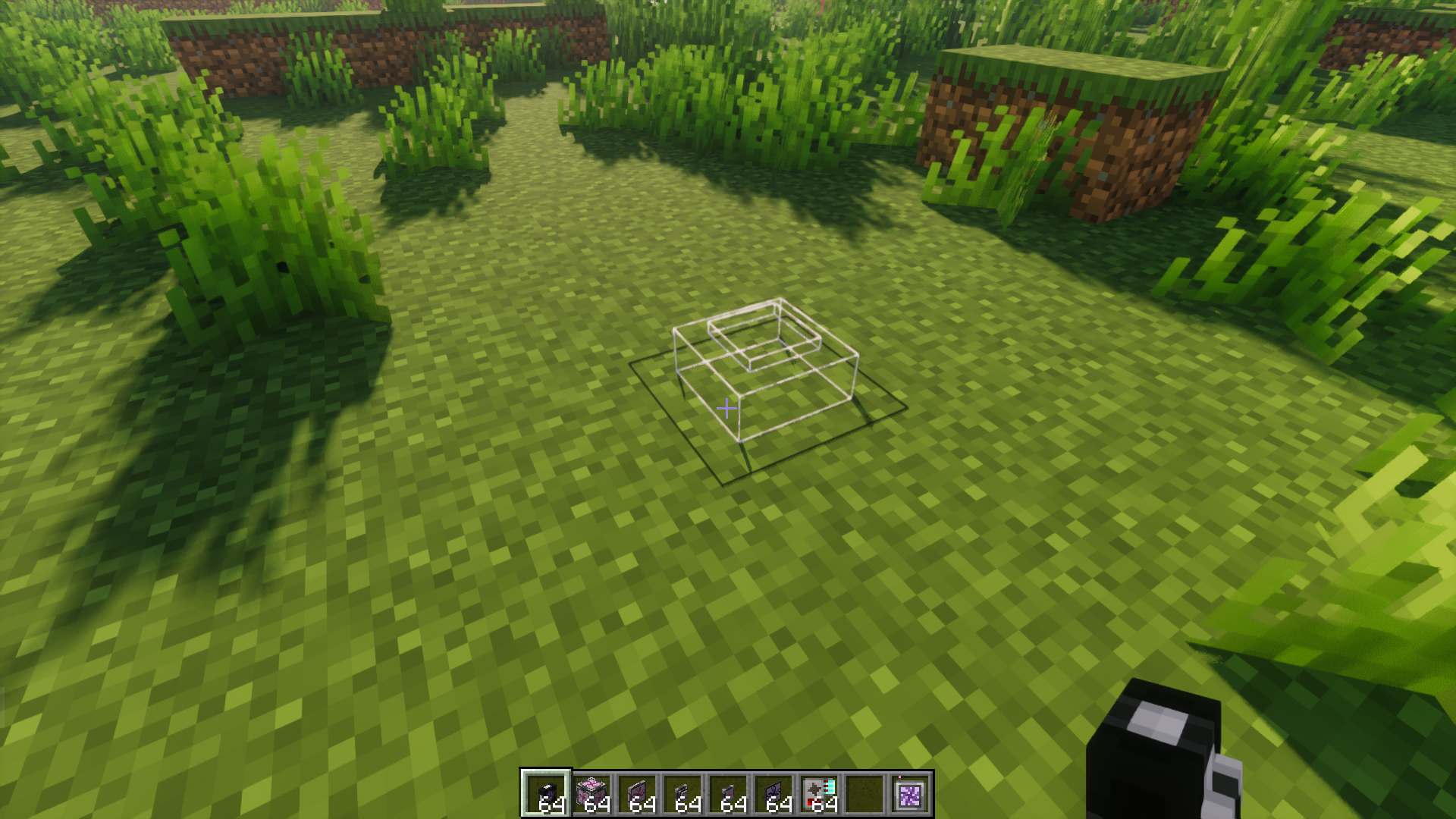
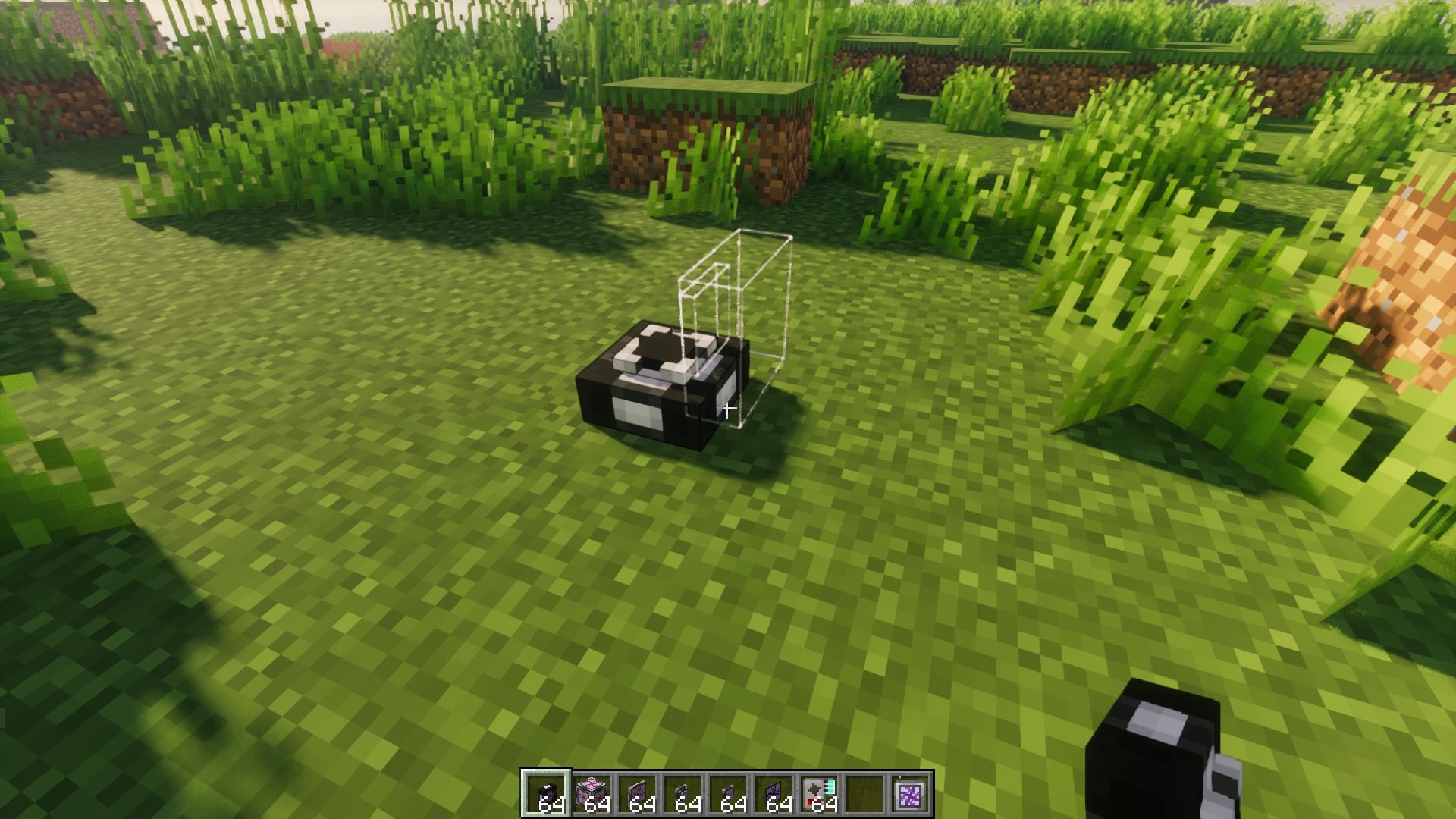
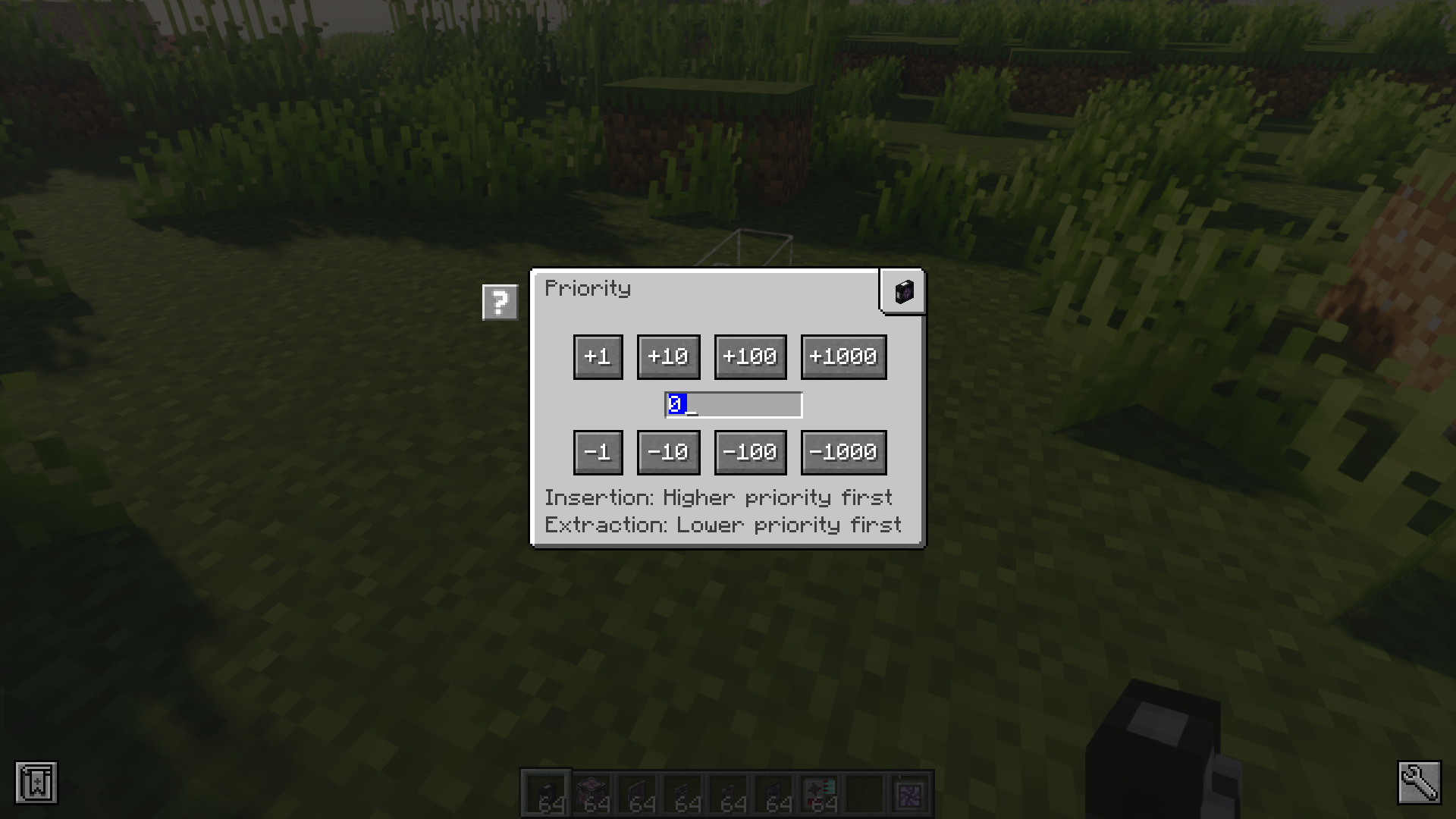
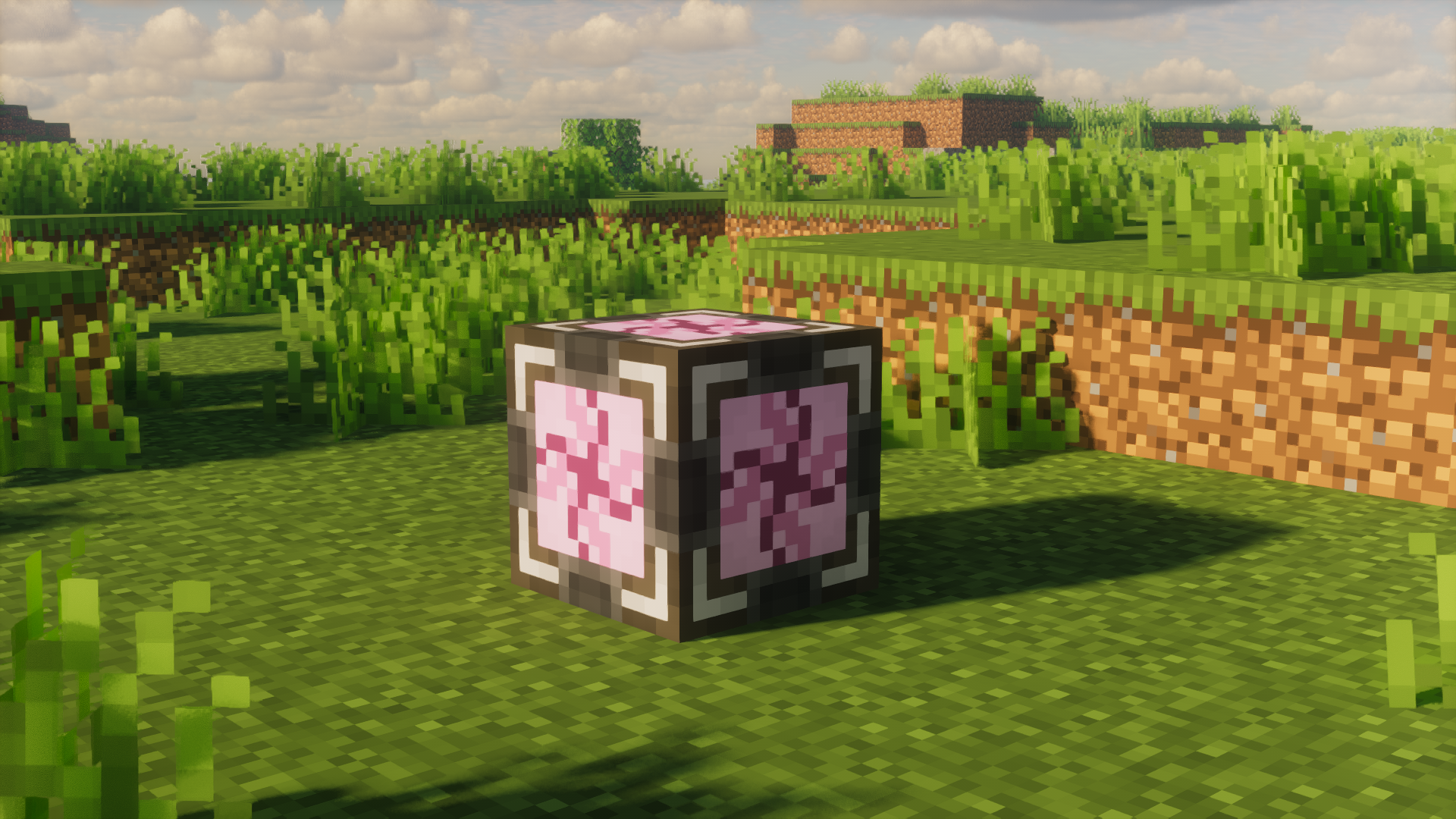
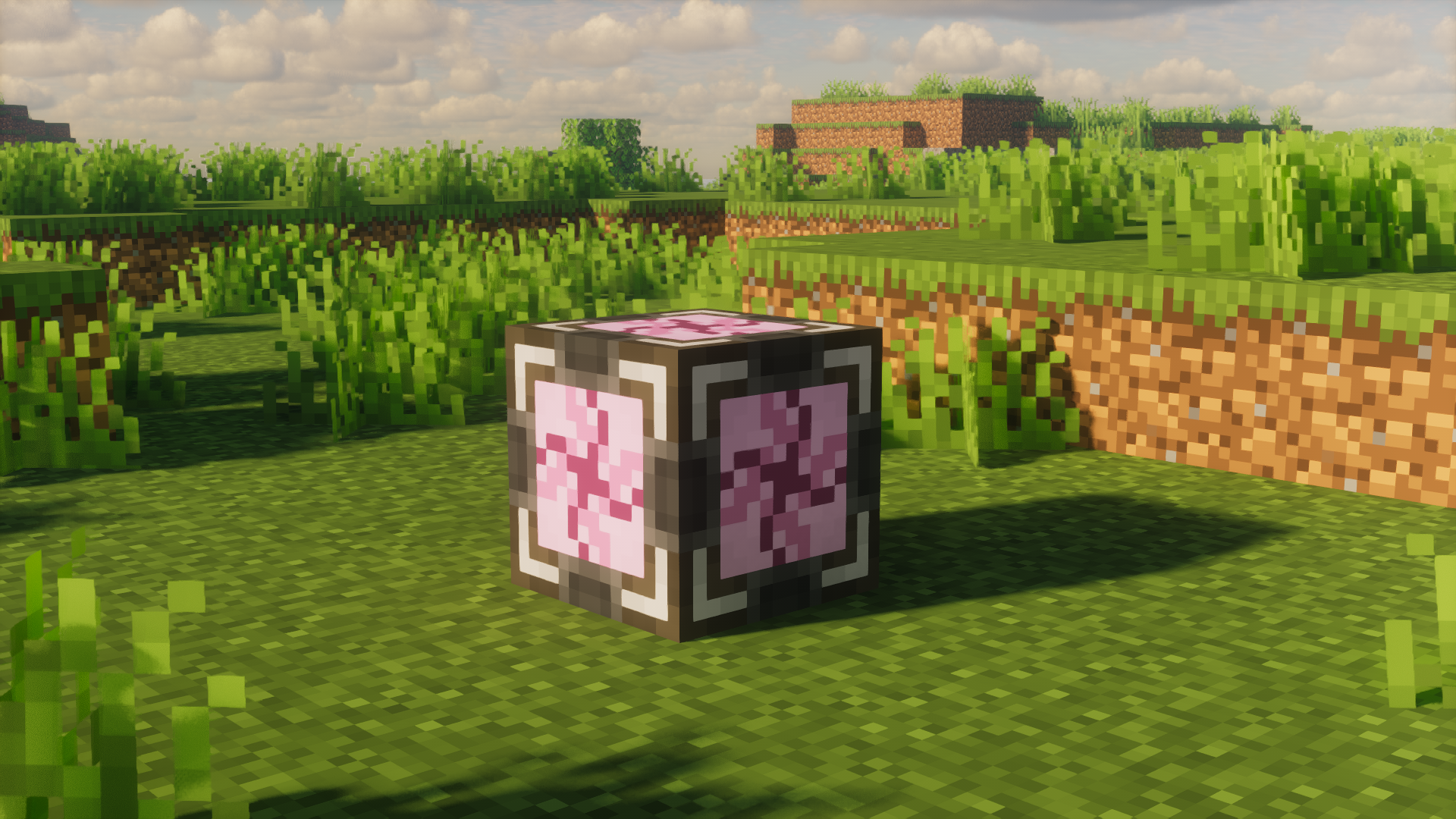
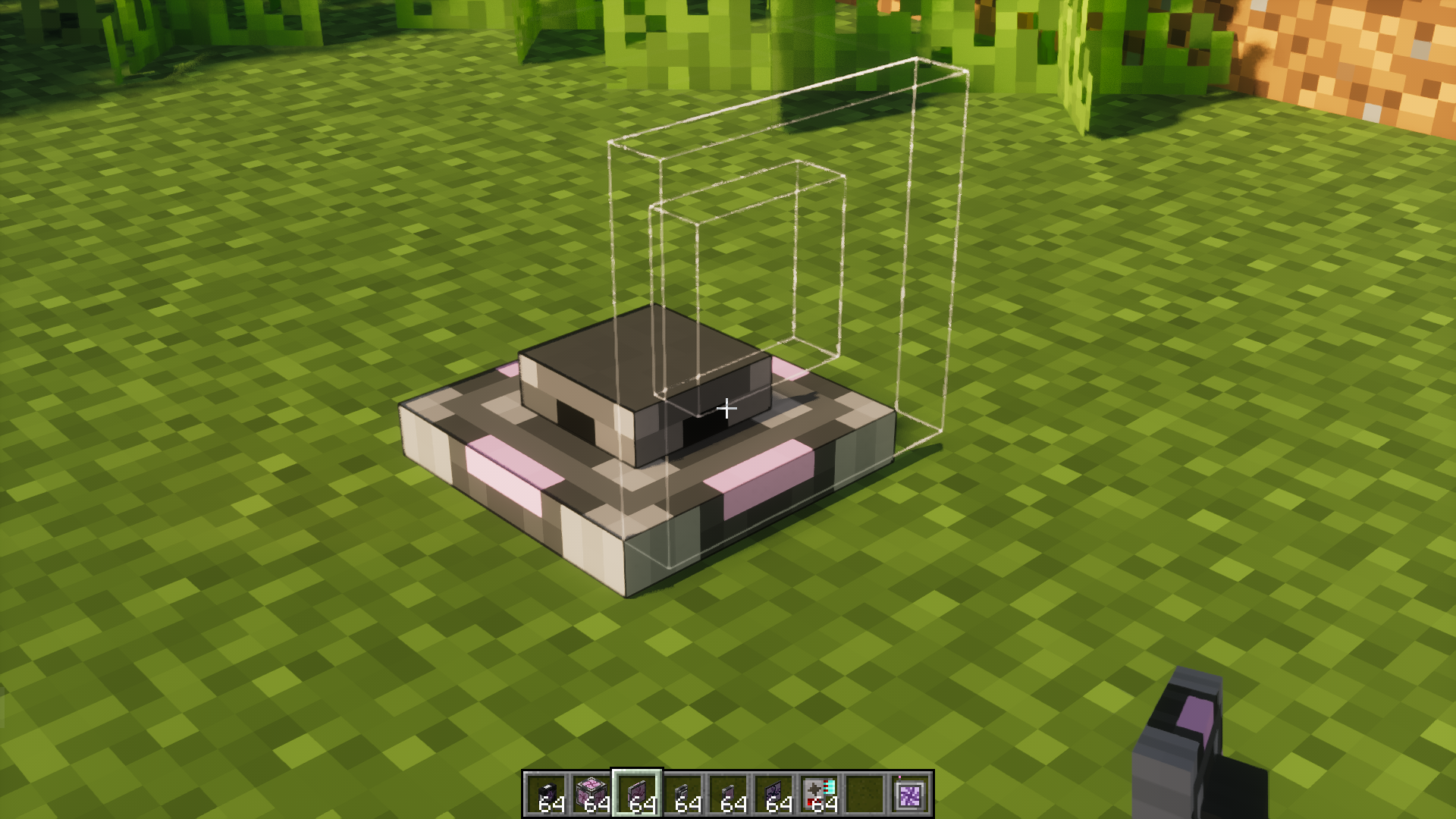
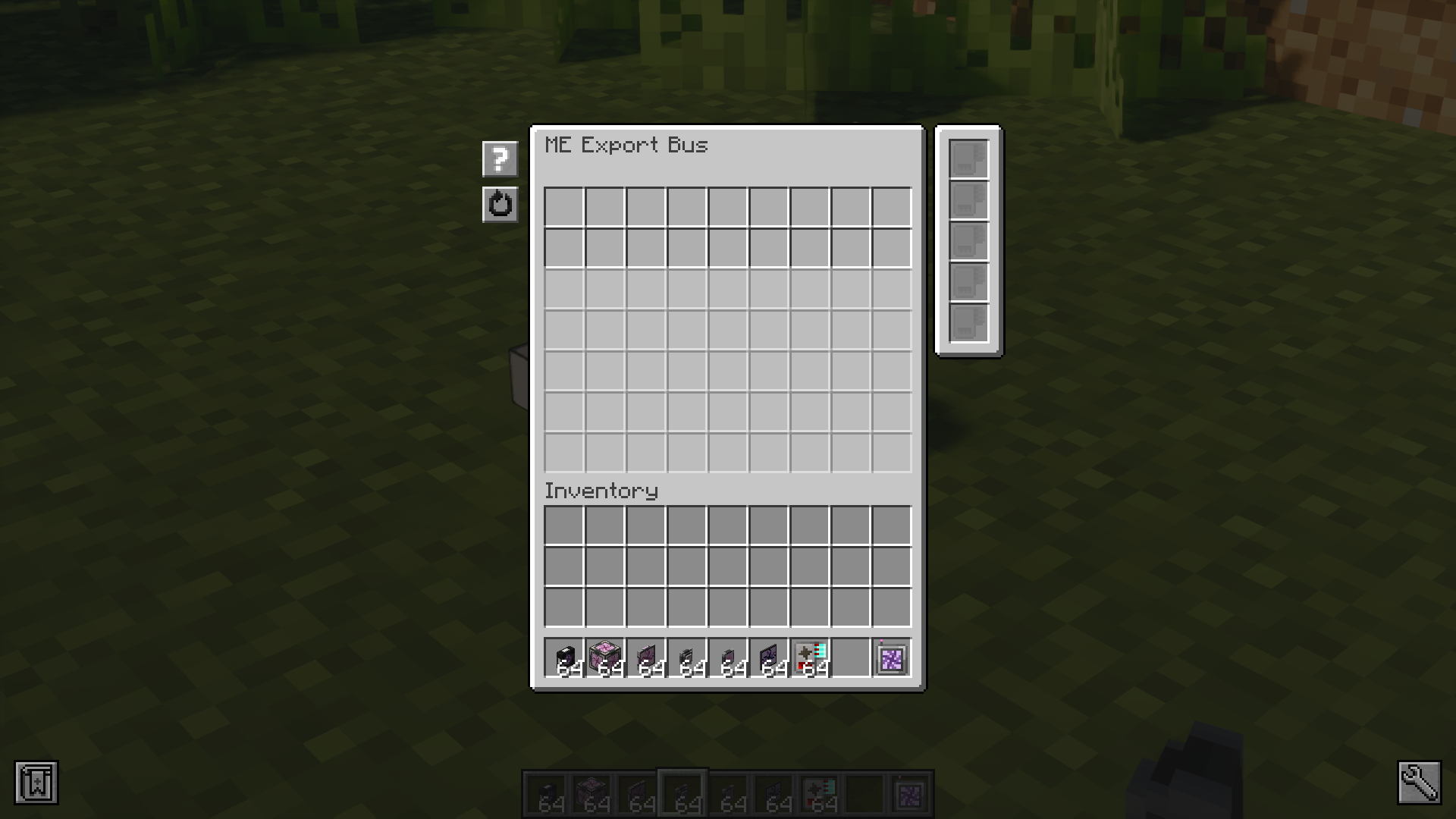
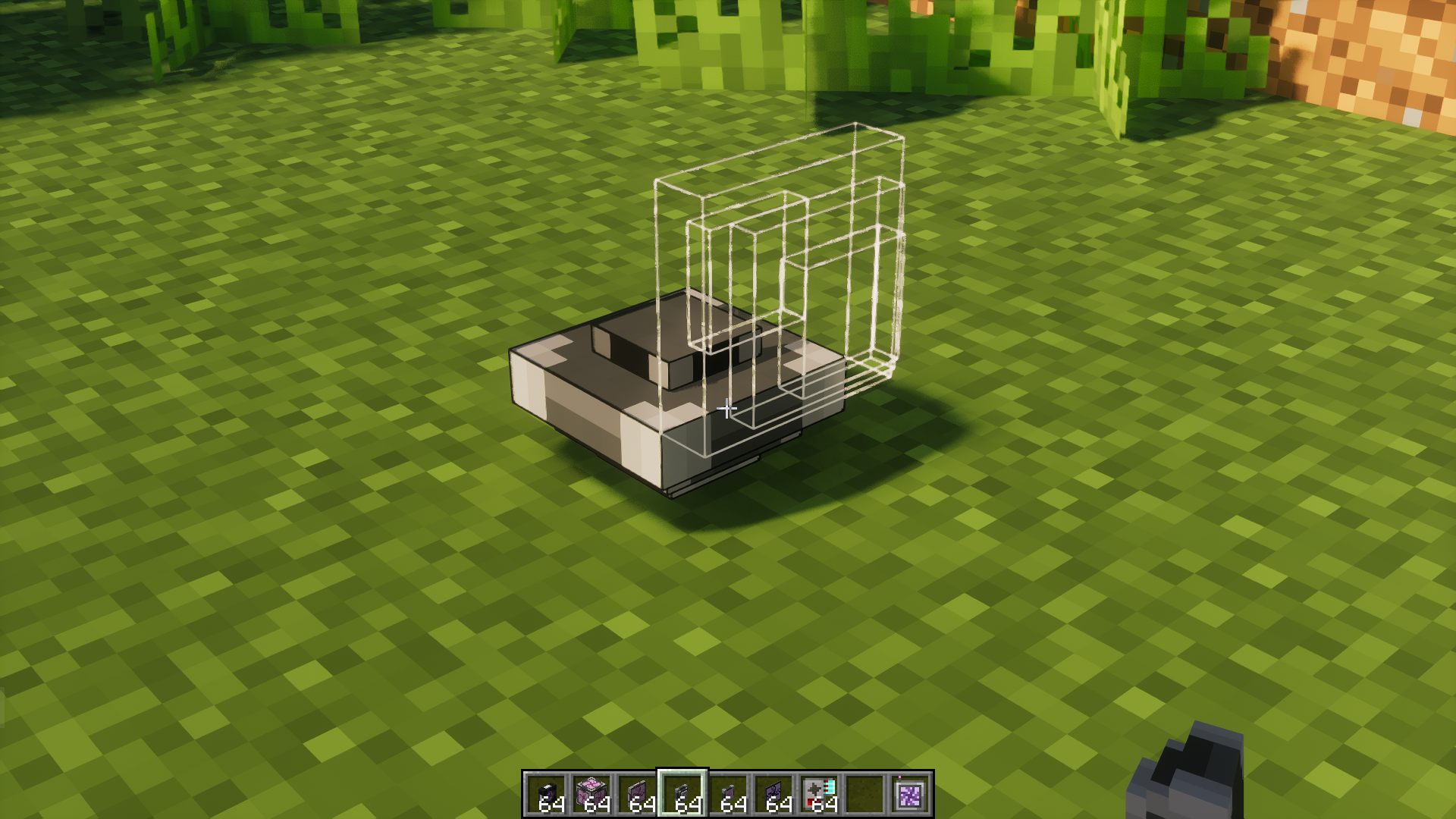
AppliedE Mod is a Minecraft mod made as an add-on to both Applied Energistics 2 and ProjectE providing more tightly-coupled integration between the two mods. Unlike conventional add-ons integrating the two together, AppliedE works by turning ProjectE’s EMC into a distinct “key type” able to be displayed, reported and manipulated by an ME network and converted into items upon request via AE2’s auto-crafting facilities.
Features:
- Integrating EMC as a distinct “key” in the ME Network:
- EMC from ProjectE is treated as an independent resource type, which can be displayed, reported, and manipulated directly through the ME Terminal interface of AE2.
You can store EMC in the ME Network instead of just physical items. This helps save space and prevents inventory clutter.
- EMC from ProjectE is treated as an independent resource type, which can be displayed, reported, and manipulated directly through the ME Terminal interface of AE2.
- Auto-Crafting with EMC:
- Use EMC to automatically transmute items through AE2’s auto-crafting system. For example, you can request the ME Network to create a rare item using EMC instead of actual materials.
- It supports converting EMC into specific items when needed, optimizing large-scale production processes.
- ME Transmutation Module:
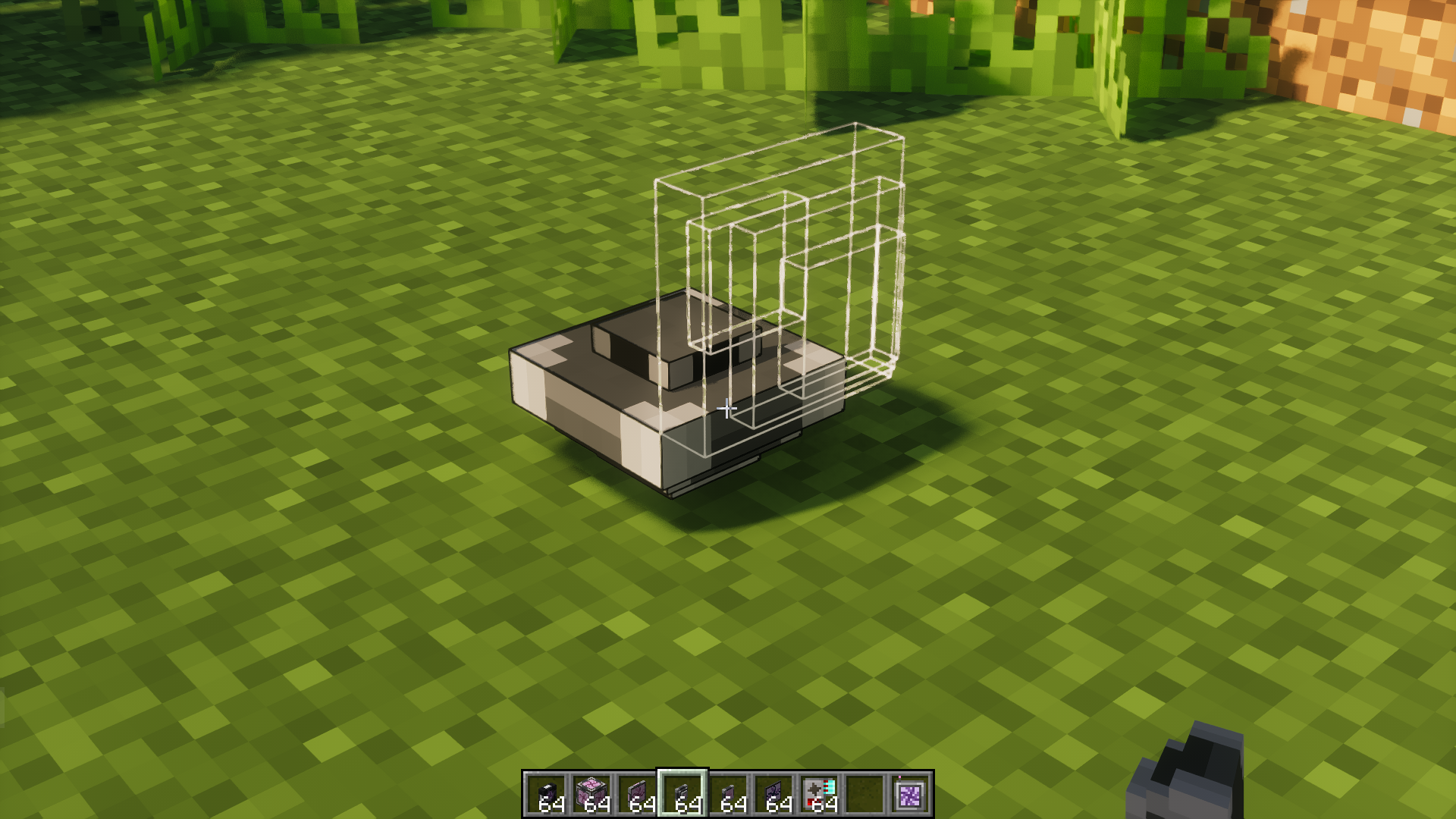
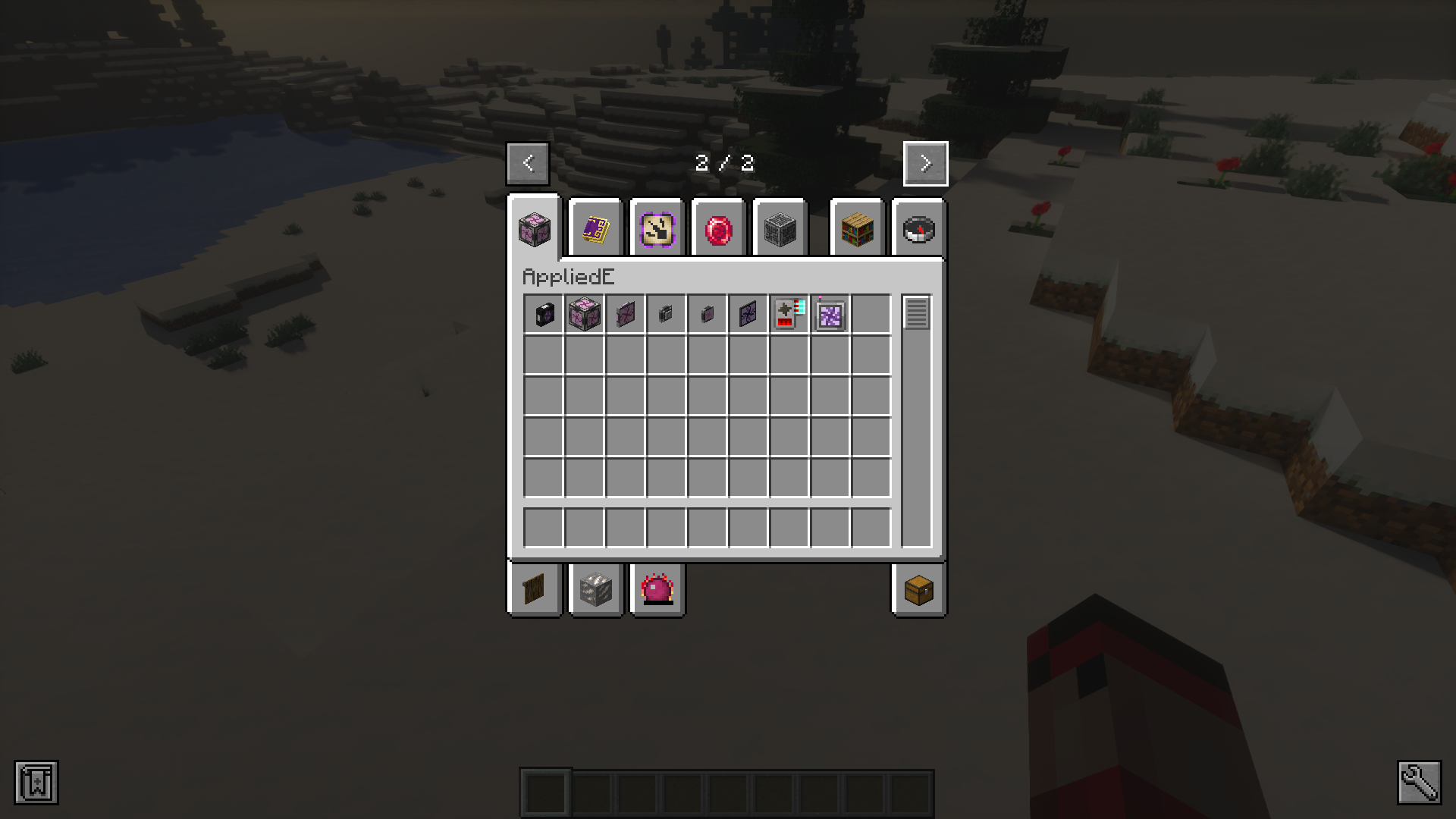
- This is the core item for enabling the mod. When placed in the ME Network, it automatically retrieves all transmutation/EMC knowledge from the player (based on ProjectE) and provides that information to the network.
- The module can be placed anywhere in the ME Network and functions immediately. It includes safeguards to prevent overflow in the ME Network, such as a “tier” system for categorizing EMC (based on exponential scaling to handle large EMC values).
- Displaying and Managing EMC in the AE2 Guide:
- The mod adds a new section to AE2’s in-game guide, explaining how to use it. You can view EMC details, transmutable items, and track stored EMC without leaving the ME interface.
Screenshots:
AppliedE Mod Download Links
For Minecraft 1.21.1, 1.21
NeoForge version: Download from Server 1 – Download from Server 2
For Minecraft 1.20.1, 1.20
Forge/NeoForge version: Download from Server 1 – Download from Server 2
- Edition: Minecraft Java
- File type: .jar
- Minecraft versions listed: 1.21.1, 1.20.1
- How to install: Install the matching mod loader (Forge, Fabric or NeoForge) for your Minecraft version. → Download the .jar. → Put it in the .minecraft/mods folder and launch that loader profile.
- Where to get it: In MC Java Mods, or directly above on this page.
Install steps are the general flow for this file type — How to install Minecraft Java mods & modpacks walks through it step by step.
AppliedE Mod (1.21.1, 1.20.1) – Integration Between AE2 and ProjectE is a free Minecraft Java mod. Compatible with Minecraft 1.21.1, 1.20.1. Download it and open it directly in the game.