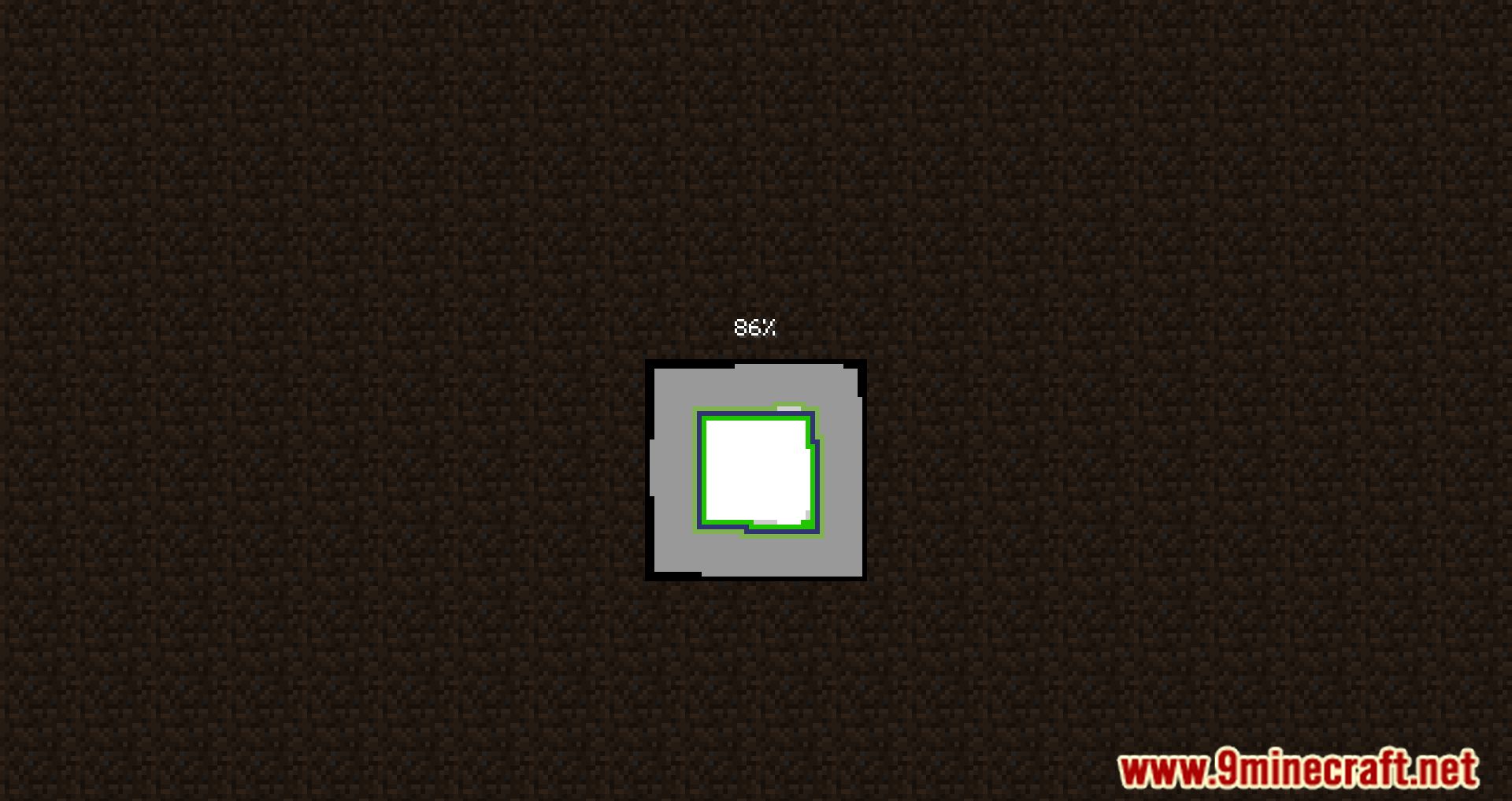
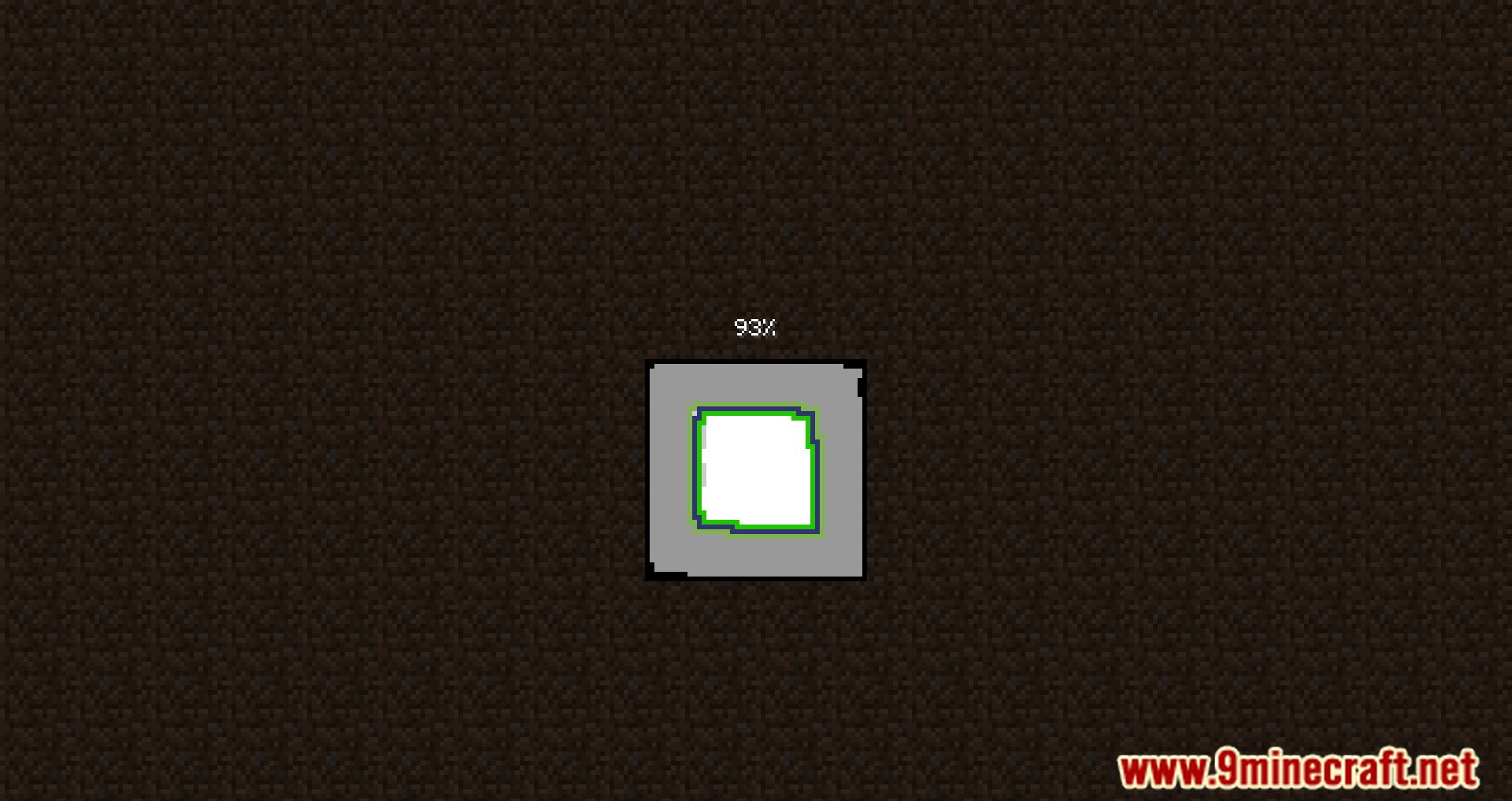
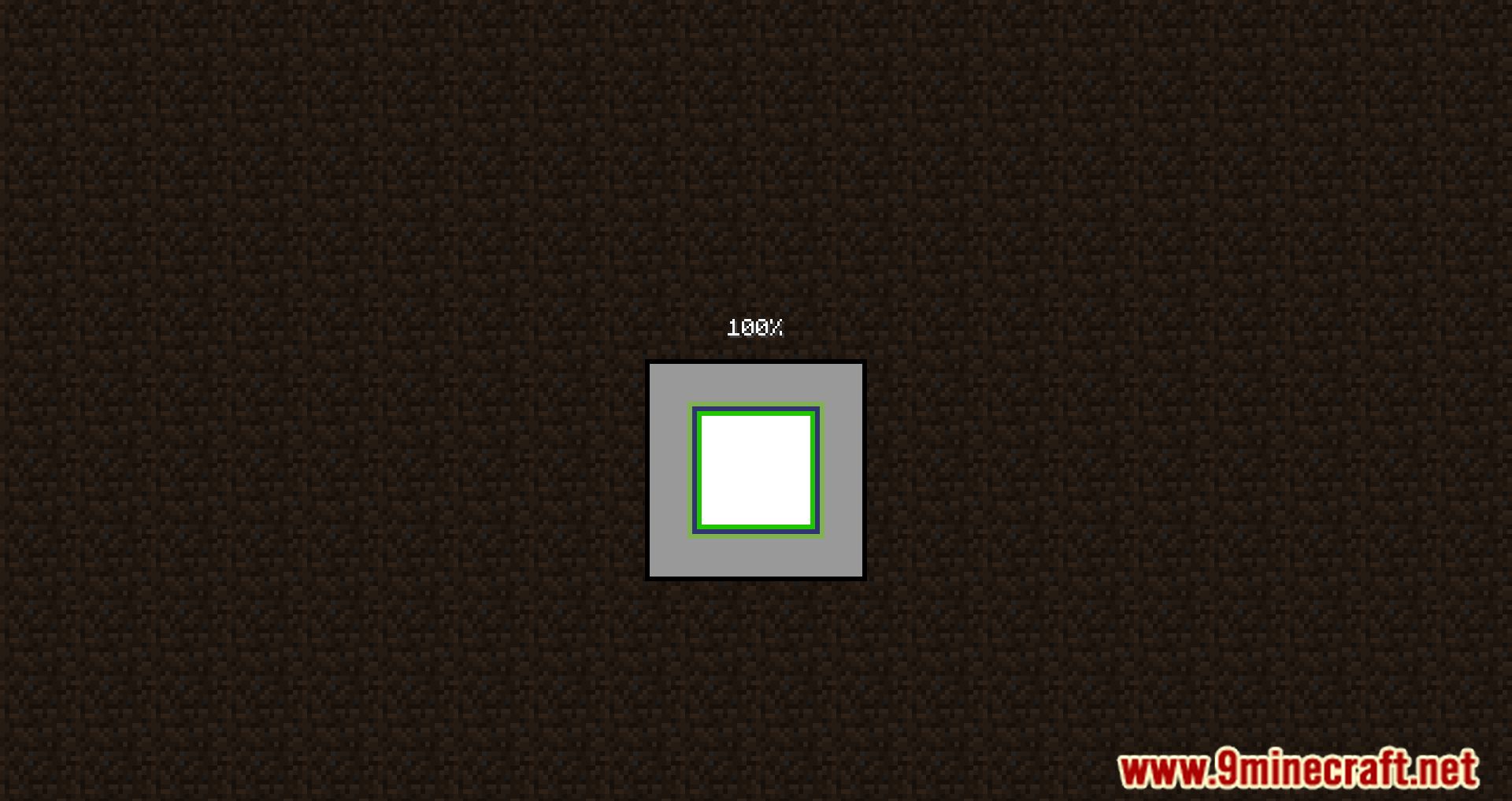
Pling Mod plays a custom game sound when Minecraft has finished loading and is ready to play, or when a world has fully loaded.
This is especially useful in large modpacks, where the game might take several minutes to start. While waiting, players can do other tasks, and the sound serves as a reminder that the game is ready.
Most modpack creators include this mod in their packs. It can be configured in .minecraftconfigpling.json, allowing players to:
- Set a custom game sound (default: experience pickup sound).
- Enable sound for world load completion.
- Toggle sound playback based on whether the game window is open.
Features:
- Plays a customizable sound when Minecraft has fully loaded.
- Alerts players when a world has finished loading, making it easier to know when to start playing.
- Players can adjust the sound type, volume, and conditions for when the sound plays.
- If installed, Mod Menu allows for easy configuration of Pling settings.
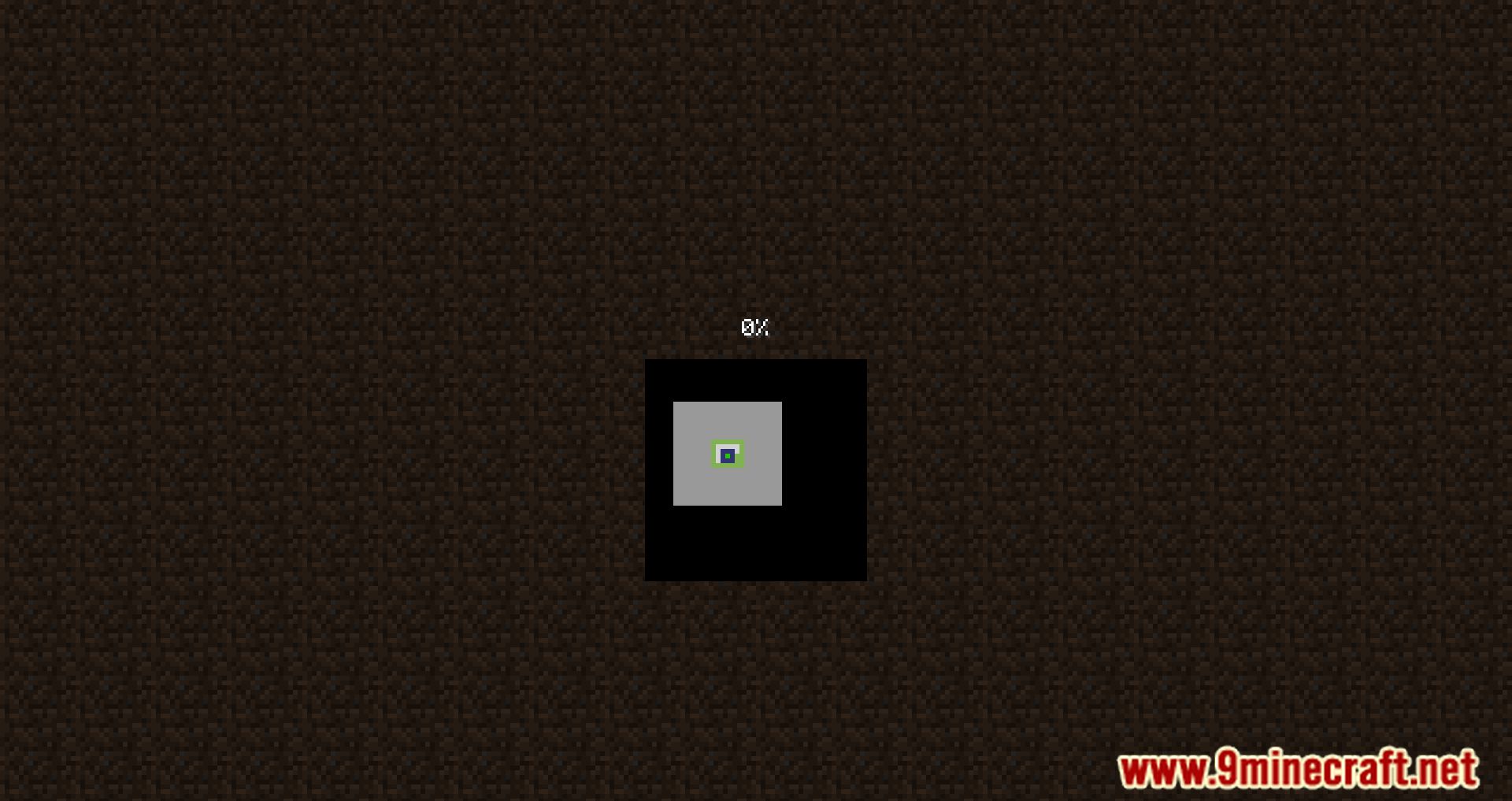
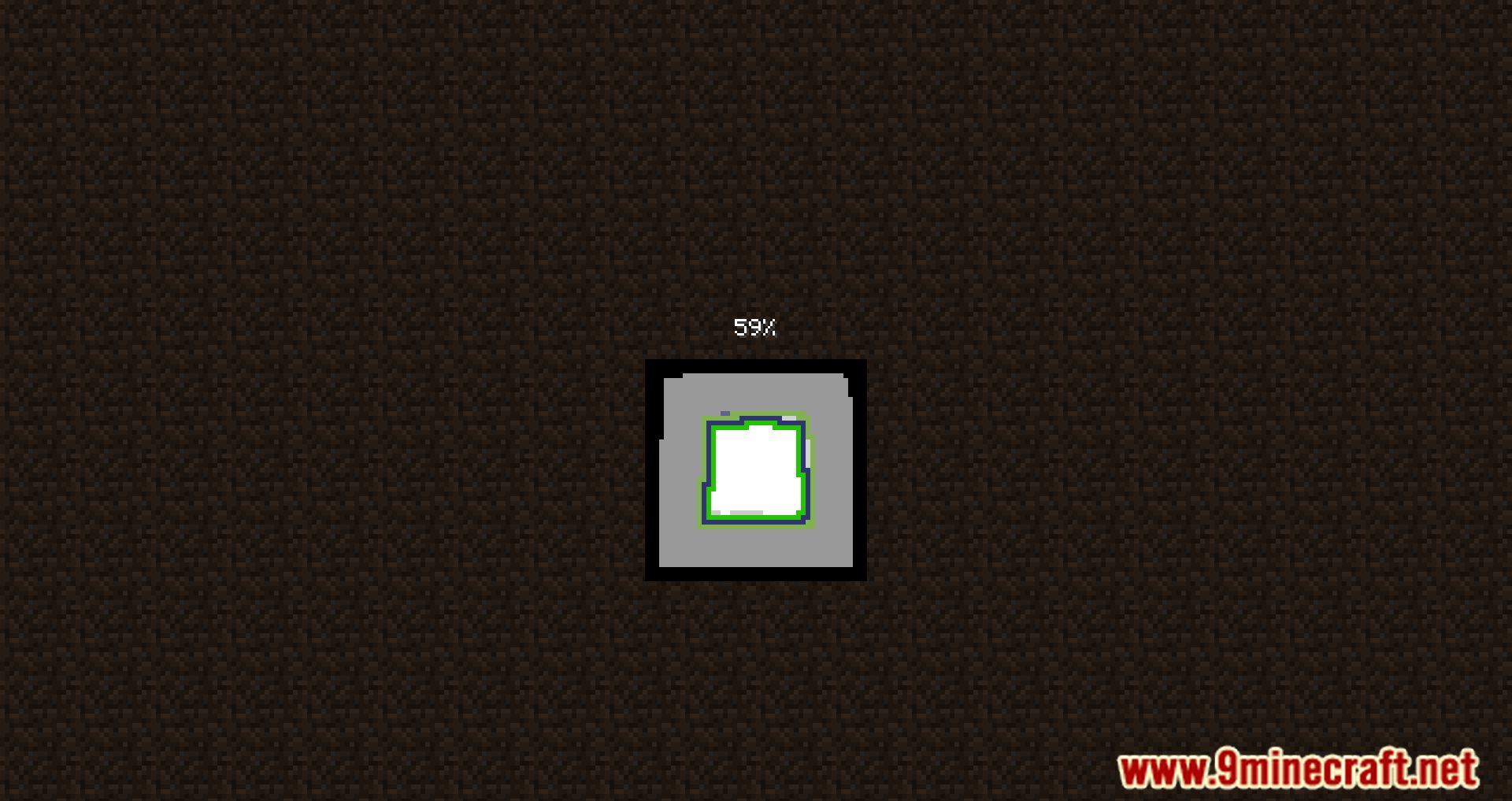
Screenshots:
Pling Mod Download Links
For Minecraft 1.21.8, 1.21.7, 1.21.6
Fabric version: Download from Server 1 – Download from Server 2
For Minecraft 1.21.5
Fabric version: Download from Server 1 – Download from Server 2
For Minecraft 1.21.4
Fabric version: Download from Server 1 – Download from Server 2
For Minecraft 1.21.3, 1.21.2
Fabric version: Download from Server 1 – Download from Server 2
For Minecraft 1.21.1, 1.21
Fabric version: Download from Server 1 – Download from Server 2
For Minecraft 1.20.6
Fabric version: Download from Server 1 – Download from Server 2
For Minecraft 1.20.5
Fabric version: Download from Server 1 – Download from Server 2
For Minecraft 1.20.4
Fabric version: Download from Server 1 – Download from Server 2
For Minecraft 1.20.2, 1.20.1, 1.20
Fabric version: Download from Server 1 – Download from Server 2
For Minecraft 1.19.4
Fabric version: Download from Server 1 – Download from Server 2
For Minecraft 1.19.3
Fabric version: Download from Server 1 – Download from Server 2
For All Versions from Minecraft 1.17.1 to Minecraft 1.19.2
Fabric version: Download from Server 1
For Minecraft 1.16.5
Fabric version: Download from Server 1
- Edition: Minecraft Java
- File type: .jar
- Minecraft versions listed: 1.21.8, 1.20.1
- How to install: Install the matching mod loader (Forge, Fabric or NeoForge) for your Minecraft version. → Download the .jar. → Put it in the .minecraft/mods folder and launch that loader profile.
- Where to get it: In MC Java Mods, or directly above on this page.
Install steps are the general flow for this file type — How to install Minecraft Java mods & modpacks walks through it step by step.
- Downloads as 177561.mcaddon
- Download size: 12 KB
- Download link checked 25 Jul 2026 — working
- Mirrored on our own servers — the download does not depend on the original host
These come from our own check of the pack file, not from the source page.