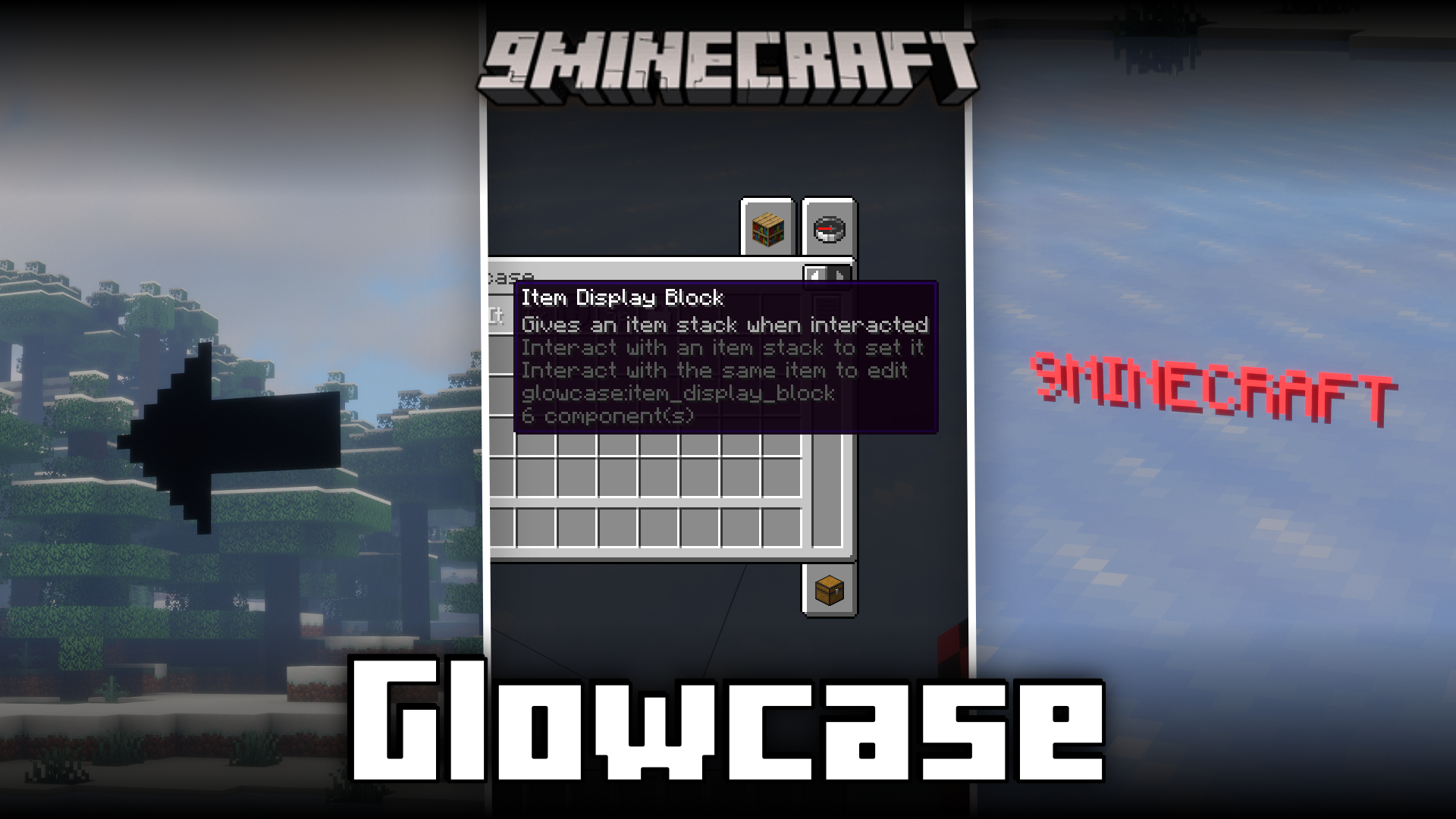
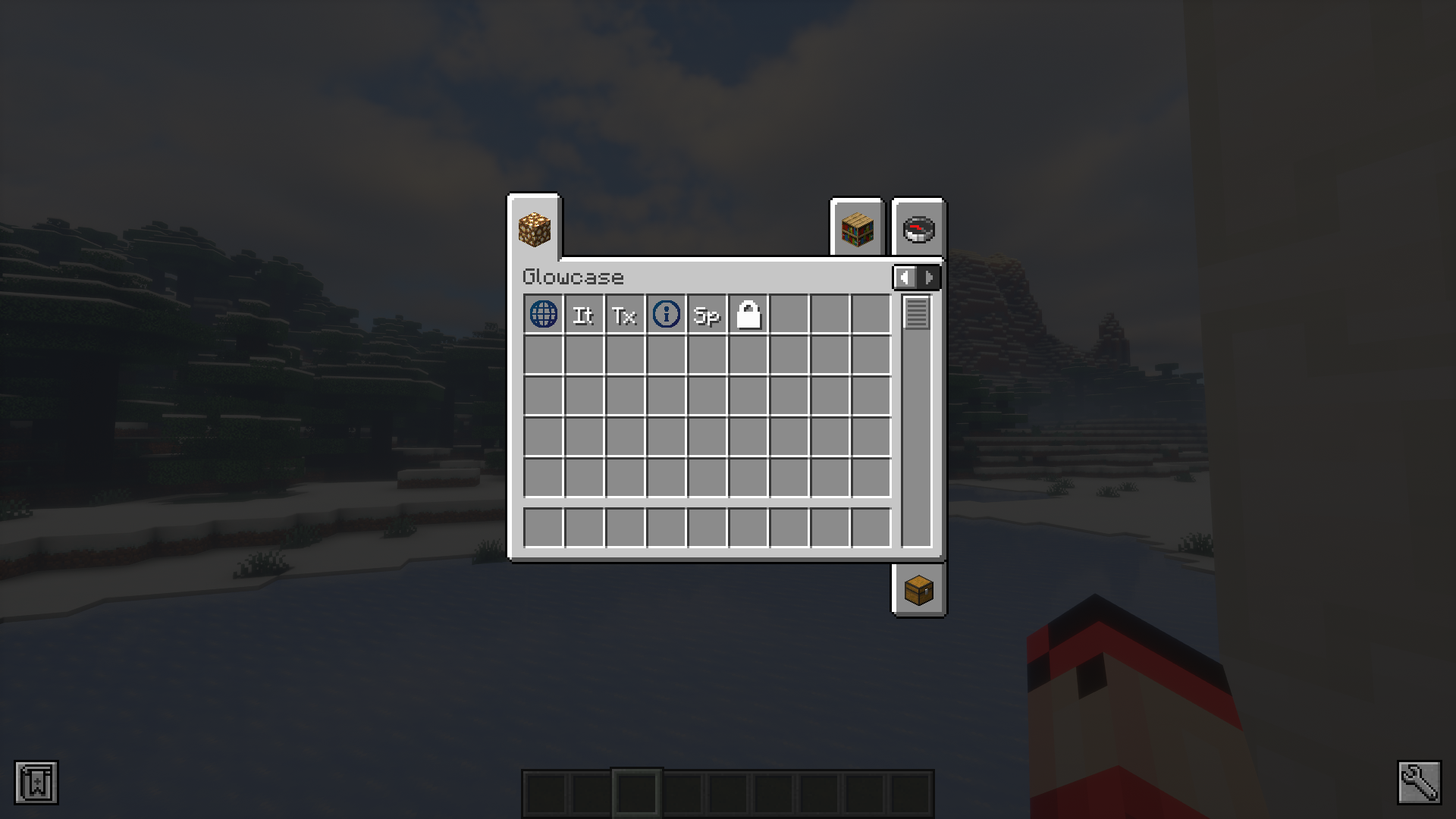
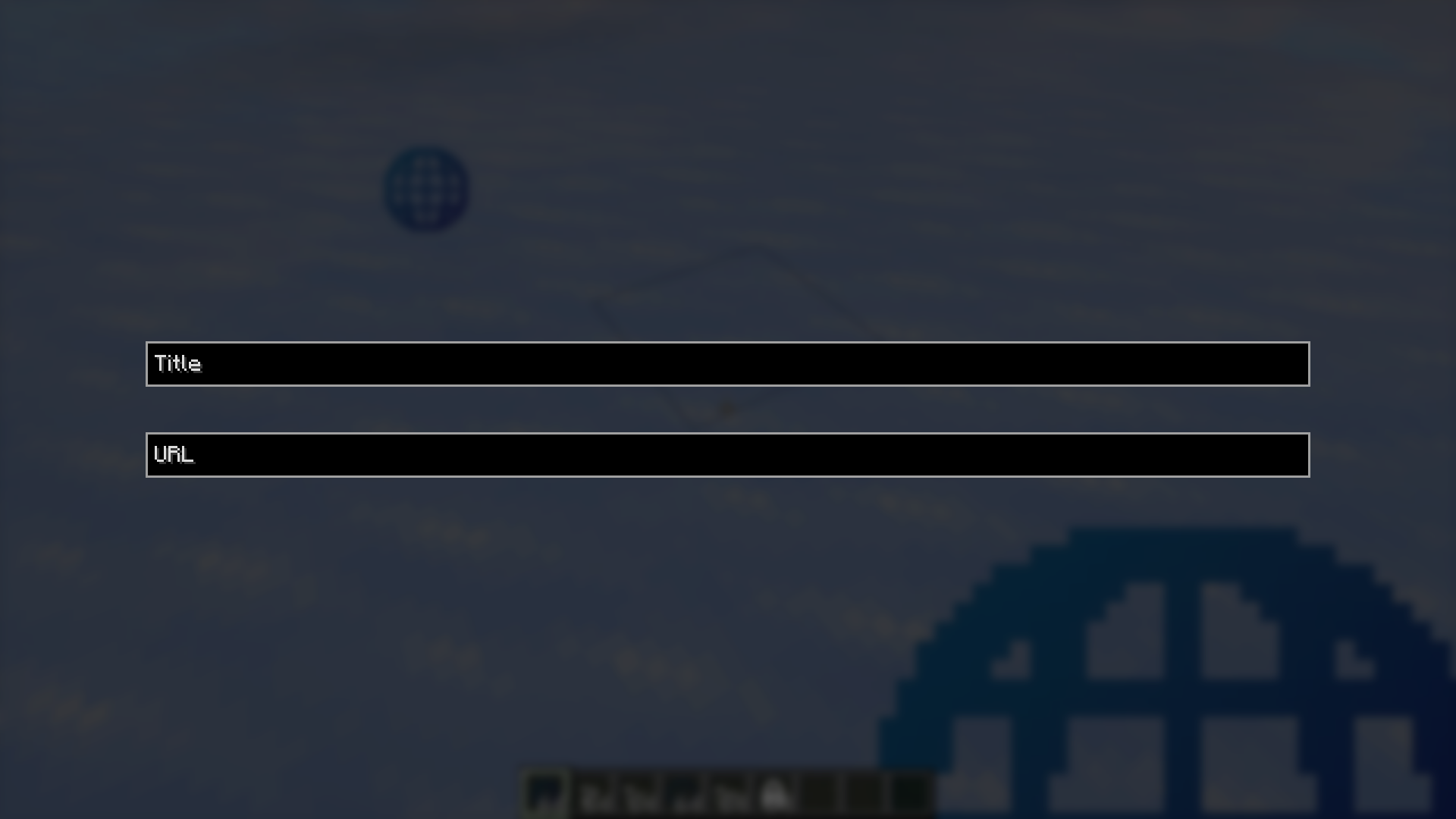
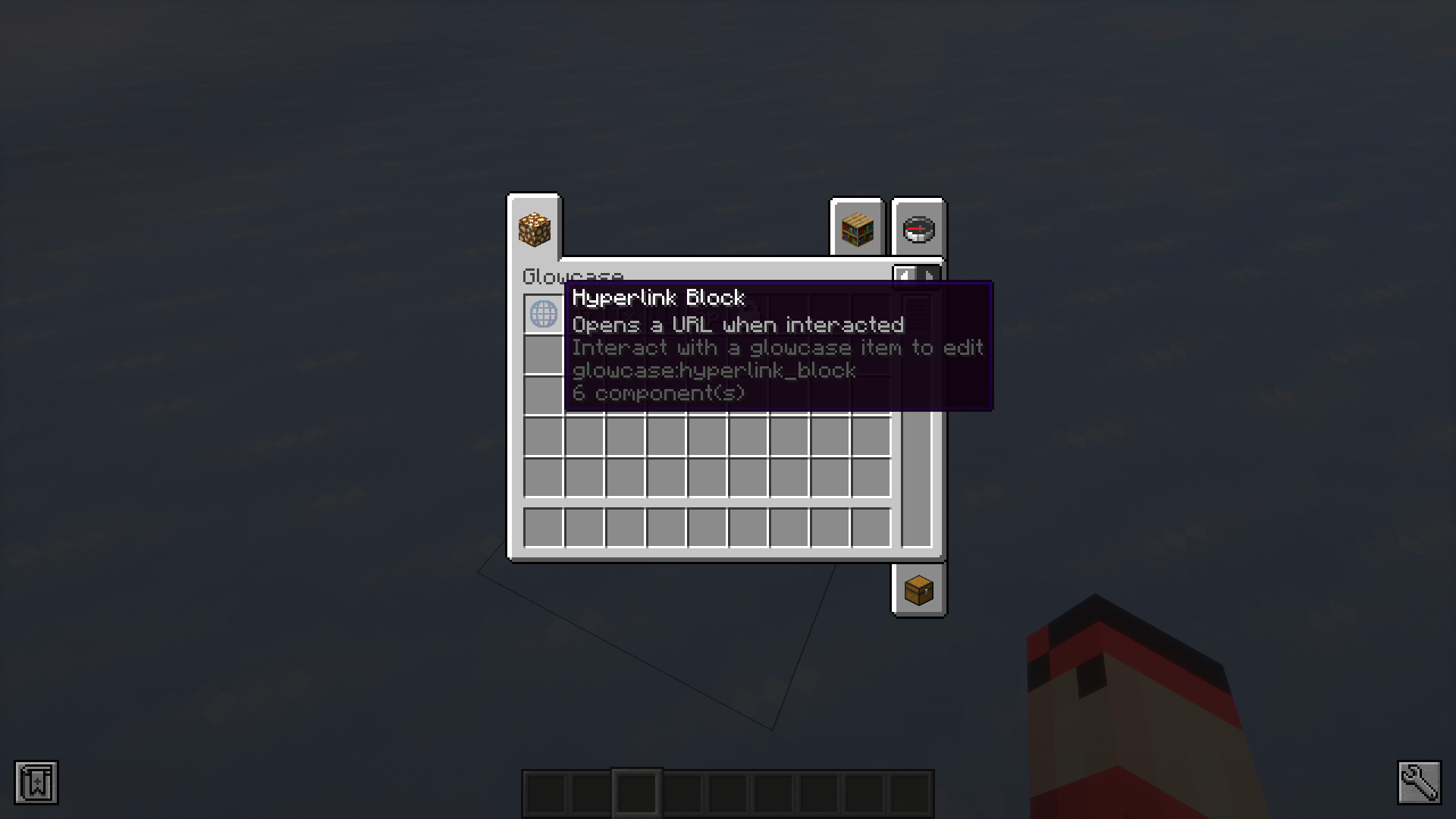
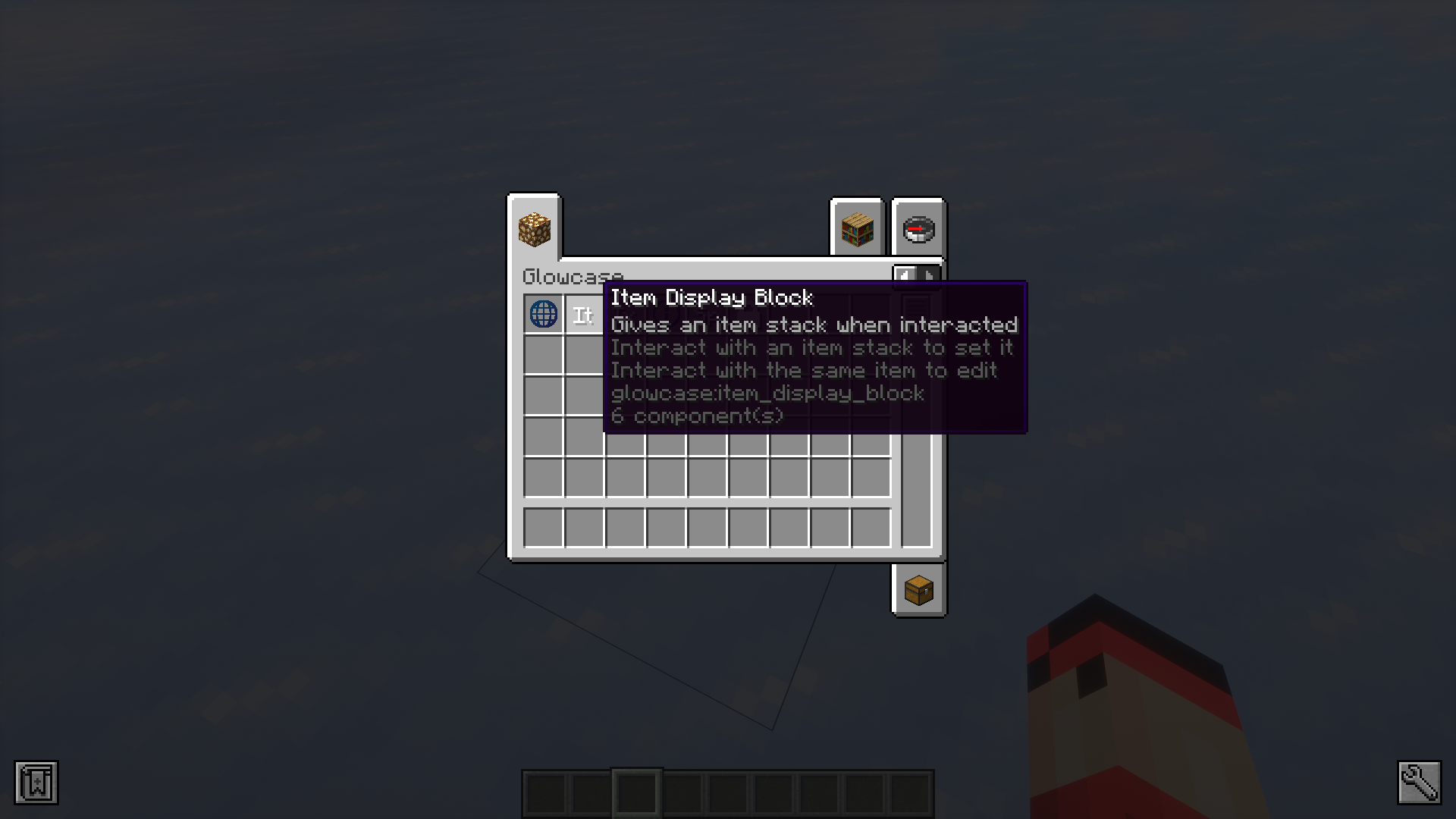
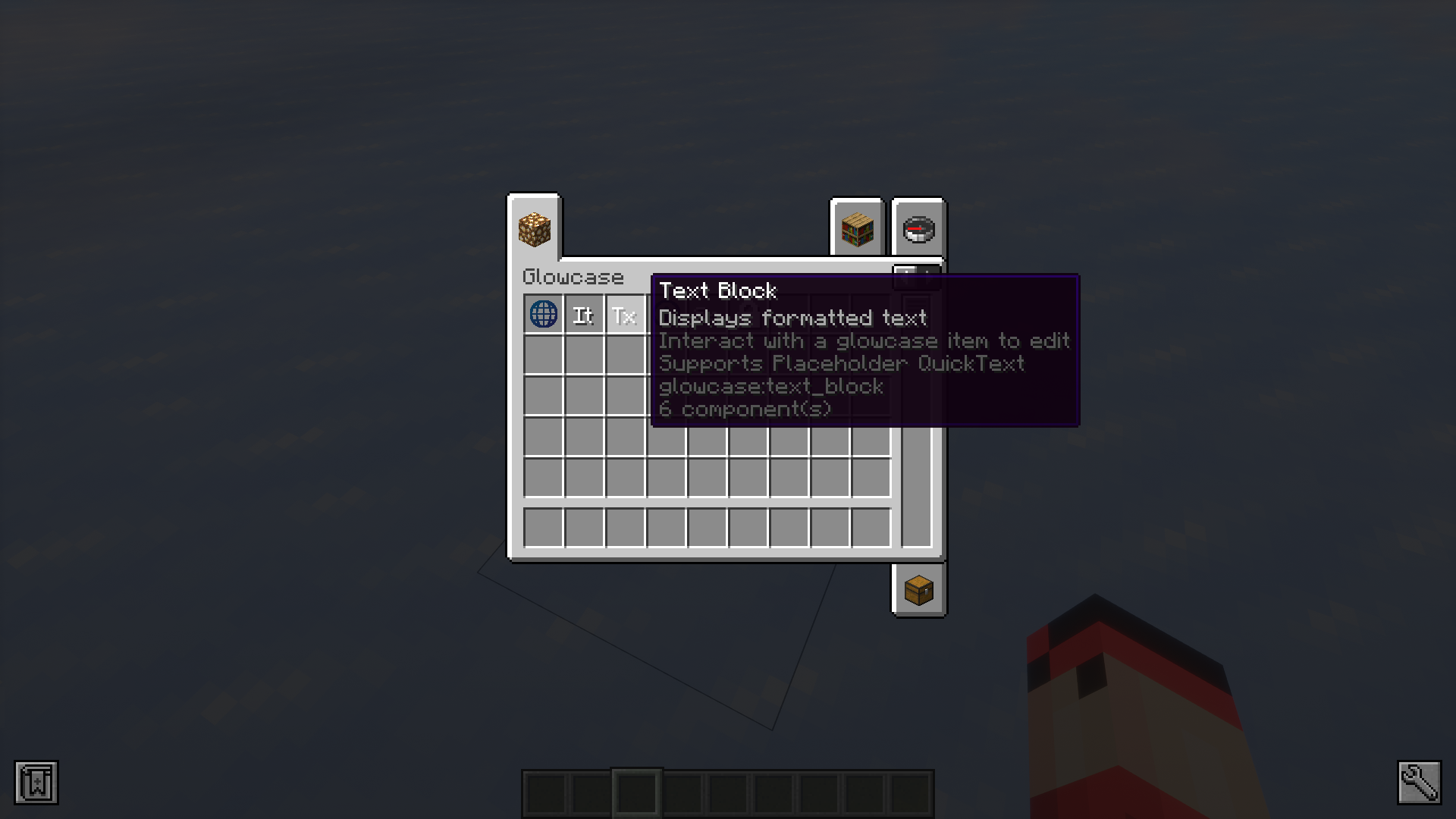
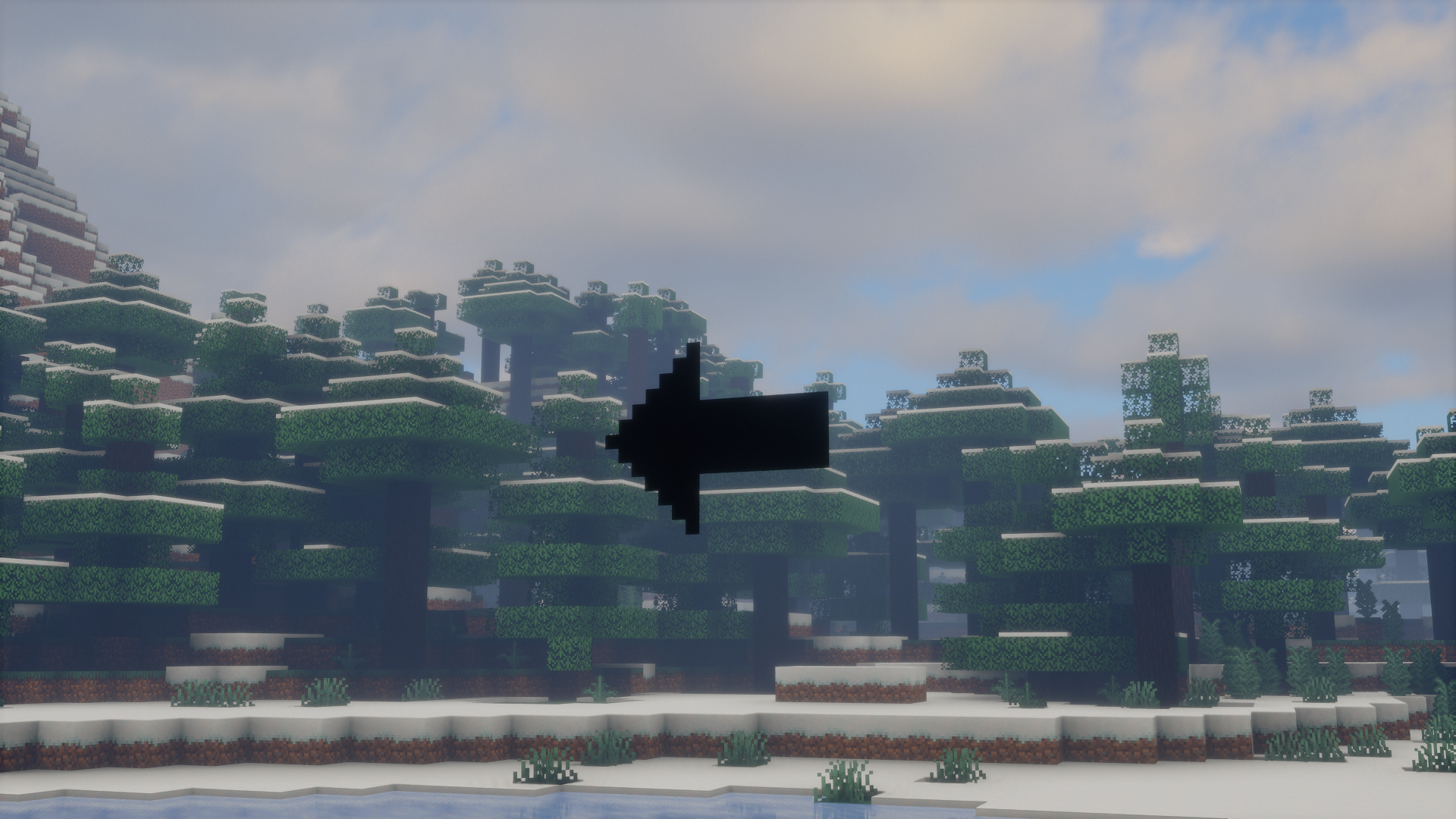
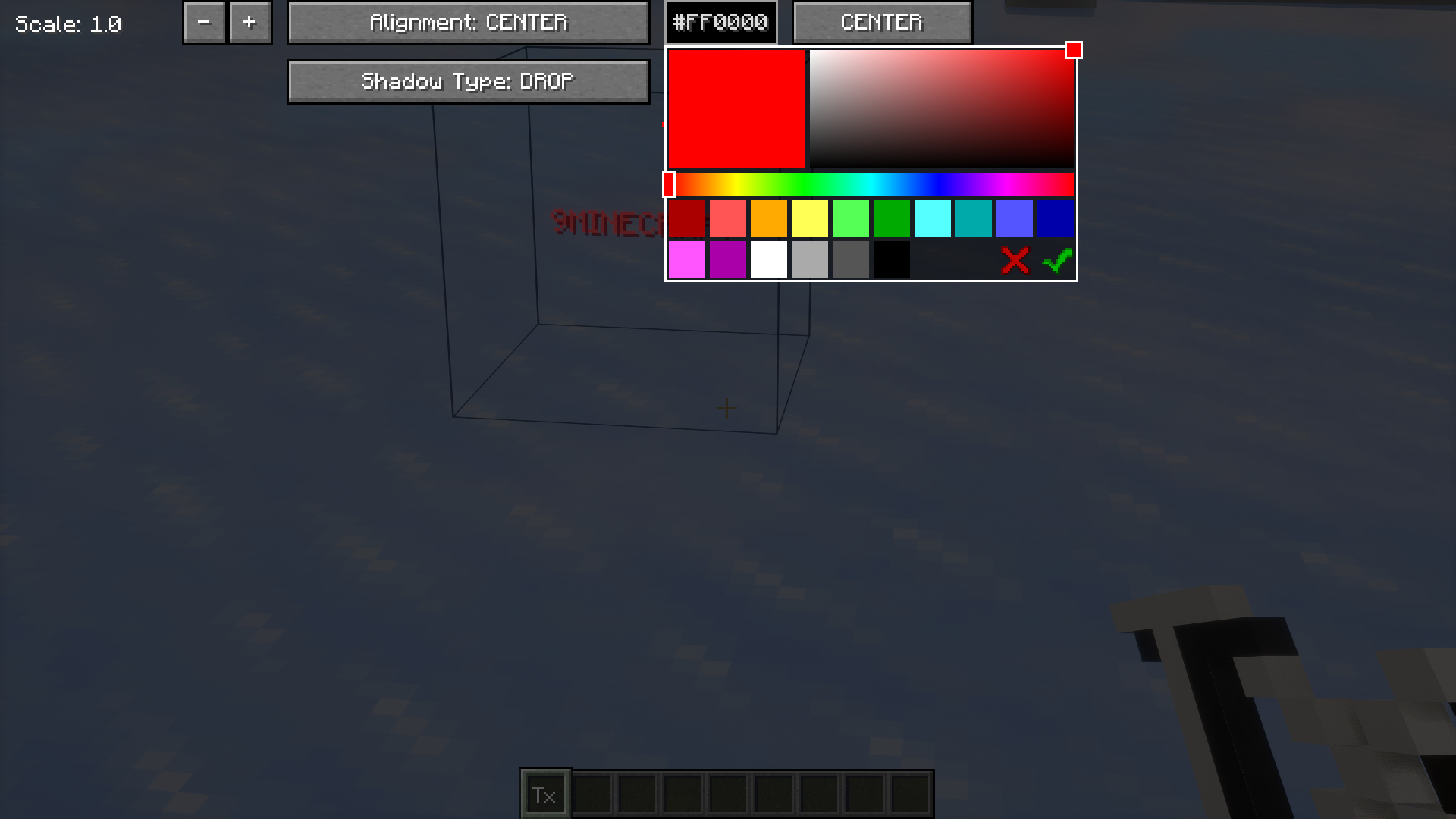
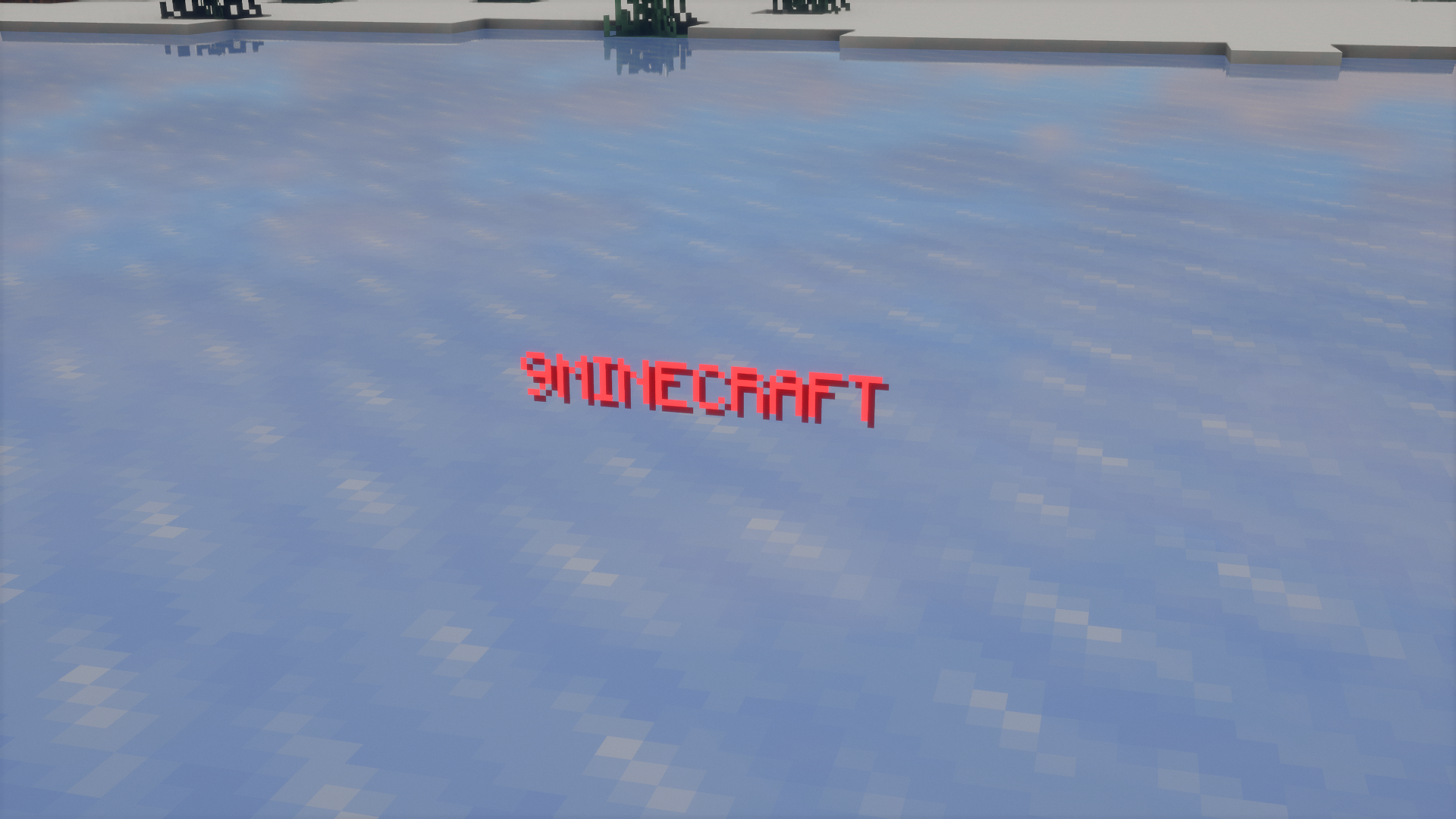
When you enter certain maps or multiplayer servers, you will be greeted at spawn with various different floating text and automatic item dispensers. If you want to add features like these to your creative world or server, Glowcase Mod is for you. This mod adds certain tools that makes the process of adding floating text, item dispensers and hyperlink to the world a lot easier. These tools are only available in creative mode and these items even have their own creative mode tab. Simply hovering your mouse cursor over these items will open up their item tooltip, which explains the utility for the items. The mod allows you to configure various different aspects of these elements to a great extent in a simple, easy-to-understand way.
Features:
- Adds floating text, item dispenser and hyperlink tools that can be used by map makers and server admins.
- Items are only available in creative mode and can their tooltips explain their utility.
- Each item comes with its own configuration GUI that makes using them a lot easier.
Screenshots:
Glowcase Mod Download Links
For Minecraft 1.21.8, 1.21.7, 1.21.6
Fabric version: Download from Server 1 – Download from Server 2
For Minecraft 1.21.1, 1.21
NeoForge/Fabric/Quilt version: Download from Server 1 – Download from Server 2
For Minecraft 1.20.6
Fabric/Quilt version: Download from Server 1 – Download from Server 2
For Minecraft 1.20.4
Fabric/Quilt version: Download from Server 1 – Download from Server 2
For Minecraft 1.20.1
Fabric/Quilt version: Download from Server 1 – Download from Server 2
For Minecraft 1.19.2
Fabric/Quilt version: Download from Server 1 – Download from Server 2
- Edition: Minecraft Java
- File type: .jar
- Minecraft versions listed: 1.21.8, 1.20.1
- How to install: Install the matching mod loader (Forge, Fabric or NeoForge) for your Minecraft version. → Download the .jar. → Put it in the .minecraft/mods folder and launch that loader profile.
- Where to get it: In MC Java Mods, or directly above on this page.
Install steps are the general flow for this file type — How to install Minecraft Java mods & modpacks walks through it step by step.
- Downloads as 177589.mcaddon
- Download size: 969 KB
- Download link checked 25 Jul 2026 — working
- Mirrored on our own servers — the download does not depend on the original host
These come from our own check of the pack file, not from the source page.