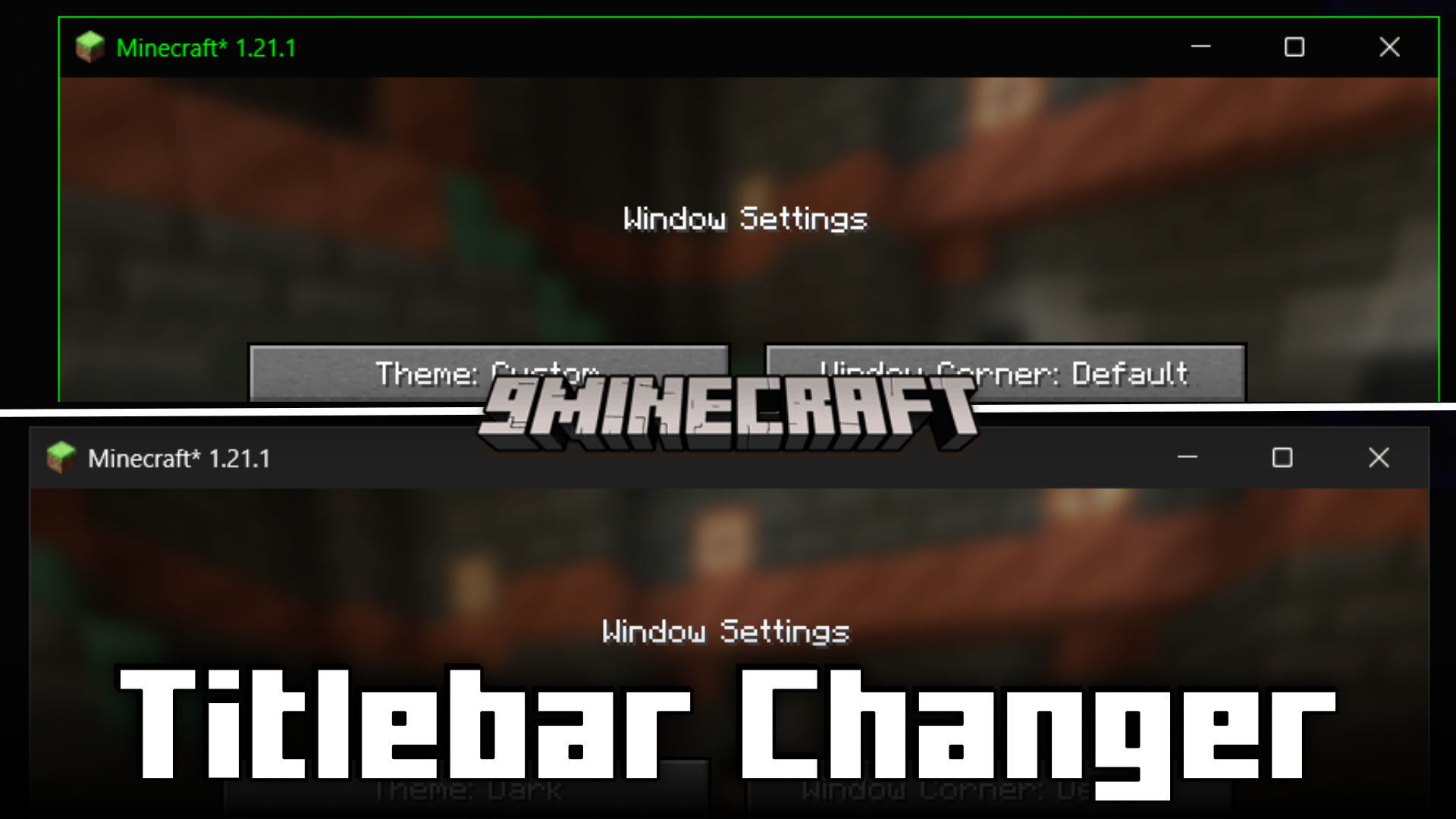
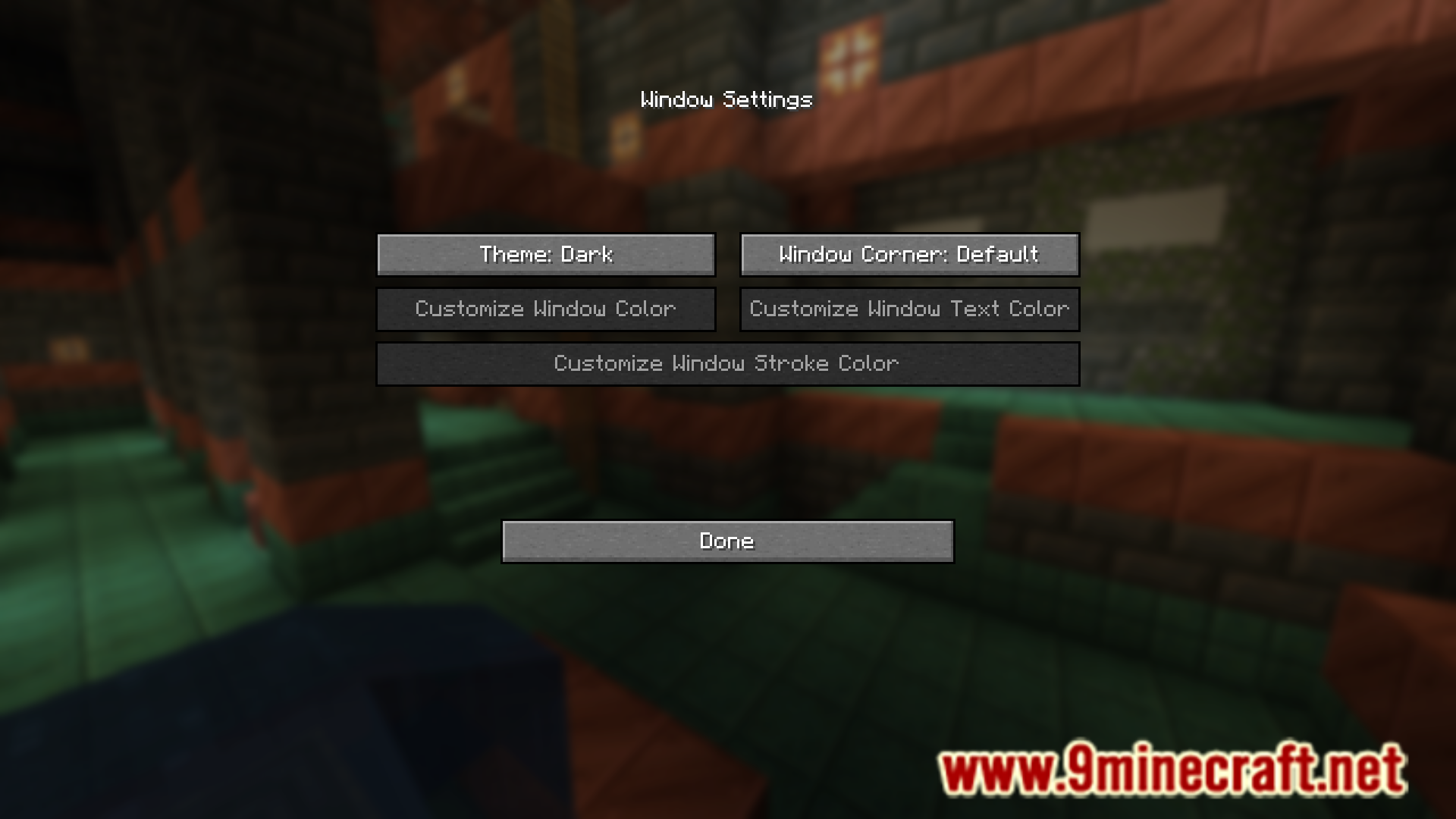
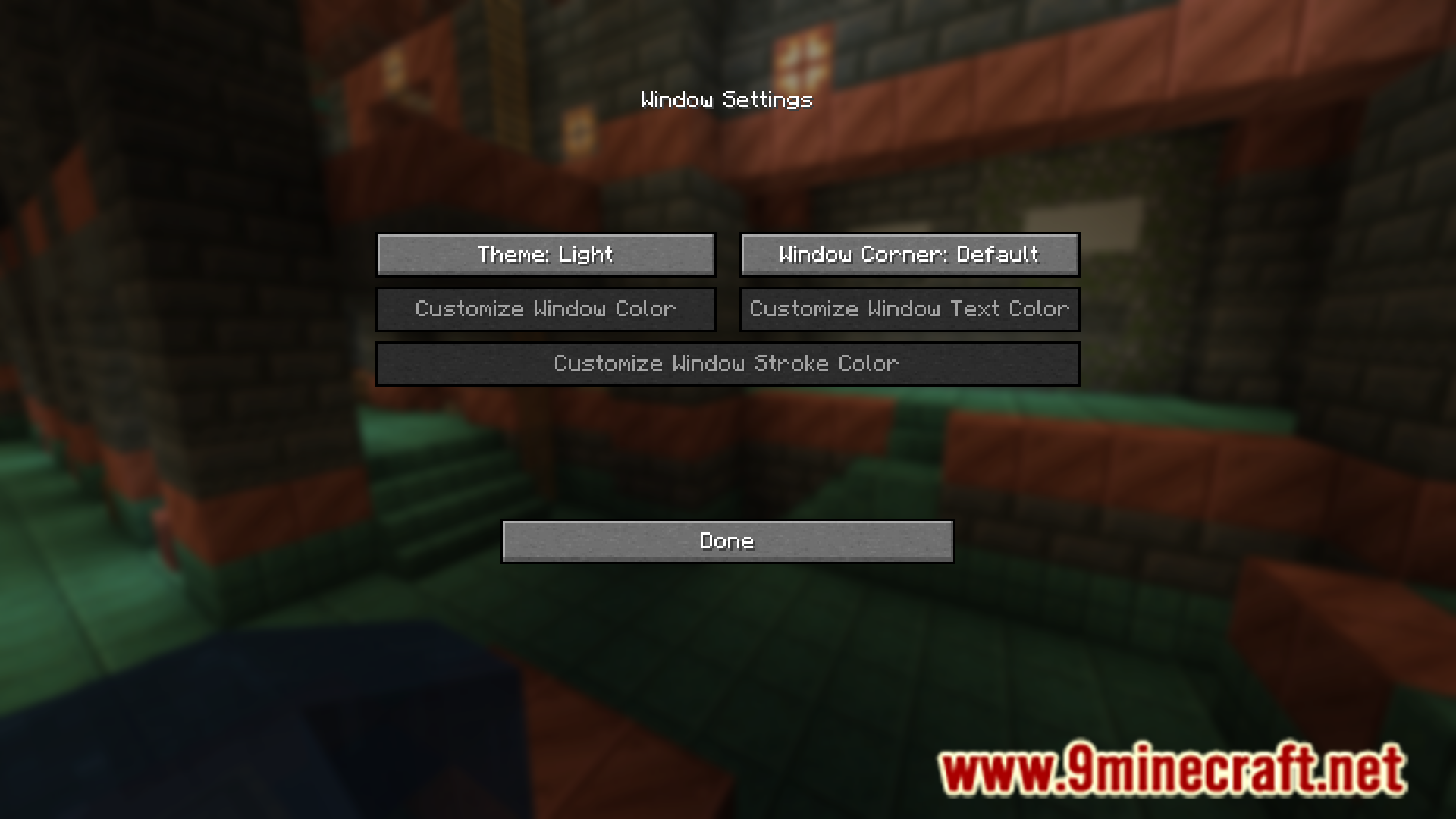
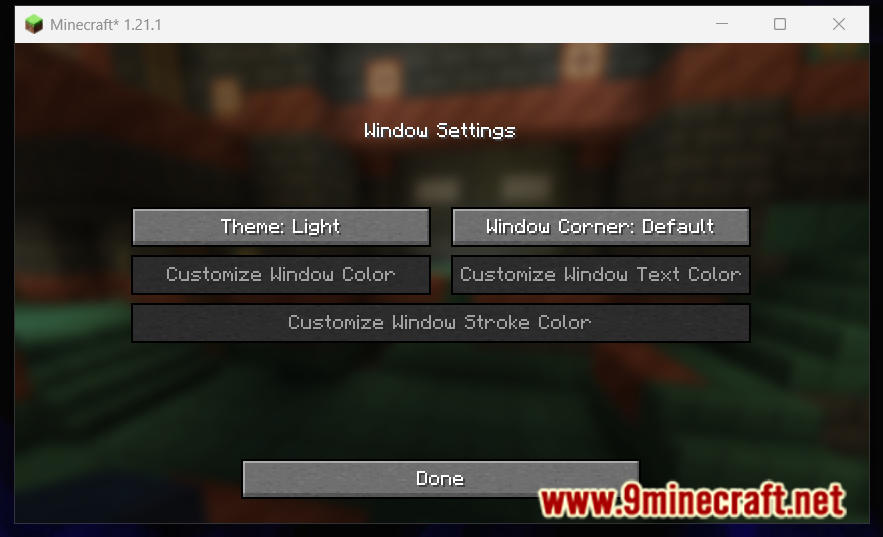
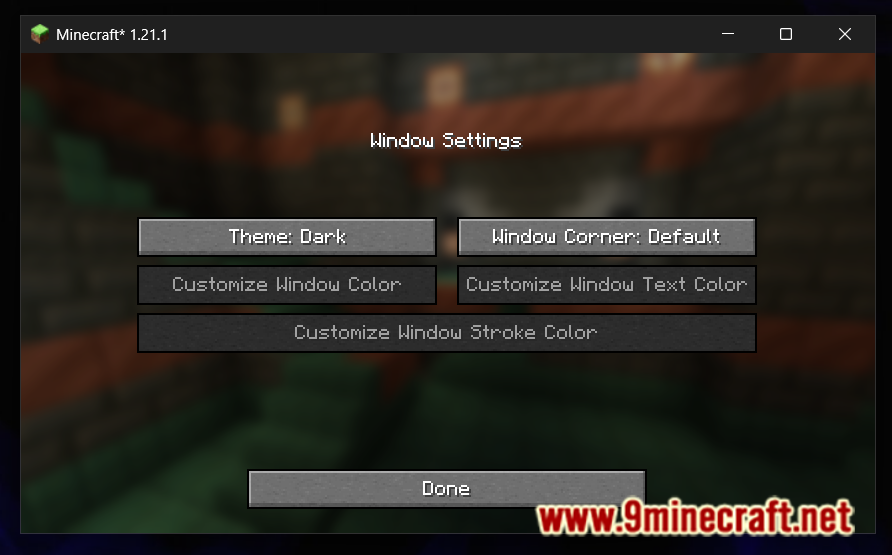
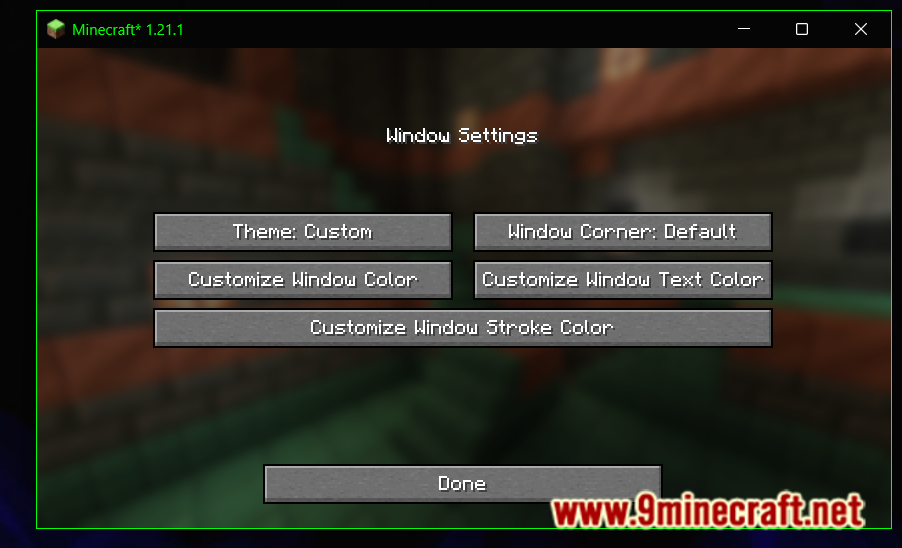
Titlebar Changer Mod lets you change the look of your Minecraft game window. This mod allows you to personalize the titlebar’s colors, corners, and borders if you are on Windows. On Windows 11, you can use all customization features. On Windows 10, the mod’s features are limited to switching the titlebar between light and dark mode.
Features:
- Personalize the game window’s titlebar on Windows.
- On Windows 11, change colors, make corners rounded, and style the border.
- On Windows 10, you can switch the titlebar between light and dark themes.
- Settings can be changed in-game using the mods menu.
How to Use:
To access the in-game settings, follow these steps:
- For Forge: From the Main Menu, go to Mods, select Titlebar Changer, and then click Config.
- For Fabric/Quilt: From the Main Menu, go to Mods and select Titlebar Changer. This requires Mod Menu and Cloth Config to be installed.
Configuration:
You can also change the settings by editing the config/titlebar_settings.json file. Remember to restart the game after editing the file manually.
Screenshots:
Titlebar Changer Mod Download Links
For All Versions from Minecraft 1.21 to Minecraft 1.21.8
Forge version: Download from Server 1 – Download from Server 2
NeoForge version: Download from Server 1 – Download from Server 2
Fabric/Quilt version: Download from Server 1 – Download from Server 2
For All Versions from Minecraft 1.21 to Minecraft 1.21.4
Forge version: Download from Server 1 – Download from Server 2
NeoForge version: Download from Server 1 – Download from Server 2
Fabric/Quilt version: Download from Server 1 – Download from Server 2
For Minecraft 1.20.1, 1.20
Forge/NeoForge version: Download from Server 1 – Download from Server 2
Fabric/Quilt version: Download from Server 1 – Download from Server 2
- Edition: Minecraft Java
- File type: .jar
- Minecraft versions listed: 1.21.8, 1.20.1
- How to install: Install the matching mod loader (Forge, Fabric or NeoForge) for your Minecraft version. → Download the .jar. → Put it in the .minecraft/mods folder and launch that loader profile.
- Where to get it: In MC Java Mods, or directly above on this page.
Install steps are the general flow for this file type — How to install Minecraft Java mods & modpacks walks through it step by step.
Titlebar Changer Mod (1.21.8, 1.20.1) – Make the Game Window Yours is a free Minecraft Java mod. Compatible with Minecraft 1.21.8, 1.20.1. Download it and open it directly in the game.