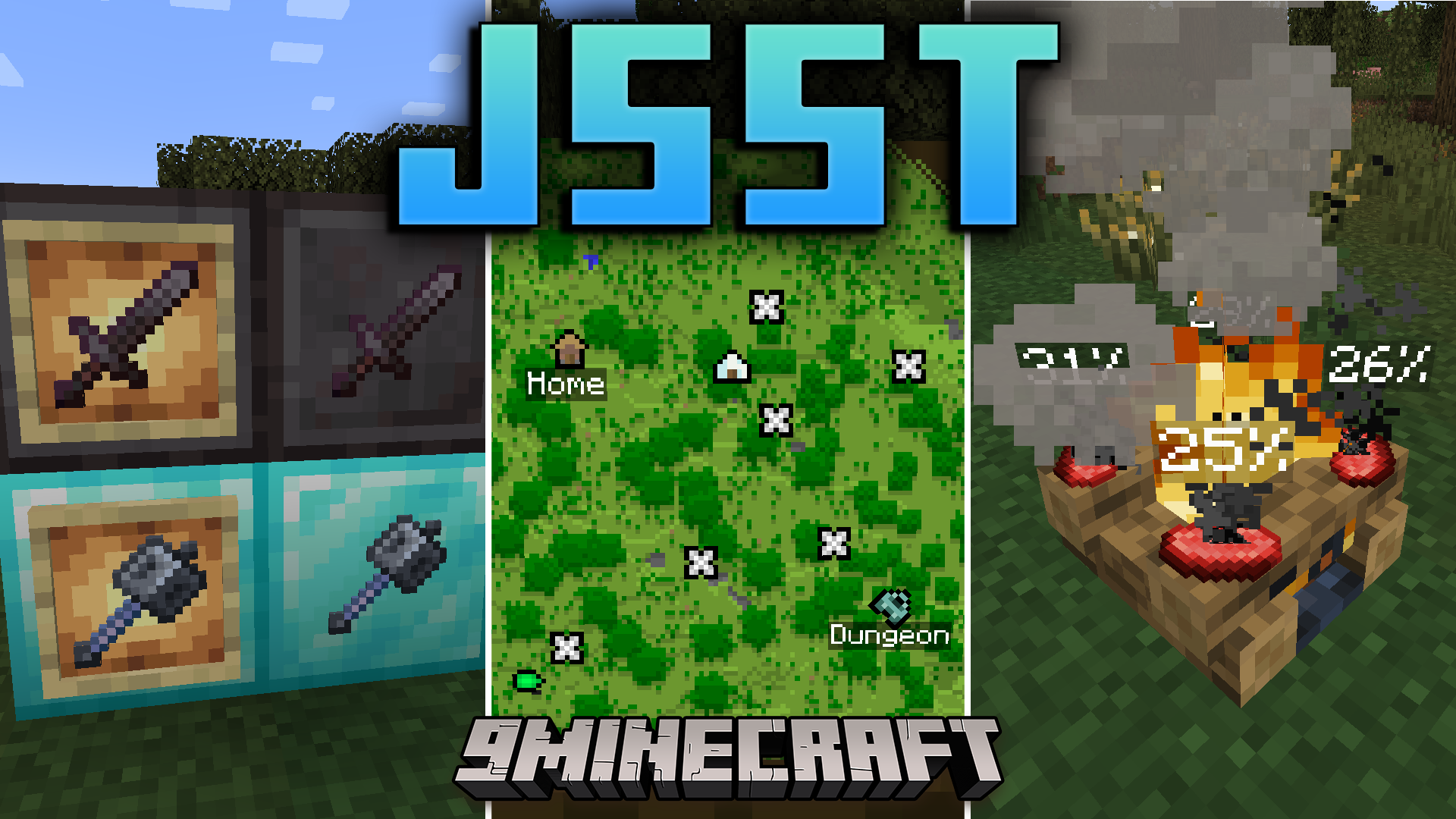
JSST Mod (1.21.5, 1.20.1) – Custom Editors And Survival Enhancements
Java mod listed for Minecraft 1.20–1.21. Downloads from the MC Java Mods app on Android.
⬇ Download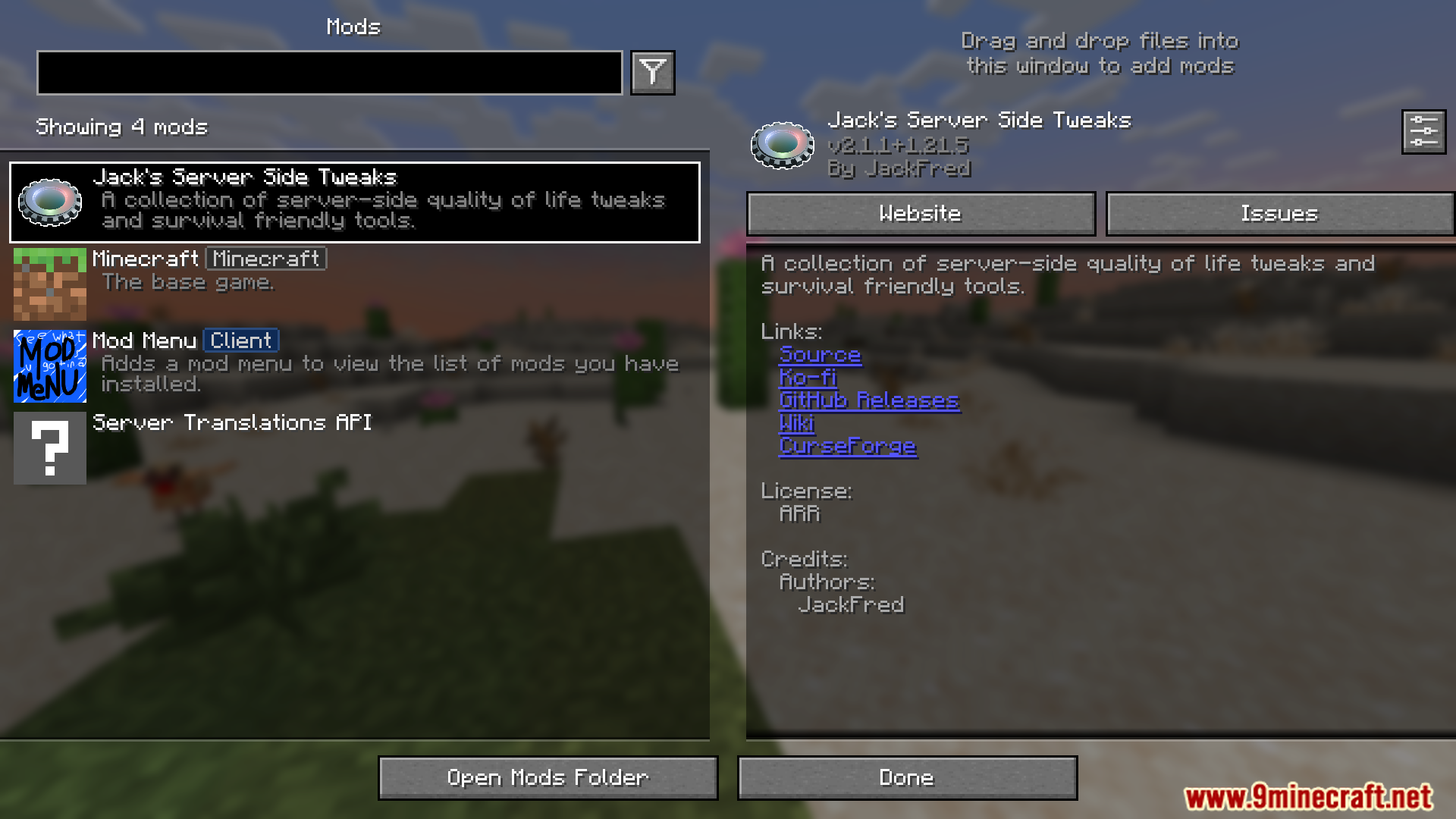
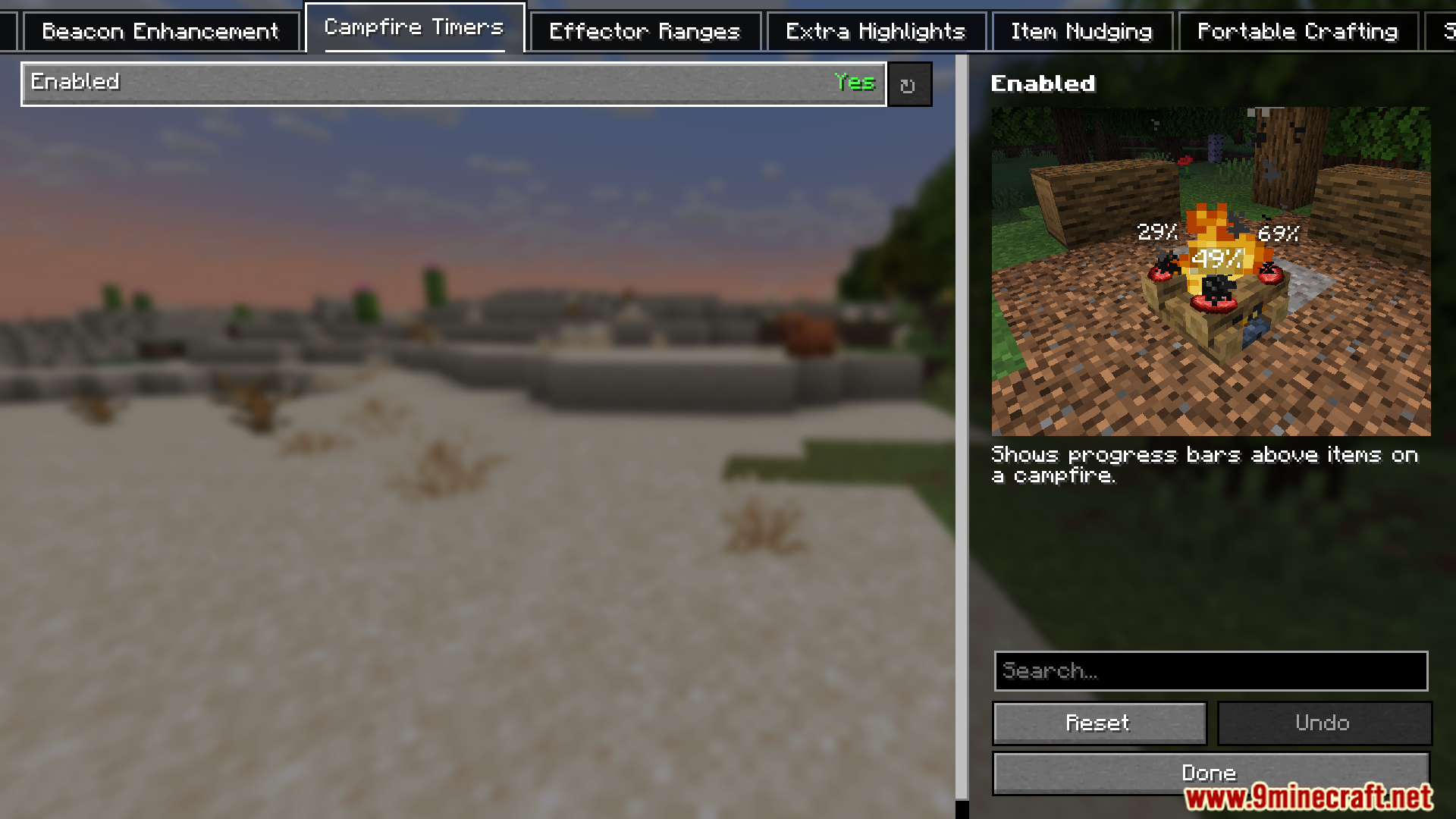
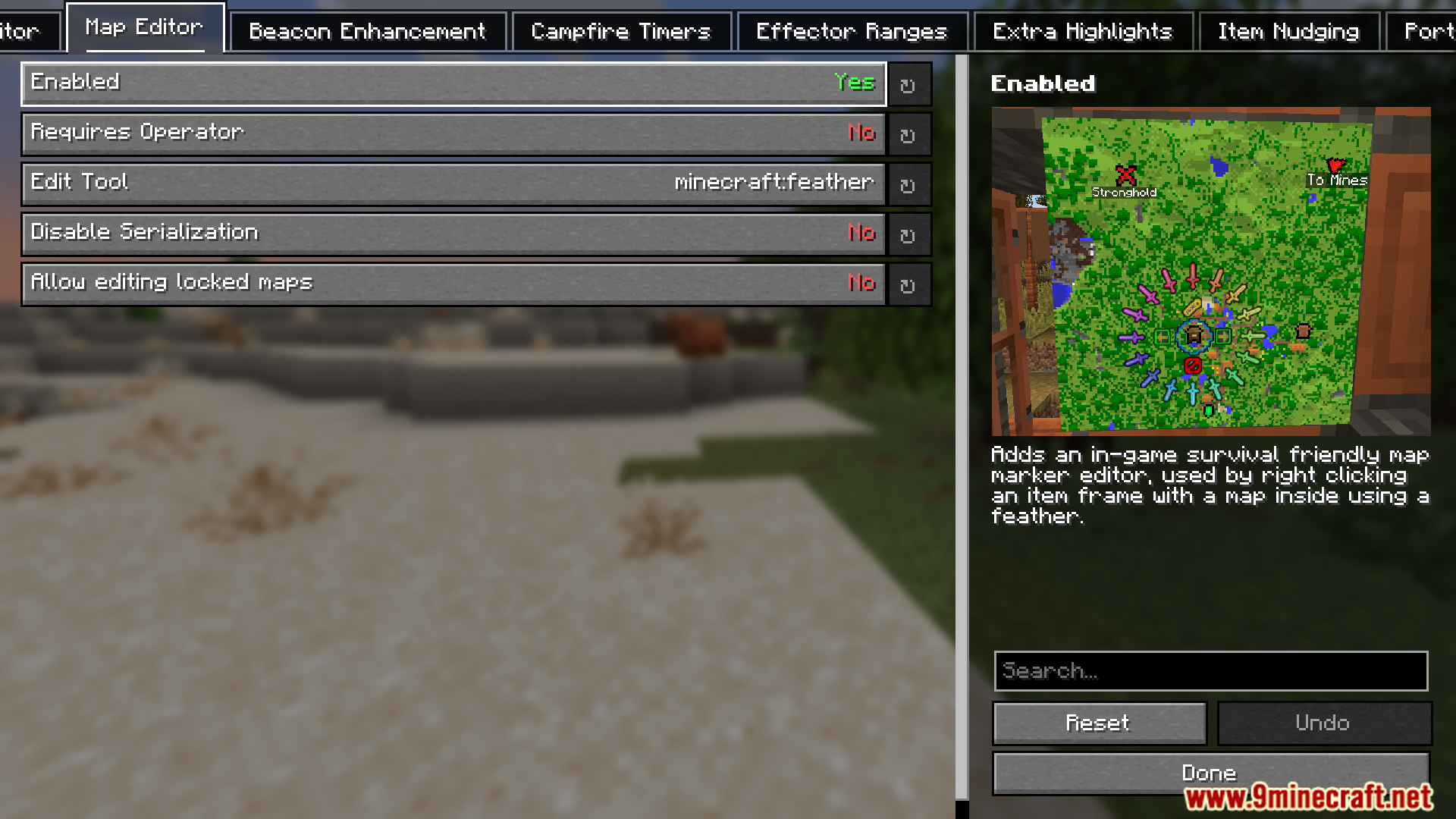
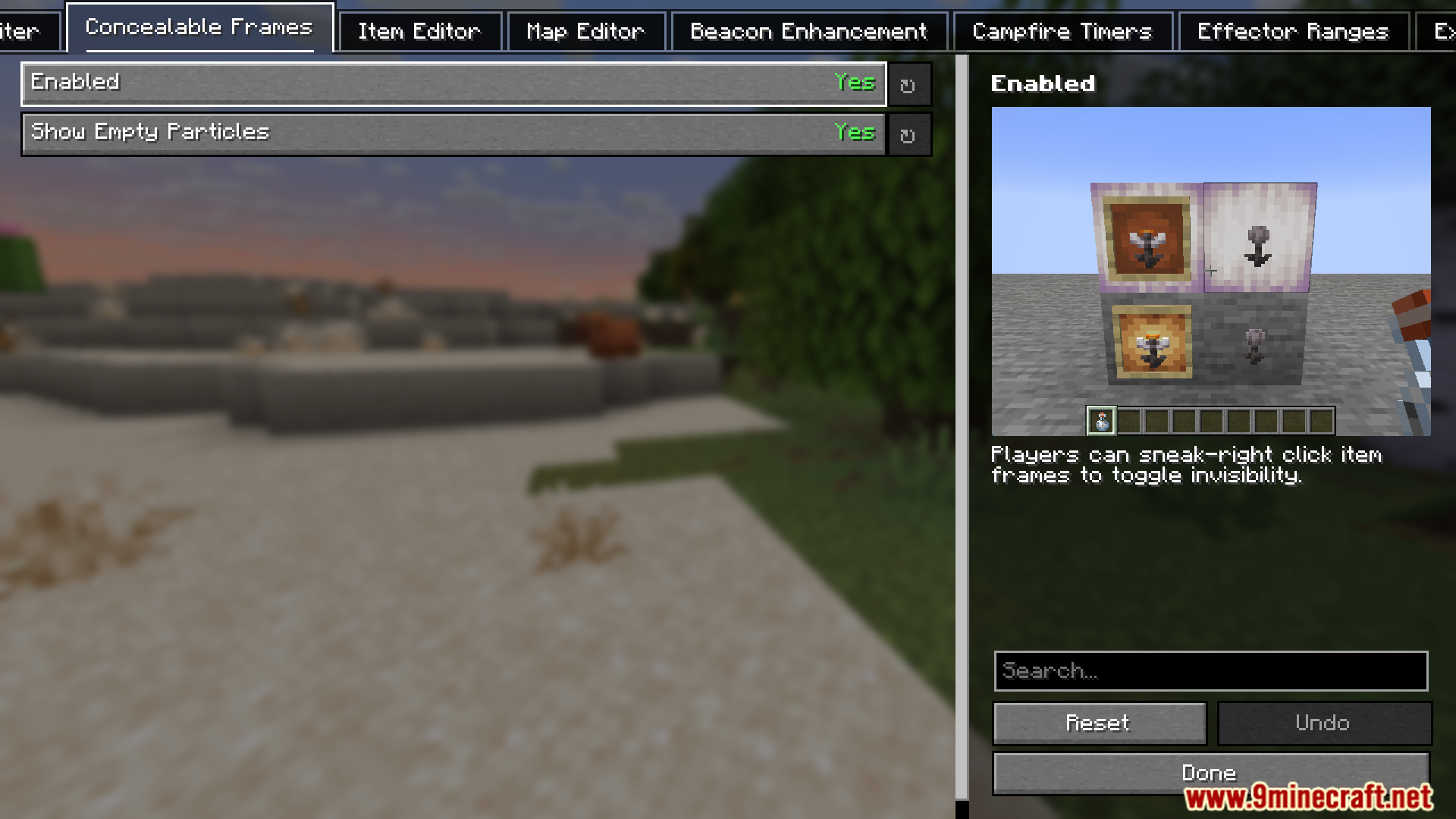
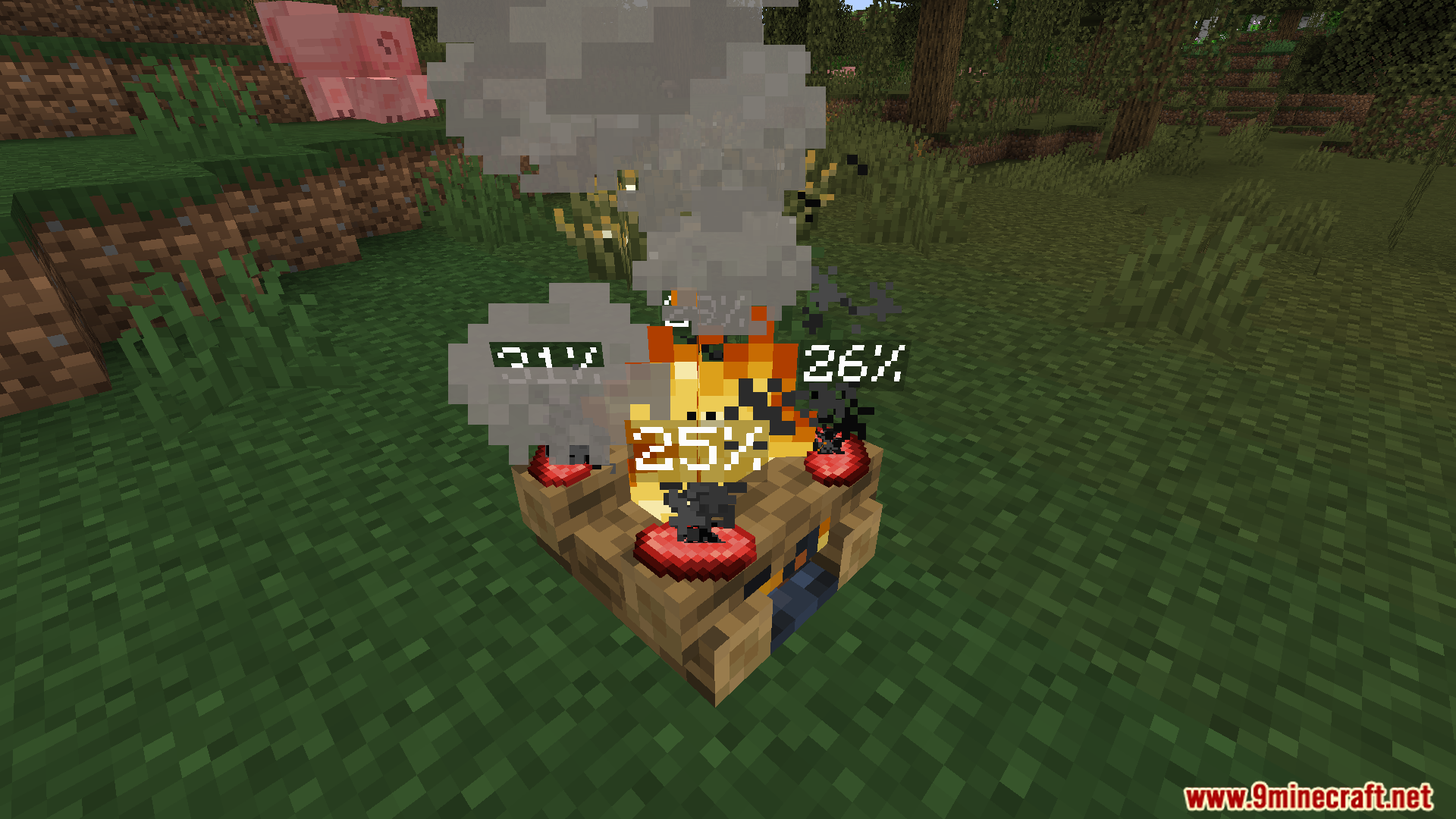
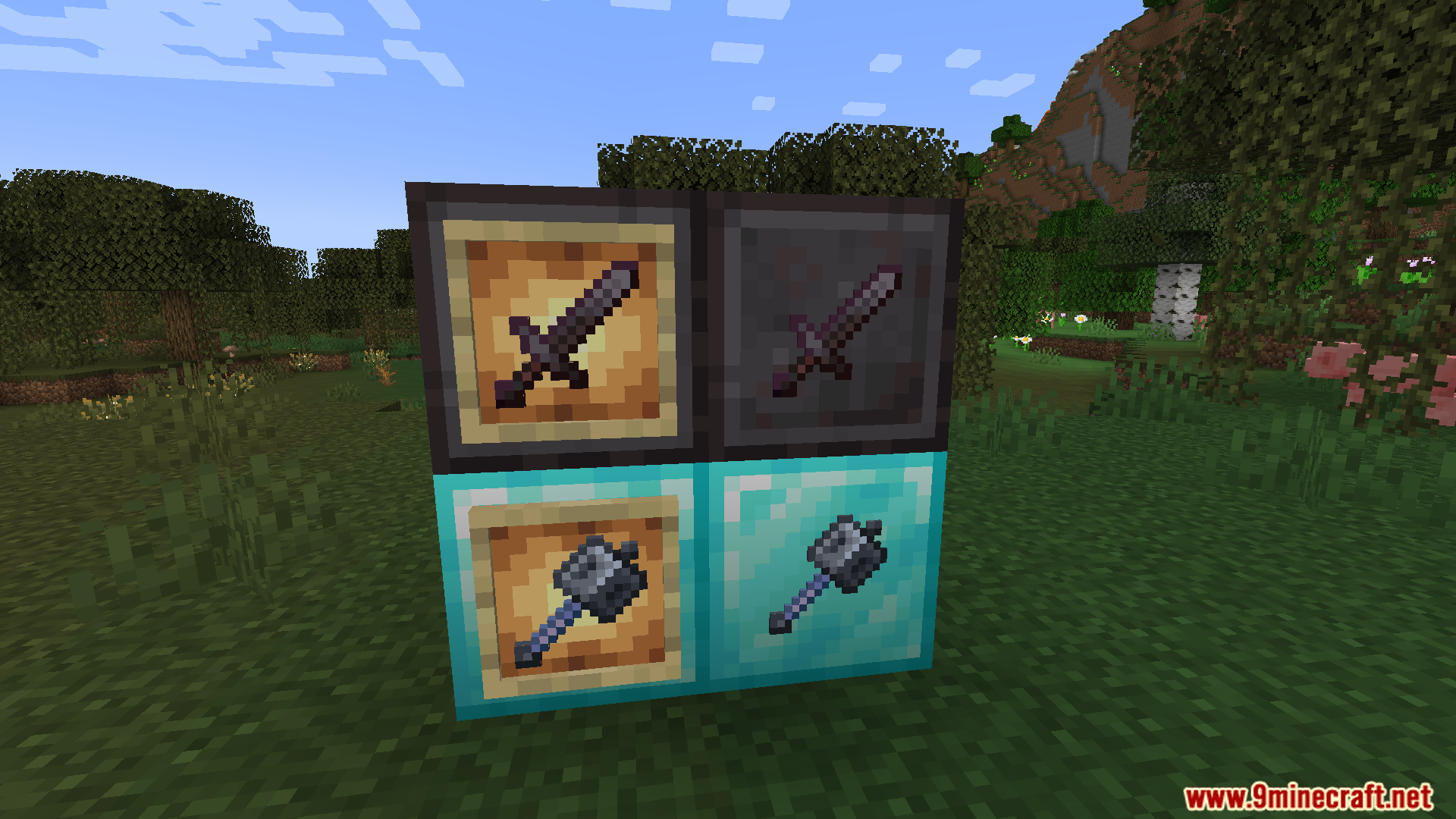
JSST Mod designed to enhance gameplay with quality-of-life tweaks and survival-friendly tools. It offers a suite of features like item, banner, and map editors, alongside gameplay enhancements such as beacon improvements and sapling replanting. It’s ideal for servers and single-player worlds aiming to streamline survival mechanics while maintaining a vanilla-like experience.
Features:
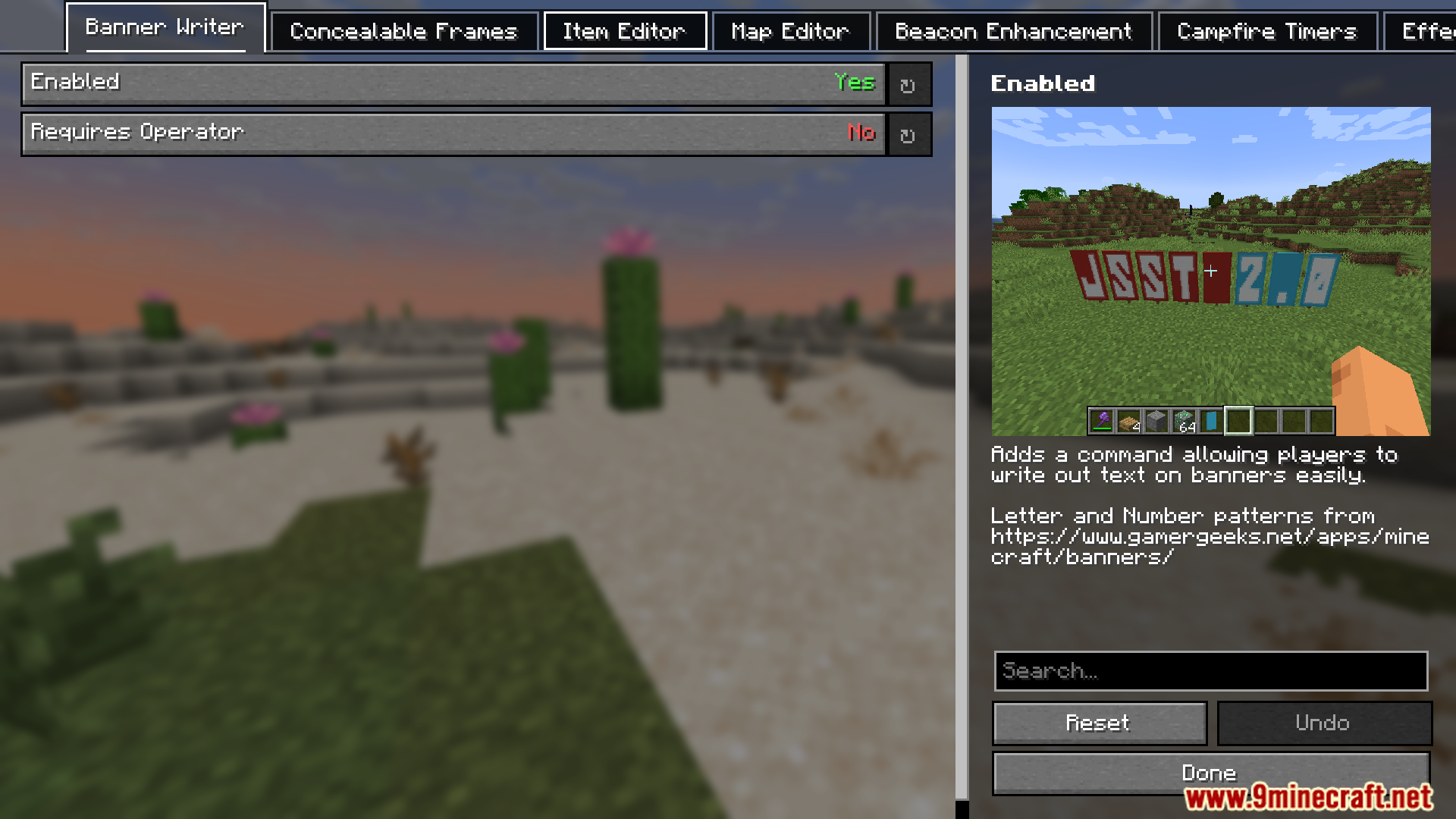
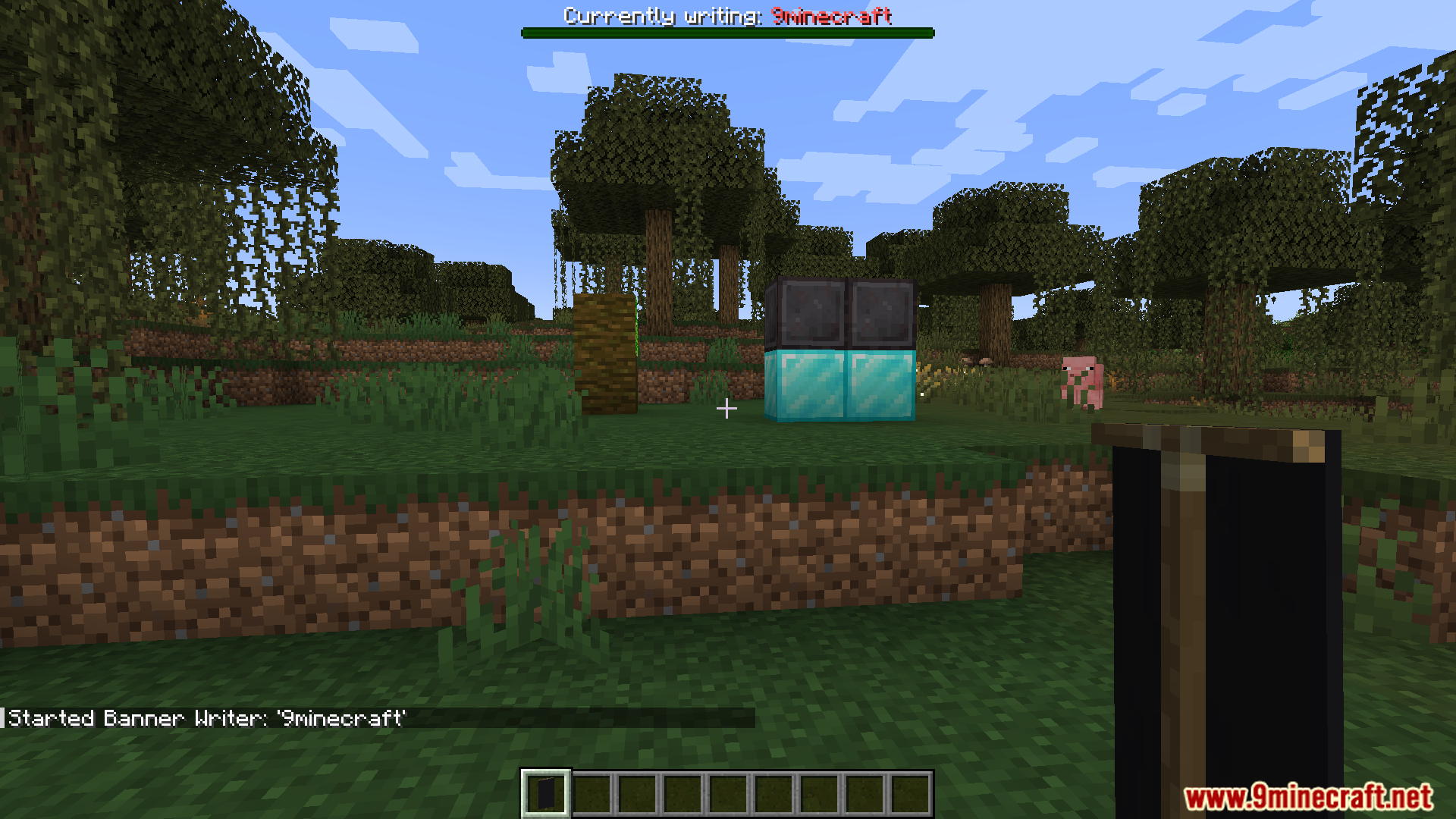
- Includes a Banner Editor, Item Editor, and Map Editor, allowing players to modify banners, items, and maps in-game for creative and functional purposes.
- Players can toggle item frame visibility by sneak-right-clicking with an invisibility potion, with empty frames showing particles to prevent loss.
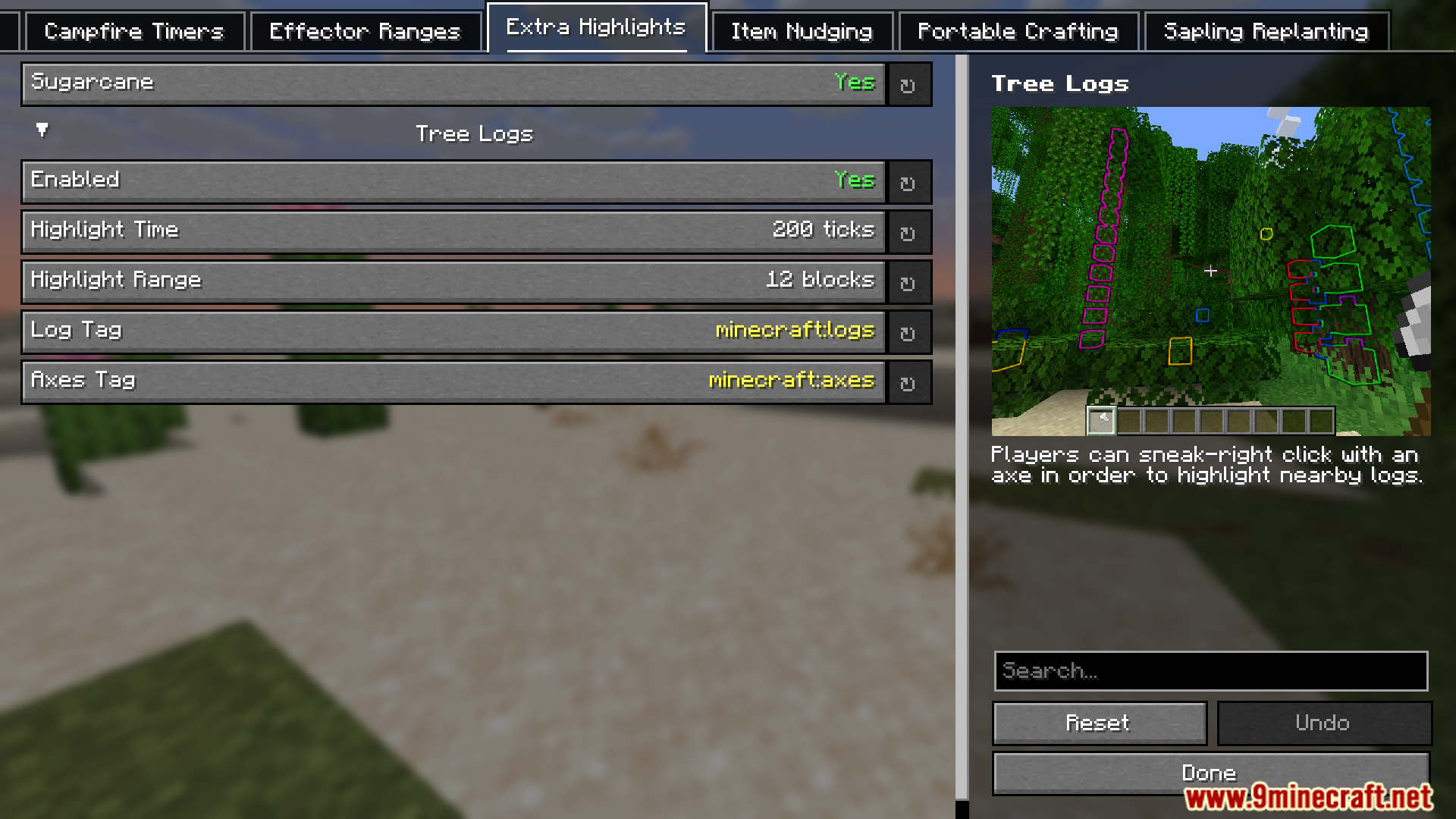
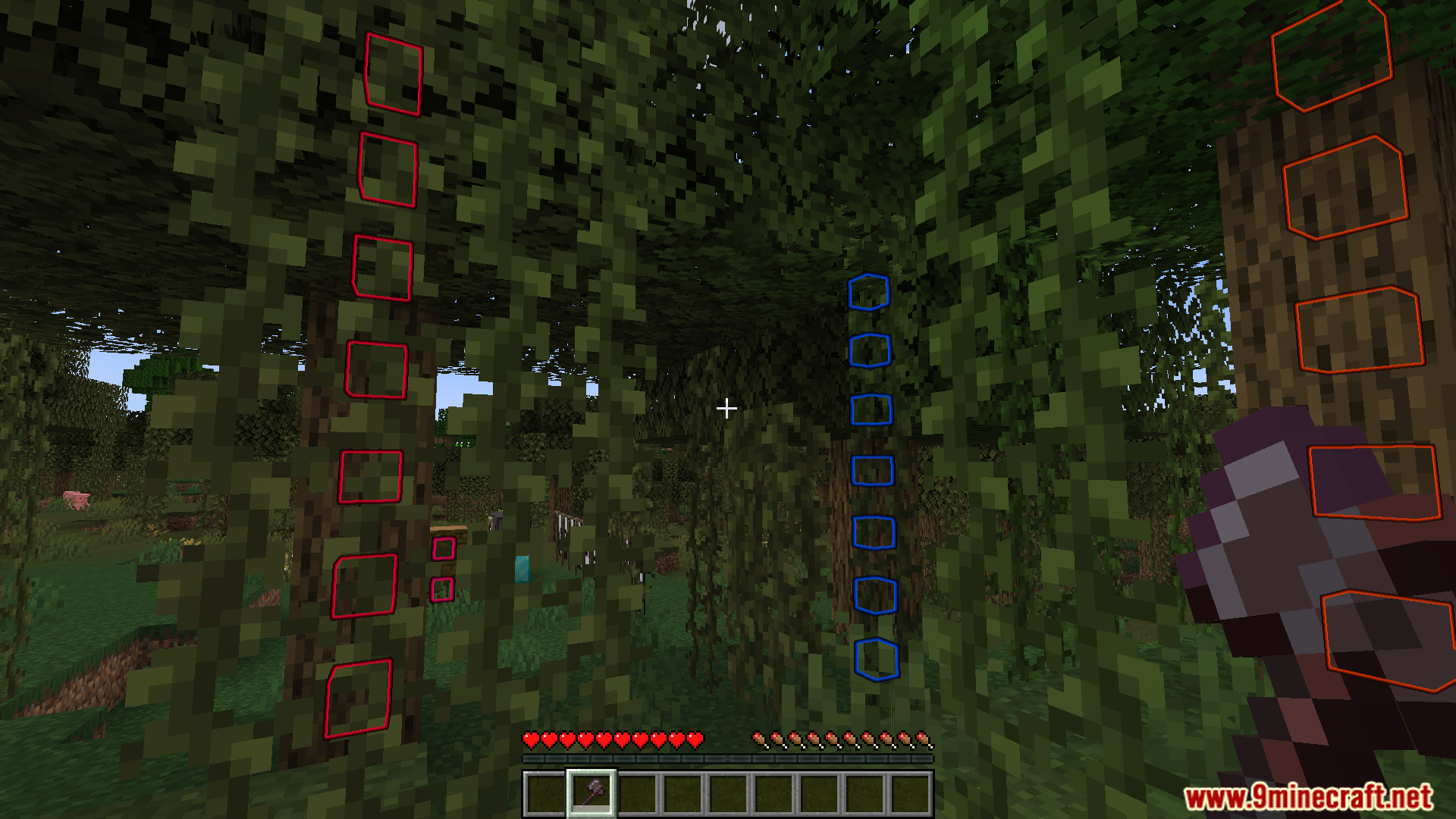
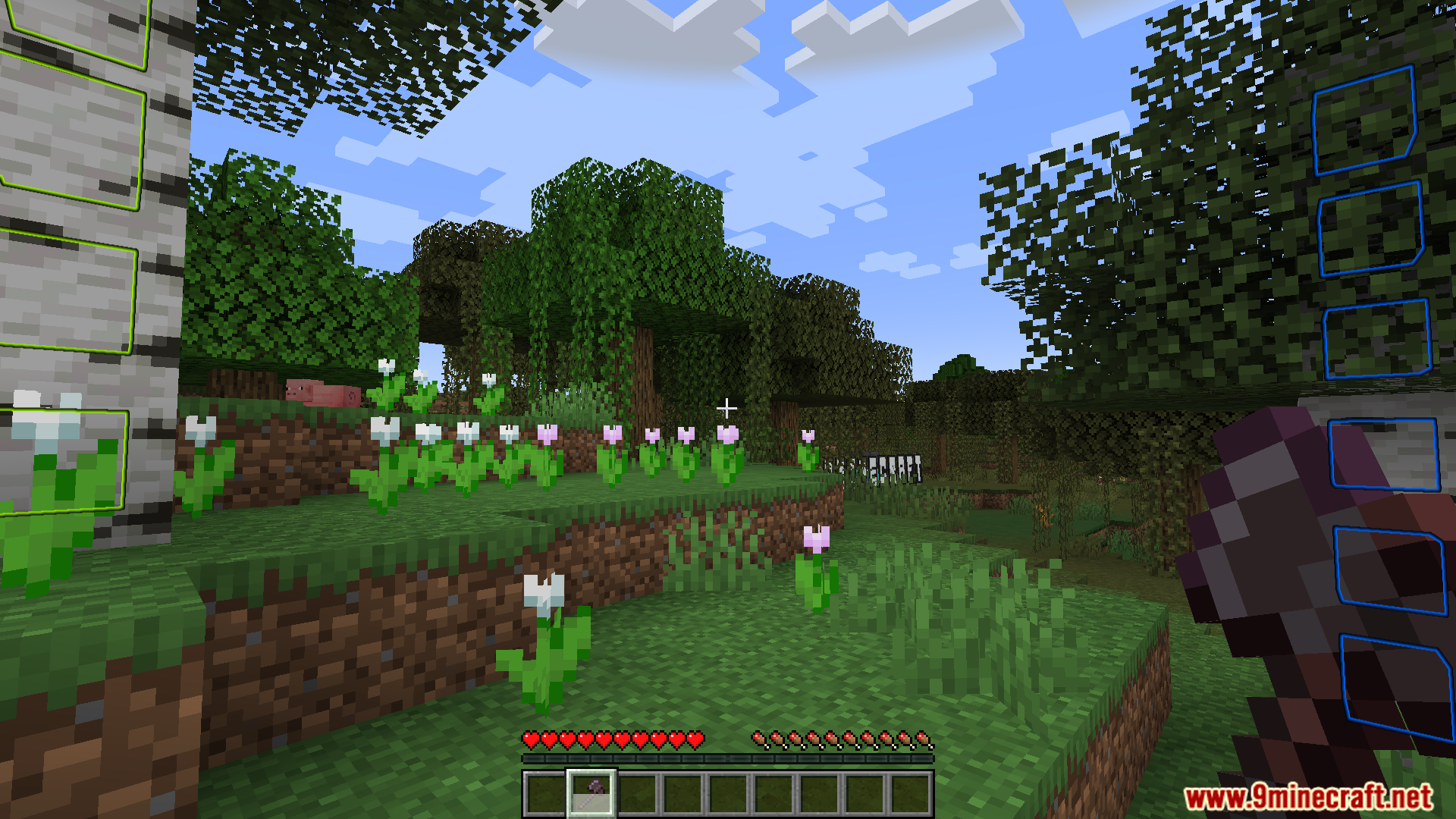
- Features like Beacon Enhancement (improved beacon functionality), Campfire Timers (visual cooking progress), Effector Ranges (custom effect ranges), Extra Highlights (e.g., sneak-right-clicking with an axe highlights nearby logs), Item Nudging (fine-tuned item placement), Portable Crafting (crafting on-the-go), and Sapling Replanting (automatic sapling replanting).
Screenshots:
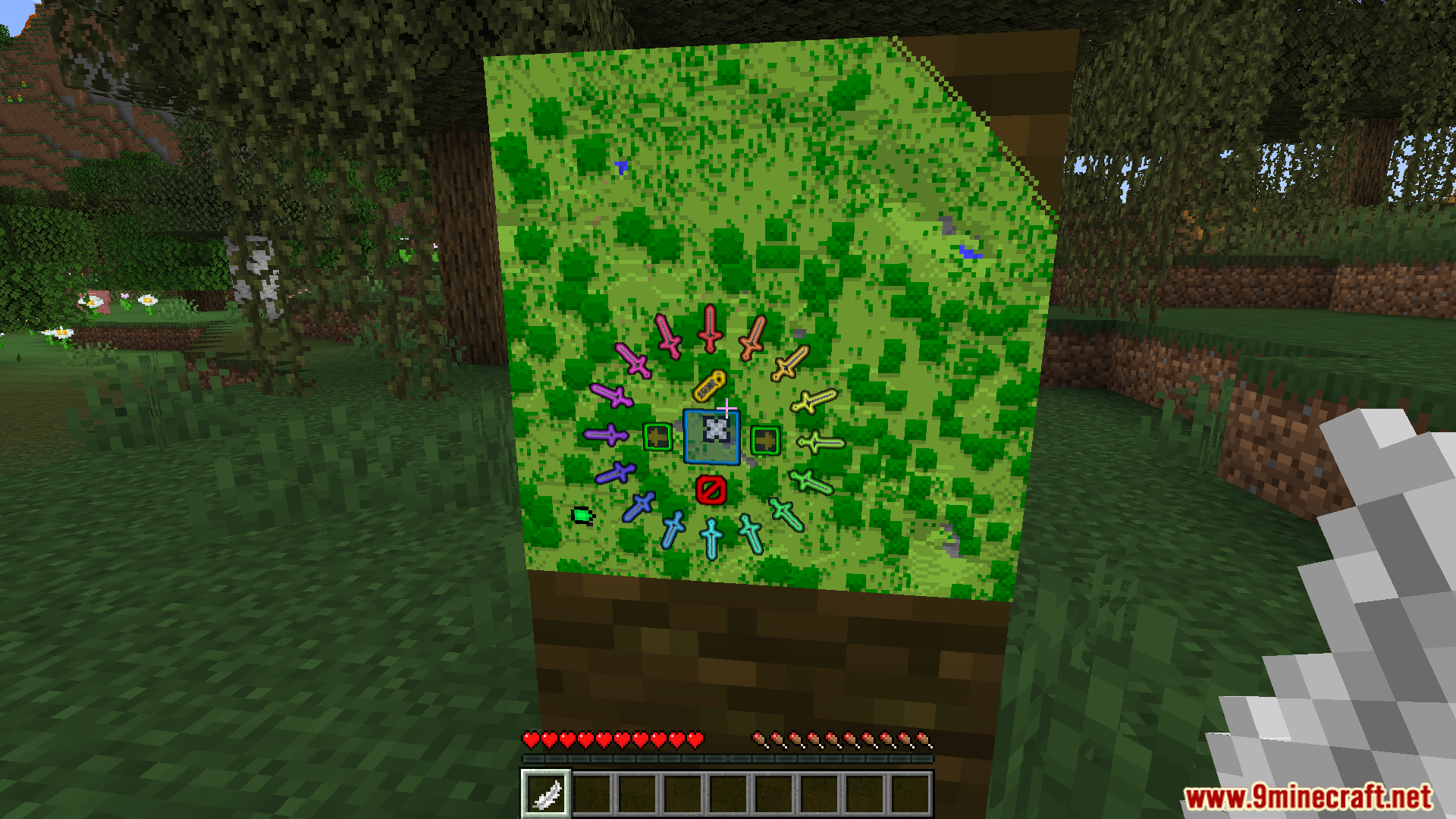
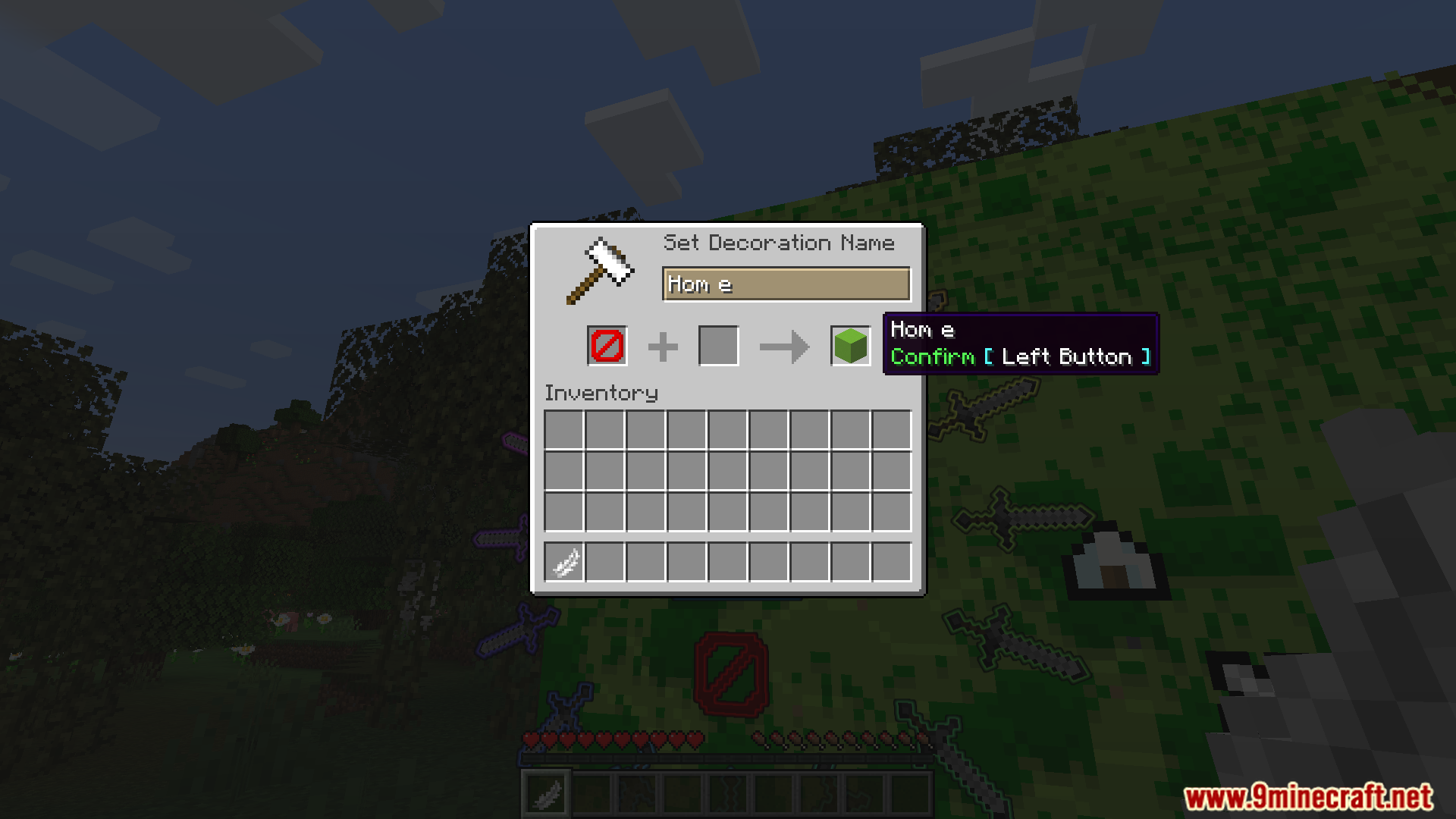
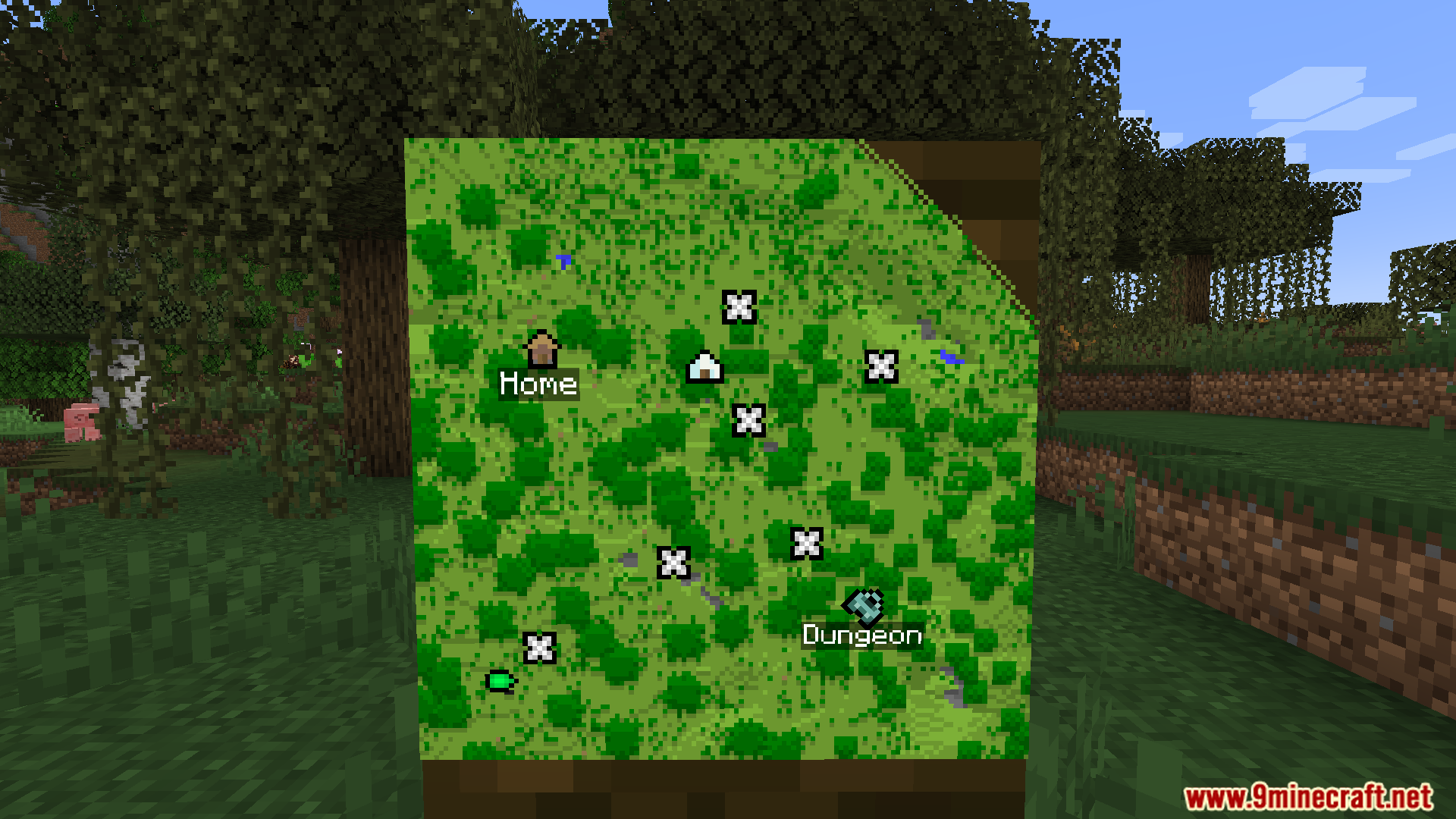

HYet Another Config Lib Modow to install:
Click the following link to view details: How to Install Mods for Minecraft Java Edition on PC: A Beginner Guide
JSST Mod Download Links
For Minecraft 1.21.5
Fabric version: Download from Server 1 – Download from Server 2
For Minecraft 1.21.4
Fabric version: Download from Server 1 – Download from Server 2
For Minecraft 1.21.1, 1.21
Fabric version: Download from Server 1 – Download from Server 2
For Minecraft 1.20.1, 1.20
Fabric/Quilt version: Download from Server 1 – Download from Server 2
For Minecraft 1.19.4
Fabric/Quilt version: Download from Server 1 – Download from Server 2
- Edition: Minecraft Java
- File type: .jar
- Minecraft versions listed: 1.21.5, 1.20.1
- How to install: Install the matching mod loader (Forge, Fabric or NeoForge) for your Minecraft version. → Download the .jar. → Put it in the .minecraft/mods folder and launch that loader profile.
- Where to get it: In MC Java Mods, or directly above on this page.
Install steps are the general flow for this file type — How to install Minecraft Java mods & modpacks walks through it step by step.
- Downloads as 177637.mcaddon
- Download size: 3.6 MB
- Download link checked 25 Jul 2026 — working
- Mirrored on our own servers — the download does not depend on the original host
These come from our own check of the pack file, not from the source page.