ModsJava
Anyscale Mod (1.21.1, 1.20.1) – Scale In-Game HUD Elements & Menus
Java mod listed for Minecraft 1.20–1.21. Downloads from the MC Java Mods app on Android.
⬇ Download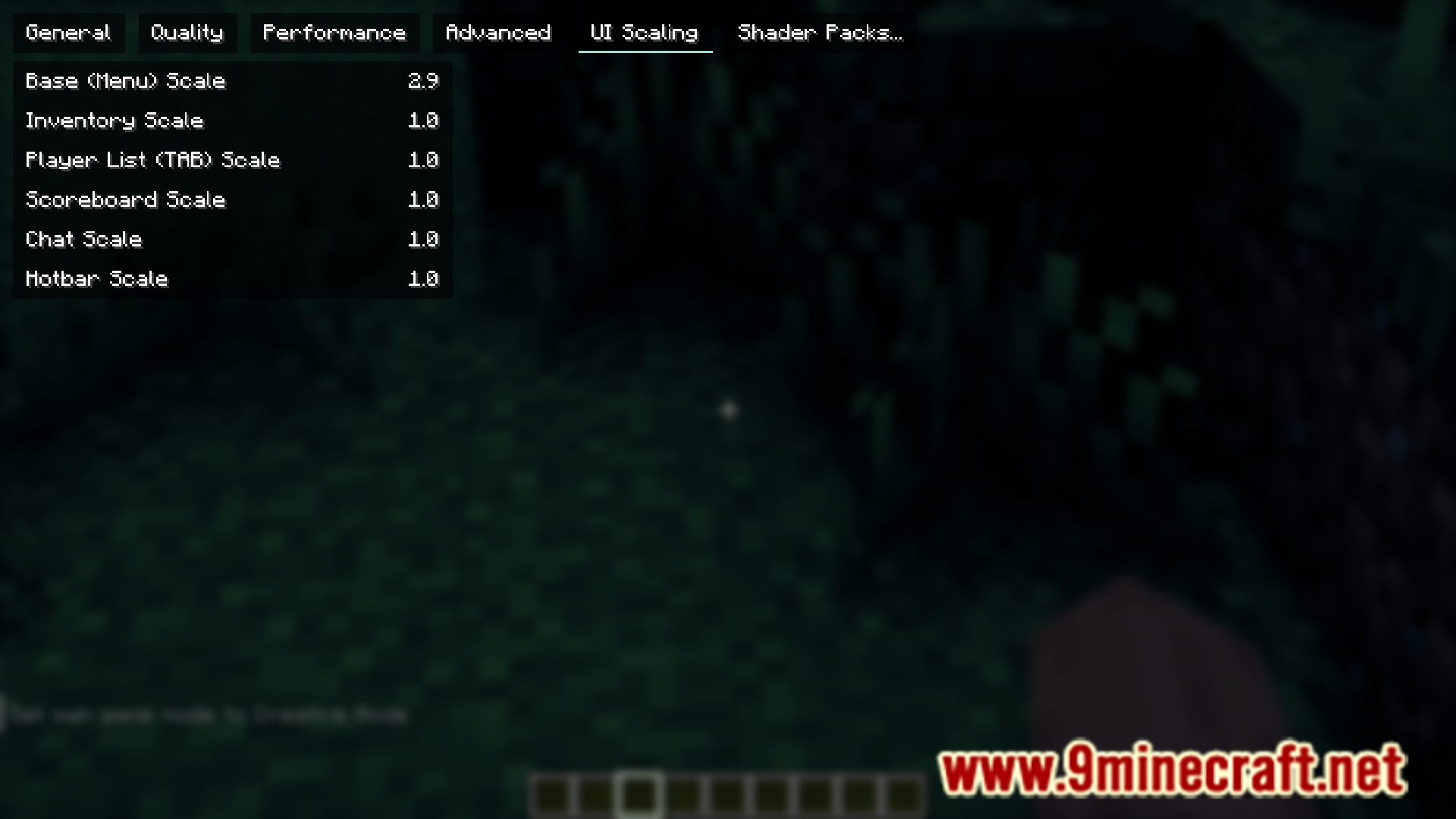
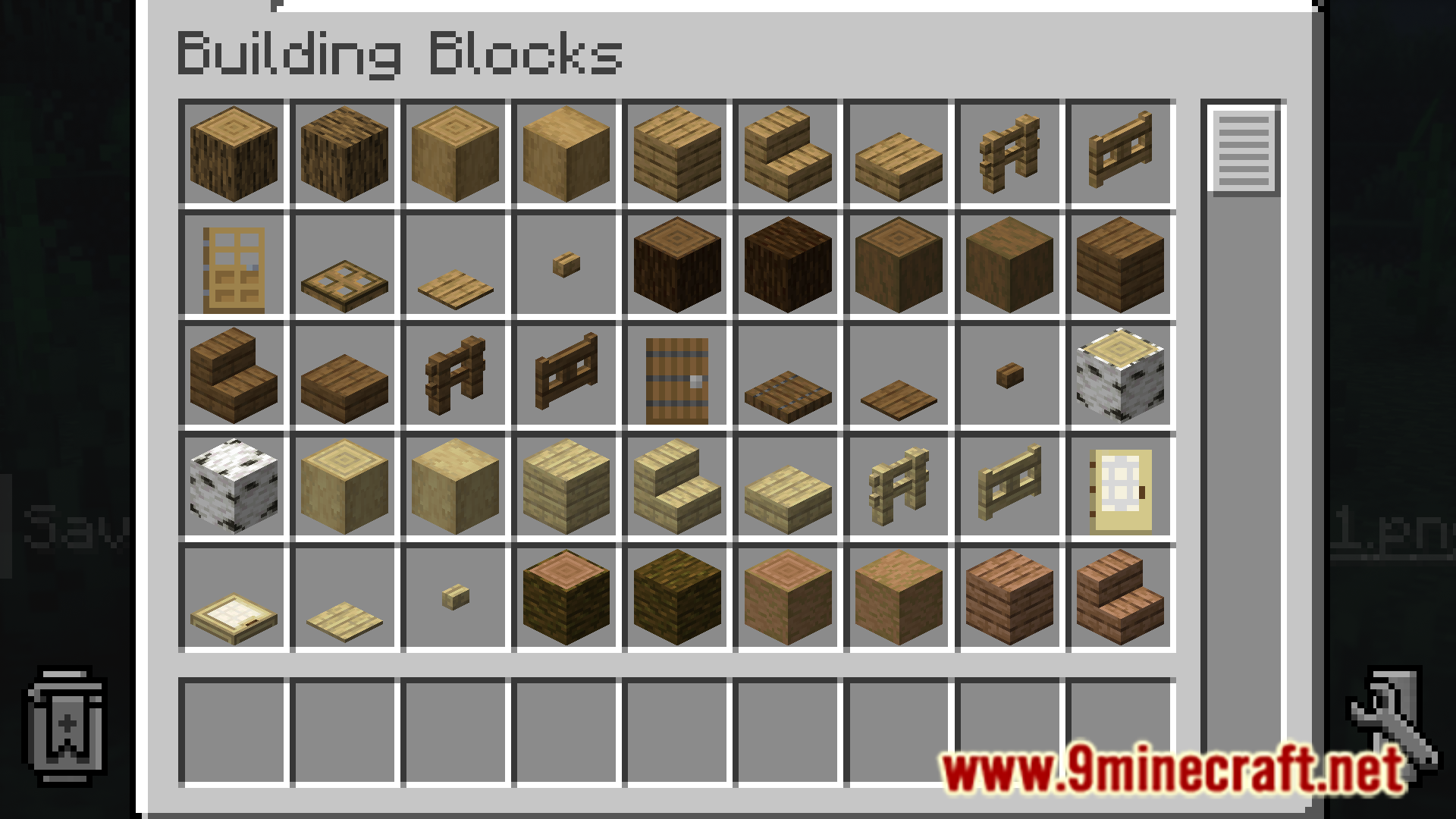
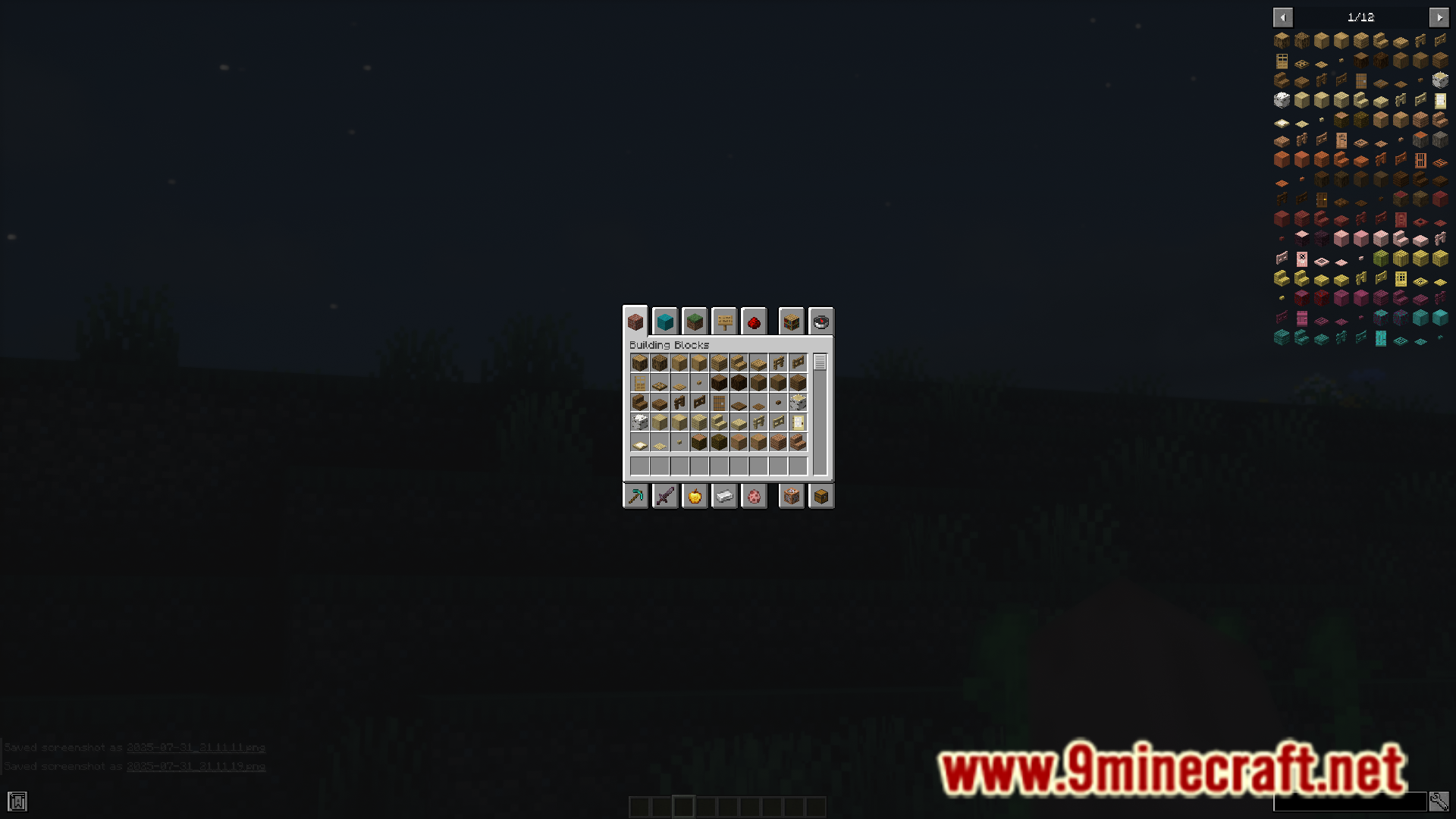
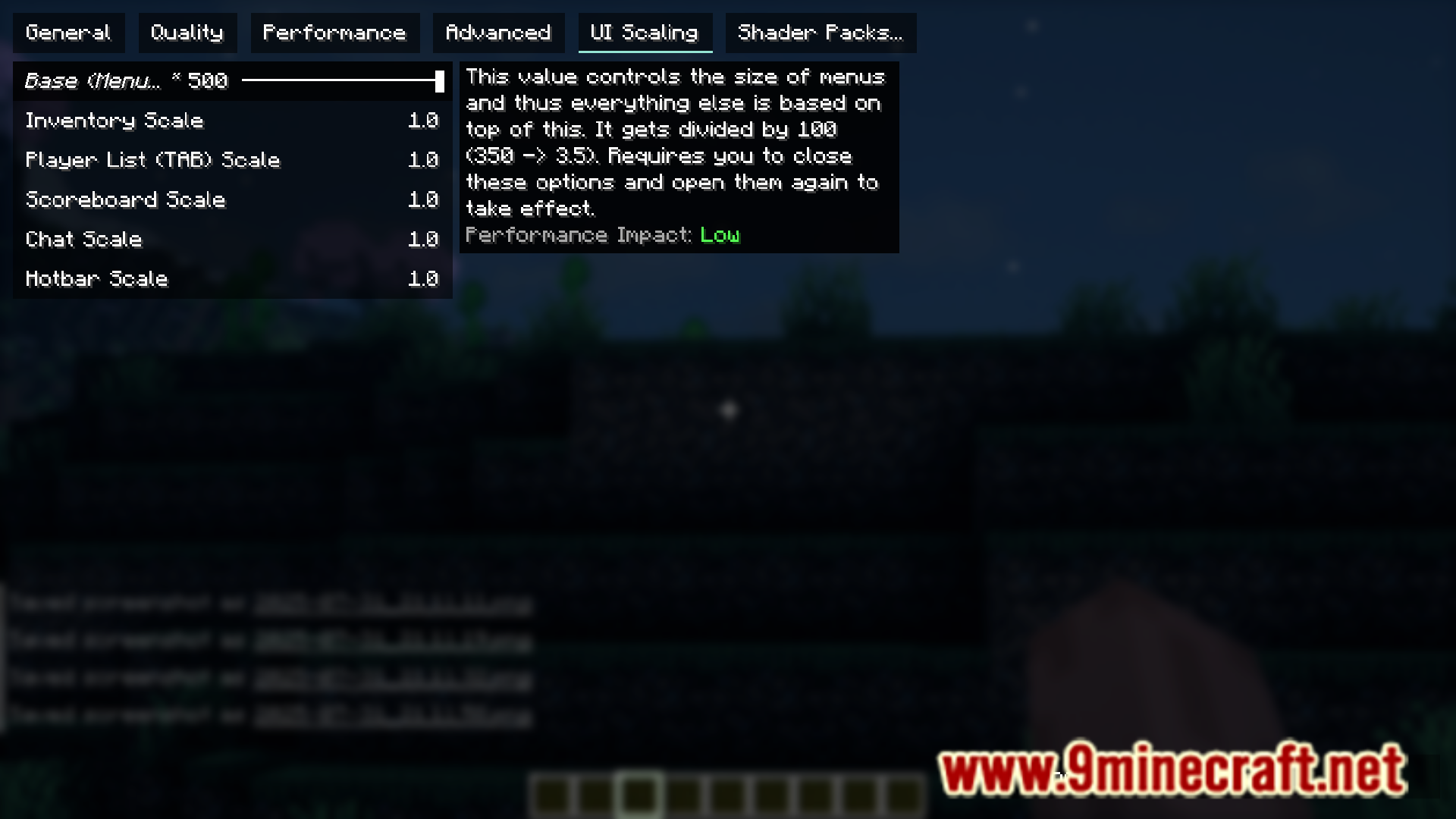
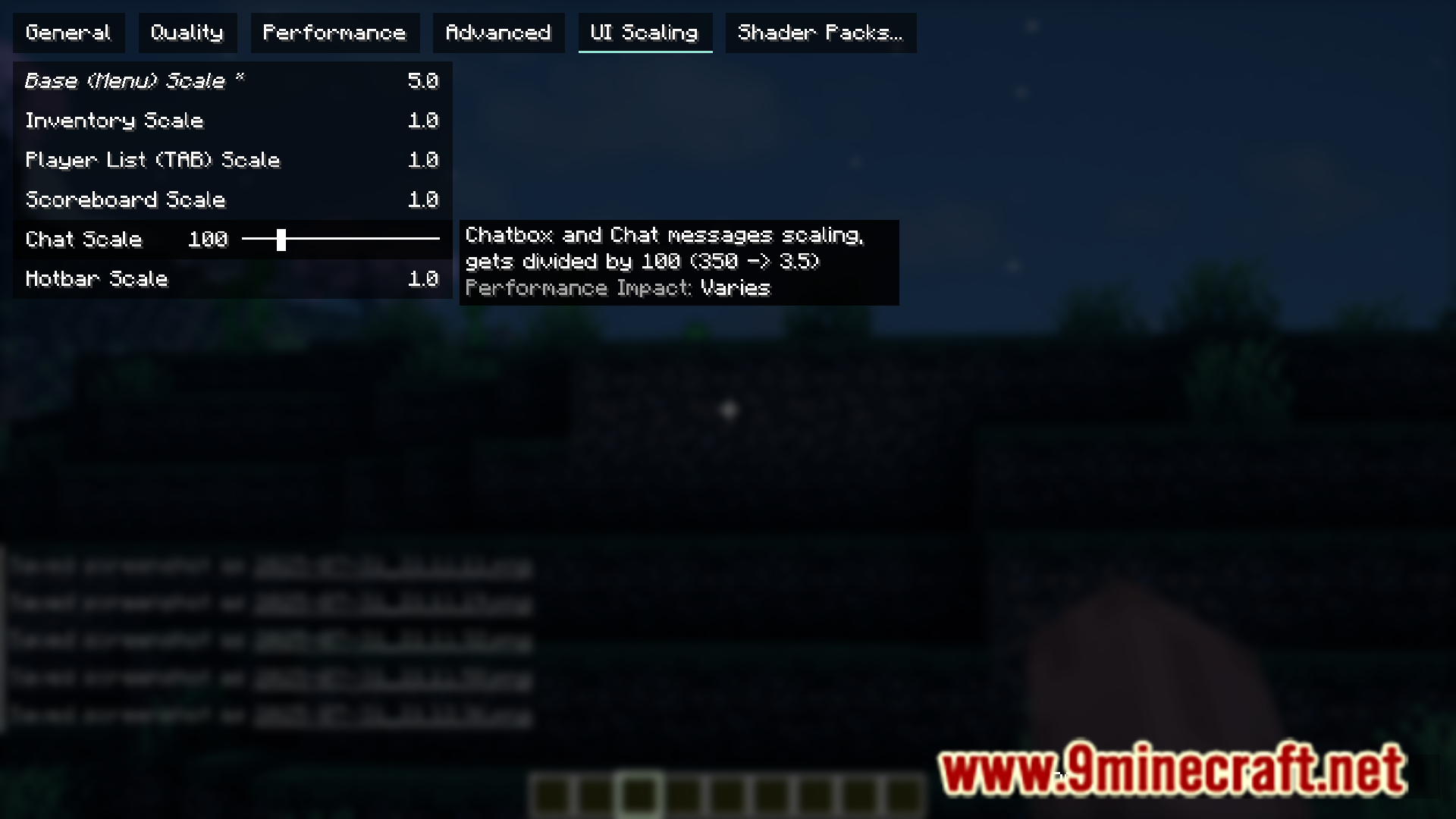
Anyscale Mod allows you to individually customize the sizes of different HUD elements and GUIs in the game. This includes the base GUI, TAB Player List, Inventory GUIs, Chat box, etc. All of these elements can be resized to your specific liking individually by accessing the settings menu added by this mod.
Features:
- Resize screen elements individually.
- Base GUI, Player list, Chat box, etc.
- Custom GUI to resize elements.
Screenshots:
Anyscale Mod Download Links
For Minecraft 1.21.1, 1.21
Fabric/Quilt version: Download from Server 1 – Download from Server 2
For Minecraft 1.20.4, 1.20.1
Fabric/Quilt version: Download from Server 1 – Download from Server 2
Quick facts
- Edition: Minecraft Java
- File type: .jar
- Minecraft versions listed: 1.21.1, 1.20.1
- How to install: Install the matching mod loader (Forge, Fabric or NeoForge) for your Minecraft version. → Download the .jar. → Put it in the .minecraft/mods folder and launch that loader profile.
- Where to get it: In MC Java Mods, or directly above on this page.
Install steps are the general flow for this file type — How to install Minecraft Java mods & modpacks walks through it step by step.
File checked by MCModsHub
- Downloads as 177705.mcaddon
- Download size: 1.1 MB
- Download link checked 24 Jul 2026 — working
- Mirrored on our own servers — the download does not depend on the original host
These come from our own check of the pack file, not from the source page.