ModsJava
Medievalism Mod (1.20.1) – Castle, Tower, Church
Java mod listed for Minecraft 1.20. Downloads from the MC Java Mods app on Android.
⬇ Download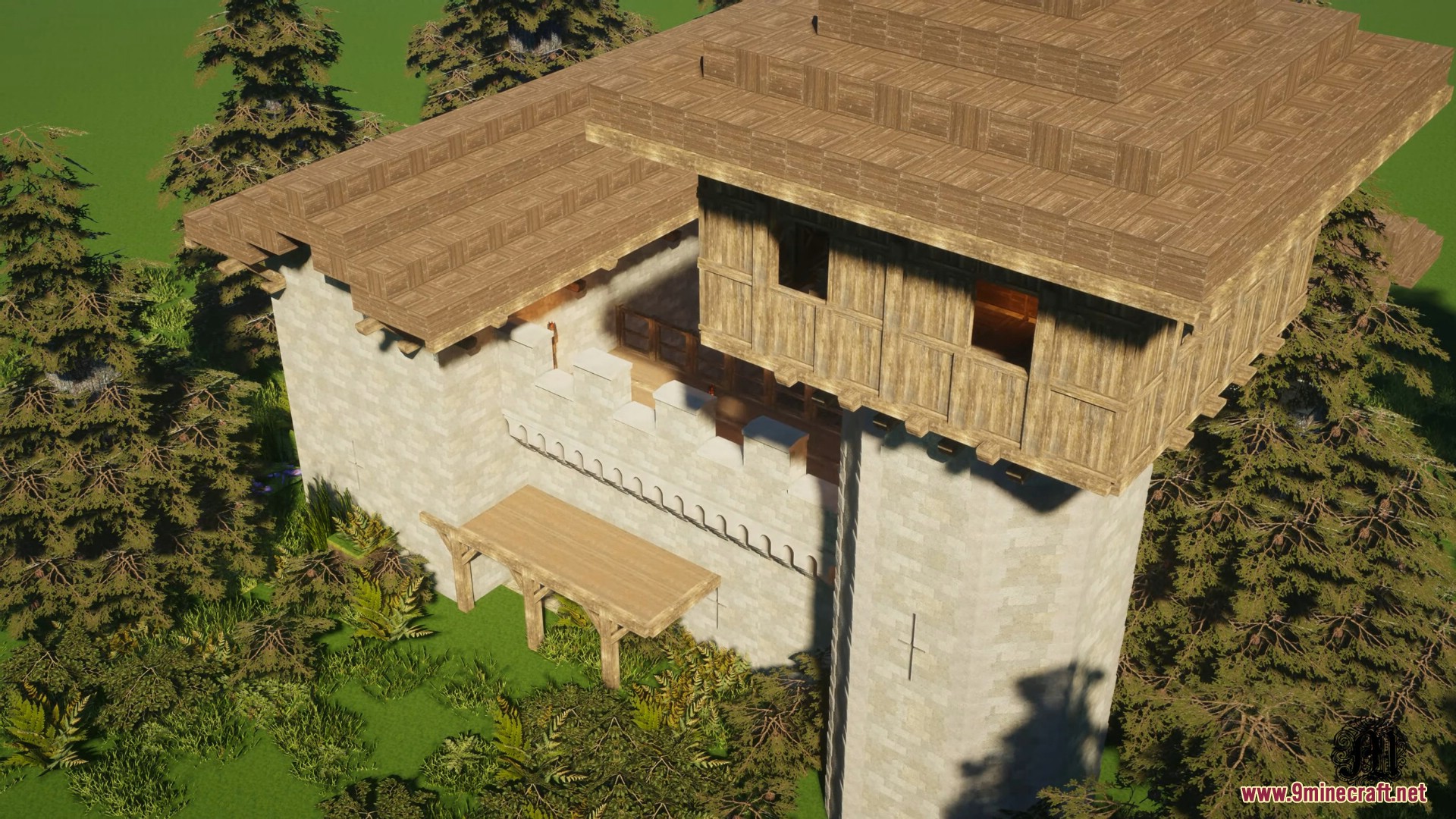
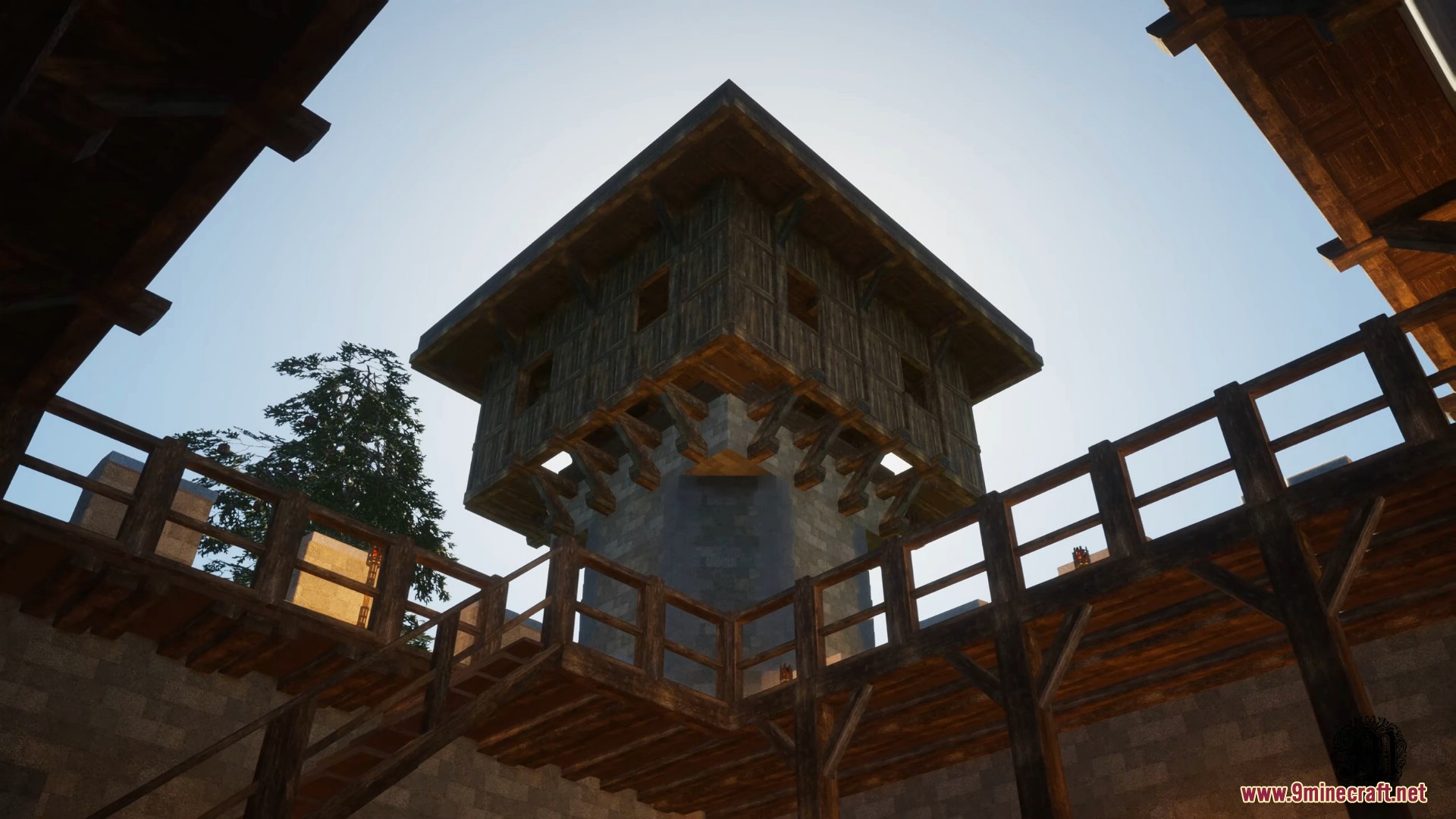
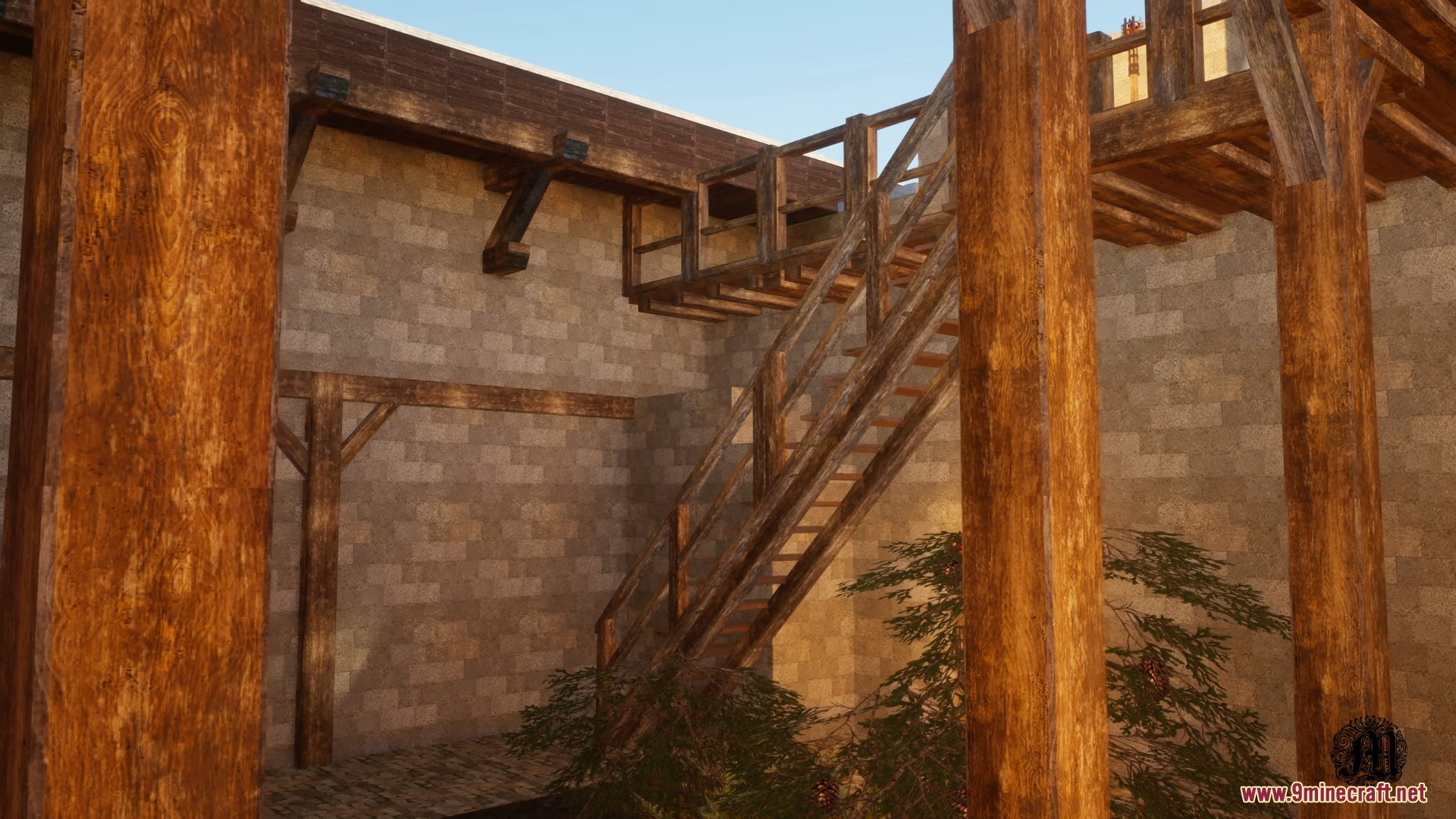
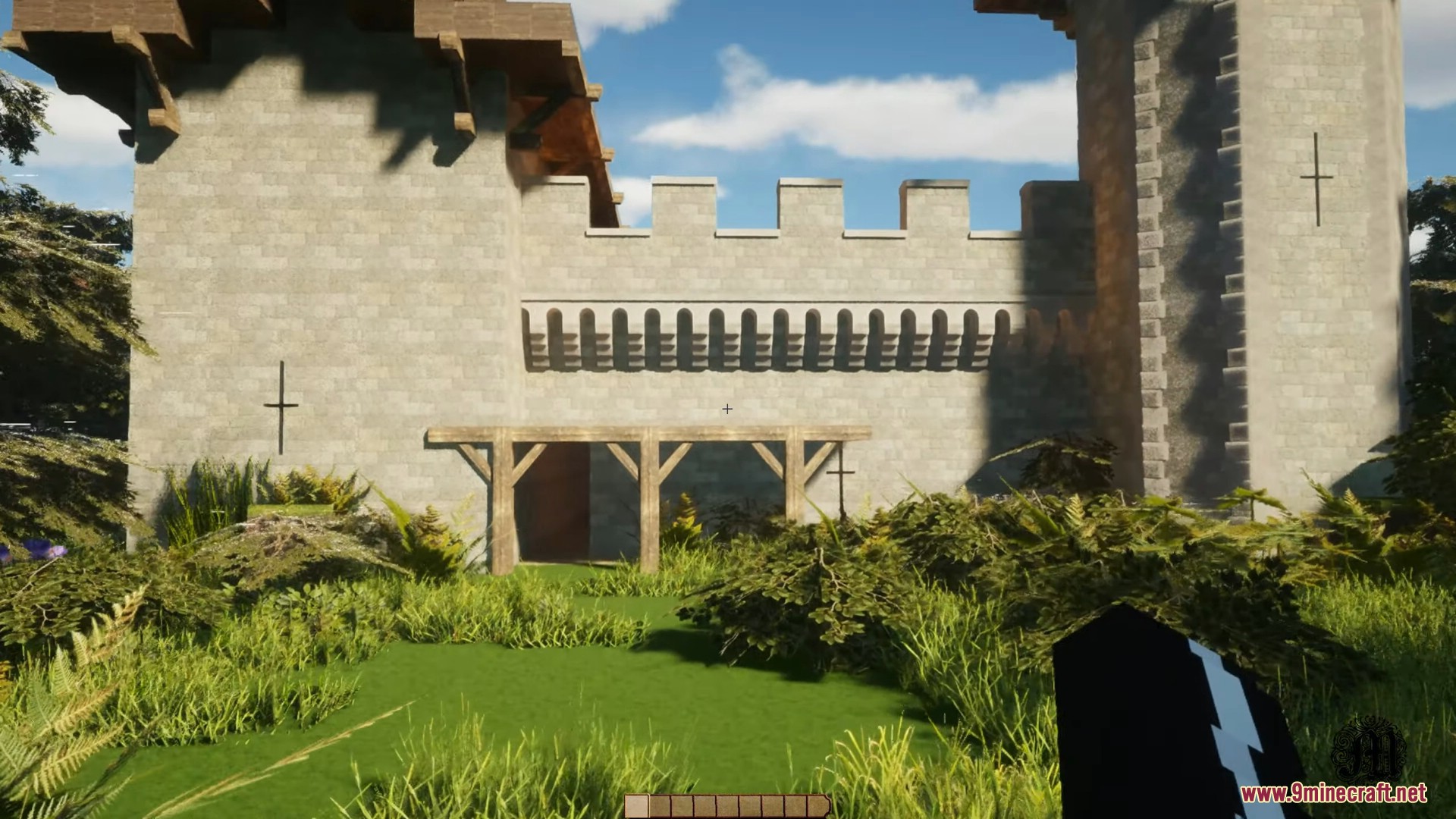
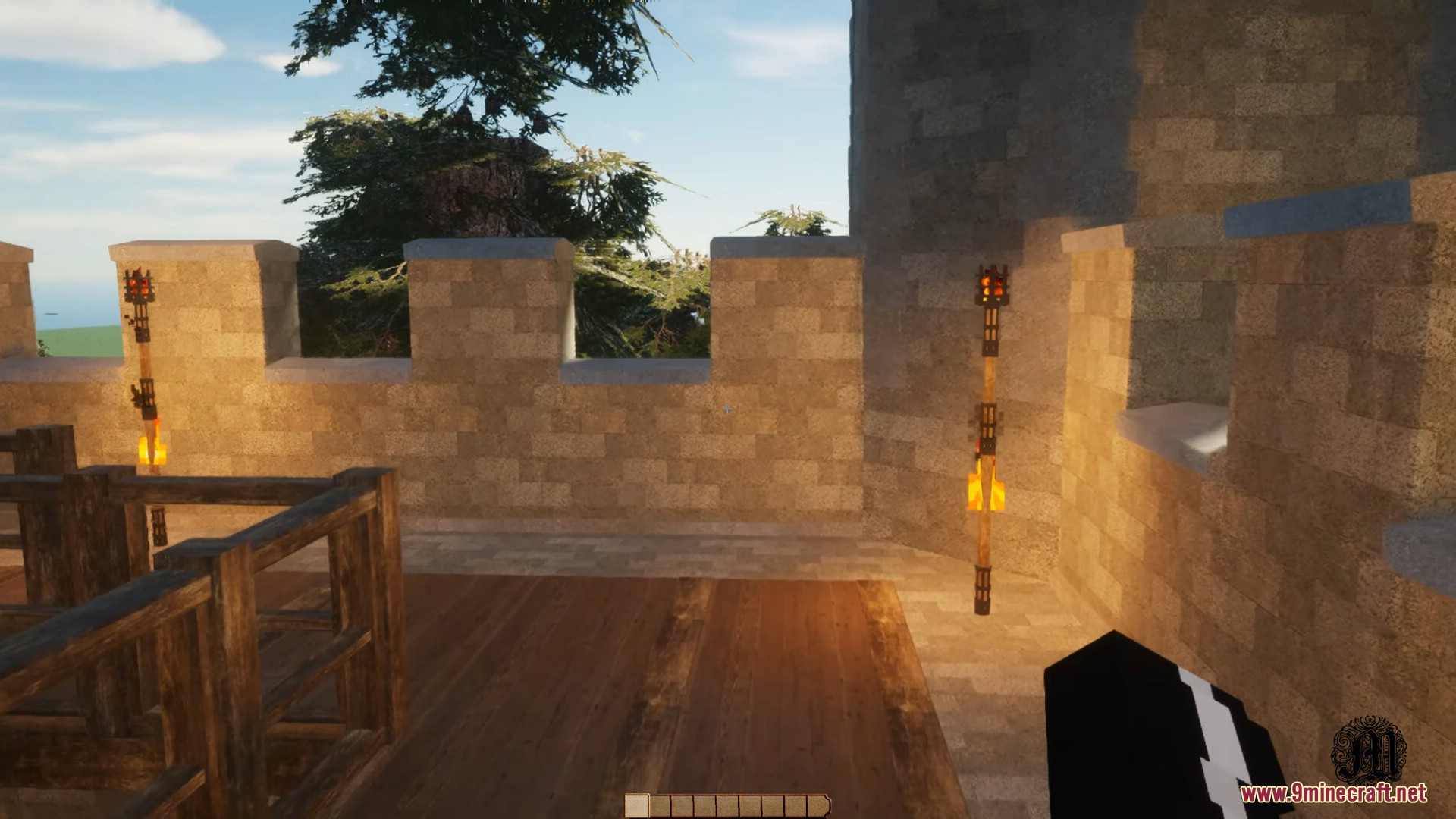

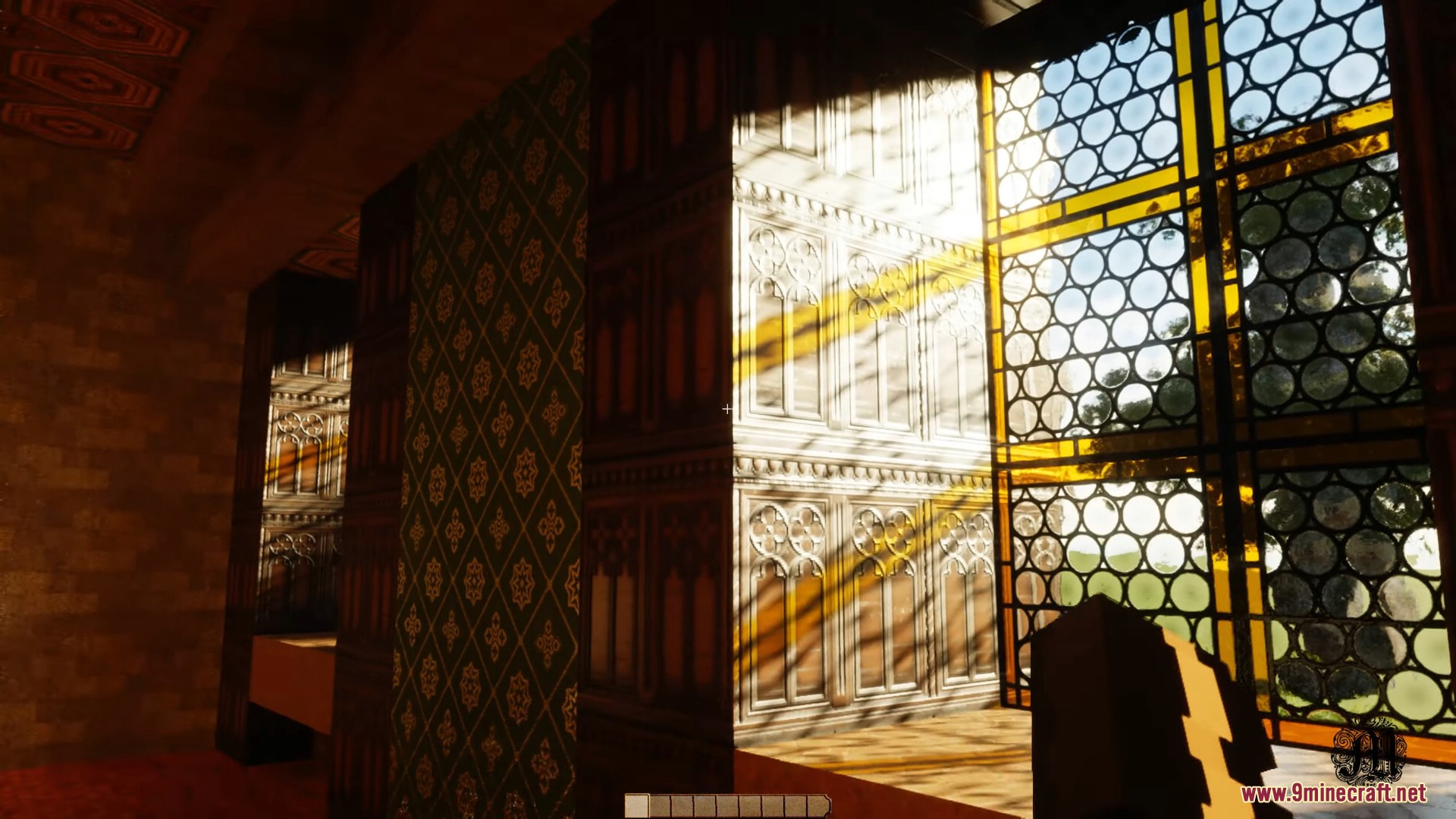
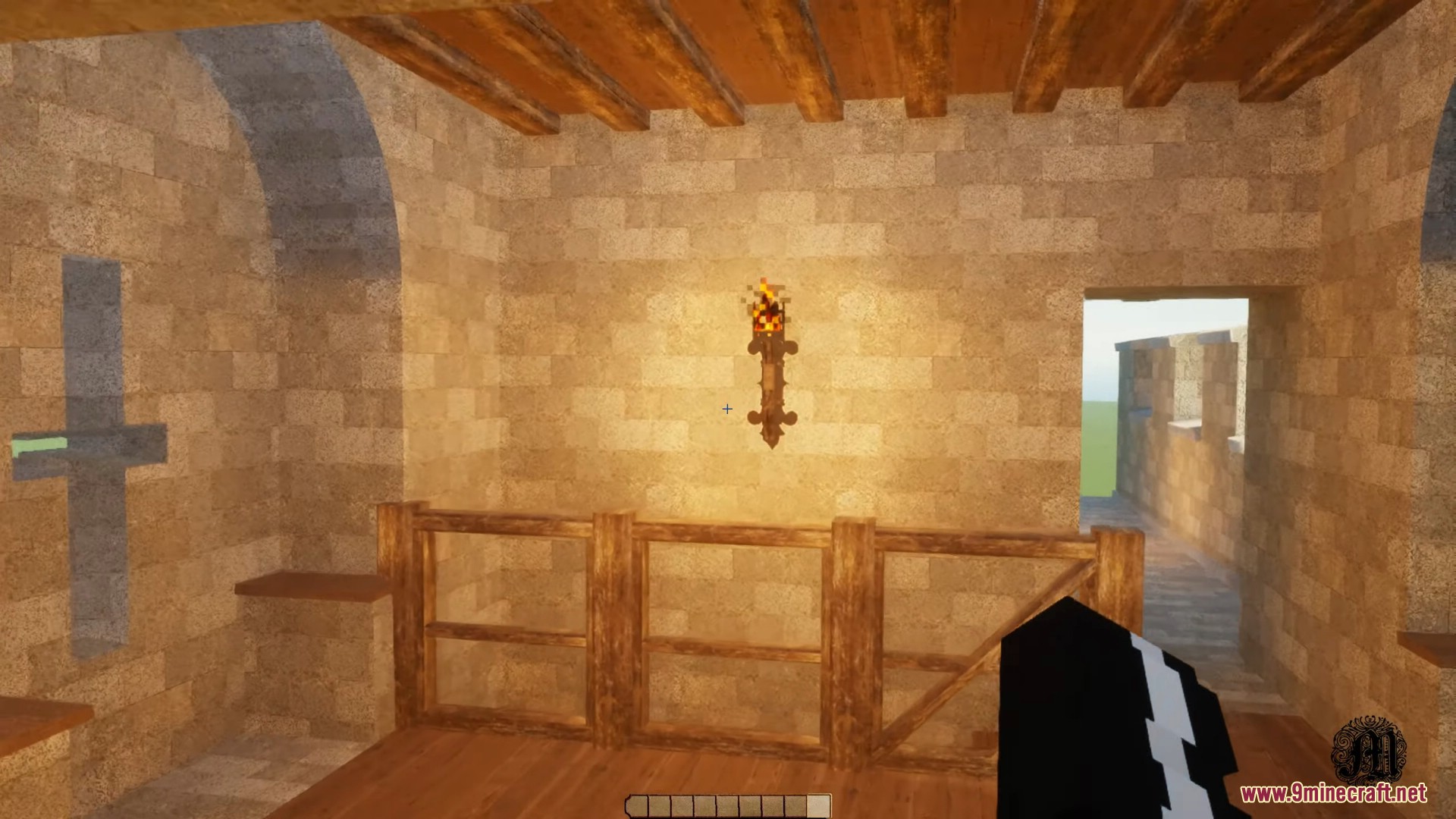
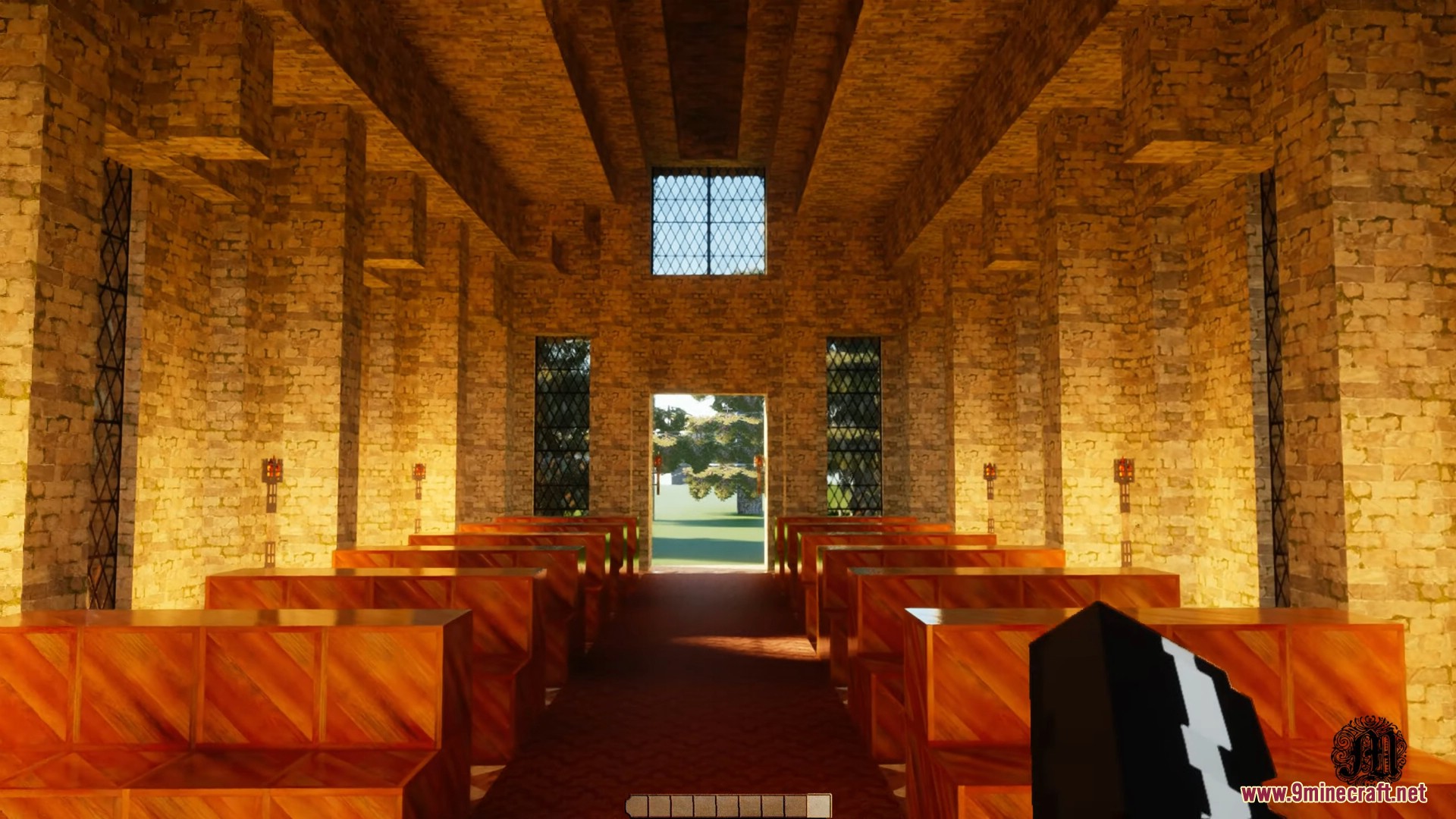
Medievalism Mod adds medieval architectural and aesthetic elements to the game, such as castles, towers, churches, or town houses with high detail, closely resembling reality.
Features:
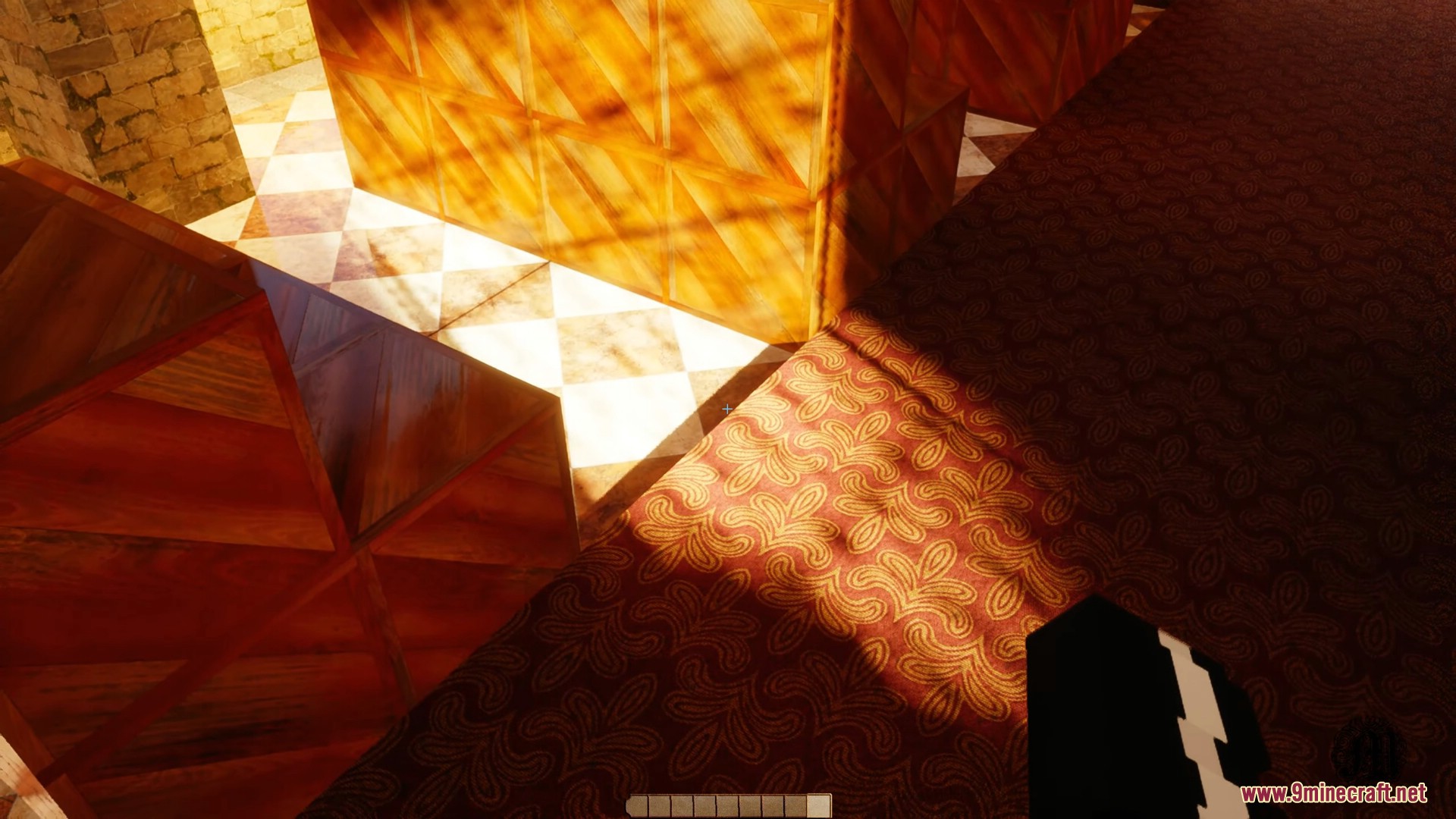
- The textures in the mod are created using photogrammetry (a technique that reconstructs images from real-world photos) or procedurally generated (automatically created), utilizing the PBR (Physically Based Rendering) format to realistically depict reflective and bumpy surfaces. Some textures also support POM (Parallax Occlusion Mapping) to enhance depth, simulating real-world environments.
- There are 4 texture resolution levels:
- 2K (x2048): High detail, suitable for close-up shots (macro shots).
- x1024, x512, x256: Optimized for performance, ensuring smoother gameplay on lower-end hardware.
- Provides medieval building blocks:
- Castles
- Castle towers
- Palace halls
- Churches
- Town houses
- The mod uses complex geometry, so the blocks are not like the standard square blocks in Minecraft.
Screenshots:
Medievalism Mod Download Links
For Minecraft 1.20.1, 1.20
Forge version: Download from Server 1 – Download from Server 2
Quick facts
- Edition: Minecraft Java
- File type: .jar
- Minecraft version listed: 1.20.1
- How to install: Install the matching mod loader (Forge, Fabric or NeoForge) for your Minecraft version. → Download the .jar. → Put it in the .minecraft/mods folder and launch that loader profile.
- Where to get it: In MC Java Mods, or directly above on this page.
Install steps are the general flow for this file type — How to install Minecraft Java mods & modpacks walks through it step by step.
File checked by MCModsHub
- Downloads as 177725.mcaddon
- Download size: 322 KB
- Download link checked 24 Jul 2026 — working
- Mirrored on our own servers — the download does not depend on the original host
These come from our own check of the pack file, not from the source page.