Warfare Expanded Mod (1.21.8, 1.21.1) – Craft Your Perfect Arsenal
Java mod listed for Minecraft 1.21. Downloads from the MC Java Mods app on Android.
⬇ Download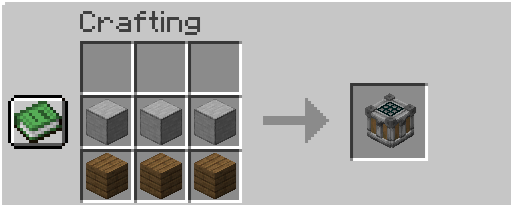
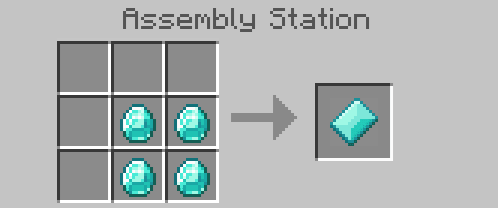
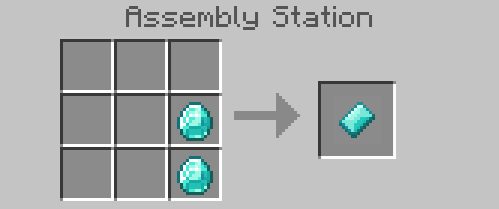
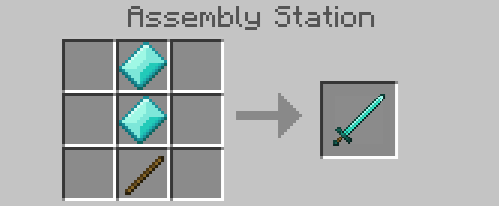
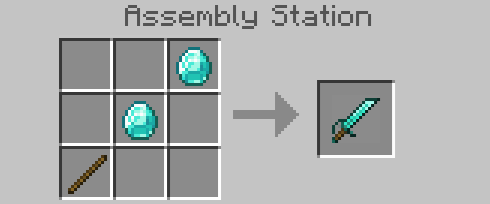
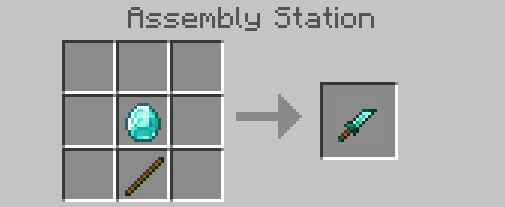
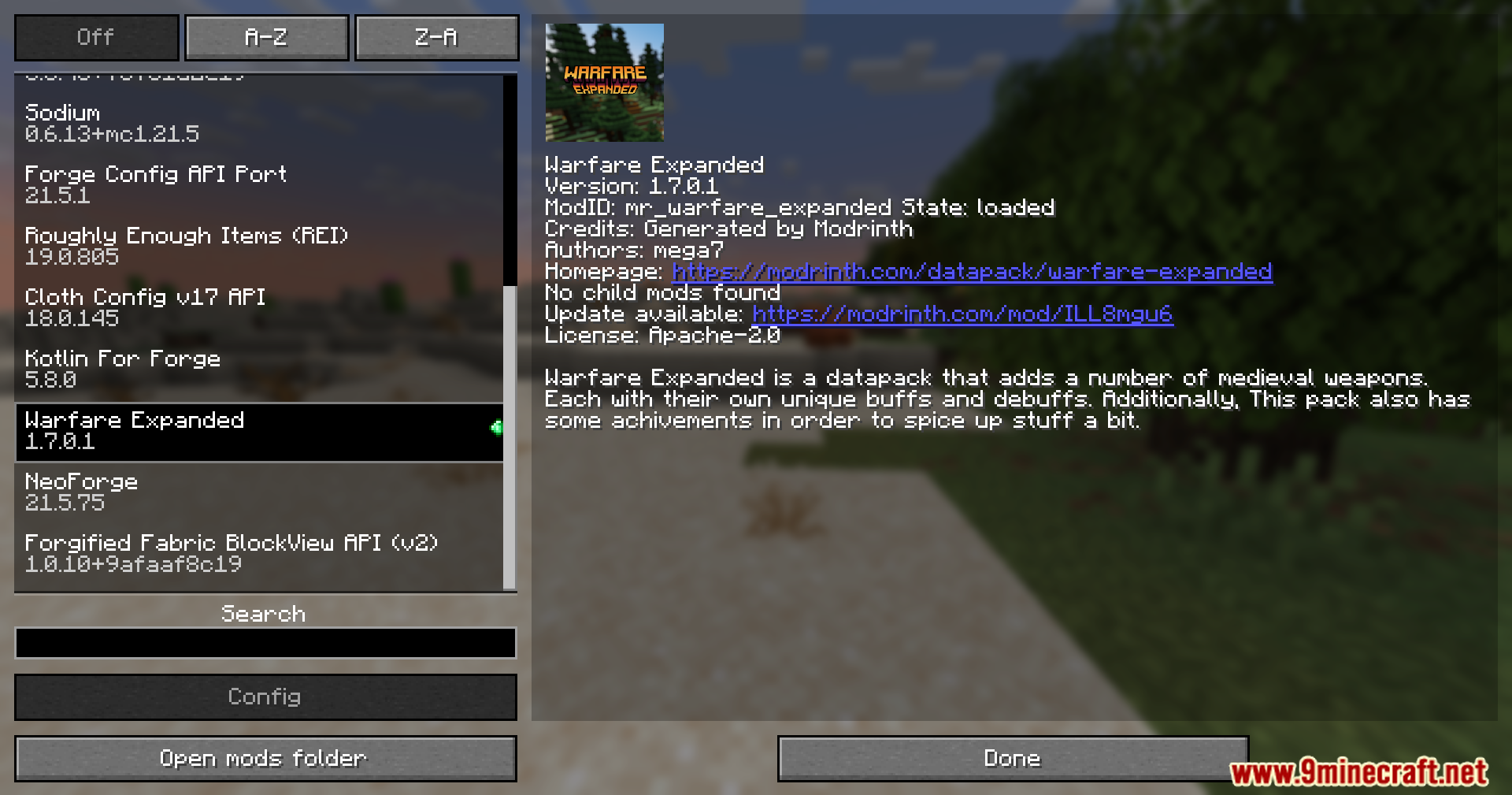
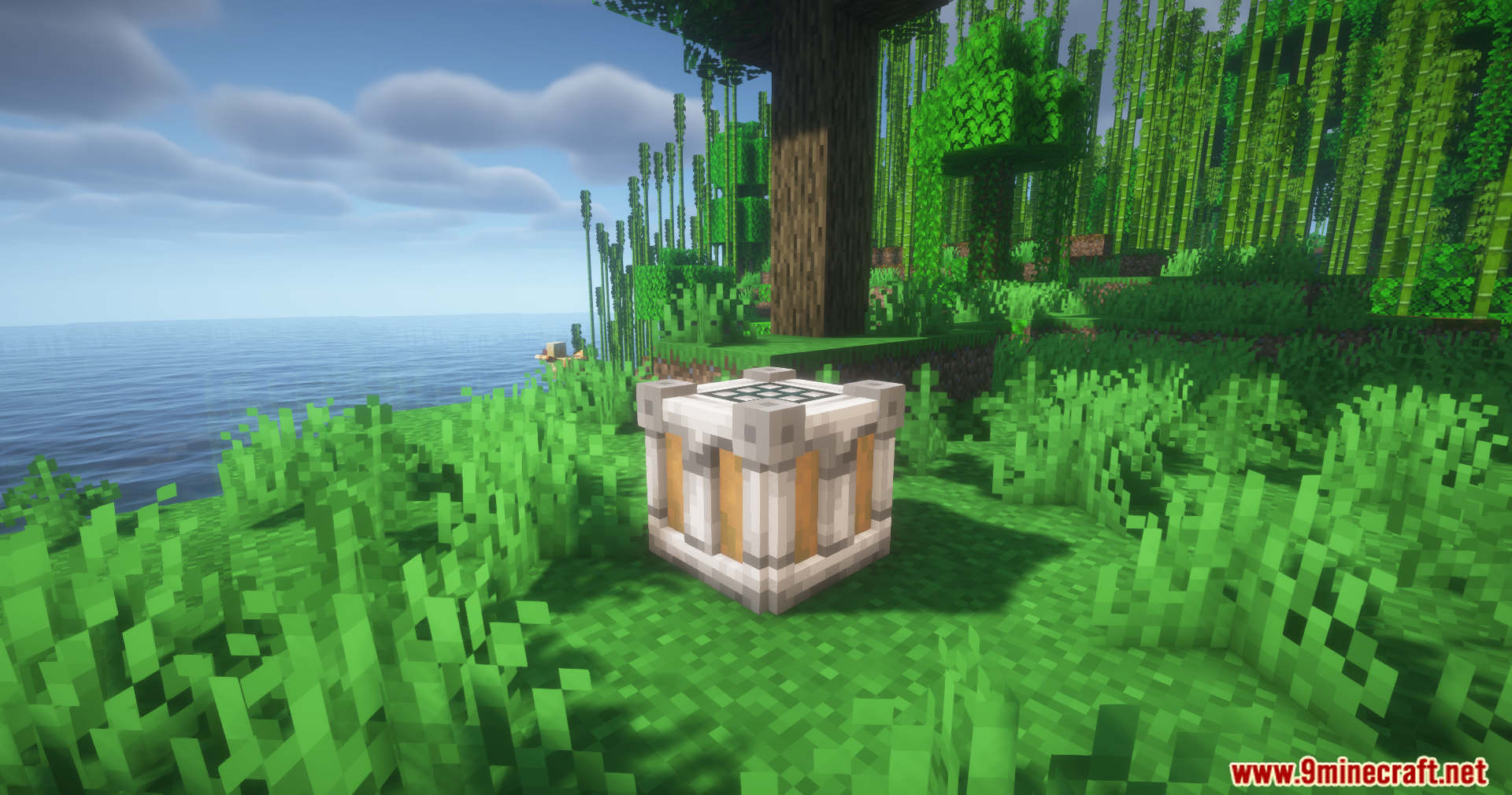
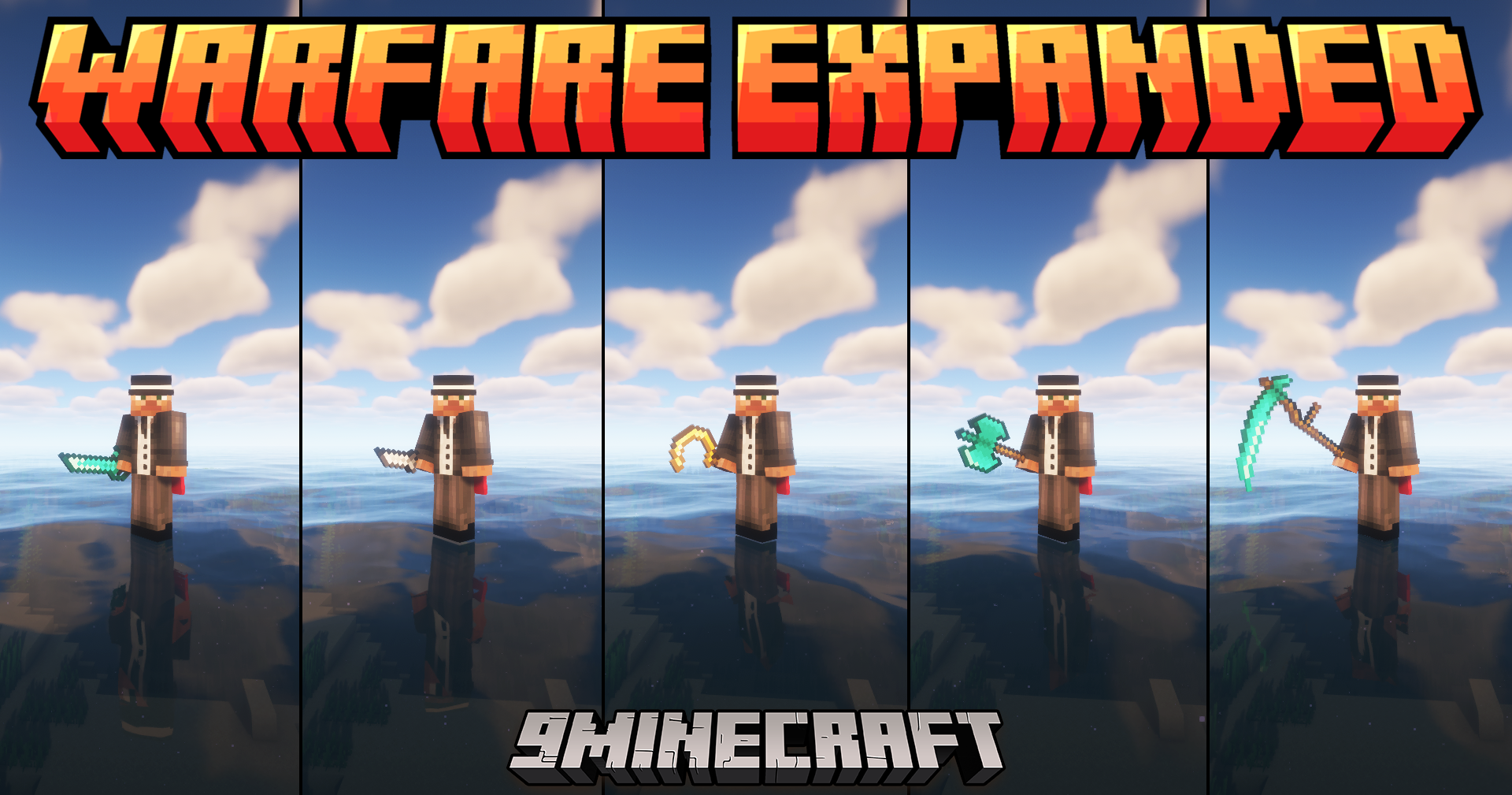
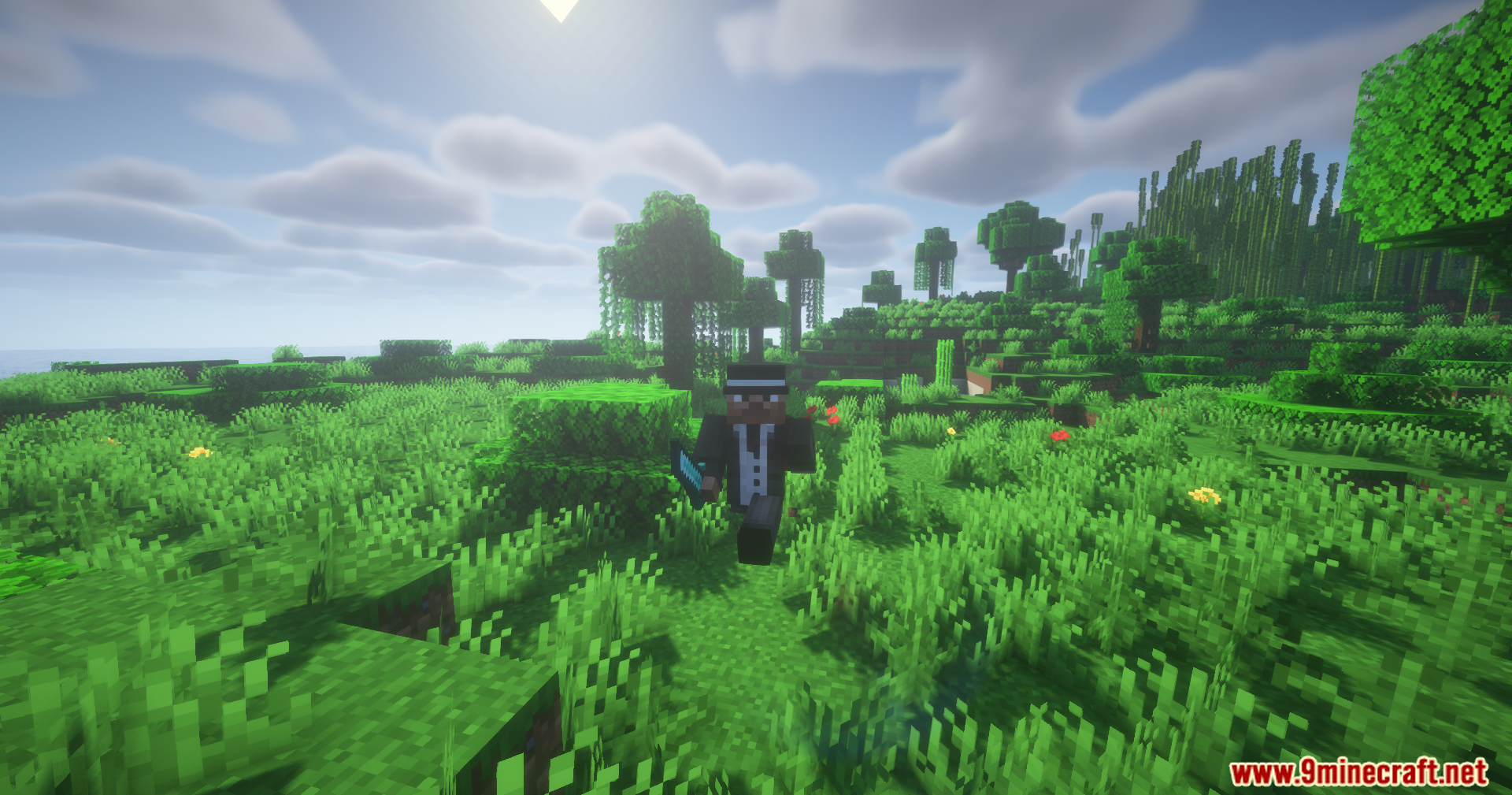
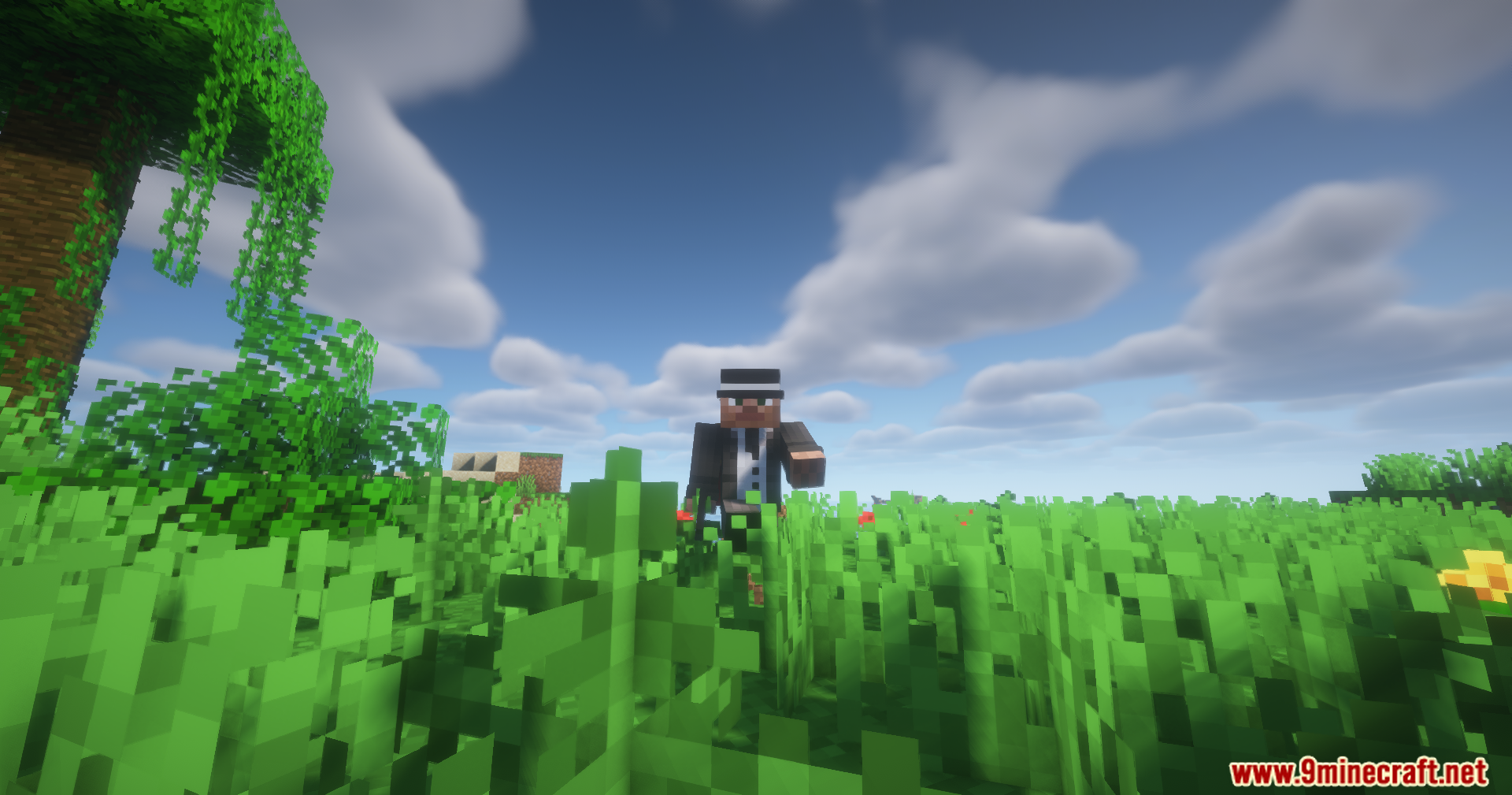
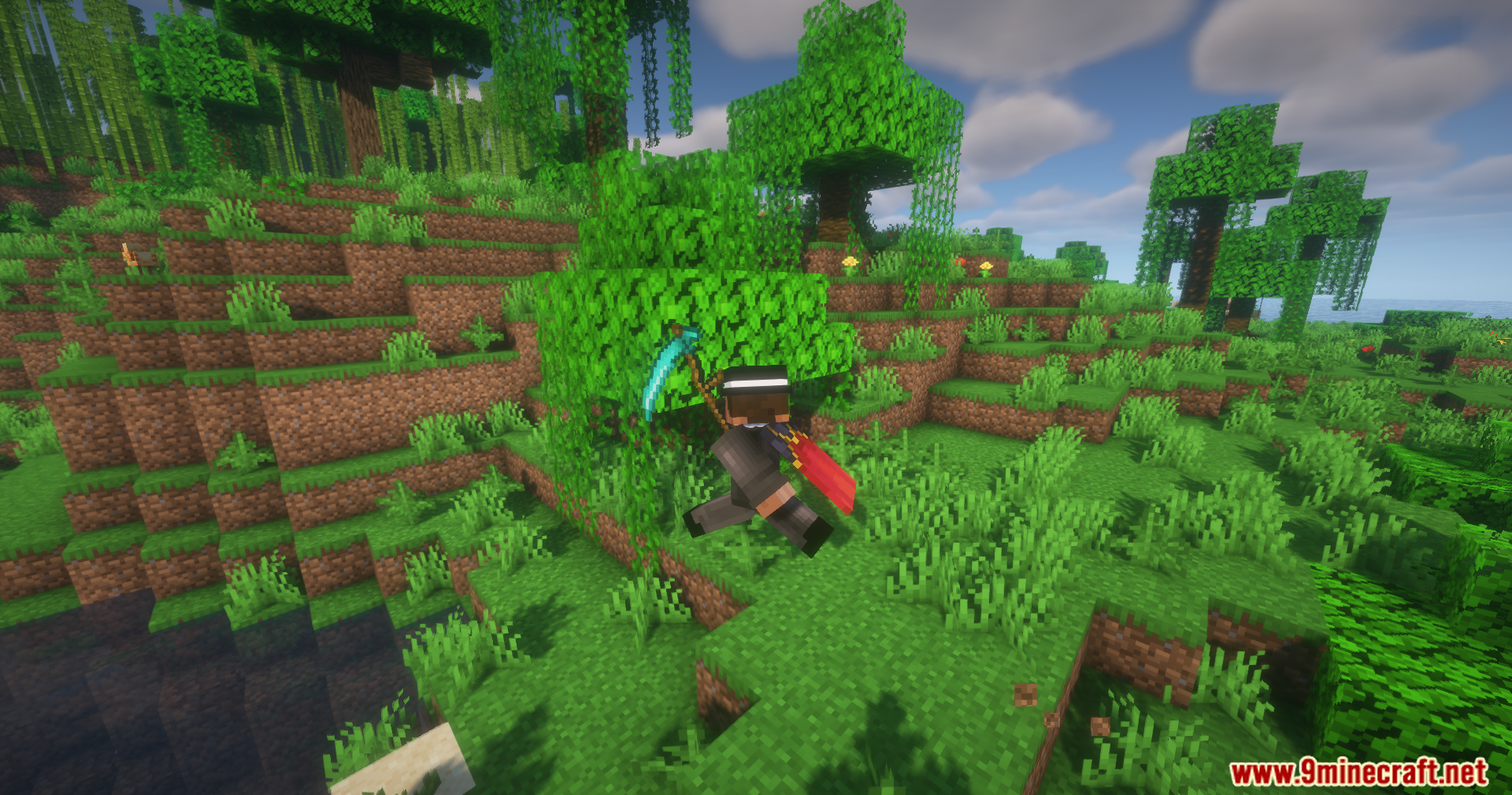
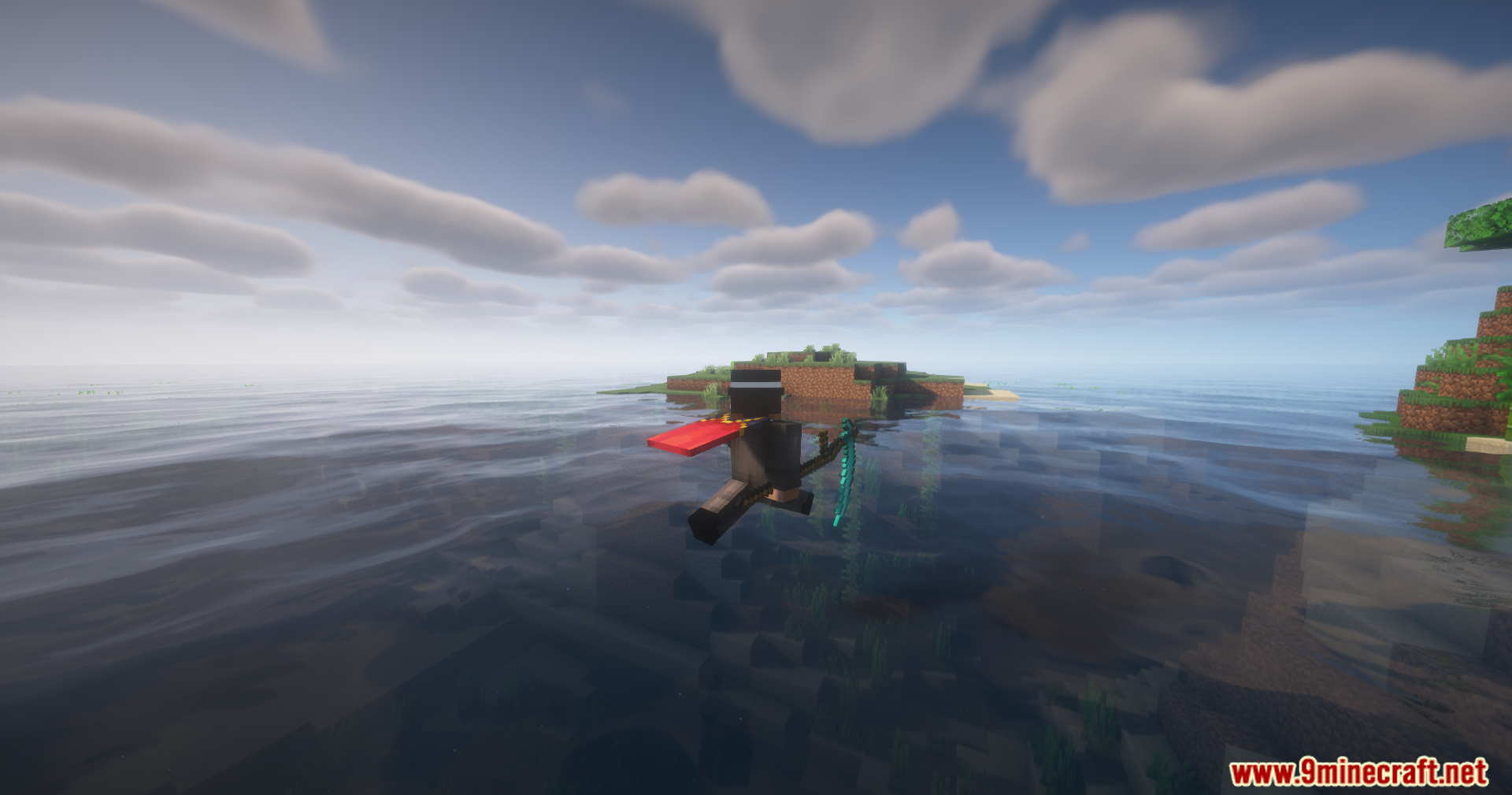
Warfare Expanded Mod adds a large collection of medieval weapons and shields to your game. Each item comes with unique stats and special abilities, called Traits, that affect how they perform in combat. You can craft this new gear at a special Assembly Station. The mod also introduces new achievements to unlock, and some weapons can even be found in loot chests or carried by mobs.
Features:
- Craft all new weapons and shields using a unique Assembly Station block.
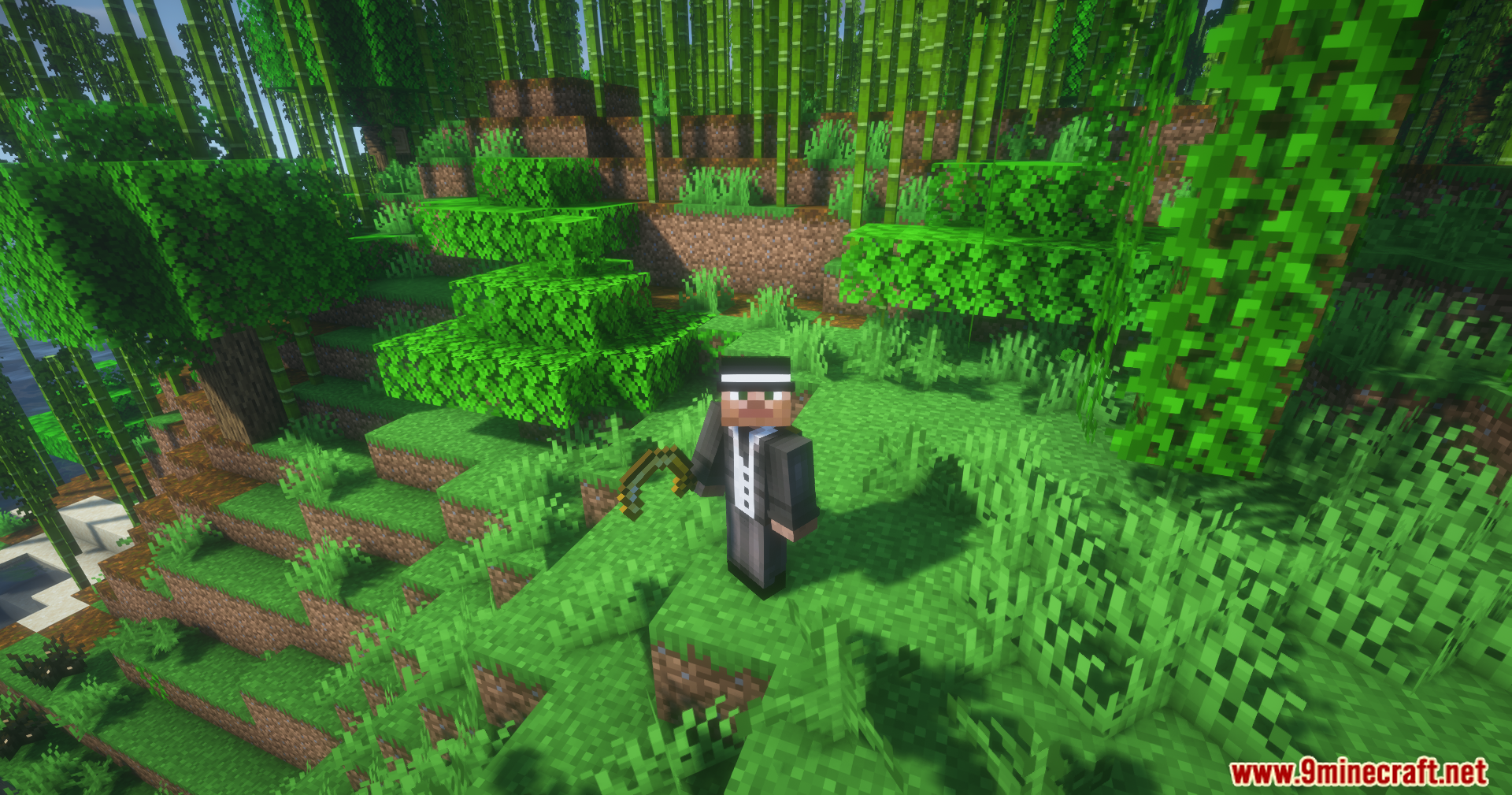
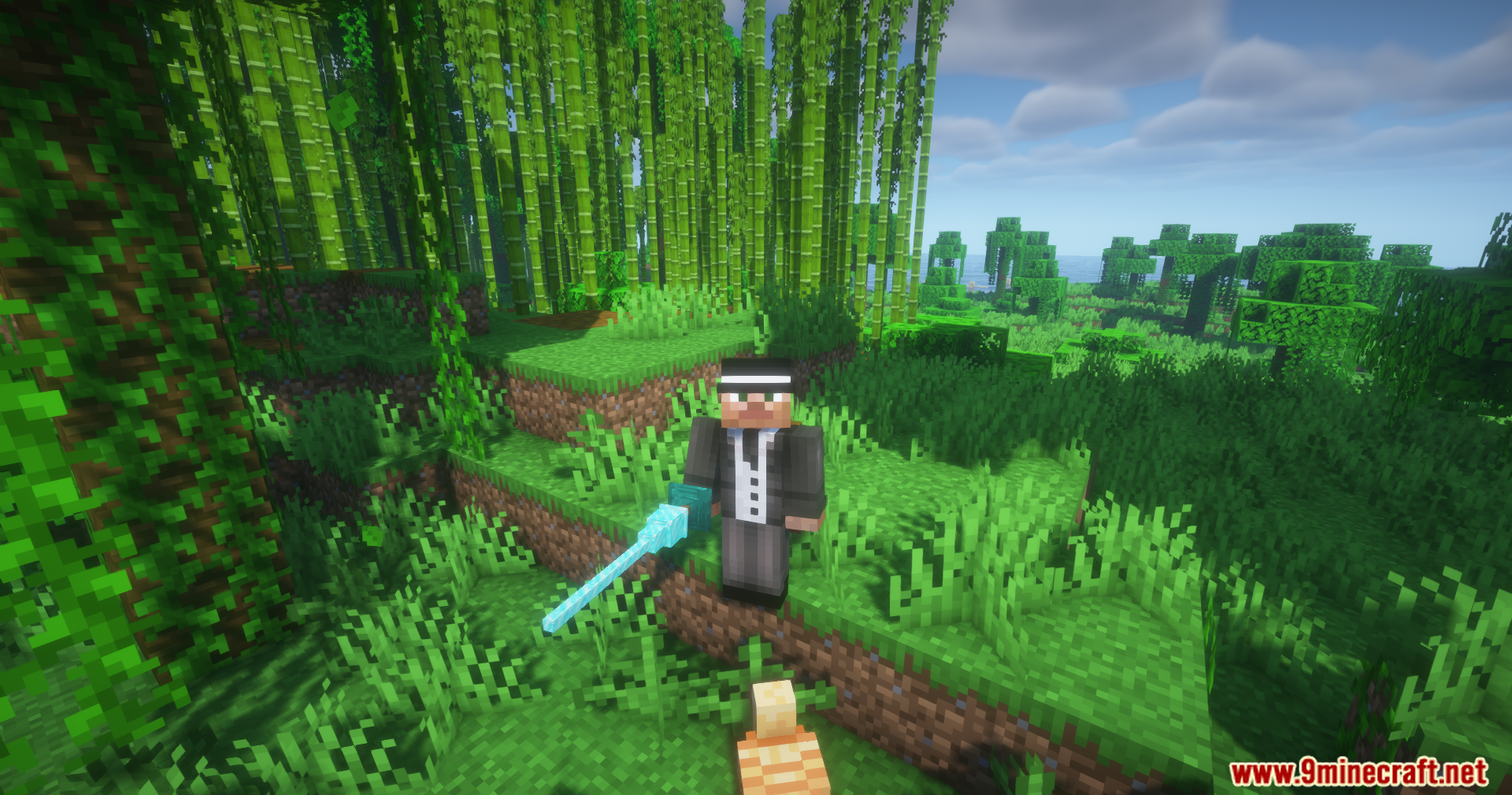
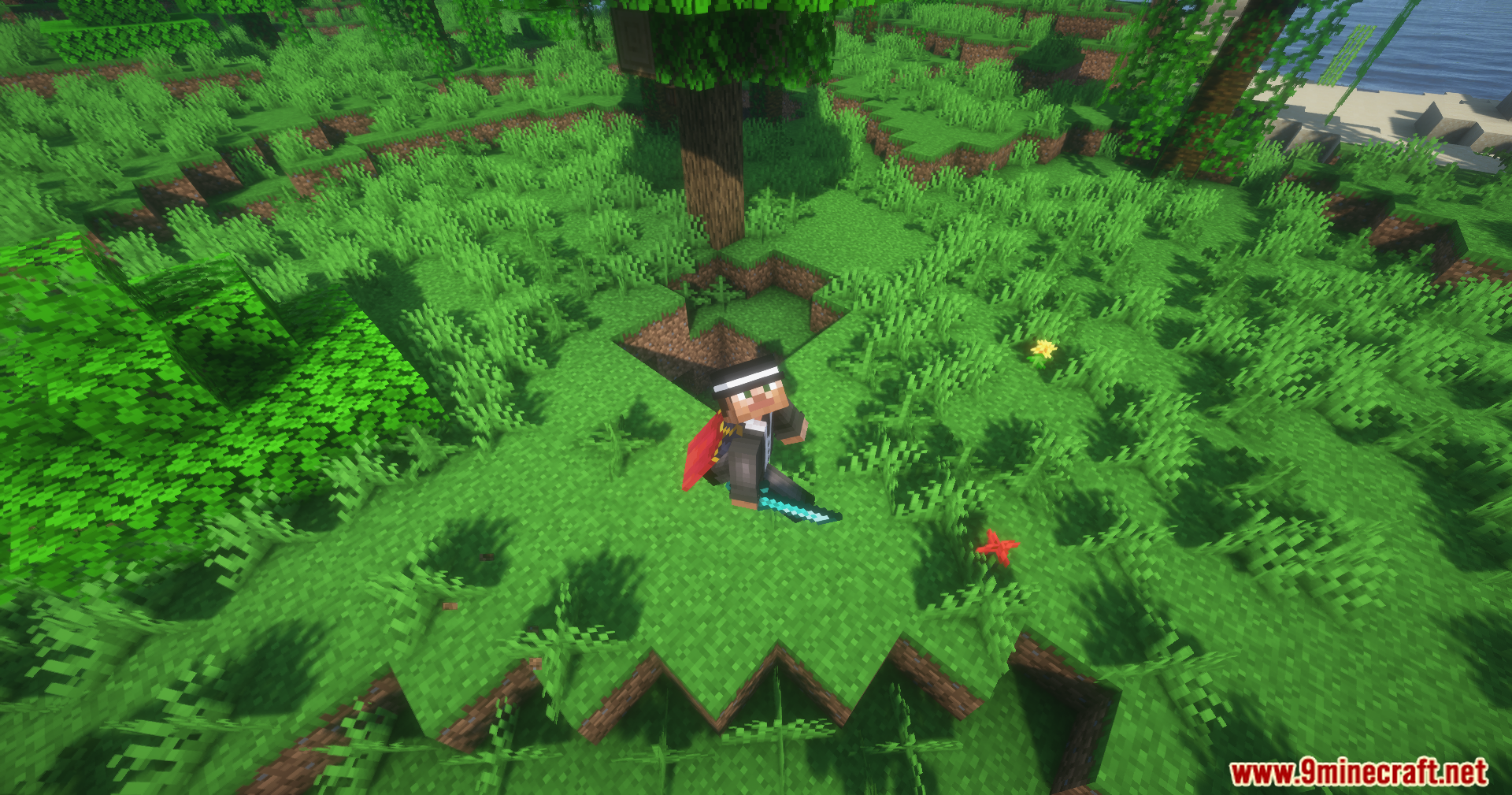
- Wield a variety of new medieval weapons, including Daggers, Claymores, Cutlasses, Battle Axes, Lances, Katanas, and Scythes.
- Equip new shields like the Round Shield and Heater Shield, which have different blocking capabilities.
- Each weapon has its own stats for attack speed, damage, and reach.
- Discover special “Traits” that give weapons unique abilities, like breaking shields or piercing armor.
- Shields now have a maximum amount of damage they can block before being temporarily disabled.
- Unlock new advancements for crafting and using the different weapons and shields.
- Find some weapons, such as daggers and battle axes, in world structures and loot chests.
Commands:
- Use the command
/function wep:admin/debug_menuto open a menu for troubleshooting. This menu also lets you add any trait to the item you are holding.
Crafting Recipes:
Screenshots:
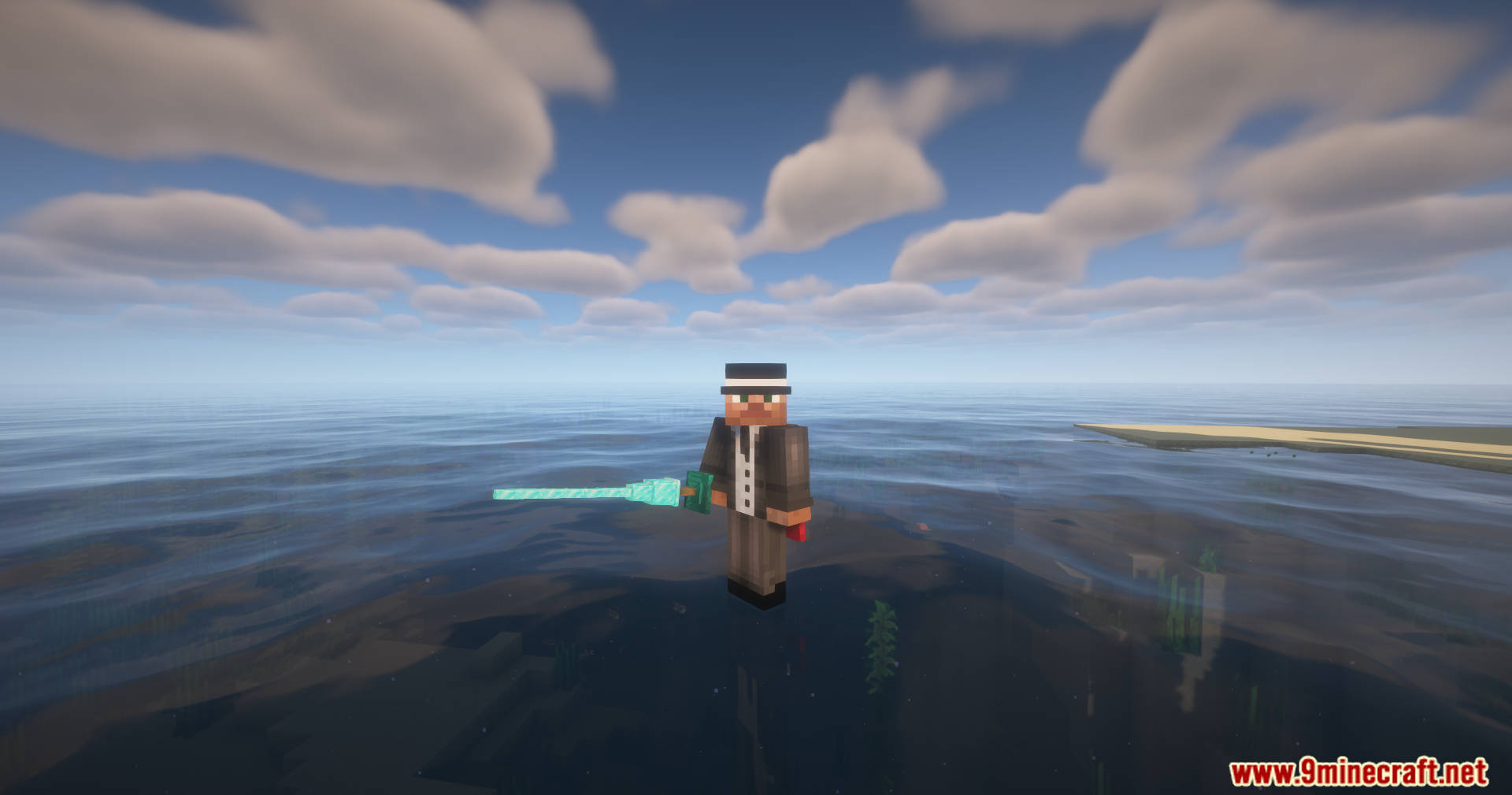


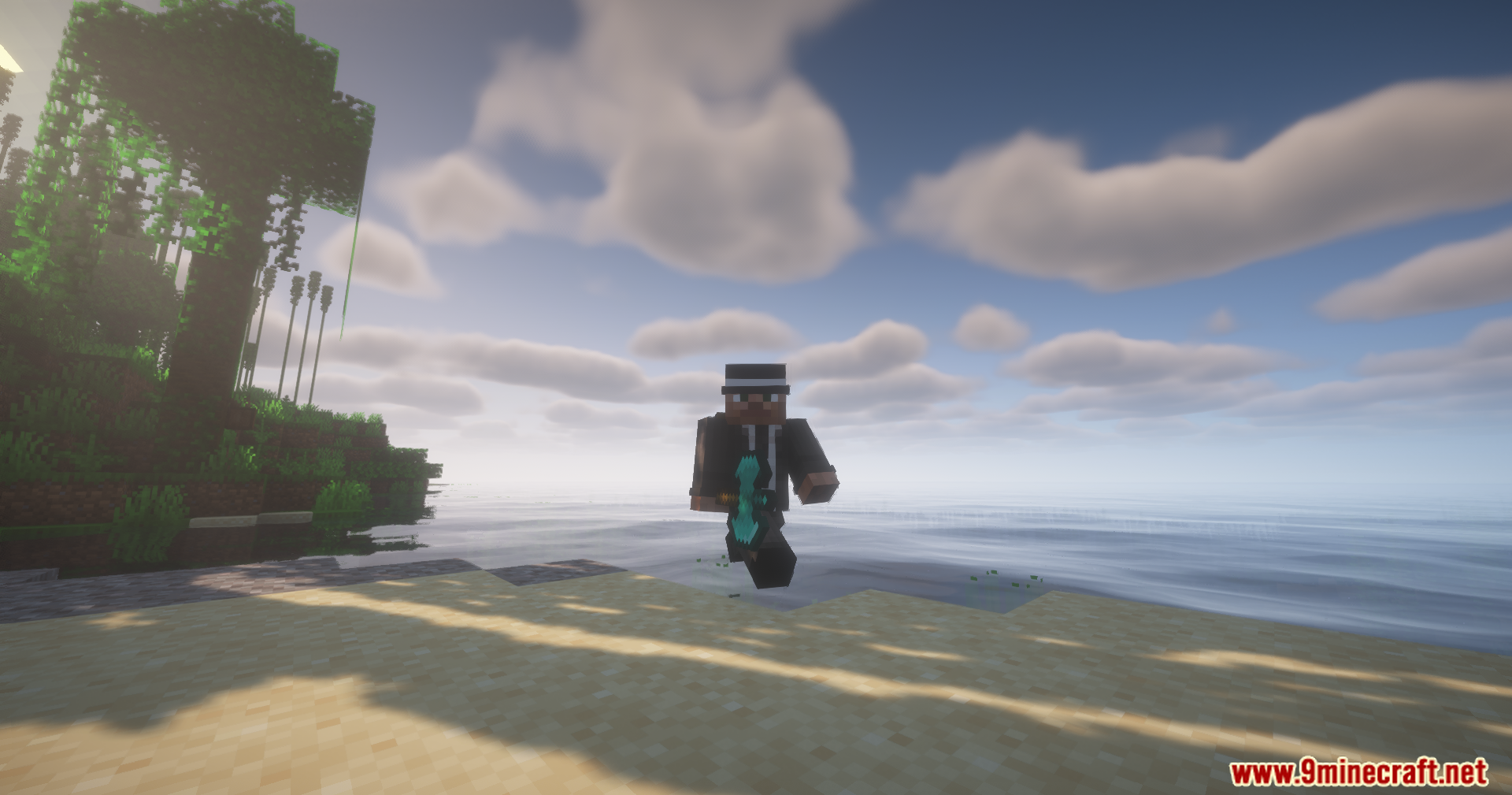
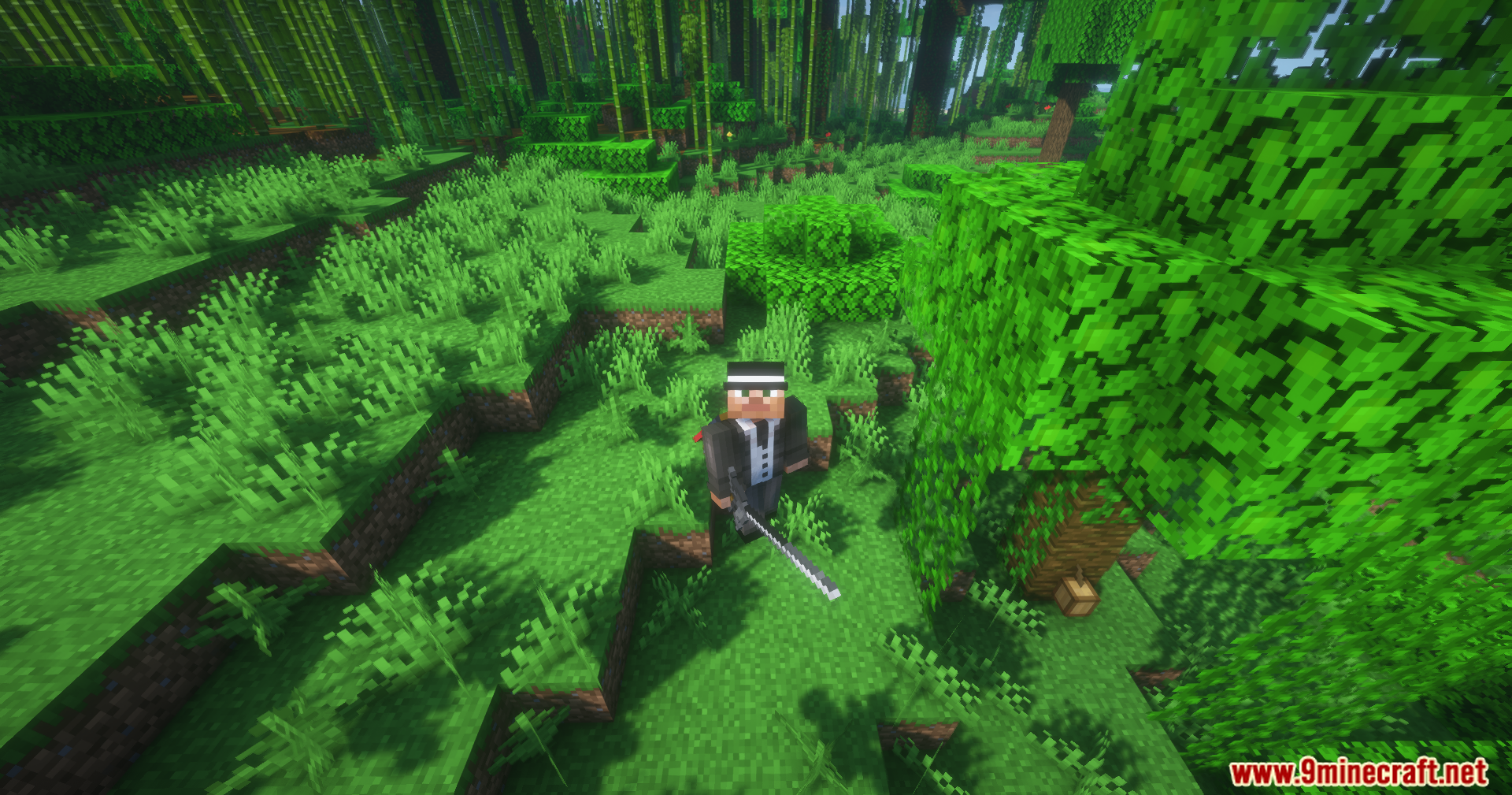
Warfare Expanded Mod Download Links
For Minecraft 1.21.8, 1.21.7, 1.21.6
Forge/Fabric/Quilt/NeoForge Version: Download from Server 1 – Download from Server 2
For Minecraft 1.21.5
Forge/Fabric/Quilt/NeoForge Version: Download from Server 1 – Download from Server 2
For Minecraft 1.21.4
Forge/Fabric/Quilt/NeoForge Version: Download from Server 1 – Download from Server 2
For Minecraft 1.21.3, 1.21.2
Forge/Fabric/Quilt/NeoForge Version: Download from Server 1 – Download from Server 2
For Minecraft 1.21.1, 1.21
Forge/Fabric/Quilt/NeoForge Version: Download from Server 1 – Download from Server 2
- Edition: Minecraft Java
- File type: .jar
- Minecraft versions listed: 1.21.8, 1.21.1
- How to install: Install the matching mod loader (Forge, Fabric or NeoForge) for your Minecraft version. → Download the .jar. → Put it in the .minecraft/mods folder and launch that loader profile.
- Where to get it: In MC Java Mods, or directly above on this page.
Install steps are the general flow for this file type — How to install Minecraft Java mods & modpacks walks through it step by step.
- Downloads as 177729.mcaddon
- Download size: 3.1 MB
- Download link checked 29 Jul 2026 — working
- Mirrored on our own servers — the download does not depend on the original host
These come from our own check of the pack file, not from the source page.