
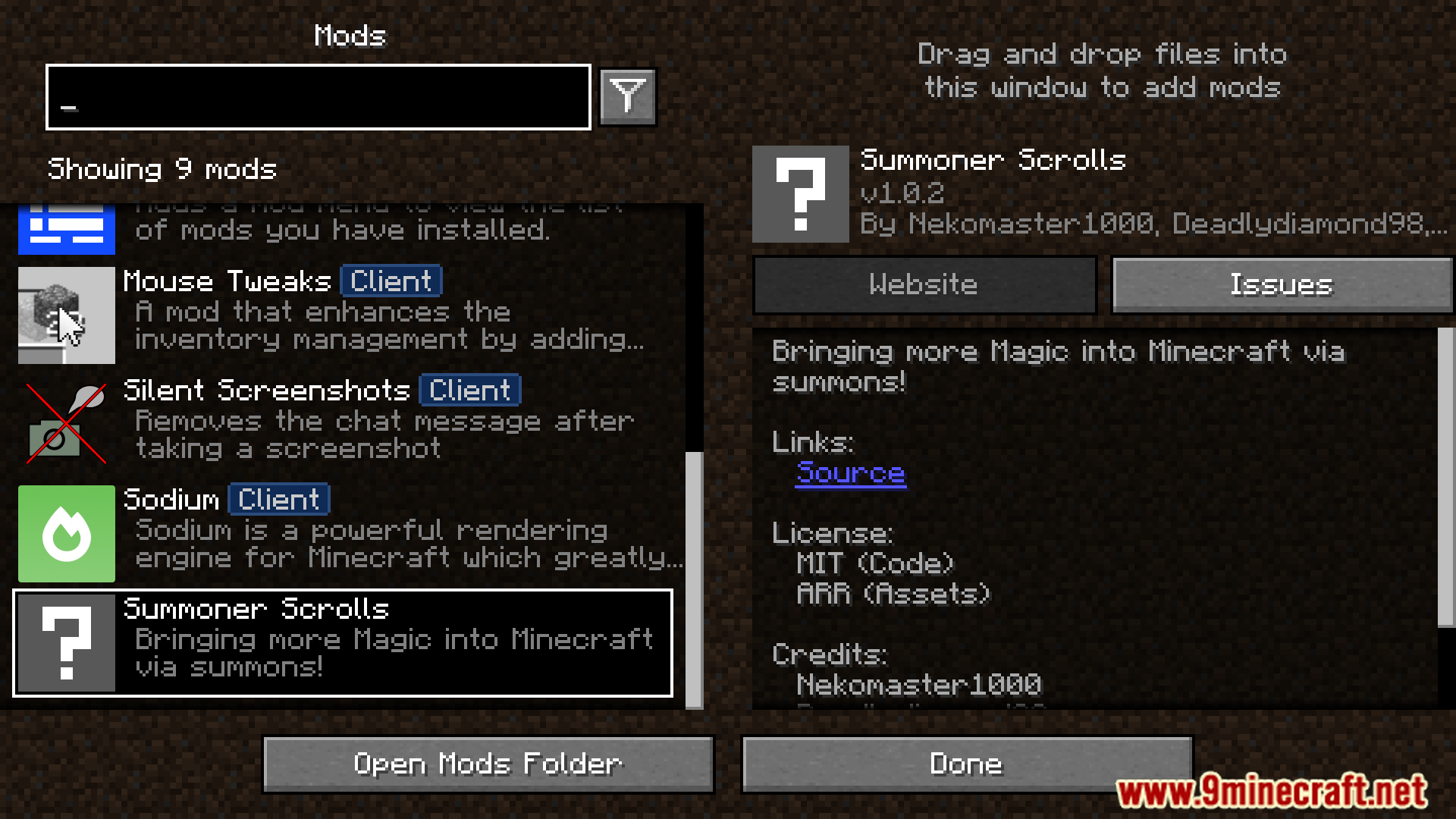
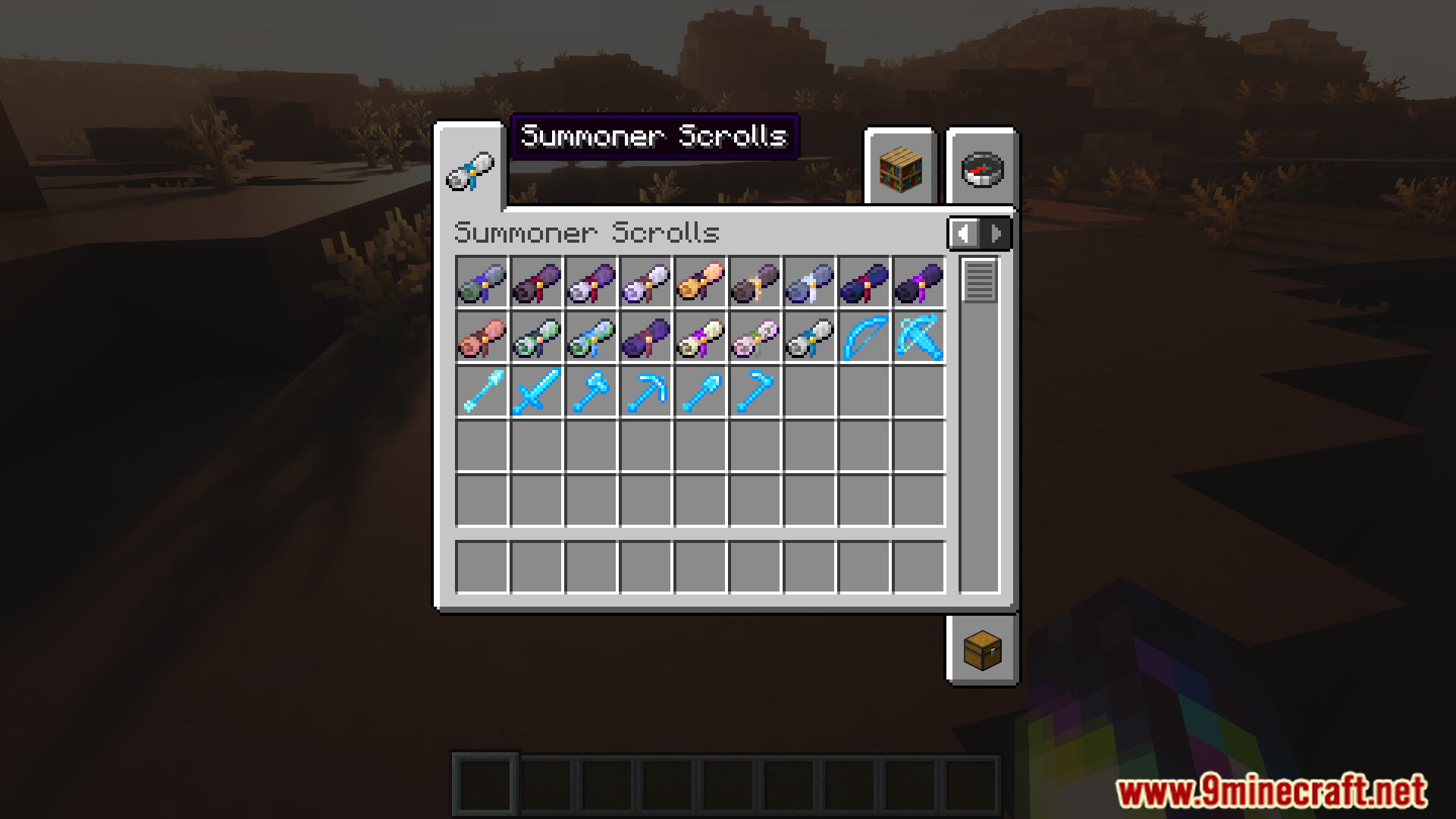
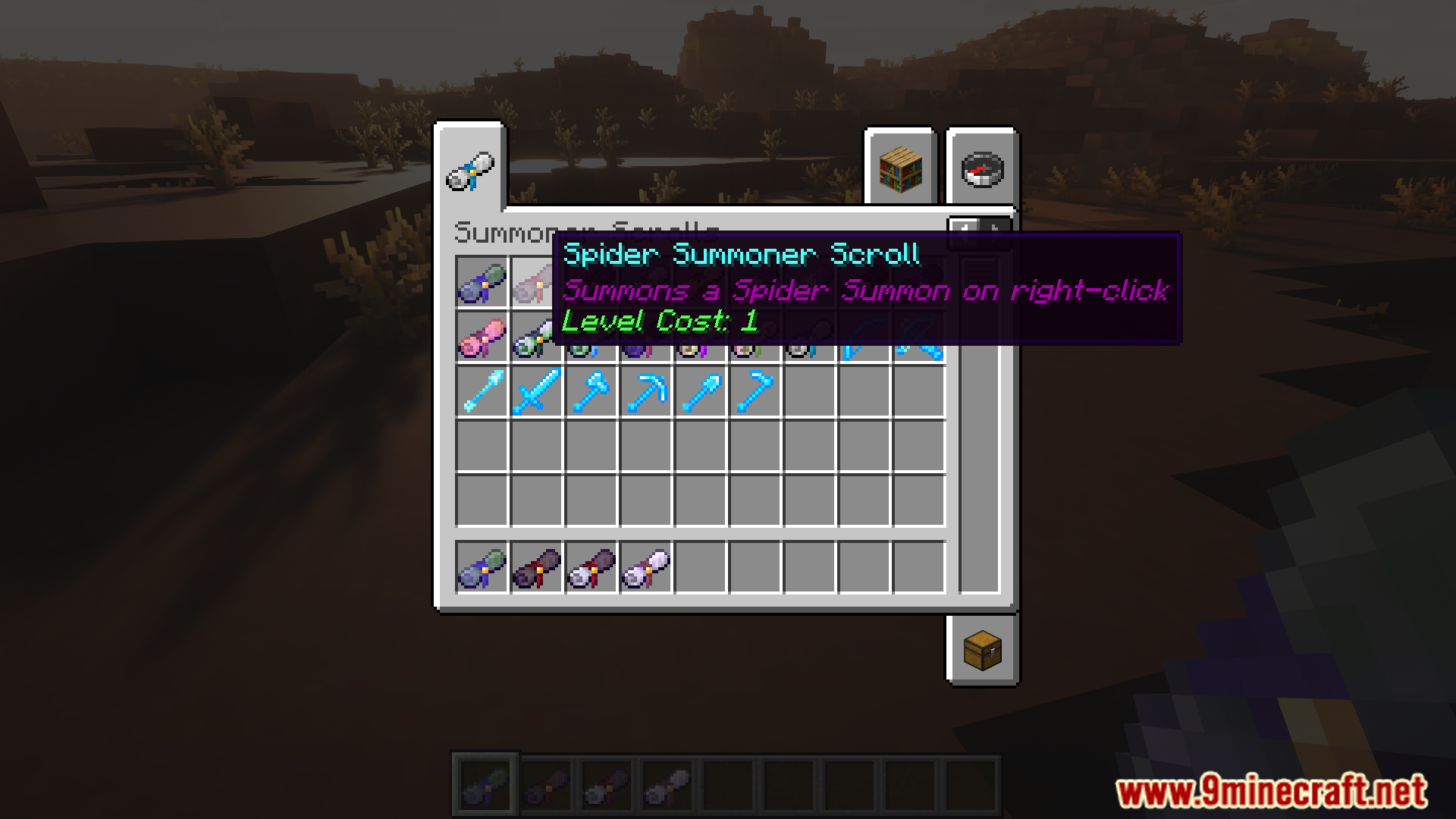
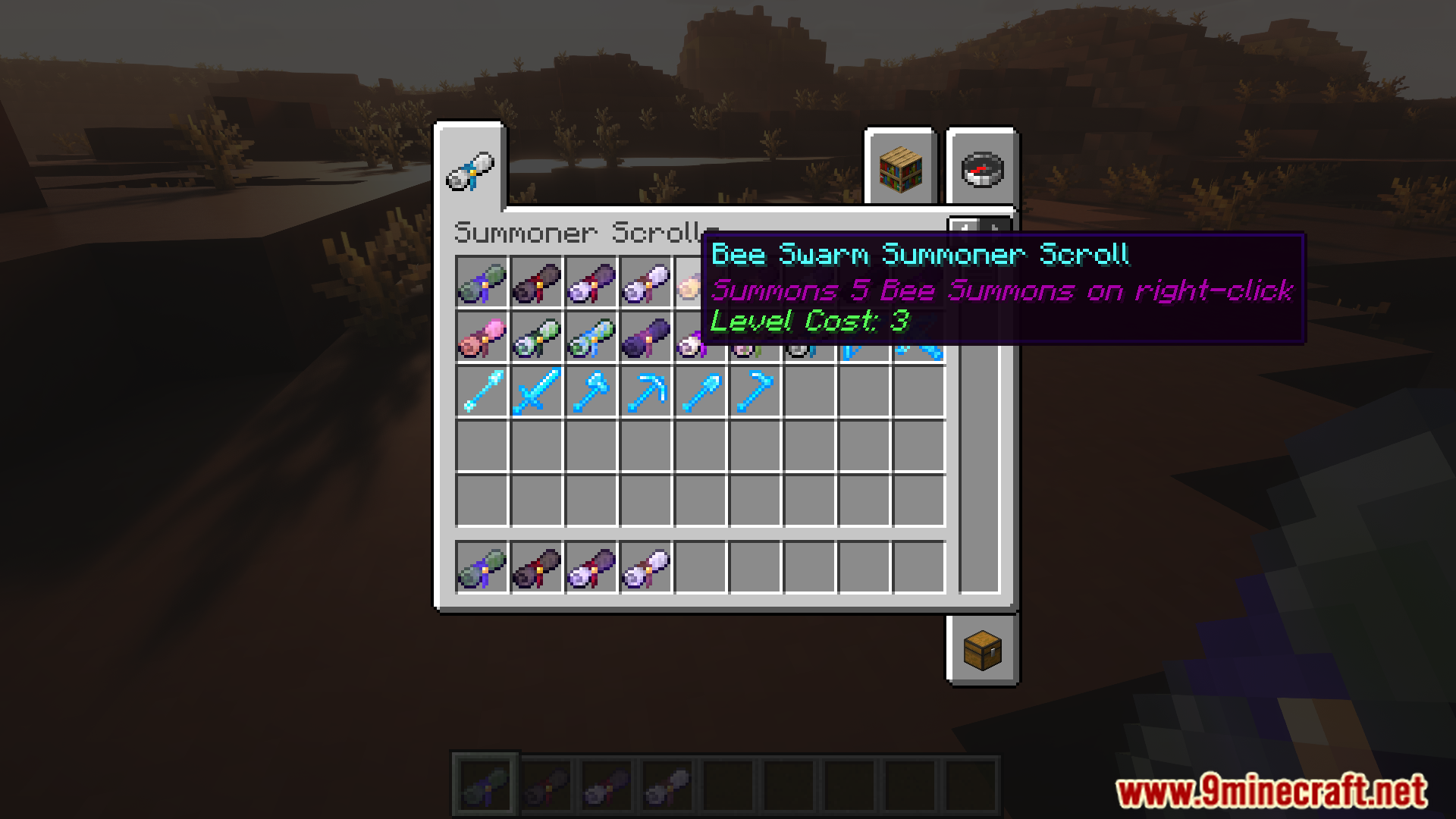
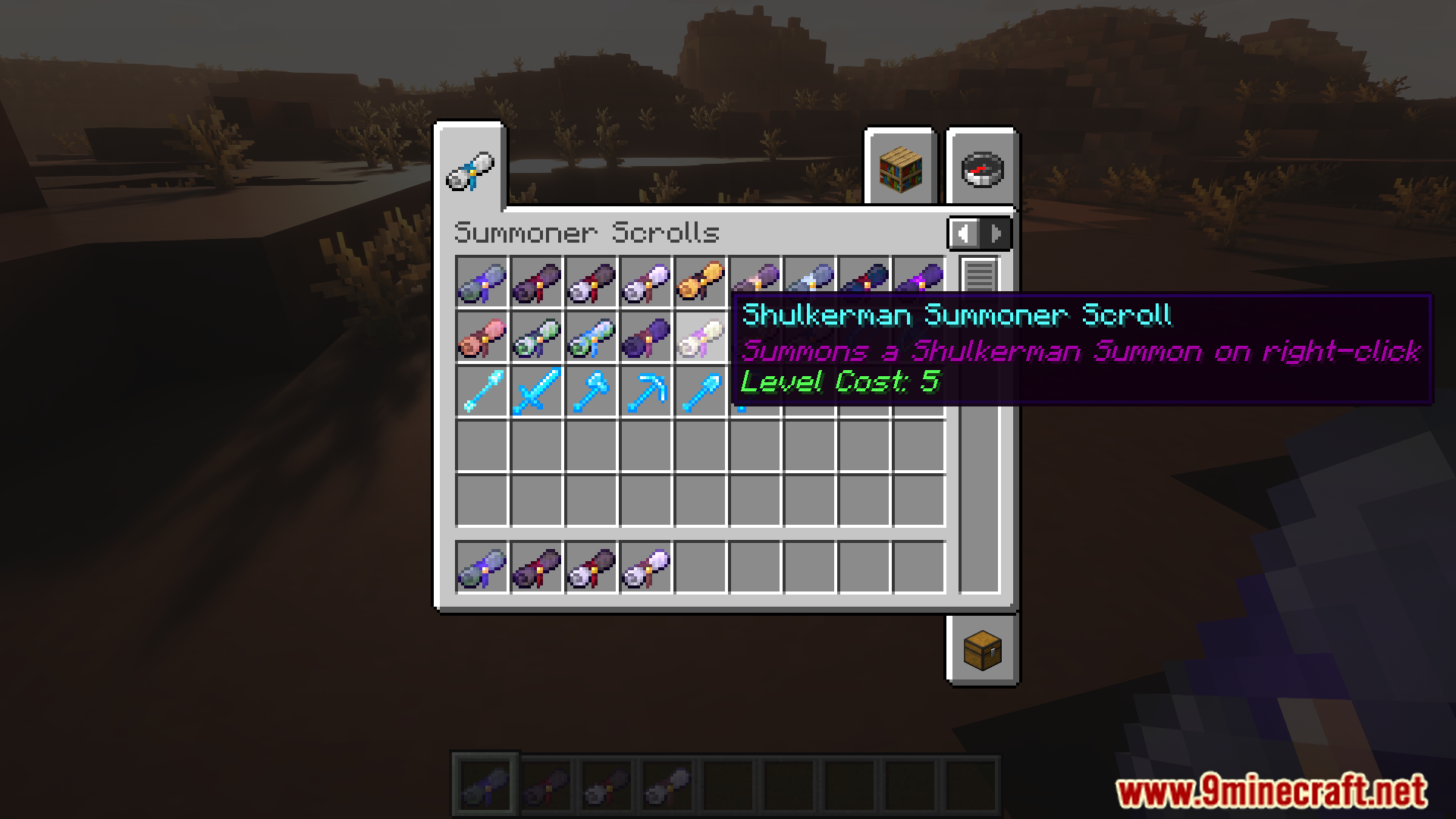



Summoner Scrolls Mod adds special scrolls that work like Enchanted Books. You can apply them to tools on an Anvil, giving the tool the power to summon mobs when you right-click. This action costs some of your Experience Levels. The scrolls can also be used on their own, but they have limited durability. You can find all scrolls in treasure chests found in the world.
Features:
- Apply scrolls to tools to summon mobs with a right-click.
- Use scrolls by themselves for a limited number of summons.
- Upgrade scrolls by combining them with Enhancement Scrolls on an Anvil.
- Find all summoning scrolls in loot chests during your adventures.
Available Summons and Upgrades:
- Zombie: Can be upgraded to a Husk.
- Skeleton: Can be upgraded to a Stray.
- Spider: Can be upgraded into 3 Cave Spiders.
- Creeper: Can be upgraded to a Charged Creeper.
- Enderman: Can be upgraded to a Shulkerman.
- Piglin: Can be upgraded to a Piglin Brute.
- Special Summons: You can also summon an Iron Golem, a swarm of 5 Bees, or fuse a Spider and Skeleton scroll to create a Spider Jockey.
How to Use:
- Find Summoner Scrolls inside loot chests.
- To enchant a tool, combine it with a scroll on an Anvil.
- Right-click with the enchanted tool to summon a mob, which will cost some XP.
- To get a stronger mob, combine a basic scroll with an Enhancement Scroll on an Anvil.
- You can also use a scroll directly without a tool, but it will break after a few uses.
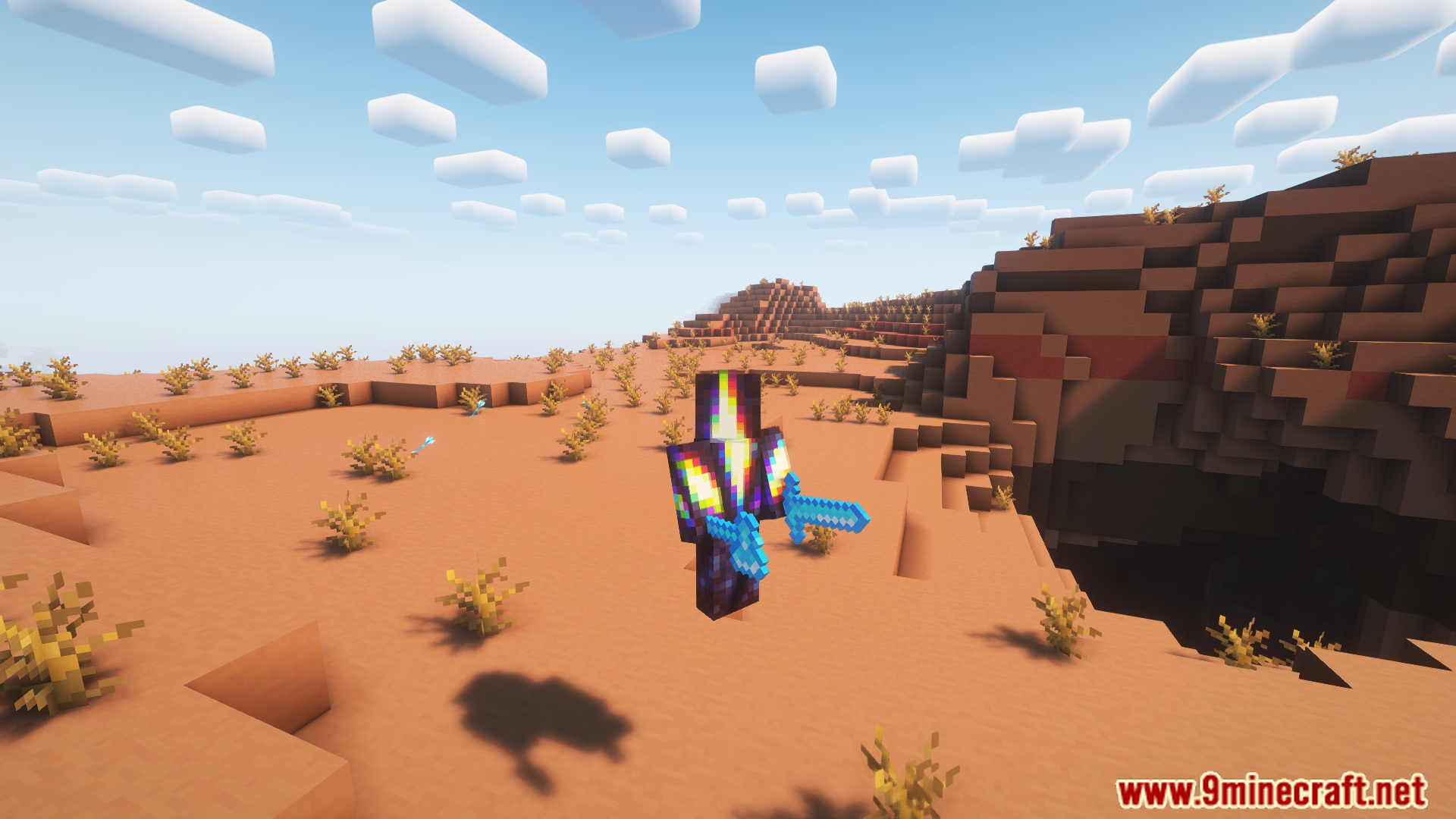
Screenshots:







Summoner Scrolls Mod Download Links
For Minecraft 1.20.1, 1.20
Forge Version: Download from Server 1 – Download from Server 2
Fabric Version: Download from Server 1 – Download from Server 2
Quick facts
- Edition: Minecraft Java
- File type: .jar
- Minecraft version listed: 1.20.1
- How to install: Install the matching mod loader (Forge, Fabric or NeoForge) for your Minecraft version. → Download the .jar. → Put it in the .minecraft/mods folder and launch that loader profile.
- Where to get it: In MC Java Mods, or directly above on this page.
Install steps are the general flow for this file type — How to install Minecraft Java mods & modpacks walks through it step by step.
Verified by MCModsHub
- Downloads as 177745.mcaddon
- Download size: 408 KB
- Download link checked 24 Jul 2026 — working
- Mirrored on our own servers — the download does not depend on the original host
These come from our own check of the pack file, not from the source page.