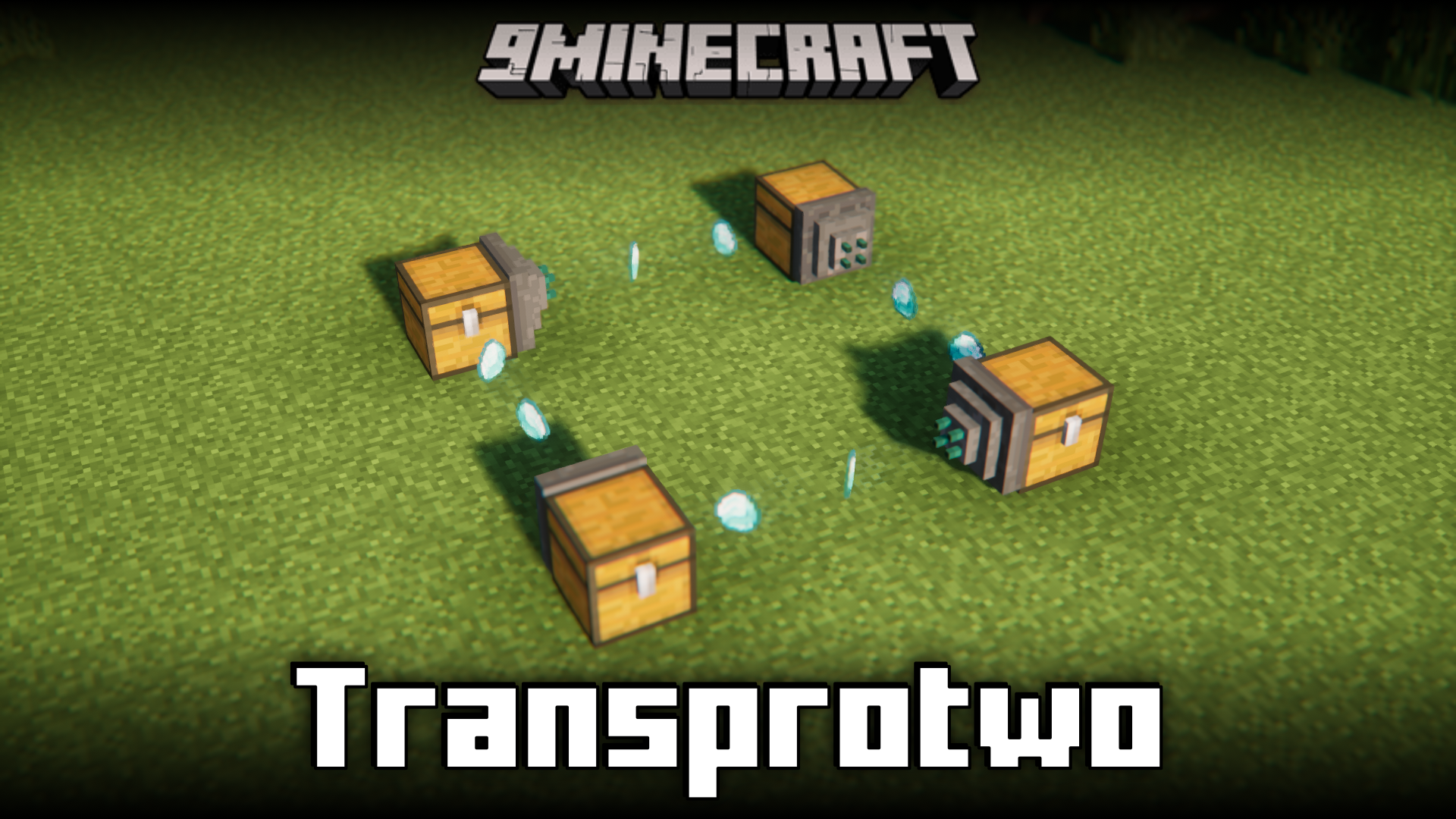
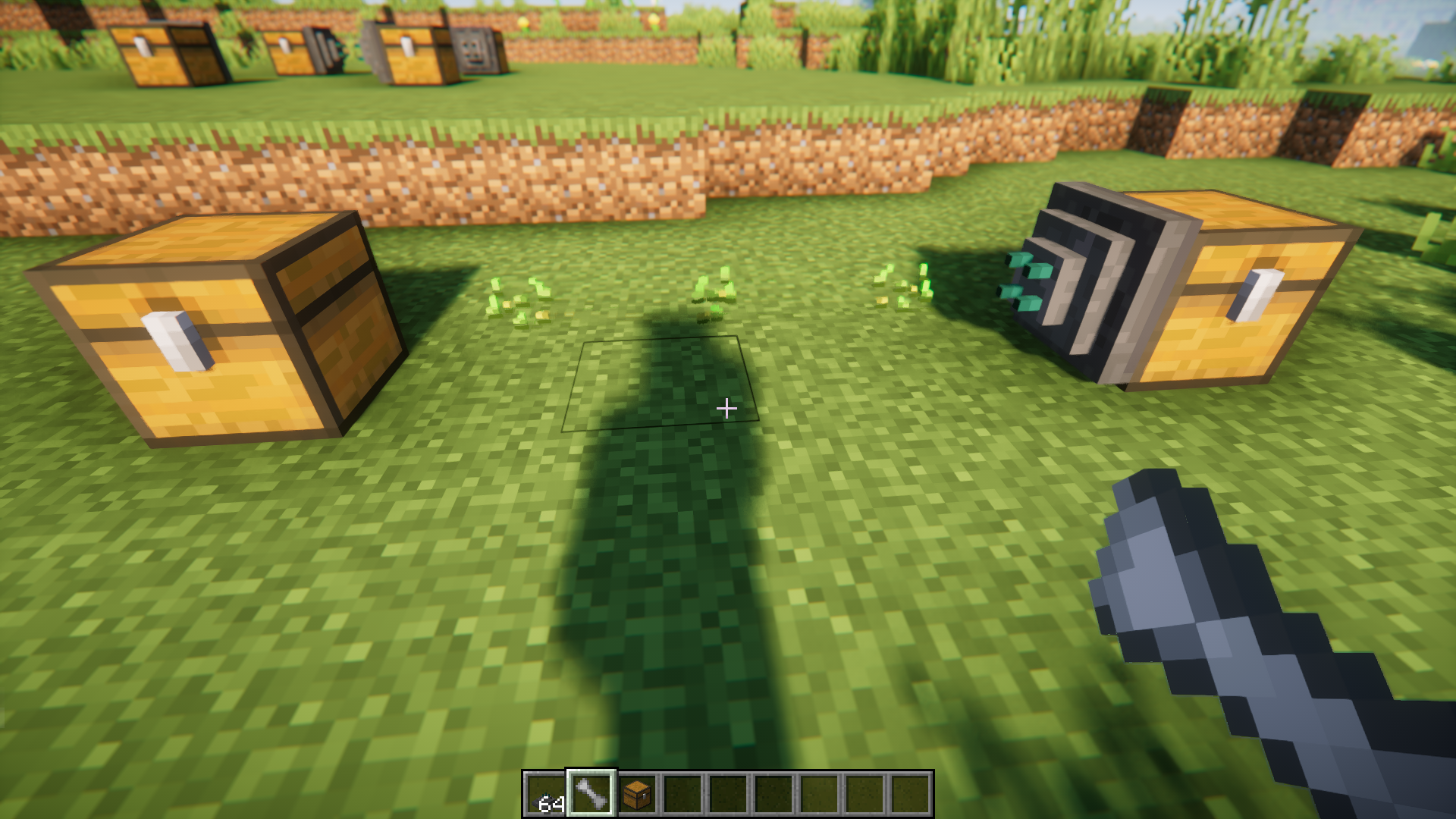
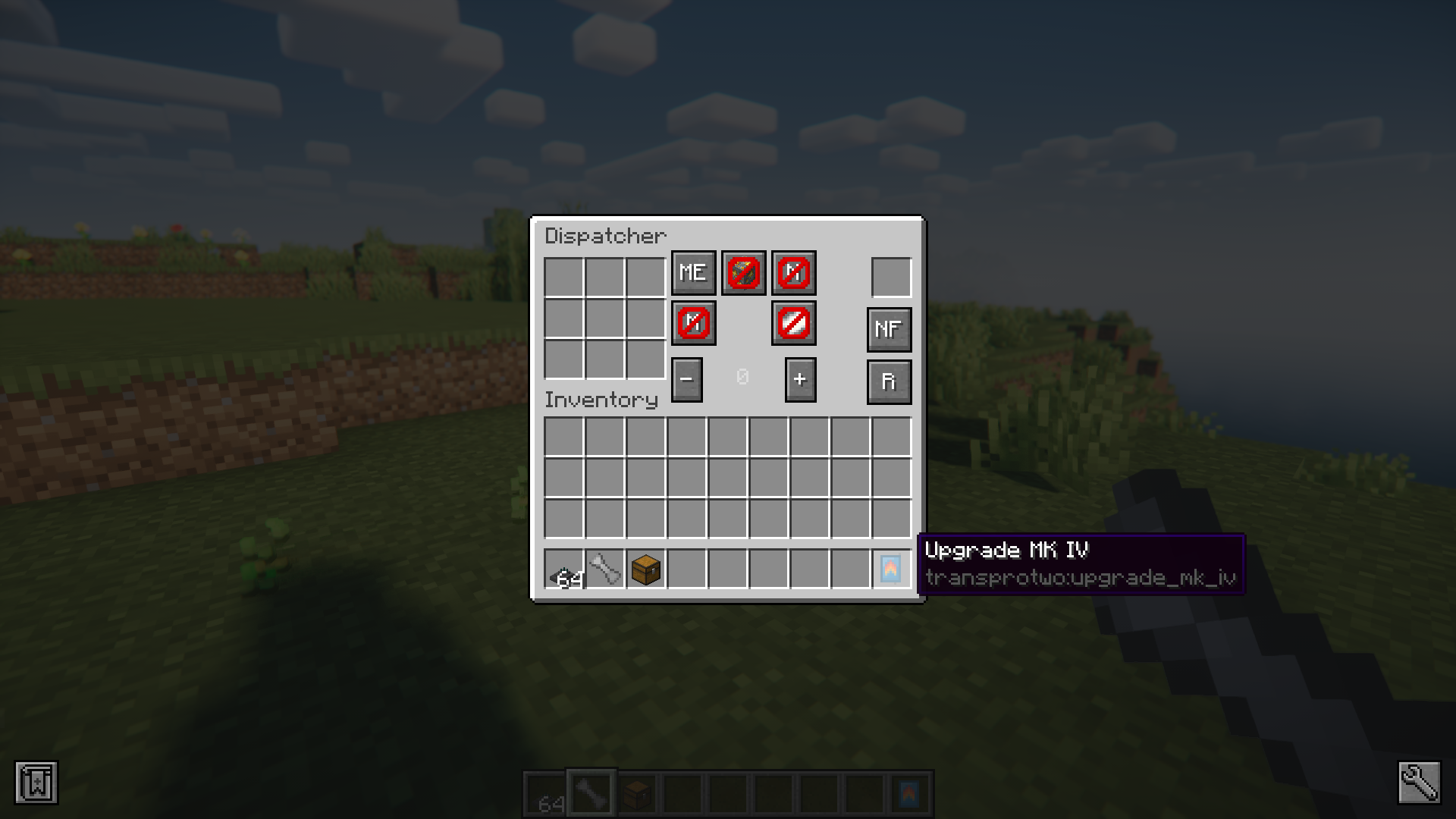
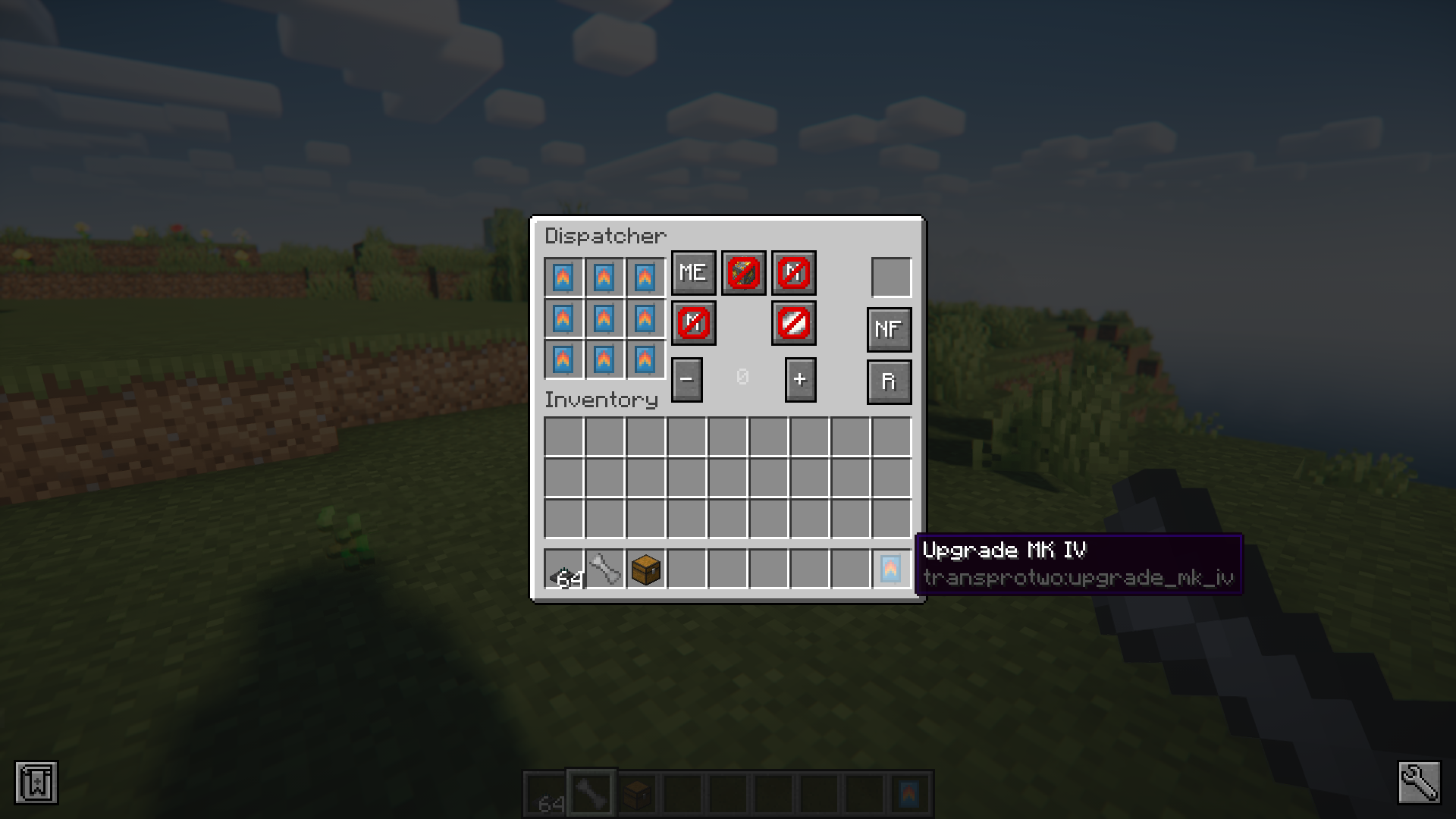
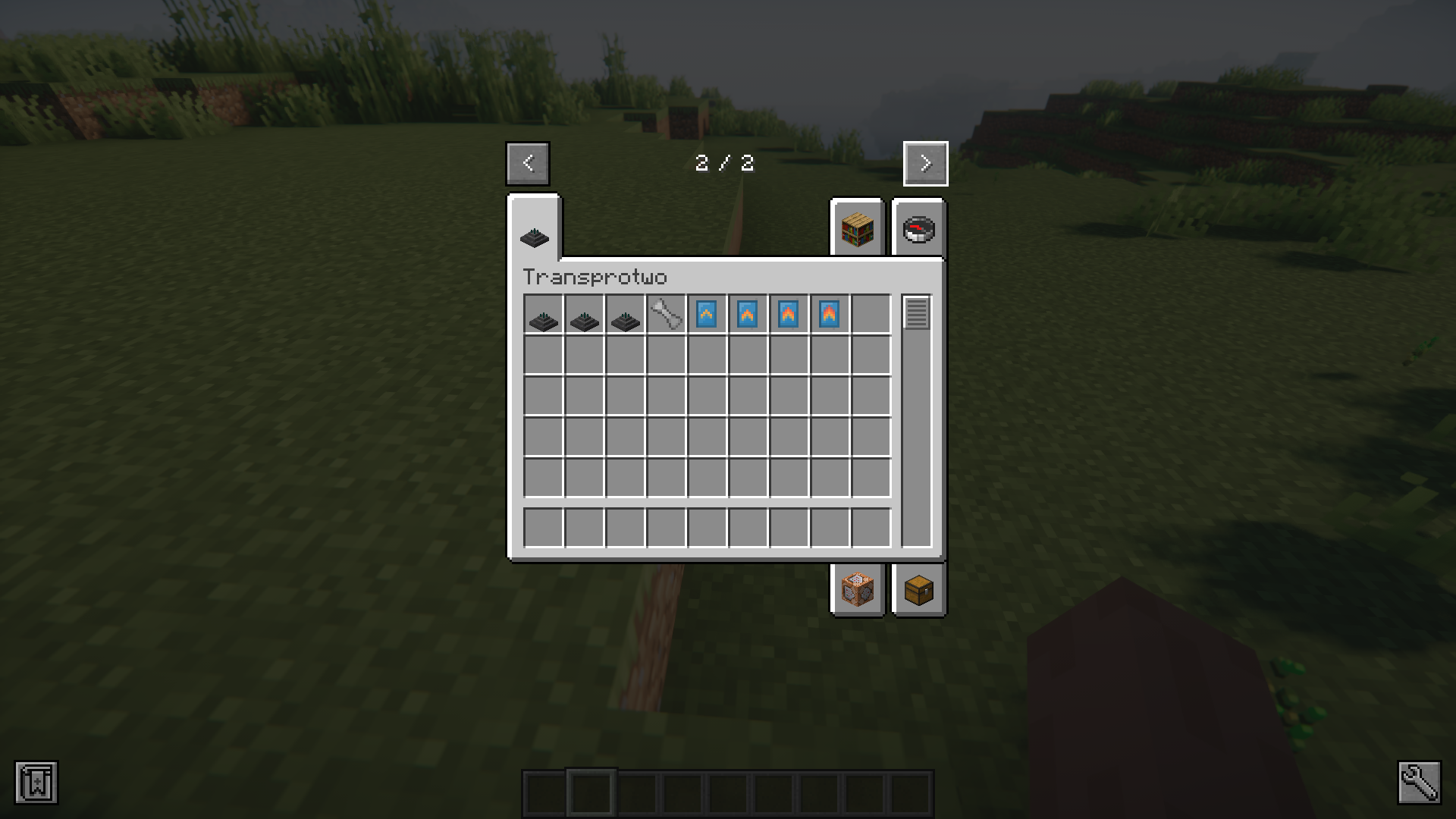
Transprotwo Mod introduces gadgets into your game that you can use to transfer items, fluids or power from one location to another wirelessly. There are three types of dispatcher. The regular dispatcher transfers items wirelessly, the fluid dispatcher transfers fluids and the power dispatcher transfers power. The Linker item is a tool that helps you in connecting the wireless links. Step by step instructions on how to use these dispatchers are given below.
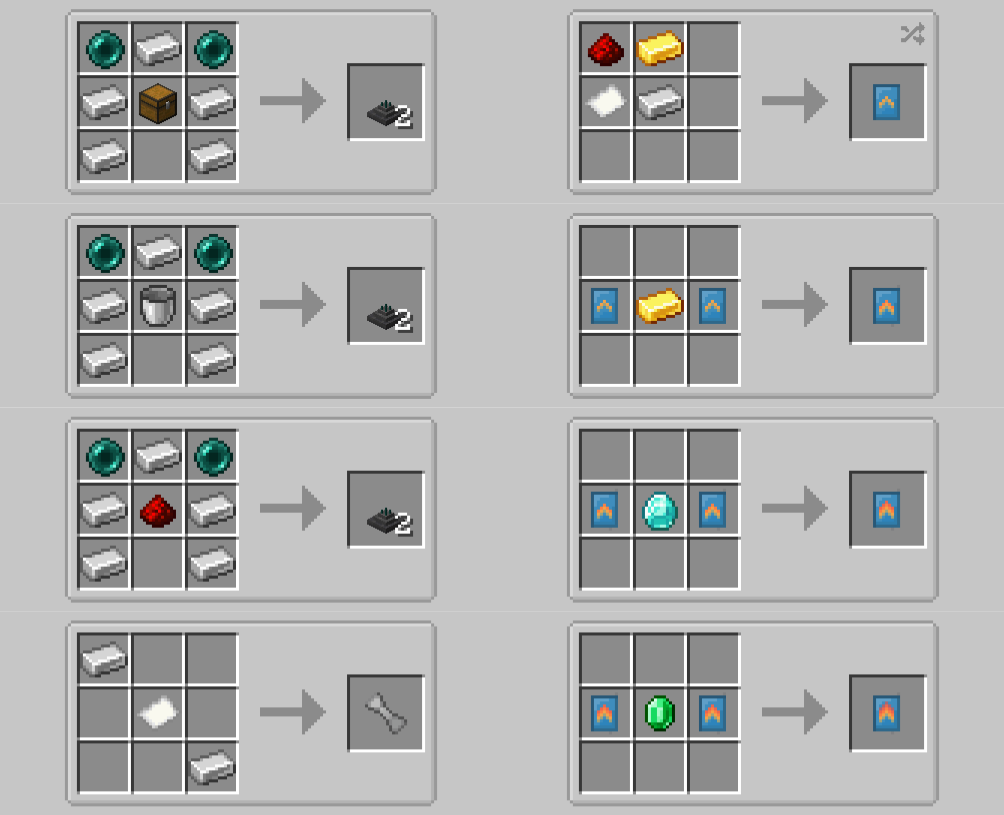
Crafting Recipes:
Screenshots:
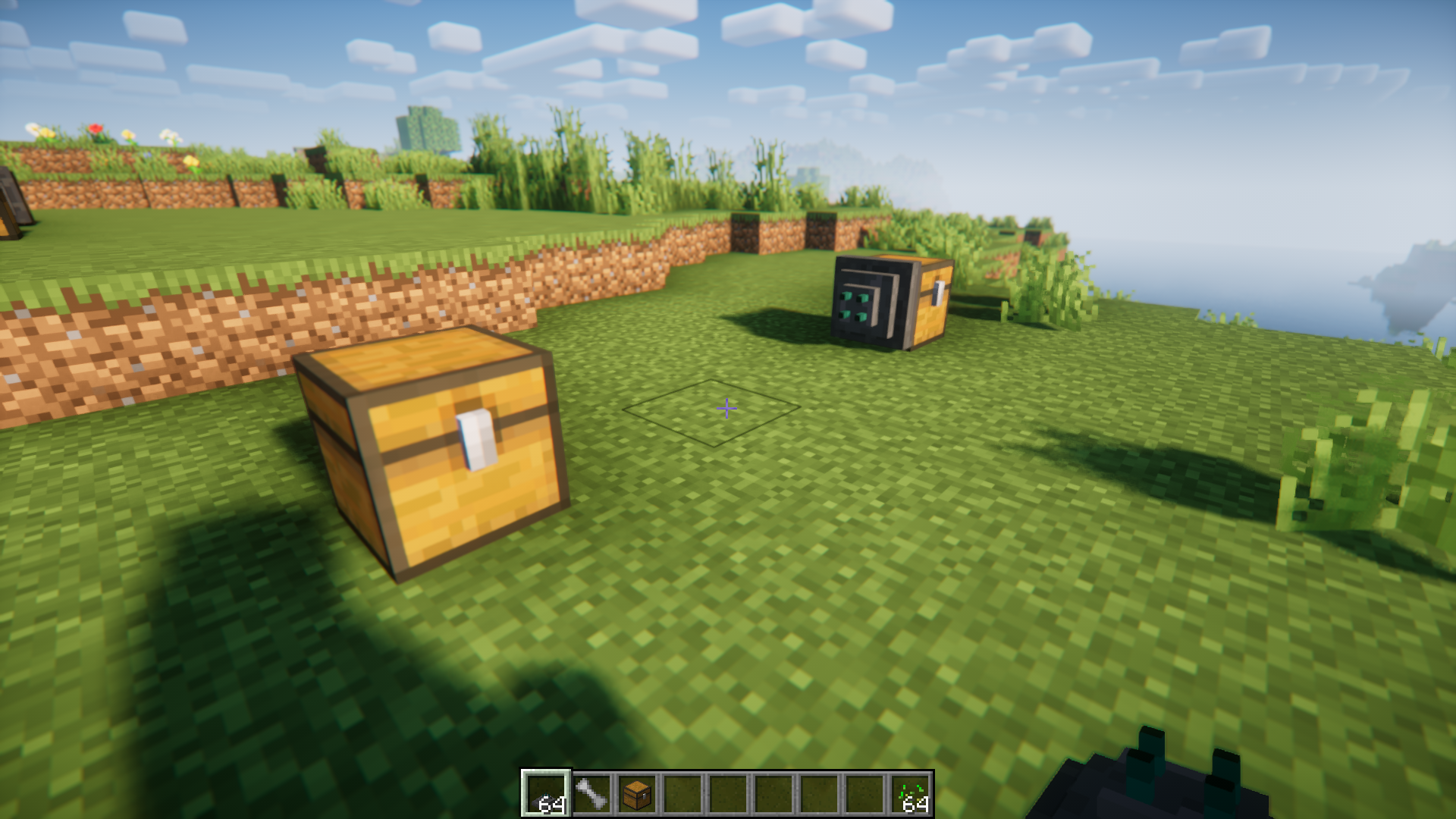
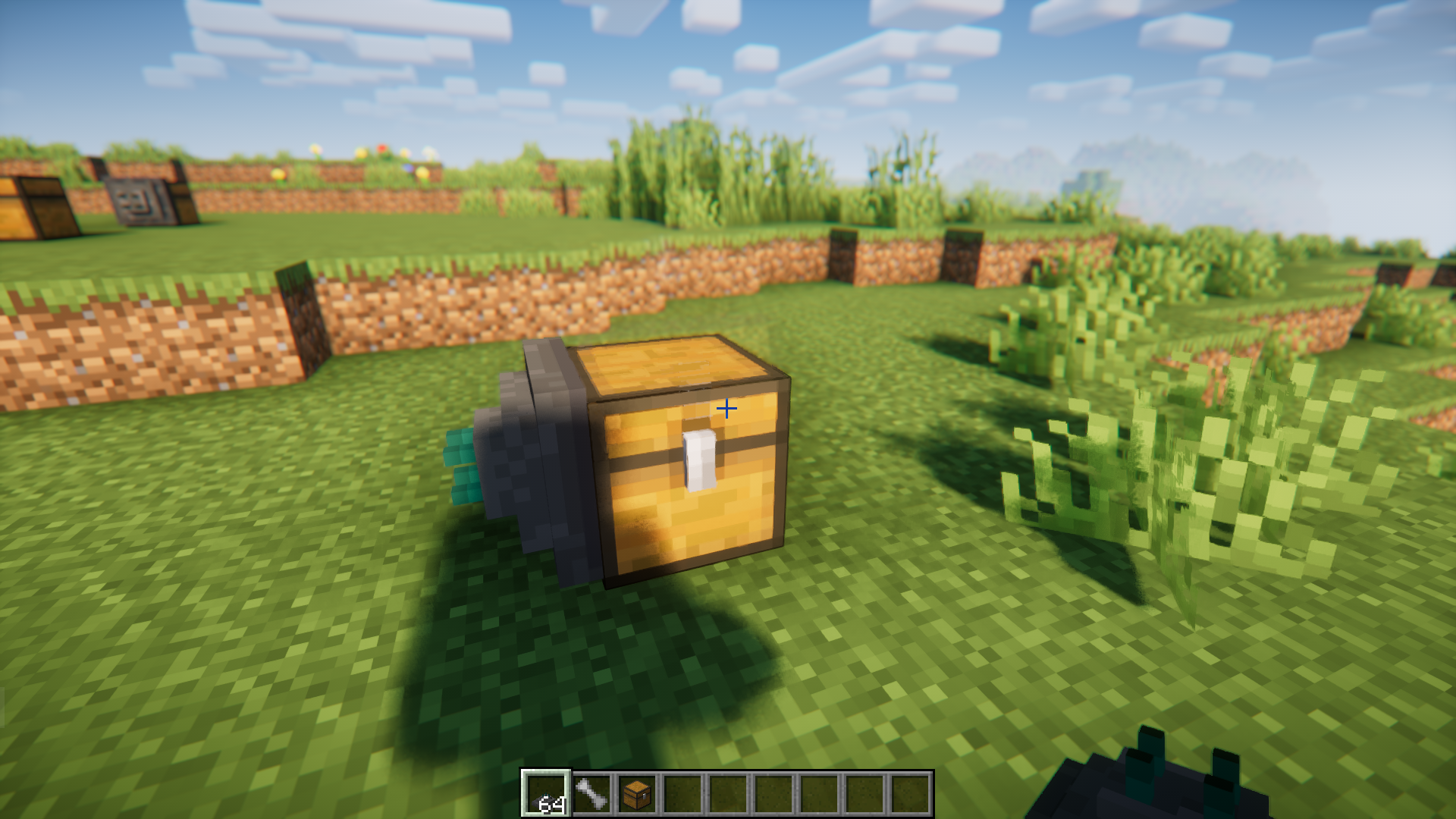
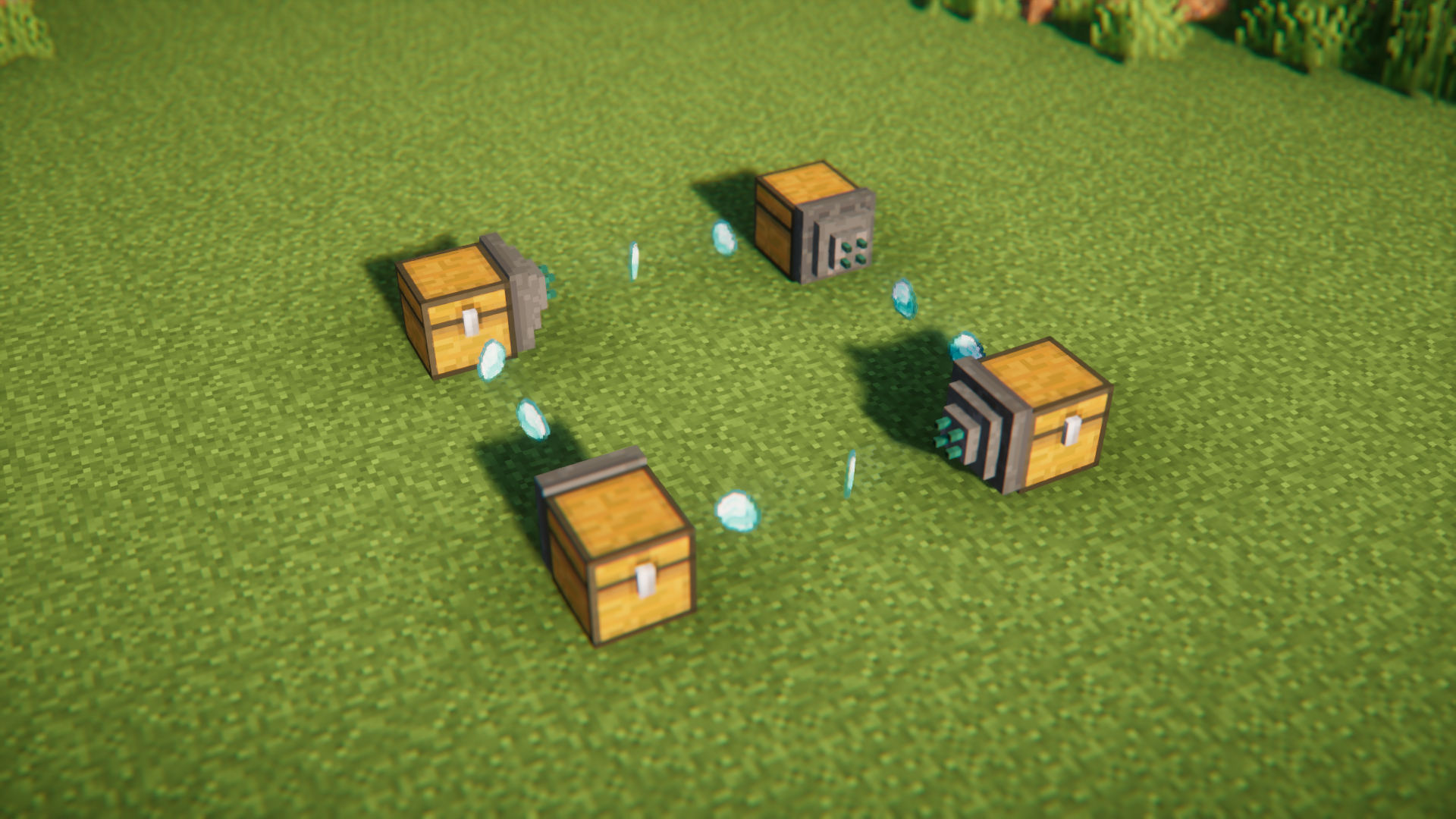
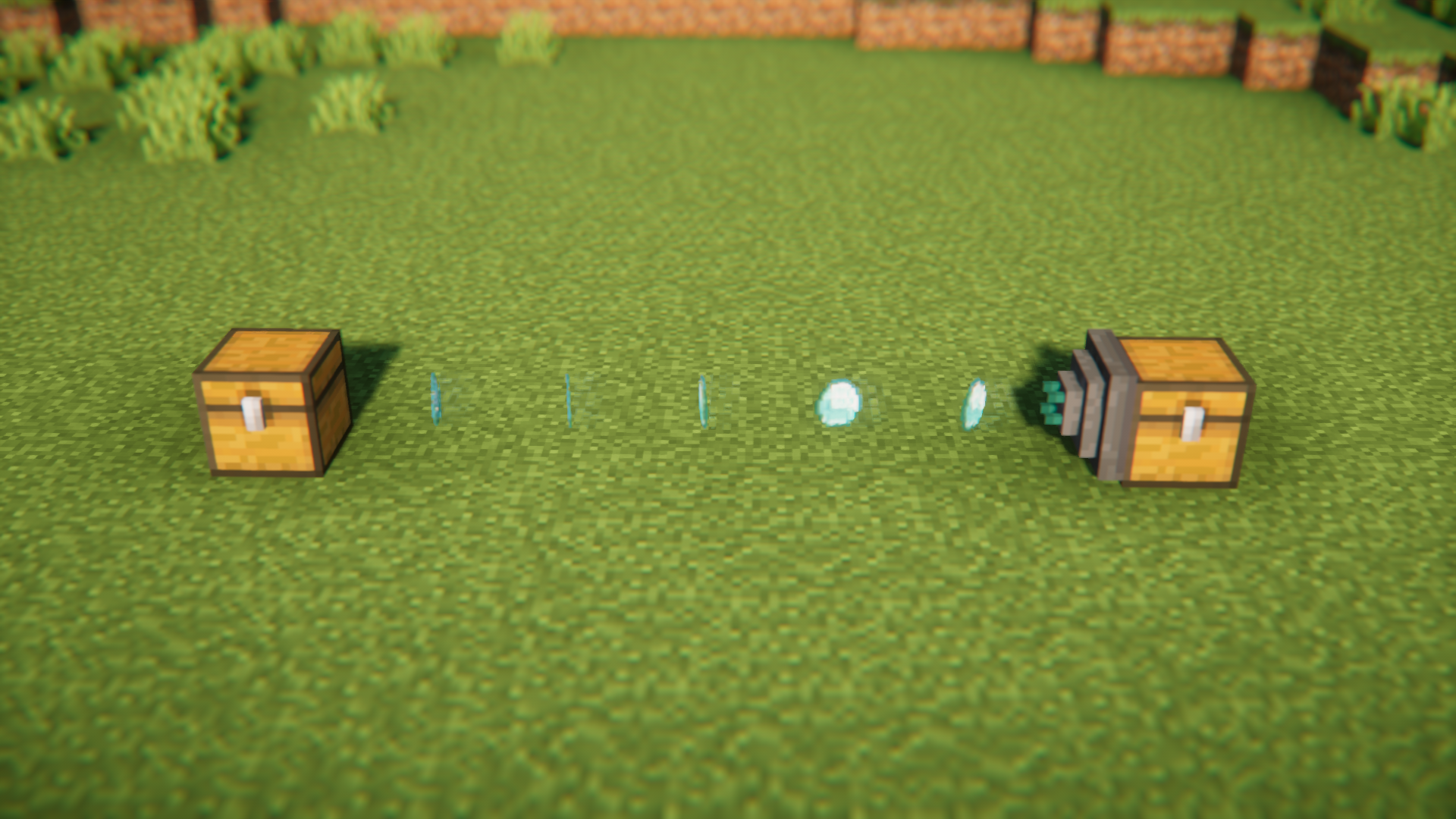
Two chests are placed at a short distance from one another. The item dispatcher is connected to the output chest from which items are drawn and transported into the second chest.
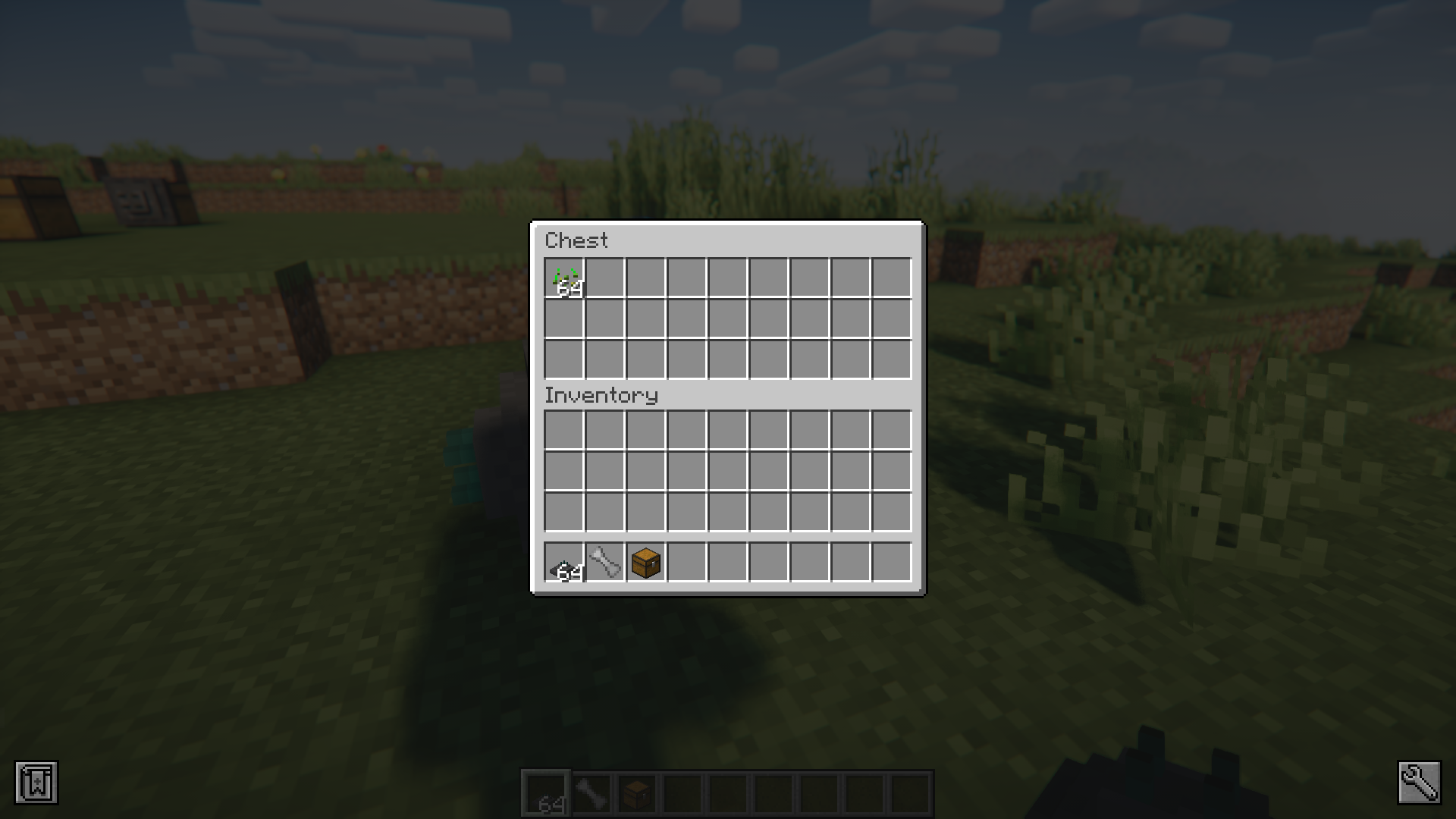
Items to be transferred are input into the chest with the dispatcher attached.
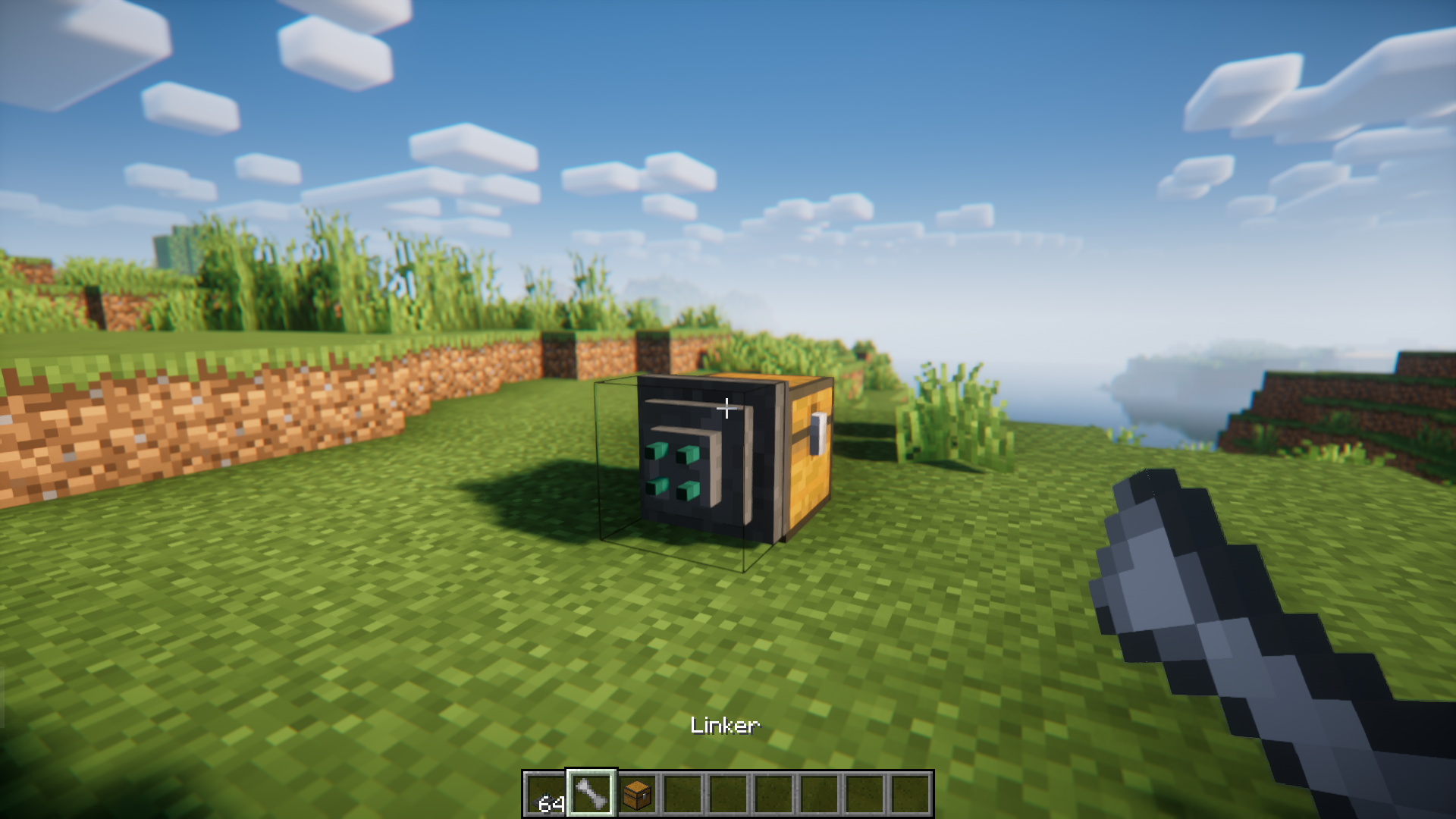
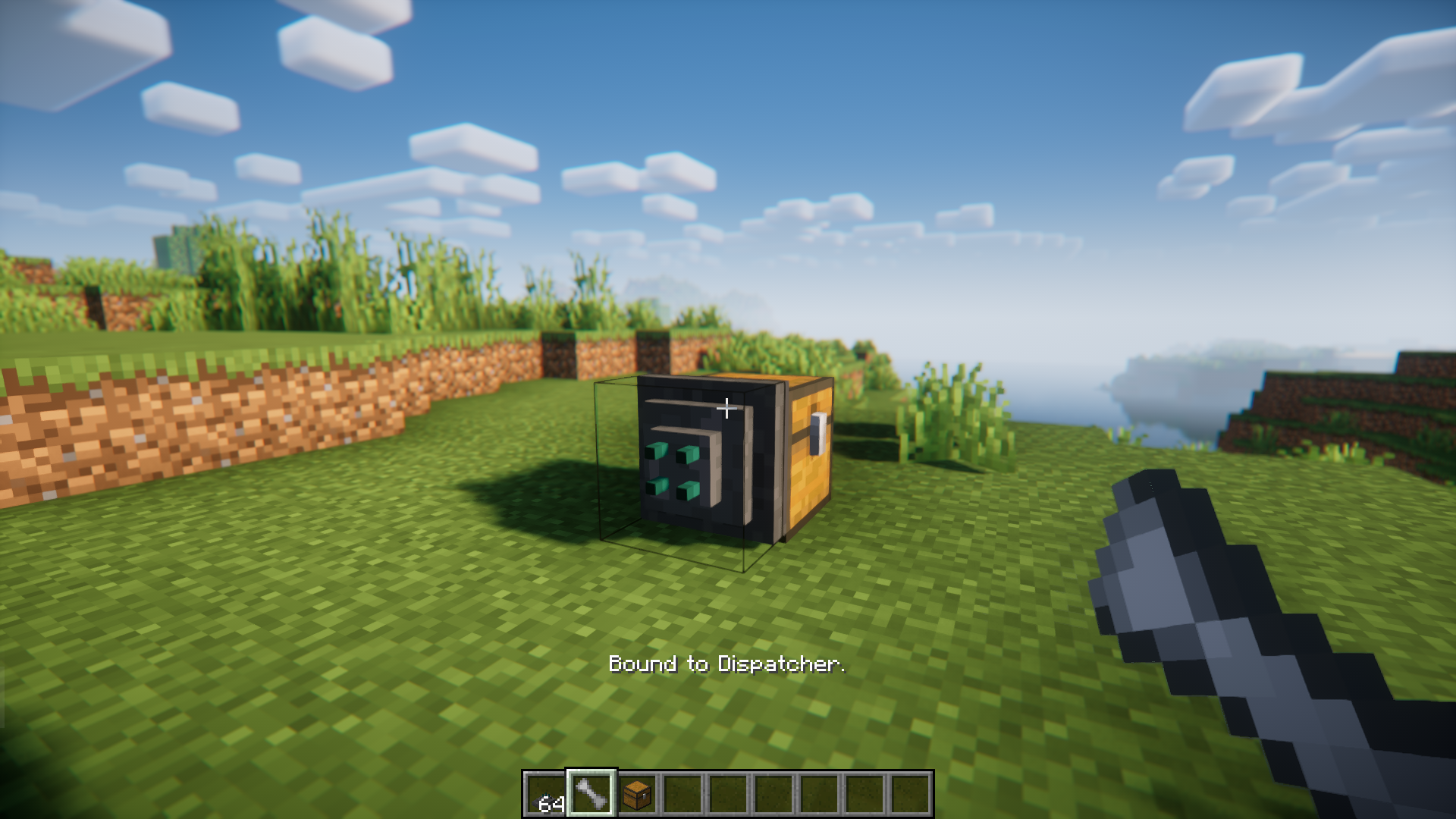
Crouch + Right click on the dispatcher with a Linker item.
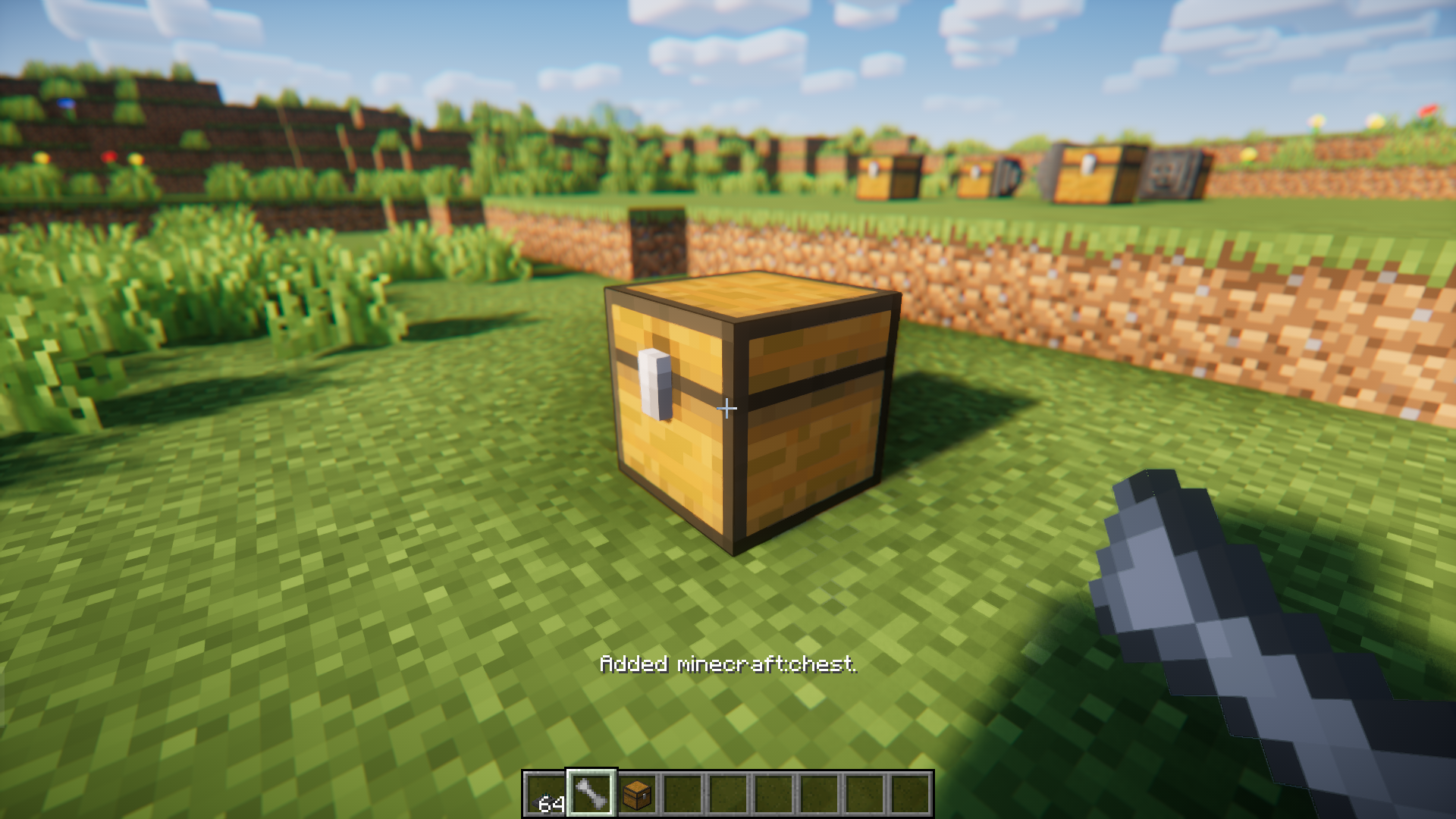
Using the same linker item, crouch + right click on the second chest to which items will be sent to.
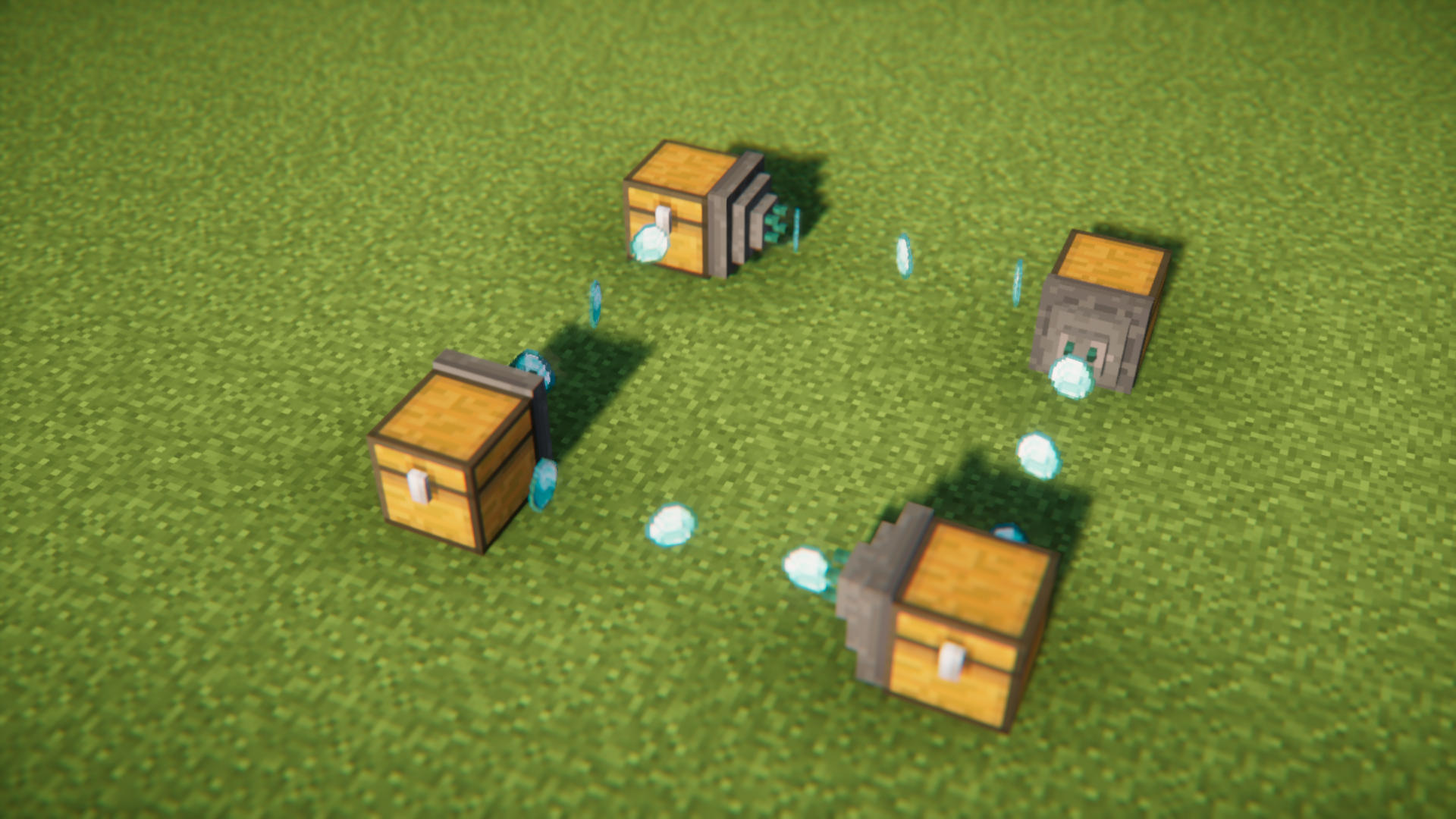
Once done, you will notice that items start flowing from the dispatcher into the second chest.
More Screenshots
Transprotwo Mod Download Links
For Minecraft 1.21.8, 1.21.7, 1.21.6
NeoForge version: Download from Server 1 – Download from Server 2
For Minecraft 1.21.5
NeoForge version: Download from Server 1 – Download from Server 2
For Minecraft 1.21.4
NeoForge version: Download from Server 1 – Download from Server 2
For Minecraft 1.21.1, 1.21
NeoForge version: Download from Server 1 – Download from Server 2
For Minecraft 1.20.6
NeoForge version: Download from Server 1 – Download from Server 2
For Minecraft 1.20.1
Forge/NeoForge version: Download from Server 1 – Download from Server 2
For Minecraft 1.19.2
Forge version: Download from Server 1 – Download from Server 2
For Minecraft 1.18.2
Forge version: Download from Server 1 – Download from Server 2
For Minecraft 1.17.1
Forge version: Download from Server 1 – Download from Server 2
For Minecraft 1.16.5
Forge version: Download from Server 1 – Download from Server 2
- Edition: Minecraft Java
- File type: .jar
- Minecraft versions listed: 1.21.8, 1.20.1
- How to install: Install the matching mod loader (Forge, Fabric or NeoForge) for your Minecraft version. → Download the .jar. → Put it in the .minecraft/mods folder and launch that loader profile.
- Where to get it: In MC Java Mods, or directly above on this page.
Install steps are the general flow for this file type — How to install Minecraft Java mods & modpacks walks through it step by step.
- Downloads as 177747.mcaddon
- Download size: 200 KB
- Download link checked 24 Jul 2026 — working
- Mirrored on our own servers — the download does not depend on the original host
These come from our own check of the pack file, not from the source page.