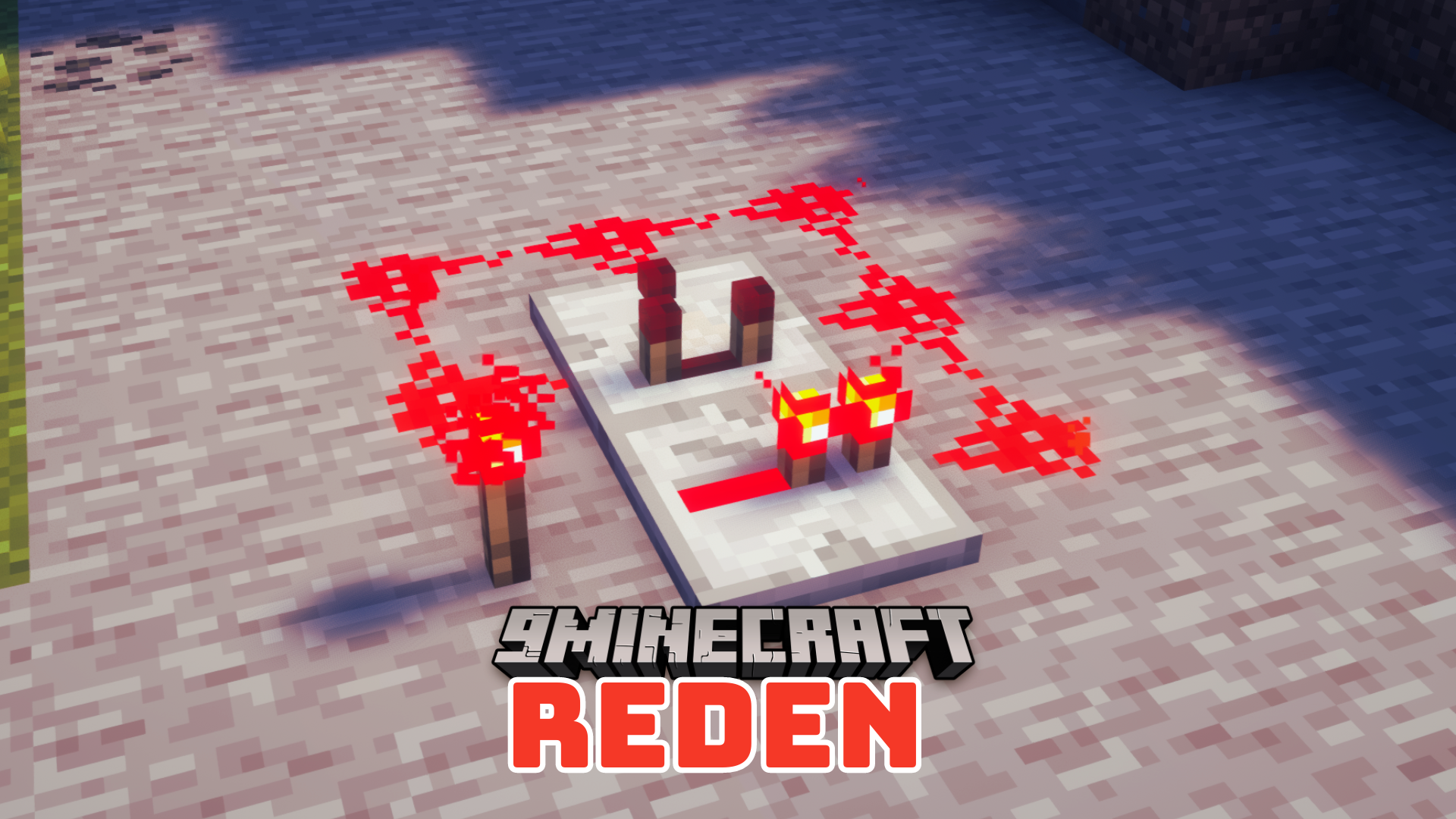
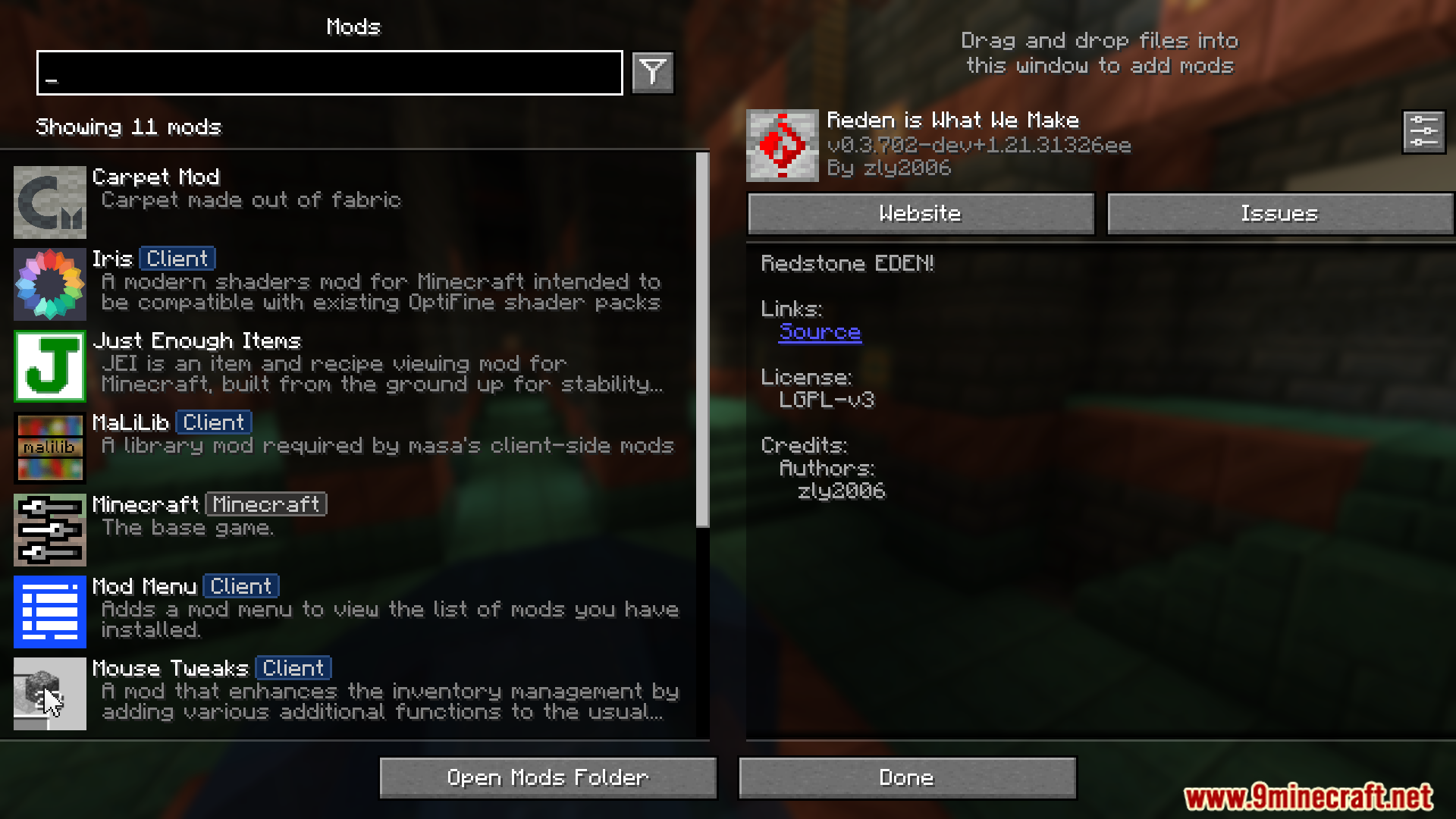
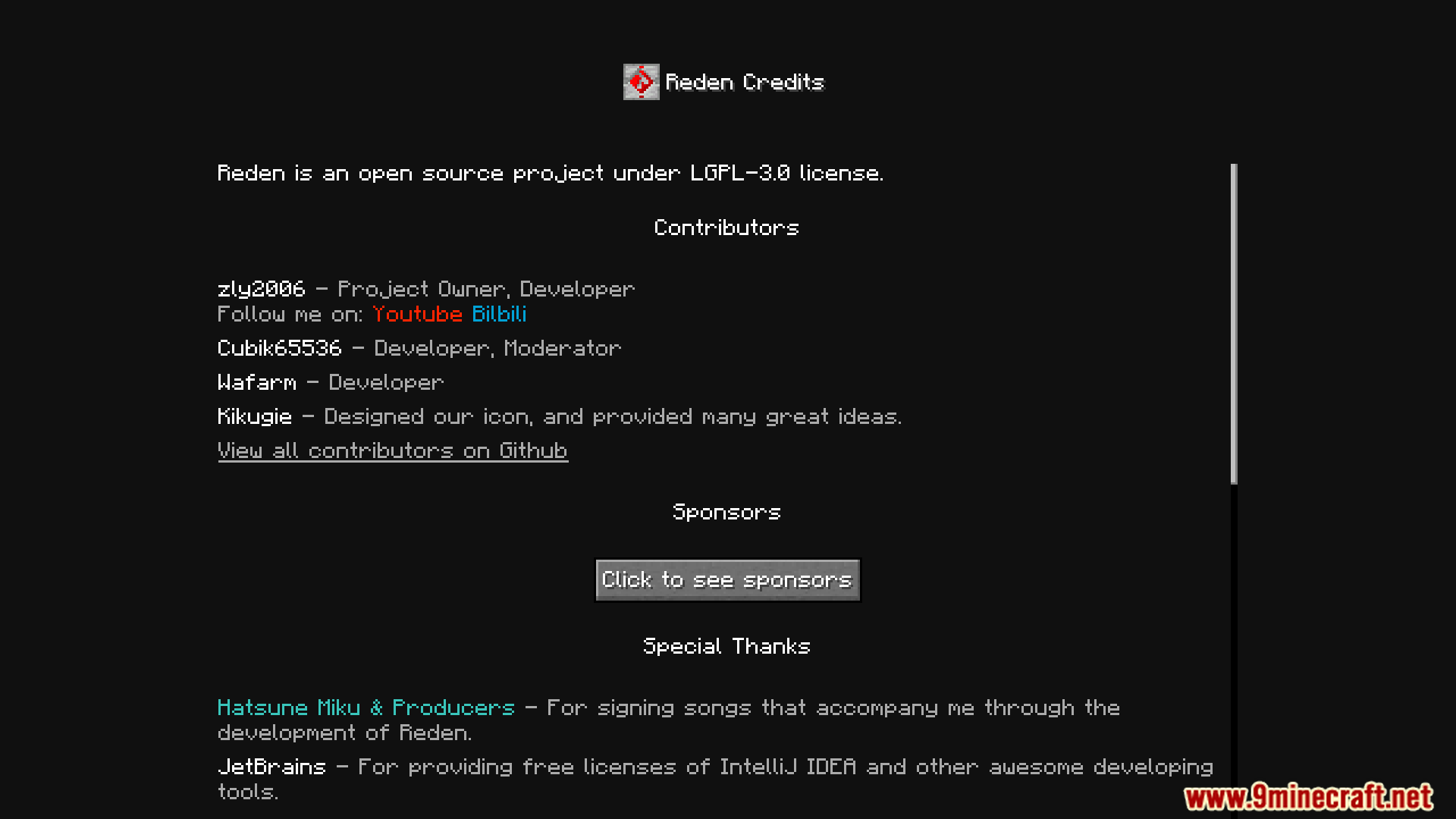
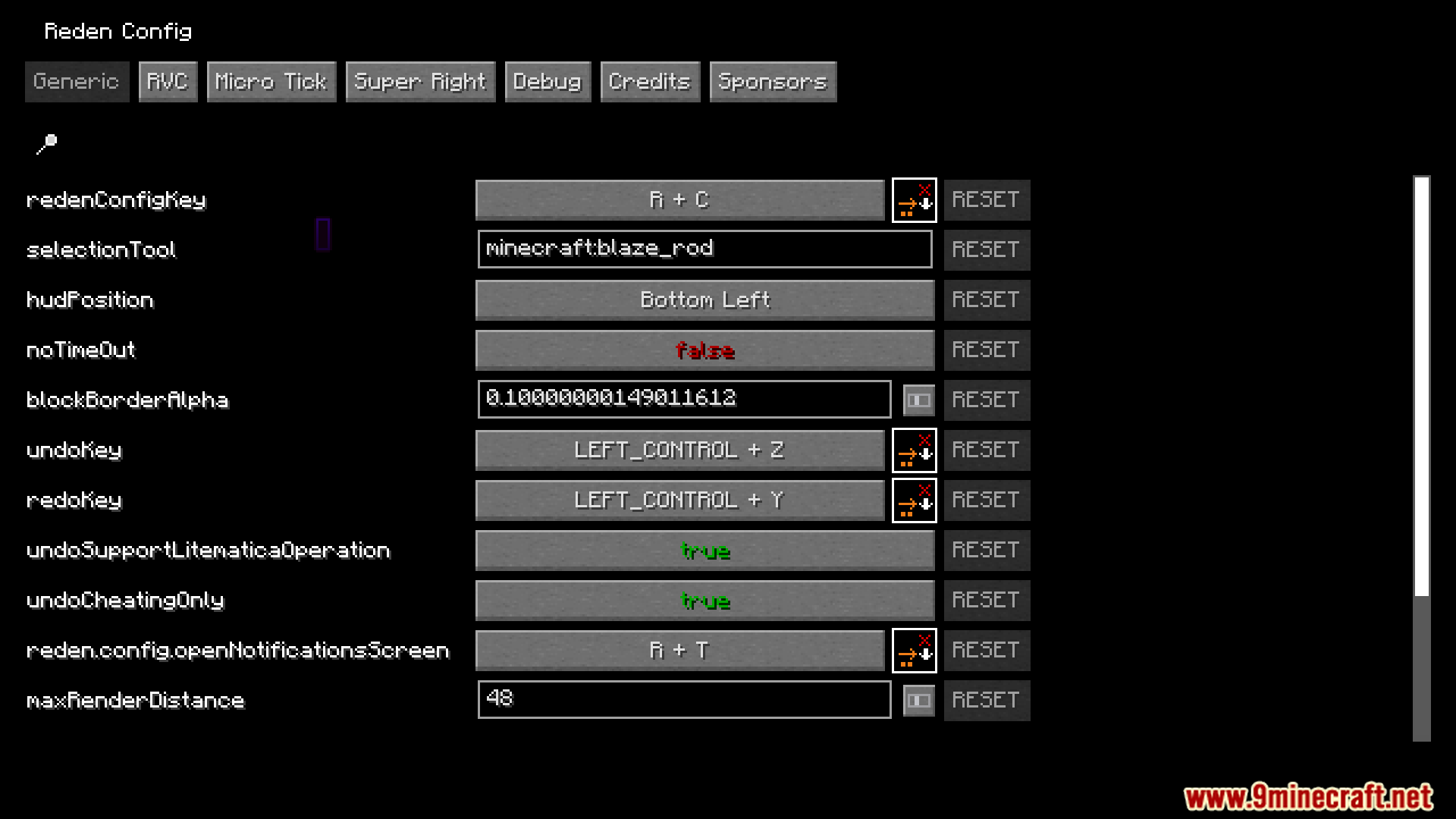
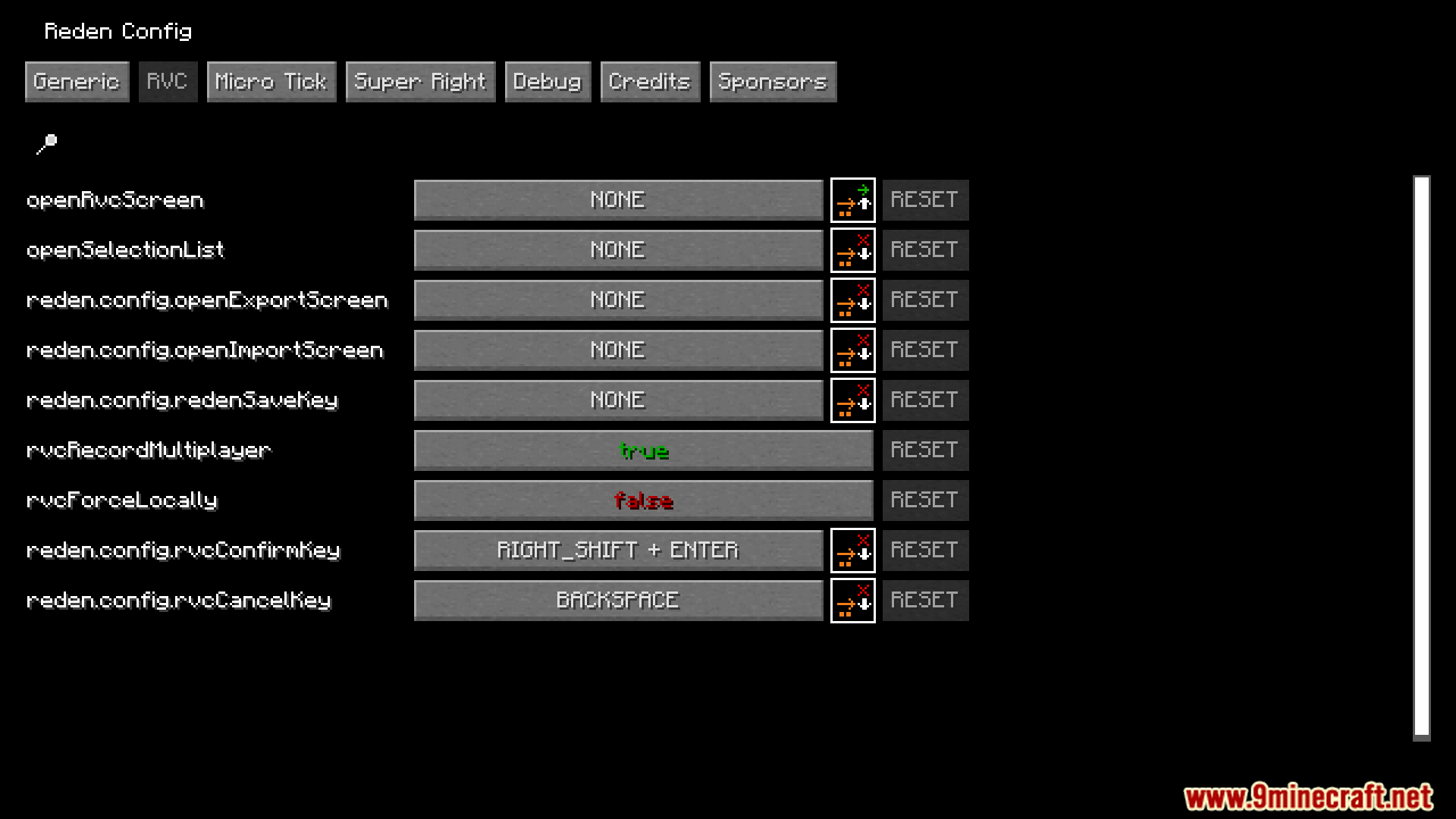
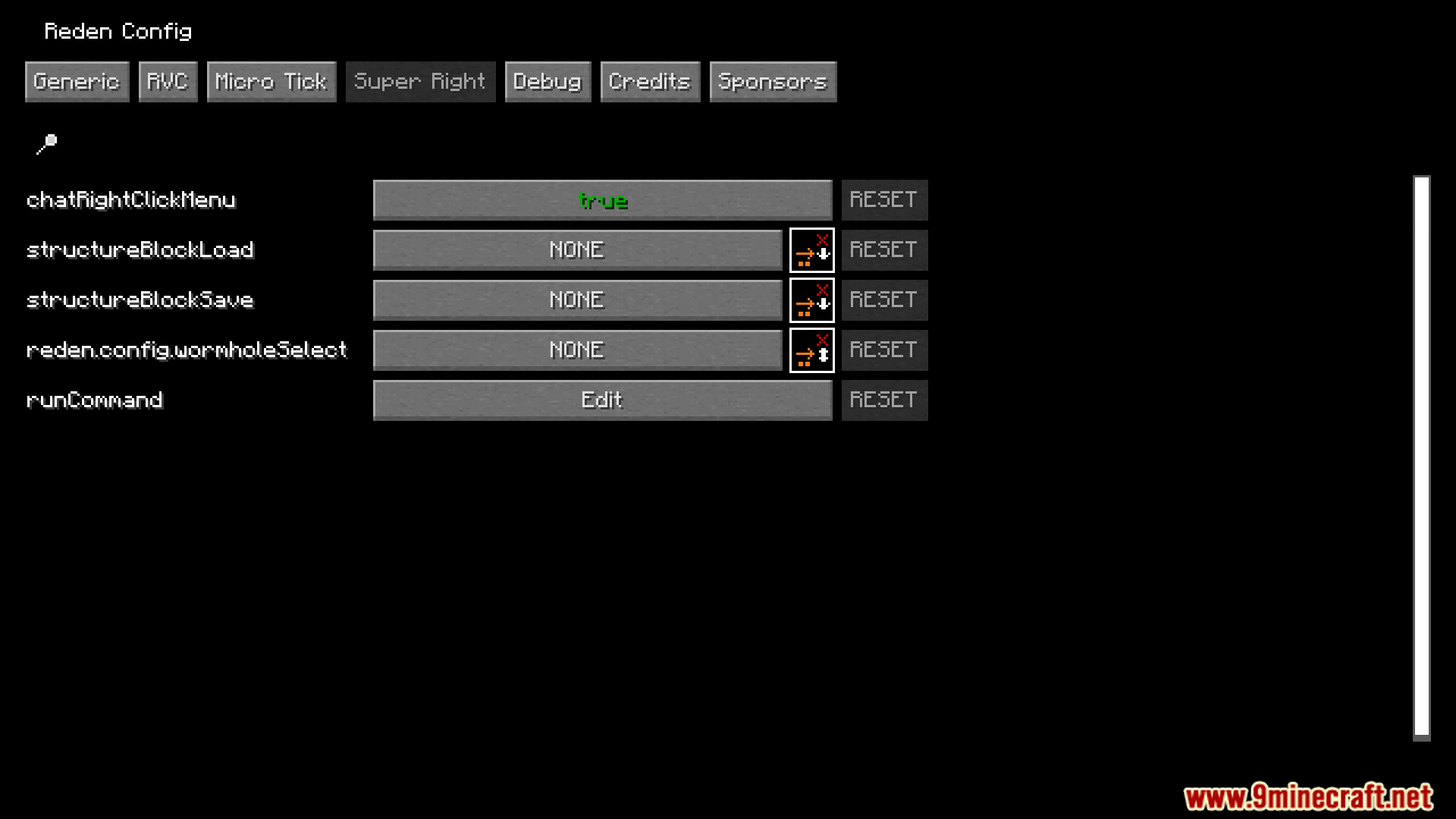
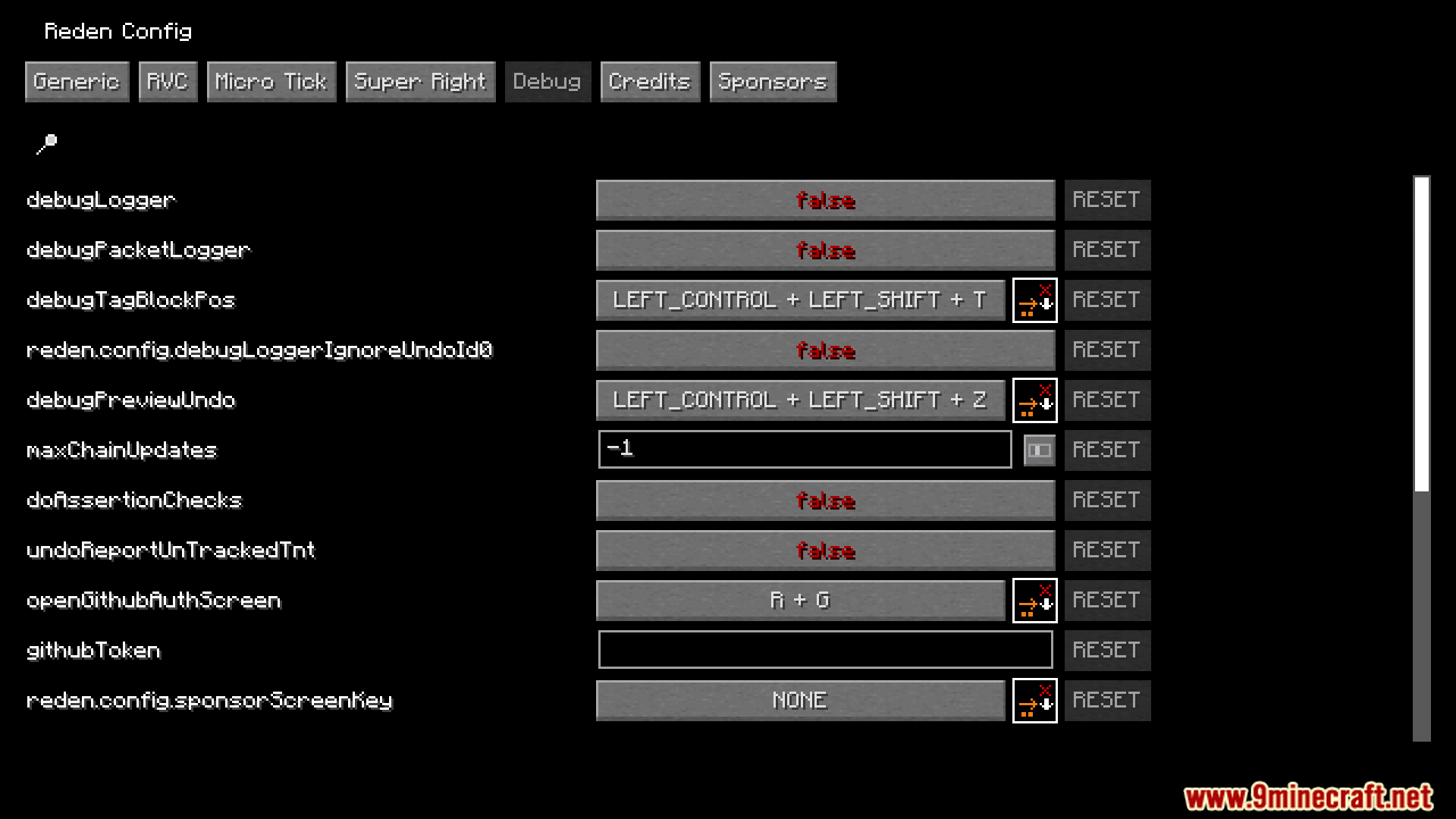
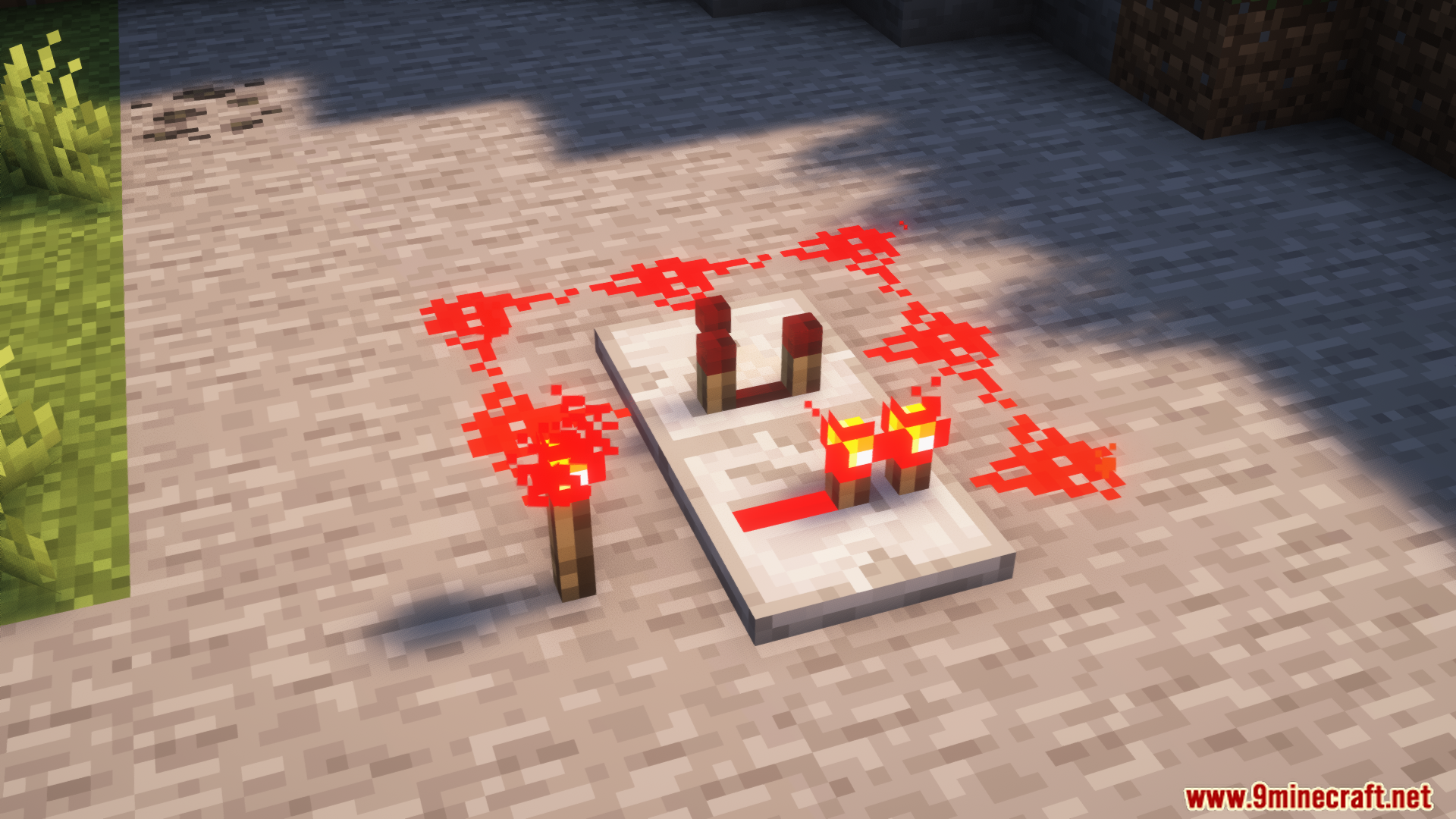
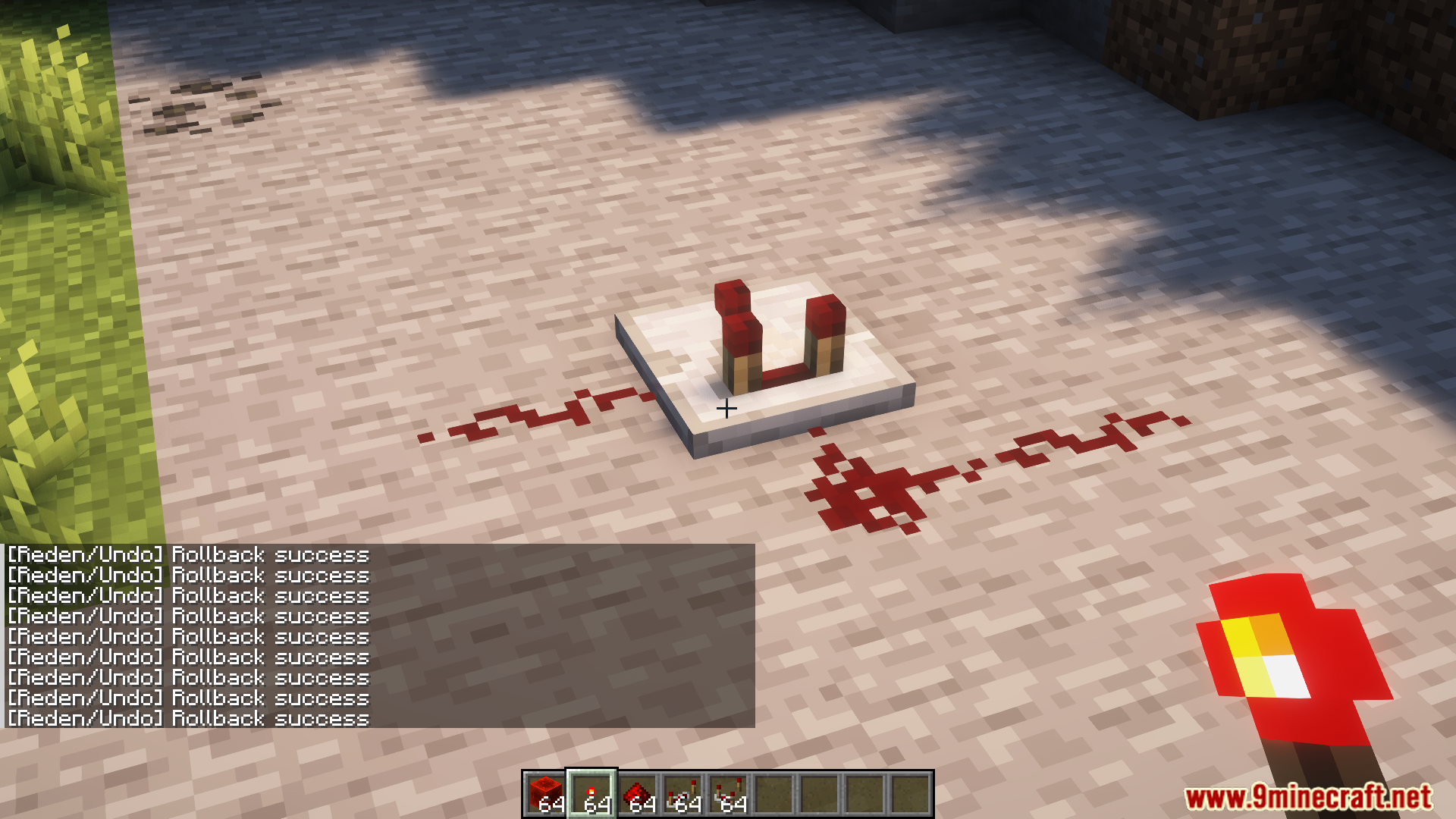
Reden Mod makes working with redstone in Minecraft easier and more fun. It introduces an undo and redo feature, allowing players to fix mistakes while building redstone machines by pressing Ctrl+Z. The mod also adds Redstone Version Control (RVC), enabling users to share redstone creations on GitHub and manage them like code. Block selection is simple using a blaze rod, and the mod helps manage the dependencies of redstone machines. RVC includes update tracking and sharing tools, making it easy to collaborate on redstone projects.
Features:
- Undo and redo feature with Ctrl+Z for quick fixes.
- Redstone Version Control (RVC) for sharing and managing redstone machines.
- Easy block selection with a blaze rod.
- Dependency management for redstone creations.
- Update tracking and collaboration tools via GitHub.
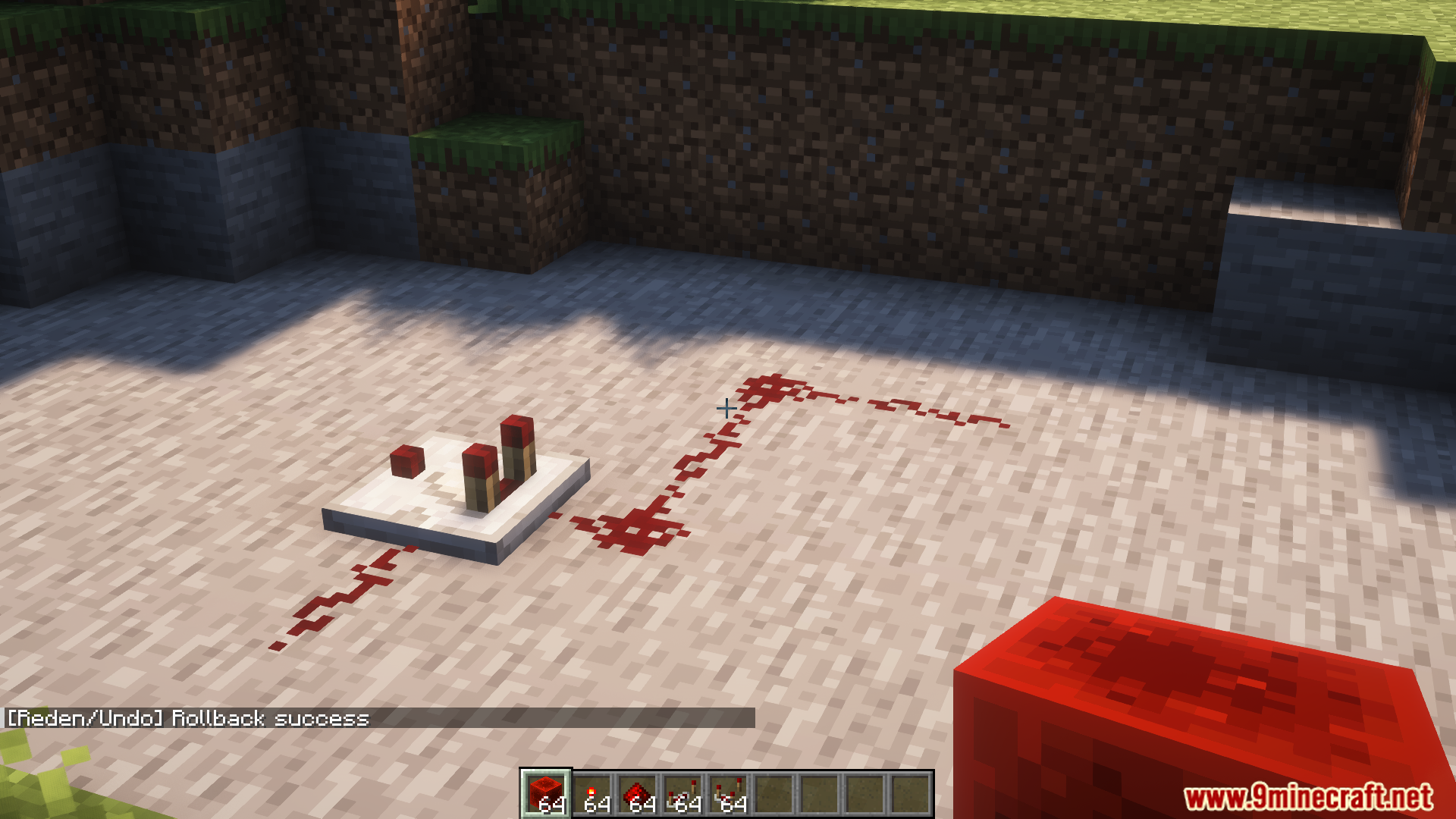
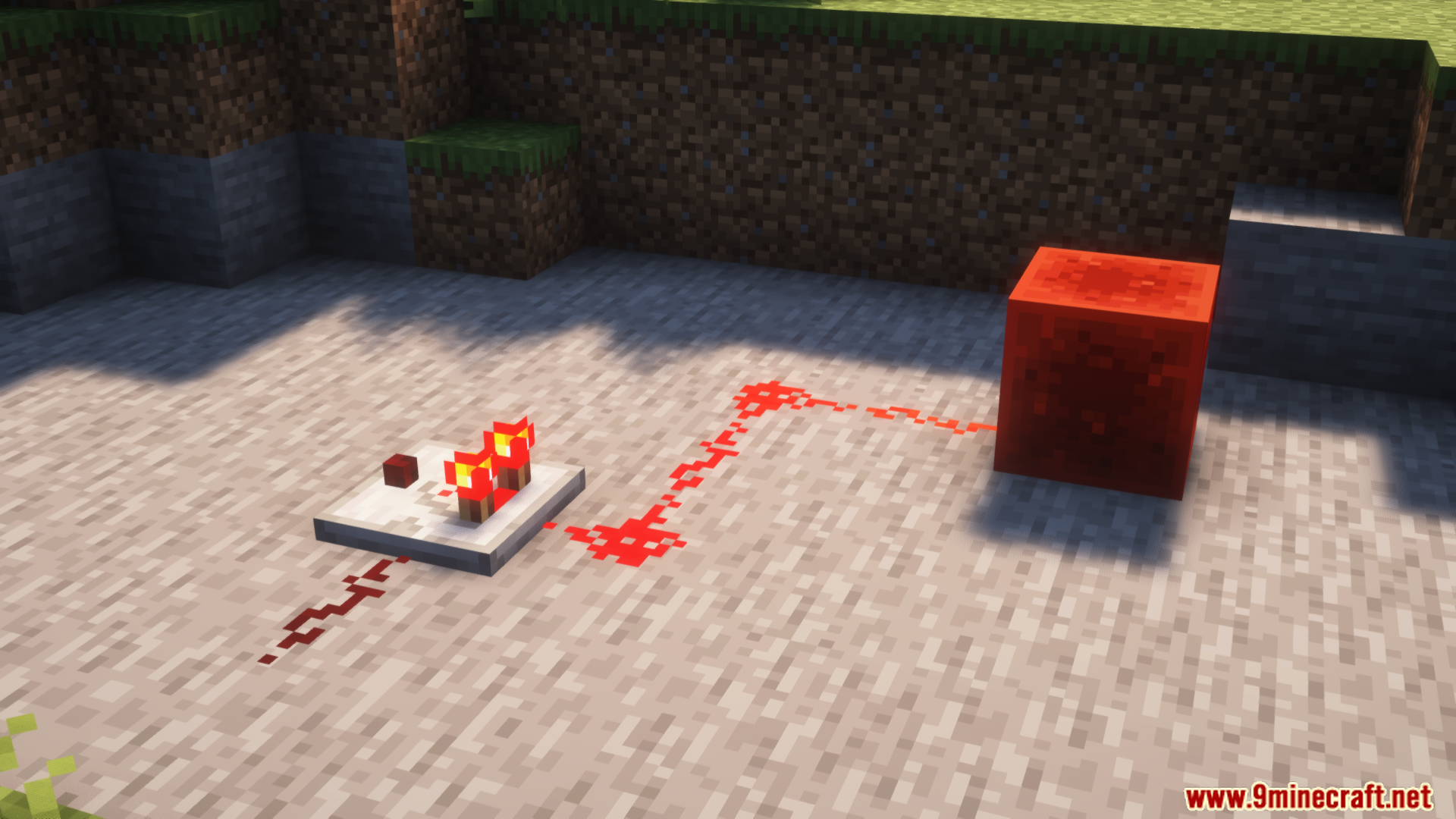
Screenshots:
Reden Mod Download Links
For Minecraft 1.21.8, 1.21.7, 1.21.6
Fabric Version: Download from Server 1 – Download from Server 2
For Minecraft 1.21.5
Fabric Version: Download from Server 1 – Download from Server 2
For Minecraft 1.21.4
Fabric Version: Download from Server 1 – Download from Server 2
For Minecraft 1.21.1, 1.21
Fabric/Quilt Version: Download from Server 1 – Download from Server 2
For Minecraft 1.20.4, 1.20.3
Fabric/Quilt Version: Download from Server 1 – Download from Server 2
For Minecraft 1.20.1, 1.20
Fabric Version: Download from Server 1 – Download from Server 2
- Edition: Minecraft Java
- File type: .jar
- Minecraft versions listed: 1.21.8, 1.20.1
- How to install: Install the matching mod loader (Forge, Fabric or NeoForge) for your Minecraft version. → Download the .jar. → Put it in the .minecraft/mods folder and launch that loader profile.
- Where to get it: In MC Java Mods, or directly above on this page.
Install steps are the general flow for this file type — How to install Minecraft Java mods & modpacks walks through it step by step.
- Downloads as 177750.mcaddon
- Download size: 1.6 MB
- Download link checked 24 Jul 2026 — working
- Mirrored on our own servers — the download does not depend on the original host
These come from our own check of the pack file, not from the source page.