ModsJava
Less Clutter Mod (1.20.4, 1.20.1) – Clean Up Minecrafts Visual Noise
Java mod listed for Minecraft 1.20. Downloads from the MC Java Mods app on Android.
⬇ Download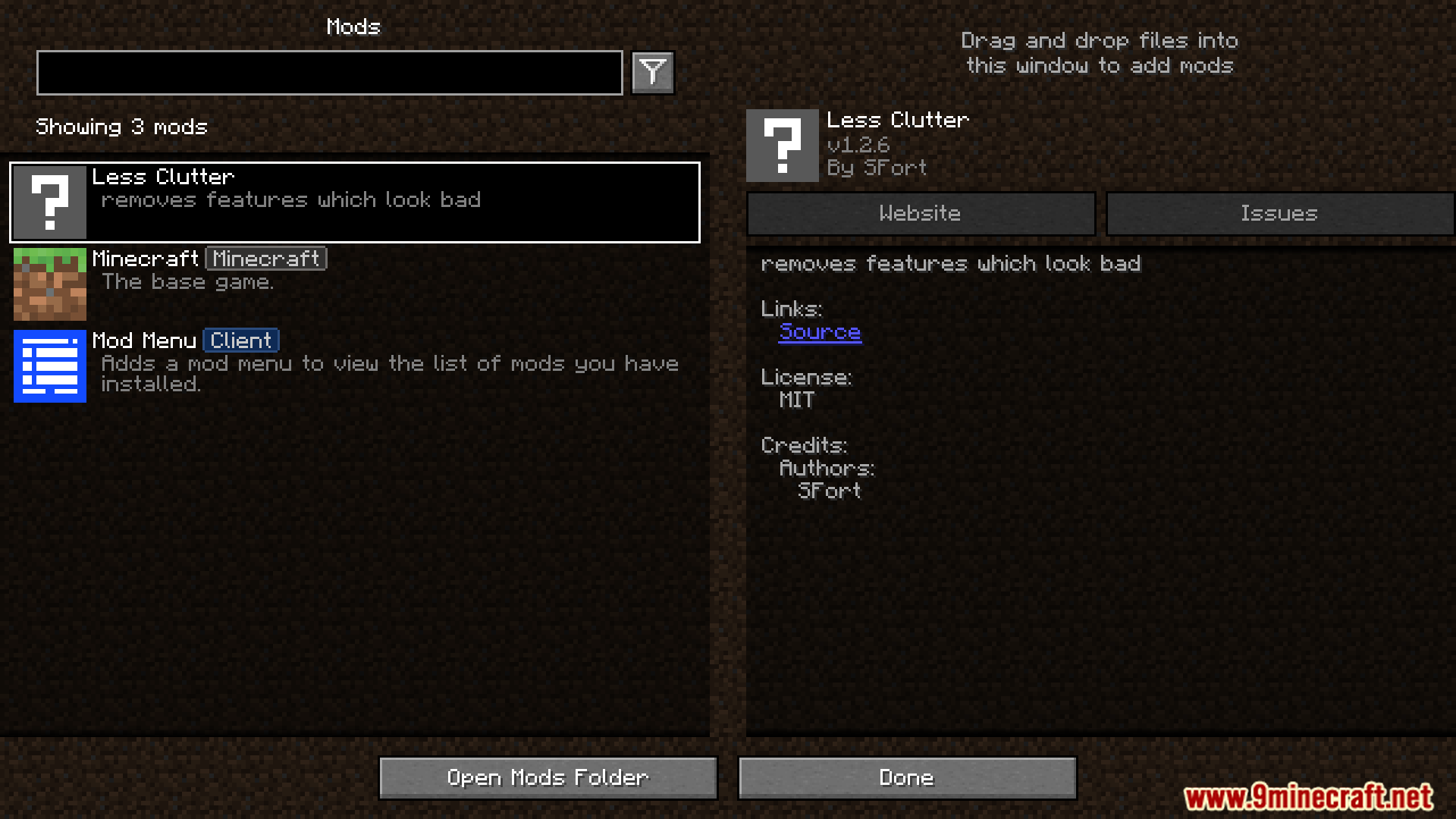
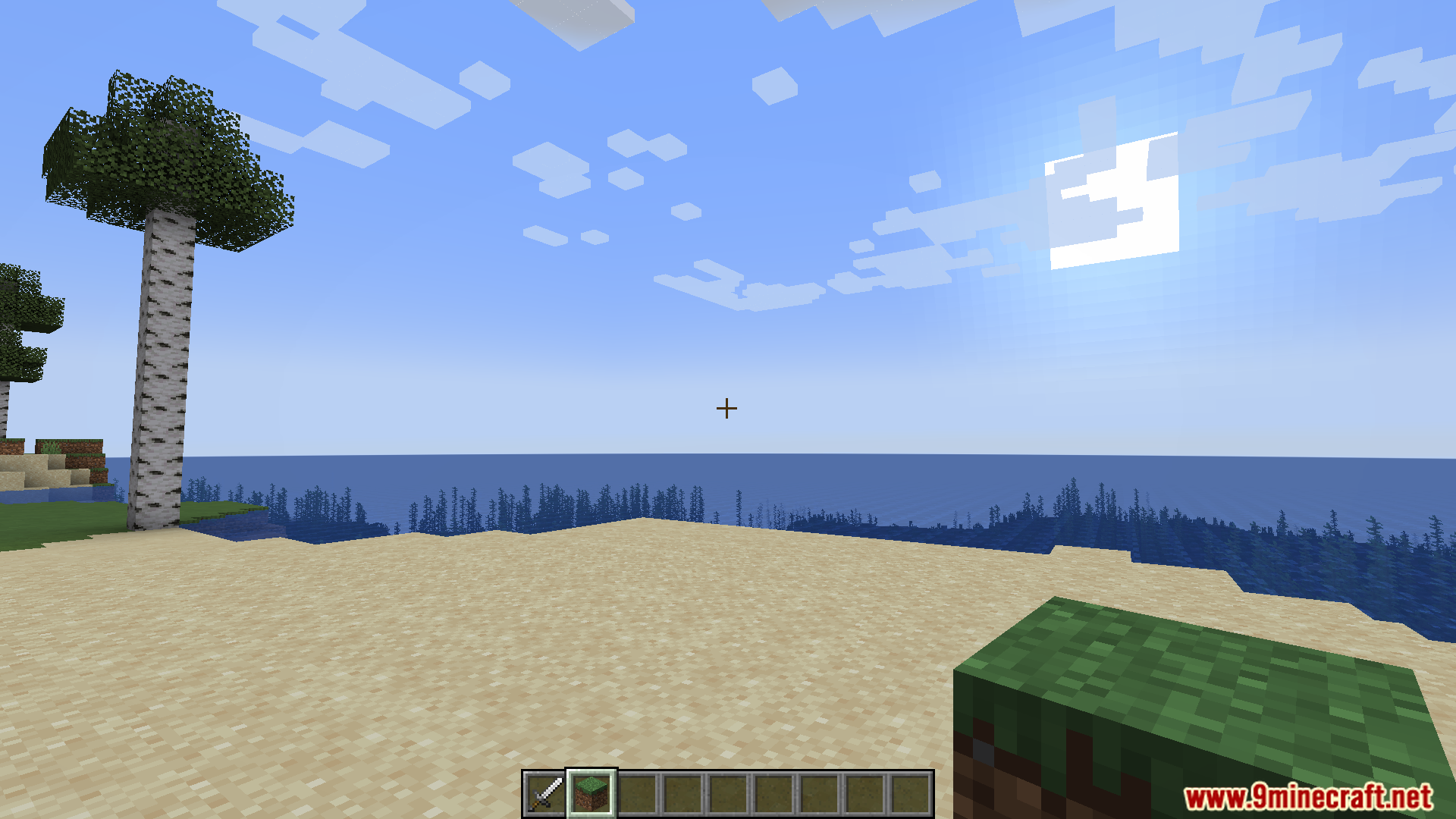
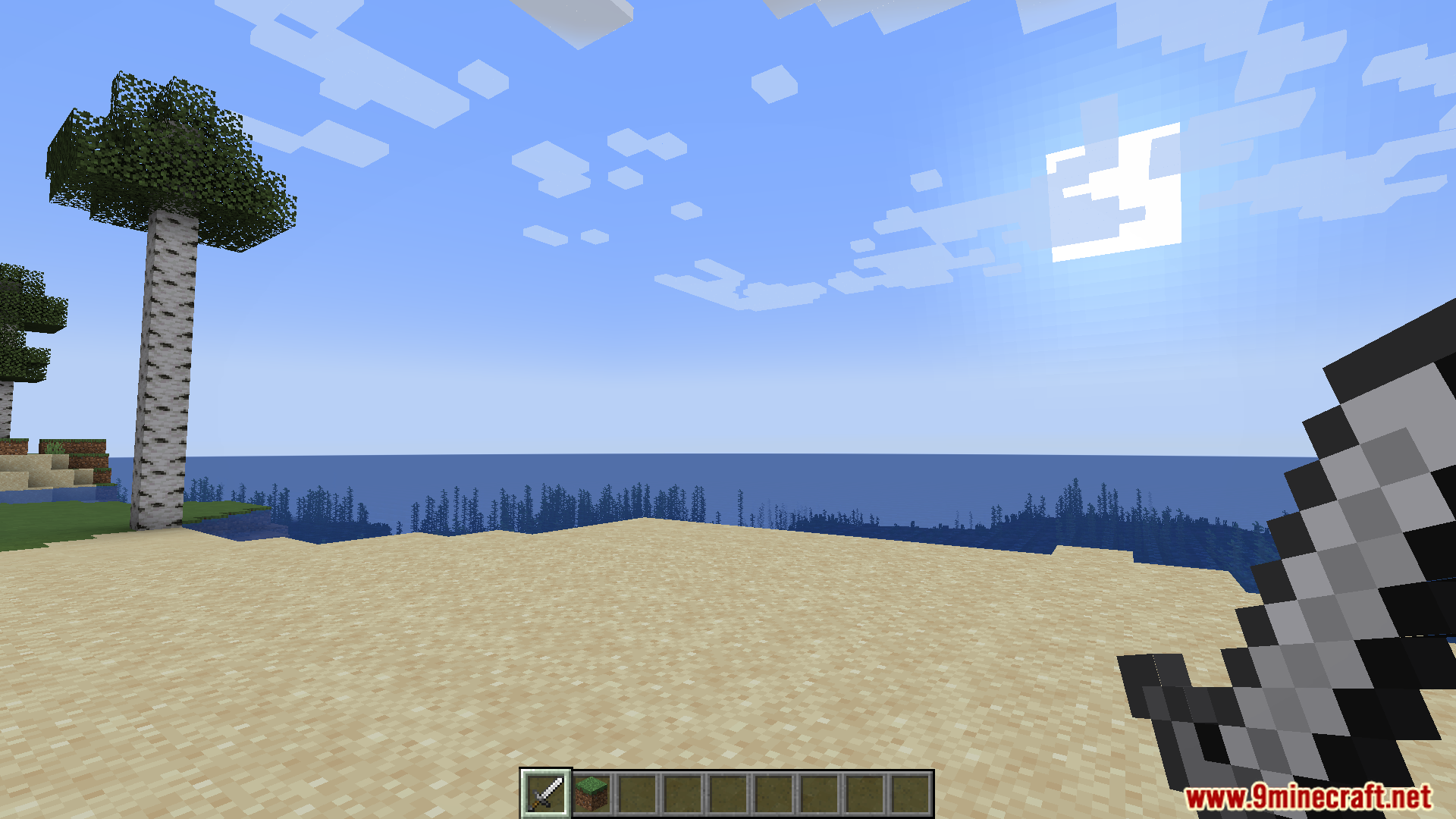
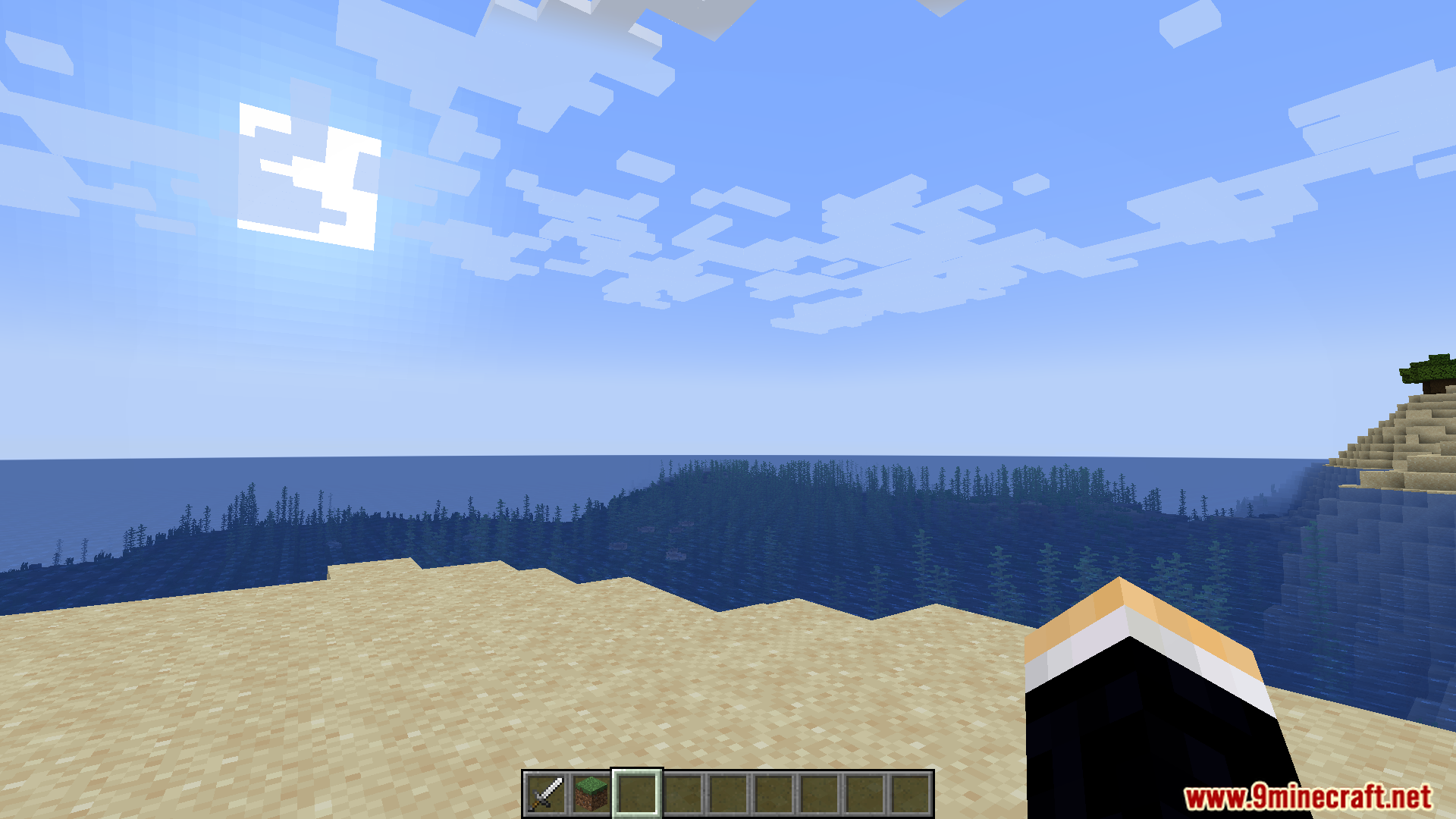
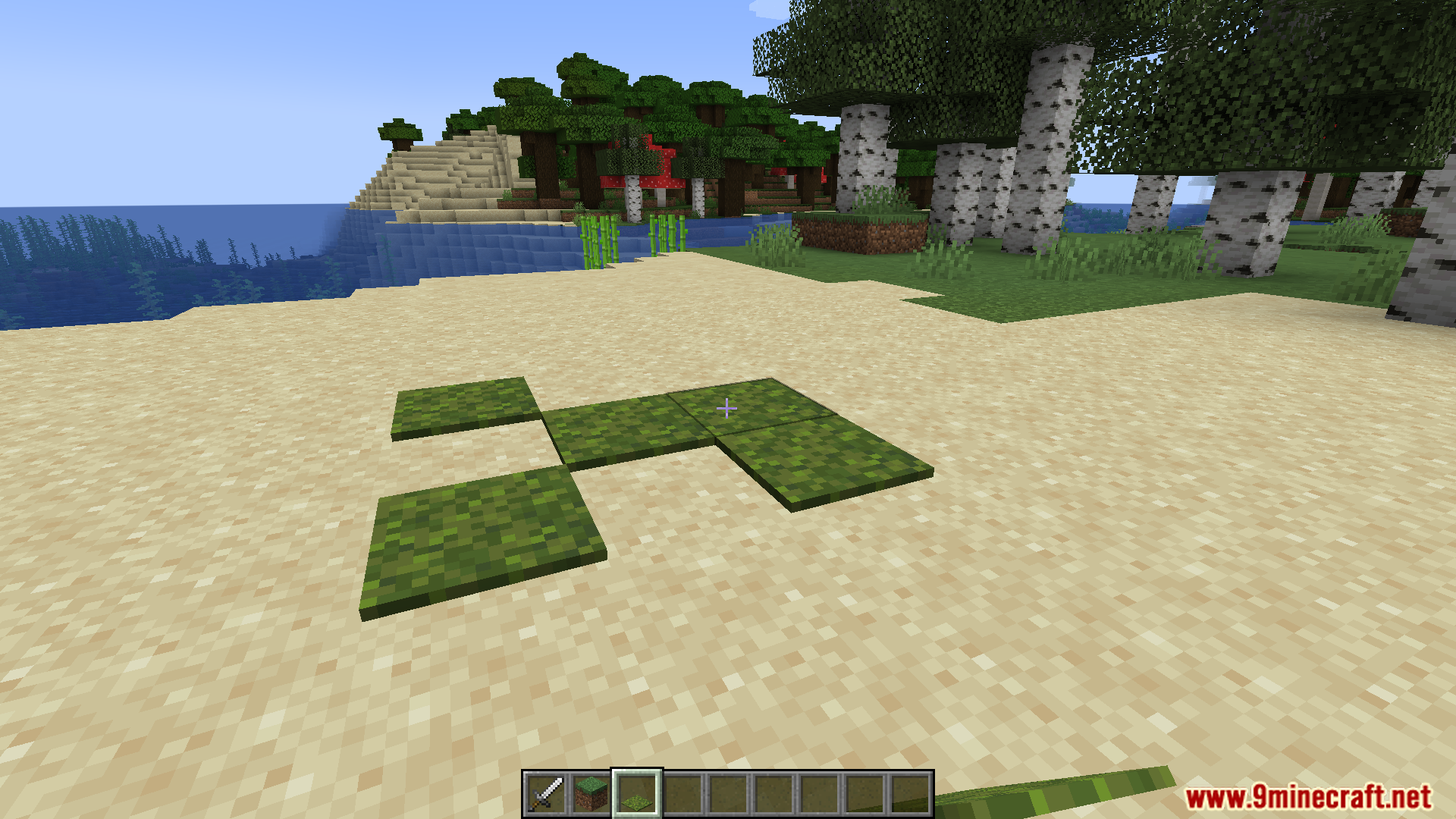
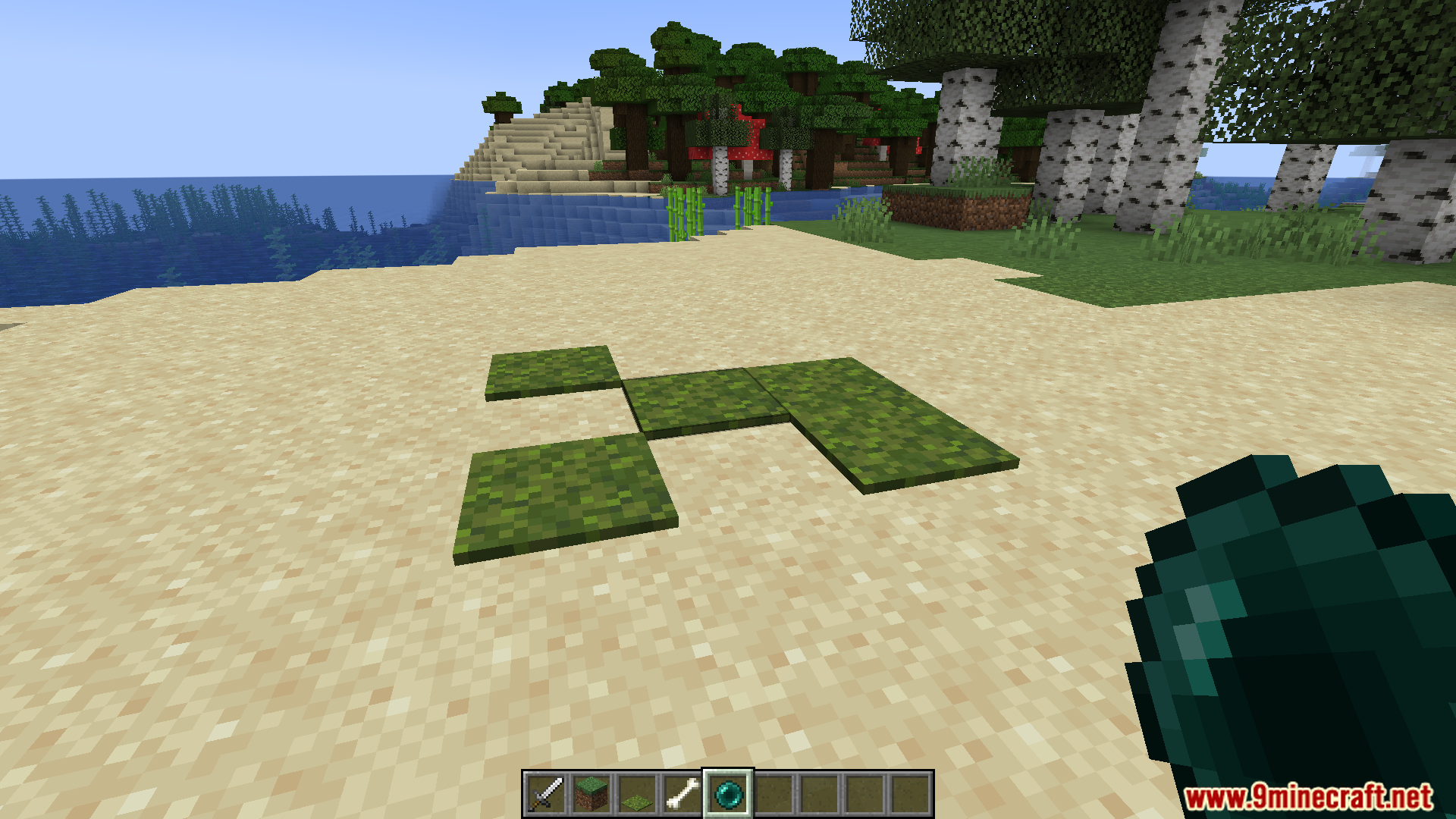
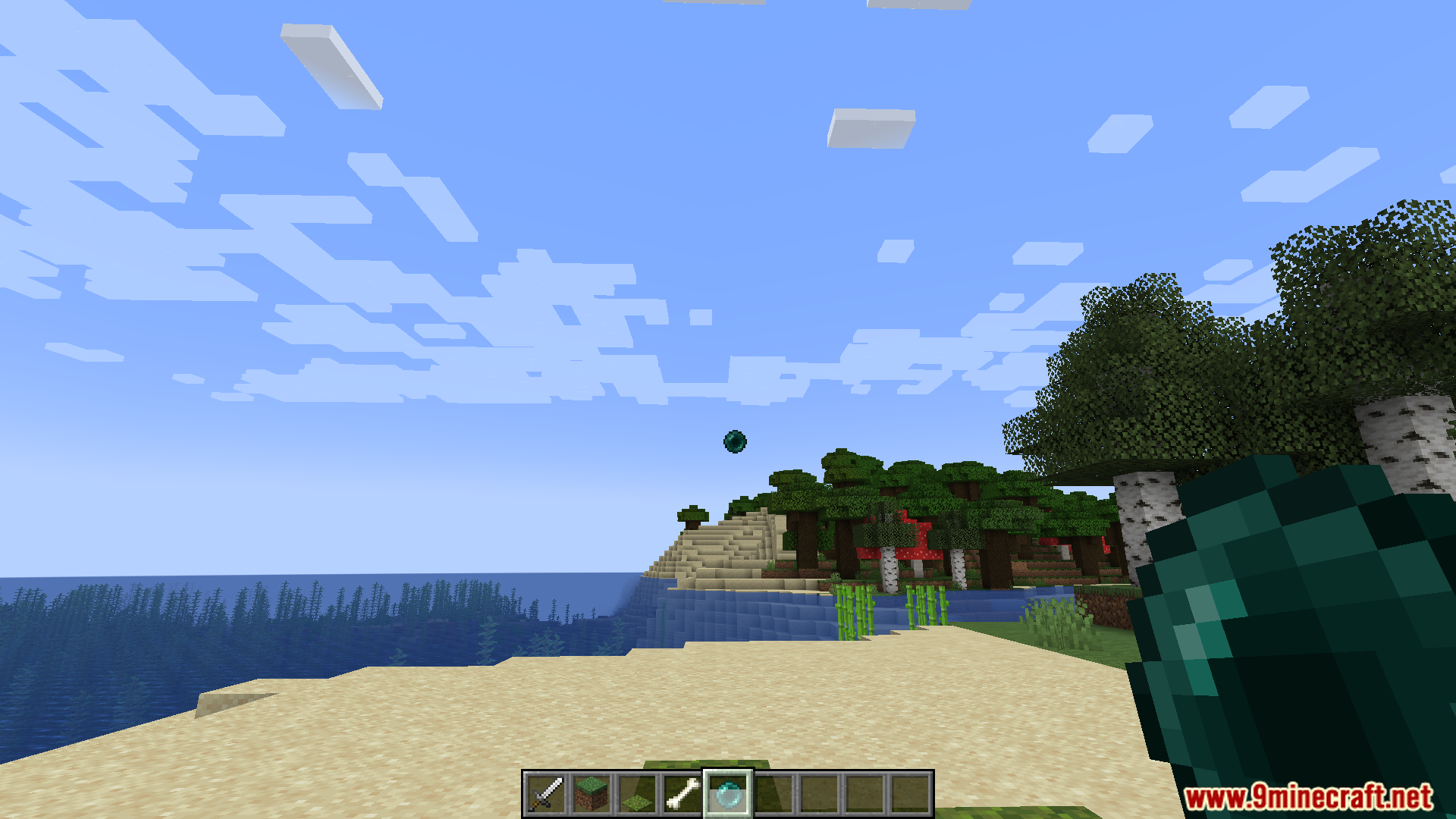
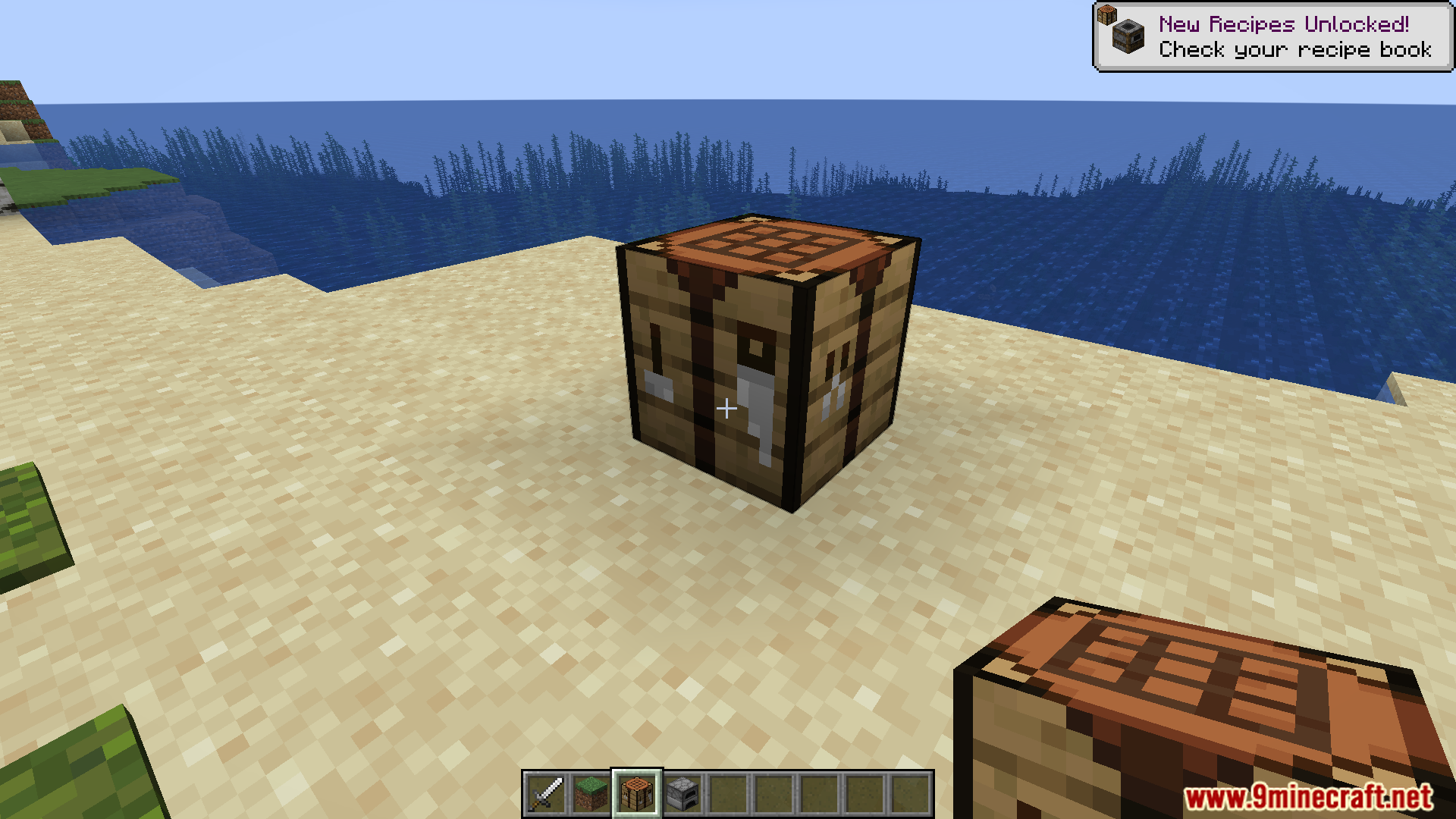
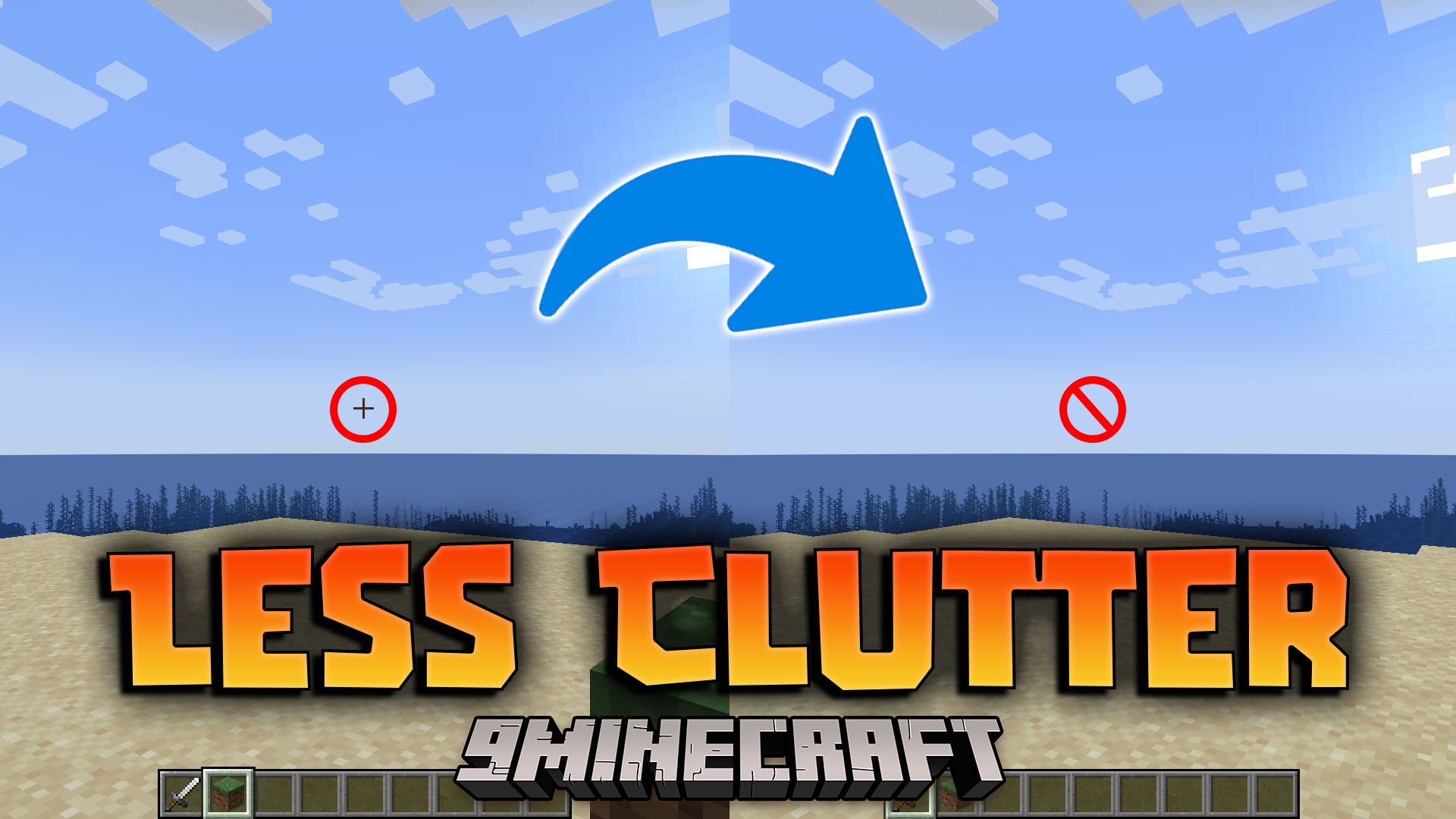
Less Clutter Mod aim reduce Minecraft’s UI and visual distractions, making the game feel smoother and more immersive. It’s ideal for players who want a minimalist experience or are tired of cluttered screens.
Features:
- Removes or tweaks several vanilla “features”
- Vignette effect (dark edges around the screen)
- Crosshair visibility
- Held item tooltips
- Stance smoothing (camera bobbing)
- Recipe book UI
- General tooltips
Screenshots:
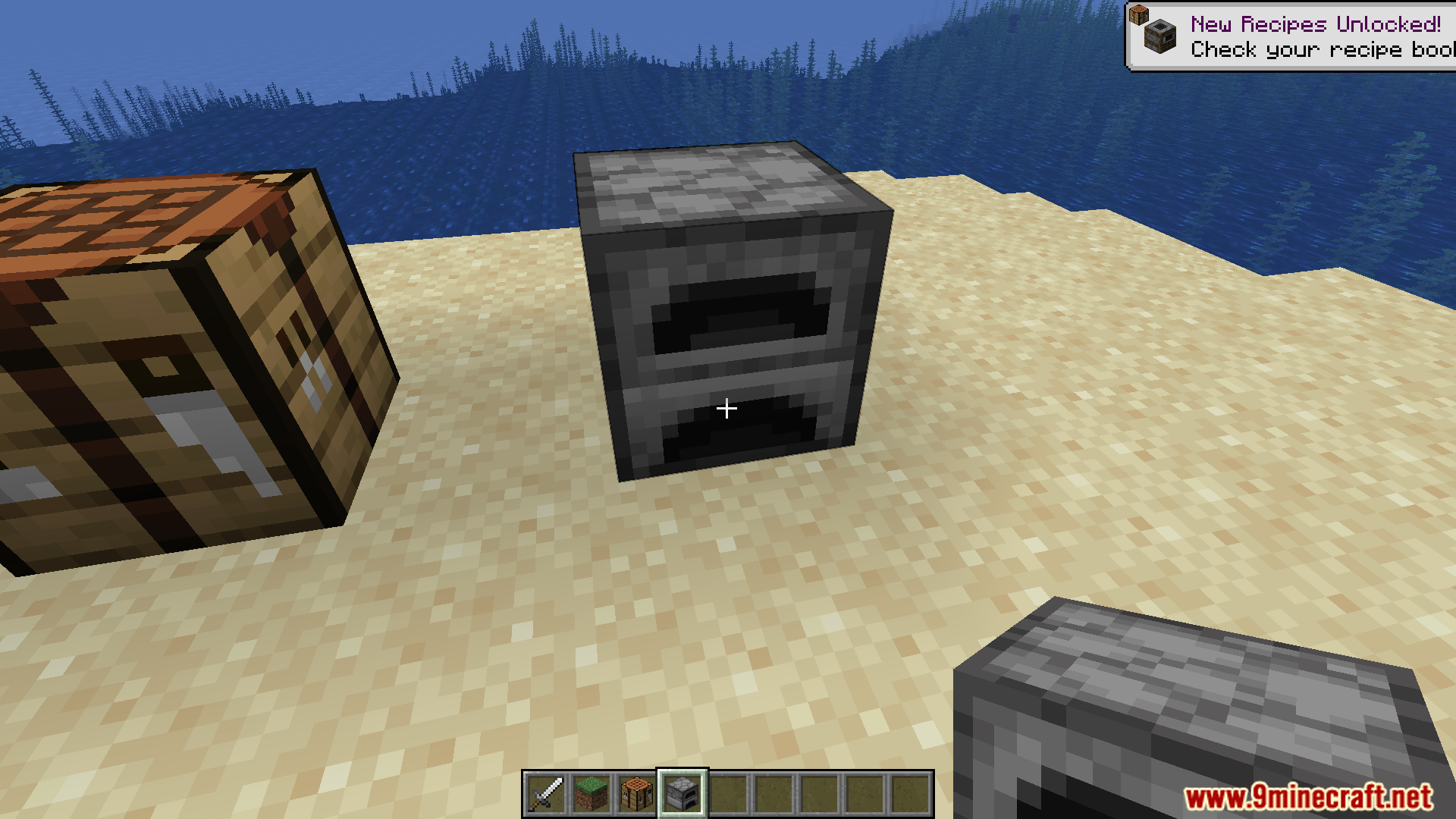
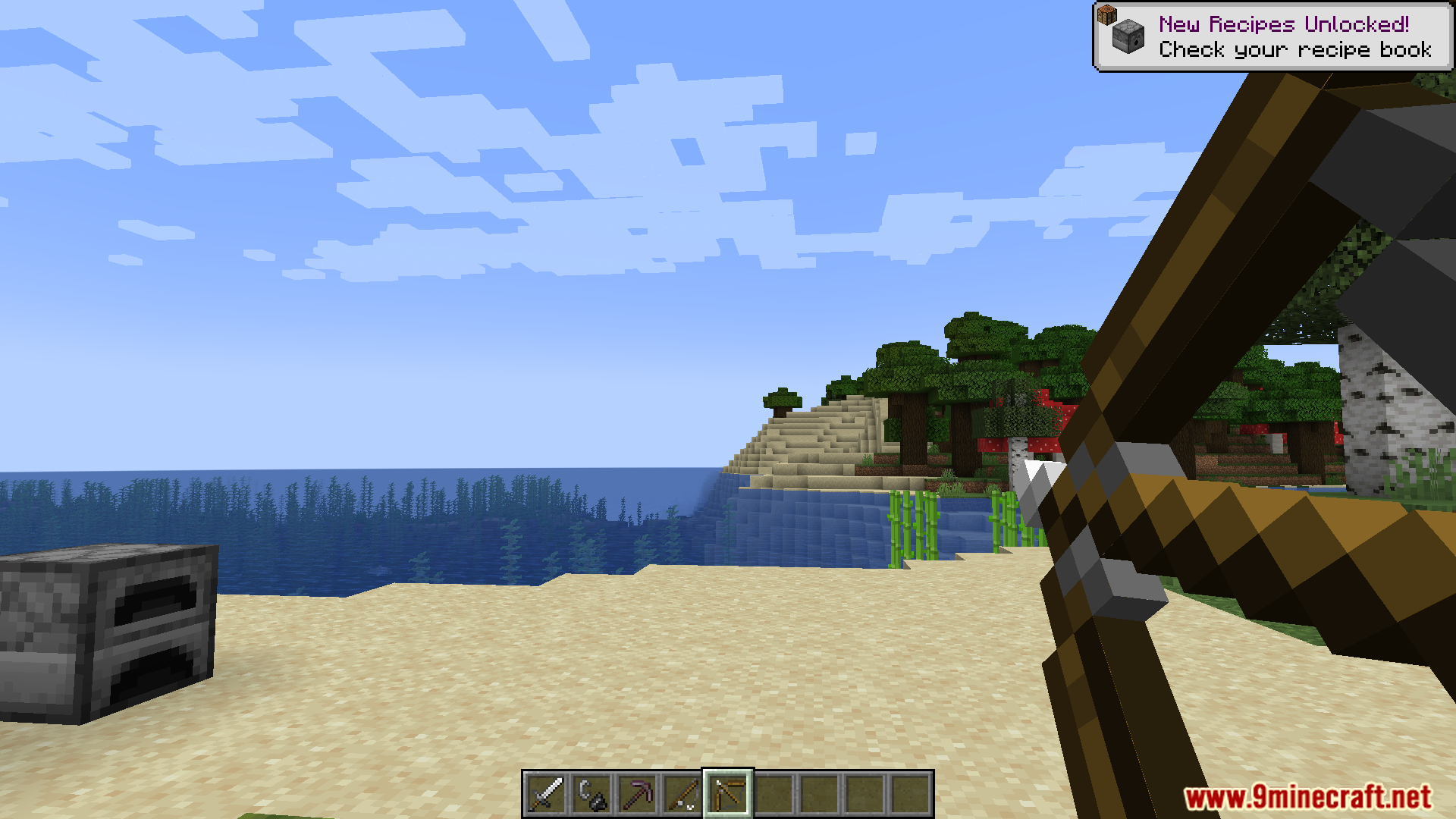
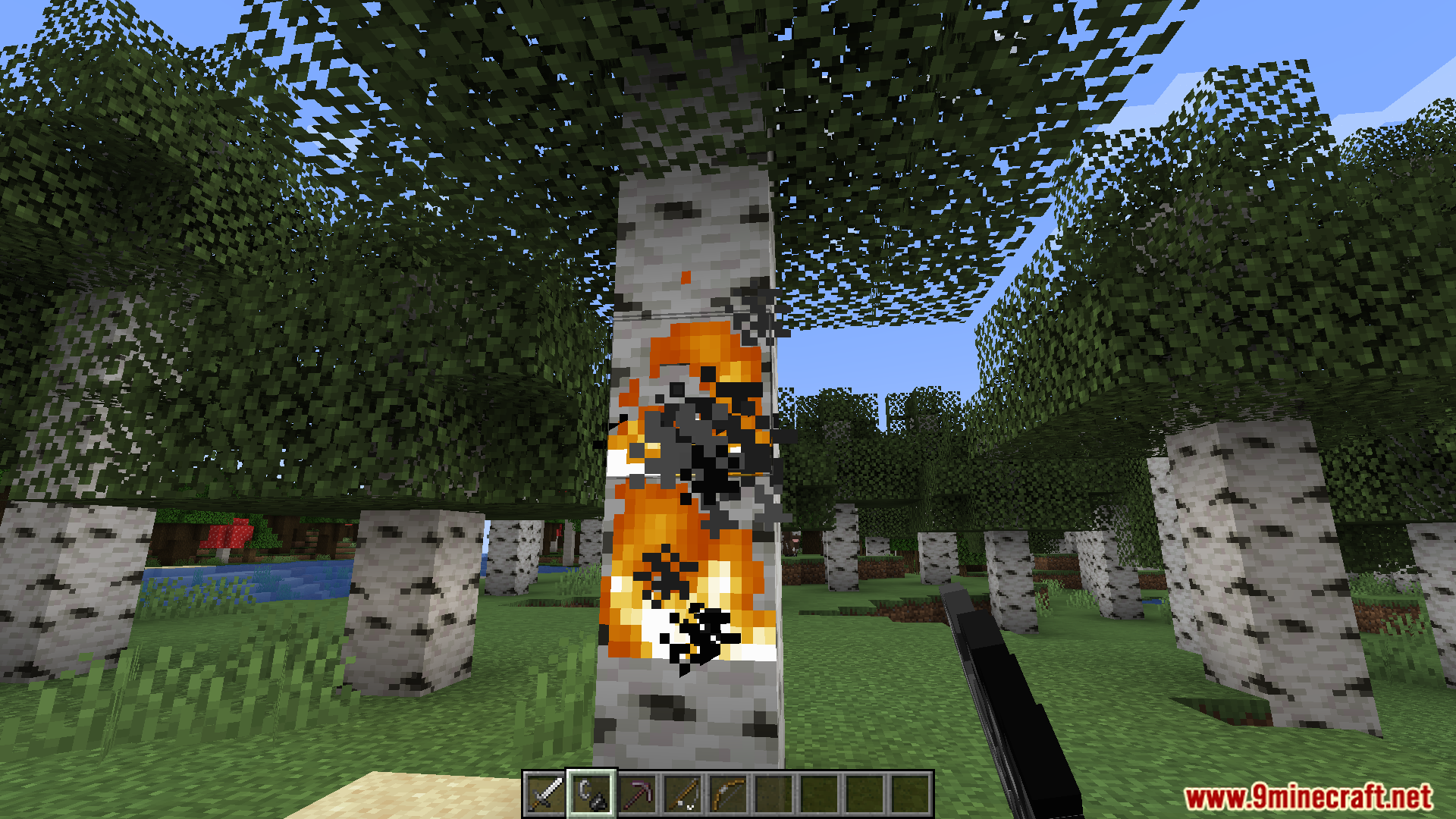
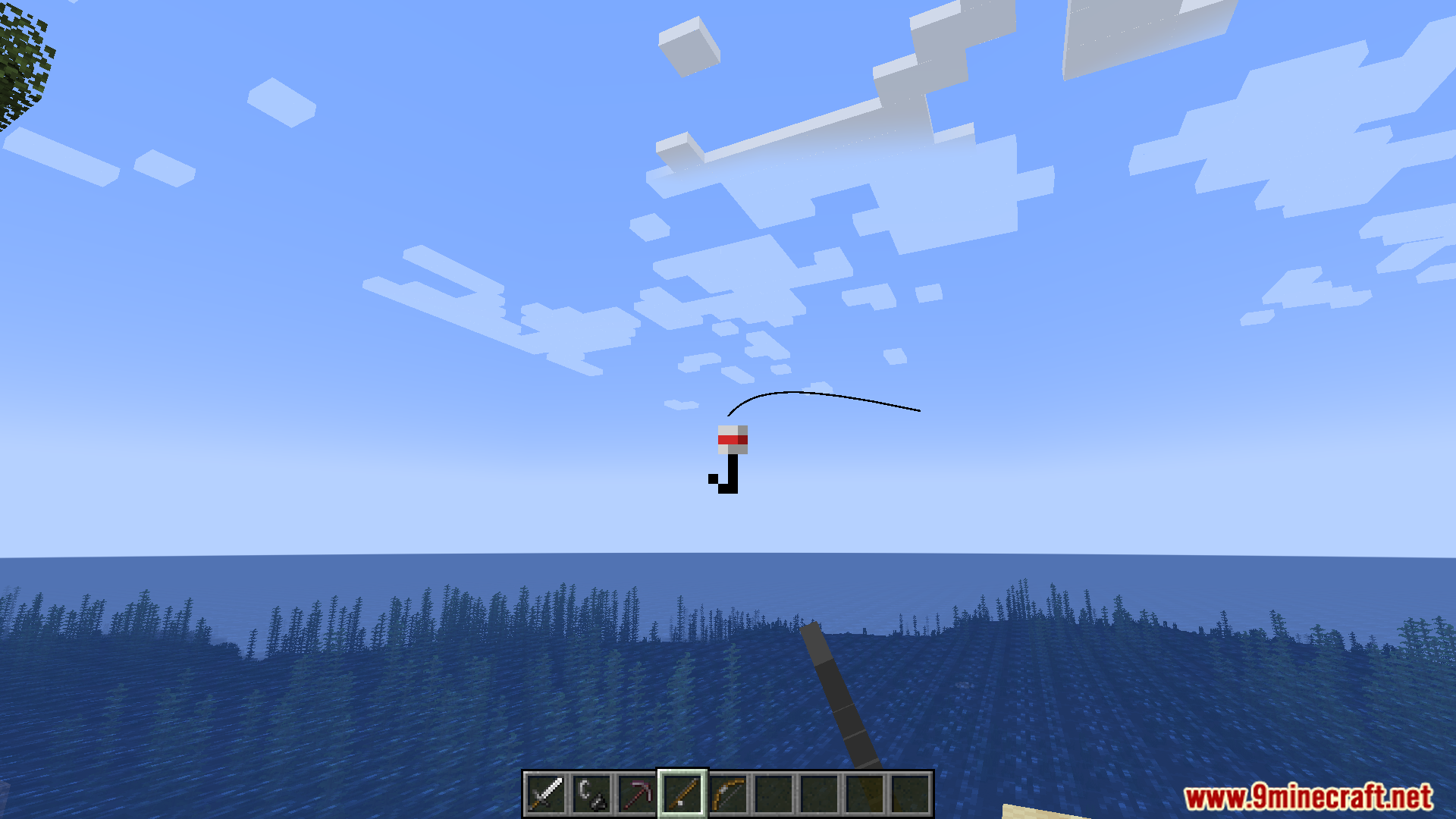
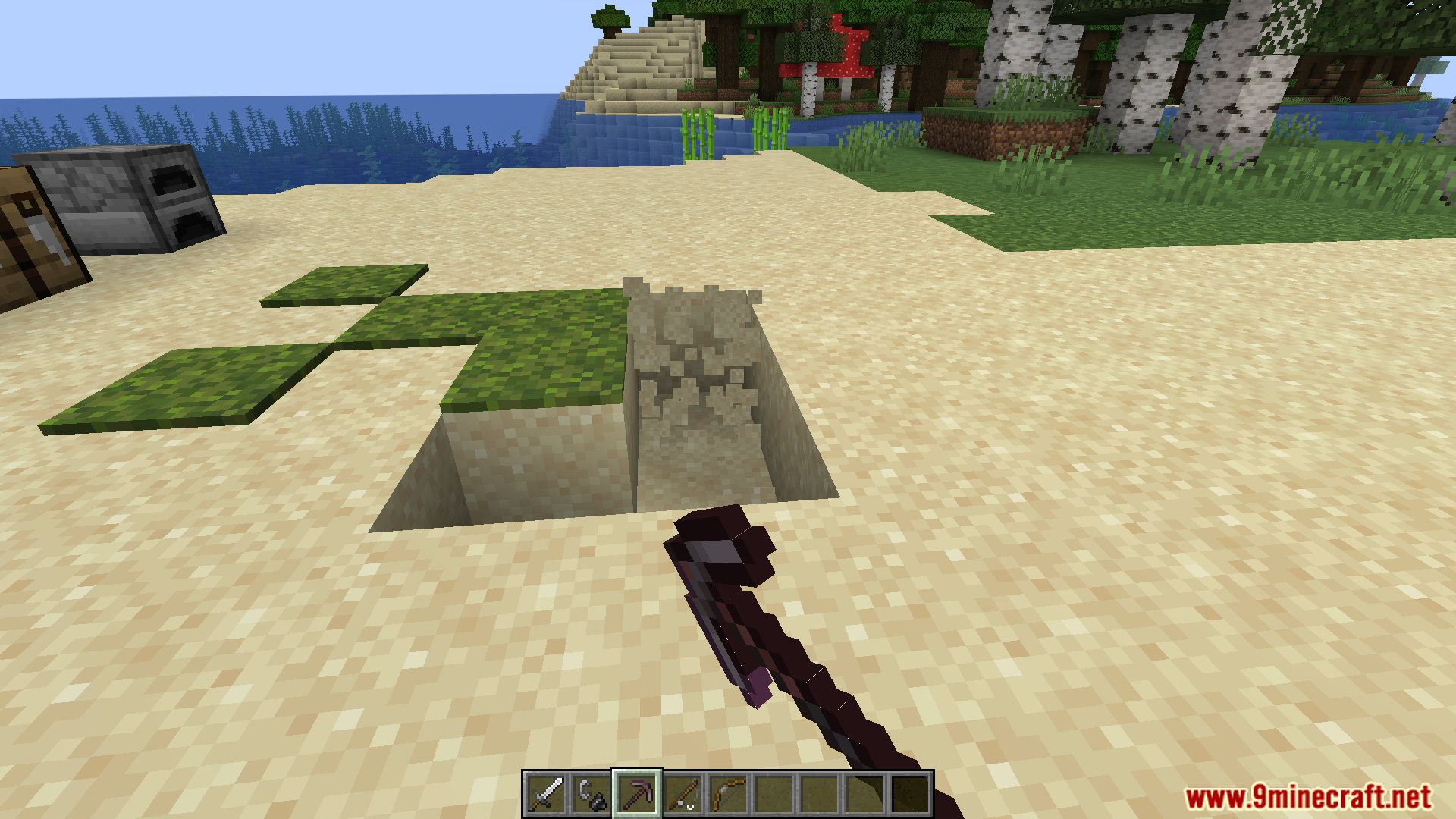
Less Clutter Mod Download Links
For Minecraft 1.20.4, 1.20.3, 1.20.2, 1.20.1, 1.20
Fabric version: Download from Server 1 – Download from Server 2
For All Versions from Minecraft 1.17 to Minecraft 1.19.4
Fabric version: Download from Server 1 – Download from Server 2
Quick facts
- Edition: Minecraft Java
- File type: .jar
- Minecraft versions listed: 1.20.4, 1.20.1
- How to install: Install the matching mod loader (Forge, Fabric or NeoForge) for your Minecraft version. → Download the .jar. → Put it in the .minecraft/mods folder and launch that loader profile.
- Where to get it: In MC Java Mods, or directly above on this page.
Install steps are the general flow for this file type — How to install Minecraft Java mods & modpacks walks through it step by step.
File checked by MCModsHub
- Downloads as 177794.mcaddon
- Download size: 28 KB
- Download link checked 29 Jul 2026 — working
- Mirrored on our own servers — the download does not depend on the original host
These come from our own check of the pack file, not from the source page.