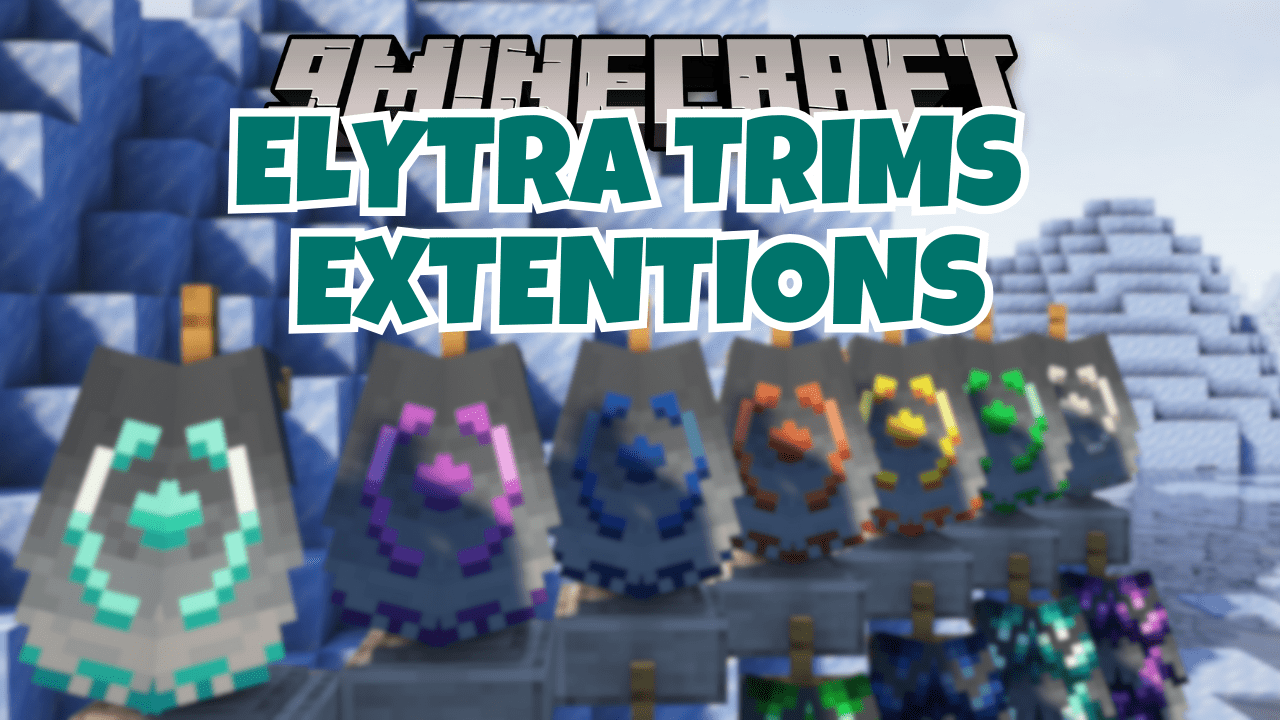
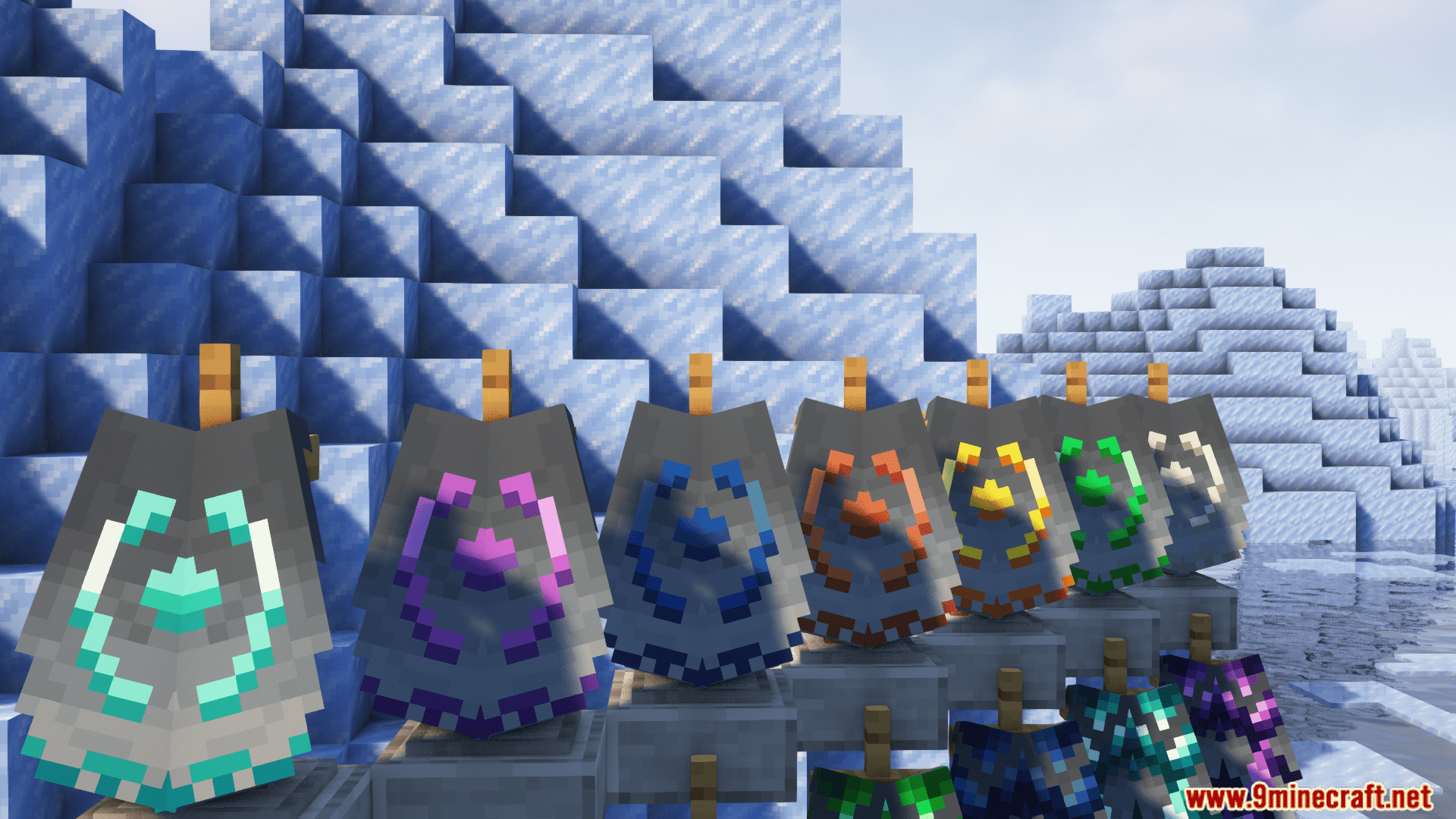
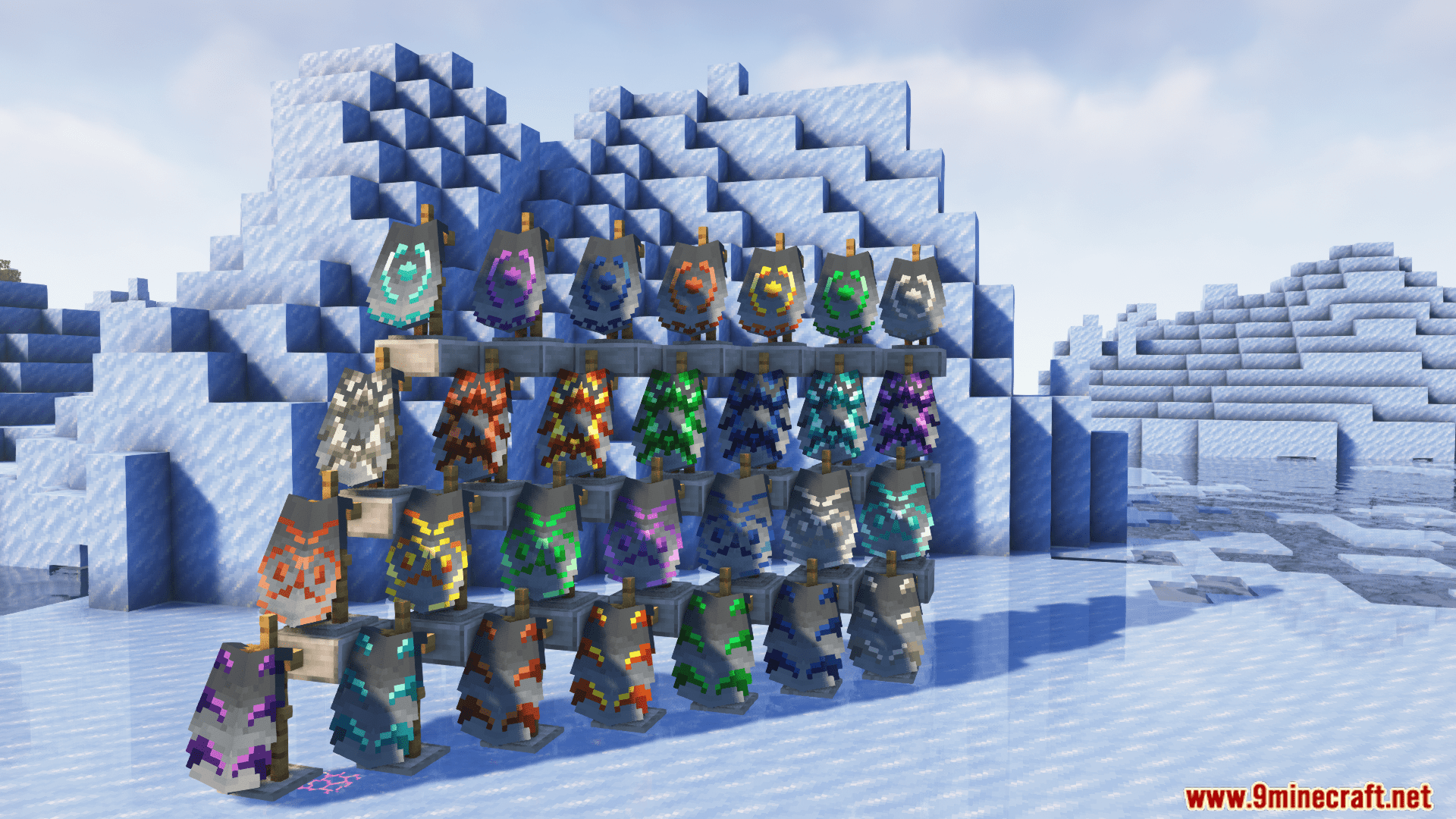
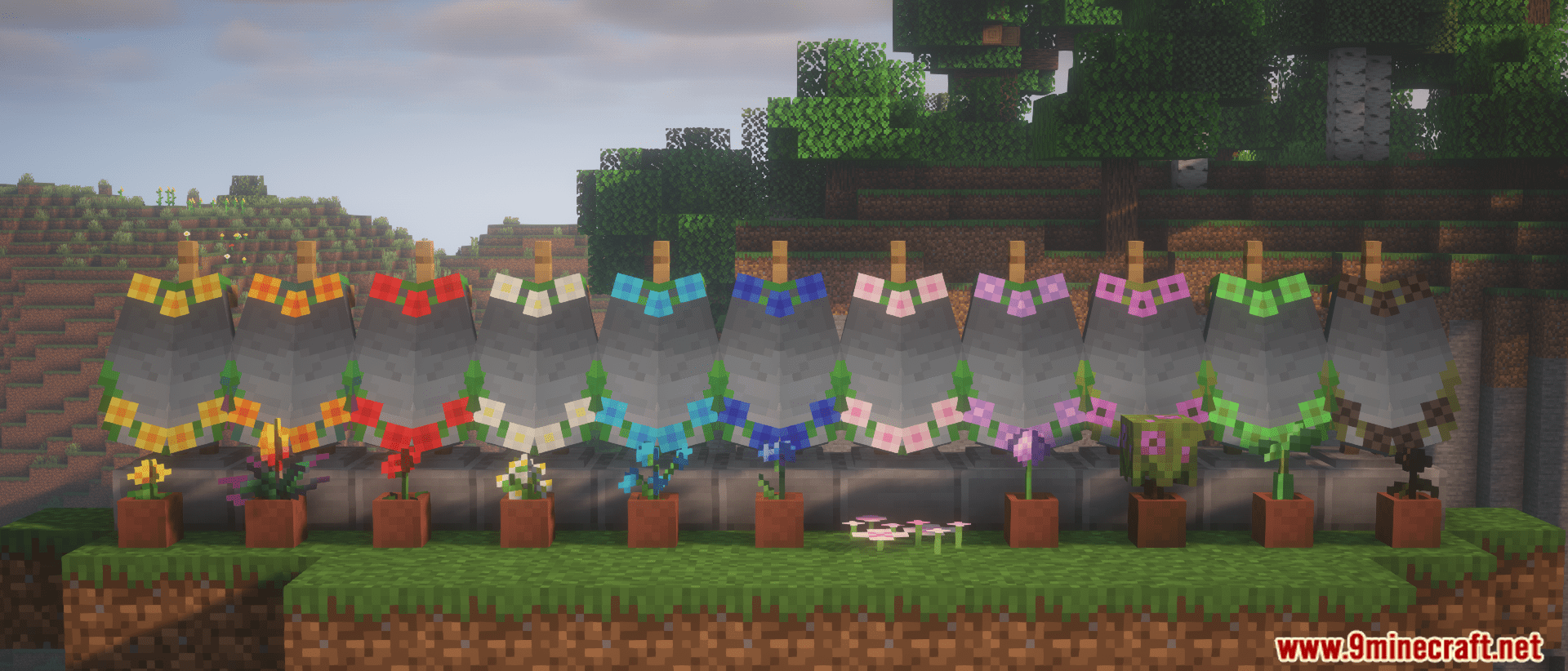
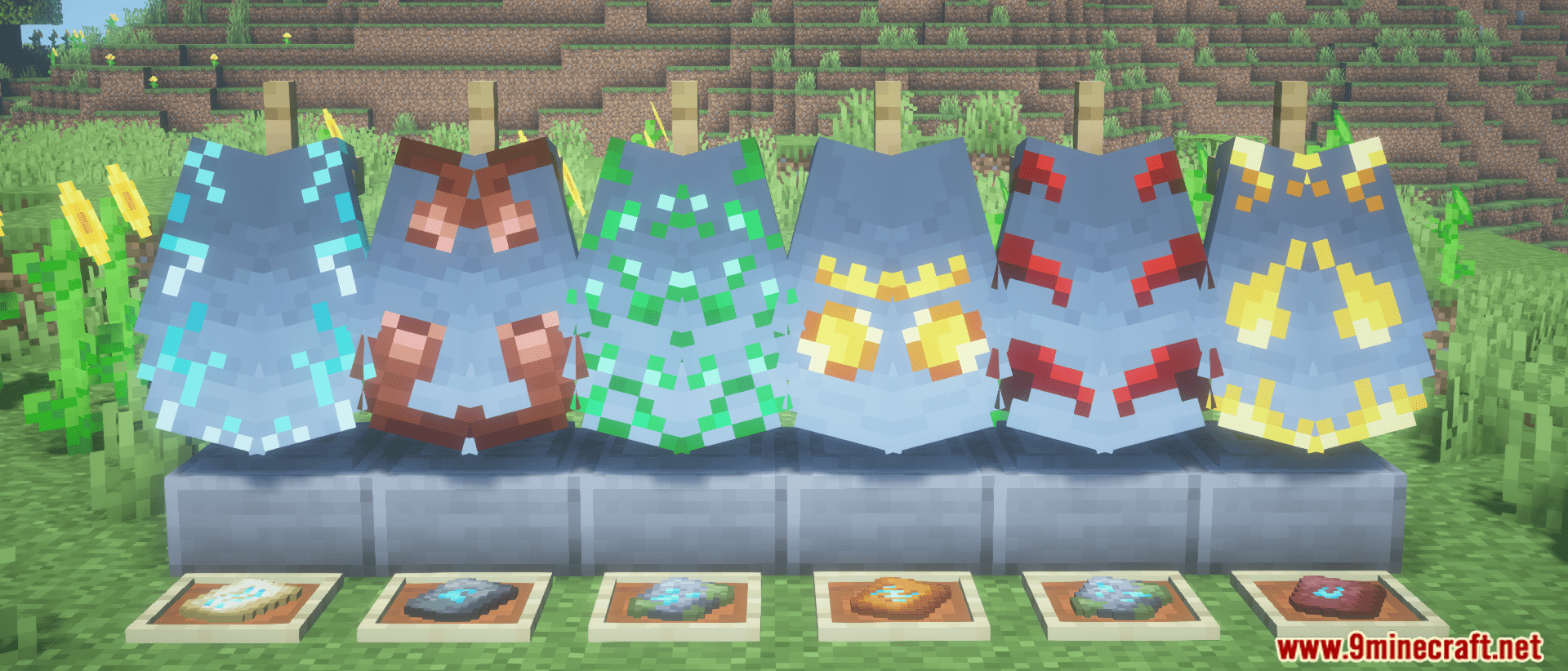
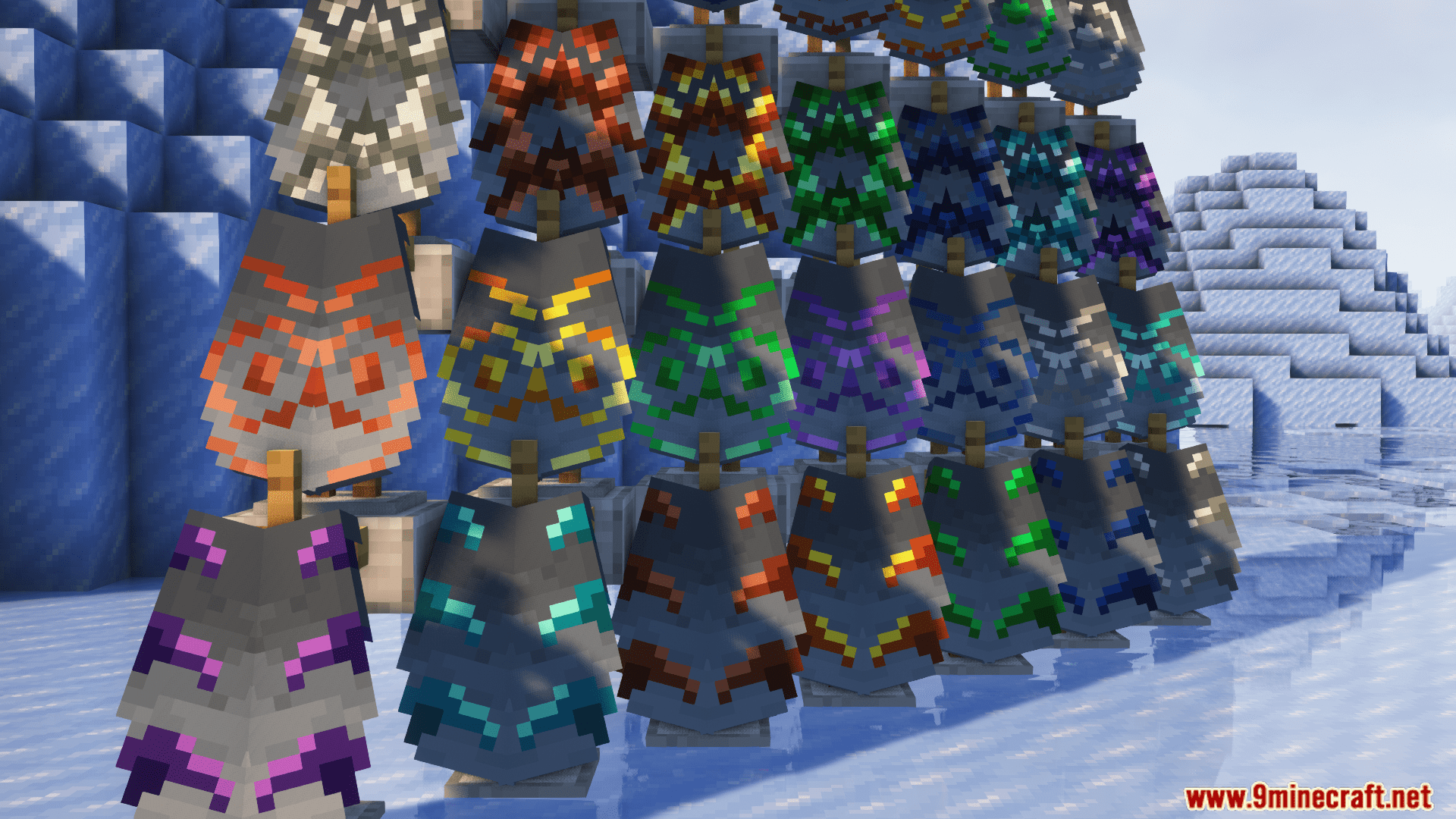
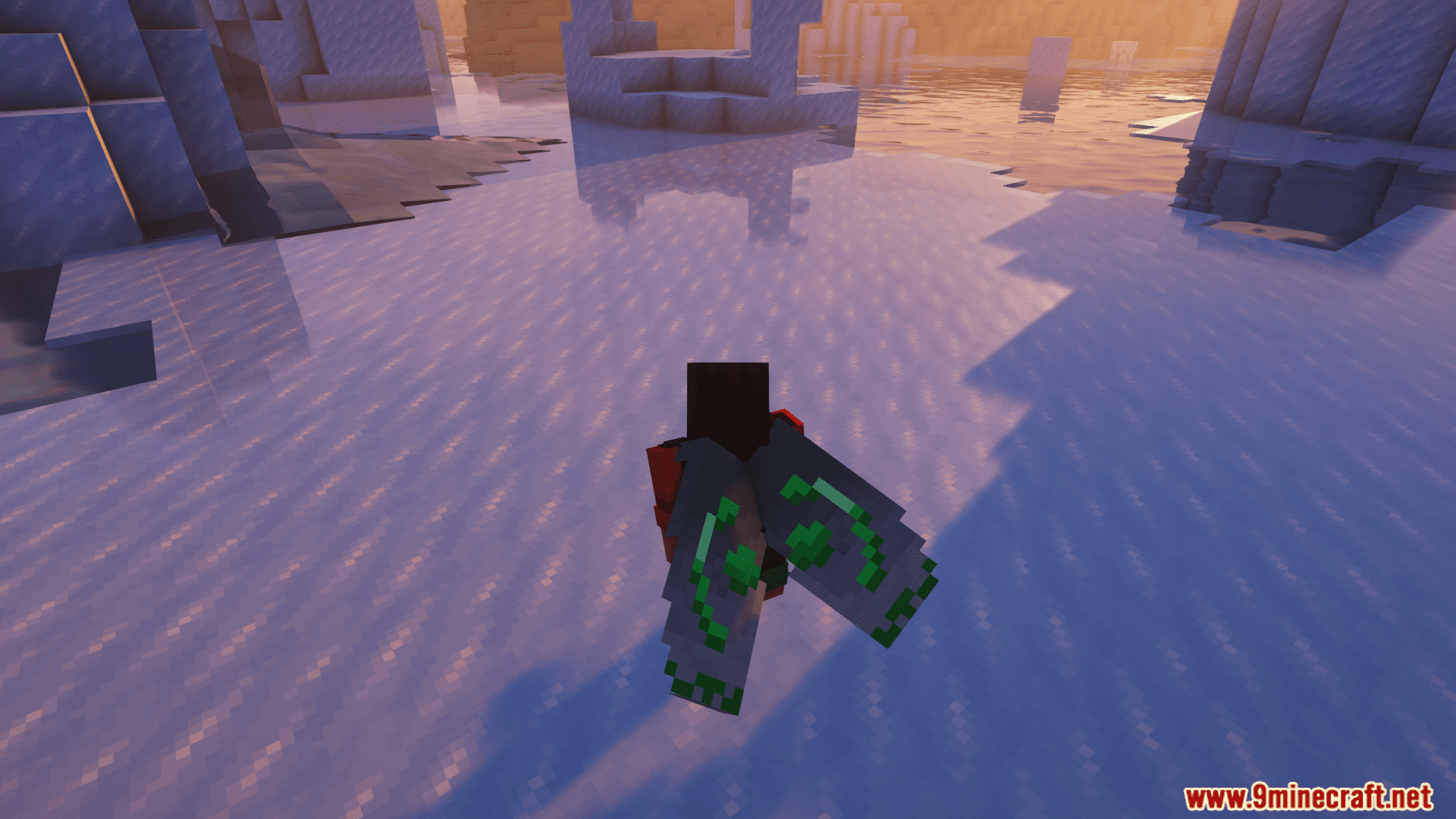
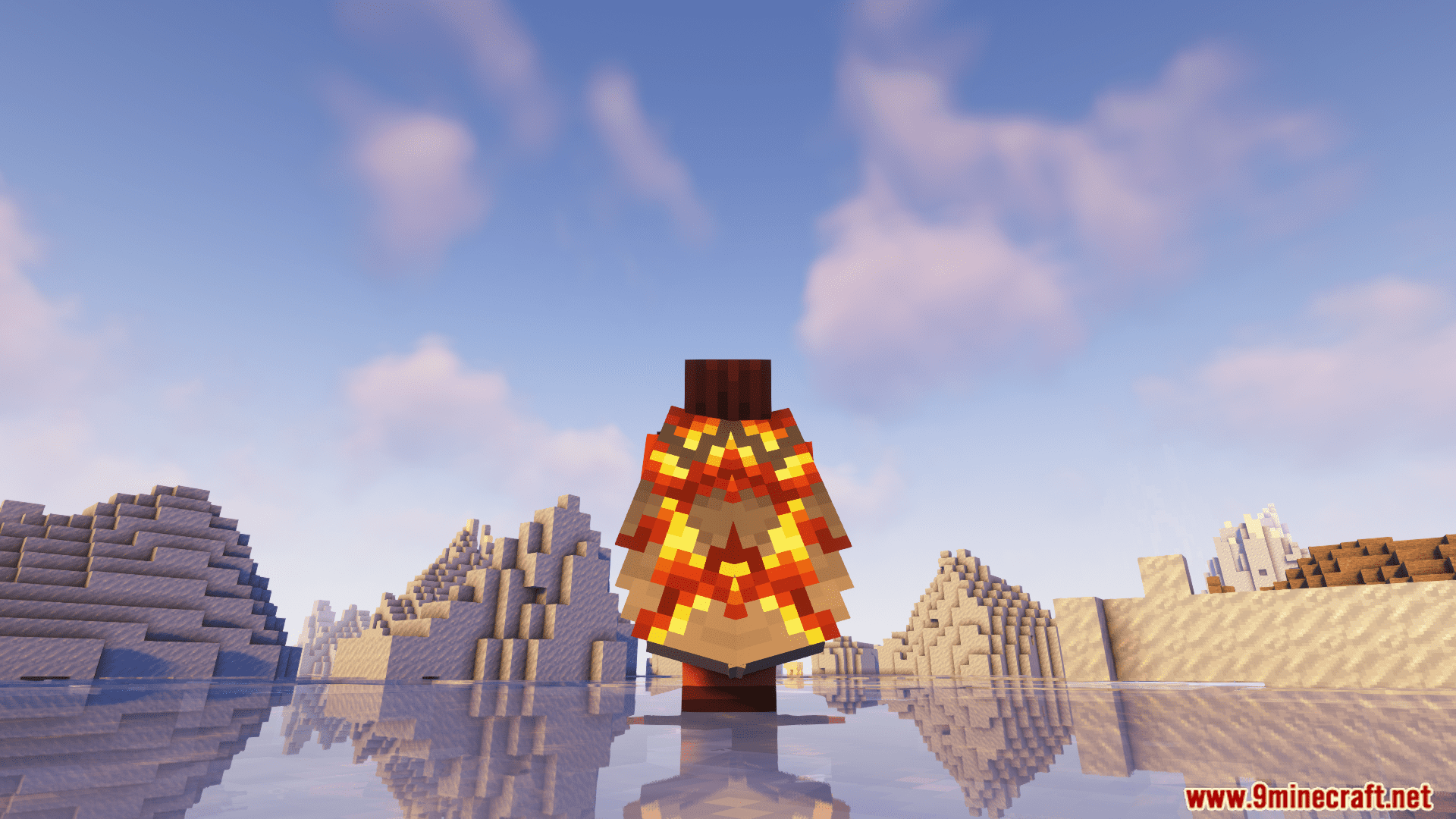
With Elytra Trims Extensions Mod, you can add armor trims, dye your elytra in any color, and put banner patterns on them. It also comes with resourcepack support, mod config, and server-side support. Let your creativity soar and make your elytra stand out with the Elytra Trims mod!
Features:
- Adds support for extra armor trim designs from other mods and datapacks, letting you apply them to elytras just like armor.
- Once installed alongside the base Elytra Trims mod, it automatically detects and integrates supported trim sources.
- Includes resourcepacks that activate only when their corresponding mods are installed, keeping things clean and modular.
- Customization Options:
- Dyeing Elytras: Use any standard dye in a crafting table to recolor your elytra.
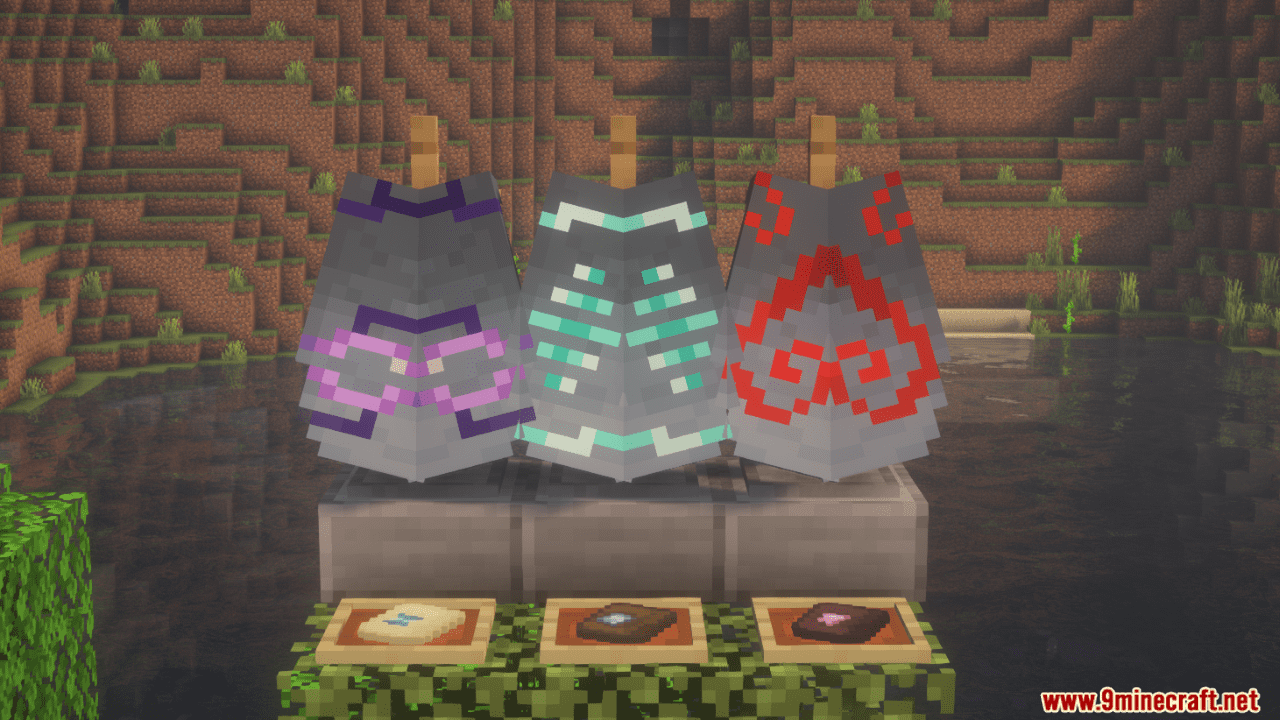
- Banner Patterns: Combine elytras with banners for intricate designs.
- Glowing Effects: Apply a Glow Ink Sac to make trims glow in the dark.
Screenshots:
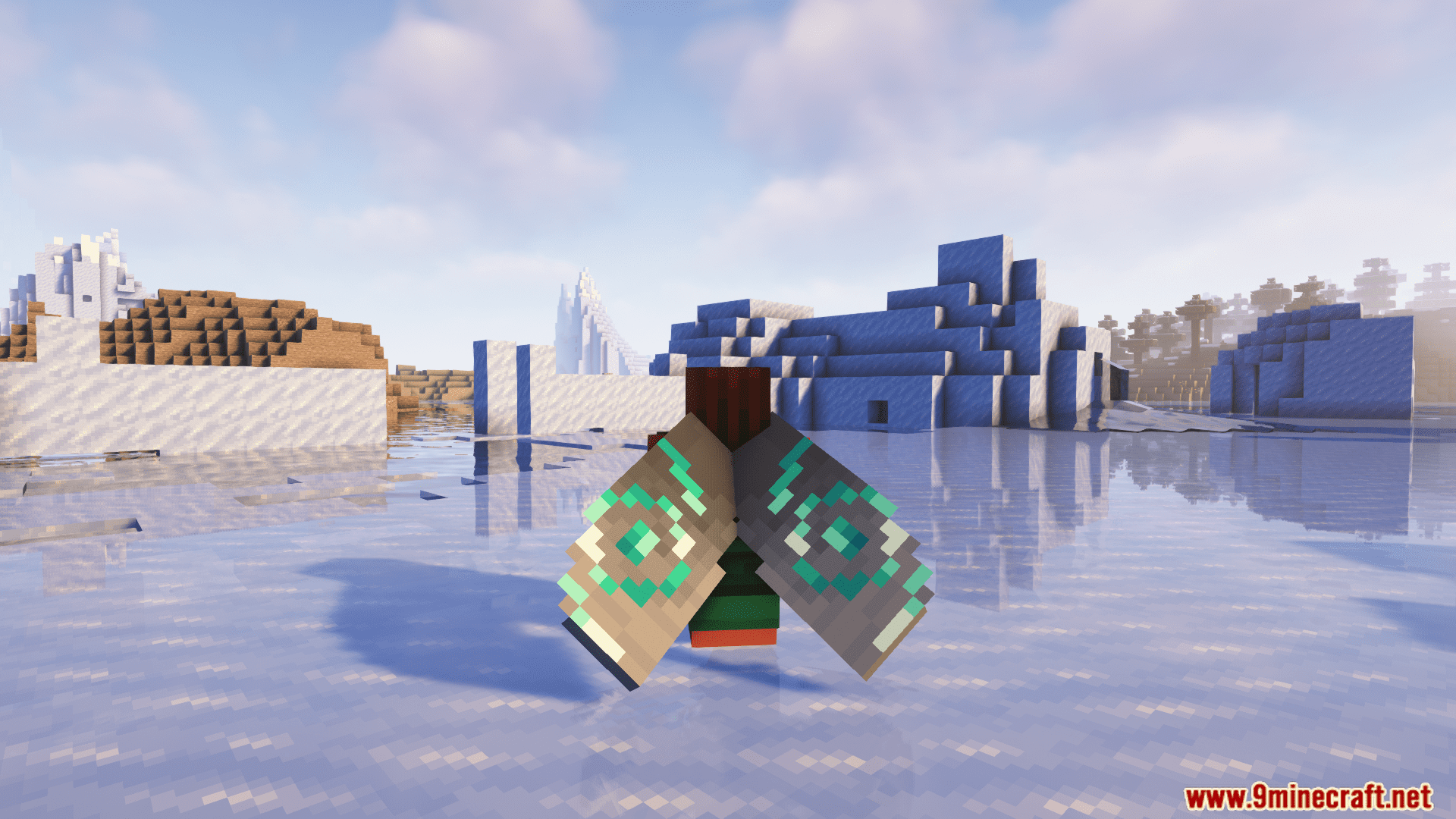
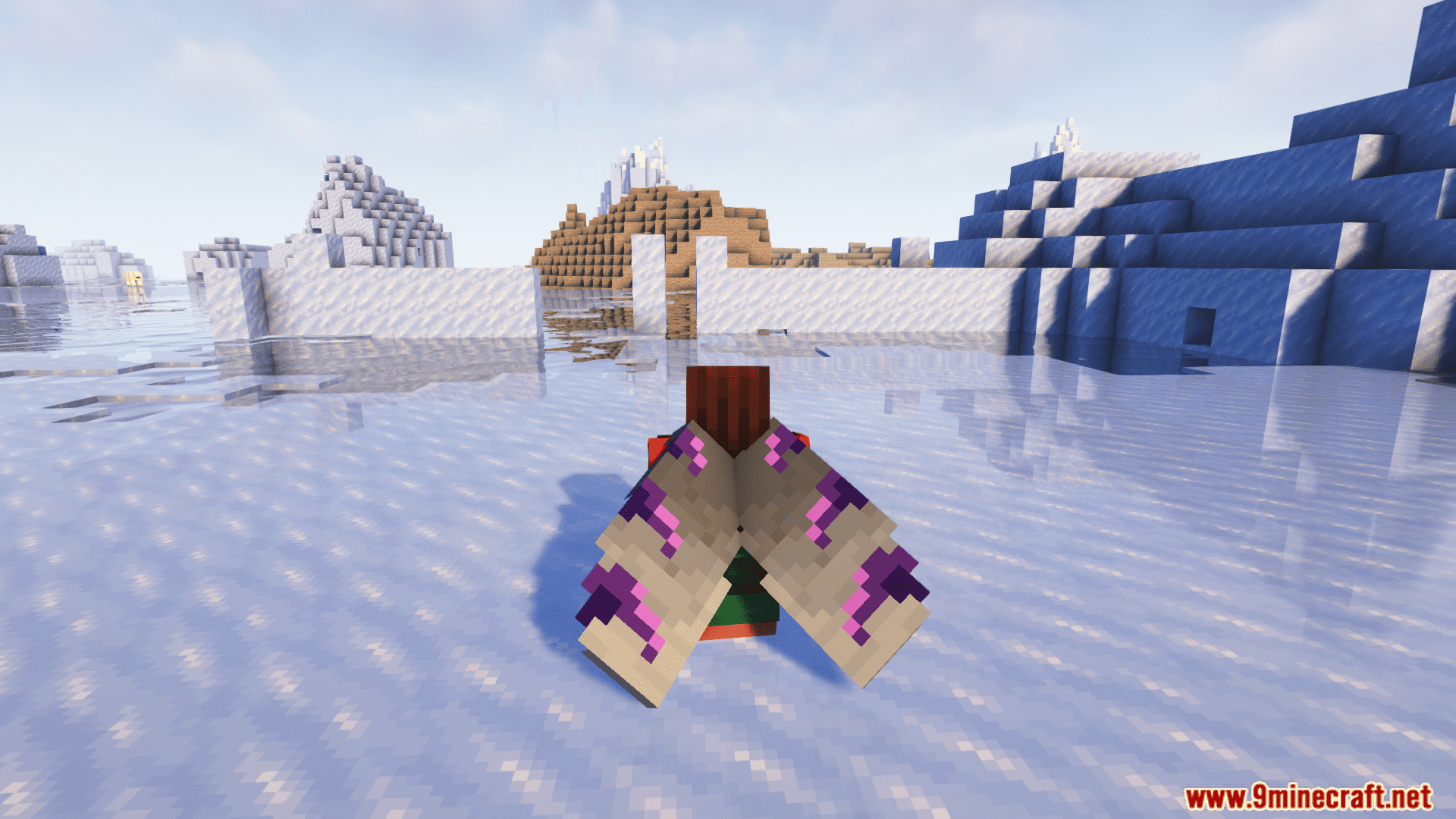
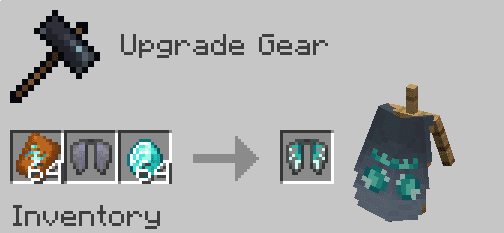
Crafting Recipes:
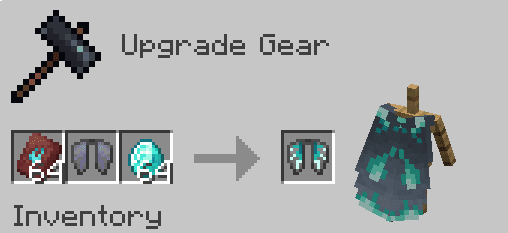
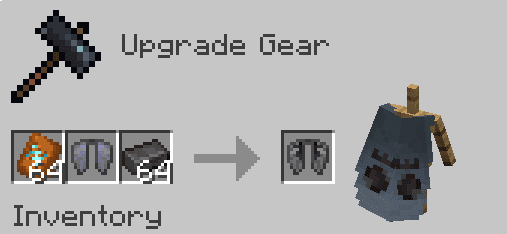
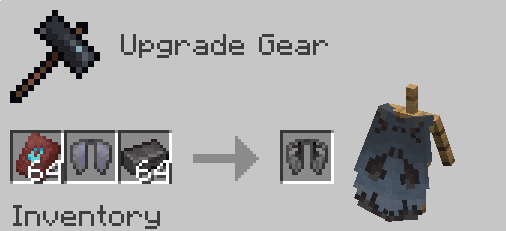
Elytra Trims Mod Download Links
For All Versions from Minecraft 1.19.4 to Minecraft 1.20.2
Fabric/Quilt Version: Download from Server 1 – Download from Server 2
For Minecraft 1.20.4
Forge Version: Download from Server 1 – Download from Server 2
Fabric Version: Download from Server 1 – Download from Server 2
For Minecraft 1.21.1, 1.21
Forge Version: Download from Server 1 – Download from Server 2
NeoForge Version: Download from Server 1 – Download from Server 2
Fabric Version: Download from Server 1 – Download from Server 2
For Minecraft 1.21.8, 1.21.7, 1.21.6, 1.21.5, 1.21.4
NeoForge Version: Download from Server 1 – Download from Server 2
Fabric Version: Download from Server 1 – Download from Server 2
For All Versions from Minecraft 1.19.4 to Minecraft 1.20.1
Fabric/Quilt Version: Download from Server 1 – Download from Server 2
- Edition: Minecraft Java
- File type: .jar
- Minecraft versions listed: 1.21.8, 1.20.1
- How to install: Install the matching mod loader (Forge, Fabric or NeoForge) for your Minecraft version. → Download the .jar. → Put it in the .minecraft/mods folder and launch that loader profile.
- Where to get it: In MC Java Mods, or directly above on this page.
Install steps are the general flow for this file type — How to install Minecraft Java mods & modpacks walks through it step by step.
- Downloads as 177830.mcaddon
- Download size: 73 KB
- Download link checked 24 Jul 2026 — working
- Mirrored on our own servers — the download does not depend on the original host
These come from our own check of the pack file, not from the source page.