Shulker Tooltip Mod (1.21.8, 1.20.1) – See What's Inside a Shulkerbox
Java mod listed for Minecraft 1.20–1.21. File opened and checked on 4 Oct 2026; downloads from the MC Java Mods app on Android.
⬇ Download
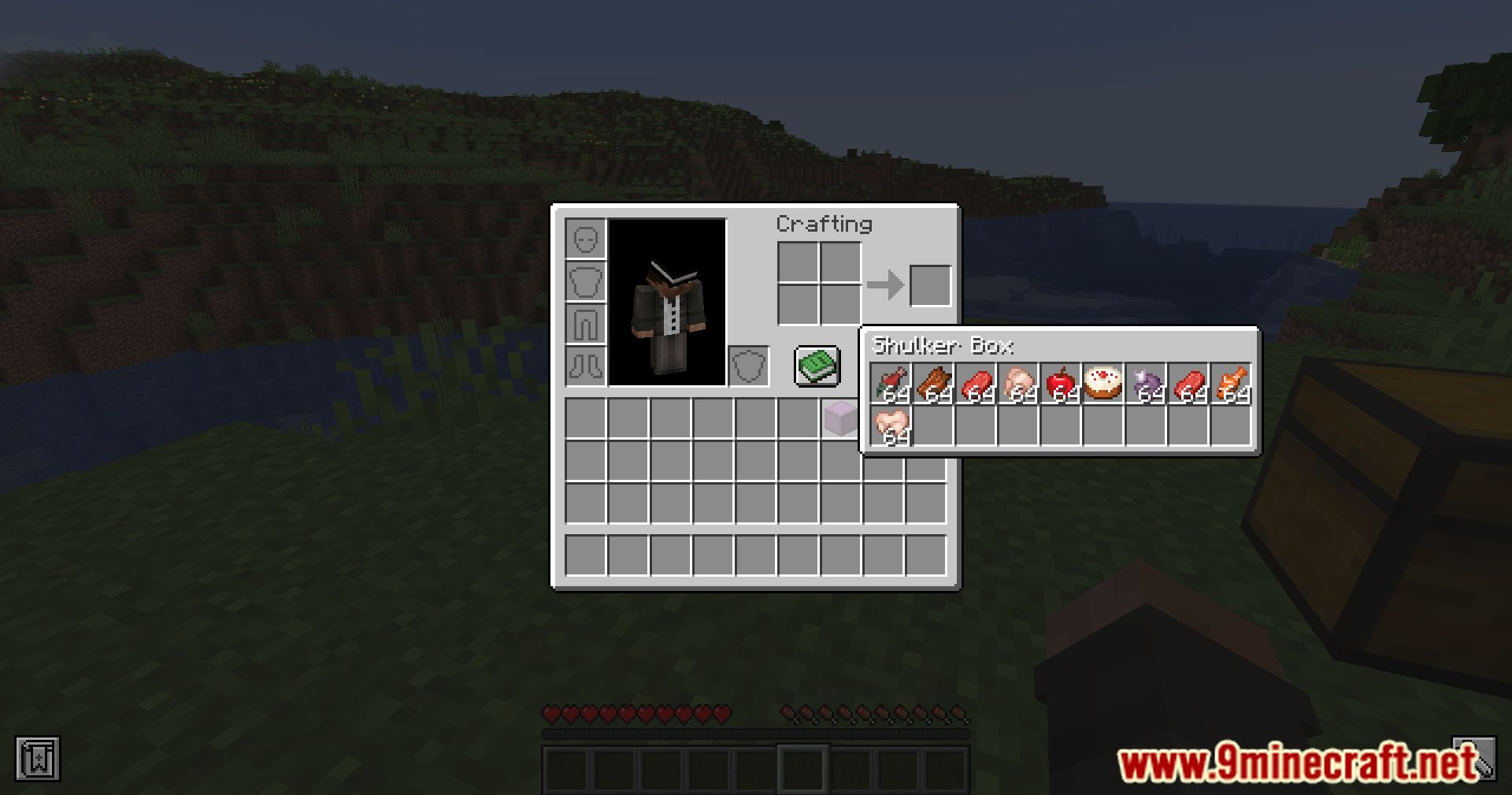
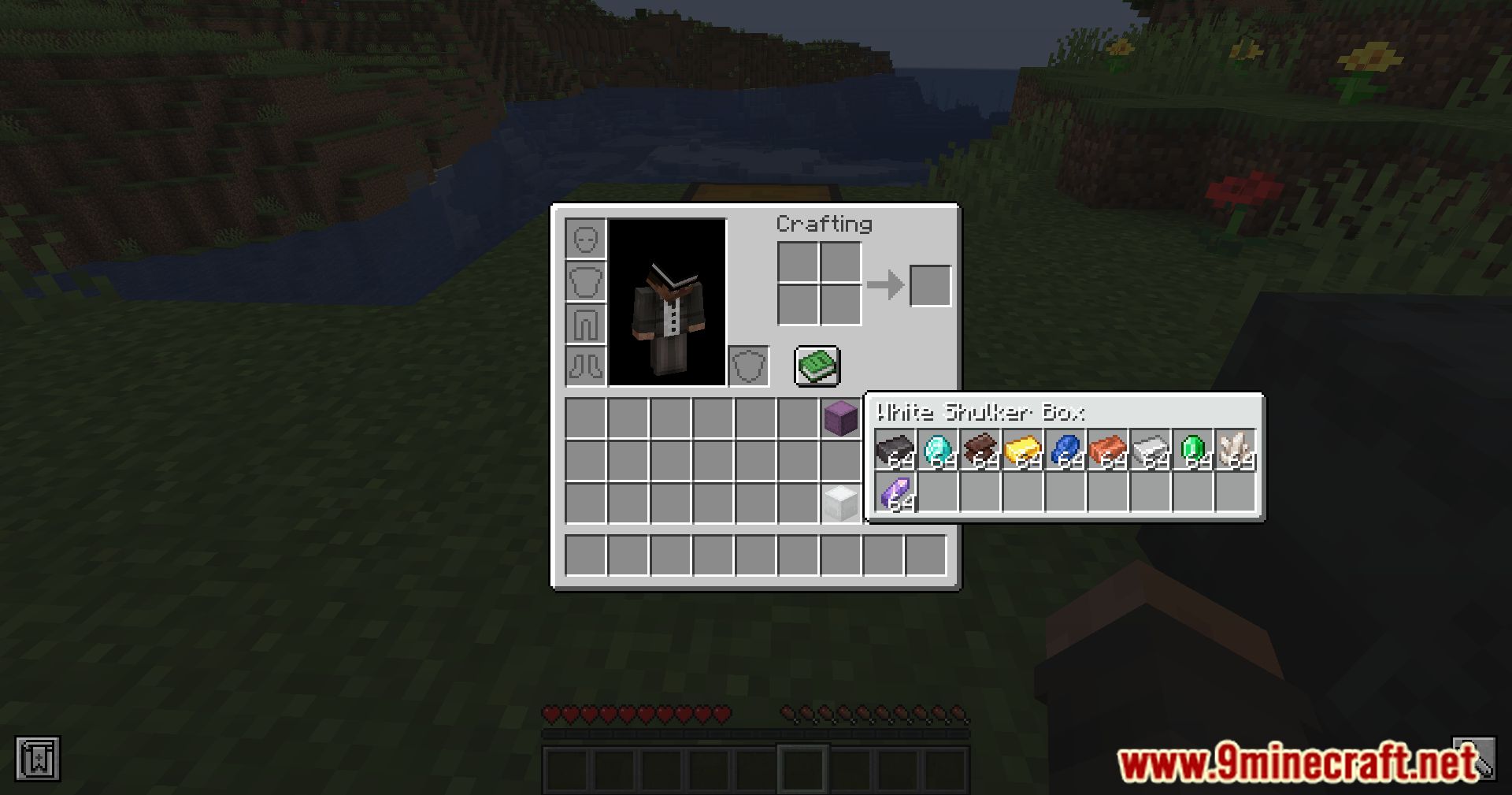
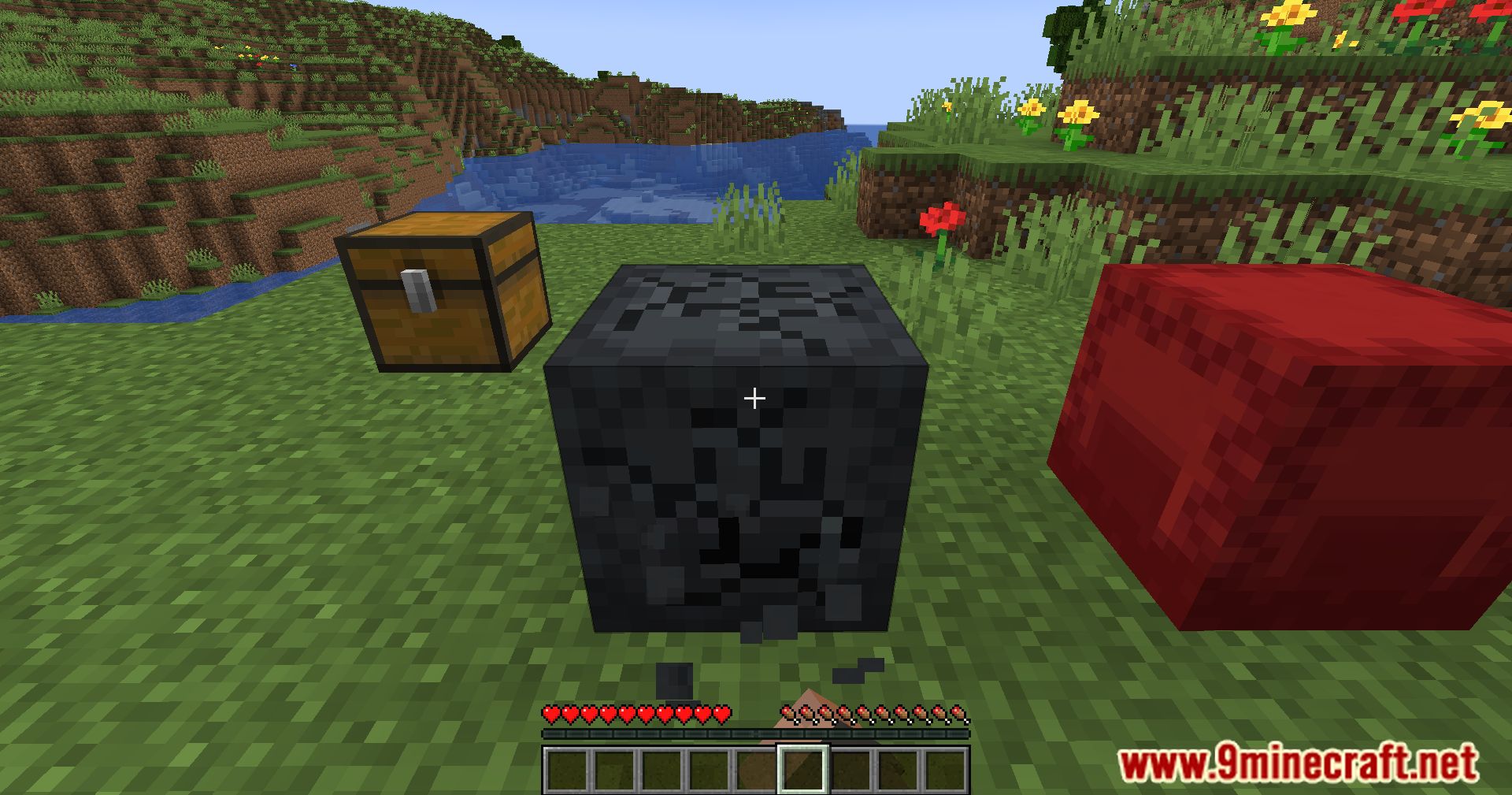
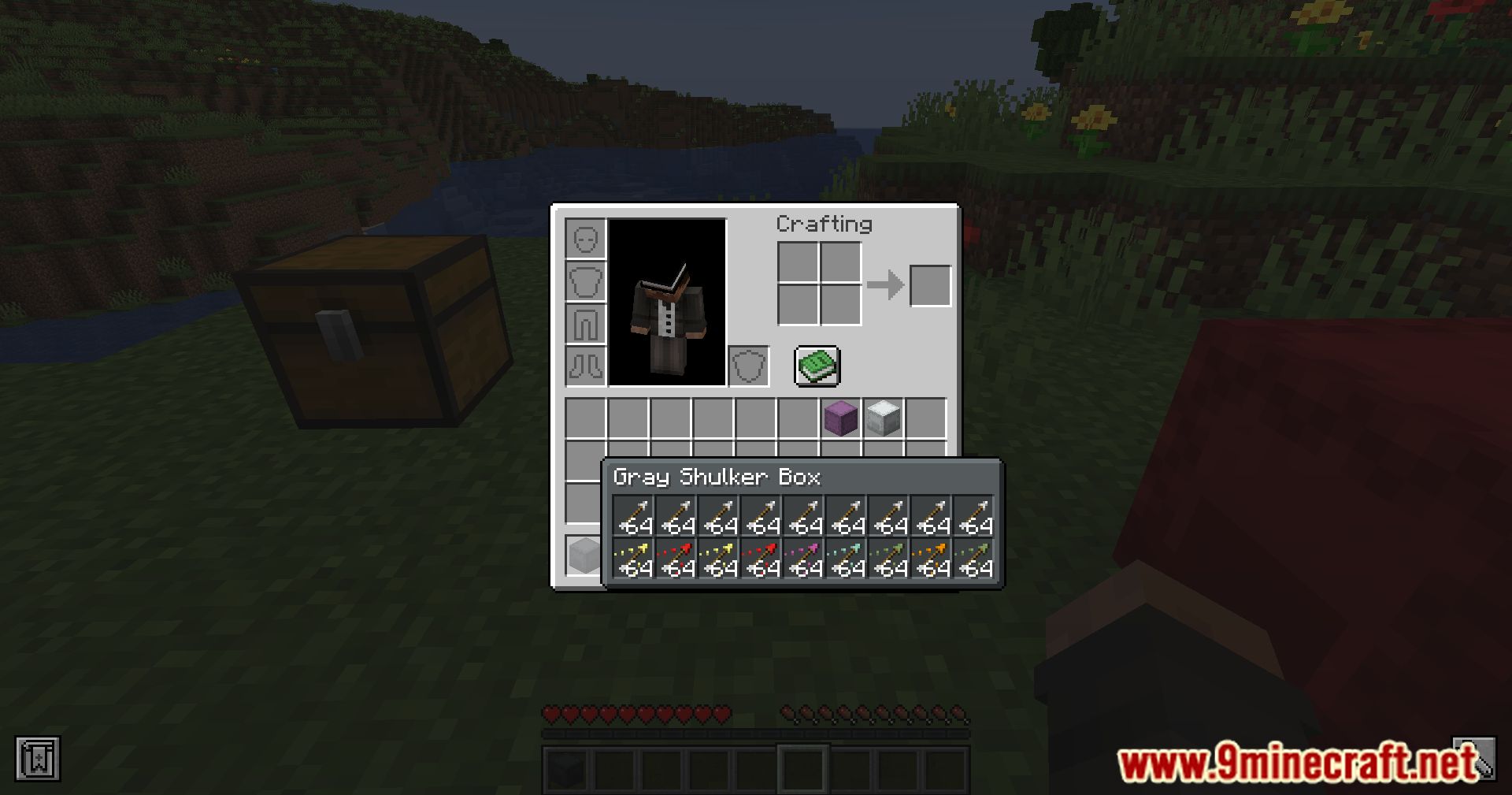
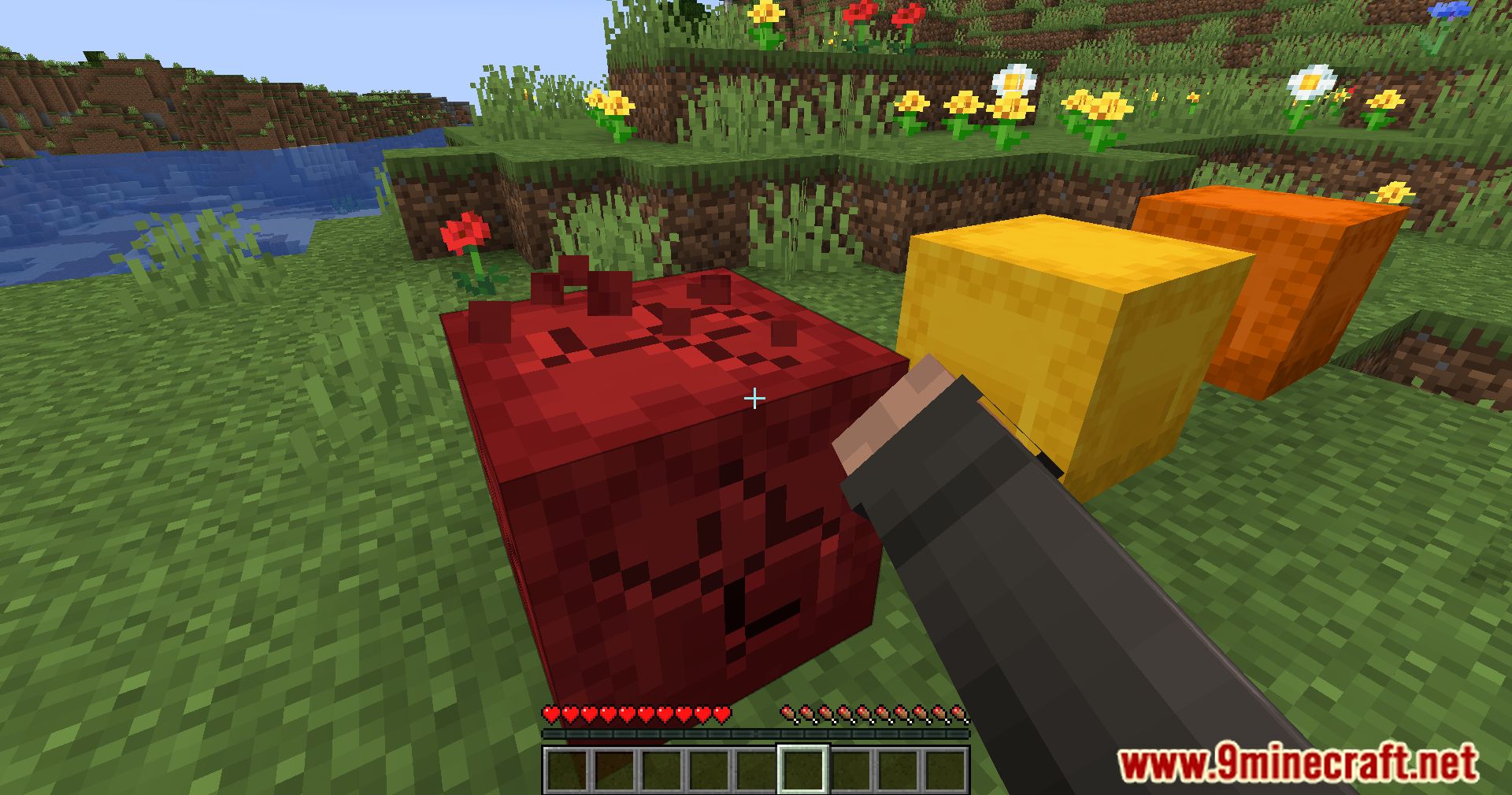
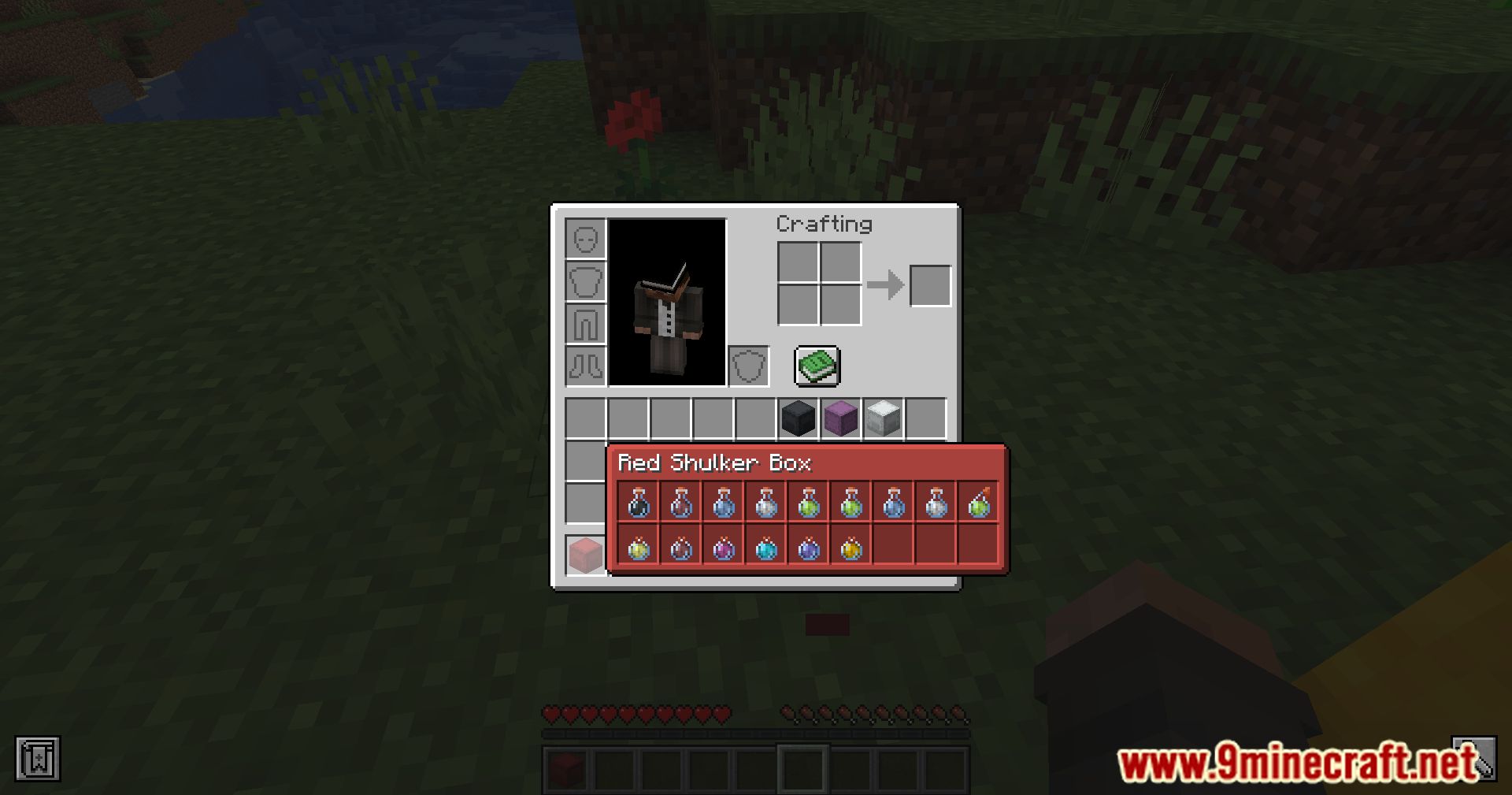
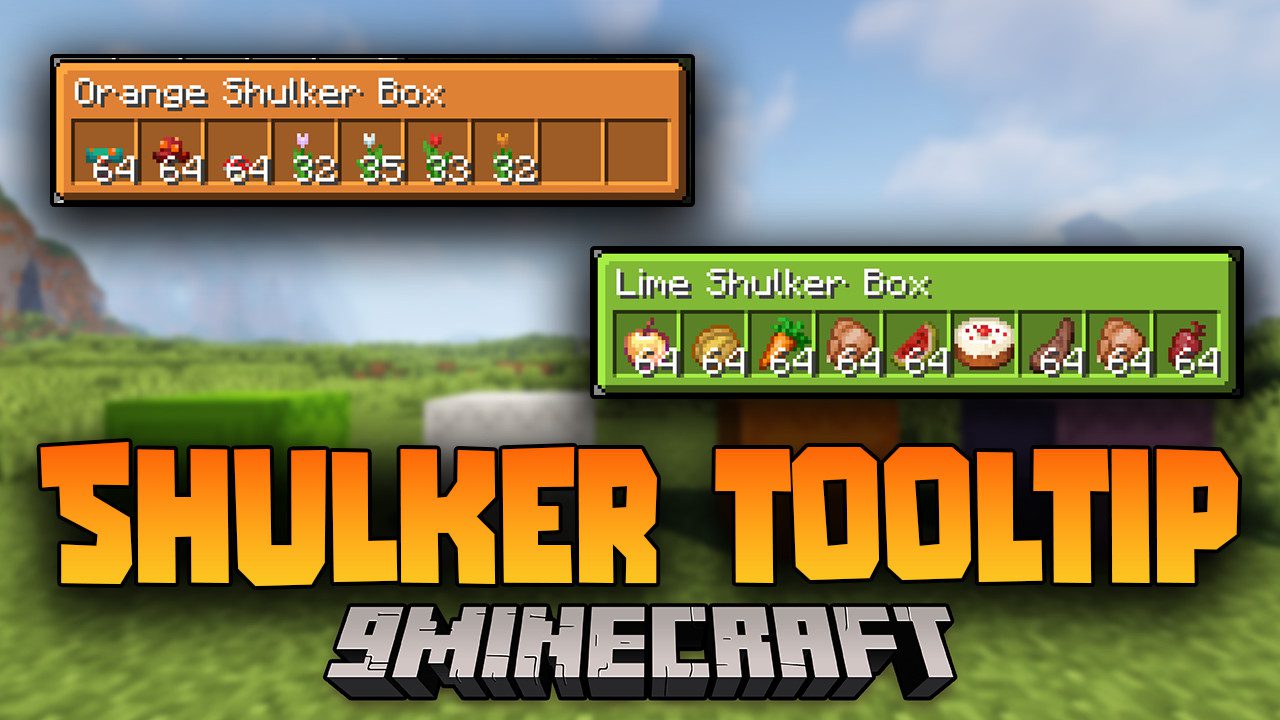
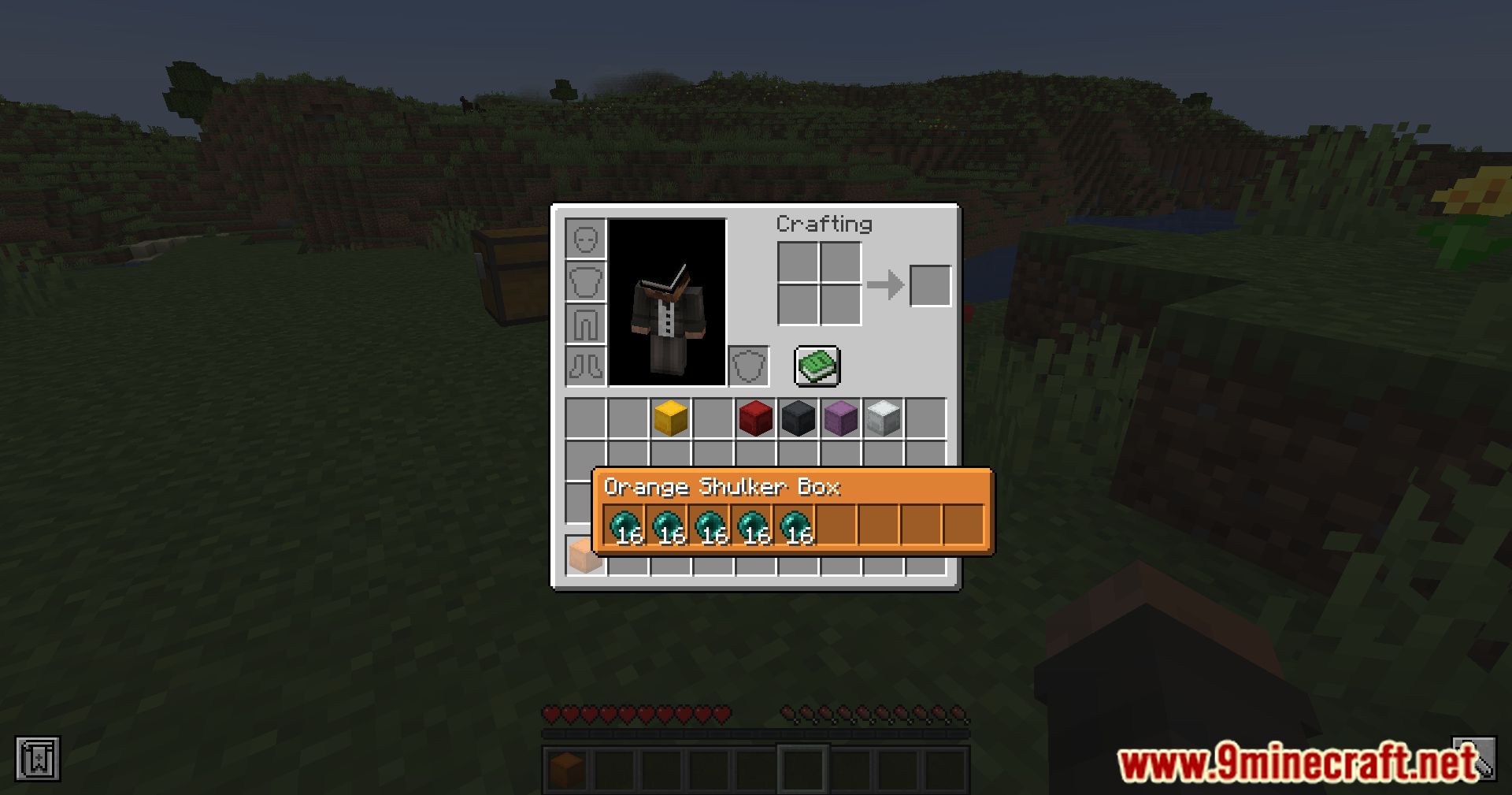
Shulker Tooltip Mod focuses on making the management of storage inventories offered by Shulker Boxes more convenient and faster. One of the most notable features of this mod is that you can view the contents of a Shulker Box in your inventory simply by hovering your mouse over it. Beyond this functionality, the mod also adds keyboard shortcuts to interact with your Shulker Boxes. For example, pressing the “V” key lets you change the view of a Shulker Box. Pressing the “Left Alt” key shows information about the tools inside the Shulker Box. Finally, pressing the “N” key opens the Shulker Box in a new graphical interface.
Features:
- Hold Shift while hovering over a shulker box to see a quick item summary.
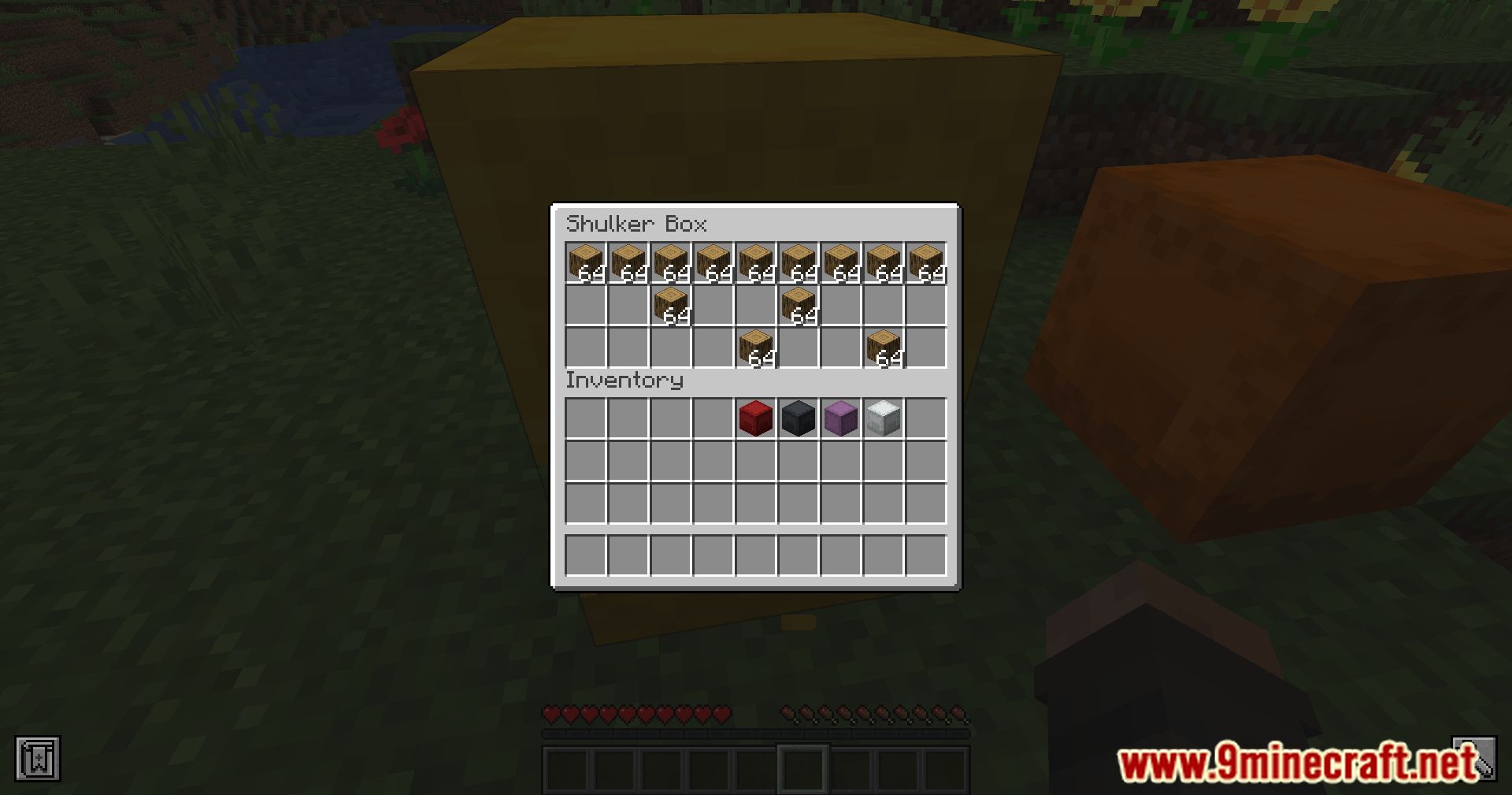
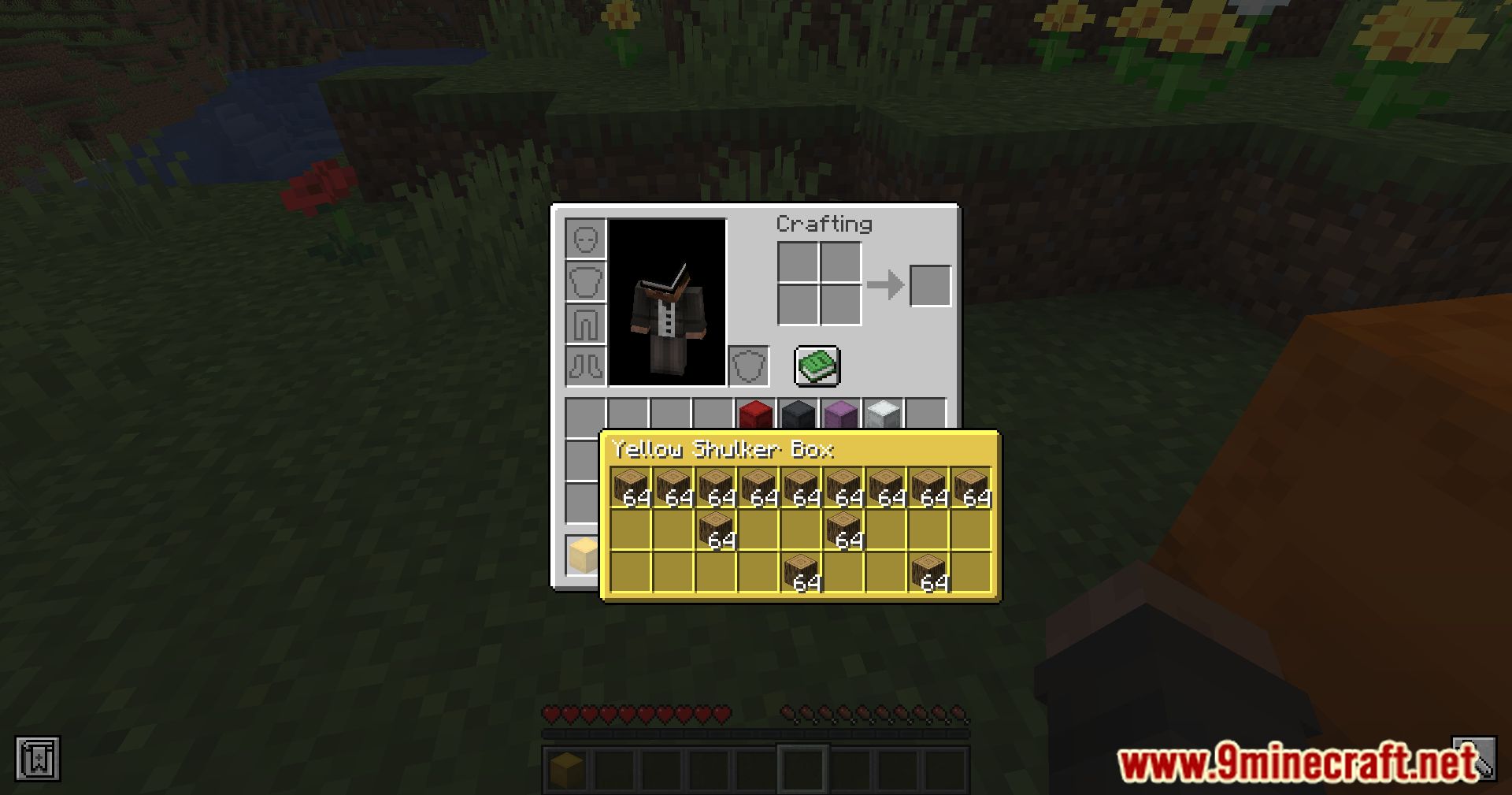
- Hold Alt + Shift to view the full contents with item slots displayed as they are inside the box.
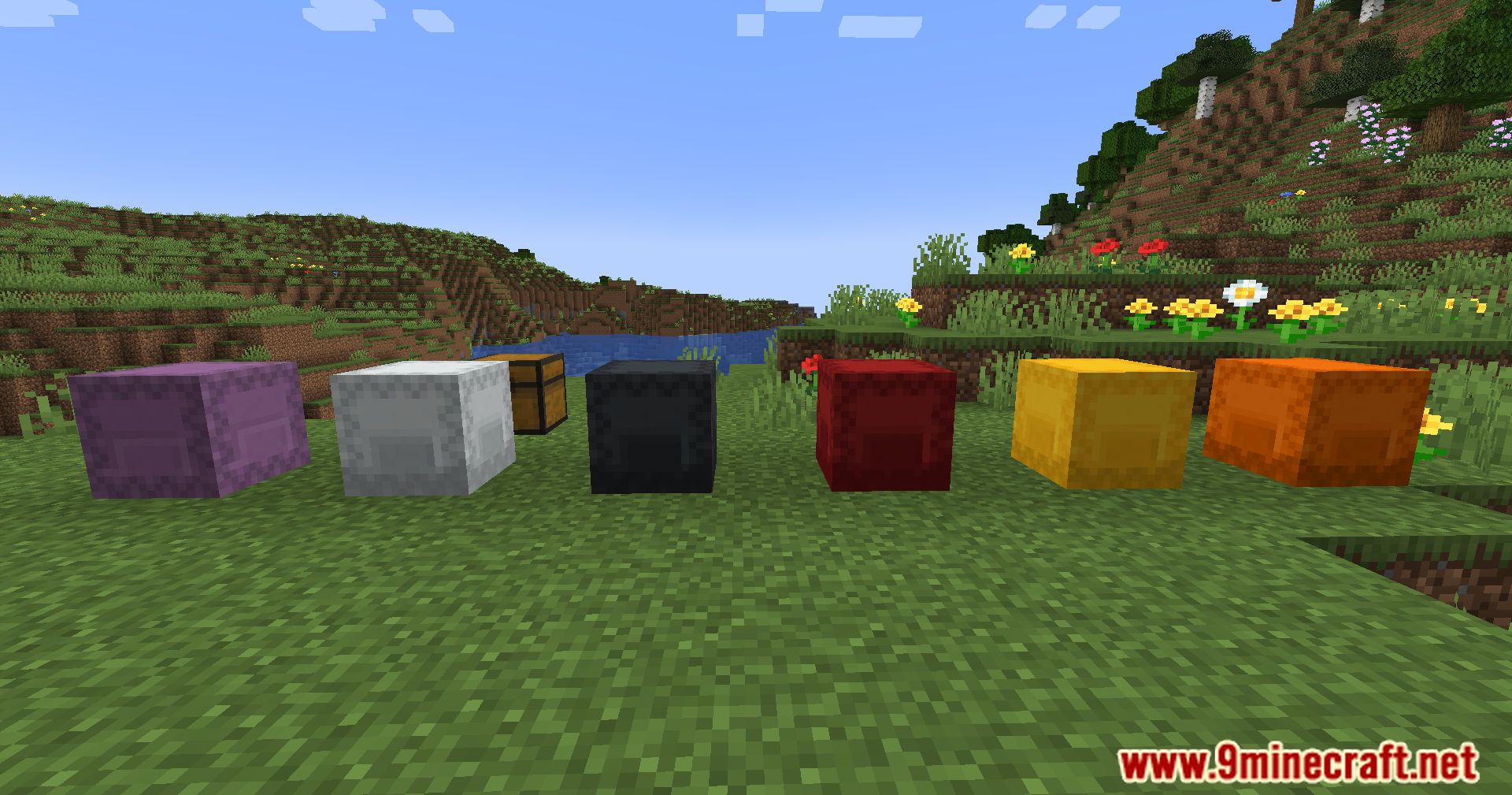
- The preview window reflects the color of the shulker box (can be disabled in settings).
- Works with other containers like chests, barrels, furnaces, and even modded storage blocks.
- Supports items obtained via creative mode using Ctrl + Pick Block.
- Shows loot table name in the tooltip (disabled by default).
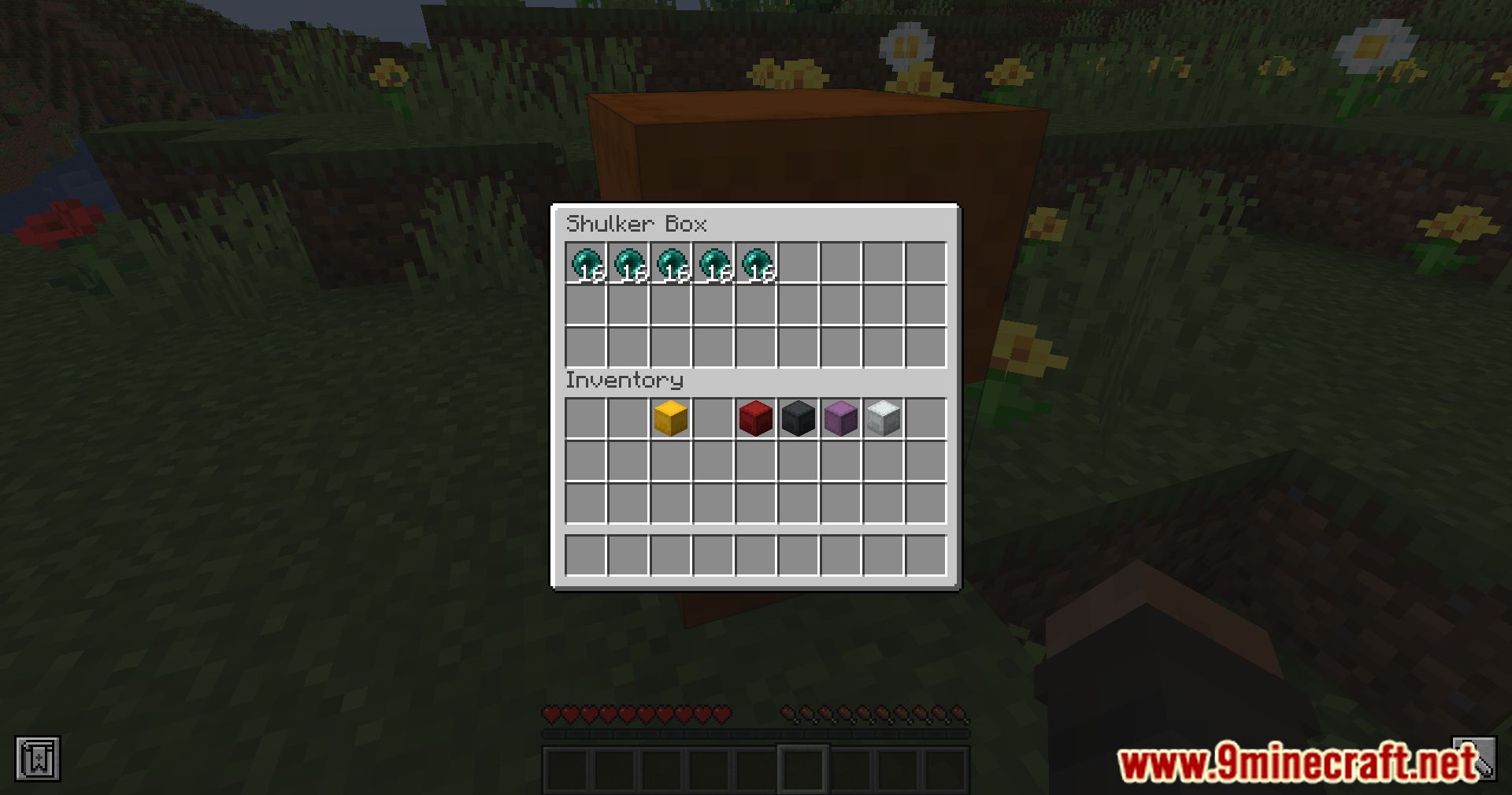
- Optional server-side install enables features like ender chest preview.
Screenshots:
Shulker Tooltip Mod Download Links
For Minecraft 1.16.5
Forge Version: Download from Server 1 – Download from Server 2
For Minecraft 1.17.1
Forge Version: Download from Server 1 – Download from Server 2
For Minecraft 1.18.2
Forge Version: Download from Server 1 – Download from Server 2
For Minecraft 1.19
Forge Version: Download from Server 1 – Download from Server 2
For Minecraft 1.19.4
Forge Version: Download from Server 1 – Download from Server 2
For Minecraft 1.20.1, 1.20
Forge/NeoForge Version: Download from Server 1 – Download from Server 2
For Minecraft 1.20.4
Forge Version: Download from Server 1 – Download from Server 2
For Minecraft 1.20.6
Forge Version: Download from Server 1 – Download from Server 2
For Minecraft 1.21.1, 1.21
Forge Version: Download from Server 1 – Download from Server 2
For Minecraft 1.21.4
NeoForge Version: Download from Server 1 – Download from Server 2
For Minecraft 1.21.8, 1.21.7, 1.21.6
NeoForge Version: Download from Server 1 – Download from Server 2
- Edition: Minecraft Java
- File type: .jar
- Minecraft versions listed: 1.21.8, 1.20.1
- How to install: Install the matching mod loader (Forge, Fabric or NeoForge) for your Minecraft version. → Download the .jar. → Put it in the .minecraft/mods folder and launch that loader profile.
- Where to get it: In MC Java Mods, or directly above on this page.
Install steps are the general flow for this file type — How to install Minecraft Java mods & modpacks walks through it step by step.
- Downloads as 177831.mcaddon
- Download size: 11 KB
- Download link checked 24 Jul 2026 — working
- Mirrored on our own servers — the download does not depend on the original host
These come from our own check of the pack file, not from the source page.