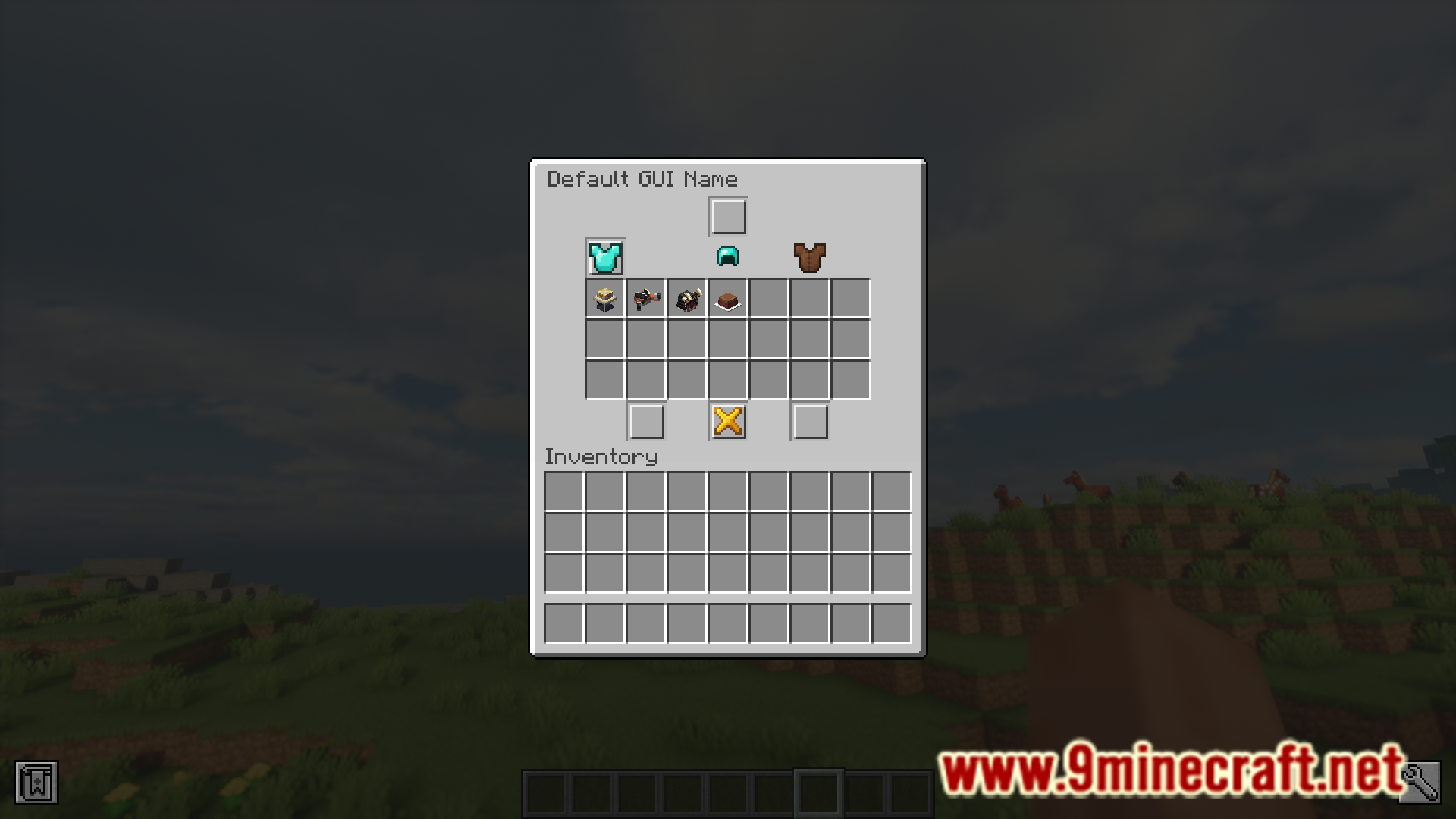
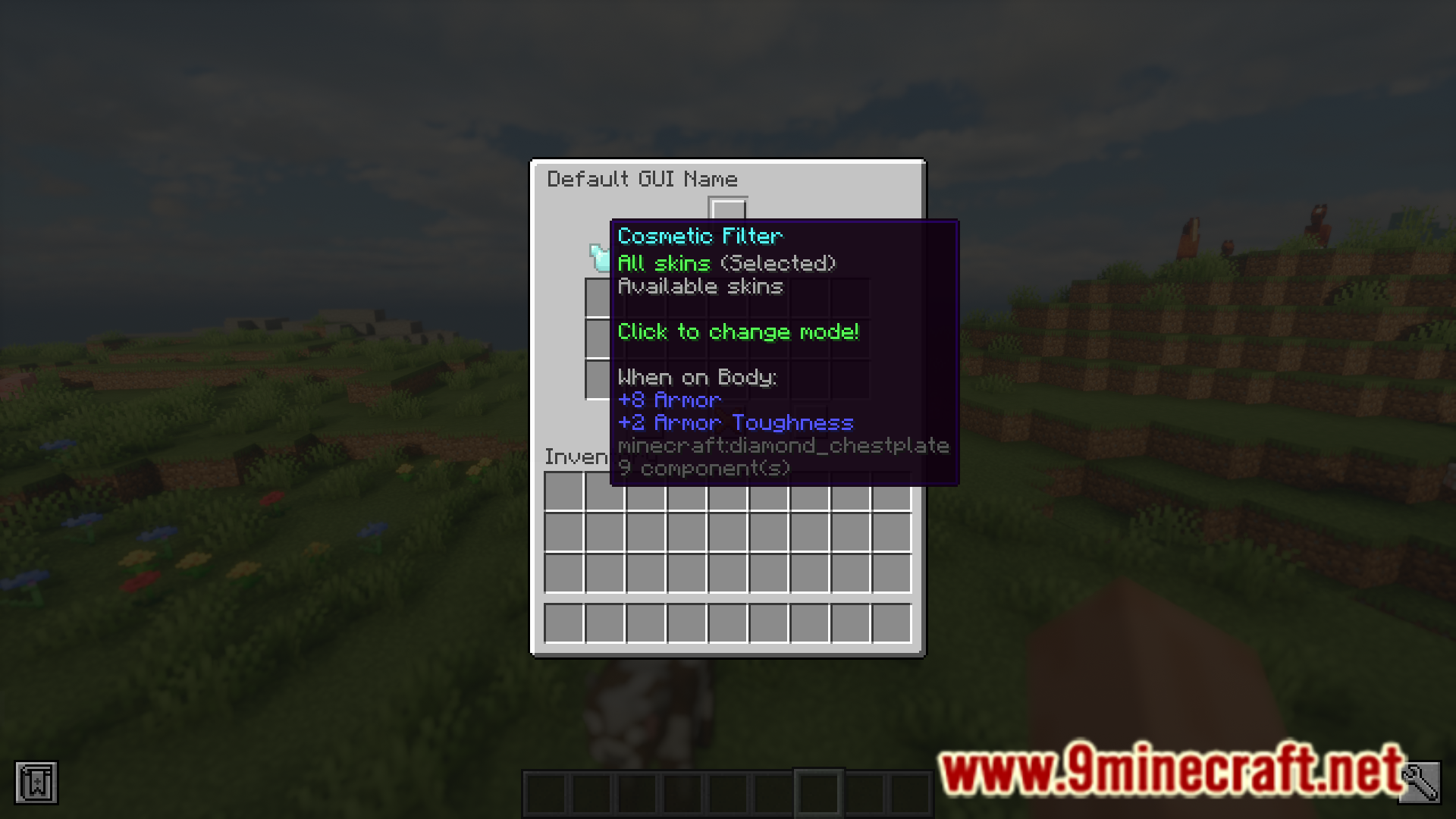
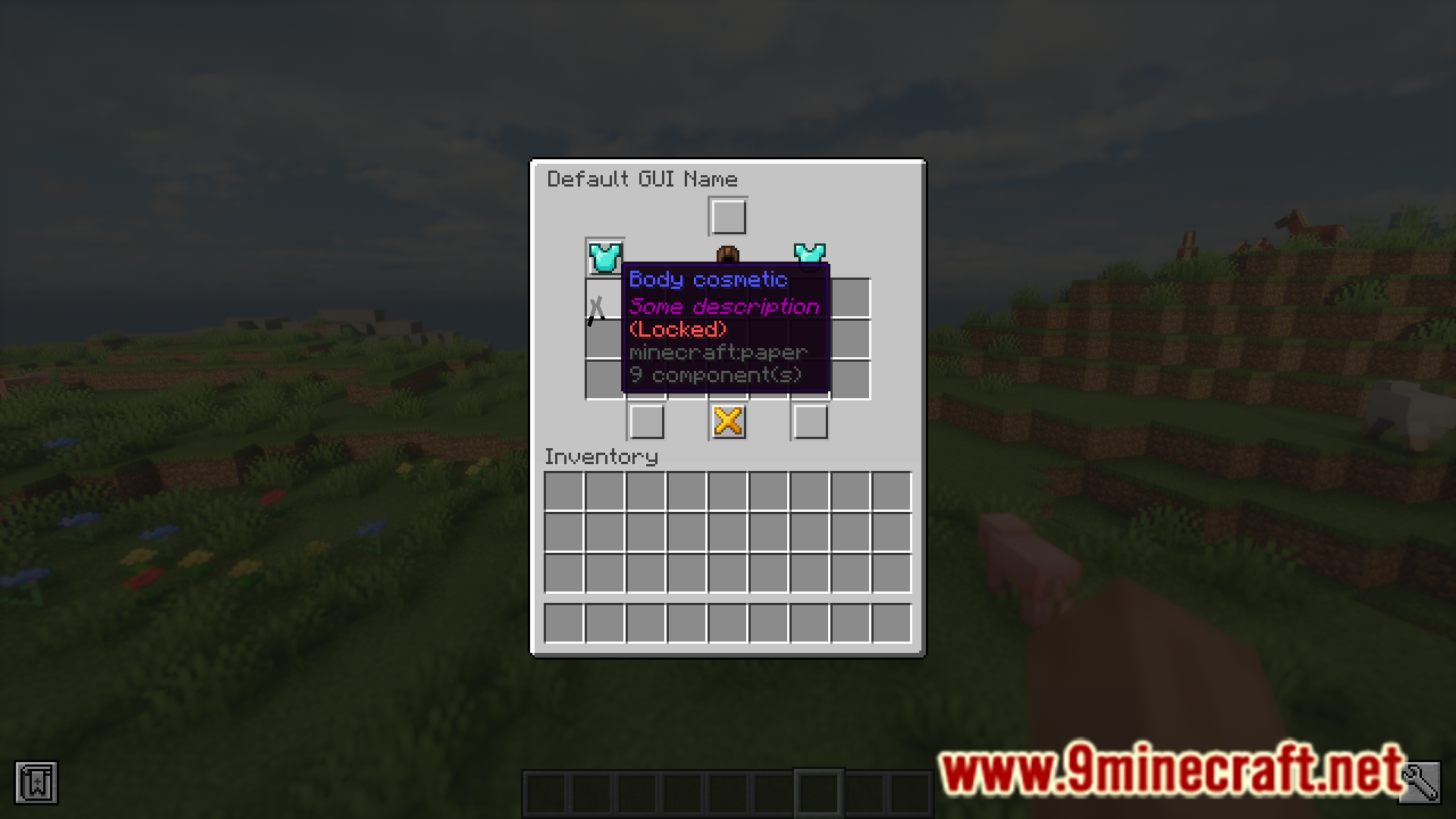
Server Cosmetics Mod allows you to offer players cosmetic items on the server side. The current version of the mod includes some hats and item skins, but more can be expected to be implemented soon. A list of useful commands along with their uses are listed below.
Features:
Mod commands and uses:
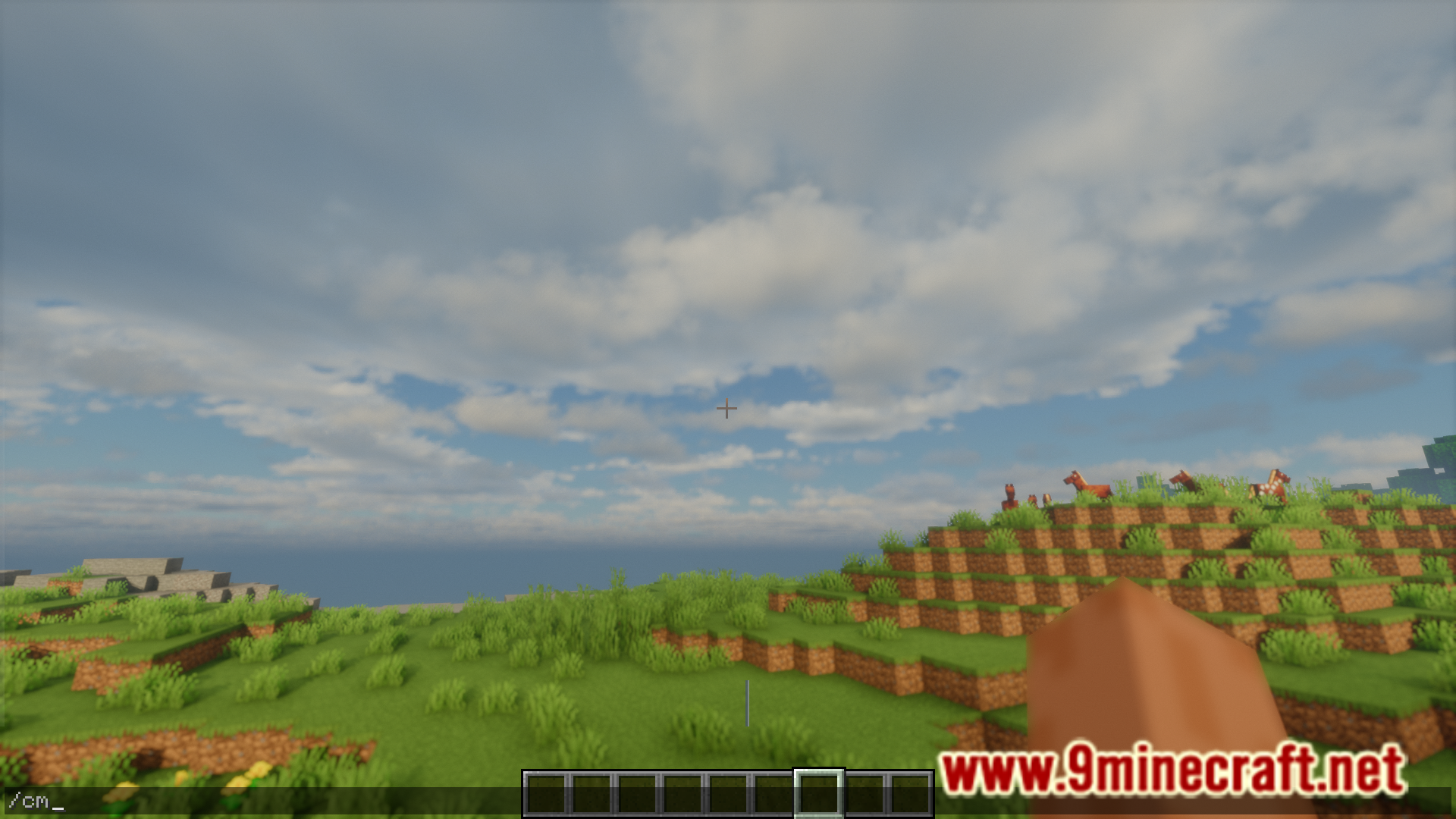
- /cm – open hat cosmetics GUI
- /cm reload – hat cosmetics configs
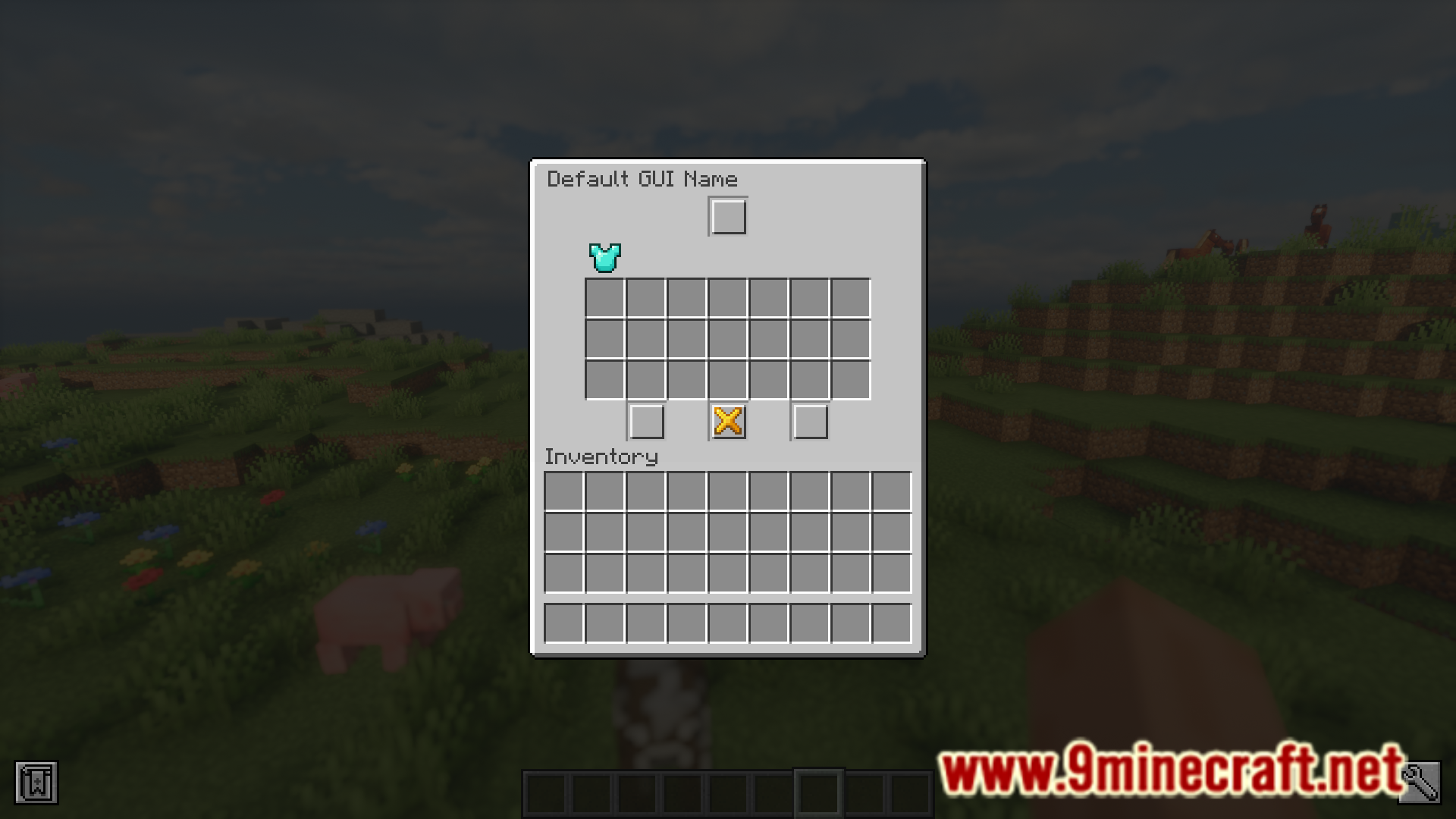
- /is – open itemskins GUI
- /is reload – item skins configs
- /sc reload – reload all configs
- You can find all permissions in the configs.
Screenshots:
Server Cosmetics Mod Download Links
Quick facts
- Edition: Minecraft Java
- File type: .jar
- Minecraft version listed: 1.20.1
- How to install: Install the matching mod loader (Forge, Fabric or NeoForge) for your Minecraft version. → Download the .jar. → Put it in the .minecraft/mods folder and launch that loader profile.
- Where to get it: In MC Java Mods, or directly above on this page.
Install steps are the general flow for this file type — How to install Minecraft Java mods & modpacks walks through it step by step.
Server Cosmetics Mod (26.2, 1.20.1) – Server Side Cosmetics is a free Minecraft Java mod. Compatible with Minecraft 1.20.1. Download it and open it directly in the game.