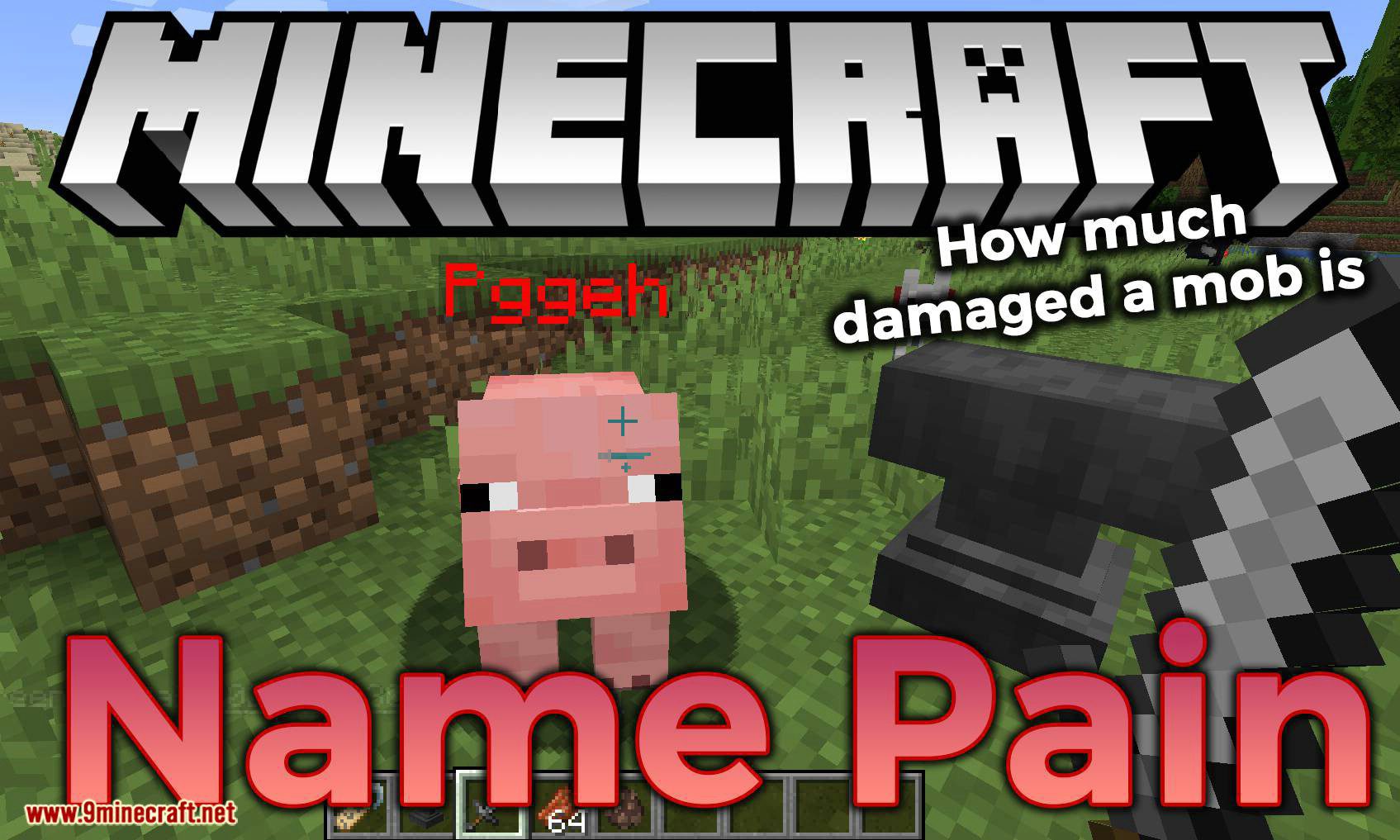
Name Pain Mod (1.21.8, 1.20.1) – How Much Damaged a Mob Is
Name Pain Mod recolors the names of players & mobs based on health or persistently. Color & transparency are configurable. Features: Now you can see how…
⬇ Download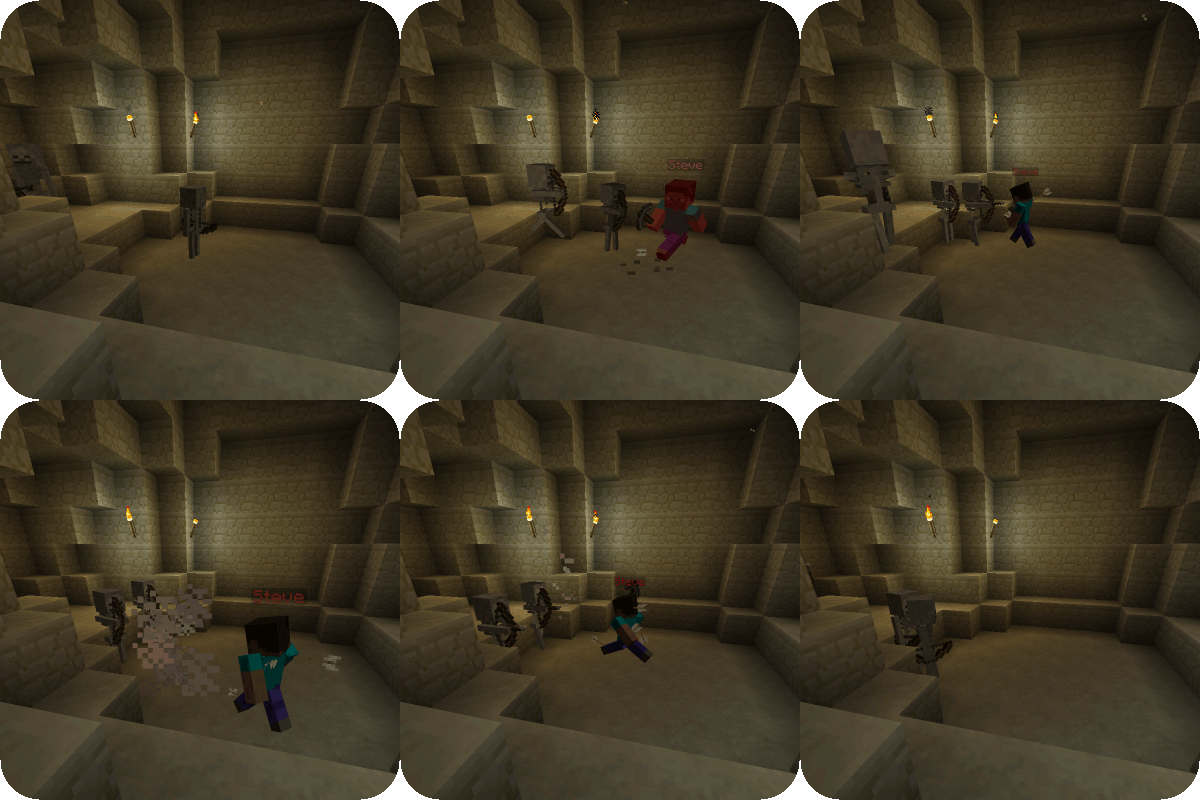
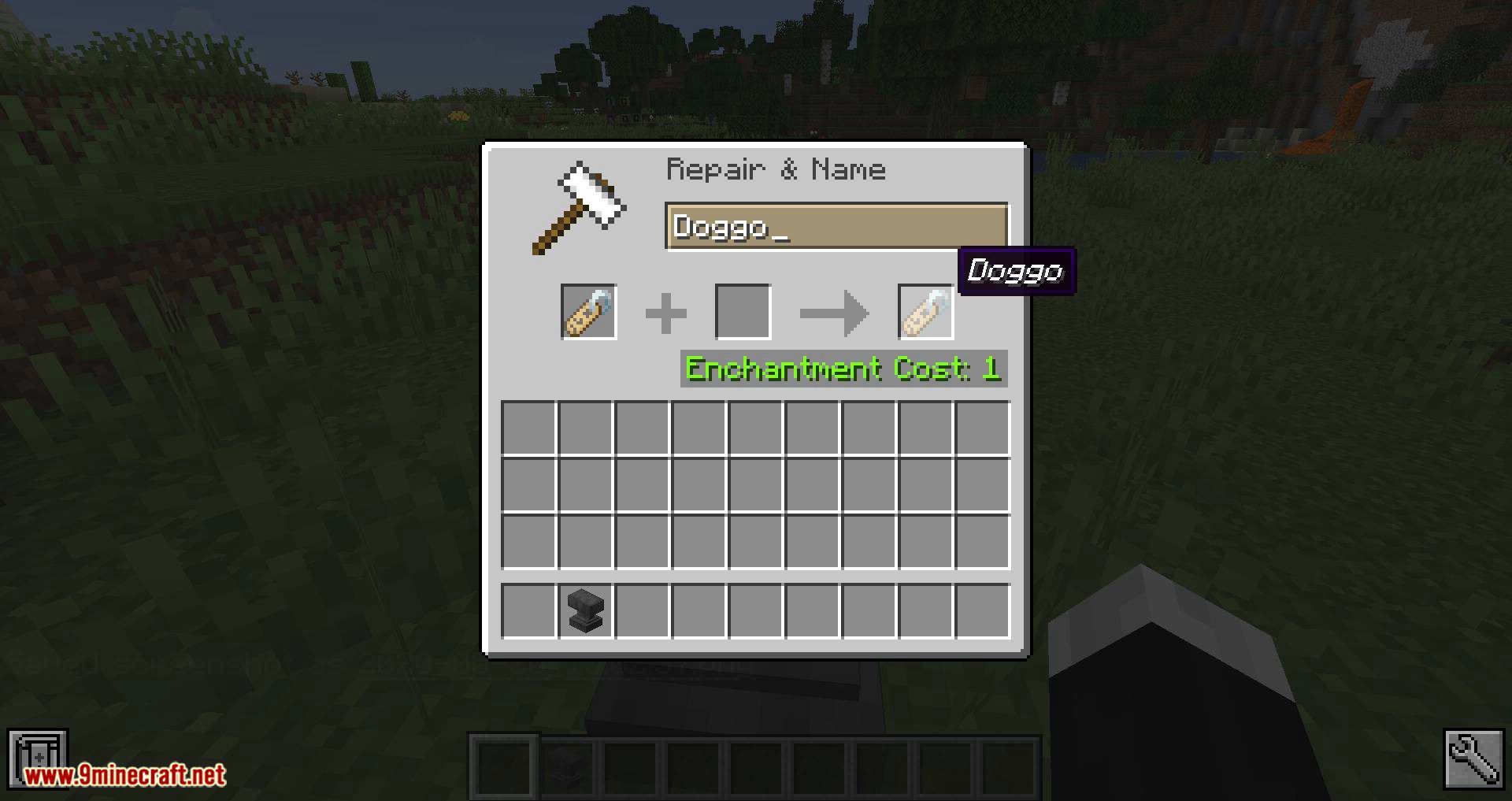
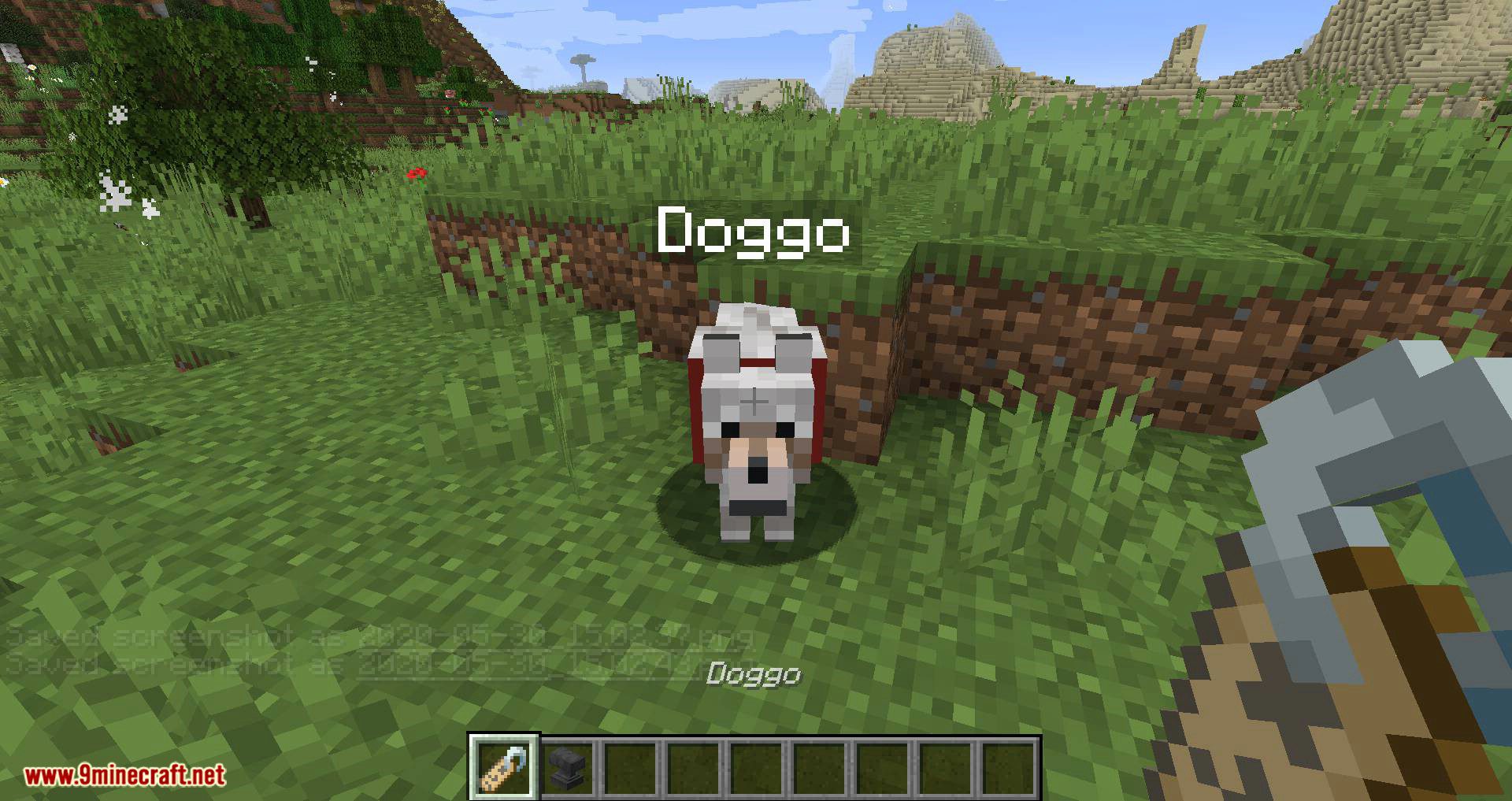
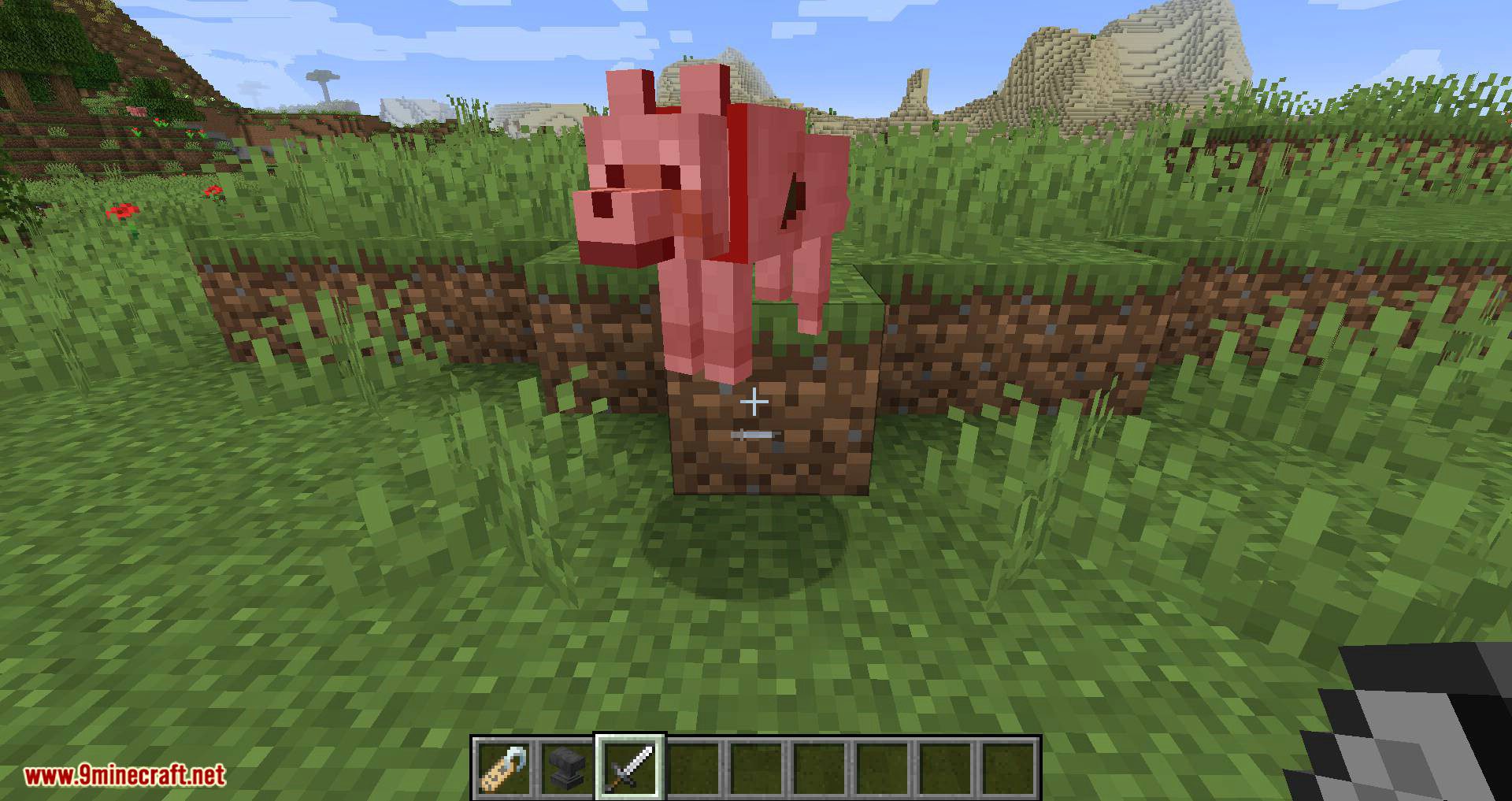
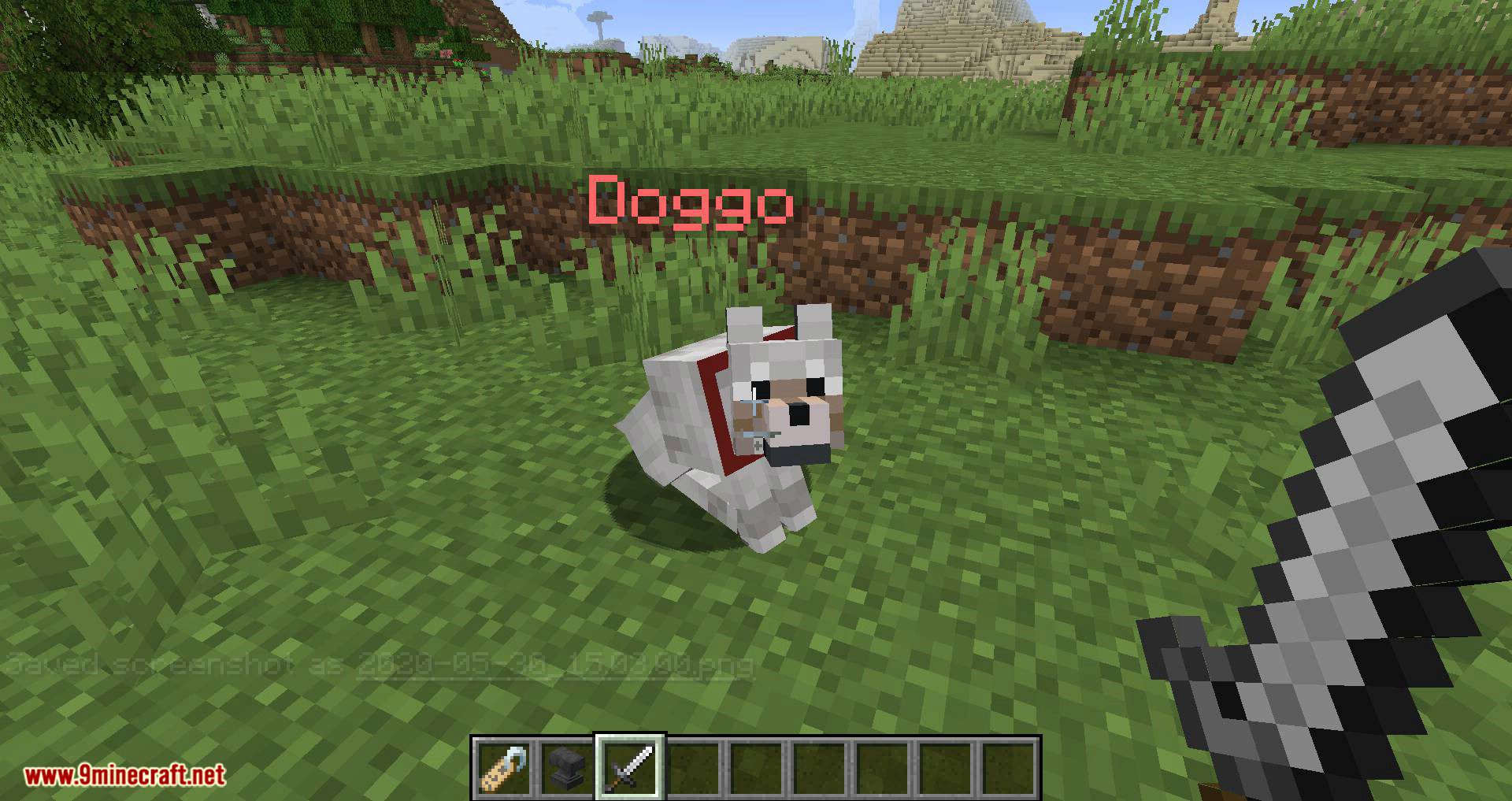
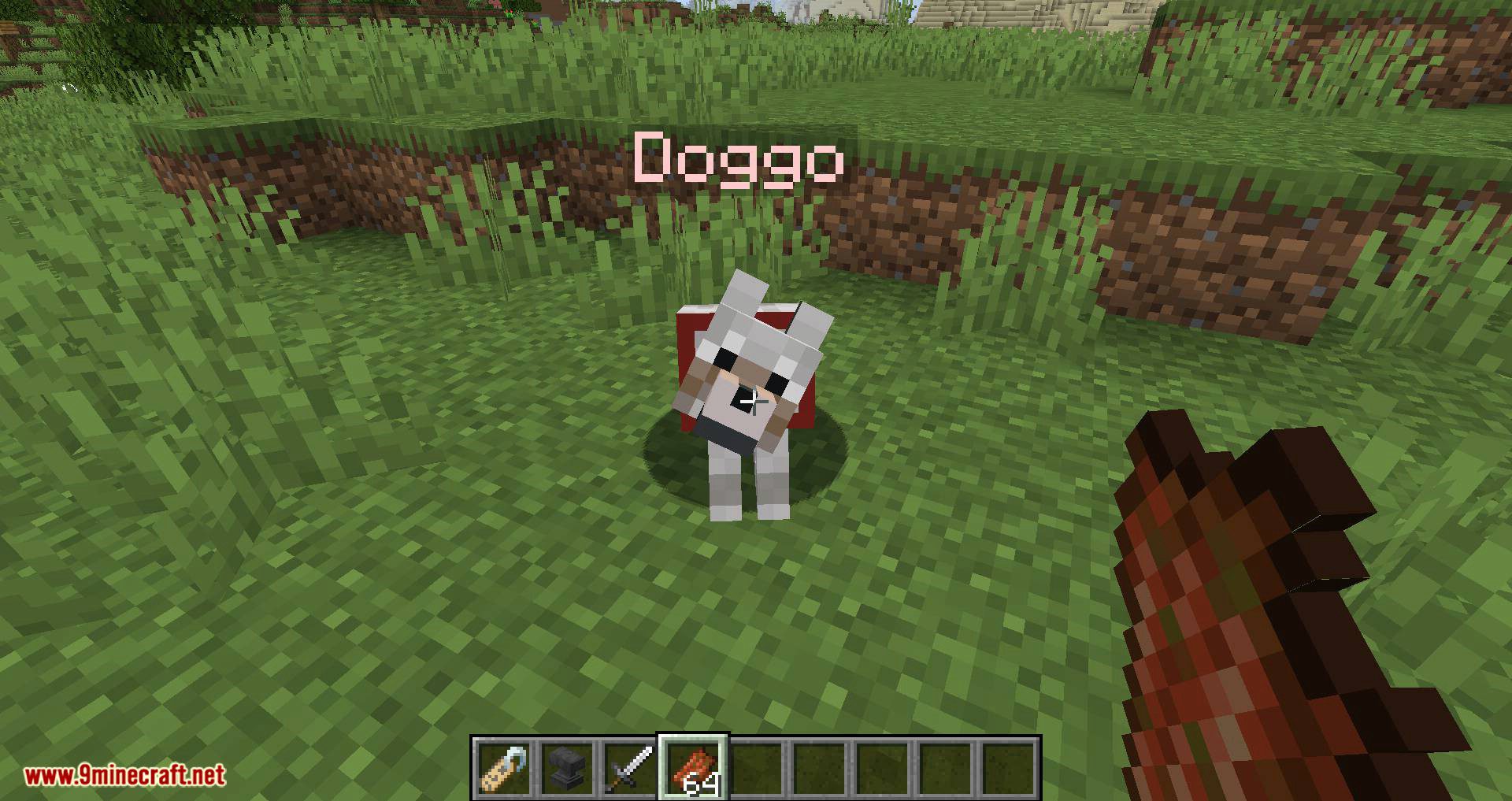
Name Pain Mod recolors the names of players & mobs based on health or persistently. Color & transparency are configurable.
Features:
Now you can see how poorly your friends are doing and keep an eye on your pets without extra visual clutter like scoreboards.
See what happens to Steve’s name with default configs:
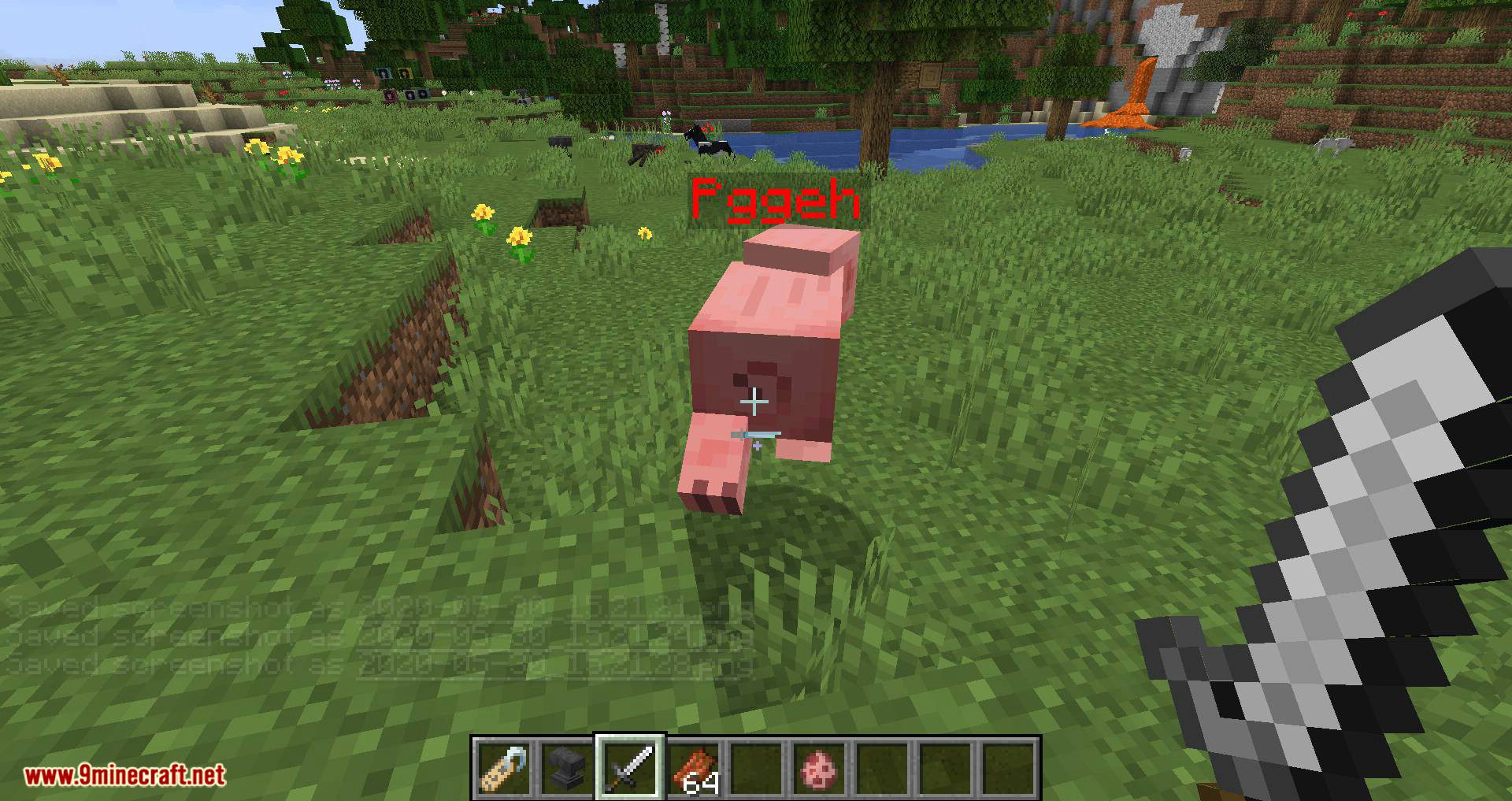
Steve’s name gradually turns red as he learns why digging down is wrong.
But more can be customized than a name’s color on a nameplate.
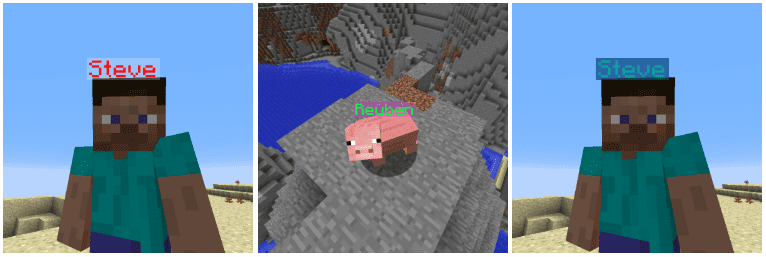
Plates themselves can be recolored from their default transparent black:
If you just want to change nameplate coloring without health-based change, set all Min Health RGBA values equal to their corresponding Max Health RGBA values.
If you want to hide nameplates from your screen, set each Alpha all the way down to 0.
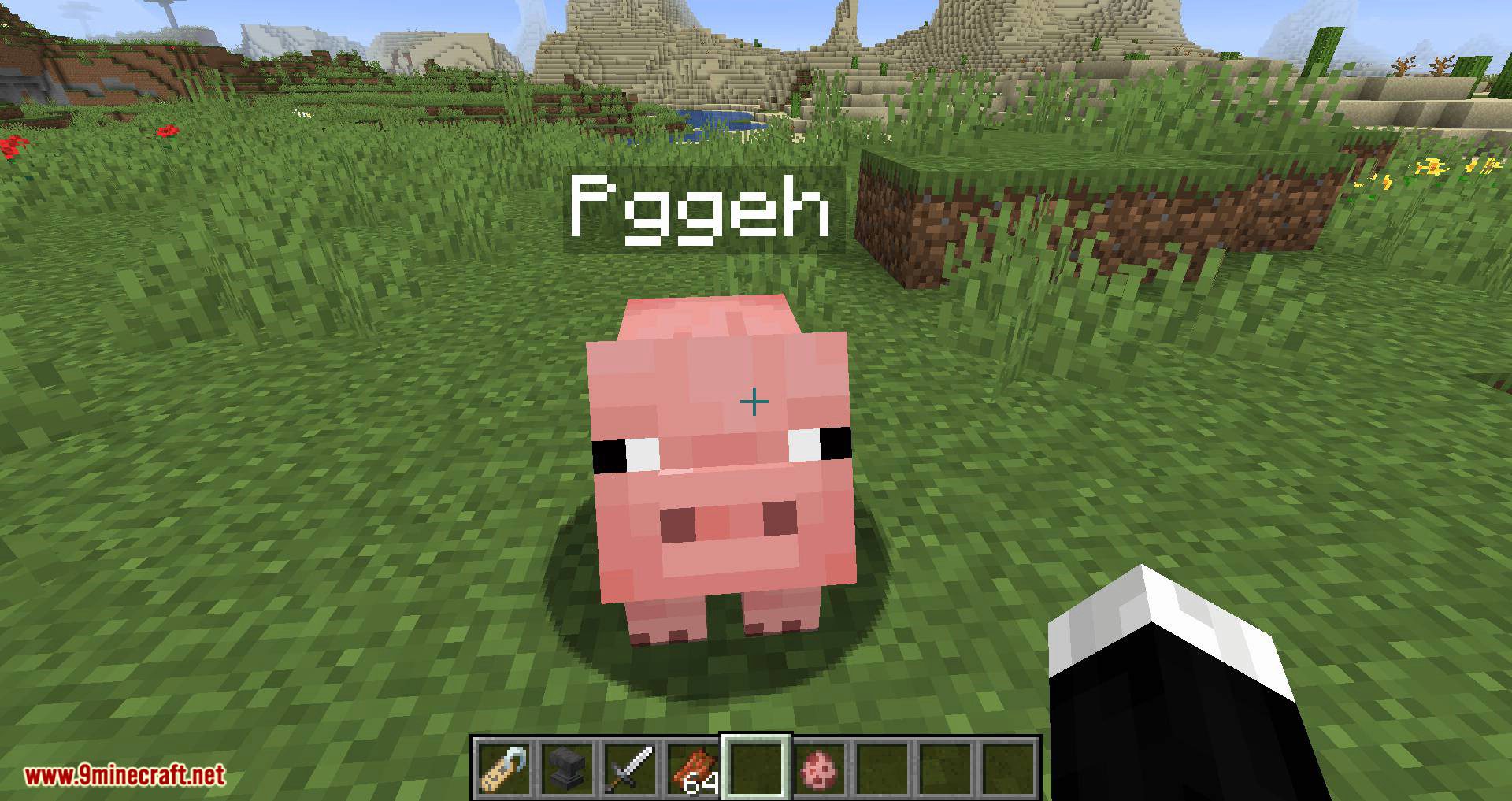
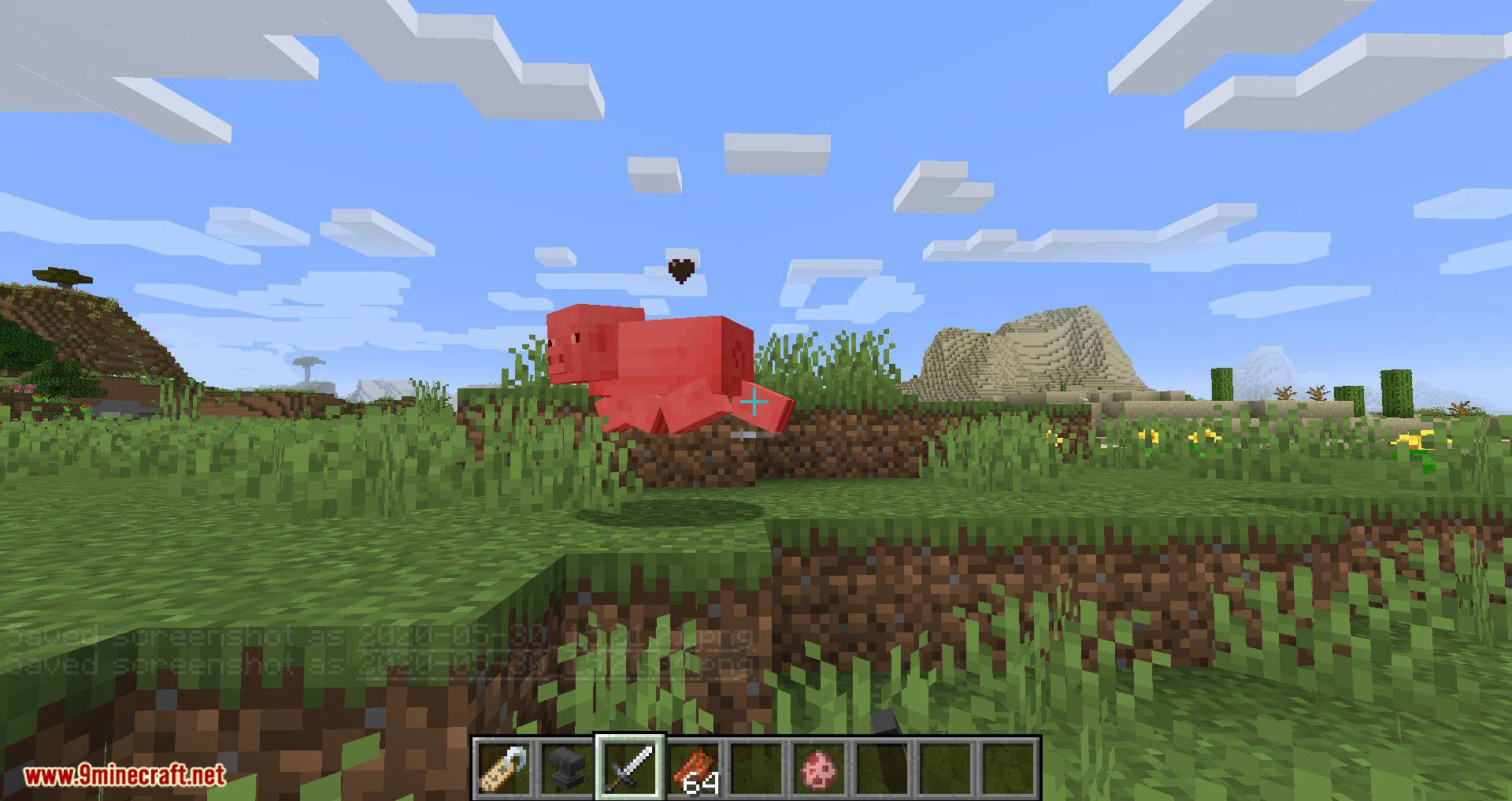
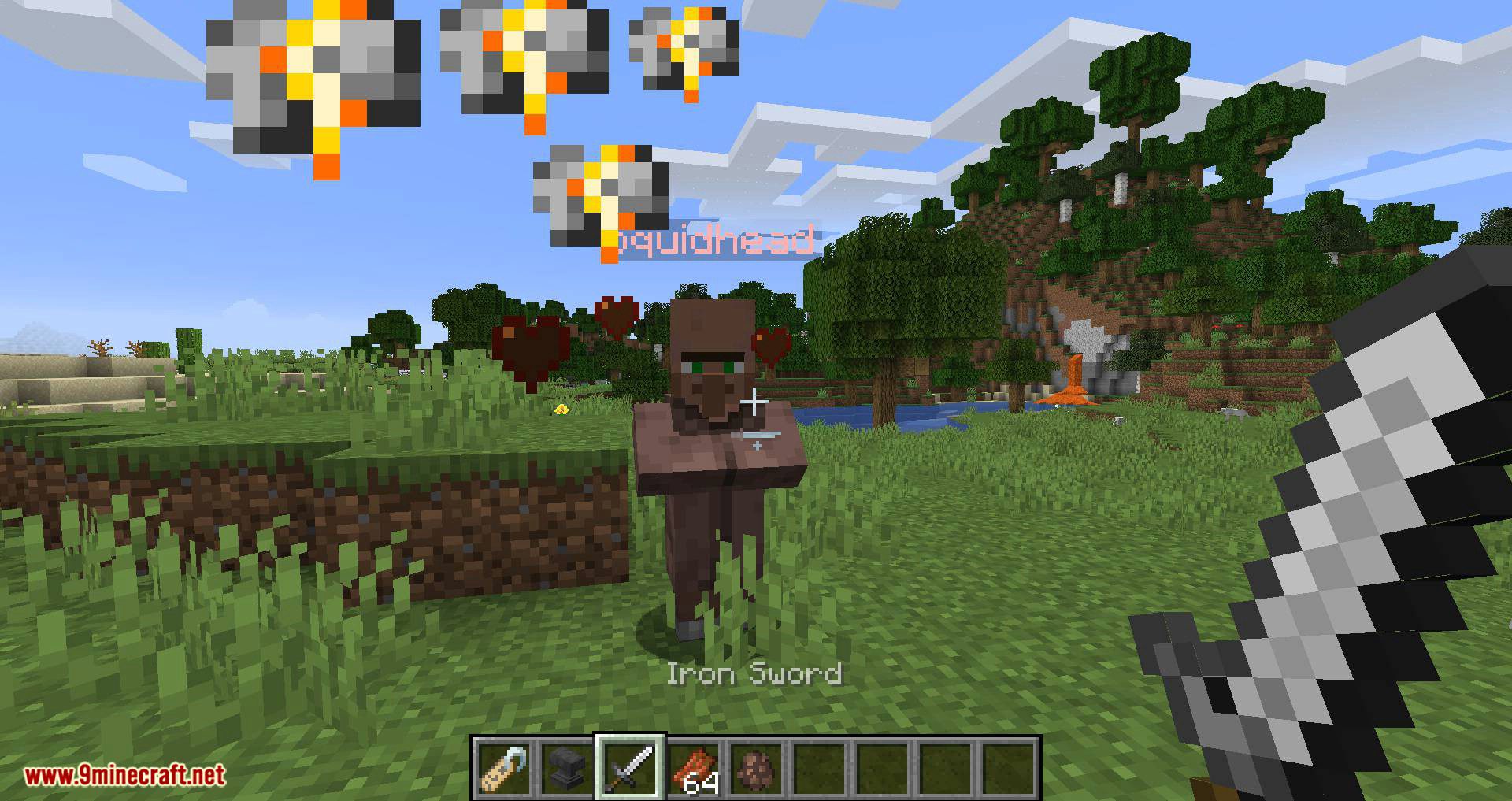
Screenshots:
Name Pain Mod Download Links
For Minecraft 1.7.10
Forge version: Download from Server 1
For Minecraft 1.8.9
Forge version: Download from Server 1
For Minecraft 1.12.2
Forge version: Download from Server 1
For Minecraft 1.15.2
Forge version: Download from Server 1
Fabric version: Download from Server 1
For Minecraft 1.16.5
Forge version: Download from Server 1
Fabric version: Download from Server 1
For Minecraft 1.17.1
Forge version: Download from Server 1
Fabric version: Download from Server 1
For Minecraft 1.18.2
Forge version: Download from Server 1
Fabric version: Download from Server 1
For Minecraft 1.19.2, 1.19.1, 1.19
Forge version: Download from Server 1
Fabric version: Download from Server 1
For Minecraft 1.19.3
Forge version: Download from Server 1
Fabric version: – Download from Server 2
For Minecraft 1.19.4
Forge version: Download from Server 1
Fabric version: Download from Server 1 – Download from Server 2
For Minecraft 1.20.1, 1.20
Forge version: Download from Server 1
Fabric/Quilt version: Download from Server 1 – Download from Server 2
For Minecraft 1.20.2
Forge version: Download from Server 1 – Download from Server 2
Fabric/Quilt version: Download from Server 1 – Download from Server 2
NeoForge version: Download from Server 1
For Minecraft 1.20.4
Fabric/Quilt version: Download from Server 1 – Download from Server 2
NeoForge version: Download from Server 1
For Minecraft 1.20.6
Fabric/Quilt version: Download from Server 1 – Download from Server 2
NeoForge version: Download from Server 1
For Minecraft 1.21.1, 1.21
Fabric/Quilt version: Download from Server 1 – Download from Server 2
For Minecraft 1.21.4, 1.21.3
Fabric/Quilt version: Download from Server 1 – Download from Server 2
For Minecraft 1.21.5
Fabric/Quilt version: Download from Server 1 – Download from Server 2
For Minecraft 1.21.8, 1.21.7, 1.21.6
Fabric/Quilt version: Download from Server 1 – Download from Server 2
- Edition: Minecraft Java
- File type: .jar
- Minecraft versions listed: 1.21.8, 1.20.1
- How to install: Install the matching mod loader (Forge, Fabric or NeoForge) for your Minecraft version. → Download the .jar. → Put it in the .minecraft/mods folder and launch that loader profile.
- Where to get it: In MC Java Mods, or directly above on this page.
Install steps are the general flow for this file type — How to install Minecraft Java mods & modpacks walks through it step by step.
- Downloads as 177856.mcaddon
- Download size: 19 KB
- Download link checked 24 Jul 2026 — working
- Mirrored on our own servers — the download does not depend on the original host
These come from our own check of the pack file, not from the source page.