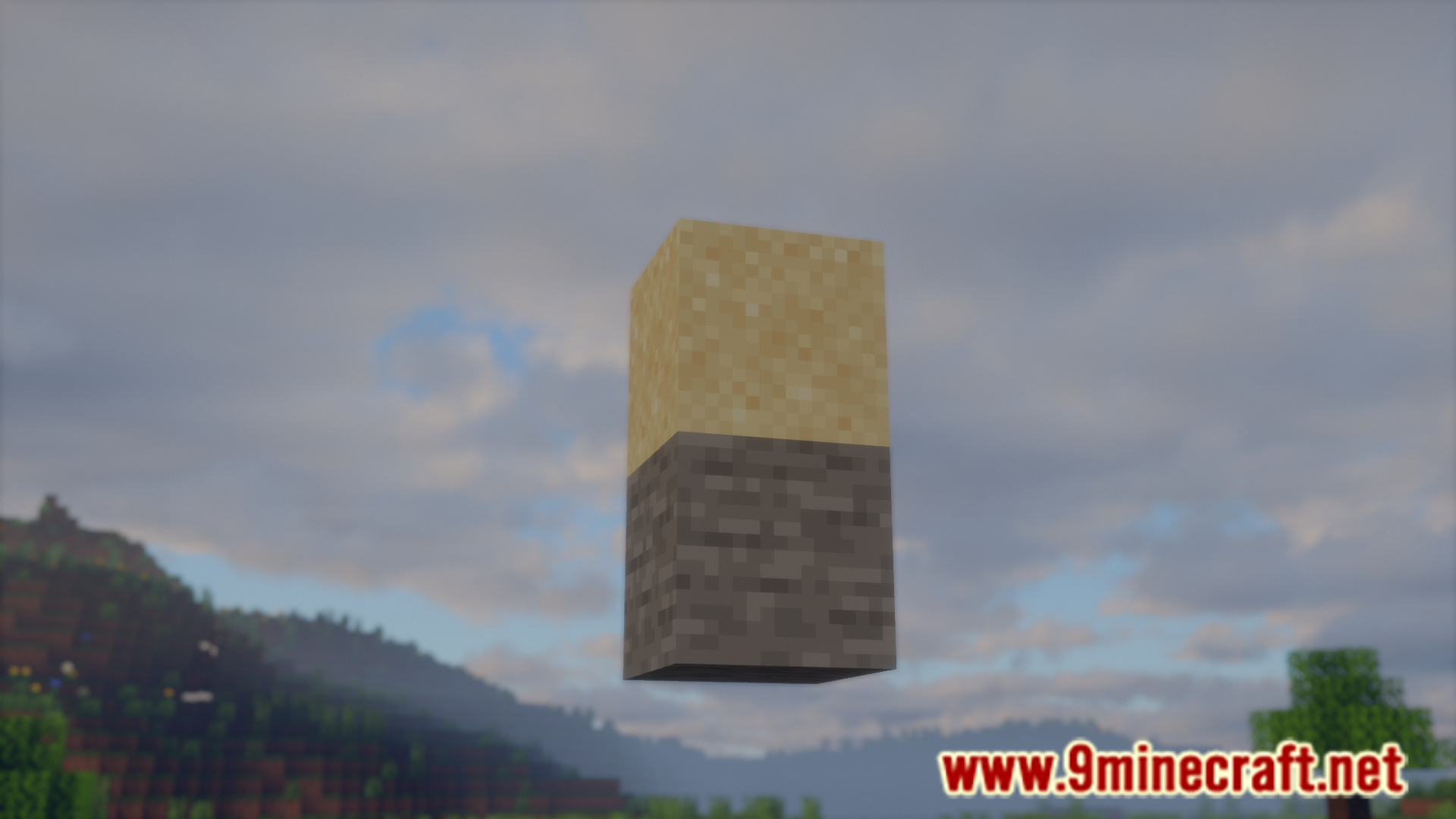
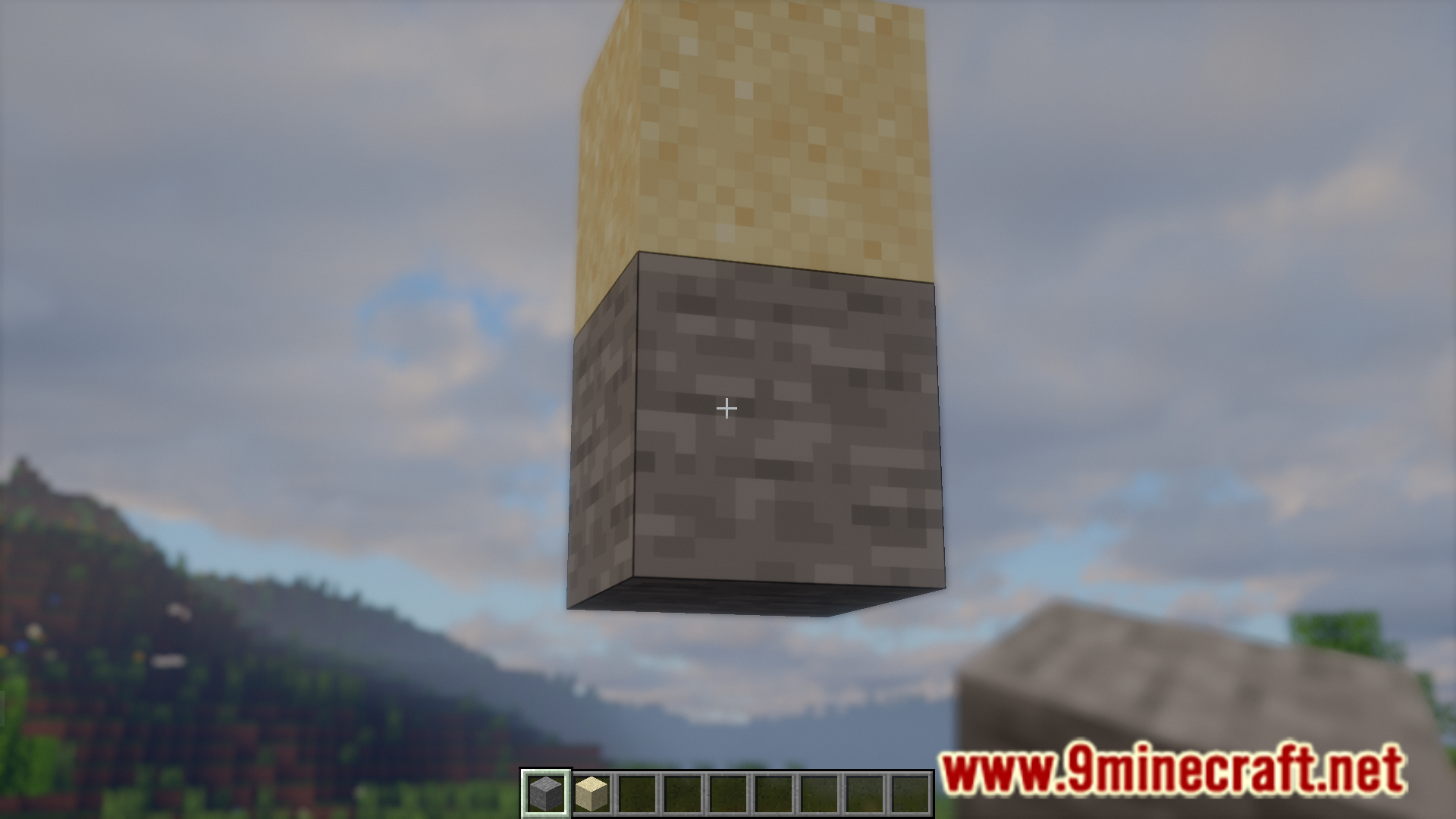
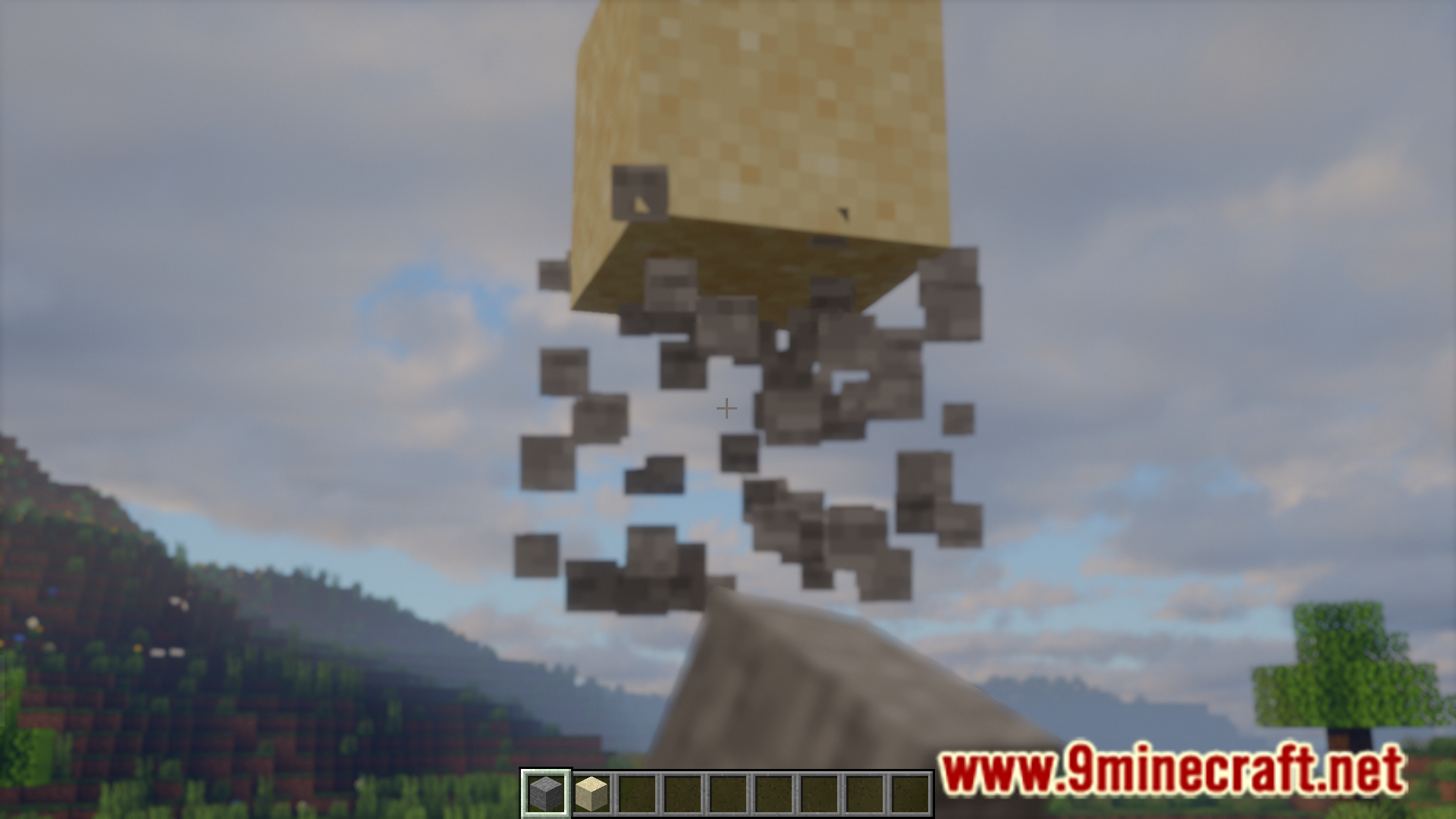
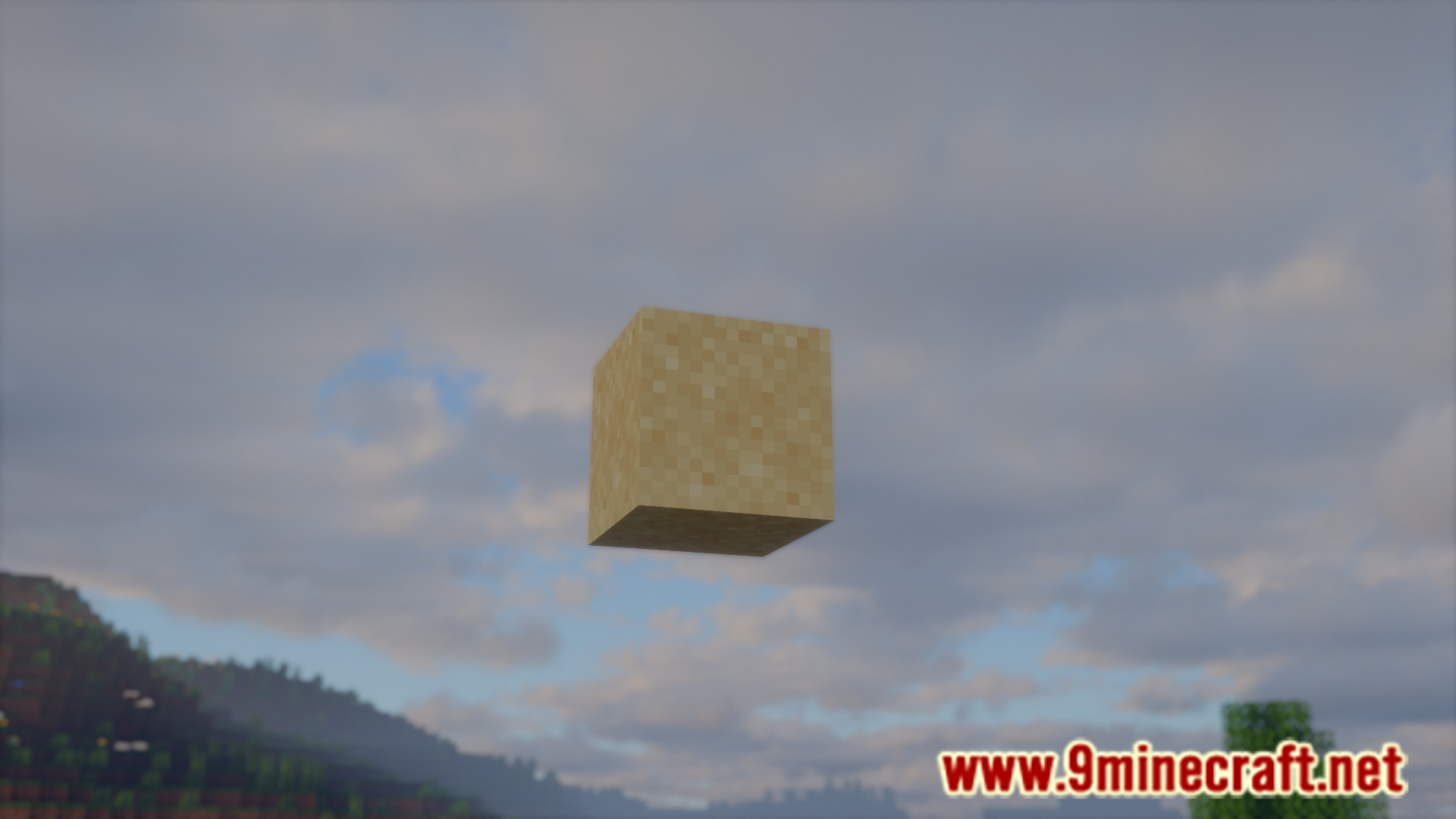
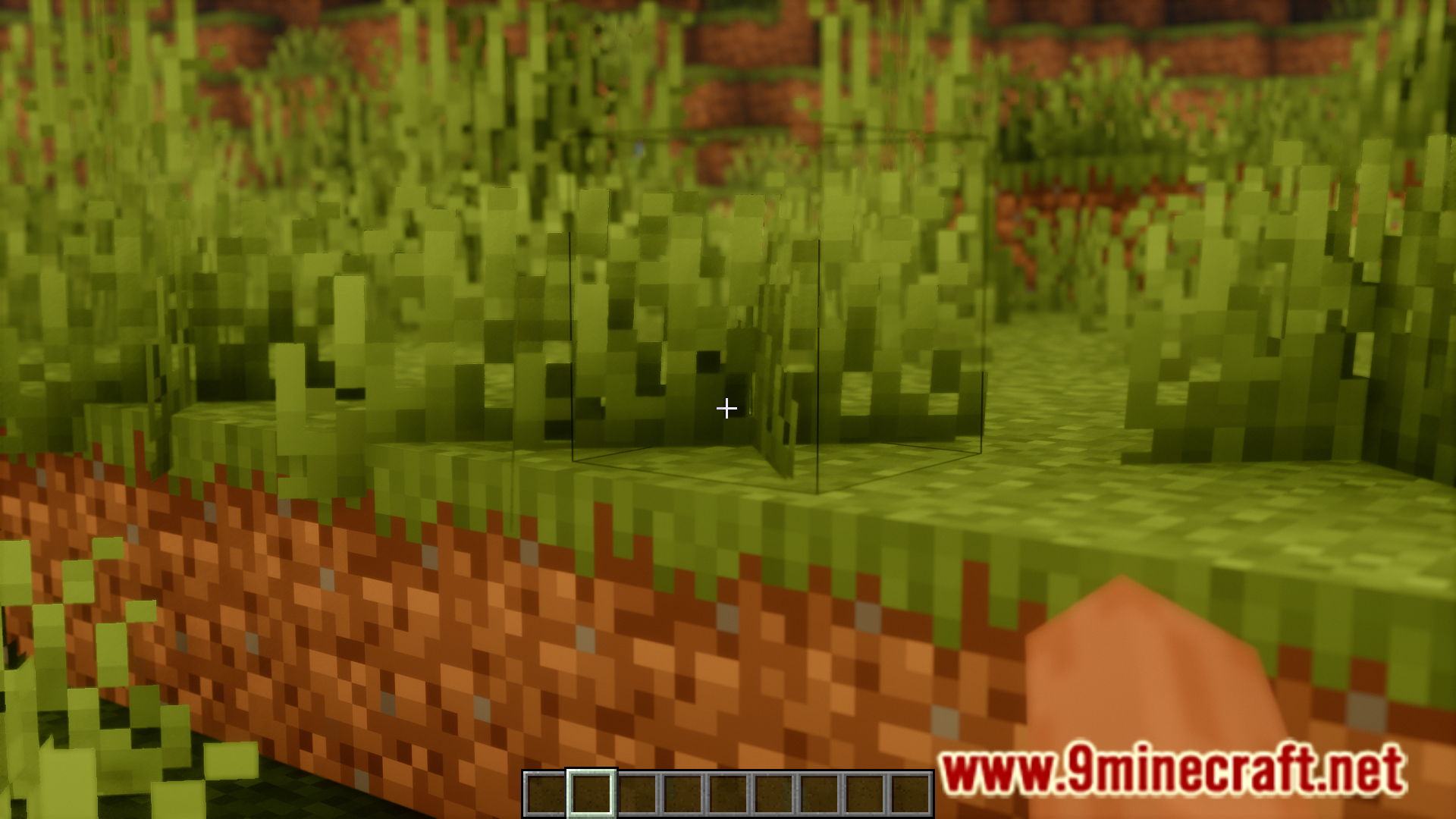
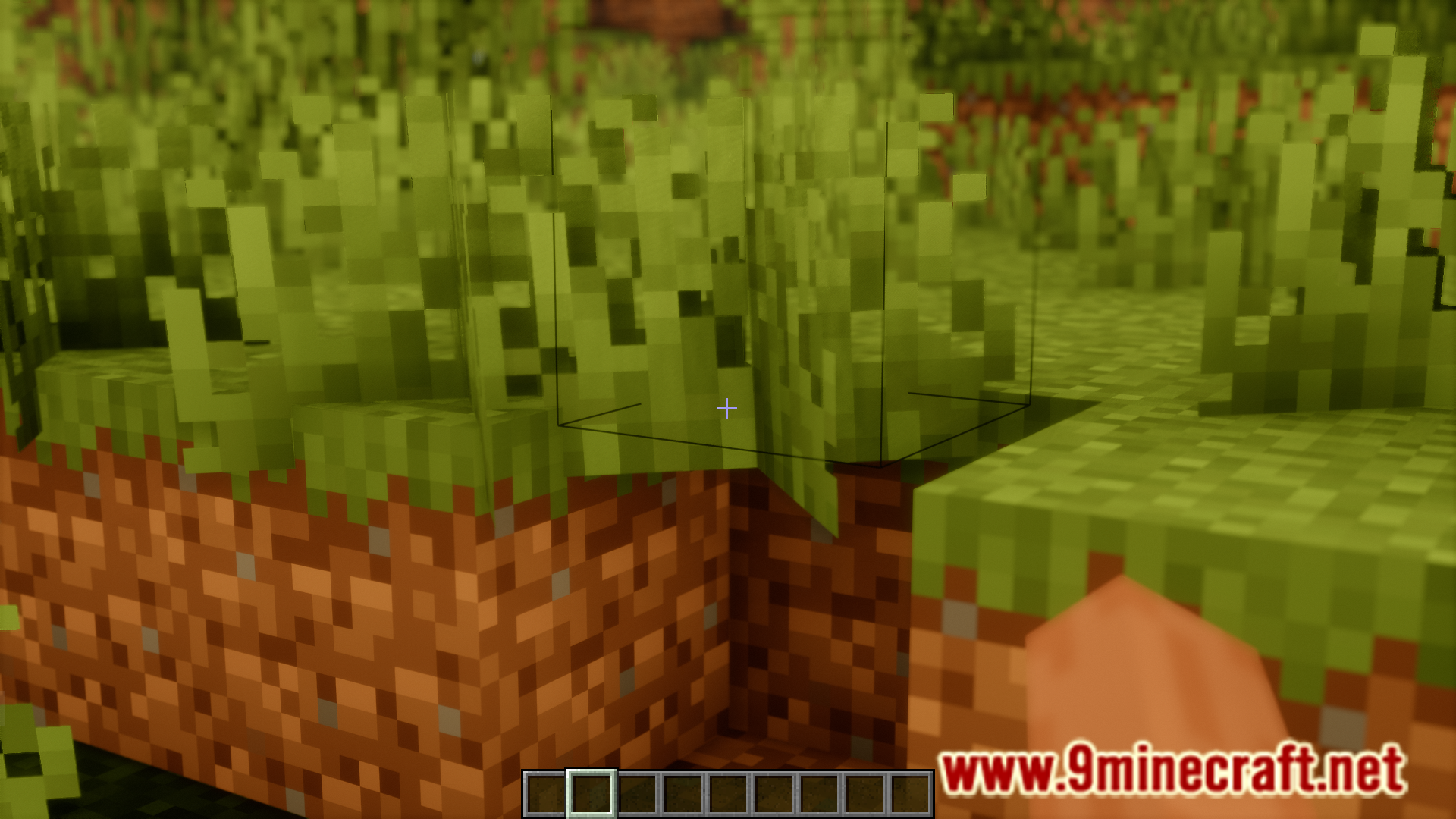
All of the activities in your game depend upon something called block update. When you break a block with a sand block over it, the sand will fall due to gravity. This is because the sand block receives a block update to remind it that it has no supporting block. Cancel Block Update Mod, as the name suggests, essentially removes block updates from the game. This means you can remove the supporting block of a gravity affected block and the block will remain intact without falling down. Take a look at the images given below to get a clear idea.
Features:
- Disable block updates from the game.
- Allows you to let gravity affected blocks stay in place without falling down.
Screenshots:
Cancel Block Update Mod Download Links
For Minecraft 1.21.1, 1.21
Fabric version: Download from Server 1 – Download from Server 2
For All Versions from Minecraft 1.19.3 to Minecraft 1.20.1
Fabric version: Download from Server 1 – Download from Server 2
For Minecraft 1.19.2
Fabric version: Download from Server 1 – Download from Server 2
- Edition: Minecraft Java
- File type: .jar
- Minecraft versions listed: 1.21.1, 1.20.1
- How to install: Install the matching mod loader (Forge, Fabric or NeoForge) for your Minecraft version. → Download the .jar. → Put it in the .minecraft/mods folder and launch that loader profile.
- Where to get it: In MC Java Mods, or directly above on this page.
Install steps are the general flow for this file type — How to install Minecraft Java mods & modpacks walks through it step by step.
Cancel Block Update Mod (1.21.1, 1.20.1) – Disables Block Updates is a free Minecraft Java mod. Compatible with Minecraft 1.21.1, 1.20.1. Download it and open it directly in the game.