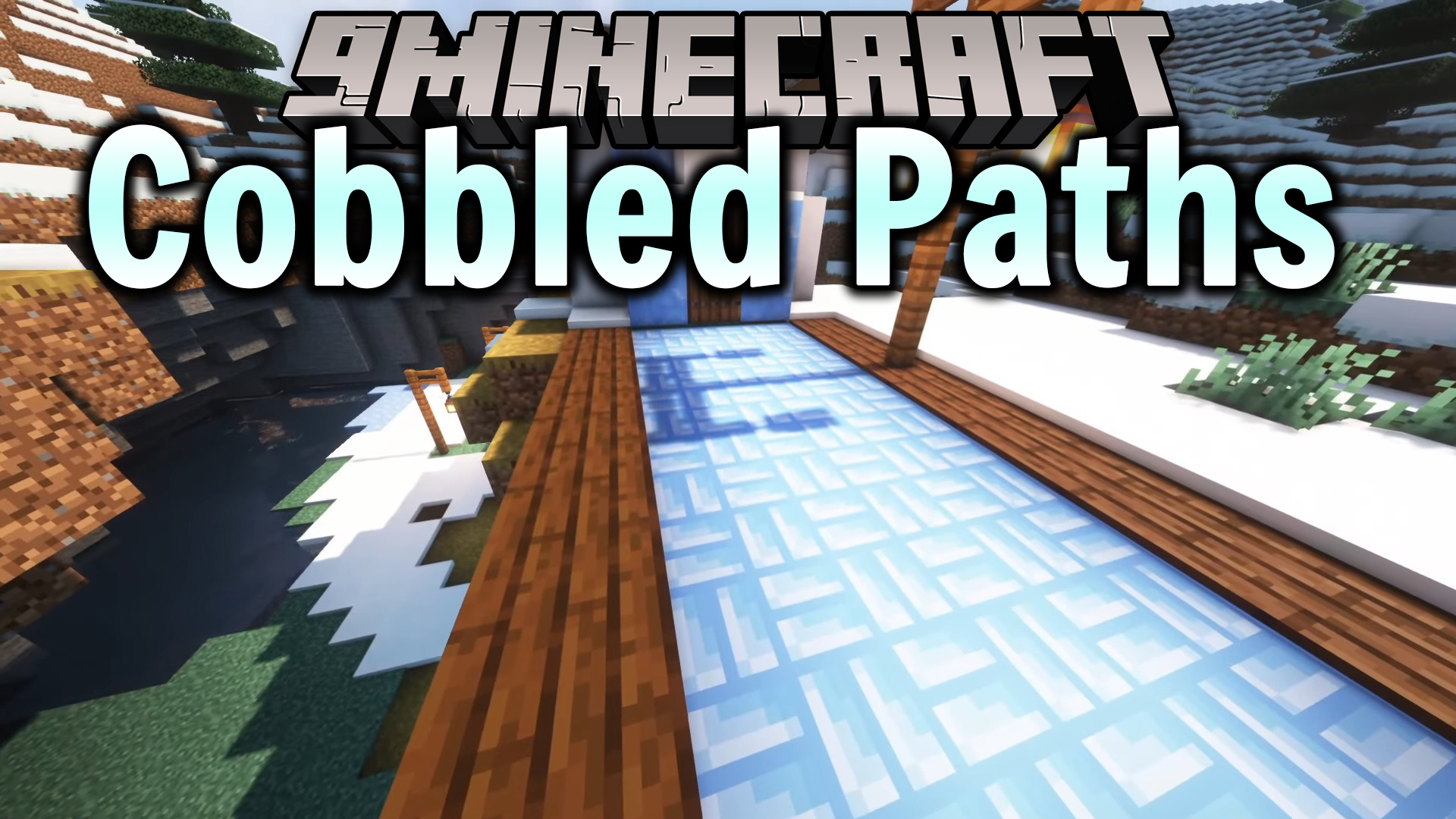
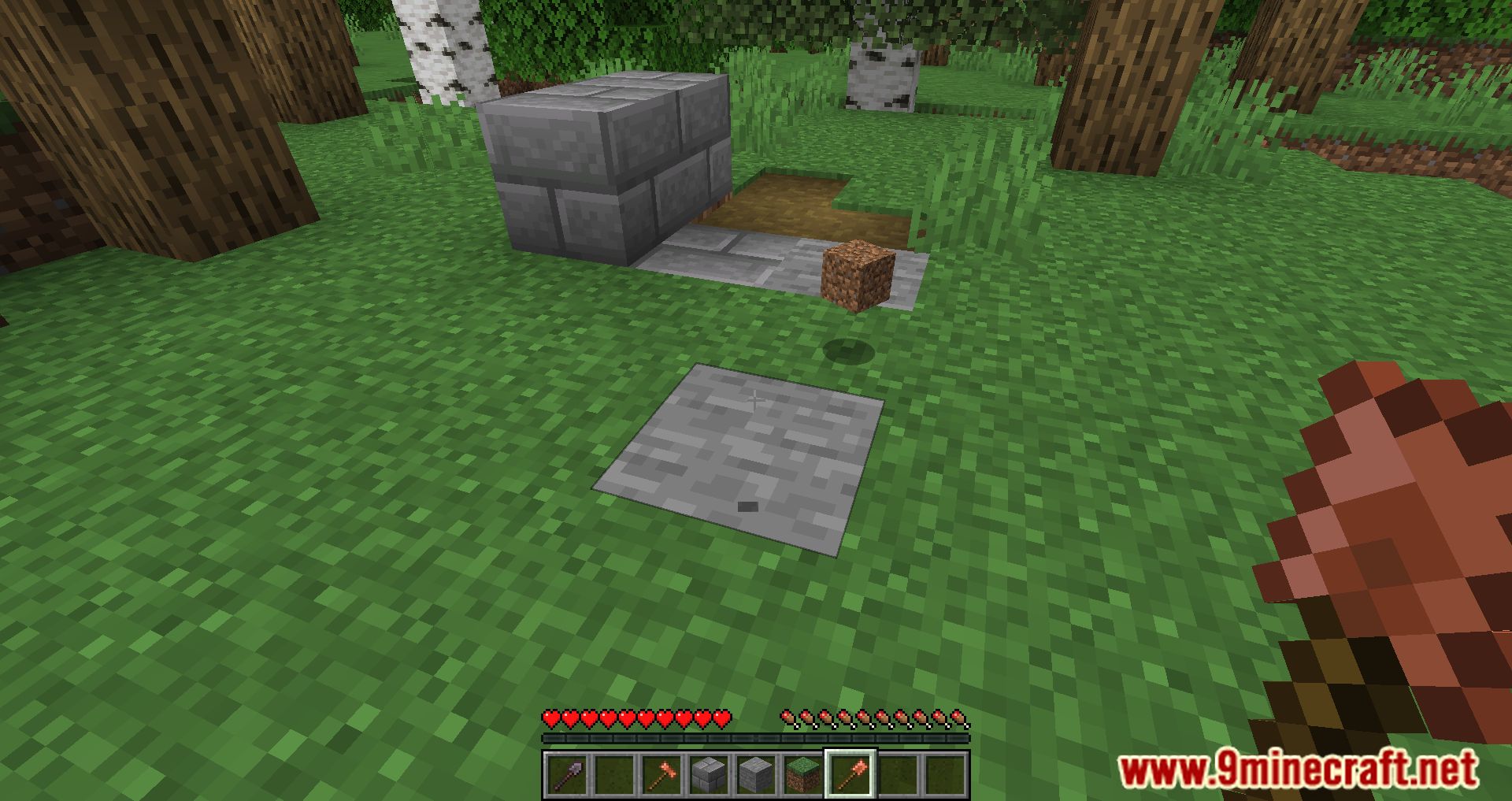
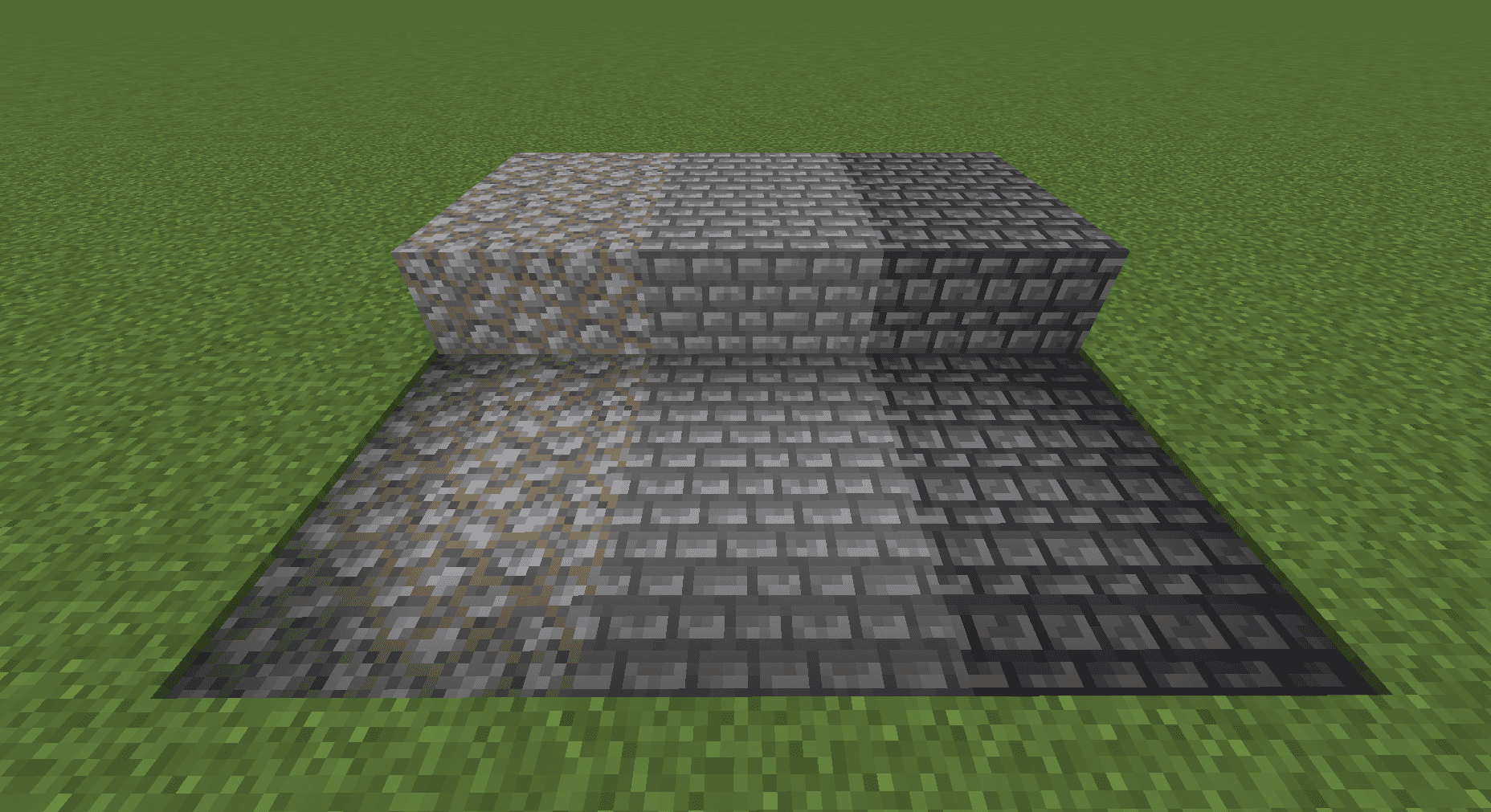
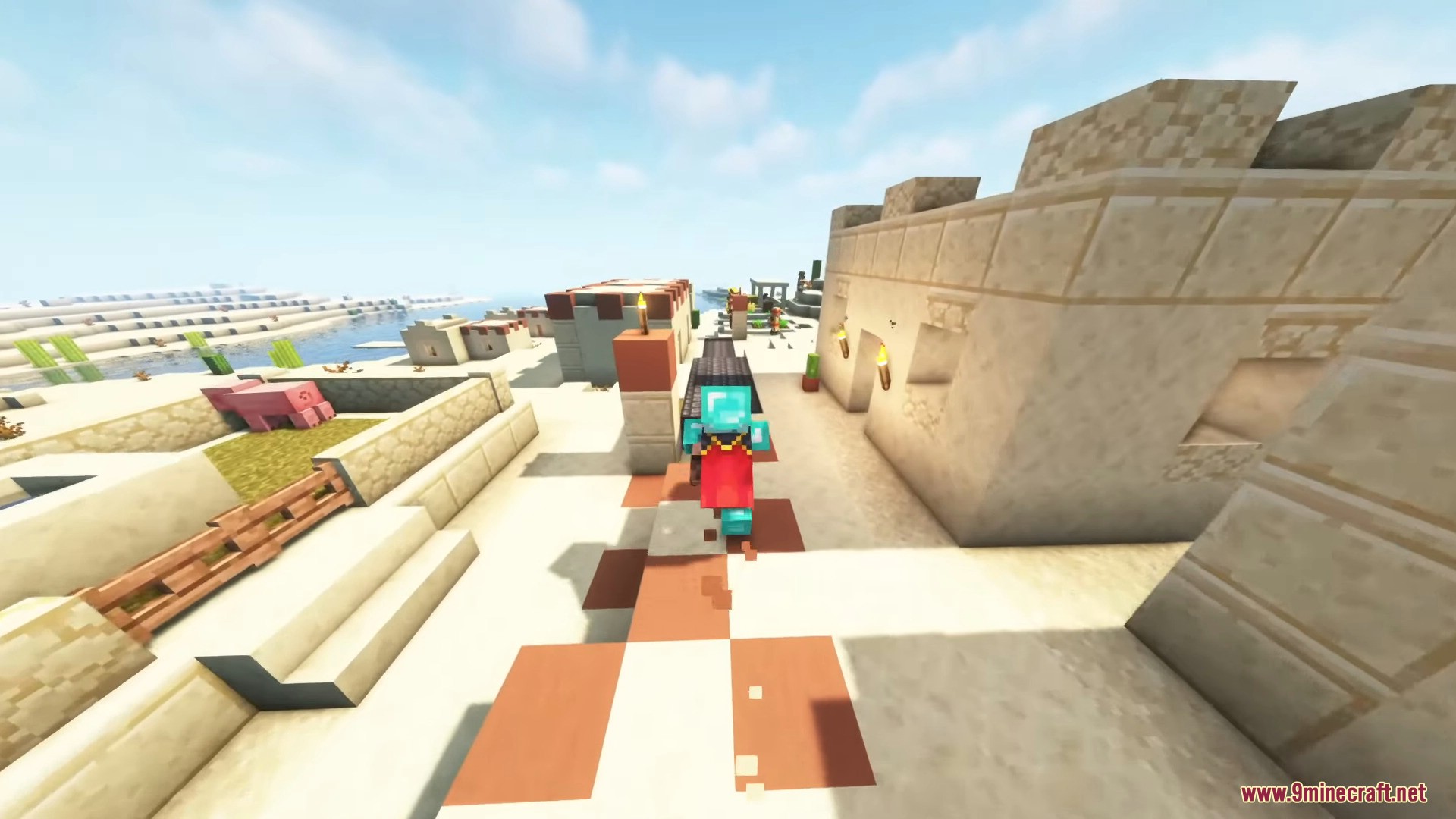
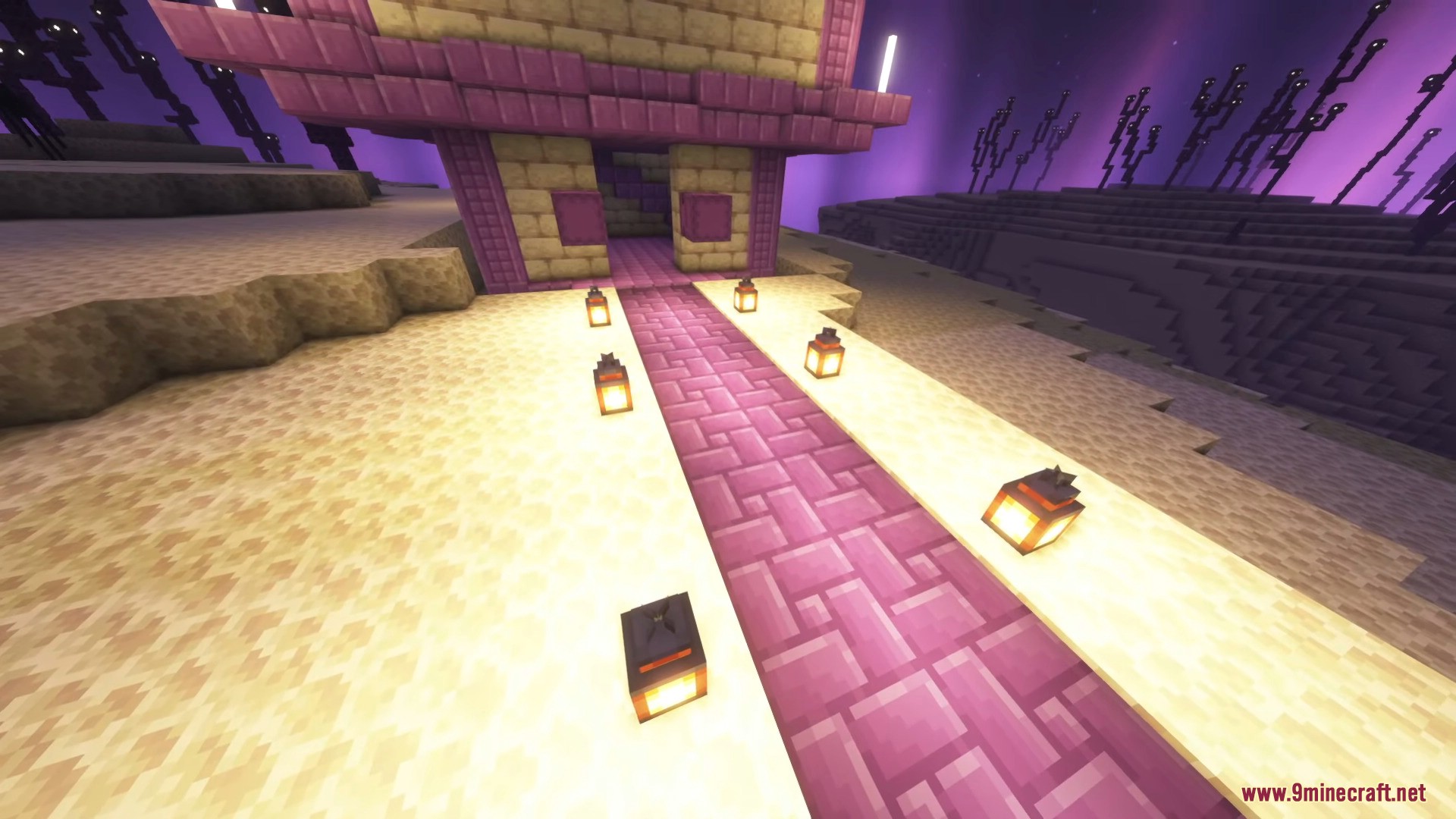
Cobbled Paths Mod adds various cobbled and paved paths for faster and aesthetic streets. Paths give speed boosts when walked on, depending on the material.
Features:
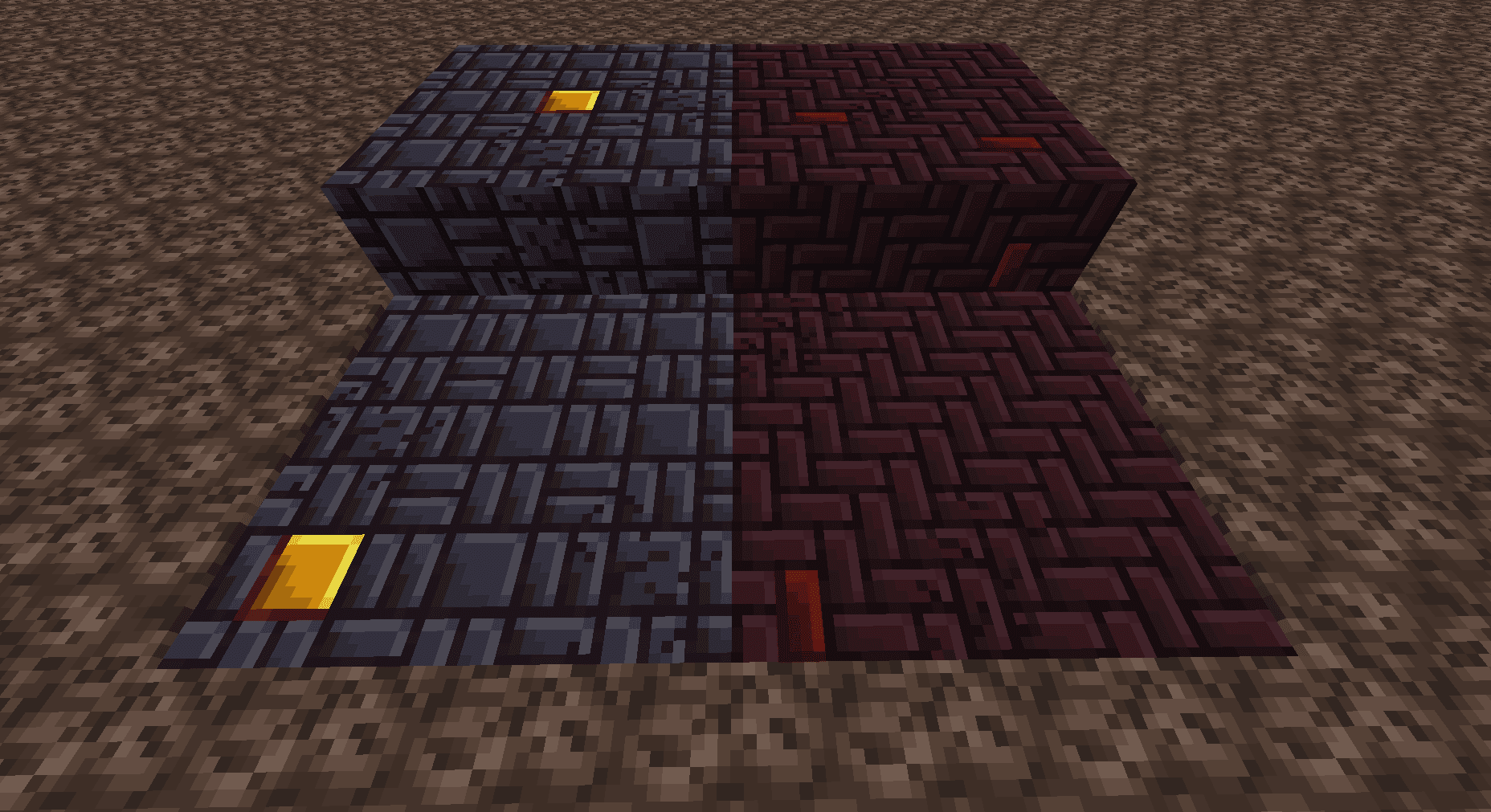
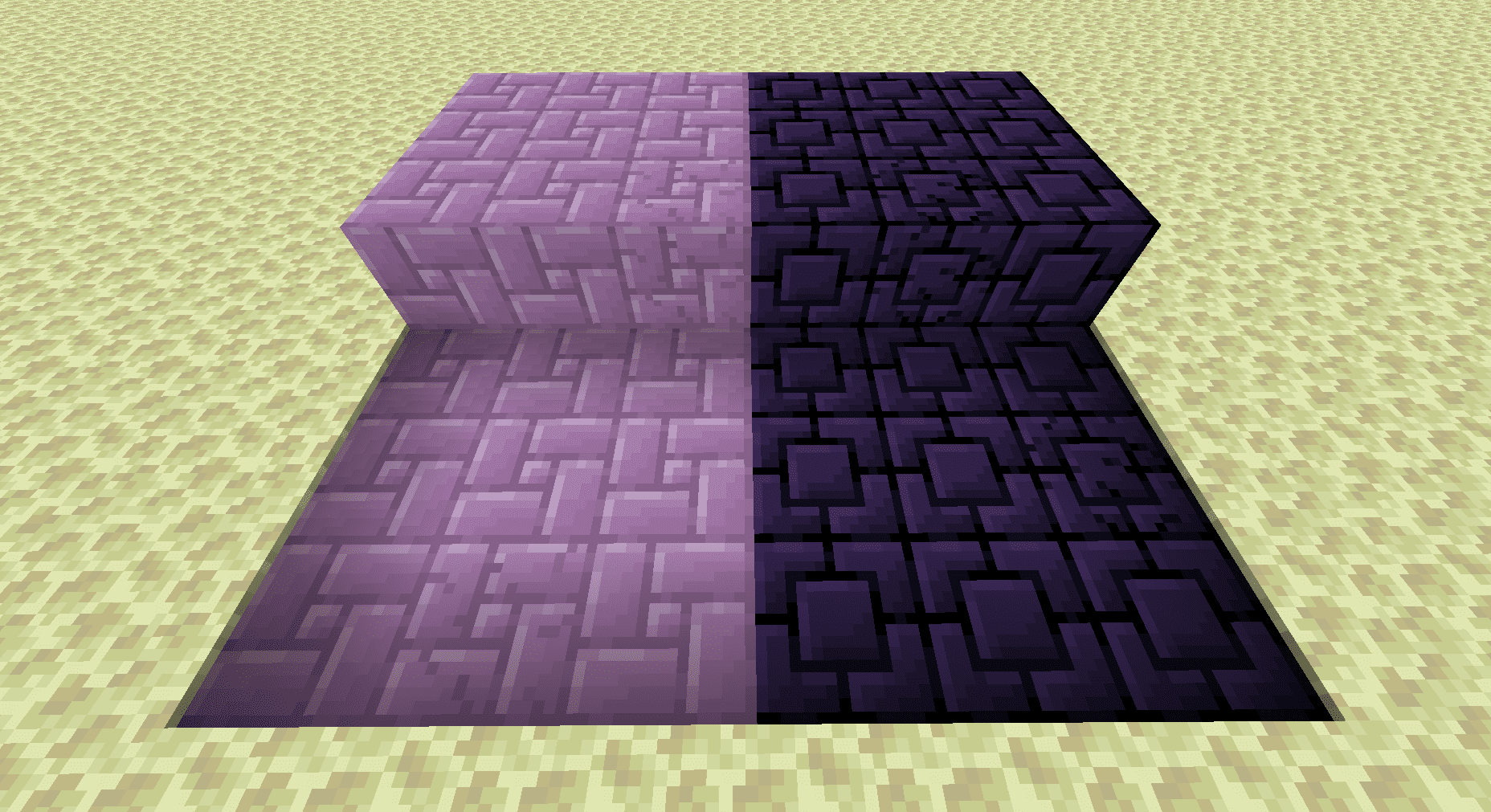
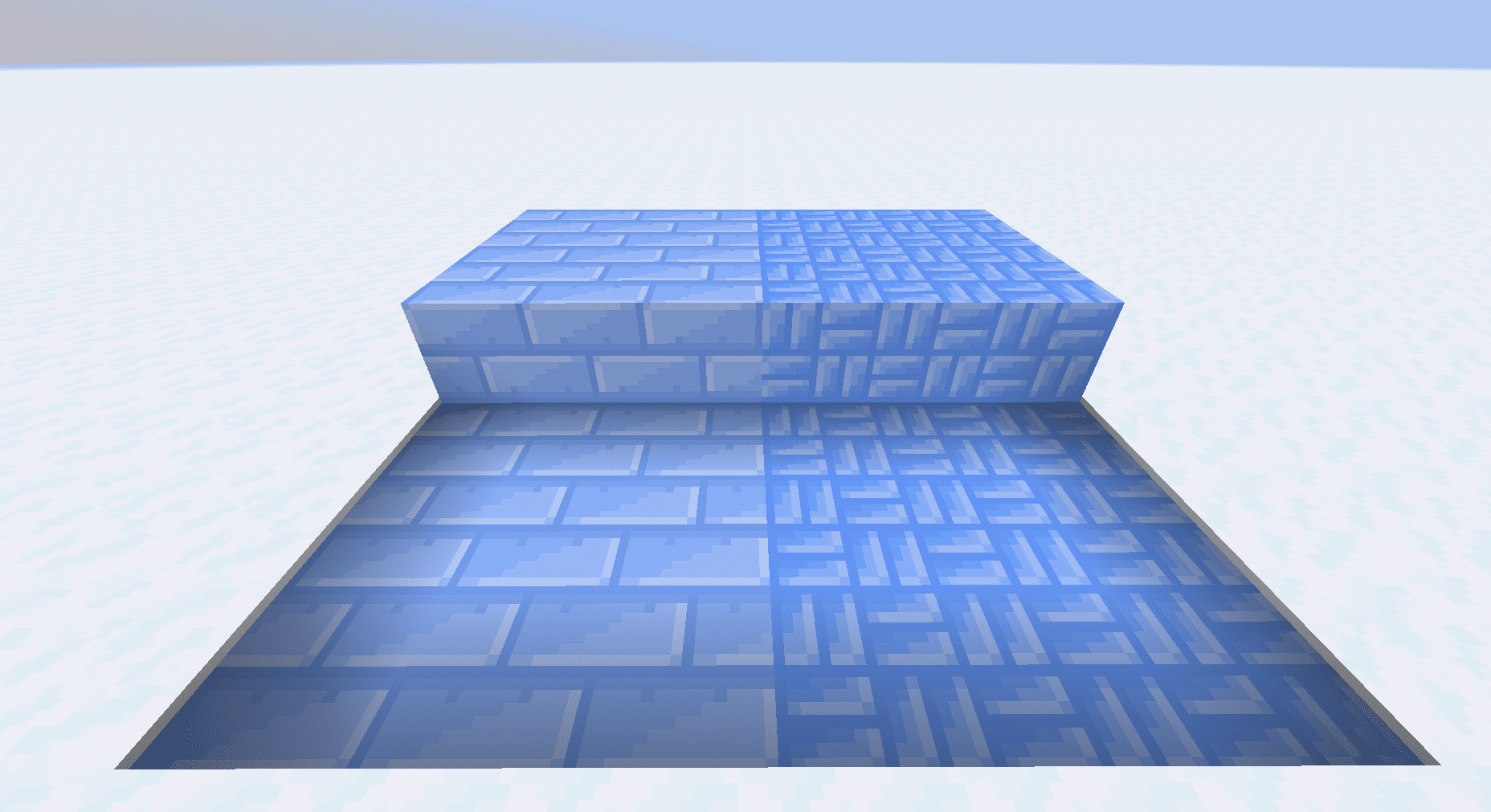
Paths are created by using the appropriate sett or cobble on dirt paths, snow, soul sand, or end stone depending on the material. Certain paths can be further modified:
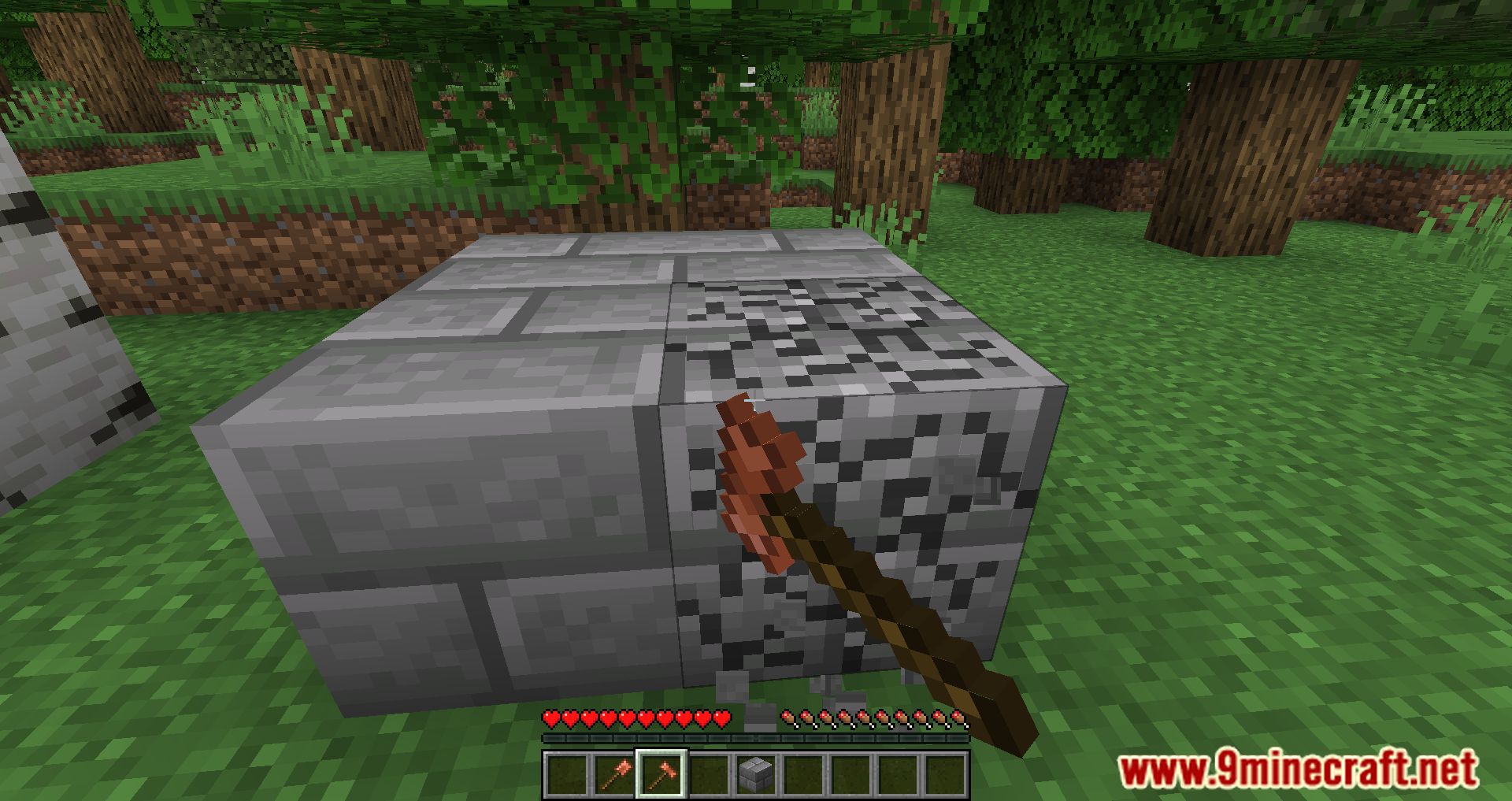
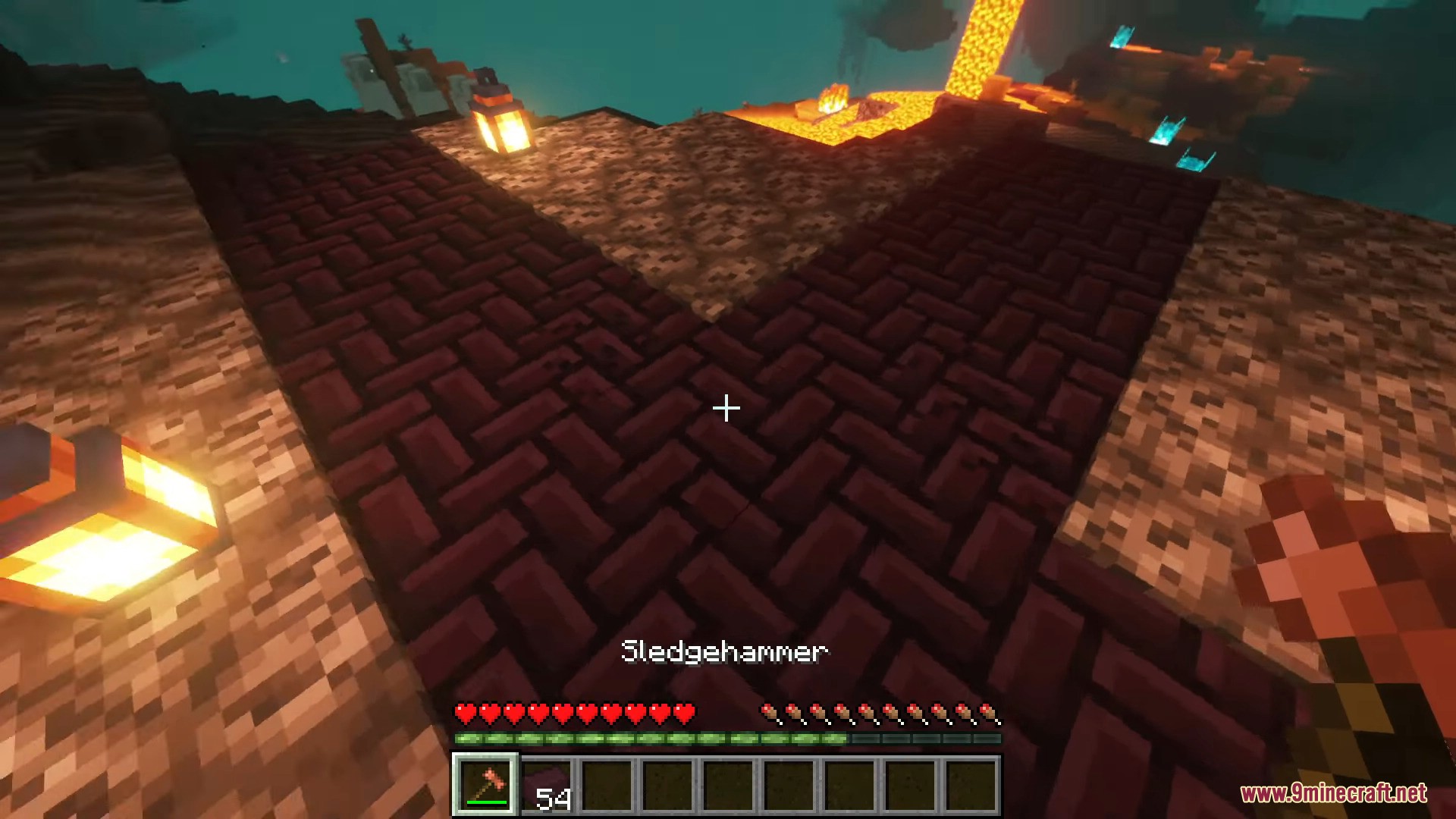
- Most paths can be “cracked” with a Sledgehammer
- Nether Brick Paved Paths can be dyed with Nether Wart
- Cobbled Paths can be decorated with a Moss Ball
- Blackstone Paved Paths can be gilded with a Gold Nugget
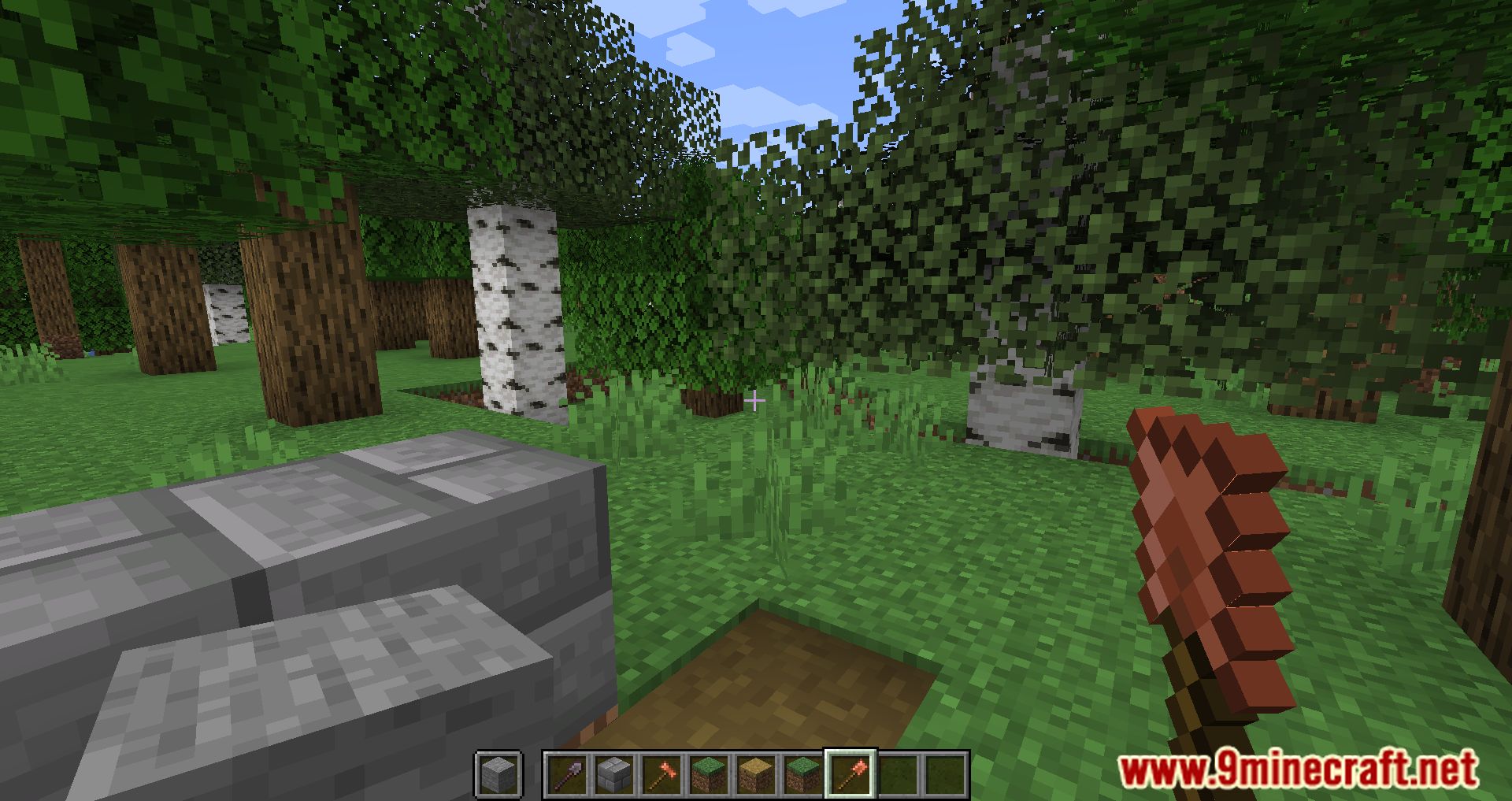
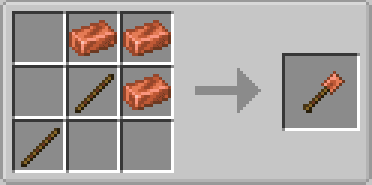
This mod also includes the spade, a tool for easily switching out base blocks for paths; simply hold the block you wish to switch to in your offhand and right click with the spade. This only works for:
- Dirt-like blocks
- Soul Sand and Soul Soil
- End Stone
- Snow Block
- Gravel
How to use:
- Craft setts or cobbles with a stonecutter
- Use them on the proper base path block (dirt paths, snow, soul sand, or end stone)
- The sledgehammer can be used to make paths cracked
- Gold nuggets can be used to decorate blackstone paths; nether wart to decorate nether brick paths; and cobble to decorate cobbled paths.
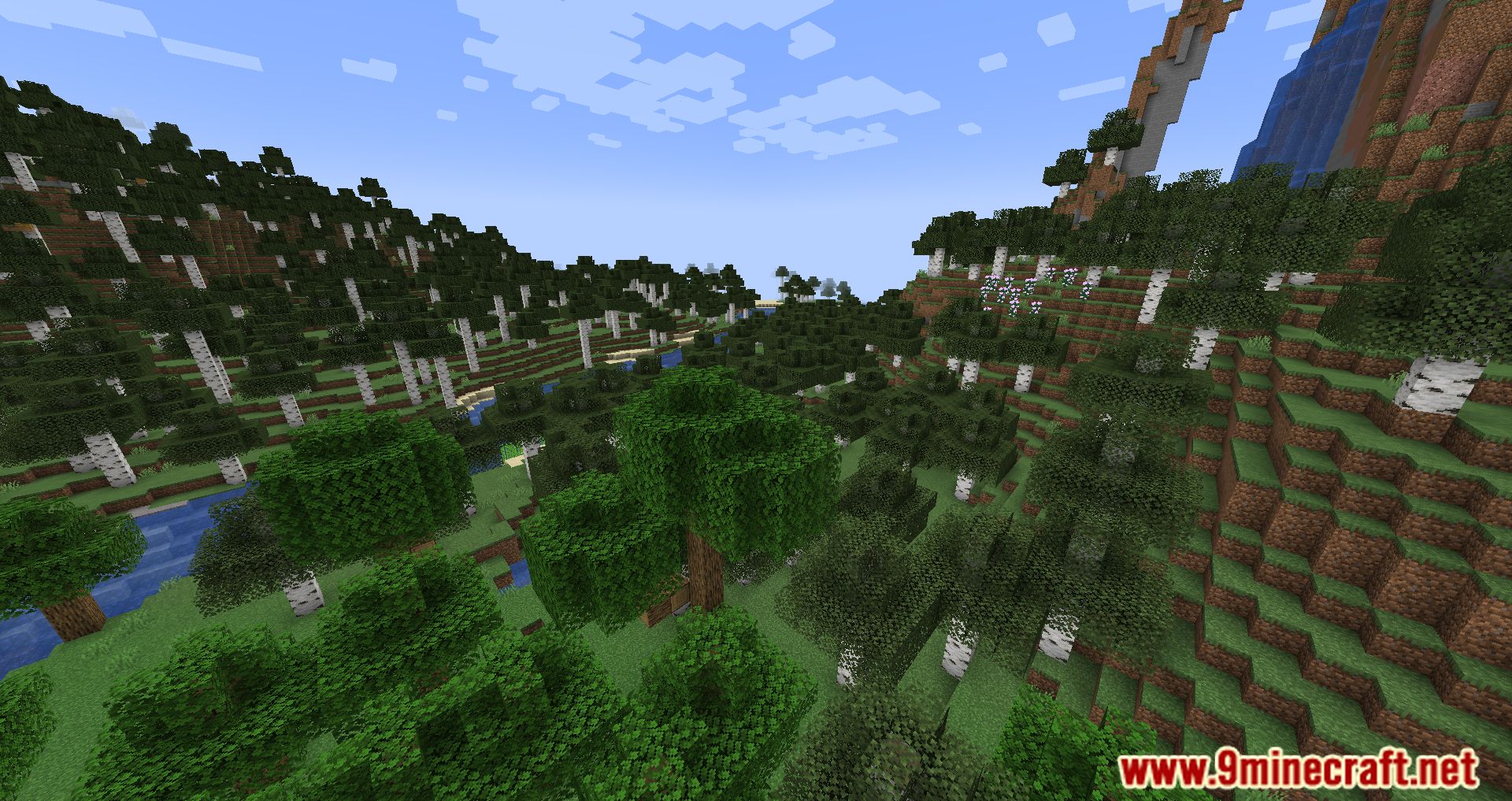
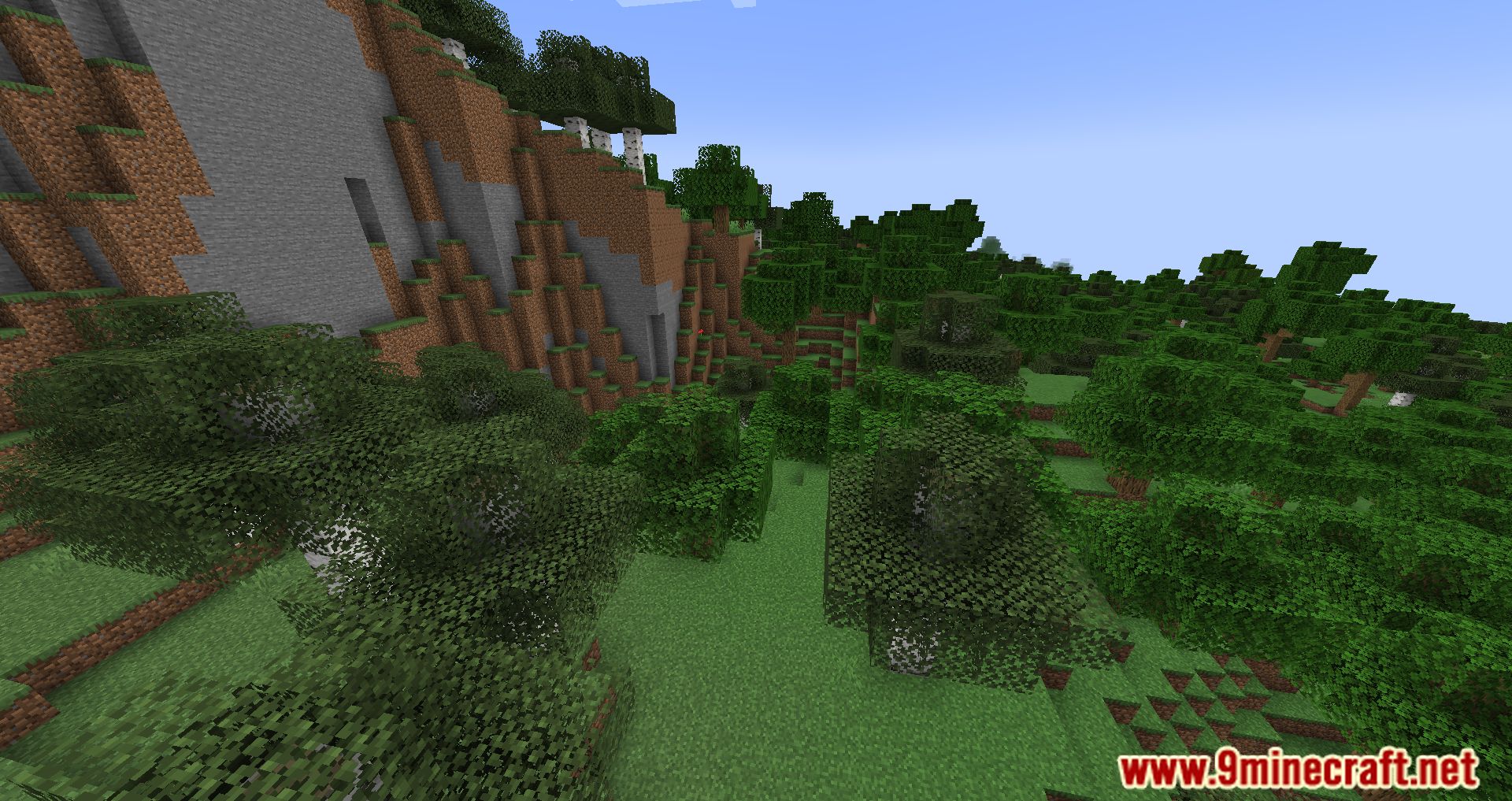
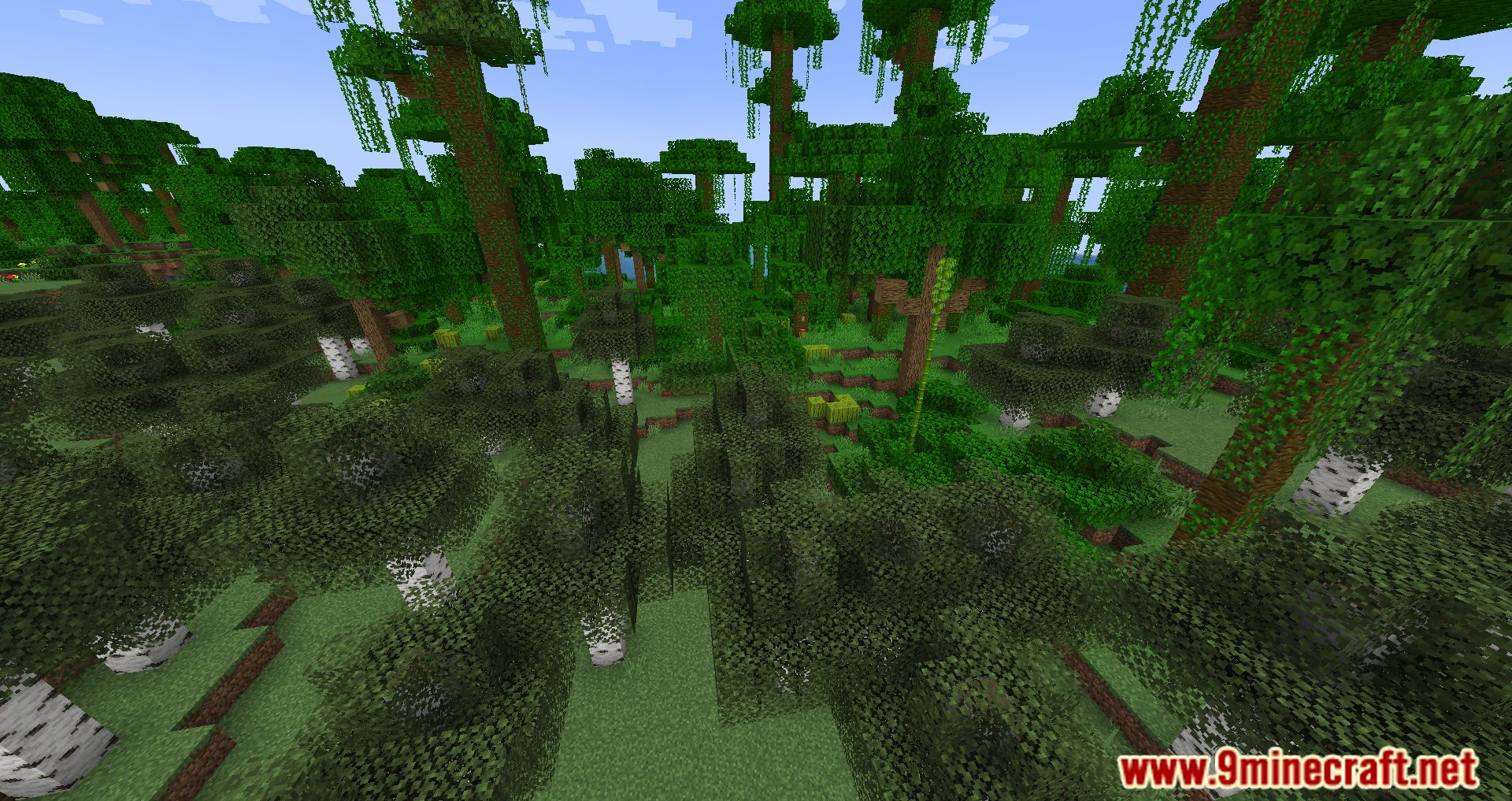
Screenshots:
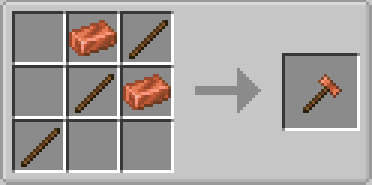
Crafting Recipes:
Cobbled Paths Mod Download Links
For Minecraft 1.20.1
Forge Version: Download from Server 1 – Download from Server 2
For Minecraft 1.19.4
Forge Version: Download from Server 1 – Download from Server 2
For Minecraft 1.19.3
Forge Version: Download from Server 1 – Download from Server 2
For Minecraft 1.18.2
Forge Version: Download from Server 1 – Download from Server 2
Fabric Version: Download from Server 1 – Download from Server 2
- Edition: Minecraft Java
- File type: .jar
- Minecraft versions listed: 1.20.1, 1.19.4
- How to install: Install the matching mod loader (Forge, Fabric or NeoForge) for your Minecraft version. → Download the .jar. → Put it in the .minecraft/mods folder and launch that loader profile.
- Where to get it: In MC Java Mods, or directly above on this page.
Install steps are the general flow for this file type — How to install Minecraft Java mods & modpacks walks through it step by step.
- Downloads as 177962.mcaddon
- Download size: 262 KB
- Download link checked 24 Jul 2026 — working
- Mirrored on our own servers — the download does not depend on the original host
These come from our own check of the pack file, not from the source page.