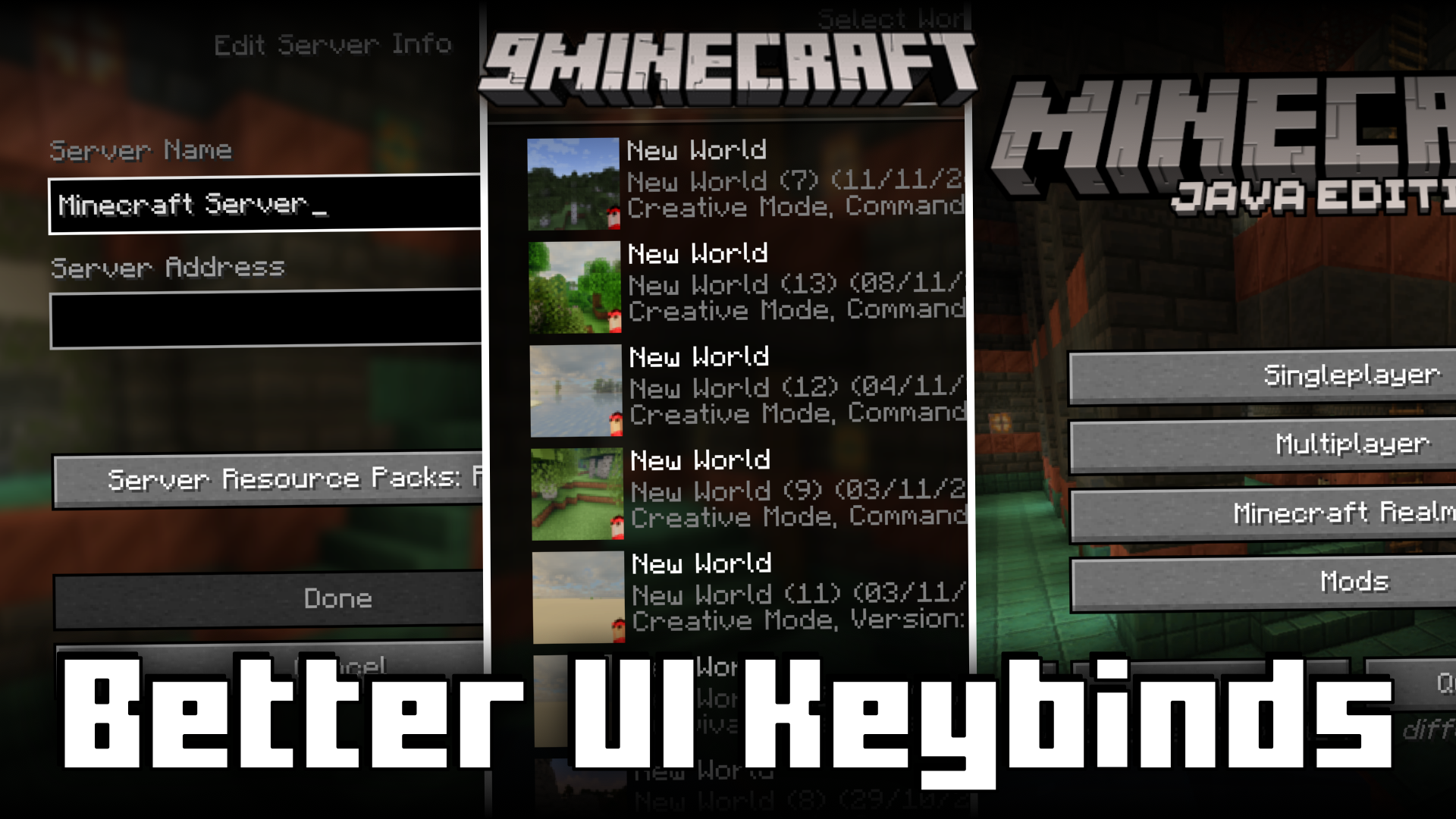
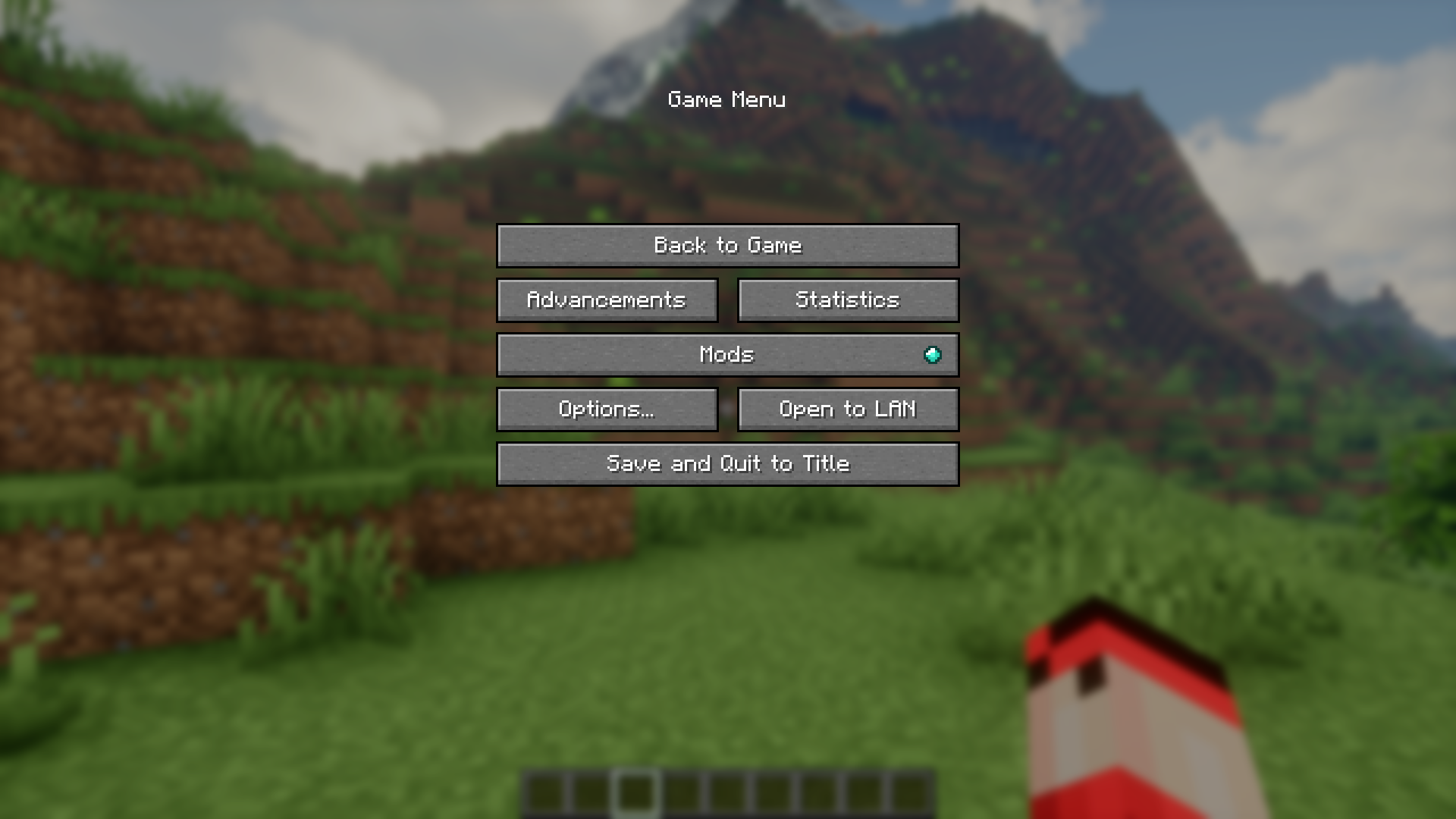
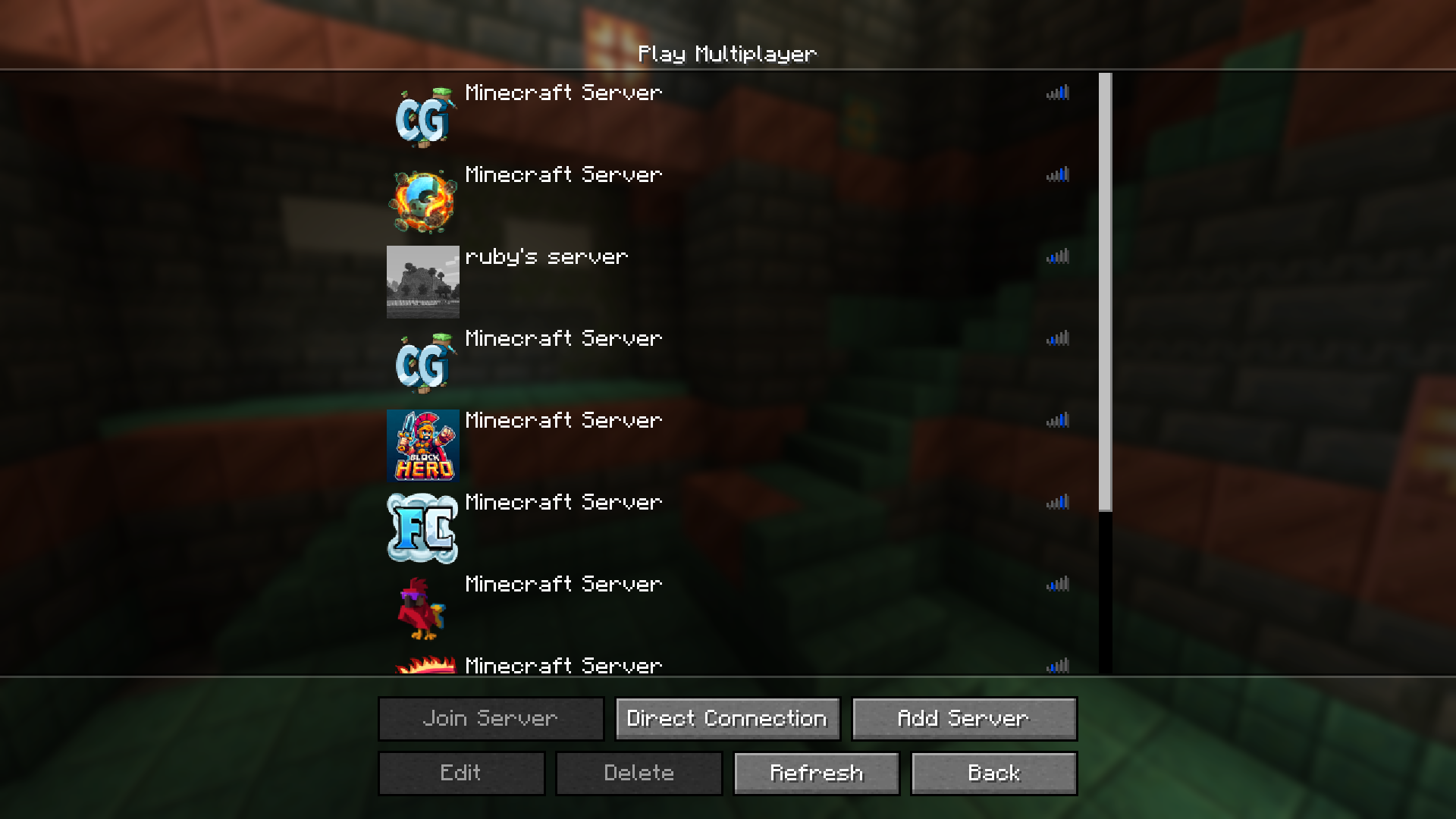
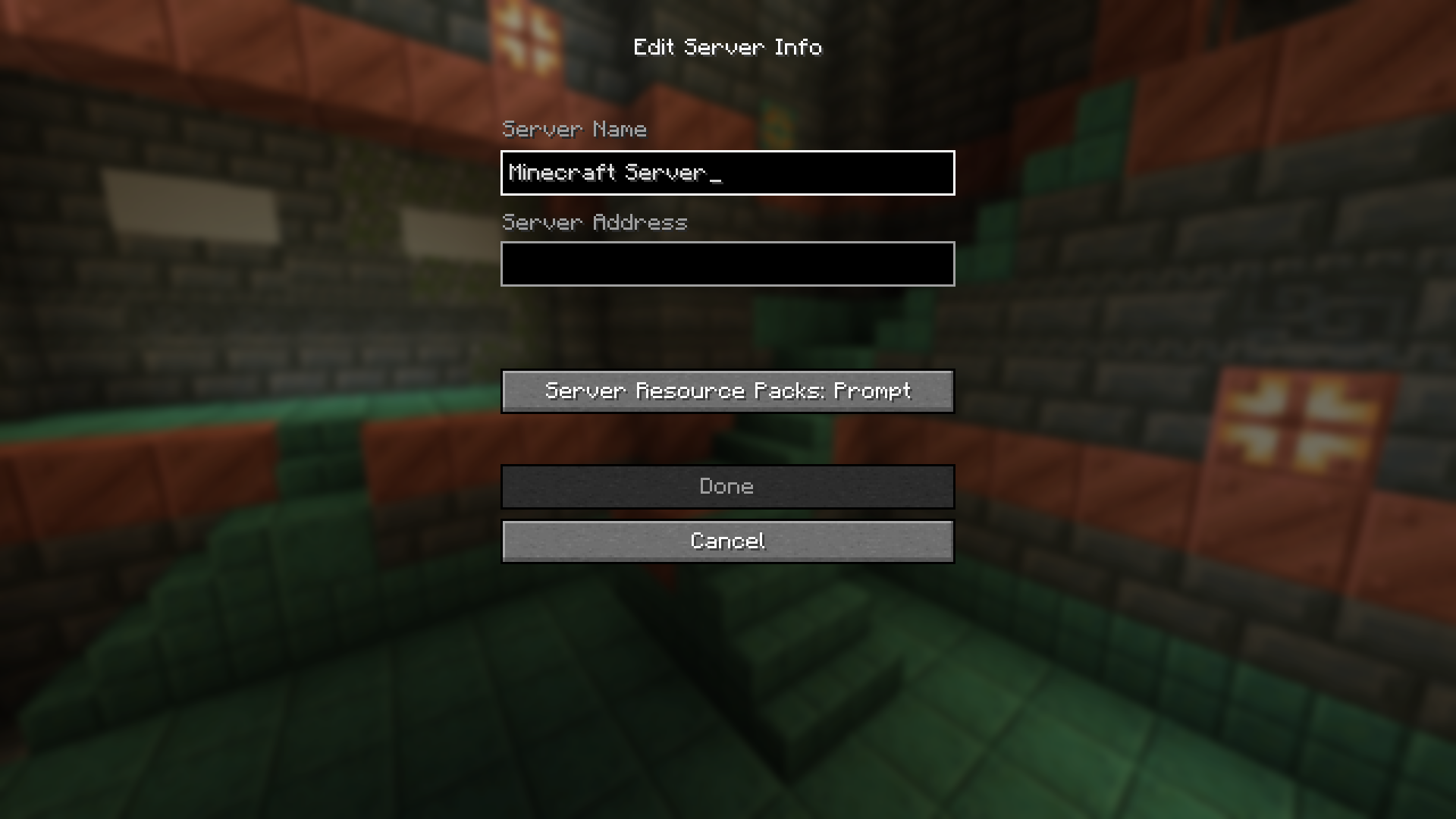
For most players, the process of opening the game and joining a world/server is pretty straight forward. Once the player opens the game, he will have to manually click through a couple of buttons using the mouse cursor to finally open the world and start playing. Better UI Keybinds Mod is here to make these steps a lot faster. With this mod installed, you can use a set of keybinds to navigate through the game menu. The keybinds are listed below.
Features:
Main Menu
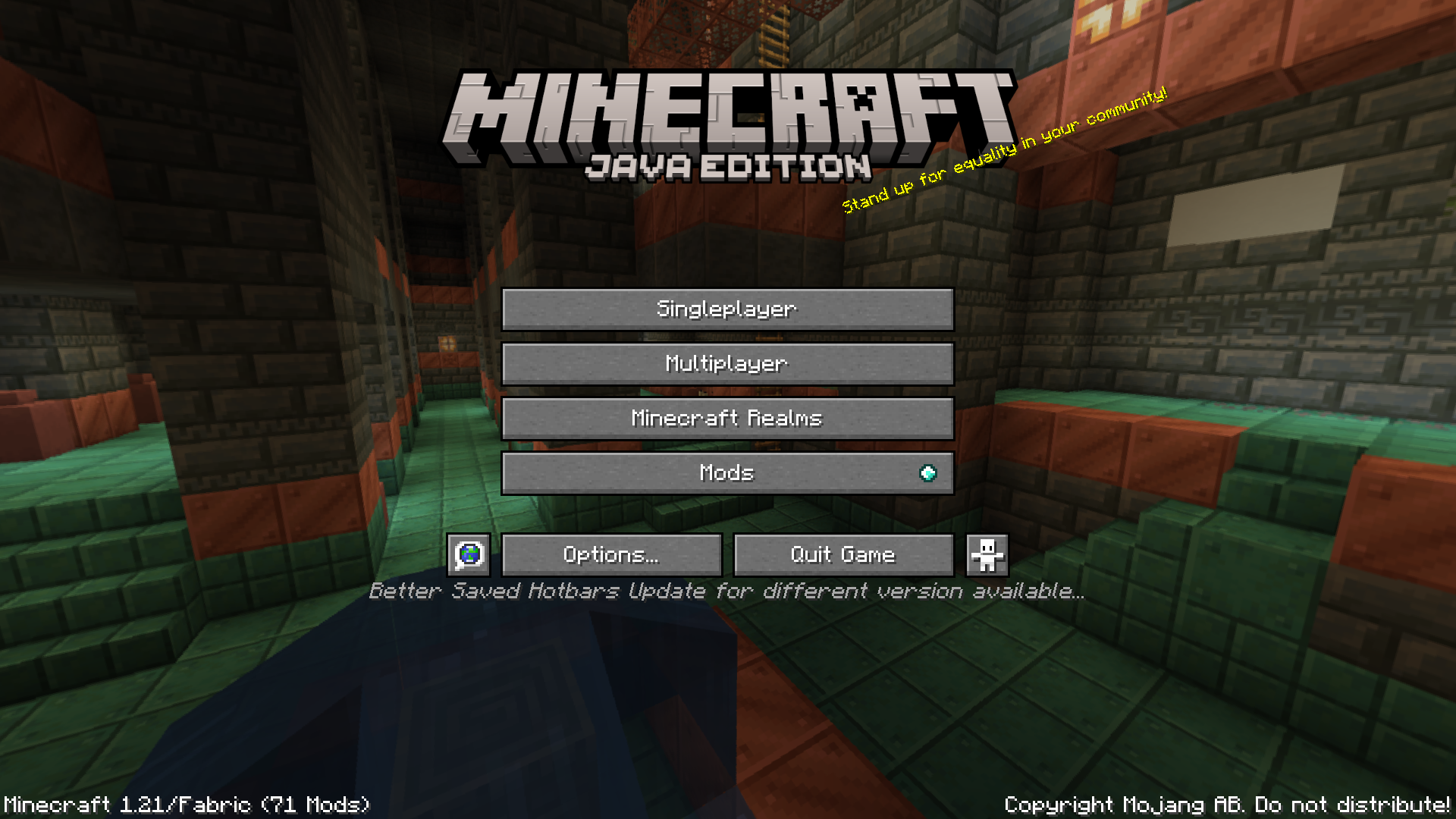
- S to open the World Selection Screen
- M to open the Server Selection Screen
- MM to join the first server in your server list
World Selection Screen
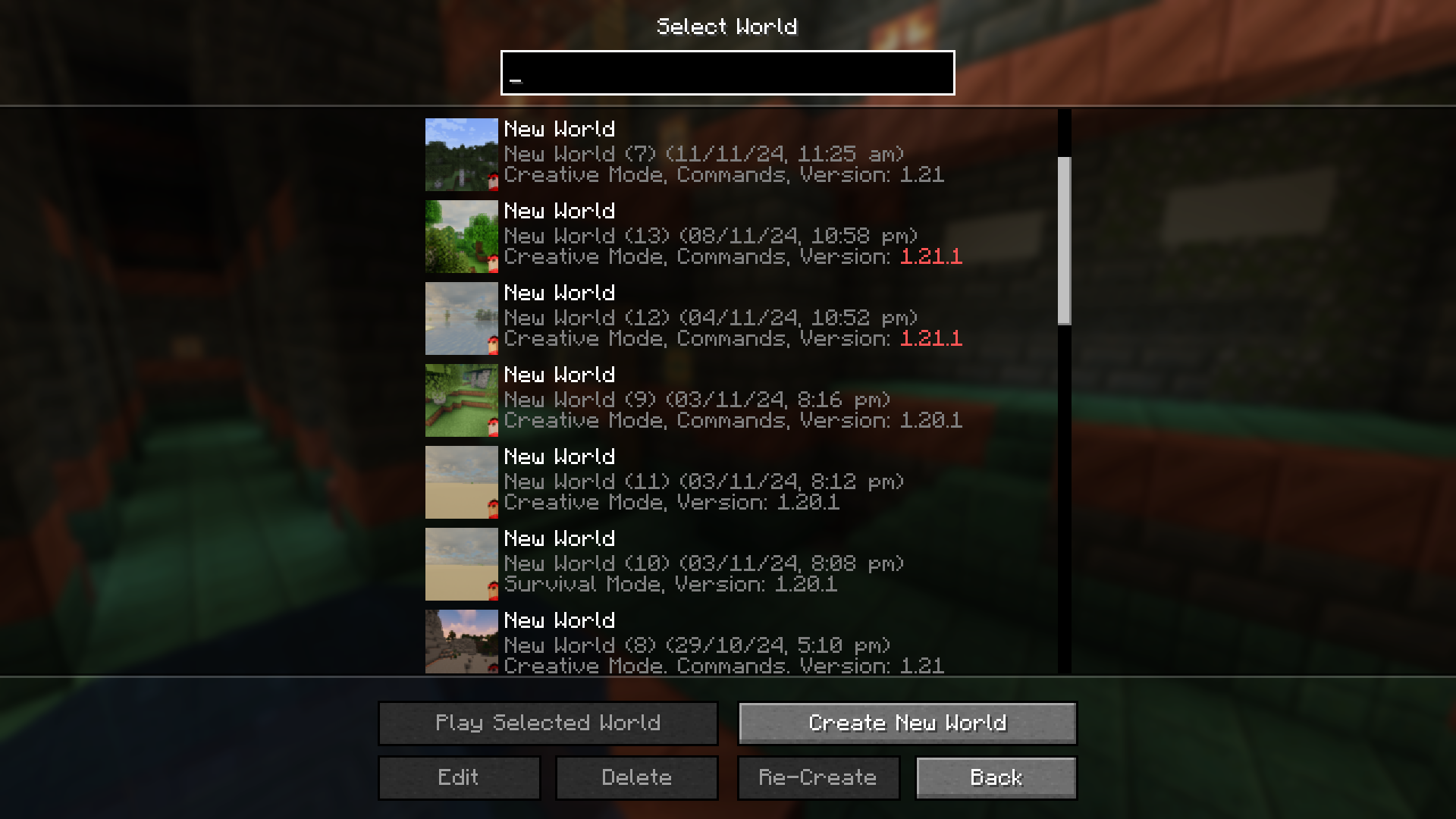
- Searchbox is automatically selected when opening screen so you can start typing immediately
- Enter to join the top-most world on the search list
Server Selection Screen
- M to join the first server in the server list
- A to add new server
- D to open the direct connect screen
- 1-9 to join the corresponding server in the server list
Server Disconnect Screen
- ESC to return to Server Selection Screen
Creative Menu
- Tab to automatically switch to the search page and automatically select textbox
- Tab when you have the textbox selected to clear it
Screenshots:
Better UI Keybinds Mod Download Links
For Minecraft 1.21.8, 1.21.7
Fabric version: Download from Server 1 – Download from Server 2
For Minecraft 1.21.8, 1.21.7, 1.21.6
Fabric version: Download from Server 1 – Download from Server 2
For Minecraft 1.21.5
Fabric version: Download from Server 1 – Download from Server 2
For Minecraft 1.21.4
Fabric version: Download from Server 1 – Download from Server 2
For Minecraft 1.21.1, 1.21
Fabric version: Download from Server 1 – Download from Server 2
- Edition: Minecraft Java
- File type: .jar
- Minecraft versions listed: 1.21.8, 1.21
- How to install: Install the matching mod loader (Forge, Fabric or NeoForge) for your Minecraft version. → Download the .jar. → Put it in the .minecraft/mods folder and launch that loader profile.
- Where to get it: In MC Java Mods, or directly above on this page.
Install steps are the general flow for this file type — How to install Minecraft Java mods & modpacks walks through it step by step.
- Downloads as 177982.mcaddon
- Download size: 29 KB
- Download link checked 25 Jul 2026 — working
- Mirrored on our own servers — the download does not depend on the original host
These come from our own check of the pack file, not from the source page.