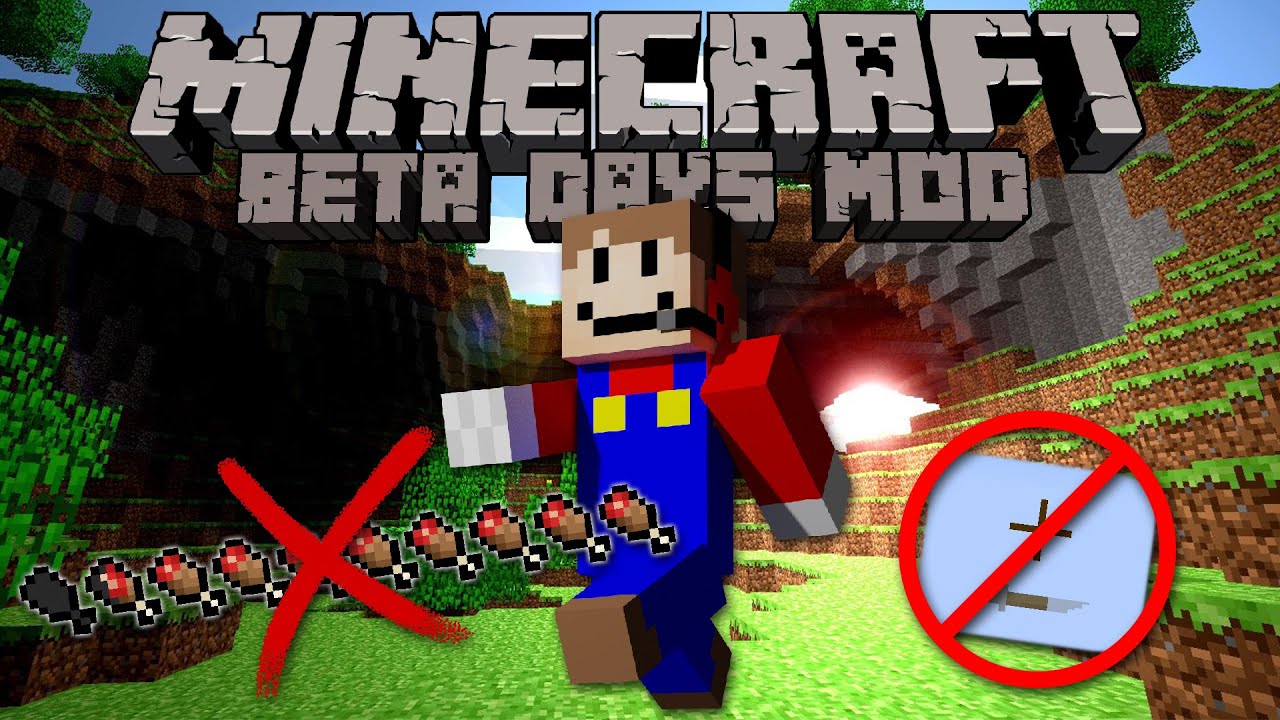
Beta Days Mod (1.21.8, 1.21.4) – Classic Look in Modern Version
Java mod listed for Minecraft 1.21. File opened and checked on 9 Oct 2026; downloads from the MC Java Mods app on Android.
⬇ Download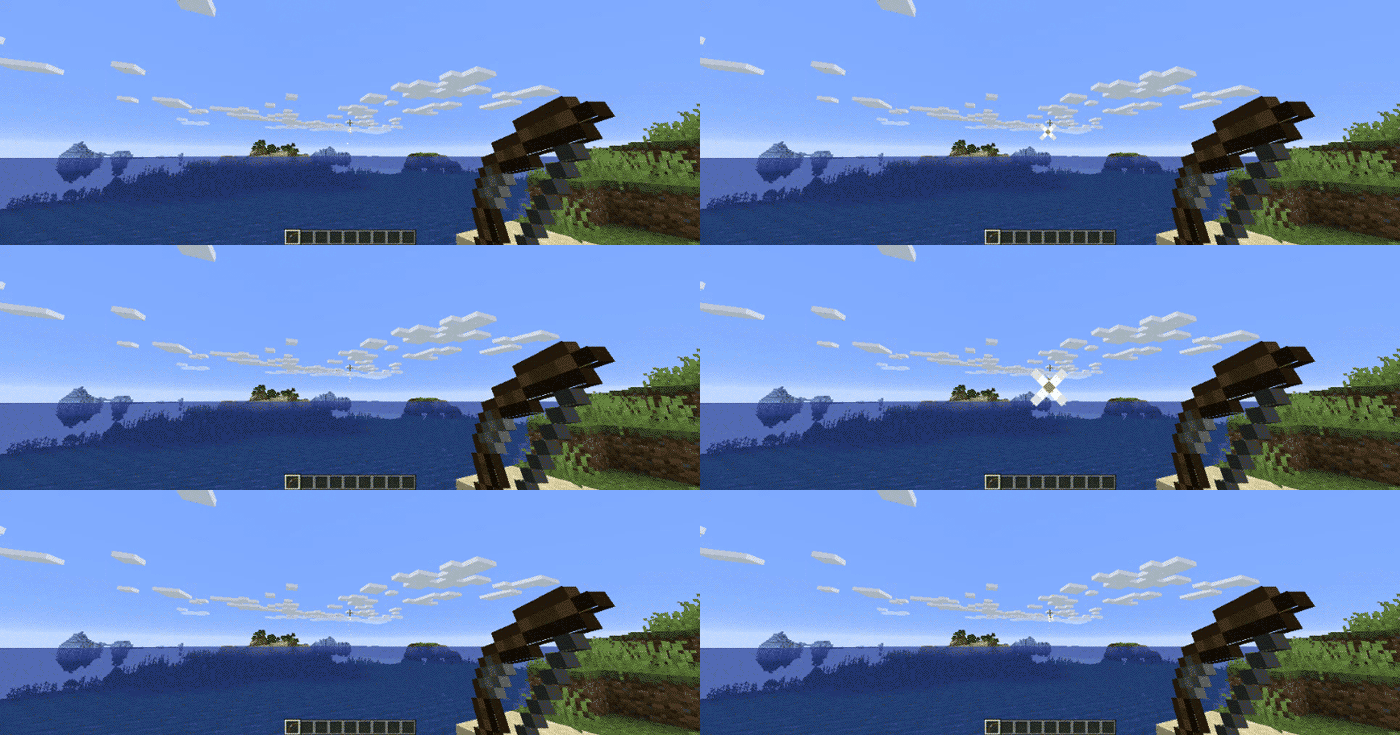

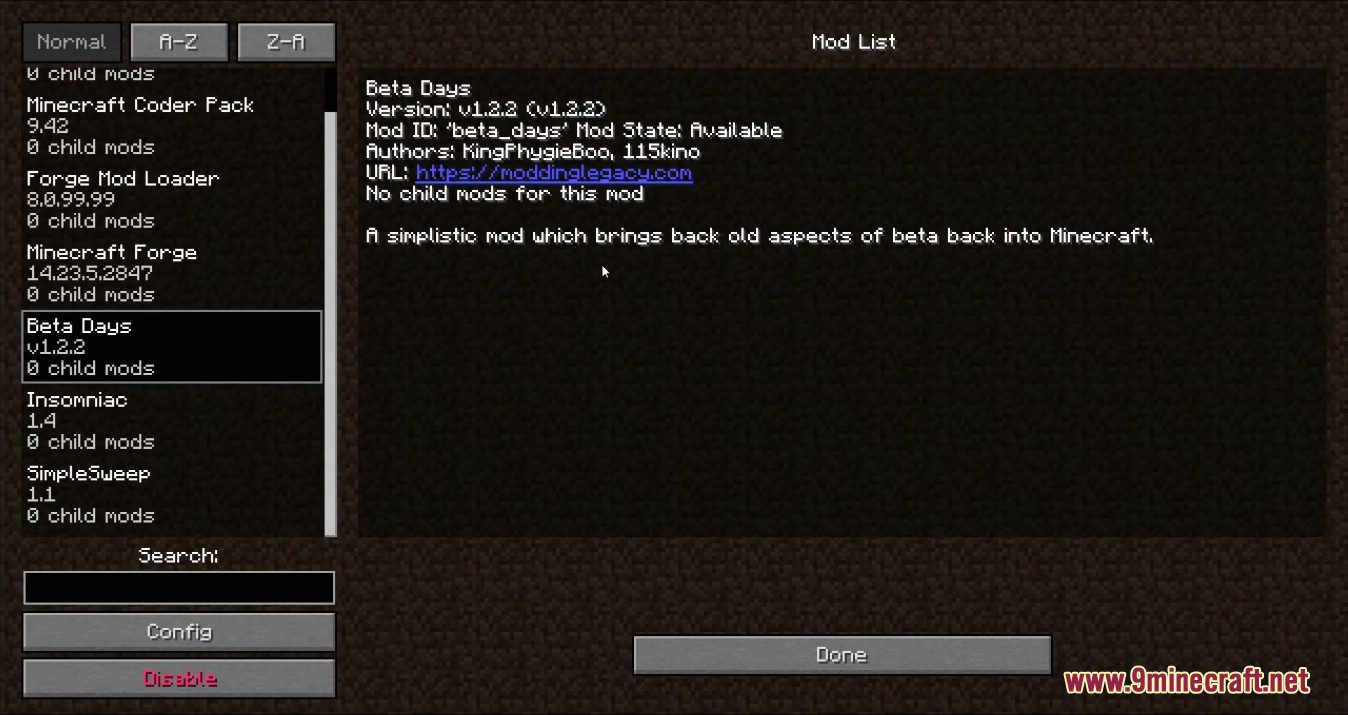
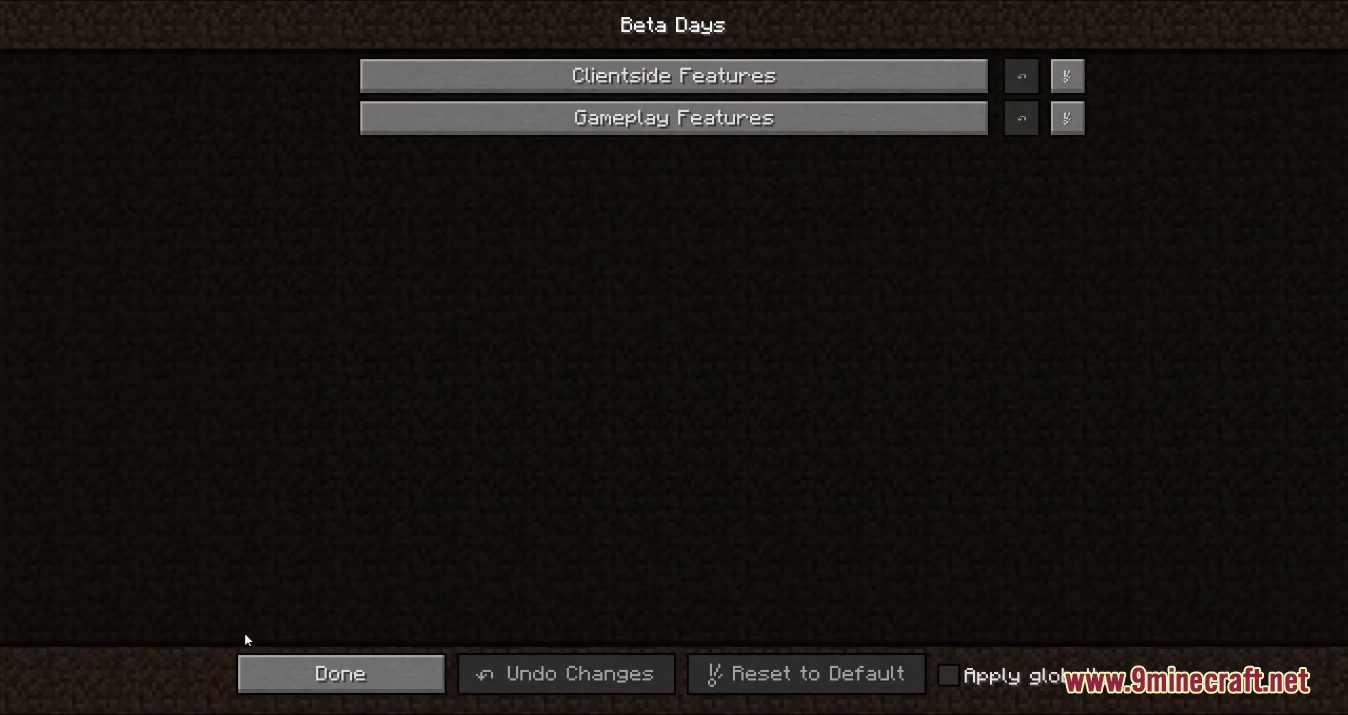
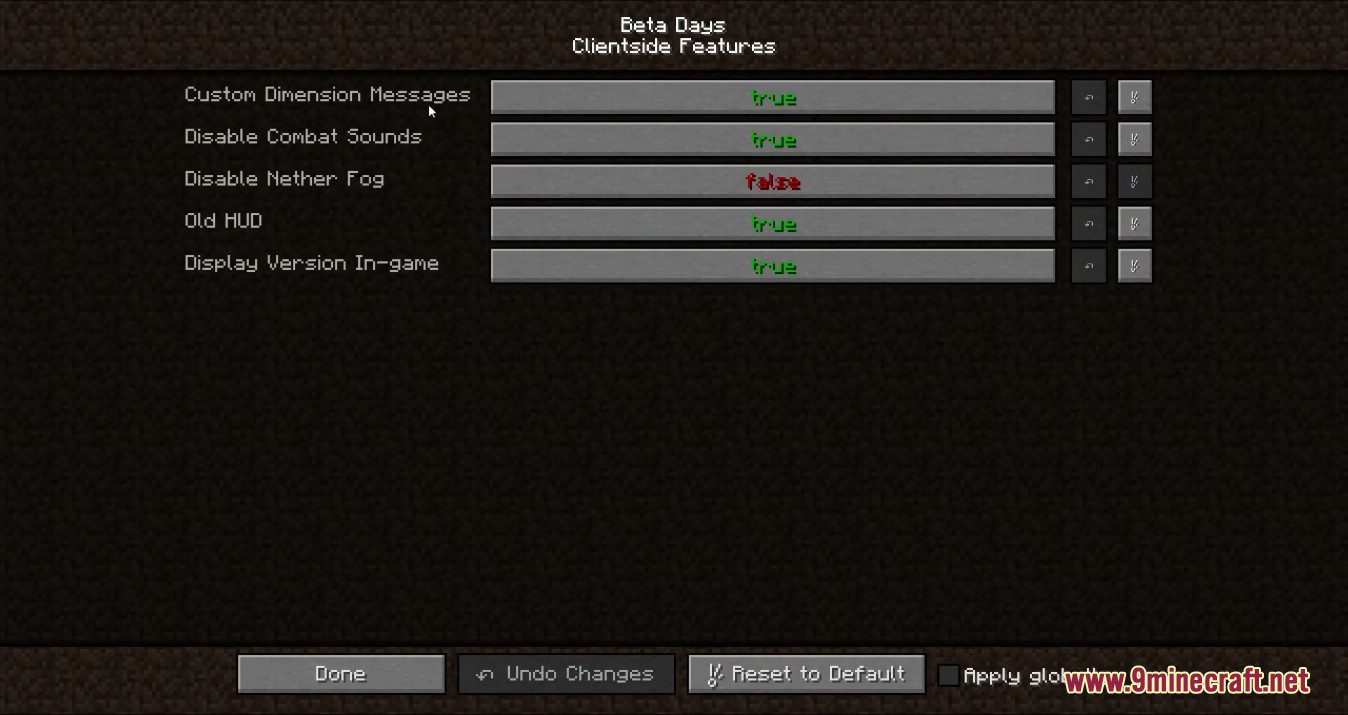
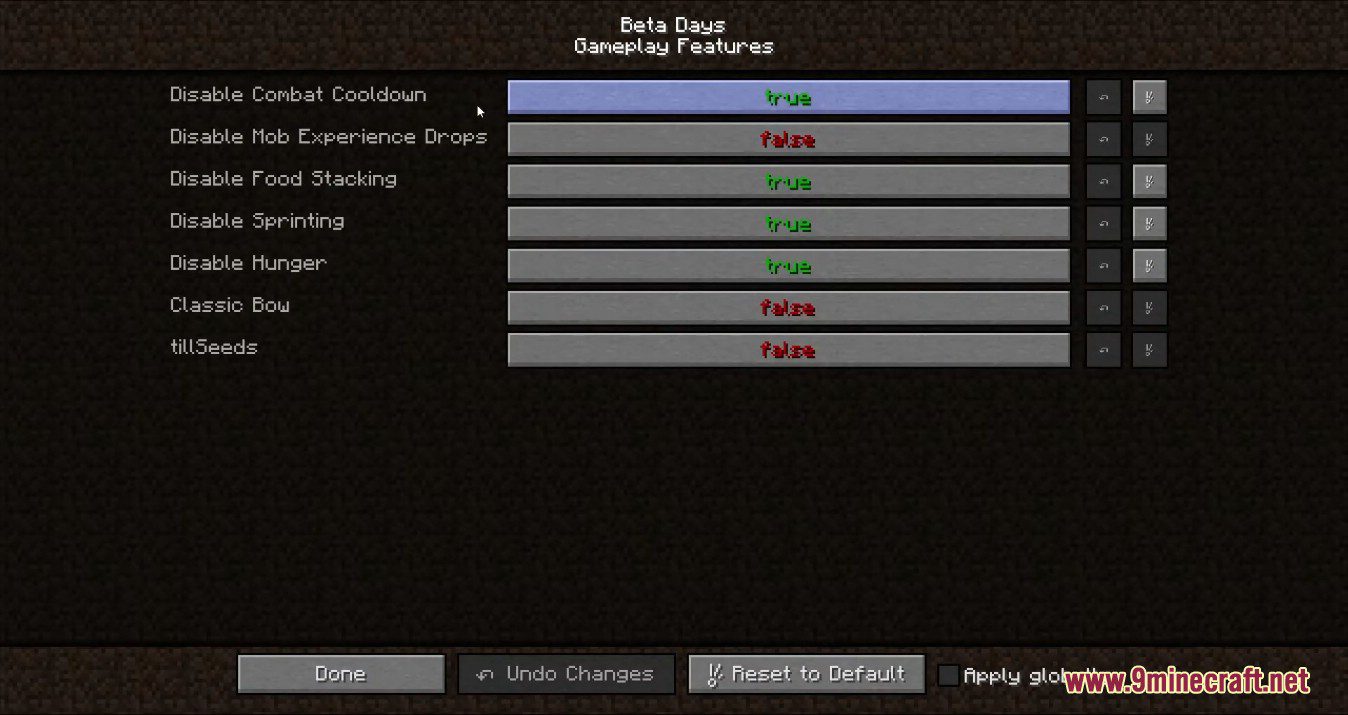
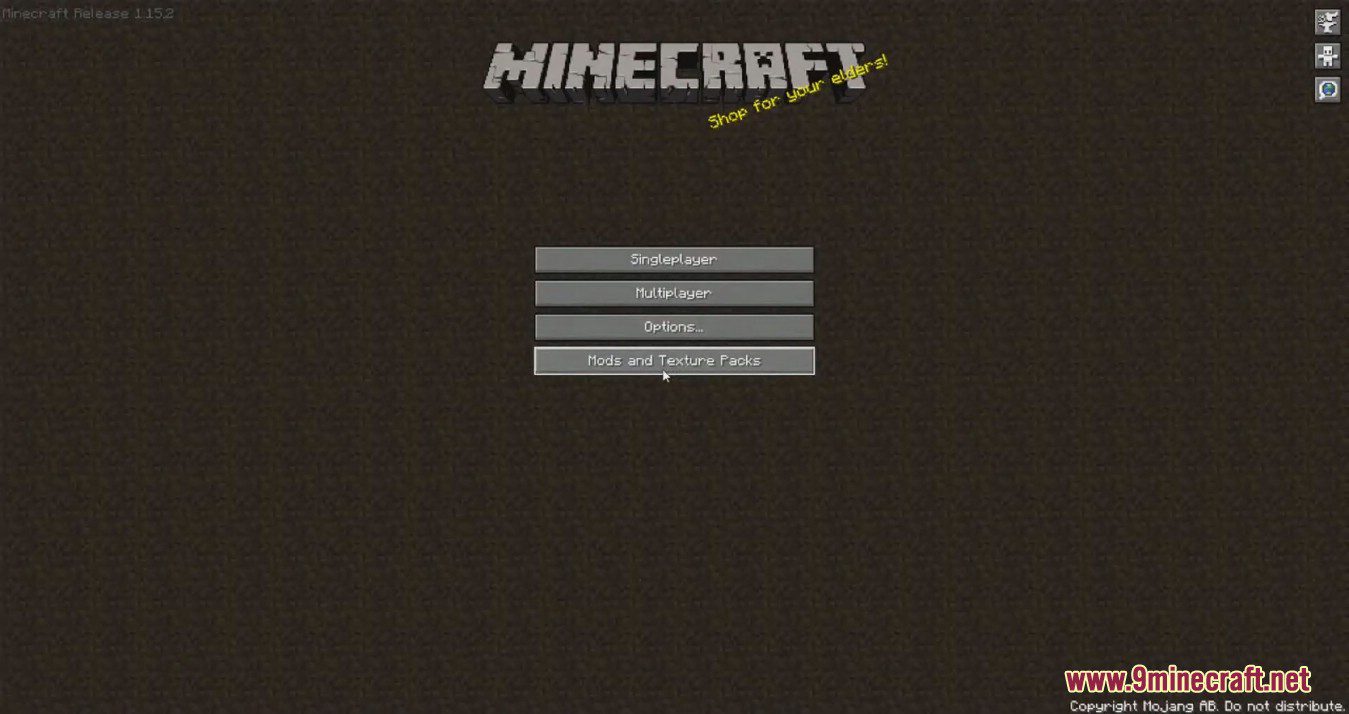
Beta Days Mod is a simplistic mod which brings back old aspects of beta back into Minecraft. Do you want to take a trip down memory lane? This mod is for you if you would like to emulate Minecraft Beta functionality and features inside of modern Minecraft.
Features:
- Classic Beta Style Bow: Allows you to shoot the bow without having to recharge, just like in beta.
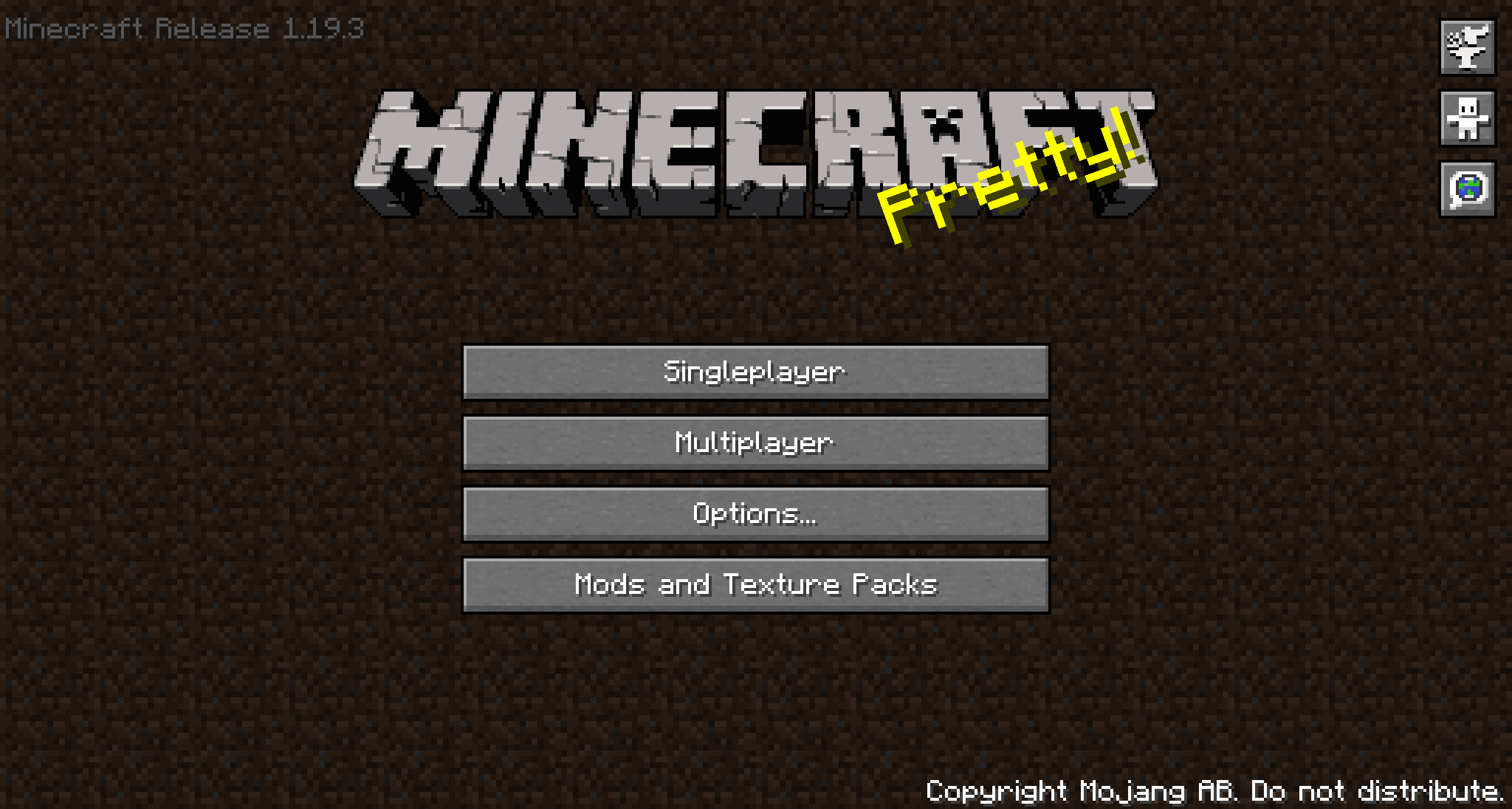
- Enable Beta Main Menu: This will replace your main menu with the one from beta with minor tweaks. The version number is at the top left and the background is the classic tiling dirt background.
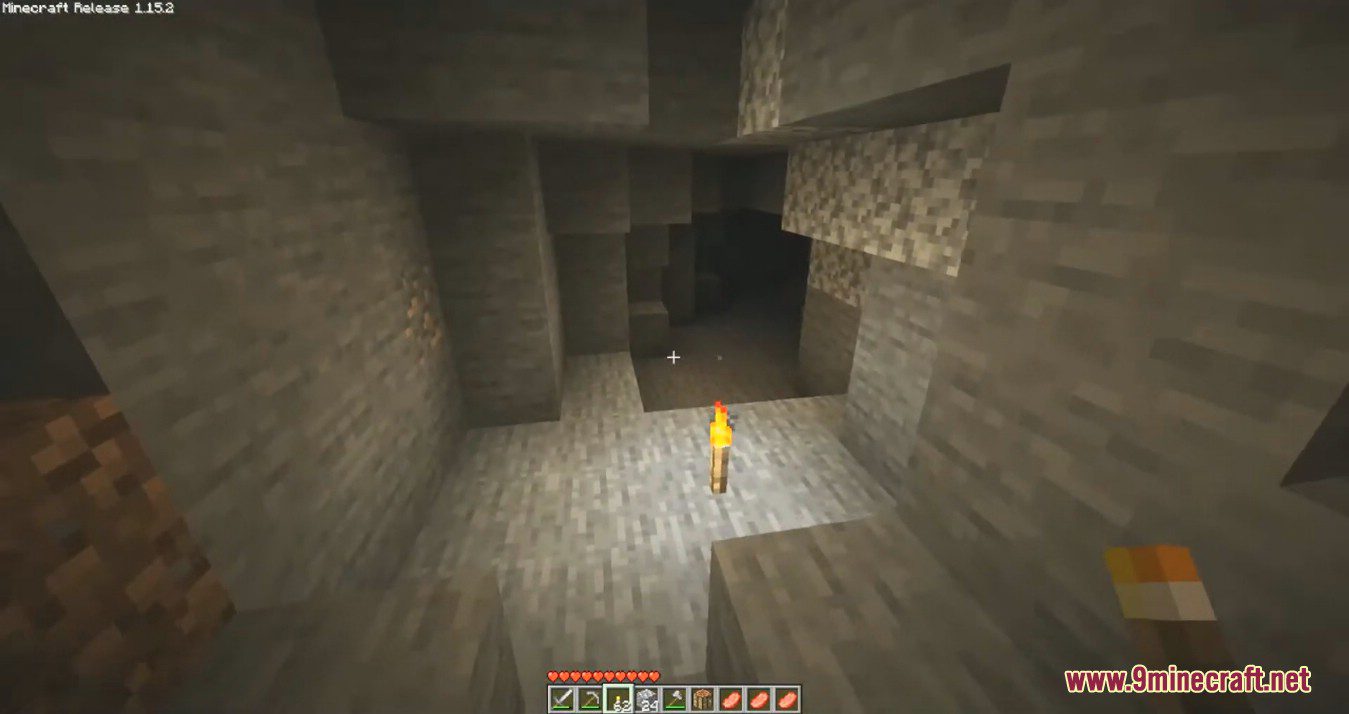
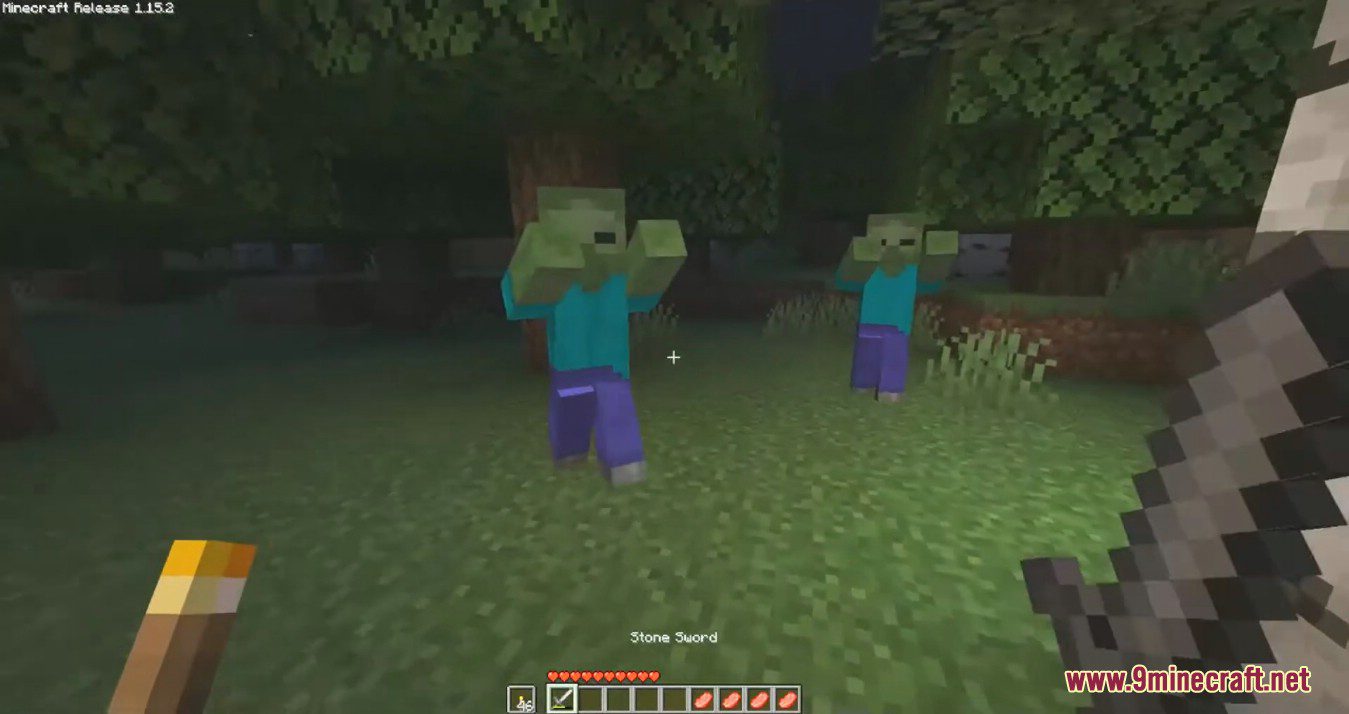
- Old Hud: Gives the classic HUD, removing the hunger bar, and adjusting the position of armor bar. Enabling this is only the aesthetic of the HUD. You may want to disable hunger, which will make food give you health when eaten.
- Disable Nether Fog: Disables the Nether fog and allows you to see more clearly and far in the Nether.
- Disable 1.9+ Combat System: Spam click with your weapons to your hearts content, the classic system. It’s back. I can hear your mice now!
- Disable Sprinting: Useful if you want to capture the beta experience. This also disables the new swimming in 1.14.4+
- Disable hunger: Useful if you want to capture the beta experience. This will make food give you health points instead of hunger points and will be eaten instantly.
- Disable experience drops: Useful if you want to capture the beta experience. Killing mobs will stop them from dropping XP.
- Custom Dimension Messages: Will display classic message on the loading screen “Entering the Nether”, “Entering the End”, how beta did it back in the day.
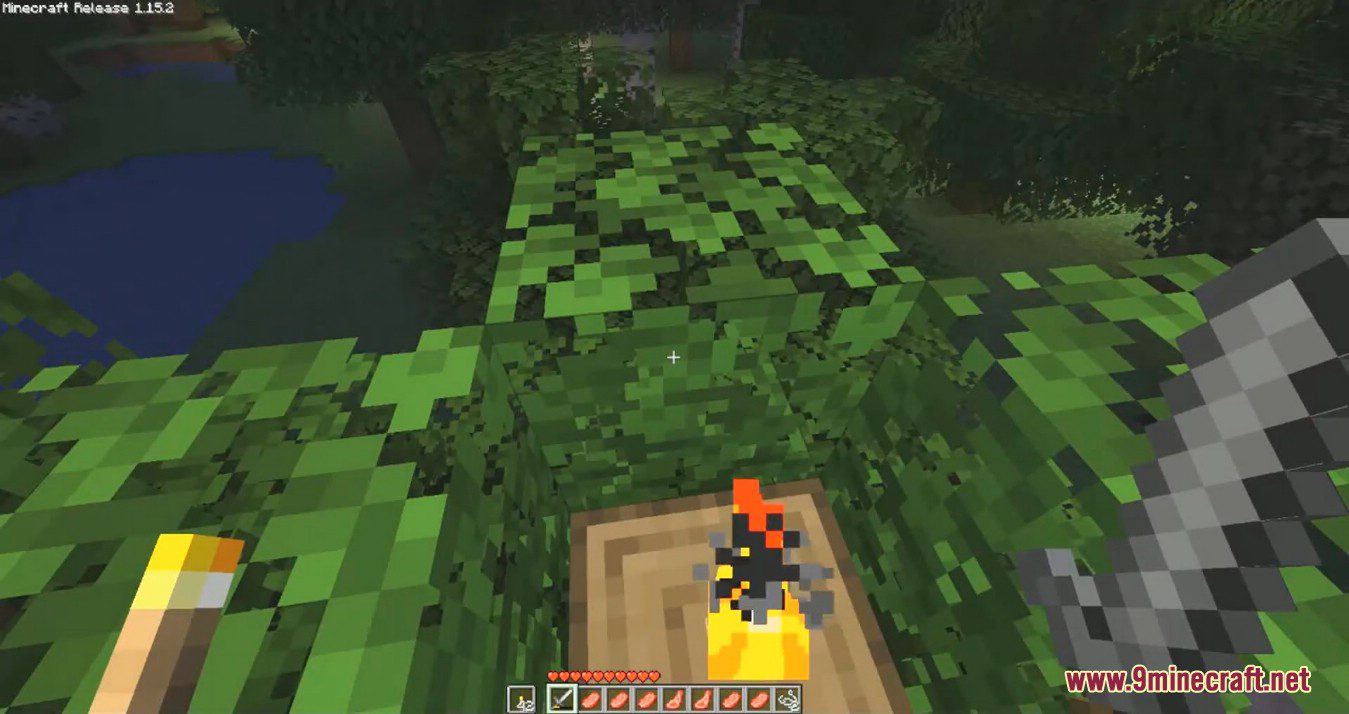
Screenshots:
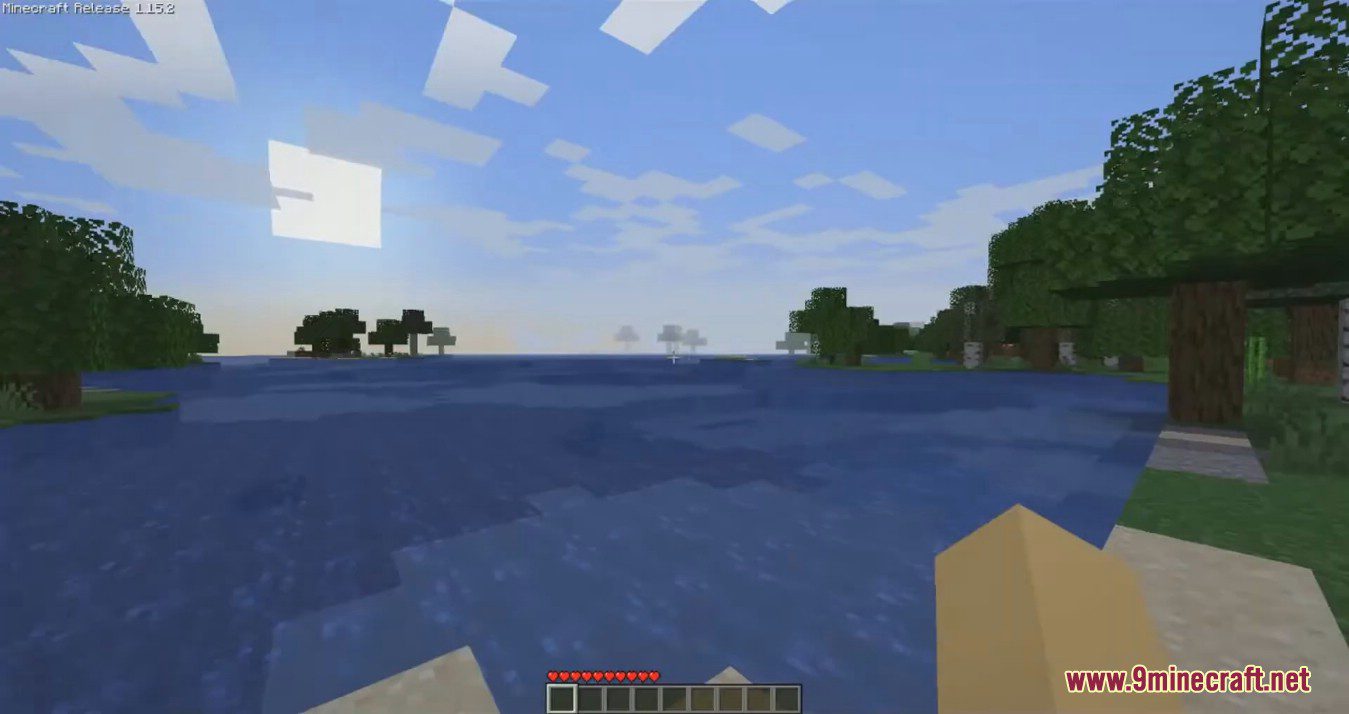
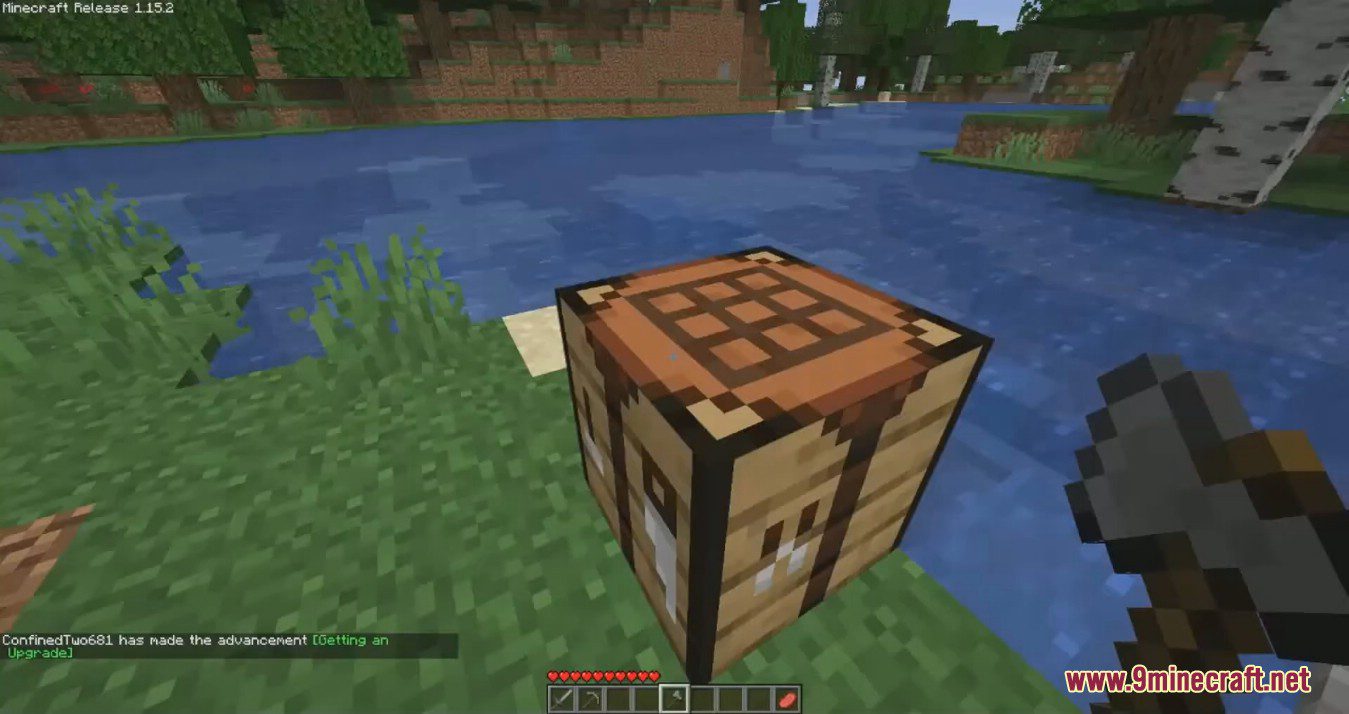
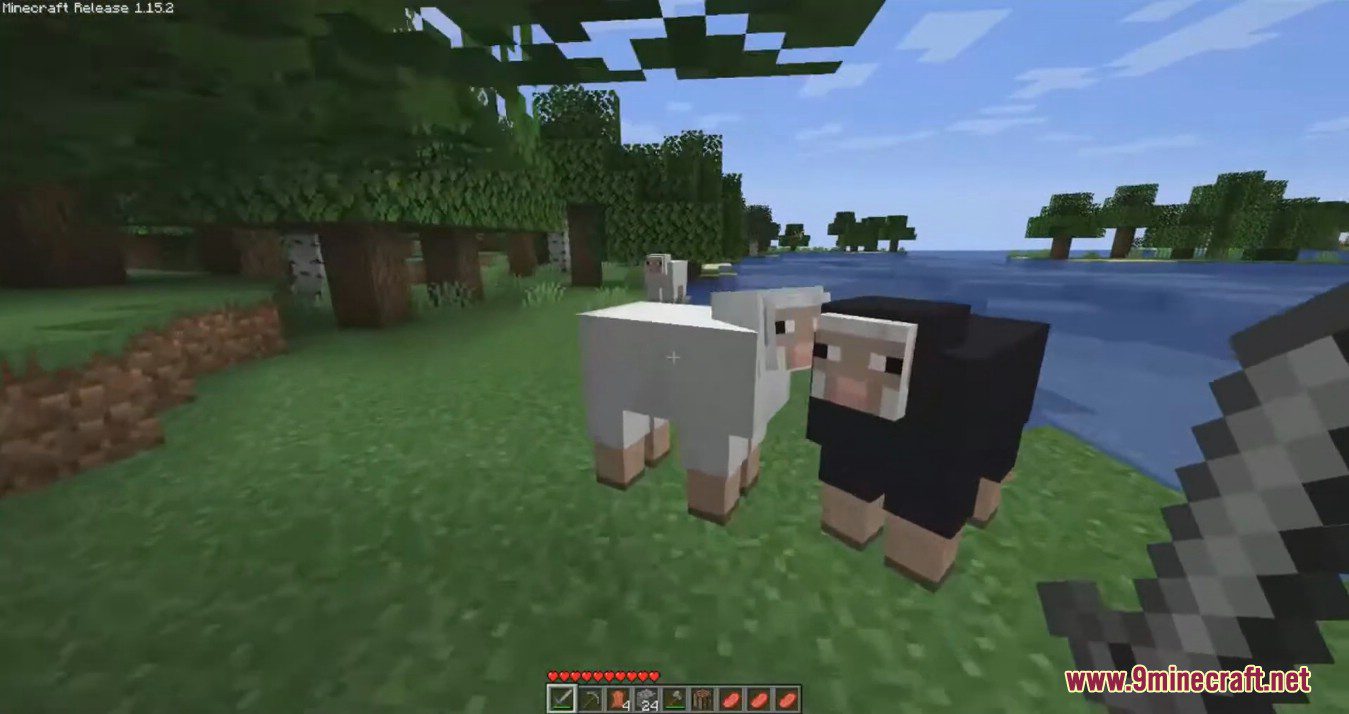
Beta Days Mod Download Links
For Minecraft 1.8.9
Forge version: Download from Server 1
For Minecraft 1.10.2
Forge version: Download from Server 1
For Minecraft 1.11.2
Forge version: Download from Server 1
For Minecraft 1.12.2
Forge version: Download from Server 1 – Download from Server 2
For Minecraft 1.14.4
Forge version: Download from Server 1
For Minecraft 1.15.2
Forge version: Download from Server 1
For Minecraft 1.16.5
Forge version: Download from Server 1 – Download from Server 2
For Minecraft 1.19.2
Forge version: Download from Server 1 – Download from Server 2
For Minecraft 1.19.3
Forge version: Download from Server 1 – Download from Server 2
For Minecraft 1.19.4
Forge version: Download from Server 1 – Download from Server 2
For Minecraft 1.21.4, 1.21.3
NeoForge version: Download from Server 1 – Download from Server 2
For Minecraft 1.21.8, 1.21.7, 1.21.6
NeoForge version: Download from Server 1 – Download from Server 2
- Edition: Minecraft Java
- File type: .jar
- Minecraft versions listed: 1.21.8, 1.21.4
- How to install: Install the matching mod loader (Forge, Fabric or NeoForge) for your Minecraft version. → Download the .jar. → Put it in the .minecraft/mods folder and launch that loader profile.
- Where to get it: In MC Java Mods, or directly above on this page.
Install steps are the general flow for this file type — How to install Minecraft Java mods & modpacks walks through it step by step.
- Downloads as 177997.mcaddon
- Download size: 27 KB
- Download link checked 24 Jul 2026 — working
- Mirrored on our own servers — the download does not depend on the original host
These come from our own check of the pack file, not from the source page.