Custom LAN Mod (1.21.8, 1.20.1) – Enhancing LAN Gaming Experience
Java mod listed for Minecraft 1.20–1.21. Downloads from the MC Java Mods app on Android.
Custom LAN Mod enhances the functionality of the "Open to LAN" feature. It allows players to customize their local multiplayer experience with additional…
⬇ Download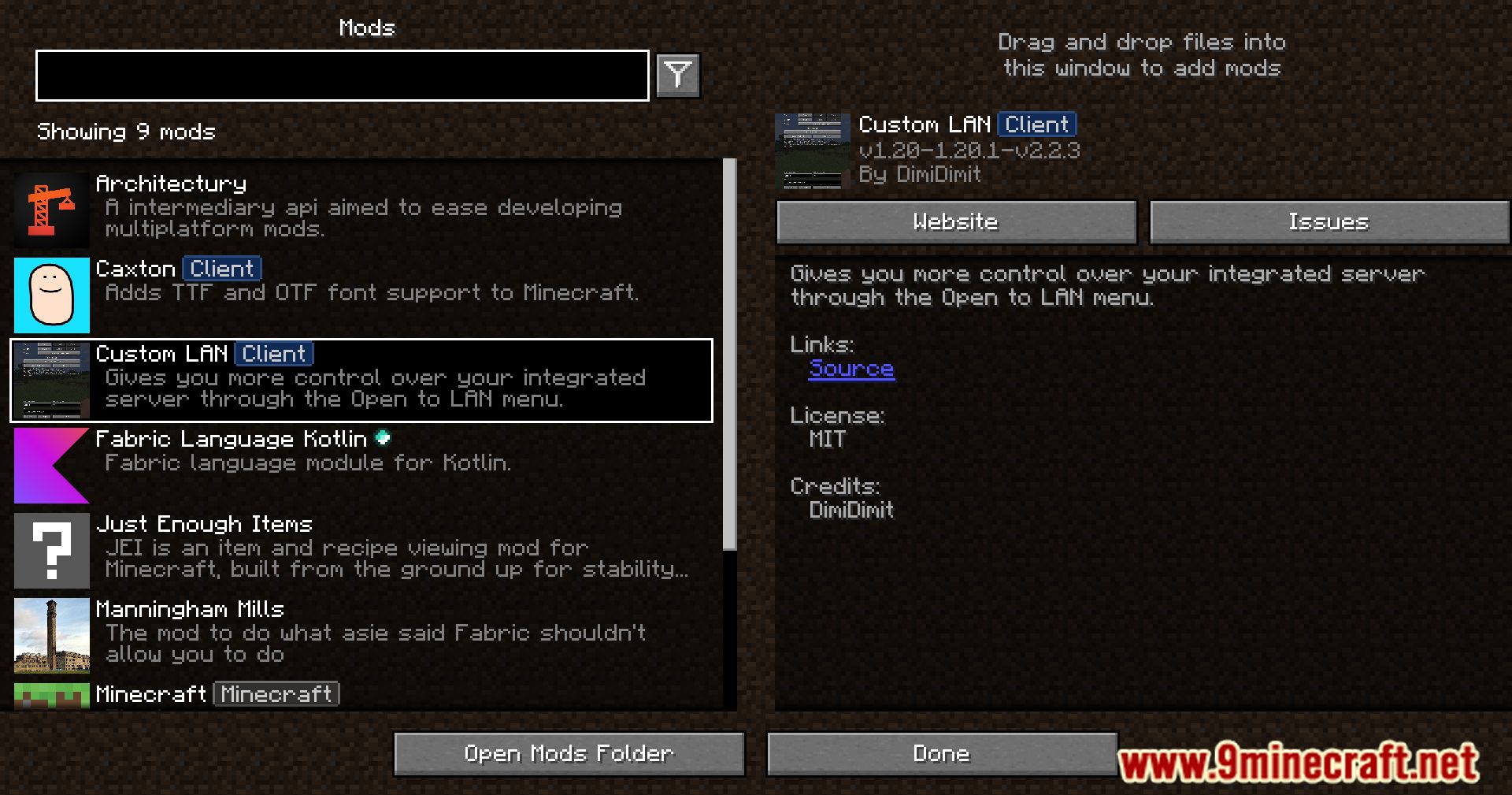
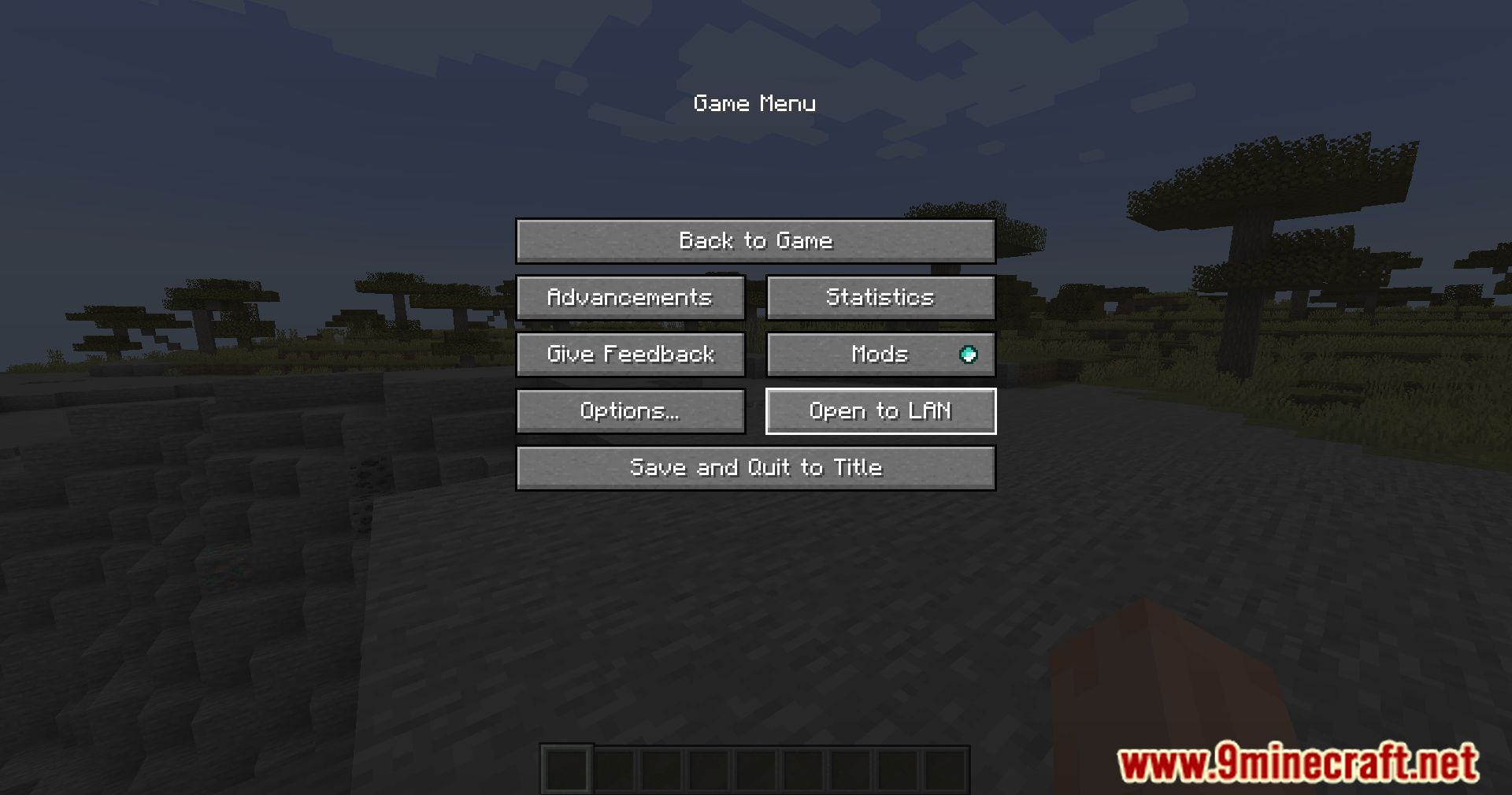
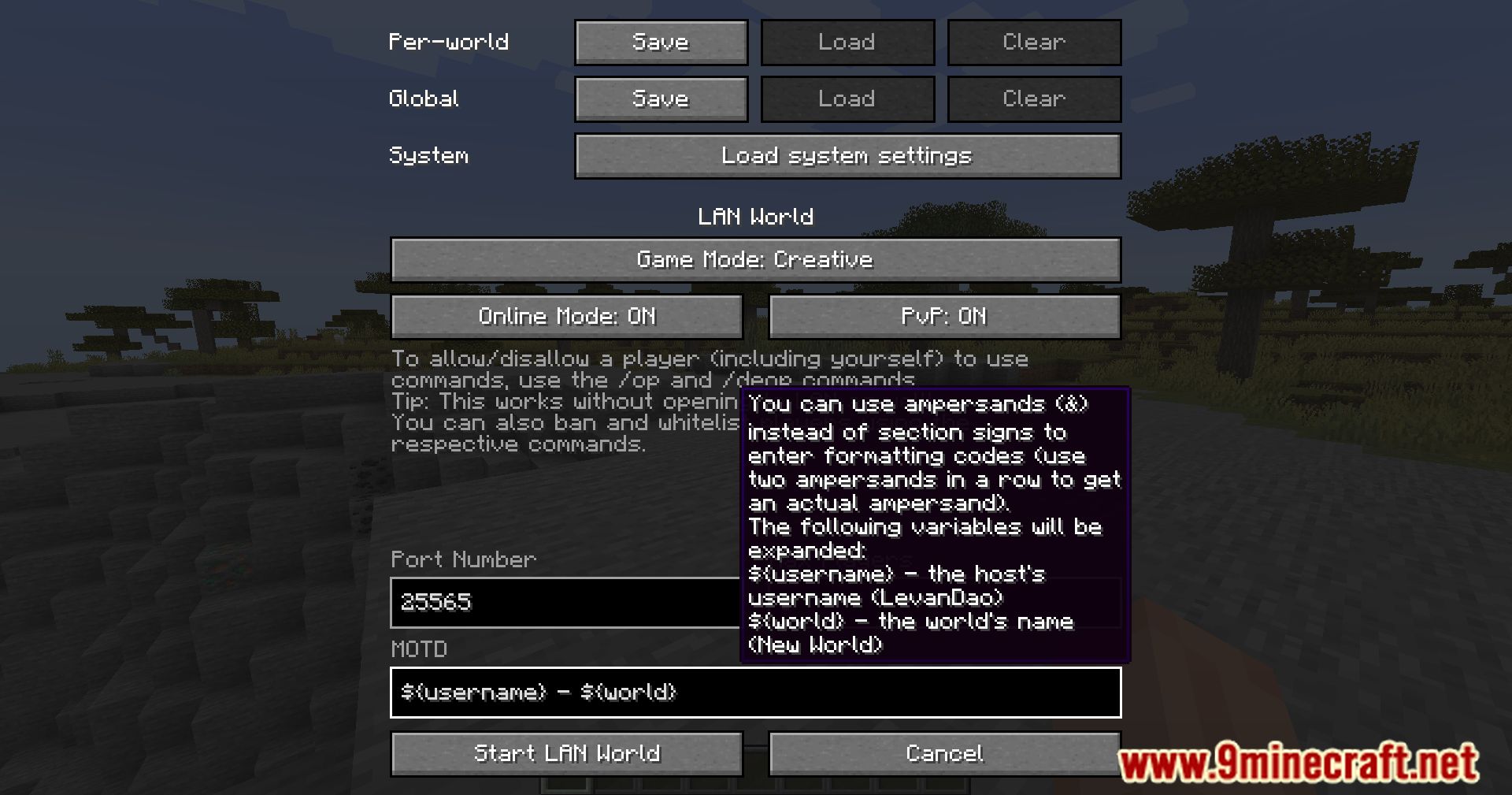
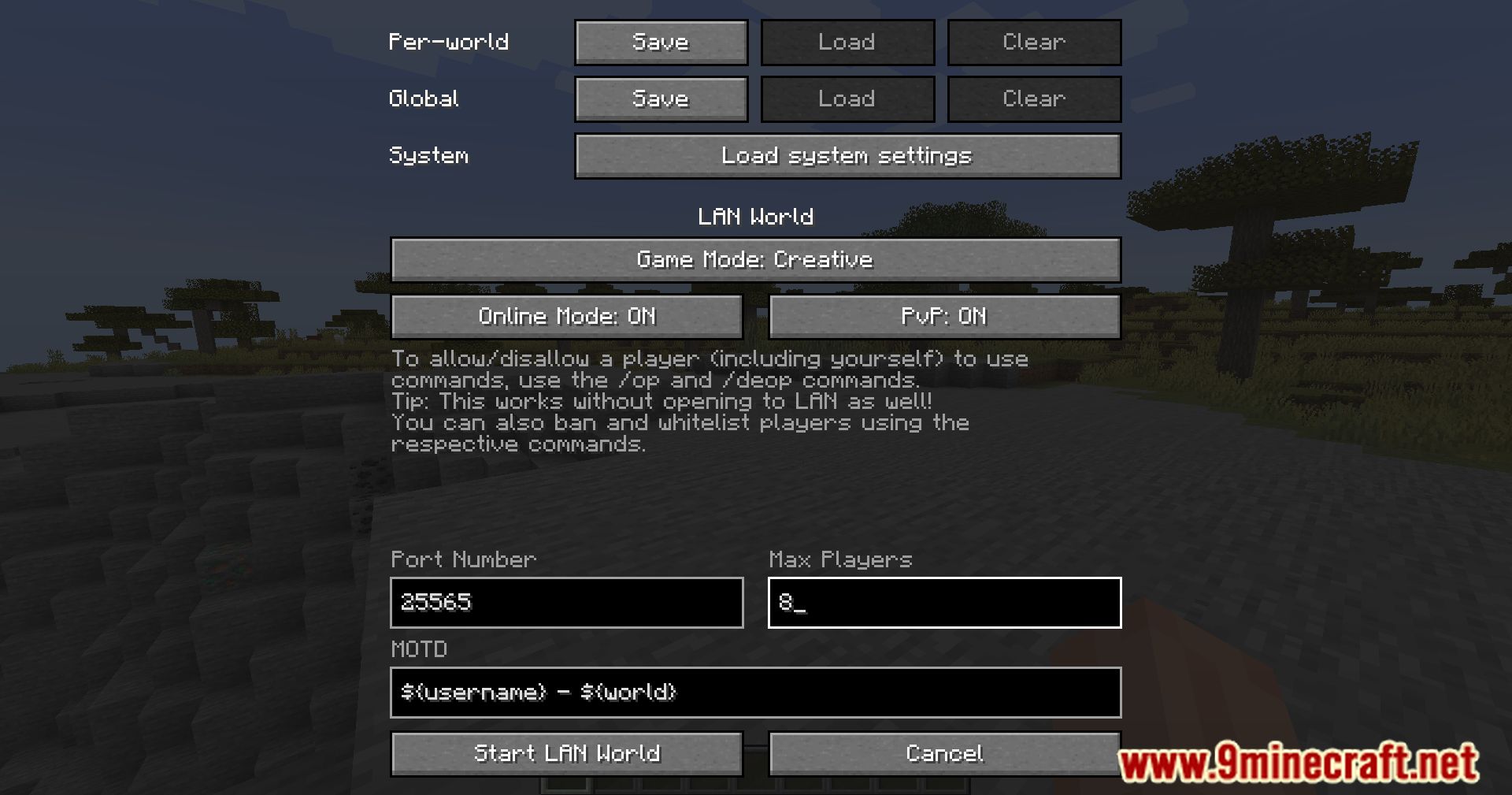
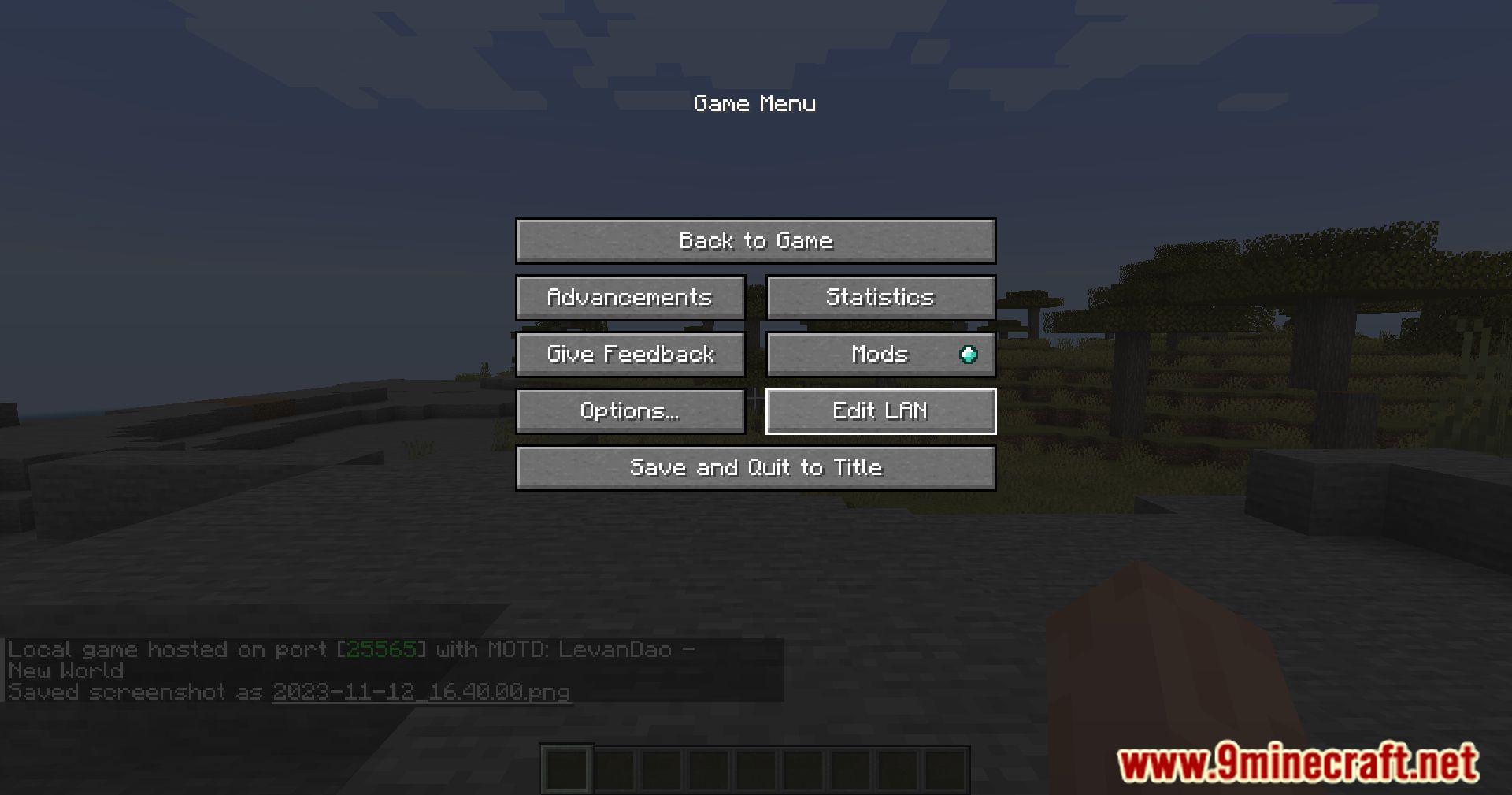
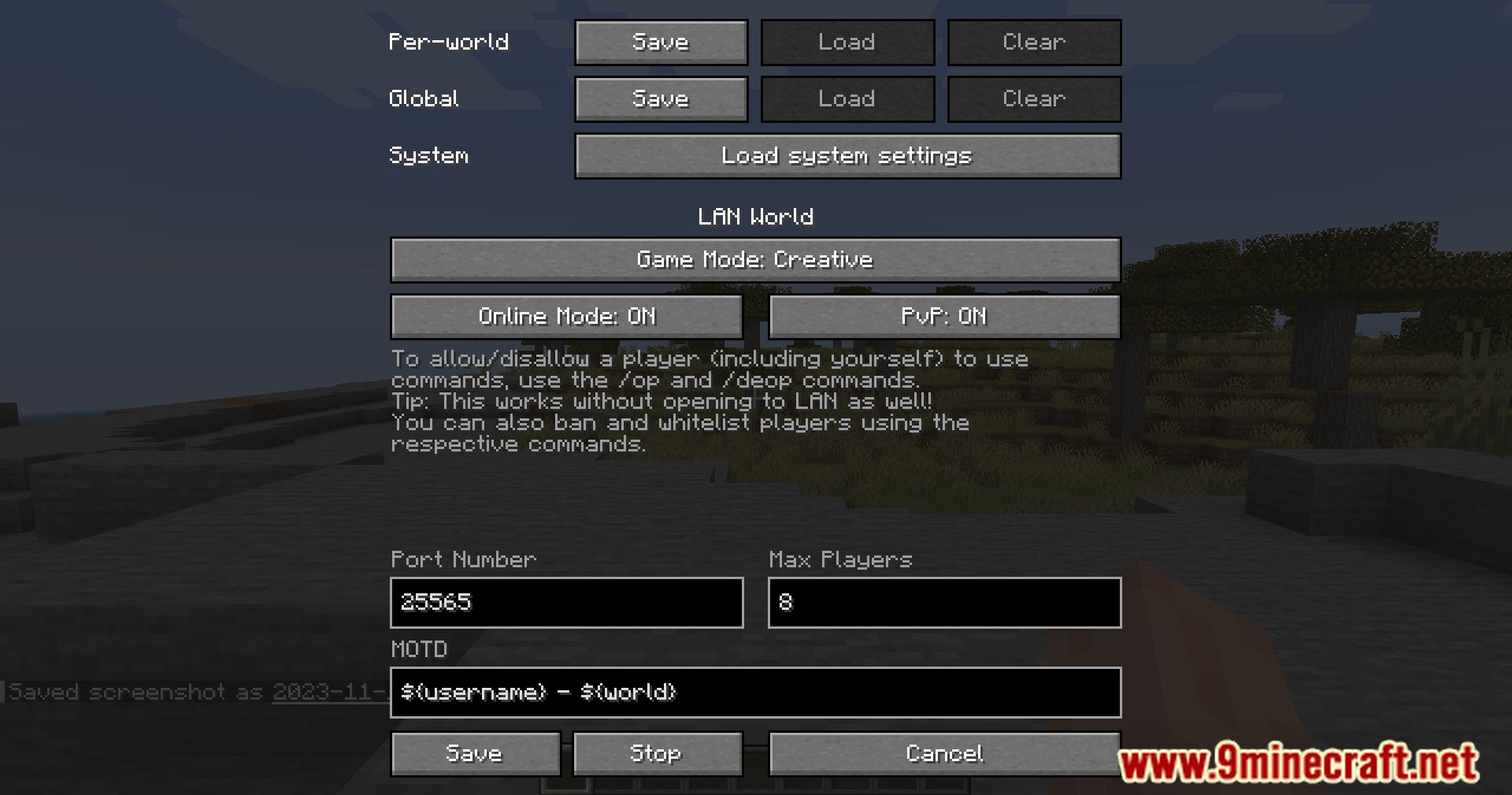
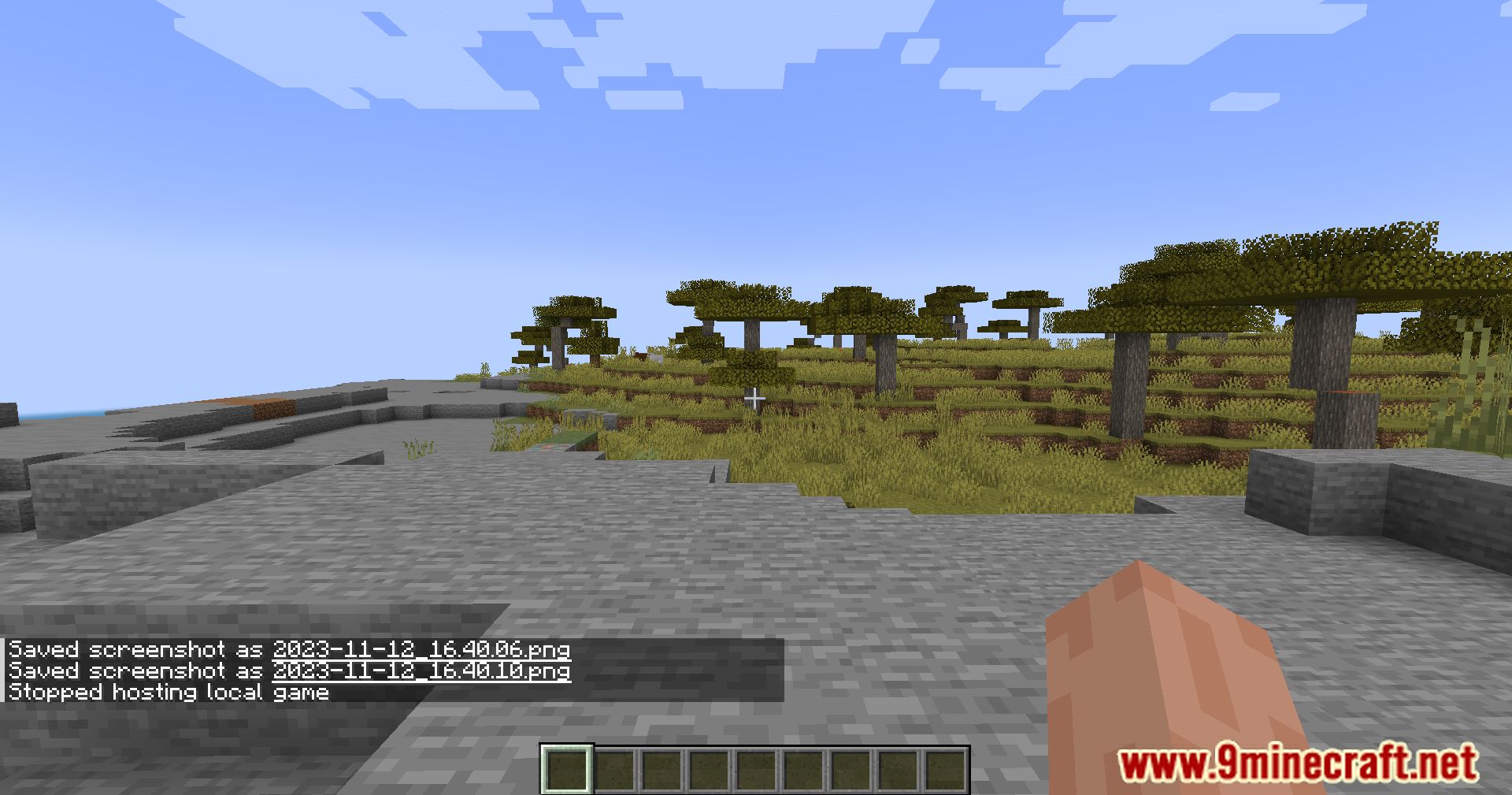
Custom LAN Mod enhances the functionality of the “Open to LAN” feature. It allows players to customize their local multiplayer experience with additional settings and features.
Features:
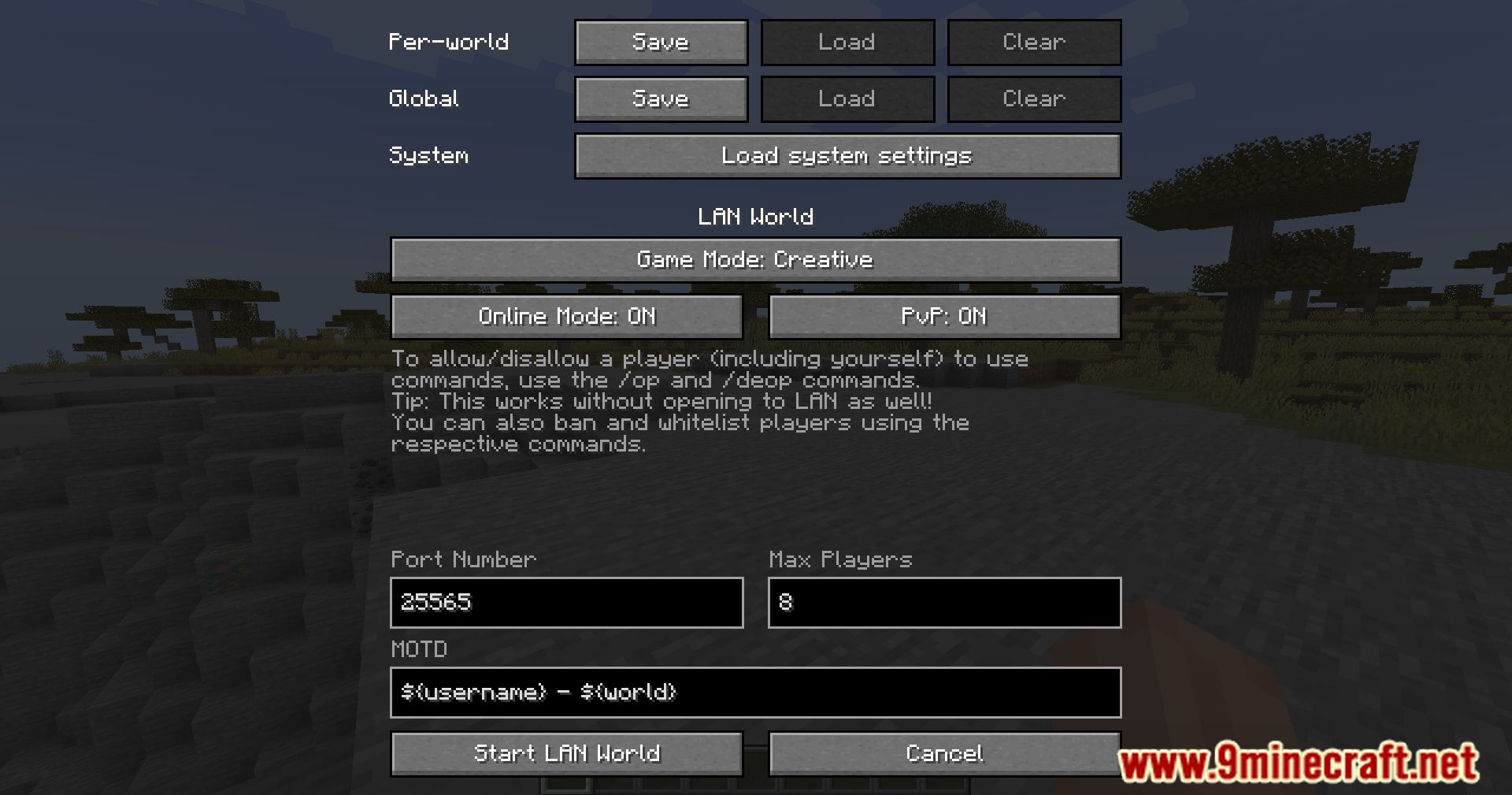
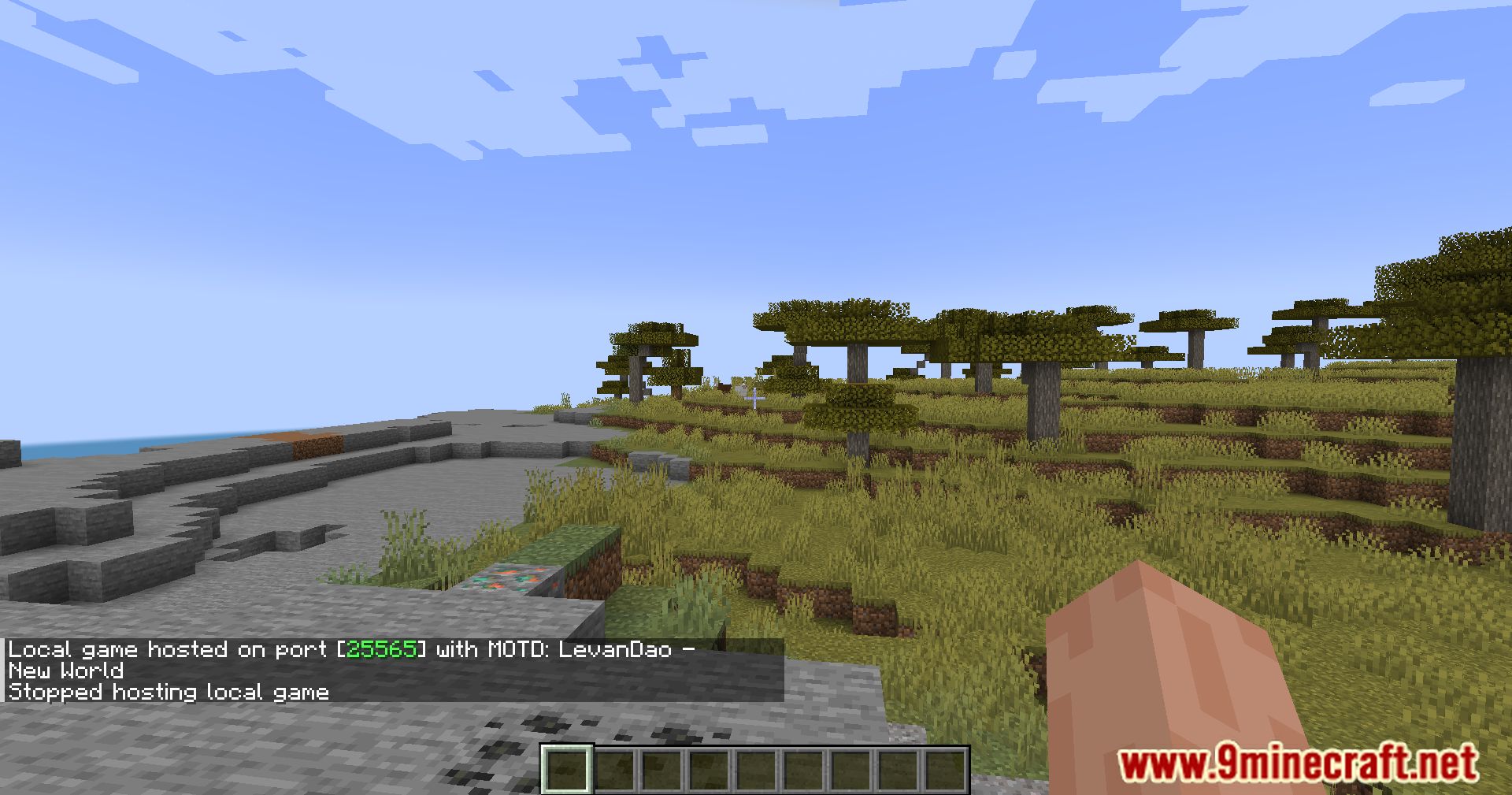
- Adjust settings like online mode, PvP, maximum players, and the message of the day (MOTD).
- Modify server settings mid-game, including the port, without restarting the world.
- Use commands like
/opand/deopto control who can use cheats, even in single-player mode. - Manage bans and whitelists with commands like
/ban,/whitelist, and more. - Save settings globally or for specific worlds, with automatic loading based on priority.
- Share your server beyond your local network using tools like ngrok, without needing port forwarding.
- Use formatting codes and variables for personalized messages.
Screenshots:
Custom LAN Mod Download Links
For Minecraft 1.14.4
Fabric version: Download from Server 1 – Download from Server 2
For Minecraft 1.15.2
Fabric version: Download from Server 1 – Download from Server 2
For Minecraft 1.16.5
Fabric version: Download from Server 1 – Download from Server 2
For Minecraft 1.17.1
Fabric version: Download from Server 1 – Download from Server 2
For Minecraft 1.18.1
Fabric version: Download from Server 1 – Download from Server 2
For Minecraft 1.18.2
Fabric version: Download from Server 1 – Download from Server 2
For Minecraft 1.19
Fabric version: Download from Server 1 – Download from Server 2
For Minecraft 1.19.2, 1.19.1
Fabric version: Download from Server 1 – Download from Server 2
For Minecraft 1.19.3
Fabric version: Download from Server 1 – Download from Server 2
For Minecraft 1.19.4
Fabric version: Download from Server 1 – Download from Server 2
For Minecraft 1.20.1, 1.20
Fabric version: Download from Server 1 – Download from Server 2
For Minecraft 1.20.2
Fabric version: Download from Server 1 – Download from Server 2
For Minecraft 1.20.4
Fabric/Quilt version: Download from Server 1 – Download from Server 2
For Minecraft 1.20.6
Fabric/Quilt version: Download from Server 1 – Download from Server 2
For Minecraft 1.21.1, 1.21
Fabric/Quilt version: Download from Server 1 – Download from Server 2
For Minecraft 1.21.3, 1.21.2
Fabric/Quilt version: Download from Server 1 – Download from Server 2
For Minecraft 1.21.4
Fabric/Quilt version: Download from Server 1 – Download from Server 2
For Minecraft 1.21.5
Fabric/Quilt version: Download from Server 1 – Download from Server 2
For Minecraft 1.21.8, 1.21.7, 1.21.6
Fabric/Quilt version: Download from Server 1 – Download from Server 2
For Minecraft 1.21.8, 1.21.7
Fabric/Quilt version: Download from Server 1 – Download from Server 2
- Edition: Minecraft Java
- File type: .jar
- Minecraft versions listed: 1.21.8, 1.20.1
- How to install: Install the matching mod loader (Forge, Fabric or NeoForge) for your Minecraft version. → Download the .jar. → Put it in the .minecraft/mods folder and launch that loader profile.
- Where to get it: In MC Java Mods, or directly above on this page.
Install steps are the general flow for this file type — How to install Minecraft Java mods & modpacks walks through it step by step.
- Downloads as 178043.mcaddon
- Download size: 478 KB
- Download link checked 24 Jul 2026 — working
- Mirrored on our own servers — the download does not depend on the original host
These come from our own check of the pack file, not from the source page.