
Vanillin Mod (1.21.1, 1.20.1) – Uses Flywheel to Handle Instanced Rendering
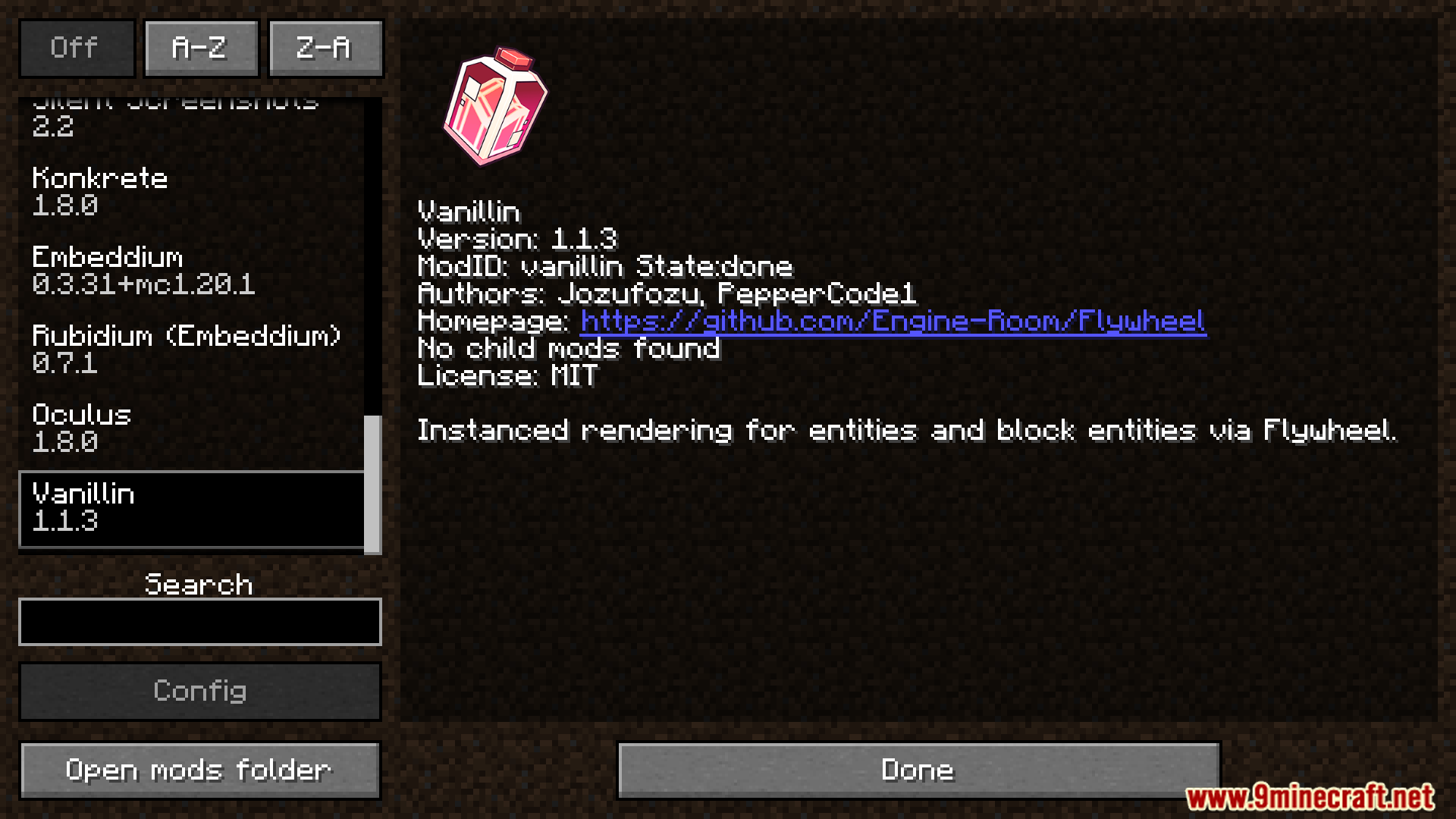
Vanillin Mod helps Minecraft run better by letting Flywheel handle how many objects are shown on screen. Thanks to Flywheel, the game can display many…
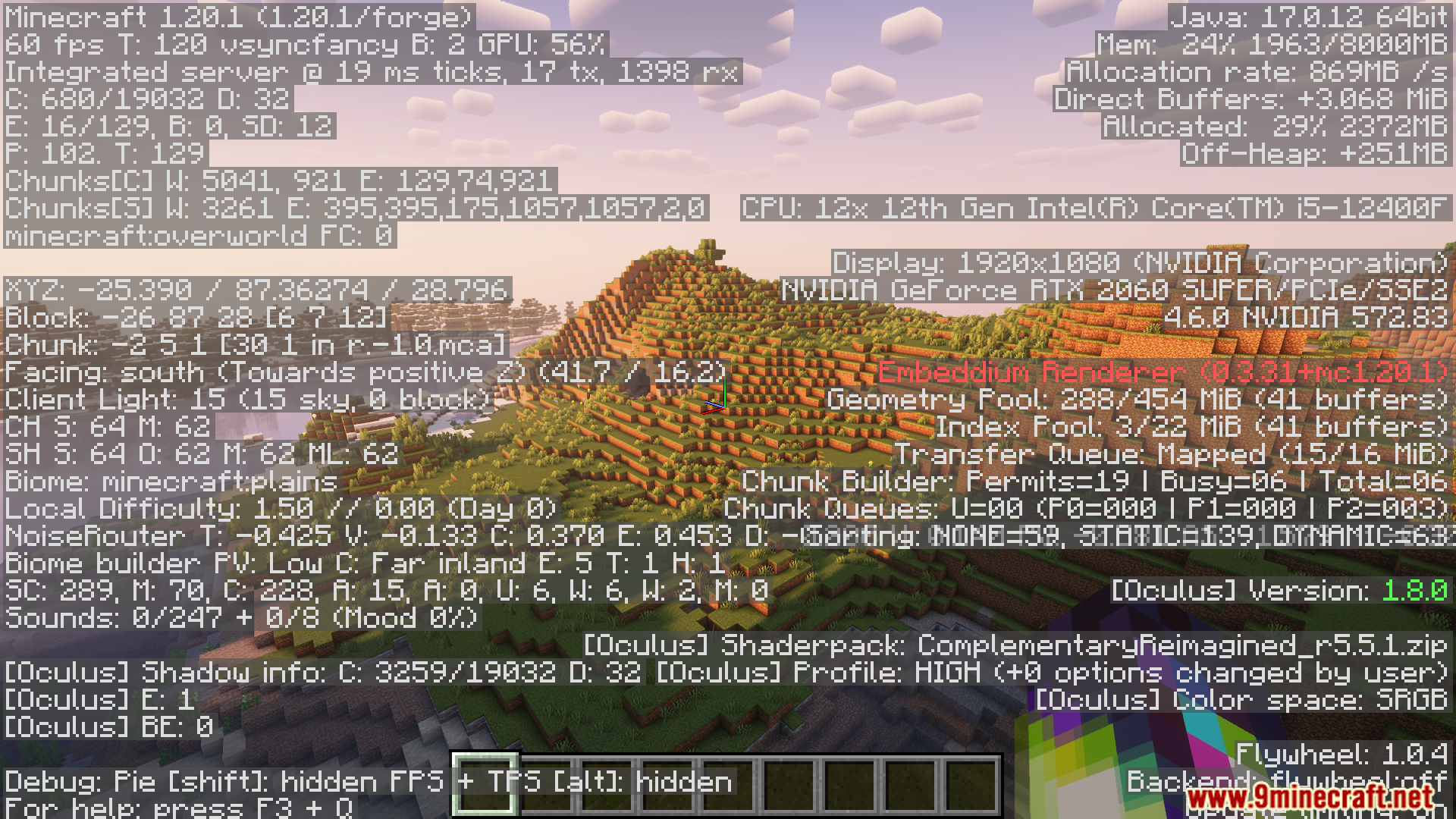
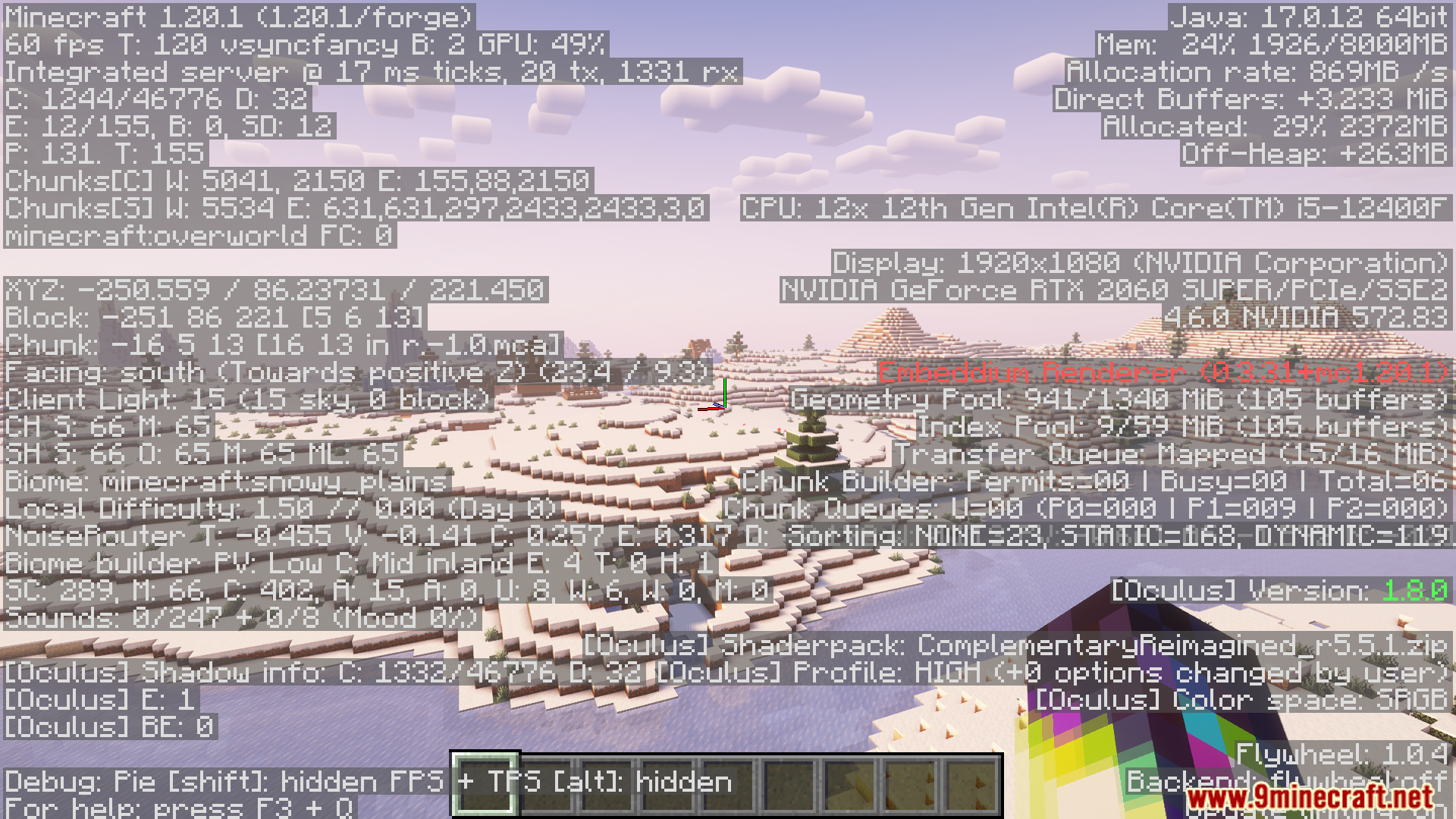
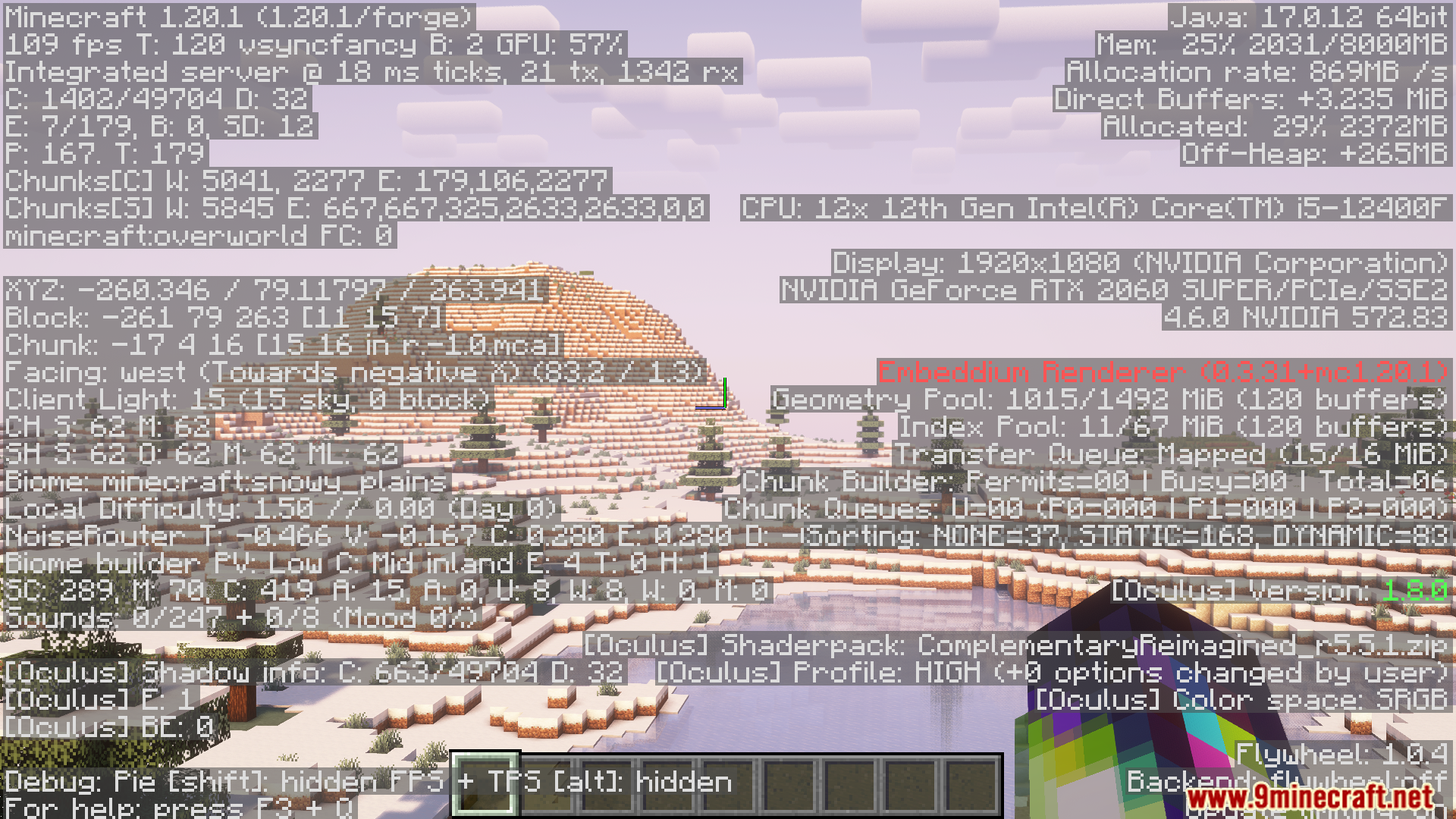
⬇ DownloadOpen in MCModsHubGet it on Google Play →Vanillin Mod helps Minecraft run better by letting Flywheel handle how many objects are shown on screen. Thanks to Flywheel, the game can display many elements, such as blocks or mobs without slowing down. Even if there are ten thousand of them, the game runs as smoothly as if there were only one. This gives a big boost to performance without changing how the game plays.
Features:
- Uses Flywheel to handle instanced rendering.
- Works on both entities and block entities.
- Delivers significant performance gains across the board.
- Ten thousand identical objects have the same frame‑time cost as one.
Screenshots:




Vanillin Mod Download Links
For Minecraft 1.21.1, 1.21
Fabric Version: Download from Server 1 – Download from Server 2
NeoForge Version: Download from Server 1 – Download from Server 2
For Minecraft 1.20.1, 1.20
Forge Version: Download from Server 1 – Download from Server 2
Fabric Version: Download from Server 1 – Download from Server 2
Vanillin Mod (1.21.1, 1.20.1) – Uses Flywheel to Handle Instanced Rendering is a free Minecraft Java mod. Compatible with Minecraft 1.21.1, 1.20.1. Download it and open it directly in the game.