What Should My Library Mod Be Mod (1.20.4, 1.20.1) – A Lightweight Library For Mod Creators
Java mod listed for Minecraft 1.20. Downloads from the MC Java Mods app on Android.
⬇ DownloadWhat Should My Library Mod Be Mod provides essential utilities for mod developers who want to streamline their code across Minecraft versions. It’s not flashy but it’s functional, flexible, and easy to integrate.
Features:
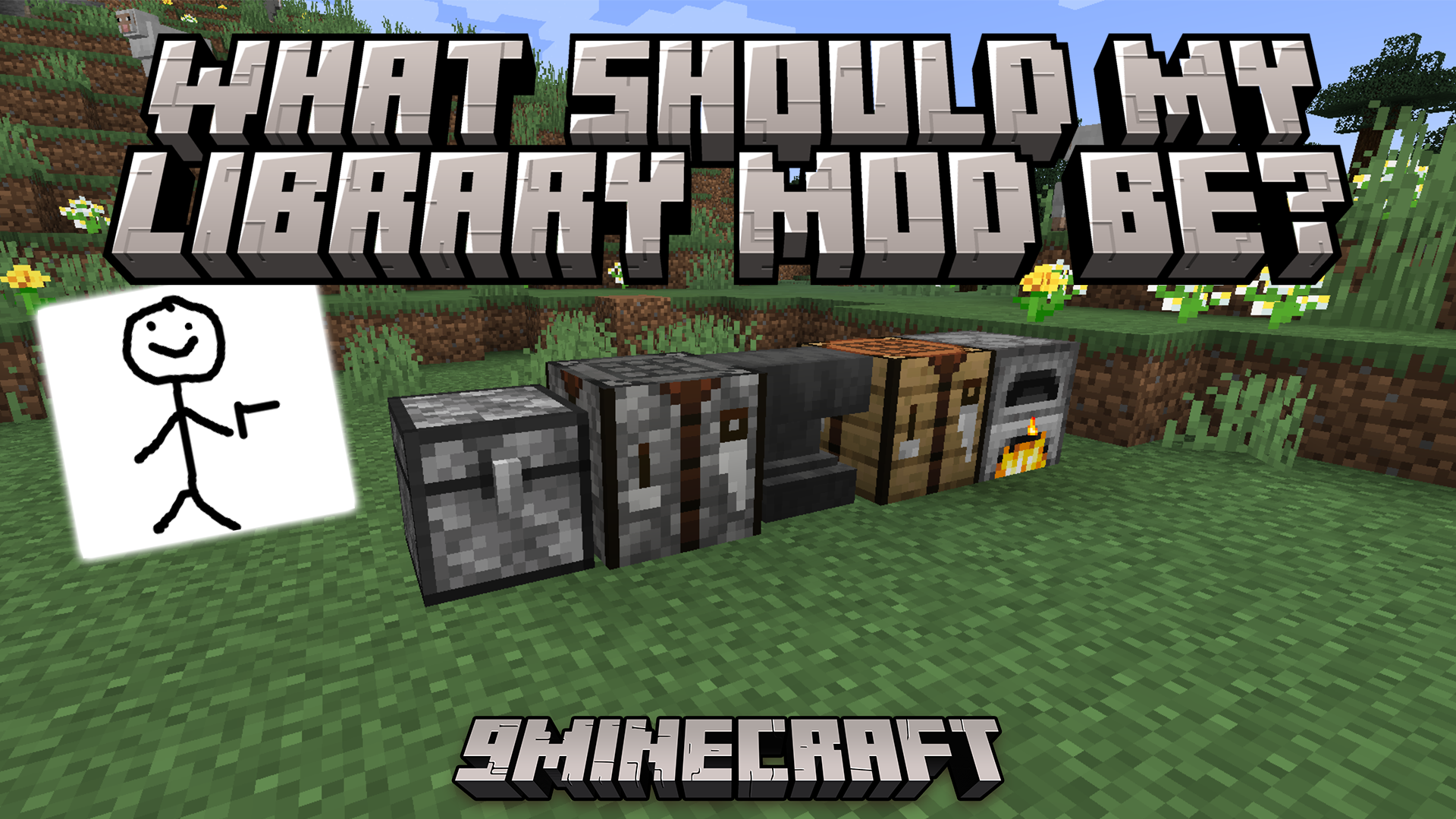
- Create custom chests with unique textures and behaviors
- Add custom shears by tagging your item with #c:shears
- Build custom crafting tables with full functionality
- Includes multi-version support utilities for smoother development
- Fully documented with JavaDocs and a test mod for examples
Requires:
Fabric API or Quilt Loader
What Should My Library Mod Be Mod Download Links
For Minecraft 1.19.2, 1.19.1, 1.19, 1.18.2
Fabric/Quilt version: Download from Server 1 – Download from Server 2
For Minecraft 1.19.4, 1.19.3
Fabric/Quilt version: Download from Server 1 – Download from Server 2
For Minecraft 1.20.1, 1.20
Fabric/Quilt version: Download from Server 1 – Download from Server 2
For Minecraft 1.20.4, 1.20.3, 1.20.2
Fabric/Quilt version: Download from Server 1 – Download from Server 2
- Edition: Minecraft Java
- File type: .jar
- Minecraft versions listed: 1.20.4, 1.20.1
- How to install: Install the matching mod loader (Forge, Fabric or NeoForge) for your Minecraft version. → Download the .jar. → Put it in the .minecraft/mods folder and launch that loader profile.
- Where to get it: In MC Java Mods, or directly above on this page.
Install steps are the general flow for this file type — How to install Minecraft Java mods & modpacks walks through it step by step.
- Downloads as 178093.mcaddon
- Download size: 42 KB
- Download link checked 24 Jul 2026 — working
- Mirrored on our own servers — the download does not depend on the original host
These come from our own check of the pack file, not from the source page.