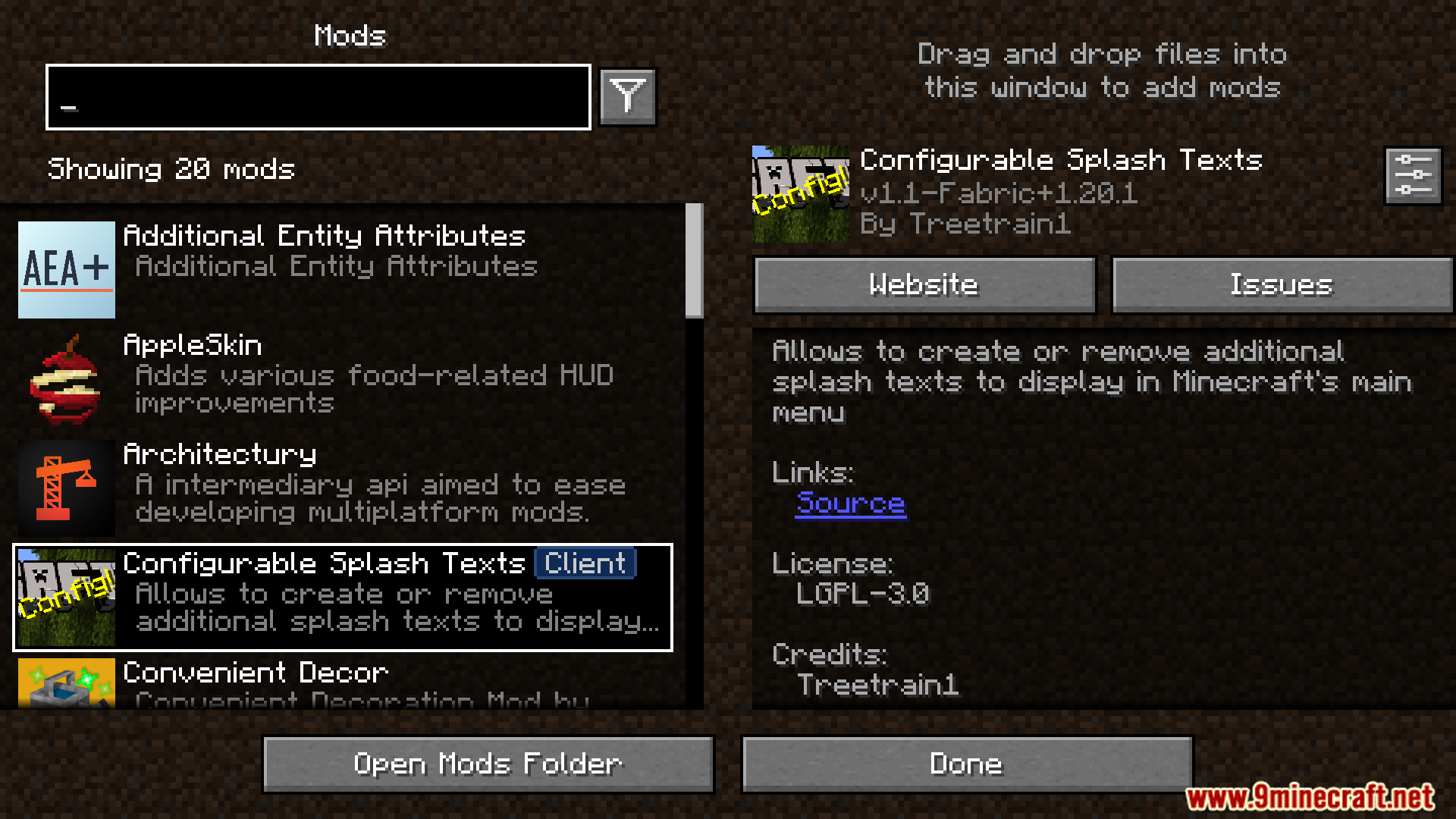
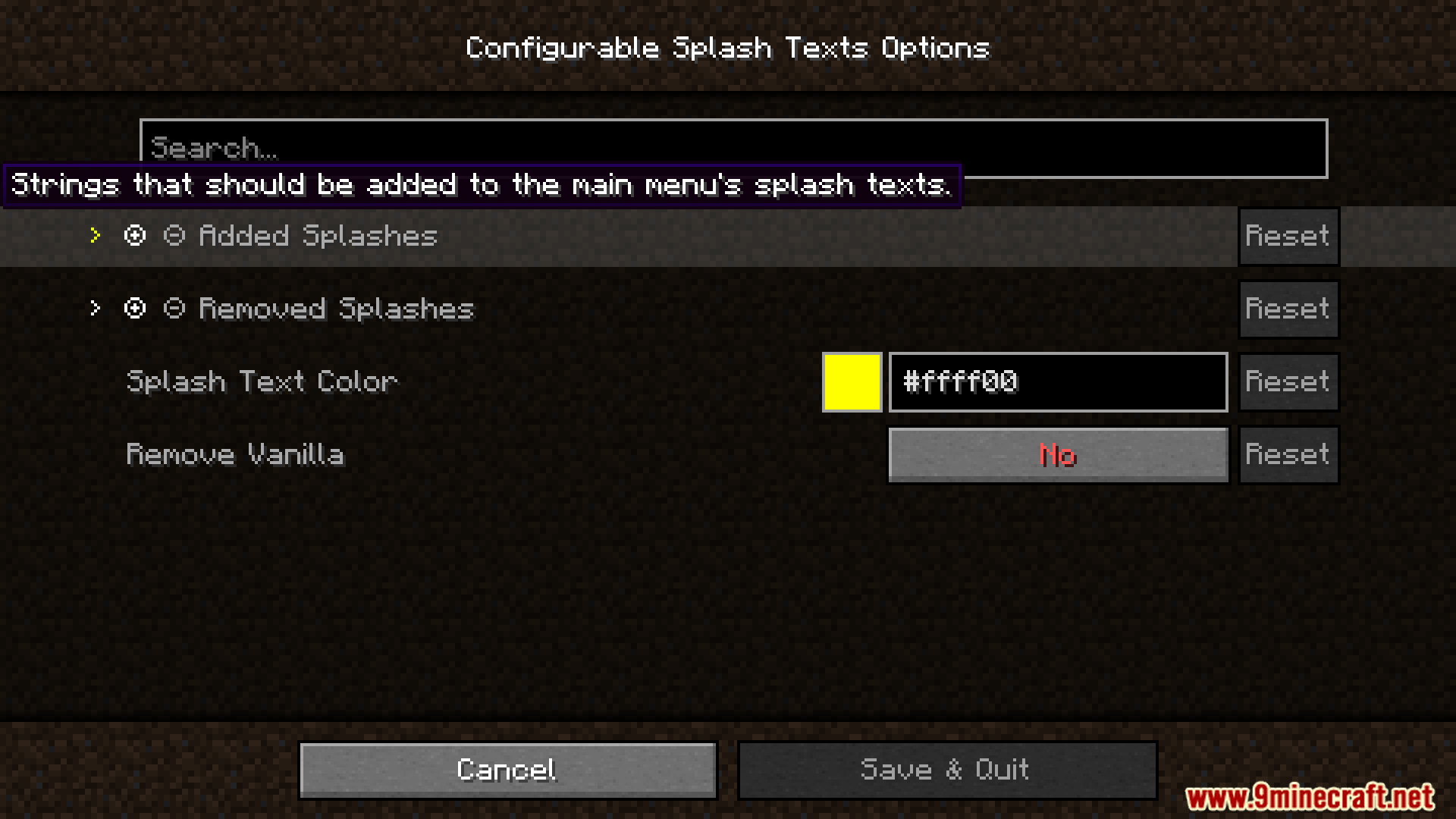
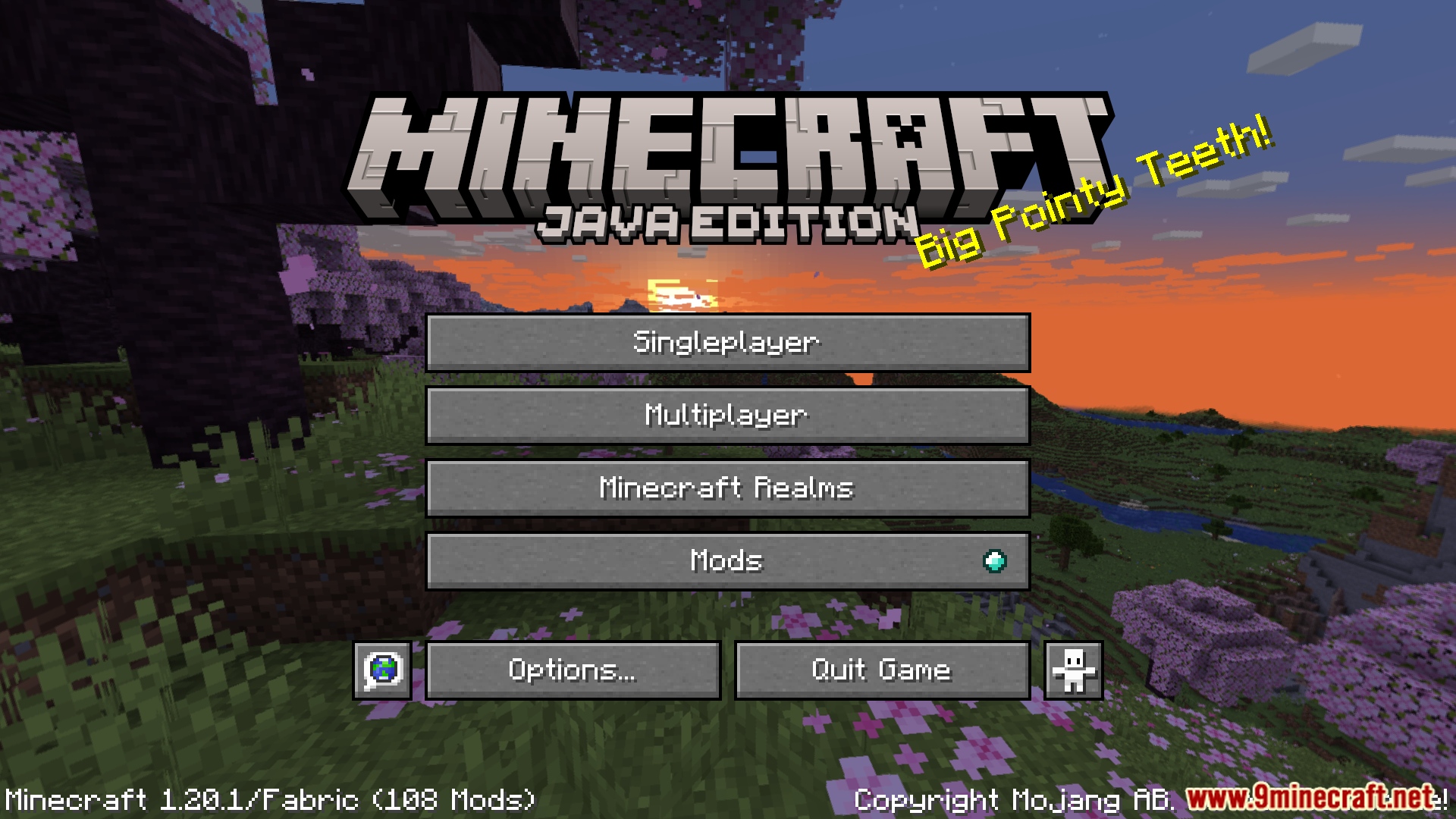
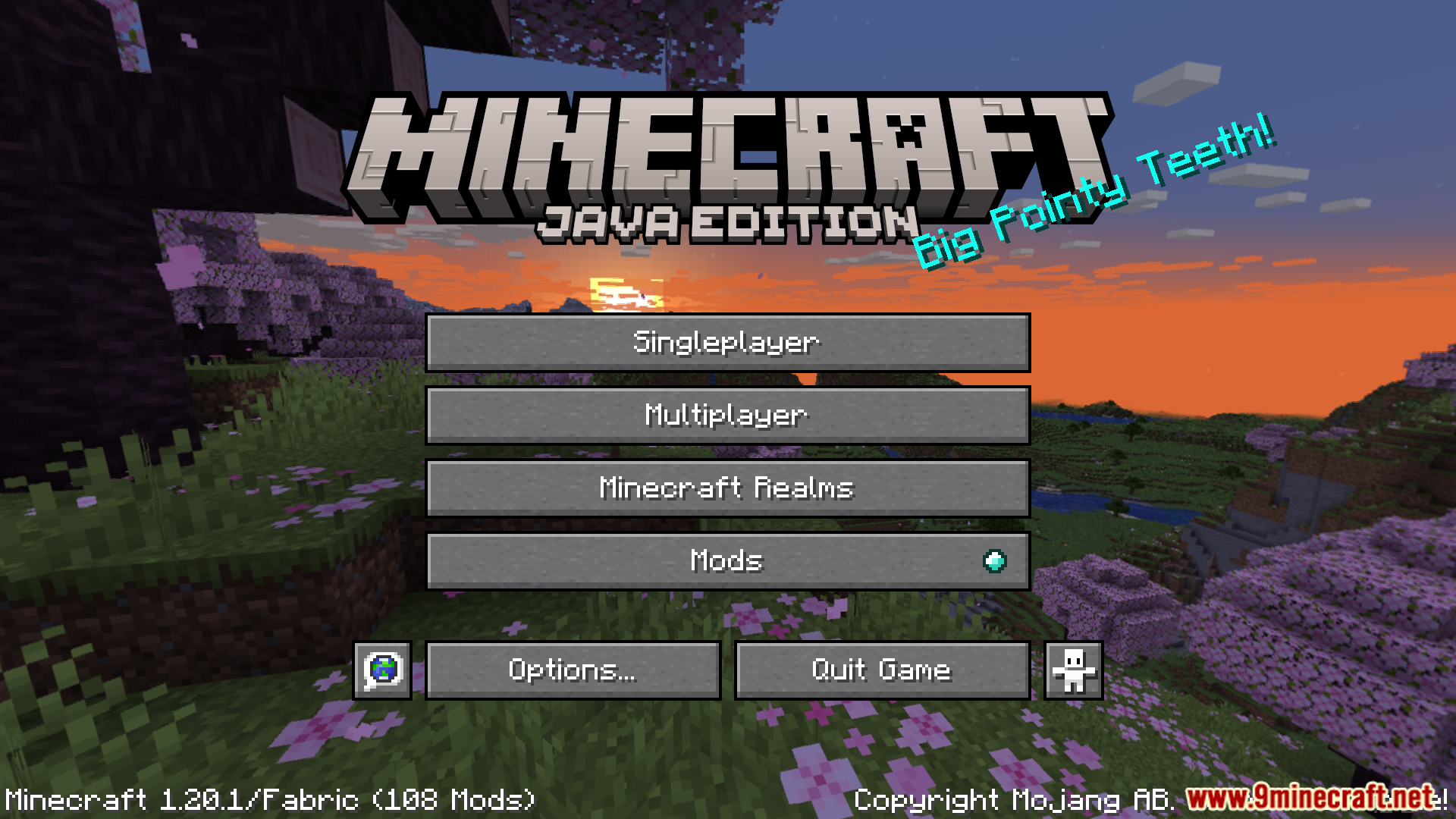
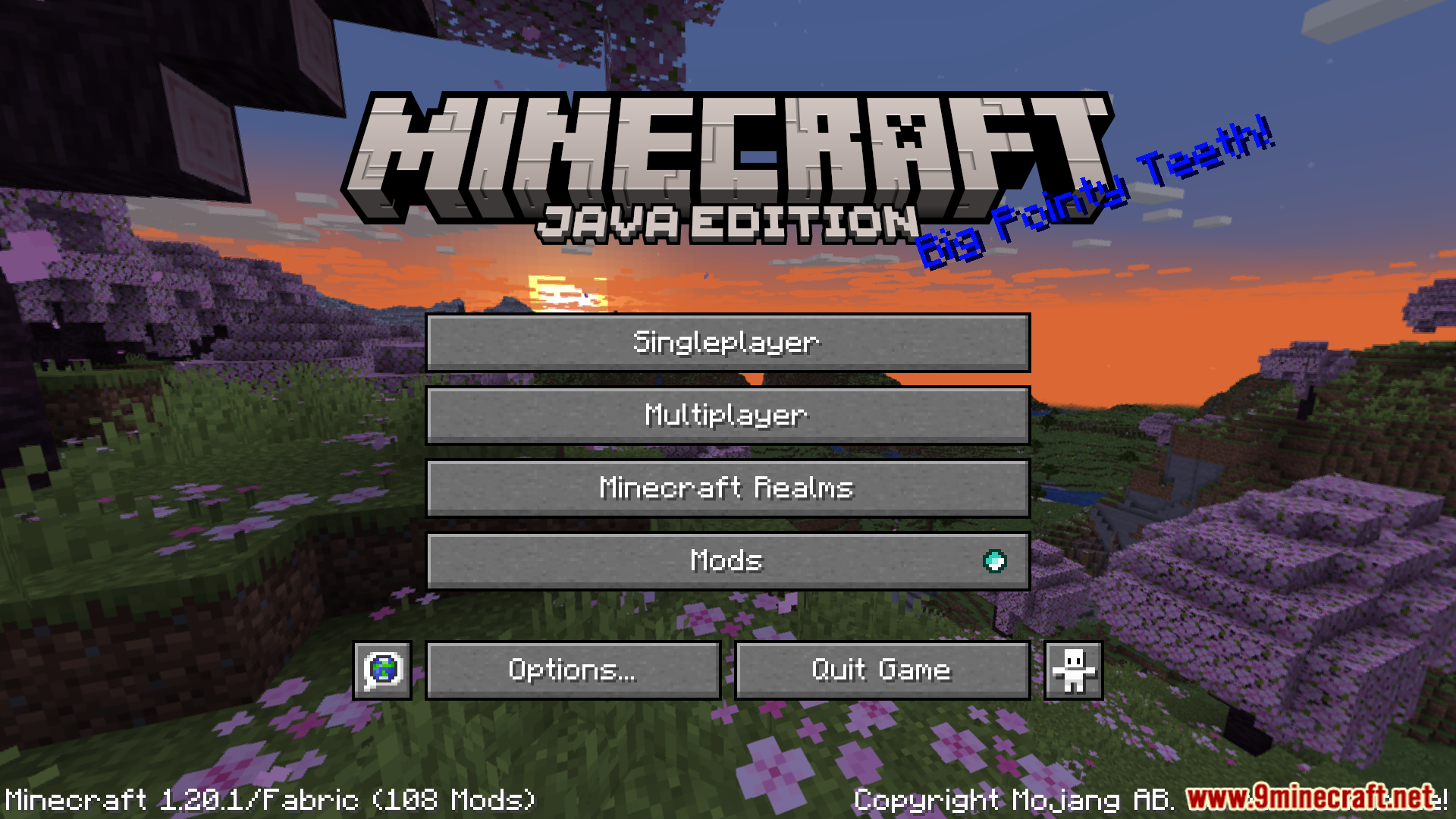
Configurable Splash Texts Mod lets players change the yellow splash texts that appear on the Minecraft title screen. It’s easy to add new messages with this mod, remove old ones, or change the color of the text.
Features:
- Add new splash texts.
- Remove specific splash texts.
- Change the color of splash texts.
- Remove all default splash texts.
- Works with splash text resource packs.
Screenshots:
Configurable Splash Texts Mod Download Links
For Minecraft 1.20.1, 1.20
Fabric Version: Download from Server 1 – Download from Server 2
For Minecraft 1.19.3
Fabric/Quilt Version: Download from Server 1 – Download from Server 2
For Minecraft 1.19.2
Fabric/Quilt Version: Download from Server 1 – Download from Server 2
Quick facts
- Edition: Minecraft Java
- File type: .jar
- Minecraft versions listed: 1.20.1, 1.19.2
- How to install: Install the matching mod loader (Forge, Fabric or NeoForge) for your Minecraft version. → Download the .jar. → Put it in the .minecraft/mods folder and launch that loader profile.
- Where to get it: In MC Java Mods, or directly above on this page.
Install steps are the general flow for this file type — How to install Minecraft Java mods & modpacks walks through it step by step.
Configurable Splash Texts Mod (1.20.1, 1.19.2) – Add New Splash Texts is a free Minecraft Java mod. Compatible with Minecraft 1.20.1, 1.19.2. Download it and open it directly in the game.