Game Discs Mod (1.21.8, 1.20.1) – A Console In Minecraft
Java mod listed for Minecraft 1.20–1.21. Downloads from the MC Java Mods app on Android.
⬇ Download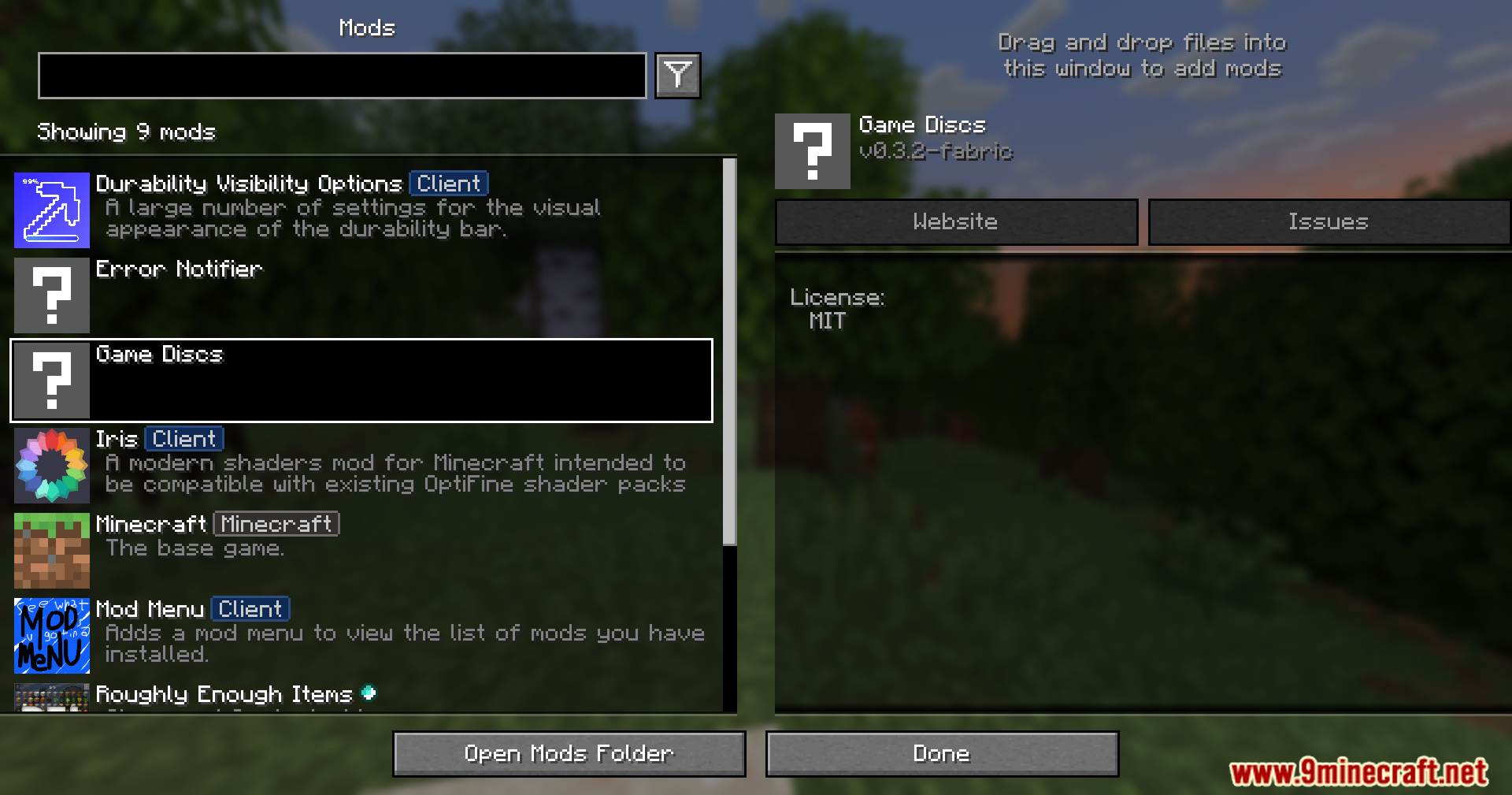
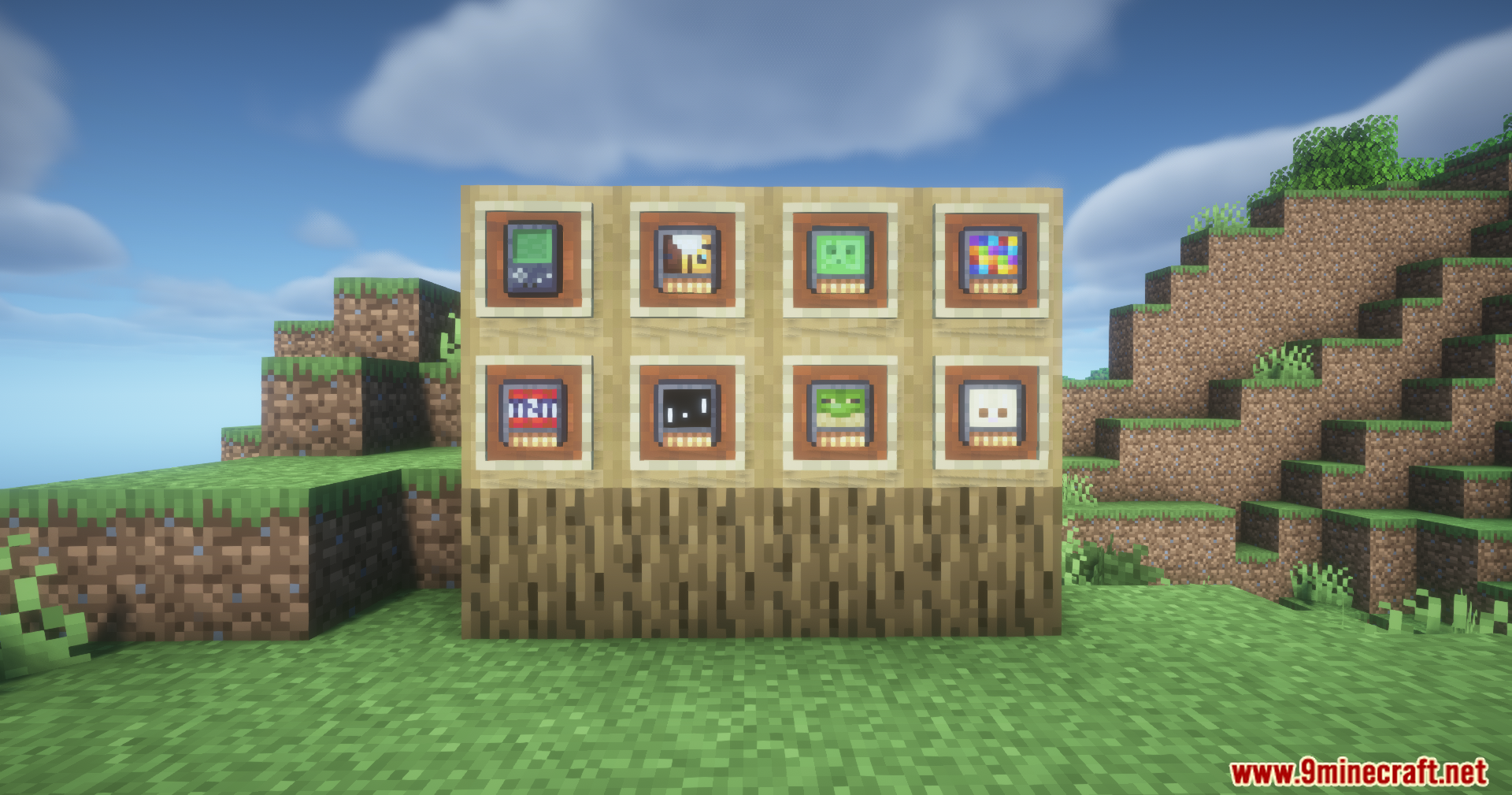
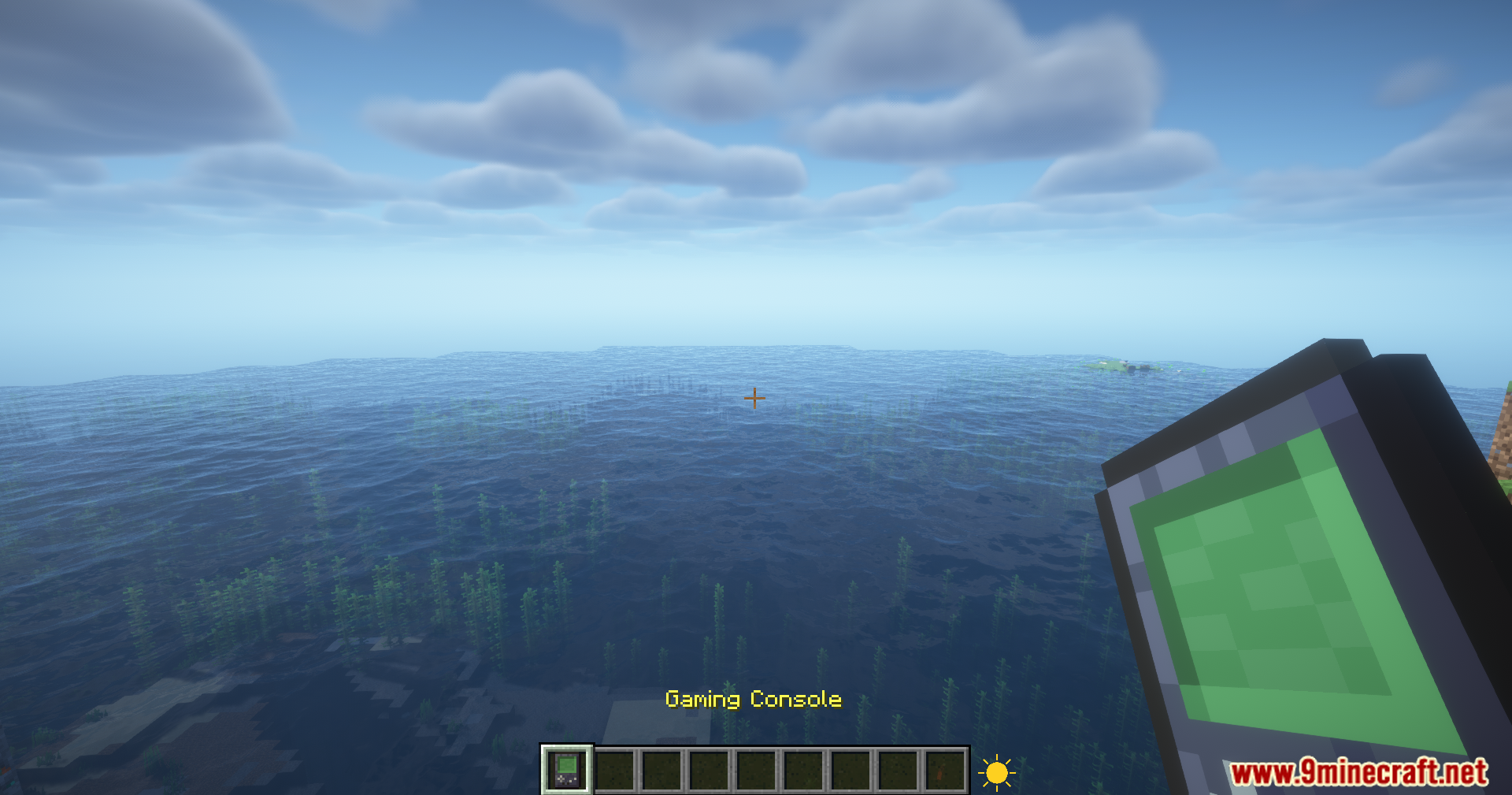
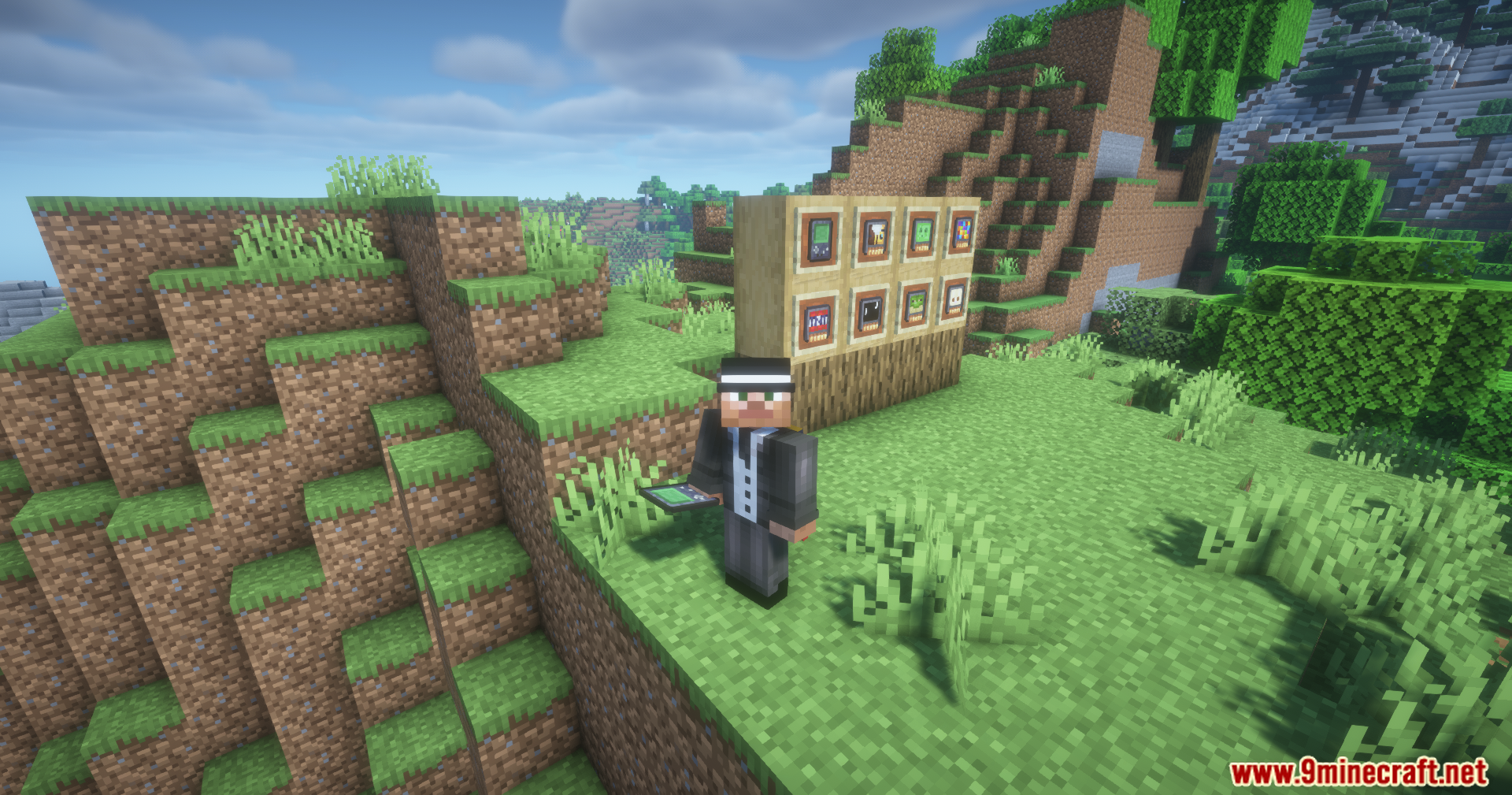
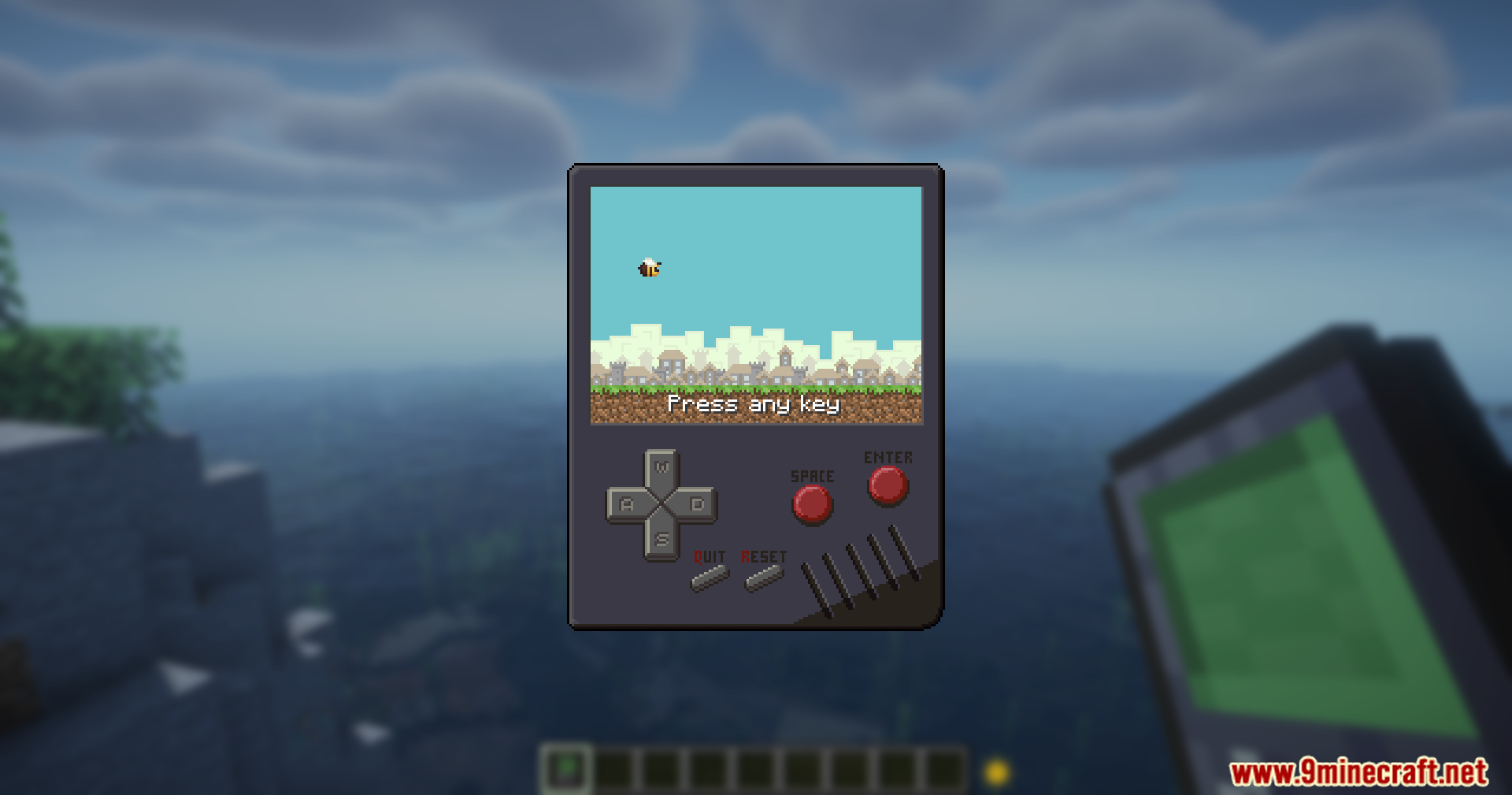
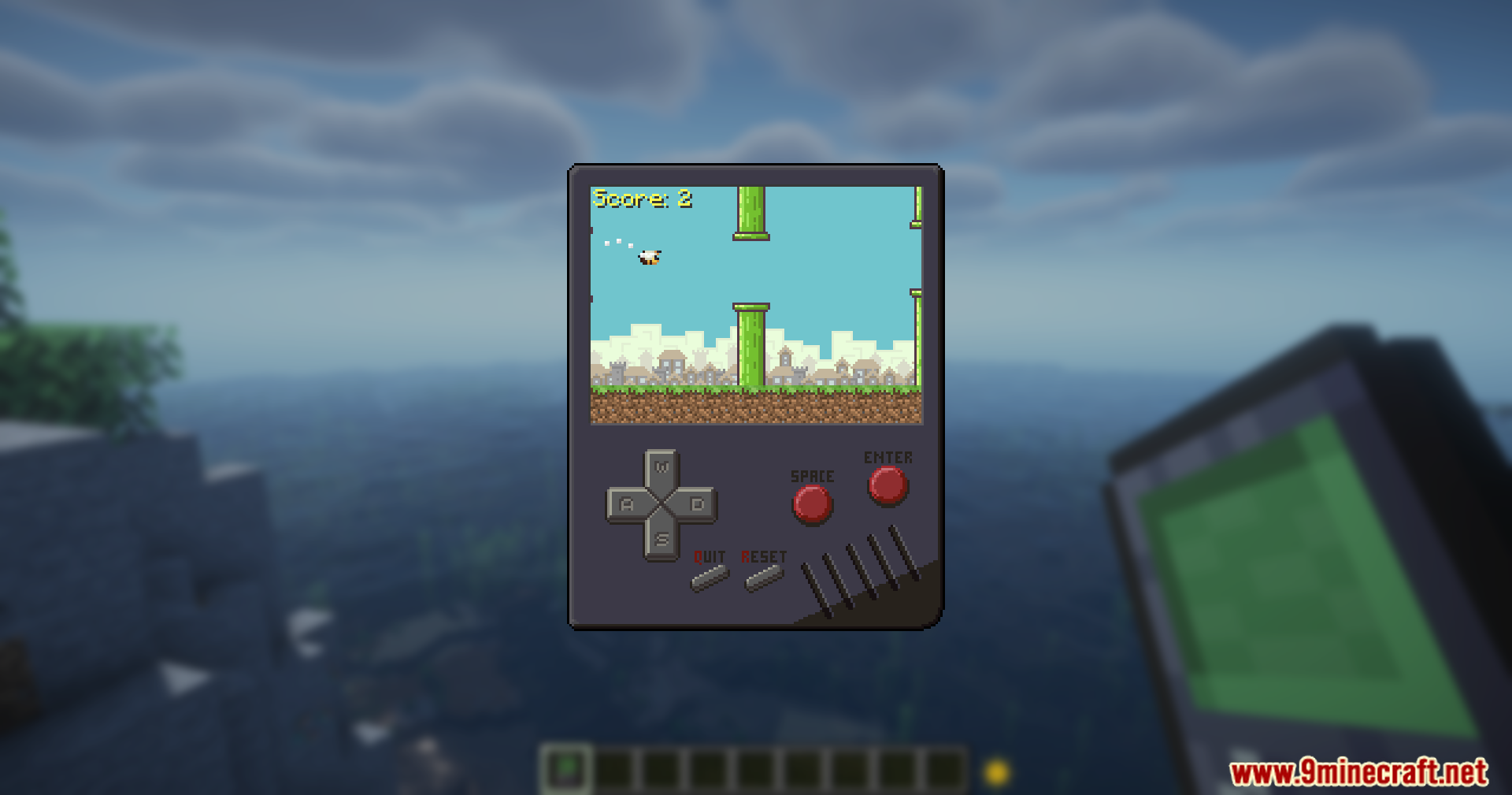
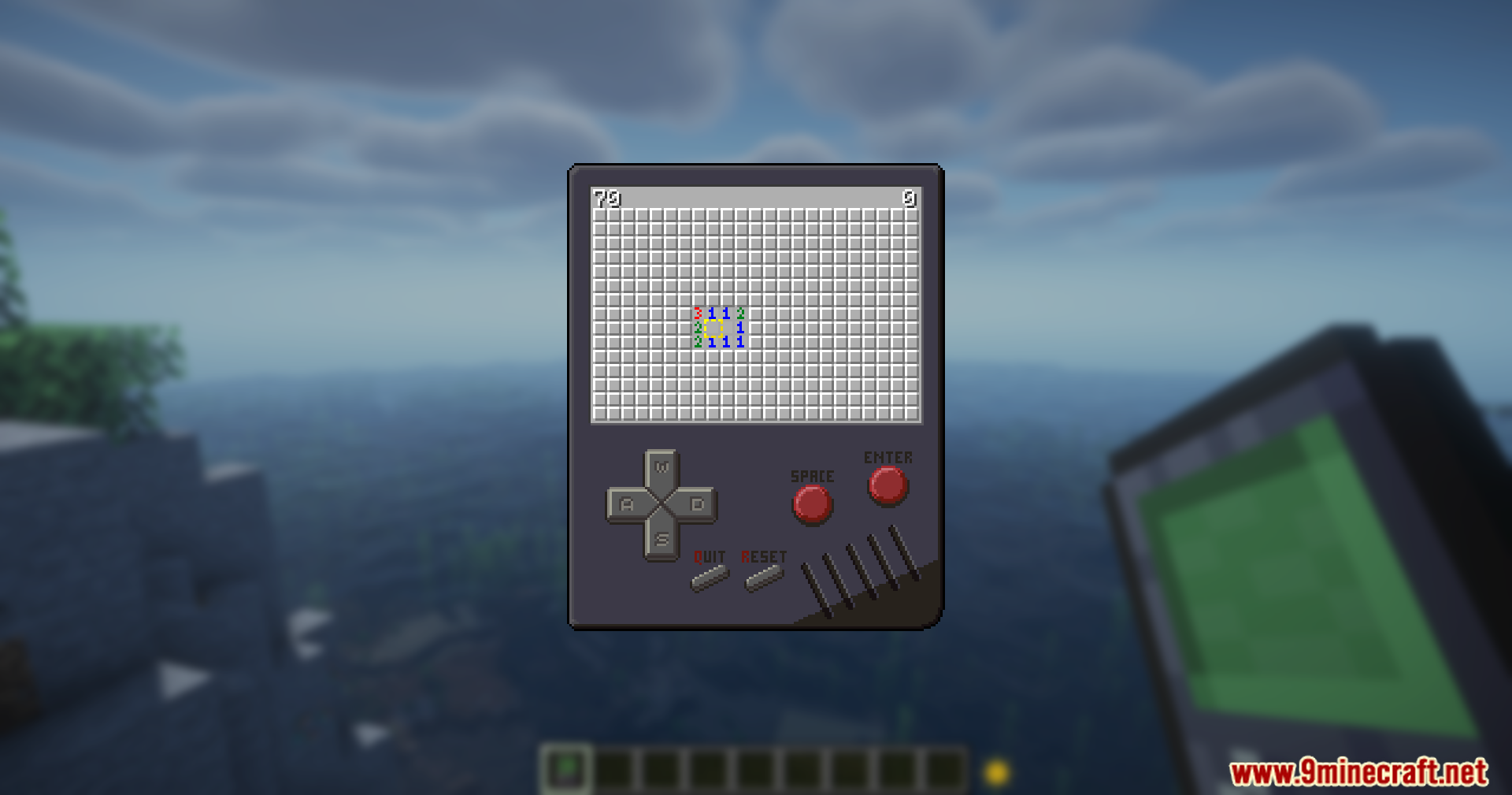
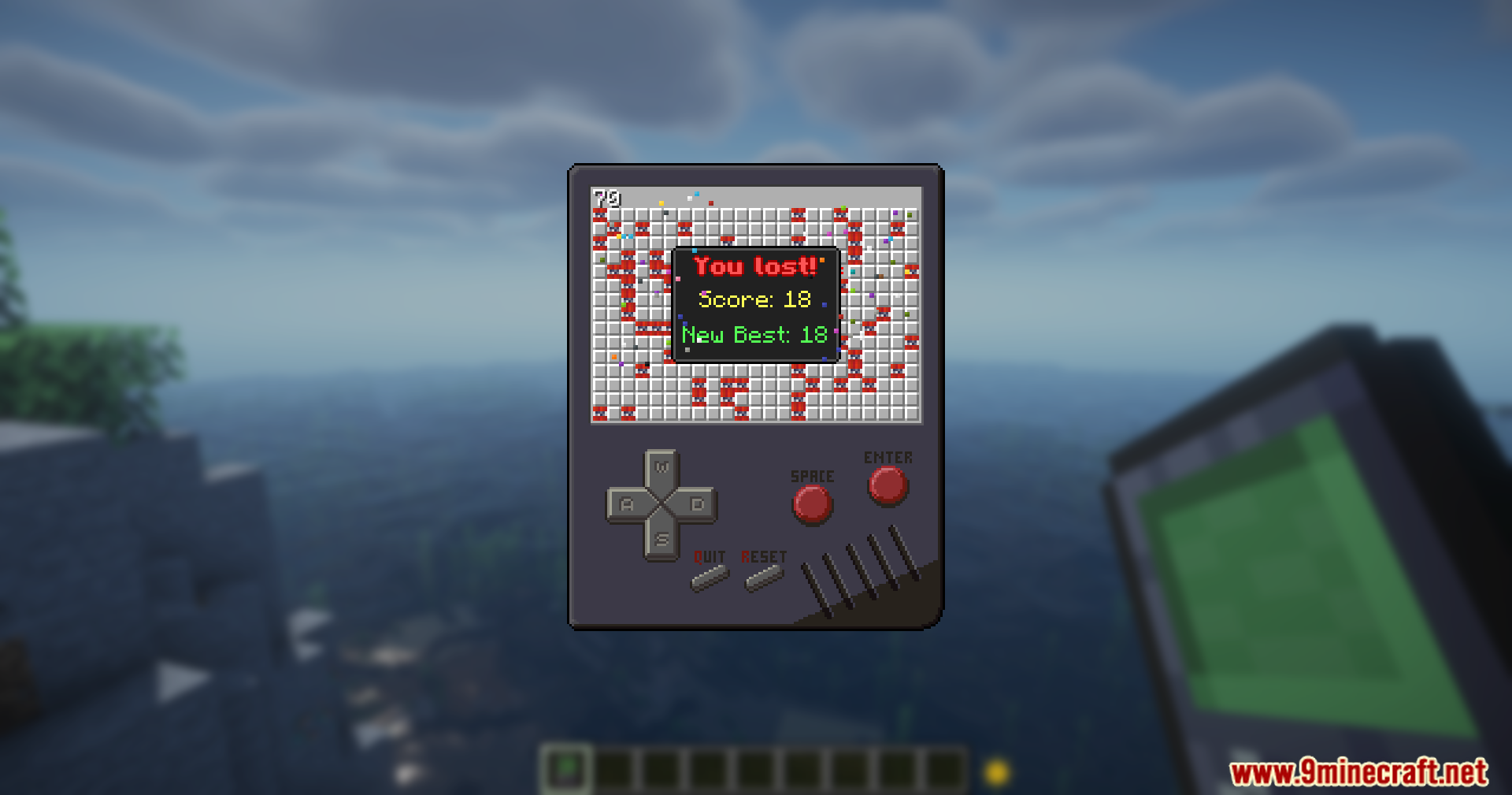
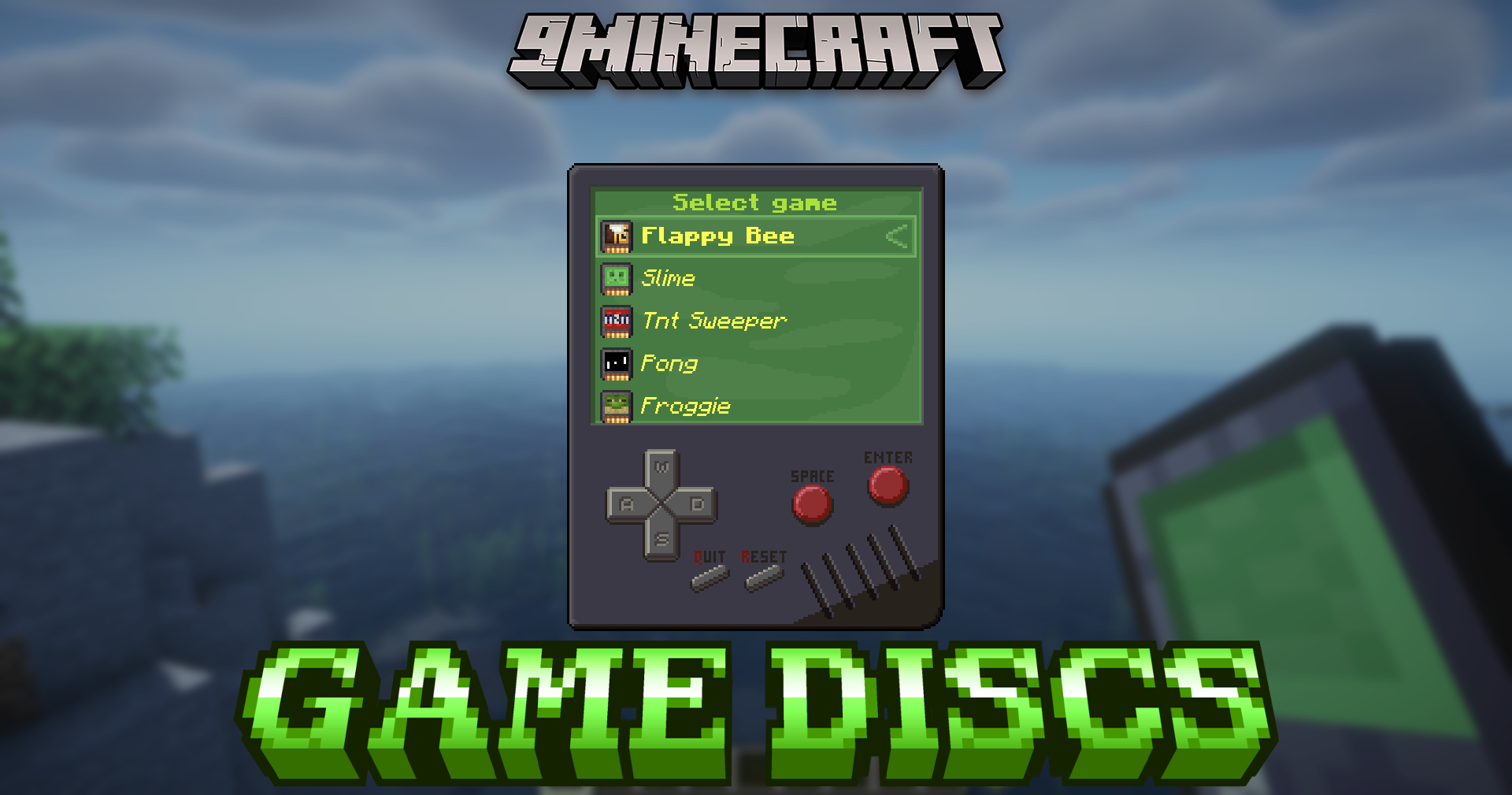
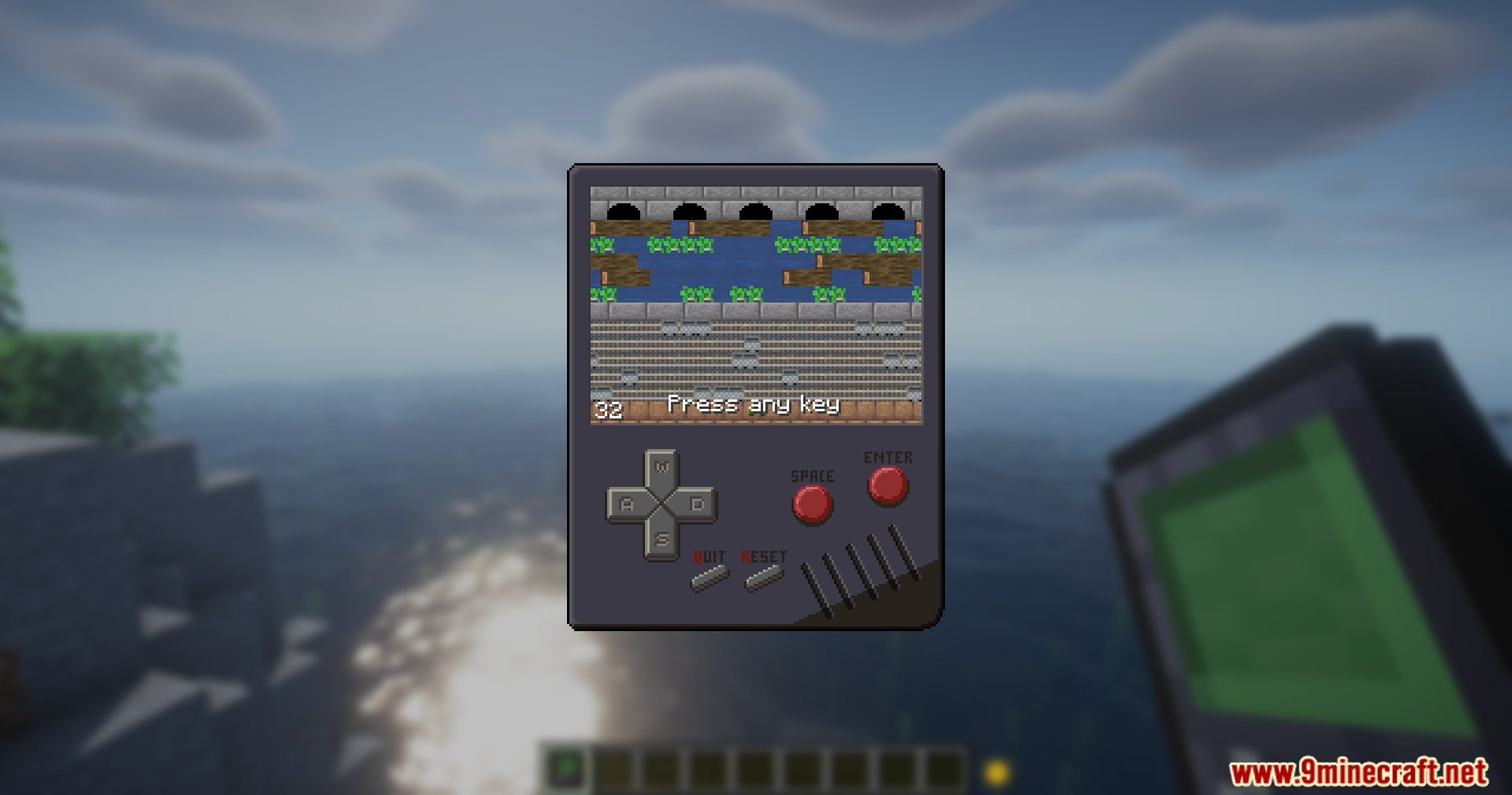
Game Discs Mod adds a retro gaming console to Minecraft. Find collectible game discs in rare structures or by triggering special mob kills, then use the console to launch and play them using your keyboard, just like old-school classics.
Features:
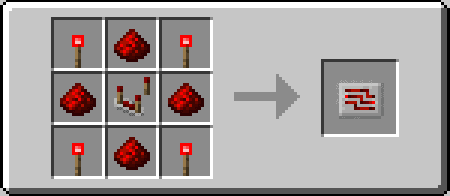
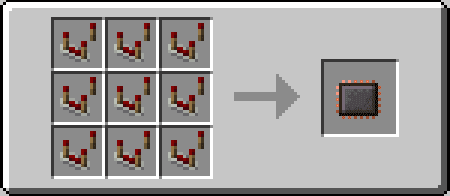
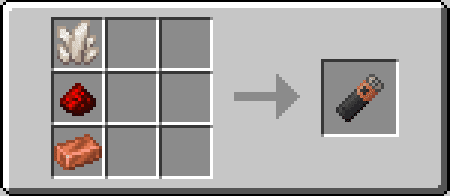
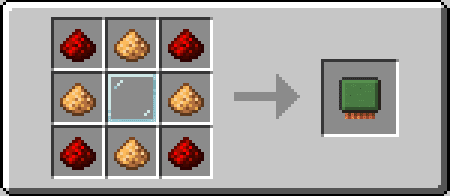
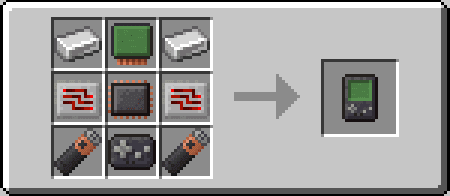
- Adds a craftable retro game console.
- Play mini-games directly inside Minecraft.
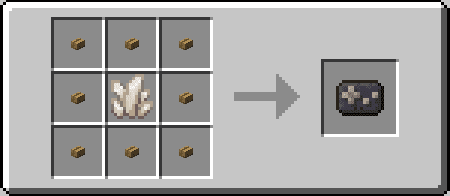
- Game discs are found in structures or dropped by mobs (when killed by skeletons)
- Use W/S/Enter to navigate and play.
- Collect and play multiple classic-style games.
Screenshots:
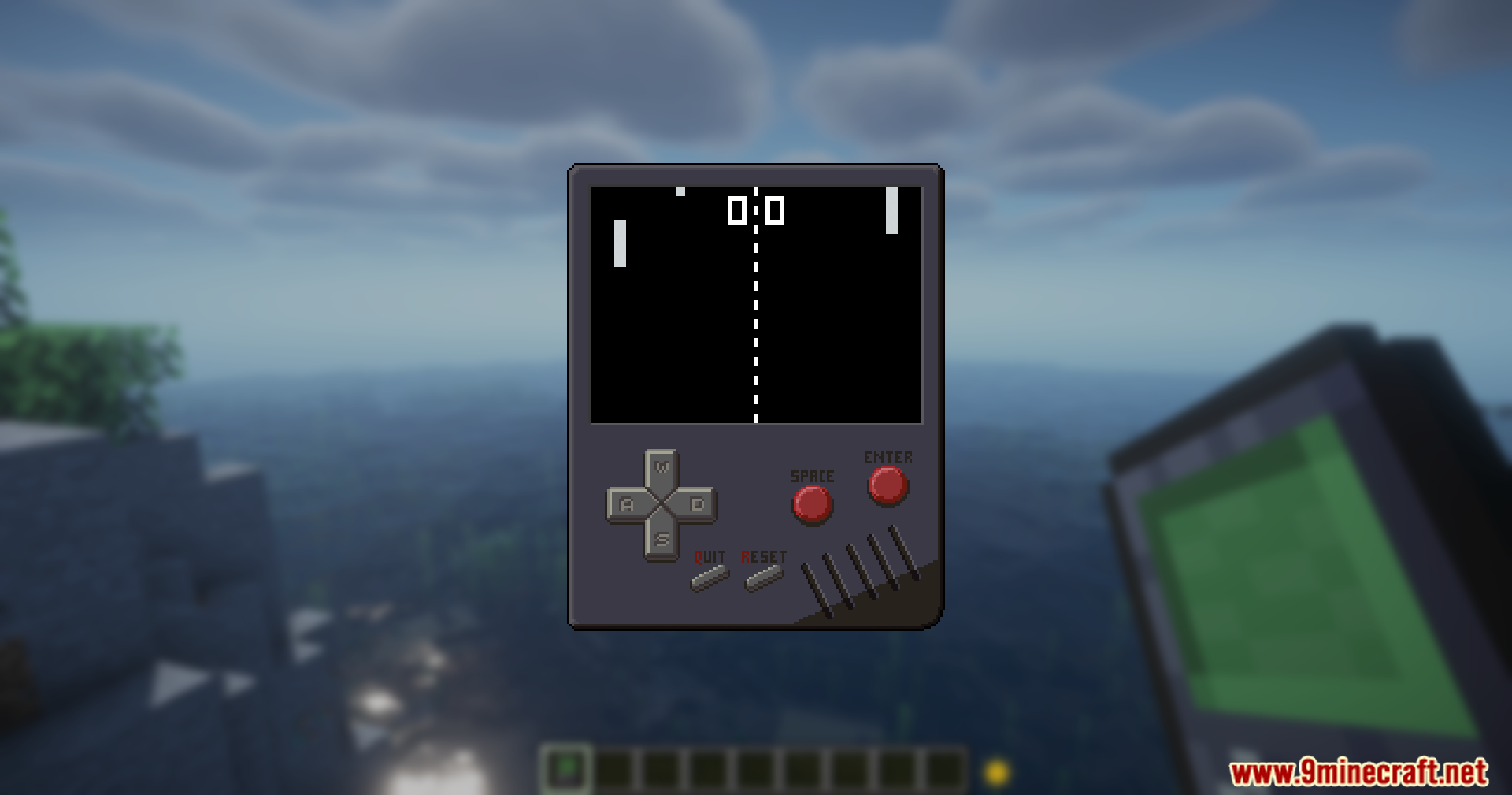
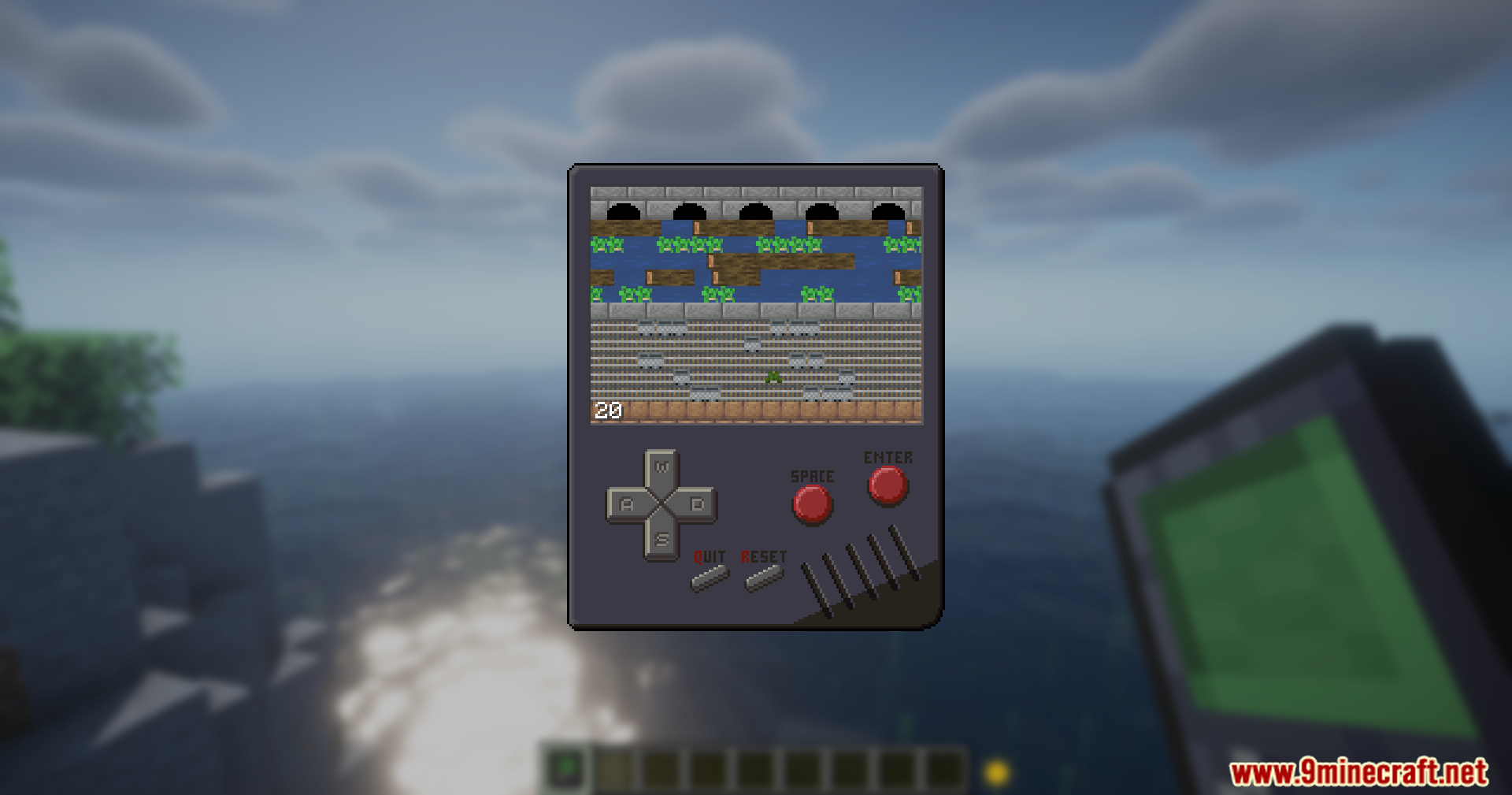
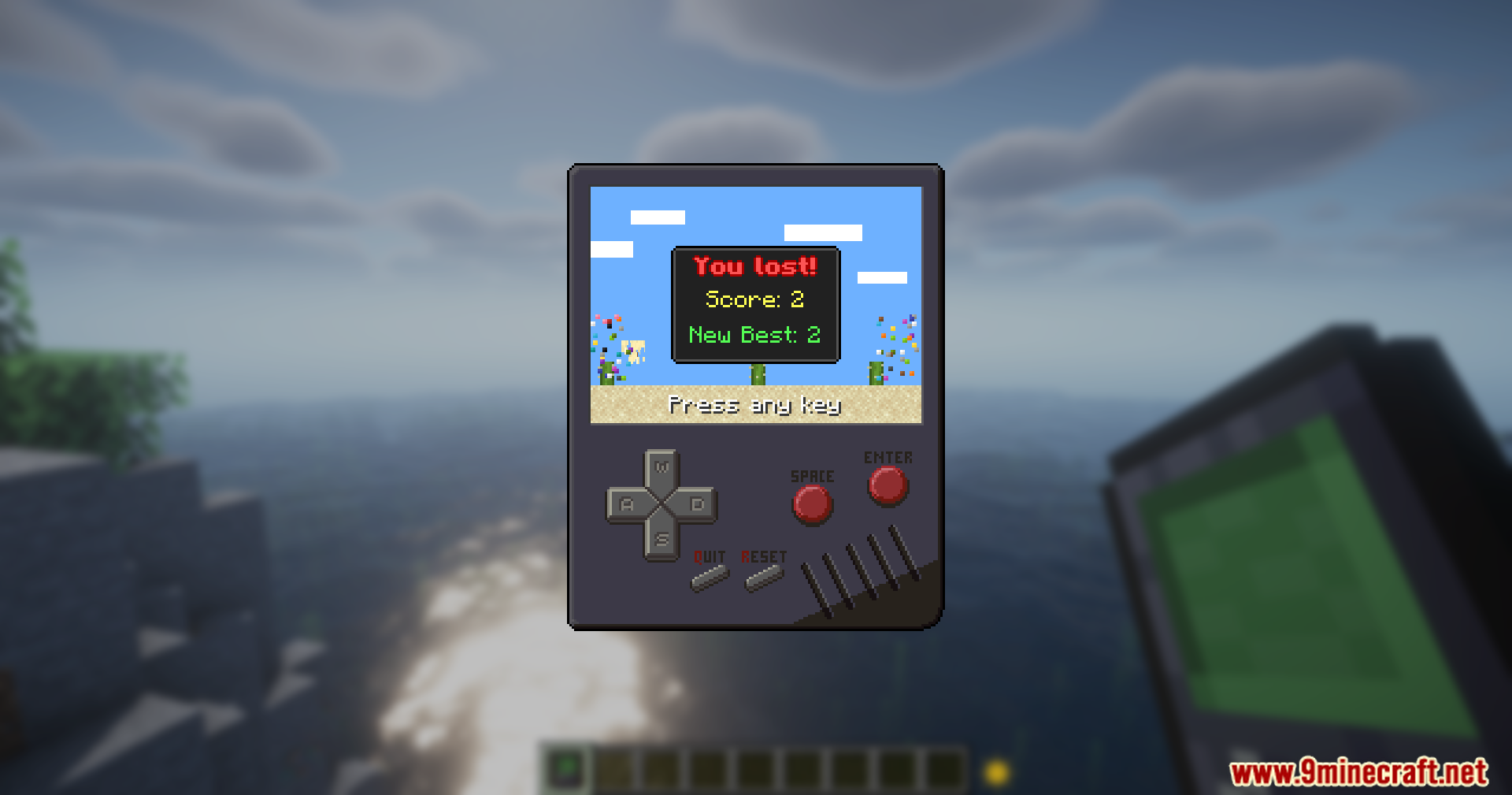
Crafting Recipes:
Game Discs Mod Download Links
For Minecraft 1.21.8, 1.21.7, 1.21.6
Fabric Version: Download from Server 1 – Download from Server 2
For Minecraft 1.21.5
Fabric Version: Download from Server 1 – Download from Server 2
For Minecraft 1.21.4
Fabric Version: Download from Server 1 – Download from Server 2
For Minecraft 1.21.1, 1.21
NeoForge Version: Download from Server 1 – Download from Server 2
For Minecraft 1.20.1, 1.20
Forge Version: Download from Server 1 – Download from Server 2
Fabric Version: Download from Server 1 – Download from Server 2
- Edition: Minecraft Java
- File type: .jar
- Minecraft versions listed: 1.21.8, 1.20.1
- How to install: Install the matching mod loader (Forge, Fabric or NeoForge) for your Minecraft version. → Download the .jar. → Put it in the .minecraft/mods folder and launch that loader profile.
- Where to get it: In MC Java Mods, or directly above on this page.
Install steps are the general flow for this file type — How to install Minecraft Java mods & modpacks walks through it step by step.
- Downloads as 178100.mcaddon
- Download size: 234 KB
- Download link checked 1 Aug 2026 — working
- Mirrored on our own servers — the download does not depend on the original host
These come from our own check of the pack file, not from the source page.