Taterzens Mod (1.21.8, 1.20.1) – Playful Nickname for NPC
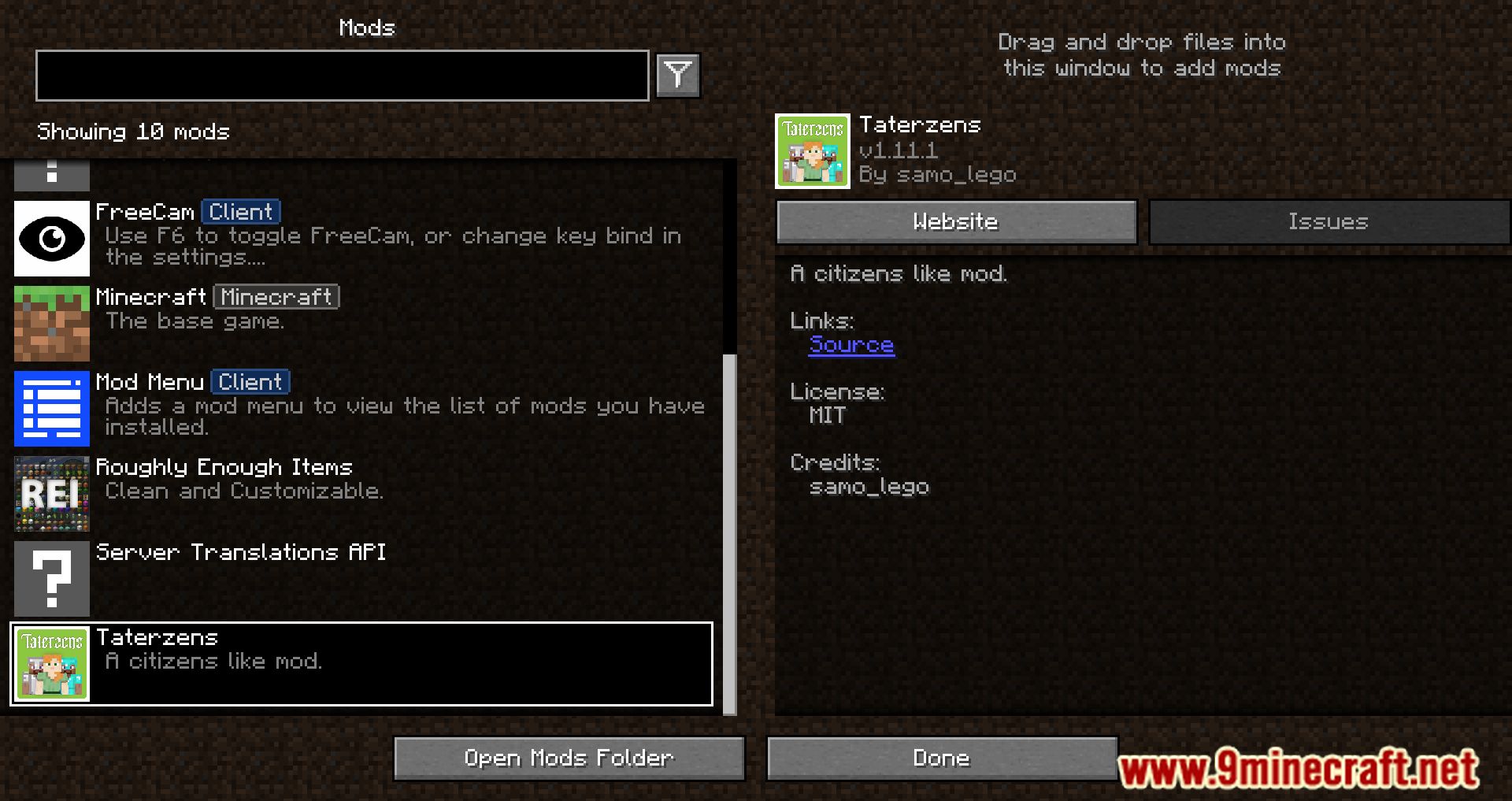
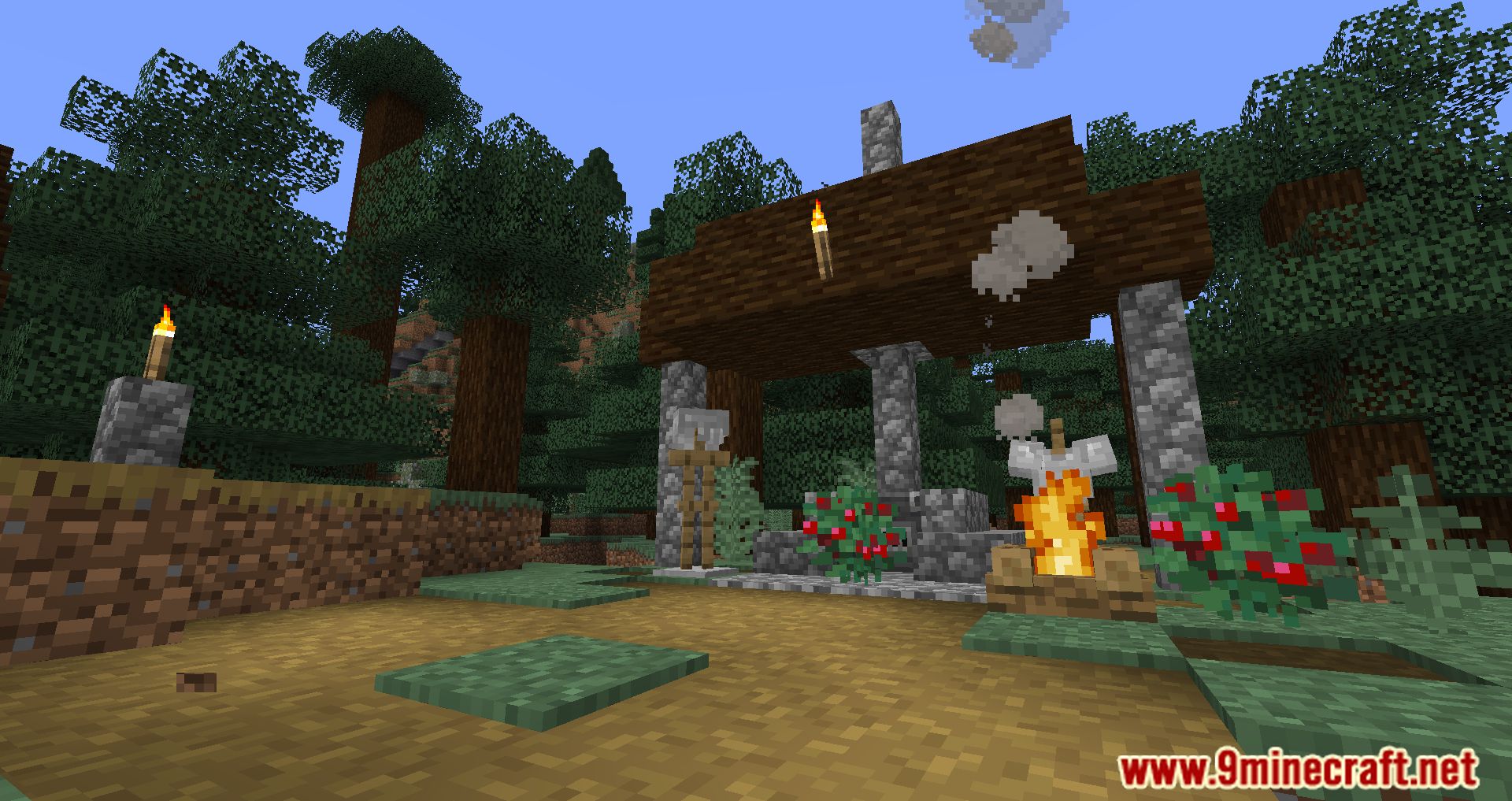
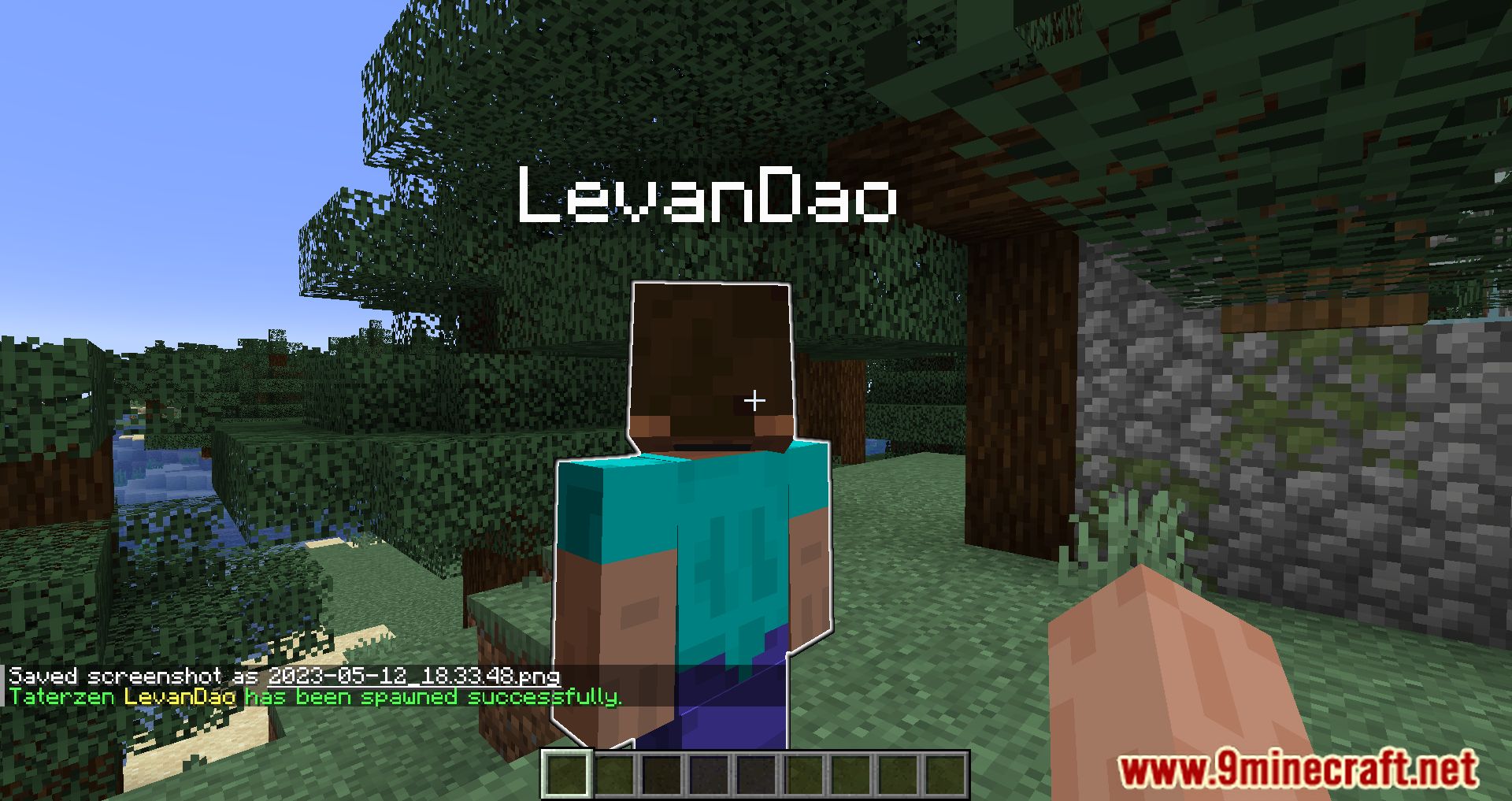
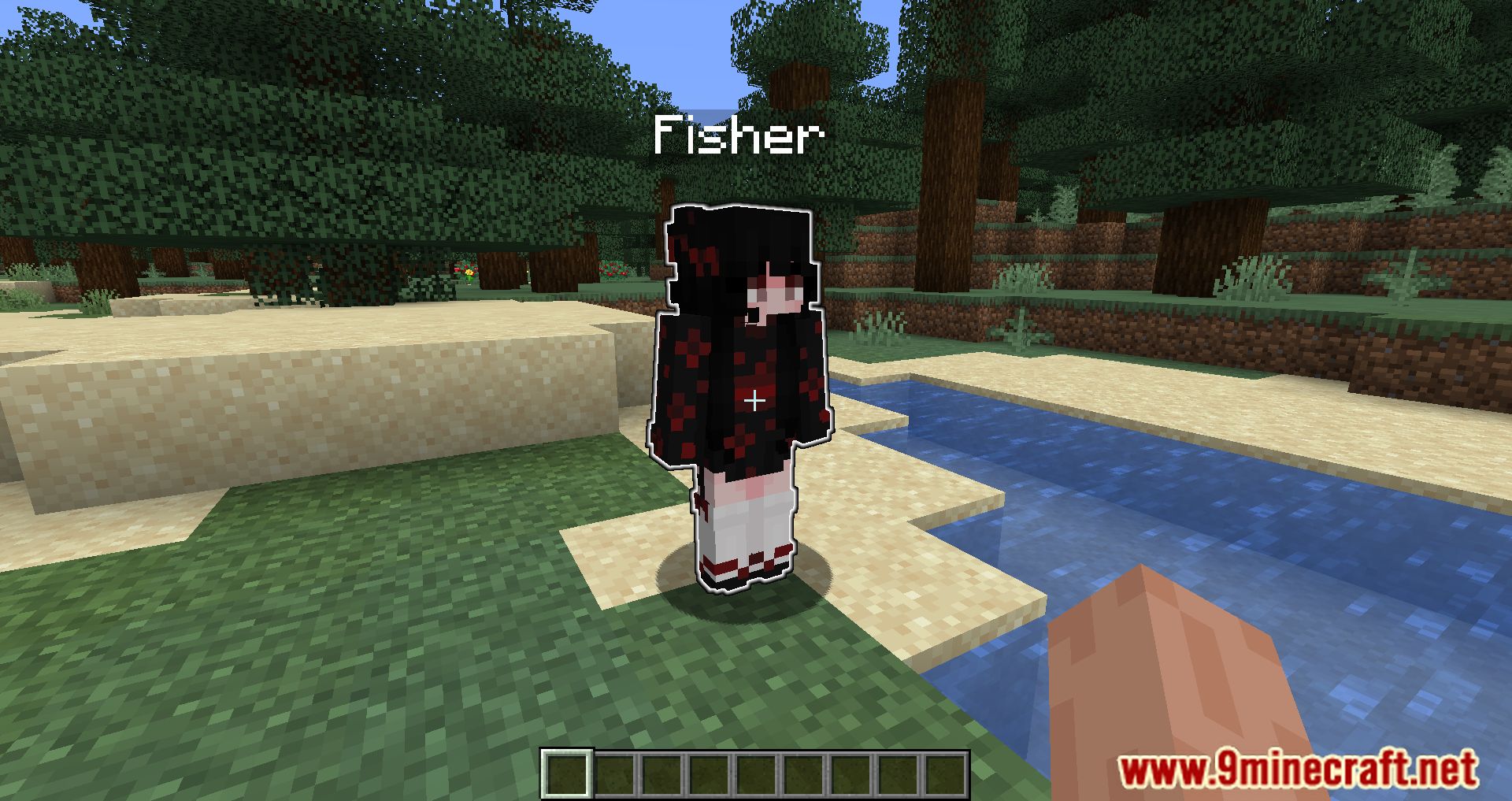
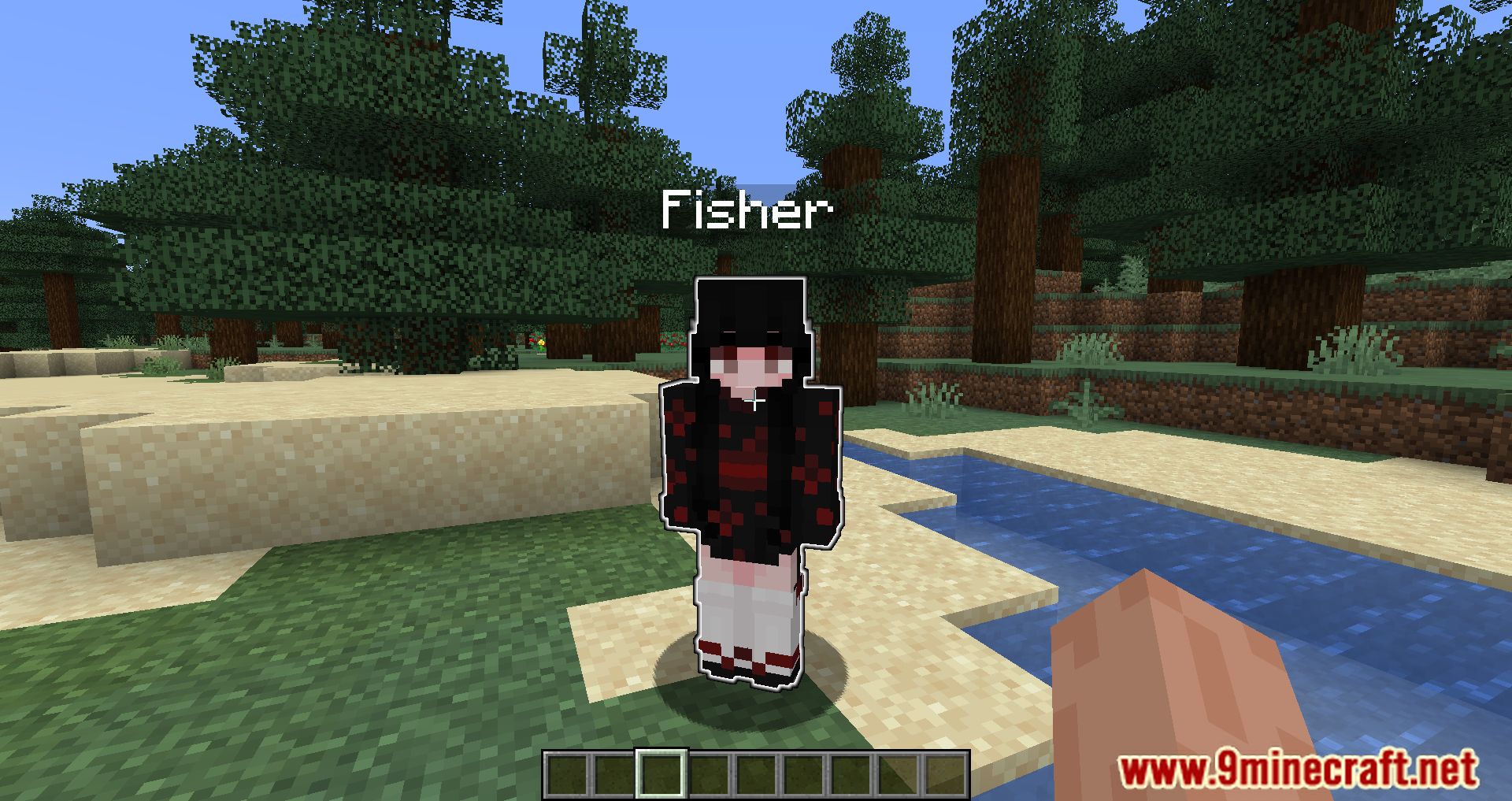
Taterzens Mod allows players to create custom NPCs (non-player characters) in their worlds. Features: Create NPCs that can walk around, talk, and perform…
⬇ DownloadOpen in MCModsHubGet it on Google Play →Taterzens Mod allows players to create custom NPCs (non-player characters) in their worlds.
Features:
- Create NPCs that can walk around, talk, and perform custom commands.
- Use NPCs for storytelling, role-playing, or enhancing server gameplay.
- Customize NPC behavior and appearance to suit your needs.
How to use:
How to create a Taterzen:
- Using command:
- /npc create <name>
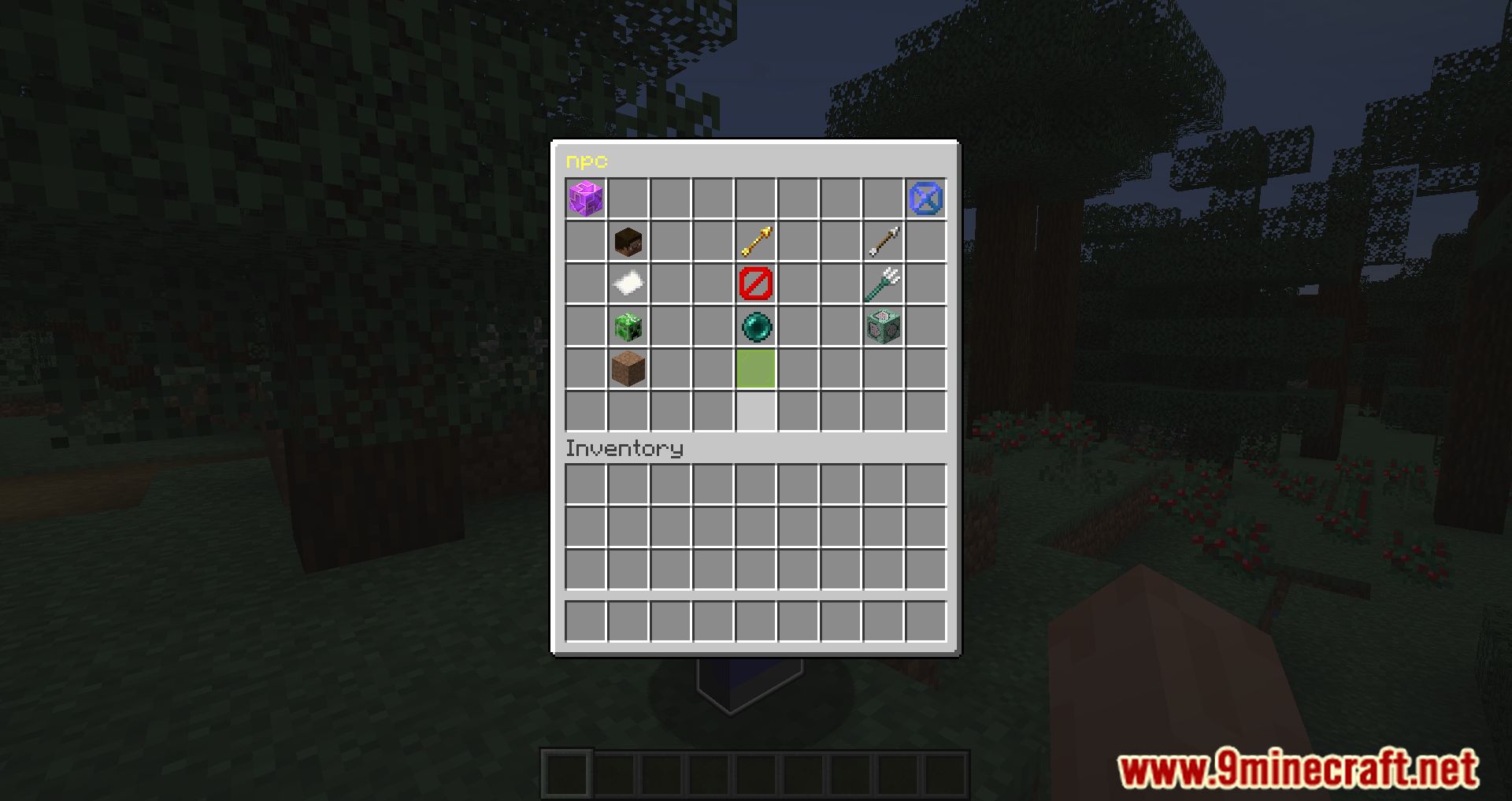
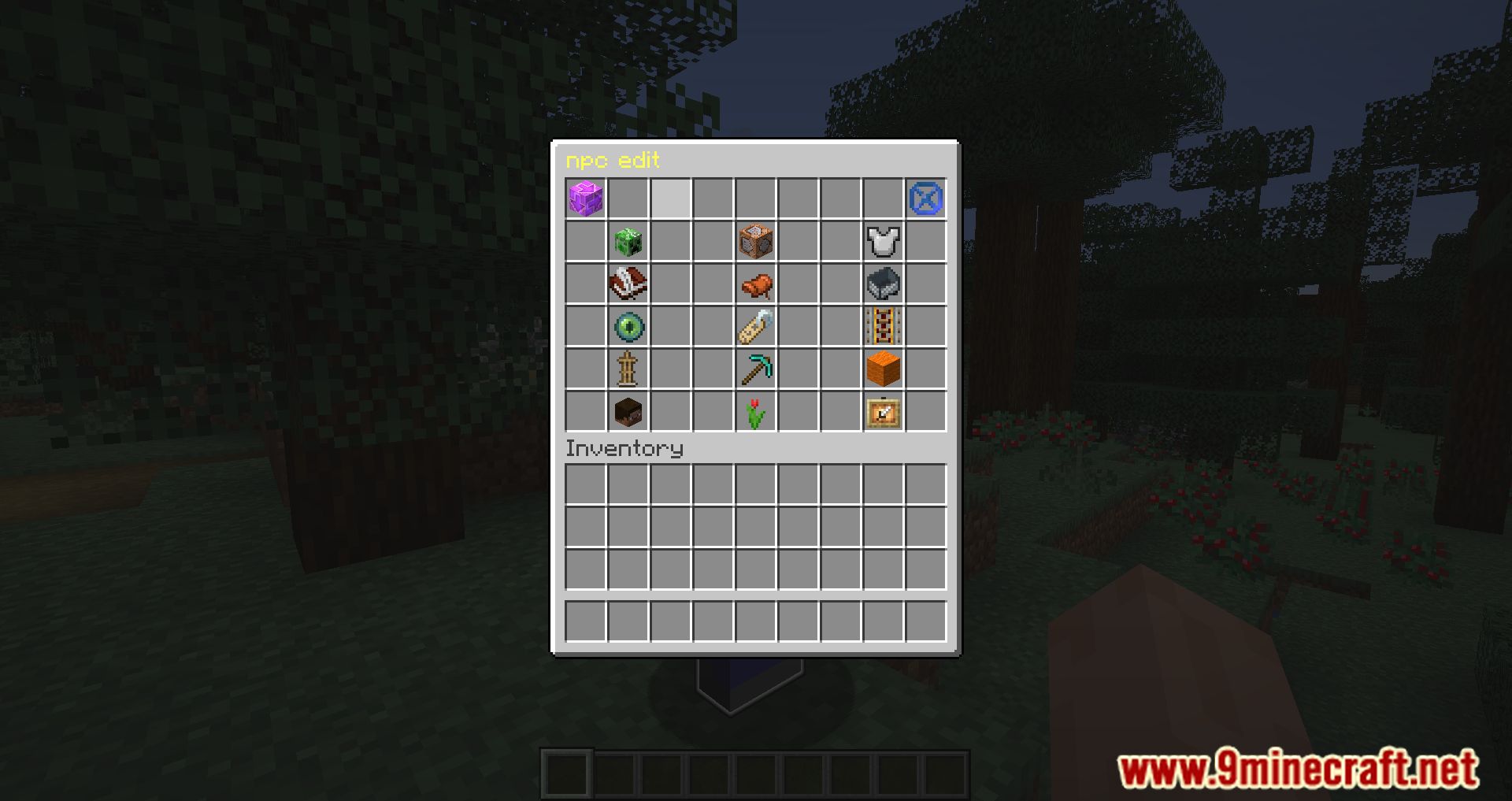
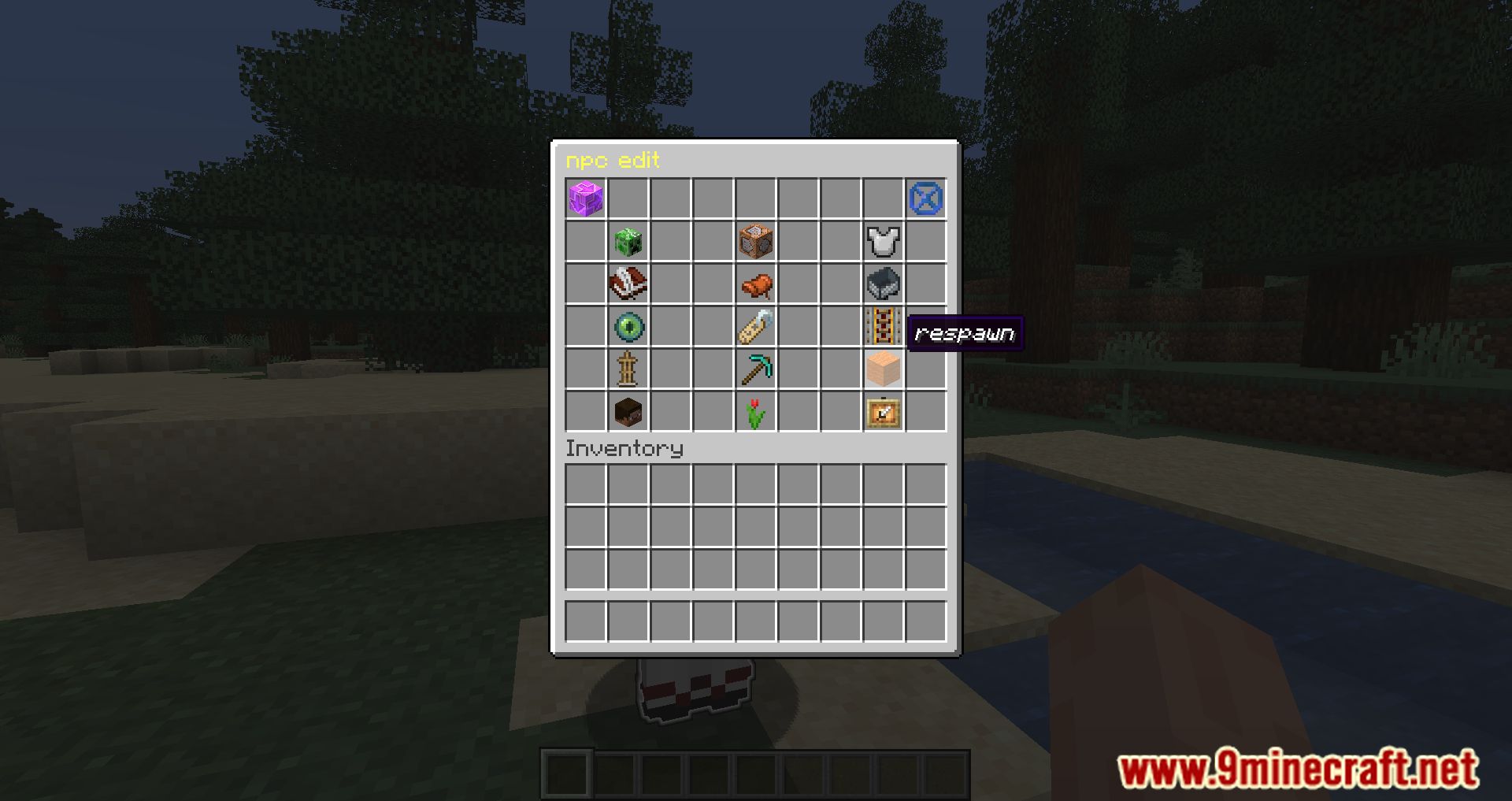
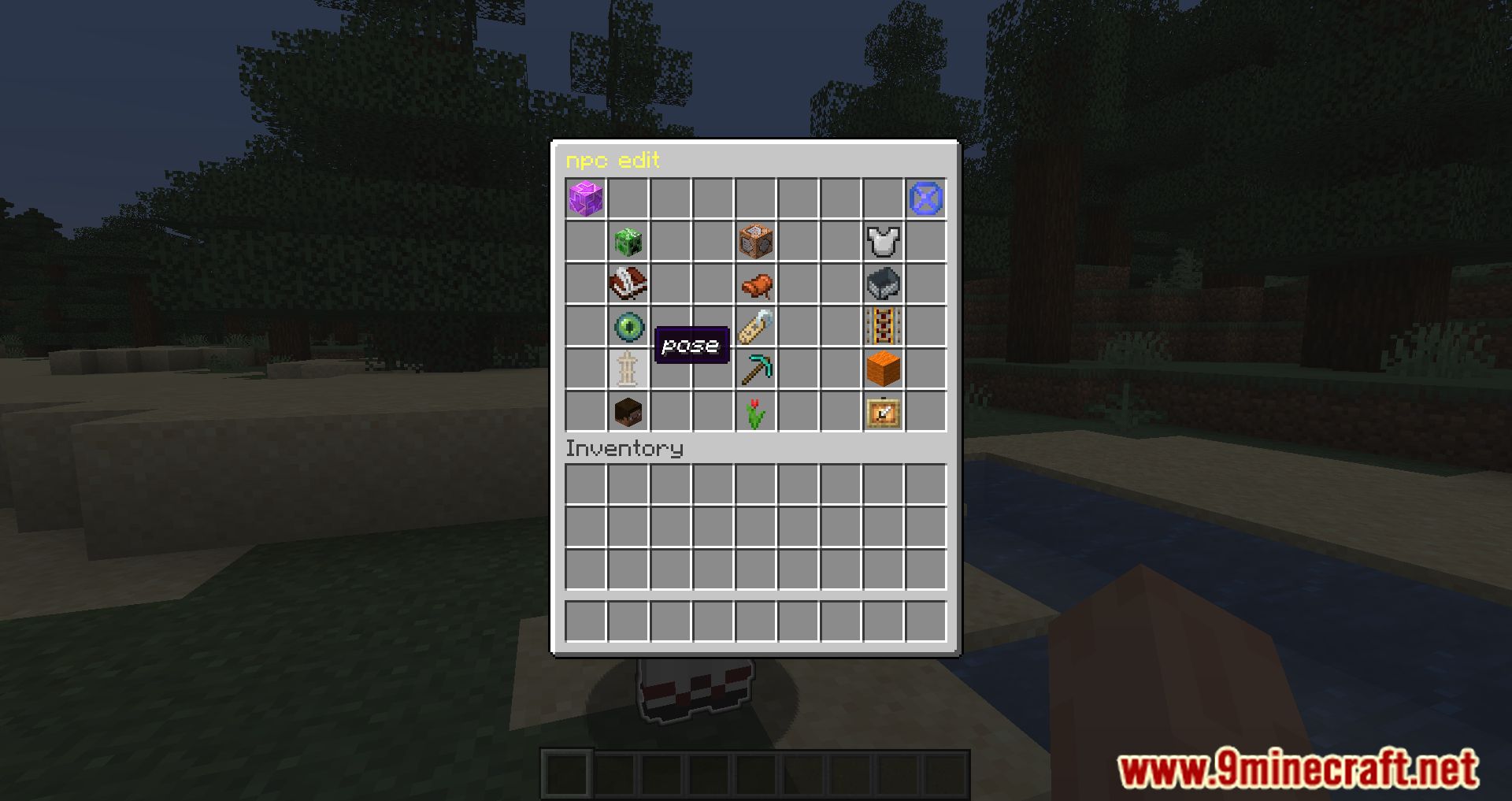
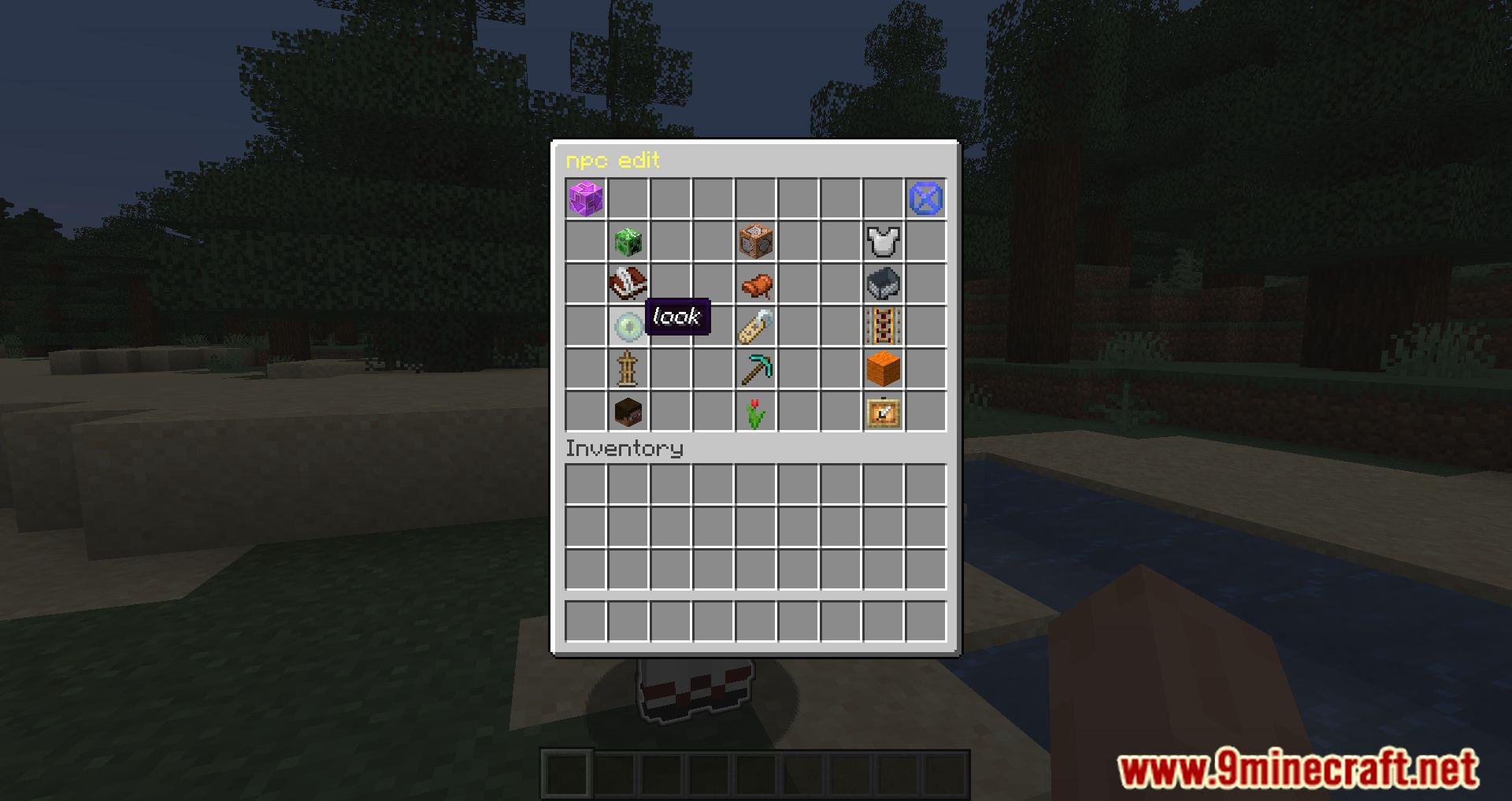
- Using GUI:
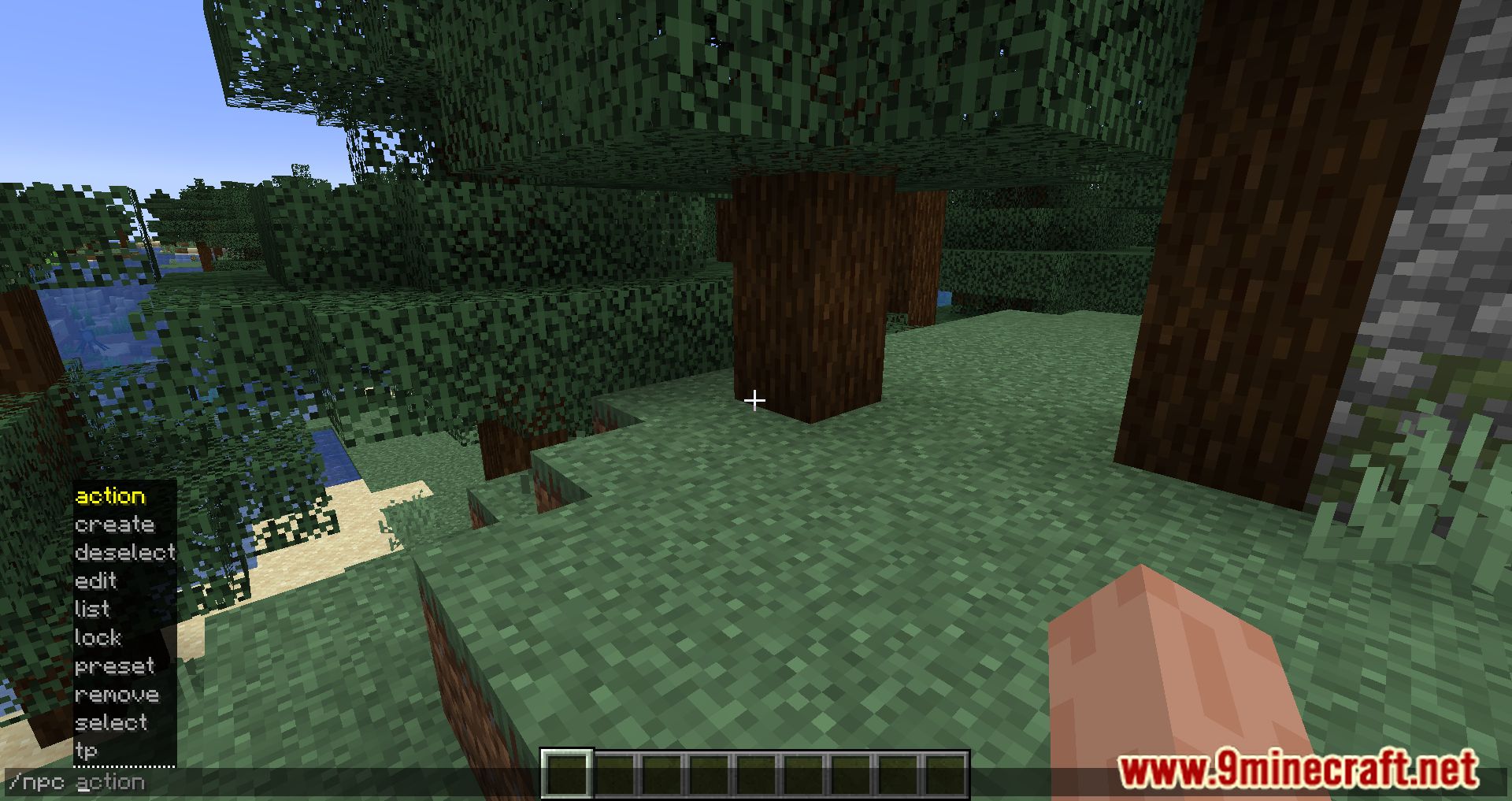
- Enter the command /npc
- Navigate to the Create node
GUI System Details:
- The GUI is generated directly from the /npc command.
- The GUI structure fully matches the command system.
- User input inside the GUI is handled through an Anvil GUI.
GUI Interaction Rules:
- Right-click an item to execute a command.
- Left-click an item to open a child menu.
- If no child menu exists, left-click will also execute the command.
Screenshots:
Taterzens Mod Download Links
For Minecraft 1.16.5
Forge version: Download from Server 1 – Download from Server 2
Fabric version: Download from Server 1 – Download from Server 2
For Minecraft 1.17.1
Forge version: Download from Server 1 – Download from Server 2
Fabric version: Download from Server 1 – Download from Server 2
For Minecraft 1.18.1
Forge version: Download from Server 1 – Download from Server 2
Fabric version: Download from Server 1 – Download from Server 2
For Minecraft 1.18.2
Forge version: Download from Server 1 – Download from Server 2
Fabric version: Download from Server 1 – Download from Server 2
For Minecraft 1.19
Fabric version: Download from Server 1 – Download from Server 2
For Minecraft 1.19.2, 1.19.1
Fabric version: Download from Server 1 – Download from Server 2
For Minecraft 1.19.3
Fabric version: Download from Server 1 – Download from Server 2
For Minecraft 1.20.1, 1.20
Fabric/Quilt version: Download from Server 1 – Download from Server 2
For Minecraft 1.21.8, 1.21.7, 1.21.6
Fabric/Quilt version: Download from Server 1 – Download from Server 2
Taterzens Mod (1.21.8, 1.20.1) – Playful Nickname for NPC is a free Minecraft Java mod. Compatible with Minecraft 1.21.8, 1.20.1. Download it and open it directly in the game.