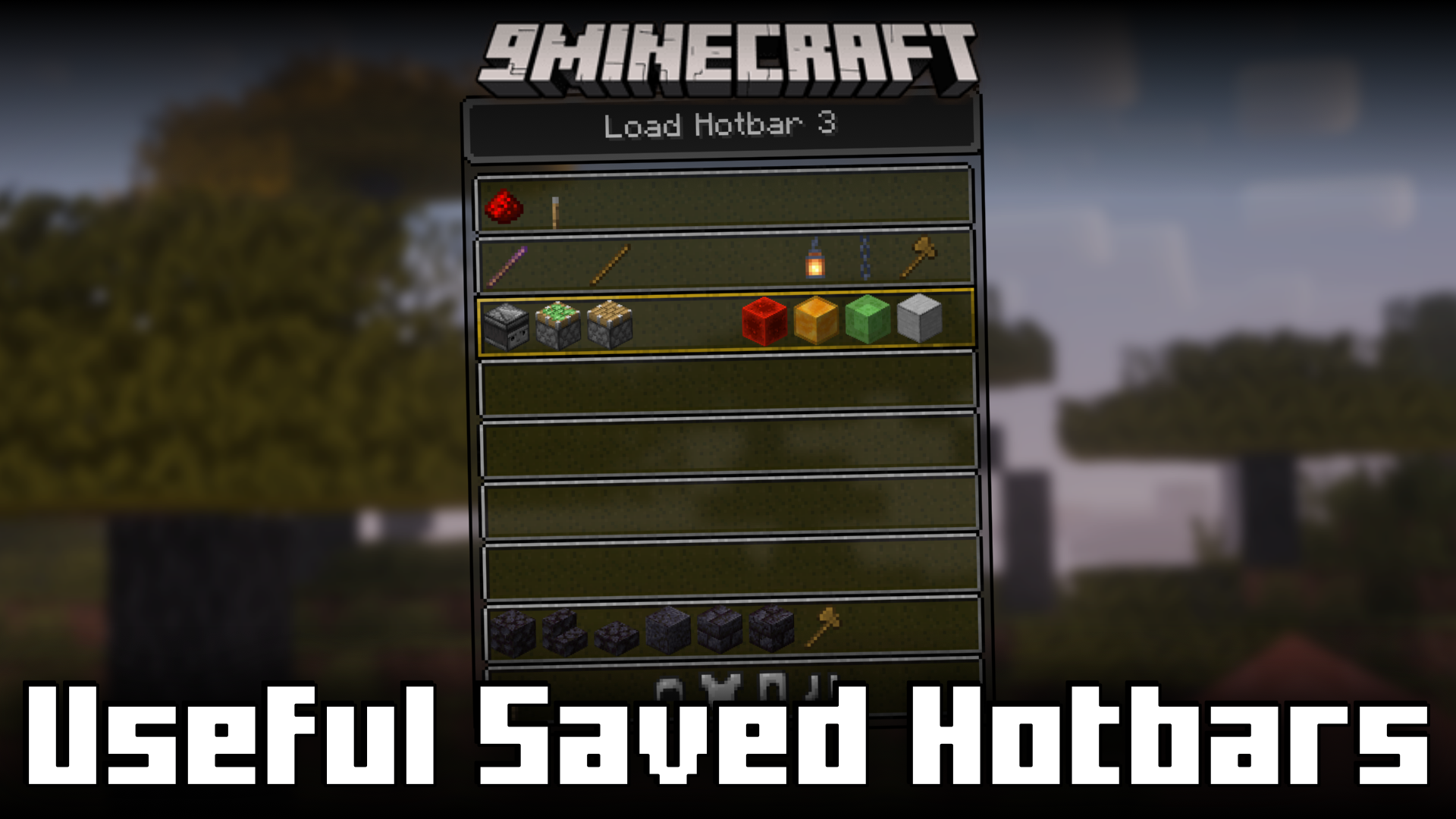
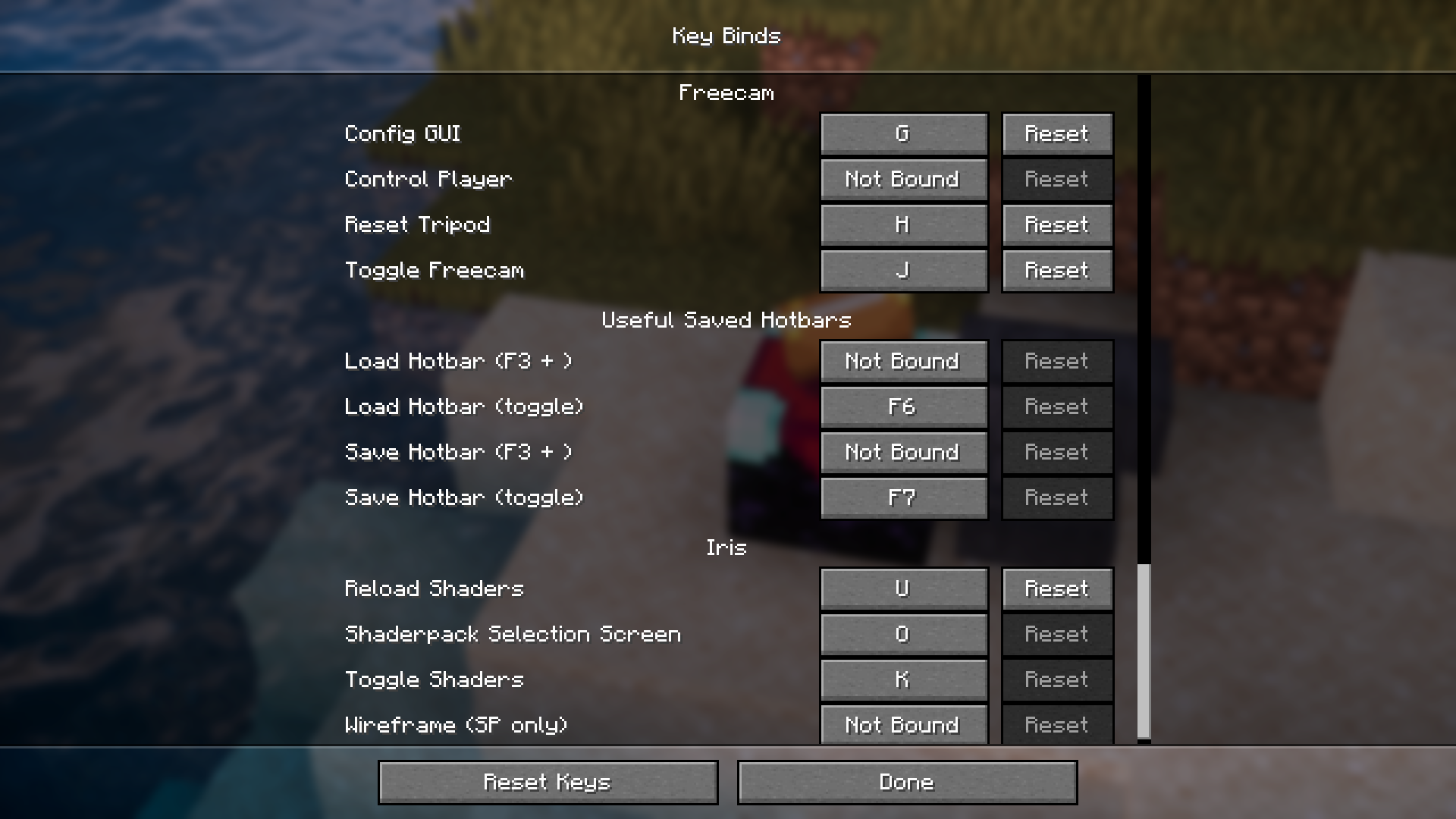
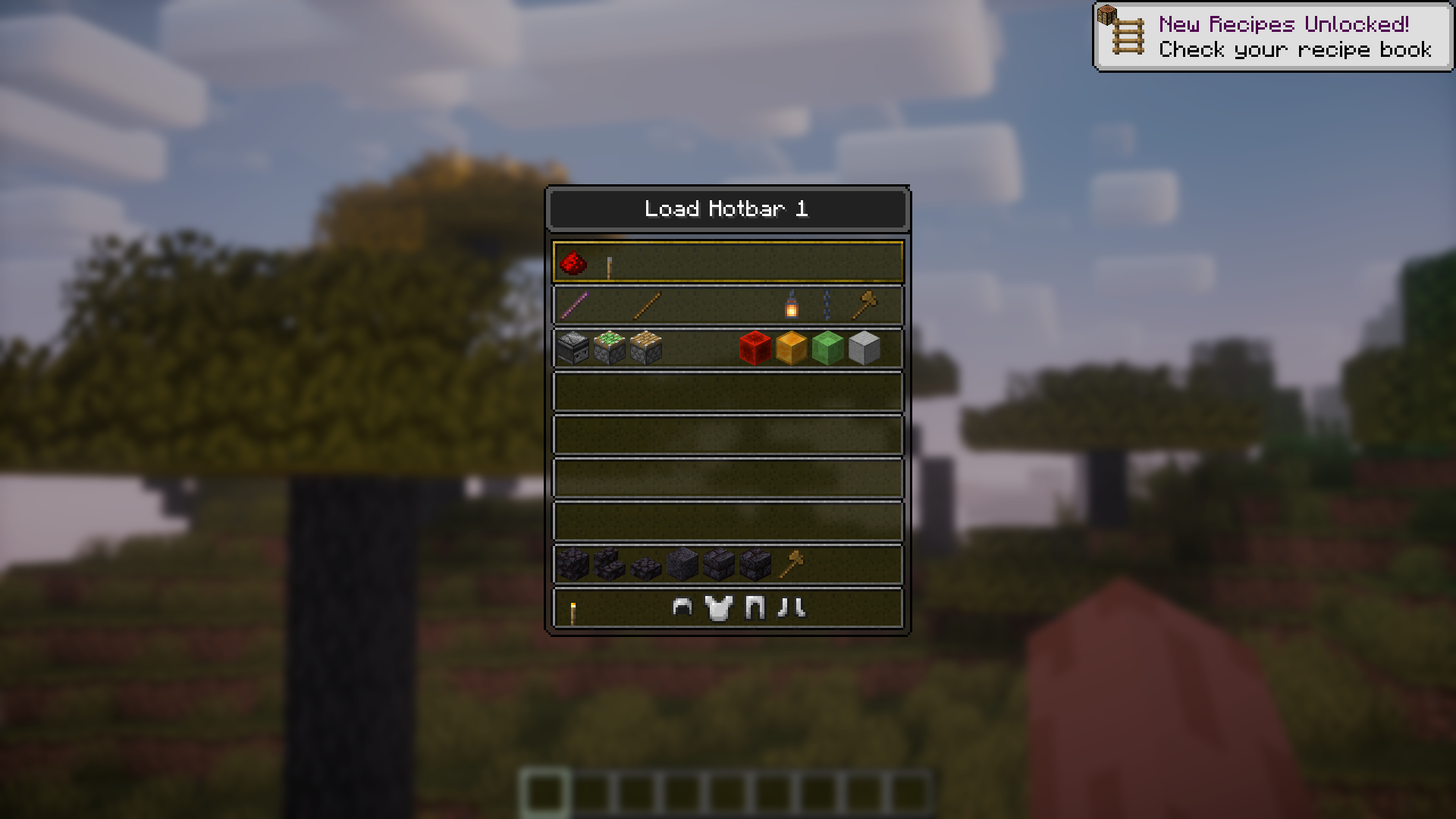
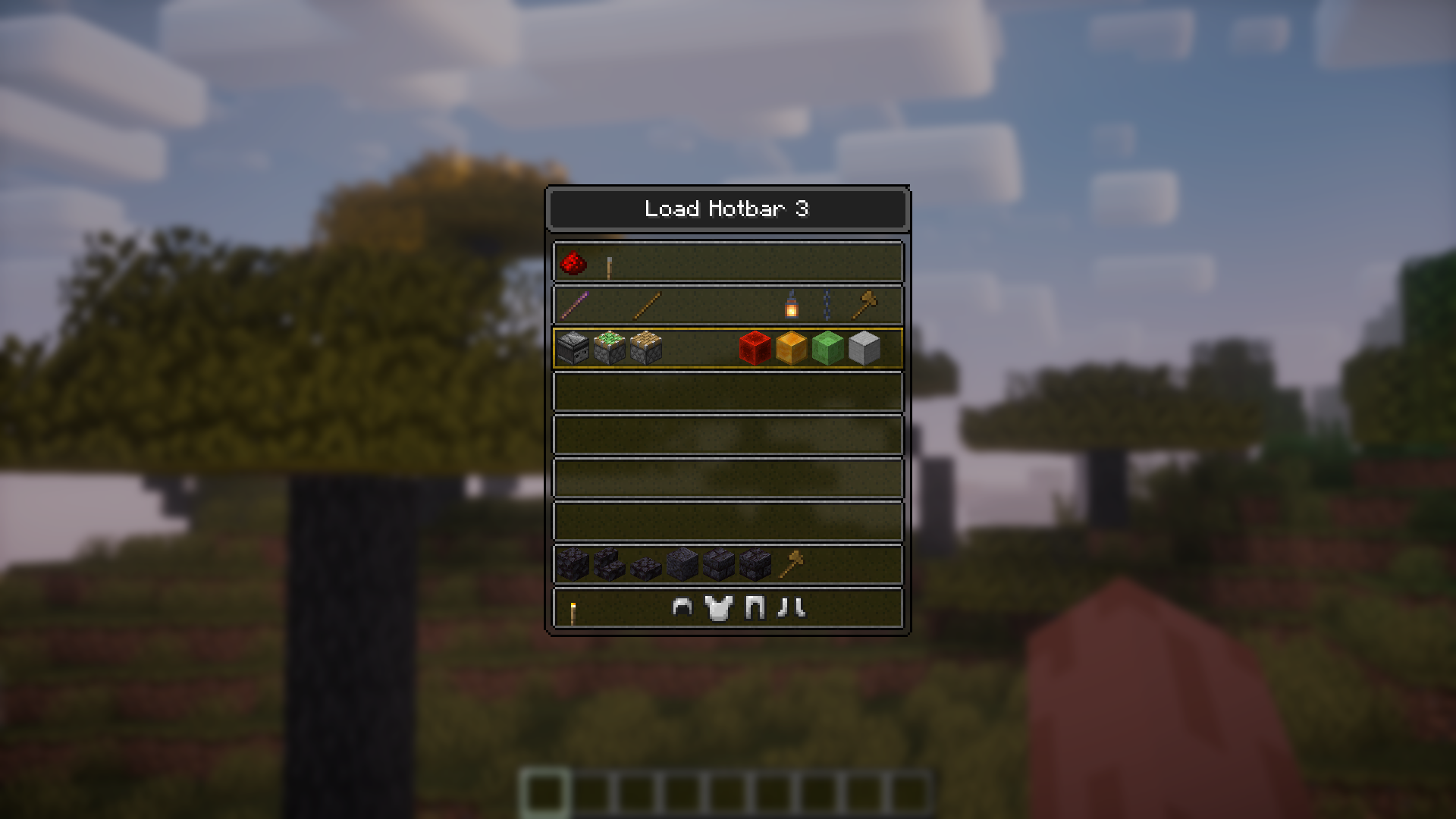
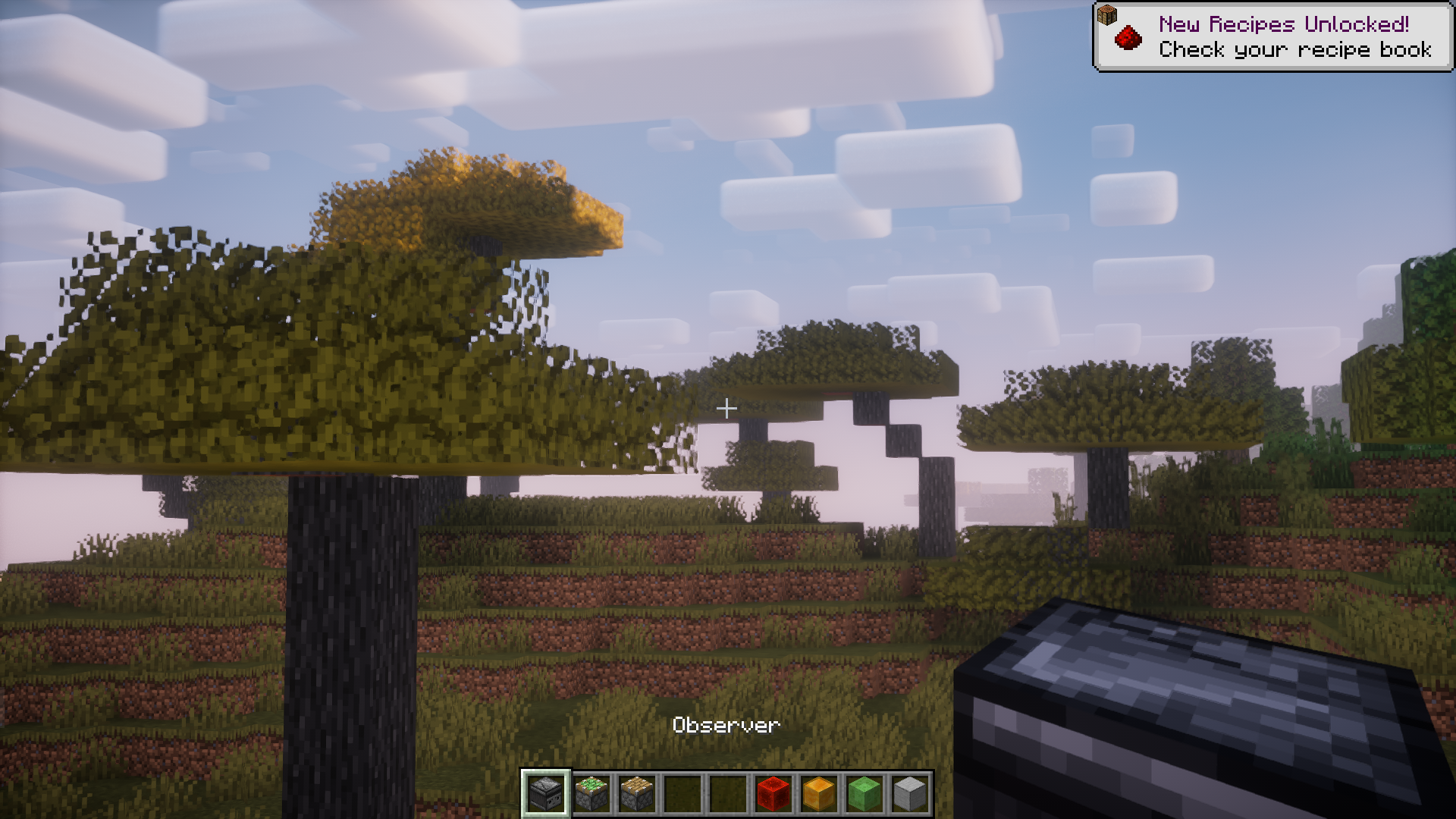
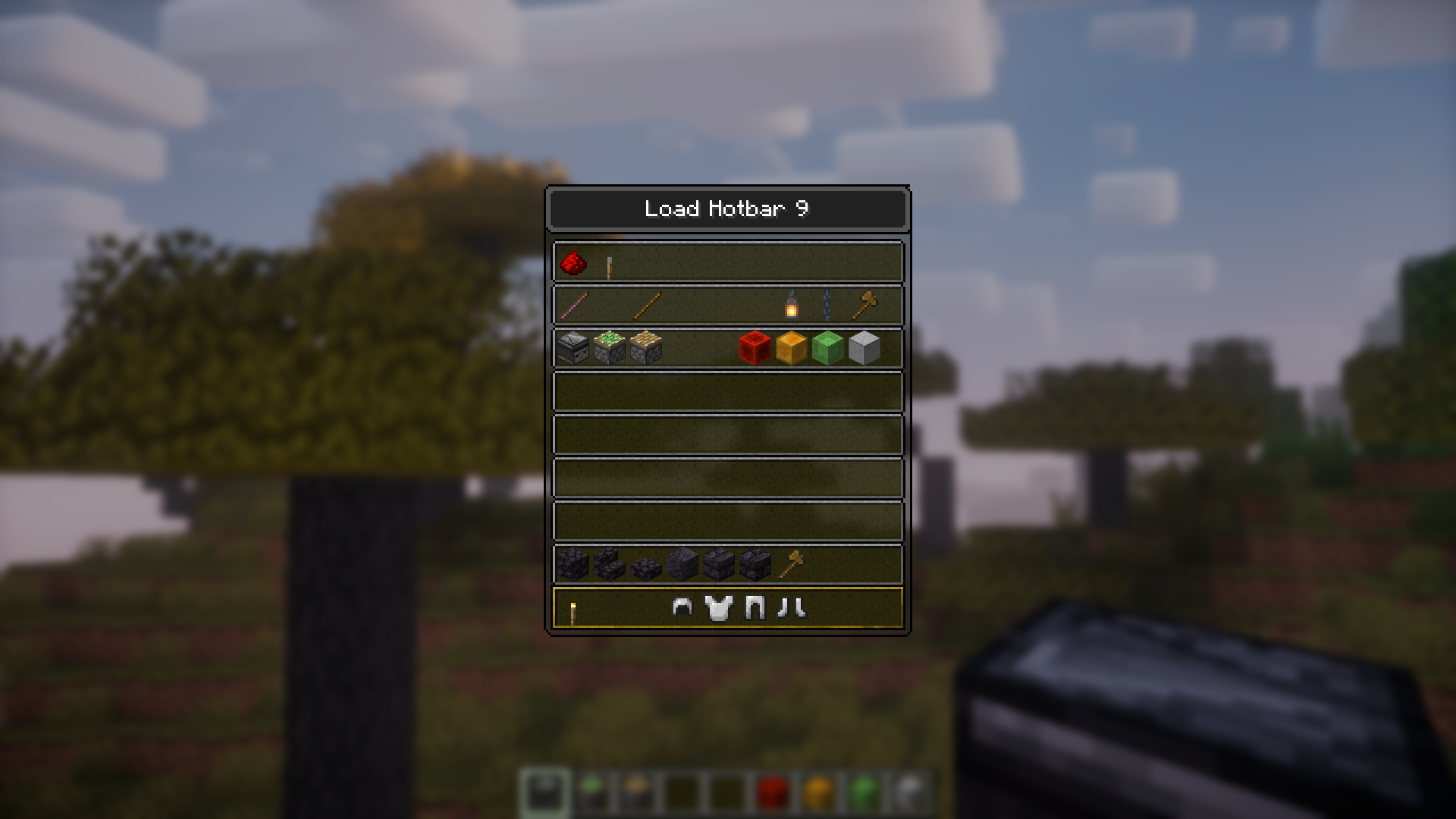
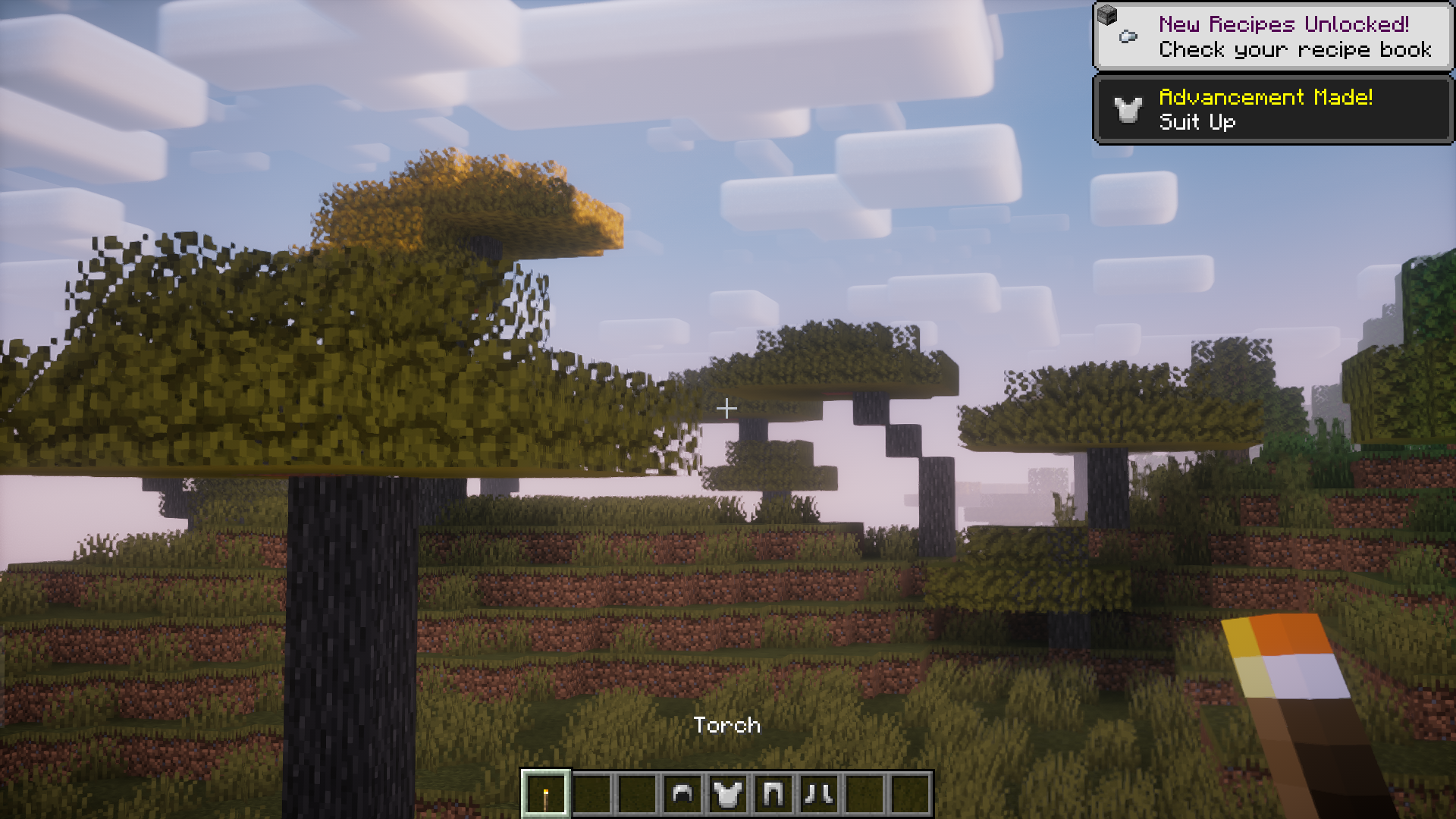
If you have access to commands, Minecraft gives you an easy and convenient way to switch game modes by holding the F3 key and pressing F4 to switch between game modes. This eliminates the need for typing out commands and executing them. Useful Saved Hotbars Mod adds a similar feature for switching between saved hotbars. If you do redstone or design builds in creative mode, saved hotbars are your best friend. They allow you to switch between multiple hotbars with the use of hotkeys. But you have to remember what hotbar will be loaded on using a specific hotkey. This mod comes to your assistance here. By holding F3 and pressing the F5 key, you will be able to open a GUI that shows you a list of all the saved hotbars and allows you cycle through them and pick the required one.
Features:
- Adds a feature that allows you to see and cycle through saved hotbars.
- Hold down the F3 key and press F4 key to cycle between saved hotbars.
- Useful for redstone engineers and build designers in creative mod.
Screenshots:
Useful Saved Hotbars Mod Download Links
For Minecraft 1.21.8, 1.21.7, 1.21.6
Fabric version: Download from Server 1 – Download from Server 2
For Minecraft 1.21.5
Fabric version: Download from Server 1 – Download from Server 2
For Minecraft 1.21.4
Fabric version: Download from Server 1 – Download from Server 2
For Minecraft 1.21.1, 1.21
Fabric version: Download from Server 1 – Download from Server 2
For Minecraft 1.20.6
Fabric version: Download from Server 1 – Download from Server 2
For Minecraft 1.20.1
Fabric version: Download from Server 1 – Download from Server 2
- Edition: Minecraft Java
- File type: .jar
- Minecraft versions listed: 1.21.8, 1.20.1
- How to install: Install the matching mod loader (Forge, Fabric or NeoForge) for your Minecraft version. → Download the .jar. → Put it in the .minecraft/mods folder and launch that loader profile.
- Where to get it: In MC Java Mods, or directly above on this page.
Install steps are the general flow for this file type — How to install Minecraft Java mods & modpacks walks through it step by step.
- Downloads as 178154.mcaddon
- Download size: 39 KB
- Download link checked 29 Jul 2026 — working
- Mirrored on our own servers — the download does not depend on the original host
These come from our own check of the pack file, not from the source page.