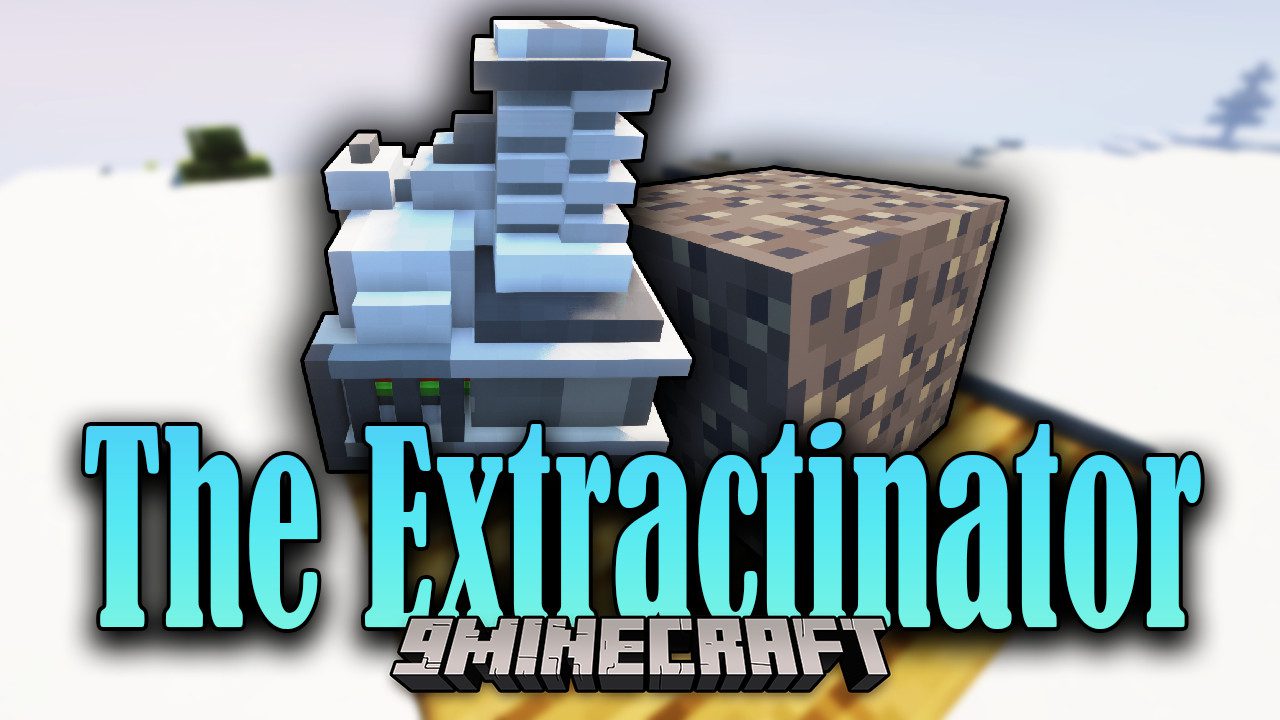
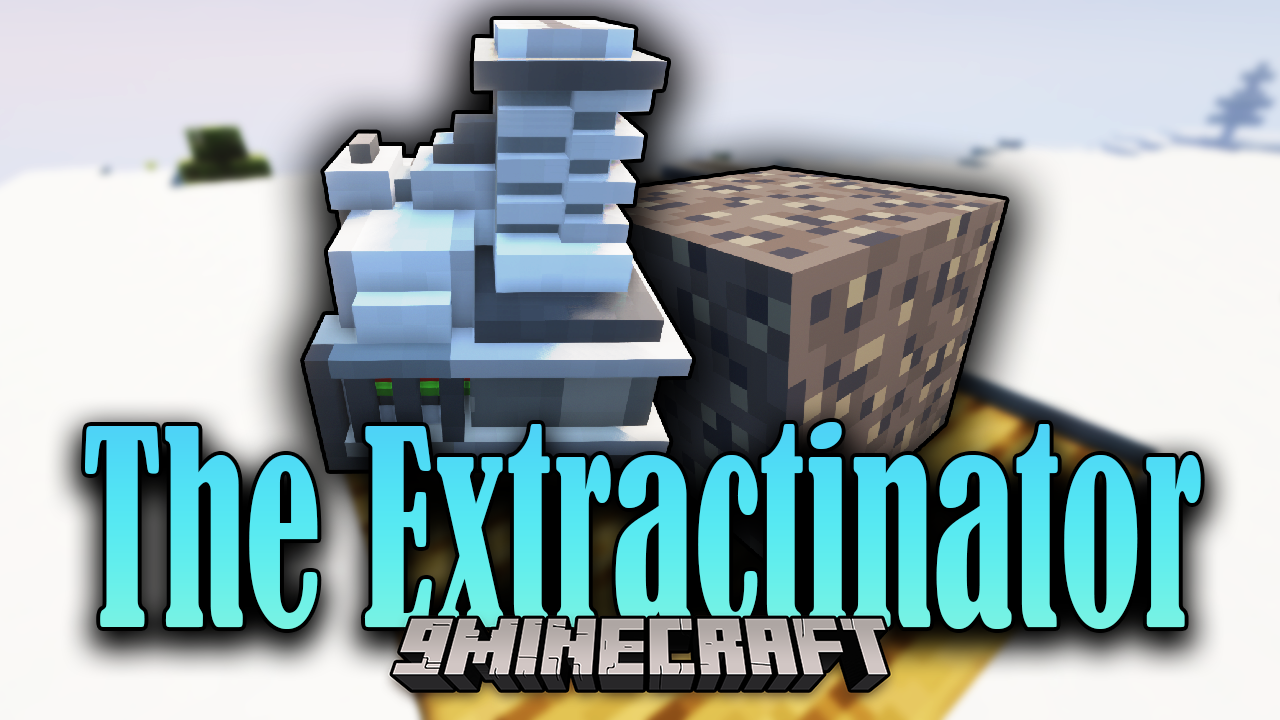
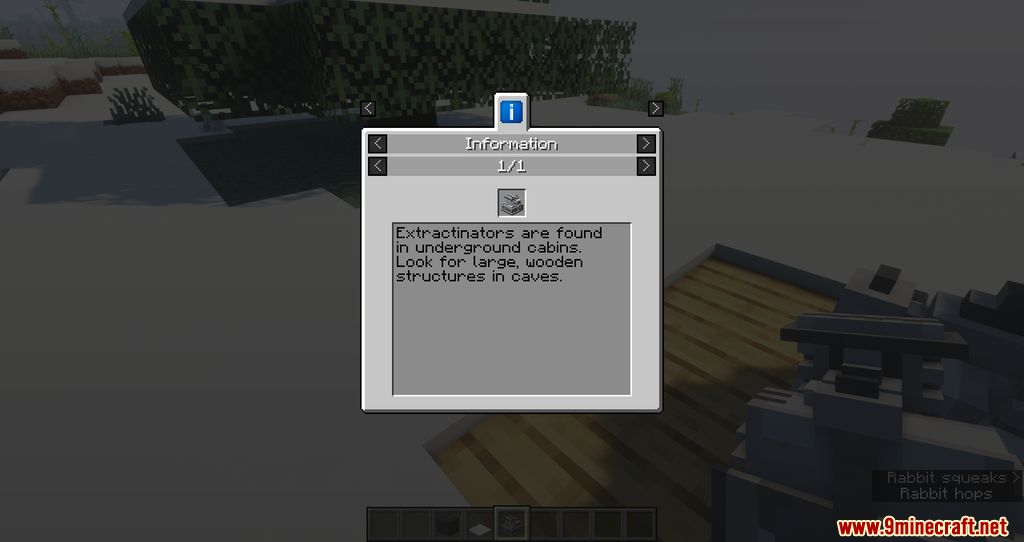
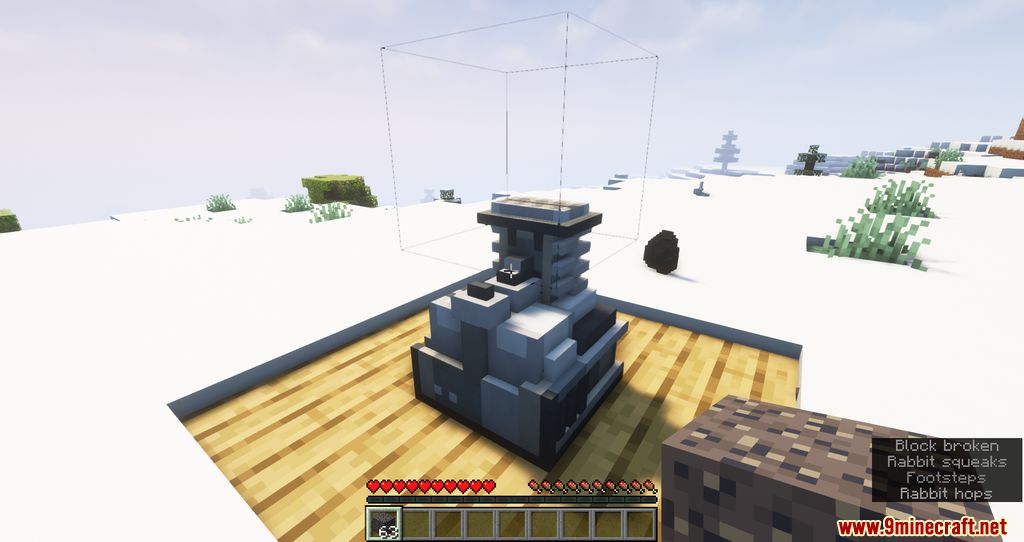
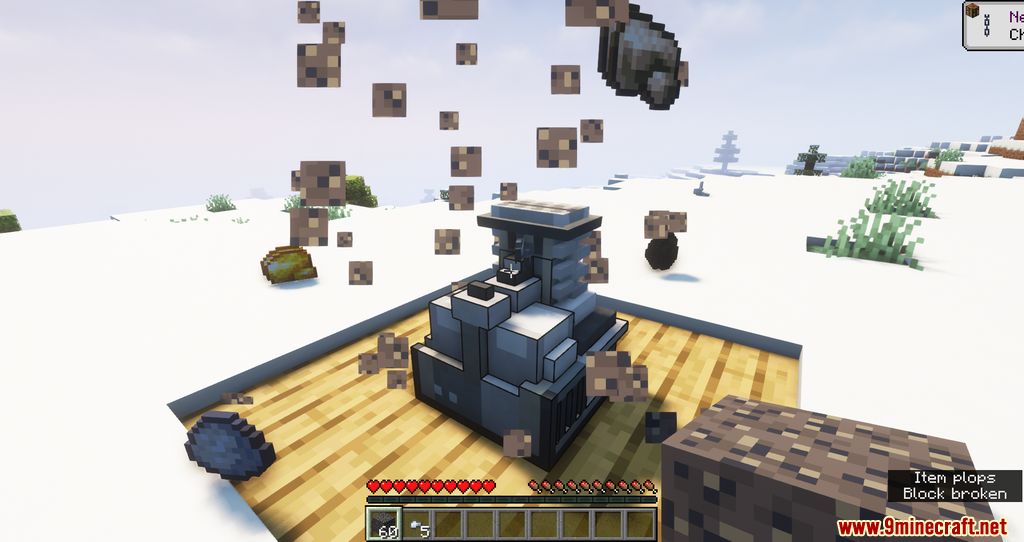
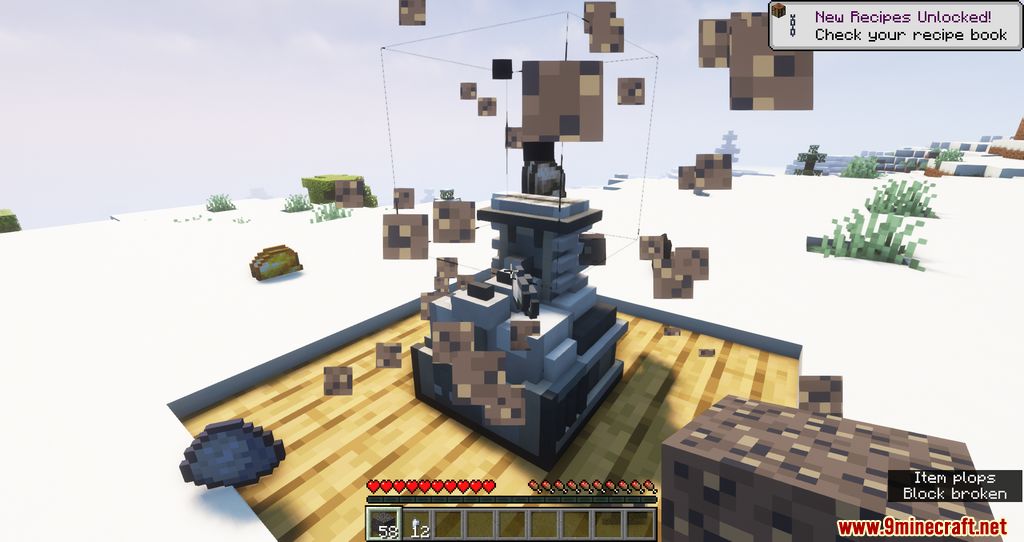
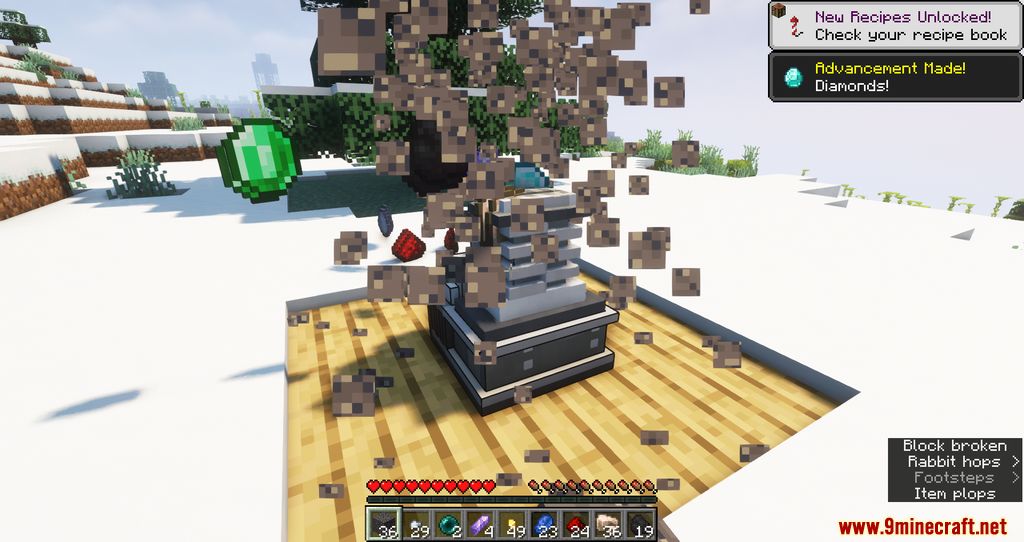
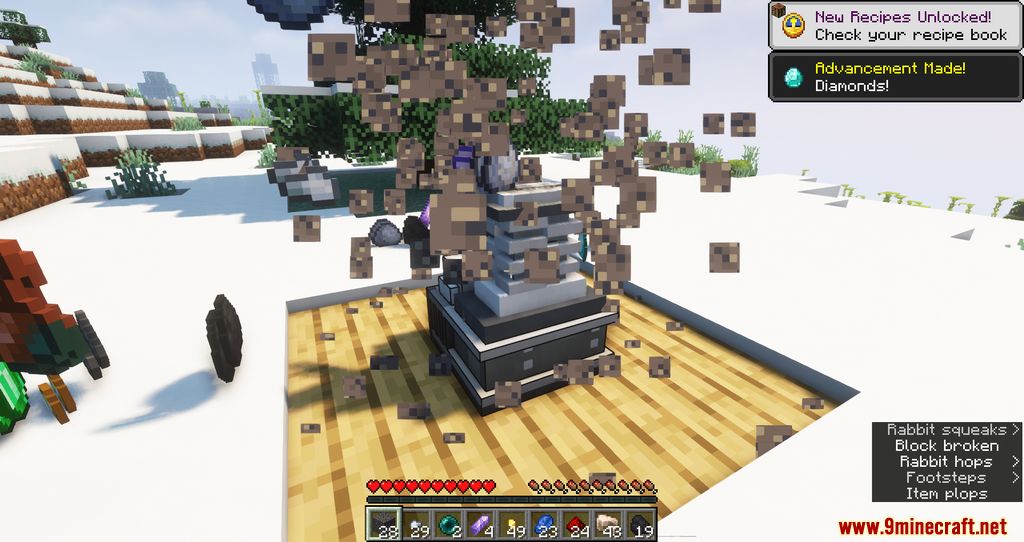
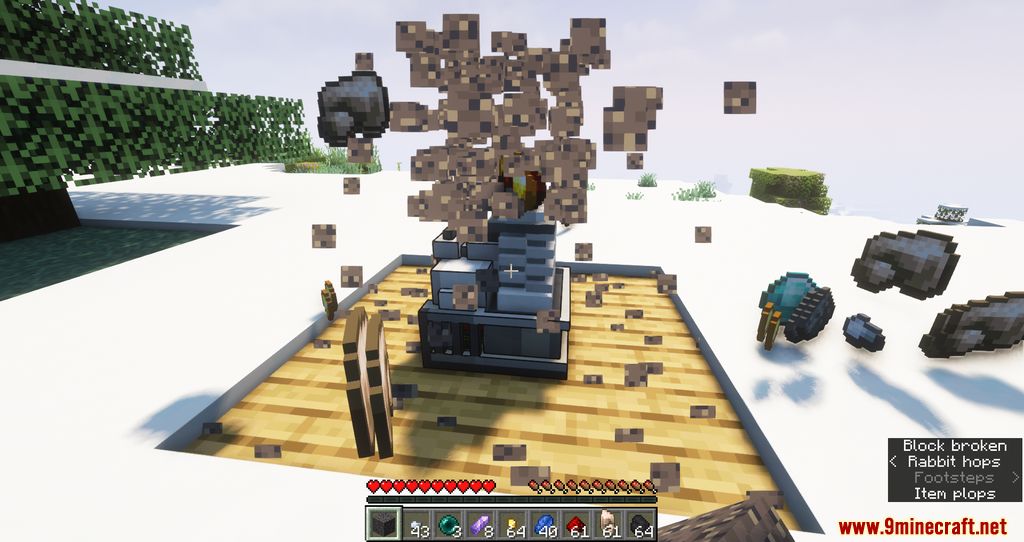
The Extractinator Mod is a mod that only adds one new item to the game, a machine capable of transforming low-value blocks we accumulate during gameplay, such as gravel and stone, into valuable items. This machine is inspired by the Silt Extractinator from Terraria. With this mod installed, we can obtain valuable items by converting stone and gravel blocks into things far more interesting for our daily tasks. Additionally, this process can be automated, so we don’t have to worry about managing the entire procedure.
Features:
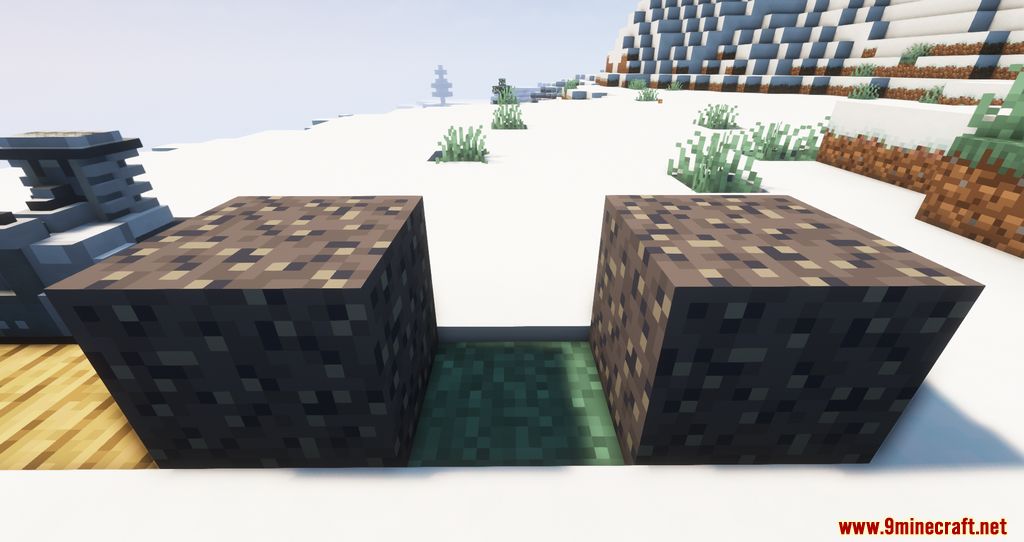
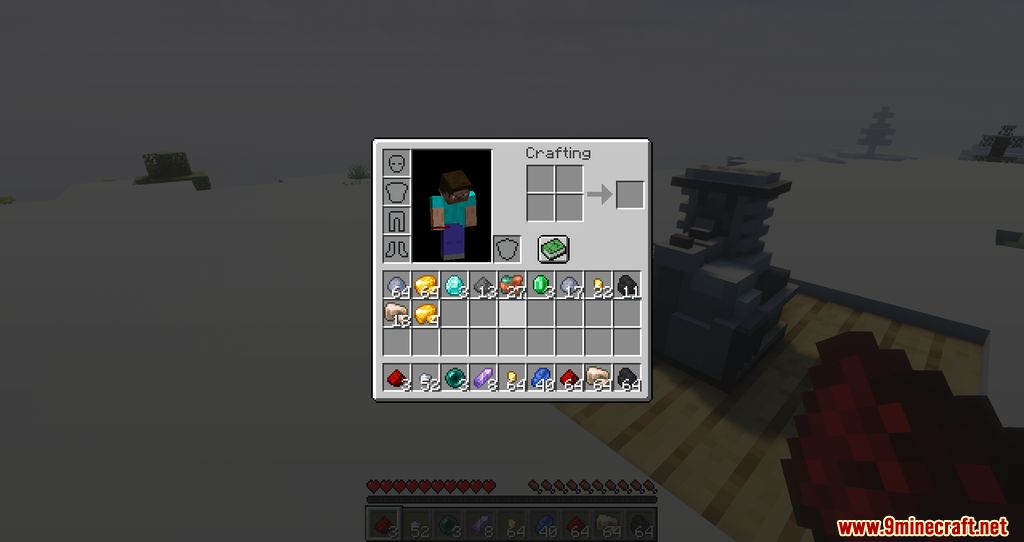
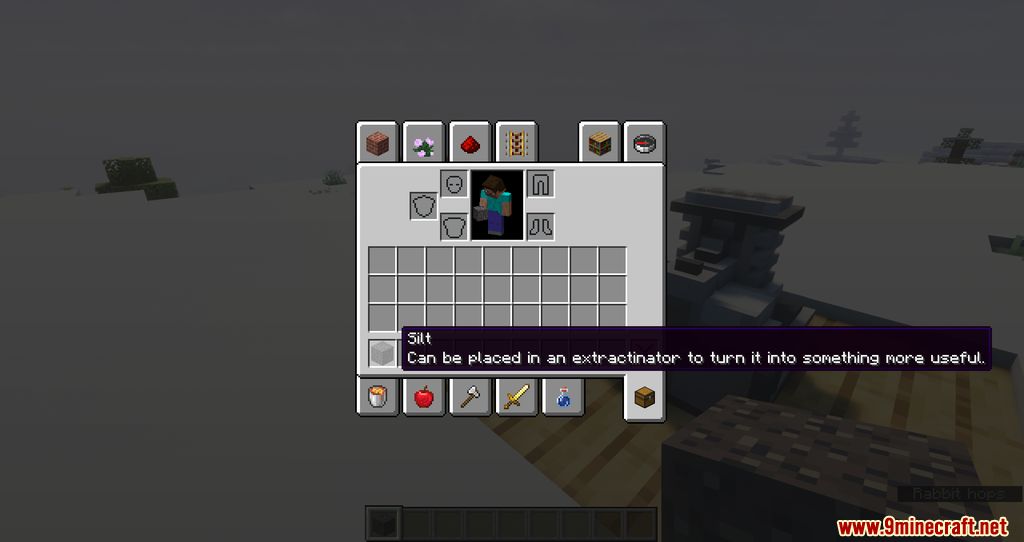
- The mod adds a machine called the Extractinator, which allows the conversion of low-value blocks like gravel, cobblestone, sand, or new blocks like silt and slush into useful resources such as ores, diamonds, coins, or gems. This machine is inspired by the Silt Extractinator from Terraria.
- The mod supports automation through hoppers or item pipes, enabling players to set up automated systems to input blocks and collect resources without manual intervention.
- In addition to gravel and cobblestone, the mod supports other blocks like marble, bluestone, limestone (from the Blockus mod), and special blocks like silt and slush that spawn underground.
Screenshots:
The Extractinator Mod Download Links
For Minecraft 1.20.1, 1.20
Forge version: Download from Server 1 – Download from Server 2
Fabric version: Download from Server 1 – Download from Server 2
For Minecraft 1.19.4
Forge version: Download from Server 1 – Download from Server 2
Fabric version: Download from Server 1 – Download from Server 2
For Minecraft 1.19.2
Forge version: Download from Server 1 – Download from Server 2
Fabric version: Download from Server 1 – Download from Server 2
For Minecraft 1.19
Fabric version: Download from Server 1
For Minecraft 1.18.2
Fabric version: Download from Server 1
For Minecraft 1.18.1
Fabric version: Download from Server 1
- Edition: Minecraft Java
- File type: .jar
- Minecraft versions listed: 1.20.1, 1.19.2
- How to install: Install the matching mod loader (Forge, Fabric or NeoForge) for your Minecraft version. → Download the .jar. → Put it in the .minecraft/mods folder and launch that loader profile.
- Where to get it: In MC Java Mods, or directly above on this page.
Install steps are the general flow for this file type — How to install Minecraft Java mods & modpacks walks through it step by step.
- Downloads as 178199.mcaddon
- Download size: 114 KB
- Download link checked 24 Jul 2026 — working
- Mirrored on our own servers — the download does not depend on the original host
These come from our own check of the pack file, not from the source page.