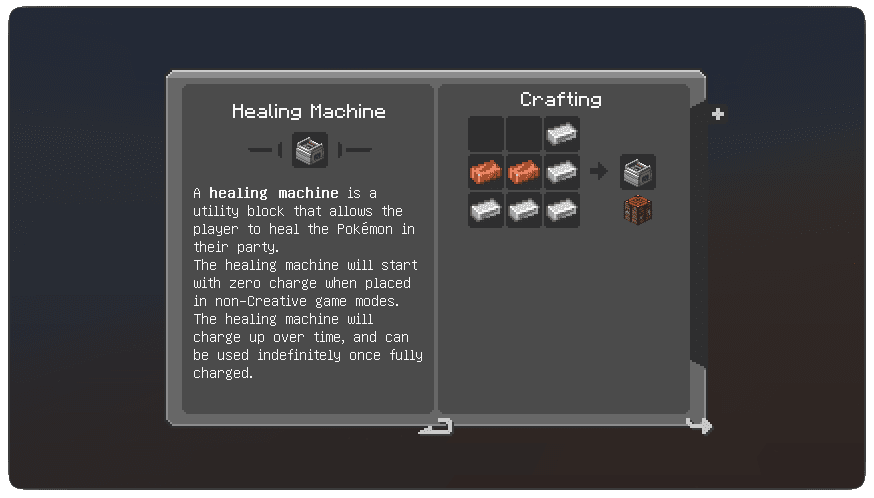
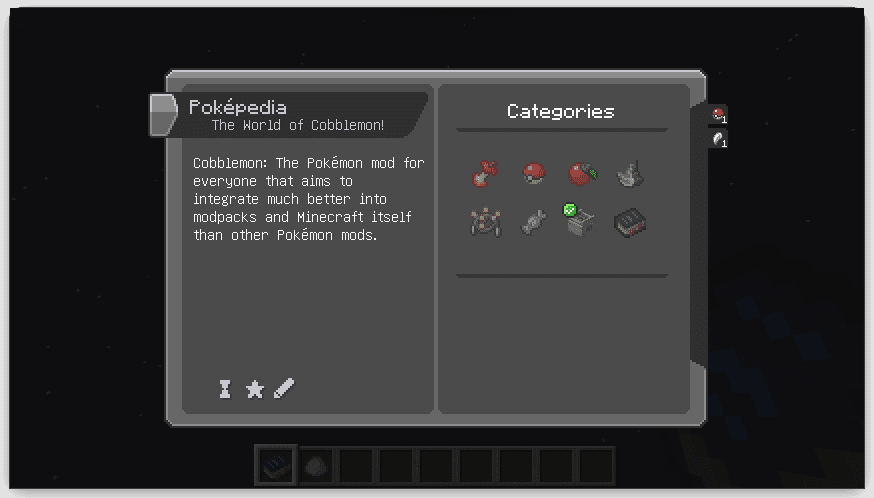
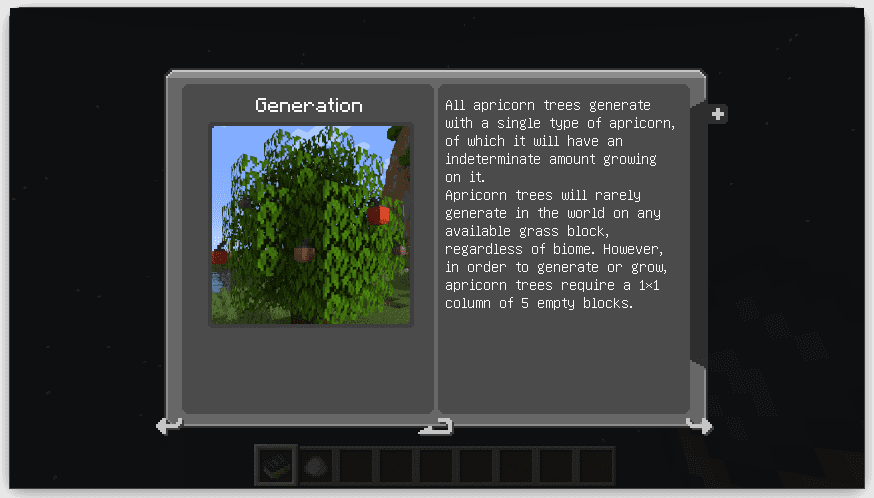
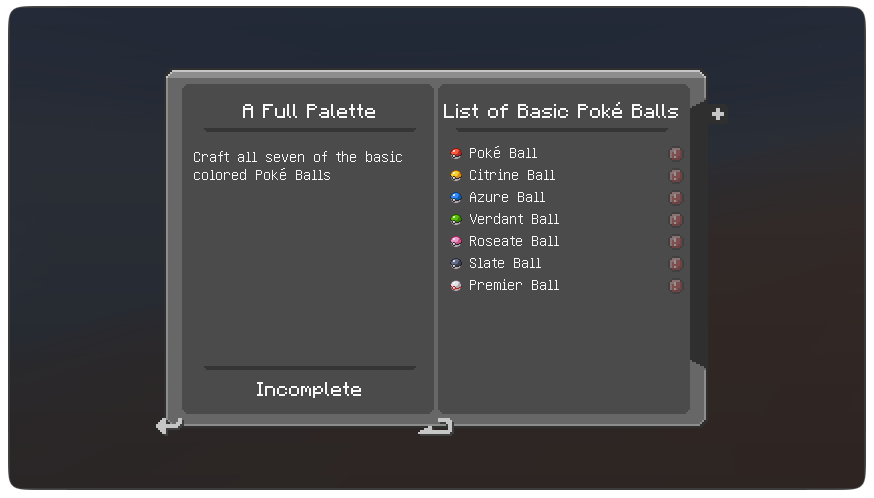
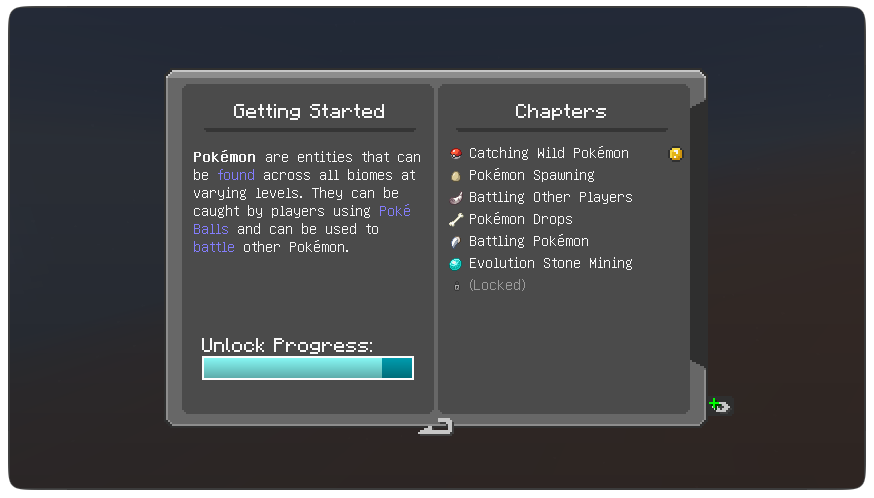
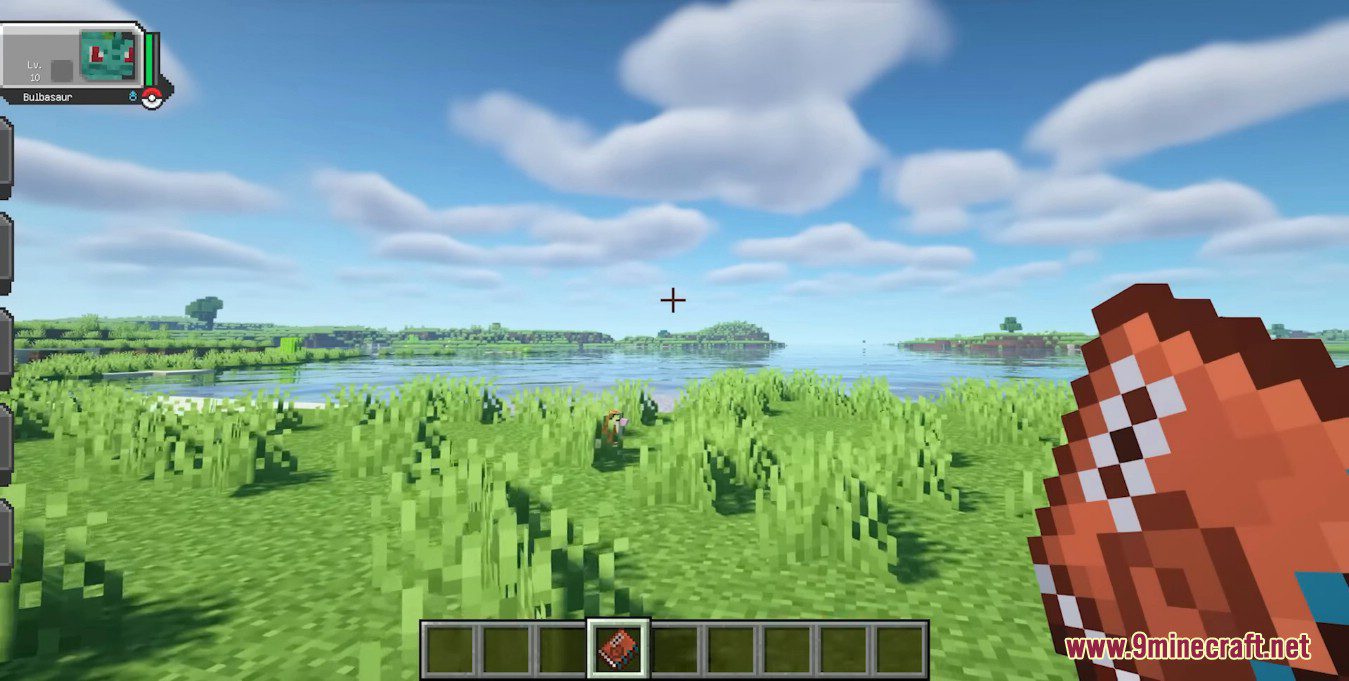
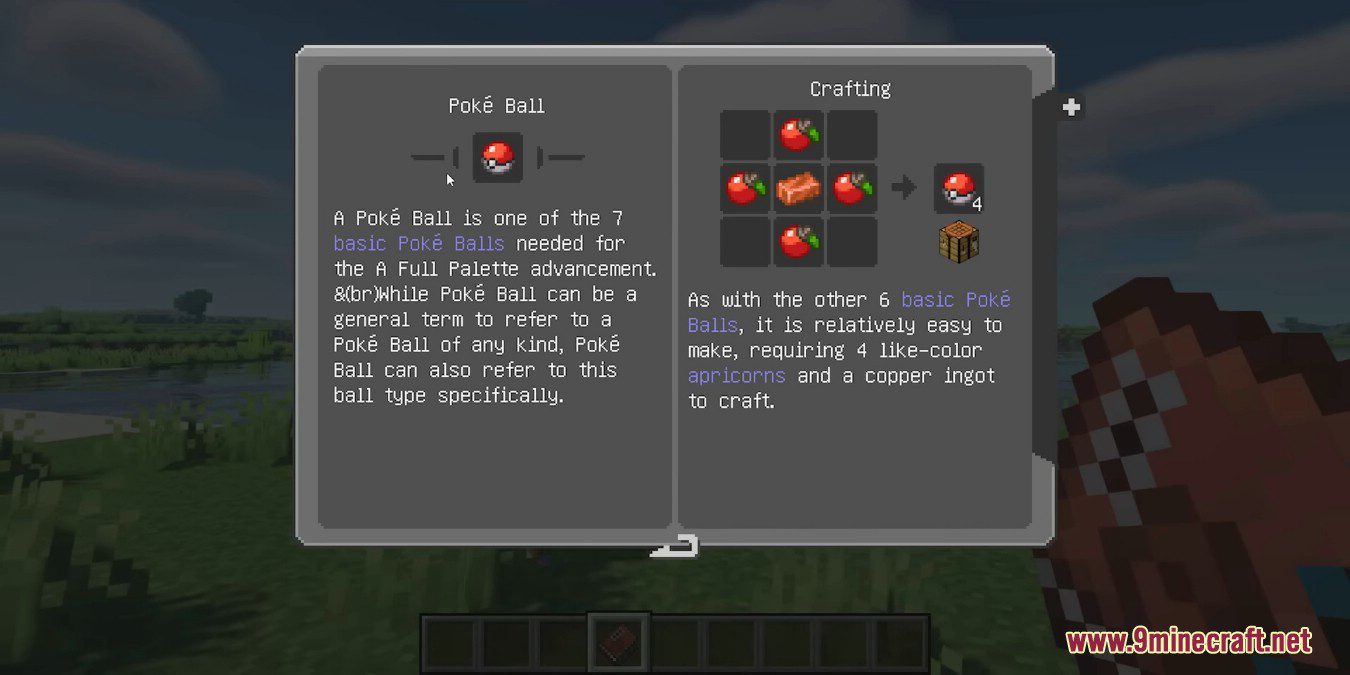
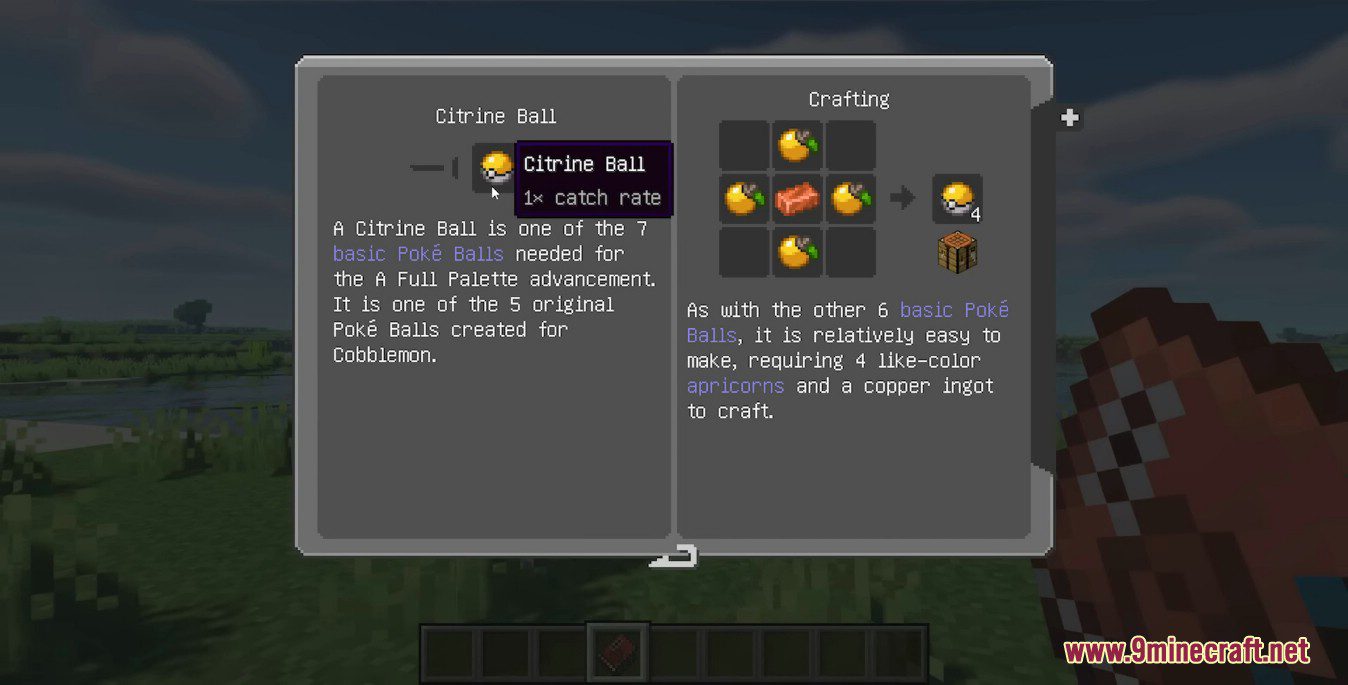
Cobblepedia Mod is a Minecraft mod that adds an in-game Poképedia wiki book for Cobblemon using Patchouli. It shows information from the official cobblemon wiki and tracks advancements added by Cobblemon. Its features include Custom UI textures that fits with Cobblemon’s aesthetics.
Features:
- In-Game Poképedia Book: A Patchouli-based guidebook that displays data from the official Cobblemon wiki.
- Keeps tabs on your Cobblemon progress, like when you choose your starter Pokémon.
- Obtainable by crafting (book + any apricorn), completing an advancement, or using a command.
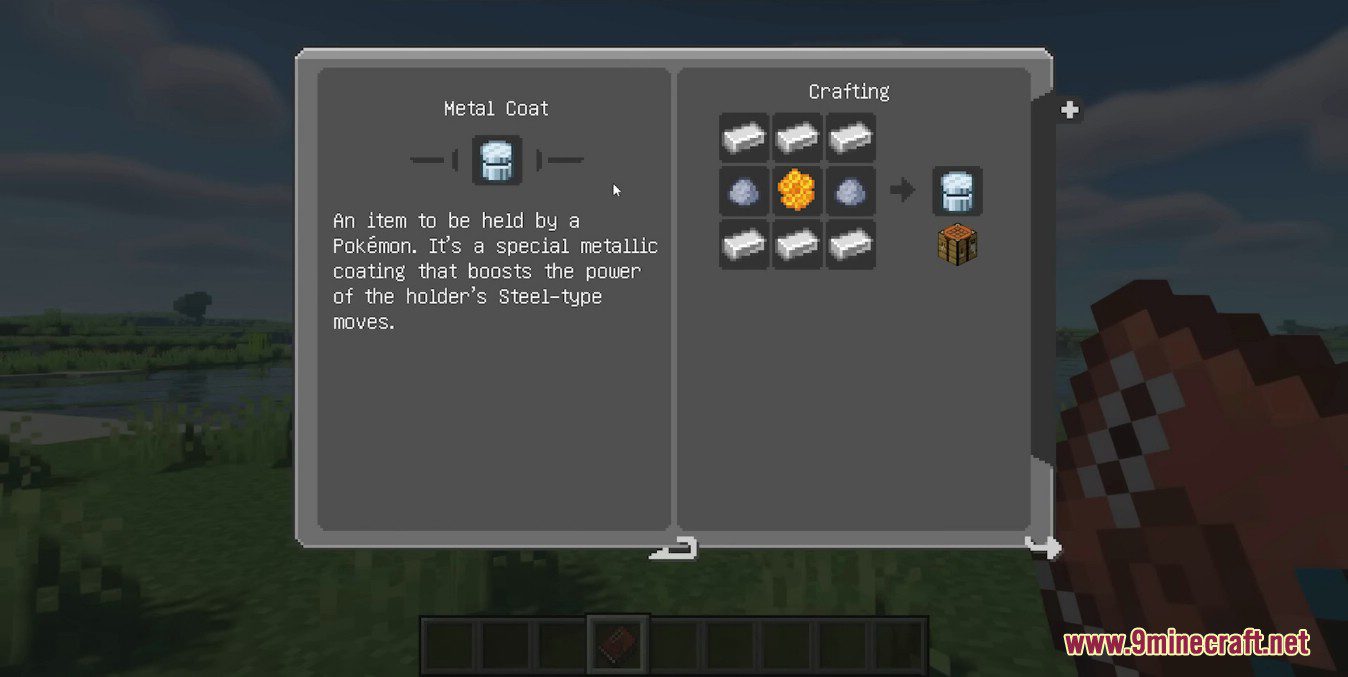
- Features a unique interface.
Screenshots:
How to use:
- Received by completing the “Choosing a Starter Pokémon” advancement.
- Crafted with a book and any apricorn.
- In creative mode (Found on the Miscellaneous tab).
- Or with the command: /give @s patchouli:guide_book{“patchouli:book”: “cobblepedia:cobblepedia”}.
Cobblepedia Mod Download Links
For Minecraft 1.21.1, 1.21
NeoForge version: Download from Server 1 – Download from Server 2
Fabric version: Download from Server 1 – Download from Server 2
For Minecraft 1.20.1, 1.20
Forge version: Download from Server 1 – Download from Server 2
Fabric version: Download from Server 1 – Download from Server 2
For Minecraft 1.19.2
Forge version: Download from Server 1 – Download from Server 2
Fabric version: Download from Server 1 – Download from Server 2
- Edition: Minecraft Java
- File type: .jar
- Minecraft versions listed: 1.21.1, 1.20.1
- How to install: Install the matching mod loader (Forge, Fabric or NeoForge) for your Minecraft version. → Download the .jar. → Put it in the .minecraft/mods folder and launch that loader profile.
- Where to get it: In MC Java Mods, or directly above on this page.
Install steps are the general flow for this file type — How to install Minecraft Java mods & modpacks walks through it step by step.
Cobblepedia Mod (1.21.1, 1.20.1) – Poképedia Wiki Book for Cobblemon is a free Minecraft Java mod. Compatible with Minecraft 1.21.1, 1.20.1. Download it and open it directly in the game.