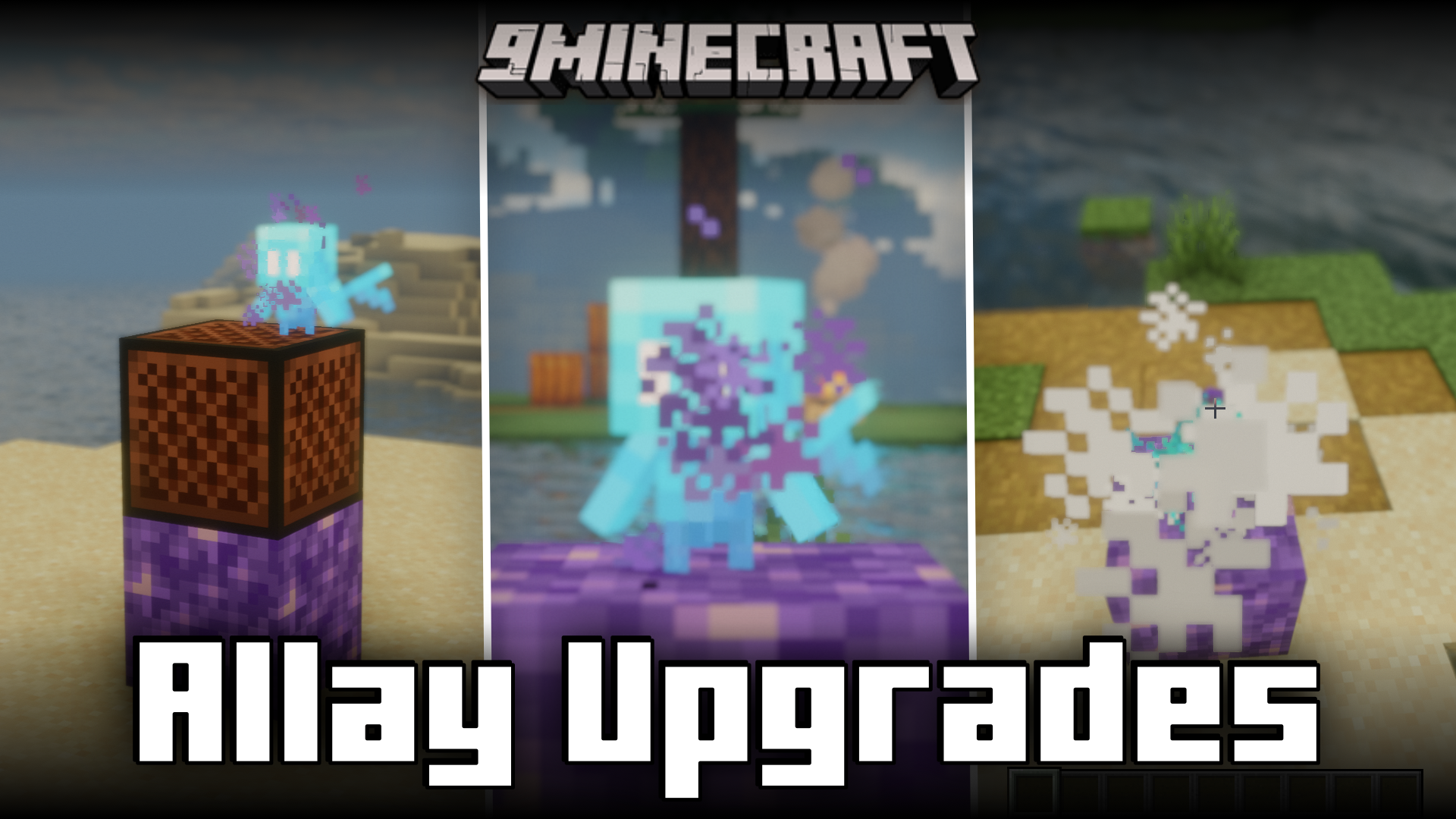
Allay Upgrades Mod (1.21.5, 1.20.1) – Quality Of Life Allay Improvements
Java mod listed for Minecraft 1.20–1.21. Downloads from the MC Java Mods app on Android.
⬇ Download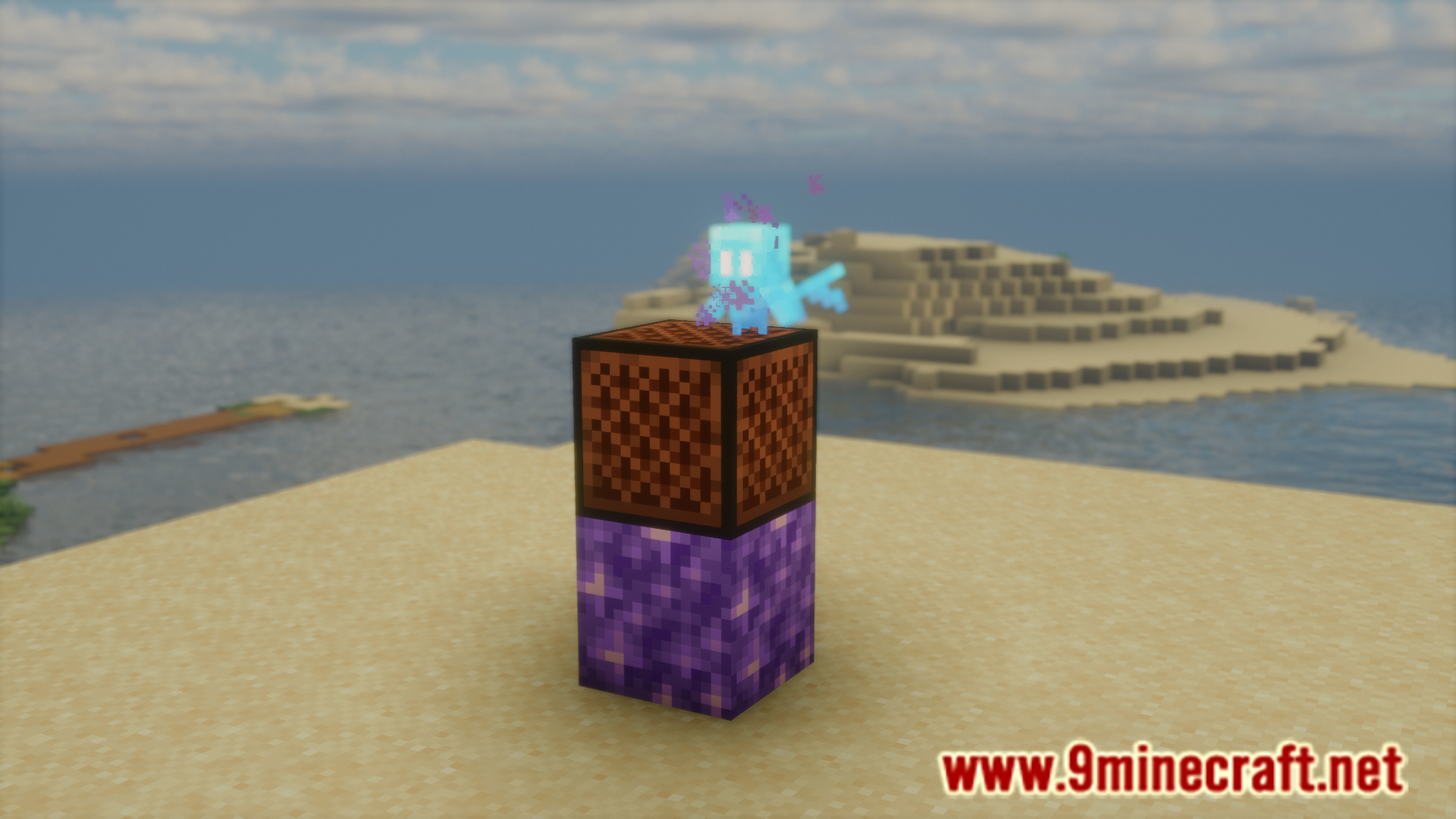


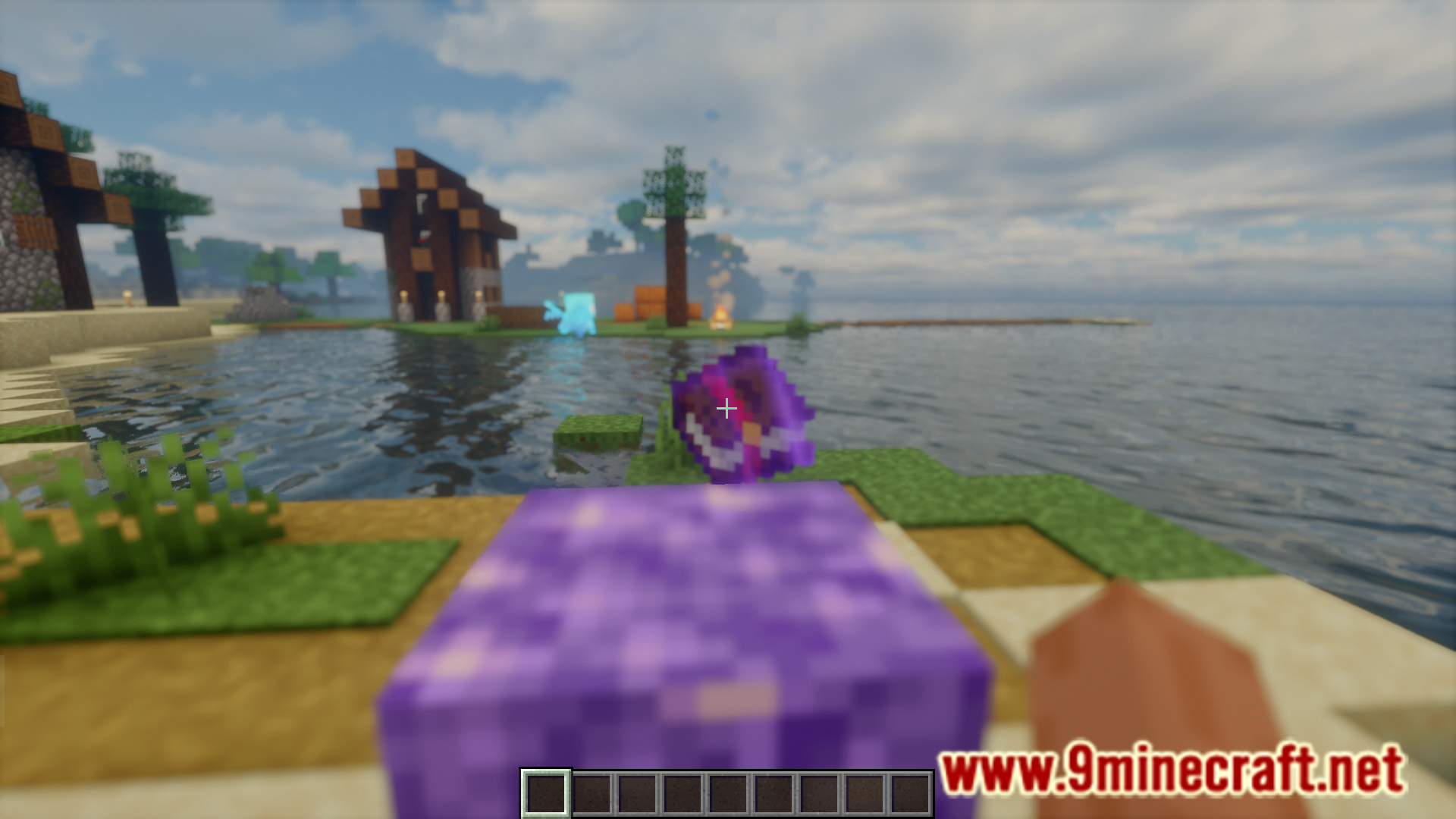
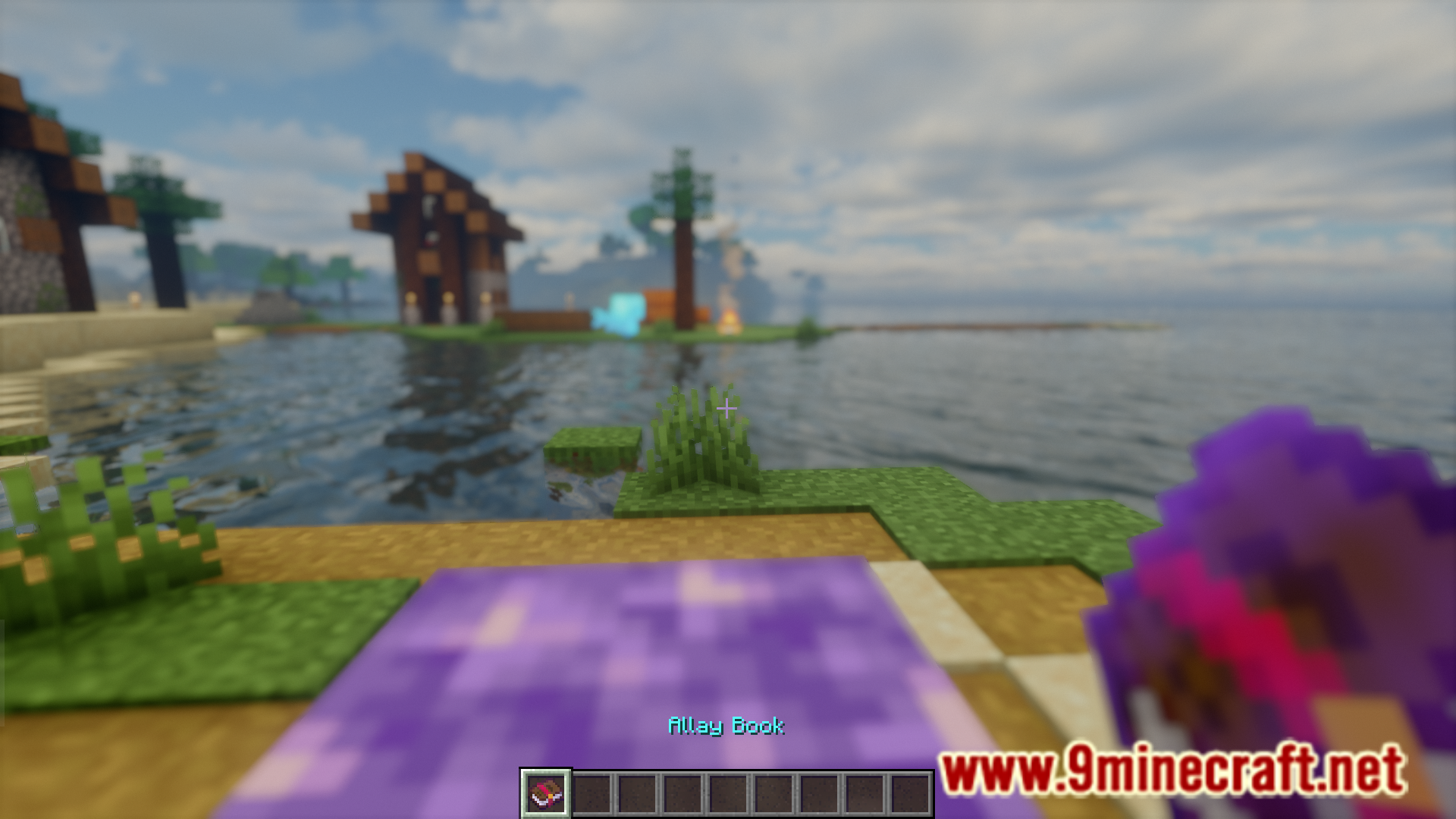
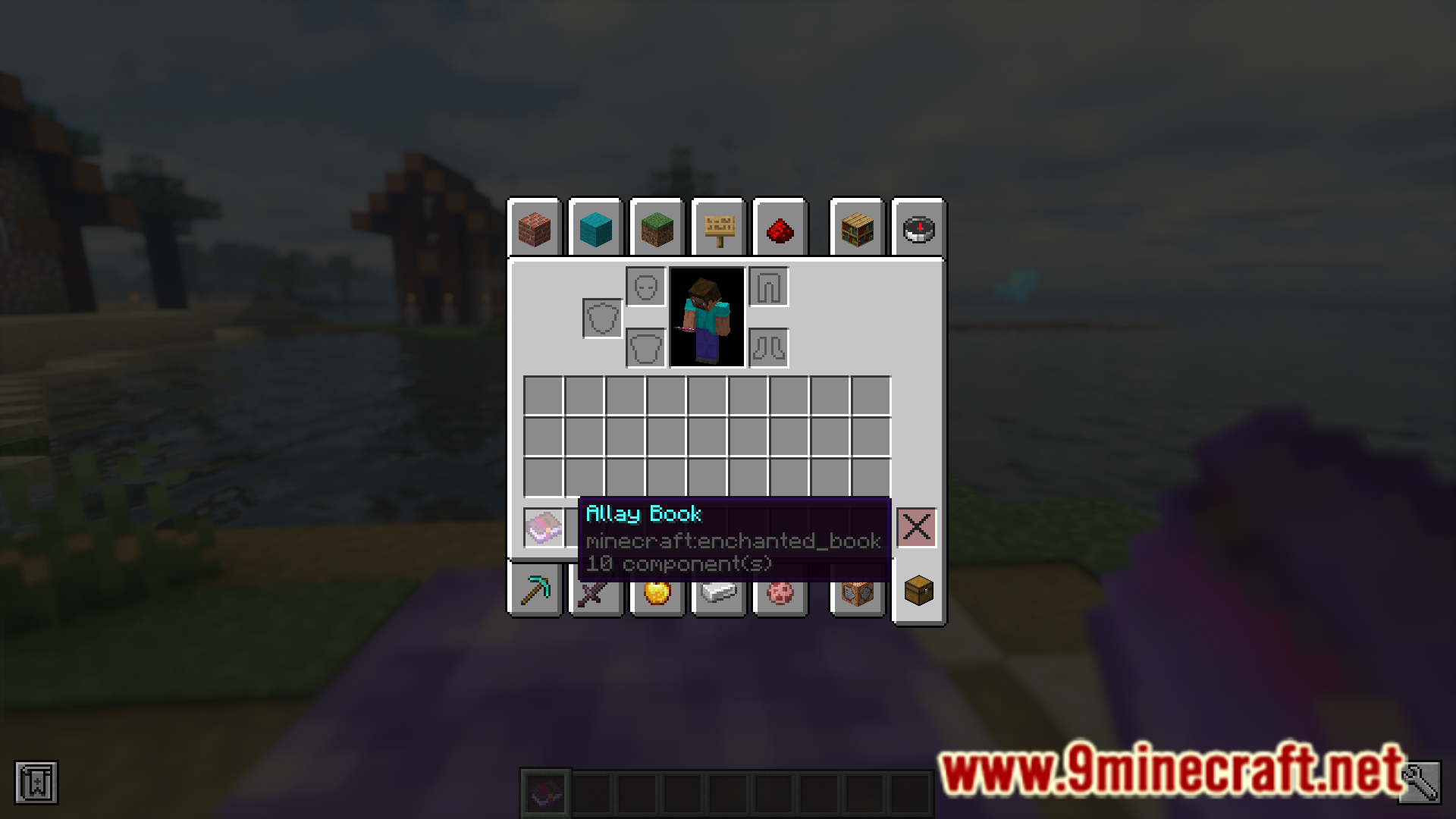
Allay Upgrades Mod adds some new features that will make dealing with allays a lot more convenient. This includes features like having the ability to store allays in books for easier transportation and allowing allays to teleport if they are far away from the owner. A list of new features, as noted by the developer, are given below.
Features:
- Allays remember noteblocks when far away: Allays will no longer forget their note block when they are too far away for too long (usually distracted by items) instead they will only forget their note block when they are close enough to hear it and tell that it’s not playing.
- Amethyst noteblocks: Placing an amethyst block under a note block will cause the allays to never* forget that noteblock, meaning you can make an allay stay in an area without the constant ringing of note blocks.You can make them forget a noteblock by punching them.
- Allays can teleport: If an allays is too far away from their owner and not following them anymore, they will teleport to them. (like how a wolf will teleport).
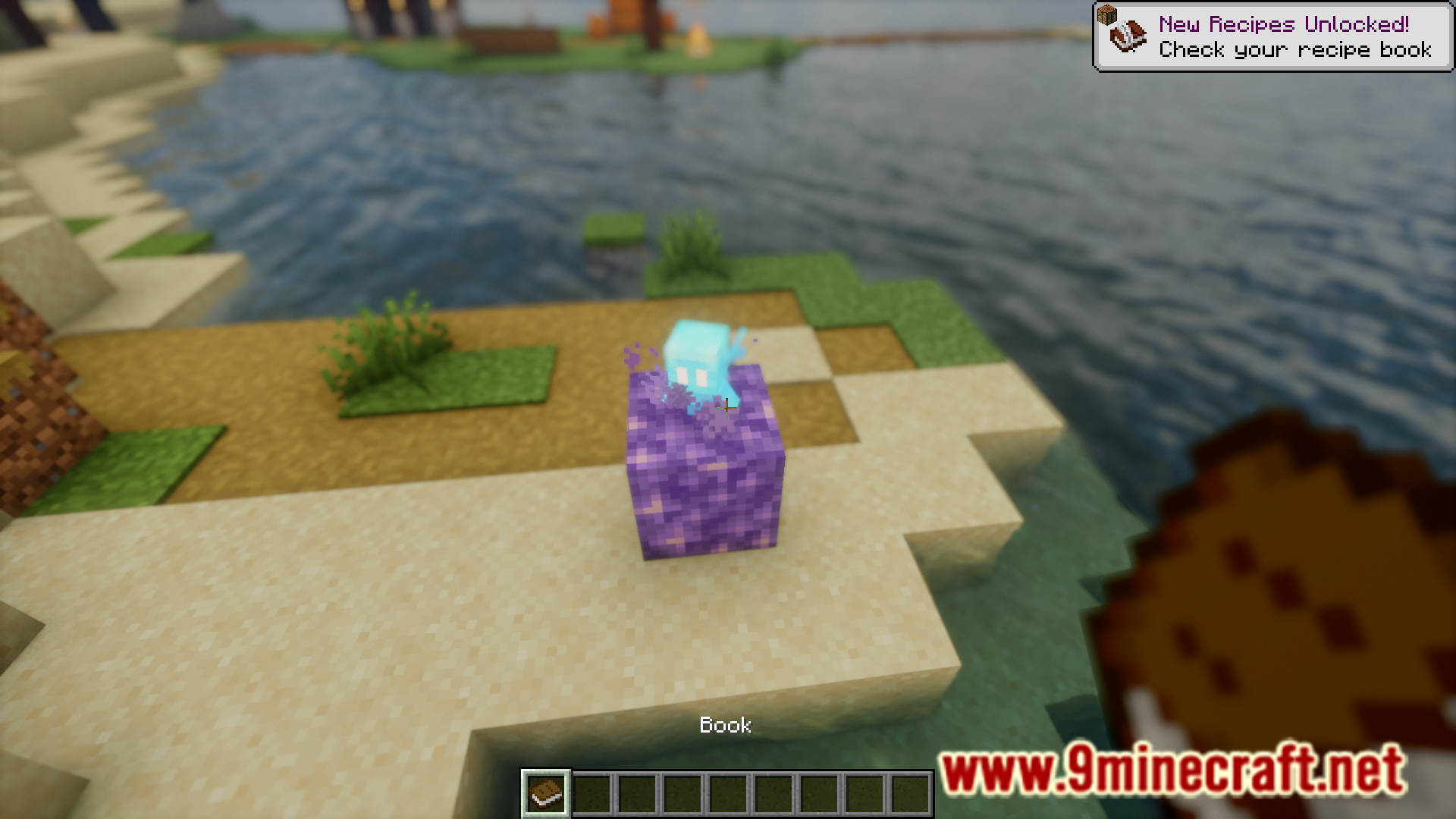
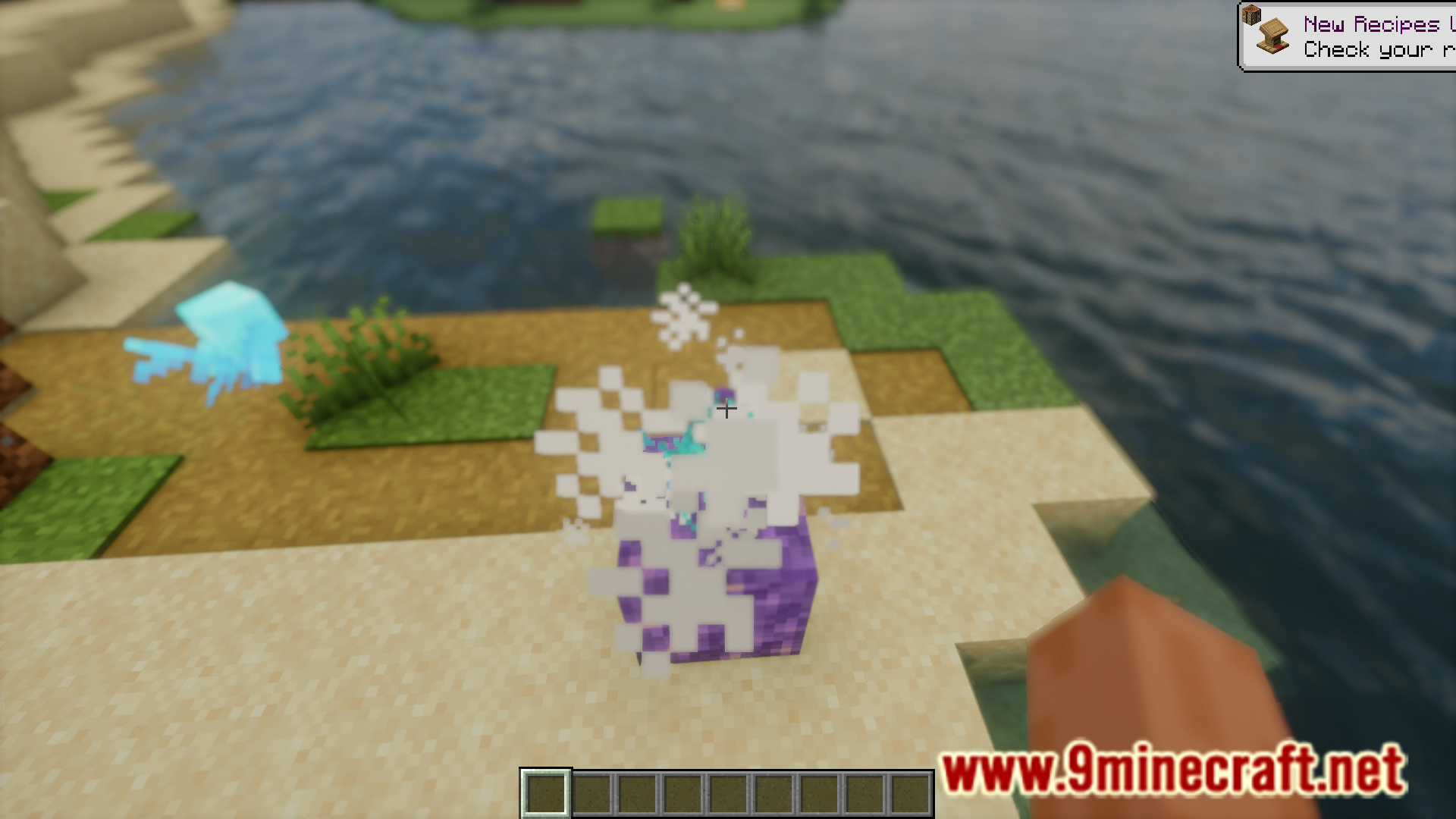
Untamed allays stay near the ground: Untamed allays will no longer fly too high into the sky to be given an item. - Amethyst pads: Store untamed allays by pushing them above an amethyst block. They will have amethyst particles and will not move from that spot until you give them an item.
- Auto-dismount: Allays with items will automatically dismount other entities, so they won’t get stuck in boats or minecarts.
Allay books: Allay can be stored in books for easy transportation or to reduce lag. Drop a book on an allay to store it in that book. Drop an allay book on the ground to release the allay.
Screenshots:
Allay Upgrades Mod Download Links
For Minecraft 1.21.5
Forge/NeoForge/Fabric/Quilt version: Download from Server 1 – Download from Server 2
For Minecraft 1.21.4
Forge/NeoForge/Fabric/Quilt version: Download from Server 1 – Download from Server 2
For Minecraft 1.21.1, 1.21
Forge/NeoForge/Fabric/Quilt version: Download from Server 1 – Download from Server 2
For Minecraft 1.20.6
Forge/Fabric/Quilt version: Download from Server 1 – Download from Server 2
For Minecraft 1.20.4, 1.20.1, 1.20
Forge/Fabric/Quilt version: Download from Server 1 – Download from Server 2
- Edition: Minecraft Java
- File type: .jar
- Minecraft versions listed: 1.21.5, 1.20.1
- How to install: Install the matching mod loader (Forge, Fabric or NeoForge) for your Minecraft version. → Download the .jar. → Put it in the .minecraft/mods folder and launch that loader profile.
- Where to get it: In MC Java Mods, or directly above on this page.
Install steps are the general flow for this file type — How to install Minecraft Java mods & modpacks walks through it step by step.
- Downloads as 178284.mcaddon
- Download size: 28 KB
- Download link checked 29 Jul 2026 — working
- Mirrored on our own servers — the download does not depend on the original host
These come from our own check of the pack file, not from the source page.