
Chime Mod (1.20.1, 1.19.2) – Adds Flexible Item Model Changes
Java mod listed for Minecraft 1.19–1.20. Downloads from the MC Java Mods app on Android.
⬇ Download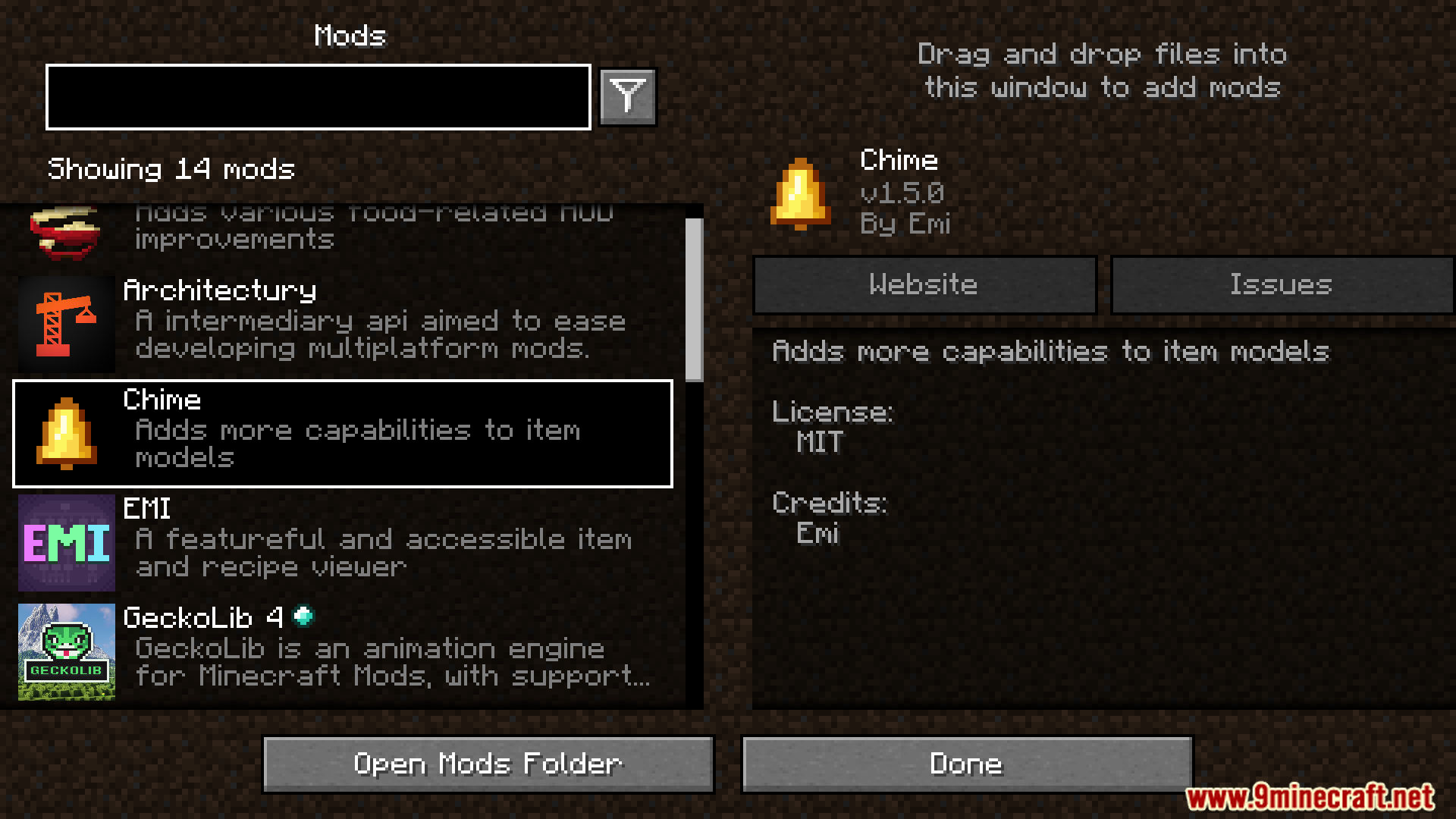
Chime Mod lets item models change based on different things. It uses Minecraft’s built-in system to make models look different depending on the item’s name, enchantments, NBT data, the dimension, or the type of mob or player holding it.
Features:
- Adds flexible item model changes using conditions.
- Works with item name, enchantments, NBT, dimension, entity, and more.
Screenshots:
Chime Mod Download Links
For Minecraft 1.20.4, 1.20.2, 1.20.1
Fabric/Quilt Version: Download from Server 1 – Download from Server 2
For Minecraft 1.19.3
Fabric/Quilt Version: Download from Server 1 – Download from Server 2
For Minecraft 1.19.2
Fabric/Quilt Version: Download from Server 1 – Download from Server 2
For Minecraft 1.18.2
Fabric Version: Download from Server 1 – Download from Server 2
For Minecraft 1.16.5
Fabric Version: Download from Server 1 – Download from Server 2
- Edition: Minecraft Java
- File type: .jar
- Minecraft versions listed: 1.20.1, 1.19.2
- How to install: Install the matching mod loader (Forge, Fabric or NeoForge) for your Minecraft version. → Download the .jar. → Put it in the .minecraft/mods folder and launch that loader profile.
- Where to get it: In MC Java Mods, or directly above on this page.
Install steps are the general flow for this file type — How to install Minecraft Java mods & modpacks walks through it step by step.
- Downloads as 178293.mcaddon
- Download size: 46 KB
- Download link checked 24 Jul 2026 — working
- Mirrored on our own servers — the download does not depend on the original host
These come from our own check of the pack file, not from the source page.