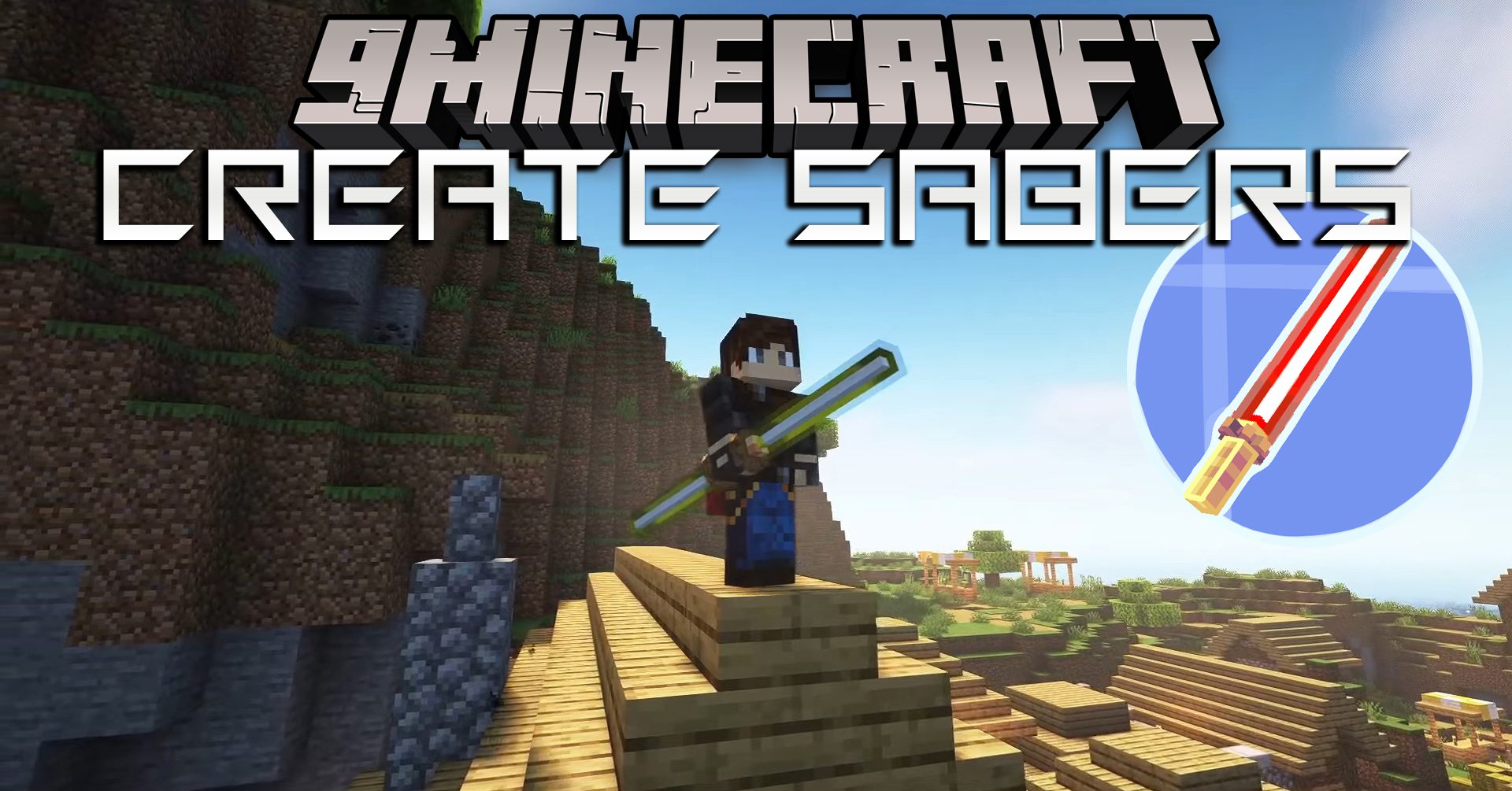
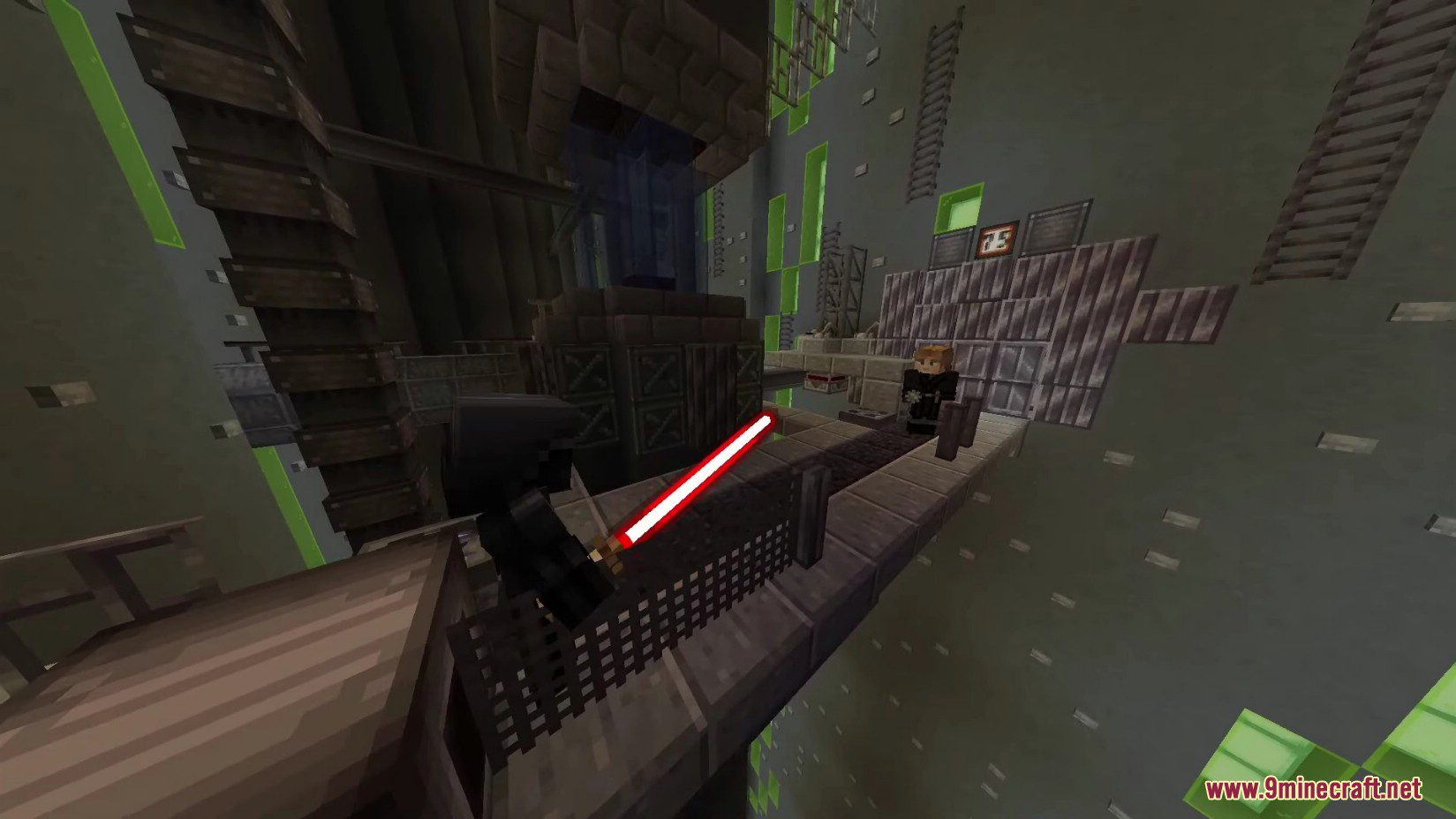
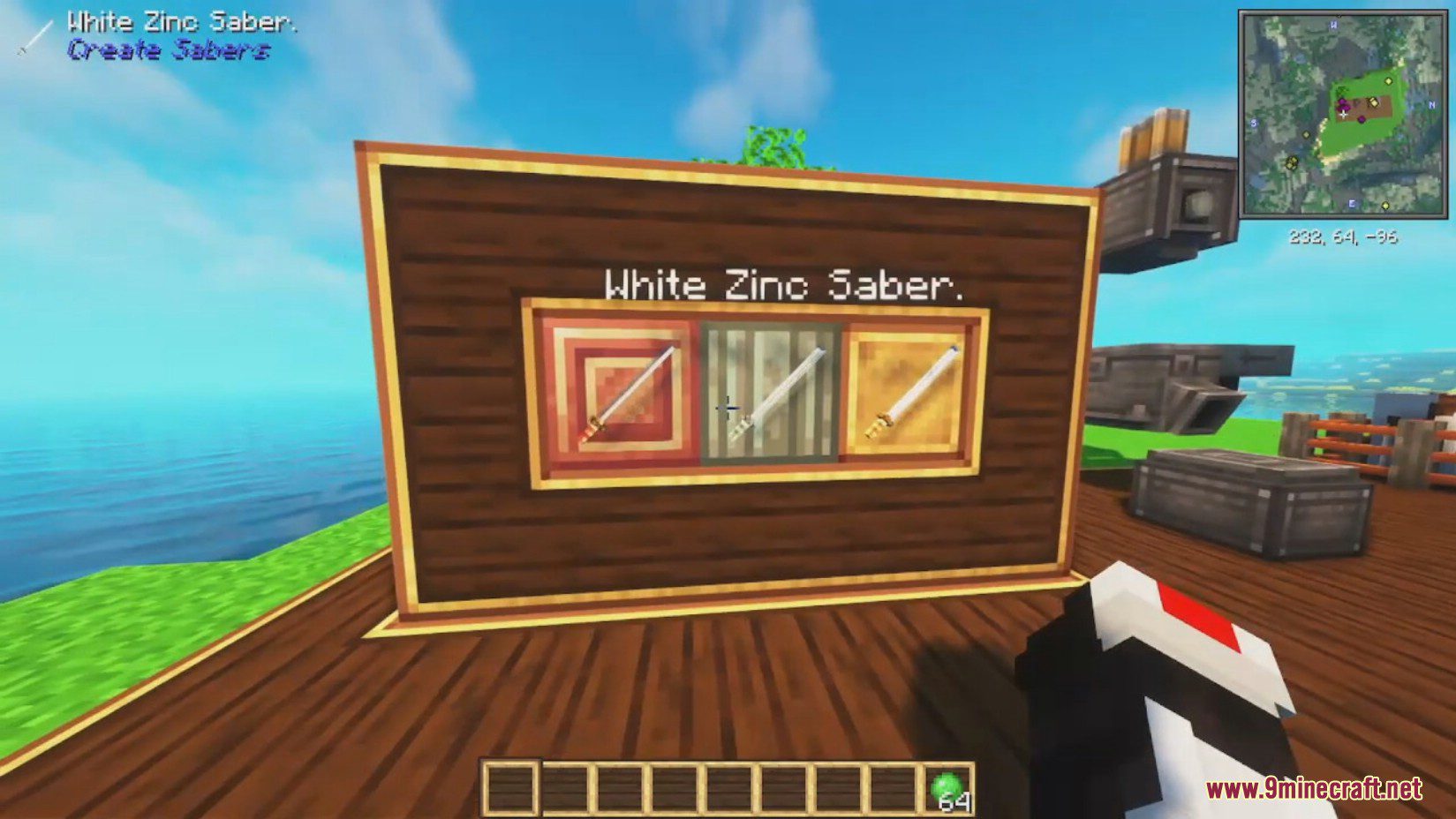
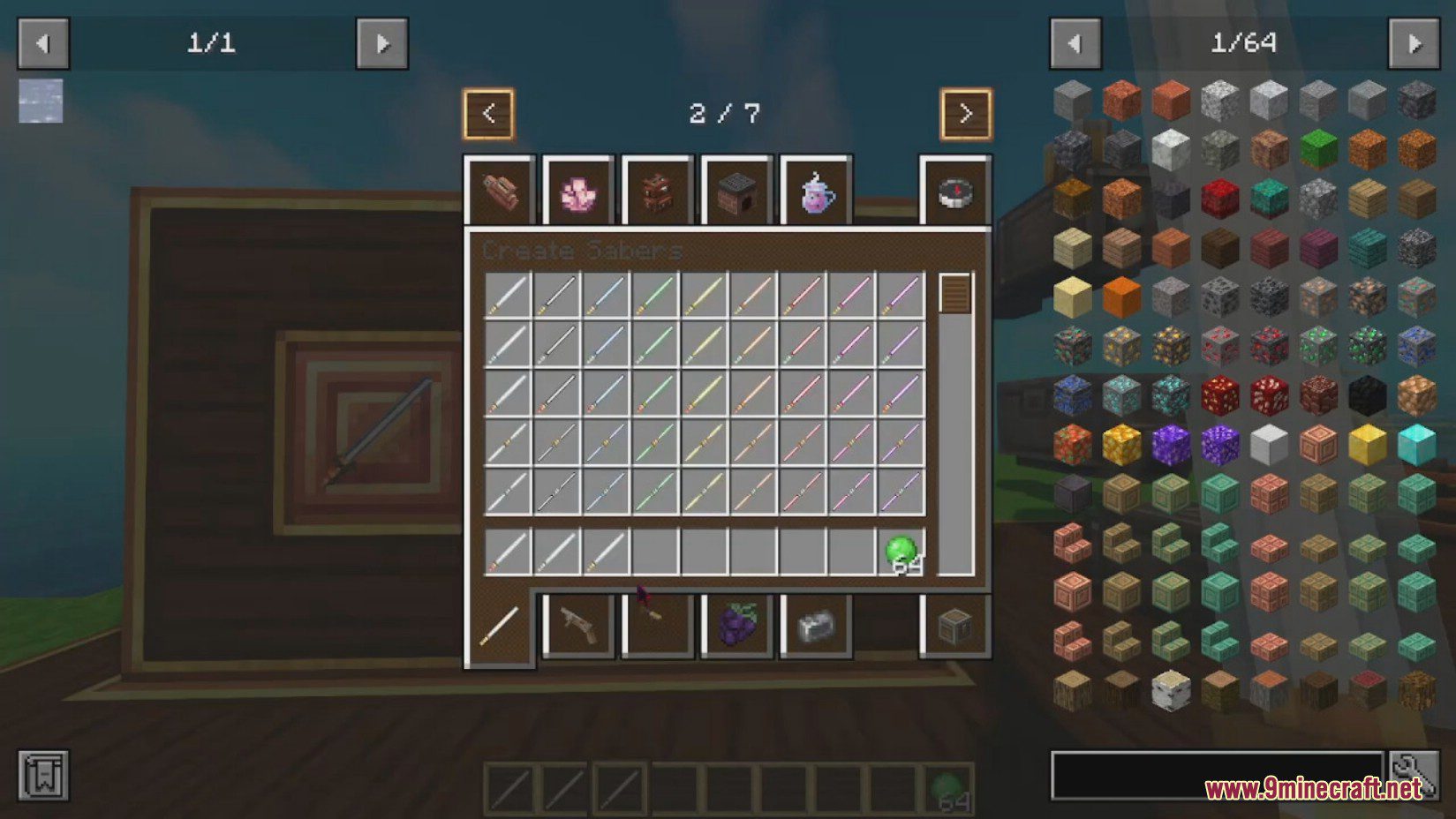
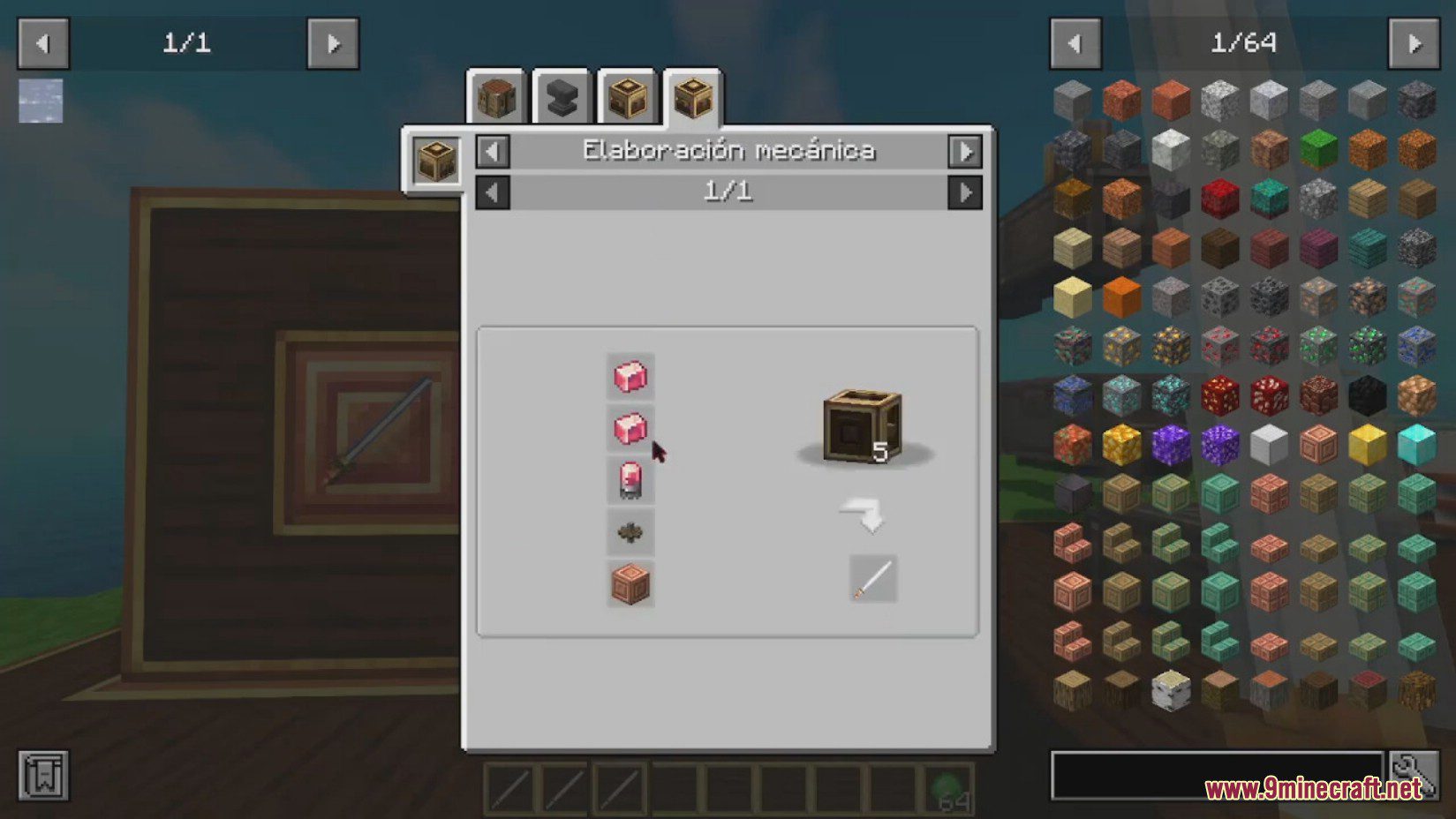
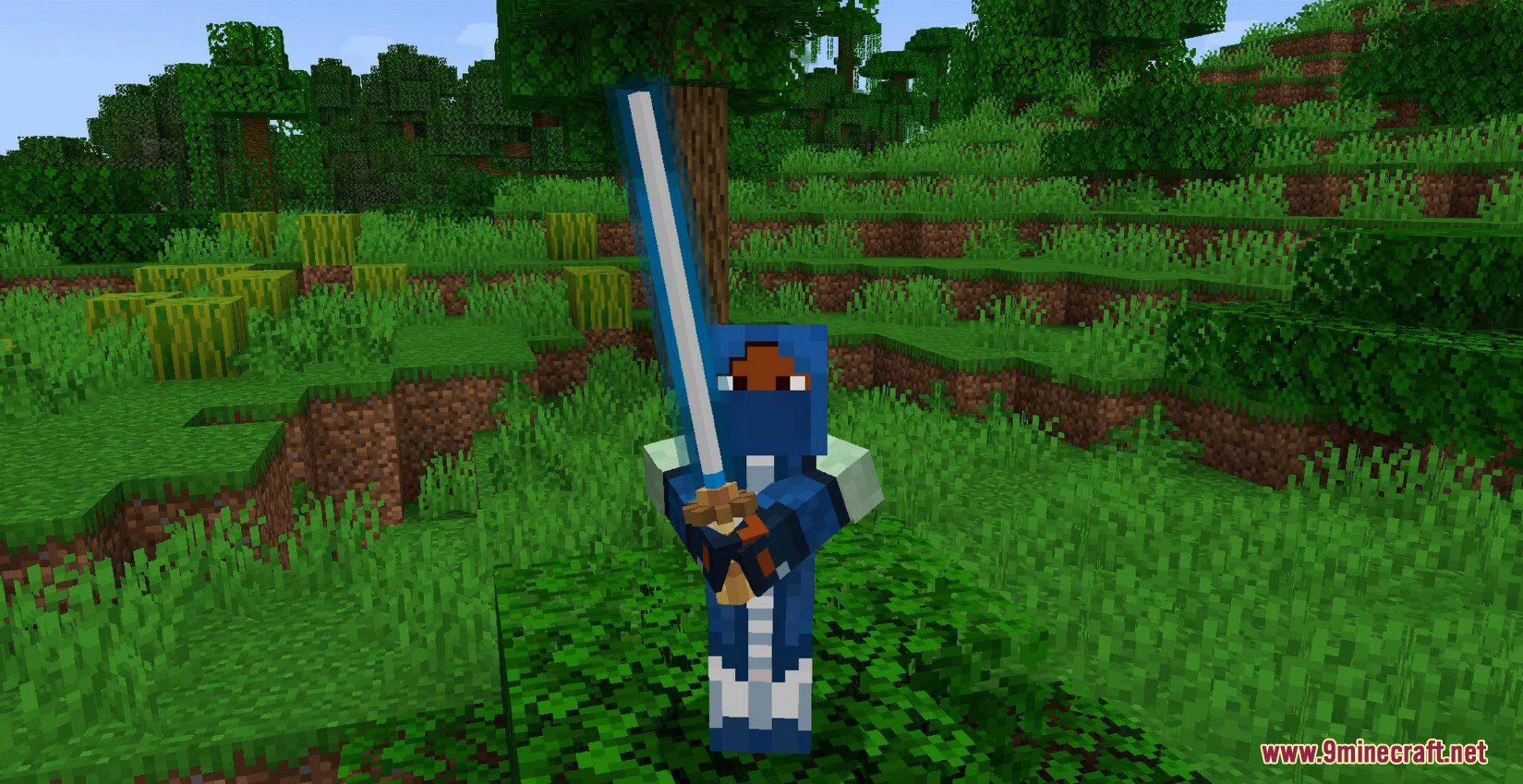
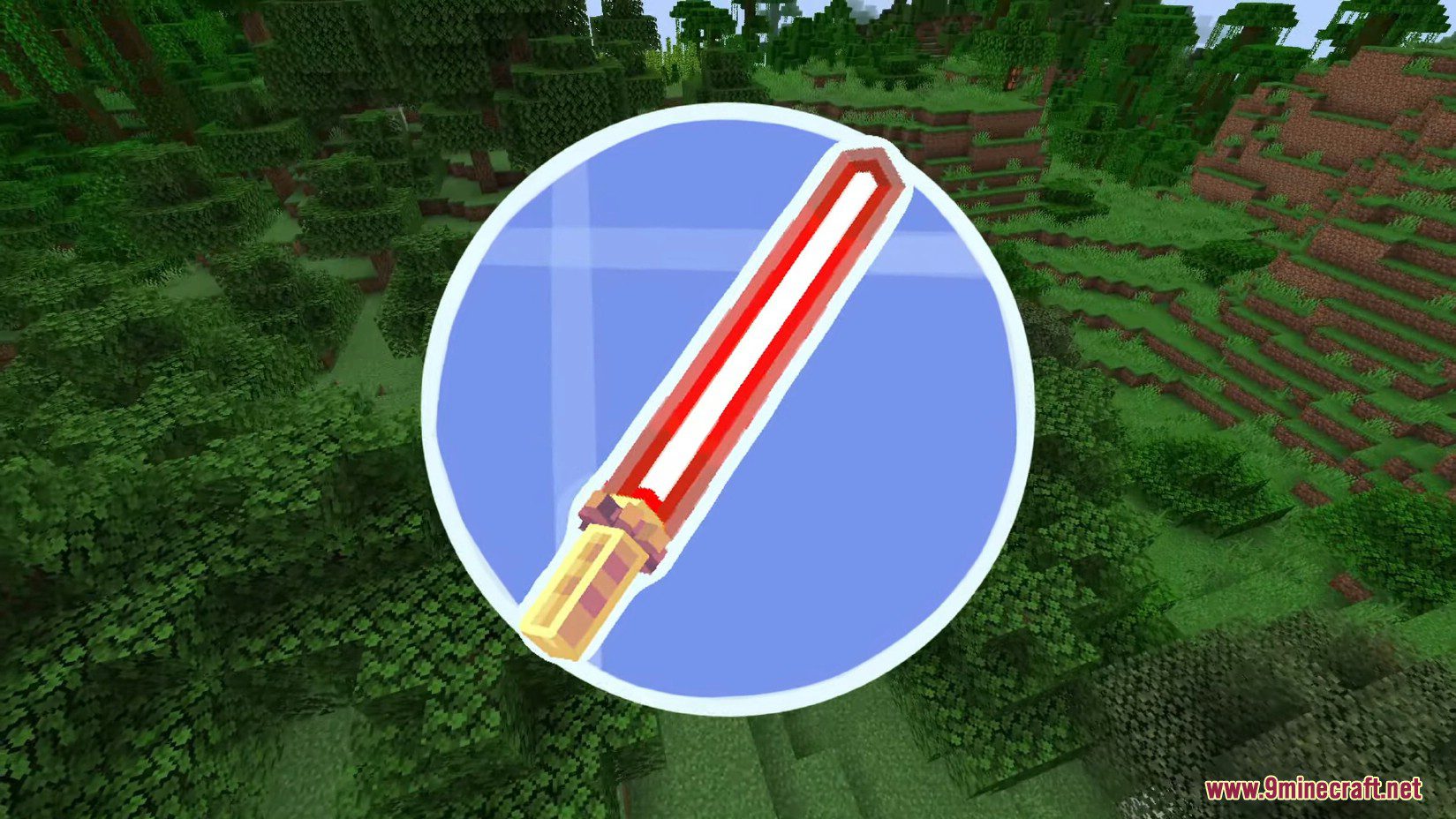
Create Sabers Mod is a Minecraft mod that uses the resources of Create to offer you new types of weapons. Weapons are primarily used as cosmetics, but also have different bonuses in addition to their style. You can make 2 types of saber depending on your materials (brass, zinc, copper), and the materials influence the weapon stats, with a total of 9 colors to choose from.
Features:
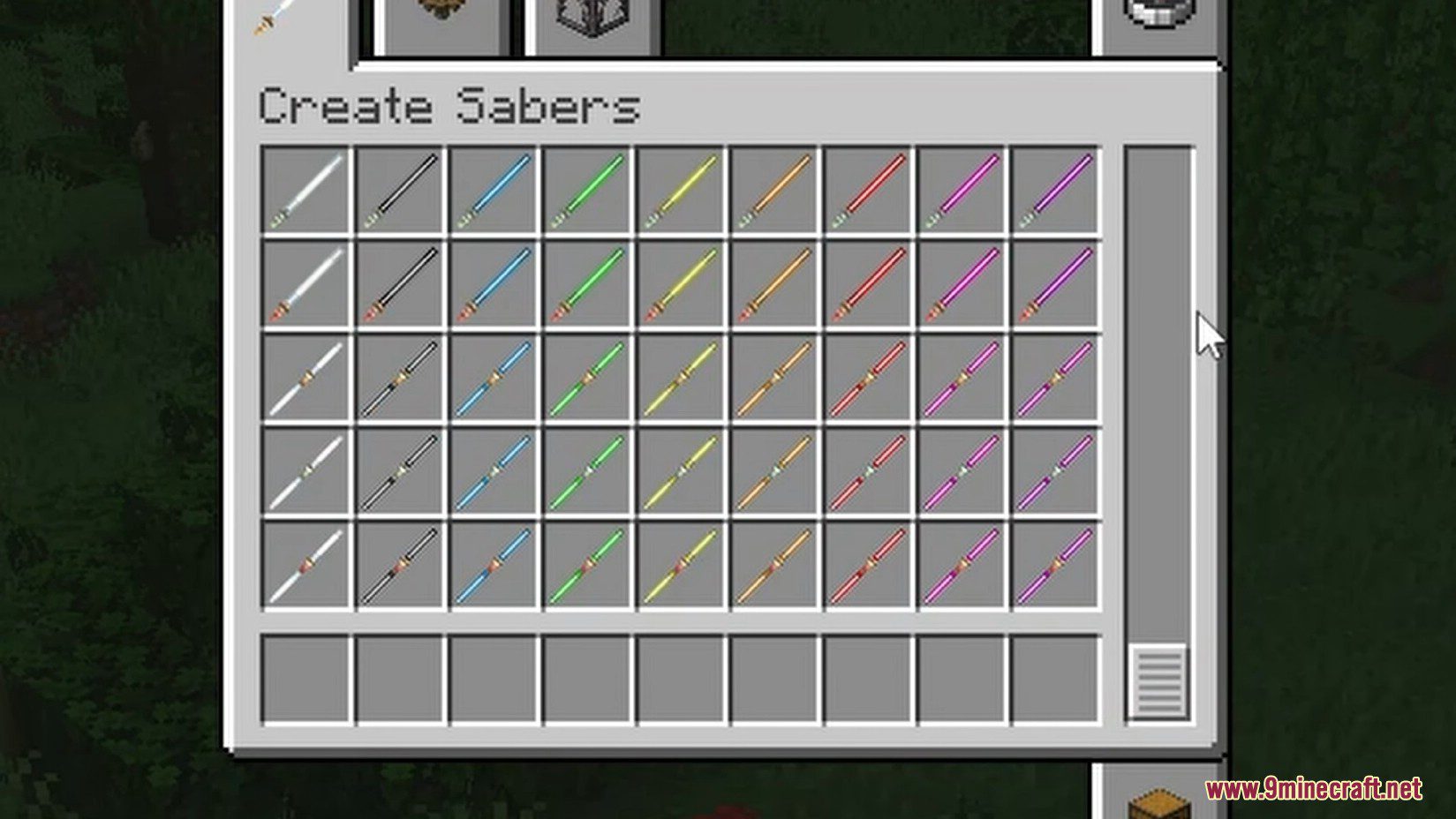
Classic Sabers :
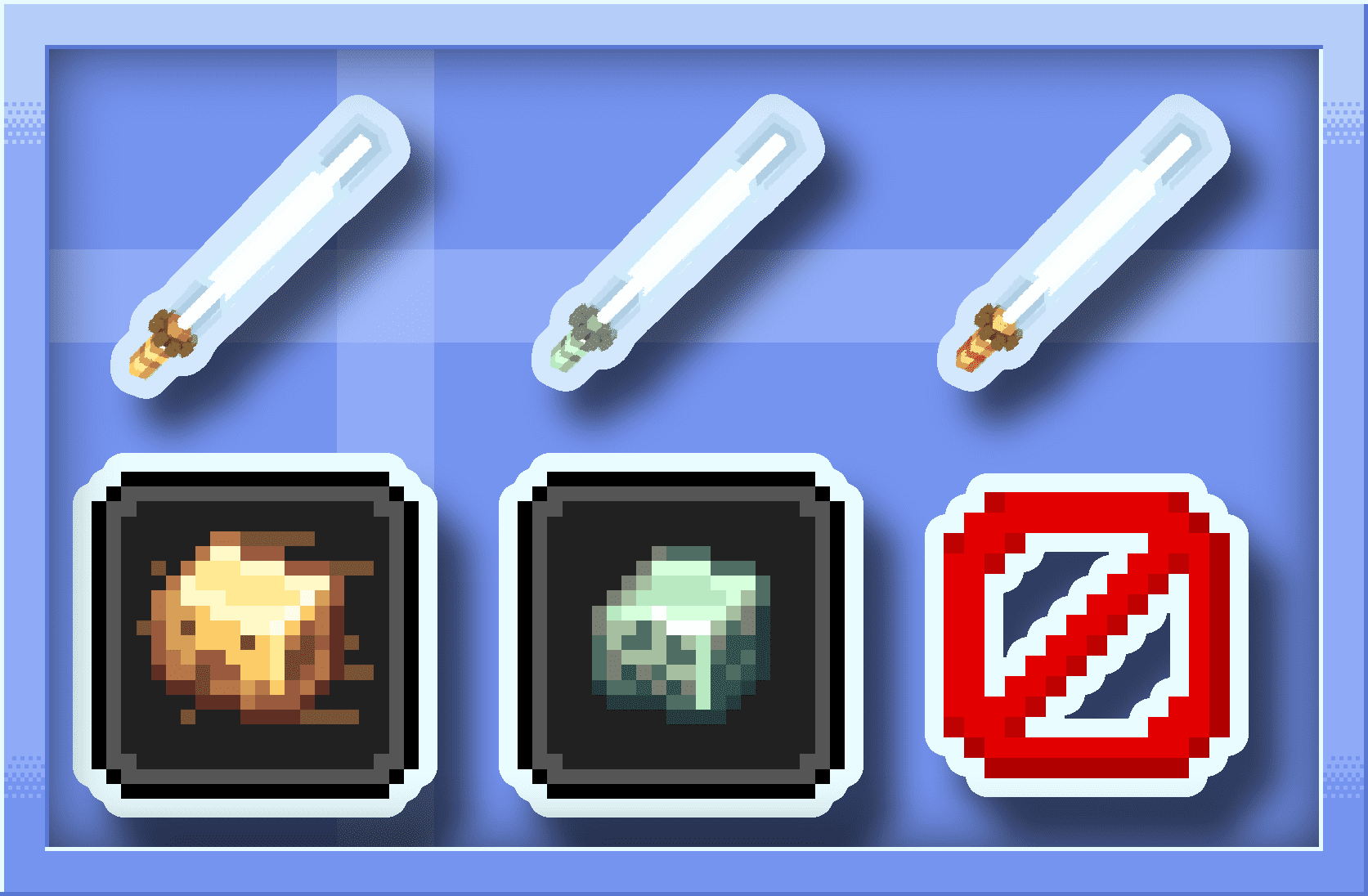
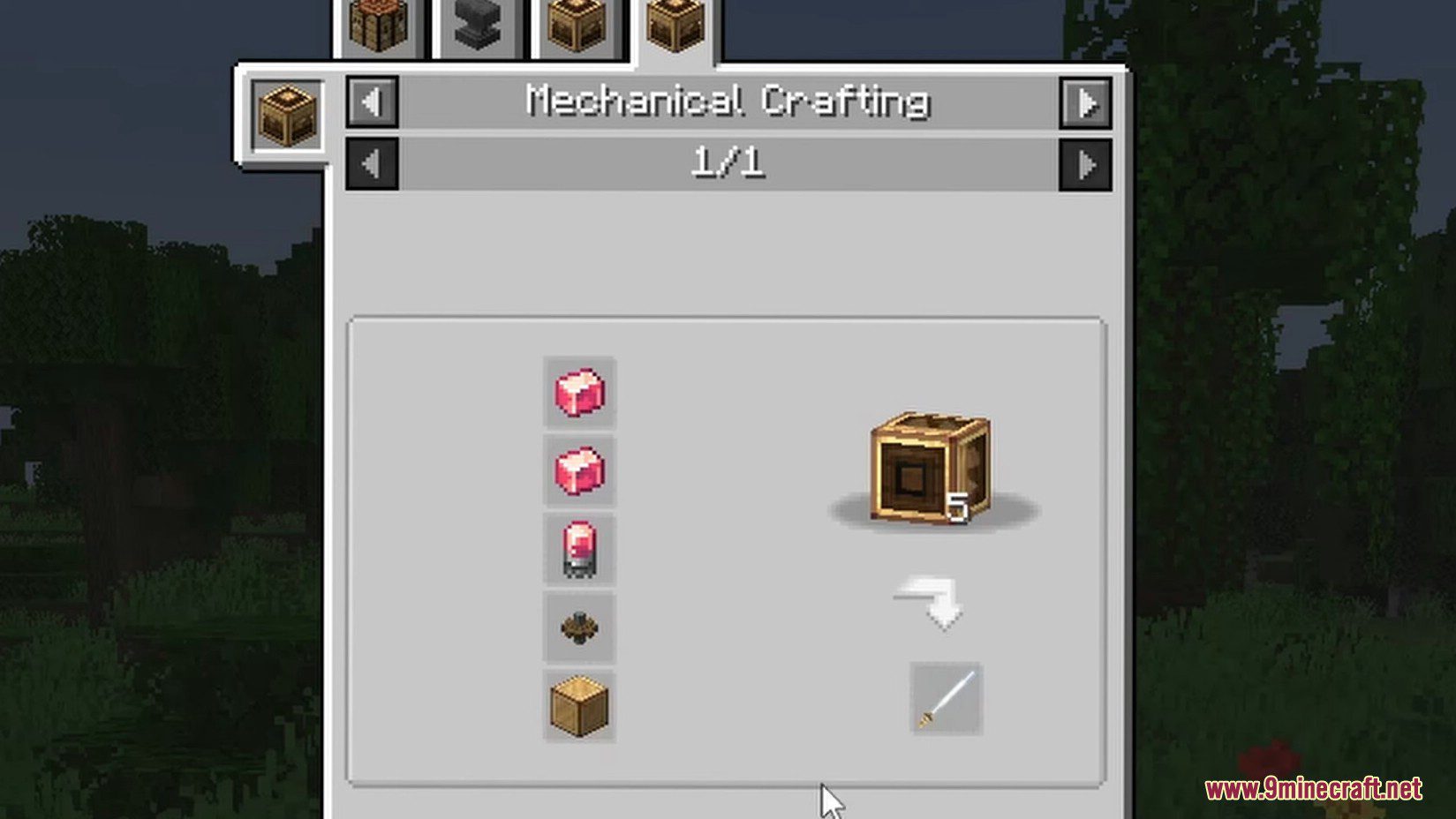
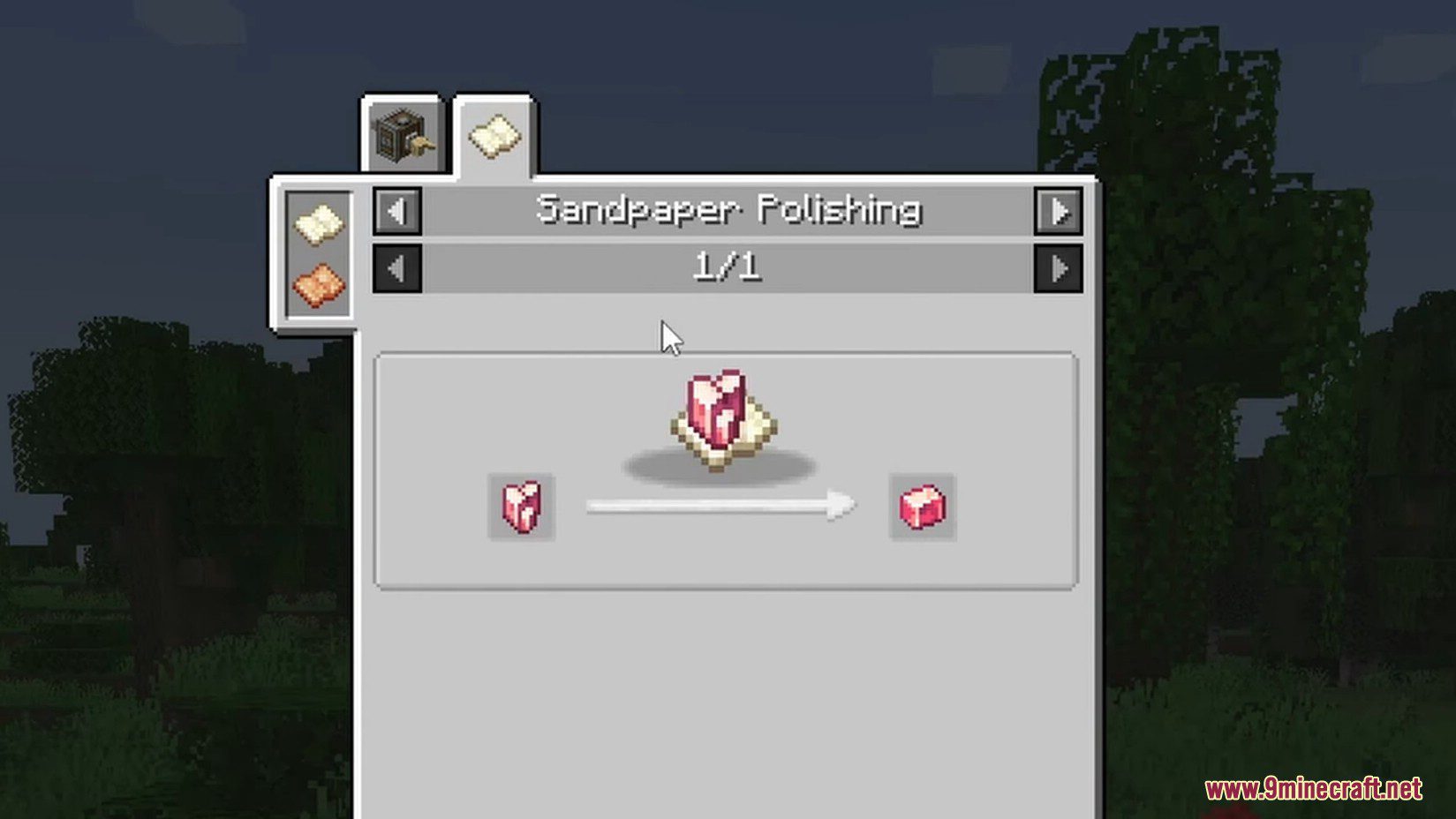
- There are 3 types of saber: brass, zinc and copper, all 3 are necessary for the craft of their respective variants, each saber has respective potion effects given to mobs once hit.
- The Brass Nausea : makes the player and his vision tremble, making movement on affected entities much more complicated, both for the player and the mob.
- The Scattered Zinc : has a chance to cause the camera position of the target to be reversed every second, thus preventing the target from fleeing.
- The Copper Saber : is a very ordinary saber.
Double Sabers :
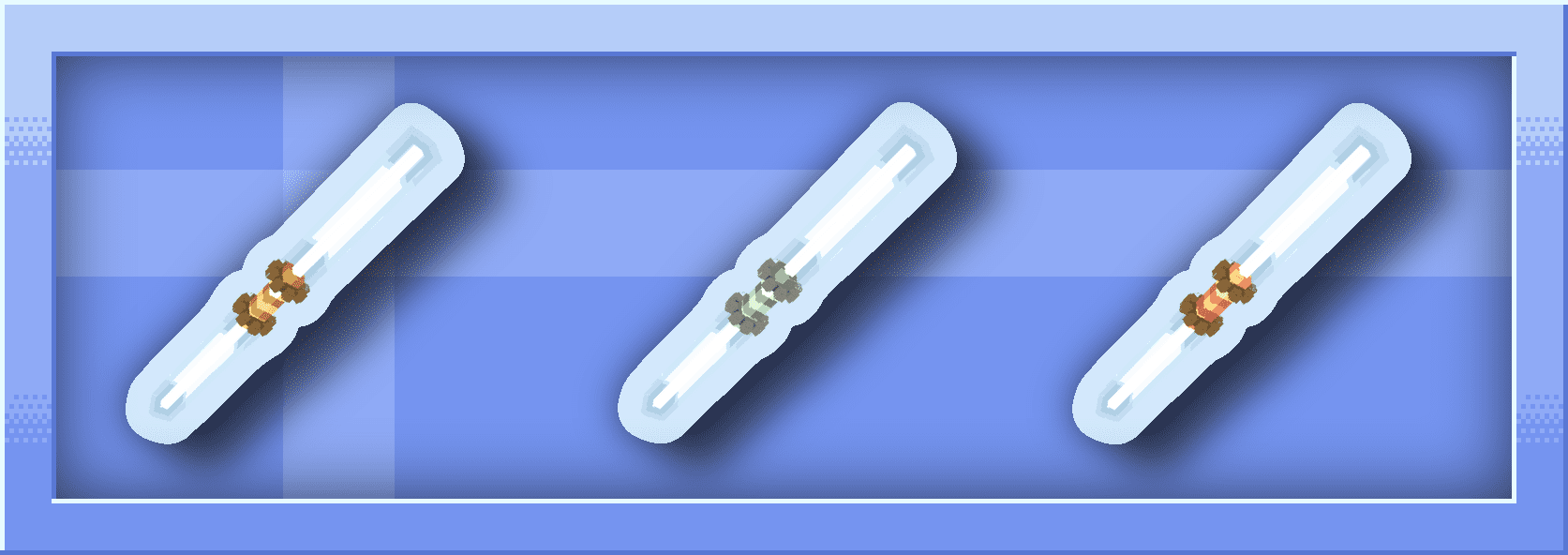
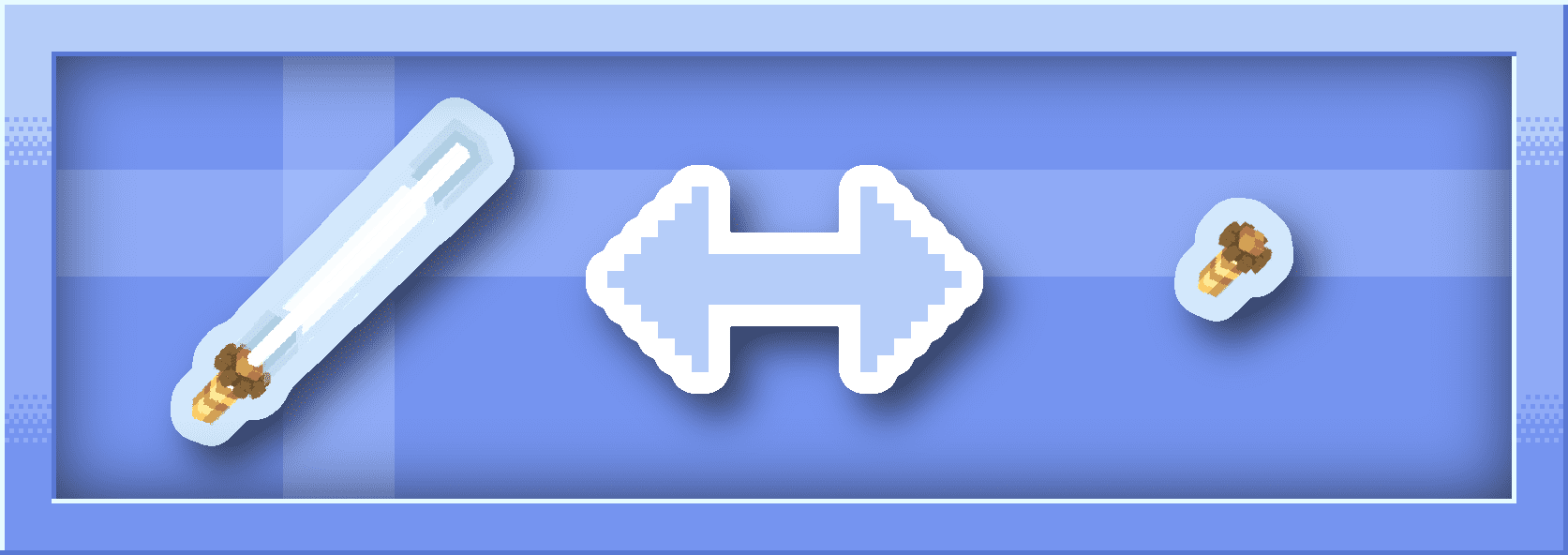
- Exactly like the classic saber, but with a double blade, so it’s made with 2 sabers and 1 slime ball.
Sabers Color :
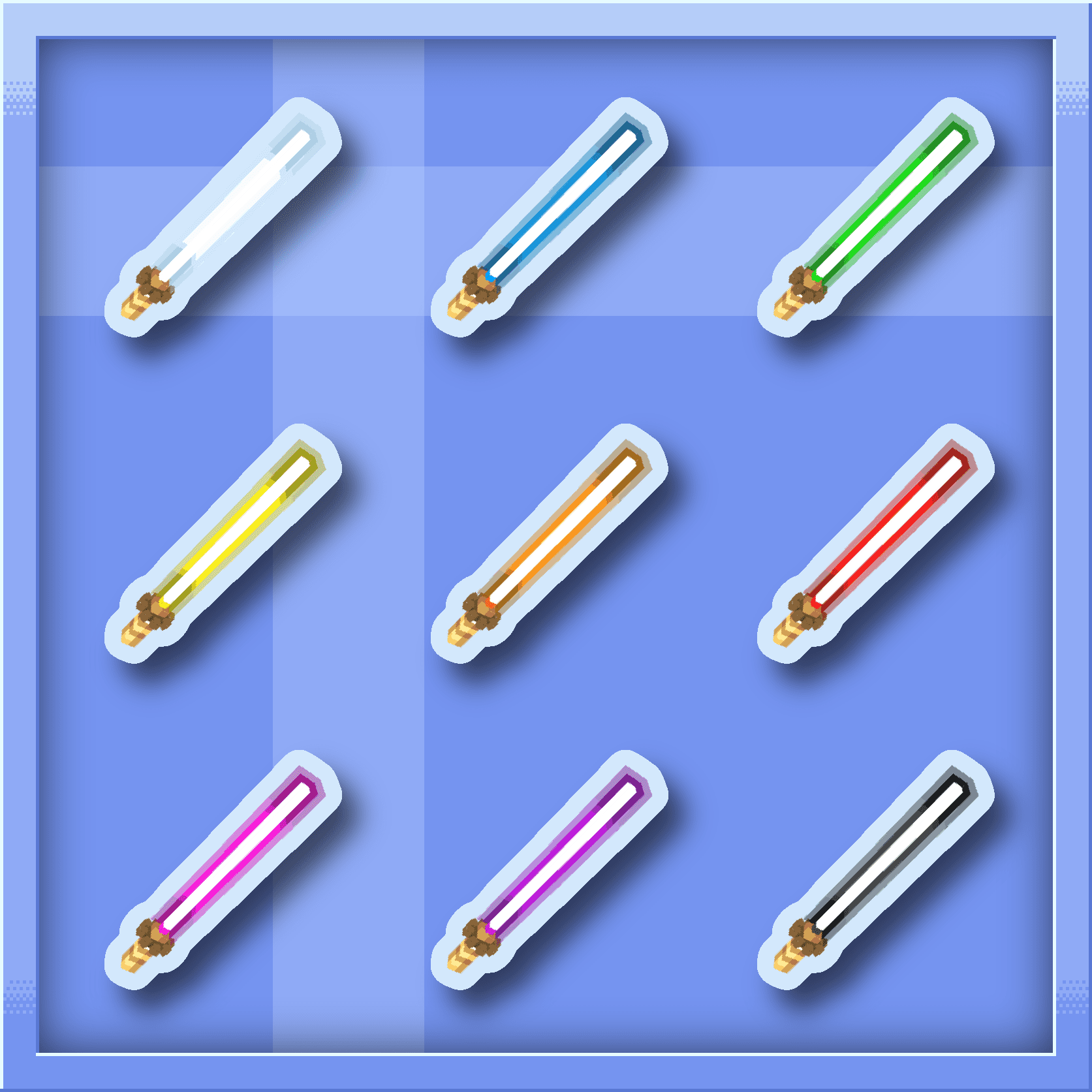
- 9 colors are available for all types of sabers, whether double, classic, brass, zinc or even copper, these sabers can be crafted with any saber surrounded by 4 dyes! (a color that is not yet obtainable in survival can still be give with “/give @s create_sabers:brass_saber_galaxy” which allows you to make a variation for a custom craft to your modpack)
Sabers Switch :
- All sabers can be deactivated with a Shift + Right Click, and reactivated in the same way.
Screenshots:
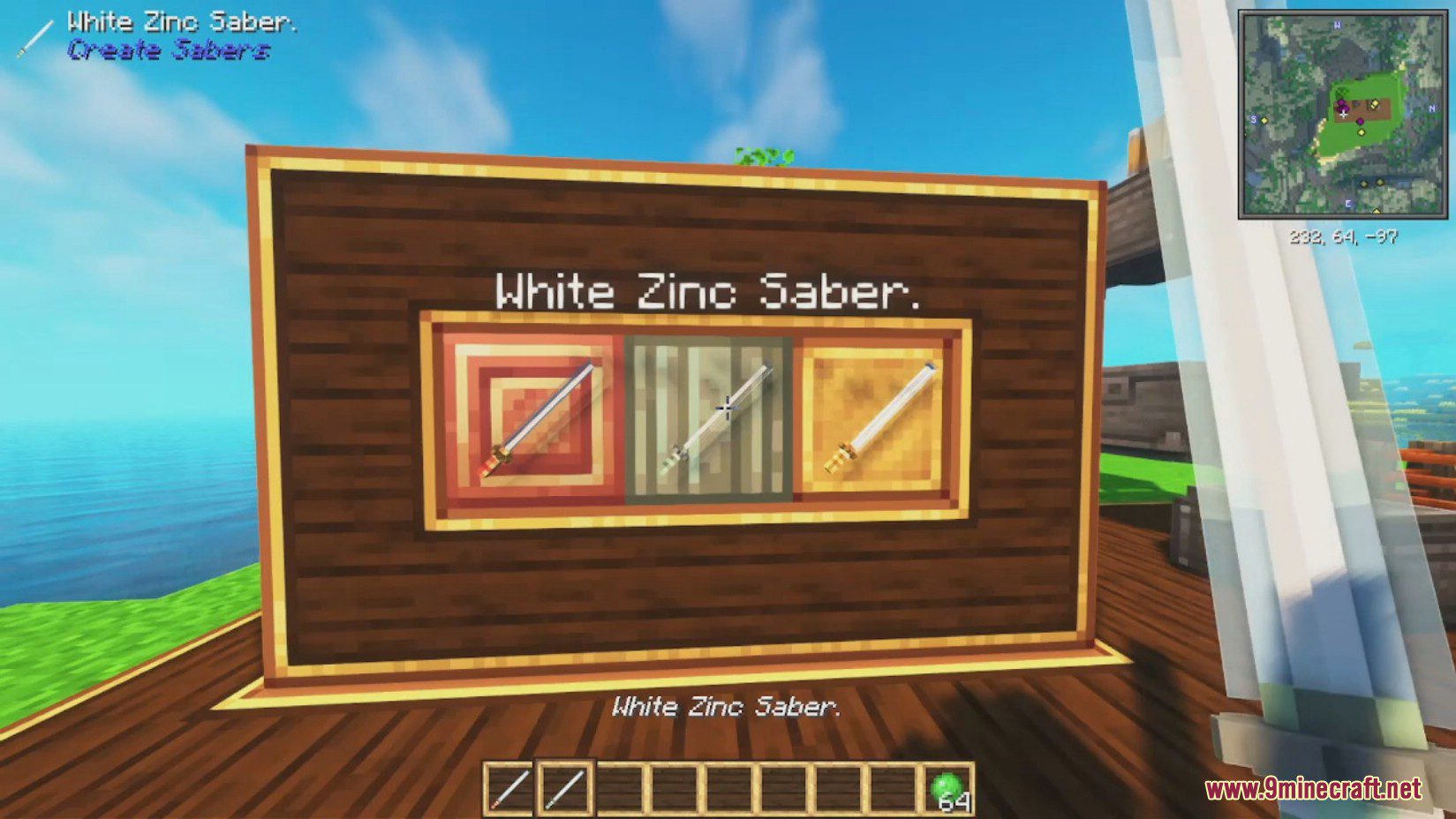
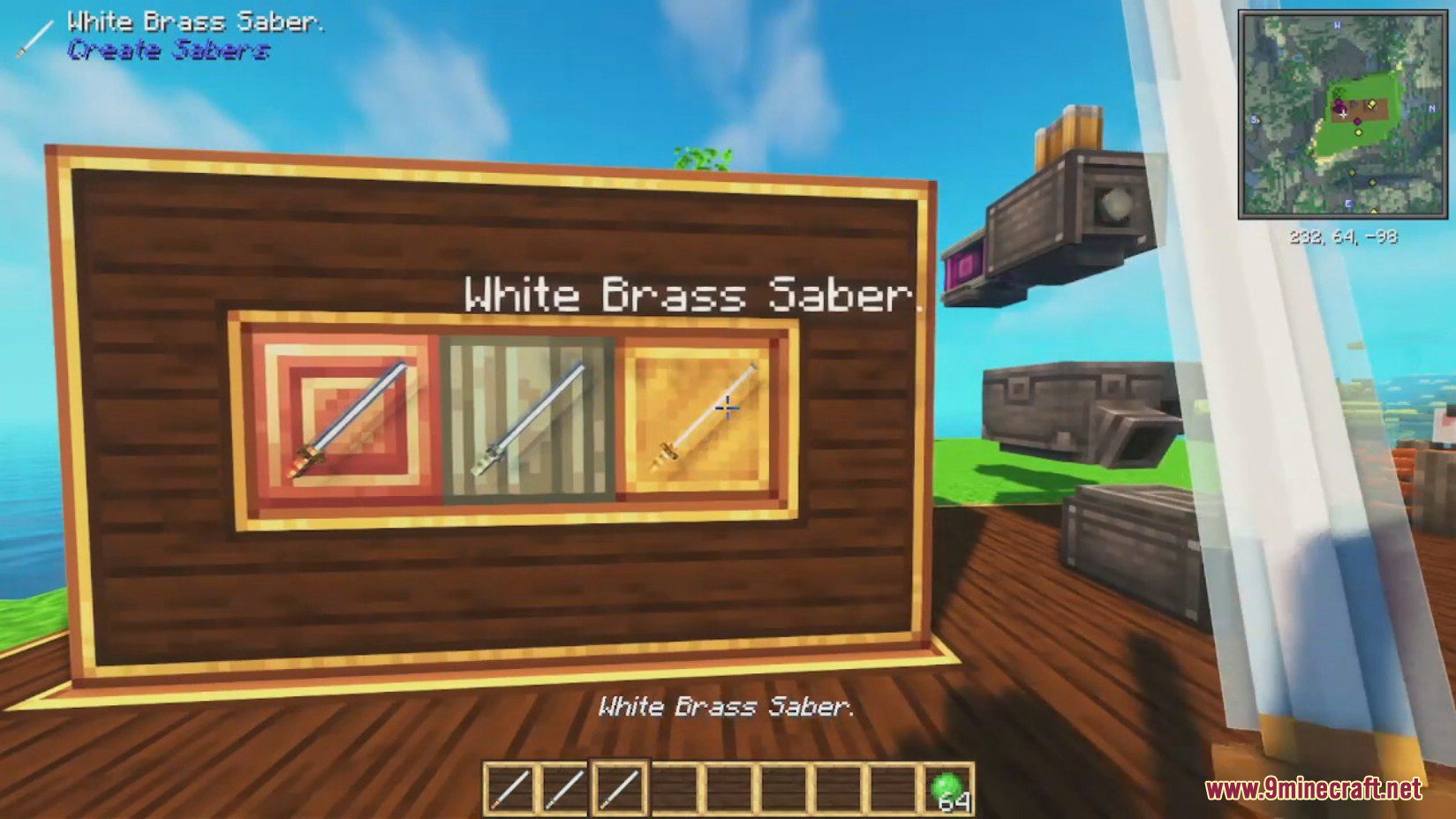
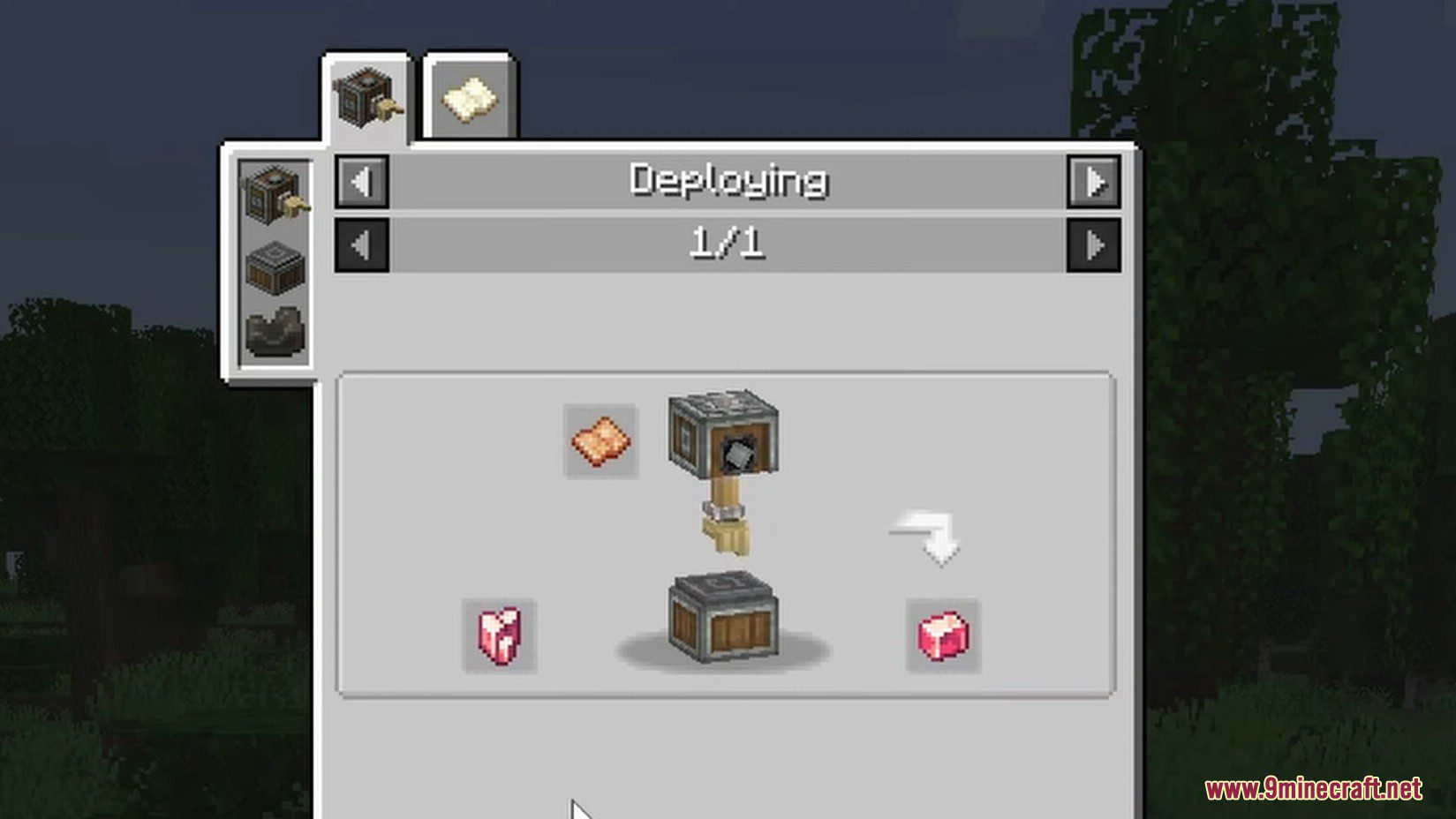
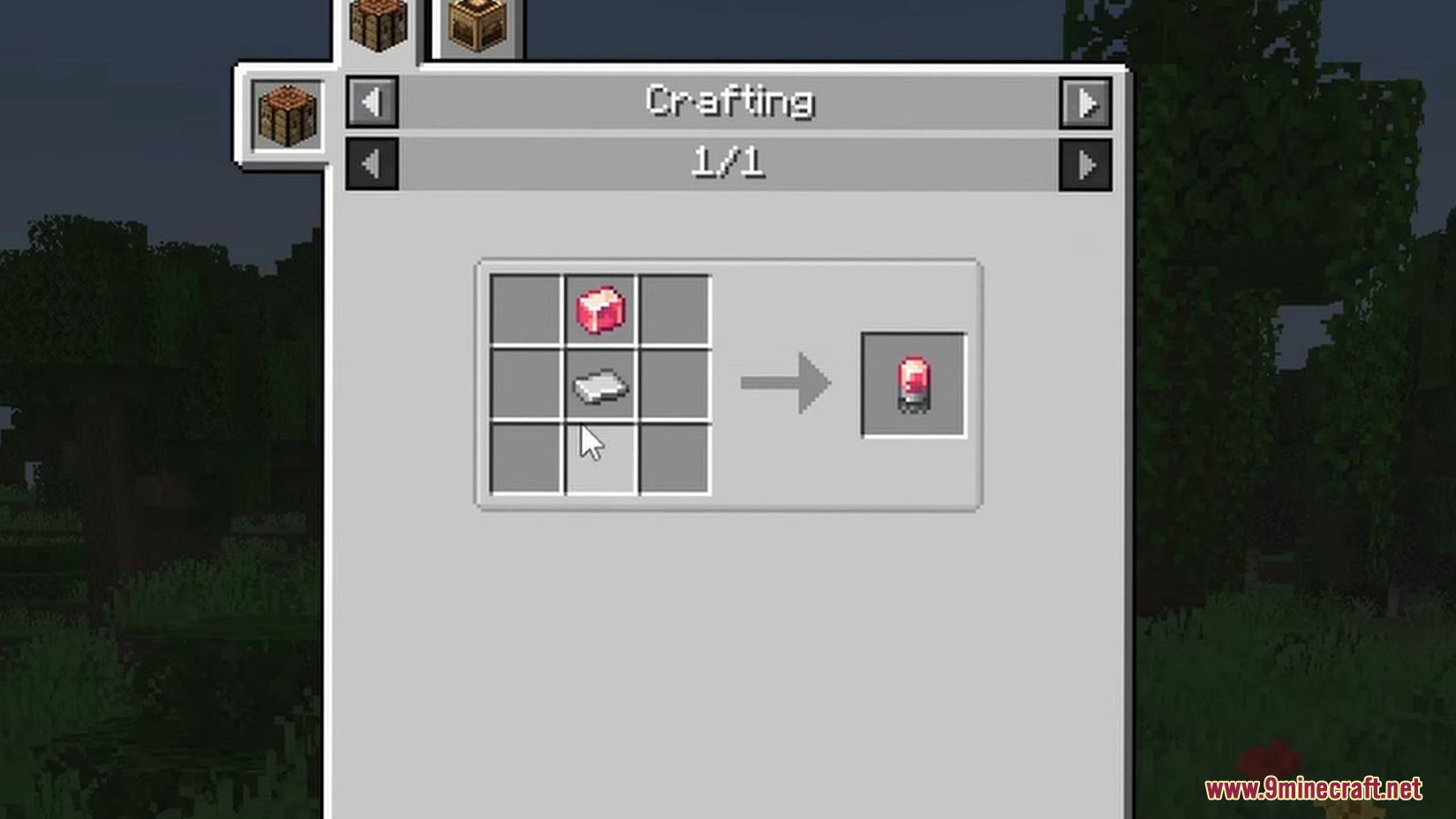
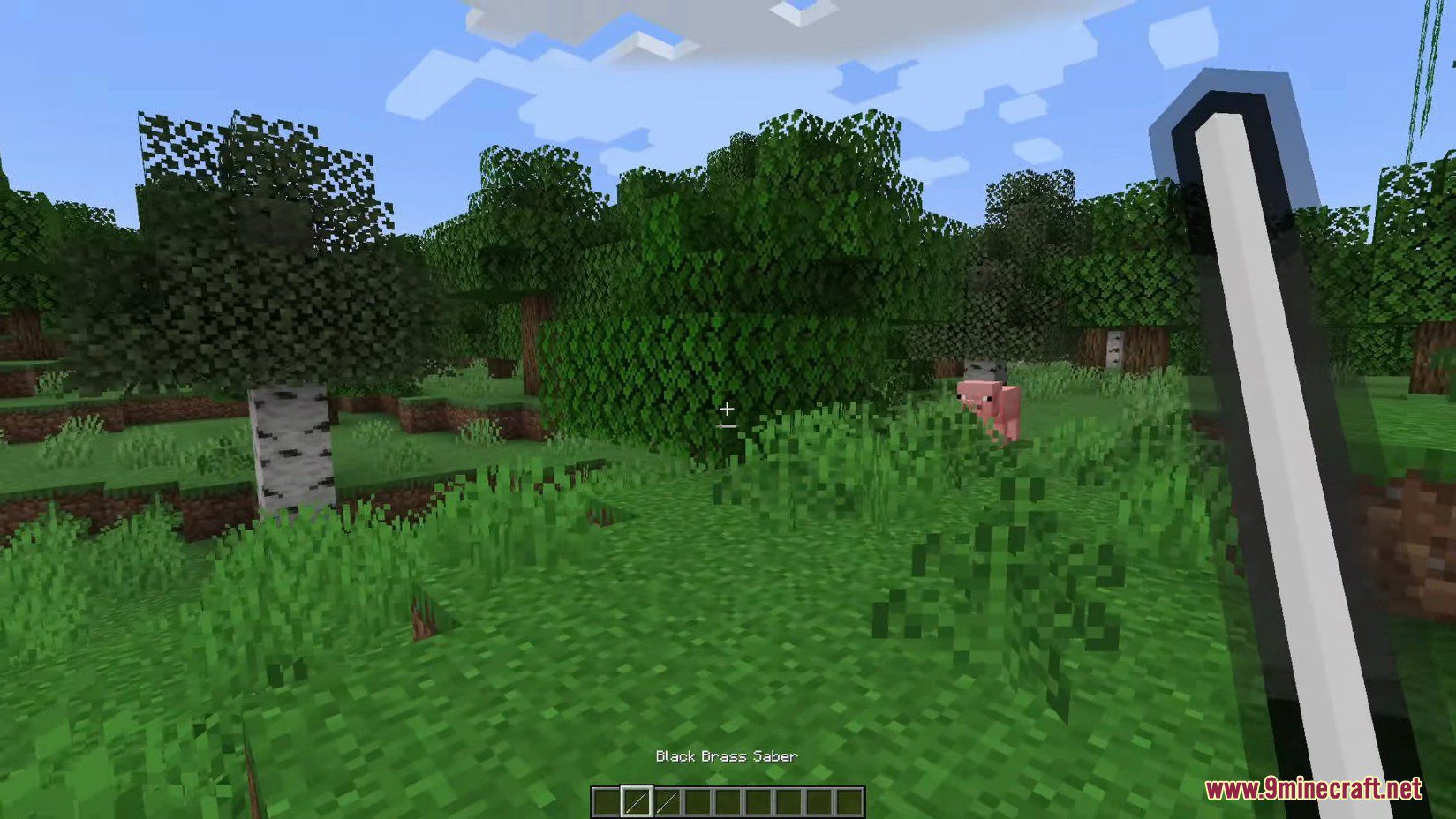
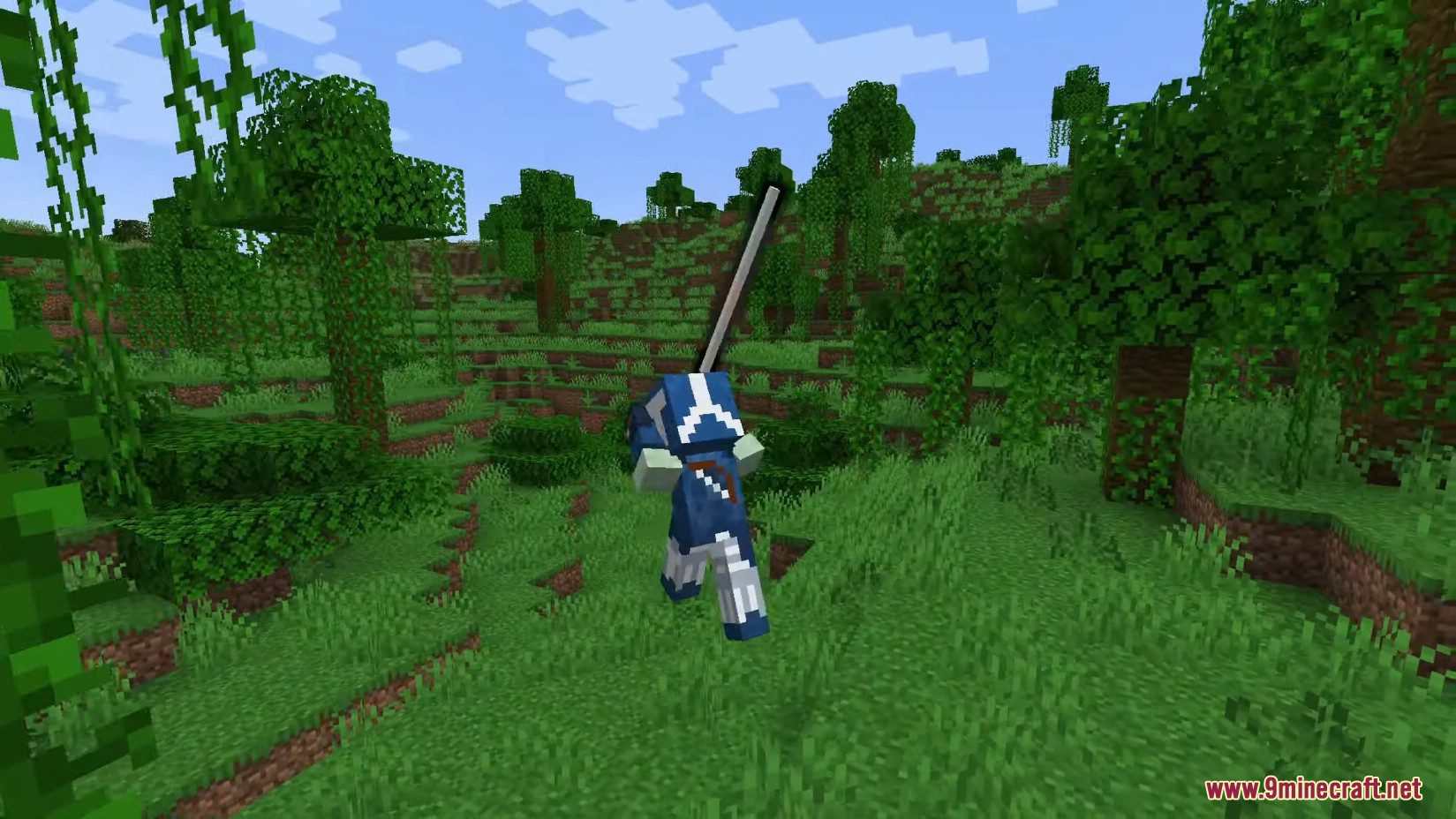
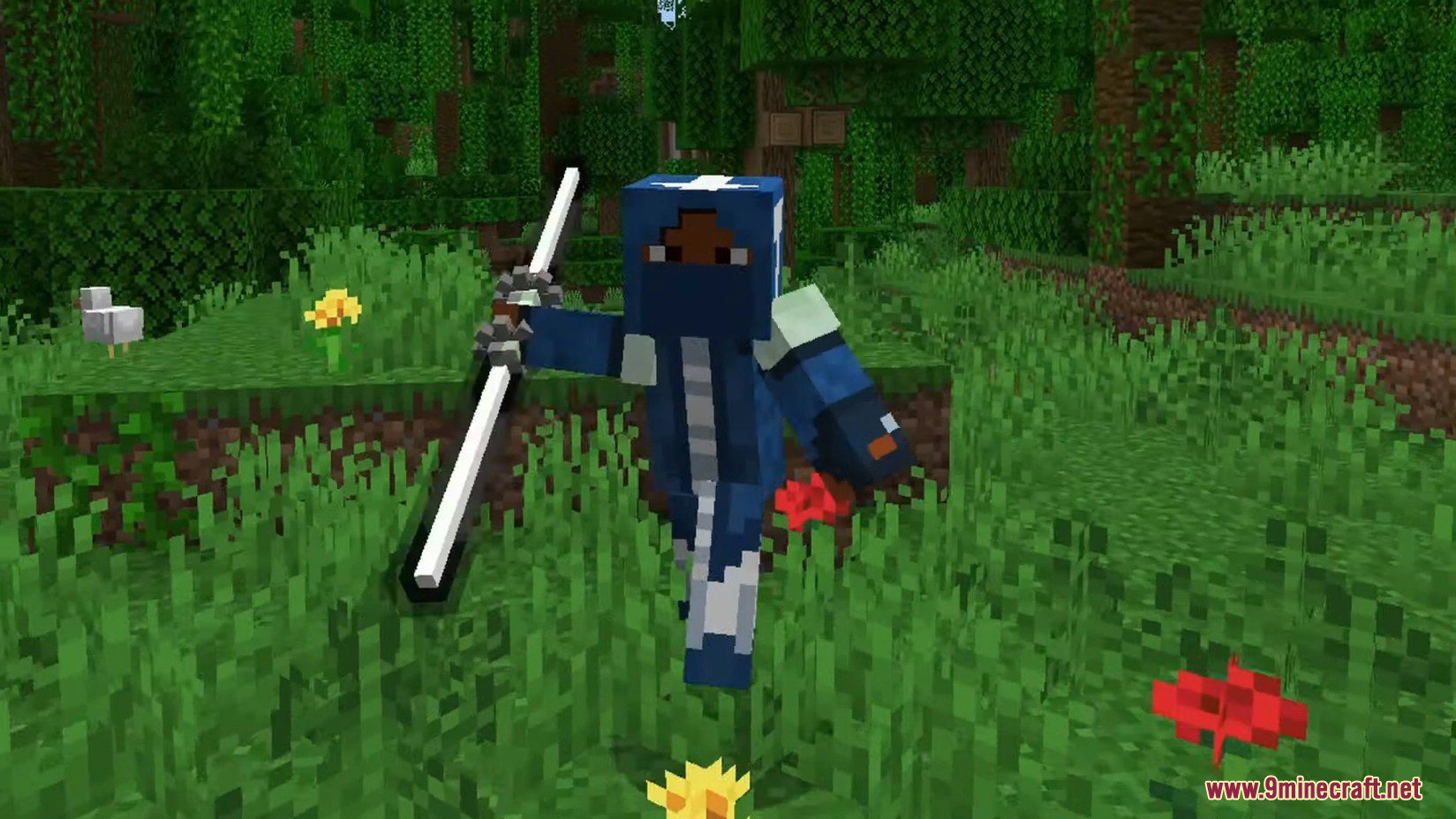
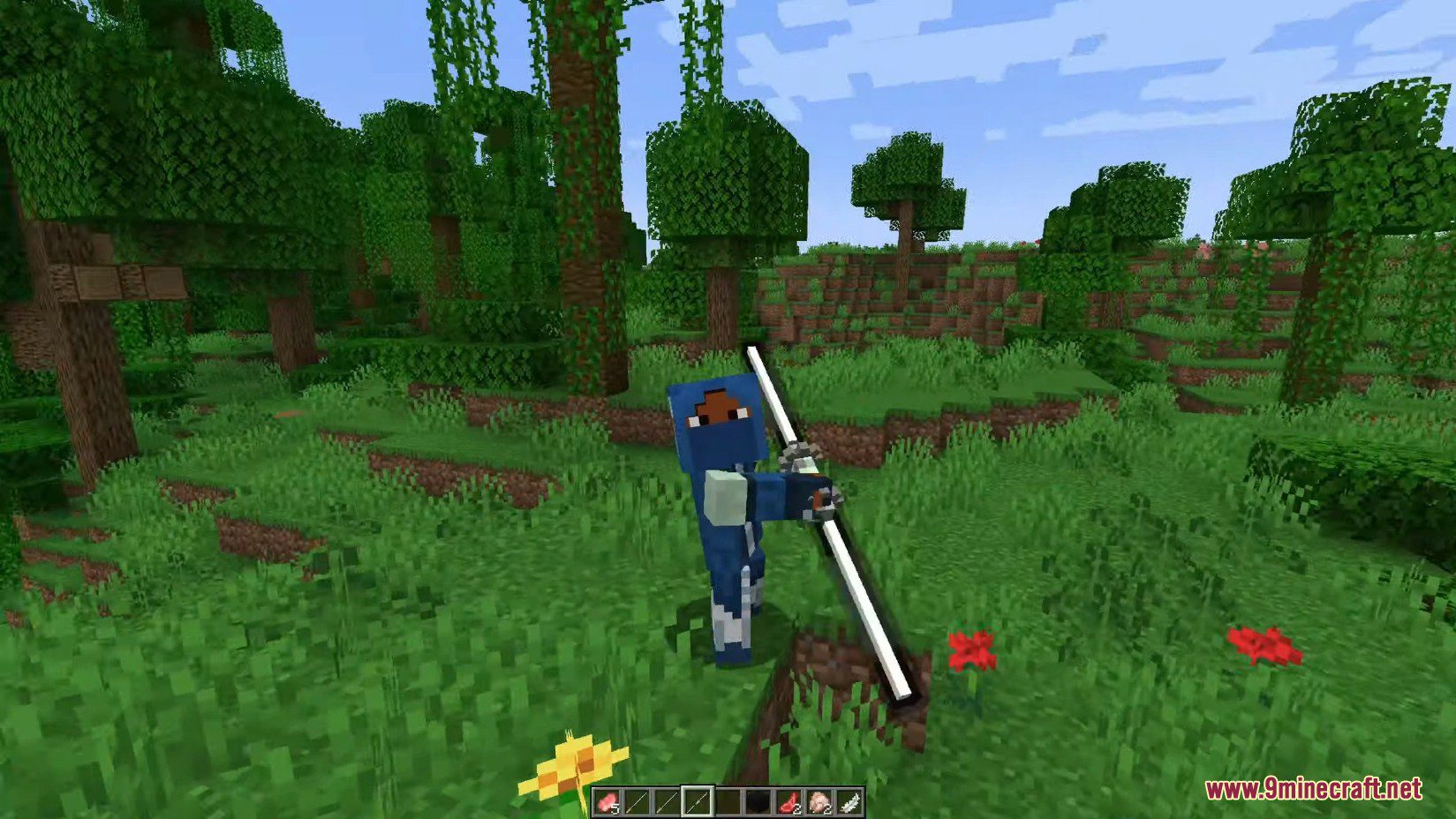
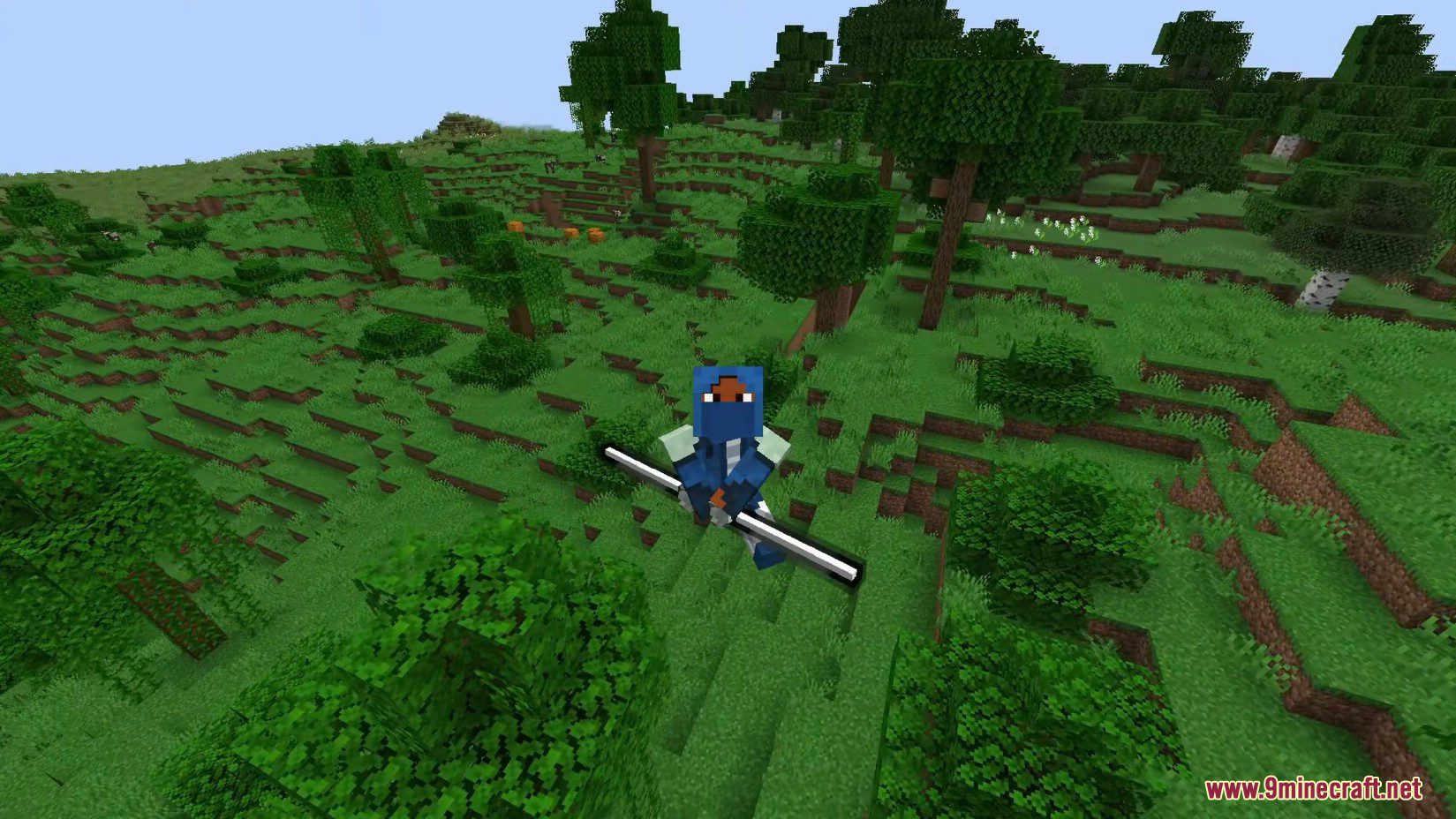
Commands:
- You can deactivate the sound of the sabers with the command:
/gamerule saberSound false
Create Sabers Mod Download Links
For Minecraft 1.20.1, 1.20
Forge version: – Download from Server 2
For Minecraft 1.19.2
Forge version: Download from Server 1 – Download from Server 2
For Minecraft 1.18.2
Forge version: Download from Server 1 – Download from Server 2
- Edition: Minecraft Java
- File type: .jar
- Minecraft versions listed: 1.20.1, 1.19.2
- How to install: Install the matching mod loader (Forge, Fabric or NeoForge) for your Minecraft version. → Download the .jar. → Put it in the .minecraft/mods folder and launch that loader profile.
- Where to get it: In MC Java Mods, or directly above on this page.
Install steps are the general flow for this file type — How to install Minecraft Java mods & modpacks walks through it step by step.
- Downloads as 178313.mcaddon
- Download size: 644 KB
- Download link checked 24 Jul 2026 — working
- Mirrored on our own servers — the download does not depend on the original host
These come from our own check of the pack file, not from the source page.